Why support breaks differently at a startup
At a big company, support scales by adding people to a machine that already exists. At a startup, there is no machine yet, and the person building it is usually also doing three other jobs. The math is brutal early: one customer today, a hundred next month, and the same one or two people answering everything.
A support leader at a fast-growing EdTech startup put the core tension better than I can. "As a fast-growing startup with a small team, our customers far outnumber our employees," said Jon Miron, Director of Support at Yellowdig, in their case study. "It's crucial that we have robust self-service solutions as well as tools to supercharge the efficiency of our client-facing teams."
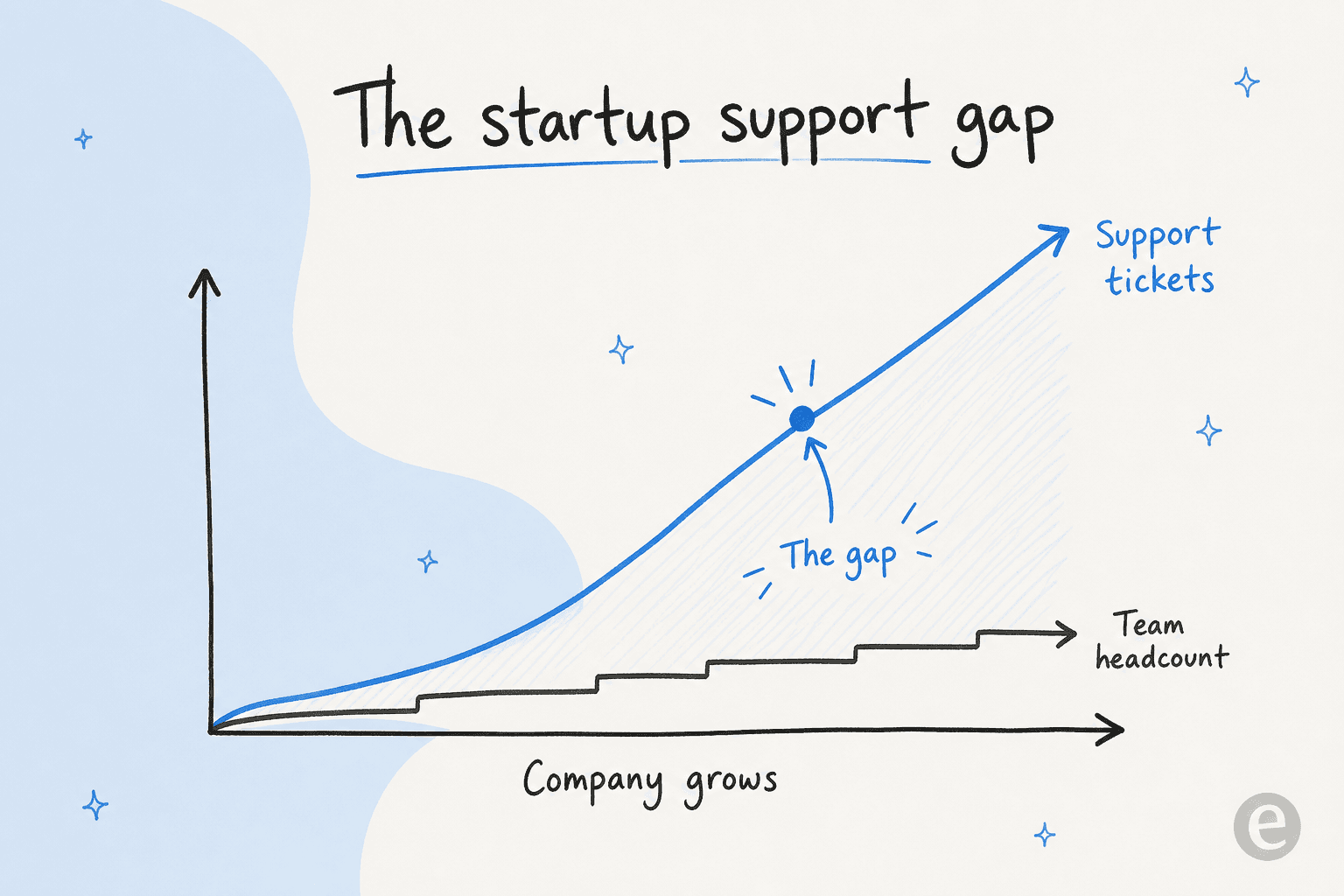
That's the whole problem in two sentences. Ticket volume tracks your growth curve; headcount tracks your budget. Those two lines diverge, and the gap between them is where support quality quietly dies, slow replies, dropped threads, a founder context-switching out of product work to answer the same shipping question for the fortieth time.
The instinct is to close that gap by hiring. But the first support hire is expensive, slow to ramp, and, if you haven't organized your knowledge yet, lands into chaos. There's a better order of operations.
The lean startup support stack
You don't need the enterprise stack. You need four things, in this order.
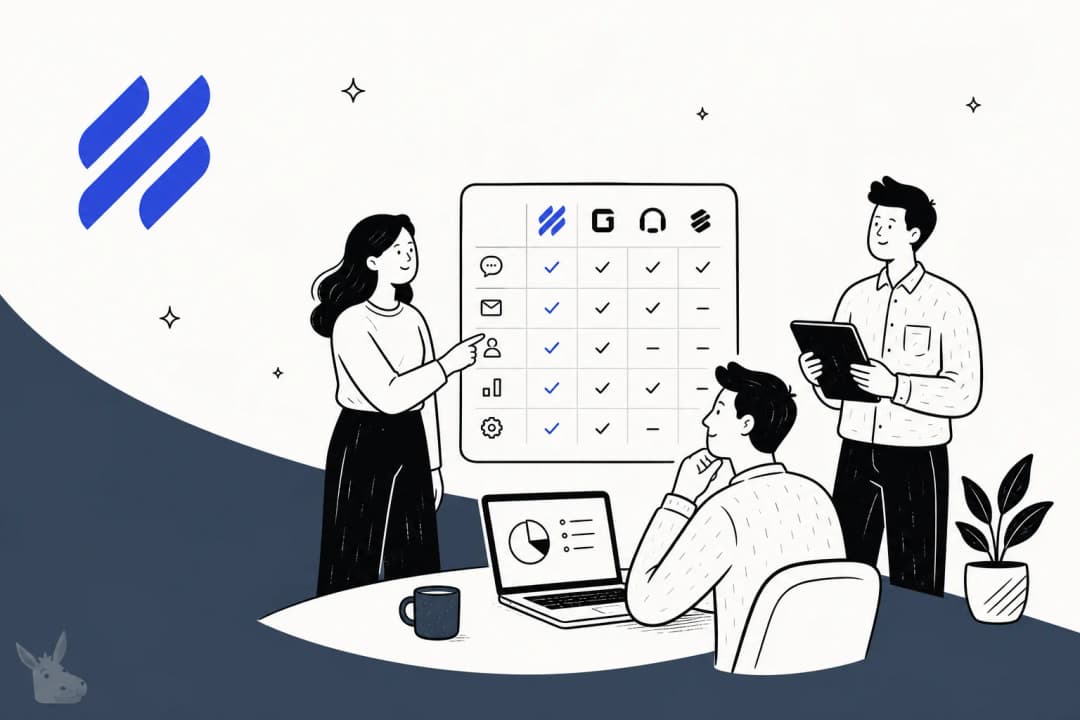
1. One place tickets land. Email chaos is the default failure mode. Move to a shared inbox or a lightweight helpdesk early so nothing falls through the cracks and you have a record to learn from later. Our roundup of helpdesk software for startups and helpdesk tools for small teams covers the options; the popular starting points are Zendesk, Freshdesk, Help Scout, and Gorgias if you're on Shopify.
2. A real knowledge base. This is the part startups skip and regret. Every answer you type into an email is knowledge that should live in a knowledge base instead, both so customers can self-serve and so any AI you add later has something accurate to learn from. Good AI knowledge management for support teams starts here; a bot trained on thin or stale docs will confidently give thin, stale answers.
3. Self-service for customers. A help center plus a live chat or chat widget lets customers answer their own questions before they ever open a ticket. The benefits of a self-service knowledge base compound: every deflected question is one your tiny team never touches.
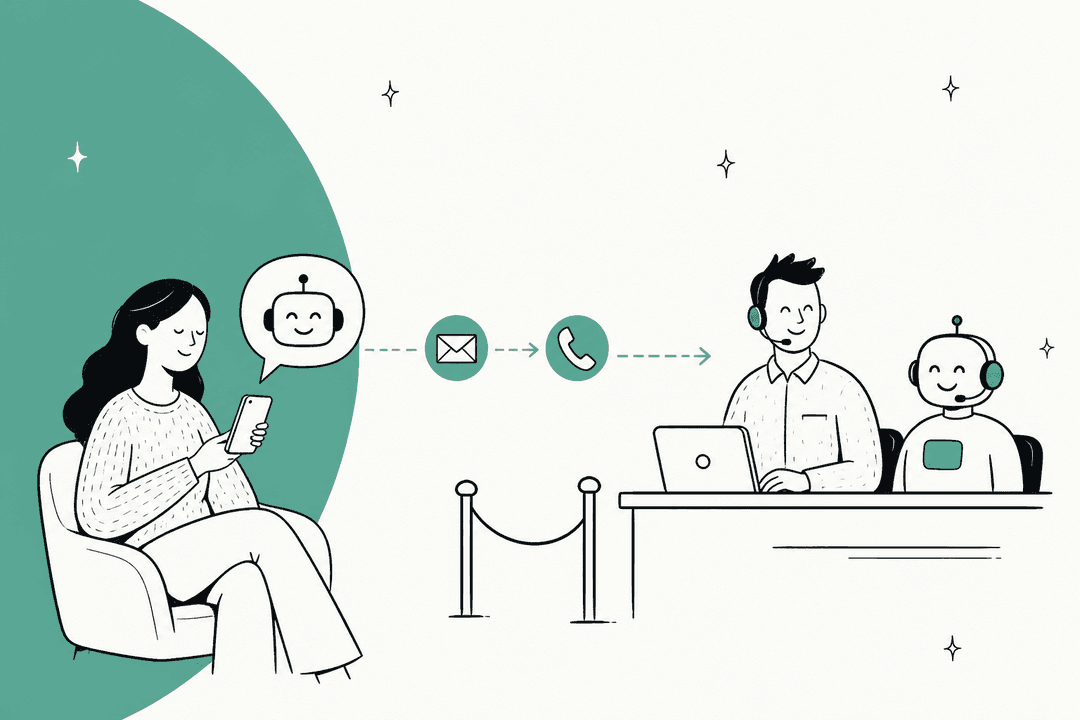
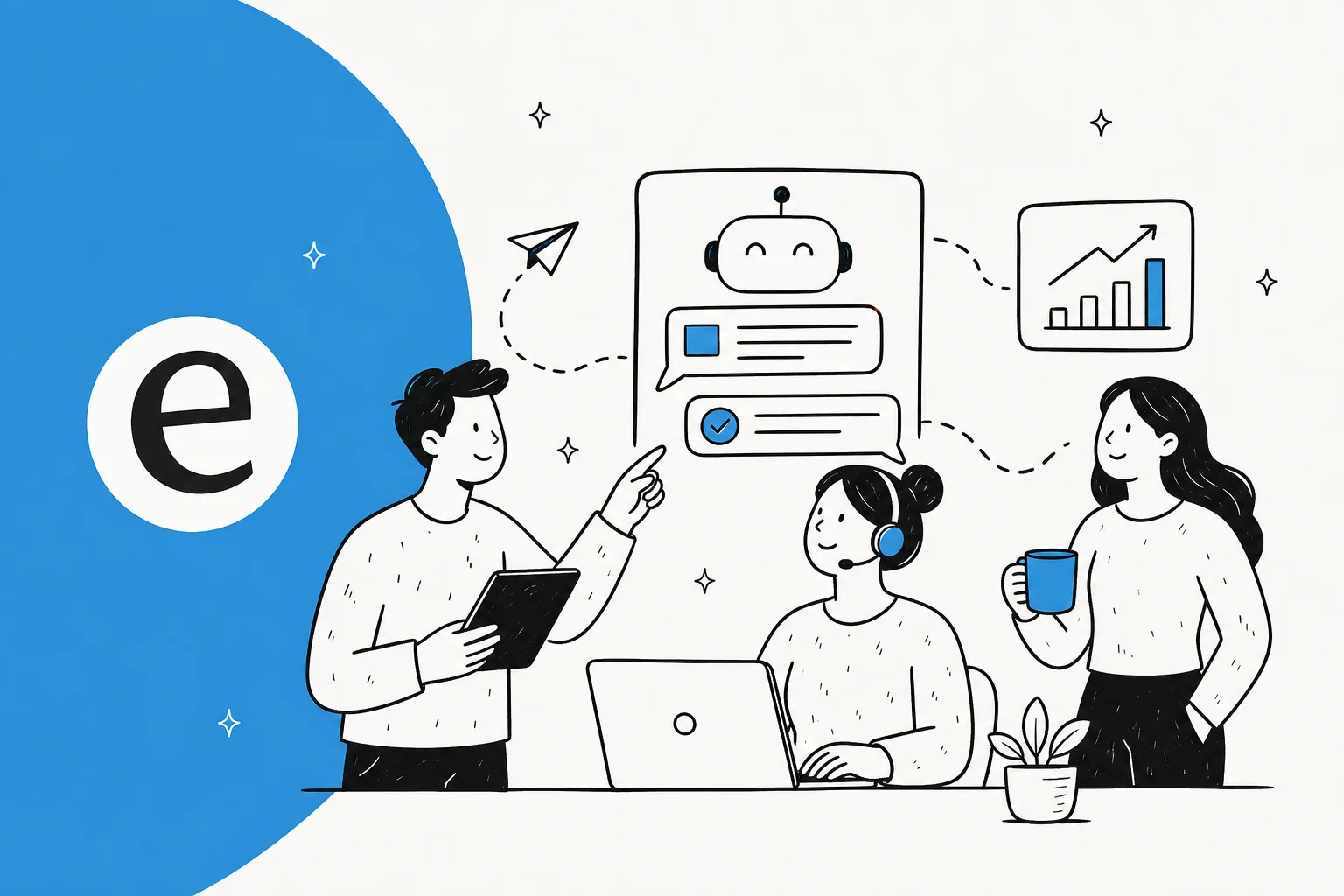
4. An AI front line. This is the multiplier. Once your knowledge is organized, an AI chatbot or agent can answer the repetitive questions automatically, drafting replies for you to approve at first, then resolving on its own as you trust it. This is what turns "we can't keep up" into "we're fine."
Let AI take the front line
Here's the reframe most startup founders need: your goal isn't to answer every ticket faster. It's to stop touching the tickets that don't need you.
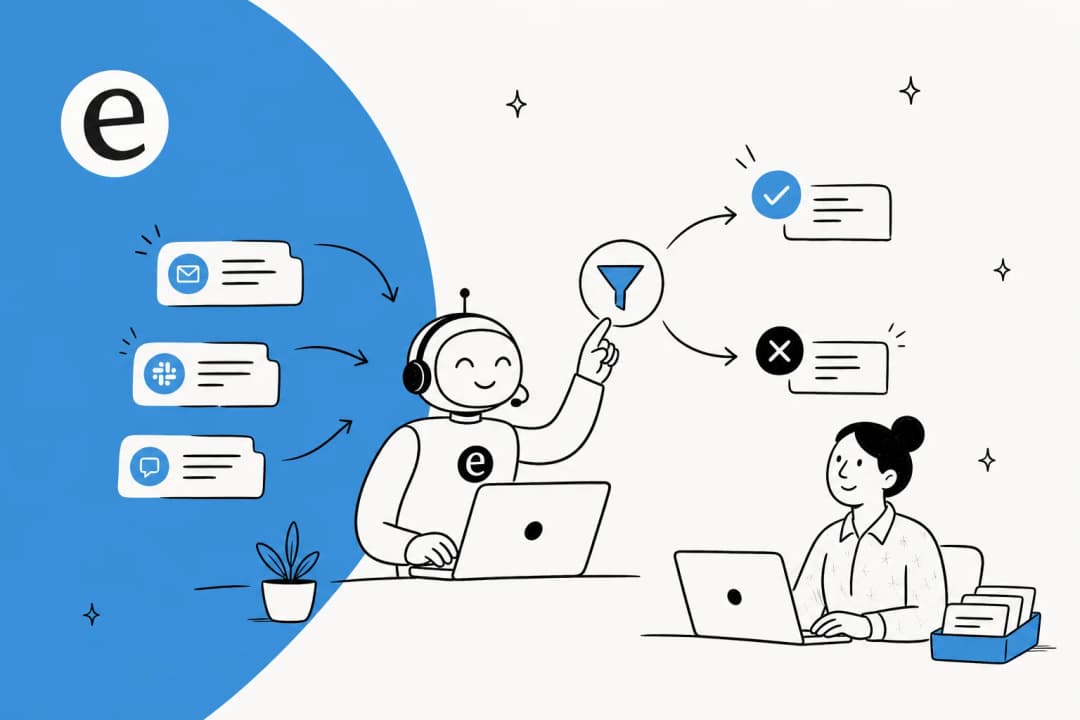
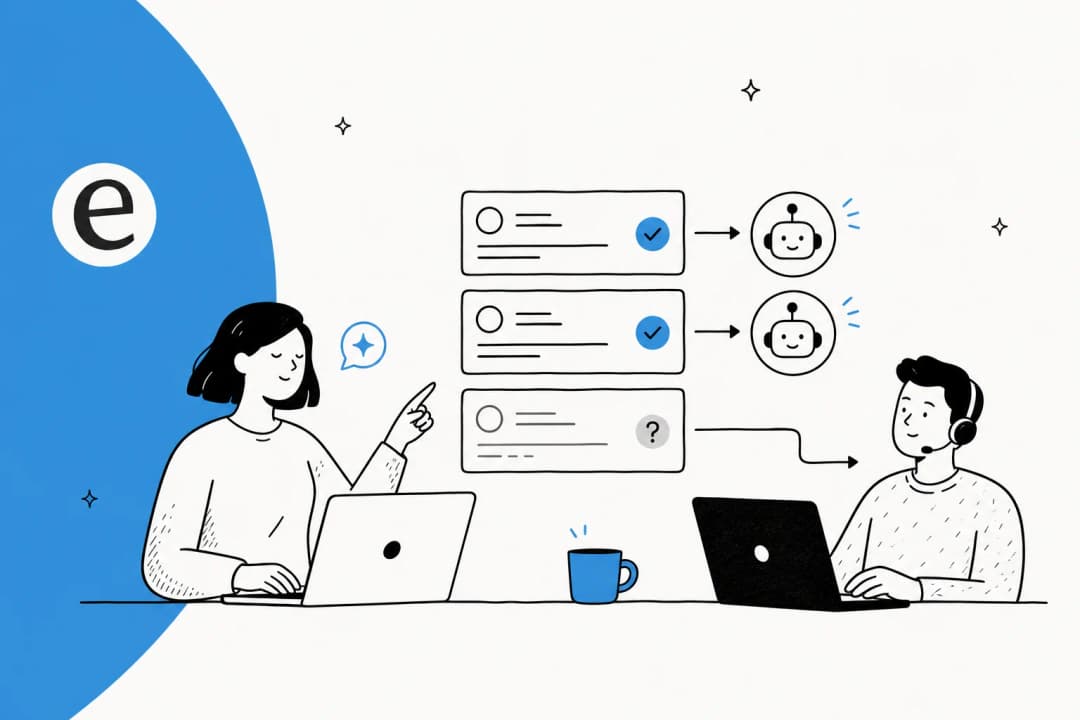
Support volume at almost every startup I've seen is dominated by a handful of repetitive questions, where's my order, how do I reset my password, what's your refund policy, does it integrate with X. Small teams tell us the same thing over and over: those easy, repetitive questions are exactly what overruns them, and taking them off the plate is what frees the team up. That's the job. Let the AI handle the front line so your humans handle the things that actually need a human.
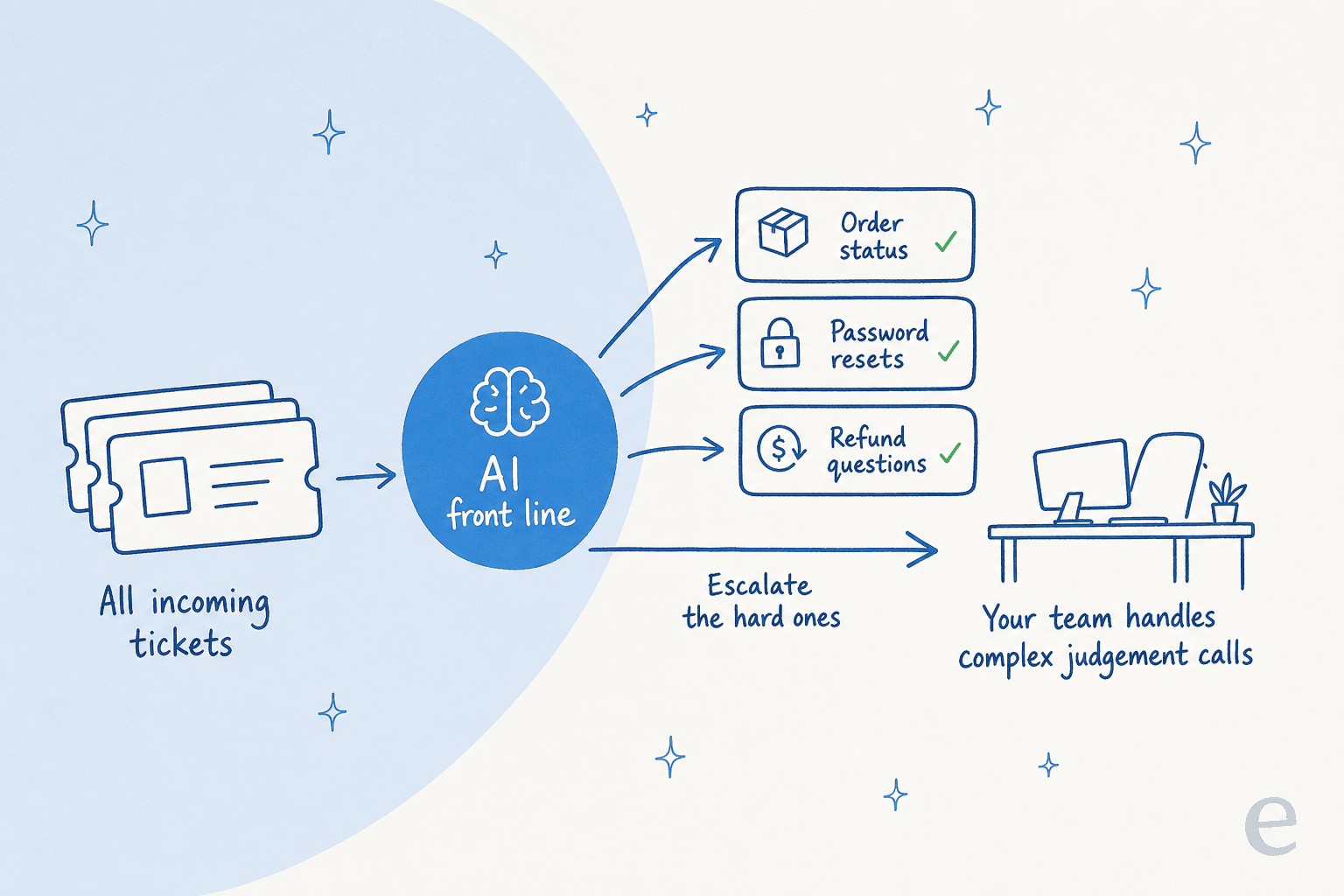
The way to do this safely is confidence-based routing: the AI answers only what it's confident about and cleanly escalates everything else to a person. This is the biggest single objection I hear, and it's the right one to have. The DTC support leads I talk to don't want an AI that answers everything; they want one that handles only the tickets it's confident about and leaves the rest alone. A good AI agent for customer support is built exactly this way; a naive chatbot that tries to answer everything is how you get the horror stories.
Two rules make this work for a startup specifically:
- Train on your past tickets, not just your docs. Your historical tickets are the single best source of how your customers actually phrase things and what good answers look like. Training on them is the most-requested capability we see, and it's what makes tier-1 deflection accurate instead of generic.
- Simulate before you go live. Run the AI against thousands of your real historical tickets and read what it would have said before a single customer sees it. We simulate every rollout this way because we've watched confident-sounding bots quietly give wrong answers; testing on your own history is the only way to know your real resolution rate up front.
The results, when the setup is right, are real. Gridwise, a gig-economy analytics company, reported that "in the first month, eesel is resolving 73% of our tier-1 requests", per Kim Simpson's G2 review, and saw those results during a 7-day trial. A payments company using AI for fast answers and onboarding reported up to 80% time savings. Those aren't enterprise deployments; they're teams that pointed AI at their tier-1 volume.
Build vs buy: don't write your own LLM app
Every technical founder has the same thought: "we could just build this ourselves on the Claude API." You can. You probably shouldn't.
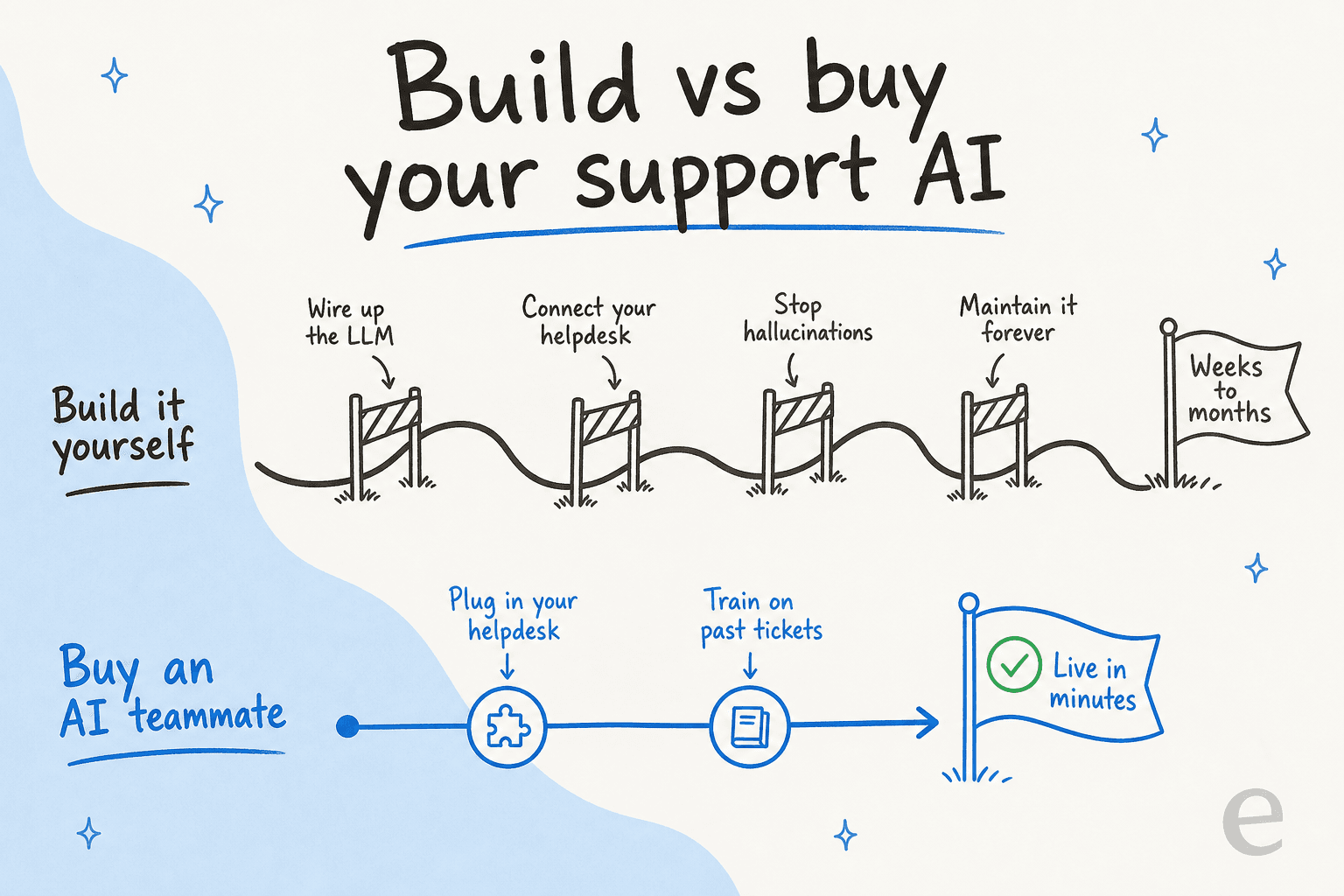
The demo is a weekend. The product is forever. Retrieval that doesn't hallucinate, guardrails, helpdesk integrations, a UI your non-technical teammates can actually configure, multilingual handling, analytics, all of it is ongoing maintenance that competes with the product your startup actually sells. We lose the occasional technical customer to "we'll build it ourselves," and a chunk of them come back.
The founder-engineer at a crypto-hardware company said it cleanly in their case study: "We could try to write our own LLM application but we didn't want to invest our time into that. We wanted something that we would not have to maintain." For a startup, engineering time is the scarcest resource you have. Spending it on a support bot you'll babysit indefinitely is the expensive choice, even though it feels like the cheap one. The full trade-off is in our build vs buy guide.
What it actually costs
Support economics for a startup come down to a comparison the sticker prices hide. A human agent resolves somewhere between 20 and 50 tickets a day depending on complexity, and costs a salary plus a helpdesk seat whether it's a busy month or a quiet one. Volume-based AI flips that: you pick a plan sized to your tickets, with no seat fees, and move down a plan when volume dips.
eesel is one fixed monthly price from $299 for 500 credits (1 credit per ticket or chat), with no seat fees and no platform fee. To make that concrete, one Australian e-commerce brand running ~700 tickets a week landed at roughly $1.07 per ticket all-in, well under the loaded cost of a human handling the same repetitive volume. Plug your own numbers into the calculator below.
The point isn't the exact figure; it's the shape. For most startups doing a few thousand tickets a month, automating tier-1 costs less than a fraction of one hire and buys back the team's time. Our deeper dives on chatbot cost and AI vs an offshore support team run the same comparison from other angles.
Metrics that matter (and the ones that don't)
A small team can't afford a metrics obsession. Track four things and ignore the rest:
- First response time - are people waiting?
- Resolution rate - are tickets actually getting closed, not just touched?
- Deflection rate - what share of volume never reaches a human? This is the number that tells you whether your AI front line is working.
- CSAT - are the answers any good?
That's it. Everything else is a vanity dashboard until you're much bigger. Our guide to AI customer service metrics goes deeper, but for a startup those four cover it. If deflection is climbing and CSAT is holding, your setup is healthy.
Common mistakes startups make
- Hiring before automating. The first support hire drops into chaos if your knowledge isn't organized. Automate tier-1 first; hire for escalations later, when you know what a human actually needs to do.
- Skipping the knowledge base. No docs means no accurate self-service and no good training data for AI. This is the foundation, not a nice-to-have.
- Letting AI answer everything. Over-eager automation that guesses on tickets it shouldn't is worse than no automation. Confidence-based routing and clean escalation are non-negotiable.
- Buying enterprise tooling too early. You'll pay for seats and features you don't use. Start lean; volume-based plans with no seat fees scale with you instead of ahead of you.
- Deploying without testing. Going live without simulating against your real ticket history is how you find out about wrong answers from an angry customer instead of a dashboard.
Try eesel for your startup
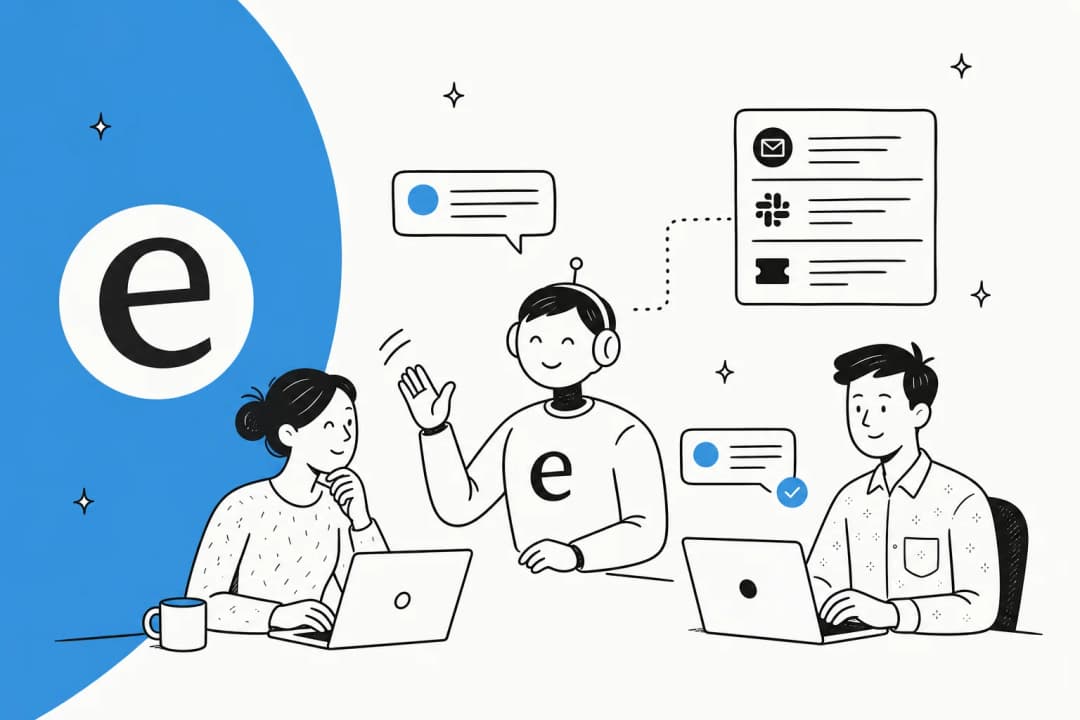
If you're a small team drowning in repetitive tickets, this is exactly the problem eesel is built for. It plugs into your existing helpdesk, Zendesk, Freshdesk, Gorgias, Help Scout, or Slack, in a few minutes, trains itself on your knowledge base and past tickets, and lets you simulate against your real ticket history before it answers a single customer. You control exactly which tickets it handles and which it escalates.

And the pricing fits a startup budget: from $299/month for 500 credits, no seat fees, so you pay for ticket volume, not for a bigger team you can't hire yet. You can try eesel free and have it live on your queue the same afternoon.
Frequently Asked Questions
What is the best customer support setup for an early-stage startup?
How much does customer support for startups cost?
Should a startup build its own support AI or buy one?
How do I automate tier-1 tickets without giving customers wrong answers?
What customer support metrics should a small startup track?
When should a startup hire its first dedicated support person?


Article by
Riellvriany Indriawan
Riell is a designer and writer at eesel AI with about two years of experience researching CX platforms, AI chatbots, and helpdesk software. She combines her design background with a sharp eye for how these tools actually look and feel in practice — making her comparisons unusually visual and user-focused.