The 9 best KalTalk alternatives in 2026

Riellvriany Indriawan

Katelin Teen
Last edited October 6, 2026
Why look for a KalTalk alternative?
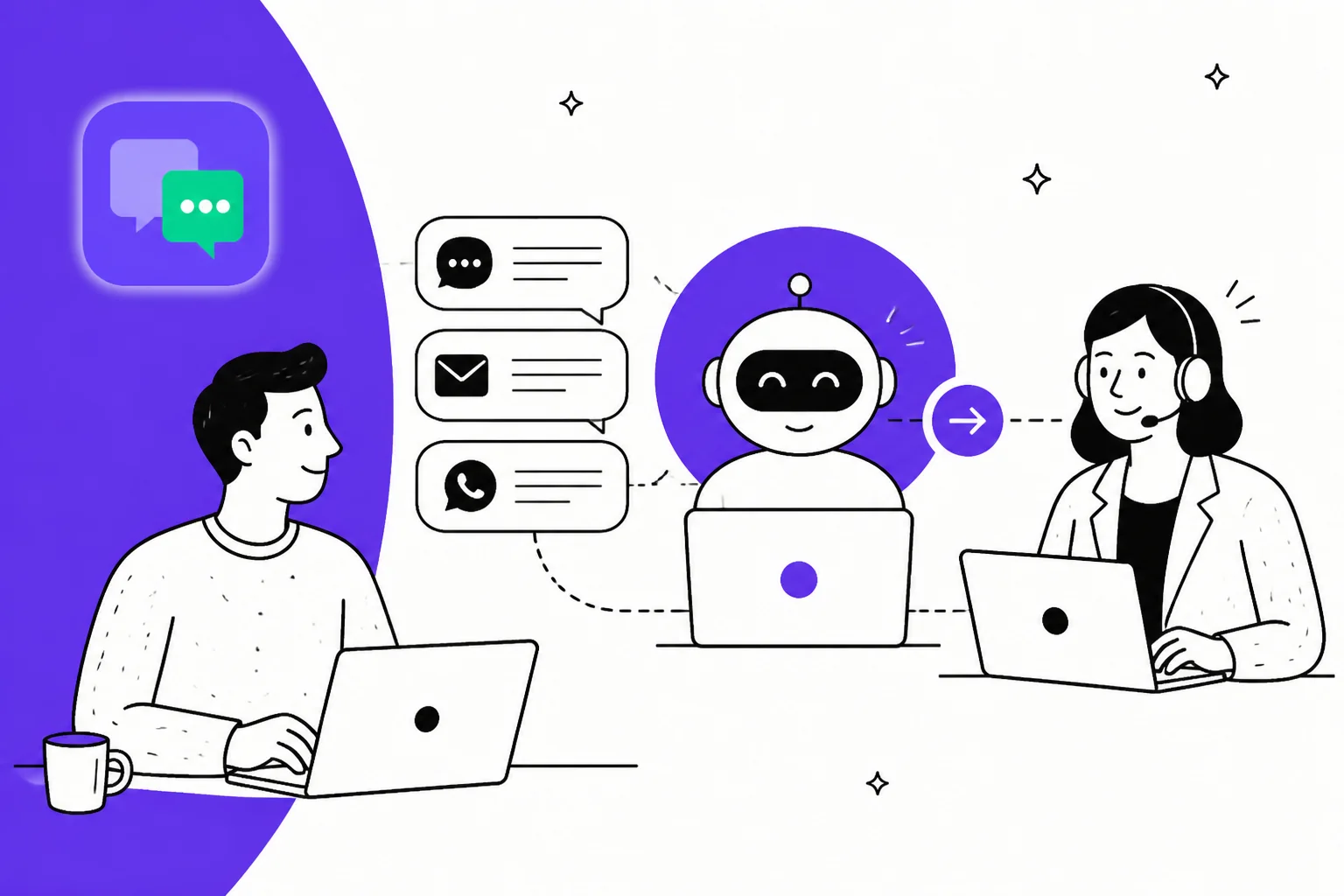
Let me be fair to KalTalk first, because it does a few things really well. The pricing is refreshingly honest for the category: it's flat, it's billed per organisation rather than per seat, and the AI agent is confidence-gated, so it refuses and hands off to a human when it isn't sure instead of bluffing. WhatsApp is a cheap $19-per-number add-on, and the whole thing is aimed squarely at small teams who want AI chat without a six-week rollout. If that's you, KalTalk is worth a look.
I work on eesel's support team, so I spend my days in a live queue watching what actually holds up when real tickets come in. From that seat, three things about KalTalk would make me shop around before I bet my inbox on it.
It's very early, and there's almost no proof. KalTalk's Capterra listing shows a 0.0 rating with zero reviews, and its Trustpilot page rests on roughly a single review. Every proof point on the site is a vendor testimonial from one of two customers, and all of the blog content is written by the founder. That's not a knock on the team, everyone starts somewhere, but it does mean you're an early adopter with very little independent signal to lean on.
No published security or compliance posture. I couldn't find SOC 2, ISO 27001, GDPR, or HIPAA claims anywhere, and SSO plus an SLA are Enterprise-only. For a lot of teams, that alone rules a tool out before pricing even enters the conversation.
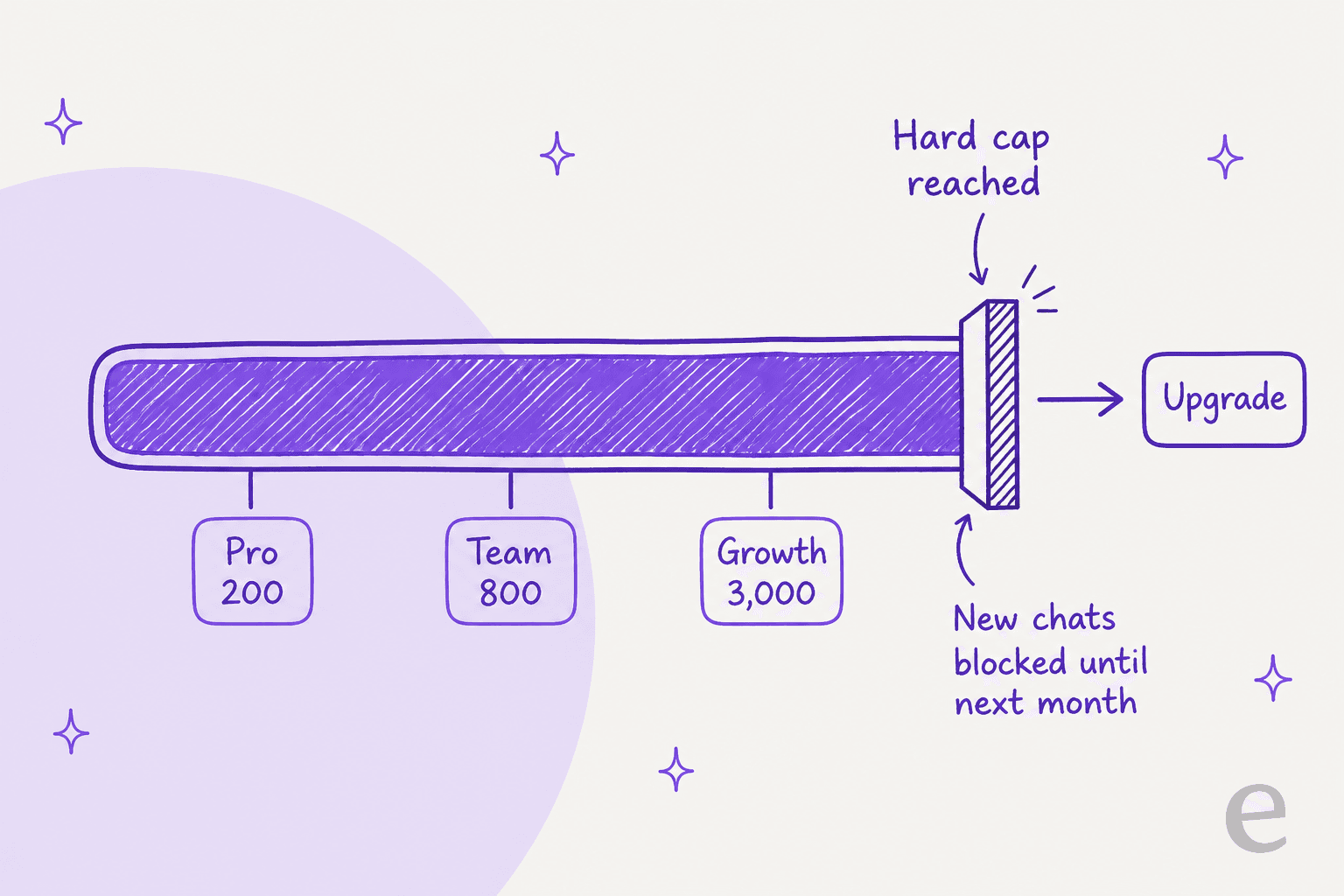
The caps hard-block you at the worst possible moment. Every KalTalk plan has a monthly AI resolution cap (200 on Pro, 800 on Team, 3,000 on Growth), and when you hit it, KalTalk stops answering new chats until the next cycle or you upgrade. There's no published pay-as-you-go overage rate. So the "flat, predictable" pricing is only predictable right up until a busy month, when it turns into a forced upgrade or a queue that goes quiet.
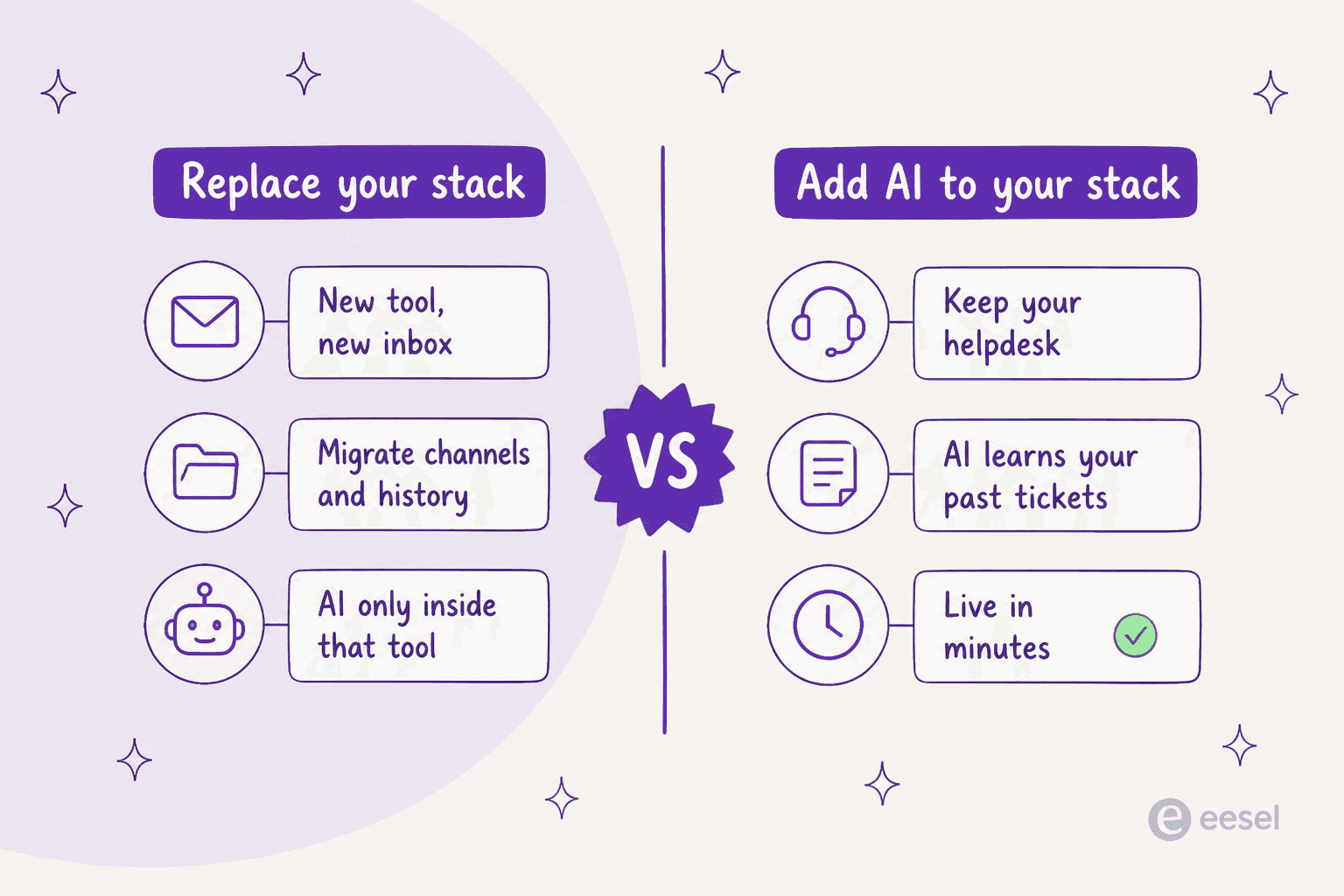
There's a bigger, quieter issue underneath all three, and it's the real reason I'd think twice: KalTalk is a replace-your-stack tool. To get its AI, you move your chat, email, and WhatsApp into KalTalk and rebuild your knowledge base inside it. If you already run a helpdesk you like, that's a migration and a second inbox to babysit. The alternative approach, which I'm biased toward because it's what we do at eesel, is to leave your helpdesk where it is and add an AI layer on top of it.
How I picked these alternatives
I kept the list to tools that actually compete with KalTalk on the things it's trying to do: AI-assisted live chat, a shared inbox, and (for most) a customer-facing AI agent. For each one I looked at four things:
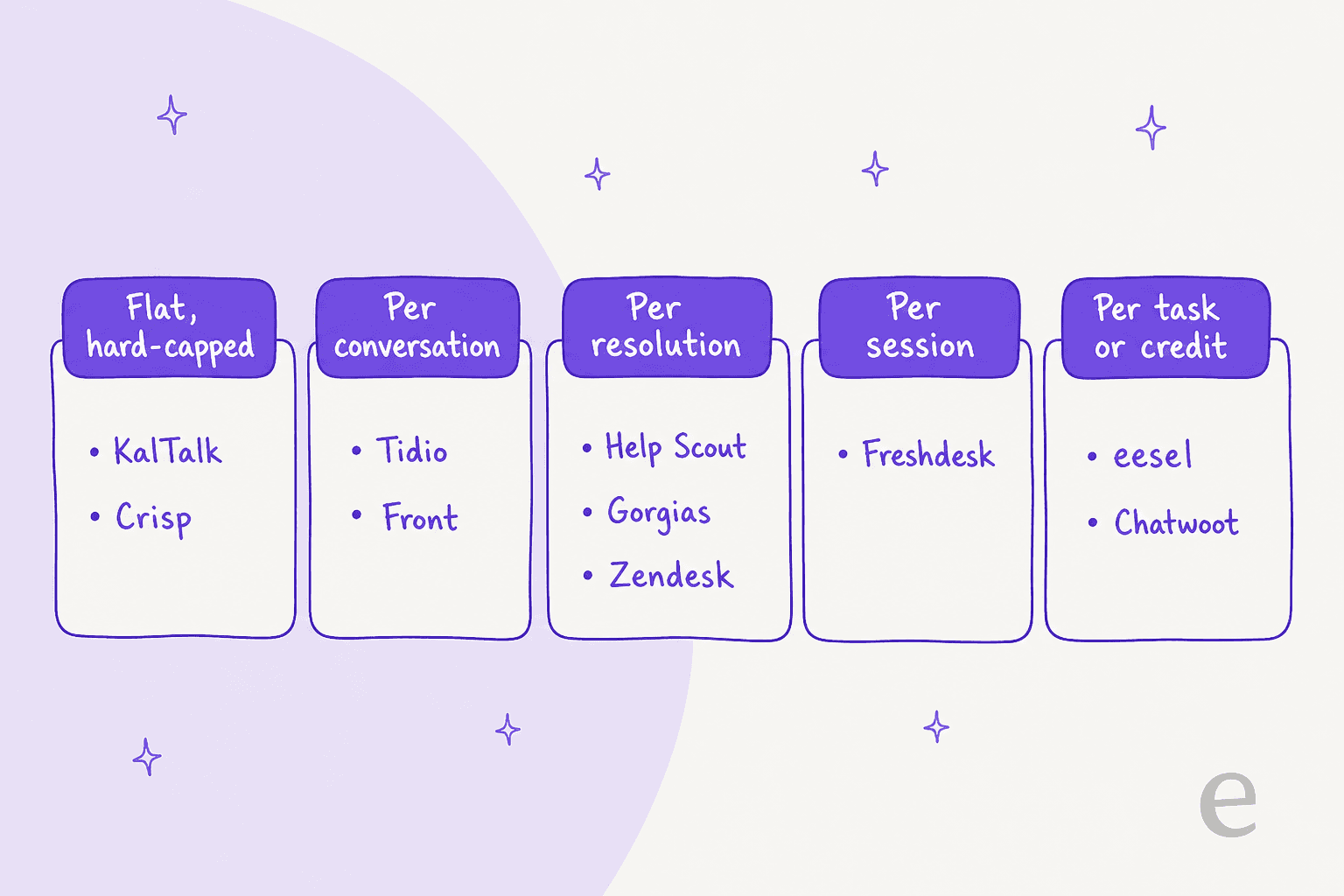
- The AI billing model, because it's the single biggest hidden-cost variable. Per conversation, per resolution, per session, per task, or flat-with-caps all behave very differently once volume climbs.
- Whether there's a real free tier, and whether the AI is actually included in it (KalTalk's free plan has zero AI, and several rivals do the same).
- How it fits your stack, meaning does it replace your helpdesk or plug into it.
- Proof and posture, meaning real reviews and a published security stance.
One thing worth internalising before you compare prices: the sticker price and the AI meter are two different bills. Here's how these nine tools charge for the AI itself.
The 9 best KalTalk alternatives at a glance
| Tool | Best for | Entry paid plan | AI agent | AI billing unit | Free tier | Free-plan AI |
|---|---|---|---|---|---|---|
| eesel AI | AI on your existing helpdesk | From $299/mo (500 credits), no seats | AI helpdesk teammate | 1 credit / ticket or chat | 100 free credits, no card | Yes (trial) |
| Tidio | SMB / ecommerce chat | $24.17/mo (Starter) | Lyro | $0.50 / conversation | Yes | Limited (50 one-time) |
| Crisp | Cheapest all-in-one inbox | $45/mo (Mini) | AI Agent | ~$0.055 / conv (credits) | Yes | No |
| Help Scout | Clean email-first desk | $25/user/mo | AI Answers | $0.75 / resolution | Yes | No |
| Chatwoot | Open-source / self-host | $19/agent/mo or self-host | Captain | $20 / 1,000 credits | Yes (cloud + OSS) | No |
| Front | Collaborative shared inbox | $25/seat/mo | Front AI (Autopilot) | $0.05-$0.89 / conversation | No (trial) | n/a |
| Gorgias | Shopify order actions | from $10/mo | AI Agent | $0.85-$1.00 / resolution | No (trial) | n/a |
| Freshdesk | Proven ticketing core | $19/agent/mo (Growth) | Freddy | $0.49 / session | No (trial) | n/a |
| Zendesk | Enterprise suite | $19/agent/mo (Support Team) | AI agents + Copilot | $1.50-$2.00 / resolution | No (trial) | n/a |
1. eesel AI: best for adding AI to the helpdesk you already run

Best for: teams who already have a helpdesk (or a live chat tool) and want AI on top of it, not a migration.
This is the one that answers the "replace vs add" question the other way. eesel AI is an AI teammate platform, and the teammate most KalTalk shoppers want is the AI helpdesk one. Instead of moving your channels into a new tool, it plugs into the helpdesk you already run, Zendesk, Freshdesk, Gorgias, Front, Help Scout, and joins your existing queue. It learns from your past tickets, help centre, and docs, then drafts or fully resolves conversations right where your agents already work.
The part I'd flag hardest, coming from KalTalk's "flip the switch and hope" model, is that eesel lets you simulate the AI on your own history first. It replays hundreds of your real past tickets and scores its answers against what your team actually sent, so you see how it would have done before a single customer talks to it. We built that feature because we've watched confident-sounding bots quietly give wrong answers, and simulating against real tickets is the only way we've found to catch it early.
Pricing: one fixed monthly plan sized to volume: 500 credits for $299, 1,000 for $499, 2,500 for $999, 5,000 for $1,899, and a free plan with 100 credits and no card. One credit covers one ticket or chat however long it runs, and every integration, channel, and seat is included. Only tickets the agent actually works on count. If you run out, agents pause until credits reset, or you can turn on overage with a monthly cap you set at $0.80 per extra credit. SSO and MFA, data residency, and priority support are paid add-ons, and paying a year upfront gets two months free. Unlike KalTalk's hard block, you choose whether the queue pauses or keeps going.
Pros:
- No rip-and-replace. It runs on the helpdesk and knowledge you already have, and the first agent can be live within about 30 minutes.
- Real proof: a 4.6/5 on G2, 80+ languages, and deployments like Smava handling 100,000+ tickets a month.
Cons:
- It's an AI layer, not a full ticketing system, so if you have no helpdesk at all yet you'll want to pair it with one (or use its chat widget).
- Credits don't roll over, so a very quiet month wastes part of the plan, and a spiky one either pauses the agent or costs $0.80 per extra credit if you turn overage on.
Verdict: if you already run a support tool, eesel is the KalTalk alternative I'd try first, because it skips the migration entirely and lets you prove the AI on your own tickets before go-live. If you have literally no support tooling yet, start with one of the all-in-one options below and add eesel once you do.
2. Tidio: best like-for-like chat alternative
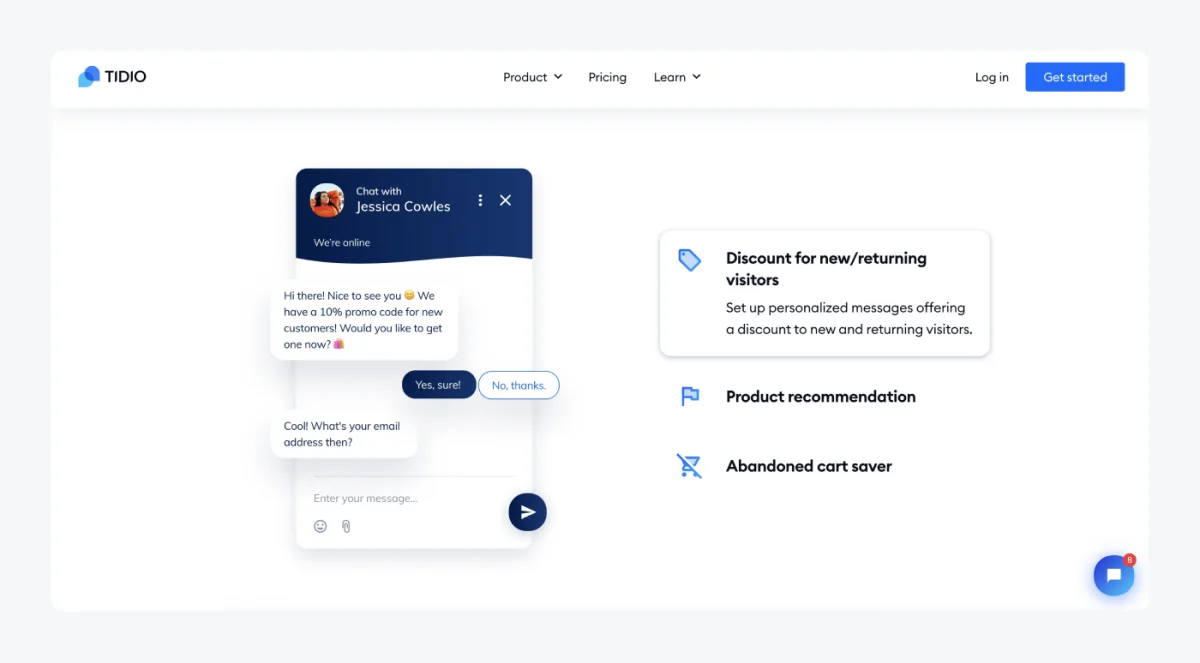
Best for: SMB and ecommerce teams that want live chat plus a resolution-guaranteed AI agent, either standalone or bolted onto Shopify.
Of everything here, Tidio is the closest like-for-like KalTalk swap: a chat widget, a shared inbox, and an AI agent called Lyro that answers only from your knowledge base. Lyro is powered by Claude plus Tidio's own models and comes with a money-back resolution guarantee, which is a nice confidence signal KalTalk doesn't offer.
Pricing: paid plans start at $24.17/mo (Starter). Lyro is billed separately at $0.50 per AI conversation, and the free plan gives you live chat for up to 10 agents plus 50 one-time Lyro conversations. The catch is that AI, Flows, and branding removal are all metered separately, which is the number-one complaint I found.
"Just had a conversation with tidio, their pricing is so off and hidden, 'free tier' is just a trap includes most services that are billed separatedly once you want to scale... tidio is a NO-GO for me they need to be more transparent"

Pros: unusually generous free live chat (up to 10 agents), and a transparent, low per-conversation AI rate with a resolution guarantee.
Cons: the "free" tier gets expensive fast once you turn things on, and the UI can feel clunky.
Verdict: the most natural KalTalk swap if you want a self-contained chat tool, especially for ecommerce. Just price out the full Tidio bill with AI included before you commit, because the add-ons stack.
3. Crisp: best cheap all-in-one inbox
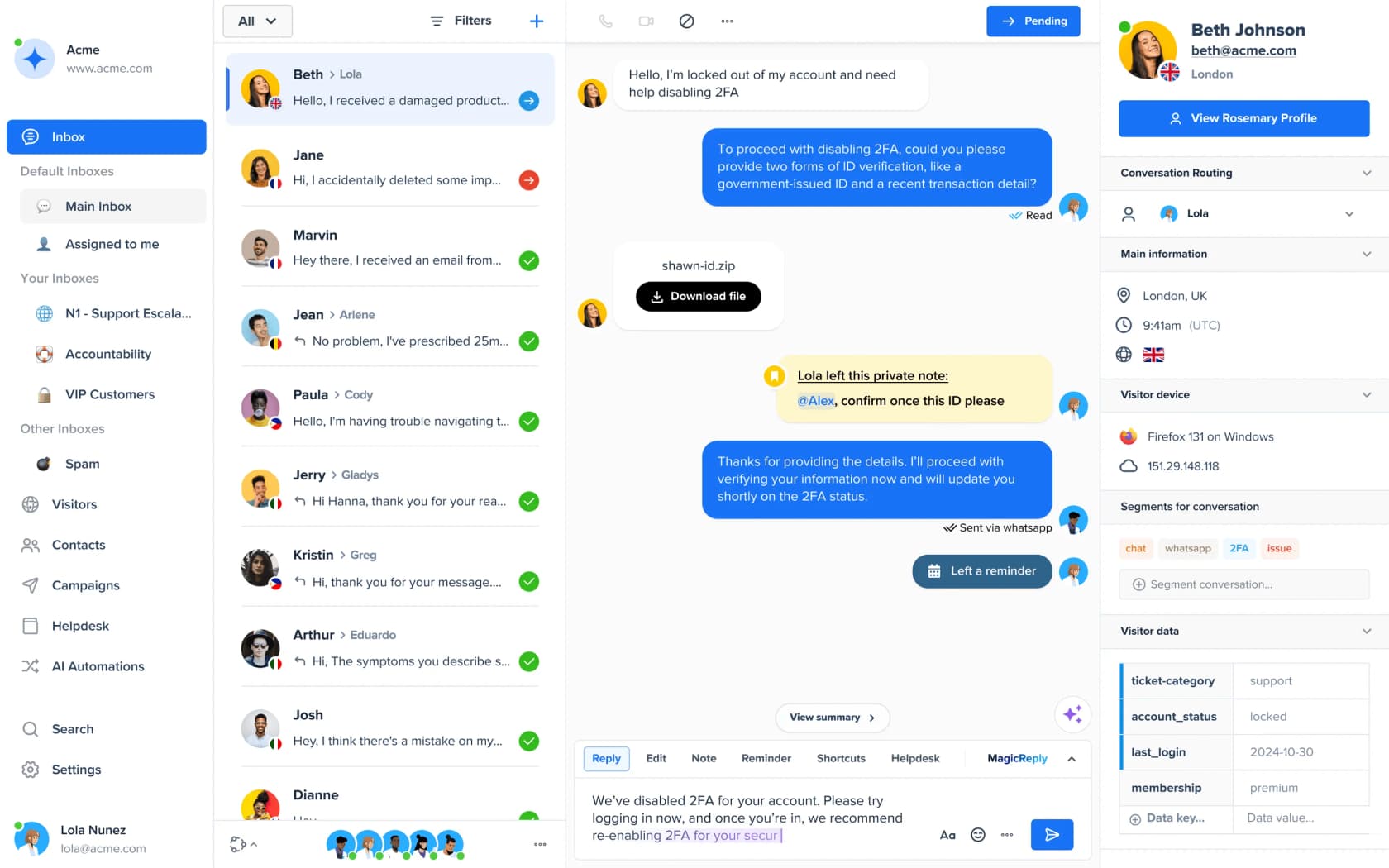
Best for: early-stage teams that want a truly flat per-workspace price with unlimited conversations across a lot of channels.
Crisp is the tool that best matches KalTalk's flat-pricing pitch, and arguably does it better: pricing is per workspace, not per seat, and conversations are unlimited. It's a true 12+ channel omnichannel inbox from a low starting price, hosted in the EU with a DPA available.
Pricing: Mini is $45/mo (4 agents), Essentials $95/mo, Plus $295/mo. Each plan bundles a dollar amount of AI credits ($5 / $25 / $75 a month), which works out to roughly $0.055 per automated conversation. The free plan gets no AI credits at all, so like KalTalk the AI is effectively paid-only.
Pros: flat, predictable per-workspace pricing with unlimited conversations, and a wide channel set at a low entry cost.
Cons: the "flat" promise breaks for AI, which is metered credits with no published top-up rate, and one workspace connects only one of each social channel.
Verdict: if the thing you liked about KalTalk was the flat price and you're on a budget, Crisp is the closest and cheapest match. Just know the AI is a separate credit meter sitting on top.
4. Help Scout: best clean email-first desk
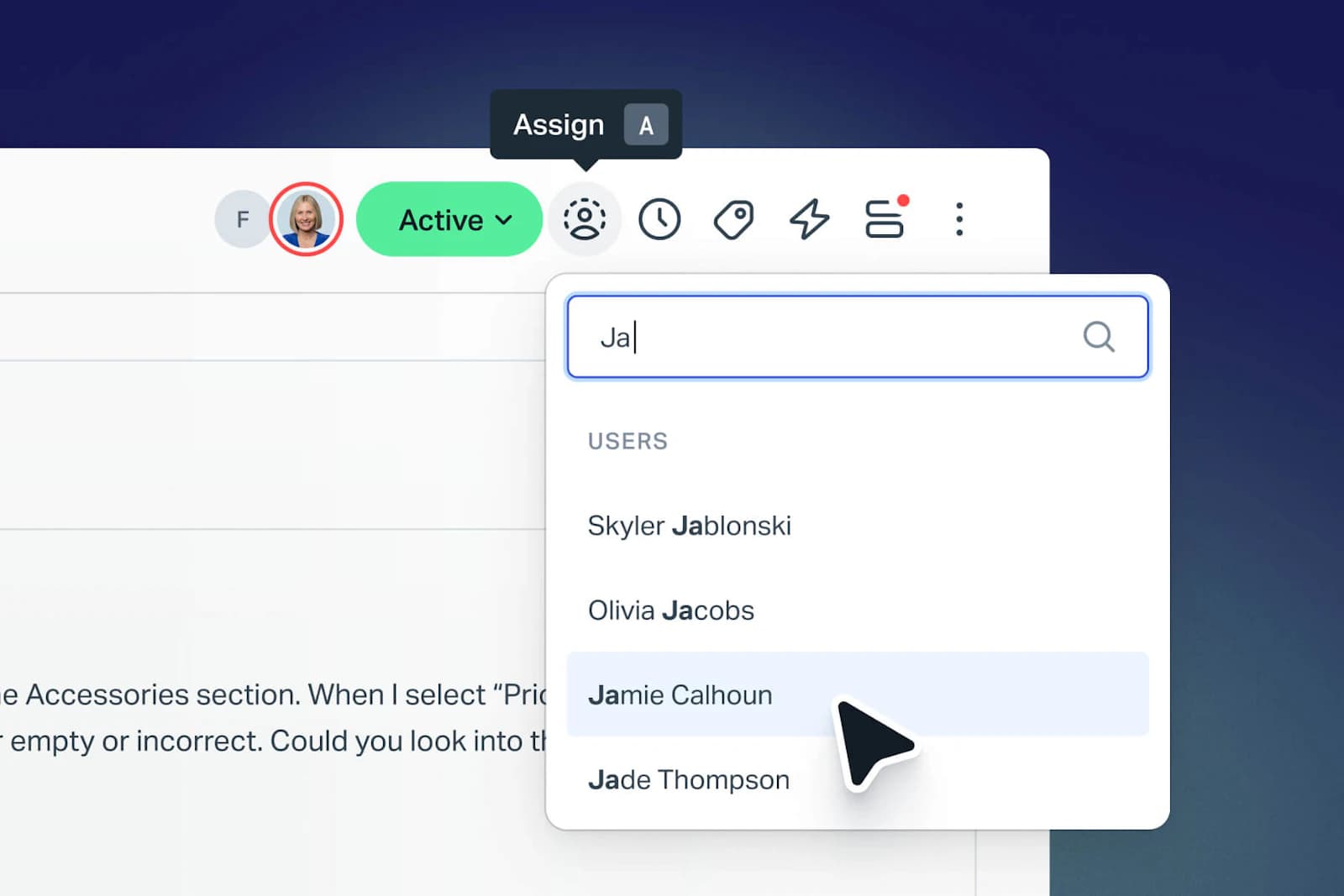
Best for: small, email-first teams that want a clean, inbox-like helpdesk they can learn in under an hour.
Help Scout is the friendliest desk on this list. It looks and feels like a shared email inbox, onboarding is fast, and the free tier is actually usable. Its customer-facing AI, AI Answers, is billed per clean resolution, and it publishes a 73.19% average resolution rate.
Pricing: Standard is $25 per user/mo (annual), Plus $45, Pro $75. AI Answers is $0.75 per resolution on top, with only one charge per conversation and a spend cap available. Help Scout also states it never trains AI on your data, and carries SOC 2 Type 2 with HIPAA on higher tiers.
One honest caveat: Help Scout had a rough pricing saga. It switched from per-seat to per-customer-interaction pricing, saw churn, then reverted, and that whiplash cost it some trust.
"HelpScout changed back to user-based pricing. Guess too many people cancelled including me... Helpscout lost all trust with this flip-flopping on pricing."
Pros: the cleanest UX for small teams and an honest per-resolution AI meter with a spend cap.
Cons: weaker multichannel and automation than Freshdesk or Zendesk, and the pricing history has made some buyers wary.
Verdict: if your support is mostly email and you want something calm and quick to adopt, Help Scout is a great KalTalk alternative. Check the current pricing model yourself given the recent changes.
5. Chatwoot: best open-source, self-hosted option
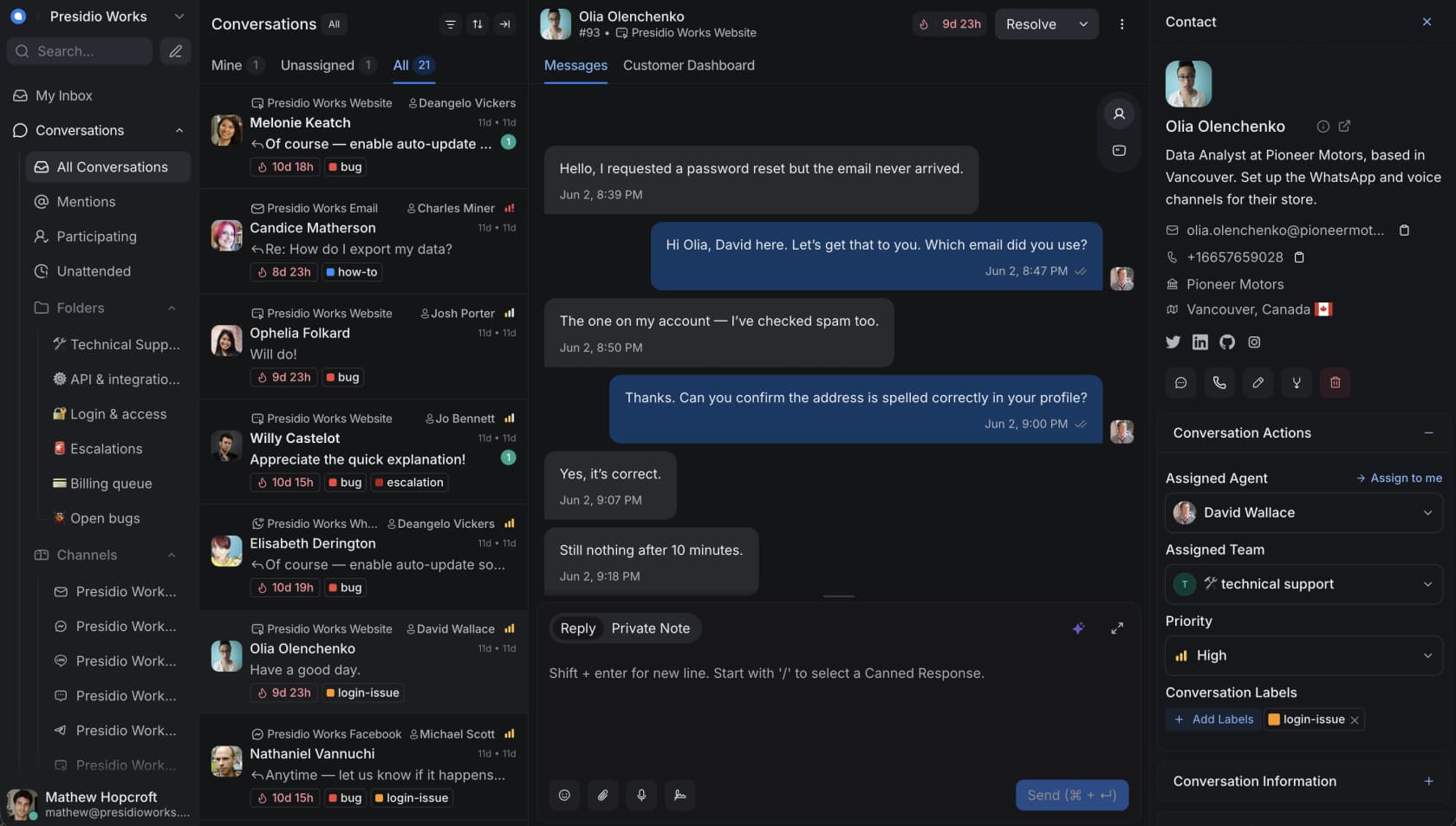
Best for: privacy-conscious or technical teams that want to own their support platform end-to-end.
If KalTalk's closed, early-stage nature makes you nervous about data, Chatwoot is the opposite bet: open-source and self-hostable, so you own your data with no per-conversation SaaS lock-in. There's also a cheap hosted cloud plan if you don't want to run servers. Its AI agent, Captain, is metered in credits.
Pricing: cloud starts at $19 per agent/mo (Startups), then $39 and $99. Self-hosted Community Edition is $0 forever. Captain AI credits are $20 per 1,000 ($0.02 each), and there's no AI in either free build.
"yeah chatwoot is kinda underrated tbh. setup was a bit annoying the first time (docker + webhooks fun lol) but once it's running it's solid... also nice not being locked into some random saas pricing."
Pros: you own your data, no per-conversation lock-in, and a strong multilingual story on every plan.
Cons: no AI in the free builds (Captain is an extra paid meter), and self-hosting takes real setup work.
Verdict: the best pick if data ownership or budget is your driver and you have the technical chops to run it. If you want the AI without the DevOps, one of the hosted options fits better.
6. Front: best collaborative shared inbox
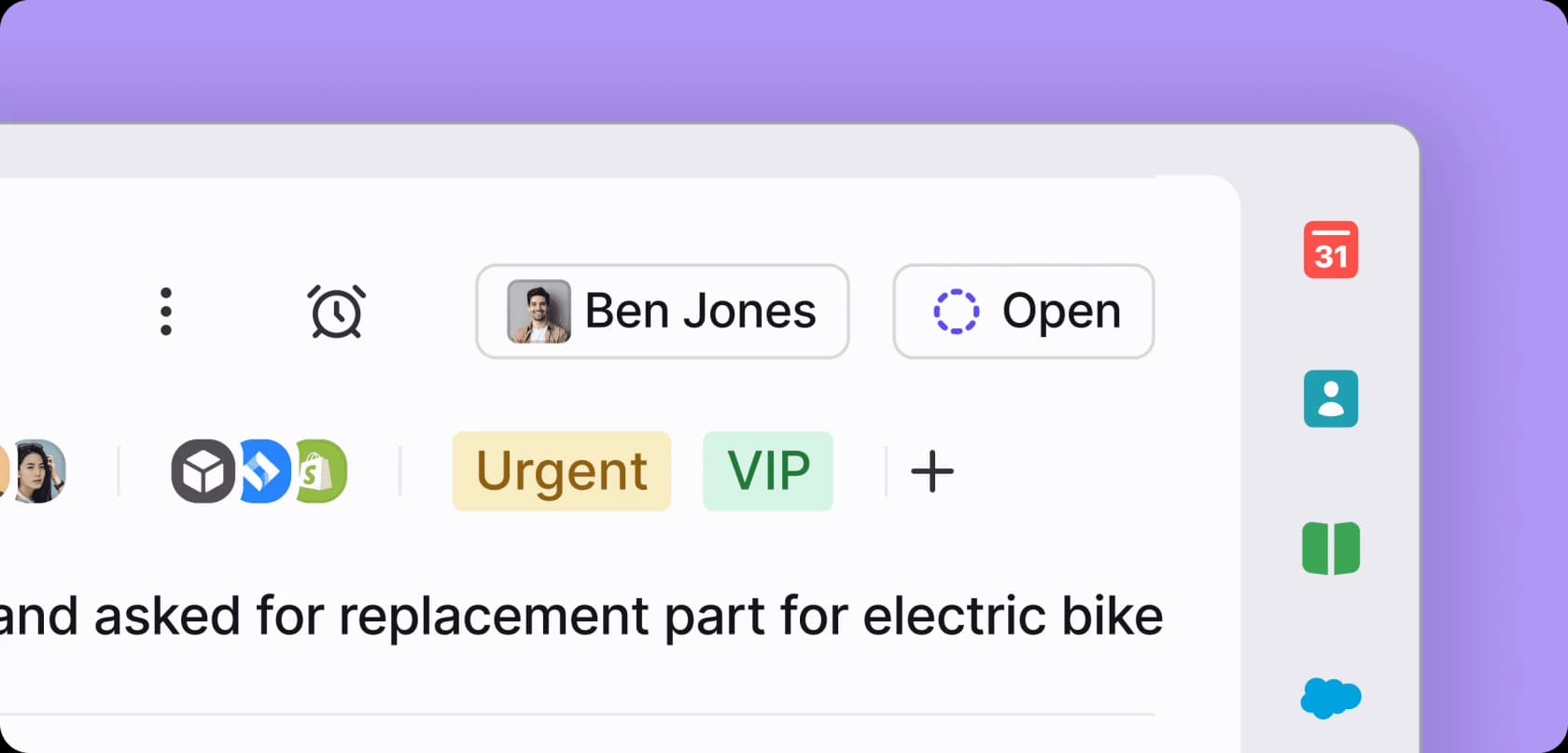
Best for: teams doing complex, cross-functional customer operations where anyone might need to weigh in on a conversation.
Front takes the shared-inbox idea KalTalk uses and pushes it much further for collaboration: it feels like email, and teammates can comment, assign, and jump in without messy CC chains. That makes it strong for logistics, manufacturing, or finance ops where a ticket isn't always a simple FAQ. Its AI includes Autopilot, an autonomous agent.
Pricing: per seat, Starter $25/seat/mo (up to 10 seats), Professional $65, Enterprise $105. Autopilot is priced per conversation by outcome, at $0.05 for triage, $0.39 for a handoff, and $0.89 for a resolution (charged once, at the highest level reached), and Copilot, Smart QA, and Smart CSAT are separate per-seat add-ons. Watch the trap where Professional plus all three add-ons costs more than Enterprise, where they're bundled.
Pros: the best collaborative inbox model here, with high review scores (G2 4.7).
Cons: it's expensive and add-on-heavy, with no free plan, and the pricing gets complicated fast.
Verdict: overkill if you just want a chat widget, but a strong KalTalk alternative if your support is collaborative and cross-team. Compare it against a cheaper shared inbox like in Front vs Hiver before you commit.
7. Gorgias: best for Shopify stores
Best for: Shopify and ecommerce brands where a big share of tickets need real order actions.
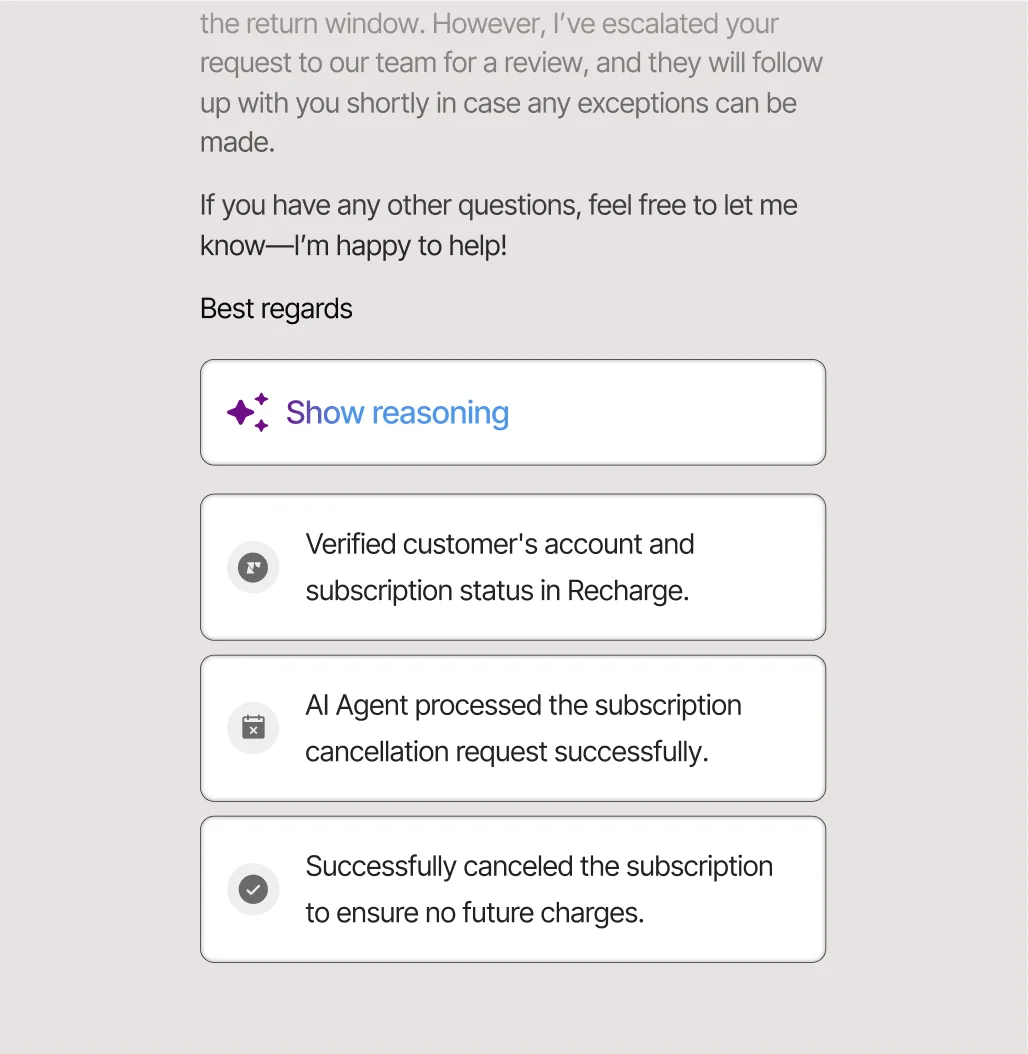
If you're running a store, Gorgias is built for exactly your tickets. Its AI Agent is trained on a billion-plus ecommerce conversations and can do the WISMO, refund, cancellation, and order-edit work inside the ticket, not just answer FAQs. It also doubles as a revenue driver with conversational upsells.
Pricing: ticket-based, not per seat. Starter is from $10/mo (50 tickets), then Basic from $50, Pro from $300, Advanced from $750. The AI Agent is billed per resolved conversation at $0.85-$1.00 depending on plan, and each AI resolution also counts as a billable ticket, so AI usage stacks two meters. It holds SOC 2 Type II, GDPR, and CCPA; HIPAA is gated and it doesn't hold ISO 27001 itself.
"I've been around ecommerce for 10+ years and this is honestly how I'd choose: 40%+ tickets need Shopify actions → I'd lean Gorgias. Mostly conversational support → Zendesk is fine."
Pros: best-in-class native Shopify actions, and an AI agent that can drive revenue, not just deflect.
Cons: it runs roughly 3x the cost of Zendesk for similar ticket volume, and every AI resolution burns a billable ticket too.
Verdict: if 40%+ of your tickets need order actions, Gorgias earns its price. If you're mostly answering questions, it's more tool than you need. Either way, you can add AI on top of Gorgias with eesel if the native agent falls short.
8. Freshdesk: best proven ticketing core
Best for: small-to-mid teams that live in email and want a mature ticketing core with AI they can switch on when volume justifies it.
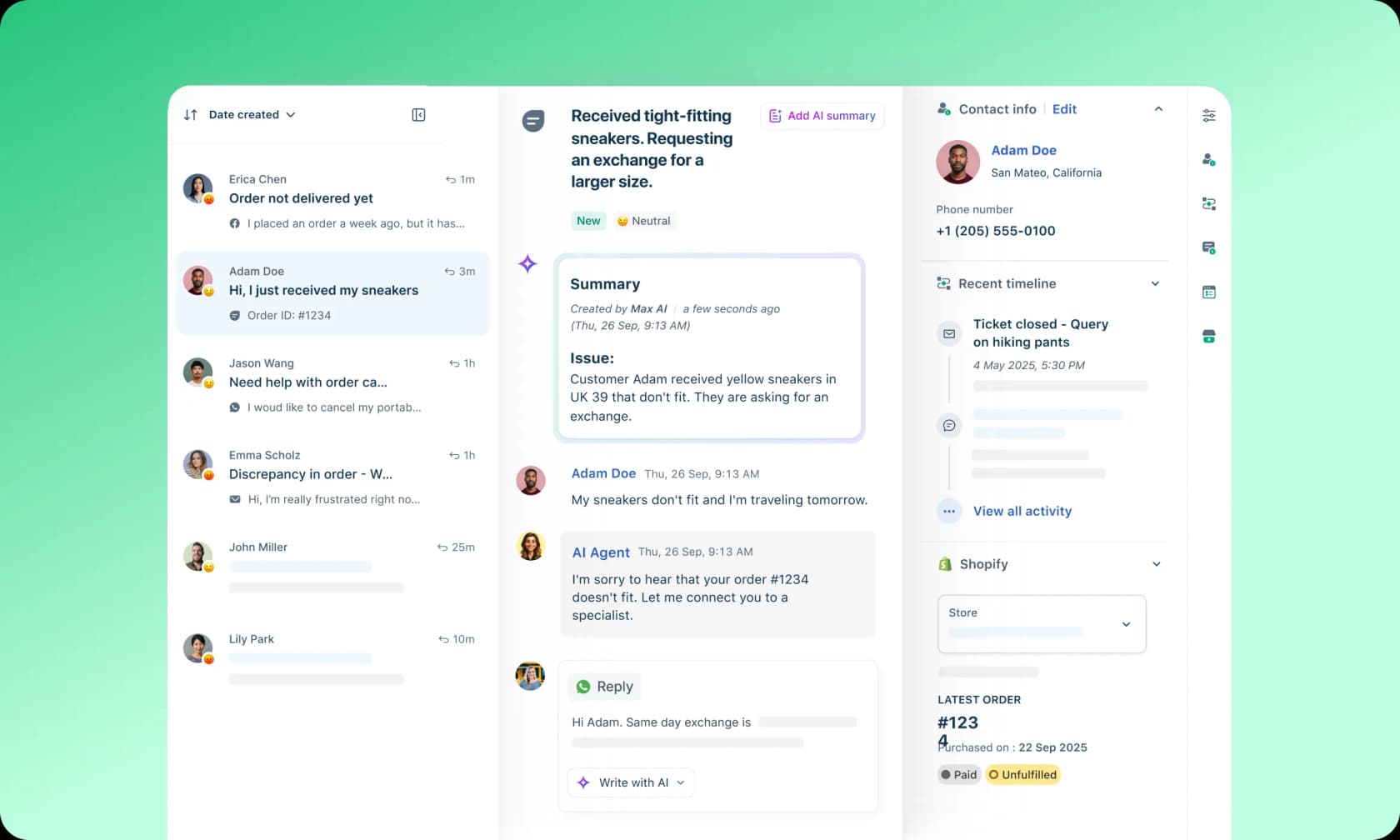
Freshdesk trades KalTalk's newness for a decade of ticketing heritage: threading, SLAs, and routing that were built in, not bolted on. Its AI, Freddy, includes a no-code Email AI Agent and a Copilot for agents.
Pricing: standalone Freshdesk is Growth $19, Pro $55, Enterprise $89 per agent/mo; the Omni omnichannel SKU runs higher ($29 / $79 / $119). Freddy AI Agent is billed per session at $49 per 100 sessions ($0.49 each, one 72-hour email thread = one session), with 500 free sessions to start. Copilot is a $29/agent add-on.
"We tested an ai integration in freshdesk and had almost the exact same experience. it worked for very simple tickets but anything slightly complex got misclassified. agents ended up spending more time fixing errors than before..."
Pros: a mature, reliable ticketing core, and a per-session AI meter that's generous per thread.
Cons: two confusingly similar SKUs, and users report Freddy handling simple tickets well but stumbling on anything nuanced.
Verdict: a safe, proven KalTalk alternative if email ticketing is your center of gravity. The native AI is fine for simple tickets; for tougher ones, pairing it with a stronger AI layer (this is where eesel fits) closes the gap. See the free Freshdesk AI options too.
9. Zendesk: best enterprise suite
Best for: mid-market and enterprise support orgs that need a mature, full-suite platform with deep AI and governance.
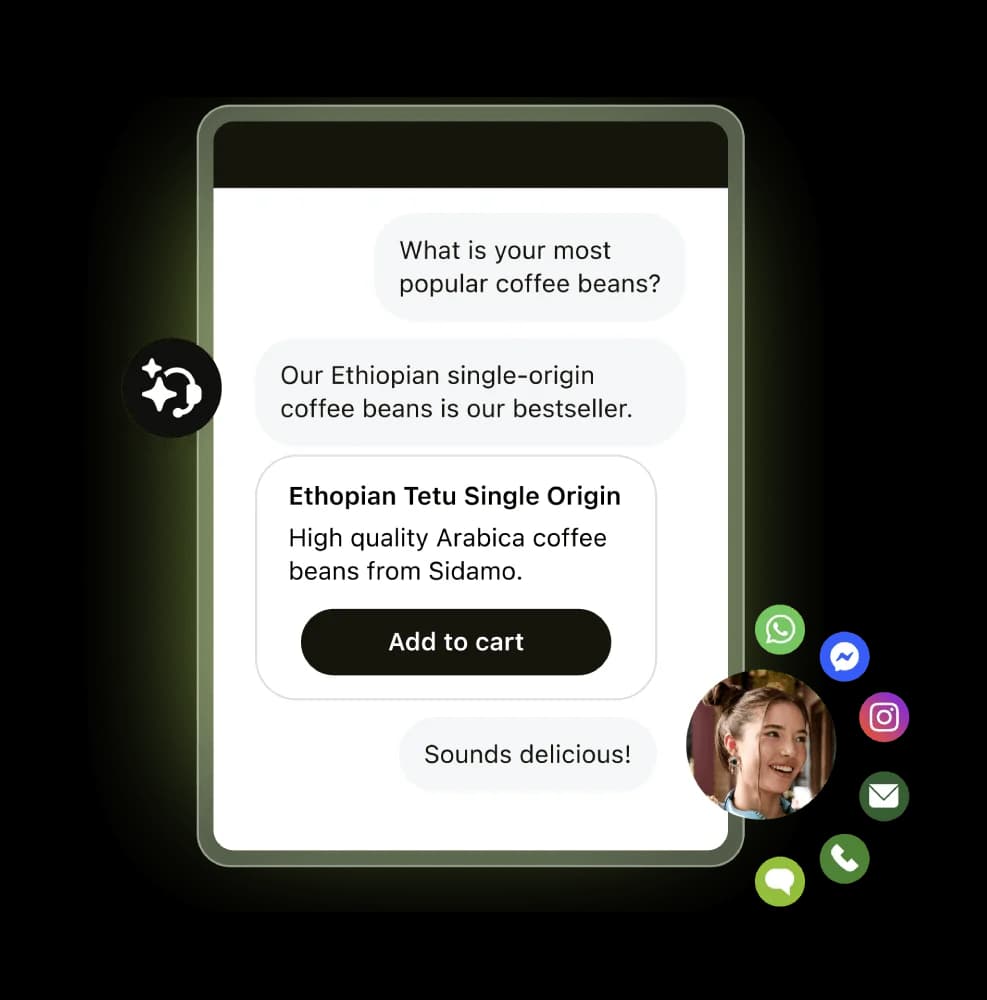
Zendesk is the most complete platform here by a wide margin: omnichannel, AI agents, a Copilot, QA, governance, and a huge integration ecosystem. It's the opposite end of the spectrum from KalTalk, powerful and proven, but heavier and pricier.
Pricing: Support Team starts at $19 per agent/mo, but the first tier with real AI agents (Suite Team) is $55, Suite Professional is $115, and Copilot is a $50/agent add-on. AI is billed per automated resolution at $1.50 (committed) or $2.00 (pay-as-you-go), and since May 2026 only LLM-verified resolutions draw down your allowance. There's no free tier, only a trial.
"The Co-Pilot stuff is decent, but we found its effectiveness really depends on having a perfectly curated Zendesk knowledge base, which... ours isn't, lol."
Pros: the deepest feature and AI suite of the nine, and verified-resolution billing means you're not charged for AI attempts that fail verification.
Cons: expensive and complex; real AI power needs Suite Professional plus add-ons plus per-resolution fees, and its AI quality lives or dies on knowledge-base hygiene.
Verdict: the right call if you're scaling into enterprise and need the whole platform. As that quote hints, the native AI depends heavily on a clean knowledge base, which is exactly why many Zendesk teams add an AI layer like eesel that learns from past tickets, not just published docs.
So which KalTalk alternative should you pick?
If I zoom out, the nine tools sort into three camps. If you want a self-contained chat tool like KalTalk, Crisp and Tidio are the closest, with Chatwoot if you'd rather self-host. If you're an established support org, Zendesk, Freshdesk, Gorgias, Front, and Help Scout each own a lane (enterprise, ticketing, Shopify, collaboration, and email-first respectively).
But the reframe I'd leave you with is the one from the top: KalTalk asks you to move your support into a brand-new, largely unproven tool to get AI. For most teams that already have a helpdesk, the lower-risk move is to keep the tools you trust and add the AI on top, so you're not betting your queue on a migration and a single-agent early-stage product at the same time.
Try eesel for your support queue
If the appeal of KalTalk was "AI in my support queue without a big rollout," eesel AI gives you that without asking you to switch helpdesks. It's a support teammate that joins your existing helpdesk queue (Zendesk, Freshdesk, Gorgias, Front, or Help Scout), learns from your real past tickets, and answers or drafts replies where your agents already work, on a fixed monthly plan from $299 for 500 credits with no per-seat fees.
The differentiator I'd point KalTalk shoppers to specifically: you can simulate it on your own ticket history before it ever touches a customer, so you go live on evidence instead of hope. You can start with 100 free credits, no credit card, and set an overage cap so a busy month never surprises you.
