8 Kustomer AI alternatives in 2026 (and how deep each goes into Kustomer)

Riellvriany Indriawan

Katelin Teen
Last edited October 8, 2026

Why Kustomer teams look past Kustomer AI
I work eesel's support queue every day, and the team behind it has spent the last few years putting AI agents on live helpdesk queues. In sales calls the same pattern keeps showing up. A team tries its helpdesk's built-in AI, finds it expensive for what it does, and wants something sharper without having to migrate. One e-commerce operator on a sales call this year had tried their helpdesk's native AI, found it "expensive and inadequate", and wanted a replacement live, in their words, "yesterday". That was a Zendesk team, but the same itch shows up with any native helpdesk AI, Kustomer included.
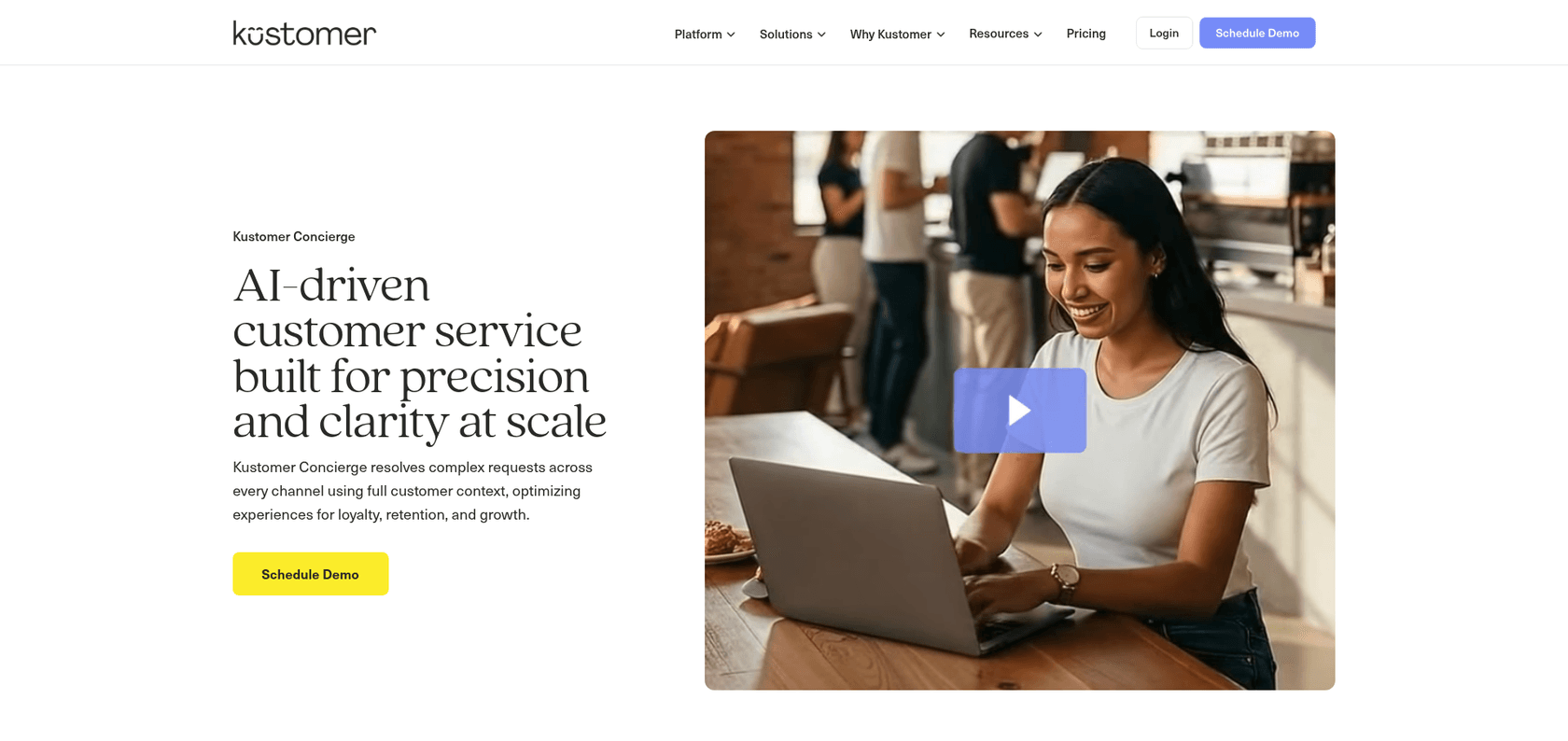
To be fair to Kustomer, its AI is a real product. Kustomer Concierge is the customer-facing agent across chat, email, SMS, WhatsApp and voice, and Envoy is the rep copilot that suggests replies and summarizes conversations. Then there's Kustomer Architect, the natural-language builder that replaced the older AI Agent Studio name.
Kustomer is independent again too, after it spun out of Meta in 2023. My Kustomer review covers the platform as a whole.
The reviews are mostly kind to the AI. Kustomer holds 4.4 out of 5 from 566 reviews on G2, and several recent reviewers call the AI fast and solid, which matches what I found writing about Kustomer AI deflection. Where people do complain, it's mostly about the edges, like the AI being a paid extra or the sense that it hasn't moved very fast.
"I'd like to see more focus on AI-based support going forward, because it feels a bit stagnant and I haven't noticed any major updates over the last year."

And that came from a 5-star reviewer. So even happy Kustomer customers want more from the AI layer.
What Kustomer's AI costs
Kustomer's pricing page no longer shows prices. It's an ROI form that says Kustomer doesn't "post one-size-fits-all pricing". The actual numbers are tucked into the comprehensive pricing details page, which was last updated December 19, 2025.
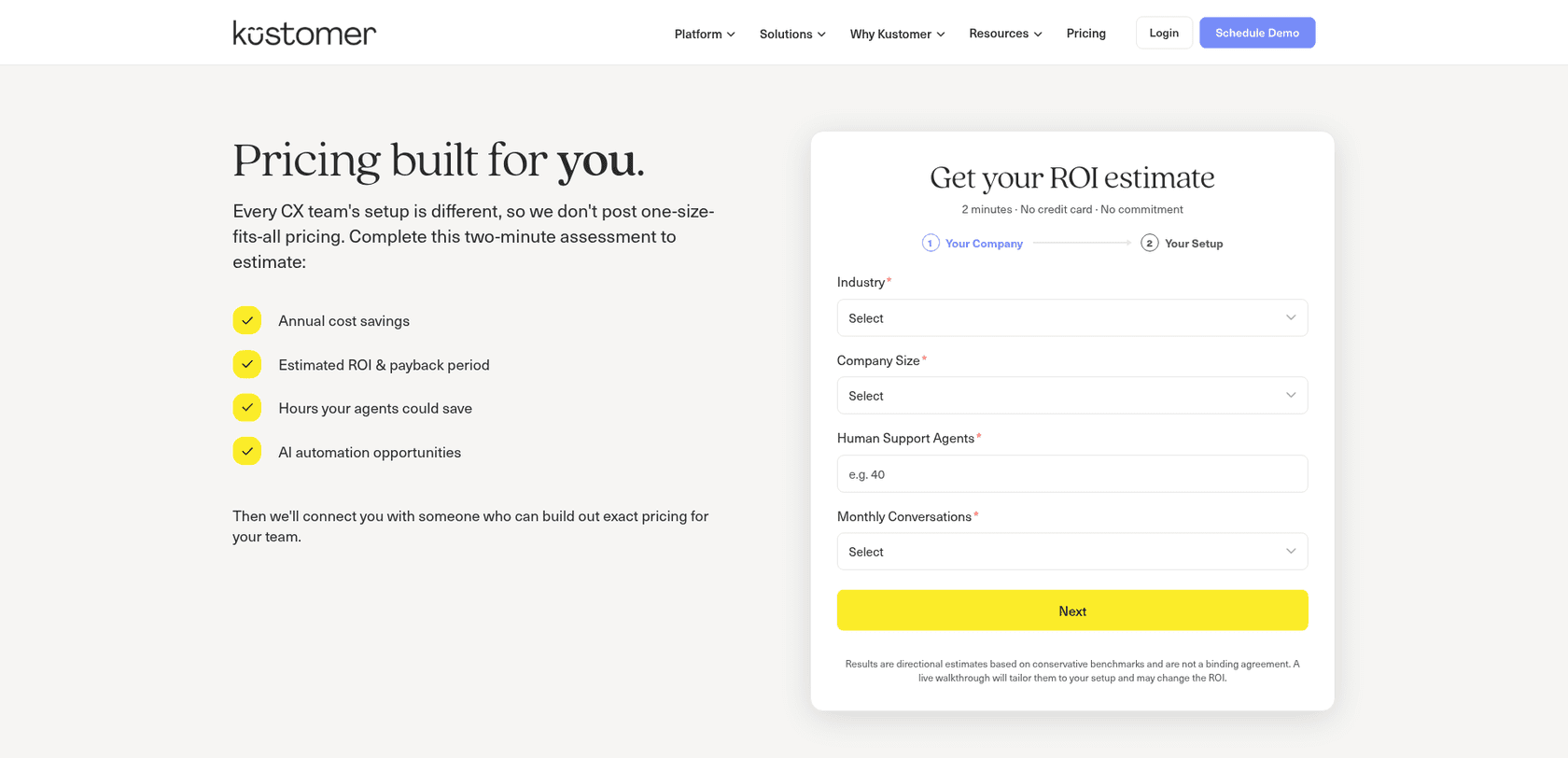
| Kustomer AI item | Price | Unit |
|---|---|---|
| AI Agents for Customers (Concierge) | $0.60 | per engaged conversation |
| AI Agents for Reps (Envoy) | $40 | per user per month |
| HIPAA compliance | $25 | per user per month |
| Voice | from $0.02 | per minute |
| Platform seats (Enterprise, Ultimate) | not published | talk to sales |
Two things in that table deserve a closer look. First, the meter counts engaged conversations, not resolved ones, and Kustomer doesn't define "engaged" on the page, so you pay whenever the AI takes part, whatever the outcome. Second, the meters stack. A team running both the customer agent and the rep copilot pays per conversation and per seat, and the platform price comes on top of that. My full Kustomer pricing breakdown goes deeper.
The catch: most "Kustomer AI" tools don't work inside Kustomer
This part surprised me. When I asked ChatGPT what AI a Kustomer team could use instead, it named Ada, Forethought, Decagon, Claude or ChatGPT via MCP, and a handful of others. After that I went through each vendor's own integration page, plus Kustomer's integrations directory. The depth varies wildly, from a full agent working assigned conversations down to no connector at all.
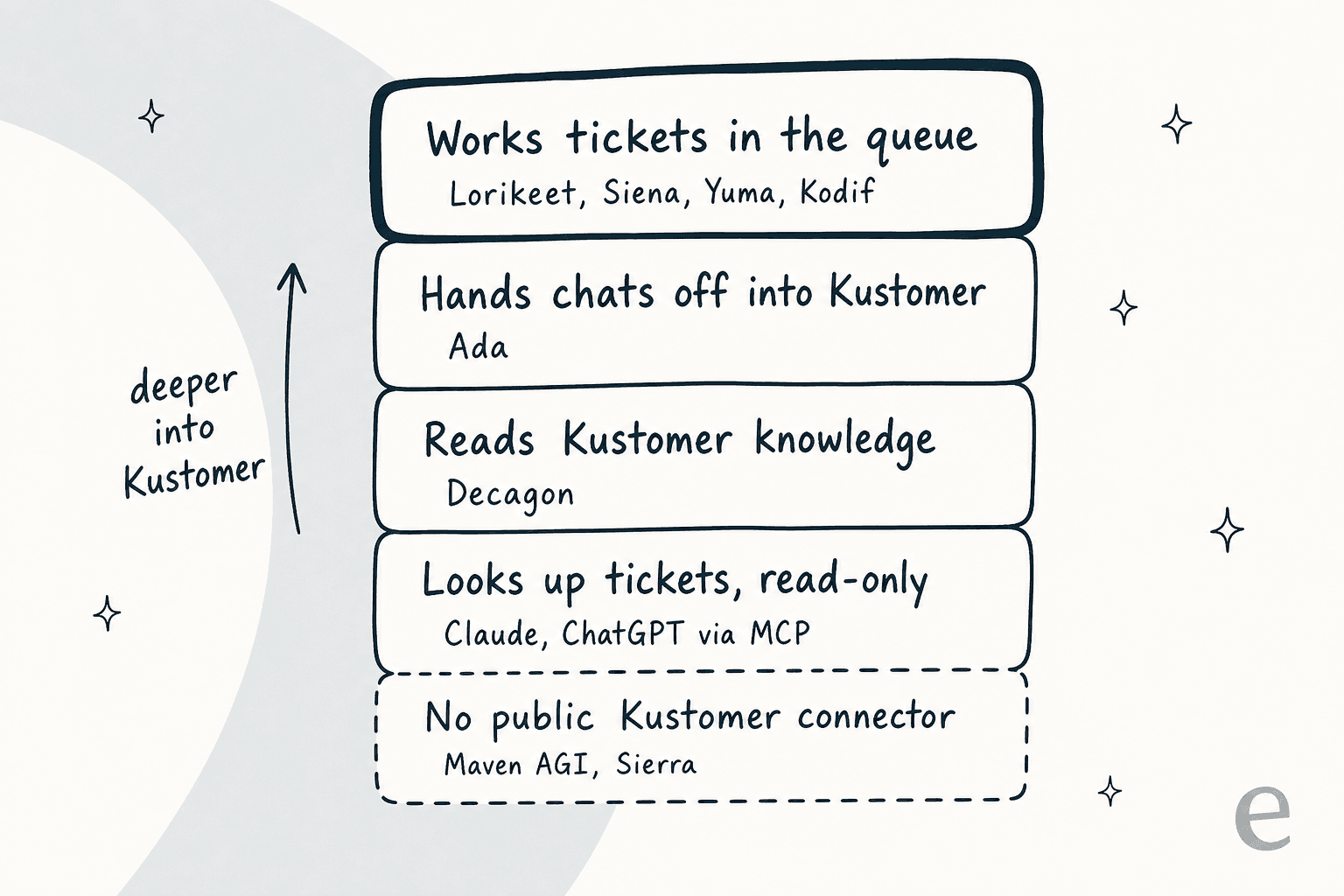
I found that ladder the most useful way to think about this decision. An AI that works the queue can read a conversation, reply, tag it, leave a note and reassign it, so your team keeps living in Kustomer. A front-door agent answers customers before a ticket exists and only touches Kustomer at handoff. With a knowledge sync, the AI reads your help articles and that's it. So before you book demos for a Kustomer AI replacement, work out which rung you actually need.
How I picked and compared these
I started from the tools ChatGPT suggests for this exact question, added the ecommerce agents that publish Kustomer integrations, and dropped anything I couldn't verify on the vendor's own site. For each one I read the vendor's Kustomer page or docs and its pricing page, then checked G2.
Every item below follows the same shape: how it connects to Kustomer, what it does well, watch-outs, pricing, and my take. When a vendor hasn't documented its Kustomer depth publicly, I say so instead of guessing.
Kustomer AI alternatives at a glance
| Tool | Kustomer depth | What it is | Channels | Pricing | Billing unit | Free trial | G2 |
|---|---|---|---|---|---|---|---|
| Kustomer AI (baseline) | Native | Concierge agent + Envoy copilot | Chat, email, SMS, WhatsApp, voice | $0.60 + $40/user | Engaged conversation | No | 4.4 (566) |
| Lorikeet | Works assigned conversations | AI agent in the queue | Whatever Kustomer routes, plus voice | From $1,500/mo annual | Resolution (credits) | No | No reviews yet |
| Siena AI | Works conversations + inbox copilot | Ecommerce AI agent | Email, SMS, WhatsApp, social, chat | $750/mo + $0.90 | Automated ticket | No | 4.8 (28) |
| Yuma AI | Live integration on the timeline | Ecommerce AI agent | Tickets, chat, social, voice | From $14,400/yr | Resolution | First 30 days free | 4.8 (19) |
| Kodif | "Timeline actions" | Post-purchase AI agent | Chat on Starter, more on higher tiers | $1.00 to $0.75 | Conversation | No | 4.8 (31) |
| Ada | Knowledge + handoff | Front-door AI agent | Chat, email, voice | Quote only | Conversation (Ada's stated model) | No | 4.6 (174) |
| Decagon | Knowledge sync | Front-door AI agent | Chat, email, voice | Quote only | Conversation or resolution | No | 4.8 (29) |
| Claude / ChatGPT via MCP | Read-only lookups | Assistant for your team | Inside Claude or ChatGPT | Your existing plan | Seat | Plan-dependent | n/a |
| Forethought | Listed, depth undocumented | AI agent suite, now Zendesk-owned | Chat, email | Quote only | Not published | No | 4.3 (166) |
1. Lorikeet
Best for: teams that want an AI agent working inside the Kustomer queue, with the clearest public documentation of exactly what it can touch.
How it works with Kustomer
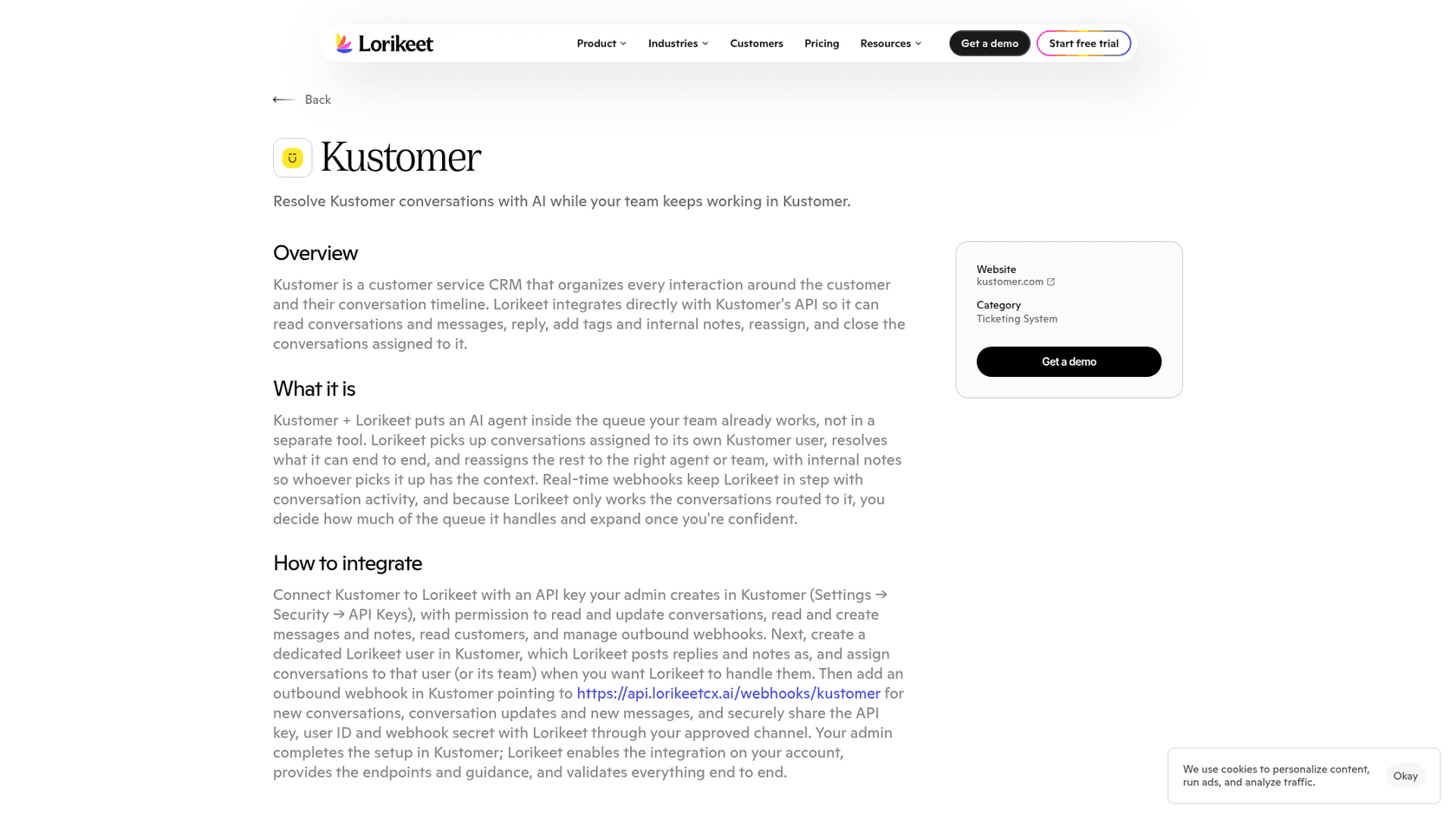
Lorikeet has the most specific Kustomer page of anything I checked. It integrates with Kustomer's API to read conversations and messages, reply, add tags and internal notes, reassign, and close the conversations assigned to it. Setup is an admin job: create a Kustomer API key with the right scopes, create a dedicated Lorikeet user, and point an outbound webhook at Lorikeet.
What I like about the design is that Lorikeet only works conversations routed to its own Kustomer user. You decide how much of the queue it sees, and you widen that once you trust it. I recommend the same draft-first, then-expand pattern for any AI on a live queue, and it matches my notes on setting up AI in Kustomer.
What it does well
- Itemized Kustomer actions: read, reply, tag, note, reassign, close
- It's scoped by routing, so even on a bad week it can't touch conversations it wasn't given
- Bills only on successful resolutions, with no seat or implementation fees, per its pricing page
- Routing, tagging and automated QA are there too, as cheaper per-ticket actions
Watch-outs
- No published G2 reviews yet, so independent proof is thin
- Setup needs a Kustomer admin working with Lorikeet's team, so it isn't self-serve
- You commit for a year
Pricing
| Plan | Price | Credits | Resolution cost |
|---|---|---|---|
| Start | $1,500/mo, billed annually | 18,000 per year | 0.95 credits (about $1.00) |
| Scale | $4,000/mo, billed annually | 48,000 per year | 0.80 credits (about $0.80) |
| Enterprise | Custom | Custom | Custom |
Voice resolutions cost more credits (1.50 on Start, 1.20 on Scale), per Lorikeet pricing. My Lorikeet pricing breakdown has more on how those rates compare.
My take: if "works inside Kustomer" is the requirement, Lorikeet is the safest documented answer. It suits teams who want the AI scoped to an assigned queue and paid per resolution. The gap is peer reviews: there aren't any public ones yet, so if you need those before buying, it's a harder call.
2. Siena AI
Best for: consumer brands on Kustomer that want one agent across email, SMS and social DMs, plus a drafting copilot inside the Kustomer inbox.
How it works with Kustomer
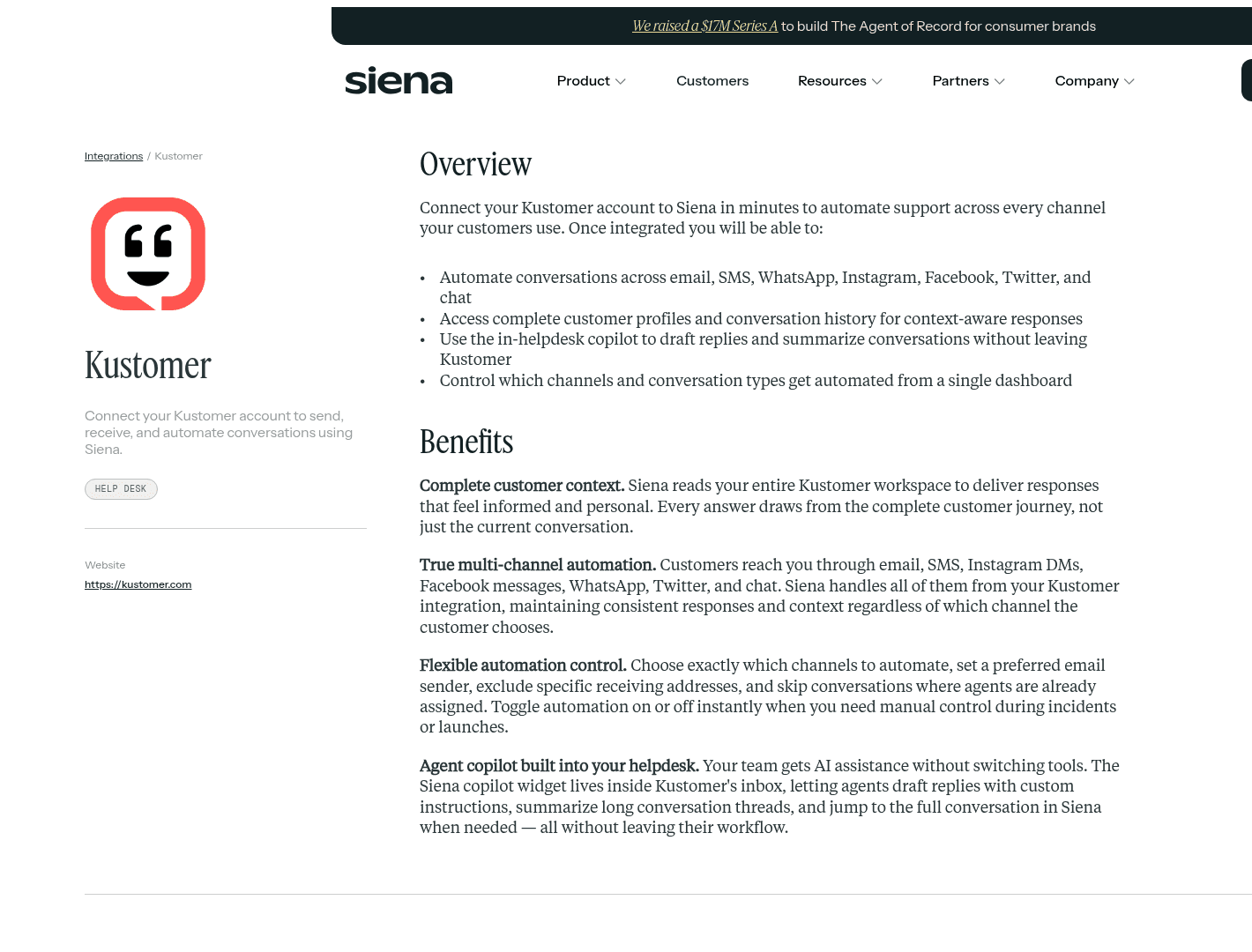
Siena's Kustomer page says you connect your Kustomer account "to send, receive, and automate conversations". It automates email, SMS, WhatsApp, Instagram, Facebook, Twitter and chat, and it reads your full Kustomer customer history for context. You choose the channels to automate and can exclude receiving addresses. Conversations that already have an assigned agent can be skipped too.
Where Siena stands apart is the copilot. A Siena widget lives inside Kustomer's inbox, so agents can draft replies with custom instructions and summarize long threads. That makes Siena a stand-in for both Concierge and Envoy, since it also covers the AI copilot job.
What it does well
- Handles social DMs too, which a lot of support-first agents skip
- Agent copilot inside the Kustomer inbox, not in a separate tab
- Order, subscription and returns actions through ecommerce integrations like Shopify, Recharge and Loop
Watch-outs
$750a month platform fee applies before any automation charge- There's no public trial, so every evaluation goes through sales
- The page doesn't itemize Kustomer write actions like tags or assignment, so ask in the demo
"They offer one step integration with many helpdesks, a 'playground' where you can easily test out automations..."
Pricing
| Item | Price |
|---|---|
| Platform fee | $750/mo |
| Automation pack | $0.90 per automated ticket |
| Support and implementation | Not published |
That's roughly $9,000 a year before the first ticket, per Siena pricing. My Siena AI pricing guide has the rest.
My take: Siena is the closest like-for-like replacement for Kustomer's AI if you're a DTC brand, because it covers both the customer agent and the rep copilot. Below a few hundred automated tickets a month, though, the platform fee is hard to justify.
3. Yuma AI
Best for: Shopify-heavy brands on Kustomer that want published per-resolution pricing and are fine buying by the year.
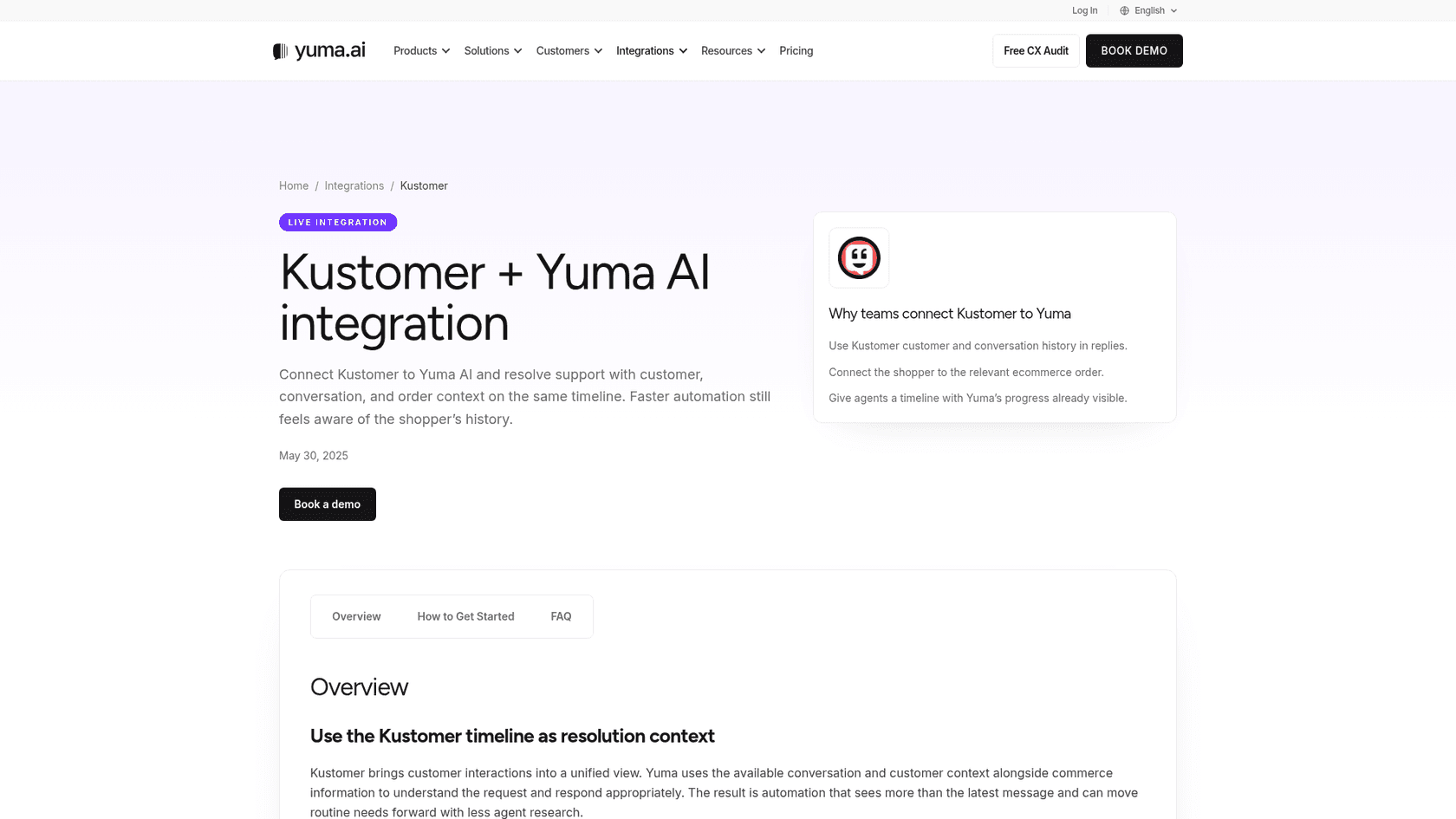
How it works with Kustomer
Yuma marks Kustomer as a "Live integration". It uses Kustomer customer and conversation history in replies, connects the shopper to the right order, and shows Yuma's progress on the Kustomer timeline so the human who takes over sees the story so far. The page doesn't list technical write actions. "Get integration" also just goes to a contact form, so expect setup to be sales-assisted.
What it does well
- Commerce actions like order status, returns, refunds and exchanges through Shopify, Recharge and ShipBob
- Published prices, which is rare in this group
- You're charged only for full resolutions with no human touch
Watch-outs
- 12-month commitment; no month-to-month plan
- The Kustomer page stays at marketing level, so confirm the exact actions
- Sales AI and Social AI cost extra
"It allows us to configure very specific flows, adapt the tone of voice, and define agent behavior to align with our brand..."
Pricing
| Plan | Annual price | Resolutions per year | Effective rate |
|---|---|---|---|
| Starter | $14,400 | 12,000 | about $1.20 |
| Growth | $40,000 | about 48,000 | about $0.83 |
| Scale | $90,000 | about 120,000 | about $0.75 |
Yuma adds "First 30 days on us" and no implementation fee, per Yuma pricing. There's a deeper breakdown in my Yuma AI pricing post.
My take: Yuma is the easiest ecommerce agent to budget for, because the numbers are public. If your volume is predictable and mostly order questions, it fits well. A team that can't commit to a year should look elsewhere.
4. Kodif
Best for: subscription and DTC brands on Kustomer where returns, exchanges and claims drive the volume, and the AI needs to complete the transaction.
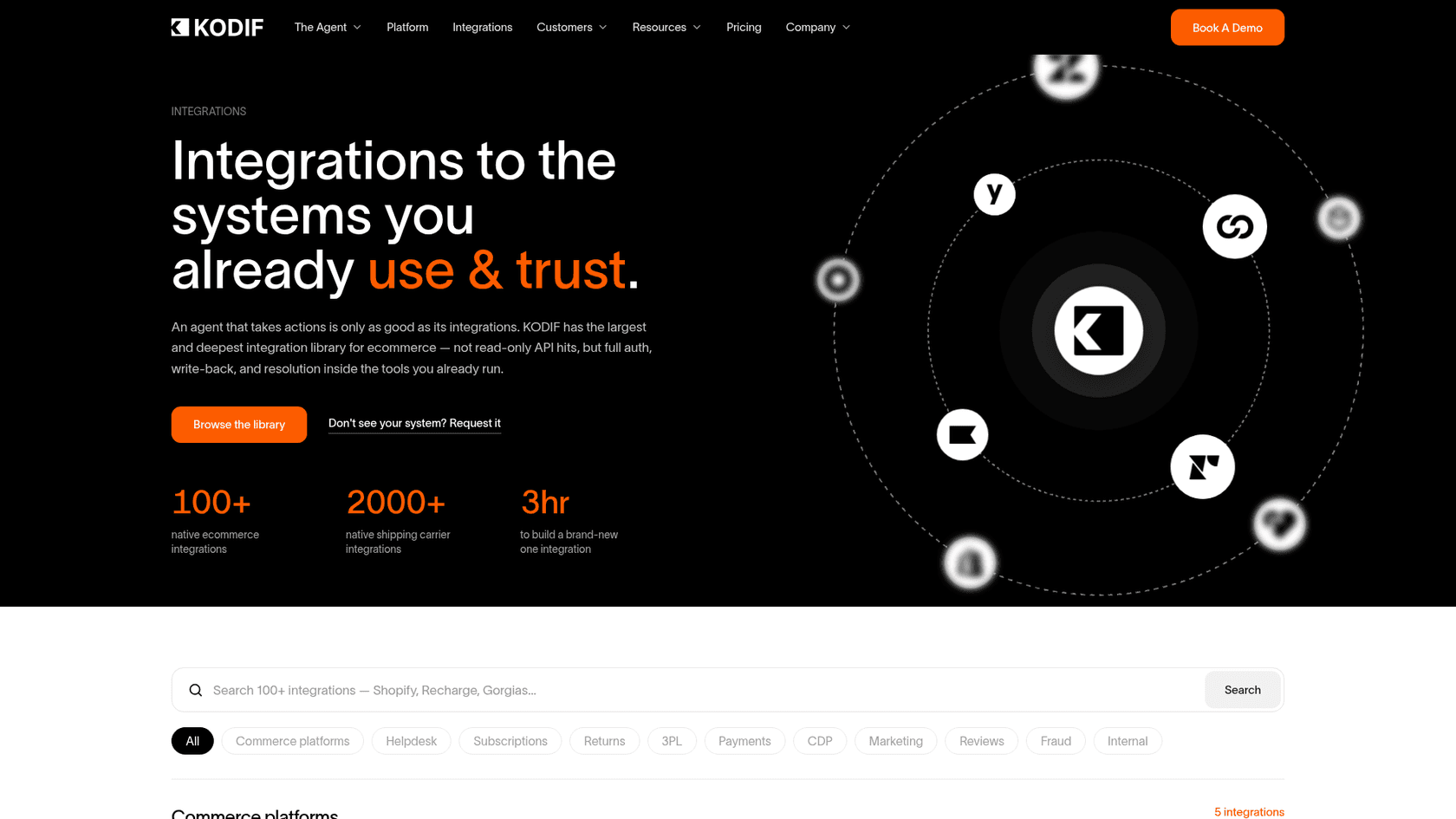
How it works with Kustomer
Kodif's integrations page lists "Kustomer - Timeline actions" next to "Zendesk - Resolve & tag", and says it resolves and tags in place on top of the helpdesk. There's no Kustomer-specific setup doc either, and the Kustomer link just resolves to the blog index. So the depth comes down to a single line on a page, with no documentation behind it.
What it does well
- Write access across 100+ ecommerce integrations, so returns and exchanges actually happen
- There's also a retention agent for subscription saves
- Flat annual pricing with no seats and no setup fee
Watch-outs
- Starter is chat only; email and SMS need a higher tier
- No dedicated Kustomer documentation
- G2 reviewers say finishing policies can need Kodif's engineers
"There is a gap in what is told in the Sales Calls and what's actually delivered. We had to adjust on various levels to work through their product."
Pricing
| Plan | Volume per year | Rate |
|---|---|---|
| Starter | 24,000 conversations | $1.00 per conversation |
| Growth | 75,000 conversations | Not published |
| Enterprise | 160,000 conversations | $0.75 per conversation |
All plans are "Talk to sales", per Kodif pricing. My Kodif AI alternatives post covers the rest of its market.
My take: Kodif earns its place when the hard part of your queue is getting things done in Shopify or Recharge, more than answering questions. If most of your volume is "where's my order", Yuma or Siena will get there with less setup.
5. Ada
Best for: enterprise Kustomer teams with large chat or voice volume that want a managed, front-door AI agent and a vendor-led rollout.
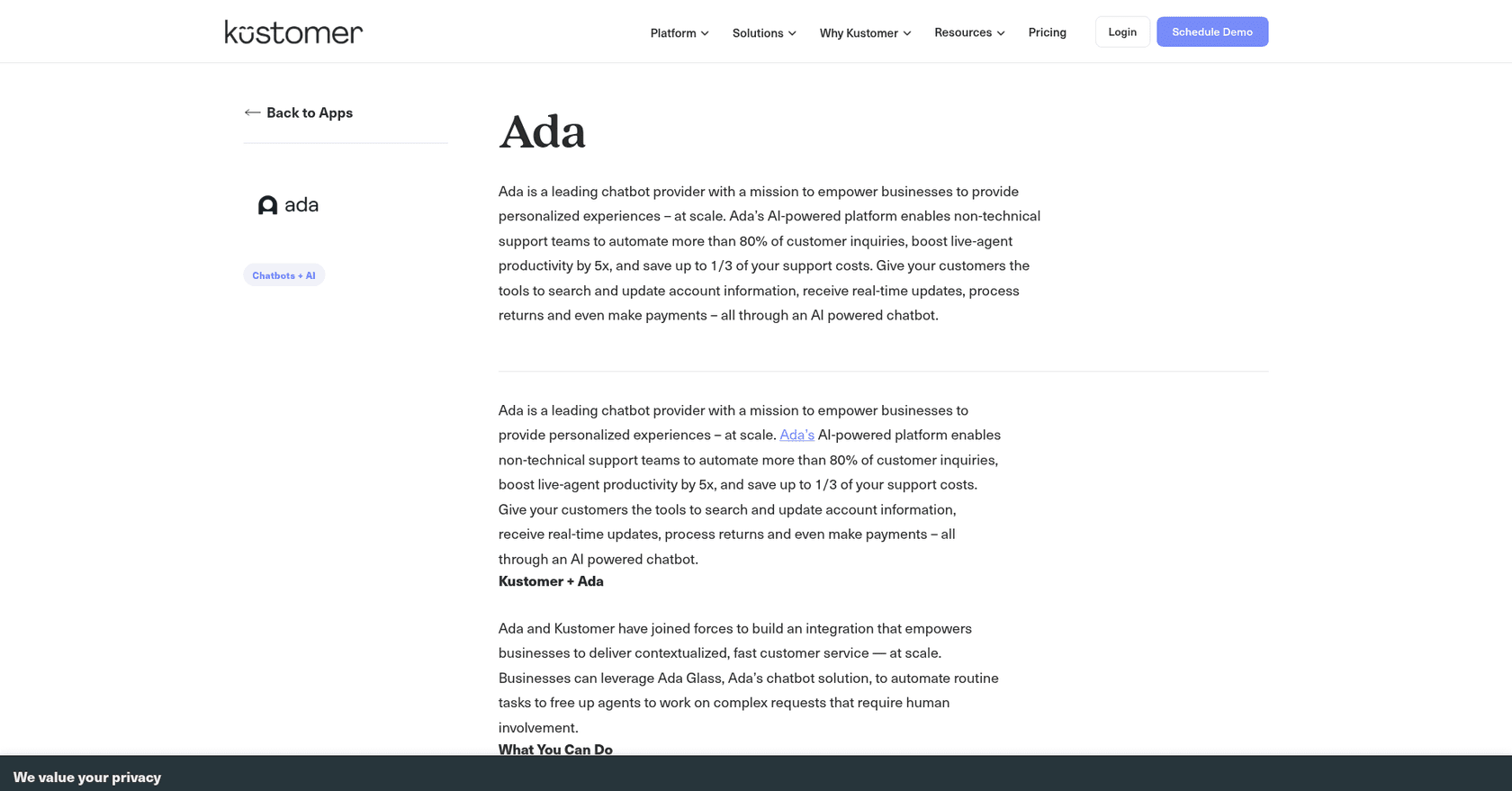
How it works with Kustomer
Ada's integrations page says it connects to your Kustomer knowledge base and routes conversations "to a human agent over messaging or email". Kustomer's own Ada listing adds that handoffs arrive with the full transcript on the customer timeline. So customers talk to Ada first, and escalations land in Kustomer. It doesn't work tickets inside the Kustomer queue, so the handoff design matters more than usual.
One thing to watch: Ada's handoff docs only document Zendesk and Salesforce, so expect the Kustomer setup to run through Ada's team.
What it does well
- Mature chat and voice agent with large enterprise references
- Clean transcript handoff into the Kustomer timeline
- Custom actions can be built with API, code and MCP tools
Watch-outs
- Kustomer depth is knowledge plus handoff, not ticket handling
- Quote-only pricing
- No public Kustomer setup doc
"Pricing could be more competitive for the services provided."
Pricing
Quote only. Ada's pricing page is a demo form, and Ada argues for conversation-based pricing over per-resolution. What's publicly known is in my Ada pricing post.
My take: Ada can replace Concierge at the front door, but it doesn't replace Envoy. It makes sense when most of your volume is chat and voice and you'd rather a vendor ran the project. If your agents want AI help inside Kustomer itself, Ada won't give them that.
6. Decagon
Best for: large consumer brands that want a high-autonomy chat and voice agent and have engineers to wire Kustomer actions through APIs.
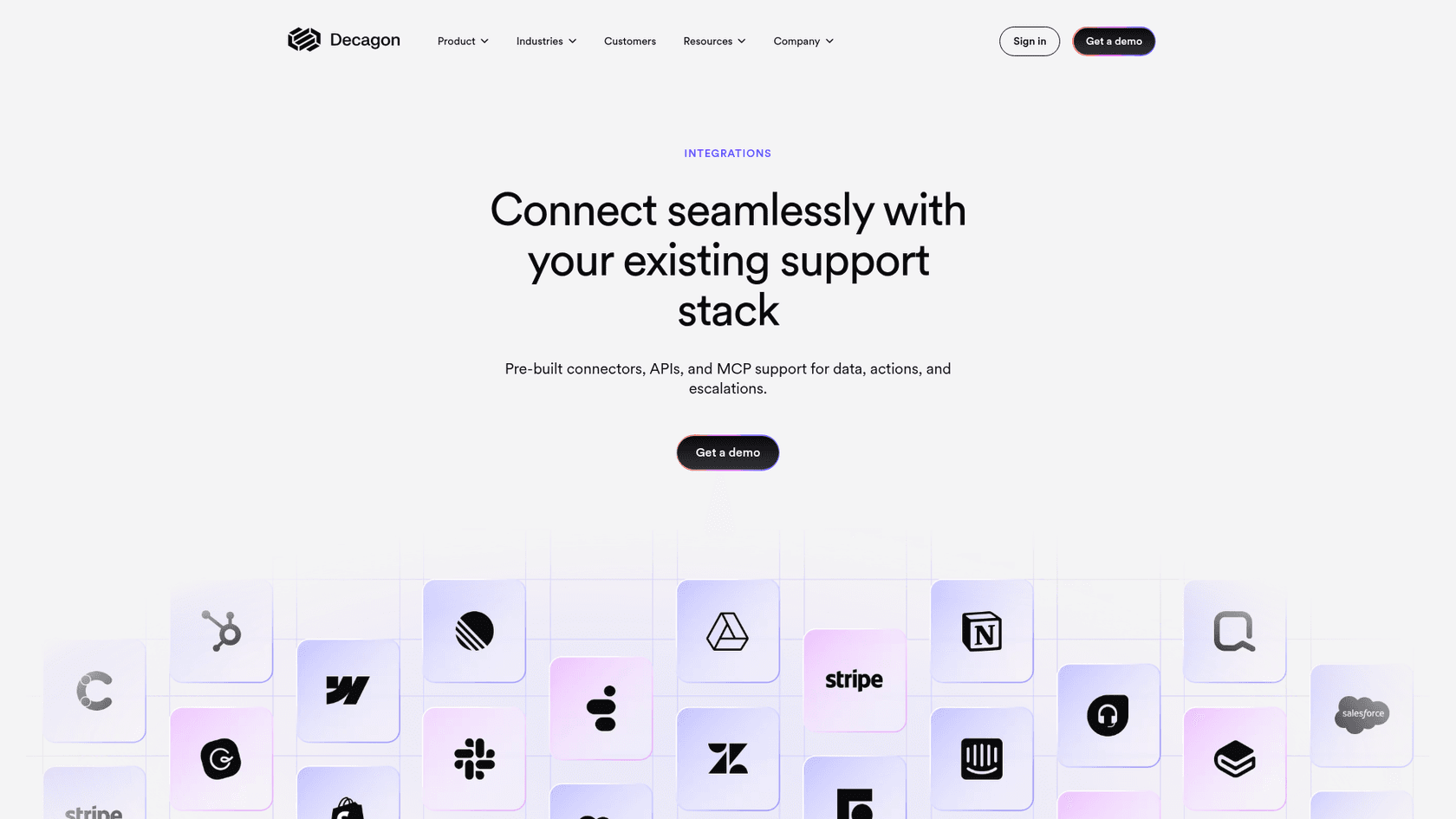
How it works with Kustomer
On Decagon's integrations page, Kustomer appears as a knowledge source: "Populate your AI agent's knowledge base with existing articles from systems such as Confluence, Contentful, and Kustomer." When the page talks about escalation and ticketing, it names Zendesk and Salesforce, and Kustomer isn't mentioned. Anything beyond reading your articles would go through Decagon's MCP or custom API tools.
What it does well
- Strong autonomy on chat and voice, with simulations and QA before changes ship
- Behavior written as plain-language operating procedures
- Flexible pricing models
Watch-outs
- Kustomer is a knowledge source only in published materials
- Quote-only, enterprise-led buying
- Only 29 reviews on G2, which is a small sample
Pricing
Quote only, and the pricing URL returns a 404. Decagon's pricing post offers per-conversation or per-resolution billing and says "The vast majority of our customers choose per-conversation pricing". See my Decagon pricing guide.
My take: Decagon is a serious agent. For a Kustomer team, though, it's something you build more than something you plug in, so it suits teams with engineers who want to own the integration. Otherwise the first four tools get you into the queue faster.
7. Claude or ChatGPT via the Kustomer MCP server
Best for: support leads and agents who want to ask questions about tickets and customers in plain language, without replacing the AI that talks to customers.
How it works with Kustomer
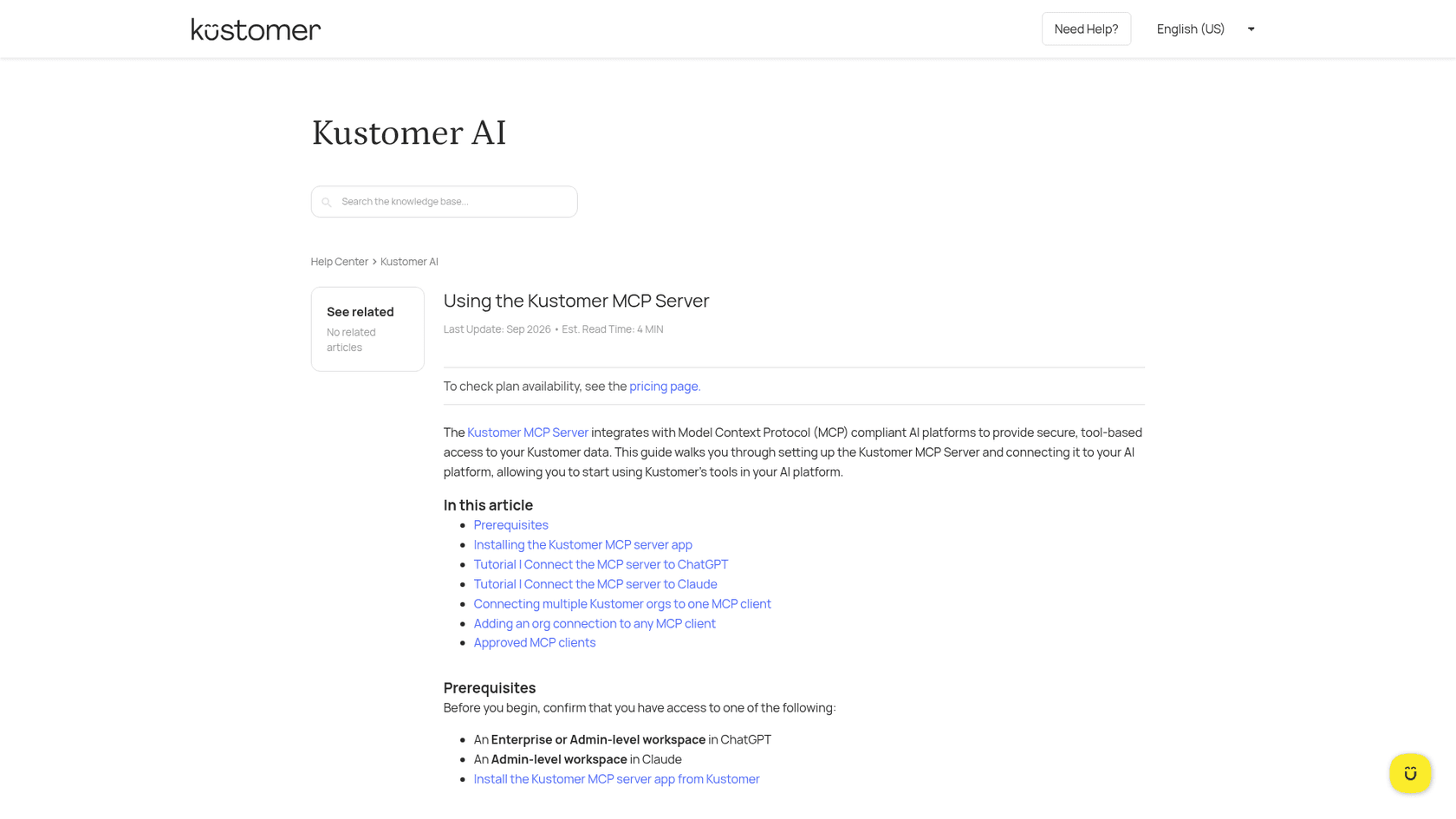
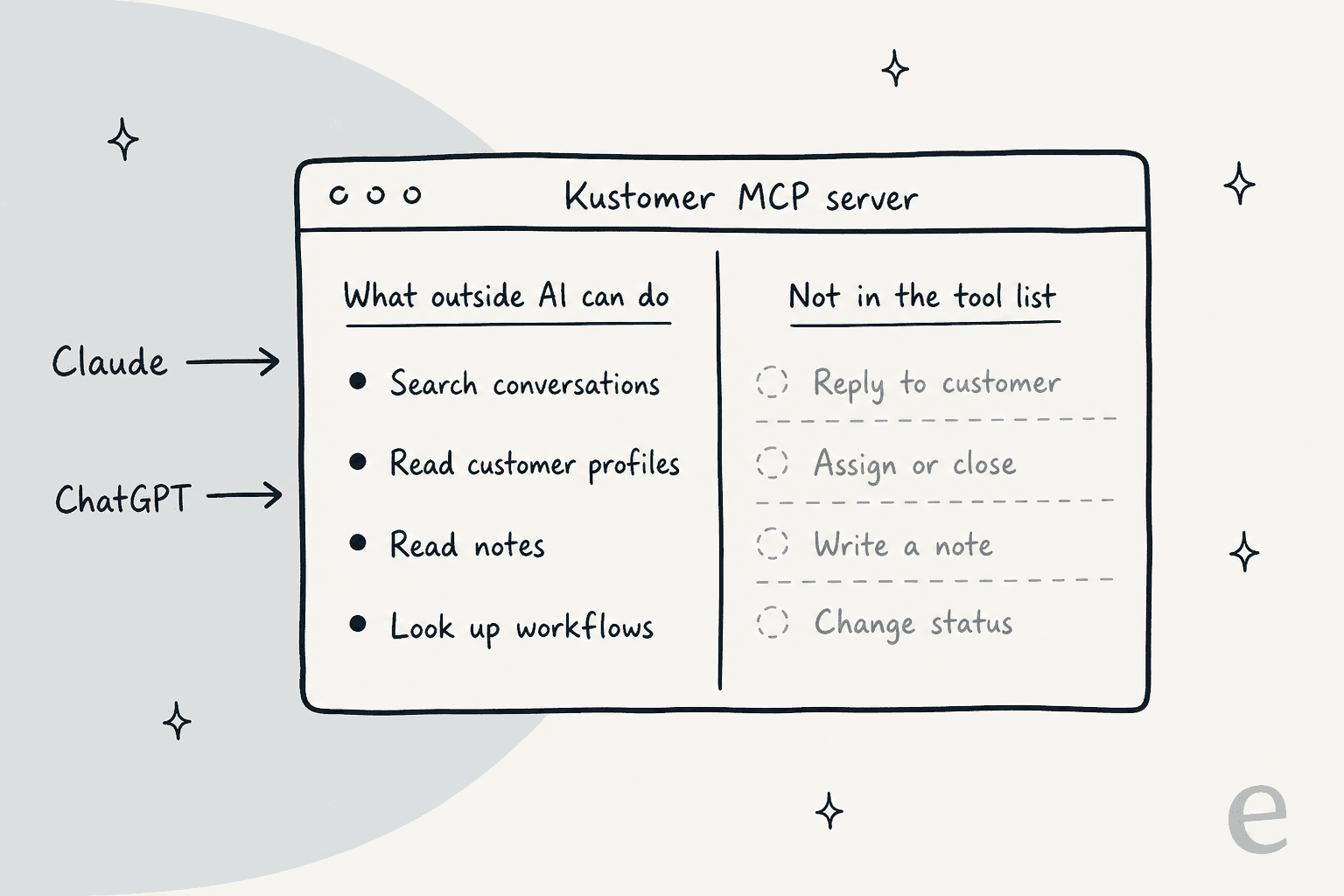
ChatGPT itself recommended this route, and it does exist. The Kustomer MCP server connects "Claude or ChatGPT or custom in-house agents" to your Kustomer data. An admin installs it from Kustomer's app store and registers it in Claude or ChatGPT. Approved clients include ChatGPT, Claude, Claude Code, Cursor, Codex, Grok and Zapier.
The limit shows up once you read the tool list. Kustomer's MCP tools guide lists search, get-by-ID and ping tools across conversations, customers, notes and workflows. No reply, assign, close or note-writing tool appears.
What it does well
- Fastest way to ask "what did this customer say last month?" across Kustomer
- Runs on AI tools your team might already be paying for
- Good for analysis and summaries; see MCP for customer support
Watch-outs
- Read-only by published tools, so it doesn't answer customers
- Only approved clients can connect; others go through Kustomer support
- One Kustomer guide mentions write operations in an example, so confirm with Kustomer before you rule writes in or out
Pricing
No Kustomer meter is listed for MCP; you pay for your Claude or ChatGPT business plan.
My take: this works well as an addition, but it isn't really an alternative. It replaces part of what Envoy does for research, but it won't touch your customer-facing volume.
8. Forethought
Best for: mid-market and enterprise teams that want triage, agent assist and a customer agent from one vendor, and are comfortable buying from Zendesk.
How it works with Kustomer
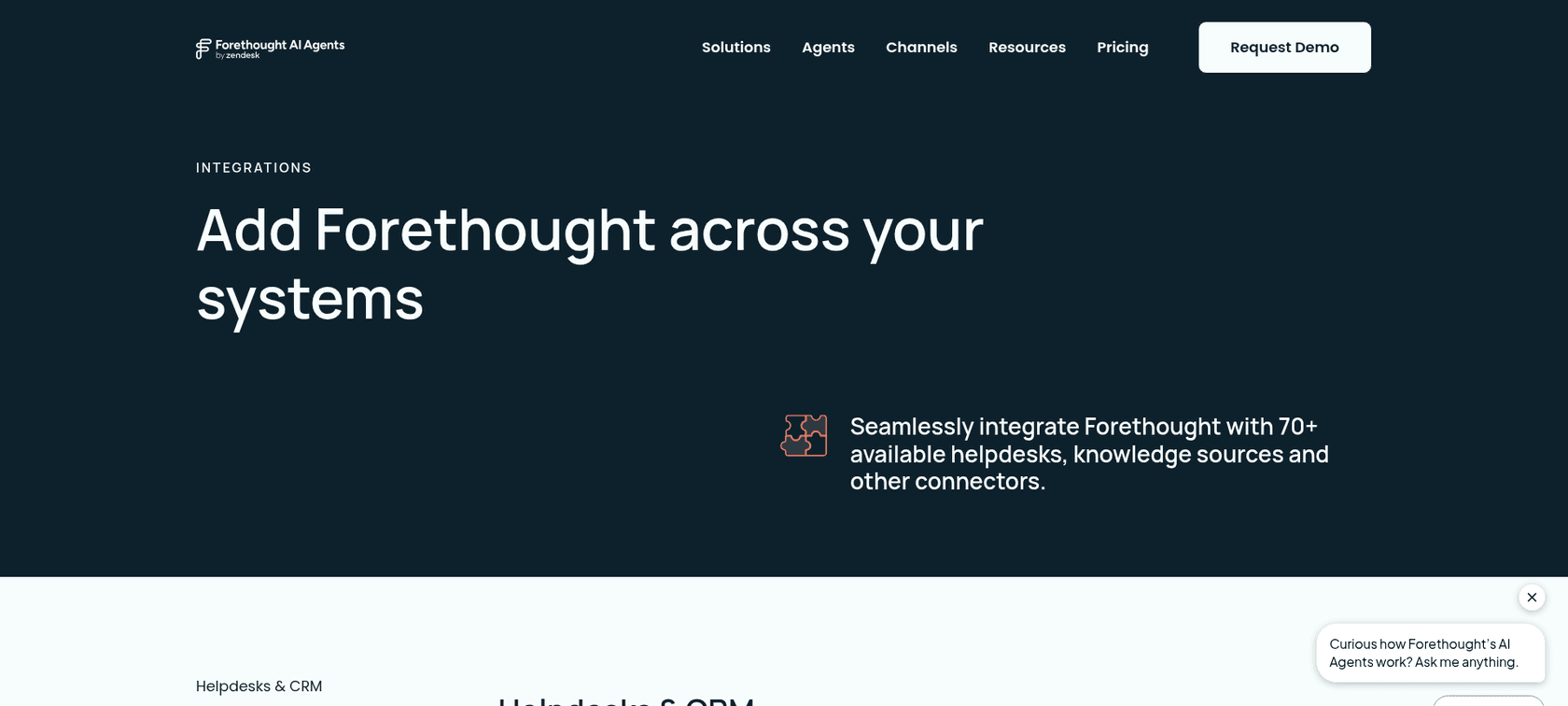
Kustomer shows up as a tile under Helpdesks and CRM on Forethought's integrations page, with no description. There's no Kustomer page on either side, and Forethought's help center is behind a sign-in. Nothing public says whether the agent, assist and triage products all run on Kustomer.
Ownership is the bigger change. Forethought now sells as "Forethought AI agents by Zendesk", and Zendesk describes it on its own pricing page. A Kustomer team would be buying its AI from a direct helpdesk rival.
What it does well
- Broad suite: customer agent, agent assist, triage, QA
- Self-improving agent that flags knowledge gaps
- Claims 70+ connectors
Watch-outs
- Kustomer depth undocumented
- It's now part of Zendesk
- Quote-only
"The initial design/setup philosophy (deflection first) makes it hard to dig into large scale trends or issue identification for product improvements."
Pricing
Team, Professional and Enterprise plans are all "Get a Quote" on Forethought pricing. I cover it more in my Forethought pricing post.
My take: I'd only shortlist Forethought if you've confirmed in writing what runs on Kustomer, and if your team is fine with the Zendesk ownership. If you're considering Zendesk anyway, the Forethought vs Zendesk question becomes a different one.
Which one fits your Kustomer setup?
For most teams this takes one click. Choose what you need the AI to do and the shortlist shows up. For a wider view, my best AI for Kustomer roundup covers chatbots too.
What should the new AI do in Kustomer?
What each option costs at your volume
Unit prices hide the real comparison, because every vendor counts something different. Kustomer counts engaged conversations, Lorikeet and Yuma count resolutions, Siena counts automated tickets plus a platform fee, and Kodif counts conversations.
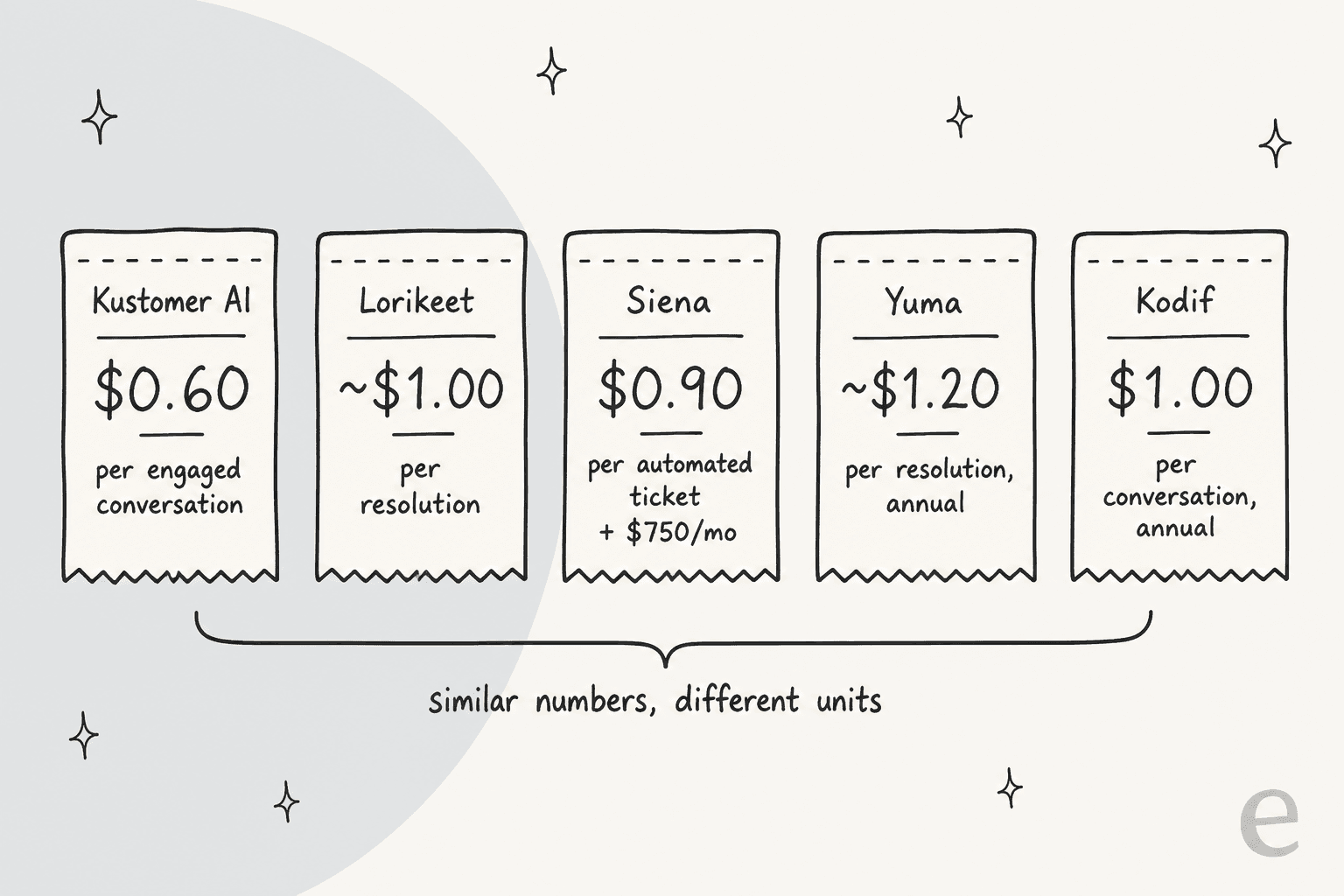
So I ran two volumes through the published prices. I assumed the AI takes part in every conversation in the scenario and fully resolves 60% of them. Every number is the AI cost only, on top of your Kustomer seats.
| Option | 1,000 AI conversations/mo (600 resolved) | 3,000 AI conversations/mo (1,800 resolved) |
|---|---|---|
| Kustomer Concierge | $600/mo | $1,800/mo |
| Lorikeet | $1,500/mo (Start) | $4,000/mo (Scale; Start's credits run out) |
| Siena AI | $1,290/mo ($750 + 600 x $0.90) | $2,370/mo ($750 + 1,800 x $0.90) |
| Yuma AI | $1,200/mo (Starter) | $3,333/mo (Growth) |
| Kodif | $2,000/mo (Starter, chat only) | Growth, rate not published |
| Ada, Decagon, Forethought | Quote | Quote |
At both volumes, Kustomer's own AI is the cheapest line in the table. At a 60% resolution rate, $0.60 per engaged conversation equals $1.00 per resolution, right where Lorikeet's Start rate sits. If your resolution rate is lower, Kustomer's per-conversation meter gets worse and the per-resolution vendors look better. Either way, you switch for what the AI can do, because the sticker price alone won't make the case. For the bigger picture on these meters, see my AI customer service cost guide and how teams measure AI resolution rate.
The ones that come up but don't connect
Two names show up often in AI answers to this question. Neither one shows a Kustomer connector on its own site.
- Maven AGI. Its apps directory lists Zendesk, Salesforce, Freshdesk, Front and Genesys, with no Kustomer entry. Using it on Kustomer would be a custom API project scoped with sales. See Maven AGI alternatives.
- Sierra. No Sierra page names Kustomer, and Agent Studio only says it has "40+ pre-built integrations" without listing them. Treat it as partner-led custom work. My Sierra AI alternatives post covers the rest.
Neither is a bad product. They just aren't Kustomer add-ons today, so I'd only shortlist them if you're rebuilding the stack.
If Kustomer itself is the problem
Sometimes the AI isn't really the issue. Recent Kustomer reviews mention chat routing that takes 30 to 60 seconds and a knowledge base that's hard to maintain. Some also say the reporting is hard to trust.
"For a platform that does so much so well on the customer-facing side, the knowledge base feels like an afterthought."
In that case a new AI on top won't fix much, and I'd compare helpdesks first. My best Kustomer alternatives roundup covers that, along with head-to-heads like Gorgias vs Kustomer and Freshdesk vs Kustomer.
This is also where eesel comes in, and I want to be precise about it: eesel does not integrate with Kustomer today. It works natively in Zendesk, Freshdesk, Gorgias, Front, Help Scout, HubSpot, Salesforce Service Cloud, Jira Service Management, Zoho Desk and Re:amaze. If you're moving to one of those, you can pick the AI at the same time instead of buying another platform-tied add-on.
Try eesel if you're switching helpdesks
Leaving Kustomer is a chance to stop paying a platform tax on your AI. eesel is an AI teammate you hire for the helpdesk you move to: it joins the queue like a new agent, learns from your help center and the tickets your team already solved, and starts by drafting replies your agents approve. My colleague Amogh sees one pattern work in sales calls, and I'd follow it too: start with AI drafting, then switch on full automation once you trust it. Before anything goes live, eesel can run a simulation on your past tickets so you see the answers first.

Pricing is one number: a ticket the AI works is 1 credit, with plans from $299 for 500 credits up to $1,749 for 5,000, unlimited seats, and a free plan with 100 credits, per eesel pricing. At 3,000 tickets a month you'd sit on the 3,000-credit plan, which is $1,149. If your team lives in the terminal, the eesel CLI drives the same agent, so Claude Code or Cursor can set up automations and review approvals for you.
Try eesel on your new helpdesk's queue before you cut over from Kustomer.
Frequently Asked Questions
What are the best Kustomer AI alternatives?
If you want to keep Kustomer, the Kustomer AI alternatives that work tickets inside the Kustomer queue are Lorikeet, Siena AI, Yuma AI and Kodif. Ada sits in front of Kustomer and hands chats off, and Decagon reads Kustomer knowledge. If you're moving helpdesks anyway, an AI helpdesk teammate like eesel is the other route.
How much does Kustomer AI cost?
Kustomer lists AI Agents for Customers at $0.60 per engaged conversation and AI Agents for Reps at $40 per user per month, on top of a platform price it doesn't publish. The full breakdown is in my Kustomer pricing guide.
Is Kustomer AI cheaper than the alternatives?
Often, yes, per unit. At a 60% resolution rate, $0.60 per engaged conversation works out to about $1.00 per resolved one, which matches or beats most Kustomer AI alternatives. The case for switching is usually depth or fit, not price. See how resolution billing changes the math in this AI customer service cost guide.
Can I use Claude or ChatGPT with Kustomer?
Yes, through the Kustomer MCP server, which supports Claude, ChatGPT, Cursor and other approved clients. Its published tools are search and read only, so it's an assistant for looking up tickets, not an agent that replies to customers. More on how that works in MCP for customer support.
Does eesel integrate with Kustomer?
No. eesel doesn't have a native Kustomer integration today. It works natively in Zendesk, Freshdesk, Gorgias, Front, Help Scout, HubSpot, Salesforce, Zoho Desk and a few others, so it's a fit for Kustomer teams that are already planning to switch helpdesks.
Which Kustomer AI alternative is best for Shopify brands?
Siena AI, Yuma AI and Kodif are all built for ecommerce and connect to Kustomer. Yuma publishes per-resolution annual plans, Siena charges a $750 platform fee plus $0.90 per automated ticket, and Kodif focuses on returns and exchanges. Compare the first two in Siena AI vs Yuma AI.
Does Ada work with Kustomer?
Yes, but as a front-door agent. Ada connects to your Kustomer knowledge base and hands conversations to a human in Kustomer over messaging or email. It doesn't work tickets inside the Kustomer queue. Pricing is quote-only, covered in Ada pricing.


Article by
Riellvriany Indriawan
Riell is a designer and writer at eesel AI with about two years of experience researching CX platforms, AI chatbots, and helpdesk software. She combines her design background with a sharp eye for how these tools actually look and feel in practice — making her comparisons unusually visual and user-focused.