Blog
Tips, guides, and insights on AI teammates, smarter support, and building better teams.

Help Scout Beacon modes: Self service, Neutral and Ask first
Help Scout Beacon has three modes. See what Self service, Neutral and Ask first change for visitors, which to pick by support situation, and where AI fits.
 Riellvriany IndriawanNov 6, 2026

Help Scout Beacon form fields: what lands on the conversation
Which fields the Help Scout Beacon contact form supports, how custom fields map to conversations, how to prefill them with the JavaScript API, and where an AI agent fits.
 Rama AdiNov 6, 2026

Help Scout collision detection: how it stops double replies
Help Scout collision detection shows who is viewing or replying and pauses your reply if someone got there first. What it covers, what it is not, and how to use it.
Riellvriany IndriawanNov 6, 2026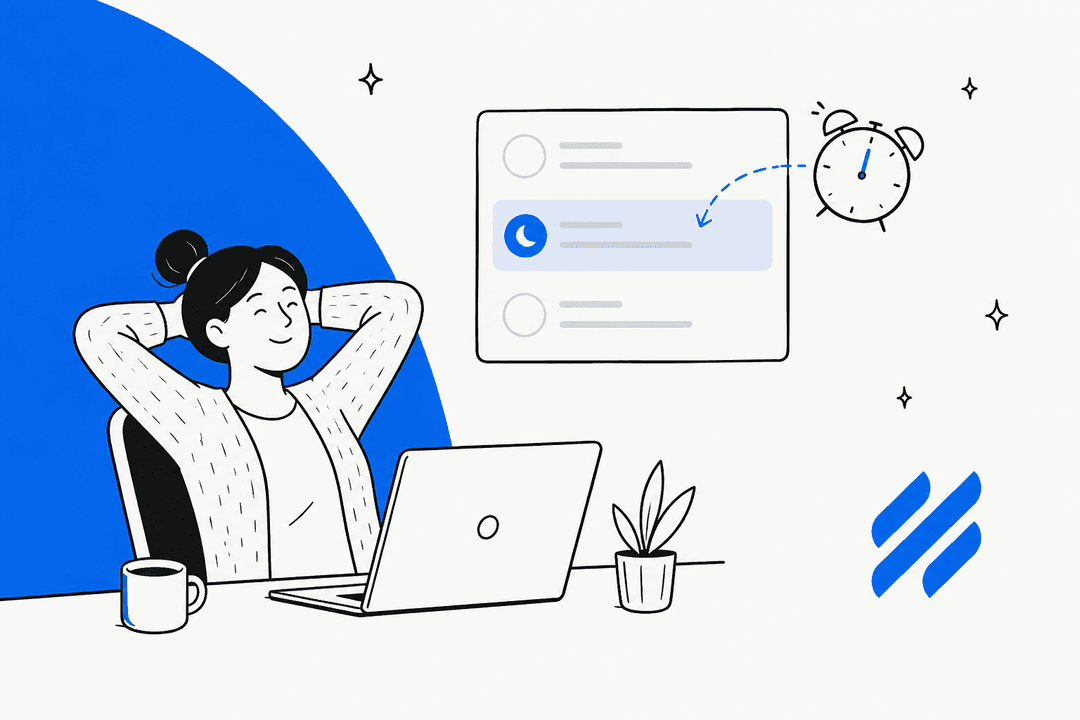
Help Scout snoozed conversations: what snooze does and doesn't do
Help Scout snoozed conversations explained: what snooze does to status, assignment and folders, what ends it, and how to stop snoozed tickets being forgotten.
 KiraNov 6, 2026
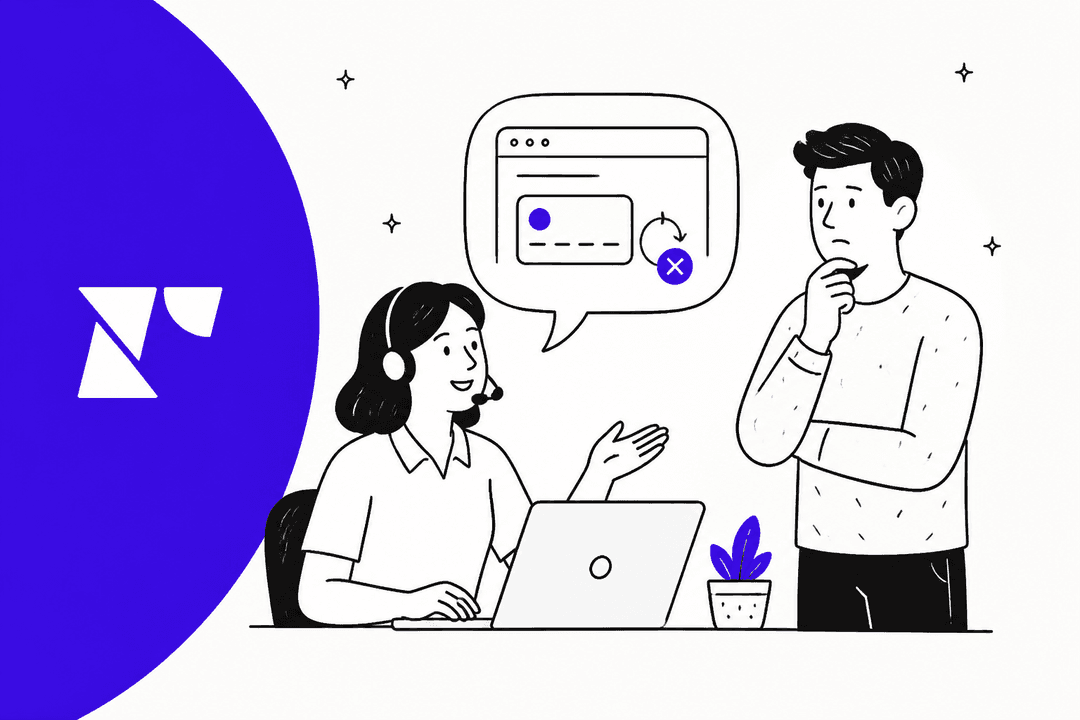
Recharge update payment method not working: causes and fixes
When a Recharge customer can't update their card, the cause is usually who holds it: Shopify, Recharge or PayPal. Here is where each update happens and what support can do.
Rama AdiNov 6, 2026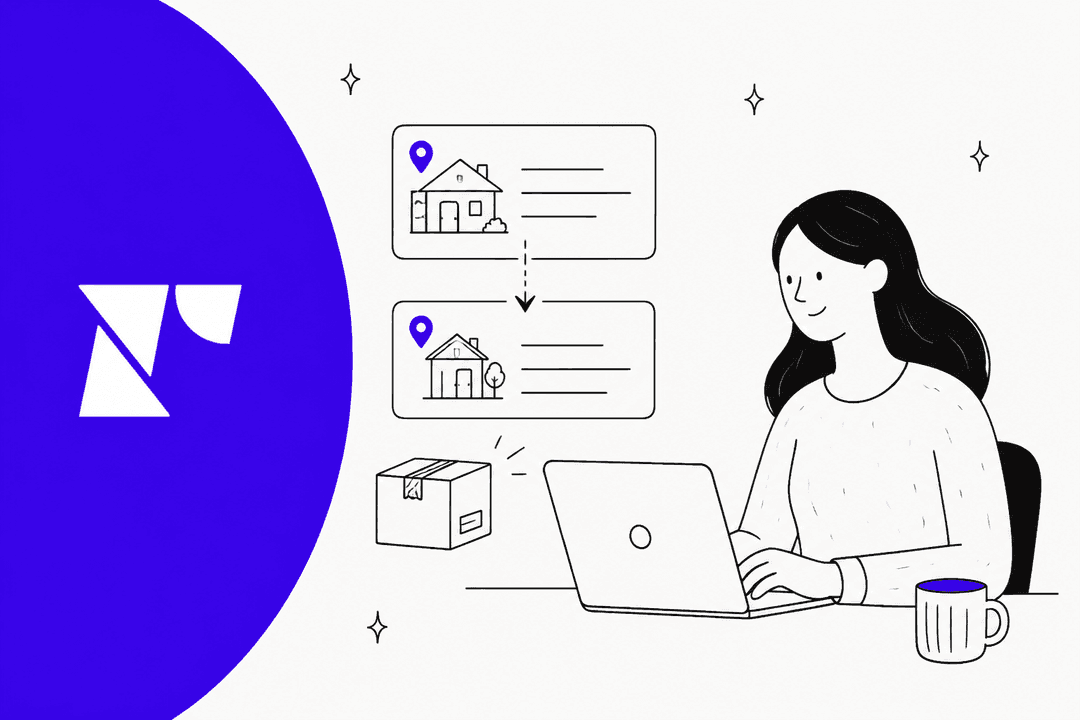
Recharge change shipping address: what the update touches
A Recharge address change follows the address record, not the customer. Here is which subscriptions and queued orders move, where Shopify sync stops, and what to check.
Riellvriany IndriawanNov 6, 2026
Recharge prepaid subscriptions: how deliveries and charges work for support
A Recharge prepaid plan is one upfront charge followed by queued $0.00 orders, and skips, cancels and address changes behave differently on it. Here is how to answer those tickets.
Rama AdiNov 6, 2026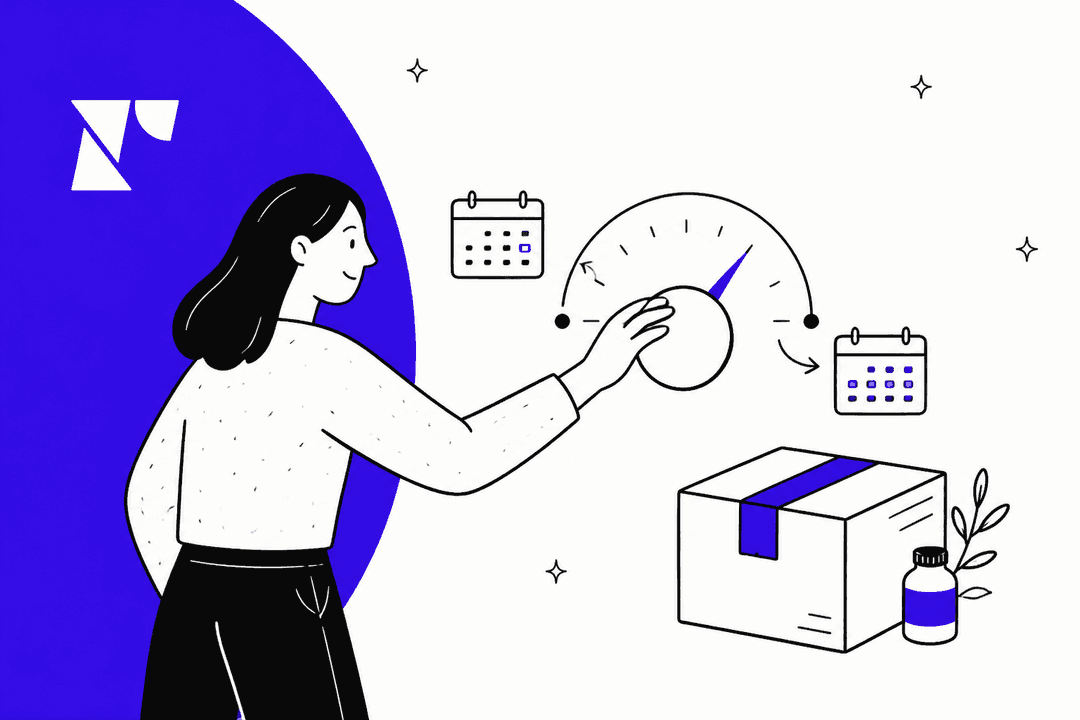
Recharge subscription delivery frequency: what happens to the next charge
Changing a Recharge subscription's frequency can move the next charge date. Charge and order intervals, prepaid plans, portal limits and the tickets they cause.
 Kurnia KharismaNov 6, 2026
Recharge customer portal login: why customers can't get in and how to fix it
Most 'I can't log in to manage my subscription' tickets in a Recharge store are not outages. The customer used the wrong one of four doors, an expired link, or an email Recharge has never seen.
Riellvriany IndriawanNov 6, 2026Ready to hire your AI teammate?
Set up in minutes. No credit card required.