The 7 best DocsBot AI alternatives in 2026

Kurnia Kharisma Agung Samiadjie

Katelin Teen
Last edited September 28, 2026

Why teams leave DocsBot
First, credit where it's due. DocsBot, built by UglyRobot, does the core job well: point it at your docs, website, and files, and it spins up an agentic RAG chatbot with source citations and its own "TrueURL" link check. It claims 75,000+ users and 3,000+ businesses, and Sony's NURO team reported it handled over 30,000 inquiries in one month at roughly 80% resolution. For a self-serve website chatbot on a marketing site or help center, it's a legitimate choice.
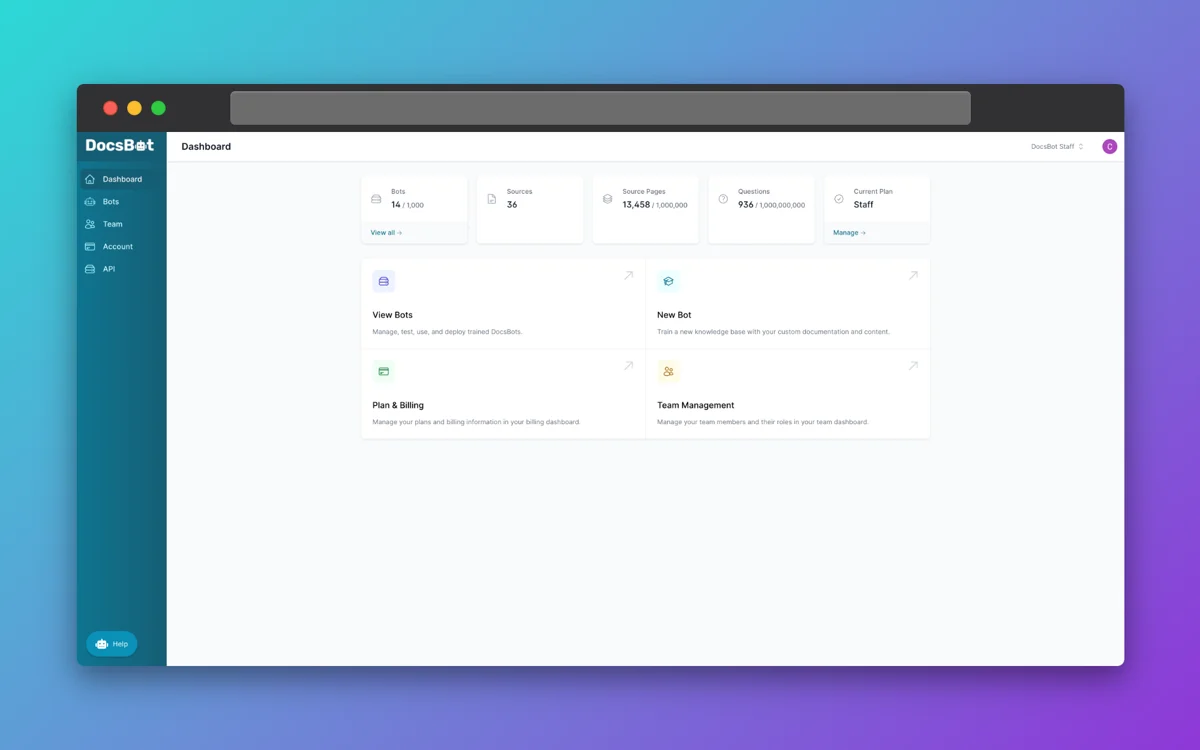
The friction shows up once you scale or once you want it doing real support work. Three patterns come up again and again.
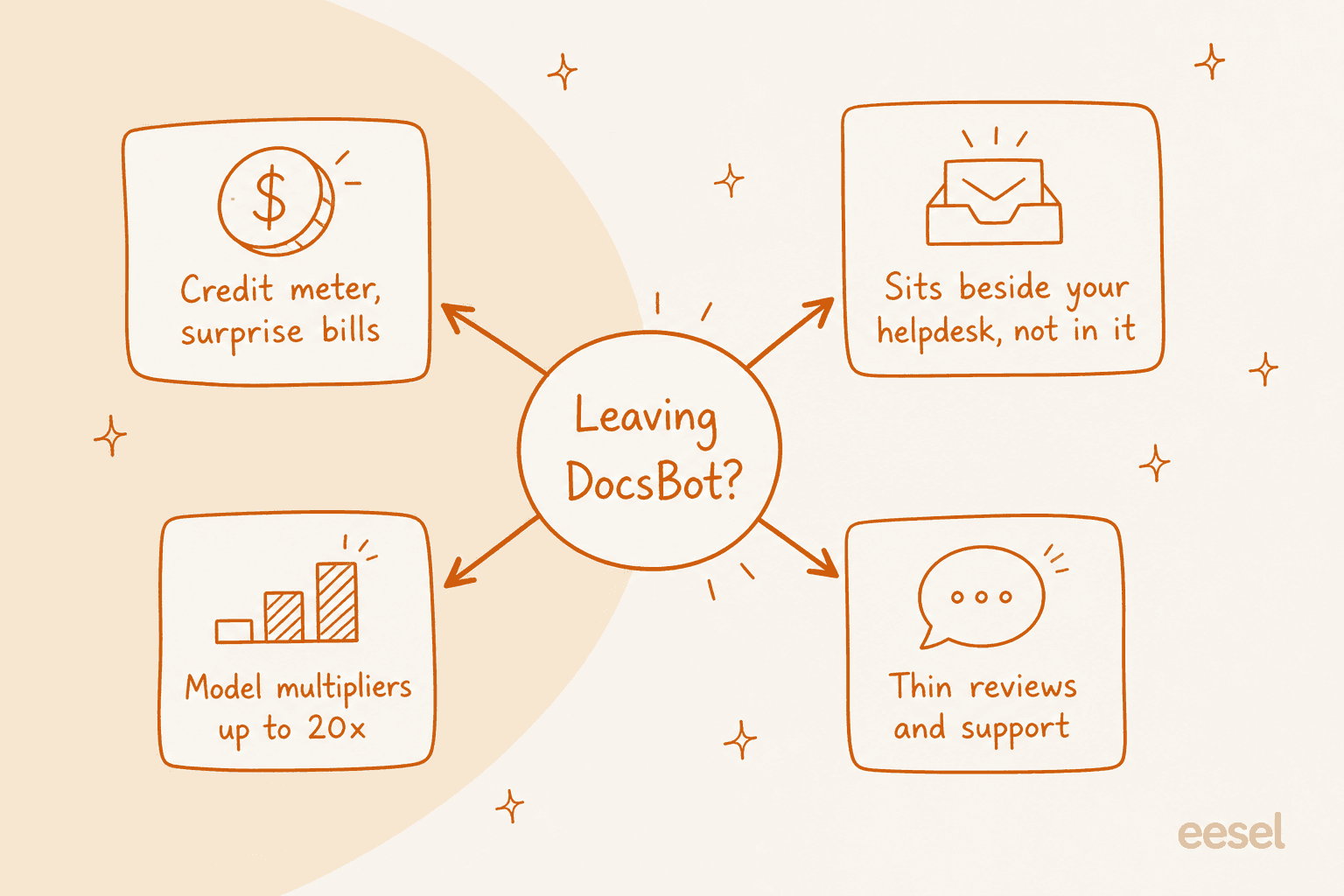
The billing is the big one. DocsBot bills in AI credits, starting at 1x per message and climbing for bigger models and AI actions. The model multipliers are steep: a lightweight model runs 1x, but a top-tier one can cost 20x per message, so the same conversation can cost 20 times as much depending on which model answers it. Hit your monthly credit limit and the bot simply stops answering until you buy more (a 5,000-credit pack is $49). That's a hard number to forecast when you don't control which questions come in.
The second is architecture. DocsBot is widget-first. Support features like ticket sources arrive on the Standard plan and there's a Help Scout draft integration, but it isn't built to live natively in a helpdesk queue the way a support-first tool is. If your agents work in Zendesk or Freshdesk all day, a separate widget is a context switch, not a teammate.
The third is proof. DocsBot's public review footprint is thin: just 4.3/5 on G2 across three reviews at the time of writing, with a small Product Hunt presence. That's not a knock on the product, but it does make it hard to pressure-test before you buy.
Here's what I actually looked for
I've spent the last few years putting AI agents on live support queues, and the thing that separates a demo from a deployment is almost never the answer quality on day one. It's whether the tool fits how your team already works and whether you can predict what it costs. So I weighted three criteria heavily:
- Where it lives. A standalone widget versus something that runs inside your helpdesk queue.
- What it trains on. Whether it can learn from your past tickets, not just published docs.
- How it bills. The unit that actually drives your monthly cost.
That last one deserves its own picture, because it's the detail most comparison posts skip.
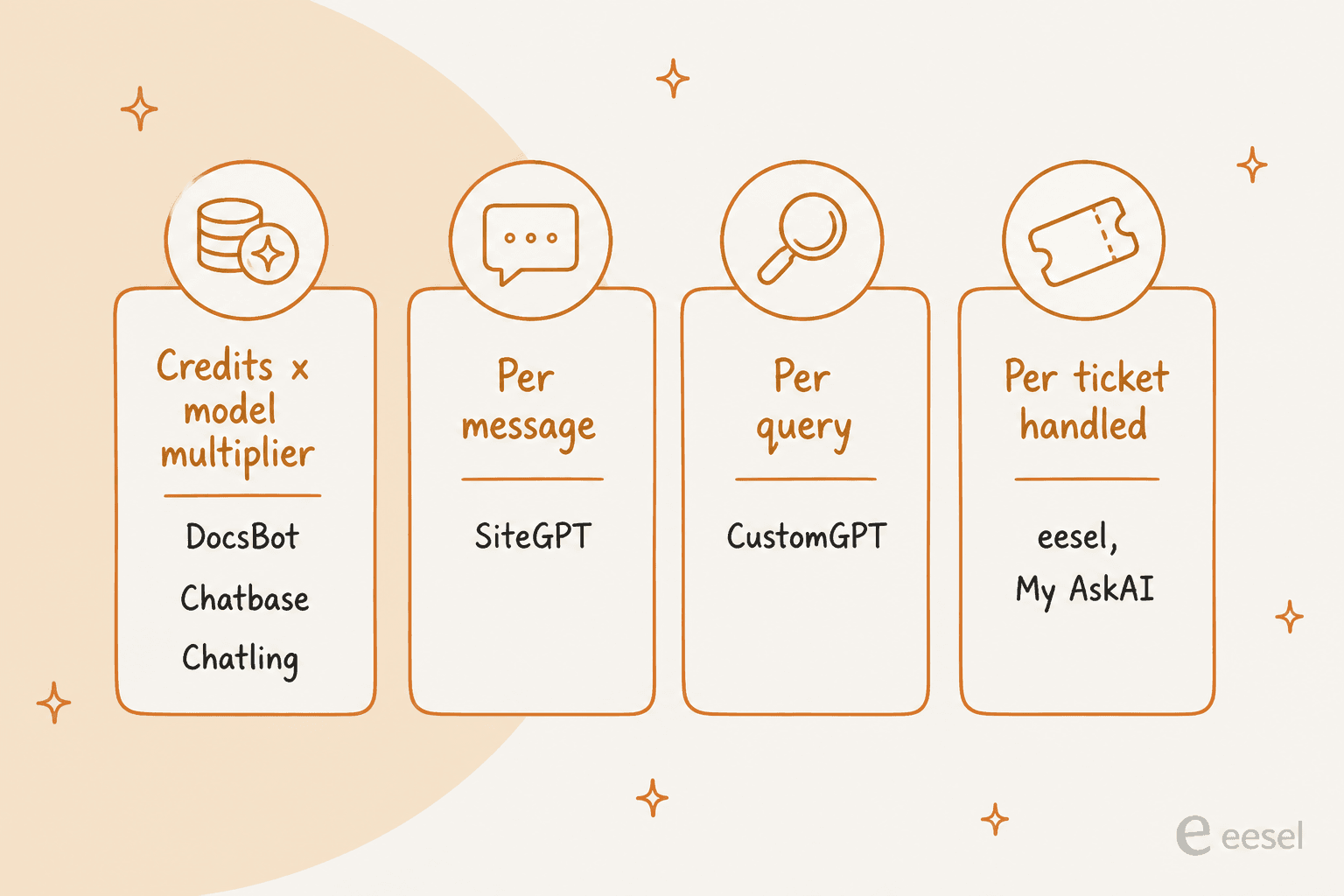
Read that chart before you read any pricing page. A tool billed per ticket handled is predictable: one conversation, one unit, whatever model answers it. A tool billed in credits with model multipliers can swing wildly depending on which model runs and how chatty each session gets. Same "starts at $X," very different bills.
The best DocsBot alternatives at a glance
| Tool | Best for | Starting paid price | Billing unit | Free plan | Runs inside your helpdesk? |
|---|---|---|---|---|---|
| DocsBot (the incumbent) | Self-serve doc widgets | $49/mo | AI credits x model | Yes (100 credits) | No, widget-first |
| eesel AI | AI inside your existing helpdesk | $299/mo (500 credits) | Per ticket / chat | Yes (100 credits) | Yes, natively |
| Chatbase | Multi-channel AI agents | $32/mo | Message credits | Yes (50 credits) | Handoff only |
| CustomGPT.ai | Citation-grounded answers | $89/mo (annual) | Per query | No (7-day trial) | Bolt-on |
| SiteGPT | Simplest URL-to-bot setup | $39/mo (annual) | Per message | No (7-day trial) | Bolt-on |
| Chatling | Best-value SMB builder | $21/mo (annual) | AI credits | Yes (200 credits) | Bolt-on |
| My AskAI | Cheapest per-ticket layer | $199/mo | Per ticket | No (30-day trial) | Yes, layers on |
| kapa.ai | Developer / technical docs | Quote only | Metered (queries) | No (14-day trial) | API / bolt-on |
Now the detail, starting with the one I'd hand most support teams.
1. eesel AI
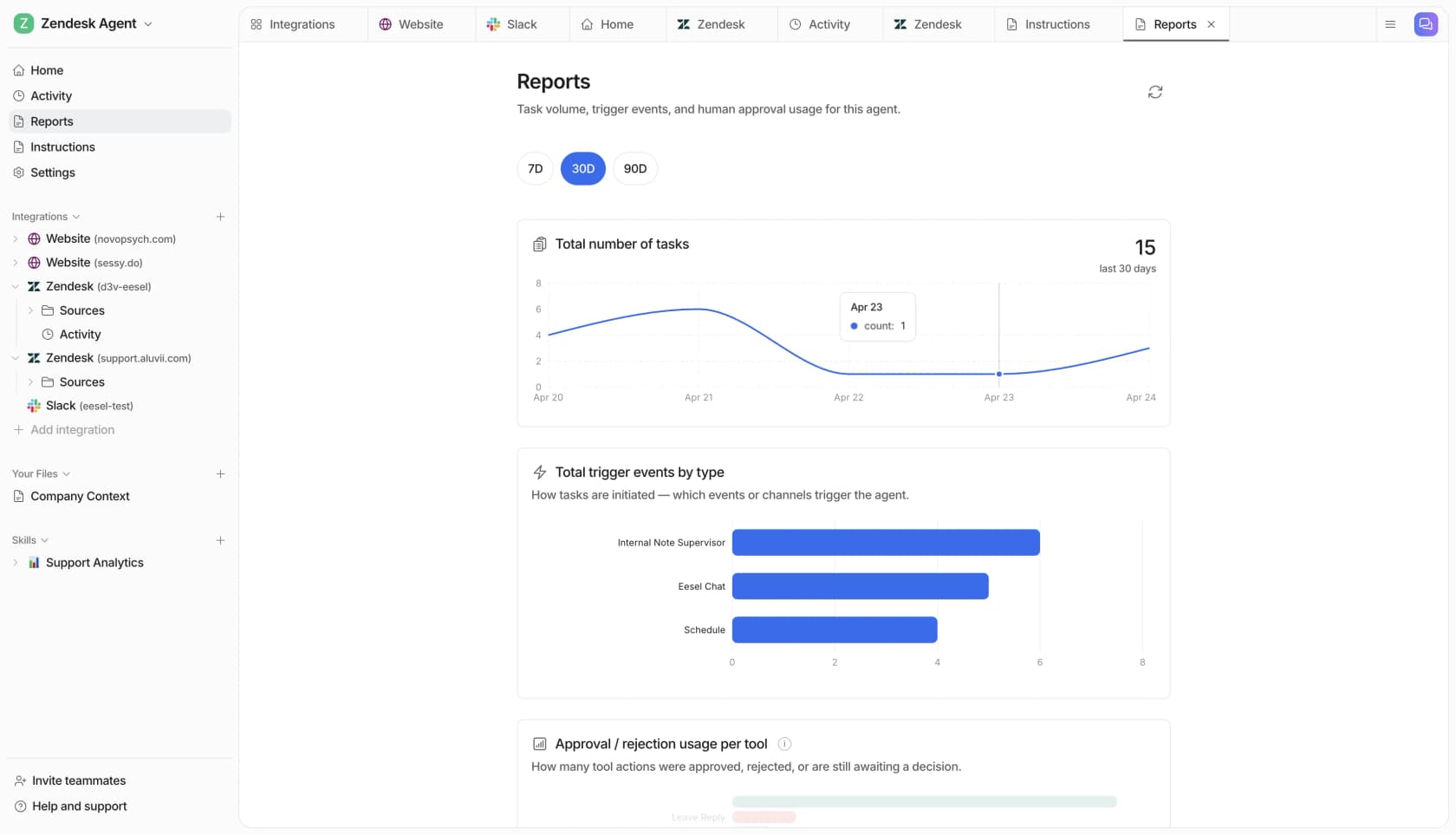
Best for: teams whose support already runs in a helpdesk and who want AI in that queue, not in a separate widget.
Full disclosure, this is my team's product, so read the verdict with that in mind. The reason it leads the list isn't the byline though, it's the category difference. DocsBot and most tools here are chatbots you embed. eesel AI is an AI teammate that plugs into the helpdesk your agents already live in, learns from years of past tickets, macros, and help-center content on day one, and starts drafting or auto-sending replies in that same queue.
The part I'd flag hardest for a DocsBot refugee is simulation over your own history. Before it answers a single live customer, eesel replays hundreds of your past tickets and scores its draft answers against what your team actually sent, so you get a read on quality before go-live instead of flipping a switch and hoping. That matters because I've watched confident-sounding bots quietly give wrong answers, which is exactly the failure a dry run over real tickets catches.
It's also the answer if your workflow is agentic. eesel ships a CLI plus an MCP server, so the same teammate you set up in the dashboard can be driven from a terminal, wired into scripts, or handed to coding agents like Claude Code and Cursor. Every command prints JSON, so automation is a first-class path, not an afterthought.
Pros
- Runs natively inside Zendesk, Freshdesk, Gorgias, Front, and Help Scout.
- Trains on past tickets on every plan, not just published docs.
- Simulation scores answers against your real history before launch.
- Billed per ticket or chat handled, so cost is predictable.
Cons
- Overkill if all you need is a marketing-site FAQ widget.
- The lowest paid teammate plan starts at $299/mo, so it's priced for teams with real ticket volume, not hobby projects.
Pricing: Free plan with 100 credits and no card, then fixed monthly credit plans: 500 credits for $299, 1,000 for $499, 1,500 for $699, 2,500 for $999, and up. One credit is one ticket or chat handled, regardless of how many back-and-forth messages it takes, and every plan includes unlimited agents and seats and all features. Optional overage is $0.80/credit. See the full eesel AI pricing.
"In the first month, eesel is resolving 73% of our tier 1 requests, and we saw results quickly during our 7-day trial."

Verdict: if your support lives in a helpdesk, this is the switch to make from a widget-style bot. If you only need a doc chatbot on a website, one of the lighter tools below will cost you less.
2. Chatbase
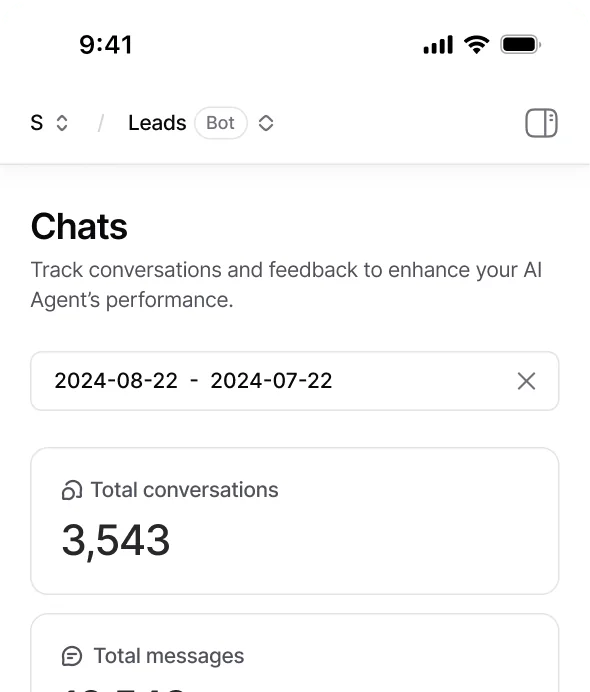
Best for: teams that want one AI agent spanning chat, email, and voice, with real actions.
Chatbase, led by founder Yasser Elsaid, has grown from a simple "chatbot on your docs" tool into a full AI agent platform for customer experience. It claims 10,000+ businesses and its strength over DocsBot is breadth: agents run across website chat, email, voice, WhatsApp, Slack, and more, take real actions like refunds and order lookups, and hand off cleanly to a human with a summary attached.
It also lets you test in a Playground before deploying and choose from a wide roster of models, which is a nicer safety net than most no-code builders offer. On the Pro plan you can even use past tickets as a training source, which narrows the gap with helpdesk-native tools.
Pros
- Genuinely multi-channel (chat, email, voice, social).
- Actions and a testing Playground built in.
- Tickets-as-a-source on Pro for better grounding.
Cons
- It's still a platform you deploy alongside your helpdesk, with handoff rather than living in the queue.
- The credit meter and add-ons stack up: removing branding is $1,188/year and auto-recharge is $40 per 1,000 credits.
Pricing: Free ($0, 50 message credits, agents deleted after 14 days of inactivity), Hobby ($32/mo, 500 credits), Standard ($120/mo, 4,000 credits), Pro ($400/mo, 15,000 credits), and custom Enterprise. Billed in message credits.
Verdict: the best pick here if you want a do-everything AI agent across channels and don't mind it living beside your helpdesk. If your world is one support queue, a queue-native tool will feel less like duct tape.
3. CustomGPT.ai
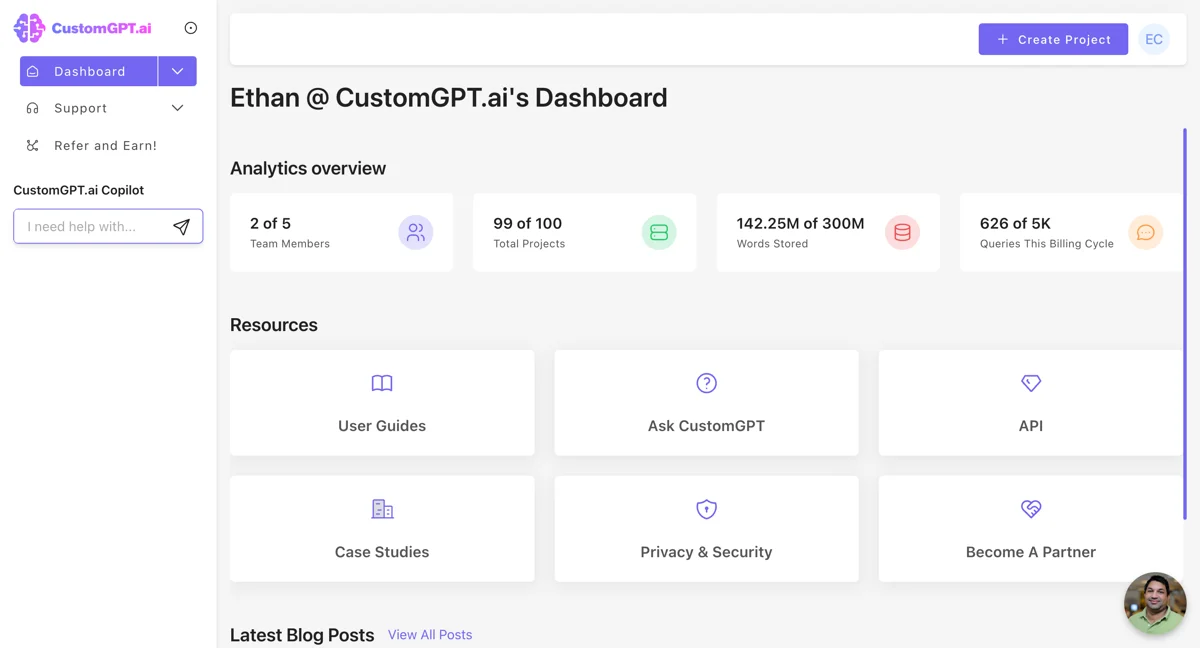
Best for: teams with large content libraries who care most about citation-grounded, low-hallucination answers.
CustomGPT.ai is the most direct like-for-like DocsBot competitor on this list: a no-code RAG builder that trains on your content (it claims 1,400+ file types) and ships every answer with a citation back to its source. It leans hard on trust, claiming a third-party-verified #1 for anti-hallucination and listing customers like MIT, the United Nations, Dropbox, and Adobe among a claimed 10,000+ organizations. It's SOC 2 Type II and GDPR compliant.
Two things to weigh. First, the review footprint is very thin for a tool of its claimed scale: 4.0/5 on G2 from a single review and 3.3/5 on Capterra from three. Second, a real usability gap surfaces in those reviews.
"It does not retain previous conversations, so every interaction starts fresh."

Pros
- Citation-first, anti-hallucination positioning with strong logos.
- Handles very large content libraries (300M words on Premium).
- Enterprise model selector including Claude via AWS Bedrock.
Cons
- Thin independent review volume for its claimed scale.
- No free plan, and the jump from Standard to Premium is steep.
- Reported lack of conversation memory.
Pricing: no free plan (7-day trial). Standard is $99/mo, or $89/mo billed annually (10 agents, 1,000 queries/mo), Premium is $499/mo or $449 annually (25 agents, 5,000 queries, removes branding), and Enterprise is custom. Billed per query, with extra 2,500-query packs at $375/mo.
Verdict: a fair swap for DocsBot if accuracy and citations are your top priority and your use case is document Q&A rather than live support. Just go in knowing the query meter and the thin public track record.
4. SiteGPT
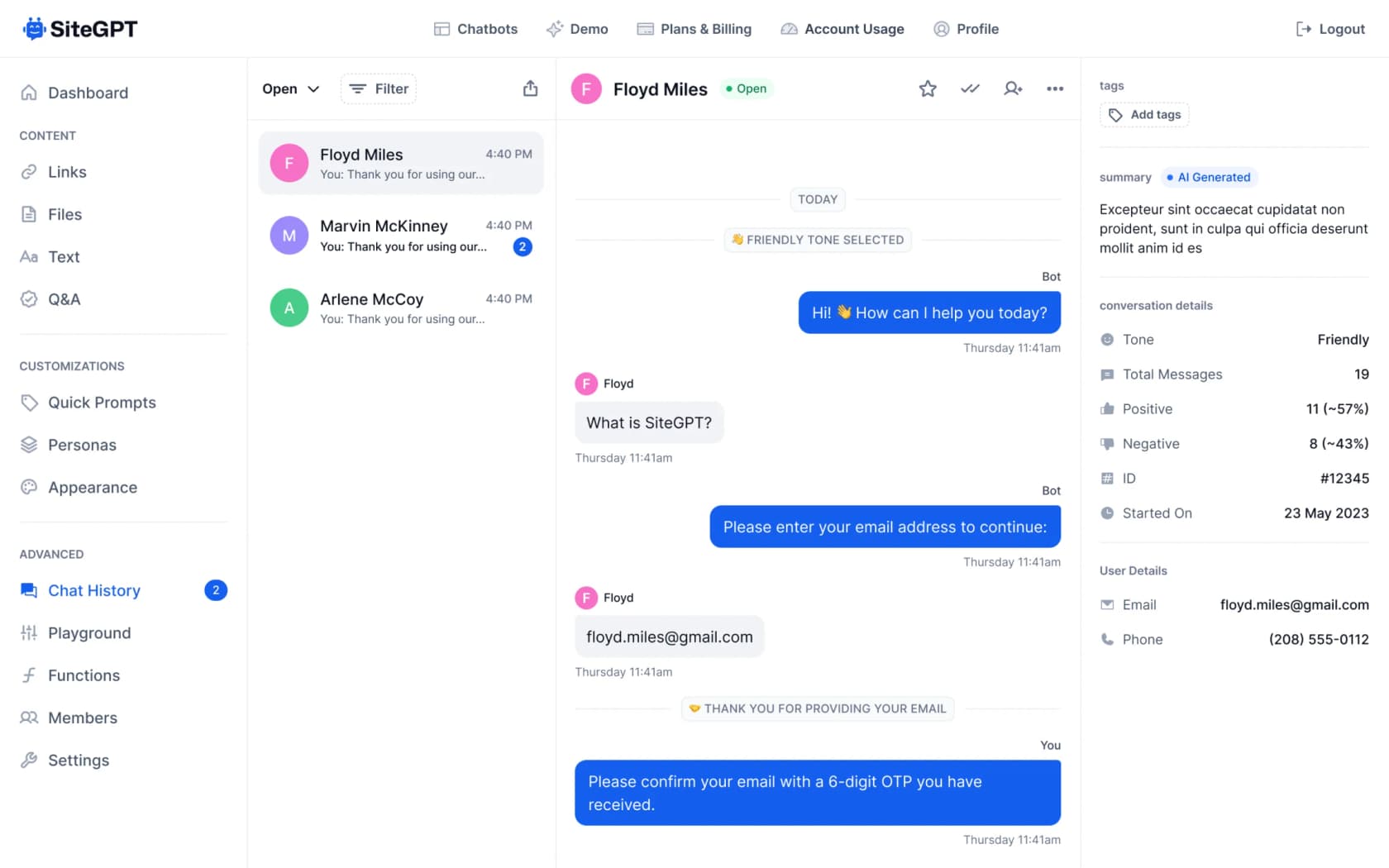
Best for: solo founders and small teams who want the fastest possible URL-to-chatbot path.
SiteGPT is the DIY end of the market done well. Paste a URL or sitemap, it trains a bot in a few minutes, you embed it, and it learns from real chat history over time. It's a self-described two-person team, which shows up as a genuinely simple product with a tight three-step setup and support for 95+ languages.
The honest limitation versus DocsBot is scope. SiteGPT trains on published content only, so there's no past-ticket ingestion, and it's a website widget rather than anything queue-native. Its billing is also worth reading closely: a "message" is one lighter-model reply, and a top-model reply consumes roughly 10x that, so the effective message count is lower than the headline number.
Pros
- Among the fastest and simplest setups on this list.
- Learns and refines from real chat history.
- Clear, cheap entry price for a single bot.
Cons
- Trains on published content only, no past tickets.
- No free plan, and the model multiplier eats into message quotas.
- Small team means a lighter roadmap than the bigger platforms.
Pricing: no free plan (7-day trial, card required). Starter is $59/mo, or $39/mo billed annually (1 bot, ~4,000 lighter-model messages, 1,000 pages), Growth is $129/$79 (2 bots, 10,000 messages), Scale is $429/$259 (3 bots, 40,000 messages), and Enterprise is custom. Extra 5,000-message packs are $59/mo, and removing branding is +$39/mo.
Verdict: a good, cheaper DocsBot alternative for a straightforward website FAQ bot. If you need it to touch your helpdesk or learn from tickets, look higher up the list.
5. Chatling
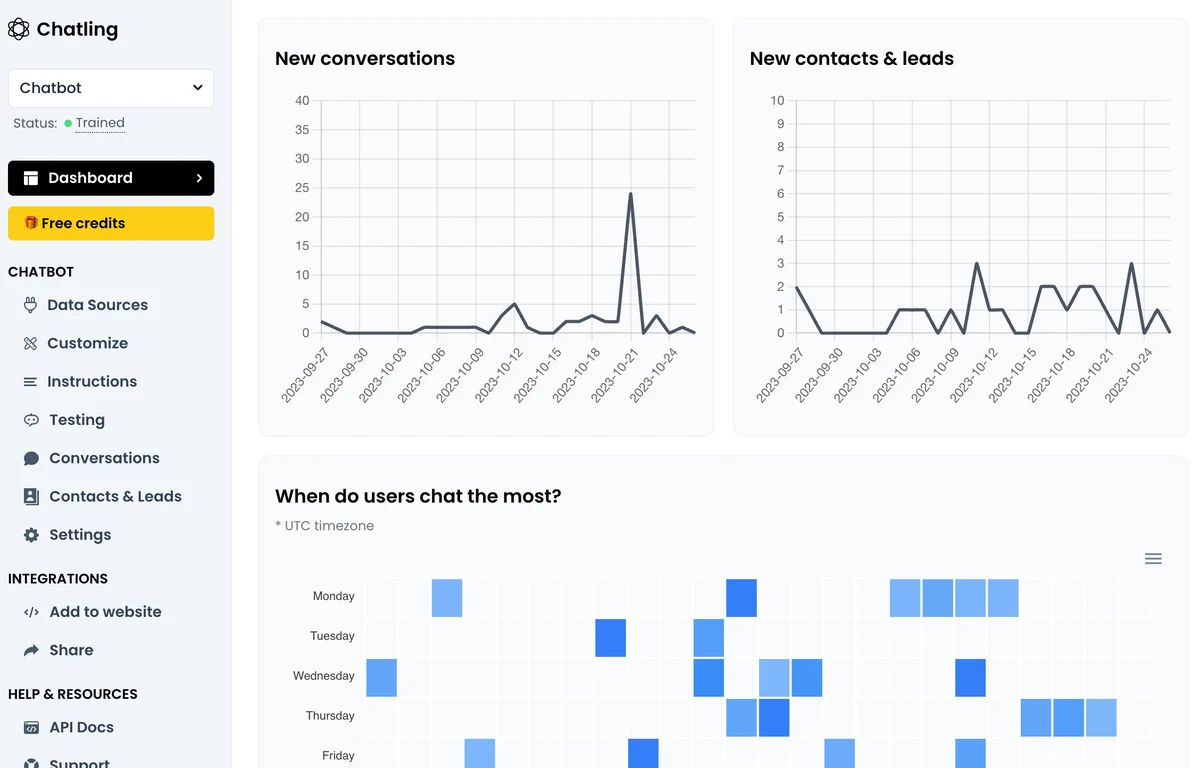
Best for: SMBs who want the best value in a no-code, omnichannel chatbot builder.
Chatling markets itself as "built for resolution, not deflection," and it's the value pick among the pure builders. It deploys across web, WhatsApp, Instagram, Telegram, and Messenger with human handoff, offers a choice of 37 models, and has the strongest community proof of any builder here: 4.7/5 on G2 across 79 reviews and 4.3/5 on Trustpilot. Reviewers consistently call out how fast it is to get a bot live, often in 20 to 30 minutes.
It's honest about being an SMB tool: two of every three G2 reviewers are small businesses. The recurring gripes are worth knowing.
"Their support is slow, it sometimes feels as if Chatling has just one person dedicated to assisting."
Reviewers also want more advanced conditional logic, and a few note the credit costs add up once you move past the free tier.
Pros
- Strongest independent review scores of any builder here.
- Omnichannel and no-code, live in minutes.
- The cheapest genuine paid entry point on this list.
Cons
- Support responsiveness is a recurring complaint.
- Limited conditional logic for complex flows.
- Website-widget model, not helpdesk-native.
Pricing: Free ($0, 200 AI credits), Starter ($25/mo or $21/mo annually, 1,750 credits), Growth ($75/mo or $63 annually, 6,000 credits), and Scale ($295/mo or $246 annually, 35,000 credits, removes branding, adds Copilot). Billed in AI credits that vary by model.
Verdict: the best-value DocsBot alternative for a small team that wants an omnichannel bot without a big bill. Manage expectations on support speed and complex logic.
6. My AskAI
Best for: teams that want the cheapest per-ticket AI layered onto an existing helpdesk.
My AskAI shares eesel's core idea of adding AI to the helpdesk you already run rather than replacing it, and it competes almost entirely on price. Its headline is $0.10 per ticket, which it frames as a fraction of what native helpdesk AI charges. It imports your help center, SOPs, and past tickets, then drafts and sends replies inside your existing tool, with vendor-reported results like Freecash resolving 82% of conversations.
The trade-off versus a deeper platform is exactly what the low price implies: it's a lean, fast-setup layer rather than a heavily configurable teammate. One billing nuance to catch: on integrations, a "conversation" is every two AI responses, so read the unit before you model your cost.
Pros
- Layers onto your existing helpdesk, no rip-and-replace.
- Very cheap per-ticket economics.
- Fast setup and a genuine 30-day free trial.
Cons
- Lighter on deep configuration and testing than bigger platforms.
- The "conversation = two responses" unit needs careful reading.
- Fewer native helpdesk integrations than the category leaders.
Pricing: 30-day free trial (no card). Pro is $199/mo (1,000 tickets included, $0.12/extra), Scale is $499/mo (2,000 tickets, $0.10/extra, adds SOC 2 Type II and API access), and Enterprise starts at $999/mo. Billed per ticket.
Verdict: a strong budget pick if you want AI in your helpdesk and price is the deciding factor. For heavier configuration, simulation, and broader integrations, you're comparing it against eesel at the top of this list.
7. kapa.ai
Best for: developer-tools companies grounding AI agents in technical docs via API or MCP.
kapa.ai is the outlier here, and I've included it because a chunk of DocsBot users are actually developer-tools teams who'd be better served by it. Founded in 2023 by Emil Sorensen with a $3.2M seed, kapa is an agentic retrieval platform, not a finished chatbot. It ingests 20+ developer sources (GitHub, OpenAPI specs, Confluence, Slack, Discord, Stack Overflow) and serves ranked, cited context to an agent via API or a hosted MCP server. Crucially, kapa doesn't write the answer; your agent reasons, kapa grounds it.
That focus has earned it serious logos, including OpenAI, Docker, Reddit, Mapbox, and Raspberry Pi, and its whole pitch is accuracy and knowing when it doesn't know. It's the opposite of no-code, though, and the pricing reflects an enterprise, sales-led motion.
Pros
- Best-in-class for technical, developer-facing documentation.
- API and MCP-first, built to plug into your own agent stack.
- Strong anti-hallucination reputation and marquee customers.
Cons
- Not a no-code, finished chatbot like DocsBot.
- Pricing is quote-only, so no fast self-serve path.
- Overkill for general customer support or a marketing-site FAQ.
Pricing: 14-day trial, then quote-only Growth and Enterprise plans, metered on pages, queries, and answers. SOC 2, GDPR, SSO, SCIM, and EU hosting are available.
Verdict: if you build developer tools and want retrieval infrastructure behind your own agent, kapa is a better fit than any general-purpose builder here. For everyone else, it's the wrong shape of tool.
How to actually choose
If you strip away the branding, these tools sort onto two questions: where does the AI live, and who is it built for? Plotting them makes the decision obvious.
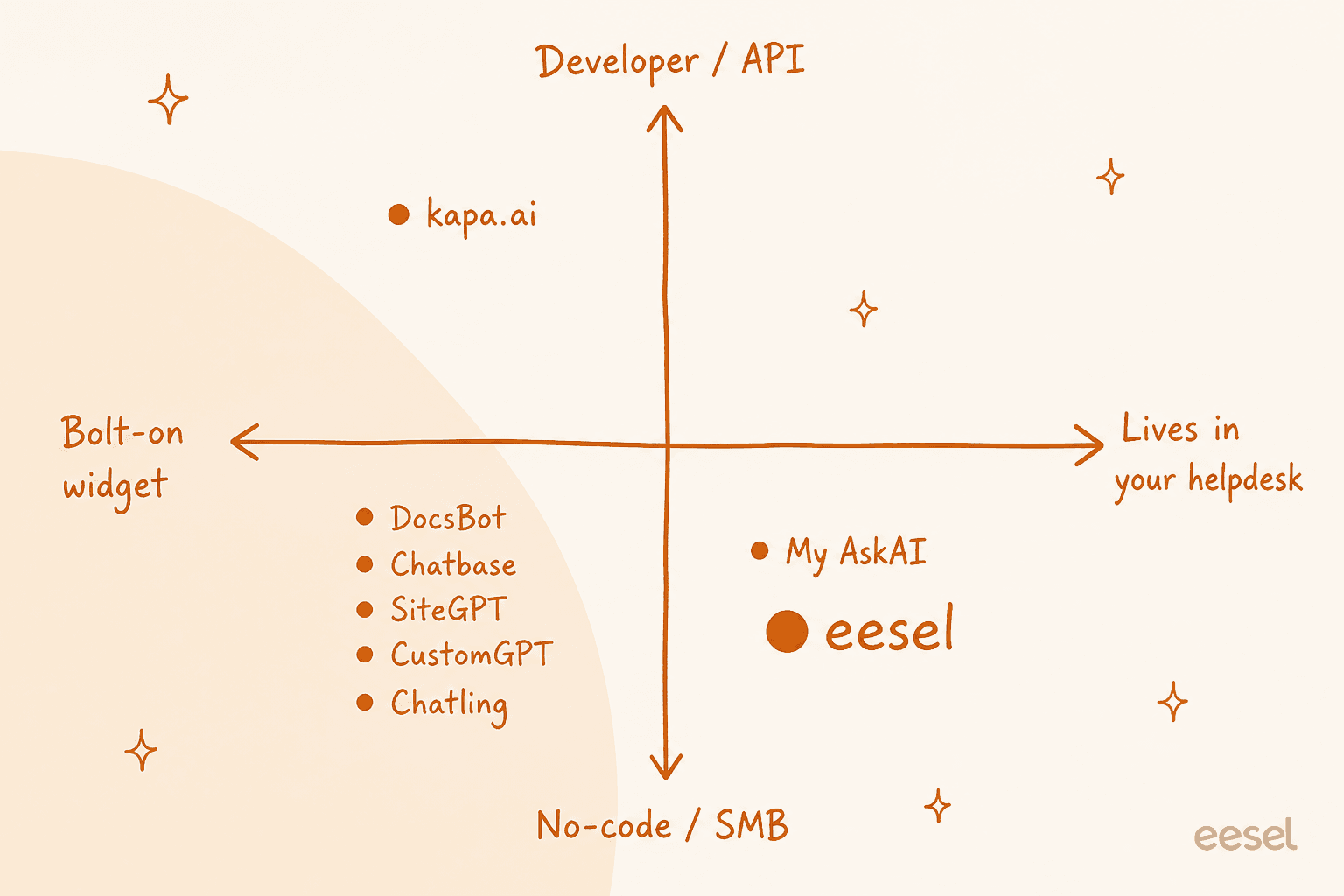
The cluster in the bottom-left (DocsBot, Chatbase, SiteGPT, CustomGPT, Chatling) is where you shop if you want a standalone, no-code widget trained on your own content. Among those, Chatling is the value play, Chatbase the most capable, and CustomGPT the accuracy specialist.
The bottom-right is where you shop if support is real work that happens in a queue: eesel AI and My AskAI both run inside your existing helpdesk. And the top-left, kapa, is its own thing for developer docs. Once you know which region you're in, the shortlist writes itself.
Try eesel AI
If you're leaving DocsBot because a widget beside your helpdesk stopped being enough, that's exactly the gap eesel AI was built for. It joins your existing Zendesk, Freshdesk, Gorgias, Front, or Help Scout queue like a new hire, learns from your past tickets and help center on day one, and simulates its answers against your real ticket history before it ever replies to a live customer, so you launch on evidence, not hope. Billing is one credit per ticket handled, so your costs stay predictable no matter which model does the work.
You can start free with 100 credits and no card, and see how it does on your own tickets in a 7-day trial. If content is the job instead of support, the same platform includes an AI blog writer teammate too.
Frequently Asked Questions
What is the best DocsBot alternative in 2026?
How much does DocsBot cost, and why do people look for alternatives?
Are there any free DocsBot alternatives?
Which DocsBot alternative works inside my existing helpdesk?
What should I look for in a DocsBot alternative for customer service?


Article by
Kurnia Kharisma Agung Samiadjie
Kurnia is a software engineer and writer at eesel AI with two years of SEO experience, writing about AI tools, helpdesk software, and customer support. He pairs a developer's understanding of how these products are built with search-driven research into what actually ranks and resonates with the people searching for them.