

The live chat tools that will sign a HIPAA business associate agreement (BAA) for website chat in 2026 are OhMD, Zendesk, LiveChat, Help Scout, Freshchat, Zoho SalesIQ, Podium, Weave and Salesforce. Olark says it isn't HIPAA compliant, and Tidio, tawk.to and Crisp offer no BAA on their sites. For a small practice I'd pick OhMD (from $300/month, BAA on every plan); for a support team, Zendesk, whose BAA names both its chat and its AI agents on a self-serve plan.
The catch most guides skip: a BAA covers named products, not your whole setup. AI add-ons, integrations, emailed transcripts and the tracking tags on the page each need their own check. If you want AI answering routine patient chats, eesel signs a BAA on Enterprise and hands clinical questions to your team.
Is any live chat software actually "HIPAA compliant"?
No chat tool is HIPAA compliant on its own. HIPAA has no product certification. What exists is a business associate agreement, the contract HHS requires when a vendor handles protected health information (PHI) for you, as its business associate guidance explains. A vendor that signs one is agreeing to protect the data. Whether your chat is compliant still depends on how you set it up.
LiveChat says this out loud in its own HIPAA configuration guide: "Text does not ensure HIPAA compliance on your behalf." Its BAA then folds that guide in as required instructions you must "self-configure and follow." Zendesk does the same with a security configuration checklist that HIPAA-enabled accounts have to apply.
I work the eesel support queue, and I've watched this exact checkbox end a conversation. In March 2026, a US physical-therapy platform on Zendesk (around 500 tickets a month) stopped an eesel demo cold because eesel couldn't sign a BAA at the time. It wasn't a soft concern. It was the whole meeting. eesel now offers one on Enterprise, and that deal taught me what healthcare buyers actually ask first: "will you sign, and what exactly does it cover?"
That's also how practices phrase the search when they start out:
"I'm looking for a tool (CRM or something like it) that I can use for a chat messaging with a medical practice. Patients would be onboarded, ask our doctors questions, and message them back and forth to answer these questions. Is there a tool that I could repurpose for this task? Needs to be HIPAA compliant. We already have an EMR but its not good for chat. Ideally something less expensive than Zendesk."

So the useful question isn't "is this tool HIPAA compliant?" It's which parts of the chat the BAA names. A patient's message passes through more than the chat box:
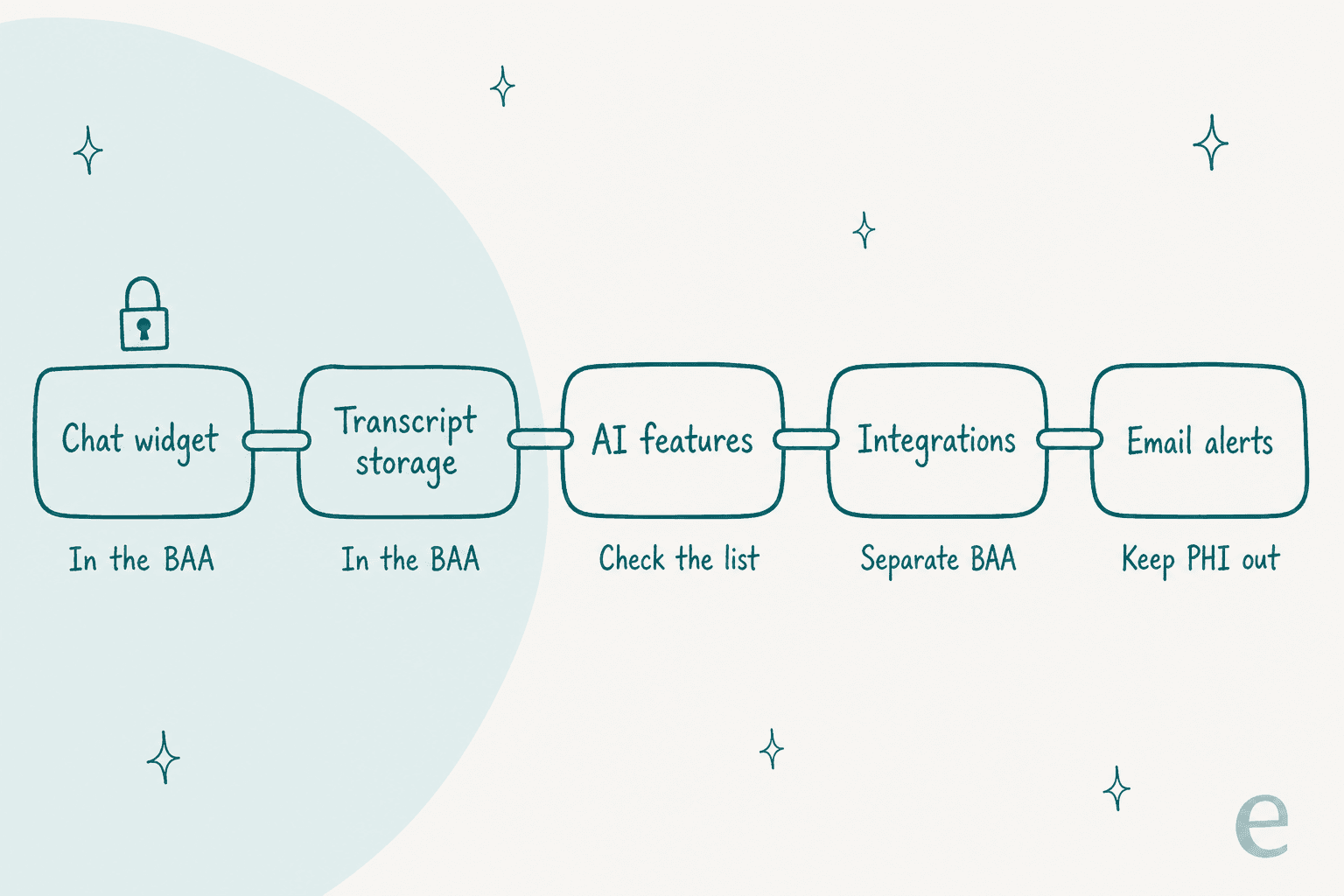
Every vendor below covers the first two links. They split on the last three, and that's where practices get caught.
What should you check before signing a chat vendor's BAA?
Most HIPAA chat roundups give you a generic list: encryption, access controls, audit logs. Every vendor here has those. The checks that actually separate them come straight out of their BAA scope documents:
| Check | Why it matters | Example from a vendor's own docs |
|---|---|---|
| Which plan unlocks the BAA | Most gate it to a top tier | Help Scout: "HIPAA support is only included in the Pro plan" (Help Scout) |
| Is live chat named in scope | Some BAAs cover a product family, not every module | Freshworks covers standalone Freshchat, not Freshchat inside Freshsales Suite |
| Is the AI named in scope | AI is the newest and least-covered piece | Help Scout needs an "AI Feature Healthcare Addendum" |
| Emailed transcripts | Chat copies sent by email leave the protected system | Zendesk and LiveChat both require you to turn transcript emails off |
| File uploads | Patients send photos of prescriptions and insurance cards | Zendesk messaging attachments "are currently not scanned for malware" |
| Push notifications | Alerts can carry message text through third parties | Freshchat says turn off web visitor notifications, which route via Google Firebase and Apple |
| Integrations | Your CRM or Zapier hook is outside the chat vendor's BAA | LiveChat's BAA excludes "third-party integrations used by the Client" |
| Text and social channels | SMS, WhatsApp and Messenger usually fall out | Salesforce says SMS, WhatsApp, Apple Messages and Messenger "aren't HIPAA-certified" |
If a sales rep can't answer the AI and integrations rows in writing, assume they're not covered. My security review guide has the questions I'd send.
Plan gating is common across software, and one seller described the logic plainly on Hacker News:
"I've done this in the past for people - same product, but "Certified HIPAA Compliant" or what have you, even when the base level is already HIPAA compliant. But we won't sign a BAA for you unless you cough up or demonstrate need."

HIPAA live chat software compared
Prices are for one buyer: a practice group with five front-desk staff on chat, using the cheapest plan the vendor ties to its BAA, billed annually where the vendor shows both.
| Tool | Best for | BAA plan | Chat named in BAA | AI named in BAA | Real in-page chat | Cost for 5 staff | Security claims | How you buy |
|---|---|---|---|---|---|---|---|---|
| OhMD | Small to mid practices | Every plan | Inbox-wide | Not stated for web chat | Yes | From $300/mo | HITRUST assessed, SOC 2 | Demo |
| Zendesk | Support teams | Suite Professional+ | Yes, by name | Yes, AI agents and Copilot | Yes | $575/mo | HIPAA scope matrix, HDS | Self-serve BAA via DocuSign |
| LiveChat | Classic website widget | Legacy Enterprise | Yes (LiveChat only) | 3 assist features, not the AI Agent | Yes | Quote only | Product-specific BAA | Sales call (Order Form) |
| Help Scout | Small support teams | Pro | Account-wide | Only with AI addendum | Yes (Beacon) | $375/mo | Self-serve BAA | Book a demo |
| Freshchat | Freshworks shops | Enterprise | Standalone Freshchat, Freshdesk Omni | Not stated | Yes | $395-$595/mo | Per-product BAA | Mutually executed BAA |
| Zoho SalesIQ | Lowest seat price | On request | Yes, chats treated as ePHI | Not stated | Yes | $35-$100/mo | BAA template | Email Zoho legal |
| Podium | Text-first practices | Any plan | Covered as a Podium service | Not stated | No, moves to SMS | $399/mo | BAA in terms | Watch a demo |
| Weave | Dental and specialty offices | Any plan | Covered as a Weave service | Yes, explicitly | No, moves to SMS | From $199/mo | BAA covers 42 CFR Part 2 | Get pricing |
| Salesforce | Enterprise health orgs | Via account rep | Yes, Enhanced Chat | Some, with restrictions | Yes | $1,975/mo (Advanced) | HIPAA, ISO 27001, HDS | Account rep |
Zoho's range is its Basic ($7) to Enterprise ($20) operator price, because Zoho doesn't say which tier its BAA applies to. Freshchat's range is standalone Enterprise ($79/agent) to Freshdesk Omni Enterprise ($119/agent).
How I picked these
I read each vendor's BAA scope page, HIPAA configuration guide and pricing page on November 4, 2026, and kept only tools that put a BAA offer on their own site. Two things moved a tool up: the BAA naming live chat specifically, and a clear answer on whether the AI is covered. I also checked whether the "web chat" is a real in-page chat or a form that moves the patient to SMS, because that changes what you're buying. If you're still deciding between a bot and people, my AI chatbot vs live chat post covers that first.
1. OhMD
Best for: small and mid-size practices that want website chat, texting and calls in one patient inbox.
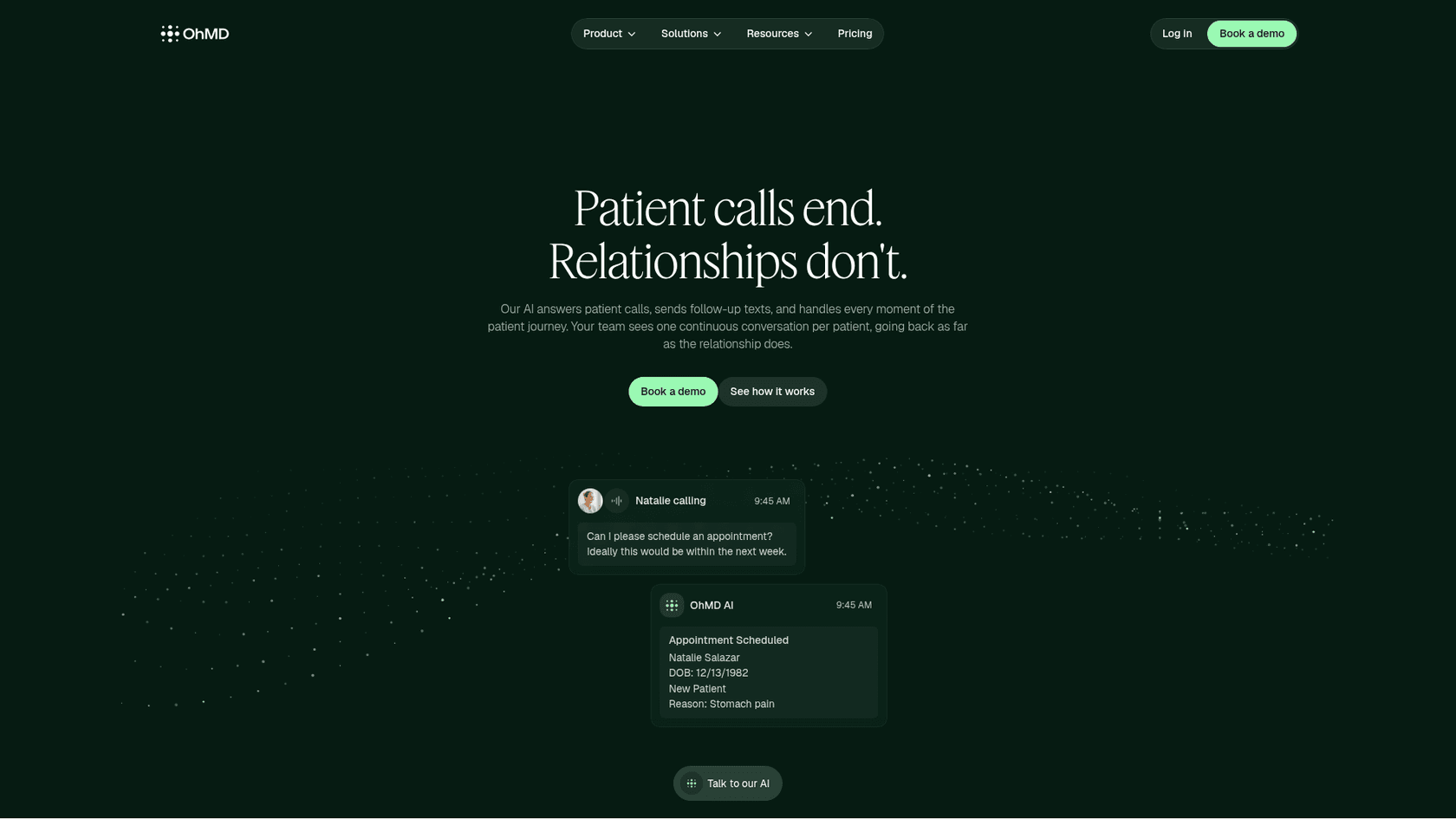
OhMD is built only for healthcare, closer to a healthcare helpdesk than a sales chat tool. Texting, calling, video, web chat, broadcasts and forms land in one inbox, and the company claims 1200+ healthcare organizations and 85 EHR and practice management integrations. Website chat is a line item on its pricing page, and its own guide says you can set chat hours, an after-hours auto-reply, and a contact card that collects the visitor's details.
The BAA is the simplest on this list. OhMD's HIPAA page says it "provides an automatic BAA for every user," executed the moment you start using the platform. Custom BAA language is an Enterprise extra. The same page still says the BAA comes "even on the free plan," but no free plan appears on today's pricing page, so treat that line as old copy.
Pros
- Real website chat that lands in the same thread as the patient's texts and calls.
- BAA on every plan, no tier gate.
- Pushes chats to the patient chart in a click via EHR integrations like athenahealth, eClinicalWorks and ModMed (OhMD's plans page lists EHR integration on the
$500tier).
Cons
- No self-serve trial; every plan goes through a demo.
- AI (its assistant, Nia) sits on the
$500tier, and calling usage is billed on top. - No OhMD page says whether Nia answers web chat or only calls and texts.
Pricing
| Plan | Price | What it adds |
|---|---|---|
| Core | From $300/month | Two-way SMS, voice and video, website chat, BAA |
| AI & Automation | From $500/month | Nia AI voice and text, routing, scheduling. Calling usage extra |
| Enterprise & scale | Custom | SSO, custom BAA, multi-location. Minimums apply |
My take: the pick for a practice without a helpdesk. You're buying a patient inbox, not a support tool, and that's the right shape for appointments and refills. Skip it if you already run Zendesk or Freshdesk for support and just need chat on top.
2. Zendesk
Best for: support teams that want chat and AI agents both named in the BAA.
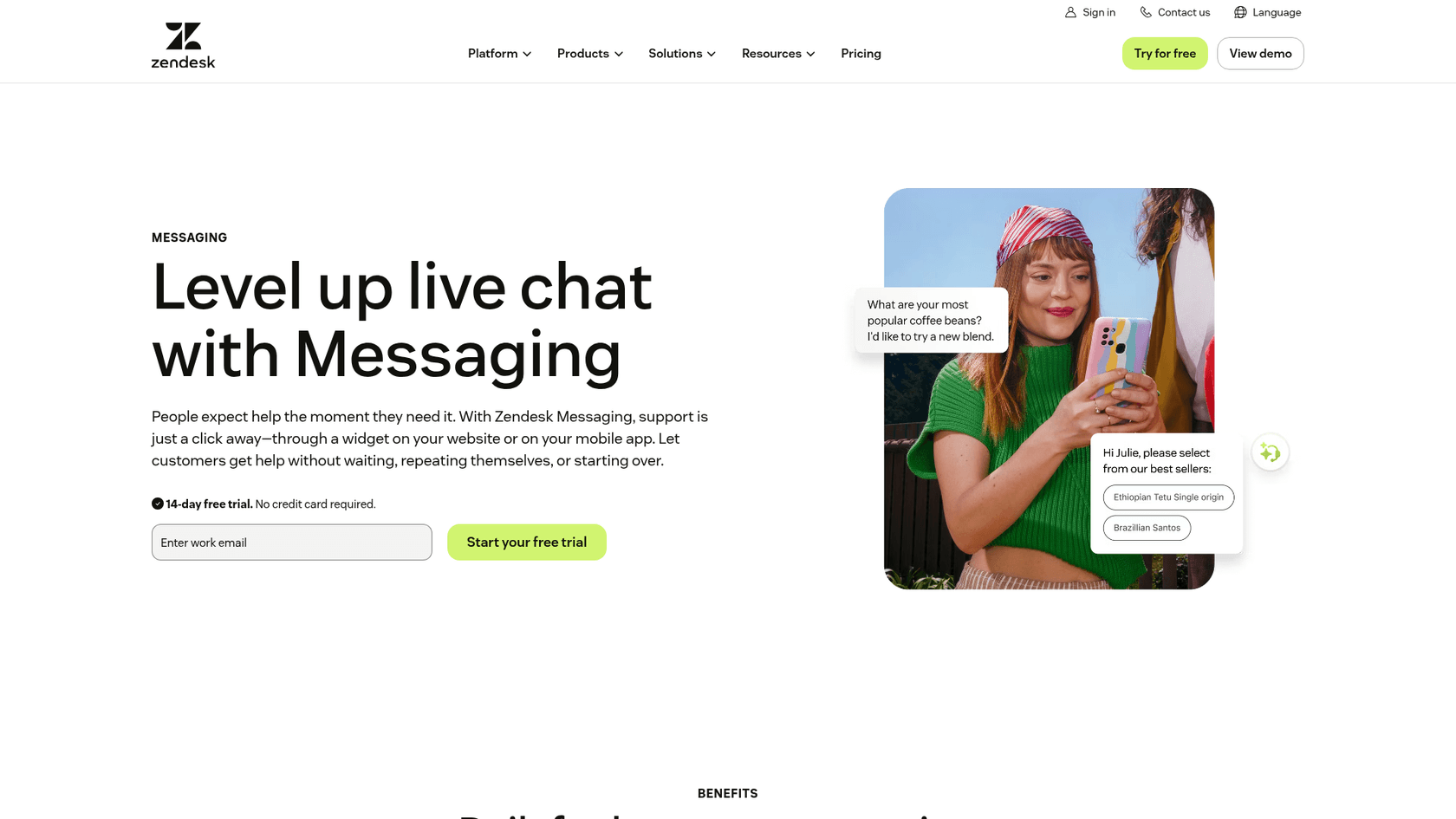
Zendesk is the most mid-market-friendly helpdesk here whose BAA scope names both pieces you care about (Salesforce does too, at enterprise prices). Its Advanced Compliance article lists "Chat (Live Chat Functionality) and Zendesk messaging" as covered services, and its trust center says "the Zendesk AI is eligible for coverage." AI Agents, AI Agents - Advanced, Forethought AI agents and Copilot all appear in scope. Early Access Program features don't.
The setup is real work, and it sits on top of Zendesk's general security and compliance controls. HIPAA-enabled accounts must apply Zendesk's configuration requirements: disable end-user attachments in messaging (or use secure attachments), decide on persistent web widget conversations, use JWT authentication with tokens that expire in "no more than 15 minutes," and stop emailing chat transcripts. One detail caught my eye: AI agent conversations that never reach a person "are still stored in the system and it is the responsibility of Subscriber to delete those."
Pros
- Chat and AI named in the BAA, which only Salesforce matches, at a much higher price.
- Self-serve BAA via DocuSign once you're on the right plan.
- A detailed, public configuration checklist.
Cons
- Native SMS ("Text") and social messaging integrations are excluded.
- AI chats turned into tickets "cannot currently be redacted."
- Zendesk's own scope list includes WhatsApp Numbers while its setup rules say to keep PHI off social channels, so confirm before switching it on.
Pricing
| Plan | Annual | Monthly | HIPAA |
|---|---|---|---|
| Suite Professional | $115/agent | $149/agent | Yes, Advanced Compliance included |
| Suite Enterprise | Talk to sales | Talk to sales | Yes |
Suite Professional includes 10 AI automated resolutions per agent each month, per the Zendesk pricing page. My Zendesk pricing breakdown has the rest.
My take: the safest choice if your support team already lives in a helpdesk and you want AI in the loop. It costs more per seat than Help Scout, and you'll spend an afternoon on the config checklist. The Zendesk HIPAA guide I wrote earlier walks through it.
3. LiveChat
Best for: a classic website chat widget with the most detailed HIPAA setup guide on this list.
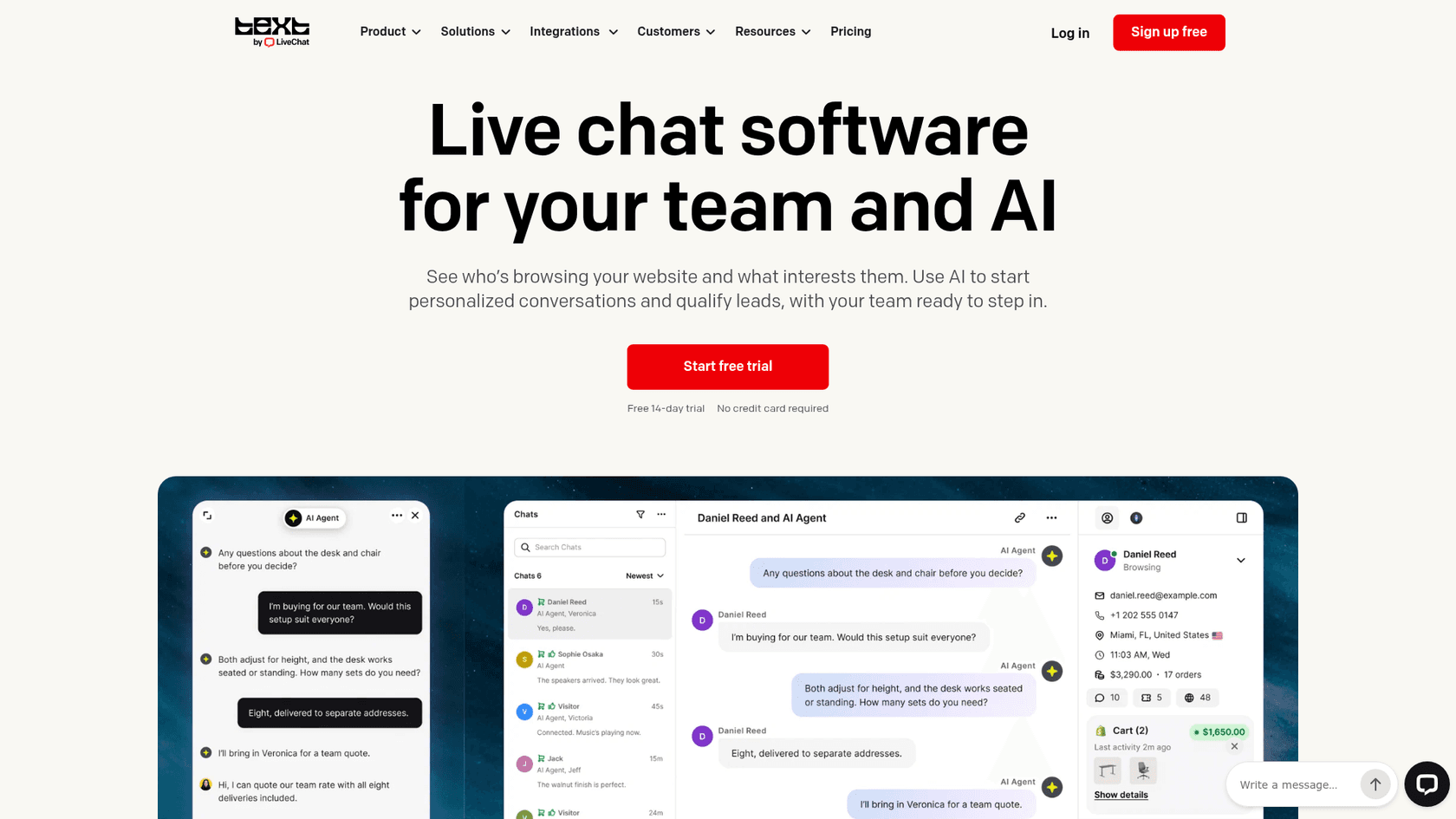
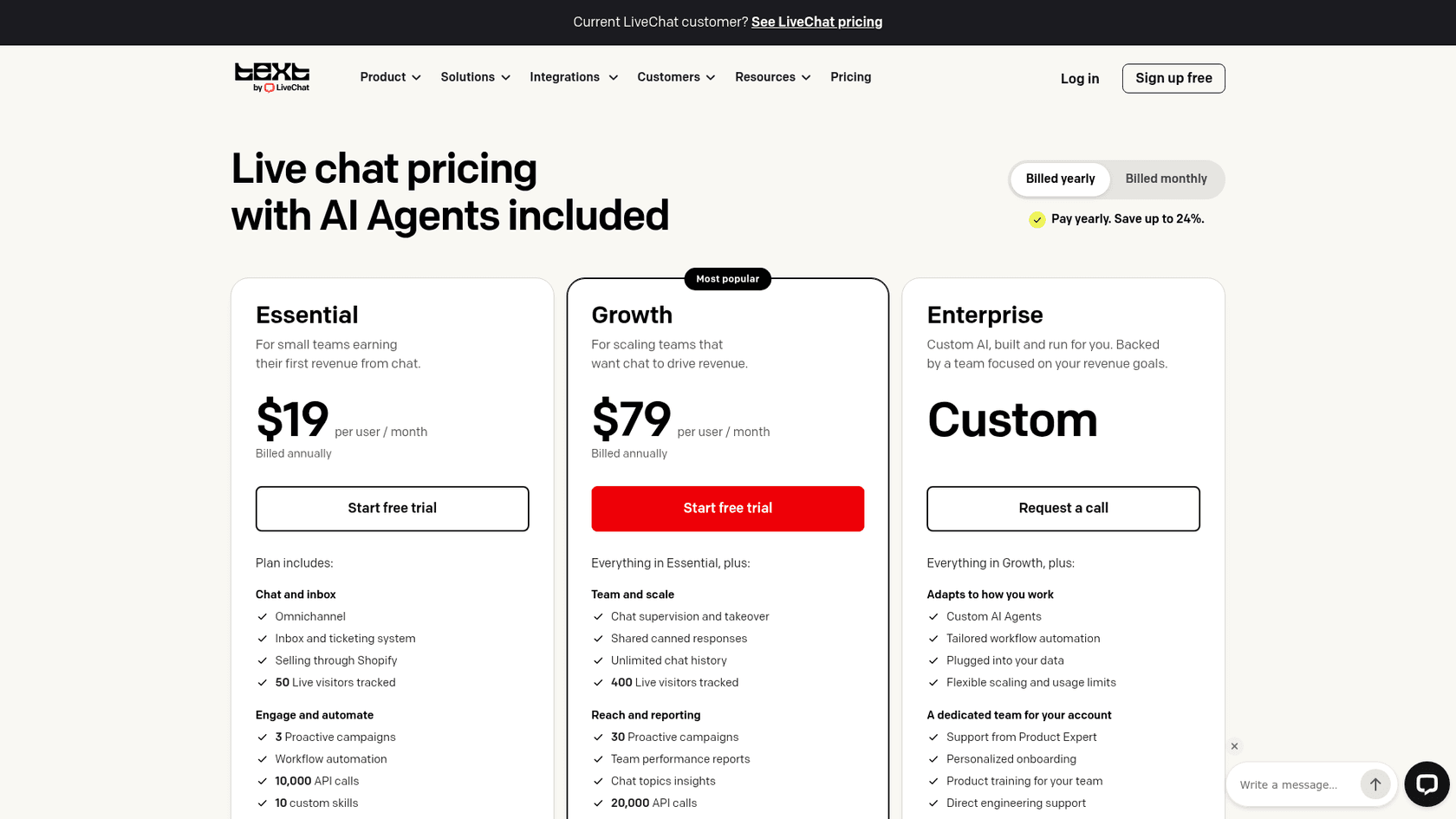
LiveChat (by Text) signs a product-specific BAA through an Order Form. Right now that's a legacy-plan story. The current pricing page sells the new Text plans and lists "HIPAA compliance" as "Coming soon" on Enterprise. The legacy pricing shows HIPAA on Enterprise only, with the note "BAA is available on eligible plans upon request." Existing customers keep their old plans.
Its HIPAA guide has eight required steps: US data center, turn off "Let customers get chat transcripts," anonymize or delete transcripts (or store them on your own servers via webhooks), disable file sharing, audit integrations, lock down access with IP rules and two-factor login, review AI features, and handle cookie consent. The guide's AI section names Reply Suggestions, AI Text Enhancements and Copilot as usable under the BAA. The autonomous AI Agent isn't on that list.
Pros
- The clearest step-by-step HIPAA guide of any chat vendor I read.
- Options to anonymize or auto-delete transcripts with marketplace apps.
- A familiar widget patients already know how to use.
Cons
- HIPAA isn't on the new Text plans yet.
- The BAA puts liability for misconfiguration and for "all ... AI-generated outputs" on you.
- After processing, ePHI is removed and can't be downloaded later, so you must keep your own records.
Pricing
| Plan | Annual | Monthly | HIPAA |
|---|---|---|---|
| Essential (Text) | $19/user | $25/user | No |
| Growth (Text) | $79/user | $99/user | No |
| Enterprise (Text) | Custom | Custom | "Coming soon" |
| Enterprise (legacy LiveChat) | Request a call | Request a call | Yes, with BAA |
My take: good if you want a standalone chat widget and you're comfortable on a quote-only legacy plan. The detailed guide is a plus, but read the BAA's liability clauses before you sign. My LiveChat pricing post covers the non-HIPAA tiers.
4. Help Scout
Best for: small support teams that want a self-serve BAA and simple setup.
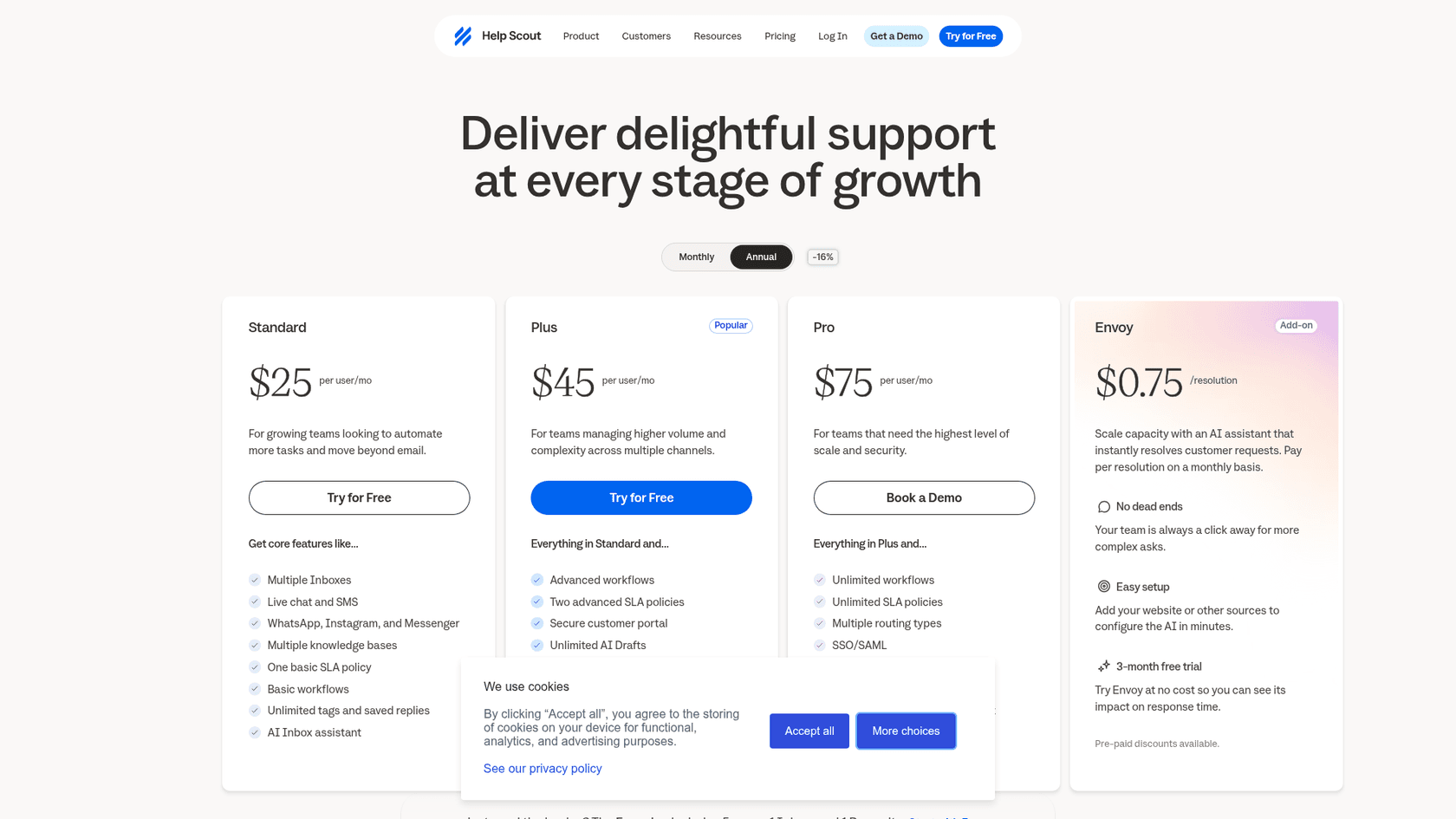
Help Scout offers two standard BAAs, one for covered entities and one for subcontractors, signed online. Its HIPAA doc is blunt: "HIPAA support is only included in the Pro plan." Signing turns HIPAA on for the whole account, and Help Scout's healthcare page names "email, live chat, and in-app messaging" as channels it supports. Its knowledge base, Docs, "isn't considered to be compliant," which matters because Beacon chat can surface Docs articles.
AI is a separate signature. To use Help Scout's AI with HIPAA, you sign an "AI Feature Healthcare Addendum" found under the BAA. The AI agent in Beacon chat is now called Scout, sold as the Envoy add-on at $0.75 per resolution.
Pros
- Self-serve BAA, no sales call to get it signed.
- AI coverage exists, through a clearly named addendum.
- With HIPAA on, Slack notifications drop the conversation text.
Cons
- Pro only; Standard and Plus have live chat but no HIPAA.
- No configuration checklist like Zendesk's, so the settings work is on you.
- Docs can't hold PHI.
Pricing
| Plan | Annual | Monthly | HIPAA |
|---|---|---|---|
| Standard | $25/user | $30/user | No |
| Plus | $45/user | $54/user | No |
| Pro | $75/user | $90/user | Yes |
My take: the cheapest helpdesk route to a covered live chat, at $375 a month for five people. Sign the AI addendum at the same time if you plan to use Scout. My Help Scout pricing post has the full tier detail.
5. Freshchat (Freshworks)
Best for: teams already on Freshdesk who want chat under the same BAA.
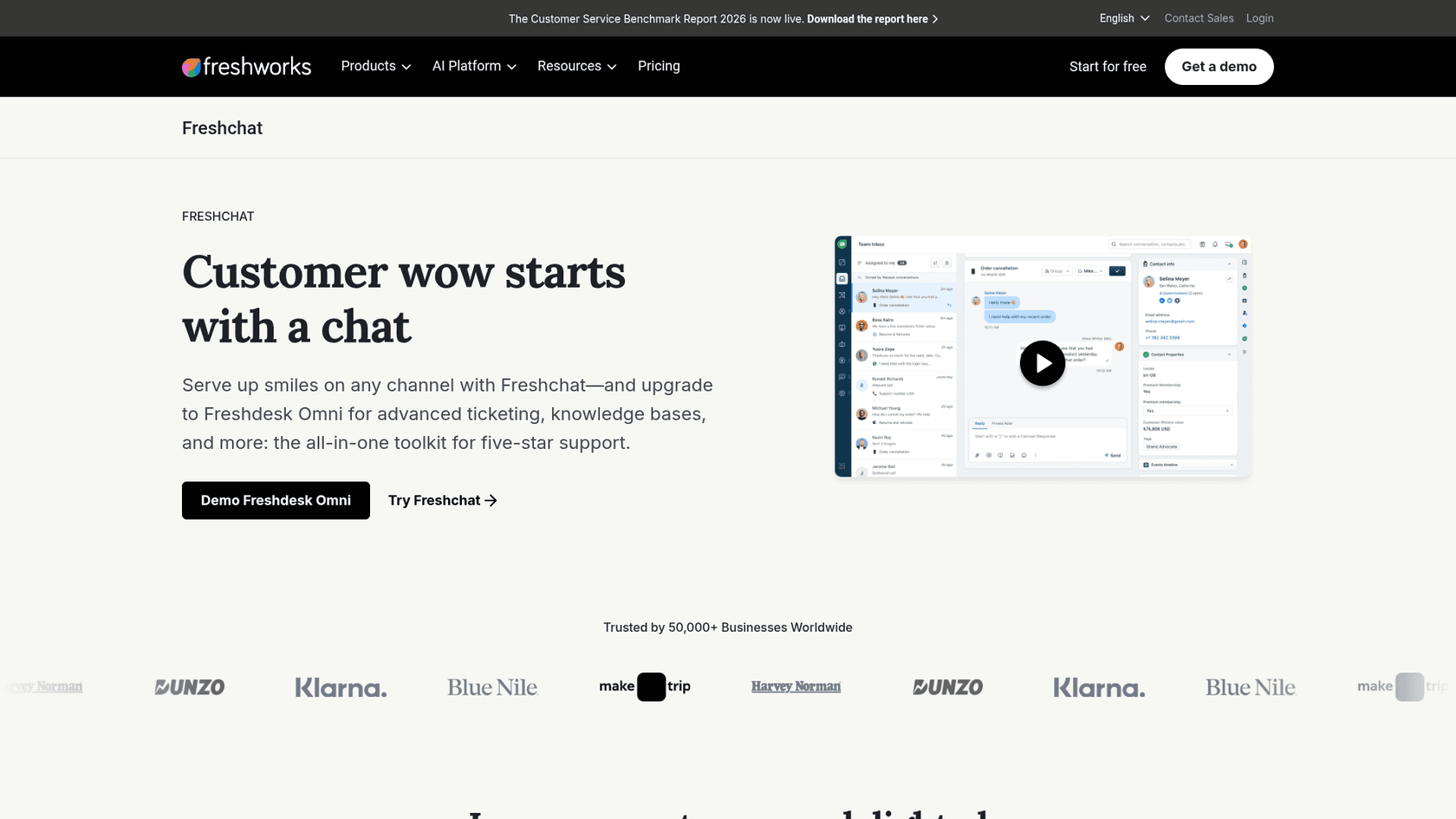
Freshworks' HIPAA commitment limits the BAA to Freshdesk, Freshchat, Freshcaller and Freshdesk Omnichannel. Its HIPAA ticketing page puts the BAA on the Enterprise plan. The Freshchat HIPAA guide adds a carve-out: "Only the standalone version of Freshchat facilitates HIPAA compliance." Freshchat inside Freshsales Suite isn't covered.
Two setup steps stand out. You can ask support to truncate PHI in chat messages using regex patterns, but "the responsibility for the correctness of the regex patterns will remain with the Customer." And web visitor notifications, which are on by default, have to go off because they route through "Google-Firebase and Apple Notification service that don't sign a BAA."
Pros
- Chat, email and phone under one BAA if you're on Freshdesk Omni.
- Regex-based PHI truncation is a rare feature.
- Freddy AI Agent pricing is published:
$49per 100 sessions after the first 500.
Cons
- No Freshworks page says whether Freddy AI is inside the BAA. Get it in writing.
- The plan-by-plan HIPAA configuration guide now returns a "page doesn't exist" error.
- Which standalone Freshchat tier qualifies isn't stated.
Pricing
| Plan | Annual price | HIPAA |
|---|---|---|
| Freshchat Enterprise (standalone) | $79/agent | BAA product in scope, plan gate not stated |
| Freshdesk Omni Enterprise | $119/agent | Yes, per Freshworks' HIPAA page |
| Freddy AI Copilot | $29/agent | Not stated |
My take: a sensible add-on if Freshdesk is already your helpdesk, and its SOC 2 posture is solid. If AI is part of the plan, the silence on Freddy is the thing to resolve before signing. My Freshdesk live chat post covers how the chat side works day to day.
6. Zoho SalesIQ
Best for: the lowest per-seat price on a tool that treats every chat as ePHI.
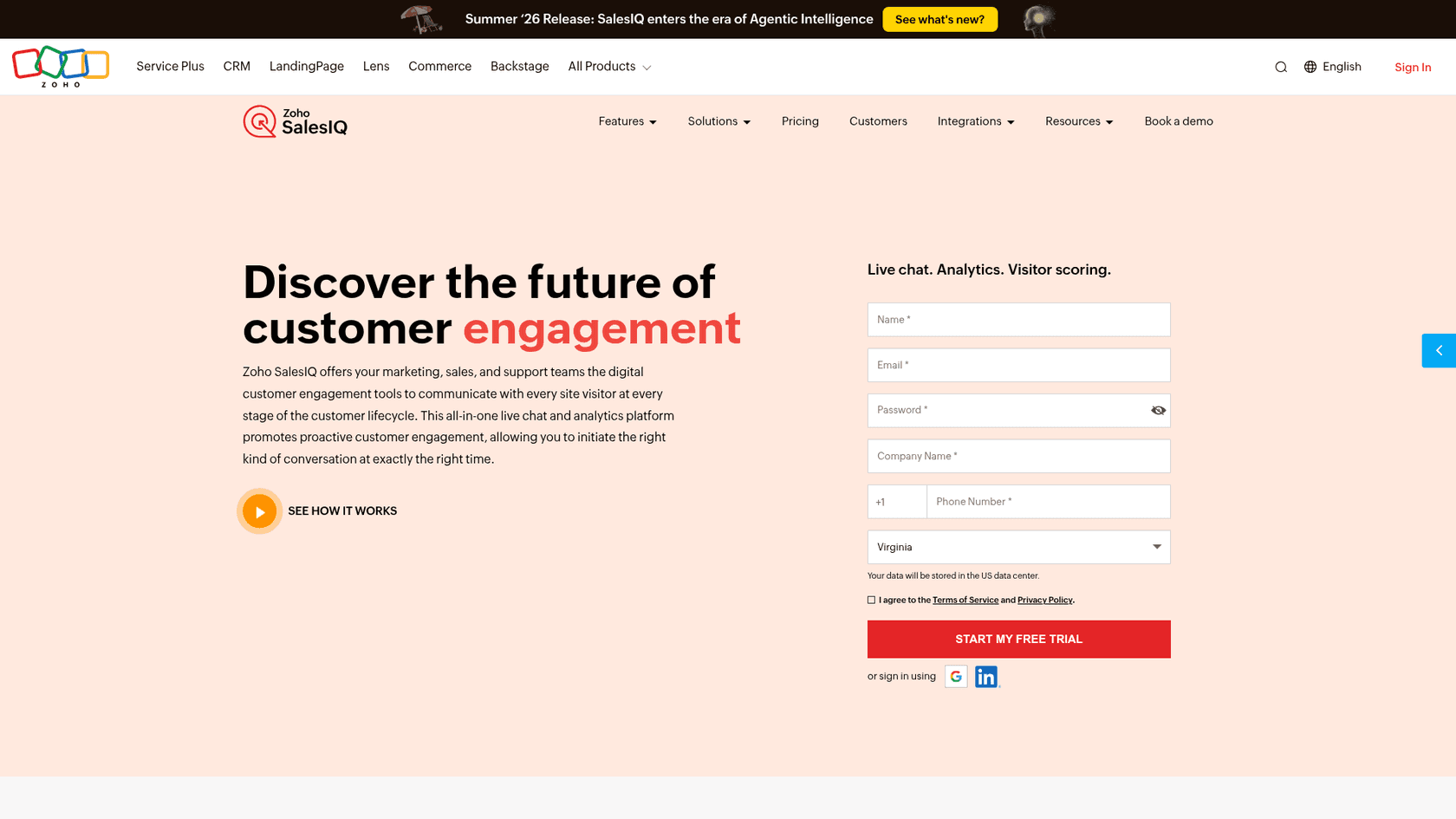
Zoho lists SalesIQ among its HIPAA-supported services, and covered entities can request Zoho's BAA template by email. The SalesIQ HIPAA article says "all the live chat data will be considered by SalesIQ as ePHI and subjected to audits," including default pre-chat form fields.
That article is about four years old, and it says SalesIQ "is working for HIPAA compliance," which is softer than the other vendors' wording. Neither page ties the BAA to a SalesIQ edition.
Pros
- Treats all chat data as ePHI by default.
- Operator pricing from
$7/month. - Part of a wider Zoho suite if you also use Zoho CRM.
Cons
- No plan named for the BAA.
- HIPAA documentation is dated and hedged.
- AI coverage isn't stated.
Pricing
| Plan | Price (per operator/month, billed annually) |
|---|---|
| Free | $0 |
| Basic | $7 |
| Professional | $12.75 |
| Enterprise | $20 |
My take: worth a call if budget is tight, but ask Zoho which edition the BAA covers and get a current statement, not the old article.
7. Podium
Best for: practices that would rather move website visitors into text messages.
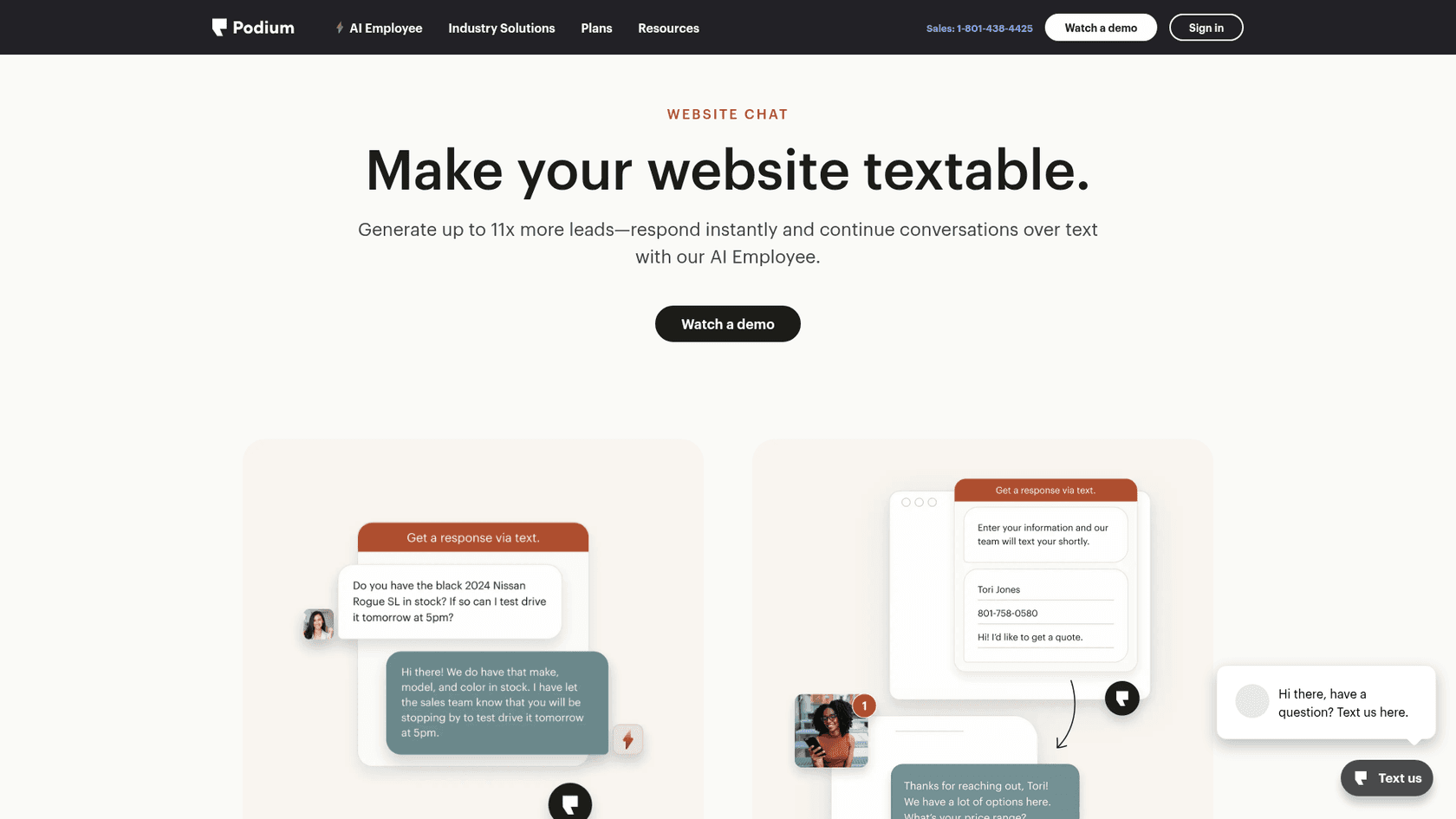
Podium builds its BAA into the terms of service: if you're a covered entity or business associate, you and Podium "agree to the terms of Podium's BAA." It covers "applicable Podium Services" without listing them one by one. The webchat product isn't an in-page chat in the classic sense. Its pitch is "Make your website textable," and the conversation continues over SMS.
Pros
- BAA on any plan, no extra signature.
- Patients get replies on their phone, where they already are.
Cons
- Not real-time in-page chat; it's a text thread.
- SMS with PHI needs patient consent.
- The BAA doesn't mention its AI.
Pricing
| Plan | Price |
|---|---|
| Core | $399/month |
| Pro | $599/month (adds AI Concierge) |
| Signature | Contact sales |
My take: fits if your patients already text you and you want the website to feed that inbox. If you need people to chat without leaving the page, look higher up the list.
8. Weave
Best for: dental and specialty offices that want the BAA to name AI explicitly.
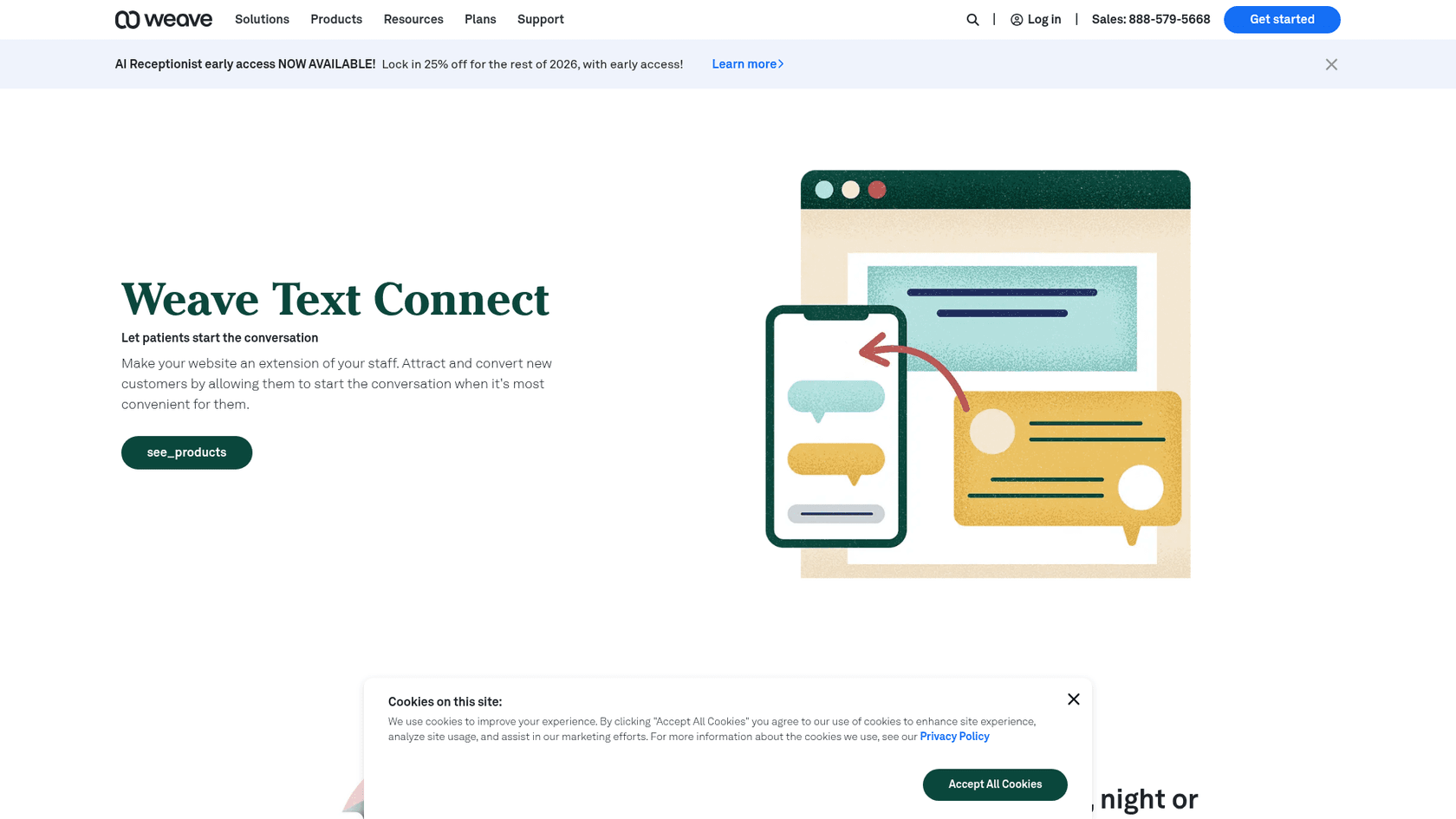
Weave publishes a Business Associate Addendum (updated April 10, 2026) that attaches to its terms of service and also covers 42 CFR Part 2 substance-use records. It's the only BAA here that names AI in plain words: Weave "may use PHI in accordance with HIPAA Rules within internal and external Artificial Intelligence ('AI') systems and models." The same section lets Weave use PHI "for Weave's own product development," which your privacy officer will want to read.
Its website widget, Text Connect, works like Podium's: it "frees your customers by simply starting a text conversation."
Pros
- AI coverage written into the BAA.
- Covers 42 CFR Part 2 records, which Spruce explicitly bars.
- Built around dental and specialty practice workflows.
Cons
- Text Connect starts a text thread, not an in-page chat.
- The product-development clause won't suit every privacy policy.
- Tier prices beyond the starting point are quote-only.
Pricing: plans "starting from $199 per month," with Pro, Elite and Ultimate tiers on request.
My take: the clearest AI language of any BAA on this list. Read the product-development clause with your compliance lead before you sign.
9. Salesforce (Enhanced Chat)
Best for: larger health organizations already on Service Cloud.
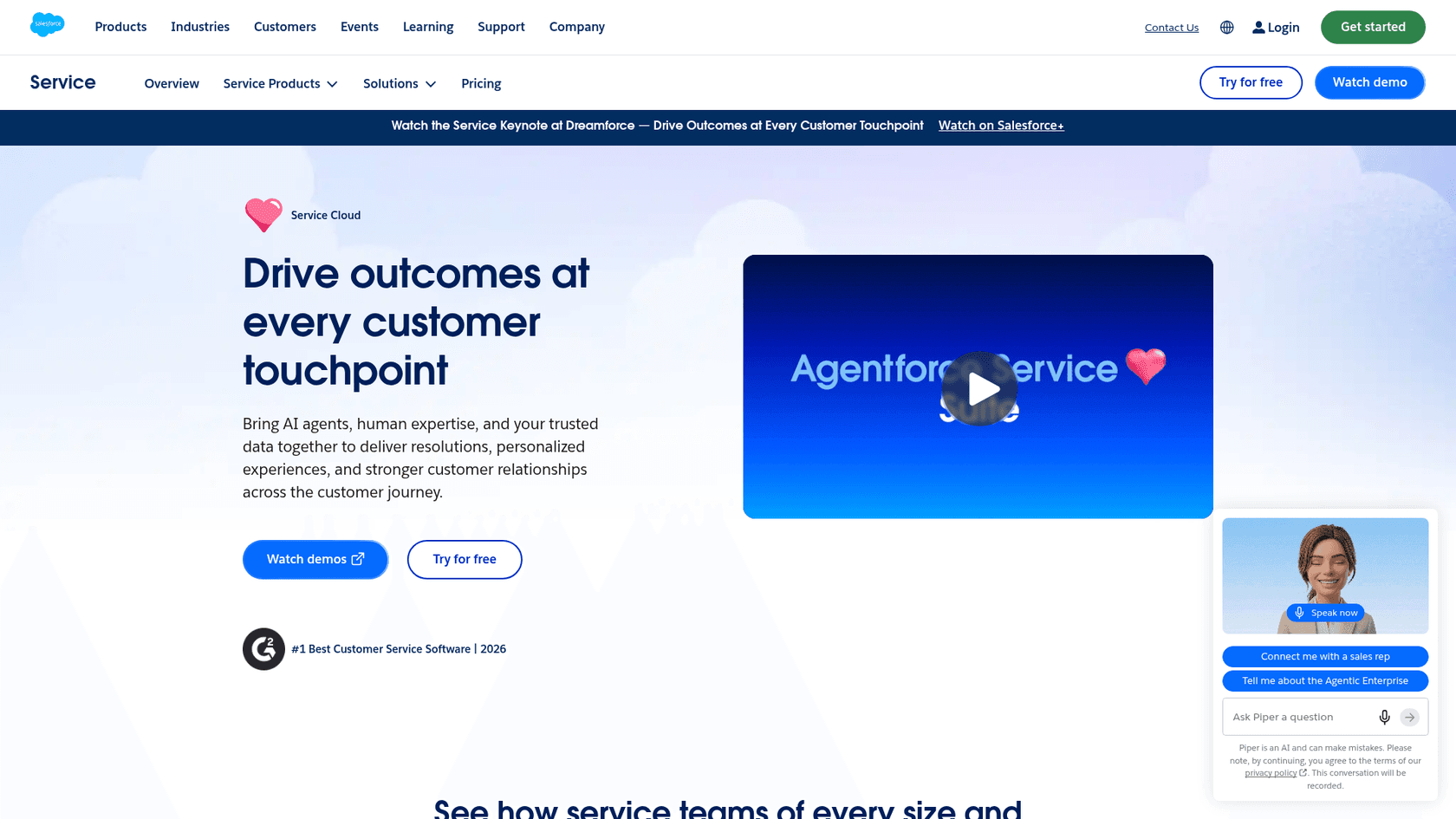
Salesforce signs a BAA through your account rep. Its BAA restrictions page lists "Enhanced Chat (formerly Messaging for In-App and Web)" and Service Cloud as HIPAA covered services, and so are several AI products: Agentforce Service Agent, Einstein Bots and Prompt Builder, each with restrictions. Einstein Bots can't receive PHI in utterance records.
There's a tension worth flagging. The BAA says you must use Data Masking for Agentforce "to the extent within Customer's control," while Salesforce Help says data masking "is disabled for agents." Ask your rep how that's handled for your org.
Pros
- Chat and some AI named in scope.
- Deep encryption options for chat transcripts.
- Fits organizations already running Health Cloud or Service Cloud.
Cons
- SMS, WhatsApp, Apple Messages and Messenger can't be certified.
- Enhanced Chat needs Enterprise plus an add-on, or Unlimited.
- The masking contradiction above.
Pricing
| Plan | Annual price | Chat |
|---|---|---|
| Pro Suite | $100/user | "Enhanced, Real-Time Chat" (not on the Enhanced Chat editions list) |
| Core | $195/user | Digital channels sold separately |
| Advanced | $395/user | Includes web chat |
| Max | $550/user | Includes digital channels and Agentforce |
My take: only worth it if you're already a Salesforce shop. For a five-person front desk, it's the most expensive route here by a wide margin.
Which popular chat tools don't offer a BAA for chat?
Several tools that top general live chat roundups don't offer a BAA for chat, going by their own sites. Worth knowing before you compare live chat features:
- Olark: "Olark is not currently HIPAA-compliant," and it has no process to sign BAAs customer by customer (Olark).
- Tidio: "does not currently provide official HIPAA certification or compliance documentation" (Tidio FAQ), with no date for it.
- tawk.to: its data protection hub covers GDPR, CCPA and FERPA, and its HIPAA URL returns a 404.
- Crisp and Smartsupp: neither site mentions HIPAA or a BAA, and Crisp's GDPR article says removing sensitive data shared in chats is the customer's job.
- HubSpot: does sign a BAA on Enterprise tiers, but chat isn't on its sensitive-data feature list, chatbots are explicitly unsupported, and "HubSpot's AI products are not part of our sensitive data features" (HubSpot).
One more that comes up in healthcare searches: Spruce Health includes a BAA on every plan (from $24/user/month), but it has no embeddable website chat. Patients follow a link and create a Spruce account. Great secure messaging app, not a website chat tool.
"thanks, I used Spruce but it doesn't have any workflow tools. Just does messaging and patient lists. Otherwise I like it."
If you were on one of these, my Tidio alternatives and tawk.to alternatives lists are a starting point, filtered against the BAA list above.
How should a practice route patient chats?
Even with a BAA in place, not every chat should be handled the same way. Patient chats at a practice tend to fall into three groups, and each needs a different owner:
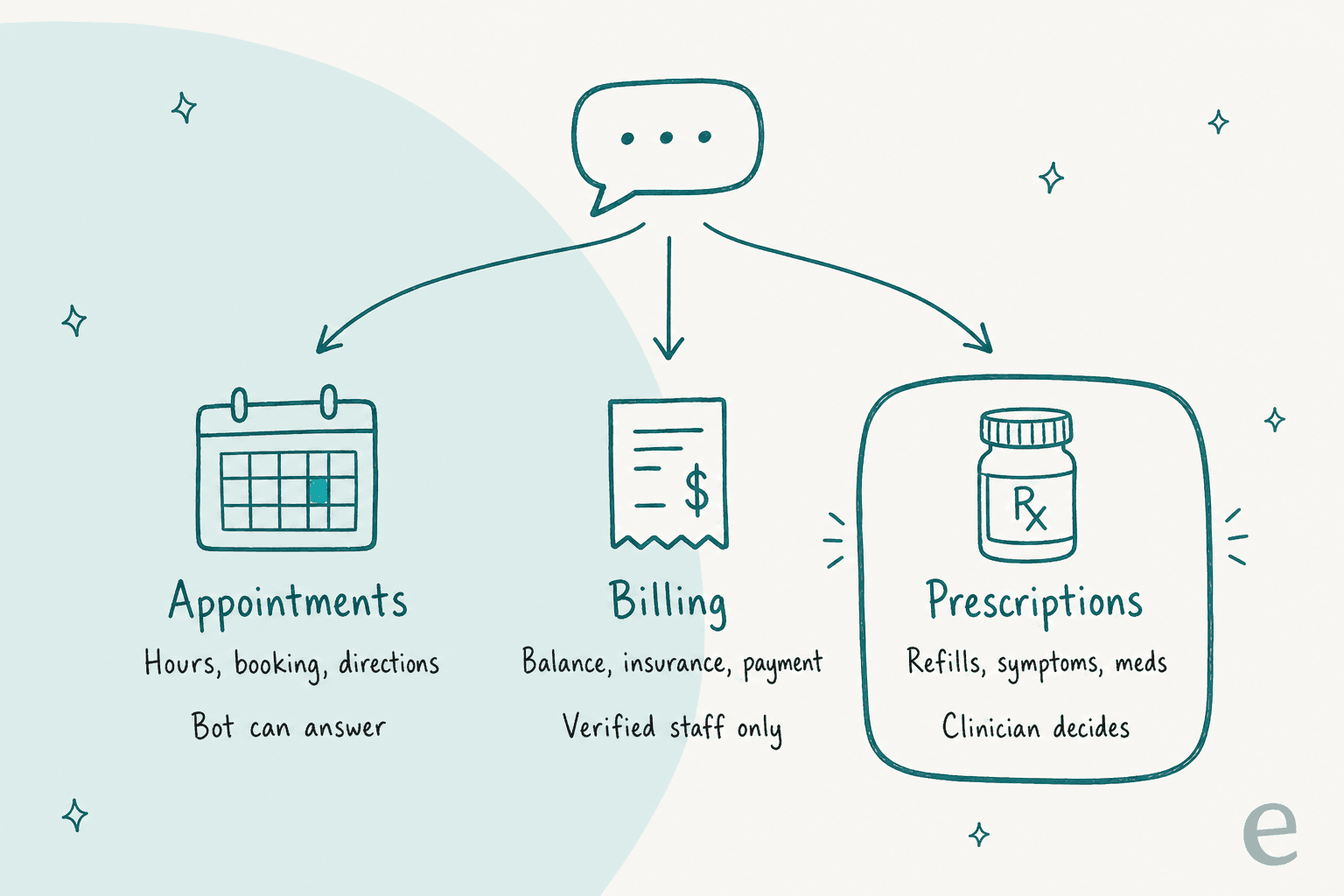
- Appointments: hours, booking links, directions, what to bring. Safe for an AI chatbot or a canned reply, because the answer is the same for everyone and lives in your knowledge base.
- Billing: balances, insurance, payment plans. Needs a person who can confirm who they're talking to before saying anything account-specific.
- Prescriptions and symptoms: refills, side effects, "is this normal?" Always a clinician. Zendesk's HIPAA configuration rules say its AI shouldn't be used for medical advice, diagnosis, treatment or eligibility decisions unless the customer takes full responsibility, and Salesforce's BAA bars using Einstein as "a substitute for professional medical or healthcare advice, diagnosis, or treatment."
LiveChat's guide suggests a line in the chat window: "This chat may use AI-generated responses. AI is not a substitute for professional medical advice." Add an emergency line too, telling patients the chat isn't monitored for emergencies.
The handoff rules matter more than the bot: a clean chatbot escalation is what keeps a refill question from getting a guessed answer. This is the same human-in-the-loop split I use for any regulated queue.
Does the website around the chat matter?
Yes, and it's the gap I see most often. The chat widget can be fully covered while the page it sits on leaks, the same blind spot I flagged in my chatbot compliance post.
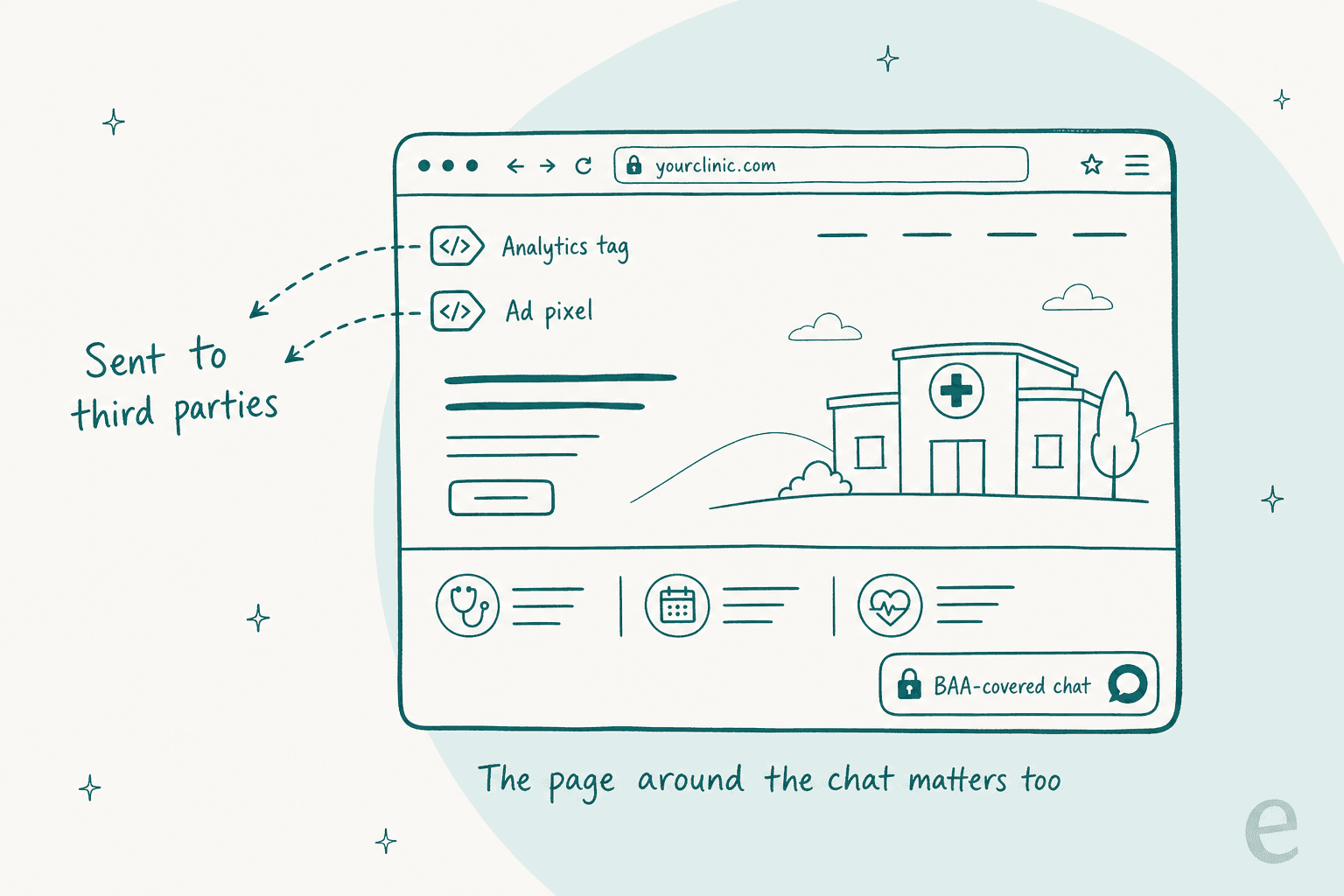
HHS has published guidance on online tracking technologies used by covered entities. LiveChat's own step 7 tells BAA customers to audit cookies on pages that handle health information, get consent before tracking cookies, and optionally load the widget only after cookies are accepted.
"I’ve been implementing Google Ads, Analytics, and Tag Manager for a medical practice recently. Google’s official stance is that PHI is categorically prohibited to send to Ads/Analytics services, but it’s very easy for a marketing firm to unwittingly do. Thankfully I’m working with a conscientious marketing firm and our client is diligent and well meaning, so it’s easy to avoid the pitfalls, but naively following many integration walkthroughs could have you sending entire form content to Google (or others)."
Three quick checks I'd run before launch:
- Open your appointment and contact pages in a browser's network tab and list every third-party script that loads.
- Turn off chat transcript emails and push notifications that include message text.
- Make sure any form or chat event isn't being sent to an ad platform as a conversion.
Where does an AI agent fit in HIPAA live chat?
This is the question I get most from healthcare teams, and the answer has a trap in it. If you plug a separate AI tool into your covered helpdesk, the helpdesk's BAA does not cover that AI vendor. Zendesk's BAA excludes "Marketplace applications," and LiveChat's excludes third-party integrations. The AI needs its own BAA.
That's how eesel works with healthcare teams. It's the same pattern as my regulated industries guide, with the BAA as the gate. eesel is an AI helpdesk teammate: it joins your existing queue, answers the routine questions, and hands everything else to a person. eesel's Trust Center offers "Business Associate Agreements for Enterprise customers, after a review of how you'll use eesel with health information." I'll be straight about the limits too. The BAA is Enterprise-only, eesel's SOC 2 Type II audit is in progress (observation period through December 31, 2026), and its PII redaction runs on past tickets synced for training, not on live conversations.
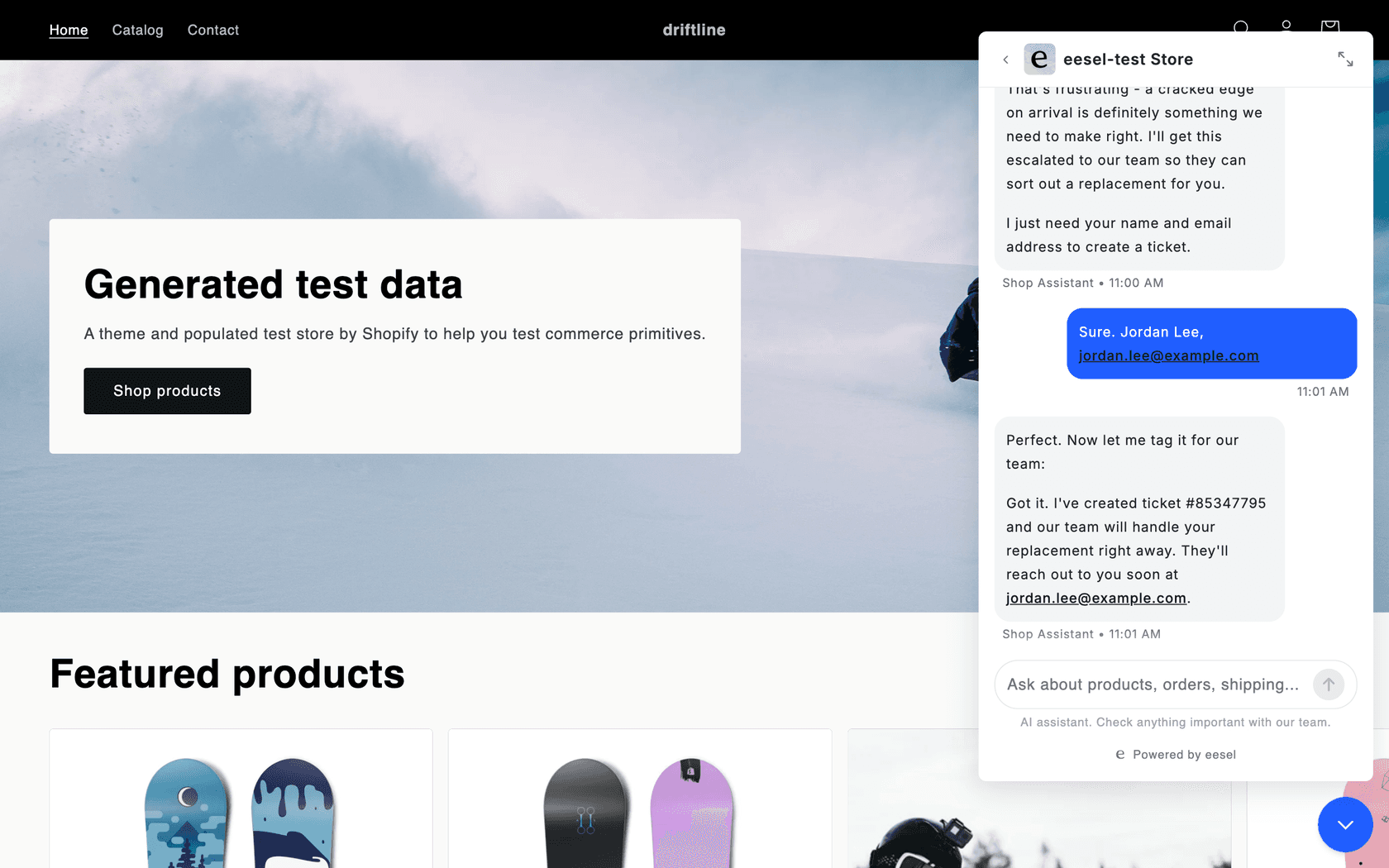
In practice, the chat bubble answers routine questions from your help center, shows a disclaimer line under the message box, and hands off in one of two ways: it opens Zendesk Messenger or Freshchat, or it creates a helpdesk ticket with the patient's name and email. Any action can be set to wait for a person's approval.
That approval step is the simplest AI guardrail against a confident wrong answer, the hallucination problem every healthcare team worries about.
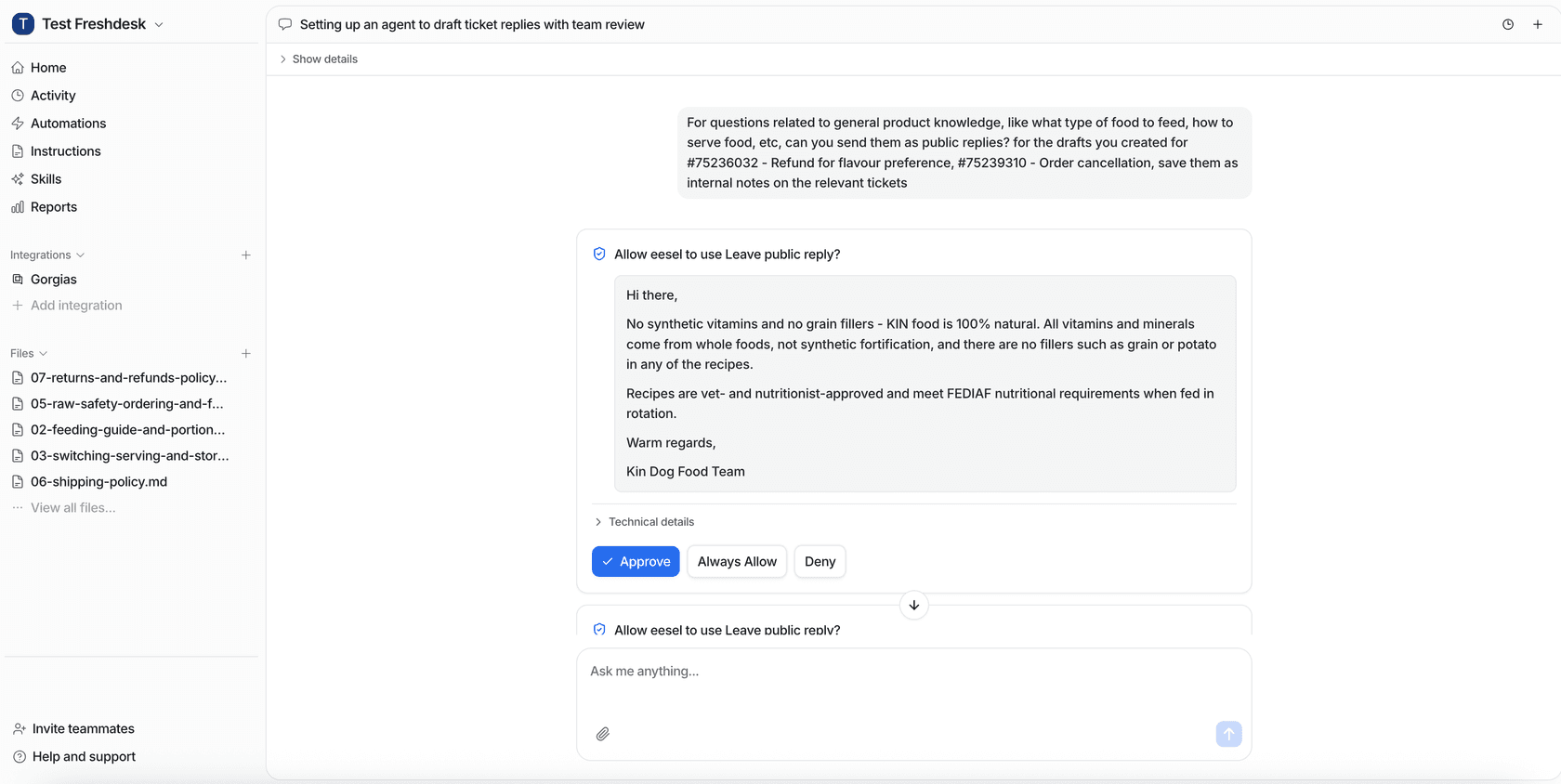
The handoff pattern is the part that matters for patient chat, and it's running at volume today. SE Ranking runs Zendesk live chat through eesel: 2,100 live chats answered first by eesel in a month, with about 1,260 handed to the team with the customer's name and email. For a stricter setup, Timengo, which sells secure email and Digital Post software in Denmark, has eesel prepare 300 tickets a month as drafts. "The engineer sends; eesel does not." That draft-only mode is what I'd start with for billing chats. It's also why I'd simulate the rollout against past tickets before anything goes live.
Try eesel for patient chat
If you're putting HIPAA live chat on Zendesk or Freshdesk and want AI to take the appointment and hours questions off your front desk, eesel slots in as the teammate that answers those and hands every billing or prescription chat to your staff, with the patient's details already on the ticket. The BAA comes with Enterprise, signed after eesel reviews how you'll use it with health information. You can test the chat bubble on your own help center first, free, before any PHI touches it.
Try eesel, and bring your compliance lead to the first call.
Frequently Asked Questions
What is HIPAA live chat software?
Is Tidio HIPAA compliant?
Which live chat software signs a BAA?
How much does HIPAA compliant live chat cost?
$375 a month on Help Scout Pro, $575 on Zendesk Suite Professional and $595 on Freshdesk Omni Enterprise, all billed annually. OhMD starts at $300 a month. LiveChat's HIPAA tier is quote-only. More detail in my Zendesk live chat pricing breakdown.