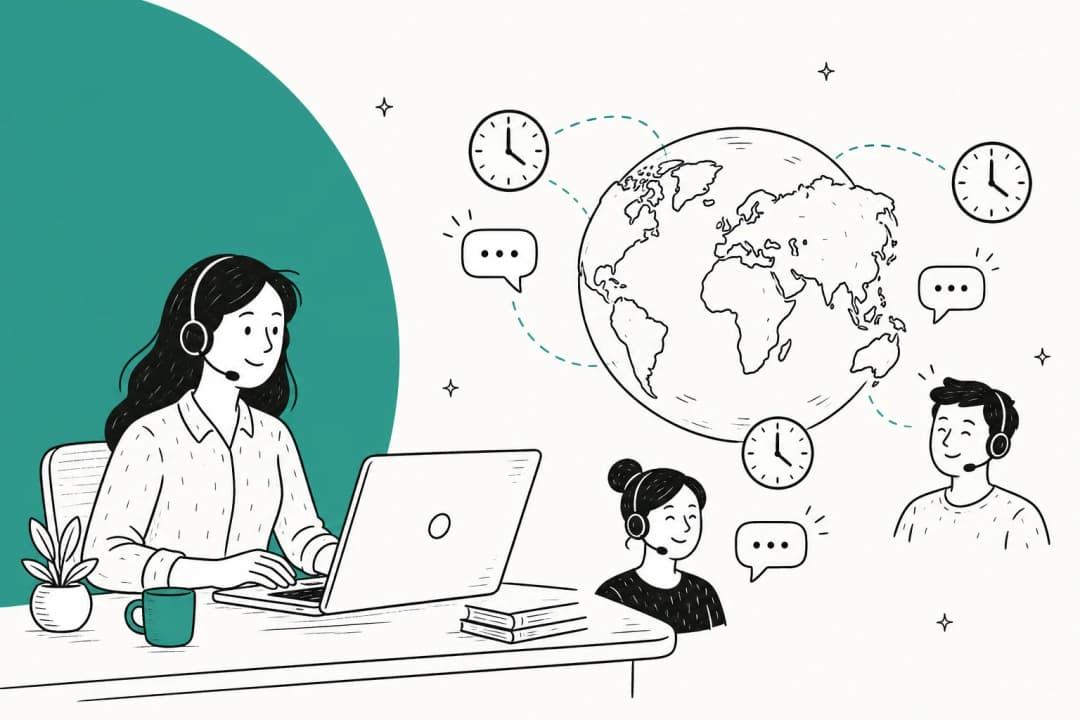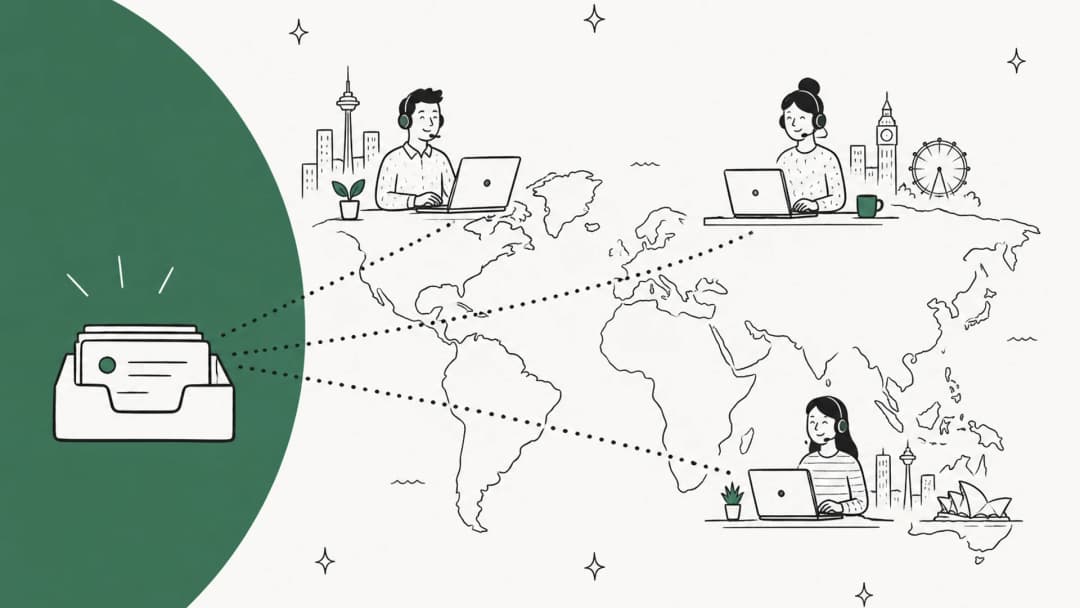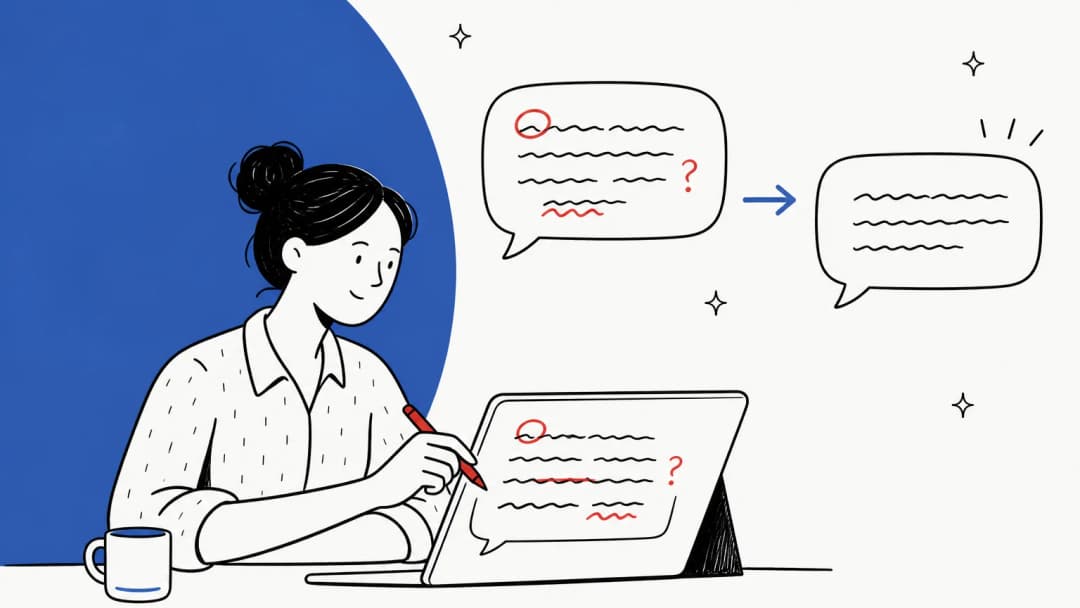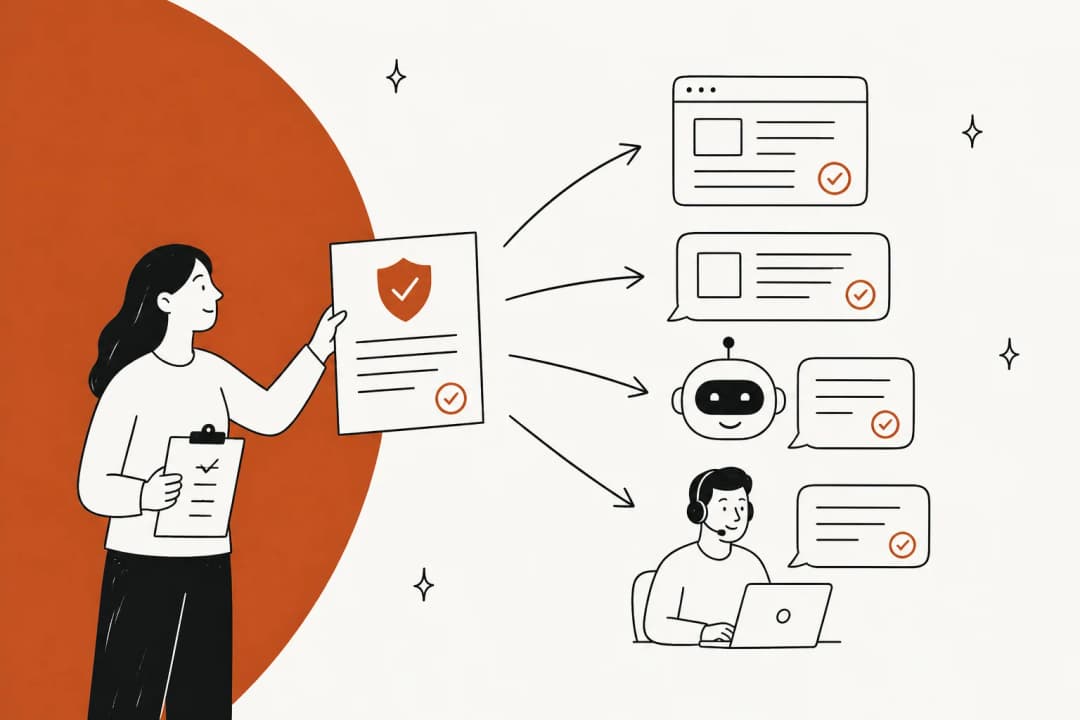
Will AI replace your offshore support team?
Here's the worry I hear most from support leads who run offshore or outsourced teams: if AI can answer tickets, why keep the offshore team at all? It's a fair question, and the honest answer is that AI does take some of the work. A Hacker News thread on which jobs AI replaces first quoted a report that named outsourced support as already exposed:
"customer support operations, administrative processing, and standardized development tasks. These roles exhibited vulnerability prior to AI implementation due to their outsourced status and process standardization."

That's the part of offshore support built on repeatable scripts. eesel has run AI on live support queues for years, including for outsourcers who run eesel inside their clients' helpdesks, and the offshore teams I see don't run out of non-scripted work. Calls, screenshots, angry customers, a refund that sits right on the edge of policy. Those still need a person who can think.
So the real question isn't "AI or offshore." It's which tickets the AI should take, and what the offshore team does with the time that frees up. An offshore team in the Philippines or India is also still the cheapest way to cover nights and weekends with a human, which a commenter in a 2026 Hacker News thread on the Philippine offshoring industry pointed out:
"The Philippines has a large talent pool of English-speaking workers who can do tons of different IT-related functions that AI can't remotely replace."
If you're still deciding whether to offshore in the first place, the call center outsourcing guide covers that decision. This post assumes you have an offshore team, or a BPO partner, and want to put AI to work next to it.
Which offshore tickets should AI handle?
I sort tickets by one question: how much judgment does the right answer need? The less judgment, the more of the job the AI can do.
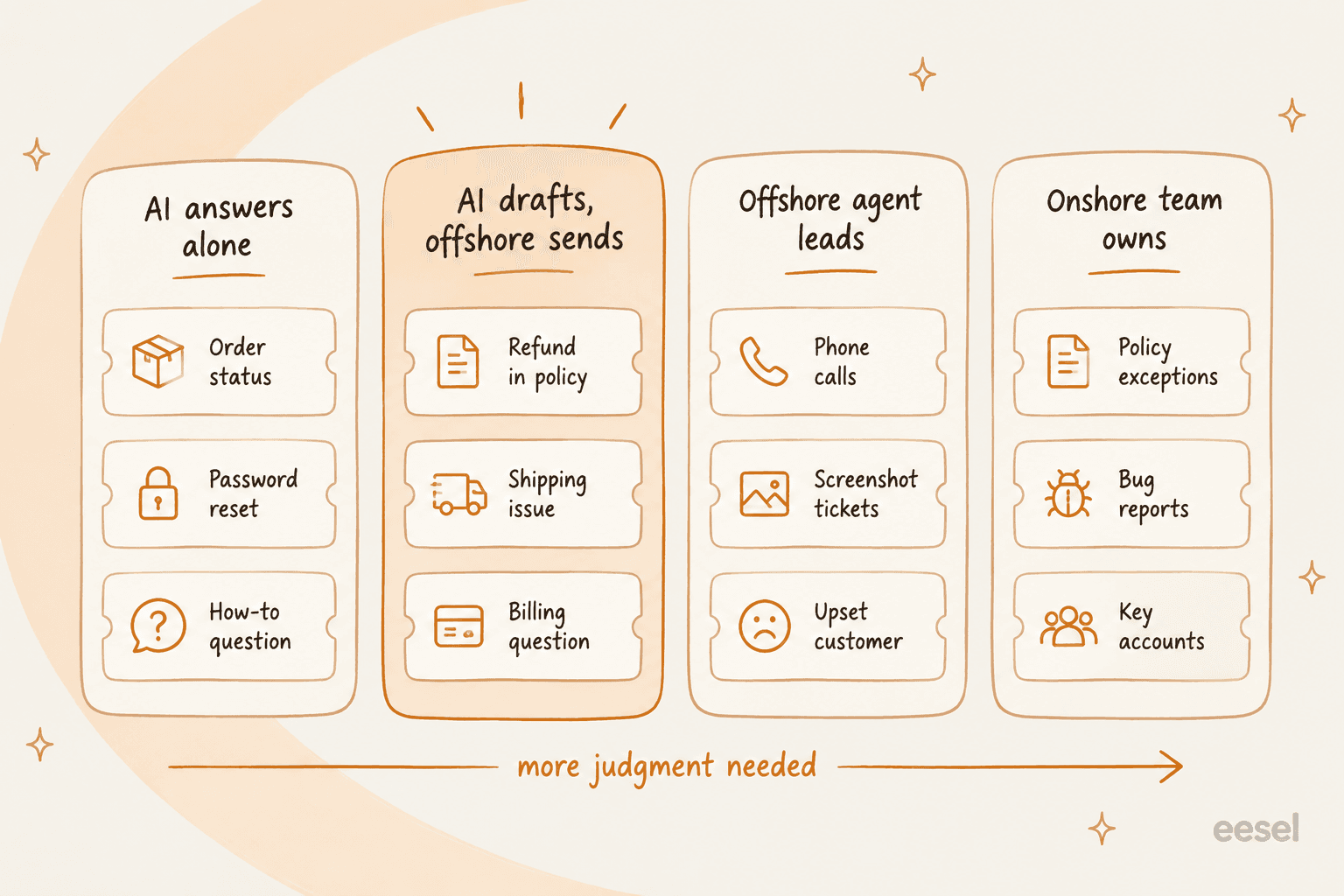
That gives four lanes:
- AI answers alone. Order status, password resets, "how do I" questions with one right answer. This is classic tier 1 deflection, and it's where most of the volume sits.
- AI drafts, offshore agent sends. Refunds inside policy, shipping problems, billing questions. The AI knows the policy, but a person should check the draft before it goes out.
- Offshore agent leads. Phone calls, tickets built around screenshots or voice notes, and customers who are already upset. AI can assist here, but a person runs the conversation.
- Onshore team owns. Policy exceptions, bug reports and key accounts. These need someone with authority or product access the offshore team doesn't have.
The second lane is where offshore teams get the biggest win, and it's the one most AI rollouts skip on the way to full automation. A draft that's 90% right turns a 10-minute ticket into a quick review, and the offshore agent learns the policy by reading a good answer every time.
Lane 3 isn't a guess, by the way. A vacation-rental support outsourcer that runs eesel as a Zendesk copilot told the eesel team exactly why they haven't moved to full automation yet:
"Eesel is currently unable to analyze images, and our customers frequently share screenshots. Our agents are currently required to read these images and manually transfer the knowledge to Eesel."
A vacation-rental support outsourcer using eesel as copilot
They said the same about voice notes: agents summarize them by hand. That's a limit I'd rather name than hide, and it's why I'd keep screenshot-heavy and voice-note tickets with your offshore agents for now.
Want to sort your own ticket types? Pick one below.
Where AI fits in an offshore support shift
Drafting replies gets the attention, but it's one of five places AI earns its keep in an offshore operation. I'd map them across one shift like this:
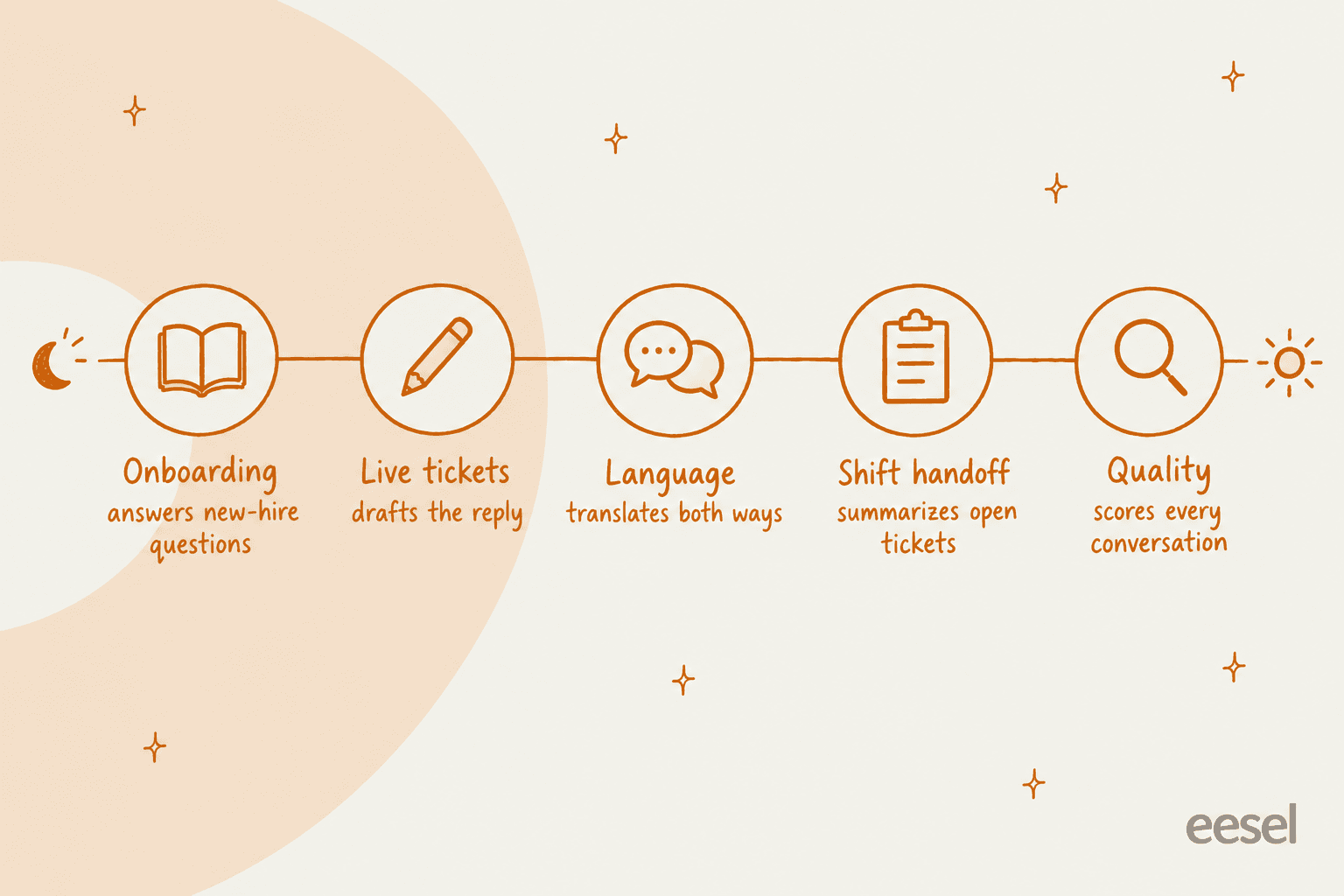
Onboarding and ramp time
The quiet killer of offshore quality is the agent who started last week. A Hacker News commenter put it bluntly when describing why outsourced support goes wrong:
"That and failing to provide sufficient support/documentation/training to the people trying to help you (sometimes you might know far more than them as they first saw the system last week)."
An AI that learns from your past tickets gives a new agent a senior colleague on day one. Jon Miron, Director of Support and Operations at Yellowdig, said it in their case study:
"Recently, a new customer success hire joked that our eesel AI bot was their best friend during onboarding and interviewing."
Jon Miron, Yellowdig
For offshore teams with high turnover, that matters more than any single feature. Every new hire reads hundreds of good answers in their first month, instead of learning from whoever sits next to them. The guide on coaching agents with AI goes deeper on this.
Live tickets
This is lane 2 from above: the AI drafts, the offshore agent reviews and sends. The key setting is that nothing reaches a customer on its own. In eesel you write that rule in plain English on the instructions page:

What the AI learns from decides whether this works. A draft written from your help center alone sounds generic. A draft written from the replies your best agents already sent sounds like your team. eesel trains on past tickets, macros, the help center and docs in Confluence, Notion or Google Docs, which is why I'd pick it over a generic AI writing tool for this job. Native options exist too: Zendesk Copilot for Zendesk Suite and Freddy AI Copilot for Freshdesk.
Language
Offshore teams often cover languages they don't speak. Built-in translation now handles a lot of that. Zendesk's conversation translation is on all Suite plans and covers 32 languages. Freddy AI Copilot translates across 60+ languages, and eesel supports 80+ languages. Before trusting any of them, test on your real tickets. G2 reviewers of Level AI, for example, tag "Translation Accuracy" as a recurring complaint, and that's a contact-center tool built for this. More options sit in the roundup of AI for multilingual support.
Shift handoff
When the offshore night shift hands a ticket to the onshore day shift, someone has to read the whole thread. AI summaries cut that down. Freddy AI Copilot summarizes long threads and tags sentiment, which shows a lead which tickets the night shift left on fire:

The onshore lead also needs to see what the AI did overnight, not just what the agents did. An activity log with every draft, approval and resolution turns the morning check-in into a ten-minute review. The guide to AI ticket summarization covers the setup.
Quality
Manual QA samples a sliver of conversations, which is how a vendor's night shift can misquote your return policy for weeks before anyone notices. Automated QA scores every conversation instead. Zendesk QA scores eight built-in categories, from empathy to solution offered:
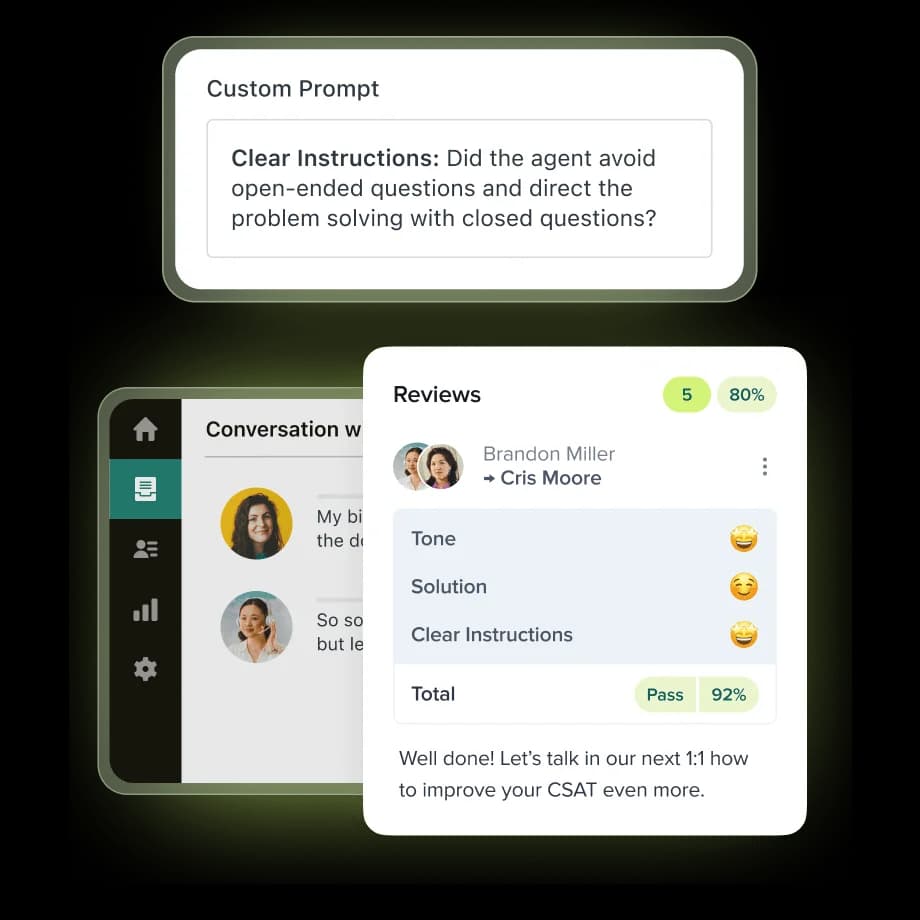
At contact-center scale, the jump is big. One enterprise retail reviewer described it like this:
"Our QA has migrated from 2% manual volume to nearly 100% automated volume as a direct result of using Level AI. We also have iCSAT on 100% of contacts rather than traditional CSAT on just a fraction."

QA catches problems after they happen. A good draft prevents a lot of them in the first place, which is why I'd fix live tickets before buying QA. For a wider list, see customer support QA tools.
How does the offshore agent's job change?
Here's the shift most rollout plans miss. Once the AI drafts, the offshore agent isn't a writer anymore. They're an editor and a filter.
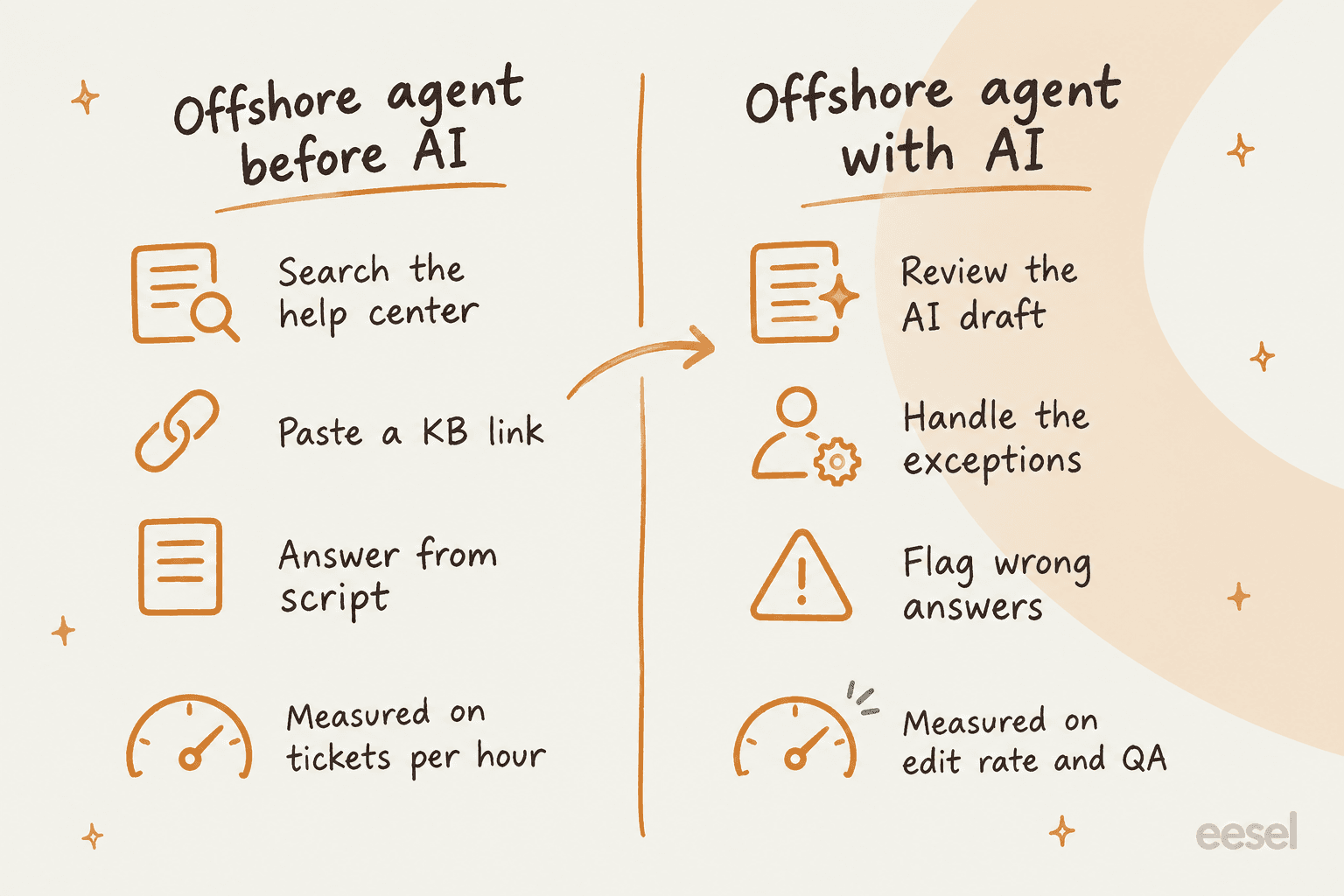
That means the metrics have to change too. The same HN commenter quoted above explained why offshore agents paste help-center links instead of reading the ticket: they're often paid by the ticket, so "their ideal is to get a reply to you ASAP" (source). If you keep measuring tickets per hour after the AI arrives, agents will approve drafts without reading them, and you've just automated the old problem.
Better measures for an AI-assisted offshore team:
- Edit rate. How often agents change the draft before sending. High edit rates on one ticket type point to a gap in your instructions, not a slow agent.
- Flagged answers. How many wrong drafts agents catch and report. Reward this. It's the cheapest QA you'll ever get.
- QA score on the final reply. What the customer actually got, after the agent's edits.
- Escalation accuracy. Whether lane 4 tickets reach the onshore team quickly, with a clean summary.
There's a nice side effect. Offshore teams that handle exceptions build product knowledge, which is how offshoring has always moved up the value chain. A Hacker News commenter who'd watched this happen in software outsourcing described it well:
"Eventually offshore companies built up the business domain knowledge such that client companies could outsource higher- and higher-level work."
AI speeds that up. Your offshore agents stop spending their day on password resets and start working the tickets that teach them the product.
How to set up AI for offshore support
This is the order I'd follow. Each step should take a week or two, not a quarter.
- Connect the AI to your helpdesk, not the vendor's. If you work with a BPO, the AI should live in your own Zendesk or Freshdesk and learn from your tickets. You own the knowledge and the audit trail, and you can switch vendors without retraining anything. eesel connects to Zendesk, Freshdesk, Front, Help Scout and Gorgias.
- Test on past tickets before any customer sees a draft. eesel's simulation replays hundreds of your past tickets and compares the AI's answers to what your team actually sent. The gaps it finds are the gaps your offshore team hits every day. One eesel buyer said this was the deciding feature, calling it "very important for testing."
- Start every action on "needs approval." In eesel each action, from replying to tagging to refunds, can be set to auto, needs approval, or disabled. Draft-only is the safe starting point for a team working while you sleep.
- Tell the offshore team what the AI is for. If agents think it's there to replace them, they'll either ignore it or approve everything without reading. Frame it as the senior colleague who's always awake.
- Fix instructions, not agents. When the onshore lead finds a bad draft in the morning review, fix the instruction that caused it once. That's faster than correcting the same mistake across 20 agents.
- Graduate ticket types to auto one at a time. Once agents stop editing drafts for a ticket type, let the AI answer it alone. Order status usually goes first. Refunds usually stay on approval.
Step 6 is where patience pays. A DTC supplements CX lead summed up the right attitude on a sales call with eesel:
"The AI will never be able to answer 100% of the questions... I need an AI who is only handling the tickets that it's confident to handle and all the other ones, leave them alone."
A DTC supplements CX lead
That's the whole model. The AI takes what it's sure of, and the rest goes to your people. It's also how Gridwise got eesel resolving 73% of their tier 1 requests in the first month. For more on the handoff itself, see AI agent handoff best practices.
What does AI for offshore support cost?
The pricing model matters more than the sticker price, because offshore teams are headcount-heavy by design. That's where the savings come from.
| Tool | How it bills | 20 offshore agents | 40 offshore agents |
|---|---|---|---|
| Zendesk Copilot | $50 per agent per month (annual) | $1,000/mo | $2,000/mo |
| Zendesk QA bundle | $50 per agent per month (annual) | $1,000/mo | $2,000/mo |
| Freddy AI Copilot | $29 per agent per month | $580/mo | $1,160/mo |
| eesel AI (2,500 tickets) | Per ticket, unlimited seats | $999/mo | $999/mo |
| Zendesk AI agents | $1.50 per automated resolution (committed), $2.00 pay-as-you-go | Per resolution | Per resolution |
Per-seat AI grows every time you hire offshore. Per-ticket AI grows with volume, and volume is the thing you're trying to shrink. On eesel's plans that works out to about $0.60 per ticket at 500 tickets ($299) and $0.38 at 5,000 ($1,899), with optional overage at $0.80 per ticket and a cap you set.
If your outsourcing contract is priced per agent hour, per-ticket AI is the easier one to budget alongside it: the AI cost moves with demand, and the vendor cost moves with staffing. The full math on AI next to offshore headcount is in the AI vs offshore support cost comparison, and the broader Zendesk pricing and Freddy AI pricing guides cover the plan costs underneath.
Common mistakes when adding AI to offshore support
These are the ones I see most often:
- Turning on auto-replies on day one. The offshore team works while you sleep. A confident wrong answer at 2am stays wrong until morning. Start in draft mode.
- Training the AI on the help center only. Help centers are written for customers, not for edge cases. Your past tickets hold the real policy, including the exceptions nobody wrote down.
- Keeping tickets-per-hour as the main metric. It rewards approving drafts without reading them. Measure edit rate and QA instead.
- Letting the BPO own the AI setup. If the vendor owns the instructions and the knowledge, you lose both when the contract ends.
- Buying a voice tool for a ticket problem. If your offshore team works email and chat, accent and call tools won't fix what customers complain about. The best AI for offshore support roundup sorts tools by the gap they close.
A quick note on hallucinations, since offshore agents may not know the product well enough to catch a confident wrong answer. Ground the AI in your own tickets and docs, and keep refunds and account changes on approval. The guide on keeping AI from hallucinating covers the settings.
Try eesel with your offshore team
If your offshore agents work tickets in Zendesk, Freshdesk, Front, Help Scout or Gorgias, eesel joins the queue as an AI teammate that has already read every ticket your senior team answered. It drafts the reply, your offshore agent checks and sends it, and your onshore lead reviews the whole night in one activity log.

It's priced per ticket with unlimited seats, so the bill doesn't grow when your offshore team does. Start on the free plan with 100 credits and run it against your past tickets before a single customer sees a draft. Try eesel.
Frequently Asked Questions
How do you use AI for offshore support?
Will AI replace offshore support teams?
What does AI for offshore support cost?
Can AI help offshore agents ramp up faster?
How does AI help with offshore shift handoffs?
Can offshore agents use AI to support customers in other languages?
Is it safe to connect AI to a BPO's helpdesk access?


Article by
Kurnia Kharisma
Kurnia is a software engineer and writer at eesel AI with two years of SEO experience, writing about AI tools, helpdesk software, and customer support. He pairs a developer's understanding of how these products are built with search-driven research into what actually ranks and resonates with the people searching for them.