What I learned watching real agents work with AI
Before the how-to, one story that reframed coaching for me. On a real-traffic trial across a roughly 1,000-ticket-per-month e-commerce inbox, I watched agents rewrite about 88% of the AI's draft replies. Almost none of those rewrites were because the AI was wrong, the drafts were 93% directionally accurate. Agents were just trimming an eight-sentence draft down to two and nudging the tone.
When I dug into the rewrites, roughly 65% of them were fixable by one thing: training the AI on the team's own past replies. Coaching, in other words. The same trial projected that feeding in just 200 recent agent replies could push "sent as-is" adoption from 12% toward 30-40%. The gap between a mediocre AI agent and a great one wasn't the model, it was whether anyone bothered to coach it.
That cuts both ways. I've also watched a confident-sounding bot quietly hand a wrong answer to a real customer, which is why every rollout I run now gets simulated against historical tickets before it goes live. Coaching isn't a nice-to-have you bolt on after launch. It is the launch.
So let's split this into the two loops, starting with the one most people mean when they search this: coaching your human team.
Part 1: Use AI to coach your human agents
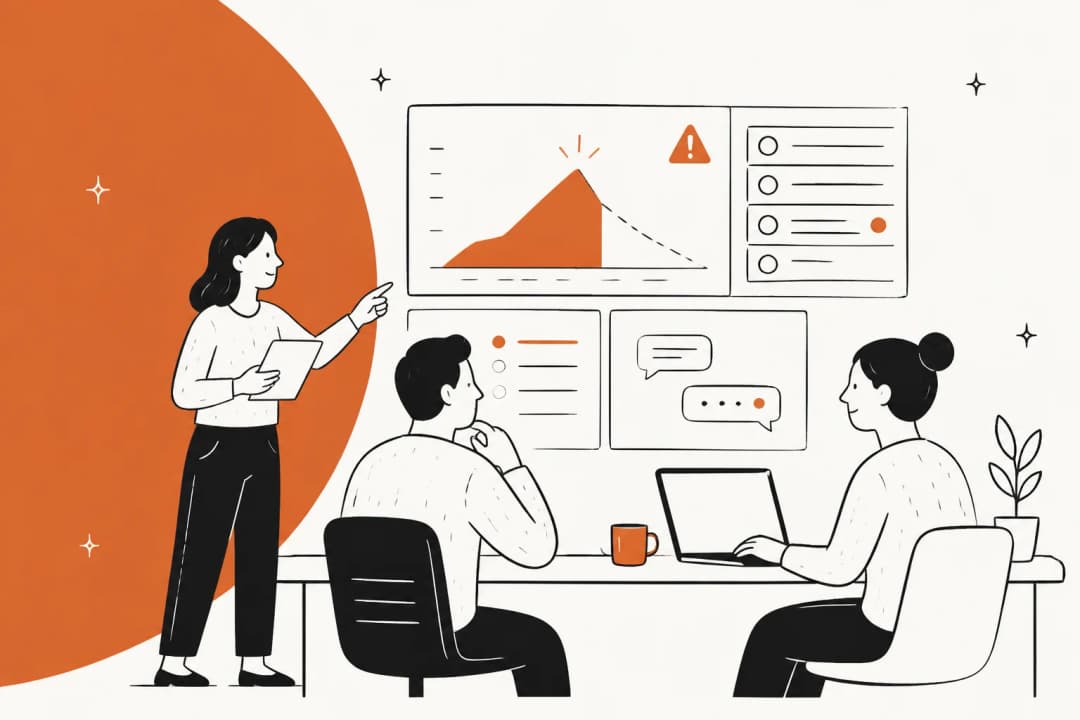
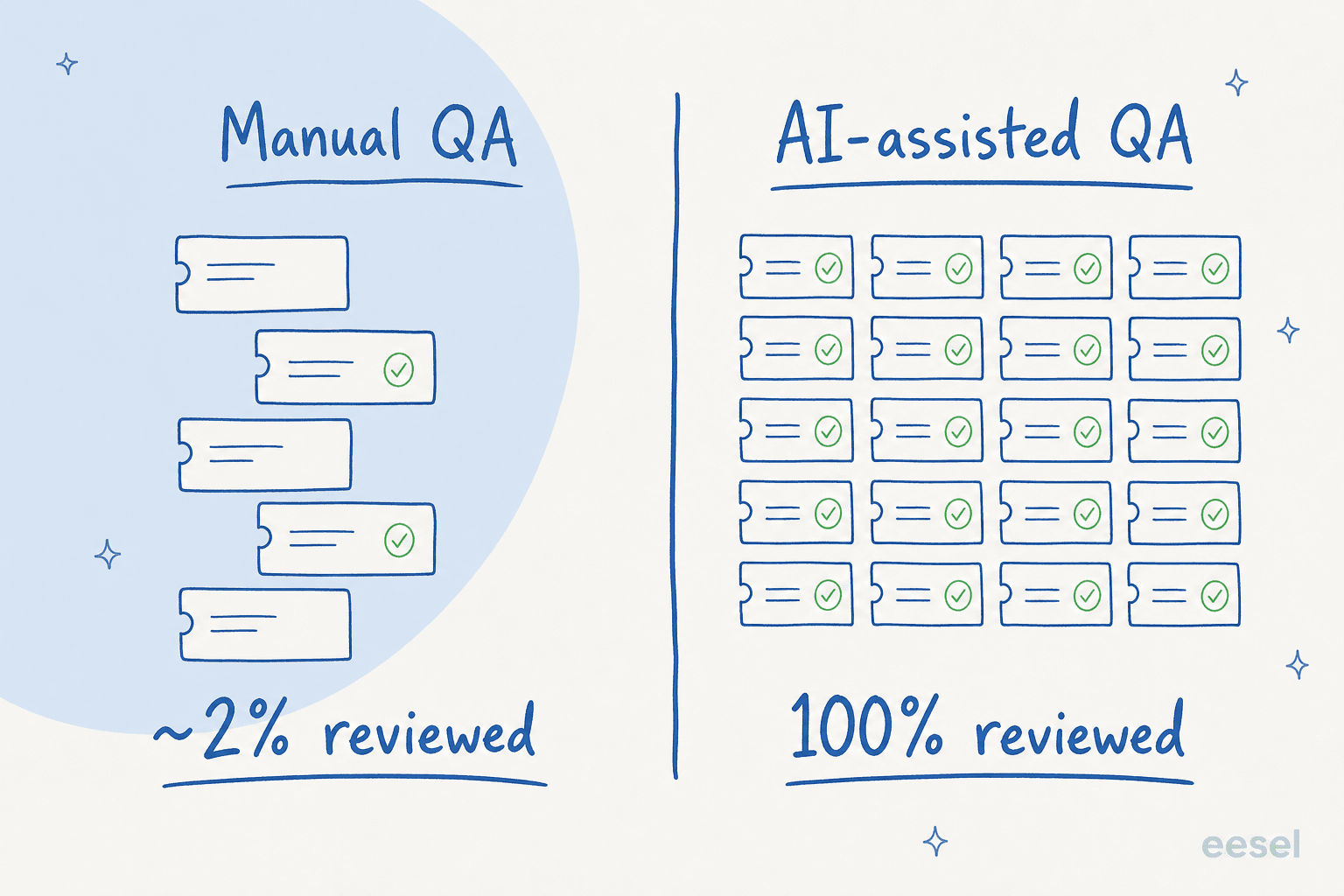
Traditional QA has a dirty secret: coverage. A team lead reviewing tickets by hand gets through maybe 1-3% of them, and almost always picks tickets at random or because something already blew up. You're coaching on a tiny, biased sample and calling it quality assurance. AI changes the input to that whole process.
Step 1: Score every ticket, not a sample
The first move is to stop sampling. An AI-assisted quality assurance workflow reads every closed conversation and scores it against criteria you define, tone, accuracy, whether the policy was followed, whether the customer's actual question got answered. Instead of a lead scoring 30 tickets a week, the AI scores all 3,000 and you review its scoring.
The criteria matter more than the volume. Build a real QA scorecard with the few things you actually care about, then let the AI apply it consistently. Layer in sentiment analysis so you also catch the conversations where the customer left frustrated but never filled in a CSAT survey, which is most of them.
Step 2: Surface the coaching moments worth a conversation
Scoring 100% of tickets is useless if it just buries you in 3,000 scores. The point of full coverage is the opposite: it lets you ignore the 95% that were fine and zero in on the handful that weren't.
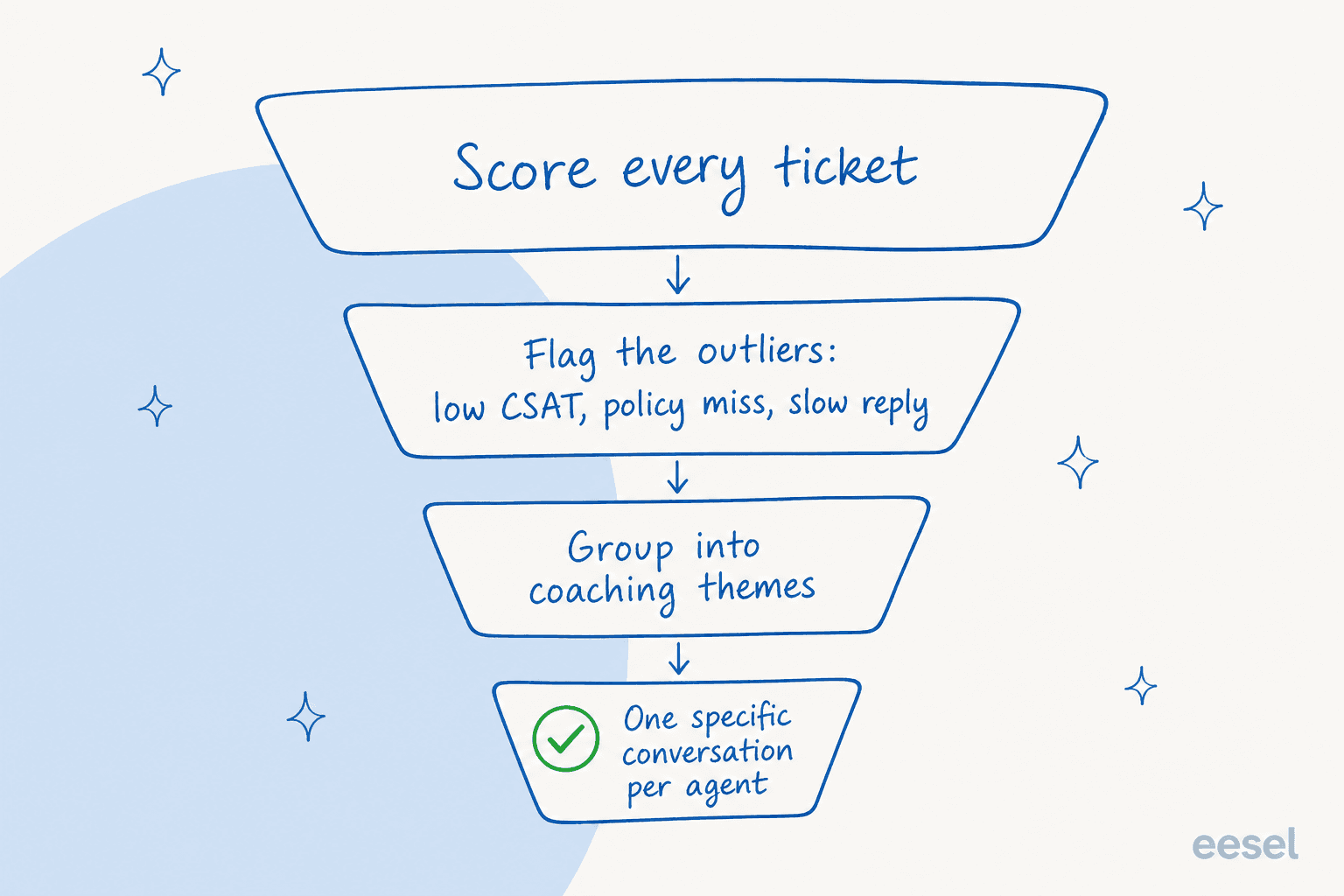
A good setup flags the outliers, the low-CSAT replies, the policy misses, the conversations that ran three times longer than they should have, then groups them into themes. When five agents all fumble the same refund edge case, that's not five coaching conversations, it's one gap in your knowledge base or one training session. When one agent keeps missing the same thing everyone else nails, that's a personal one-on-one. The grouping is what turns raw QA data into a coaching plan.
Step 3: Make the feedback specific, with the receipts attached
The fastest way to make agents hate coaching is to hand them a number with no context. "Your QA score is 72" tells them nothing. AI fixes this because every flag comes with the actual ticket attached.
So instead of "be more empathetic," coaching becomes "in these three tickets, the customer mentioned a delayed order twice before you acknowledged it, here's what acknowledging it earlier looks like." That's evidence-backed agent feedback, and it lands completely differently. The AI did the tedious part, reading every ticket and finding the pattern, so you can spend the one-on-one on the actual human conversation. Done right, this is the opposite of impersonal: it's the most specific coaching your agents have ever gotten.
"We can onboard new employees much faster with eesel AI's Copilot, and help train them or answer questions with accurate responses straight from the source. Managers are now asked the important questions, and sourcing documents or learning processes has become much easier."
Step 4: Measure whether the coaching actually moved anything
Coaching that you don't measure is just talking. Pick the metric the conversation was meant to move, CSAT, first response time, reopen rate, the QA score itself, and watch it per agent over the following weeks.

This is also where you separate real improvement from noise. A jump in one agent's CSAT the week after coaching could be the coaching, or it could be that they happened to catch easier tickets. Our framework for measuring AI support ROI is built for exactly this, and it's worth reading before you start attributing wins. If you're scaling a team, agent performance and SLA tracking gives you the per-person trendlines that make coaching conversations concrete.
Part 2: Coach your AI teammate like a new hire
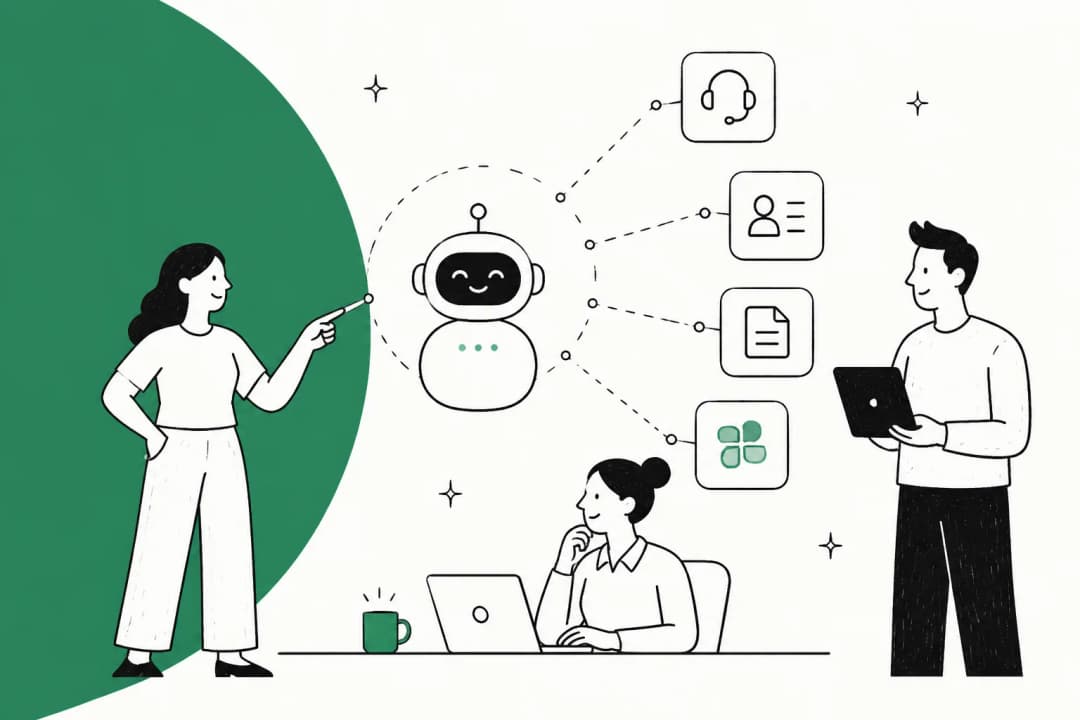
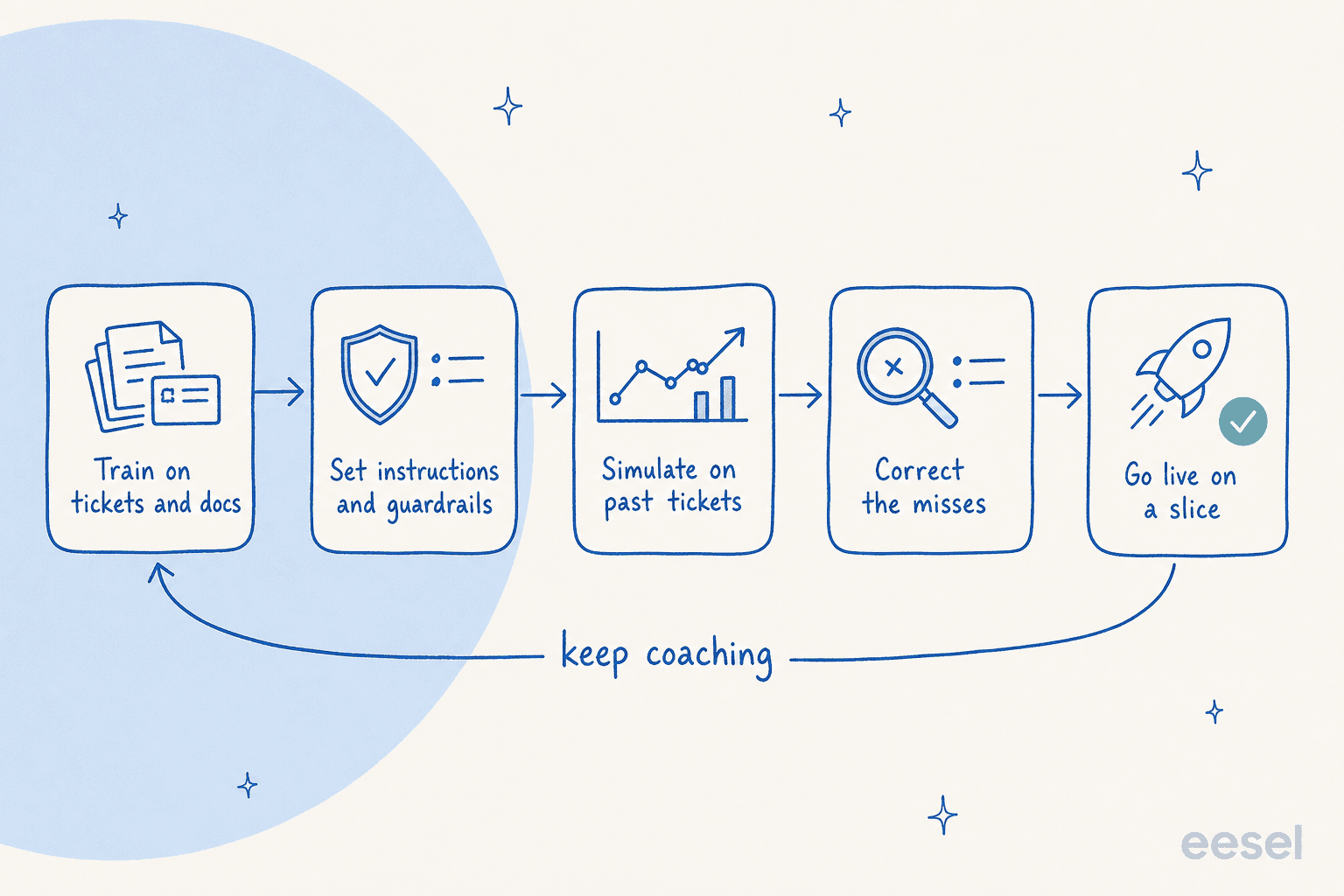
Here's the part that surprises people. The single most-requested capability I see from teams evaluating AI support isn't a flashy feature, it's training the AI on their own past tickets. They don't want a generic bot; they want one that's been coached on how their team actually answers. And just like a new hire, an AI agent gets good through a loop, not a one-time setup.
Train it on resolved tickets and docs
A new hire reads the help center and shadows old tickets. Your AI agent should do the same. Point it at your resolved conversations and your knowledge base so it learns not just the facts but the phrasing your team uses. Years of ticket history becomes usable knowledge on day one, which is the whole reason this beats writing instructions from scratch.
One real example I think about: a public-sector IT services firm was about to lose two senior agents who held a decade of tribal knowledge, and they wanted to capture it in the AI before those people walked out the door. That's coaching as knowledge preservation, and it's a genuinely good reason to start now rather than later.
Set instructions and guardrails
Training gives the AI knowledge; instructions give it judgement. This is where you write the rules a good agent learns over months, in plain language: when to escalate, what tone to use, which ticket types to never touch. The most important guardrail is confidence-based routing, the AI answers only what it's sure of and silently leaves the rest for a human.
I can't overstate how much this one decision matters to real buyers. One CX lead running a 7,000-ticket-a-month DTC supplements inbox put it to me bluntly: the AI will never answer 100% of questions, so what they needed was an agent "only handling the tickets that it's confident to handle" and leaving the rest alone. An AI that confidently answers everything, including "sorry, I don't know," is worse than no AI. Guardrails are what make the rest of the coaching safe.
Simulate before you go live
You wouldn't put a new hire on the live queue on day one. Don't do it to your AI either. The step most teams skip, and the one that's saved me from shipping a confidently-wrong bot more than once, is simulation: run the agent against thousands of your past tickets and see how it would have answered, before a single real customer is involved.

Simulation shows you coverage by topic, where the gaps are, and what it would have said on the tickets you already know the right answer to. You fill the gaps, re-run, and only then go live, usually on a narrow slice of ticket types first. This is the difference between an AI helpdesk agent you trust and one you're constantly apologizing for.
Correct the misses, and watch them stick
Once it's live, coaching becomes day-to-day. When the AI gets something wrong, you correct it in plain language, the same way you'd give feedback to a person, and a well-built agent incorporates the correction going forward. One digital-media support admin I read about taught their agent a durable rule, "don't action a cancellation when there's an unresolved issue attached, troubleshoot first", and the agent simply followed it from then on.
The test of a coachable AI is whether the coaching sticks on re-test. This is what one small-business founder loved enough to write up:
"Finally! A coachable AI agent for supporting Customer Experience accessible to small businesses... when we re-test, it correctly incorporates the coaching. We'll be moving forward... specifically on enabling newer team members to have a 24/7 supervisor that coaches them on how to handle inquiries."
Notice the last line, because it's where the two loops meet. Their coachable AI didn't just get coached; it became a coach for their newer human agents, a 24/7 source of accurate, on-brand answers to learn from. Coach the AI well and it starts coaching your people back.
Common mistakes when coaching support agents with AI
A few traps I see teams fall into, on both loops:
- Weaponizing the QA data. The fastest way to kill morale is to use full-coverage scoring as a surveillance tool. AI QA should make coaching kinder and more specific, not turn into a productivity dashboard agents resent. Lead with the ticket, not the score.
- Skipping simulation. Going live on real customers without testing against past tickets is how you end up with a hallucinated answer in front of a paying customer. It's the one step that's genuinely non-negotiable.
- Letting the AI answer everything. No confidence threshold means the AI will eventually answer something it shouldn't. Start narrow, expand as trust builds.
- Coaching the AI once and walking away. A bot trained at launch and never corrected drifts as your products, policies, and prices change. Treat it like a team member who needs ongoing feedback, not a set-and-forget chatbot.
- Vague human feedback. "Be more empathetic" is not coaching. If your AI QA gives you the specific ticket and the specific moment, use it, that specificity is the whole point.
- Ignoring the knowledge gap behind the pattern. When QA surfaces a recurring miss, the fix is often a doc, not a person. Coach the knowledge base too.
Try eesel to coach both kinds of agent
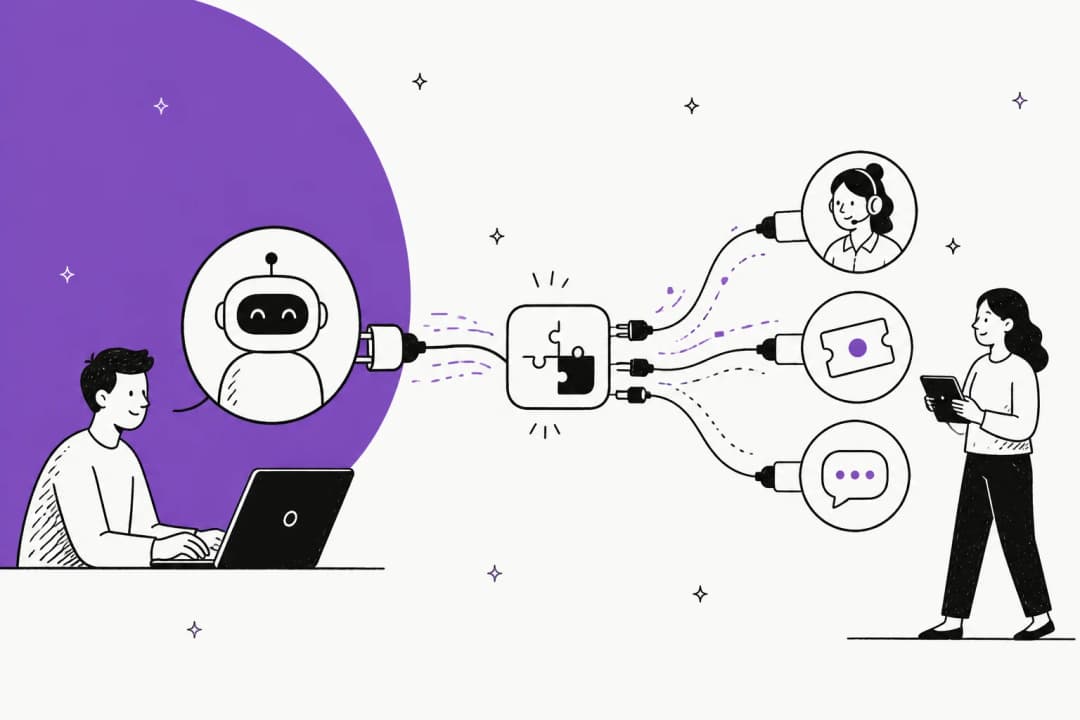
If you want one place to run both loops, that's the problem eesel was built for. It plugs into your existing helpdesk, Zendesk, Freshdesk, Gorgias, Front, learns from your past tickets and docs, and lets you coach it in plain language. The part I'd flag for anyone nervous about going live: you can simulate it on thousands of your historical tickets first, see exactly how it would have answered, and only hand it the ticket types you trust it with. Every correction you make sticks on the next run.

And because it runs on usage-based pricing with no per-seat fee, the coaching and draft-reply work scales with your ticket volume instead of your headcount. Newer agents get a 24/7 source of accurate, on-brand answers to learn from, and you get an AI teammate that takes the repetitive tier-1 load off the queue. It's free to try, and you can have it simulating against your own tickets within minutes. Try eesel.
Frequently Asked Questions
What does it mean to coach support agents with AI?
Can AI really review every support ticket for quality?
How do I coach my AI support agent?
Won't AI coaching feel impersonal to my agents?
How much does it cost to coach support agents with AI?
How do I measure whether AI coaching is working?
What happens if the AI gives a wrong answer while it's still learning?


Article by
Riellvriany Indriawan
Riell is a designer and writer at eesel AI with about two years of experience researching CX platforms, AI chatbots, and helpdesk software. She combines her design background with a sharp eye for how these tools actually look and feel in practice — making her comparisons unusually visual and user-focused.