What is support knowledge retention?
Support knowledge retention is the set of habits and tools that stop a support team from losing what it knows. It covers two different problems that get lumped together:
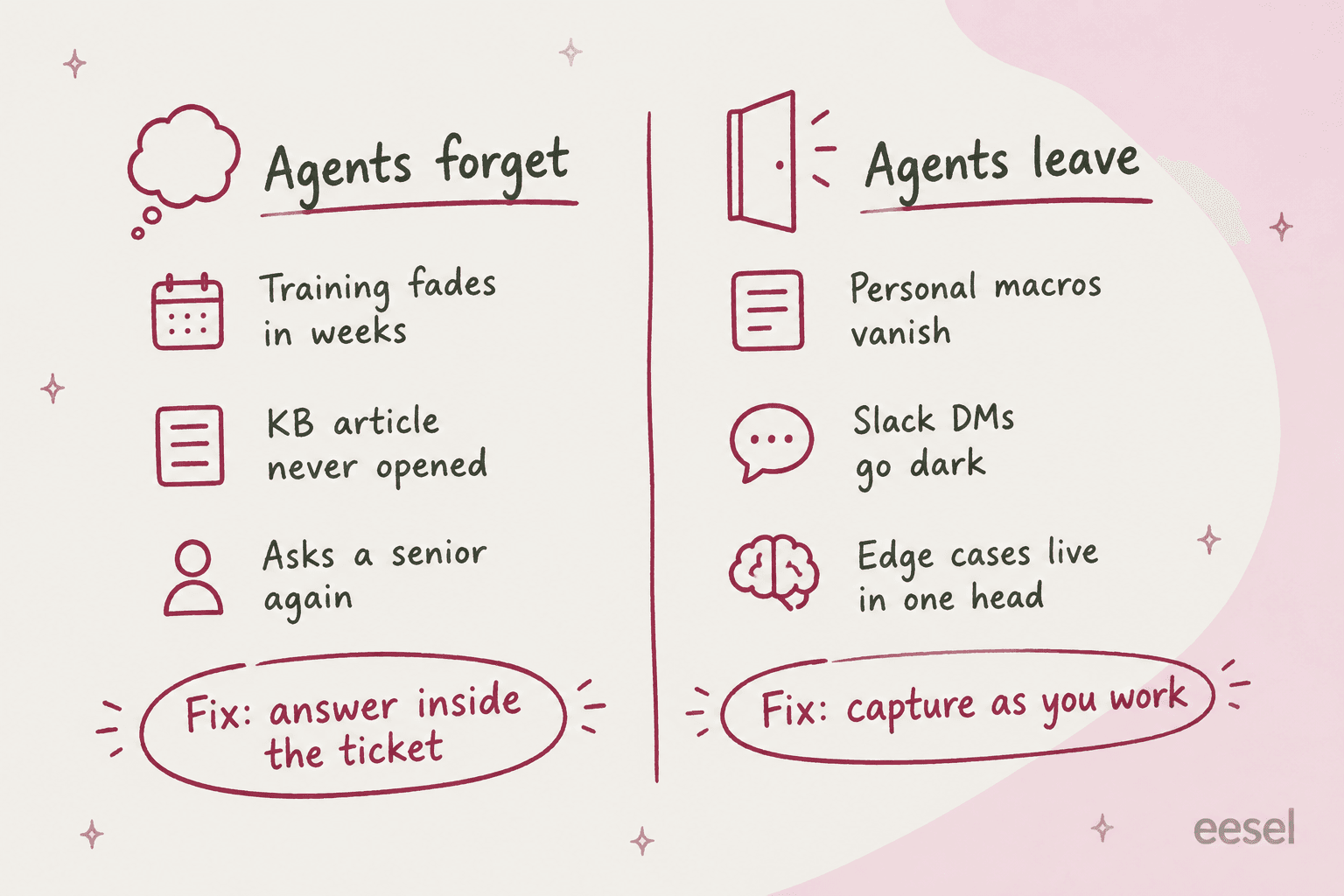
- Agents forget. A new hire sits through two weeks of product training, then meets the edge cases a month later and can't remember which article covered it. They ask a senior, again.
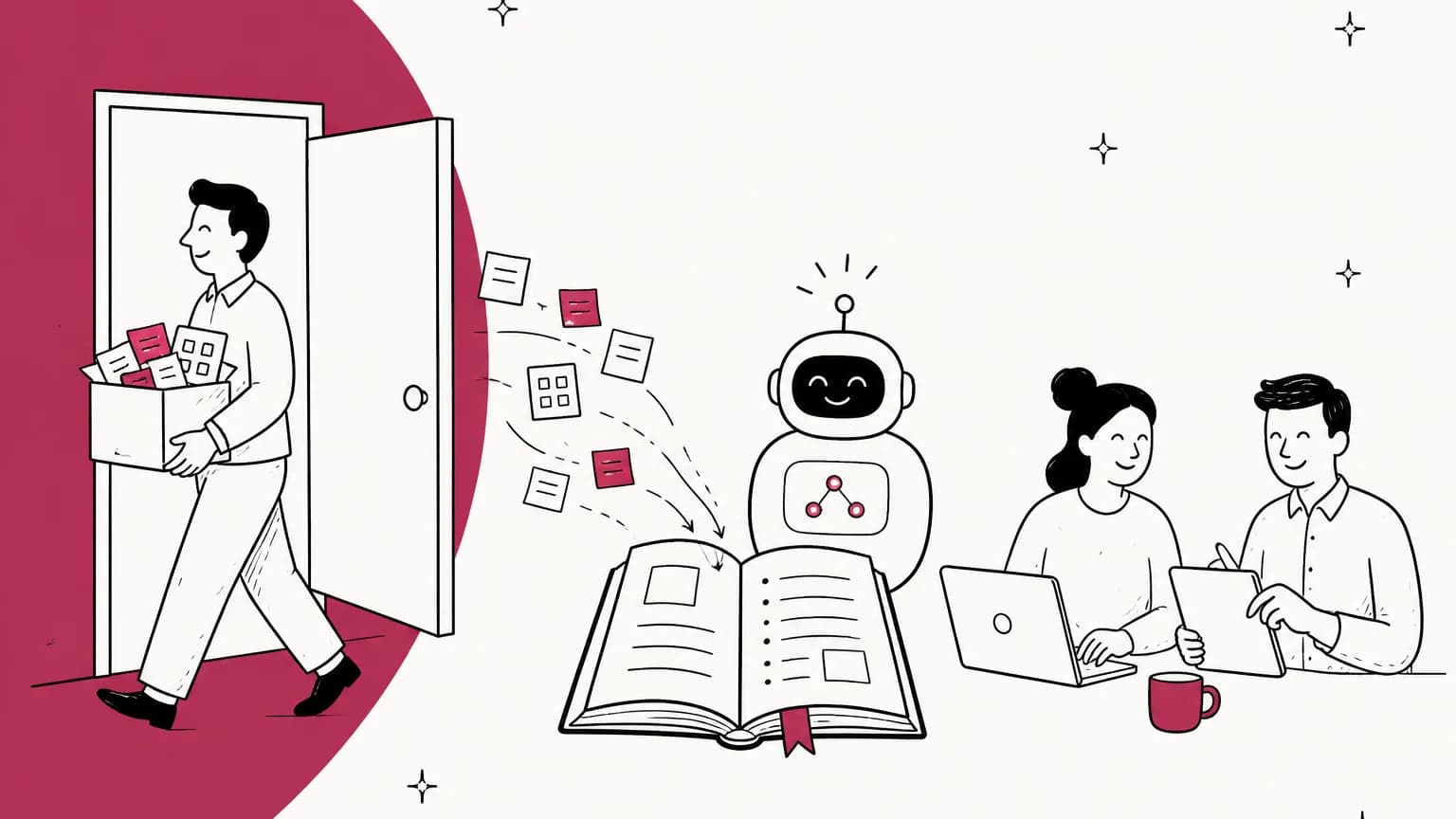
- Agents leave. Your most experienced agent hands in notice, and with them go the workarounds, the "this customer always needs X" context, and the replies they polished over three years.
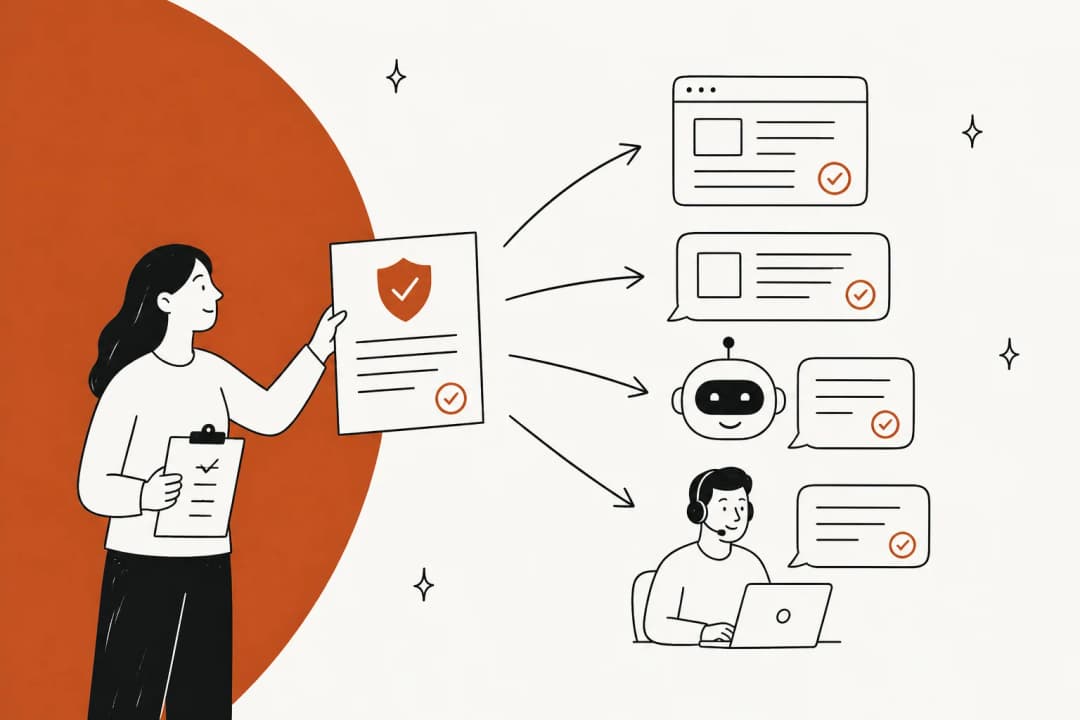
Most advice about retention is about the first one: spaced repetition, quizzes, refresher training. That stuff helps a little. But in my experience on eesel's support queue, the second problem is the one that actually hurts, and the fix for both turns out to be the same. You don't make people remember more. You make the answer show up where they work, so remembering matters less.
It's close cousins with knowledge management for support teams, but retention asks a narrower question: if this person disappeared tomorrow, what would we not be able to answer anymore?
Why support teams lose knowledge faster than most
Support is a high-churn job with a long tail of rare questions. That combination is rough on knowledge. The common stuff gets written down because it comes up every day. The rare stuff (the billing migration from 2023, the one integration that breaks on a specific plan) gets solved once by whoever happened to pick it up, and the answer sits in that ticket and that person's memory.
One call center agent on Reddit described what high turnover does to a team's memory:
"the staff cycle pretty often since it's a minimum wage call centre job. It's never going to be long term for many people so like most places after time people slowly start forgetting who implemented what and just assume."

On one eesel sales call, a French public-sector IT services firm on Freshdesk told us almost exactly this story. They handle around 3,000 tickets a month of complex ERP troubleshooting with six agents, and two of their most senior agents were leaving that year. The whole reason they were talking to us was to get that knowledge into something that would stay. I hear some version of that on the queue every few weeks. The team usually has thousands of documents (that firm had over 10,000). What they don't have is a copy of how their seniors actually answer.
There's a second, quieter leak: answers given in Slack. A question comes in, someone asks in a channel, a senior replies with the perfect explanation, and the ticket gets closed with a short version. The good answer lives in Slack, where the next person won't search for it.
Where support knowledge actually leaks
This is the part I wish more people knew before an agent's last day. Every helpdesk has rules for what happens to a departing person's stuff, and they're not the same. I went through each vendor's own help center to see what actually survives.
| Tool | What happens to a departing agent's personal replies | What else goes |
|---|---|---|
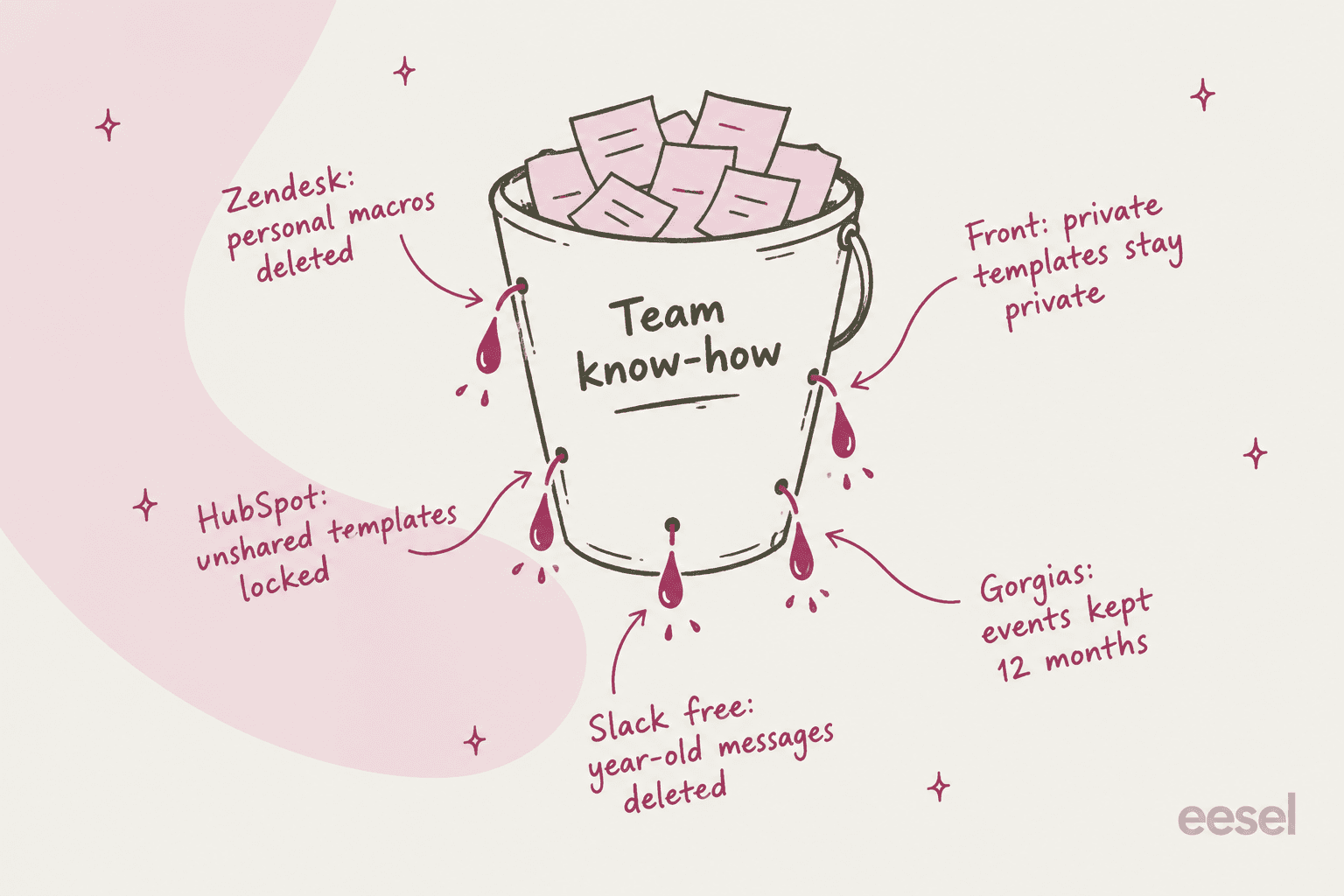
| Zendesk | Downgrade: "Agents' personal views and macros are deleted" (source) | CSAT data for the agent; unshared Explore dashboards once deleted |
| Freshdesk | Personal canned responses: "others cannot access the personal folder" (source) | Reports go to Trash; schedules "permanently deleted" (source) |
| Front | Private templates can't be made shared; you "copy the content and recreate it" (source) | Individual inbox data destroyed "after a delay of a few days" on delete (source) |
| HubSpot | Removed user "must have shared their sales templates prior to removal" (source) | Removing (not deactivating) drops them from reports |
| Help Scout | Saved replies belong to the inbox, not the person (source) | Workflows that reference them go inactive (source) |
| Gorgias | Macros are account-wide, managed by admins and leads (source) | Their stats are deleted with the user; ticket events older than 12 months aren't kept (source) |
| Slack (free) | Not applicable | 90 days visible; data older than one year deleted (source) |
Three rows deserve a closer look.
Zendesk. Zendesk's recommended offboarding path is downgrade, then suspend. That's the right call for ticket history (closed tickets keep the agent as assignee, and their articles keep their name). But the same downgrade deletes every personal macro the agent built. If your best agent kept 40 personal macros for the weird cases, those go on the day you downgrade them. I wrote more about the split in my guide to personal vs shared macros. The move is to review and promote the good ones before the downgrade, not after.
Front and HubSpot. Both keep private templates private, which is great for privacy and bad for retention. In Front there's no convert button at all. Someone has to open each private template and recreate it as a shared one, which is a job to do while the author is still around.
Slack. If your team runs on free Slack, the free plan limits you to the most recent 90 days of history, and since August 26, 2024, Slack deletes messages and files more than a year old. Canvases and lists get the same one-year limit. A two-year-old thread where your senior explained the billing edge case isn't just hard to find. It's gone.
One more that bites at review time: Gorgias keeps only the last 12 months of ticket events, and deleting a user deletes their statistics. Gorgias's own workaround is to change the user's login email to a placeholder before deleting them, so their history stays in your reports.
How to retain support knowledge: 6 habits that work
None of these need a new tool. They're mostly about where answers get written down and who owns them.
1. Make shared the default for macros and saved replies
Personal macros are where your best agents keep their best work, and they're the first thing to vanish. Set a simple rule: if you've used a personal macro more than three times, it gets promoted to shared. In Zendesk, ask each agent to go through their personal list once a quarter, and export your macros to see what's already shared. Help Scout and Gorgias macros mostly solve this by design, since replies belong to the inbox or the account. In Freshdesk, move the good ones out of personal folders into shared canned responses.
It also makes the shared library better. A macro one agent wrote for themselves is usually closer to what customers actually ask than the one written in a planning meeting. My guide to managing macros covers keeping the library from turning into a junk drawer once you do this.
2. Capture answers while the ticket is open
The cheapest moment to write something down is when you've just solved it. That's the core idea behind Knowledge-Centered Service (KCS), the method published by the Consortium for Service Innovation. Its Solve Loop says to "capture in the workflow," including the customer's own words. The Consortium's line on what's worth keeping is one I repeat a lot: "If the issue is worth solving, it is worth saving."
Most helpdesks have a shortcut for this:
- Zendesk lets agents create or request help center articles from inside a ticket on Suite Growth and up (source).
- Freshdesk turns any reply into a knowledge base draft if you BCC
kbase@yourcompany.freshdesk.com, on every plan (source). - HubSpot's knowledge base agent (beta, Pro and Enterprise) drafts articles from closed tickets, needs at least five of them, and costs 200 HubSpot credits per article (source).
Don't aim for polished articles. KCS itself warns that "up to 80% of KCS articles will rarely or never be reused," so a rough draft that exists beats a perfect one nobody had time to write. If you want the full method, my post on offshore knowledge transfer walks through how KCS licensing works for a new team.
3. Get the good answers out of Slack
Pick one habit and stick to it: when a Slack thread answers a support question, someone moves it to the internal knowledge base before the ticket closes. A shared emoji reaction (a 📌 or a 📝) that means "this needs to become an article" works better than a policy doc about it.
Or flip it around and bring the knowledge base into Slack, so people ask there and get the documented answer. That's what an AI Slack bot on your docs does. Simployer, a 350-person company across Sweden, Poland and Norway, runs one bot in Slack on top of Confluence, and its team said access to documentation "through the Slack interface has been very well-received by employees" (case study).
4. Put the answer inside the ticket
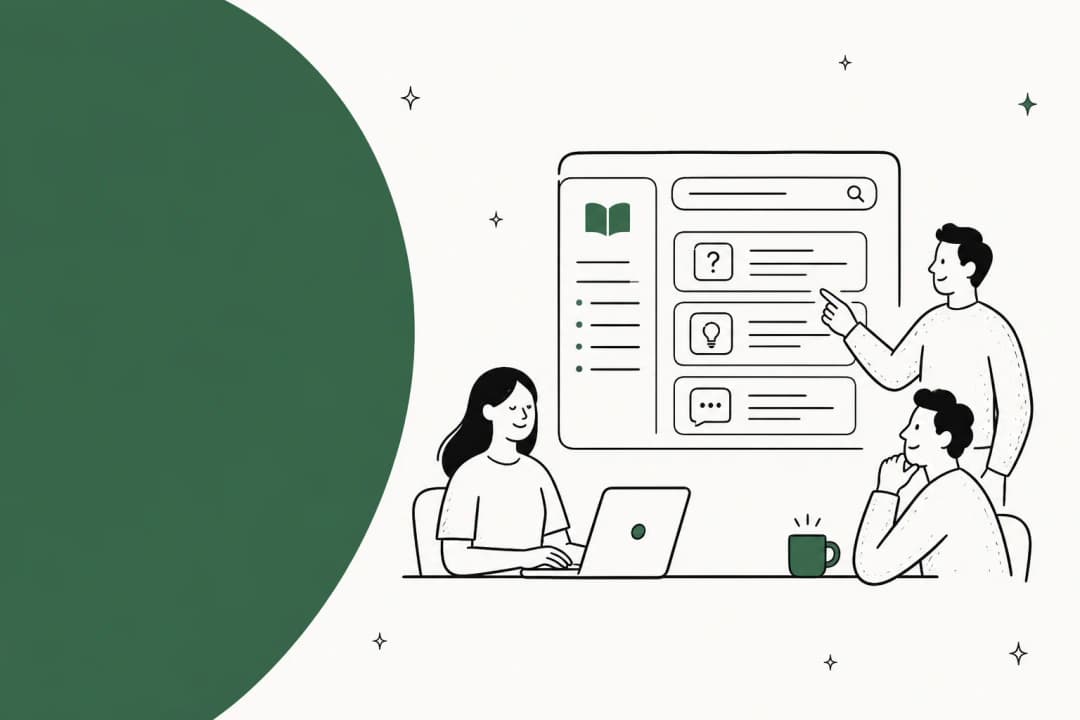
This is the habit that fixes the "agents forget" half. People don't forget because they're careless. They forget because the article lives three clicks away in another tab, and the ticket is right there. An answer that appears in the ticket gets used. An answer in a wiki gets remembered, sometimes.
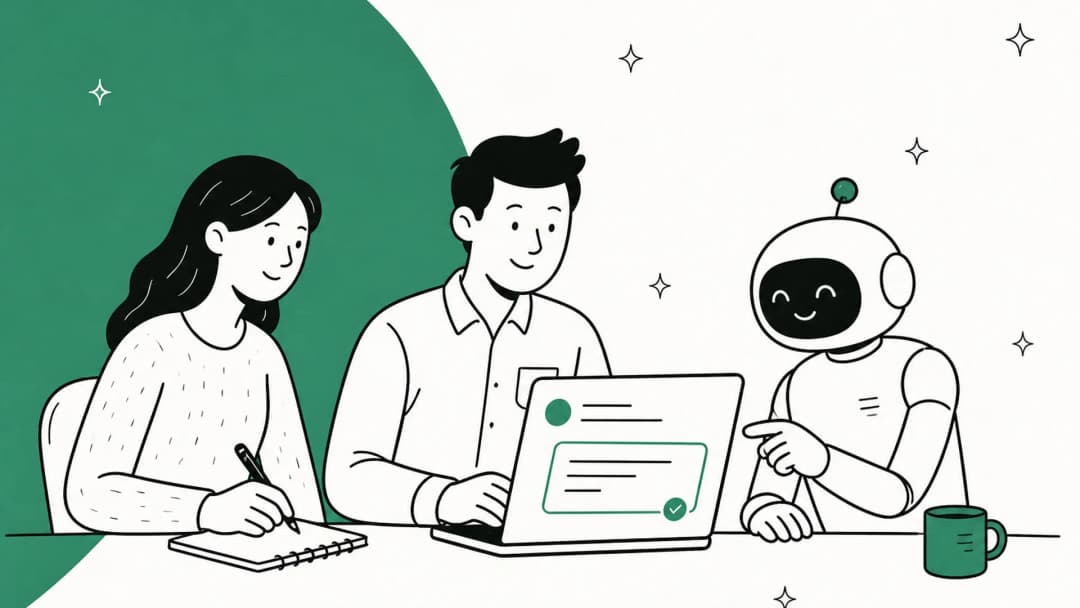
That's what agent assist tools are for (I compared the best agent assist tools separately): they suggest the article, the macro or a full draft reply right where the agent is typing. Yellowdig's Director of Support and Operations, Jon Miron, put the effect on new hires nicely: "a new customer success hire joked that our eesel AI bot was their best friend during onboarding and interviewing" (case study). That's retention working: the new hire doesn't need to remember the answer, because the AI found it for them. If ramp is your main worry, my post on support agent ramp time has the numbers side of this.
An IT manager on Reddit made the same point from the other side. If the knowledge base is hard to search from where agents work, people fall back on memory:
"If your searching capabilities do not allow for quick matching or suggestions to the agents then why would they use a KB versus relying on personal knowledge?"
5. Give every article an owner and a review date
Knowledge doesn't only walk out the door. It also goes stale while everyone's still here. An article written by someone who left two years ago, with nobody's name on it, is the most dangerous kind: it looks official and nobody checks it.
Some tools help with this, at a price:
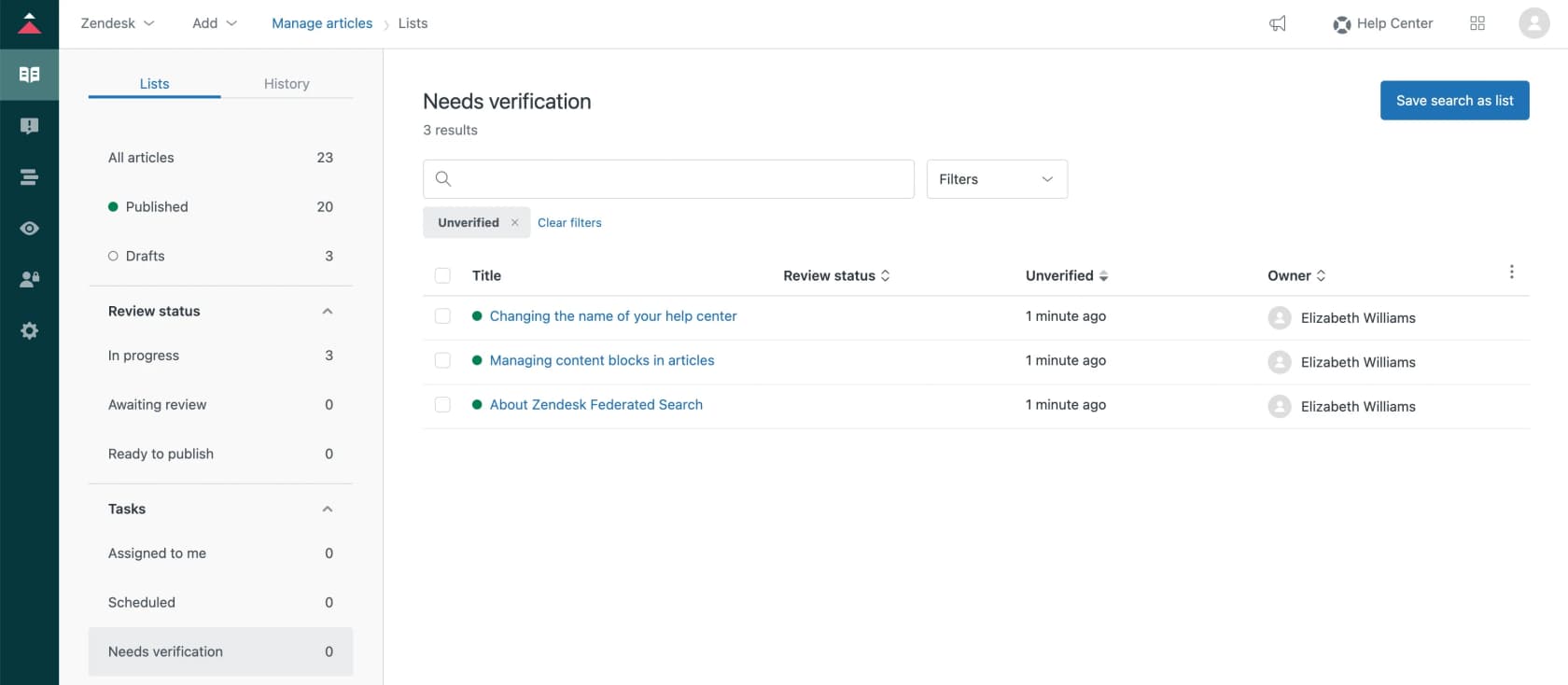
- Zendesk article verification lets you set rules that flip articles back to unverified on a schedule (two weeks, six months, a year), with reminder emails. It's Enterprise only. And watch the trap: if you downgrade an article owner without reassigning their articles, Zendesk notes they "will still receive article verification emails."
- Front has scheduled article reviews on Professional and up, with a daily reminder for articles due (source).
- Confluence Premium and Enterprise can filter pages by deactivated owners and change the owner of up to 100 at a time (source).
- Guru changed its default in January 2026: new collections default to "Does not expire," with no reminders, and Guru leans on its AI Knowledge Agents for quality checks instead (source). If you relied on Guru's verification reminders, check your newer collections.
On plans without any of this, a spreadsheet with article, owner and next review date does the job. The one non-negotiable: when someone leaves, their articles get a new owner on their last day. My guide to spotting outdated help center content has a faster way to find the worst offenders.
6. Watch for the questions nobody can answer
The last habit is noticing gaps as they open, not six months later. When an experienced agent leaves, the first sign is usually a cluster of tickets that sit longer, get escalated more, or get reopened. Tag those, and once a month turn the top cluster into an article. I covered the reports to watch in my guide to support knowledge gap analysis.
A 30-day knowledge handover when an agent gives notice
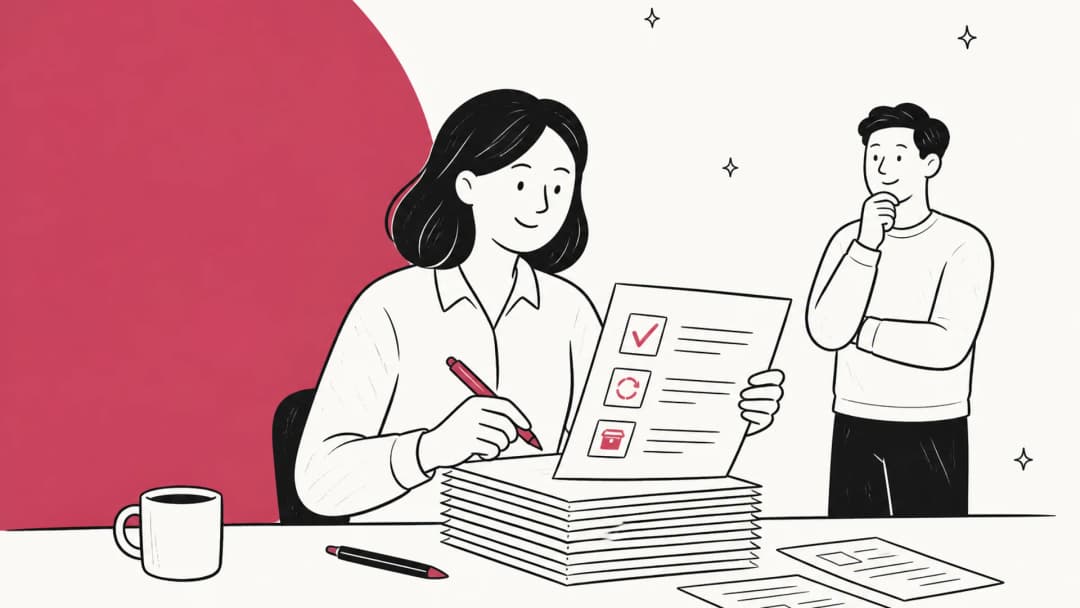
Even with good habits, a resignation is the moment you find out what you didn't capture. Here's the plan I'd run for a senior agent with a few weeks' notice. Compress it if you only have two.
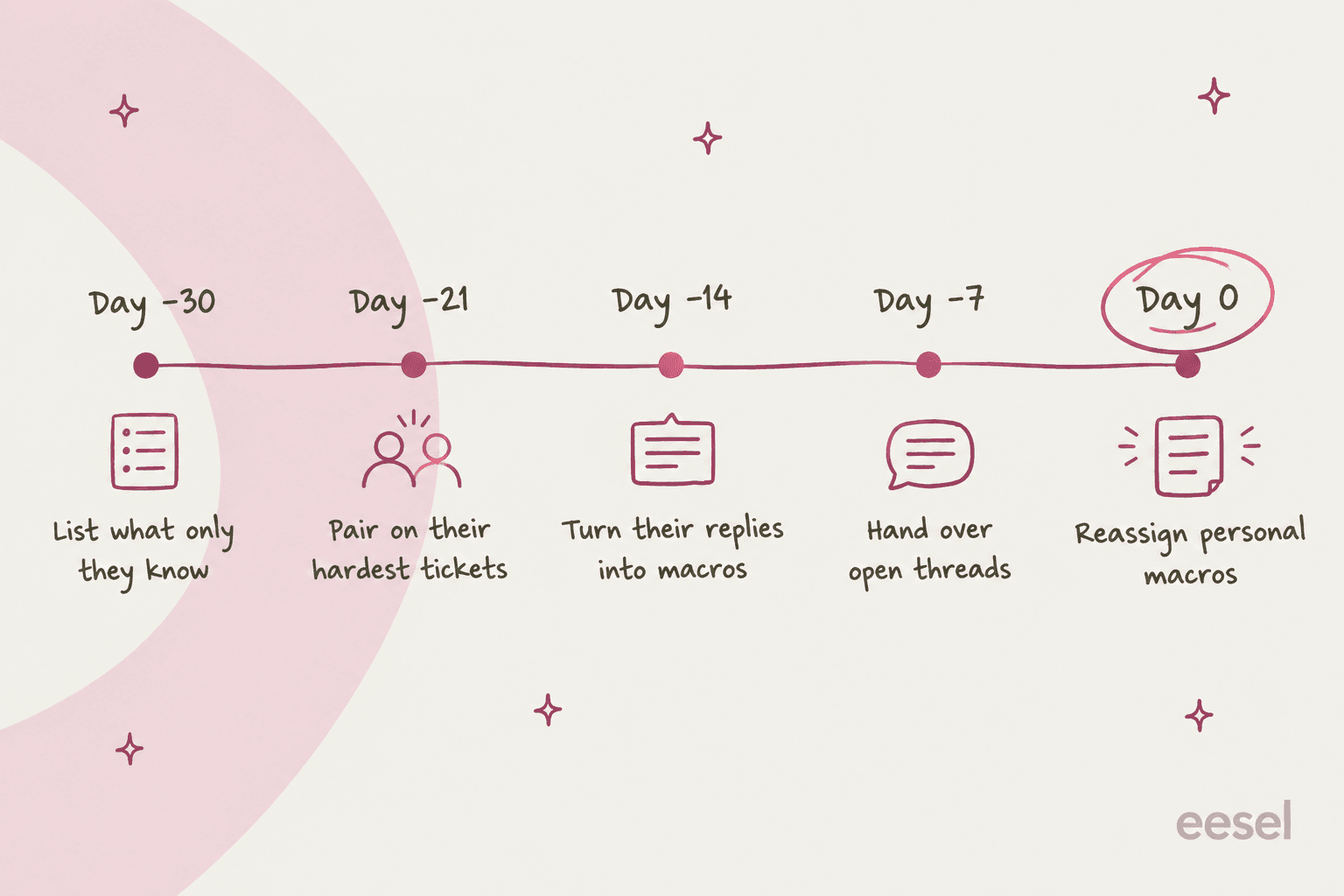
- Day -30: list what only they know. Ask them directly: "What do people come to you for?" Then check their last 90 days of tickets for topics nobody else handles. You'll get a list of 10 to 20 things. That list is the whole project.
- Day -21: pair on their hardest tickets. Assign the tricky categories to a successor and have the leaver review the replies, not write them. You learn more from correcting a draft than from reading a doc.
- Day -14: turn their replies into shared macros and articles. Go through their personal macros and saved replies and promote the ones worth keeping. Write short internal articles for each item on the day -30 list. Keep them rough. If they had hundreds of replies, you can also generate macros from past tickets instead of reading every one.
- Day -7: hand over open threads and relationships. Reassign open tickets by hand with a note, not in bulk to the group. In Help Scout, do any workflow-based reassignment before the account goes, since there's "no way to do this" after the user is deleted.
- Day 0: deal with the account last. Reassign article ownership, move any Explore dashboards or reports they own, then downgrade or deactivate. In Zendesk, downgrade and suspend rather than delete. In Gorgias, swap the login email to a placeholder before deleting so their stats stay.
The step people skip is the quiet one: who maintains what this person maintained, and where it's stored. In the same Reddit thread, the call center agent explained that most of the training material ran on guides he'd built himself and hosted on his own domain. After the account moved to a new call center and his domain expired, the new team lost the "80% part of the training pack." Another commenter summed it up:
"Love how everyone took your knowledge base and its regular updates for granted and no one at any level questioned who was maintaining that or where."
Your helpdesk's day-0 checklist
The order of the last step matters more than people expect, and it's different in every tool. Here's what to save before the account goes.
Before their last day: what to save in your helpdesk
Pick your tool to see what disappears when an agent's account goes, and the order to do things in. All from each vendor's own help center.
- Review their personal macros and recreate the useful ones as shared macros.
- Reassign their article ownership, or verification emails keep going to them.
- Move or share any Explore dashboards they built. Unshared ones can't be recovered once the user is deleted.
- Reassign open tickets with a note. Closed tickets keep them as assignee.
- Downgrade to end user, then suspend. Don't delete.
- Have them copy useful personal canned responses into a shared folder.
- Recreate any reports they built (deactivation moves them to Trash) and any schedules (permanently deleted).
- Reassign open and pending tickets with context. They'd otherwise land in the unassigned queue.
- Deactivate rather than delete. Deleting wipes their assignment from tickets and articles.
- Open each useful private template and recreate it as a shared template.
- Move anything important out of their individual inbox. It's destroyed a few days after the teammate is deleted.
- Block or delete the teammate and add the new hire as a new teammate. Front advises against reusing the old login.
- Have them share their templates before they're removed.
- Reassign their tickets. Removed owners show as "Deactivated/Removed" on the ticket.
- Deactivate if you want their history to stay in reports. Removing takes them out of reports.
- Reassign their open conversations before deleting the user.
- Update any workflows that reference them. They go inactive on deletion.
- Saved replies belong to the inbox, so they stay. Past replies and notes stay too.
- Reassign their open and snoozed tickets first. Deletion unassigns them.
- Change their login email to a placeholder before deleting, so their stats stay in your reports.
- Macros are account-wide, so there are no personal macros to rescue.
- Move the support threads worth keeping into your knowledge base now, not at someone's exit.
- Deactivating a member doesn't delete their messages or files, so their threads stay searchable.
- Deleting a channel deletes its messages on any plan. Archive instead.
If you don't get 30 days, steps 1 and 3 are the ones to protect. The list and the macros are what keep working after the person has gone. And if this plan is starting to look like your new-hire onboarding in reverse, that's the point. The same artifacts feed both.
Common mistakes
- Treating retention as a training project. More refresher sessions won't fix knowledge that only exists in one person's head. Write it down first, then pick training software if you still need it.
- Deleting the agent account first. In most helpdesks, the order matters. Delete before reassigning and you lose history, stats or the ability to reassign.
- Relying on the ticket archive to remember for you. Tickets are searchable in theory. In practice, nobody finds the right one from two years ago, and some tools trim history on a schedule (Zendesk ticket deletion schedules exist on Team plans and up and only touch archived tickets, which archive 120 days after closing).
- Writing perfect articles slowly. A rough internal note today beats a polished article next quarter. Knowledge base management is iterative.
- Leaving the handover doc in the leaver's own drive. If it lives in their personal folder, it can go when their account is removed. Put it in a shared space from day one.
How eesel helps keep support knowledge in the team
I'll be straight about why this topic is personal for me: on eesel's support queue, "we're losing our senior agent, can the AI learn what they know?" is one of the most common reasons people reach out. And the most requested feature on our sales calls, by a long way, is training on past tickets. As one eesel co-founder put it after a run of demo calls: "People really, really, really want to train on past tickets."
That's the retention angle. eesel's AI helpdesk teammate joins your existing helpdesk and learns from what your team already has. In Zendesk, the full connection reads your help center, macros and past tickets, so it already knows how your team answers before it handles a single ticket. That includes how your senior answered, in the replies they actually sent, which keeps working after they've left. It also connects to Confluence, Google Drive, Notion and websites, so the scattered stuff ends up in one place.

A few pieces map straight onto the habits above:
- Answer inside the ticket. eesel can draft replies as internal notes for an agent to review, and anyone can mention
@eeselin an internal note to get a draft on demand. New hires ask the AI instead of interrupting the senior. - Corrections stick. When you correct the agent, it writes the correction into its own instructions, so a rule your senior explains once becomes a rule every future draft follows. That's tribal knowledge turned into a written rule you can read and edit.
- Gaps get flagged. eesel's reports track knowledge gaps, the questions it couldn't answer from your docs, and its skills can draft the missing articles for you to review.
- Internal Q&A in Slack. The same teammate answers internal questions in Slack with the source linked, and says so when it can't find something.

Gcore, a cloud and hosting company with 500+ employees, runs exactly this split: a customer-facing bot on its public help center and an internal agent bot trained on internal Zendesk macros and "the entire history of past tickets." Its team says the internal bot helps agents draft replies "based on what's worked before, and even get new team members up to speed faster" (case study).
What eesel won't do: it doesn't replace your helpdesk's offboarding settings. Promote the personal macros and reassign article owners in your helpdesk before someone's last day, because eesel can only learn from what's still there. Pricing: the free plan includes 100 credits with no card, and Teammate plans start at $299 a month for 500 credits, where a ticket counts as one credit however many replies it takes. Seats are unlimited, so every agent can use it.
Try eesel before your next resignation
If your team's best answers live in one person's head and a pile of personal macros, try eesel. It plugs into Zendesk, Freshdesk, Gorgias, Front or Help Scout in a few minutes, learns from your past tickets and docs, and keeps answering the way your best agent did after they've moved on. The free plan comes with 100 credits and every integration.
Frequently Asked Questions
What is support knowledge retention?
How do you keep knowledge when a support agent leaves?
What happens to an agent's personal macros when they leave Zendesk?
How do you stop support agents from forgetting their training?
Does Slack keep old support conversations?
What is KCS in customer support?
Can AI help with support knowledge retention?


Article by
Riellvriany Indriawan
Riell is a designer and writer at eesel AI with about two years of experience researching CX platforms, AI chatbots, and helpdesk software. She combines her design background with a sharp eye for how these tools actually look and feel in practice — making her comparisons unusually visual and user-focused.