8 best 3CX Live Chat alternatives for WordPress in 2026

Rama Adi

Katelin Teen
Last edited October 20, 2026

Why do people look for 3CX Live Chat alternatives?
3CX Live Chat is better than its reputation as "just a free plugin". The WordPress plugin, which started life as WP Live Chat Support, has 100,000+ active installs and a 4.6 rating from 820 reviews on WordPress.org. It connects your site to a 3CX phone system, where agents answer website chat, WhatsApp, Facebook and SMS in one panel and can turn a chat into a free browser call. The 3CX SMB edition is free for up to 10 users with hosting included, which is hard to beat on price.
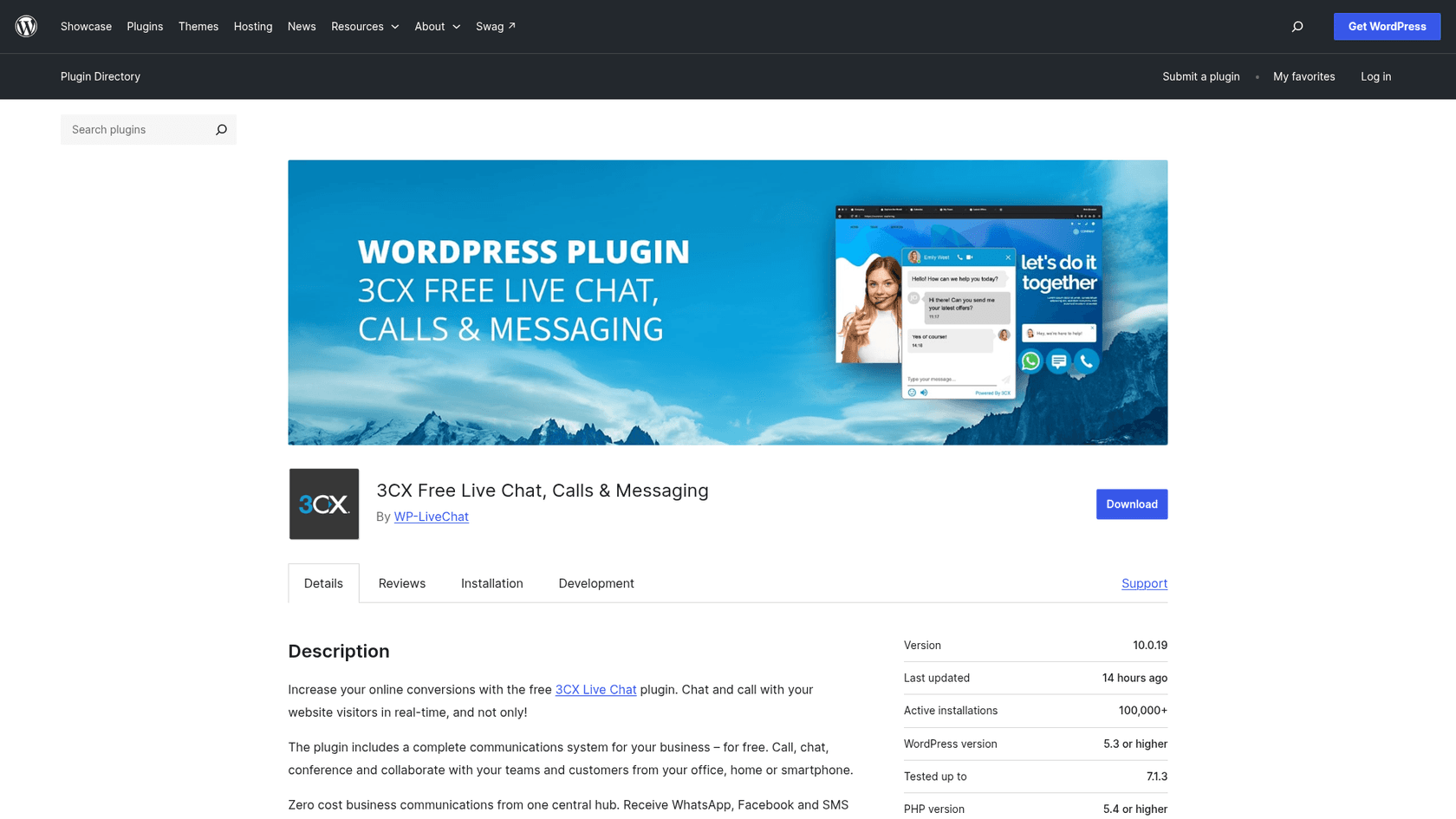
The catch is in how it is built. Since version 10.0.0 in 2022, the plugin is a connector: chats live in a 3CX account, and you manage them in the 3CX console and web client. That shapes the reasons I see people leave:
- You take on a phone system to get a chat. If you do not use 3CX for calls, you still need a 3CX account, an admin console and a web client just to answer website questions.
- No chatbot on website chat. 3CX's AI features are built around calls (transcription, summaries, an AI receptionist). Website chat has greetings, offline messages and templates for agents, but nothing that answers visitors on its own.
- No email channel. Chat, WhatsApp, Facebook, SMS and calls share one panel. Email does not.
- WhatsApp is inbound only. Customers can message you, but you reply inside WhatsApp's 24-hour window, and WhatsApp is not on the Basic edition.
One r/3CX regular summed up both the strength and the gap in a single line:
"3CX can do livechat, SMS, WhatsApp, Facebook and calls. No emails tho. It's already a great contact center solution."

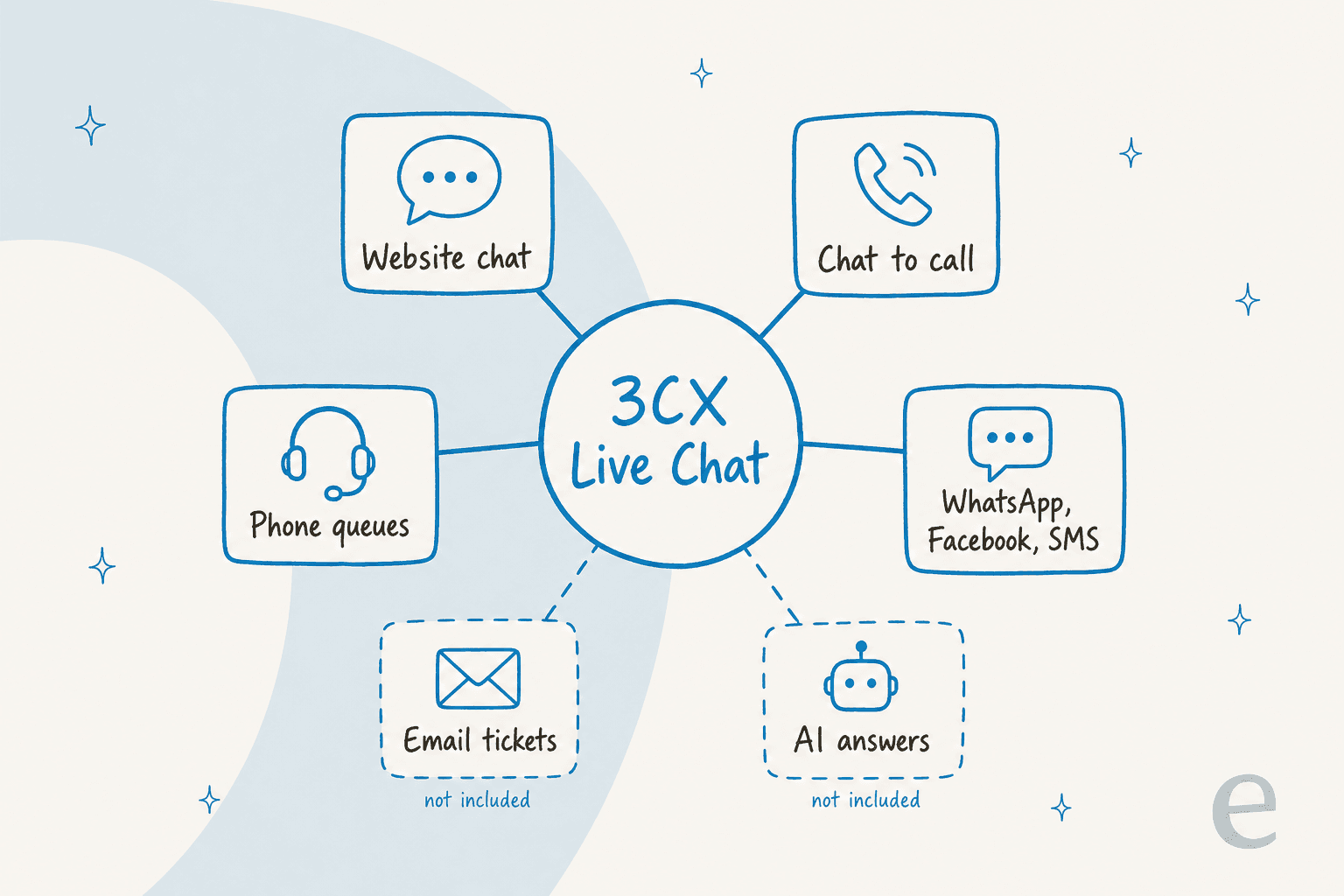
That diagram is your shopping list. Before you remove the plugin, write down which of the four solid boxes you use today. Most alternatives replace website chat easily. Chat to call and phone queues are the parts that rarely move with you. My full 3CX Live Chat review goes deeper on each piece.
What should you check before switching?
I judged every tool on the same six questions, because these are the ones that bite after the switch, not during the demo:
- How it installs on WordPress. A WordPress.org plugin, a script tag, or both, and when the plugin was last updated.
- What you are billed for. Per agent, per workspace, per conversation or per credit. This decides which tool gets cheaper as you grow.
- Whether it answers on its own. And whether AI is included or a separate meter.
- Which channels come along. WhatsApp and calling, since those are the parts of 3CX that are hardest to replace.
- How it hands over to a person. A bot that cannot pass a chat to your team cleanly is worse than no bot. My guide to chat handoff covers what good looks like.
- How it feels on your site. Load speed and mobile behavior, per the lesson in the TL;DR.
If you are not sure whether you need a bot at all, my explainer on AI chatbots vs live chat frames the trade-off.
The 8 alternatives at a glance
Prices are the lowest paid plan from each vendor's own pricing page on October 21, 2026, with annual billing where the vendor offers it. WordPress.org numbers are active installs and the average rating with review count. "Not listed" means I did not find it on the vendor pages I read.
| Tool | Best for | Free plan | Paid from | Billed by | AI answers | Calls | WordPress plugin | WP rating | Self-host | |
|---|---|---|---|---|---|---|---|---|---|---|
| 3CX Live Chat (today) | Teams whose phones run on 3CX | SMB Free, up to 10 users | Basic $300 a year (8 calls) | Whole system | No, AI is call-only | Inbound, SMB/PRO/AI | Yes, chat to call | 100,000+ installs | 4.6 (820) | Own server or 3CX hosting |
| Tidio | Small shops wanting chat plus AI | 50 conversations a month | Starter $24.17/mo | Conversations | Lyro from $32.50/mo | Listed integration | Not listed | 70,000+ installs | 4.8 (395) | No |
| tawk.to | Free human chat | Yes, unlimited agents | Add-ons from $29/mo | Free plus add-ons | AI Assist from $29/mo | Not listed | Voice Agents waitlist | 100,000+ installs | 4.6 (142) | No |
| Crisp | A shared inbox for a small team | 2 seats | Mini $45/mo, 4 seats | Workspace | Hugo credits from Mini | WhatsApp Business | Phone in plan table | 20,000+ installs | 4.6 (73) | No |
| LiveChat (Text) | Sales-minded chat teams | 14-day trial | Essential $19/user/mo | Per user | 10 AI resolutions on Essential | AI Agent answers WhatsApp | Not listed | 10,000+ installs | 4.6 (98) | No |
| JivoChat | Chat plus callback on a budget | 5 agents | Basic $28/agent/mo | Per agent plus modules | AI Agent $69/agent/mo | Module $27/mo | Callback free, Telephony Plus | 10,000+ installs | 4.9 (710) | No |
| HubSpot | Chat that feeds a CRM | Up to 2 users | Starter $7/seat/mo | Per seat plus credits | Customer Agent on Professional | Professional and up | 500 minutes on Starter | 200,000+ installs | 4.3 (207) | No |
| Chatwoot | Owning your data | 2 agents, 500 conversations | Startups $19/agent/mo | Per agent | Captain, 300 credits on Startups | Paid plans | Voice on Business | No official plugin | n/a | Yes |
| eesel | AI answers with clean handoff | 100 credits to try | $299/mo for 500 credits | Credits (1 chat = 1) | Yes, the core job | Yes | No | Script tag | n/a | No |
Only one row keeps your calls and your chat in the same panel, and that row is the tool you are leaving. Everything else is a trade: you gain AI, email or a lighter setup, and you plan separately for phones.
What does each one bill you for?
The sticker price matters less than the billing unit, because the unit decides what happens when you add a teammate or have a busy month.
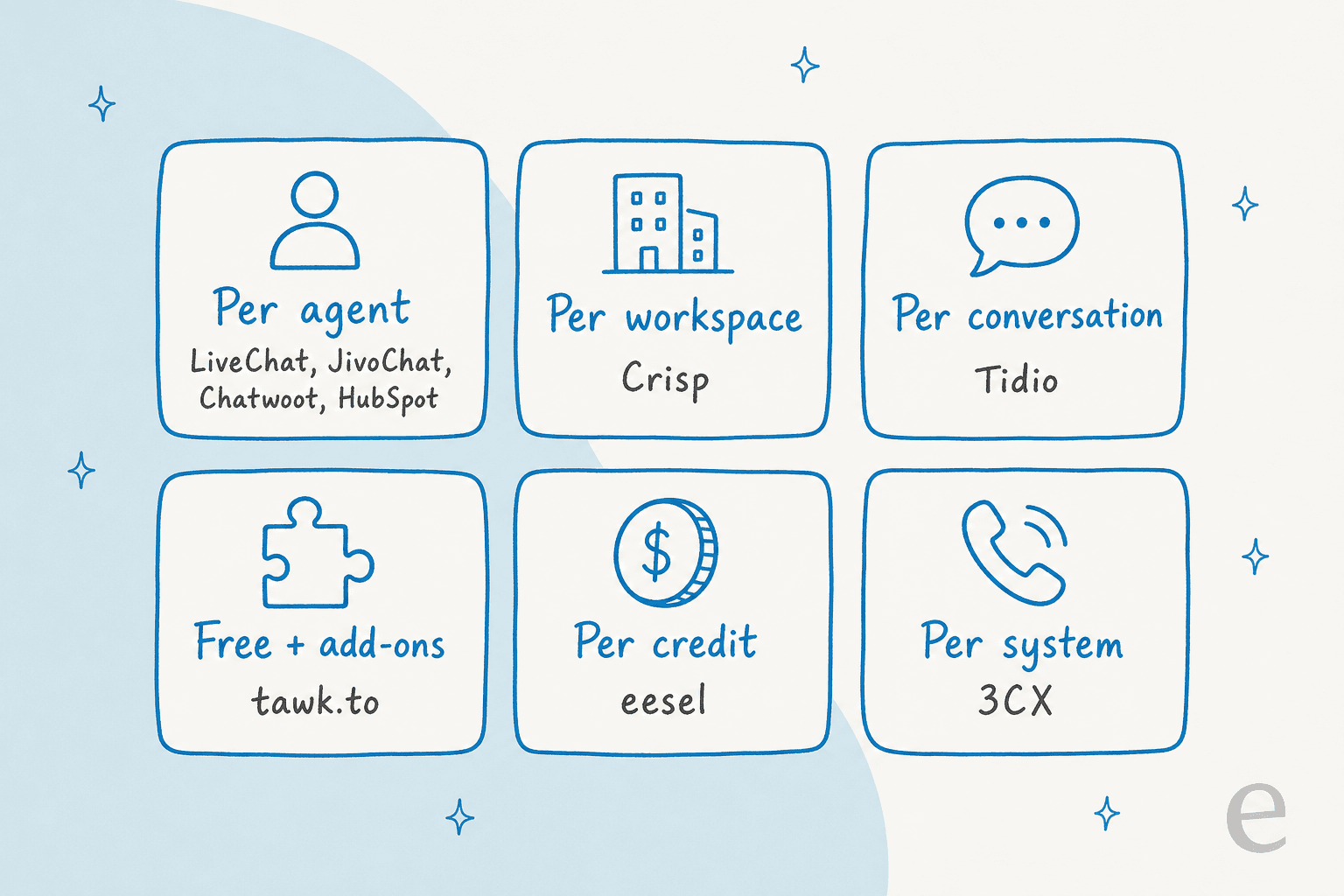
Per-agent tools (LiveChat, JivoChat, Chatwoot, HubSpot) grow with headcount. Crisp grows in steps: the same $45 covers 1 to 4 seats. Tidio grows with conversation volume. tawk.to stays free until you buy an add-on. eesel grows with the number of chats the AI handles, with no seat price at all. 3CX prices the whole system per year by simultaneous calls.
Pick your team size to see what plain human chat costs on each tool, before any AI add-on:
Pick a team size to compare the monthly bill for plain live chat across the 3CX Live Chat alternatives.
At 3 agents, four of the eight options cost nothing at all. The money starts when you want AI answers, more conversations, or a clean brand. That is where the per-tool sections below earn their keep.
1. Tidio: chat, inbox and AI in one WordPress plugin
Best for: small shops and WooCommerce stores that want live chat and an AI agent from one install.
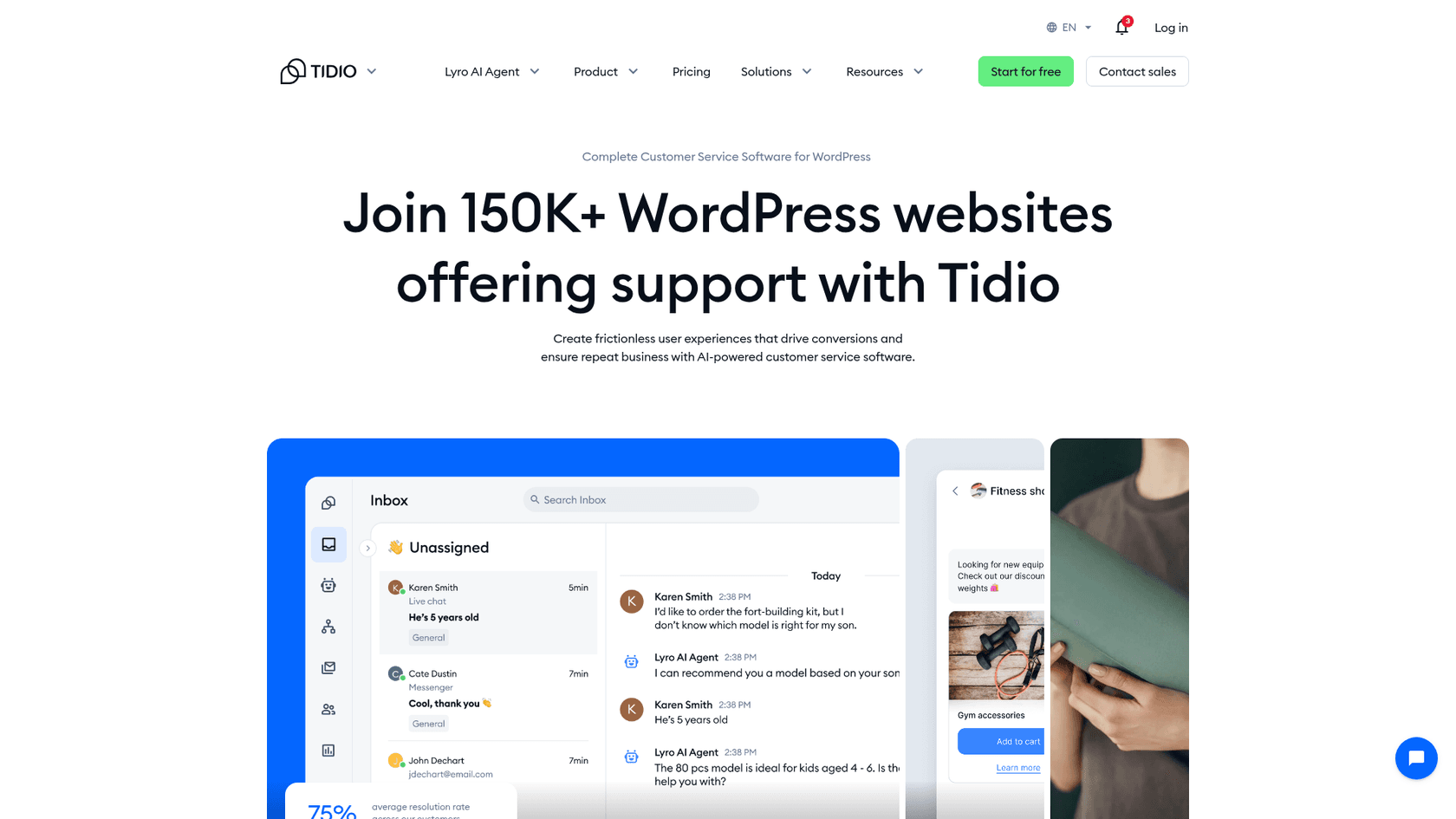
Tidio is the most direct swap if what you want from leaving 3CX is a chat that answers on its own. Its WordPress plugin has 70,000+ active installs and a 4.8 rating from 395 reviews, and it covers live chat, tickets, Flows automation and the Lyro AI agent in one inbox. Tidio says Lyro resolves 75% of conversations on average for its customers. One Reddit user setting it up put it simply:
"And to my knowledge, it's actual AI. It scraped my site and can answer questions based on the knowledge it got from my site."
Pricing (annual billing, from Tidio's pricing page):
| Plan | Per month | What you get |
|---|---|---|
| Free | $0 | 50 billable conversations, 50 Lyro conversations (one time), 100 Flows visitors |
| Starter | $24.17 | 100 billable conversations, live chat and ticketing |
| Growth | From $49.17 | From 250 billable conversations |
| Lyro AI Agent | From $32.50 | Monthly Lyro quota, also sold on its own |
| Plus | From $300 + usage | Custom seats, premium features |
A billable conversation is one where your team replies or starts the chat. Self-serve plans take up to 10 agents.
Pros:
- Chat, tickets and AI in one place, with a 7-day trial and a free plan.
- Lyro can be bought on its own, so you can start small.
- The plugin installs without touching your theme.
Cons:
- Three meters (billable conversations, Lyro conversations, Flows visitors) make the bill harder to predict than 3CX's flat price.
- No calling to replace 3CX's chat to call.
My Tidio pricing and Tidio alternatives guides go further, and the Tidio vs LiveChat head-to-head covers the closest rival.
Verdict: pick Tidio if you want chat and AI in one WordPress plugin on a small budget. Skip it if a flat, predictable monthly bill matters more than features.
2. tawk.to: the free human chat
Best for: site owners who want free live chat answered by people, with no phone system attached.
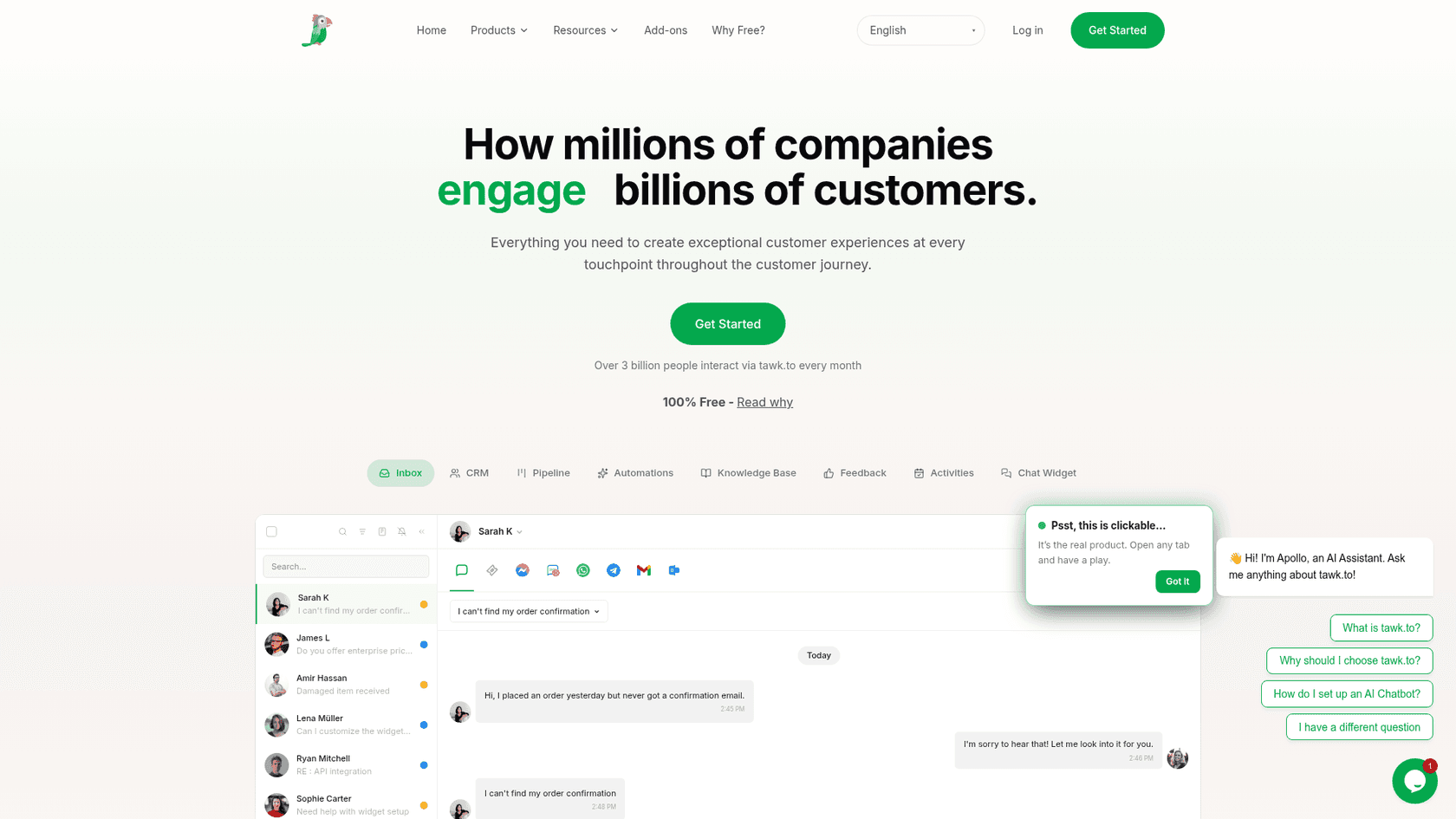
tawk.to is the closest match to what 3CX gives you for free, minus the phone system. The chat, ticketing and a hosted knowledge base are free with unlimited agents, and its WordPress plugin has 100,000+ active installs and a 4.6 rating from 142 reviews. tawk.to makes money from add-ons and from hired chat agents, which it sells at $1 an hour, according to its why free page.
A Trustpilot reviewer described the trade well:
"I'm giving Tawk 4 stars because they provide a great service for free. There are definitely more 'polished' options out there, but they all come with a monthly fee now."

Pricing (from the tawk.to add-ons page):
| Item | Price | What it does |
|---|---|---|
| Live chat, tickets, knowledge base | $0 | Unlimited agents, free for life |
| AI Assist | From $29/mo (free tier for limited volume) | AI agents that answer from your knowledge base and hand off to a person |
| Whitelabel | $29/mo | Removes the "Powered by tawk.to" badge, custom domains |
| Voice Agents | From $49/mo + usage | AI phone agent, waitlist only |
| Hired agents | $1/hour | tawk.to staff answer chats for you |
Pros:
- Free with unlimited agents, which 3CX's 10-user free edition does not match at scale.
- AI Assist has a free tier, so you can test answers before paying.
- No 3CX-style console: you answer from the tawk.to dashboard or mobile apps.
Cons:
- tawk.to's overall Trustpilot score is 2.2 from 107 reviews, with recurring complaints about support response times.
- Voice is waitlist-only, so it does not replace 3CX calling today.
Verdict: pick tawk.to if you want free human chat and nothing else. Skip it if you need calls now, or a vendor you can reach quickly when something breaks.
3. Crisp: a flat price for a shared inbox
Best for: a small team that wants one shared inbox, with an AI agent as a bonus.
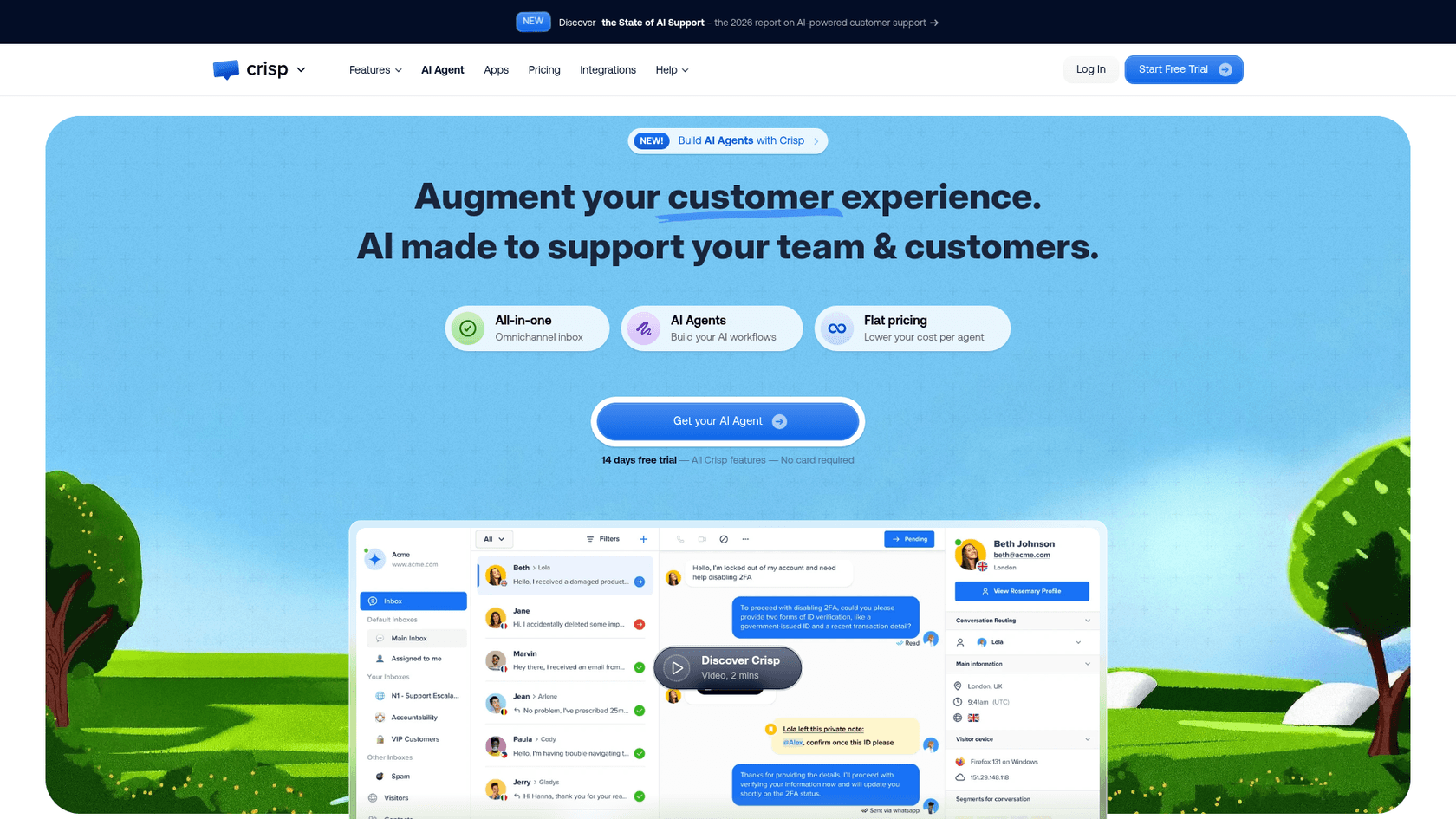
Crisp charges per workspace, not per person, which is the pricing model closest to 3CX's flat system price. Its WordPress plugin (20,000+ installs, 4.6 from 73 reviews) adds the chatbox without editing your theme. Crisp's inbox can take WhatsApp Business, Instagram, Messenger, Telegram and email alongside website chat, which covers the email gap 3CX leaves.
Pricing (from Crisp's pricing page):
| Plan | Per month, per workspace | Seats | Included Hugo AI credits |
|---|---|---|---|
| Free | $0 | 2 | None |
| Mini | $45 | 4 | $5 (about 90 automated conversations) |
| Essentials | $95 | 10 | $25 (about 450) |
| Plus | $295 | 20+ ($10 per extra agent) | $75 (about 1,350) |
Crisp estimates a Hugo-handled conversation at $0.05 to $0.10. When credits run out, Hugo stops and chats go to your team unless you turn on Pay-As-You-Go, which is a sensible spend guard.
Pros:
- Seats come in bundles, so adding a teammate does not add a line item.
- Email and social channels in the same inbox as chat.
- The AI cannot overspend by default.
Cons:
- The WordPress plugin was last updated in April 2025, per WordPress.org, so check it against your WordPress version.
- AI is a dollar allowance, so the number of answered chats varies with message length and model.
See my Crisp pricing breakdown and Crisp chat alternatives list for more.
Verdict: pick Crisp when 2 to 10 people share the inbox and you want one predictable bill. Skip it if you only want a bot.
4. LiveChat (Text): polished chat for sales-minded teams
Best for: teams that treat website chat as a sales channel and want polish over price.
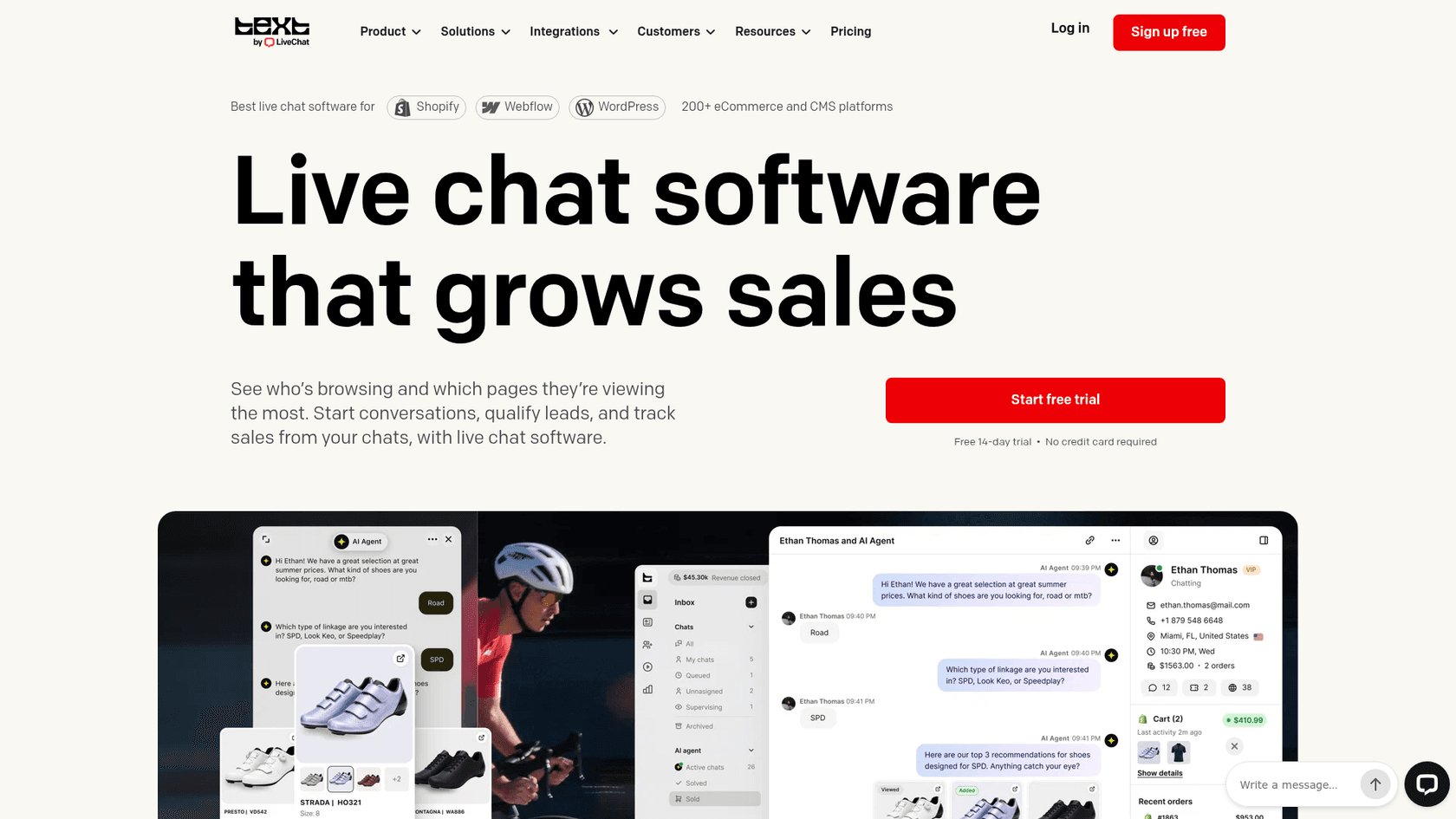
LiveChat has changed shape in 2026: new trials now sign up for Text, the next product from the same team, which adds a shared inbox, ticketing and an AI Agent to the chat. Existing LiveChat customers keep their plans. The WordPress plugin has 10,000+ installs and a 4.6 rating from 98 reviews, and LiveChat has 4.5 out of 5 from 813 reviews on G2.
Pricing (from LiveChat's pricing page):
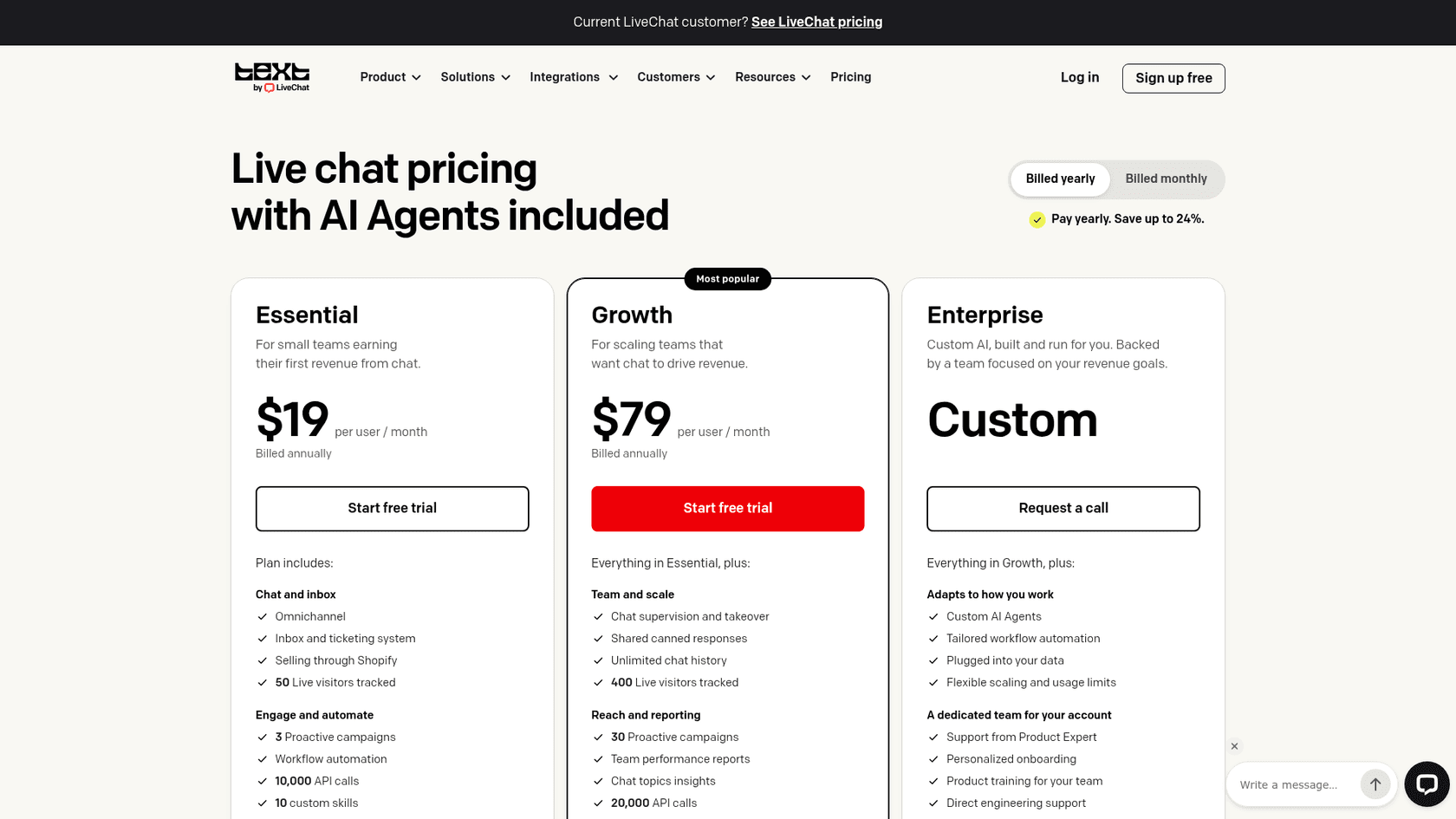
| Plan | Annual billing | Monthly billing | AI resolutions included |
|---|---|---|---|
| Essential | $19 per user/mo | $25 per user/mo | 10 a month |
| Growth | $79 per user/mo | $99 per user/mo | 200 a month |
| Enterprise | Custom | Custom | Custom |
Extra AI resolutions come in packs of 50 for $49.50. LiveChat counts a resolution when the AI solves the question, with several questions in one chat counting once. There is a 14-day trial with no card.
A G2 reviewer who likes the product still flagged the price for small teams:
"One thing I dislike about LiveChat is that some advanced features can feel a bit expensive for smaller teams."

Pros:
- A polished agent experience and strong sales features (visitor tracking, campaigns, Shopify selling).
- The AI Agent answers WhatsApp the same way it answers website chat.
- Clear definition of what counts as an AI resolution.
Cons:
- Per-user pricing gets expensive: five people on Growth is $4,740 a year, per LiveChat's own estimator.
- Essential's 10 AI resolutions a month is a taste, not a night shift.
My LiveChat pricing guide and LiveChat AI explainer cover the plans in more detail.
Verdict: pick LiveChat if chat drives revenue and you will pay per seat for polish. Skip it if your team is one or two people on a tight budget.
5. JivoChat: chat with a callback button
Best for: small teams that liked 3CX's "chat or call us" pattern and want something lighter than a phone system.
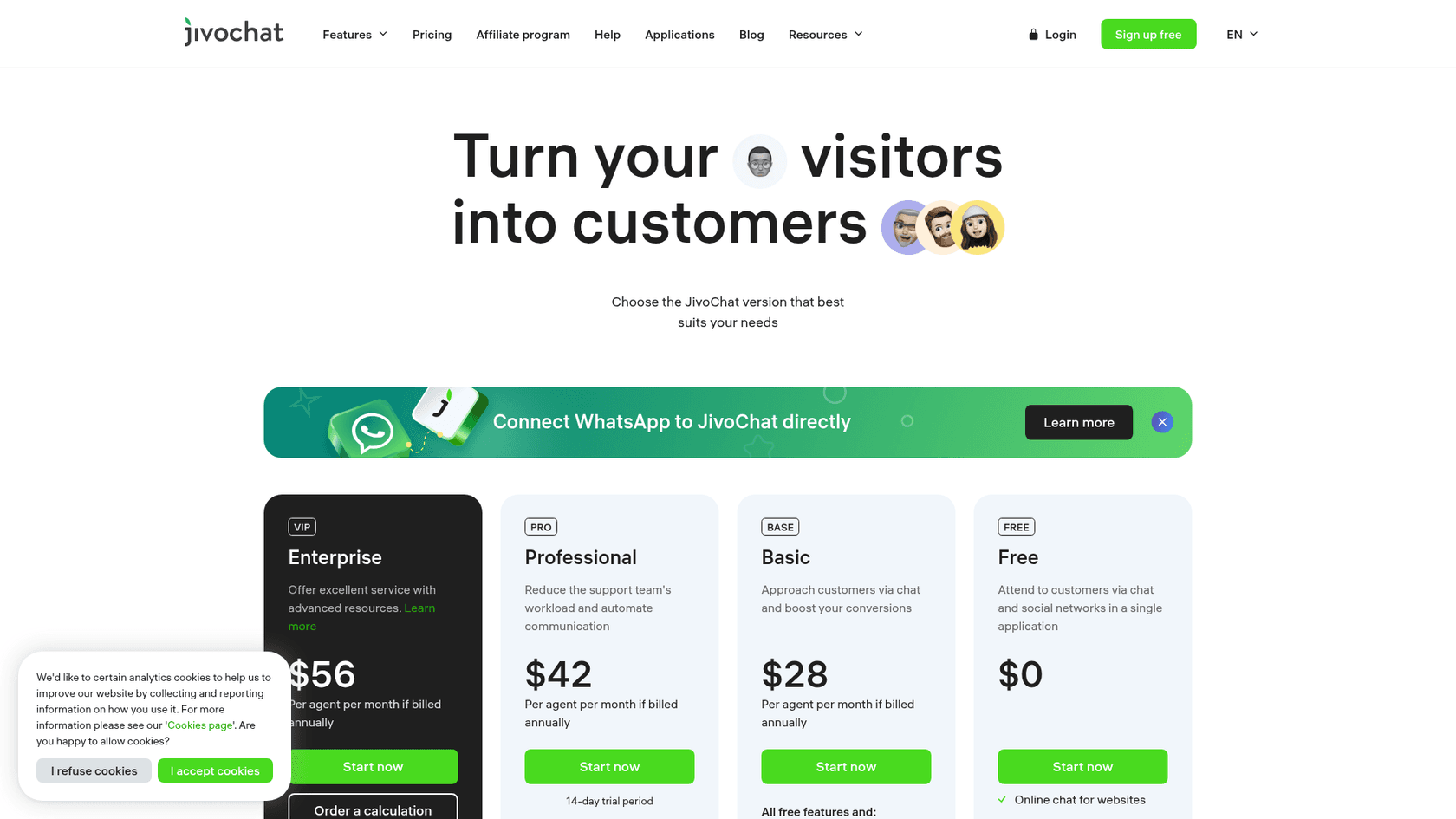
JivoChat is the alternative that thinks most like 3CX. Its free plan includes 5 agents, website chat, Telegram, Facebook, Instagram and Viber, offline forms and a callback feature, where a visitor leaves a number and your team rings back. Paid plans add a Telephony Plus module for connecting a phone number. The WordPress plugin has a 4.9 rating from 710 reviews and 10,000+ installs.
Pricing (annual billing, from JivoChat's pricing page):
| Plan or module | Price | Notes |
|---|---|---|
| Free | $0 | Includes 5 agents, callback, offline forms |
| Basic | $28 per agent/mo | Proactive invitations, visitor monitoring, CRM |
| Professional | $42 per agent/mo | Telephony Plus, WhatsApp integration, chatbot integrations |
| Enterprise | $56 per agent/mo | Chat routing, video calls, chat API |
| WhatsApp module | $27/mo | Direct WhatsApp connection |
| AI assistant | $13/mo | Helps agents write replies |
| AI Agent | $69 per agent/mo | Answers conversations automatically |
Pros:
- The free callback button is the nearest thing here to 3CX's chat to call.
- A generous free plan: 5 agents, social channels included.
- A 14-day trial on paid plans.
Cons:
- The WordPress plugin was last updated in October 2023, per WordPress.org. It still works as a script loader, but check compatibility on a staging site.
- Modules stack up: WhatsApp, AI and telephony are each priced separately.
Verdict: pick JivoChat if you want chat plus a way for visitors to get a call back, without running a phone system. Skip it if you want one bill with AI included.
6. HubSpot: free chat that feeds a CRM
Best for: businesses where a website chat is mostly a lead, and the lead should land in a CRM.
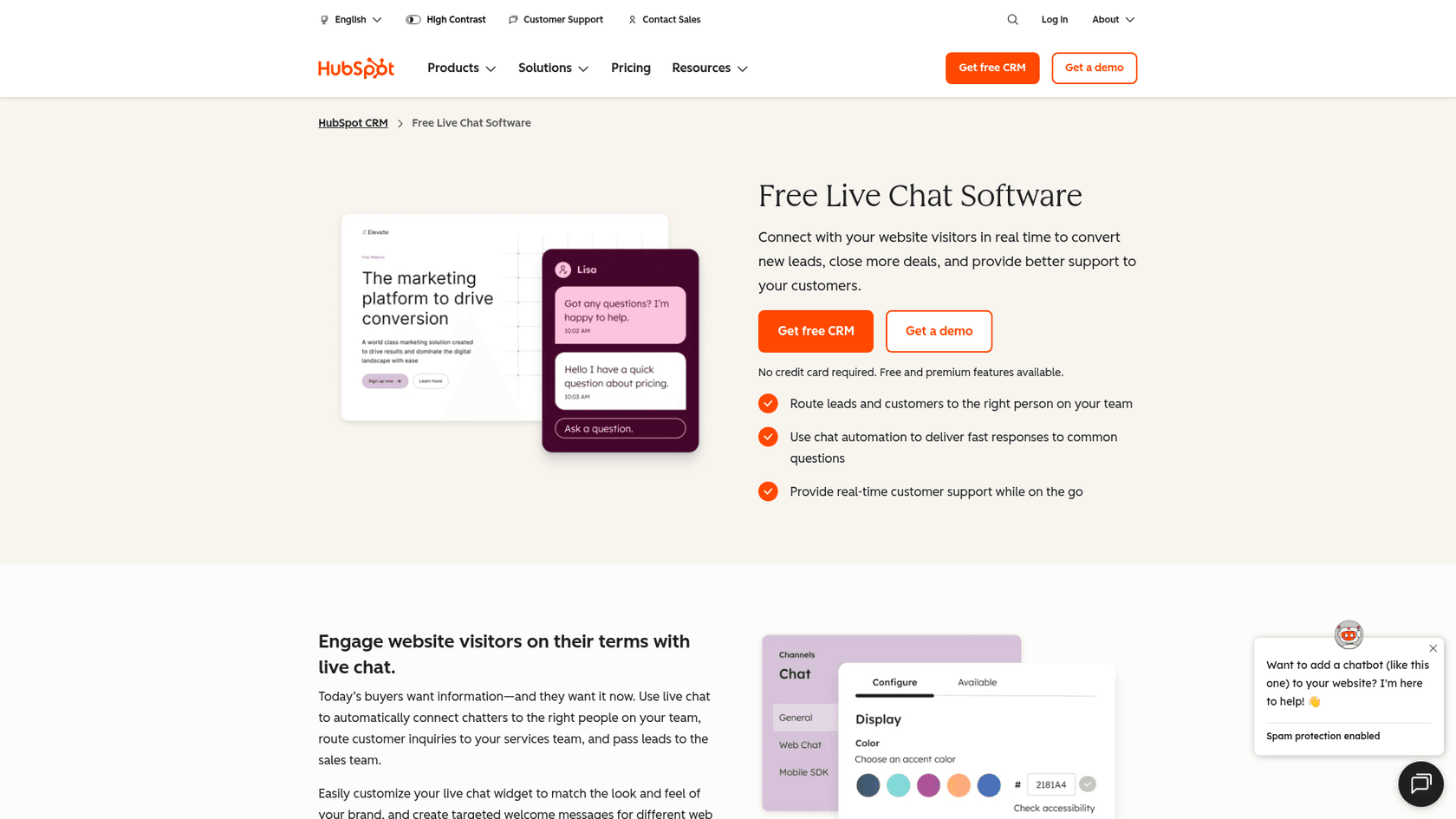
HubSpot's live chat is free inside its free CRM, with a no-code chatbot builder and every chat stored on the contact record. Its WordPress plugin is the all-in-one HubSpot plugin (forms, popups, live chat), with 200,000+ installs and a 4.3 rating from 207 reviews. For a 3CX shop, the interesting part is that HubSpot's paid plans include calling.
Pricing (Service Hub, annual billing, from HubSpot's pricing page):
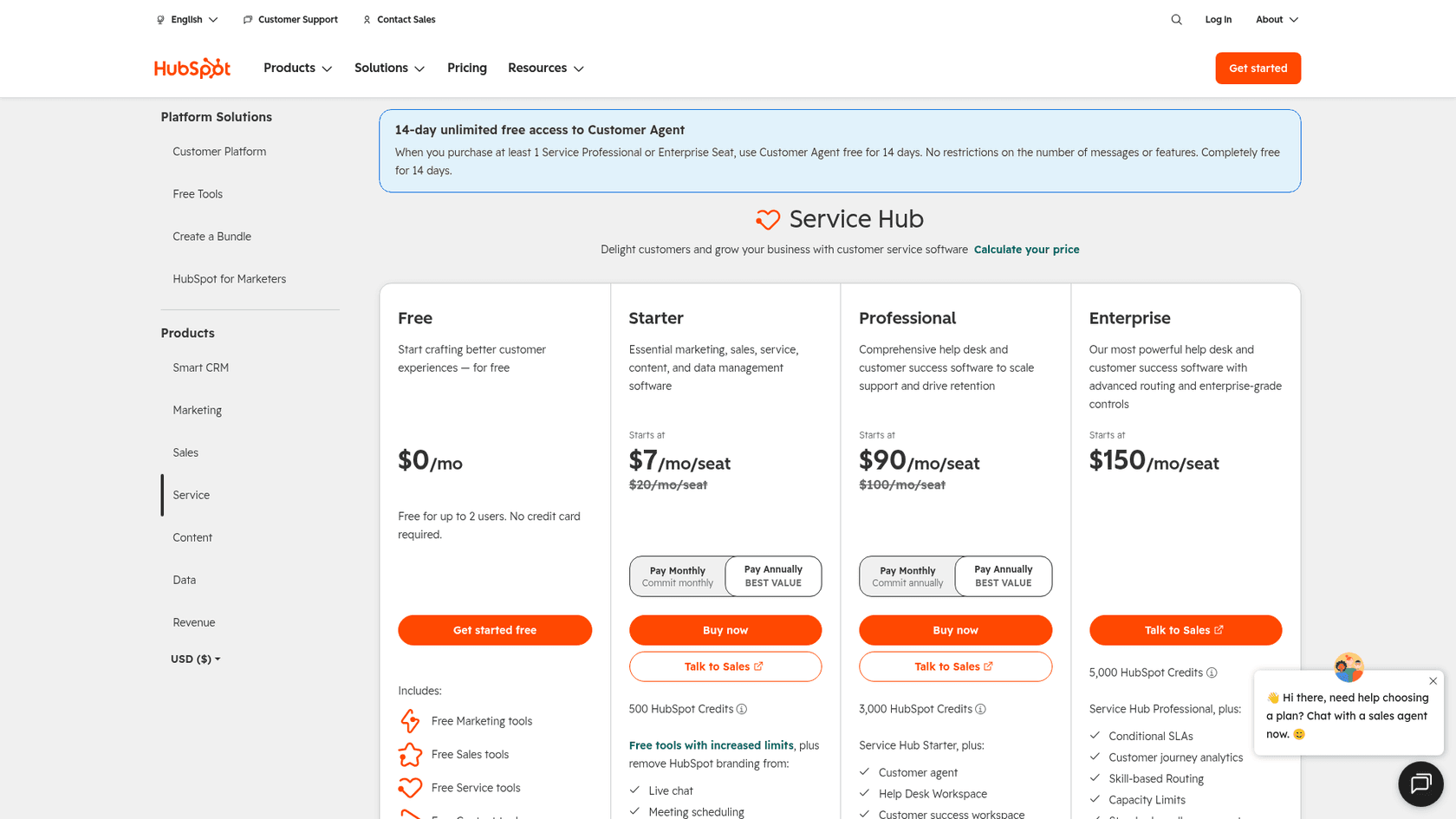
| Plan | Per seat/mo | Credits | Notes |
|---|---|---|---|
| Free | $0 (up to 2 users) | None | Live chat, chatbot builder, ticketing |
| Starter | $7 (list $20) | 500 | Removes HubSpot branding, 500 calling minutes, 1 phone number |
| Professional | $90 (list $100) | 3,000 | Customer Agent, help desk workspace, $1,500 one-time onboarding |
| Enterprise | $150 | 5,000 | Advanced routing, $3,500 one-time onboarding |
WhatsApp is on Professional and Enterprise, up to 1,000 messages a month. The Customer Agent (HubSpot's AI agent) uses HubSpot Credits.
Pros:
- Free chat plus a free CRM, so every conversation has context.
- Starter's 500 calling minutes and a phone number cover light calling.
- One vendor for marketing, sales and support if you grow into it.
Cons:
- The AI agent sits on Professional, which adds a $1,500 onboarding fee.
- The WordPress plugin brings forms, popups and analytics too, which is more than a chat swap.
My HubSpot chatbot guide and HubSpot pricing breakdown cover the details.
Verdict: pick HubSpot if chats are leads and you want them in a CRM for free. Skip it if you only need a support chat, or if AI answers are the reason you are switching.
7. Chatwoot: open source if you want to own the data
Best for: technical teams that want chat and customer data on their own servers.
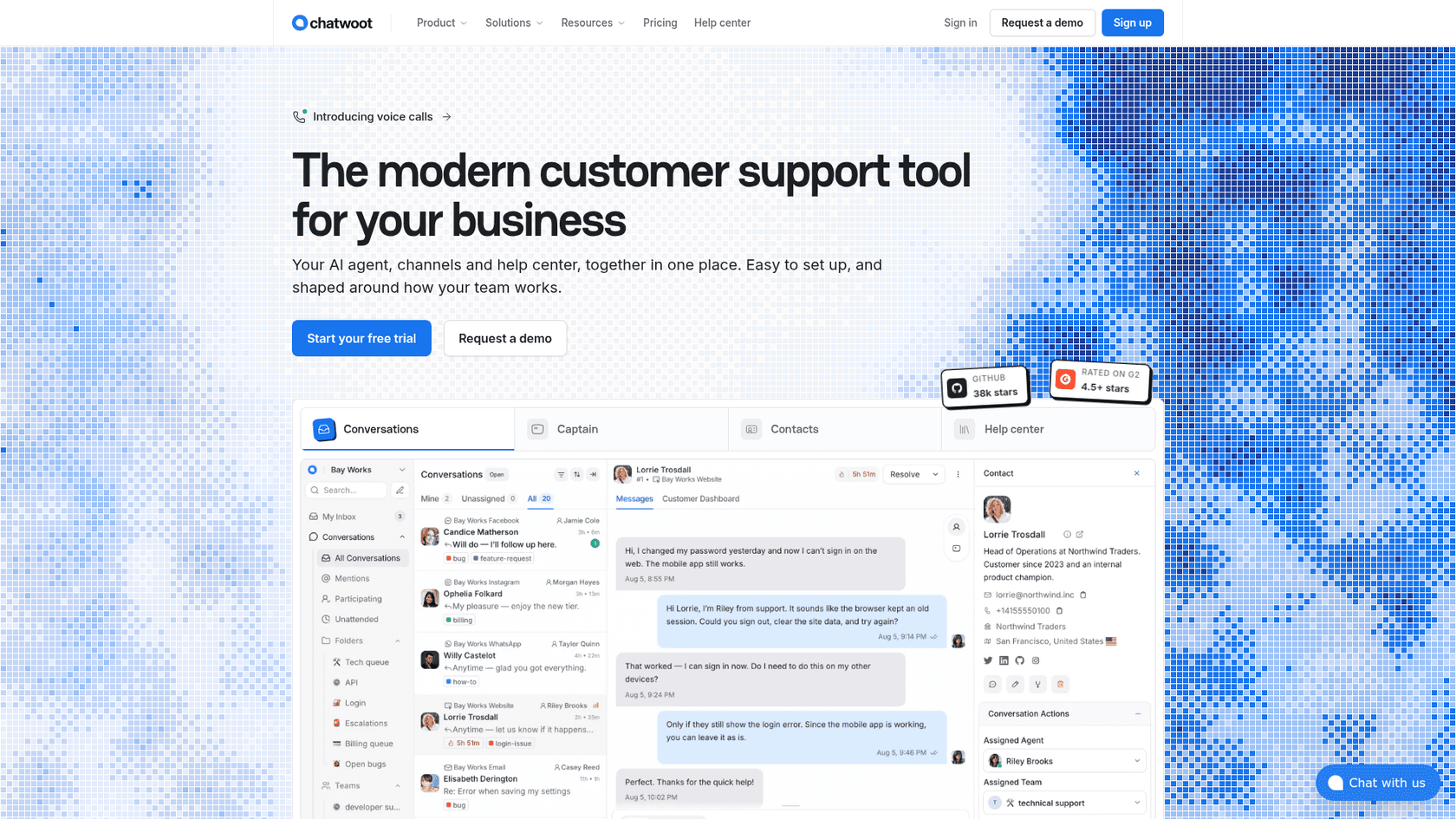
Chatwoot is an open-source support inbox: website chat, email, social channels, a help center and its Captain AI agent. You can run it on Chatwoot's cloud or host it yourself, with official guides for Linux, Docker and Kubernetes. For 3CX users who chose 3CX because it could run on their own server, this is the closest match in spirit. There is no official WordPress.org plugin: you paste the widget script into your theme or a header-snippet plugin. A Hacker News commenter gave a fair warning:
"If you want to go the open source + self hosted route, Chatwoot [1] [2] may be for you. It is more feature rich (or bloated, depending what you need) and complex to set up"

Pricing (cloud, from Chatwoot's pricing page):
| Plan | Per agent/mo | Conversations | Captain AI credits | Notable |
|---|---|---|---|---|
| Hacker | $0 (up to 2 agents) | 500 a month | None | Live chat only, 30-day retention |
| Startups | $19 | Unlimited (fair use) | 300 | All channels, help center |
| Business | $39 | Unlimited (fair use) | 500 | Voice, teams, automation rules |
| Enterprise | $99 | Unlimited (fair use) | 800 | SSO, audit logs |
Extra Captain credits cost $20 per 1,000. There is a 15-day trial, and Chatwoot gives the Startups plan free to open source projects.
Pros:
- Self-hosting keeps data on your servers, with no per-agent price.
- One inbox for chat, email and social channels.
- Voice calls on Business and above.
Cons:
- Self-hosting means you own updates, backups and uptime.
- No WordPress.org plugin, so installs and updates are manual.
See my Chatwoot pricing, Chatwoot Captain and open-source ticketing guides for more.
Verdict: pick Chatwoot if data control matters and someone on the team runs servers. Skip it if you want a plugin you install and forget.
8. eesel: AI answers for your website chat
Best for: WordPress sites whose real problem is the questions that arrive when nobody is online.
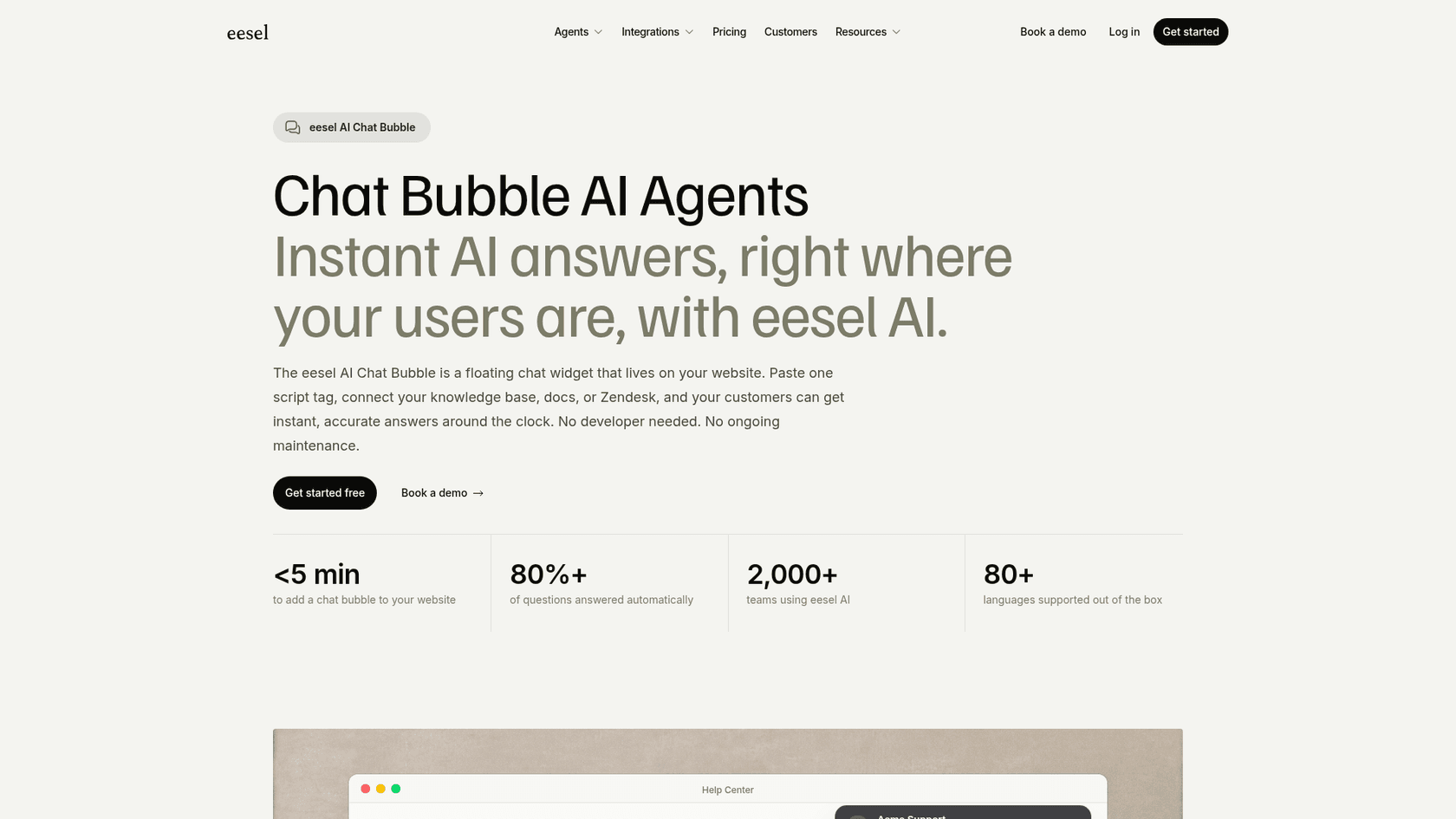
eesel is an AI support teammate, and its chat bubble is the part that replaces 3CX's website chat. You paste one script tag into WordPress, connect your help center, website pages, docs or past tickets, and it answers visitors in 80+ languages at any hour. When a visitor asks for a person, or the question is beyond what it knows, it hands the chat to your team in your helpdesk or inbox with the conversation attached. The same teammate can draft replies on email tickets through the AI helpdesk agent, which covers the email gap 3CX leaves.
Under the hood, the part I care about as the person who ships these integrations is that you set behavior by telling the agent in plain words, like "hand anything about refunds to a person", and you can run it against your real questions before a visitor sees it.
The setup closest to a typical WordPress business is SamCart. It runs a separate eesel agent on its website chat bubble, with its own greeting styled to match the site. The bubble collects a name and email first, then answers from about 280 help center articles. A second agent sends first replies on Freshdesk tickets, and only while no teammate has picked the ticket up. When a seller asks for a person, the ticket is tagged for handoff and the agent stops.
Pricing (from eesel's pricing page):
| Plan | Per month | Credits | Notes |
|---|---|---|---|
| Free | $0 | 100 to try | Every feature and integration, no card |
| Teammate | $299 | 500 | Unlimited agents and seats |
| Teammate | $499 | 1,000 | Sizes up to 5,000 credits for $1,749 |
| Enterprise | Custom | Custom | SSO, HIPAA with a signed BAA, dedicated contact |
A chat with a customer is 1 credit however long it runs. If you run out, agents pause until credits reset, unless you turn on overage at $0.80 a credit with a monthly cap you set. Paying a year upfront gets two months free.
Pros:
- Built for the AI answer, with handoff to people as part of the design.
- One price with no seats, so adding teammates costs nothing.
- Learns from your existing help content and past tickets, not a separate bot script.
Cons:
- It does not take calls or give you phone numbers, so keep 3CX or another phone system for voice.
- It is not a human chat inbox: people reply from your helpdesk or inbox, so a team that only wants humans typing in a chat window is better served by tawk.to or Crisp.
- At $299 a month it costs more than the free human chats on this list. It buys answers, not seats.
Verdict: pick eesel if missed evening and weekend questions are why you are leaving 3CX. Skip it if a few chats a week and a morning reply are fine.
How do you switch off 3CX Live Chat without losing anything?
The switch itself takes an afternoon. The planning is about the parts of 3CX that do not live in the chat widget.
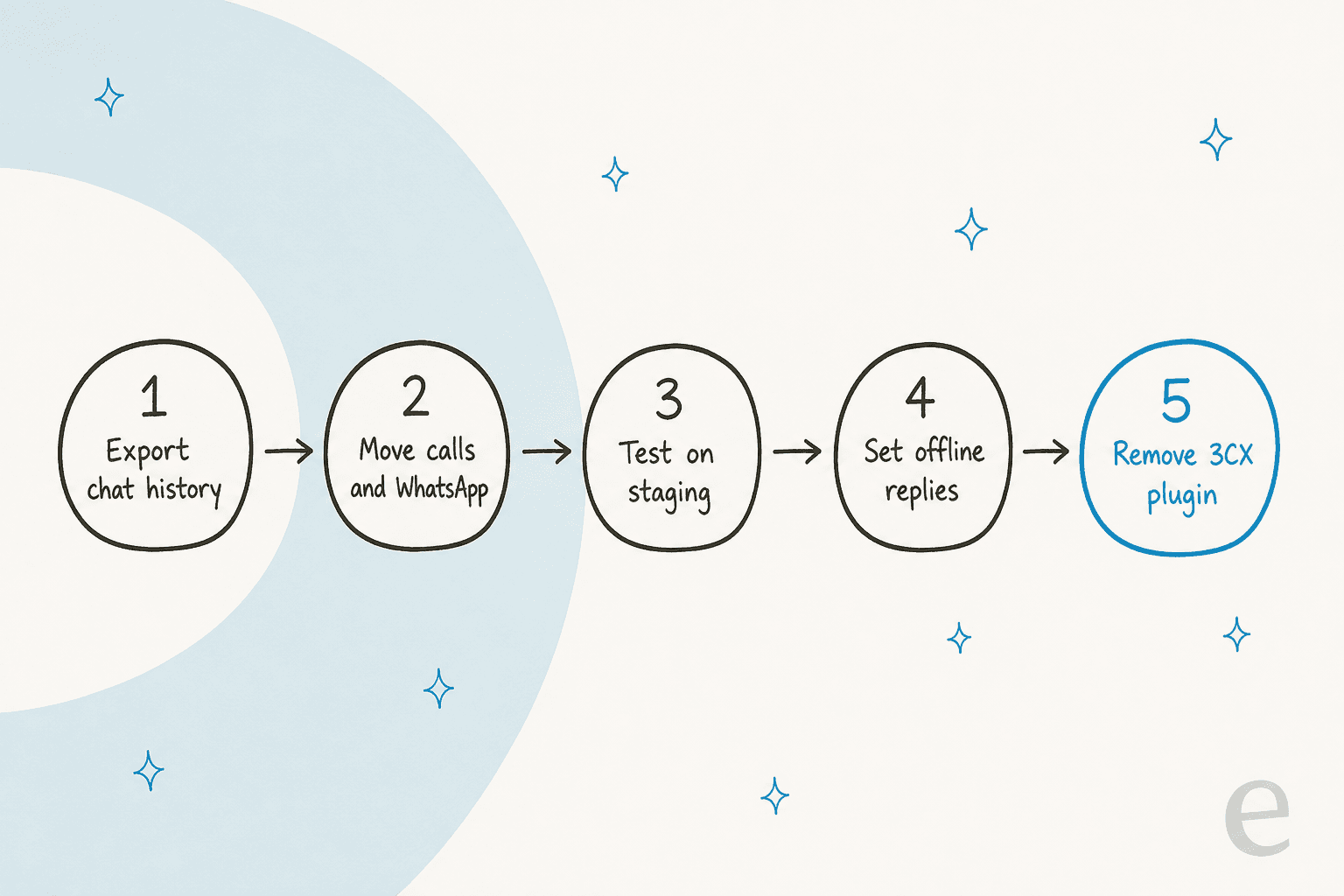
- Save the chat history you need. Chats are stored in your 3CX system, not in WordPress. Removing the plugin does not delete them, but closing the 3CX account might, so archive or note what you want first.
- Move calls and WhatsApp first. If visitors use the "call us" button or message you on WhatsApp through 3CX, set up their replacement before anything else. My roundup of WhatsApp support tools covers the options.
- Test on a staging site. Install the new widget, check it on a phone, and time how fast it opens. This is where I would have caught the slow-widget problem from the TL;DR.
- Set offline replies. Write what visitors see when nobody is online. My live chat scripts post has examples, and an AI tool can answer instead of just collecting an email.
- Remove the 3CX plugin last. Only once the new chat is live and answering, so there is never a gap with no chat at all.
If you also want proactive messages on key pages, my guide to live chat triggers is worth reading before you rebuild them.
Which 3CX Live Chat alternative should you pick?
Here is how I would decide, in the order the questions usually come up:
- Your phones run on 3CX: keep 3CX for calls. If the chat is the weak spot, add an AI chat for the website rather than replacing the whole system.
- You want free chat answered by people: tawk.to, or JivoChat if you want a callback button.
- A small team shares one inbox: Crisp, for its flat per-workspace price.
- Chat is a sales channel: LiveChat (Text), or HubSpot if leads should land in a CRM.
- You want AI answers inside a human inbox: Tidio.
- You need the data on your own servers: Chatwoot.
- The evening questions are the problem: eesel.
For broader lists, see my live chat alternatives roundup, the AI live chat software shortlist and my guide to website live chat software.
If you want AI inside WordPress itself, my AI Engine alternatives post covers the plugin route.
Try eesel on your WordPress site
If you are leaving 3CX Live Chat because nobody answers the website after hours, eesel's chat bubble fills that gap without a phone system attached. It goes on WordPress with one script tag, learns from your own pages and help center, and hands real cases to your team, the way SamCart runs its website chat agent alongside its Freshdesk one. B2B supplier BEAUTEK answered 77 website chats live in a month this way, and turned 20 of them into Zendesk tickets for its team. Try eesel free with 100 credits and test it on your real questions first.

Frequently Asked Questions
What is the best free alternative to 3CX Live Chat?
For free human chat, tawk.to is the strongest 3CX Live Chat alternative: the chat is free with unlimited agents, and you only pay if you want branding removed or AI answers. JivoChat's free plan covers 5 agents and includes a callback button. My tawk.to alternatives guide covers what you trade for free.
Which 3CX Live Chat alternative keeps chat-to-call?
No chat-first tool copies 3CX's one-click browser call exactly. The closest are JivoChat, which has a free callback button and a Telephony Plus module, and HubSpot, whose Starter plan includes 500 calling minutes. If your phones already run on 3CX, the simplest path is often to keep 3CX for calls and add an AI live chat for the website.
Do I need to keep a 3CX account if I switch my WordPress chat?
Only if you use 3CX for phones. The WordPress plugin is a connector to a 3CX system, so once your new chat is live you can deactivate it. Chats were stored in 3CX, not WordPress, so save any history you need before you close the 3CX account. My 3CX Live Chat review explains how the plugin connects.
Which 3CX Live Chat alternative has an AI chatbot?
Most of them now do: Tidio sells Lyro from $32.50 a month, tawk.to has AI Assist from $29 a month, Crisp includes Hugo credits from its $45 Mini plan, LiveChat's Text plans include AI resolutions, and Chatwoot's paid plans include Captain credits. eesel is built for the AI part first, with a chat bubble that answers from your own content.
How much do 3CX Live Chat alternatives cost for a small team?
For 3 agents on annual billing, human chat ranges from $0 (tawk.to, JivoChat Free) to $57 a month (LiveChat Essential or Chatwoot Startups), with Crisp at $45 and HubSpot Starter at $21. AI answers are usually priced on top. See LiveChat pricing and Crisp pricing for the detail.
Can I self-host a 3CX Live Chat alternative?
Yes. Chatwoot publishes self-hosting guides for Linux, Docker and Kubernetes, so the chat and its data can live on your own servers. You take on updates and uptime yourself. My Chatwoot alternatives post compares it with hosted tools.
Is there a 3CX Live Chat alternative that answers chats at night?
Yes, that is the main gap people switch to fill: 3CX's website chat has no chatbot. eesel answers website visitors from your help center and pages in 80+ languages, and hands real cases to your team, the way SamCart runs a separate agent on its website chat. It starts free with 100 credits, then $299 a month for 500.