Zendesk WooCommerce integration: 5 ways to connect them (2026)

Rama Adi

Katelin Teen
Last edited November 24, 2026
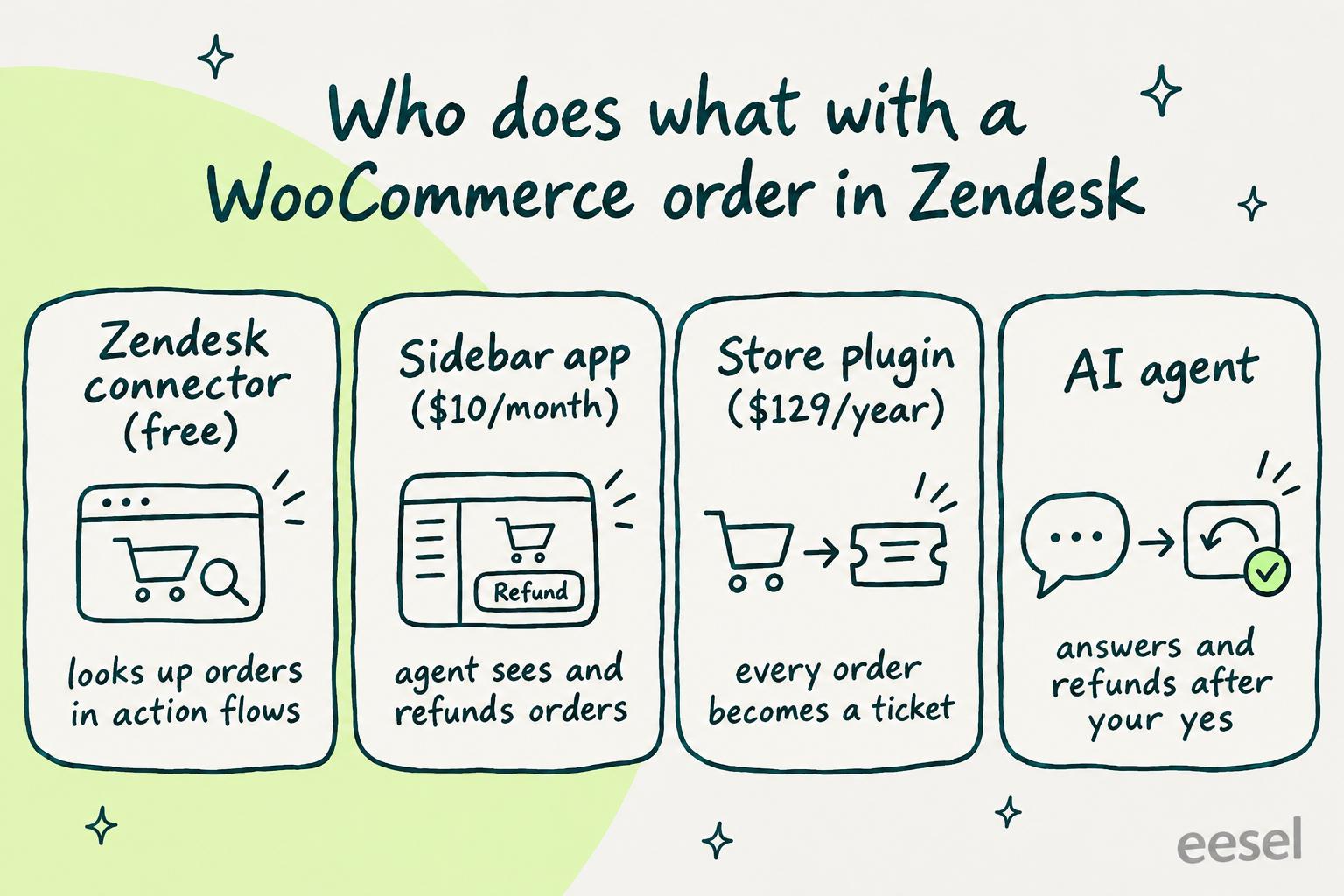
Zendesk's own WooCommerce connector is free and looks up orders, customers and products in action flows, but it can't refund an order or change its status, so for refunds from the ticket I'd install WooCommerce by Zenplates at $10 a month, the only Zendesk Marketplace app I found that does it. Shopify stores get a Zendesk-built sidebar app that refunds and cancels; WooCommerce stores, as of November 2026, don't. If you want an AI agent to answer "where's my order?" and prepare the refund, eesel works inside Zendesk with WooCommerce connected and holds refunds for your approval by default. An AI coding agent can set it up through the eesel CLI: it picks what to import, such as your macros, and tests ticket drafts before go-live, while an admin approves the Zendesk and store connections.
What does a Zendesk WooCommerce integration do?
A Zendesk WooCommerce integration puts your store's orders where your agents answer tickets, so nobody has to copy an order number into wp-admin and back. If you're still choosing a helpdesk, the list of the best helpdesks for WooCommerce compares Zendesk with the rest. In practice it means one or more of four jobs:
- Show the order beside the ticket, matched on the customer's email, usually through a Zendesk sidebar app.
- Act on the order from Zendesk: refund it, change its status, fix an address.
- Turn store events into tickets, such as a ticket for every new order.
- Let automation use the order, in Zendesk workflows or an AI agent.
I build integrations at eesel, and for a WooCommerce team on Zendesk the question that matters most is the second one: "can my agents refund from the ticket?" Only one of the five routes below lets a person do that from Zendesk, and the routes differ more than their marketplace pages suggest. I read each one's listing and docs on 24 November 2026; prices below are from those pages.
Does Zendesk have a native WooCommerce integration?
Yes, since 4 September 2026, but it's a workflow connector, not an app your agents open. Zendesk announced a WooCommerce connector for the action builder, the tool that runs automated sequences called action flows. Its marketplace listing marks it "Built by Zendesk" and "Free integration".
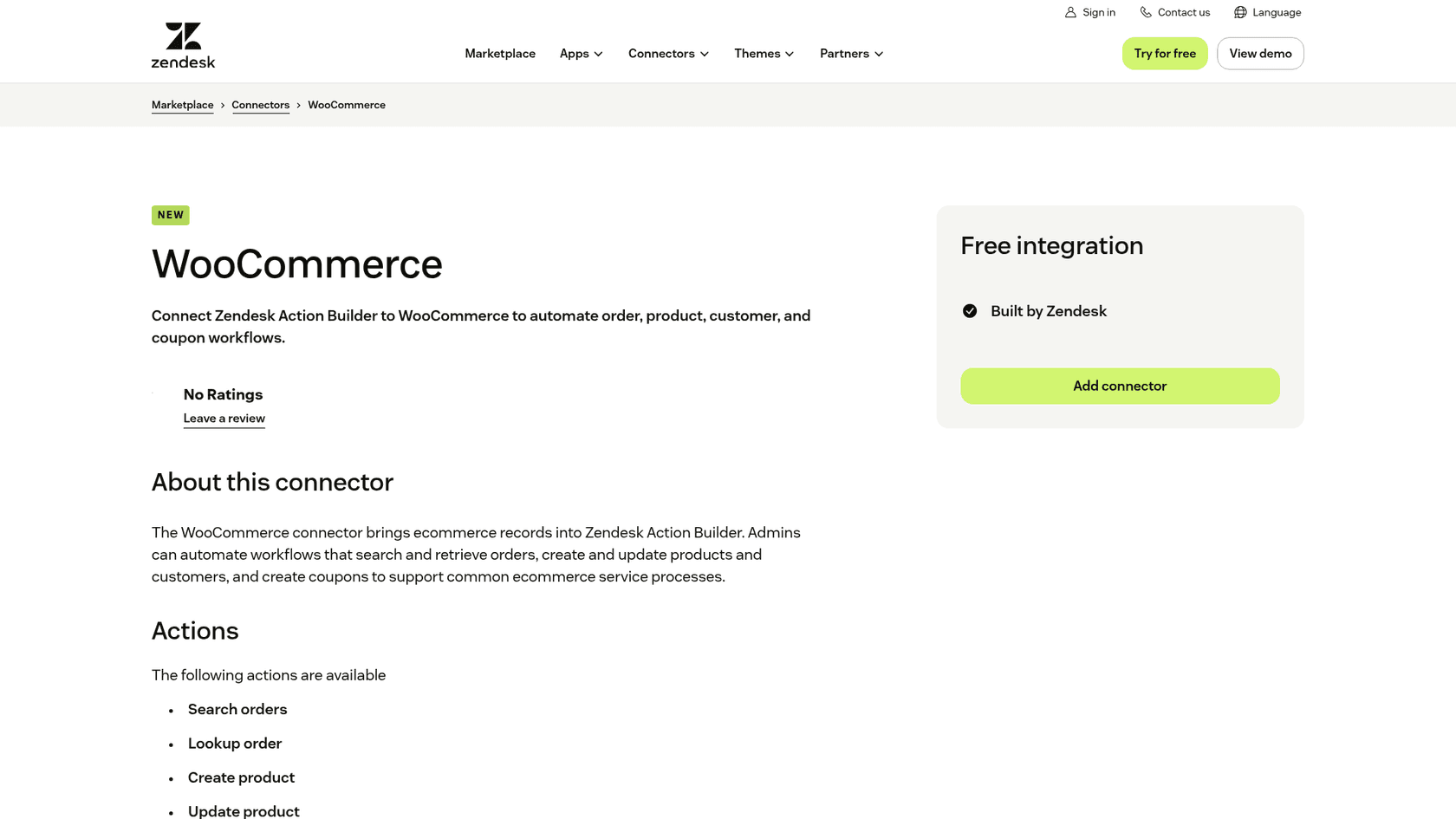
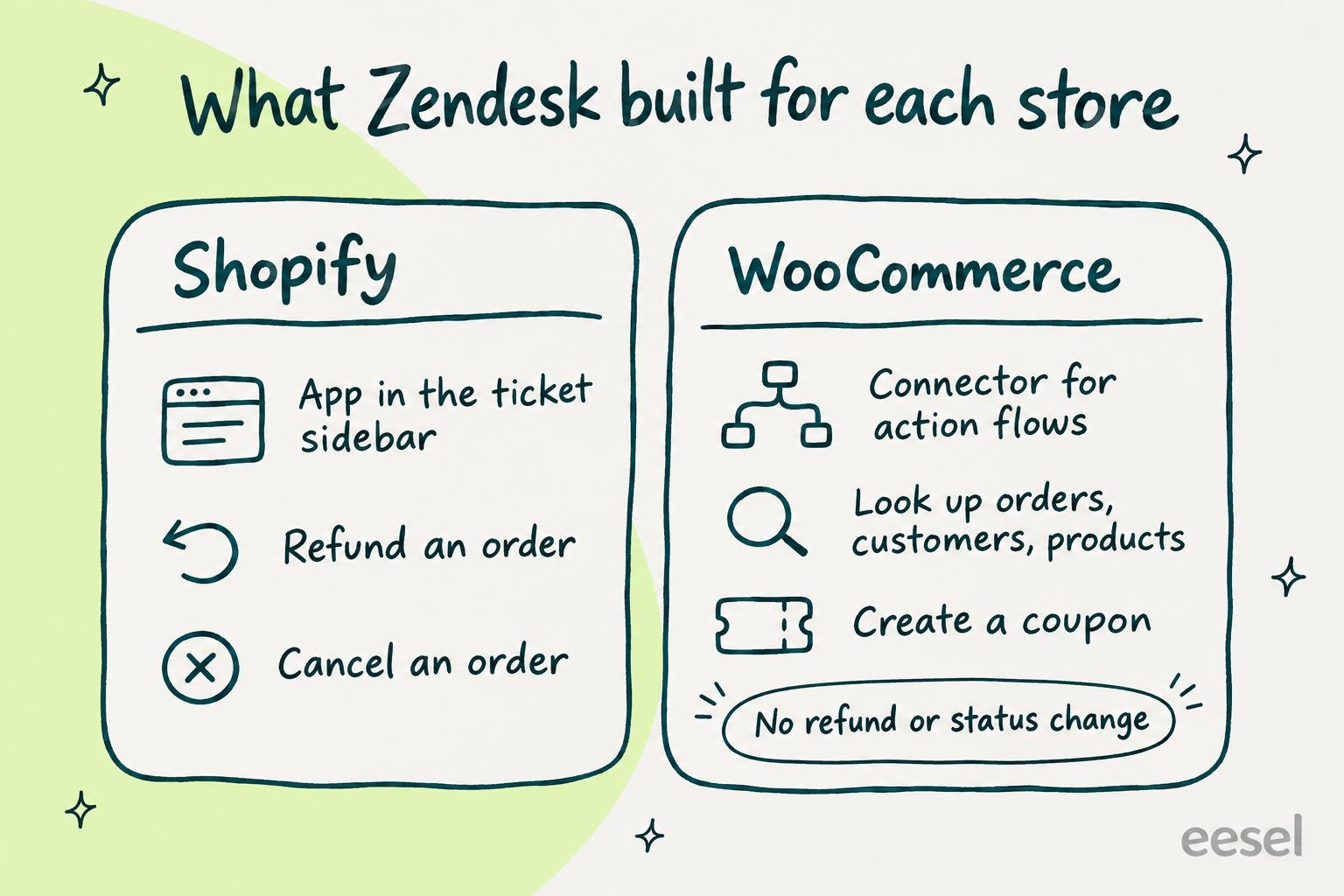
The connector has eleven actions: search orders, look up an order, create, update, search and look up products and customers, and create a coupon. That covers most "what's happening with my order?" lookups. What it leaves out matters more: there is no refund action, no order status change and no order note.
Compare that with Shopify. The free Shopify for Zendesk app, also built by Zendesk, sits in the ticket sidebar and, per Zendesk's help article, lets agents refund a whole order or single items and cancel orders without leaving the ticket. If you've read the Zendesk Shopify integration guide and expected the same for WooCommerce, this is the gap.
5 ways to connect Zendesk and WooCommerce
Here are the five routes side by side, priced for a team of five agents.
| Route | Built by | Price (5 agents) | What it does | Changes orders? | Zendesk's AI agent can use it? |
|---|---|---|---|---|---|
| WooCommerce connector | Zendesk | Free | Order, customer and product lookups in action flows | No (creates coupons, customers, products) | Yes, through a "Run on demand" action flow |
| WooCommerce by Zenplates | Zenplates | $10/month | Orders in the sidebar, plus edits and refunds | Yes | No |
| WooCommerce Orders + Order Sync | WP Swings | $10/month | Orders in the sidebar, tickets from the store | No | No |
| WooCommerce Integration Pro | Automate My Store | $49.75/month | Last order and customer value in the sidebar | No | No |
| Zendesk Support Integration | OPMC | $129/year | A Zendesk ticket for every order | No | No |
The sidebar apps are for people: nothing in their listings says Zendesk's AI agents can read them. An AI agent reaches WooCommerce through a custom action (one API call you build) or a Run on demand action flow that uses the connector, which matches Zendesk's own order-linking article: order data comes from an API request you set up.
1. Zendesk's WooCommerce connector
Best for teams that want automated lookups at no extra cost and are happy building workflows in Admin Center.
You add a WooCommerce connection in Admin Center, then use its actions as steps in an action flow. A flow starts from a trigger event, or an agent starts it with Copilot's auto assist. Zendesk's action builder docs say auto assist steps "will function only if you have purchased the Zendesk Copilot add-on", which the pricing page lists at $50 per agent per month, paid yearly, on Professional and above (see the Zendesk Copilot review).
Limits worth knowing. You can build up to 100 action flows of up to 60 steps each, and "you can connect to only one instance of each connected system", so one WooCommerce store per Zendesk account. If you run two stores, this route covers one.
My take: pick it if you need lookups in automations and have someone who enjoys building flows. Skip it if your agents' real ask is refunding from the ticket, because it can't.
2. WooCommerce by Zenplates
Best for teams whose agents refund, cancel or edit orders all day.
Zenplates' app connects with WooCommerce REST API keys, and its listing says "there are no potentially risky plugins to install in your WordPress account". The sidebar shows every order for the ticket's requester, guests included, with line items, refunds, coupons, the customer's order note and lifetime value.
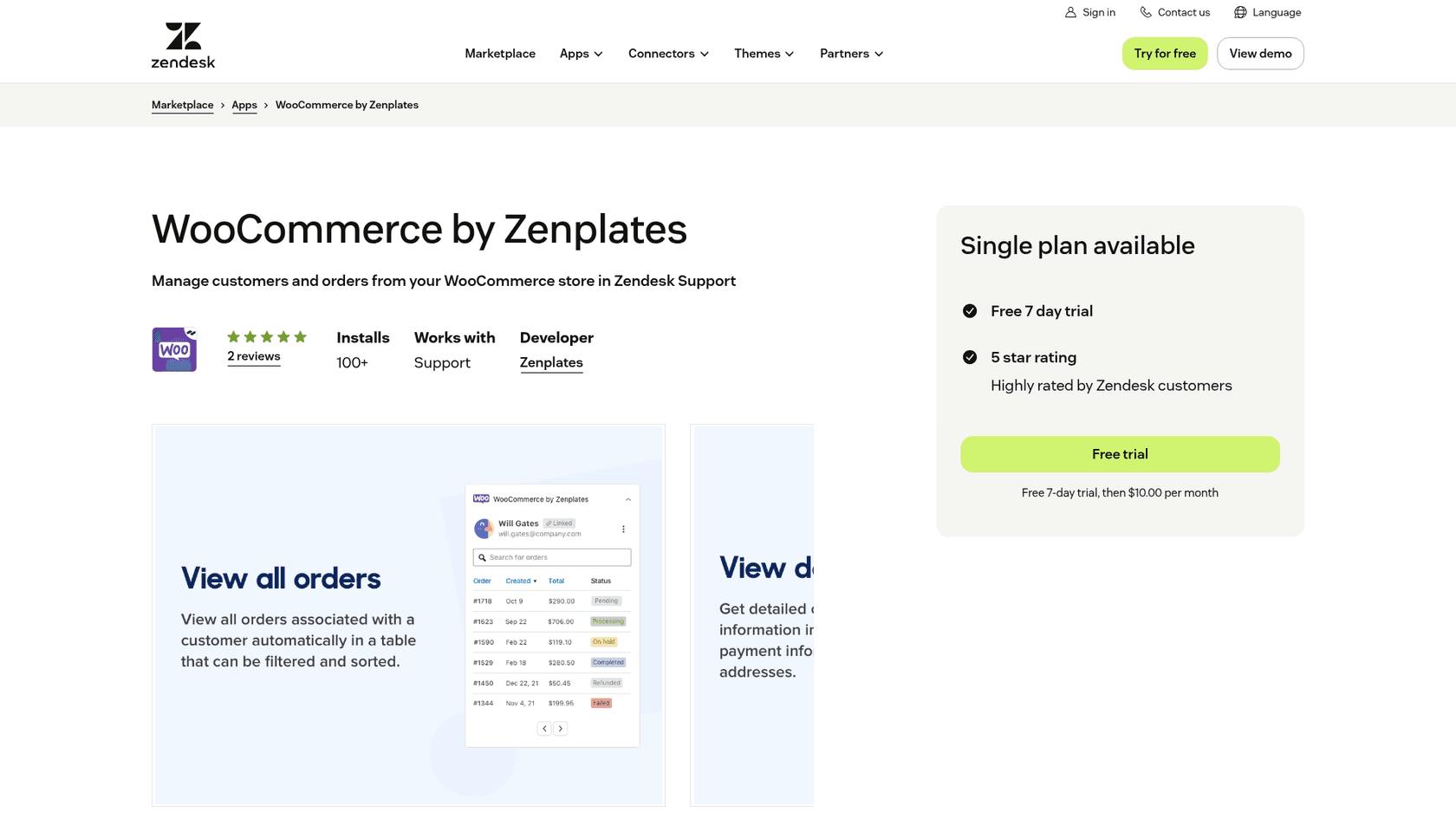
What agents can do. Change an order's status, update billing and shipping details, refund in part or in full, apply coupons, add customer or private notes, and create or edit customers. It costs $10 a month after a free 7-day trial, with 100+ installs and two reviews.
My take: this is the closest WooCommerce gets to Zendesk's Shopify app, at $10 a month for the whole team. Skip it only if you'd rather keep refunds out of Zendesk entirely.
3. WooCommerce Orders and Order Sync by WP Swings
Best for stores that also want customers raising tickets from their account page.
Two parts: the WooCommerce Orders app in Zendesk ($10 a month after a 7-day trial) and the free Order Sync plugin (Order Sync with Zendesk for WooCommerce) in WordPress, which the app requires.
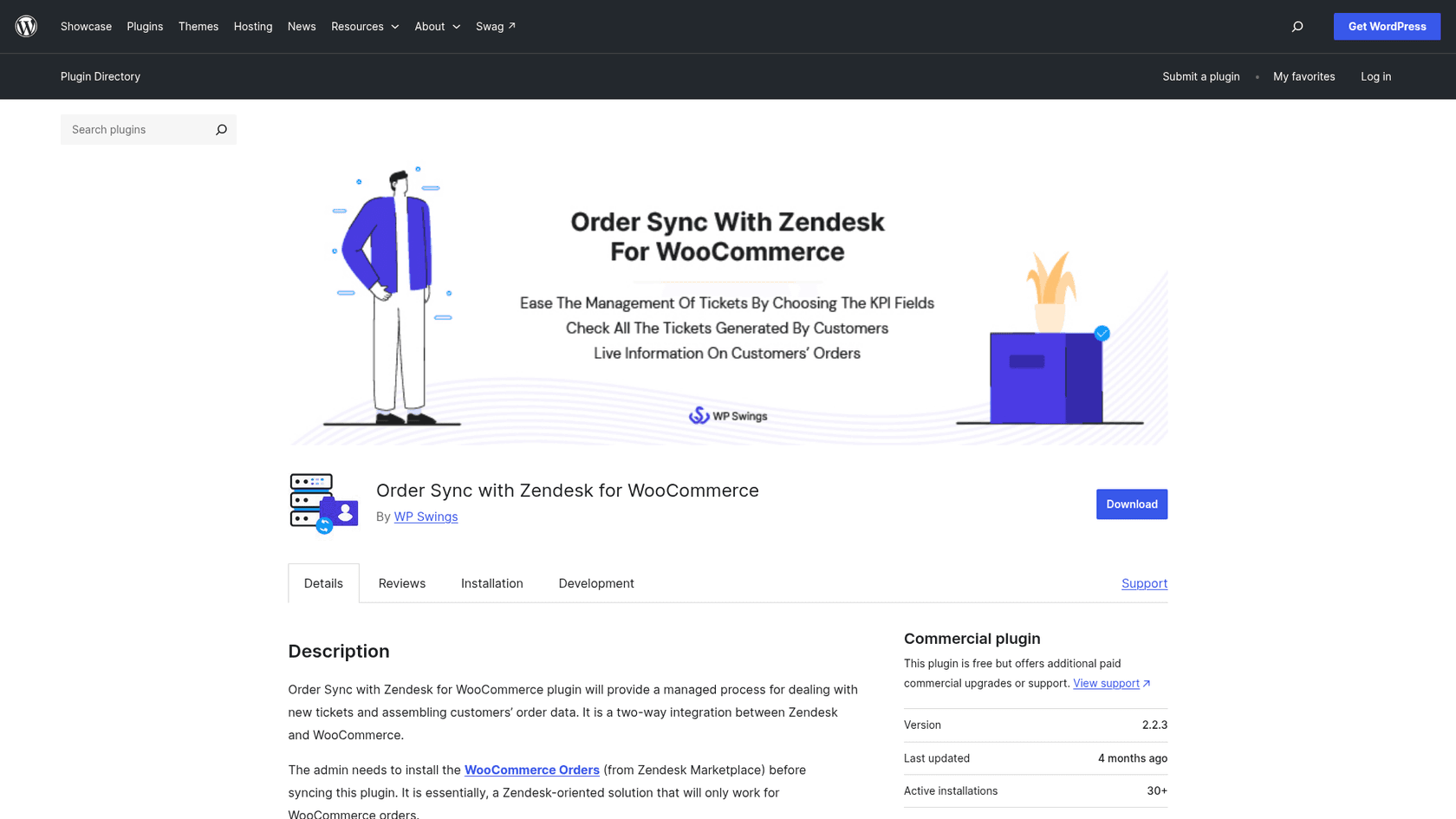
The app shows order details, status and a customer's top five orders. The plugin works the other way: customers can click "Create Ticket" in My Account, see their ticket history, and you can have it create a Zendesk ticket automatically when an order reaches a status you choose. The plugin has 30+ active installations.
My take: good value if self-service tickets from My Account appeal to you, especially alongside guest order tracking. Agents can only look, not refund.
4. WooCommerce Integration Pro by AMS
Best for teams that want to know how valuable a customer is before they reply.
The AMS app needs its own WordPress plugin and a security token. It shows the requester's last order, all their orders in one click, lifetime value, average order amount and a customer score, and works across several WooCommerce stores. Its plugin can also block a customer from ordering again in WooCommerce.
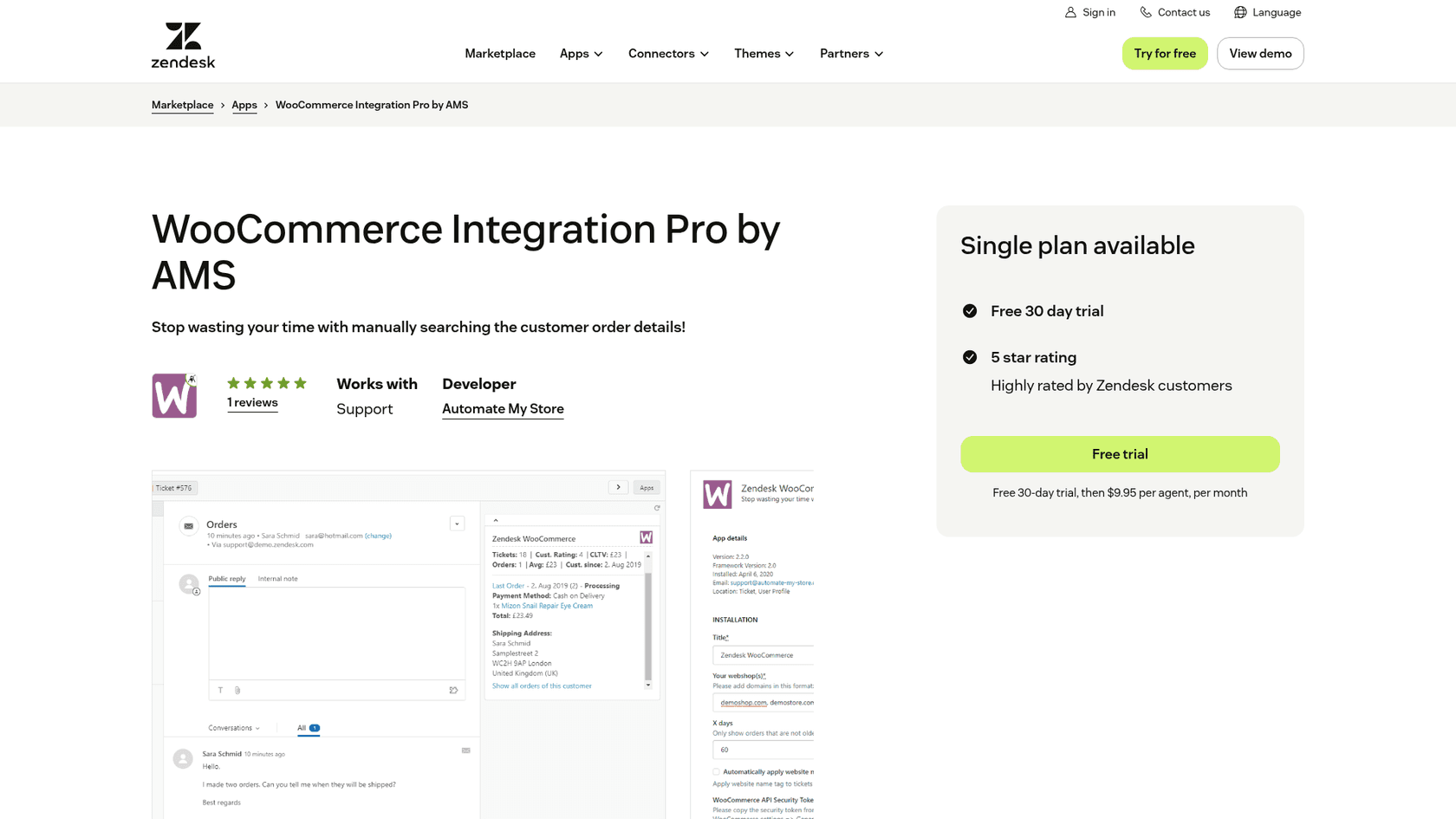
One reviewer on the listing wrote, almost four years ago:
"No more manual searching for order details - the app seamlessly pulls up the customer's last order and all their previous orders with just one click."
My take: the multi-store matching is the reason to choose it, since Zendesk's own connector takes one store. It's priced per agent at $9.95 a month after a 30-day trial, and its listing was last updated in April 2025.
5. Zendesk Support Integration for WooCommerce by OPMC
Best for small stores that want every order logged as a ticket.
This one lives in WooCommerce, not Zendesk. You paste your Zendesk subdomain and an API token (or password) into WooCommerce's settings, and OPMC's docs say "when an order or enquiry is placed by the buyer a new ticket is automatically generated in Zendesk", tagged and typed the way you choose.
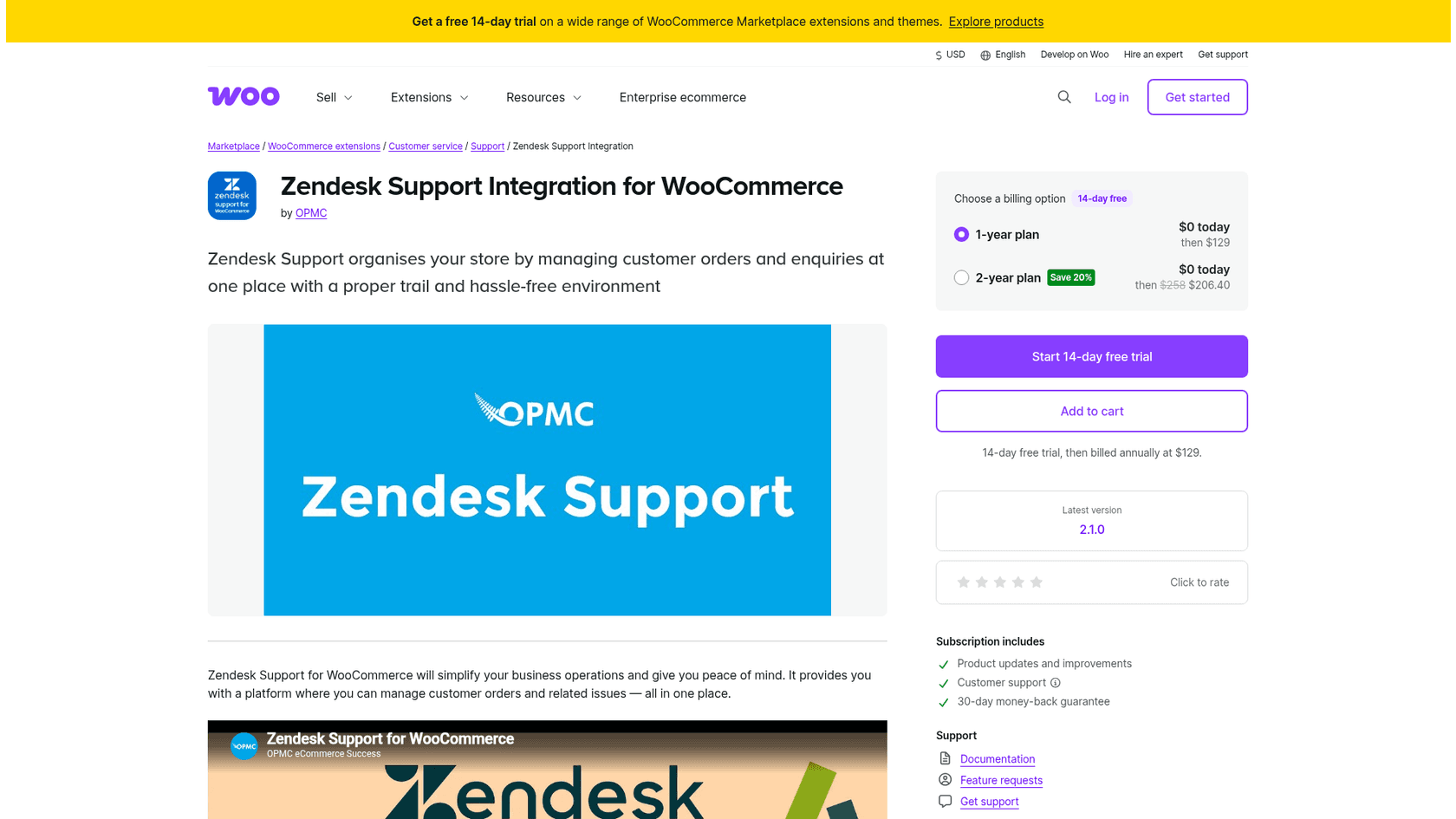
My take: it's $129 a year after a 14-day trial. A ticket for every order suits a store with a handful of orders a day; at volume it buries the questions customers actually asked, so tag order tickets and keep them out of your main views.
How to connect Zendesk's WooCommerce connector
Setting up Zendesk's own connector takes five steps, and you need to be an admin in both WordPress and Zendesk.
- Fix your permalinks. WooCommerce's REST API docs say keys need WordPress permalinks set to anything other than Plain (Settings > Permalinks).
- Create a key. In WordPress, go to WooCommerce > Settings > Advanced > REST API, choose Add Key, pick a user and set Permissions. Read is enough for lookups; choose Read/Write if your flows will create customers or coupons (and set coupon restrictions so a service-recovery code works only once).
- Copy the consumer key and secret. WooCommerce shows the secret only once.
- Add the connection. In Zendesk Admin Center, go to Apps and integrations > Connections, choose Add connection, select WooCommerce and enter your store URL, consumer key and consumer secret, as the connector listing describes.
- Build a flow. Create an action flow and pick WooCommerce under external actions, for example a lookup when a ticket comes in that writes the order status to a ticket field.
For a sidebar app instead, install it from the Zendesk Marketplace and follow its own settings screen; Zenplates asks for the same REST API keys, while OPMC and WP Swings need a Zendesk API token. If none of them fits, you can build a custom Zendesk app.
Can Zendesk's AI agent answer WooCommerce order questions?
Yes, with some building. Since a rollout that ran from May to June 2026, Zendesk's AI agents can call action flows, but "only flows with the Run on demand trigger", and the AI agent "receives only the outputs passed by the last step of the flow". So you build a flow that looks up the order and returns what the AI agent should say, then add it to a procedure or dialogue block in AI agents (About actions in AI agents).
Two things to plan for. First, refunds: the connector has no refund action, so a refunding AI agent means a custom action calling WooCommerce's API yourself. Second, cost: Zendesk bills AI agents per automated resolution, with 5 included per agent per month on Team plans, 10 on Professional and 15 on Enterprise, and since May 2026 only a verified resolution counts against that allowance. The Zendesk pricing breakdown has the plan prices.
Which route fits your store?
The table shows what each route can do. This chooser starts from what you need and shows what you'd install, what it costs a five-agent team, and the catch.
Pick what your team needs most to see the route, its cost and what to watch for.
Where eesel fits
eesel is an AI teammate that joins your Zendesk like another agent and connects to WooCommerce directly, so it reads the order itself instead of relying on a sidebar app. Per eesel's Zendesk docs, it drafts or sends replies, leaves internal notes, and tags, routes and updates tickets. Per its WooCommerce docs, it looks up orders, order notes, customers, products and subscriptions, and can add an order note, cancel an order, update a customer's saved address or create a refund, either through the payment gateway or recorded in WooCommerce only. The approval card shows which.
The part I care about as the person who builds these connections: you decide what it may do on its own. Each action can run by itself, ask first or stay off (Actions and approvals), and the WooCommerce plugin listing says "refunds and order status changes are held for your approval before they run." You connect the store by approving on WooCommerce's own screen through the free plugin, so nobody pastes API keys around.
For the wider set of WooCommerce automations, see how to automate WooCommerce support.
Two limits to know. WooCommerce doesn't start an eesel run on its own; a Zendesk ticket, a chat or a Slack mention does. And eesel doesn't read data from apps in your Zendesk sidebar, so it doesn't need Zenplates or AMS, but it won't see what they show either.
The closest published story is BEAUTEK, a German supplier of studio equipment for beauty salons and clinics, on Zendesk (with its own order system, not WooCommerce). eesel drafted replies on about 110 Zendesk tickets in a month for its team to approve and, in its website chat, looks up orders by email after an identity check.
Common mistakes when connecting Zendesk and WooCommerce
- Expecting the free connector to refund. It looks up and creates coupons; refunds need Zenplates, a custom action or an AI agent with a refund tool. The guide to AI refund guardrails covers where to draw that line.
- Creating a Read-only key, then wondering why edits fail. Anything that writes, including a coupon, needs Read/Write.
- Marking an order Refunded and calling it done. A status change doesn't move money; the manual refund guide explains what does.
- Connecting a second store. Zendesk's action builder takes one instance of each system. AMS matches customers across several stores.
- Flooding the queue. A ticket per order works at ten orders a day, not at five hundred. Tag order tickets and route them out of your main views.
Try eesel with Zendesk and WooCommerce
If your Zendesk queue is full of "where's my order?" and "can I get a refund?", eesel can take those tickets inside the Zendesk you already run, reading the WooCommerce order and answering from your past tickets and macros. Start with drafts in internal notes, check them against real tickets, then let it reply on its own while refunds still wait for a person's yes. The WooCommerce integration page shows what it can do in your store, and eesel's plans start with 100 free credits for 7 days, no card needed.
Try eesel on your own Zendesk tickets.