

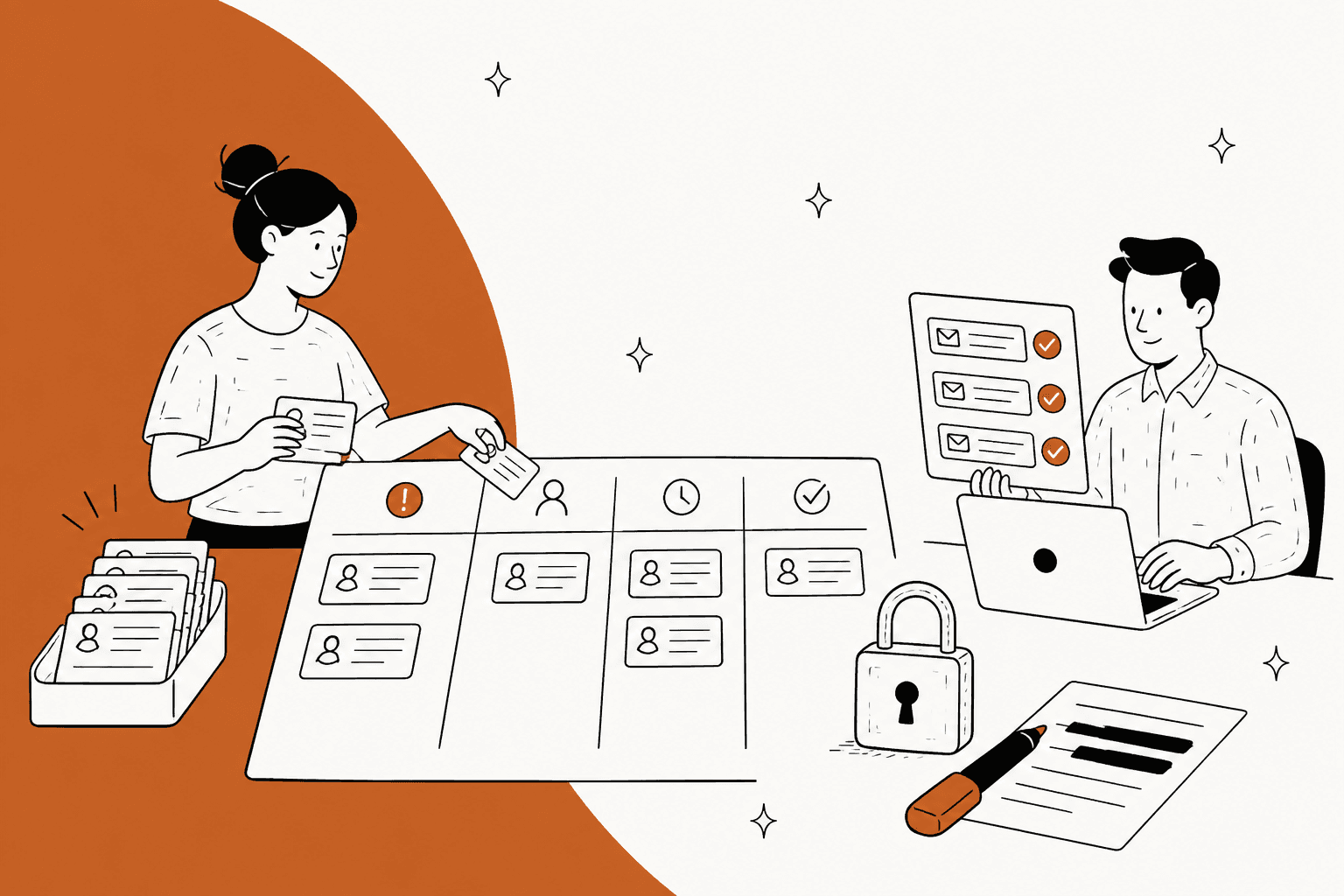
To handle support tickets after a data breach, set up the queue before the notice goes out: one tag and one owner for each kind of breach ticket, macros built only from the approved statement, and a hard rule that agents never ask for passwords, codes or card numbers. Redact anything sensitive that customers send anyway, and route legal, press, privacy and phishing reports away from the front line.
The reason is simple: breach week is when your queue is easiest to impersonate and easiest to get wrong. An AI agent like eesel can take the repeat questions from your approved FAQ, as long as every account-specific ticket goes to a person.
What changes in the support queue after a data breach?
Three things change at once: volume, risk and wording. The notice email goes out, and within hours the queue fills with the same five questions. At the same time, scammers who read the news start sending emails that look like yours, and every reply your team sends is now something a lawyer, a regulator or a reporter may read later.
I work eesel's support queue every day, and the thing I keep coming back to is that a normal queue is built to be helpful and fast. A breach queue has to be helpful, slow to improvise, and strict about identity. Those pull against each other, so the setup has to make the safe path the easy one.
The customer side of this is confusing. Notices often go out in waves, so one customer gets the email and their colleague does not, and both write in. Here is how that felt from the customer seat after one recent breach:
"I only received this same email a few hours ago, Oct 30. Why not tell all customers at once, especially if payment information was involved?"

Underneath, that ticket asks two things: am I affected, and why am I hearing about this late? Your first-line team needs an approved answer for both.
This post is about running the queue. If you still need to write the notice itself, the five headings, the deadlines and the subject line, start with my companion guide on data breach customer communication and come back here. If your incident is closer to downtime than stolen data, my outage communication template is the better fit.
If an AI coding agent helps run your support setup, the eesel CLI lets it upload the approved breach FAQ and holding replies as knowledge, tighten the agent's instructions, and ask test questions to check the answers before anything goes live. Connecting the helpdesk itself still needs someone with admin access to approve it.
How do you sort breach tickets before they pile up?
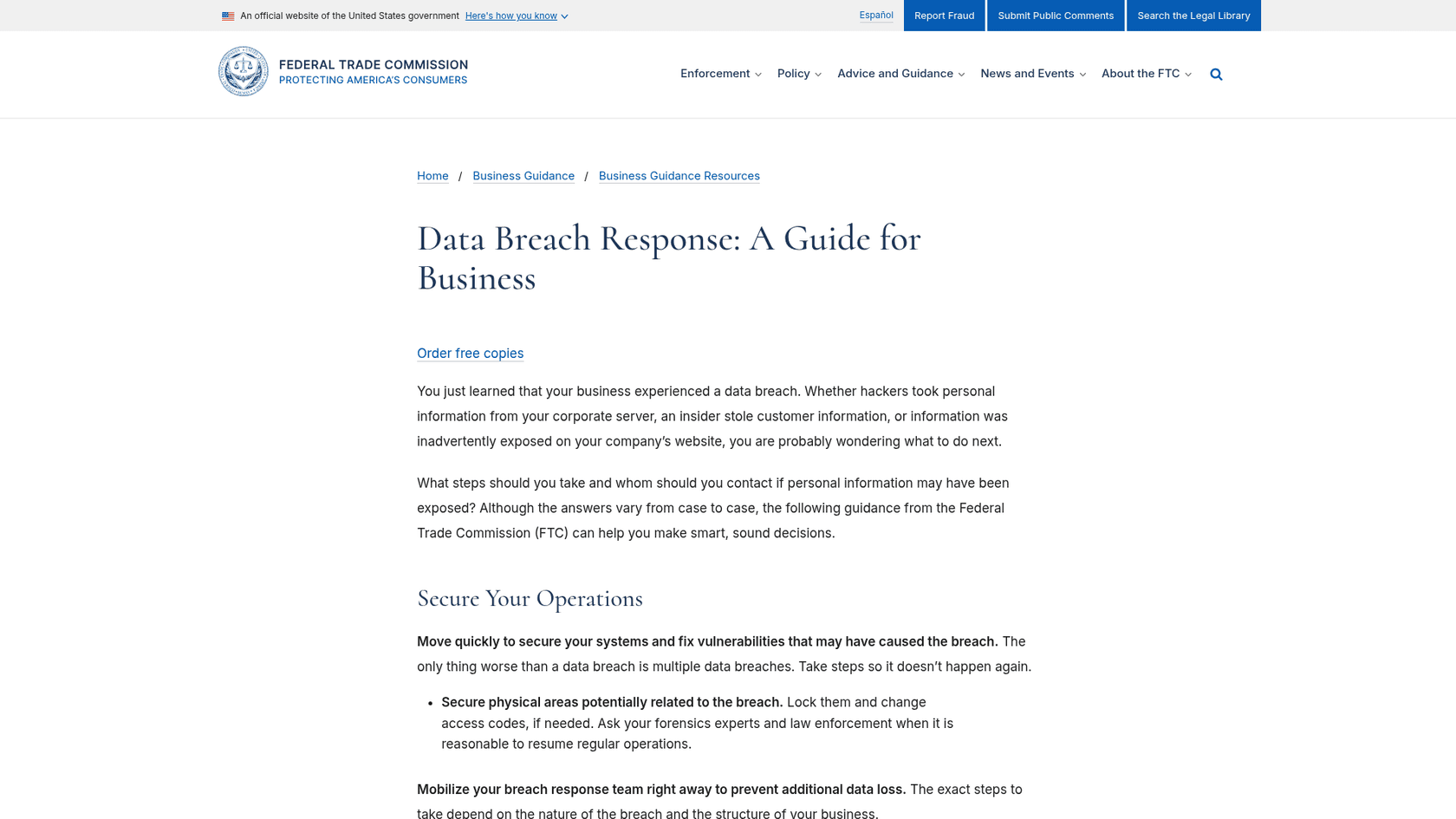
Give every kind of breach ticket its own tag, its own owner and its own view, and do it before the notice lands. The FTC's breach response guide tells businesses with a customer service center to make sure the staff knows where to forward information that may help the investigation. Tags and views are how that instruction becomes real in a helpdesk.
I use five lanes. Most breach tickets fit one of them, and the ones that do not are usually normal tickets that happen to arrive the same week.
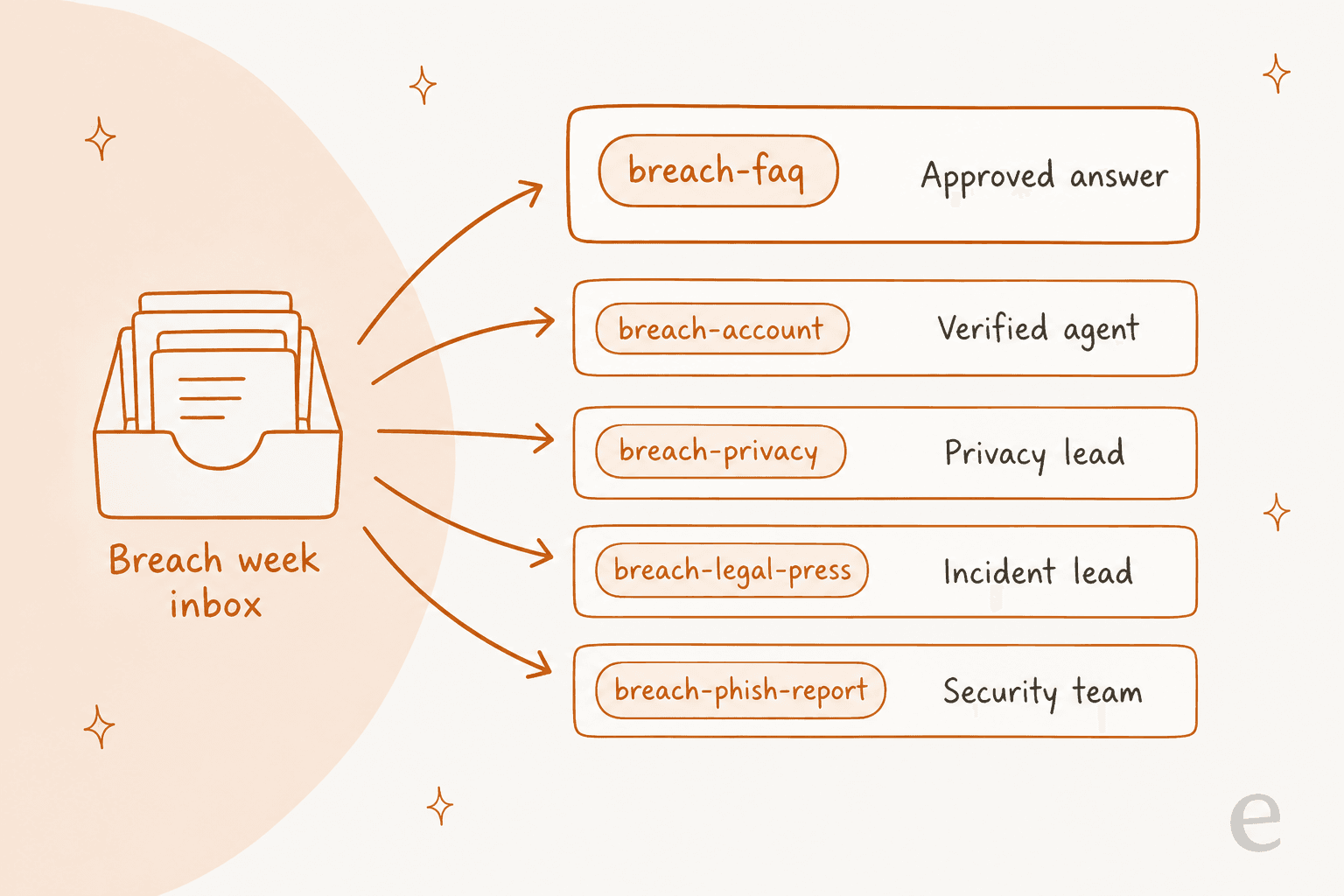
| Tag | What lands here | Owner | First reply |
|---|---|---|---|
breach-faq | "What happened?", "What data?", "What should I do?" | Any agent, or an AI agent | Approved FAQ macro |
breach-account | "Was my data exposed?", odd charges, locked accounts | Verified agent | Verification macro, then a person |
breach-privacy | Delete my data, send me my data | Privacy lead | Acknowledgement with the right clock |
breach-legal-press | Lawyers, journalists, regulators | Incident lead | Acknowledge only, no detail |
breach-phish-report | "Is this email from you?" | Security team | Phishing macro |
To build it, start with ticket tags and keyword triggers. In Zendesk, ticket triggers can add a tag and set a group when a new ticket mentions words like "breach", "hacked", "leak" or the incident's name. My guide to Zendesk triggers covers the conditions. Keyword triggers will miss some tickets and catch some unrelated ones, so treat them as a first pass, and let agents re-tag.
Then build one view per lane. Zendesk's views documentation lets you add up to 15 columns, which is plenty for tag, requester, created time and assignee. One catch worth knowing for later: views do not include archived tickets, so your redaction sweep in week 2 needs search, not just views. If you are setting views up for the first time, my walkthrough on views for agents is a quick start.
If your team already uses AI tagging, this is where it pays off. Dokument 24 runs eesel on Zendesk, and every new ticket arrives tagged by product with a draft reply as an internal note. In one month that was about 430 tickets tagged and about 670 drafts for the team to send. A breach lane is just another tag in that same setup. More on AI ticket tagging if you want to go that route.
Try the sorter on real breach-week tickets
Pick a ticket below to see which lane it goes to, who owns it, the first reply and the one thing not to do. These are the eight shapes I would expect in the first 72 hours.
Breach ticket sorter
Pick a ticket. The lane, owner and first reply follow the five-lane setup above.
Which replies should agents send word for word?
During breach week, every customer-facing sentence should come from an approved macro, and agents should personalise the greeting, not the facts. The FTC tells businesses to designate a point person for releasing information. The support version of that rule is a macro library that only the point person, or someone they sign off, can edit.
The same FTC guide also says to anticipate the questions people will ask and put clear, plain-language answers on your website. Build your macros from that page, not alongside it. If the macro and the FAQ page drift apart, customers will screenshot the difference.
Here is the starter set I would build:
- Breach FAQ reply. The five headings from the notice in short form, plus a link to the breach page. Most
breach-faqtickets close on this one. - Holding reply. For questions the statement does not cover yet: "I do not have a confirmed answer on that yet. We post updates on (link), and I will update this ticket when we do." Never guess the gap.
- How we contact you. The FTC suggests telling people how you will contact them in future, for example "we will never call you about this". This macro is your best phishing defence, so link it from every other one.
- Verification request. Explains how you will confirm identity without asking for secrets (more below).
- Privacy request acknowledgement. Logs the date and names the deadline.
- Legal and press acknowledgement. Two sentences, no detail.
If you run Zendesk, macros 101 covers the basics.
Freshdesk teams call these canned responses, Help Scout calls them saved replies, and Gorgias has its own macros. Whatever your tool calls them, the rule is the same.
One more thing on macros: put a version or date in each macro's title, like "Breach FAQ v3, 19 Nov". The statement will change two or three times in the first week, and agents need to see at a glance that they are sending the current one. My guide to AI macros has more on keeping a library current.
How do you verify customers without training them to get phished?
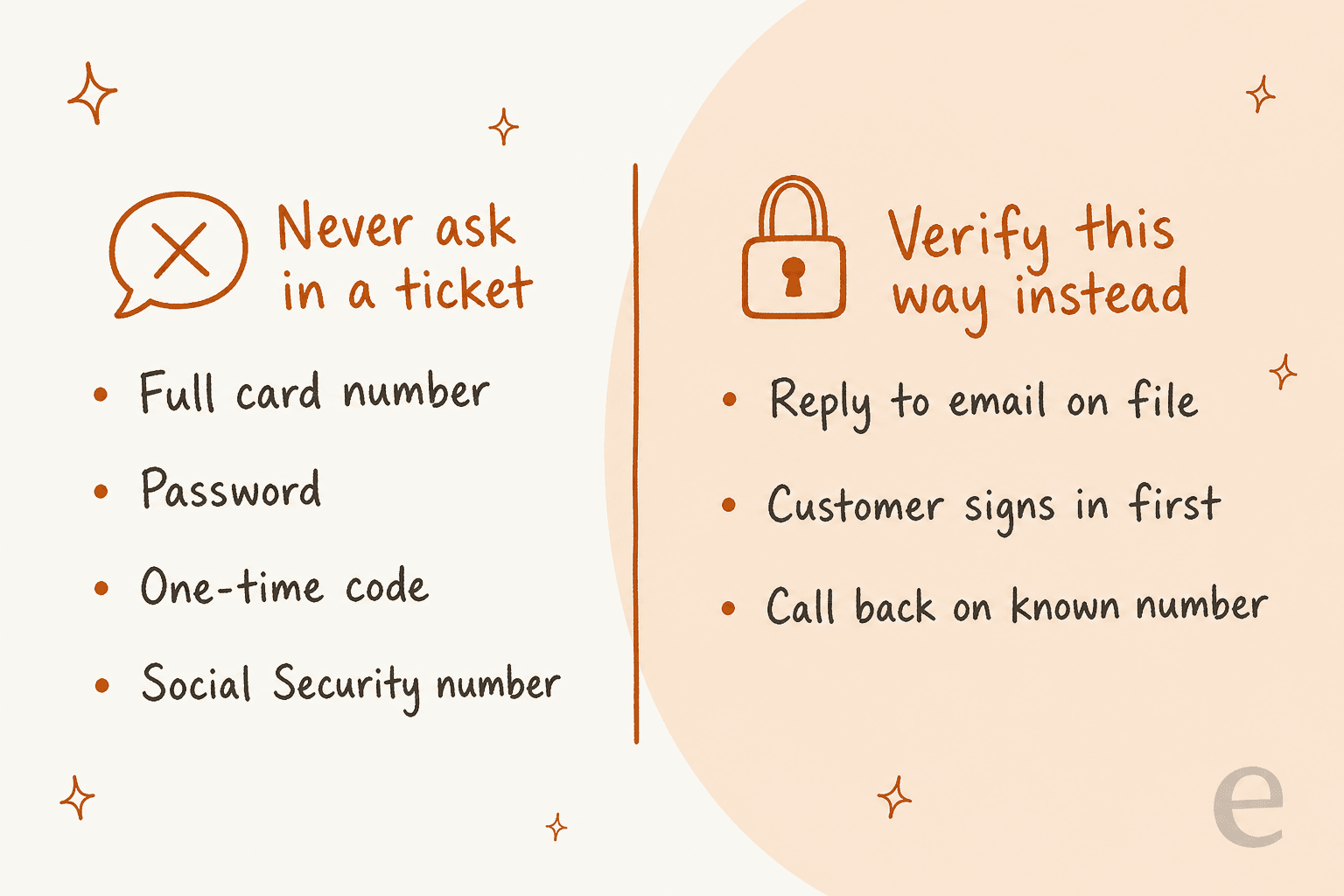
Verify through channels the customer already trusts, and never ask for a password, one-time code, full card number or Social Security number inside a ticket. After a breach, criminals know your customers are expecting emails from you, and the FTC notes that saying how you will contact people helps them avoid phishing scams tied to the breach.
The UK regulator says the same from the other side. The ICO's 72-hour guide suggests telling affected people to look out for phishing emails or fraudulent activity on their accounts. Your support team then has to avoid behaving like the phishers it just warned about.
The copycat emails arrive fast, and they are often convincing because they use real stolen details. After one airline breach, the first comment on the thread was this:
"Various users are reporting scam emails with full booking details. Stay safe guys."
And here is what it looks like when a support process undercuts its own warnings:
"Then, I've called my customer representative for help, who promptly asked me to tell her the security code in the email so that she can reset the app. Yet, the email, in bold letters, said to never divulge the code to anybody, including the bank personnel..."
Three rules I would put in front of every agent this week:
- Reply, do not reach out. Answer the ticket from your helpdesk. Do not start new threads from personal inboxes or send links in SMS that the customer did not ask for.
- Prove identity through the account. Ask the customer to sign in and write from their account, or reply only to the email on file. If they write from a new address, say you can only discuss account details with the email you hold.
- Never confirm a suspicious email as "probably us". If a customer forwards something, the answer is your "how we contact you" macro, and the forward goes to the
breach-phish-reportlane. The CISA phishing guidance is a good link to include for customers who want more.
Expect inbound spam and impersonation attempts aimed at your agents too. If you already filter spam with AI, check that breach tickets are not being thrown out with it. My post on AI spam filtering covers how to tune that.
How do you keep sensitive data out of breach tickets?
Do not collect it, and redact what arrives anyway. Worried customers send far more than you need: screenshots of bank statements, card numbers, ID photos, sometimes passwords. Every one of those turns your helpdesk into a second copy of the data that was just breached.
Start with the macros. Every breach macro should end with a line like "please do not send card numbers, passwords or ID documents in this ticket". Then turn on whatever redaction your helpdesk offers.
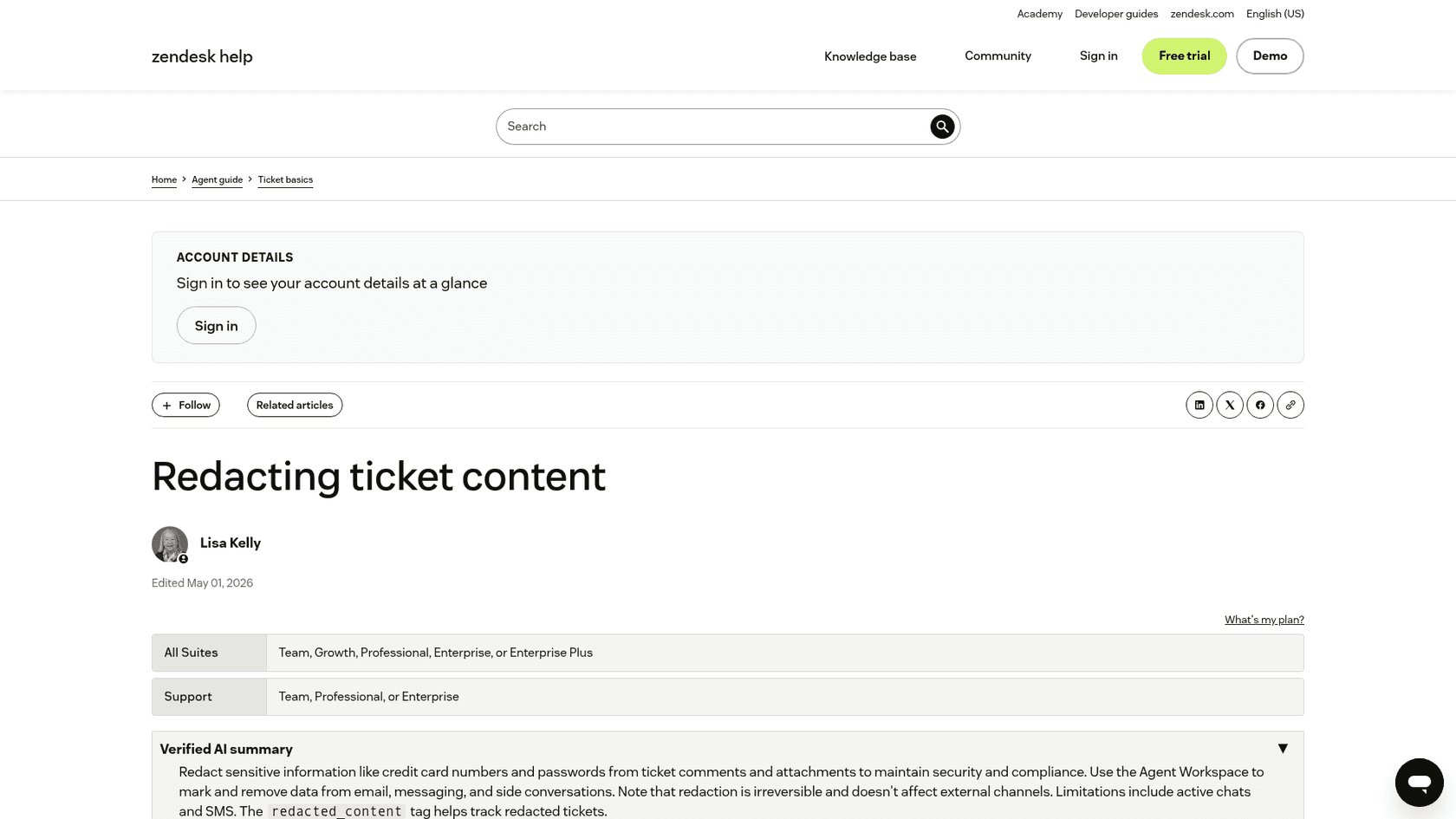
Zendesk. Ticket redaction works on email, messaging, internal notes, images and attachments, including closed tickets on several channels, and it needs the Agent Workspace. Admins and agents in custom roles with permission can redact. Two details matter in a breach:
- Redaction is irreversible, so agree on who does it.
- It does not redact whole tickets, and if you redact the original after a merge, the merged ticket keeps the content. Redact first, merge second.
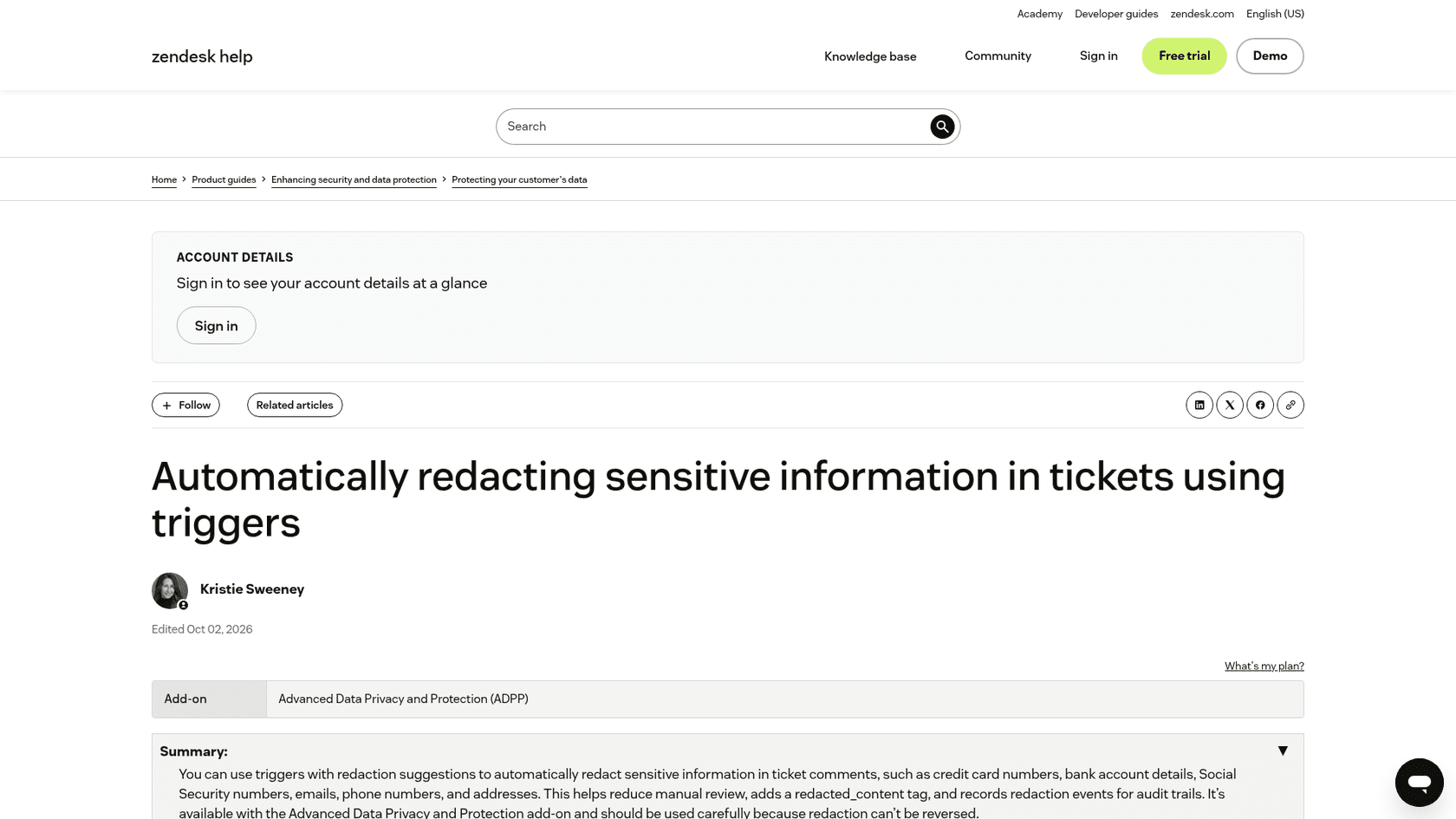
Zendesk also has automatic credit card redaction, which masks 12 to 19 digit card numbers on new tickets and keeps the first six and last four digits. It does not clean up card numbers already in the system. With the Advanced Data Privacy and Protection add-on, you can go further and use triggers that redact automatically: card numbers, bank details, Social Security numbers, emails, phone numbers and addresses, with a redacted_content tag added. My guide to Zendesk ticket redaction walks through the setup.
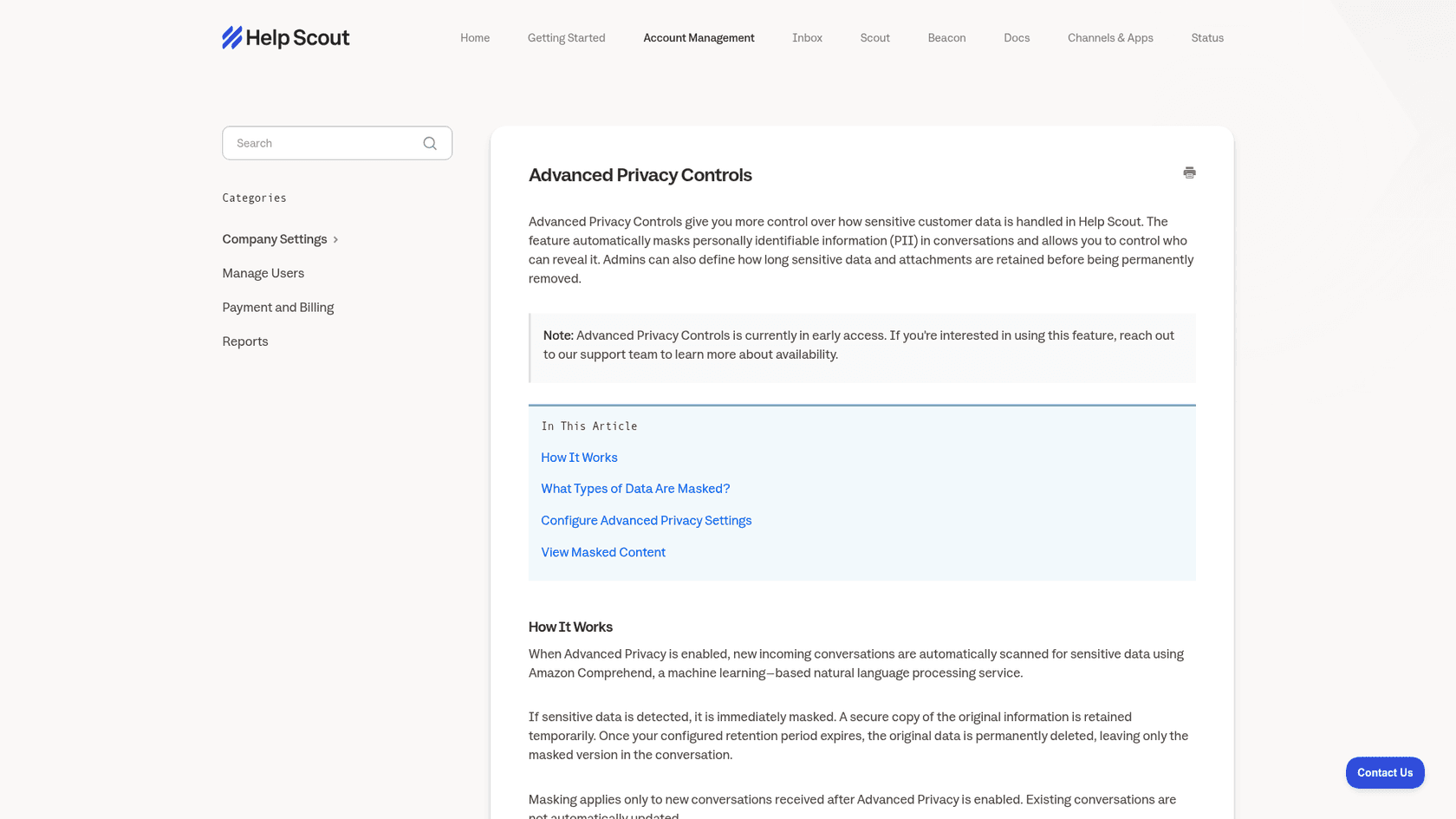
Help Scout. Advanced Privacy Controls mask PII automatically and let admins decide who can reveal it. It is in early access, so you have to ask Help Scout for it. It only masks new conversations after you switch it on, and attachments are not masked, so a photo of an ID card stays visible to the whole team until the retention period deletes it.
Whatever the tool, schedule a redaction sweep in week 2. Search, not views, because Zendesk views skip archived tickets. Look for card-number patterns, "SSN", "password", "passport" and attachments on breach-tagged tickets. For a broader take on doing this with AI, see AI PII redaction.
If you use an AI agent on top of the helpdesk, check what it stores too. On eesel's security page, optional PII redaction strips emails, phone numbers and card numbers from synced helpdesk tickets before they are stored and indexed, and eesel does not train models on your data. That is the question to ask any vendor in your stack; my vendor security checklist has the rest.
What should an AI agent answer after a breach, and what should it hand off?
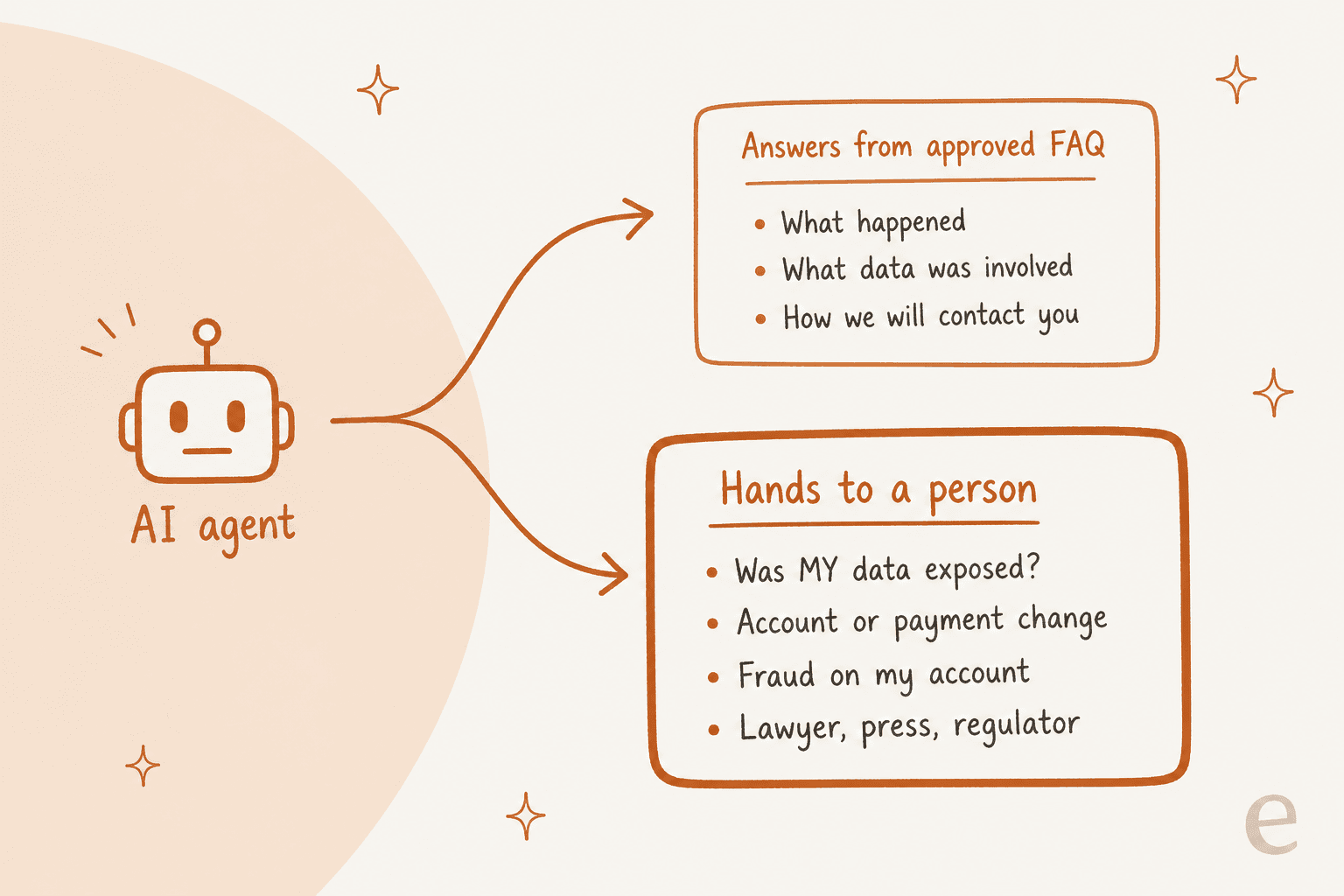
An AI agent should answer only what the approved FAQ answers, and hand every "what about me" ticket to a person. The general questions are the same for everyone, so an AI can answer them consistently at 3am. The personal questions depend on lookups, judgement and legal exposure, so they belong with your team.
The failure I worry about most is an AI generalising from the statement. If the FAQ says "most customers were not affected", a loose agent will tell an affected customer they were fine. I have seen the non-breach version of this in our own sales calls: a B2B technical support team found their bot confirming support for products it did not cover, because the knowledge base said "we support all models". Their lesson was that setup is trial and error at first. In a breach, that error is a false reassurance in writing.
So the rules for the agent are narrow:
- Answer only from the approved breach FAQ and macros. Remove older help articles that mention security if they contradict the statement.
- Never say whether a specific customer was affected unless a lookup against the affected list confirms it, and the customer is verified.
- Hand off by tag, not by guesswork: anything in
breach-account,breach-privacy,breach-legal-pressorbreach-phish-reportgoes to a person with an internal note. - Mark replies as AI-written, so nobody mistakes an AI answer for an official statement from a named person.
A live setup with these rules is Swiftreg, a UK number plate seller running eesel on Zendesk. It is not a breach case, but its rules have the shape a breach queue needs. Order details only ever go to the verified account holder; if that check fails, they stay private. eesel never reports a refund or dispatch that a live lookup has not confirmed, some topics always go to people, and every public reply ends with a footer saying the AI wrote it. In one month that setup handled about 2,100 Zendesk tickets, with 1,494 public replies and 1,055 internal notes for the team where a step belonged to staff.
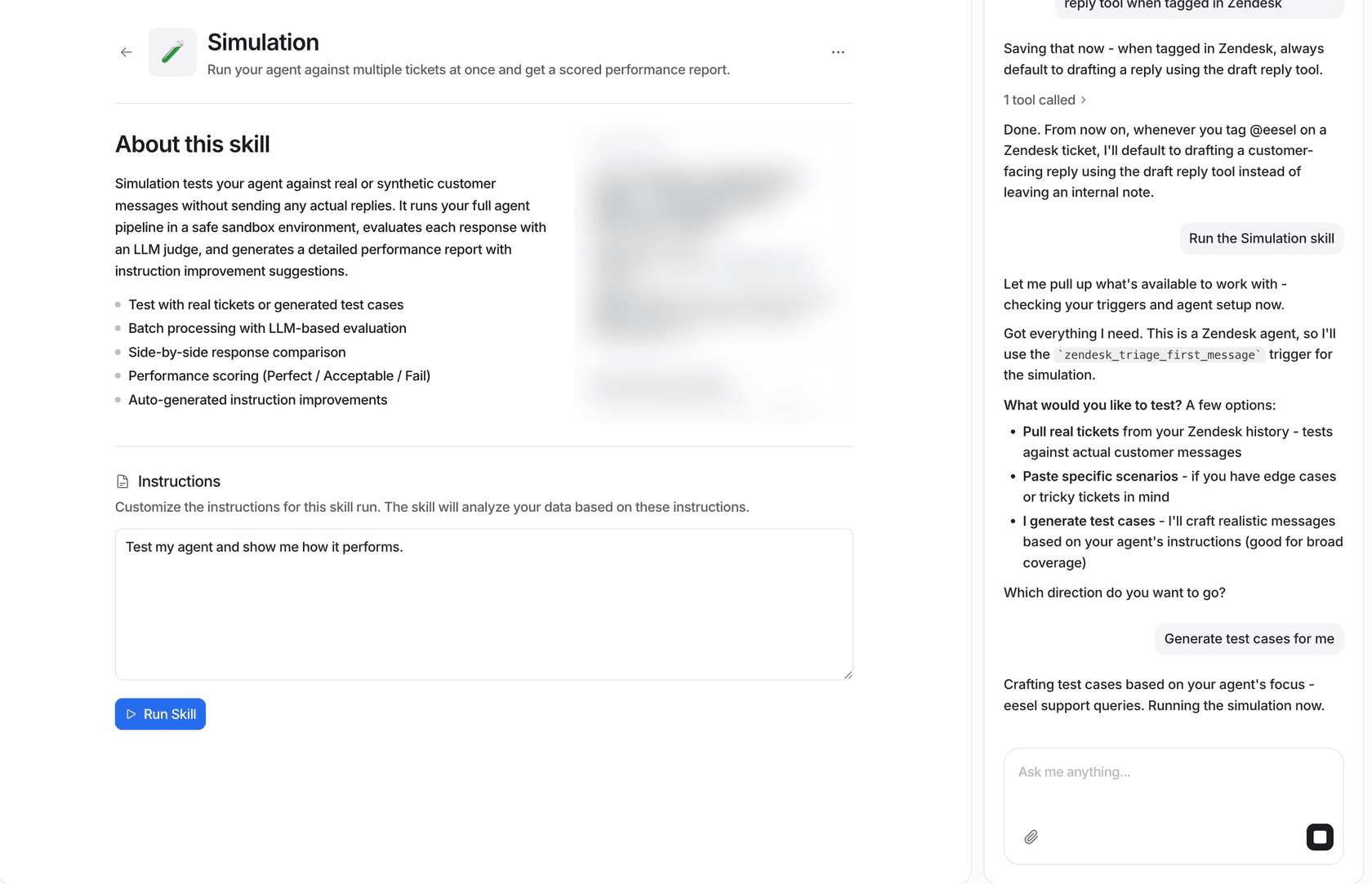
Before you switch an agent on for breach tickets, test it on them. eesel's simulation runs the agent against real or generated tickets without sending any replies and scores each answer, so you can feed it the questions from your sorter and read every response first.
For more on clean handoffs, see my posts on AI handoff best practices and Zendesk AI escalation rules.
When do tickets go to legal, security, or the privacy team?
Earlier than your normal escalation process would send them. In a breach, three kinds of ticket leave the front line on arrival, before an agent has written a word.
Legal, press and regulators. A ticket from a law firm, a journalist or a regulator gets a two-line acknowledgement and goes straight to the incident lead. The ICO asks organisations to keep a breach log recording what happened, who is involved and what they are doing about it, and these tickets belong in it. My guide to cross-team escalation covers the handover mechanics.
Anything that may help the investigation. The FTC's instruction to customer service centers is about forwarding information that may aid the investigation. A customer who says "I saw this odd login on the 3rd" is handing you evidence, so treat the ticket that way. Give agents one internal-note template for it and a named security contact.
Privacy requests. Breach weeks bring a wave of "delete everything you have on me" tickets. Here is one from the Framework breach thread:
"There's no reason Framework needed to be storing this much PII about me all this time including my address, IP addresses and phone number. I just requested a full delete courtesy of GDPR and CCPA and encourage others to do the same."
These have their own clocks. Under UK GDPR, the ICO's erasure guidance gives you one month to respond. Under the CCPA, the California Attorney General says businesses must respond within 45 calendar days, extendable to 90 with notice. Tag them on arrival so the clock starts in your reporting, not when someone notices.
My posts on AI for GDPR requests and Freshdesk GDPR go deeper.
Fraud. If a customer reports misuse, the FTC suggests pointing them to IdentityTheft.gov to report it and get a recovery plan. Put that link in the macro. My guide on fraud-related support and the one on chargeback inquiries cover the payment side.
How do you close the loop once the surge passes?
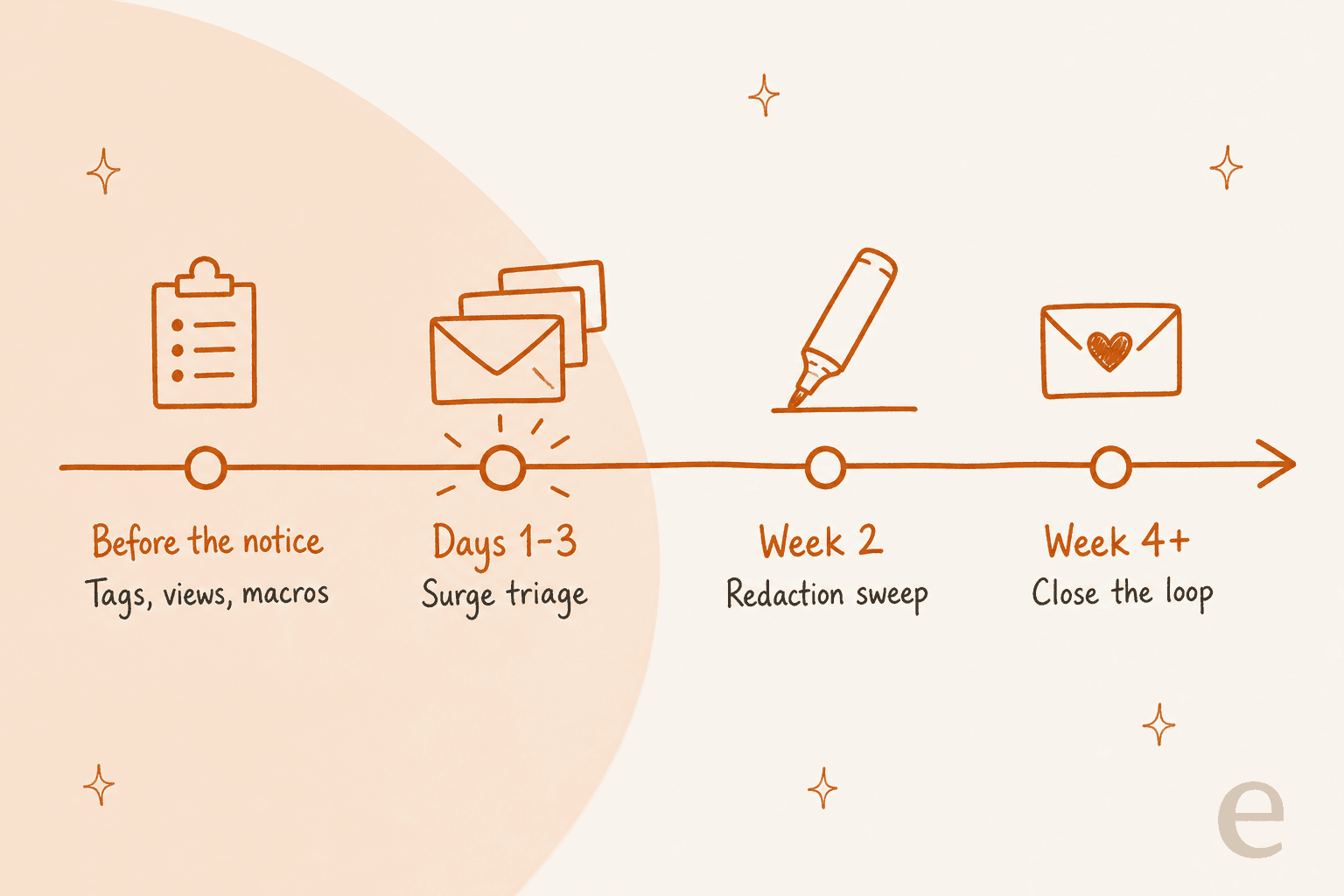
Most teams stop when the volume drops. I would keep going for one more week, because the cleanup is where breach week's mistakes get fixed or locked in.
- Retire the breach macros. Leave the FAQ reply, archive the holding replies, and remove the breach articles from any AI agent's knowledge once the incident is closed. Stale holding replies are how a customer gets "we are still investigating" three months later.
- Run the final redaction sweep, then merge duplicates. Redact before merging, because a merged ticket keeps content you redact later in the original.
- Answer every open
breach-accountticket. Holding replies promised an update; send it, even if the update is "nothing new for your account". - Report by tag. Volume per lane, first reply time and reopen rate tell you which macro was unclear. A lane with many reopens usually means the macro left the real question unanswered.
- Hold a support retro. What did agents improvise? Those moments are your next macros.
If you want a satisfaction read on how it went, survey carefully. A CSAT email right after a breach looks like phishing to the people you just warned. My post on AI CSAT covers timing.
The patterns here overlap with any big queue event. If you want the volume side in more depth, seasonal support spikes and major incident communication are good next reads.
What are the most common mistakes in a breach-week queue?
- Improvising facts. An agent who says "only emails were taken" before the investigation confirms it has made a public statement.
- Asking for secrets to "check". Card numbers, codes and passwords in tickets undo every phishing warning you sent.
- Leaving PII in tickets. Redaction that waits until "after the rush" never happens.
- Letting the AI freelance. An agent with your whole help center and no breach rules will answer "was I affected?" from general articles.
- Burying privacy requests. A deletion request treated as a complaint misses its deadline.
- Forgetting normal customers. Breach tags on late-order tickets push real problems down the queue.
Running a breach-week queue with eesel
If the hardest part of your breach plan is the queue, that is the job eesel's AI helpdesk teammate is built for. It joins the helpdesk you already use, Zendesk, Freshdesk or Help Scout, tags breach tickets into your lanes, answers the repeat questions from the approved FAQ you give it, and leaves an internal note on every account, legal, privacy or fraud ticket for your team. You can start with drafts your agents approve, test it on breach-style tickets in simulation first, and switch on direct replies for the FAQ lane once you trust them.
Swiftreg shows the verified-account rule in practice on Zendesk, and Dokument 24 shows the tag-and-draft setup. Plans and limits are on the pricing page.
Try eesel on your own queue before you need it.