So, can AI actually read how a customer feels?
Short answer: yes, and it's been quietly built into the helpdesk tools you use for a while now. The longer answer is the interesting part, because "reading sentiment" sounds like the AI understands the customer, and that's not quite what's happening.
I work on the side of this that most blog posts skip: what the model is actually doing when it decides a ticket is "angry." And the reason I'm cautious about it isn't theoretical. Building AI for the helpdesk, I've watched a confident-sounding model narrate "running Zendesk searches" for ten turns without ever touching the API, and report results that simply weren't real. Sentiment scoring has the same failure shape: it will hand you a clean, confident label whether or not it actually got the customer right. That's exactly why, before any sentiment rule touches a live queue at eesel, we simulate it on historical tickets first, so the error rate shows up in a report instead of in a furious customer's inbox.
So the feature is real and it's useful. It just isn't magic, and the gap between those two things is where teams get burned.
How AI sentiment analysis actually works
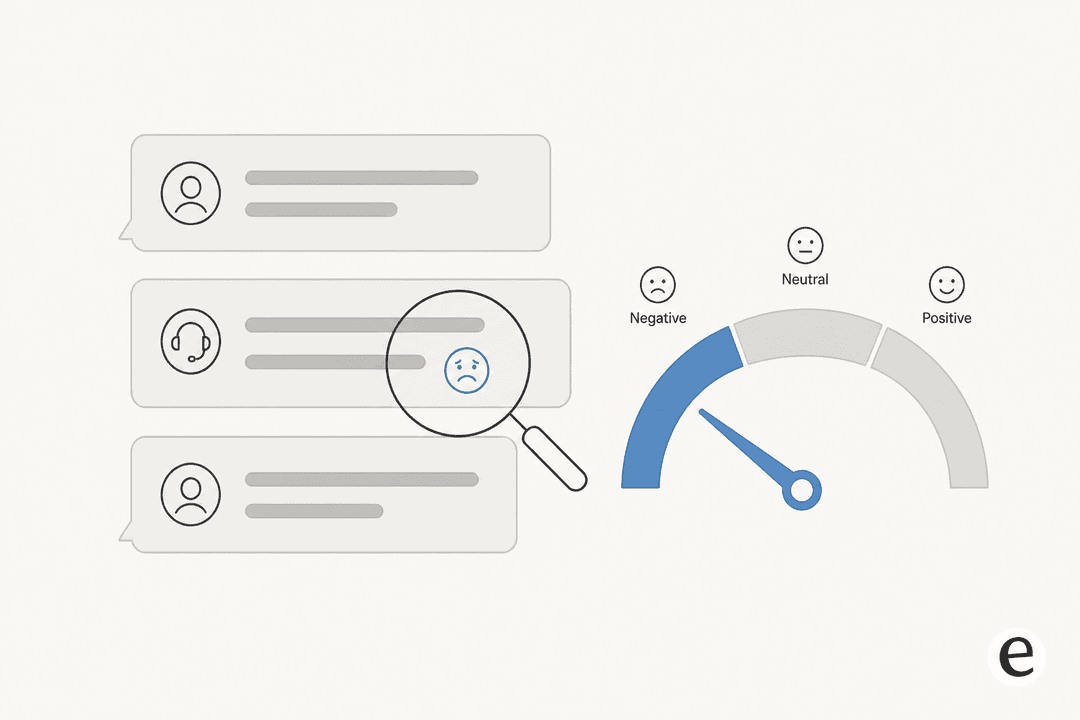
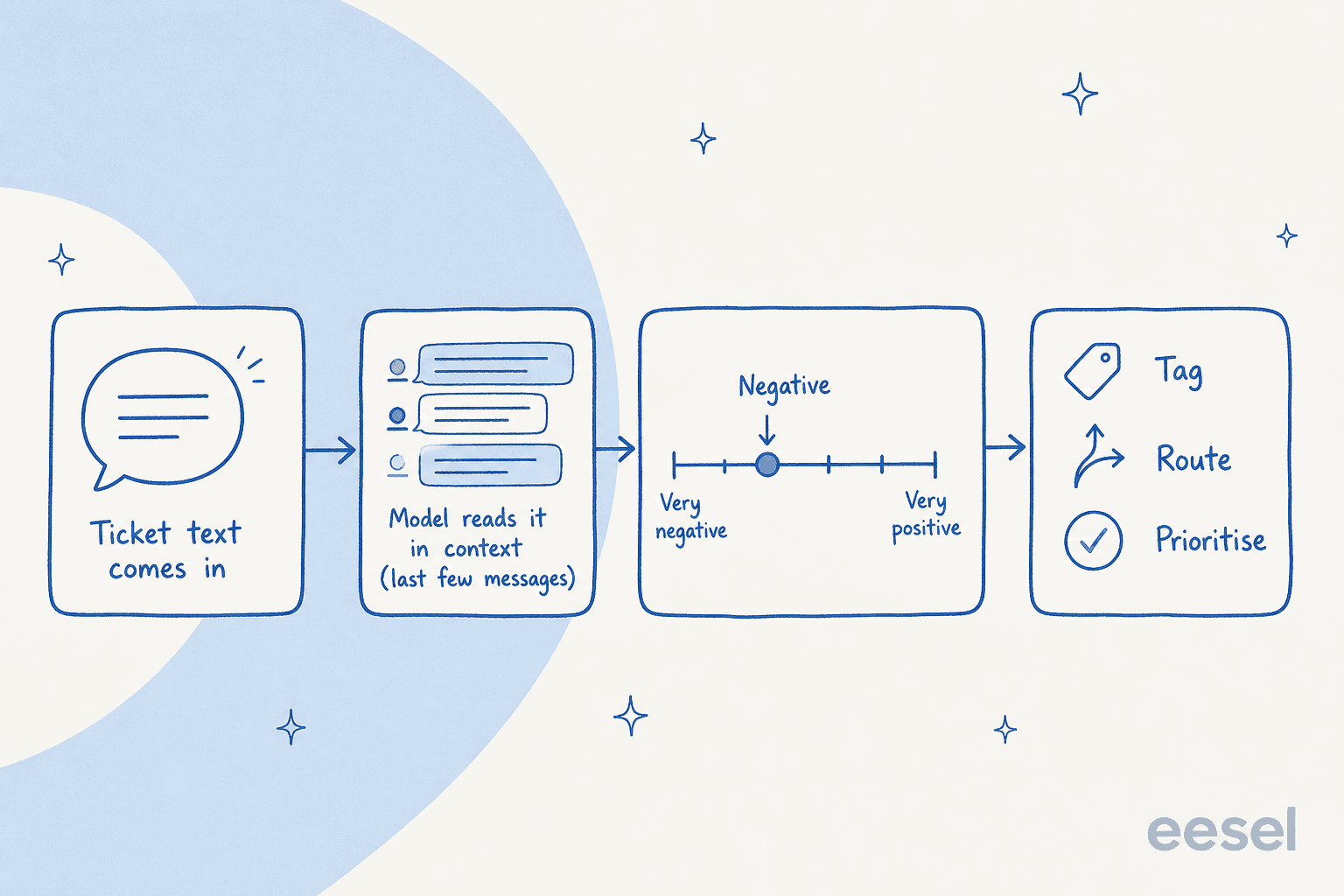
Under the hood, sentiment analysis is a text classification job. The model reads the words in a message and sorts them into a small set of buckets, most often positive, neutral, and negative. Older systems did this with a lexicon (a dictionary that scores "broken" as negative and "thanks" as positive); modern ones use a transformer-based model trained on labelled examples, which is far better at reading words in context rather than one at a time.
Two details matter more than the rest:
It reads in context, not in isolation. Sprinklr's sentiment model scores the latest message using the last ten messages from both sides of the conversation, and does it live as the chat unfolds rather than after the case closes. That's why a "fine, whatever" reply can register as negative even though the words alone look neutral.
Good ones are calibrated for support. This is the detail I wish more buyers knew. A naive scorer flags every complaint as negative, which is useless because most tickets are complaints. Zendesk explicitly tunes its model so "a ticket isn't assigned a negative sentiment just because a customer has an issue." That calibration is the difference between a signal and noise.
If you want the deeper version of how these models are wired into a support stack, we wrote a longer piece on AI sentiment analysis for support that goes past the basics.
What the big helpdesks actually do
Here's where it gets practical. "Sentiment analysis" is not one standard thing, and the differences matter when you're building rules on top of it. The label set, the scoring, and even which tickets get scored all vary by vendor.
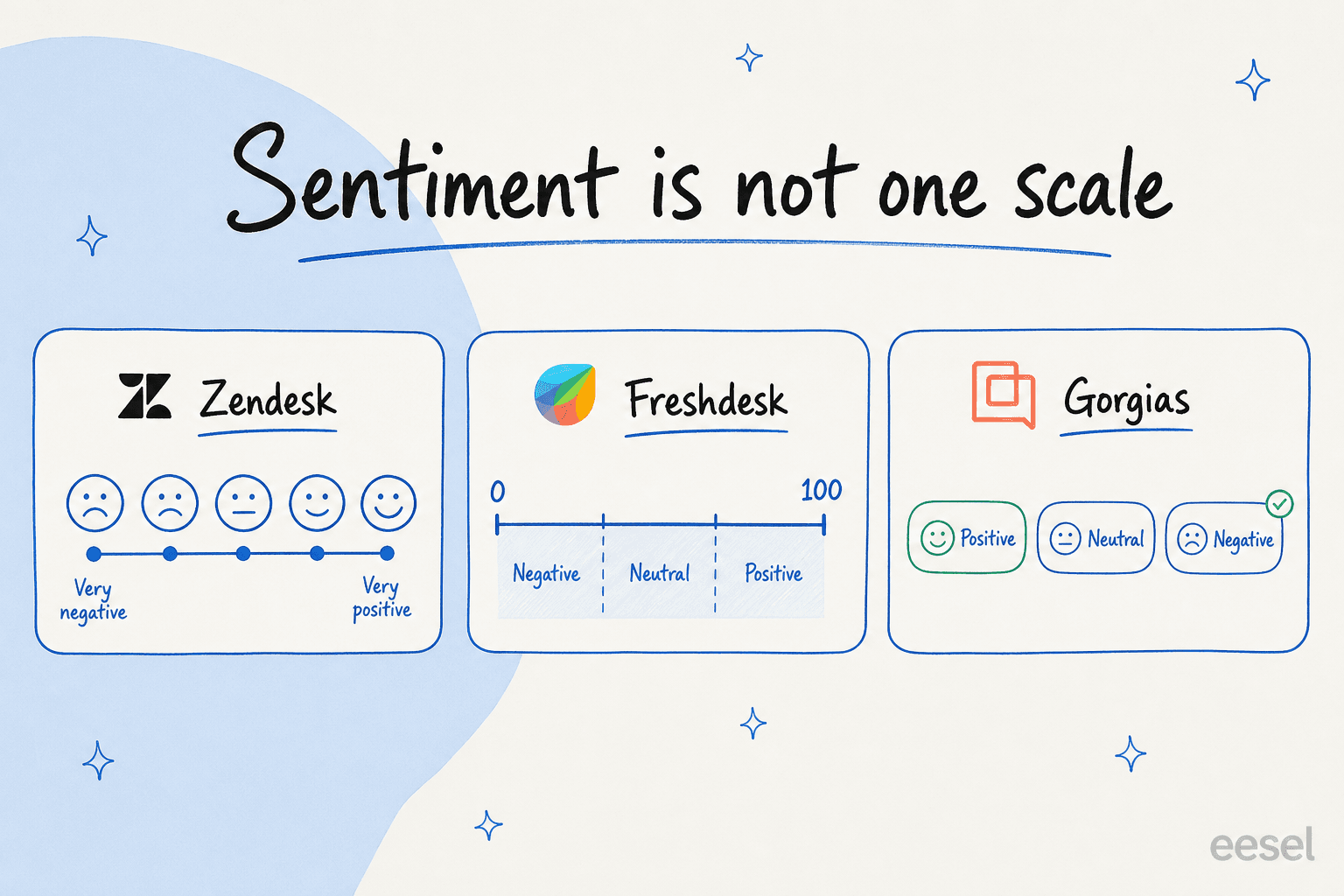
| Tool | Sentiment labels | Scored on | Stated limits | Plan |
|---|---|---|---|---|
| Zendesk intelligent triage | 5-point: Very Negative → Very Positive | First message; updates on each reply | Public-comment tickets only; ~150 languages | Copilot add-on |
| Freshdesk Freddy | Score 0–100, banded Negative / Neutral / Positive | Latest customer message | Email and portal tickets only; not agent-created or chat tickets | Pro / Enterprise / Copilot |
| Gorgias sentiments | 3 labels: Positive / Neutral / Negative | Each inbound customer message | One sentiment per message; AI-assigned only, not editable | Included on AI plans |
| Sprinklr | Positive / Neutral / Negative | Live, last 10 messages | Transformer-based; >80% accuracy in supported languages | Service plans |
| Salesforce Einstein | Positive / Negative / Neutral | Any text snippet you pass it | Trained on 1–2 sentence snippets | Einstein license |
A couple of things worth flagging. Zendesk's five-point scale is the most granular of the bunch, and it re-scores on every reply so you can watch a ticket sour in real time. Freshdesk's 0–100 score is the most tunable, but it only runs on email and portal tickets, not the ones your agents create. And Sprinklr says it makes 10 billion predictions a day at over 80% accuracy, which is a useful reality check on what "good" looks like: roughly one in five calls is still wrong.
One myth to kill: not every tool has this. Help Scout's own docs cover AI answers, drafts and summaries but don't document a sentiment feature, so don't assume it's there. And while HubSpot's marketing says Breeze "detects sentiment," its technical docs are quieter on the specifics, treat that as a claim to verify, not a spec. If you're weighing these platforms head to head, our AI for customer service breakdown compares them properly.
Where ticket sentiment analysis falls down
This is the part vendors gloss over and the part that decides whether you'll trust the feature in six months. The failure modes are consistent and well known.
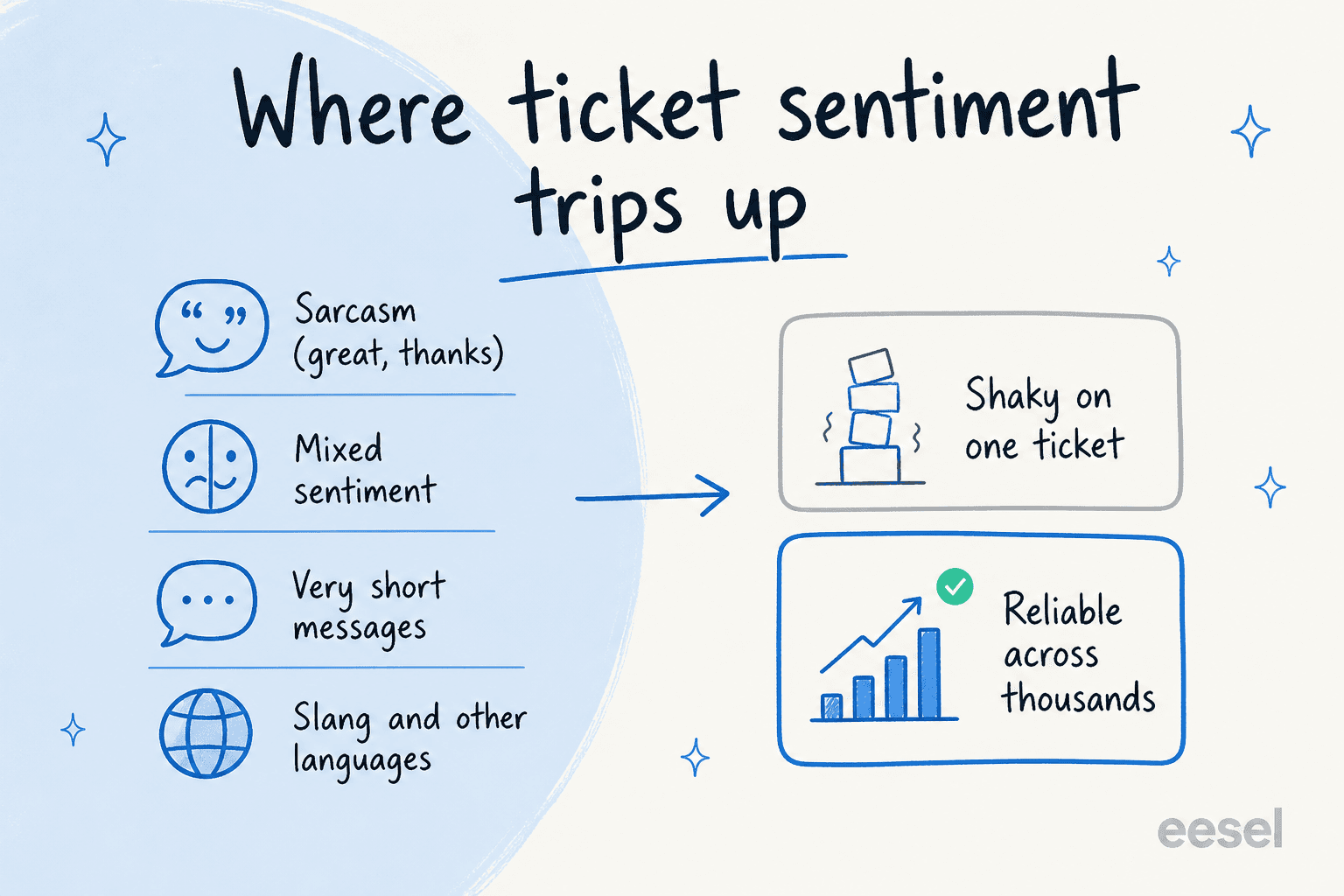
Sarcasm and irony. "Great service, really helpful" can mean the opposite, and the model usually can't tell. As text-analytics researcher Alyona Medelyan puts it:
"Somebody says 'Great service, yeah right!' and the dumb algorithm tags it as positive... unless there are clear clues of irony such as emoji or heavy punctuation, today's text analytics will struggle with sarcasm."
Her saving grace, and a fair point, is that sarcasm shows up in fewer than 5% of customer messages, so it's a real flaw but not a fatal one.
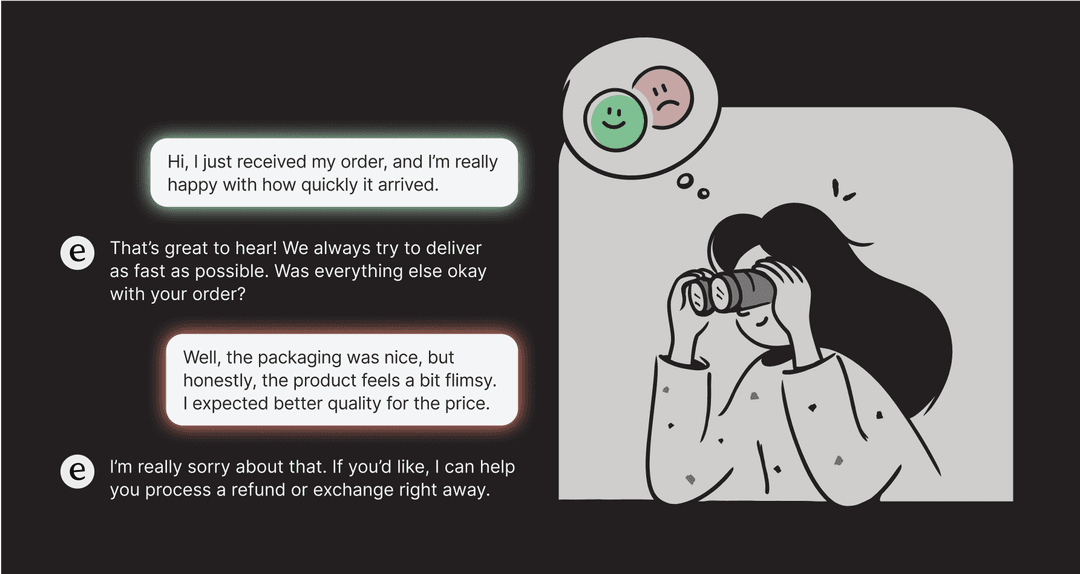
Mixed sentiment, short messages, and other languages. "The app is great but checkout keeps failing" is genuinely both positive and negative, and a single label flattens it. A one-line "still broken" gives the model almost nothing to work with. And accuracy that's strong in English gets wobbly in slang and idiom, which is why a multilingual queue needs its own testing.
The bigger lesson sits above all of these. Gartner analyst Jenny Sussin has been blunt about per-message accuracy, calling sentiment analysis an area that "has been a massive disappointment to clients and reference customers alike." I read that less as "don't use it" and more as "don't use it the wrong way." On one ticket, the label is a hint. Across ten thousand tickets, the trend is real. Build your expectations around the aggregate and you'll be happy; build a hard auto-action on a single score and you'll eventually apologise to someone.
What it's genuinely good for
So if you shouldn't trust a single label, what's it actually for? Quite a lot, once you aim it correctly.
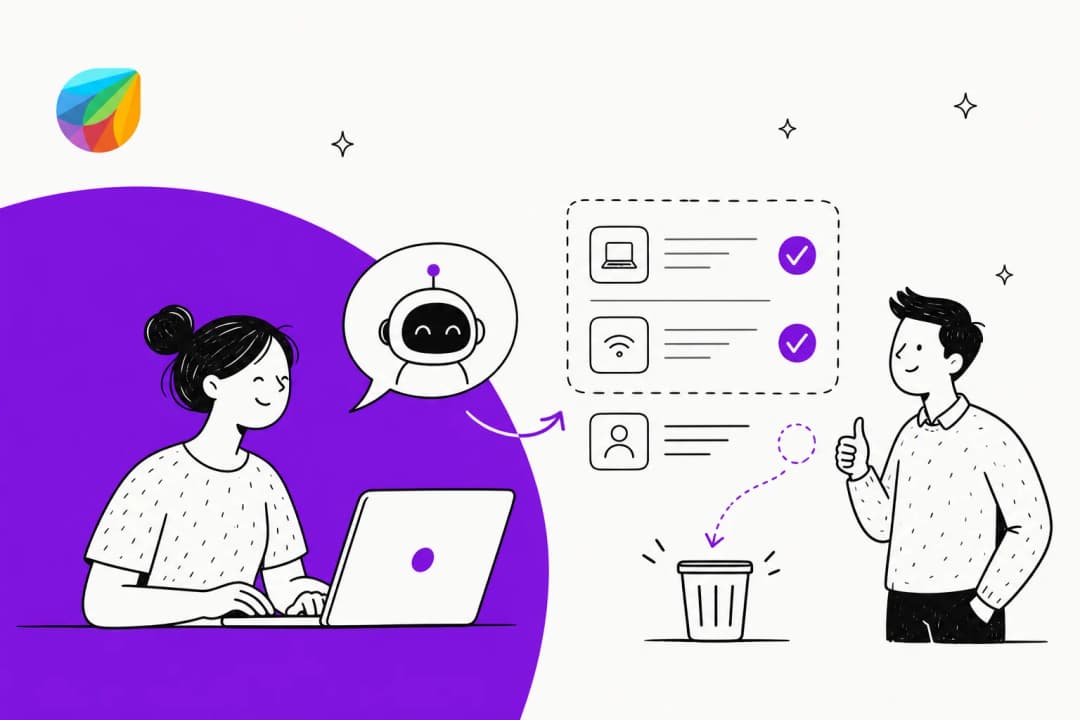
Prioritising the angry tickets. This is the killer use case. A rule that surfaces negative-sentiment tickets to the top of the queue means your most upset customers get a human fastest. It pairs naturally with ticket triage and escalation management, and it's the cleanest ROI story for the feature.
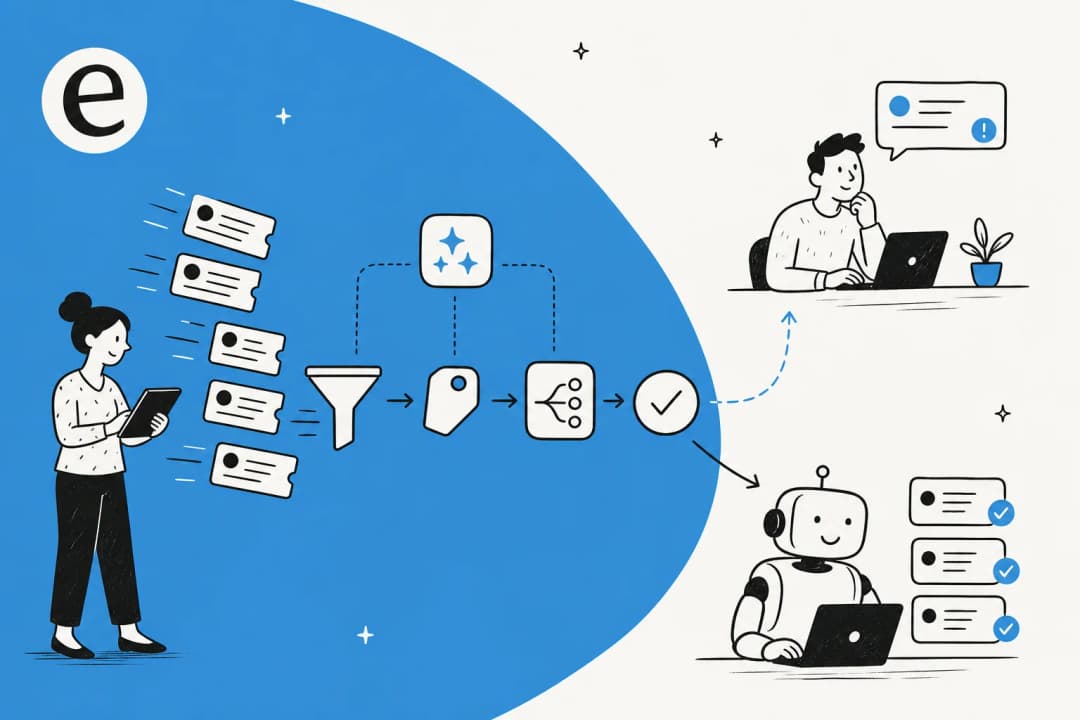
Routing and escalation. Sentiment makes a great rule condition. Salesforce's documented pattern is to escalate negative inquiries to a supervisor past a threshold; Gorgias lets you route on sentiment the same way. Combine it with AI ticket tagging and an agent assist layer and you've got a queue that organises itself.
Voice-of-customer trends. This is where sentiment shines, because the aggregate is exactly what you want. A negative-sentiment spike after a release tells you something real, and it's the foundation of solid AI customer feedback analysis. It works hand in hand with the AI that summarises each ticket so you read themes, not transcripts.

The use case I'd be wary of is CSAT or churn prediction. Vendors love to list it as a benefit, but a documented predictive model that turns sentiment into a churn score is rarer than the marketing implies. Use sentiment as one signal feeding a customer service KPI dashboard, not as a crystal ball.
How I'd actually set it up
If I were turning this on for a team tomorrow, here's the order I'd do it in, and it's the same discipline that keeps any AI support agent honest.
- Simulate on your own history first. Run the model over a few thousand of your past tickets and read the error rate before it touches anything live. This is the single step most teams skip and most regret.
- Set a confidence threshold. Only act automatically on the labels the model is sure about. A buyer I spoke with framed the whole philosophy perfectly. Anonymised as a DTC supplements CX lead, she said:
"The AI will never be able to answer 100% of the questions... I need an AI who is only handling the tickets that it's confident to handle and all the other ones, leave them alone."
That's the right mental model for sentiment too: act on the confident calls, route the rest to a human.
- Keep a human on the edge cases. Sentiment should change where a ticket goes, not whether a customer gets a canned reply. Use it for routing and prioritisation, and keep judgement calls with people.
- Watch the trend, not the ticket. Report on aggregate sentiment over time. That's the number that's actually trustworthy, and the one worth putting on your support metrics dashboard.
Do those four things and sentiment analysis becomes a quietly useful part of the queue. Skip the first one and you'll be debugging angry escalations the model mislabelled as "neutral."
Where eesel fits
If you want sentiment to do real work rather than just sit in a field, the question becomes "what happens after the label." That's the part eesel is built for. It plugs into your existing helpdesk, reads tickets the way these models do, and then you tell it in plain language what to do with a frustrated customer, escalate, prioritise, draft a careful reply for a human to send, or hand off cleanly.
The differentiator is the one I keep coming back to: you can simulate the whole thing on thousands of your own historical tickets before it goes live, so you see exactly how it would have triaged and routed real customers. In one trial on a customer's real Zendesk traffic, that simulation showed 93% triage accuracy and caught 100% of spam with zero false positives, the kind of number you only trust because it came from their own inbox, not a demo. It's the difference between hoping the model gets your customers right and knowing it does.
You can try eesel free and run it against your own tickets in an afternoon, no credit card to start. If you're on Zendesk specifically, our best AI for Zendesk guide is a good next read.
Frequently Asked Questions
Can AI do sentiment analysis on support tickets?
How accurate is AI sentiment analysis on customer tickets?
What is the best AI for sentiment analysis on support tickets?
Can AI use sentiment to prioritize angry tickets?
Does sentiment analysis work across multiple languages?
Can AI predict CSAT or churn from ticket sentiment?
How do I set up AI ticket sentiment without it backfiring?


Article by
Alicia Kirana Utomo
Kira is a writer at eesel AI with a Computer Science background and over a year of hands-on experience evaluating AI-powered customer service tools. She focuses on breaking down how helpdesk platforms and AI agents actually work so that support teams can make better buying decisions.