What a help desk portal actually is
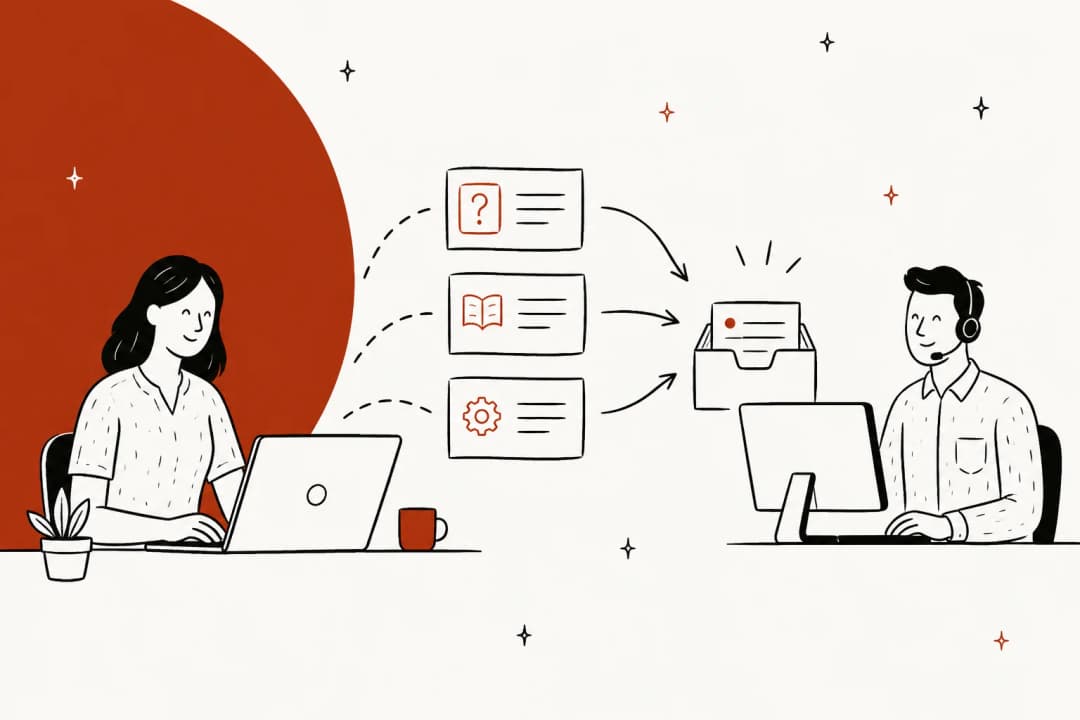
A help desk portal is the customer-facing front of your help desk. Behind the scenes your team works in an agent view, tickets, macros, SLAs, all the machinery. The portal is what the customer sees: a branded page where they can read help articles, submit a request, and track the tickets they've opened. Think of it as the lobby, and the agent workspace as the back office.
It usually bundles a few things that people talk about separately. There's the knowledge base, the library of how-to articles and FAQs. There's the ticket form, where someone describes a problem the articles didn't solve. And there's a logged-in area where a customer can see the status of past requests without emailing to ask "any update?". Bundle those together on one branded URL and you have a portal.
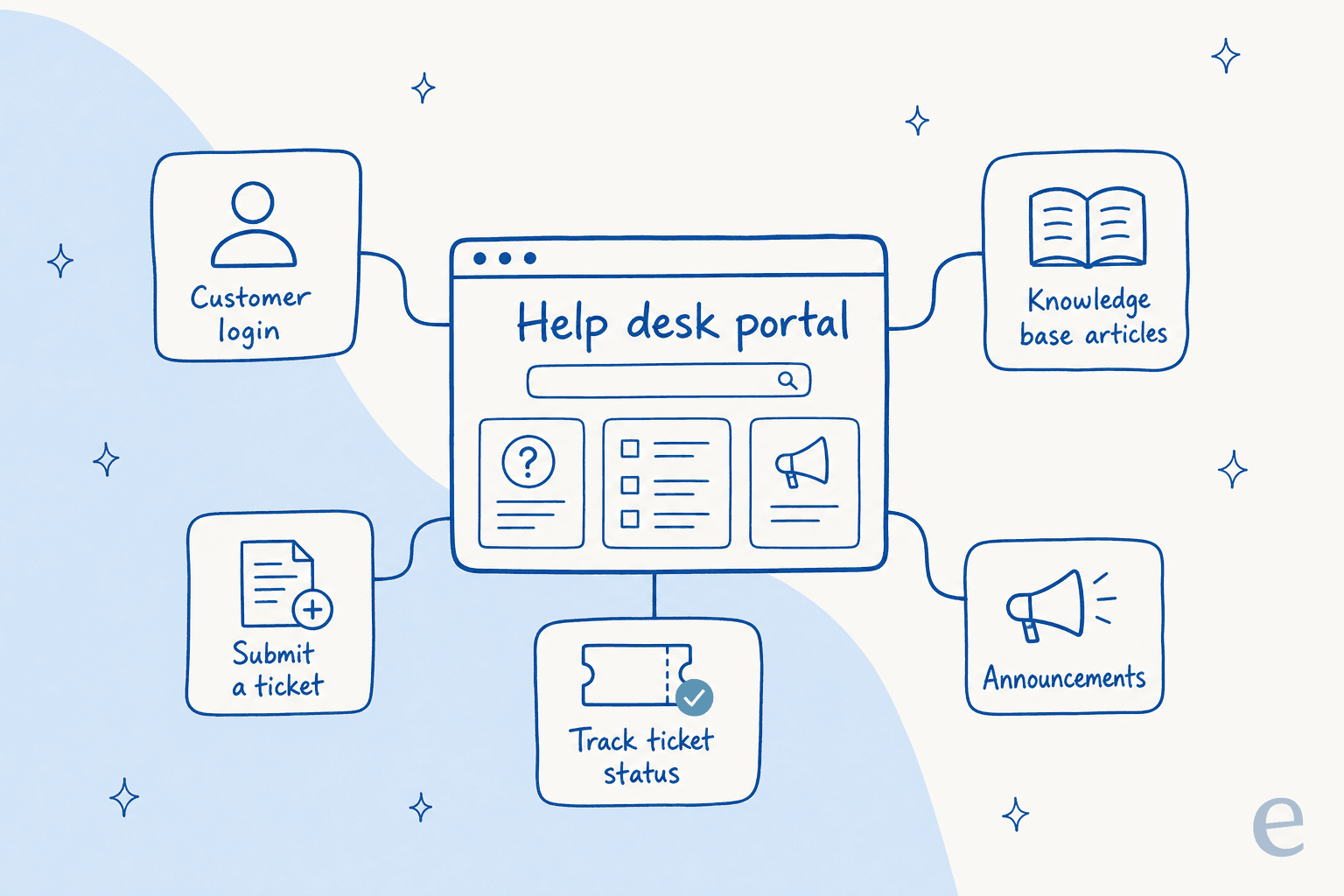
A quick note on wording, because it confuses buyers. "Help desk portal," "customer support portal," and "self-service portal" mostly point at the same thing. The knowledge base vs help center line is the one worth keeping straight: the knowledge base is the article library, the portal is the whole front door that the library lives inside.
The parts of a good help desk portal
Not every portal needs every piece, but the strong ones I've seen share a common anatomy. Here's what each part does and why it earns its place.
| Component | What it does | Why it matters |
|---|---|---|
| Branded home + search | The landing page and a search bar over your articles | First impression and the fastest path to an answer; a weak search sends people straight to the ticket form |
| Knowledge base | How-to articles, FAQs, troubleshooting guides | The actual self-service content; everything else is packaging around it |
| Ticket submission form | Structured fields for a new request | Captures the context agents need so the reply isn't a game of twenty questions |
| Ticket status tracking | A logged-in view of open and past requests | Kills the "any update?" follow-ups that clog the queue |
| Community / announcements | Peer answers, outage and release notes | Deflects repeat questions during incidents and product changes |
| Multilingual content | The portal in the customer's language | Non-English customers bounce off an English-only portal fast |
If you're building the self-service content itself, the harder-than-it-looks part is keeping it current. Articles rot, and a portal full of stale answers is worse than none because it teaches customers not to trust it. This is where I'd lean on tooling that flags outdated help center content and maps search queries to gaps rather than auditing by hand.
Help desk portal software worth knowing in 2026
You almost never buy a "portal" on its own, it comes bundled with your help desk software. So the real choice is which help desk, and the portal follows. Here's how the common ones stack up on the portal side.
| Tool | Branded portal | Knowledge base | Ticket tracking | Built-in AI answers | Best for |
|---|---|---|---|---|---|
| Zendesk Guide | Yes, highly customizable | Yes | Yes | Add-on | Mid-market and up already on Zendesk |
| Freshdesk | Yes | Yes | Yes | Freddy (higher tiers) | Teams wanting an all-in-one at lower cost |
| HubSpot Service Hub | Yes (higher tiers) | Yes | Yes | Add-on | Teams already living in HubSpot CRM |
| Help Scout | Docs + Beacon widget | Yes | Limited | Basic | Small teams wanting a simple, clean setup |
| Zoho Desk | Yes | Yes | Yes | Zia | Zoho-ecosystem and budget-conscious teams |
The pattern to notice: the portal itself is table stakes now. Every one of these gives you a branded page, a knowledge base, and a ticketing system. Where they differ is what happens after a customer can't find the answer, and that's exactly where most of them are weakest. The native AI is usually an upsell, tied to the priciest tier, and trained only on your published help-center articles rather than on how your team has actually answered similar tickets before. If you're comparing those add-ons, my AI helpdesk software roundup digs into where each one falls short.
The real problem with portals: the self-service gap
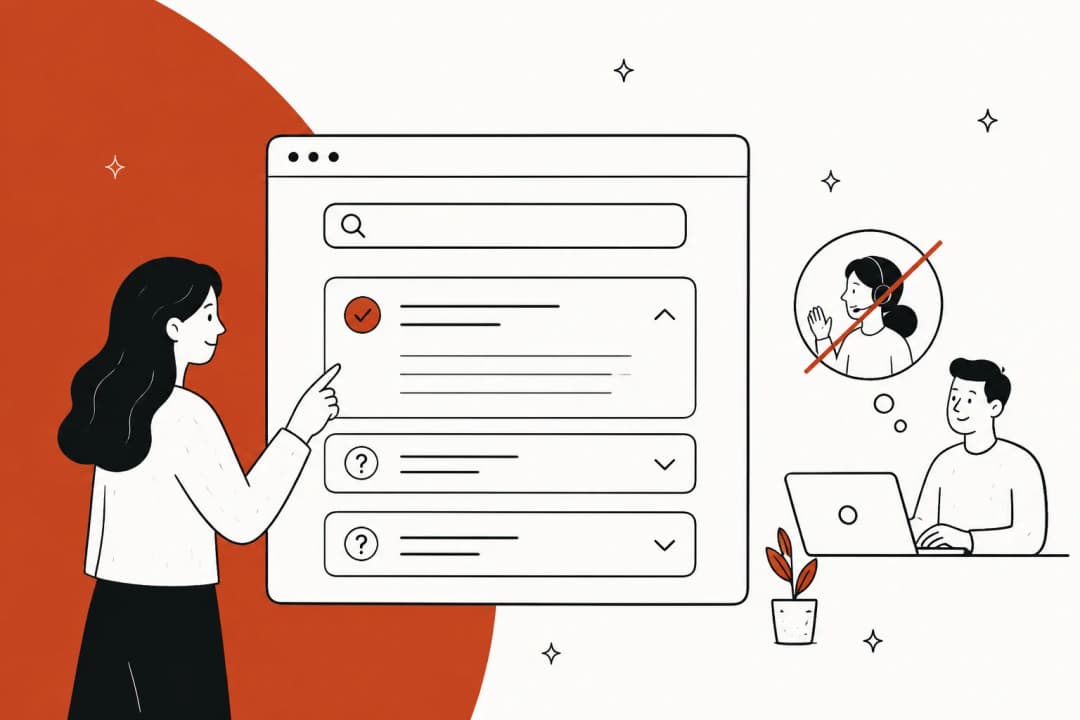
Here's the thing nobody puts on the pricing page. A portal is passive. It sits there and waits for the customer to do the work, read the search results, pick the right article, scroll to the relevant bit, and apply it to their situation. Plenty of people won't. They'll skim the first result, decide it's faster to just ask a human, and open a ticket. So the portal you built to reduce tickets ends up being a slightly nicer front door to the same queue.
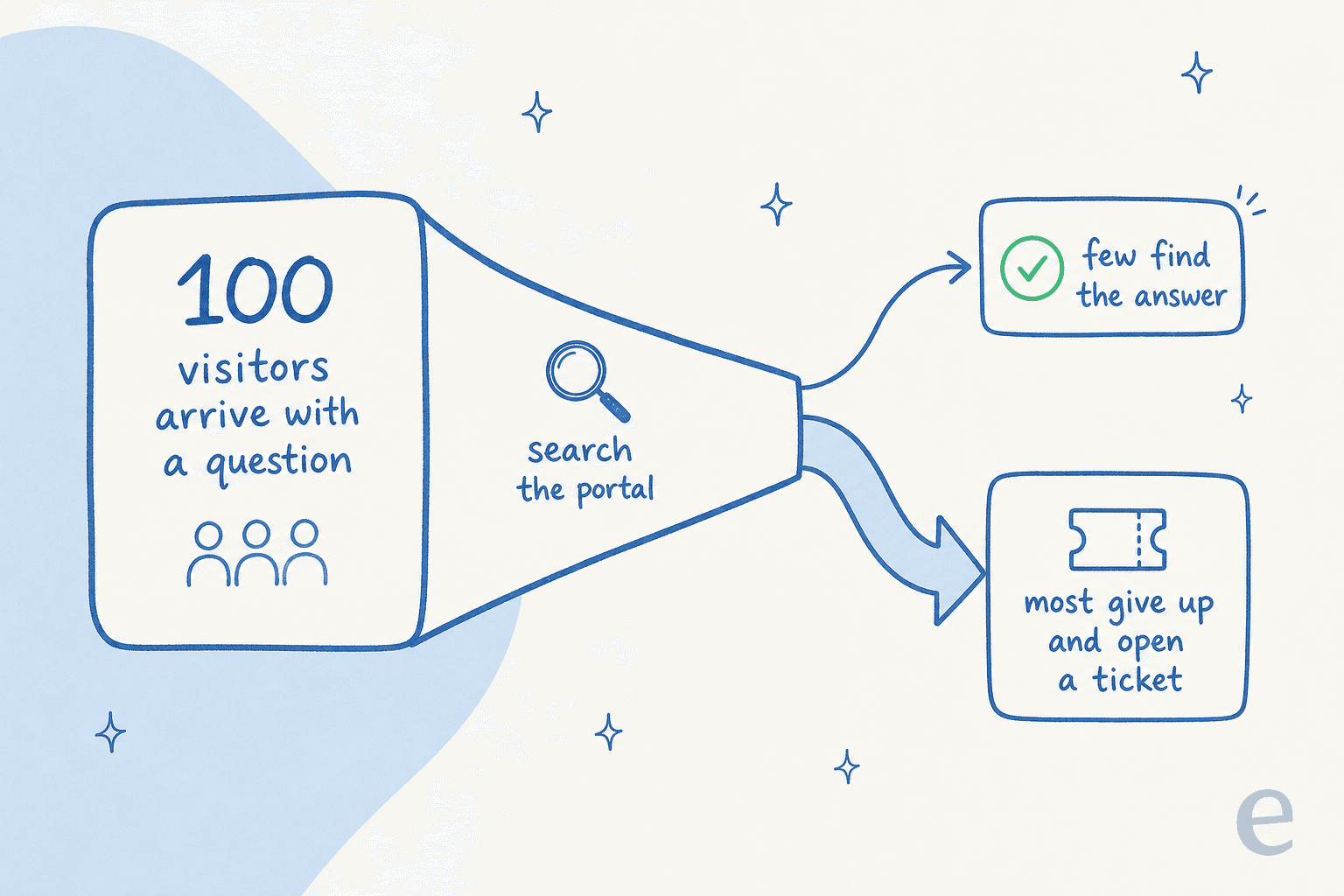
That gap is the whole game. And it's why so many teams reach the "should we just build our own thing on top" moment. One buyer put the build-vs-buy trade-off to us plainly:
"We could try to write our own LLM application but we didn't want to invest our time into that. We wanted something that we would not have to maintain."
Karel, GENERAL BYTES
The instinct is right, a static portal isn't enough anymore, but rebuilding the layer yourself is a maintenance trap. The better move is to make the portal you already have actually answer people.
How AI closes the gap on your existing portal
An AI agent flips the portal from passive to active. Instead of returning ten blue links and hoping, it reads the question, checks your help center and your history of resolved tickets, and gives the customer the actual answer, in their words, in their language. When it's not confident, it doesn't guess, it hands off cleanly to a human.
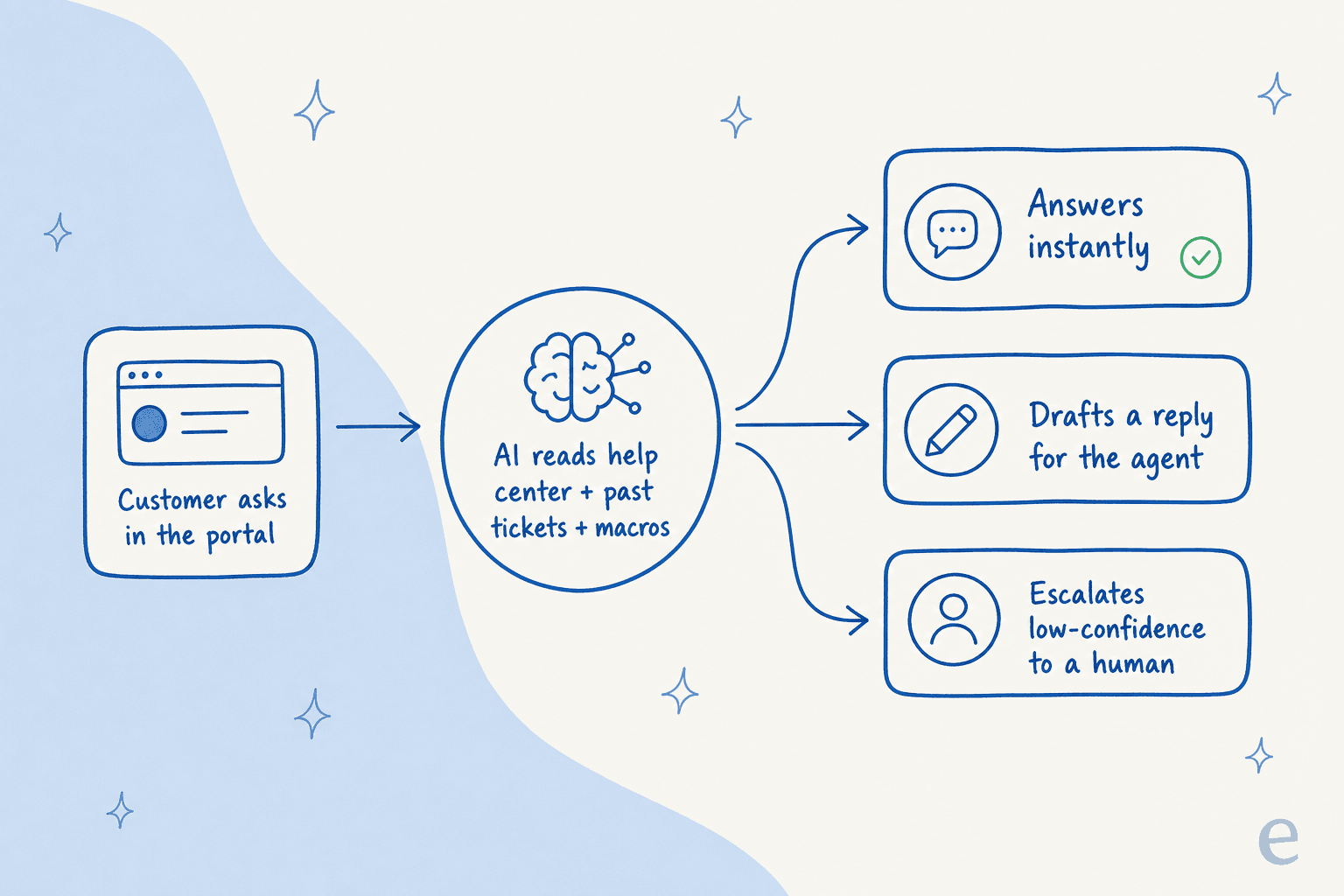
The confidence part matters more than it sounds. The single biggest worry I hear from teams is that an AI will confidently answer something wrong. A CX lead at a DTC brand summed up the whole requirement in one line:
"The AI will never be able to answer 100% of the questions... I need an AI who is only handling the tickets that it's confident to handle and all the other ones, leave them alone."
a DTC supplements CX lead
That's exactly the design that works: confidence-based routing so the AI takes the questions it's sure about and leaves the rest for a person. Layer that on a portal and the self-service gap starts to close, because customers get answered instead of getting a reading assignment. It's the difference between a portal that deflects tickets and one that just files them.
The reason a good AI layer beats native portal search is what it learns from. Published help articles are written for a general audience; your resolved tickets are how your team actually phrases the fix for a real customer. Training the AI on both is what lifts resolution, and it's measurable, eesel resolved 73% of tier-1 requests for Gridwise in the first month, with results showing up during a 7-day trial.
How to set up (or upgrade) your help desk portal
If you're starting from scratch or fixing a portal that isn't pulling its weight, the order I'd go in:
- Pick the help desk, get the portal for free. Whether it's Zendesk, Freshdesk, or a lighter option for a small team, the portal comes bundled. Don't overthink this step.
- Seed the knowledge base. Write the 20-30 articles that cover your most common tickets first. If you don't know what those are, your ticket tags do, and this is where ticket triage and ticket summarization data earns its keep.
- Brand it and turn on status tracking. Match your colors (Zendesk's help center is a good example of how far you can take this), and enable the logged-in ticket view so customers stop emailing for updates.
- Add the AI layer. This is the step that changes the numbers. Connect an AI agent that reads both your articles and past tickets, and start it in a supervised mode where it drafts replies before it sends any.
- Simulate, then go live. Before it touches a real customer, run it against your historical tickets to see what it would have answered. We learned this one the hard way over years of rollouts: you never let an AI loose on a live queue without seeing how it handles your actual past tickets first.
Once it's live, watch the customer service metrics that matter, deflection rate, first response time, and how your SLAs hold up, and grant the AI more autonomy as its accuracy earns it.
Try eesel on your help desk portal
If your portal is quietly leaking tickets, eesel is the AI layer that plugs into the help desk you already run, Zendesk, Freshdesk, HubSpot, Gorgias, Front, and answers from your help center and your past tickets instead of a generic FAQ. It's live in minutes, it simulates against your ticket history before it ever replies to a customer, and it holds back on anything it isn't confident about. No rip-and-replace, no per-seat fees, just one fixed monthly price from $299 for 500 credits, at 1 credit per ticket.

You can see how it slots onto an existing helpdesk in this Zendesk walkthrough:
Point it at your portal, run a simulation, and it'll show you exactly how much of your tier-1 queue it can take off your team's plate, and what that means for your support cost savings. You can try eesel free.
Frequently Asked Questions
What is a help desk portal?
What's the difference between a help desk portal and a knowledge base?
How much does a help desk portal cost?
Do I need an AI agent for my help desk portal?
Can I add a help desk portal to Zendesk or Freshdesk?
How do I set up an employee help desk portal?
How does a help desk portal reduce support tickets?
What makes a good customer support portal?


Article by
Riellvriany Indriawan
Riell is a designer and writer at eesel AI with about two years of experience researching CX platforms, AI chatbots, and helpdesk software. She combines her design background with a sharp eye for how these tools actually look and feel in practice — making her comparisons unusually visual and user-focused.