The 8 best help desk software for small businesses at a glance
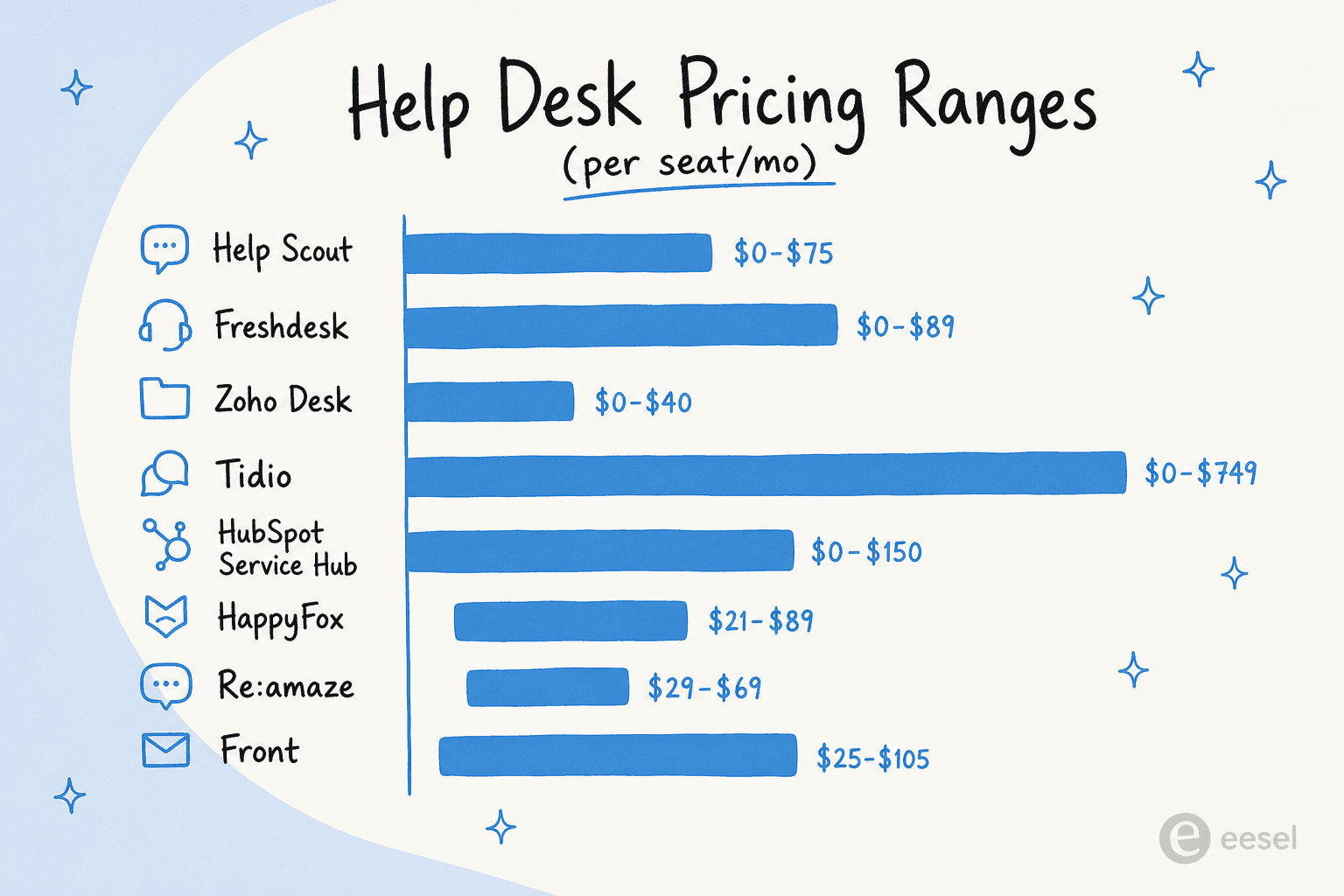
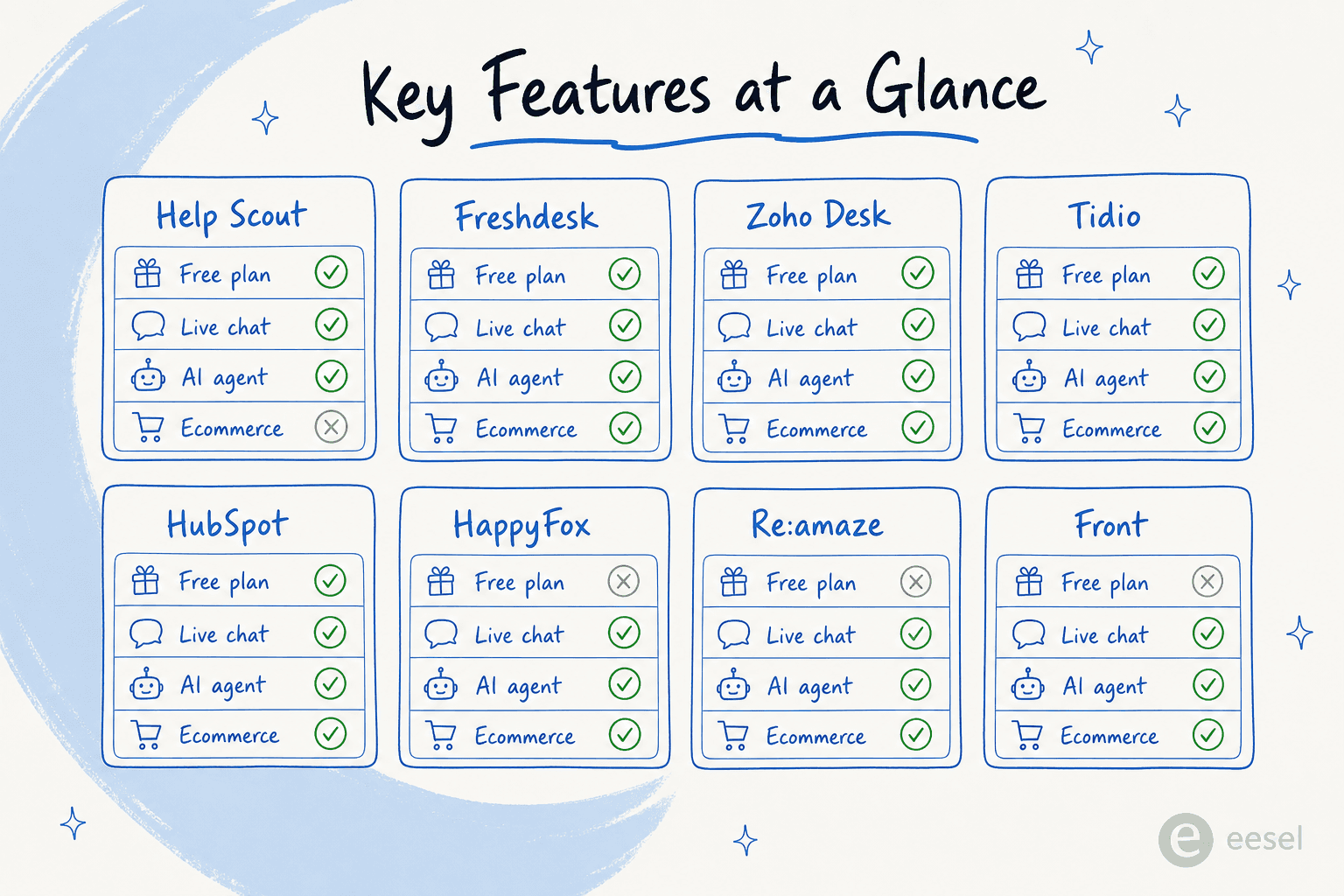
| Tool | Starting price | Free plan | AI agent included | Native live chat | SOC 2 / HIPAA | Best for |
|---|---|---|---|---|---|---|
| Help Scout | $0 (up to 5 users) | ✓ | Add-on ($0.75/res) | ✓ | ✓ / ✗ | Relationship-driven teams |
| Freshdesk | $0 (6 months) | ✓ | Add-on (sessions) | ✓ | ✓ / ✗ | Growing omnichannel teams |
| Zoho Desk | $0 (3 agents) | ✓ | Enterprise only | ✓ | ✓ / ✓ | Budget-conscious teams |
| Tidio | $0 (50 AI convos) | ✓ | ✓ (Lyro, Growth+) | ✓ | ✓ / ✗ | Ecommerce live chat |
| HubSpot Service Hub | $0 (2 users) | ✓ | Pro+ ($0.45/res) | ✓ | ✓ / ✓ | Existing HubSpot users |
| HappyFox | $21/agent/mo | ✗ | Add-on ($14/agent) | ✓ | ✓ / ✓ | Enterprise quality at SMB price |
| Re:amaze | $29/seat/mo | ✗ | ✓ (Beta) | ✓ | ✓ / ✗ | Ecommerce multi-channel |
| Front | $25/seat/mo | ✗ | Enterprise only | ✓ | ✓ / ✗ | Complex customer operations |
What to look for in help desk software for small businesses
Before getting into individual tools, a few things worth pinning down for your situation:
Channels you actually use. Email-first teams need a clean shared inbox and collision detection. Ecommerce brands often need live chat + chatbot + social DMs. Voice-heavy operations need a phone integration that doesn't add another monthly line item.
AI that's included vs. AI that's metered. Many tools advertise AI heavily but charge per resolution on top of seat costs. At 1,000 AI-resolved conversations per month, $0.75/resolution adds $750/month to your bill. Know what tier unlocks what before you commit.
Setup time. Small businesses don't have IT departments to handle six-week onboarding projects. The tools in this list range from "up and running in a day" (Help Scout, Tidio, HappyFox) to "expect a few weeks to configure well" (Zoho Desk, HubSpot Service Hub, Front). Factor that into your evaluation.
Integration depth with your existing stack. Shopify orders surfacing in tickets, HubSpot CRM syncing contact history, Slack getting ticket notifications - these aren't just nice-to-haves for small teams, they're what make a two-person support team feel like five. Check the specific integrations you'd use before the trial.
For startups and small businesses evaluating their first helpdesk, the core criteria rarely change: fast setup, predictable pricing, and a free plan that's worth the name. See our broader comparison of top customer service AI platforms if you're also evaluating standalone AI layers or ecommerce helpdesk tools specifically.
1. Help Scout - best for relationship-driven small teams
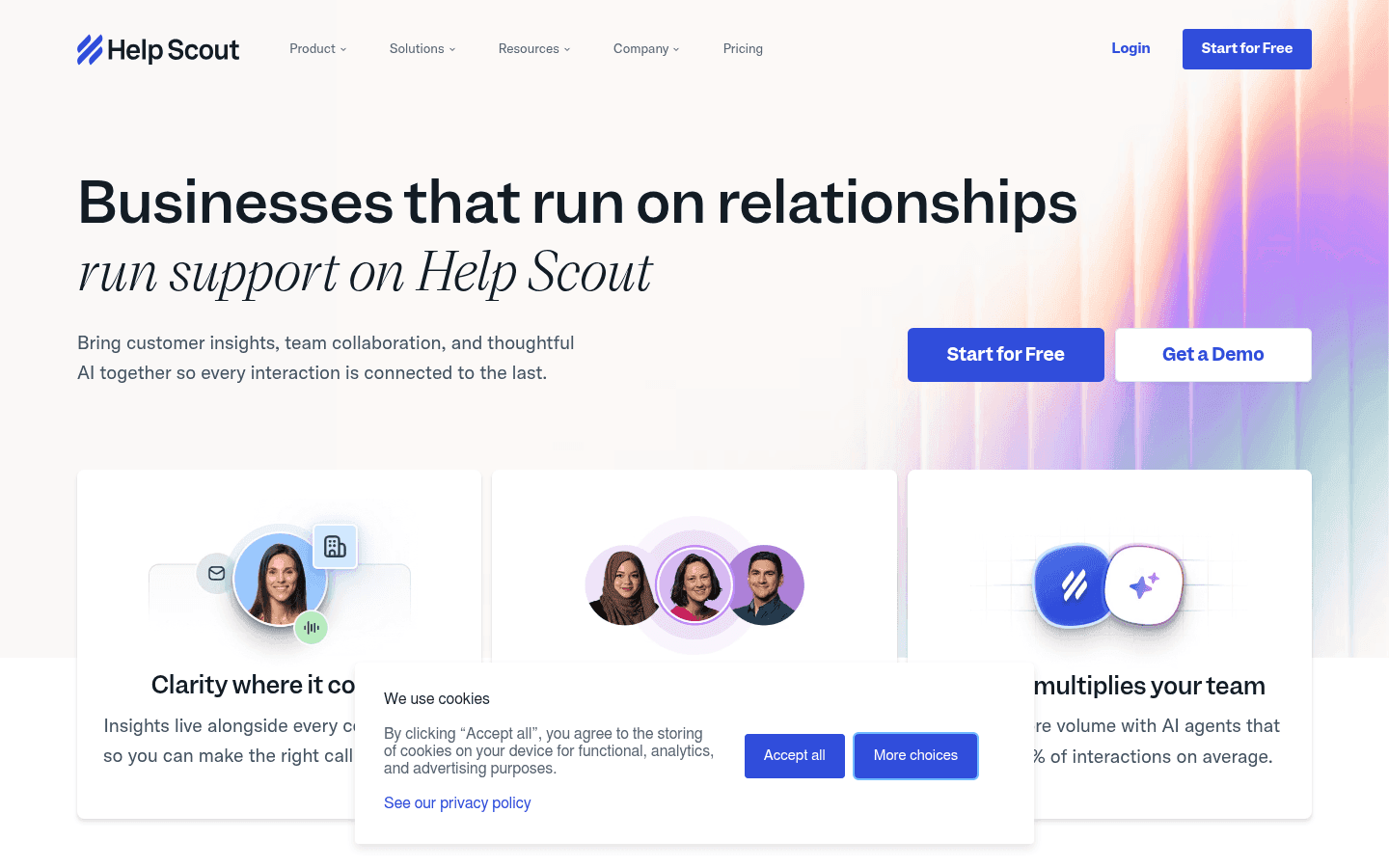
Help Scout's tagline - "Businesses that run on relationships run support on Help Scout" - says a lot about who it's for. It's not trying to be a ticketing powerhouse with 200 settings panels. It's an email-like shared inbox built for small teams that want to treat customers like people, not ticket numbers.
More than 12,000 companies use Help Scout, and the platform's retention data tells a quieter story: 80% of customers are still on it after four years. New agents typically learn the platform in under an hour, which is rare for any business software.
The recent addition of AI Answers - the customer-facing AI agent - shifts Help Scout toward autonomous support. The agent resolves 73% of interactions on average, draws from your knowledge base and web sources, and handles 50+ languages. It layers cleanly on top of the existing workflow rather than replacing it.
Features
- Shared inbox - email-like, collision-detected, with snooze, send-later, saved replies, internal notes, and multiple inbox support
- Docs knowledge base - self-service help center reported to cut email volume by ~30%; feeds AI Answers as a knowledge source
- Beacon widget - embeddable help hub for websites and in-app surfaces, surfacing knowledge base articles, AI answers, and live chat
- AI Answers agent - autonomous customer-facing AI; ~73.19% resolution rate; usage-based; 50+ languages; 3-month free trial
- Inbox Assistant (AI Assist) - agent-facing: auto-drafts replies, summarizes long threads, adjusts tone, translates messages
- Live chat and in-app messages - proactive messages, onboarding nudges, NPS surveys, and real-time chat
Pros
- Fastest onboarding of any tool in this list - new agents are productive within a day
- Free plan is the most usable free tier here: 5 users, 1 inbox, real features (not a bait-and-switch demo mode)
- AI resolution rate of 73%+ is among the highest in this category
- CSAT scores run 25% above industry average, per Help Scout's own data
Cons
- AI Answers pricing ($0.75/resolution) stacks on top of seat costs - at 1,000 resolutions/month that's $750 added to your bill
- Advanced features and customization are limited compared to Freshdesk or Zoho Desk; analysts on G2 flag thin reporting as the top con
- Pricing model controversy in 2025–2026: Help Scout switched from per-seat to per-interaction pricing mid-year, triggered customer churn, then reverted - some teams haven't fully rebuilt trust since
Pricing
| Plan | Annual (per user/mo) | Notes |
|---|---|---|
| Free | $0 | Up to 5 users, 1 inbox, 100 contacts/mo |
| Standard | $25 | Growing teams; unlimited contacts |
| Plus | $45 | Higher volume, multiple channels |
| Pro | $75 | 10+ users, min. demo required |
| AI Answers | +$0.75/resolution | Usage-based; 3-month free trial |
Verdict
Help Scout is the right call if your team values a clean, human support experience over a feature-dense ticketing engine. The free plan is real, the onboarding is fast, and the AI resolution rate is strong. Just model the AI pricing before you scale - it's the one number that can surprise you.
2. Freshdesk - best all-round option for growing teams
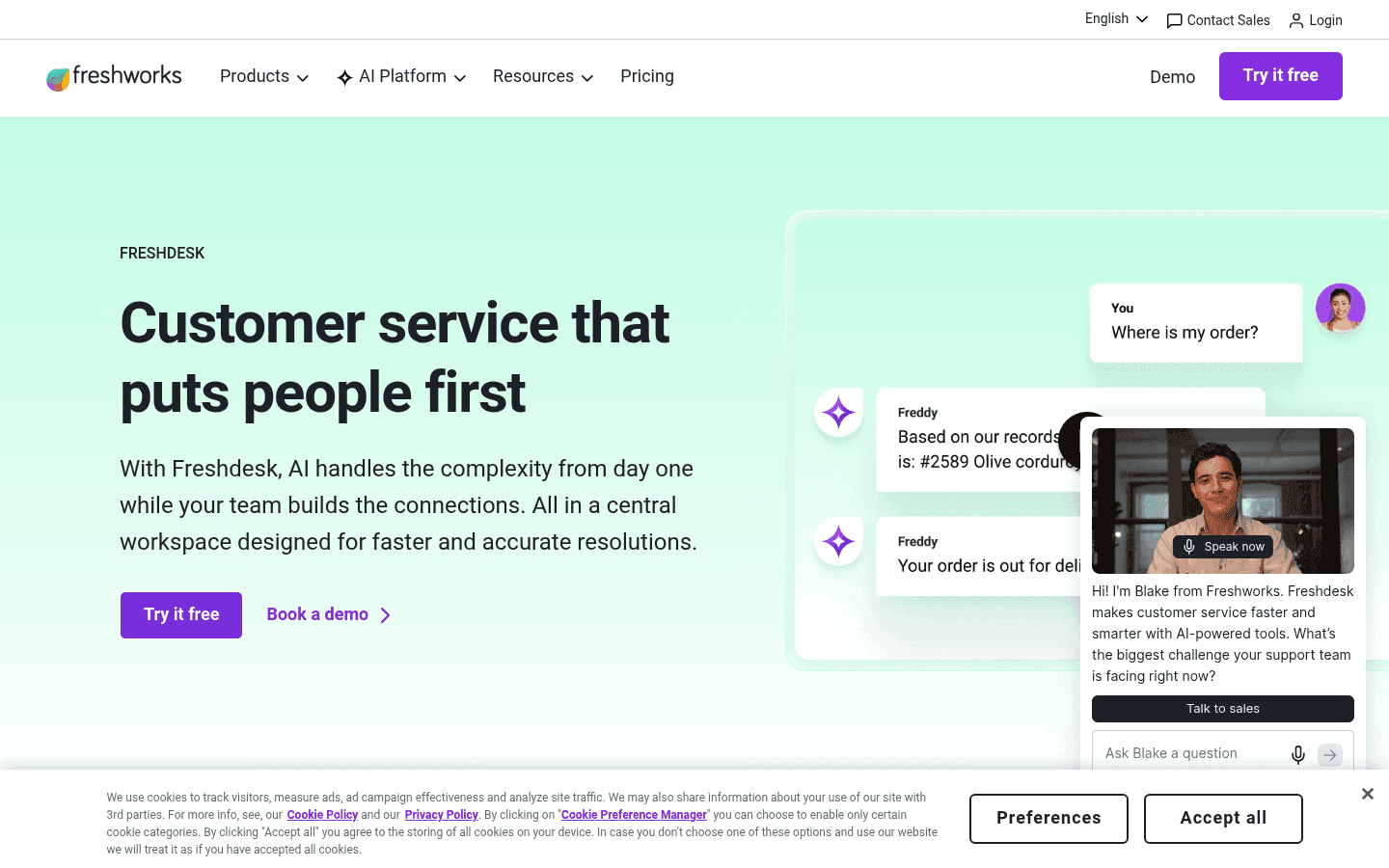
74,000+ businesses run Freshdesk, from two-person startups to large enterprises - and that breadth is the product's main calling card. It covers more channels (40+), more languages (33 with Freddy AI), and more agentic AI use cases than almost any other tool at this price point.
The centerpiece is Freddy AI, Freshworks' three-part AI suite: an AI Agent for autonomous resolution, an AI Copilot for human agents, and AI Insights for leadership analytics. Freddy AI Agent can autonomously handle up to 80% of queries using 50+ prebuilt agentic workflows, and it integrates natively with Shopify, Stripe, and PayPal for ecommerce actions inside tickets.
For teams that have outgrown a basic shared inbox but don't want Zendesk-level complexity or cost, Freshdesk hits a strong middle ground. See our full Freshdesk review and Freshdesk pricing breakdown for more detail.
Features
- Freddy AI Agent - 50+ prebuilt agentic workflows; no-code AI Agent Studio; resolves up to 80% of queries autonomously
- Freddy AI Copilot - reply suggestions, conversation summaries, live translation, all within the ticket interface
- Freddy AI Insights - proactive alerts, root cause analysis, CSAT trend tracking, SLA breach detection
- Omnichannel inbox - email, chat, social DMs, phone (Freshcaller), messaging apps; Freshdesk Omnichannel Suite adds messaging channels; Freshdesk automation handles routing and escalation rules
- Shopify integration - shows order details, payment status, shipping info inside tickets; agents can cancel orders and process refunds without leaving Freshdesk
- Freshdesk Command Center - unified workspace combining conversations, AI intelligence, and customer context
Pros
- The widest channel coverage in this list at 40+ channels
- Freddy AI Agent's 50+ prebuilt ecommerce workflows (Shopify, Stripe, PayPal) save weeks of custom setup
- Pro plan at $55/agent/mo unlocks advanced automations, custom portals, and 5,000 collaborators - good mid-tier value
- 14-day free trial on Enterprise; the free plan includes essential ticketing
Cons
- The free plan technically expires after 6 months, nudging teams toward paid tiers
- Freddy AI sessions pricing ($49 per 100 sessions after the first 500 free on Pro/Enterprise) can add up at scale; see our Freshdesk AI pricing guide for the math
- Interface is more complex than Help Scout; new agents need more than an hour to get comfortable with the full feature set
Pricing
| Plan | Annual (per agent/mo) | Notes |
|---|---|---|
| Free | $0 | Essential helpdesk, expires after 6 months |
| Growth | $19 | Ticketing + portal + Email AI Agent (500 sessions free) |
| Pro | $55 | Custom portals, advanced reporting, 5,000 collaborators |
| Enterprise | $89 | Audit logs, skills-based routing, advanced security |
| Freddy AI add-on | +$49 / 100 sessions | After free session allotment |
Verdict
Freshdesk is the safest all-round pick for growing teams who want enterprise-grade AI without enterprise pricing. The Freddy AI integration depth - especially for Shopify - is the strongest in this list.
3. Zoho Desk - best budget-friendly option with ecosystem depth
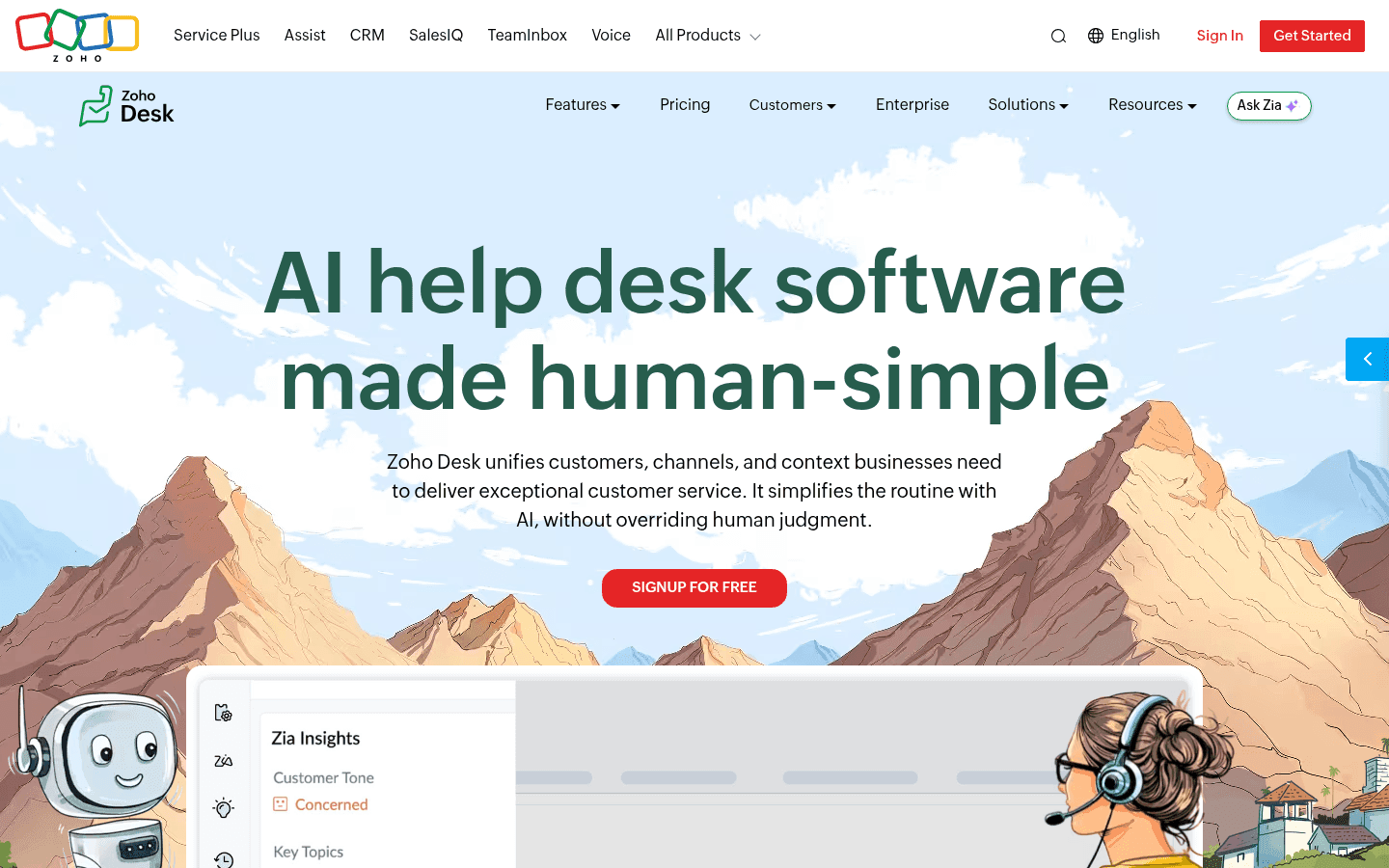
Zoho Desk is trusted by 125,000+ businesses globally and consistently ranks as the most cost-effective Zendesk alternative for SMBs. Reddit users describe it as "almost everything that Zendesk does at like half the cost" - and on the pricing alone, that's accurate. The $14/agent/mo Standard plan covers omnichannel ticketing, SLAs, and workflow automation that would cost $55+/agent on most competitors.
Zoho Desk's strongest asset is ecosystem integration: it connects to 360+ apps, and for teams already using Zoho CRM, Zoho Books, or Zoho Analytics, the native data flow between products is a clear advantage. See our full Zoho Desk AI review and Zoho Desk pricing guide for more detail on the AI layer and what each tier actually unlocks.
The caveat is complexity. With 112 "learning curve" mentions on G2 and an ease-of-setup score of 7.8/10, this is a platform that rewards investment - but can frustrate teams that need to be up and running in a day.
Features
- Zia AI - spans customer self-service (Answer Bot, Guided Conversations), agent assist (sentiment, auto-tagging, summarization, reply suggestions), and admin automation (field predictions, anomaly detection); Zia Agents are pre-packaged AI personas (Support Specialist, Quality Manager, etc.)
- Blueprint automation - drag-and-drop process builder enforcing step-by-step ticket resolution; Pro: 1 active/dept; Enterprise: 20/dept
- Omnichannel inbox - email, social (X, Facebook, Instagram), WhatsApp, Telegram, WeChat, LINE, Messenger, live chat (Zoho SalesIQ), telephony, community forum
- SLAs and escalations - multi-level SLA policies with automated escalations; scales with plan tier
- 360+ integrations - Shopify, Jira, Salesforce, Slack, and every Zoho product natively; see our AI integrations guide for Zoho Desk
- Gartner Peer Insights 4.5/5 from 2,403 ratings
Pros
- The best pricing-to-features ratio in this list: $14/agent/mo Standard plan covers most SMB needs
- Free Forever plan for up to 3 agents is permanent (not time-limited like Freshdesk's)
- Deepest Zoho ecosystem integration; if you're already in Zoho, it's a natural extension
- SOC 2 Type II and HIPAA compliance included - rare at this price point
Cons
- Zia AI's best features are gated to the Enterprise tier ($40/agent/mo) - sentiment analysis, Answer Bot, auto-tagging, and anomaly detection are all Enterprise-only
- Zia quality is polarizing: Reddit users describe it as "a trainwreck of unhelpful responses" for some use cases; only 27 Zoho Zia G2 reviews at 4.0/5 suggests limited adoption
- The UI is noticeably cluttered; teams used to Help Scout's clean inbox will find the transition jarring
- Support quality scores lower than competitors: G2 Quality-of-Support sits at 7.6/10
Pricing
| Plan | Annual (per agent/mo) | Notes |
|---|---|---|
| Free Forever | $0 | Up to 3 agents (hard cap) |
| Express | $7 | Up to 5 users |
| Standard | $14 | Unlimited agents; most SMB needs |
| Professional | $23 | Round-robin assignment, multi-department |
| Enterprise | $40 | Zia AI best features, skill-based routing |
Verdict
Zoho Desk is the pick when budget matters most and you're willing to invest time in configuration. The pricing is hard to beat at the Standard and Professional tiers. Teams who need AI quality to match the ticket volume, or who hate complex UIs, should look elsewhere.
4. Tidio - best for ecommerce live chat and AI-first support
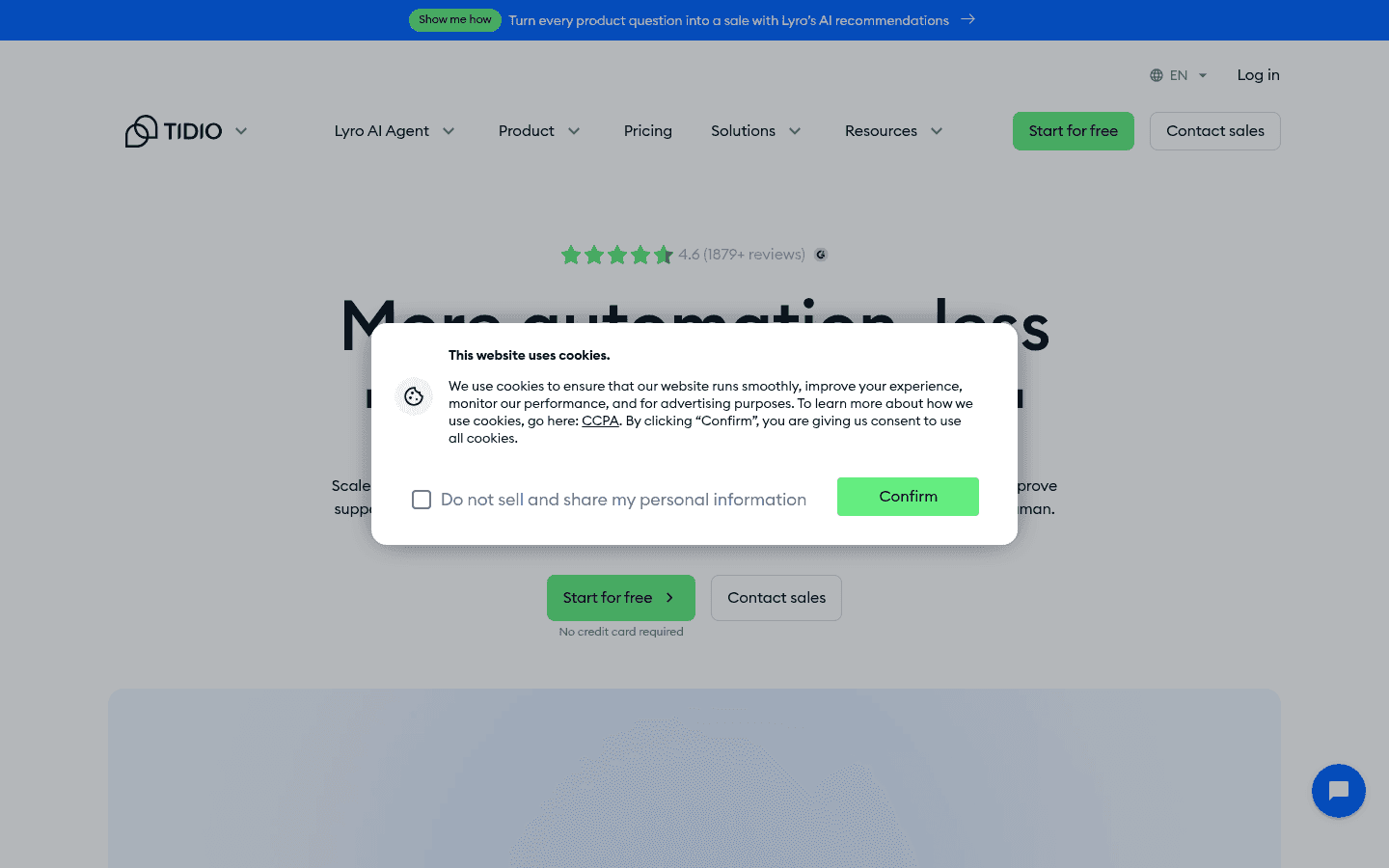
Tidio is the outlier in this list: it started as a live chat tool, rebuilt itself around AI, and now claims the highest AI resolution rate in the customer support category. Lyro, its AI agent (powered by Anthropic's Claude), resolves 67% of conversations on average - and Tidio backs that number with a money-back guarantee if you don't hit 50%.
Over 300,000 businesses trust Tidio, including Under Armour, The Body Shop, Dermalogica, Stanley, and ADT. The Shopify App Store rating - 4.8/5 from 1,300+ reviews - is the strongest social proof for the ecommerce use case.
For small ecommerce teams who want AI to handle the repetitive stuff (order status, refund policies, FAQs) so humans can focus on complex issues, Tidio is purpose-built. The free plan's 50 Lyro conversations is also the only AI-inclusive free tier in this list. Read the full Tidio review and Tidio pricing breakdown for a feature-by-feature walkthrough of what each plan includes.
Features
- Lyro AI Agent - Claude-powered; learns from FAQ uploads, website scraping, Zendesk article imports; money-back guarantee if <50% resolution rate; full feature breakdown in our Tidio AI features guide
- Lyro Smart Actions - backend task automation including order updates and lead qualification; supports MCP integration
- Flows - no-code visual automation builder for proactive chat, lead capture, abandoned cart, discount offers, and FAQ shortcuts
- Native Shopify actions - on Growth+: agents and Lyro can cancel orders, process refunds, track shipments from inside the conversation; see our Tidio AI Shopify guide for the full integration detail
- Live chat widget - embeddable on any site; includes live typing preview and viewed pages history on Growth+
- Copilot - AI reply assistant for human agents; handles suggested replies and context summaries
Pros
- 67% AI resolution rate is the highest claimed in this roundup - and one of the only claims backed by a guarantee
- 4.8/5 on the Shopify App Store with 1,300+ reviews; the strongest ecommerce endorsement here
- Free plan includes 50 Lyro AI conversations - the only free-tier AI agent offer in this list
- Lyro stays grounded in customer-provided data, which reduces hallucination risk compared to open-domain AI agents
Cons
- Usage-based pricing model is layered: billable conversations + Lyro conversations + Flows visitor count; complex to predict at scale
- The jump from Growth to Plus ($749/mo) is steep - departments, Lyro Connect, and OpenAPI are all Plus-only
- No G2 review data was accessible during research (blocked), so community sentiment is based on testimonials and Shopify App Store data
- Tidio alternatives are worth evaluating if your use case is primarily ticketing rather than live chat - Tidio's ticketing module is functional but not its strength
Pricing
| Plan | Annual price | Billable convos |
|---|---|---|
| Free | $0/mo | 50 |
| Starter | $24.17/mo | 100 |
| Growth | from $49.17/mo | 250–2,000 |
| Plus | from $749/mo | Custom |
| Lyro AI standalone | from $32.50/mo | – |
Verdict
For ecommerce teams who live in Shopify and want AI handling order-status questions at scale, Tidio is the most purpose-built option here. The free plan's AI inclusion is the most honest way to test before committing, and the money-back guarantee removes a lot of the risk.
5. HubSpot Service Hub - best if you're already using HubSpot CRM
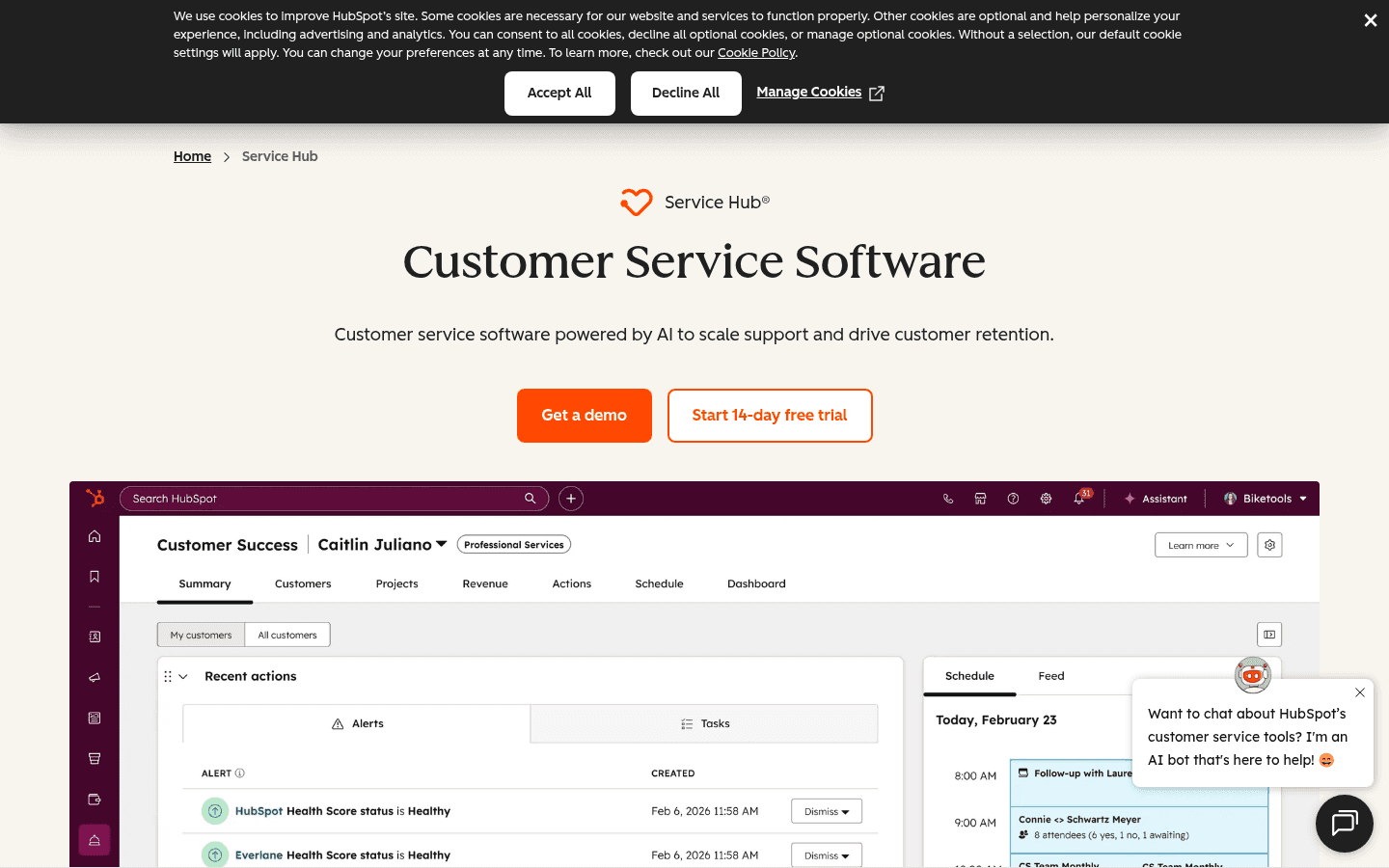
HubSpot Service Hub's core pitch is "support that closes deals, not just tickets." Because it runs on HubSpot's Smart CRM, every support interaction ties back to the same contact record your sales and marketing teams see - no data silos, no manual syncing. HubSpot reports that 72% of service leaders say it increased customer lifetime value, and teams see a 57% increase in ticket close rates in the first six months.
The AI story is Breeze Customer Agent: an autonomous AI support agent that HubSpot says already resolves 65% of conversations across more than 8,000 customers. As of April 2026, HubSpot moved to outcome-based billing for Breeze Customer Agent - you pay only when a conversation is actually resolved, at $0.45/resolution.
For a full breakdown of whether the AI is worth it, see our dedicated review. The short version: it's strong if you're already HubSpot-invested. Cold if you're not.
Features
- Breeze Customer Agent - autonomous AI agent handling chat, email, voice, and social; resolves 65% of conversations; outcome-based pricing at $0.45/resolution; Professional/Enterprise only
- Breeze Copilot / Inbox Assistant - in-box AI for every tier including Free: summarizes threads, drafts replies, surfaces contact history from CRM
- Help Desk and ticketing - omnichannel inbox, SLA policies, assignment rules, customer portal, CSAT surveys
- Knowledge Base - self-service help center with AI-powered article generation from resolved tickets
- HubSpot Smart CRM integration - every conversation tied to a contact record; no data sync required
- Customer Health Scores and NPS - customer success tooling included on Professional/Enterprise
Pros
- Breeze Copilot is included even on the free tier - unusual for AI features in this market
- CRM-native support means zero friction for teams already in HubSpot ecosystem
- 39% reduction in ticket resolution time with Breeze Customer Agent, per HubSpot's April 2026 announcement
- 6,000+ partners and 2,000+ custom integrations in HubSpot's ecosystem
Cons
- The Professional tier ($90/seat/mo) is where it gets expensive - a 5-person team goes from $35/mo (Starter) to $450/mo to unlock AI; that's a steep jump
- Surprise Breeze AI credit charges are the top community complaint - no spend cap below certain utilization, and some users report credits burning faster than expected
- For teams without HubSpot context in their CRM, Breeze AI is less useful - it's only as smart as the data behind it; see HubSpot Service Hub alternatives for lighter-weight options
Pricing
| Plan | Annual (per seat/mo) | Notes |
|---|---|---|
| Free | $0 | Up to 2 users; Breeze Copilot included |
| Starter | $7 | Removes HubSpot branding; 500 credits |
| Professional | $90 | Breeze Customer Agent; required $1,500 onboarding |
| Enterprise | $150 | SSO, advanced analytics; required $3,500 onboarding |
| Breeze Customer Agent | +$0.45/resolution | Outcome-based; 28-day unlimited free trial |
Verdict
HubSpot Service Hub is a strong choice when your CRM data is already in HubSpot and you want support to live there too. For teams starting fresh, the cost-to-value math only works at the Professional tier - and the onboarding fee adds friction. The HubSpot AI customer service agent is the draw; the seat pricing is the deterrent.
6. HappyFox - best for enterprise-grade features at SMB prices
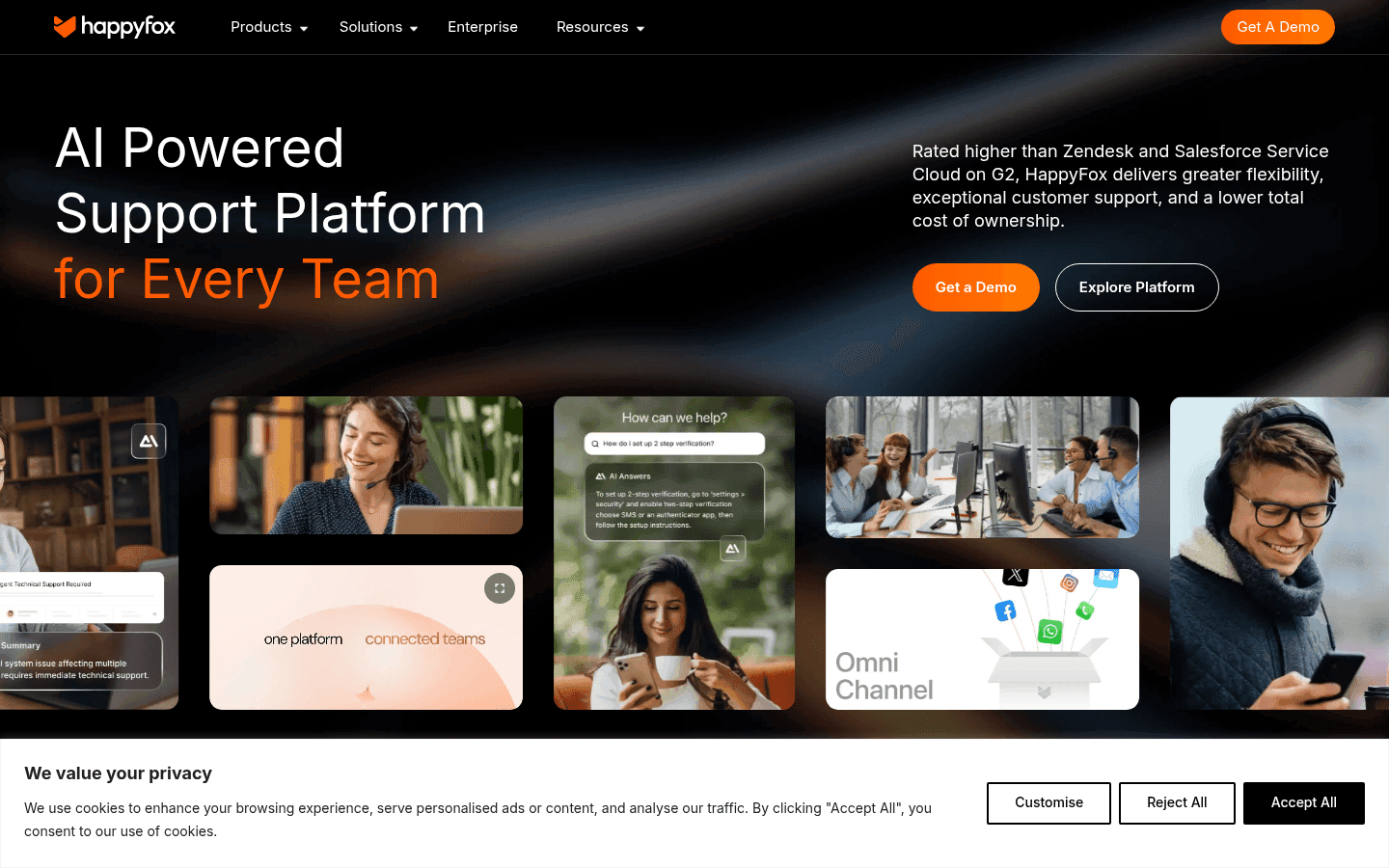
HappyFox describes itself as "rated higher than Zendesk and Salesforce Service Cloud on G2" - and the G2 score backs it up: a 4.5/5 that beats several better-known names. The product's clearest selling point is compliance: SOC 2 Type II, HIPAA, and GDPR certification are included across the plans, which is rare at this price point.
A Forrester Total Economic Impact study commissioned by HappyFox found a 401% ROI for Help Desk power users - a figure anchored by the North Country Healthcare case study, which saved ~$100K annually by automating 500+ onboardings with HappyFox Smart Rules.
For small businesses in regulated industries (healthcare, education, fintech) or teams scaling toward 20–50 agents, HappyFox is the option that doesn't require trading compliance for price.
Features
- HappyFox AI (copilot) - ticket summaries, reply drafts, AI Resolve, AI Urgency scoring, AI Knowledge (Standard $14/agent/mo; Premium $29/agent/mo add-on)
- Autopilot (AI agents) - largest fleet of pre-built AI agents: Custom Field Triage, Duplicate Ticket Notifier, Shopify Return Policy Checker, Shopify Delivery Dispute Analyser
- Assist AI - 24/7 IT/HR assistant inside Slack and MS Teams; claims 45% fewer tickets and 240% ROI; resolves 60% of IT/HR requests automatically
- Chatbot - generative AI self-service with clean bot-to-agent handoff; up to 60% ticket deflection
- Smart Rules and SLA automation - trigger-condition-action layer for auto-assignment, escalations, and SLA enforcement
- Integrations - Slack, Teams, Salesforce, Jira, Shopify, Okta; SOC 2 / HIPAA / GDPR / CCPA certified
Pros
- SOC 2 Type II, HIPAA, and GDPR compliance included - the only tool in this list that bundles all three at SMB price points
- Capterra 4.6/5 from 92 verified reviews; price-to-feature ratio praised as "incredible... can't be beaten at this price"
- Autopilot's pre-built AI agent fleet covers common ecommerce scenarios (Shopify returns, delivery disputes) without custom setup
- 98% CSAT in 2024; 24/7 support included on all paid plans
Cons
- No free plan and no published free trial - evaluation requires a sales demo, which adds friction for teams who want to test before committing
- AI features ($14–$29/agent/mo) are separate add-ons on top of base plan pricing - a Pro team with HappyFox AI Premium pays $89 + $29 = $118/agent/mo
- Knowledge base editor is repeatedly flagged in reviews as weak compared to competitors; reporting is "very challenging" per multiple Capterra reviews
- AI quality evidence is thin - the AI products are relatively new, and verifiable user reviews specifically on AI performance were limited in our research
Pricing
| Plan | Annual (per agent/mo) | Notes |
|---|---|---|
| Basic | $21 | Up to 5 agents; SSO included |
| Team | $39 | Multi-brand; custom email/domain |
| Pro | $89 (Most Popular) | Agent collision; load-balanced assignment |
| Enterprise PRO | Contact Sales | 2 TB attachment; 24/7 phone support |
| HappyFox AI add-on | +$14–$29/agent | Standard or Premium; separate pricing |
Verdict
HappyFox is the right pick for small businesses in regulated industries, or any team that wants Zendesk-quality compliance without Zendesk pricing. Model the AI add-on cost carefully - the base plans are competitive, but the full AI suite adds meaningful per-agent cost.
7. Re:amaze - best for ecommerce multi-channel support
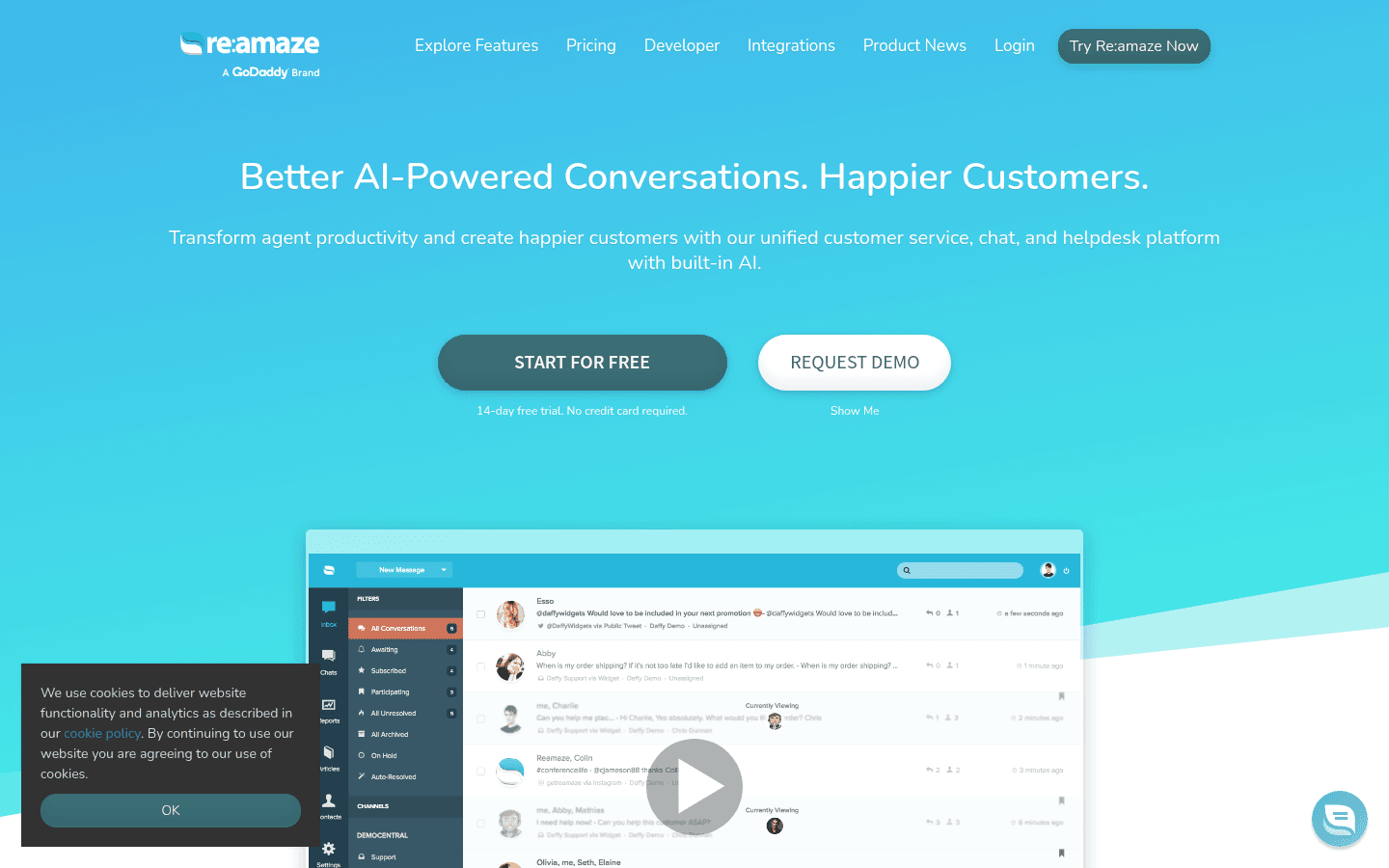
Re:amaze is built for ecommerce businesses that need to see order data, customer history, and live site activity inside every conversation - not after pulling up a separate tab. Built Bar reported a 5-6x boost in customer service speed after switching to Re:amaze; Art of Skin Care went from 1–2 live chat customers per week to 60–80. These aren't marginal improvements; they reflect how much time agents save when context travels with the ticket.
Re:amaze is owned by GoDaddy (acquired 2021) but operates as a standalone product. The platform unifies email, live chat, social media, SMS, VoIP, and push notifications into a single shared inbox, with proactive engagement tools (Cues) and real-time shopper activity (Live Dashboard) built in as first-party features.
Features
- Shared inbox - email, social, SMS, VoIP, chat, and push notifications in one view; workflow automation with macros and triggers
- Live chat widget - embeddable on websites and web apps; chatbots (Welcome Bot, Order Bot, custom bots)
- Cues (proactive messaging) - messages triggered by visitor behavior (cart abandonment, time on page, product views)
- Live Dashboard - real-time browsing, shopping activity, and location data for website visitors
- Peek - co-browsing / live screenshare for collaborative issue resolution (Plus only)
- Re:amaze AI Agent (Beta) - 24/7 autonomous responder trained on business data; overage billing at $0.85/resolution
- Multi-brand support - Pro and above; manage multiple storefronts from one agent pool
- FAQ/Knowledge Base - embeddable or self-hosted; custom domain on Pro+
Pros
- Ecommerce orientation is the strongest here: order data, shopper activity, and customer history surface inside conversations automatically
- The $59 flat-rate Starter plan (all seats, basic features) is unusual - it's the most favorable option for larger teams with lower conversation volume
- Proactive Cues and Live Dashboard go beyond reactive support, turning the help desk into a sales-assist layer
- 14-day free trial, no credit card required
Cons
- No permanent free plan - the $59 Starter is the entry point
- AI Agent is still in Beta, and overage pricing at $0.85/resolution is the highest in this list
- GoDaddy acquisition creates uncertainty for some buyers about long-term roadmap investment
- G2 review access was blocked during research; limited third-party social proof compared to other tools here
Pricing
| Plan | Price | Notes |
|---|---|---|
| Starter | $59 flat/mo | All seats; 500 conversations/mo |
| Basic | $29/seat/mo ($26.10 annual) | 1 brand; 5 AI resolutions/user/mo |
| Pro | $49/seat/mo ($44.10 annual) | Unlimited brands; custom domain |
| Plus | $69/seat/mo ($62.10 annual) | Full features; co-browse; video calls |
| AI Agent overage | $0.85/resolution | On all plans |
Verdict
Re:amaze is the right call for ecommerce-focused support teams that want proactive engagement, order-data context, and multi-brand support in one tool. The Starter flat-rate pricing works well for growing teams. Just note the AI Agent is still maturing - teams expecting a polished autonomous resolution experience should keep that in mind.
8. Front - best for complex customer operations
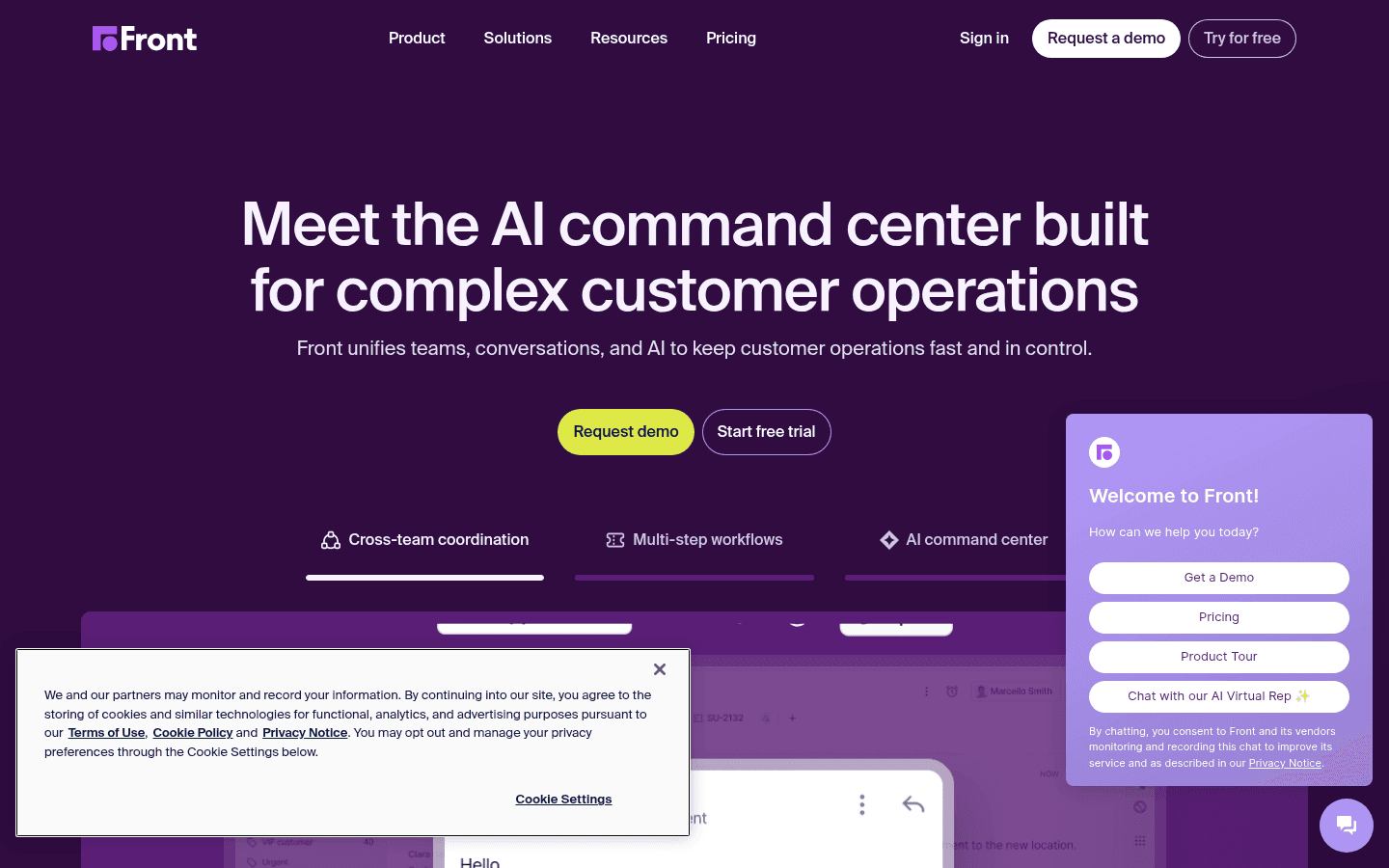
Front positions itself for "complex customer operations" - teams that manage high-stakes, high-volume conversations where every message thread could be a relationship or a contract. It's used by logistics, professional services, and financial services teams that need full conversation history, advanced workflow automation, and granular analytics on top of an omnichannel inbox.
Unlike the others in this list, Front's Starter plan caps at 10 seats - which is a feature for a micro team, not a limitation. For teams of 2–10 who need collaborative email management with real AI (Smart QA, Smart CSAT, AI Copilot on Enterprise), Front's per-seat cost is offset by the feature density.
The tradeoff: the Starter plan is single-channel only, and AI Copilot is locked to the Enterprise tier at $105/seat/mo. Teams that want AI on a budget should look at the other options in this list first.
Features
- Shared inbox and omnichannel - email, SMS, social media, WhatsApp on Professional+; single-channel on Starter
- AI Copilot - suggested replies, message drafts, smart summaries; Enterprise only ($105/seat/mo)
- Smart QA - automated quality assurance scoring on conversations; Enterprise only
- Smart CSAT - AI-driven satisfaction scoring and analysis; Enterprise only
- Advanced analytics - reporting on conversation volume, team performance, SLA compliance, response times
- Automation - AI Topics, macros, automation rules (up to 10 on Starter, unlimited on Enterprise)
- Knowledge base - basic on Starter; customizable with multi-language support on Enterprise
Pros
- The 10-seat cap on Starter is a feature for small teams - well within what most micro-businesses need
- Analytics and reporting are the strongest in this list for Professional and Enterprise tiers
- Smart QA and Smart CSAT automate quality management that usually requires a dedicated QA team
- Strong integration ecosystem including Salesforce, Jira, and custom API connections
Cons
- Starter plan is single-channel only - you get email, Front Chat, or SMS, not all three
- AI Copilot requires the $105/seat/mo Enterprise tier - that's $1,050/mo for a 10-person team just to access AI drafts
- Front is not ecommerce-oriented; no native Shopify order actions or ecommerce-specific workflows
- Zoho Desk vs Front is worth reading if budget is a factor - Zoho Desk covers many of the same use cases at a fraction of the price
Pricing
| Plan | Annual (per seat/mo) | Seat limit |
|---|---|---|
| Starter | $25 | Up to 10 |
| Professional | $65 | Up to 50 |
| Enterprise | $105 | Unlimited |
| AI add-ons | Available on all tiers | Copilot, QA, CSAT included on Enterprise |
Verdict
Front is worth evaluating for small operations-heavy teams - professional services, logistics, financial services - that need collaborative email, advanced analytics, and quality management. For pure customer support or ecommerce, the other tools in this list offer better value. The single-channel Starter and the AI-only-on-Enterprise limitations make it a pick for specific contexts, not a broad recommendation.
Features at a glance
How to choose your help desk software for a small business
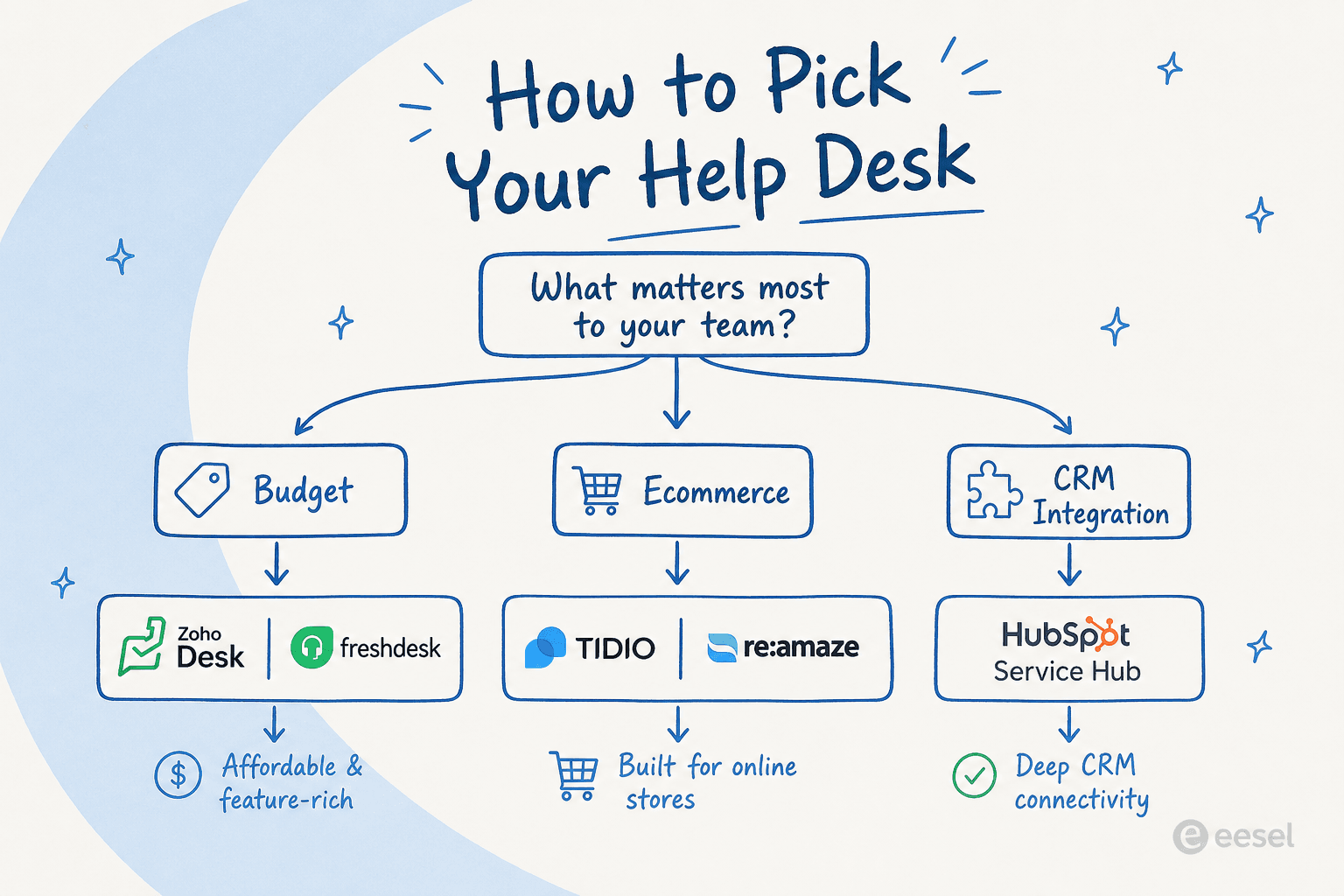
The tools in this list span very different use cases. Here's a short decision framework:
If budget is the top priority: Start with Zoho Desk (free up to 3 agents, $7/agent/mo Express) or the Freshdesk free plan for a 6-month head start. Both cover the core ticketing, SLA, and workflow features most SMBs need without spending anything on month 1. See our cheapest AI apps for helpdesks guide if AI is the priority even at low cost.
If you're ecommerce-first: Tidio for AI live chat and AI-first support, or Re:amaze if you need proactive engagement (Cues) and multi-brand management. Both have native Shopify support. See our ecommerce help desk software guide for a deeper comparison of these tools against more ecommerce-focused alternatives.
If you're already in HubSpot CRM: Service Hub is the obvious path. Skip straight to Professional to get Breeze Customer Agent - the free and Starter tiers don't include the AI features that justify the switch from a dedicated helpdesk.
If clean UX matters most: Help Scout. No tool in this list is faster to onboard or more consistent in the "it just makes sense" experience. The free plan is the most honest entry point in the category. Our roundup of best live chat software for ecommerce has more detail if live chat is the critical channel for your team.
If compliance is non-negotiable: HappyFox at the $21/agent/mo Basic tier. You get SOC 2 Type II, HIPAA, and GDPR in one package that the free-tier tools don't match.
If your team operates on complex workflows with high SLA requirements: Front Professional ($65/seat/mo) or Enterprise ($105/seat/mo). Accept that you're paying for operational sophistication rather than the lowest per-seat cost.
If none of these precisely fit - or if you want to add AI to a help desk you're already running - see our guides to the best AI helpdesk tools for small teams, best AI helpdesk software in 2026, and AI for customer service automation for a broader view including AI-native options.
Try eesel

Not ready to switch help desks? eesel is an AI layer that works on top of the tools you already use - Freshdesk, Zoho Desk, HubSpot Service Hub, and 100+ other platforms. It handles ticket triage, reply drafting, and knowledge base lookups using the data already in your help desk, at $0.40 per resolved task.
The practical difference: instead of paying $55–$90/seat/mo to unlock AI features inside your current tool, eesel adds AI at a fraction of the cost without requiring a platform migration. Teams using it alongside Freshdesk typically see it handling routine FAQs and status updates, while human agents focus on escalations and complex cases.
Start with a $50 free trial to see the resolution rate before committing.
Frequently asked questions
Frequently Asked Questions
What is the best help desk software for small businesses?
What help desk software has the best free plan for small businesses?
How much does help desk software cost for small businesses?
Which help desk software is best for ecommerce small businesses?
Does help desk software for small businesses include AI features?
What should I look for when choosing help desk software for a small business?
Can small businesses use HubSpot Service Hub for help desk?
What is the difference between a help desk and a ticketing system for small businesses?


Article by
Riellvriany Indriawan
Riell is a designer and writer at eesel AI with about two years of experience researching CX platforms, AI chatbots, and helpdesk software. She combines her design background with a sharp eye for how these tools actually look and feel in practice — making her comparisons unusually visual and user-focused.