What "a help desk with CRM" actually means
These are two different tools doing two different jobs, and it helps to keep them straight before you go shopping.
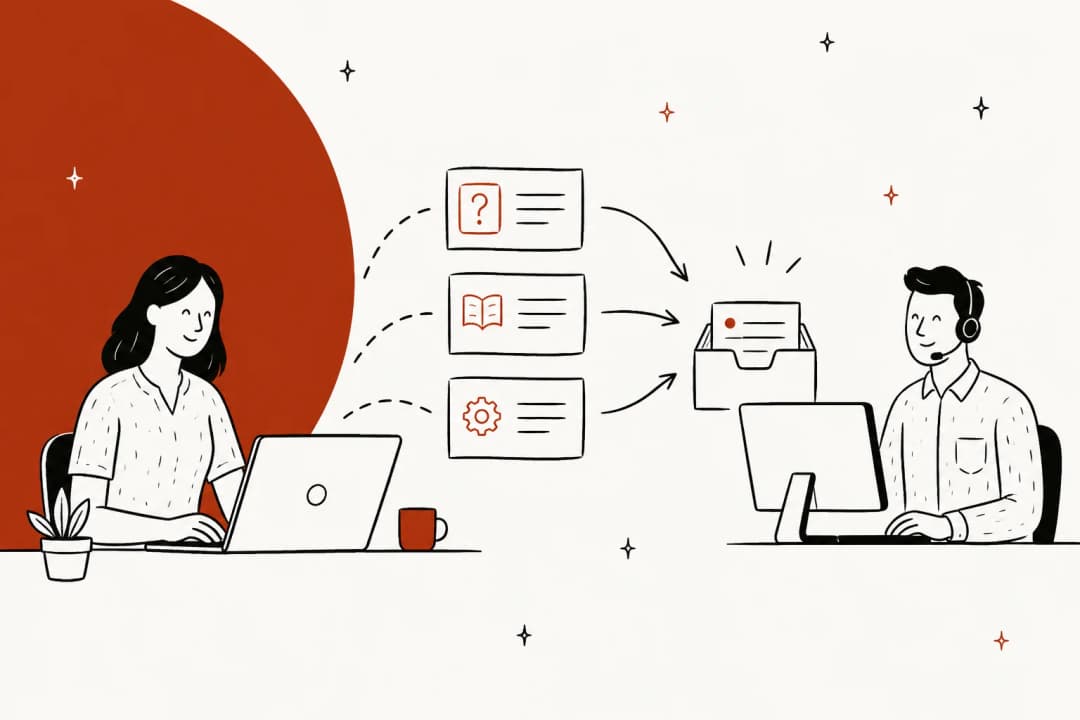
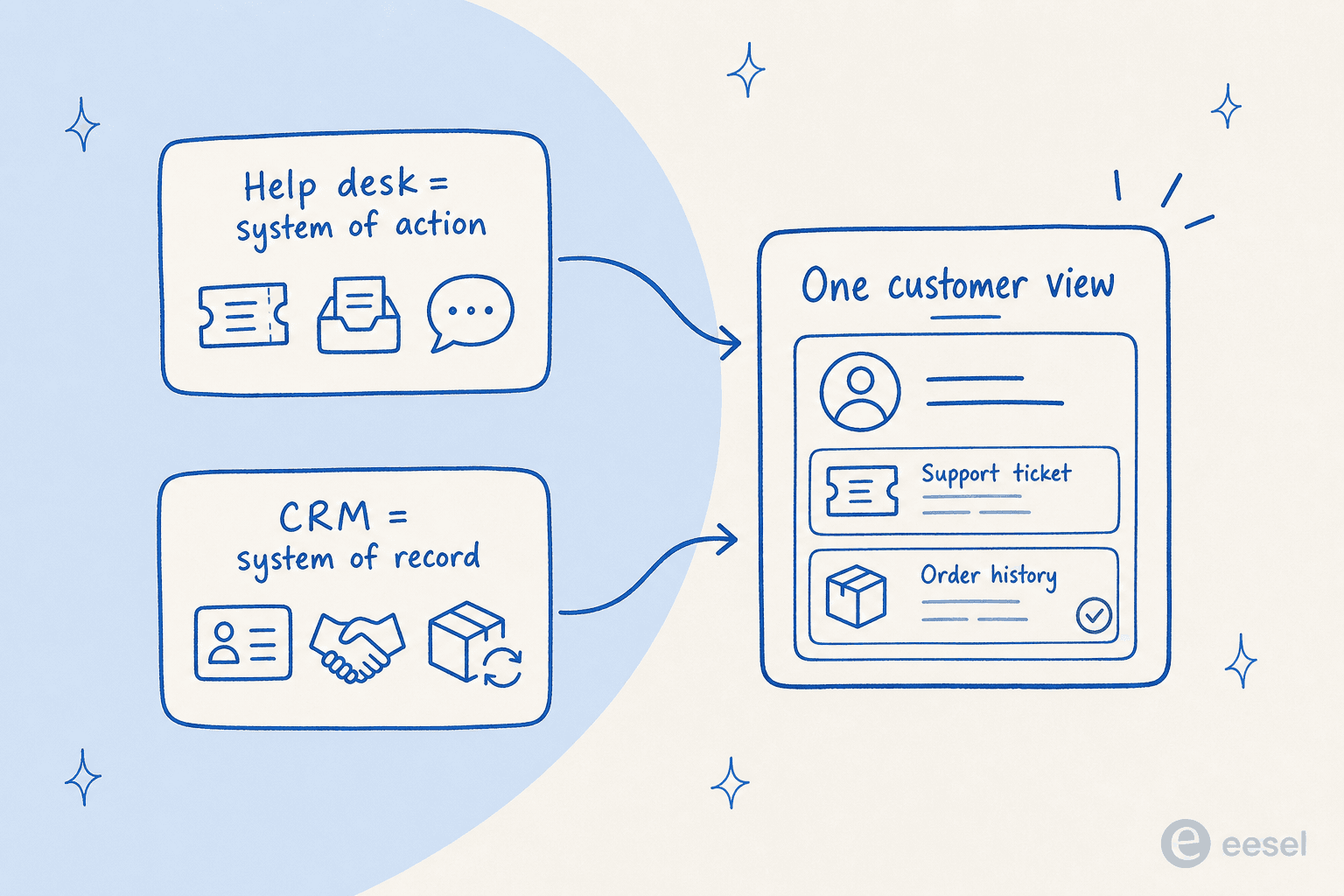
A help desk is your system of action for support: tickets, a shared inbox, macros, routing, SLAs, live chat, a knowledge base. It answers the question "what is this person asking, and how do we resolve it?"
A CRM is your system of record for the relationship: contact details, the account or company, deal stage, lifetime value, and order or purchase history. It answers a different question: "who is this person, and what's their history with us?"
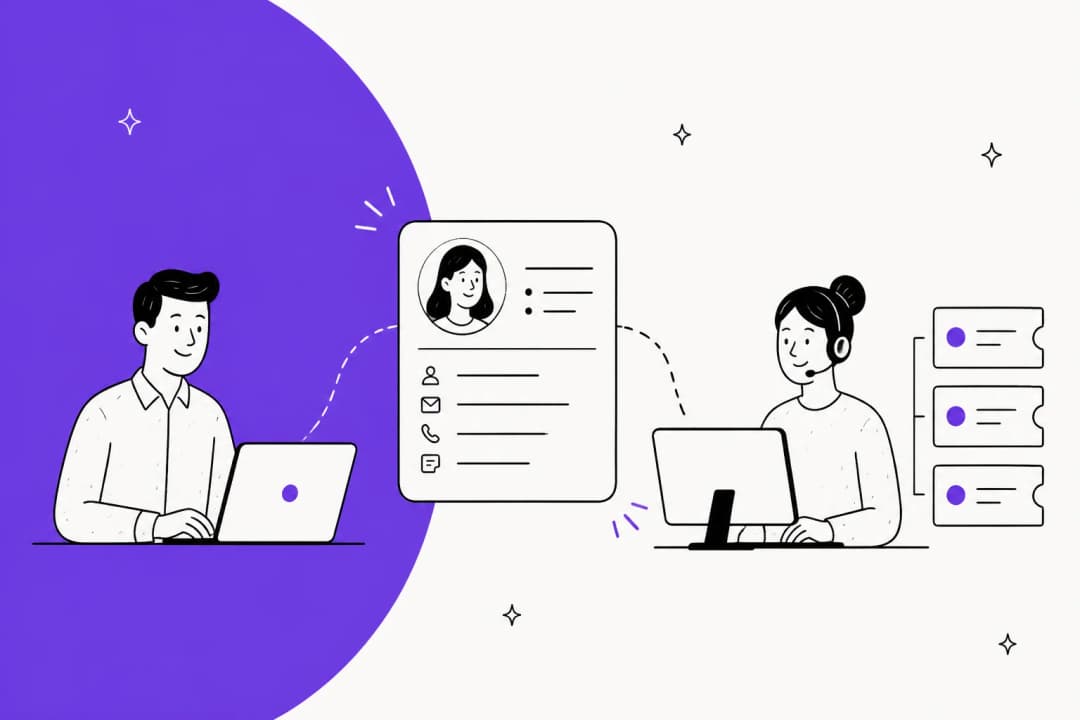
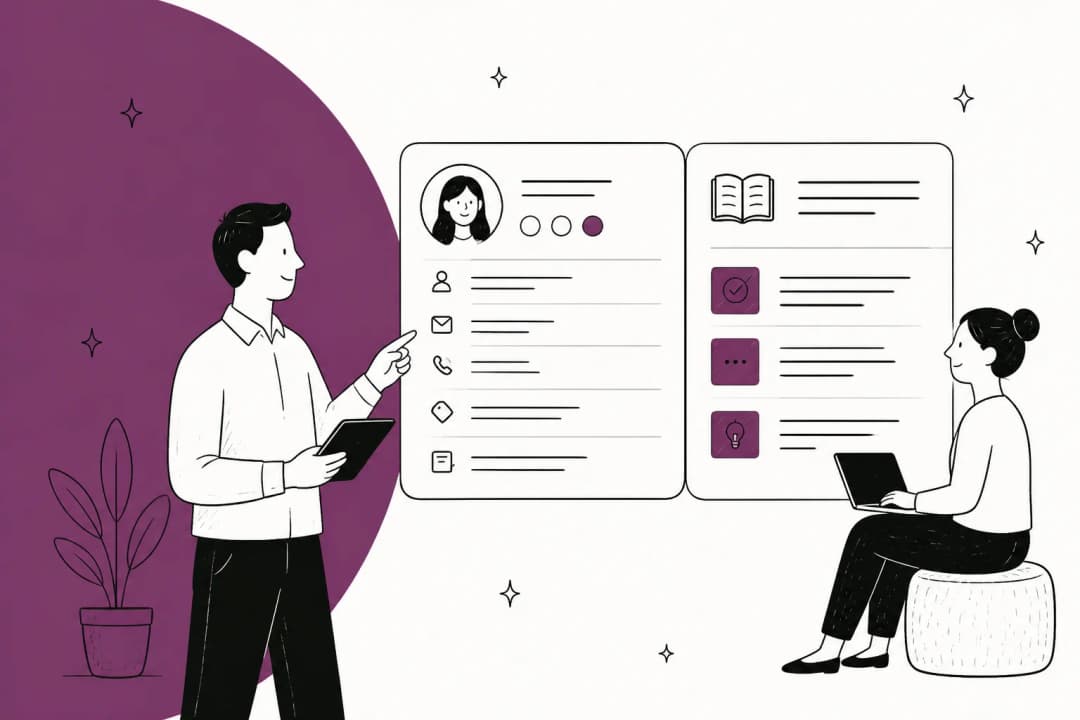
Kept apart, an agent reads the ticket in one tool and looks the customer up in another. Kept connected, that customer record shows up inside the ticket. Vendors call the result a 360-degree or single customer view, and once you've seen it, the split-screen way of working feels faintly absurd.
Why teams want the two connected
Three reasons come up again and again, and they're worth naming because they're what you're really buying.
Context on every ticket. The agent sees who's writing, their plan or spend, past tickets, and any open deals in the same pane as the message. No guessing, no "let me pull up your account."
No tab-switching. This is the one people complain about most. Here's how a Gorgias reviewer on G2 described life before a connected setup:
"Before Gorgias, handling support across email, social media, and chat required jumping between platforms and manually looking up order information in Shopify, which made response times slow and created inconsistencies in how customers were handled."

Personalization that isn't fake. With order and account context on the ticket, a reply can reference the customer's actual situation instead of a canned line. Another Gorgias user put the after-state simply:
"Having order data, customer history, and transaction details pulled directly into the support ticket means our team can resolve issues quickly without toggling between multiple systems."
That single-pane feeling is the recurring praise across every tool in this category. A HubSpot Service Hub reviewer on Capterra said the reason they switched was plain: they wanted "all customer interaction and the buyer journey [to] appear in one central place and have more CRM functionality integrated with our support desk."
The two ways to get it
Every setup I've seen is really one of two shapes. Picking the right one up front saves a lot of pain later.
Option 1: the all-in-one suite
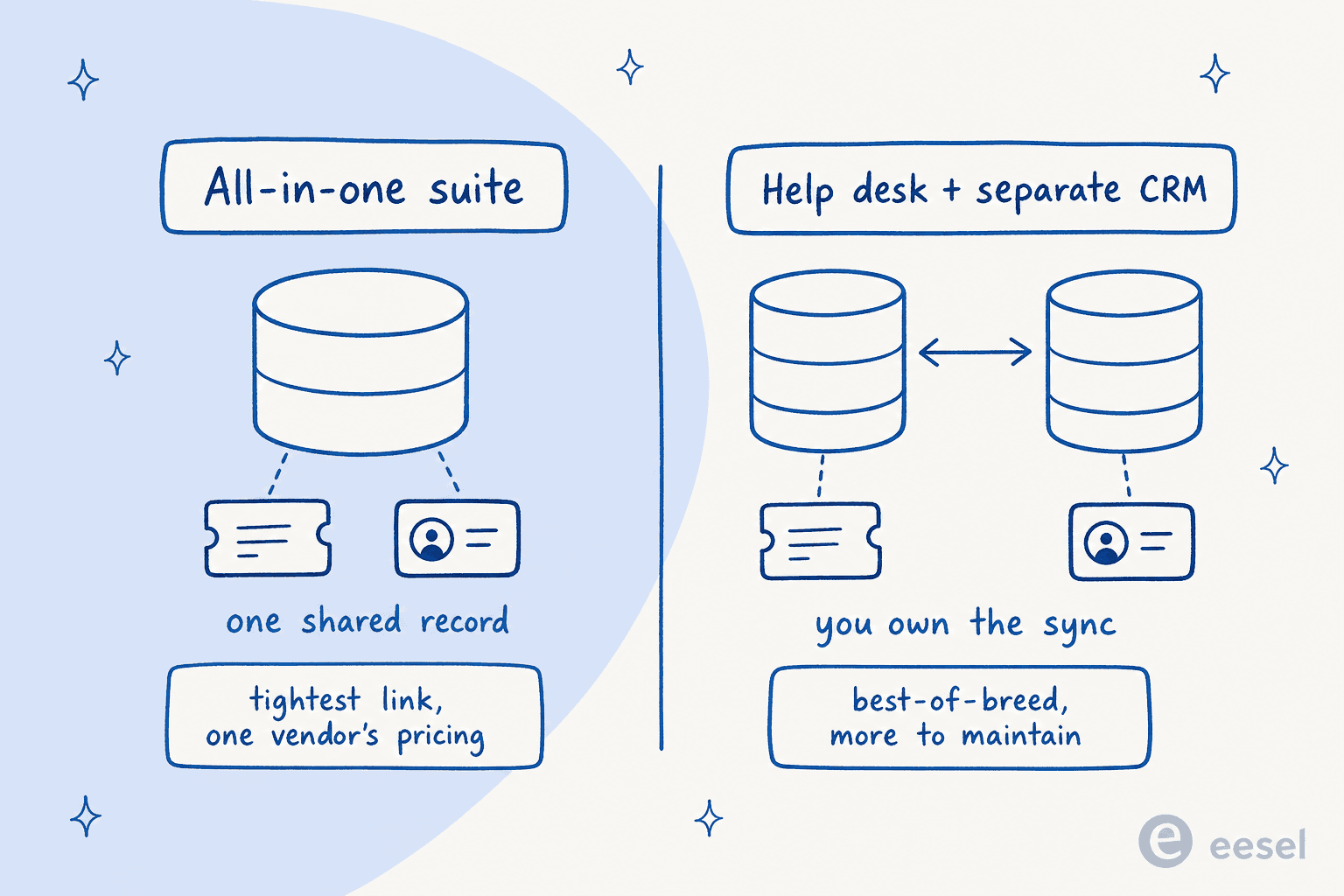
Here the help desk and CRM come from one vendor and share (or closely sync) one database. HubSpot Service Hub sits on the HubSpot CRM, Zoho Desk pairs with Zoho CRM, Freshworks runs Freshdesk alongside Freshsales, and Salesforce Service Cloud is built on the Salesforce platform.
The upside is the tightest possible link, since both halves talk to the same records. The trade-off is that you buy into one vendor's ecosystem and pricing, and the support tooling can feel less specialized than a dedicated help desk.
Option 2: a standalone help desk plus a separate CRM
Here you run a best-of-breed help desk (Zendesk, Gorgias, Freshdesk) and connect it to a CRM you already have (Salesforce, HubSpot, or Pipedrive). You keep strong tooling on both sides, but you own the integration: sync reliability, duplicate records, and keeping two databases in step all become your problem.
That "you own the sync" part isn't hypothetical. A Zoho user on Reddit who ran a two-way Desk-to-CRM sync for years shared a genuinely painful lesson:
"I was using 2-way for way too long (years) and it destroyed my data in crm... every single ticket gets turned into a contact in Desk. Every spam email, every SEO marketing email... If you are doing 2-way sync then every single contact in Desk (including all that spammy shit) gets pushed into CRM Contacts. And you end up with a disaster of a contact list."

Worth knowing even inside an "all-in-one" vendor: Zoho and Freshworks both sell the help desk and CRM as separate products that you stitch together, not one native record store. The seam is real either way.
The main options, with real 2026 pricing
Here's the honest lay of the land. Prices are the current published rates, checked July 2026, and I've flagged the AI layer separately because it almost always costs extra.
| Tool | How it links support + CRM | Help desk price | CRM price | AI layer | Best for |
|---|---|---|---|---|---|
| HubSpot Service Hub | Native: tickets are CRM objects on the Smart CRM | Help Desk Workspace from $90/seat/mo (Pro) + one-time $1,500 onboarding | Built in (Smart CRM free) | Breeze Customer Agent, ~$0.45 per resolved chat (50 credits) | Mid-market teams already on HubSpot |
| Zoho Desk + Zoho CRM | Configurable two-way sync + Handshake Mode | $7–$40/user/mo | $14–$52/user/mo | Zia + Answer Bot (Enterprise) | Budget-conscious, Zoho ecosystem |
| Freshworks (Freshdesk + Freshsales) | App integration via API key on the Neo platform | Freshdesk $19–$89/agent/mo | Freshsales $9–$59/user/mo | Freddy AI Agent, $49 / 100 sessions | Omnichannel support teams |
| Salesforce Service Cloud | Native: built on the Salesforce CRM | Starter $25, Pro Suite $100/user/mo | Included in the platform | Agentforce (contact sales) | Enterprises already on Salesforce |
| Gorgias | Native: Shopify store data (its "CRM") in the ticket | Per-ticket $10–$750/mo (unlimited seats) | Store data, not a full CRM | AI Agent, $1 per resolution | Shopify and ecommerce brands |
| Zendesk (+ external CRM) | Integration to Salesforce, HubSpot, or Pipedrive | Support $19, Suite $55–$115/agent/mo | Bring your own | Copilot add-on $50/agent/mo | Enterprise support, own CRM |
A few notes that don't fit in a table. HubSpot's Breeze Customer Agent claims 70%+ of conversations resolved automatically, but the whole help desk workspace only unlocks at the Professional tier, so the real entry cost is higher than the seat price suggests. Freshworks meters its Freddy AI Agent by session (500 free, then $49 per 100), and Zoho gates its Answer Bot to the Enterprise plan. On the Gorgias side, the per-ticket model is friendly for small stores but scales up quickly once volume climbs.
A screenshot of each, since specs only get you so far
HubSpot's Help Desk Workspace is the clearest example of the "everything is a CRM object" model: a ticket associates to contacts, companies, and deals, and that whole record shows in the sidebar.
Gorgias takes the ecommerce-specific version of the same idea: the "CRM" is your Shopify store, so order status, spend, and subscription details land in the ticket, and an agent can edit an order or issue a refund without leaving it.
The catch nobody puts on the pricing page
Two trade-offs deserve to be louder than they usually are.
The all-in-one suite bites you on price as you grow. The loudest recurring complaint about HubSpot isn't the product, it's the bill. One user on r/hubspot summed up the mood: "Am I the only one who finds Hubspot's jump from Starter to Pro pricing utterly absurd? My sales rep quoted $17,500/year." A HubSpot user who moved over from Zendesk and ran the help desk for a year was fond of it overall but flagged real friction, including that it's "not possible to close a ticket permanently" and that tickets "can only be automatically associated with open deals."
"Zendesk with a CRM" doesn't mean what it used to. In a genuinely category-shifting move, Zendesk announced it's retiring Zendesk Sell, its own sales CRM. The retirement date is August 31, 2027, after which Zendesk "will no longer provide a sales CRM solution," and it has partnered with Pipedrive for migration. So if you're picturing Zendesk as a one-stop help-desk-plus-CRM, adjust: going forward it's a help desk you connect to an outside CRM, not a suite. That's not a knock on Zendesk, it just changes the shopping list.
Where AI changes the equation
Here's the shift I'd actually build around. For most of this category's history, "unified" meant a human agent got a nicer screen. The record was there so a person could read it. The newer layer is different: an AI agent that reads the CRM record and the ticket history together, then answers with the customer's real order, plan, or account instead of a generic script.
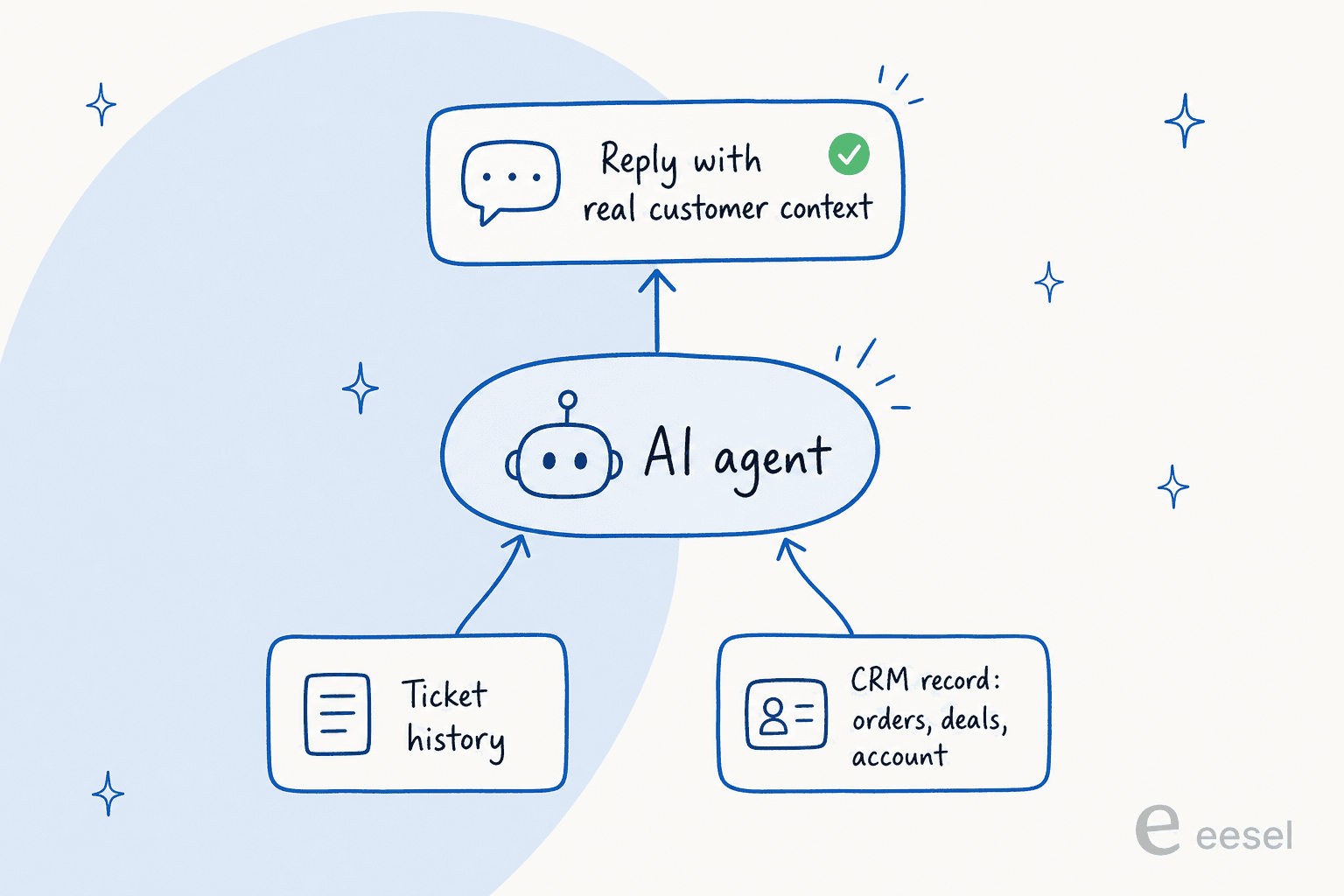
This is where the "help desk with CRM" idea finally earns its keep, and it's also where I've watched teams get it wrong. Having spent the last three-plus years putting AI agents on live support queues, the pattern I keep seeing is that an AI is only as good as the customer data it can actually reach. One mid-market customer of ours had a support AI whose single most important knowledge source wasn't a help doc at all, it was a daily-updated order-status sheet. When that connection quietly broke, the answers went stale, and no amount of clever help-center content could paper over it. An AI reading tickets without the customer record answers blind, however confident it sounds.
The practical takeaway: whichever help desk and CRM you land on, the question to ask an AI vendor isn't "how smart is your model," it's "what customer data can you read at answer time, and how do I check it before it goes live?" If the AI can't see the order or the account, it can't personalize, and you're back to canned replies with extra steps. This is also why I'd simulate any AI rollout against past tickets before turning it loose, so you can see coverage and catch the blind spots first.
Try eesel
If the goal is an AI that answers with real customer context, eesel is built for exactly the setup this post is about. It plugs into the help desk you already run, whether that's Zendesk, Freshdesk, HubSpot, Gorgias, Front, or Salesforce, and reads your customer-data sources so it can reference an actual order or account instead of a boilerplate line.

The part I'd flag: you don't have to rip out your suite or migrate your CRM to try it. eesel learns from your past tickets and connected tools on day one, you can simulate it against historical tickets before it touches a live conversation, and pricing is one fixed monthly price from $299 for 500 credits (1 credit per ticket) with no per-seat fee, and only tickets it actually works on count. It's free to try, and you'll know inside a week whether it reads your customers the way you'd want.
Frequently Asked Questions
What is a help desk with CRM?
Do I need a separate CRM if I already have a help desk?
What's the best help desk with CRM integration?


Article by
Kurnia Kharisma
Kurnia is a software engineer and writer at eesel AI with two years of SEO experience, writing about AI tools, helpdesk software, and customer support. He pairs a developer's understanding of how these products are built with search-driven research into what actually ranks and resonates with the people searching for them.