What "AI customer care" actually means
Let me start with the thing I wish someone had told me three years ago, back when "AI" in support meant a decision-tree bot that asked "Did that answer your question?" and then looped you back to the same article you'd already read.
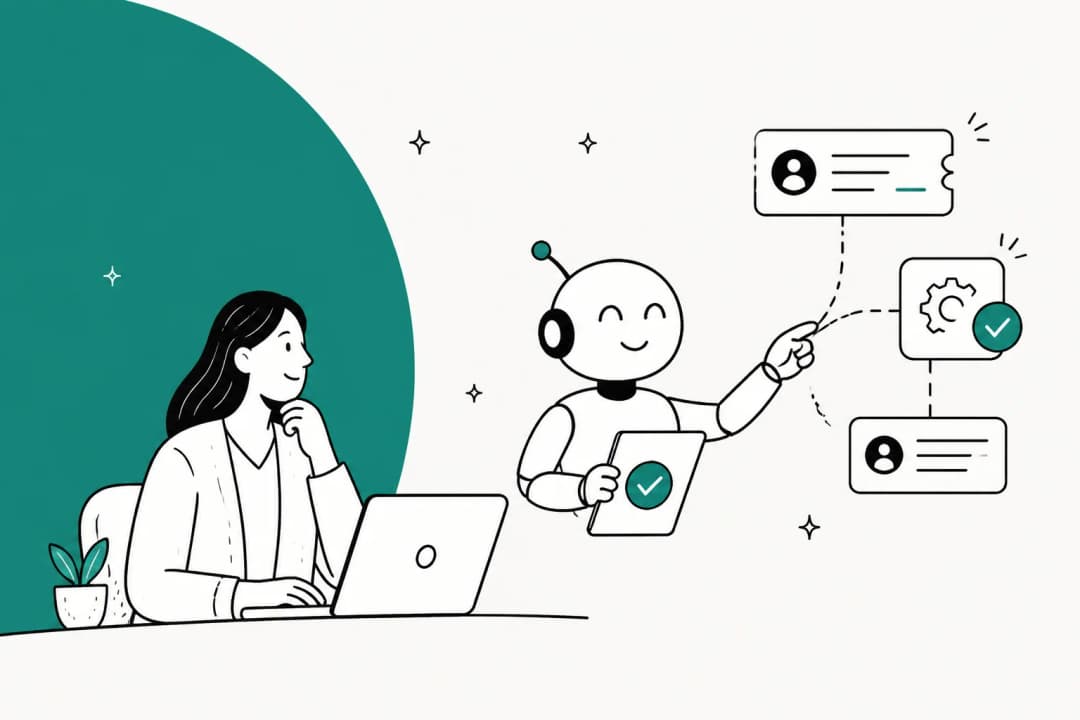
AI customer care is the practice of using an AI agent to handle customer questions: reading them, understanding what's actually being asked, answering from your real help content and ticket history, and taking the small actions a human would (tagging, routing, looking up an order, escalating). It spans every channel you support on, not just a website widget.
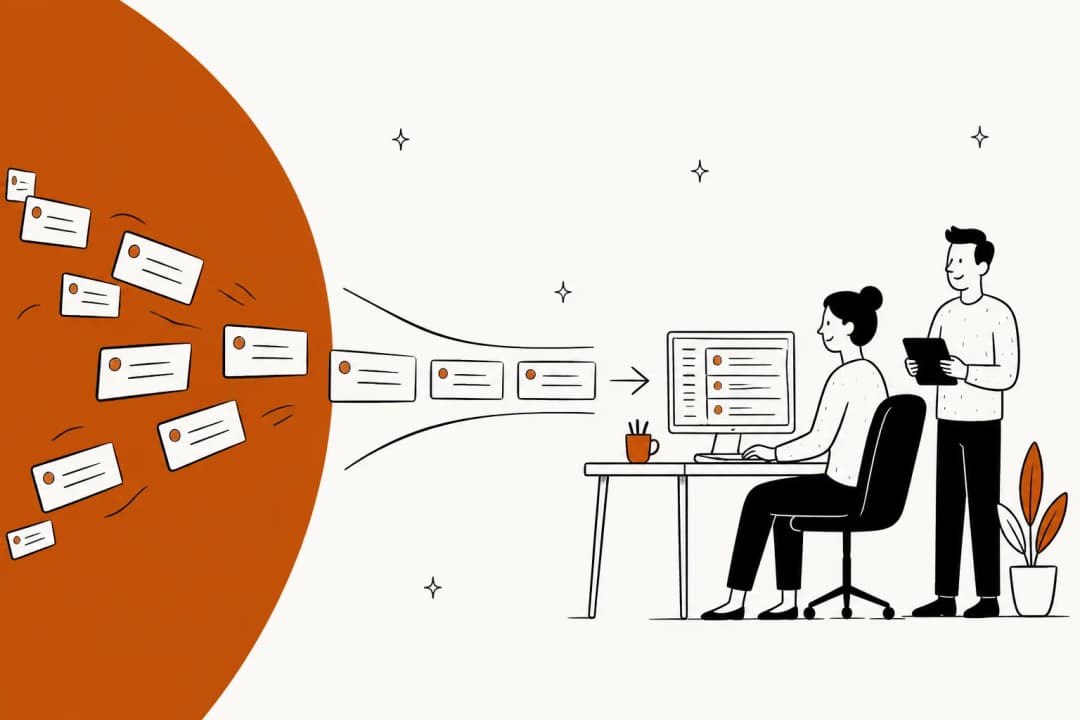
The word that matters there is agent. A rule-based chatbot is a flowchart: it can only do what someone hand-built into the tree, and it falls apart the second a customer types "actually never mind, different question." An AI agent works the other way around, it reads the message, figures out intent, and composes an answer from your knowledge. That shift, from scripted flows to AI agents that reason over your content, is the entire reason "AI customer care" stopped being a punchline and started clearing real queues.
I've watched this from the inside for the last three-plus years, putting AI agents on live support queues across thousands of real tickets. The single biggest lesson: the technology was never the hard part. Designing which tickets it's allowed to touch was.
How AI customer care works under the hood
Strip away the marketing and the mechanism is surprisingly legible. A good AI customer care setup does four things in order, every time a message lands.
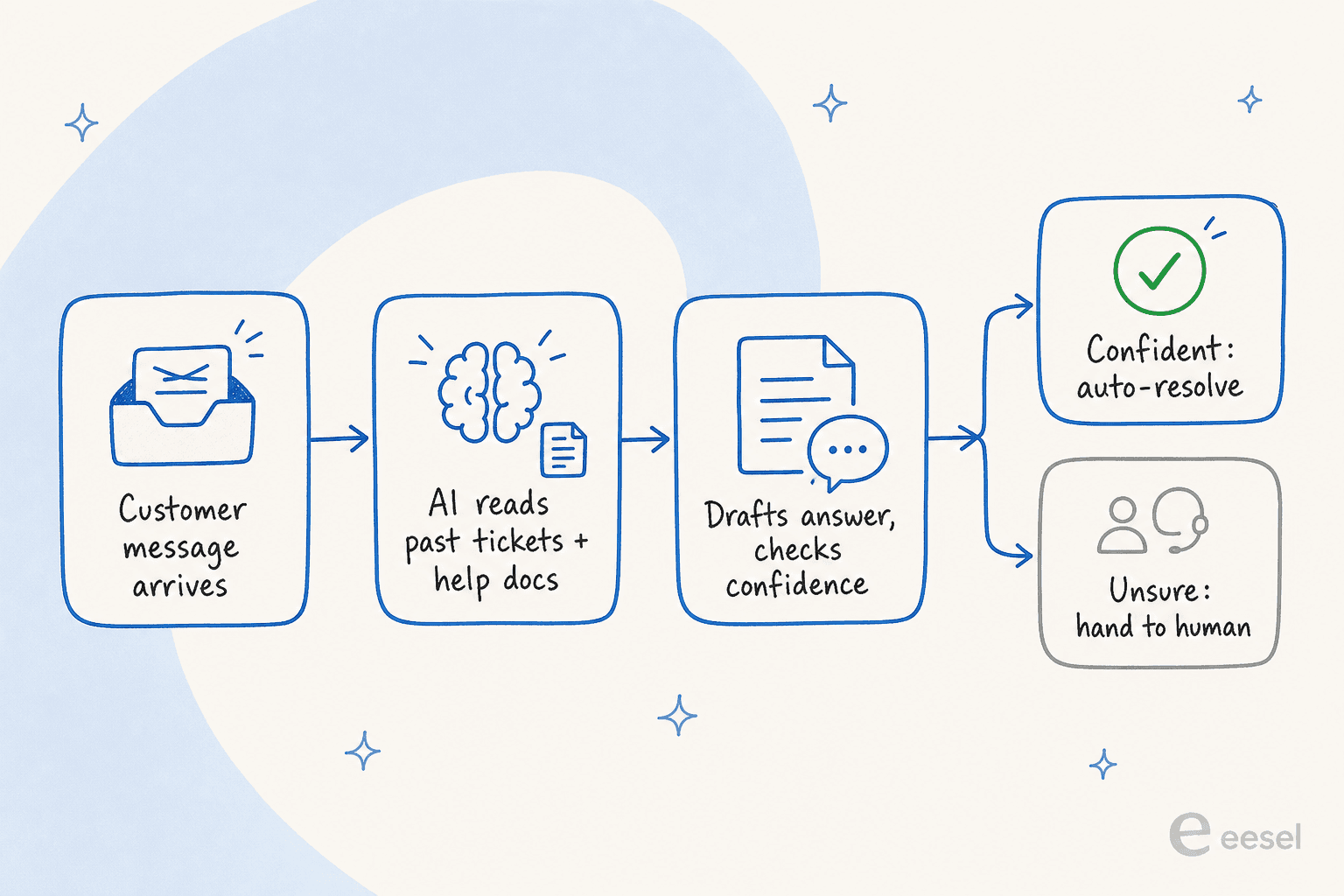
First, it learns from what you already have, your past resolved tickets, your help center, your internal docs, even the messy stuff in Slack and Google Docs. The reason past tickets matter so much more than help articles is that they capture how your team actually answers, including the edge cases no one ever wrote a doc for. As one customer told us, eesel "learns from solved tickets, not just help-center content" - and that's where most of the real answers live.
Second, it drafts an answer grounded in that knowledge, in the customer's language. eesel handles 80+ languages out of the box, so a ticket written in German comes back in German without anyone configuring a thing.
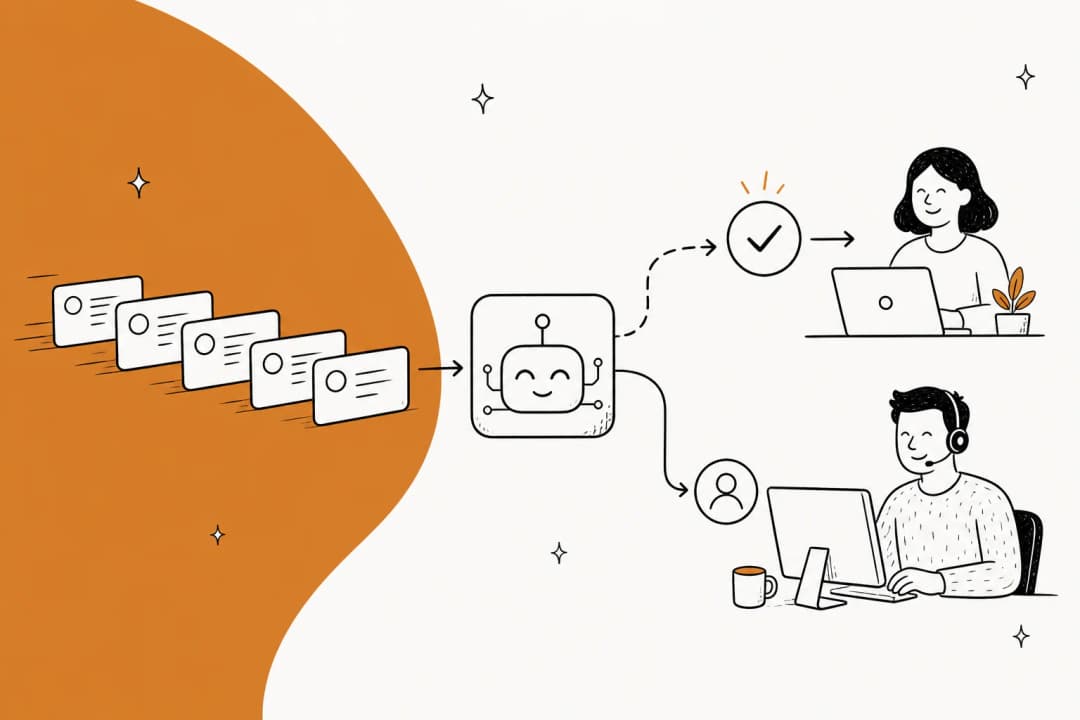
Third, and this is the part that separates safe deployments from scary ones, it scores its own confidence. High confidence on a topic it has clear knowledge for? It can answer. Low confidence, or a topic you've fenced off (billing disputes, anything legal)? It drafts a suggestion for a human or escalates outright. This confidence-based routing is the guardrail against the failure everyone's scared of.
Fourth, it learns from corrections. Every time an agent edits a draft before sending, that edit becomes training signal for next time.
The reason I trust this loop is that we got burned before it existed. We've watched a confident-sounding bot quietly hand a customer a wrong answer, which is exactly why every eesel rollout now simulates against your historical tickets first. You run the agent over thousands of past conversations, see what it would have said, find the gaps, fill them, and only then go live. No customer is the test case.
What AI customer care can handle today, and what it can't
Here's the honest split, because over-promising is how these projects die.
What it's good at, reliably: the repetitive tier-1 pile. "Where's my order", password resets, "how do I change my plan", return policy questions, "is this in stock", appointment reschedules. These are high-volume, low-variance, and the answer lives in a doc or a past ticket. This is the kind of work AI deflects well, and where a well-tended knowledge base earns its keep, it's usually 60-70% of a typical inbound queue.
What it's still bad at, and what you should want it to refuse: anything that needs judgment, empathy under pressure, or information it doesn't actually have. The whole trap is the AI that confidently makes something up rather than saying "I don't know." A CX lead at a DTC supplements brand put it perfectly on one of our onboarding calls: the AI will never answer 100% of questions, so what you actually want is an AI that only handles the tickets it's confident about and leaves the rest alone. That's not a limitation to apologize for, it's the design goal.

The teams that get burned are the ones who flip "answer everything" on day one. The teams that win treat the AI's willingness to say "let me get a human" as the most valuable feature, not a gap.
One care layer across every channel
Customers don't think in channels. They email, then they open the chat widget, then they DM you on WhatsApp, often about the same issue. If your AI care only lives in the website chat bubble, you've automated the smallest slice of the problem.
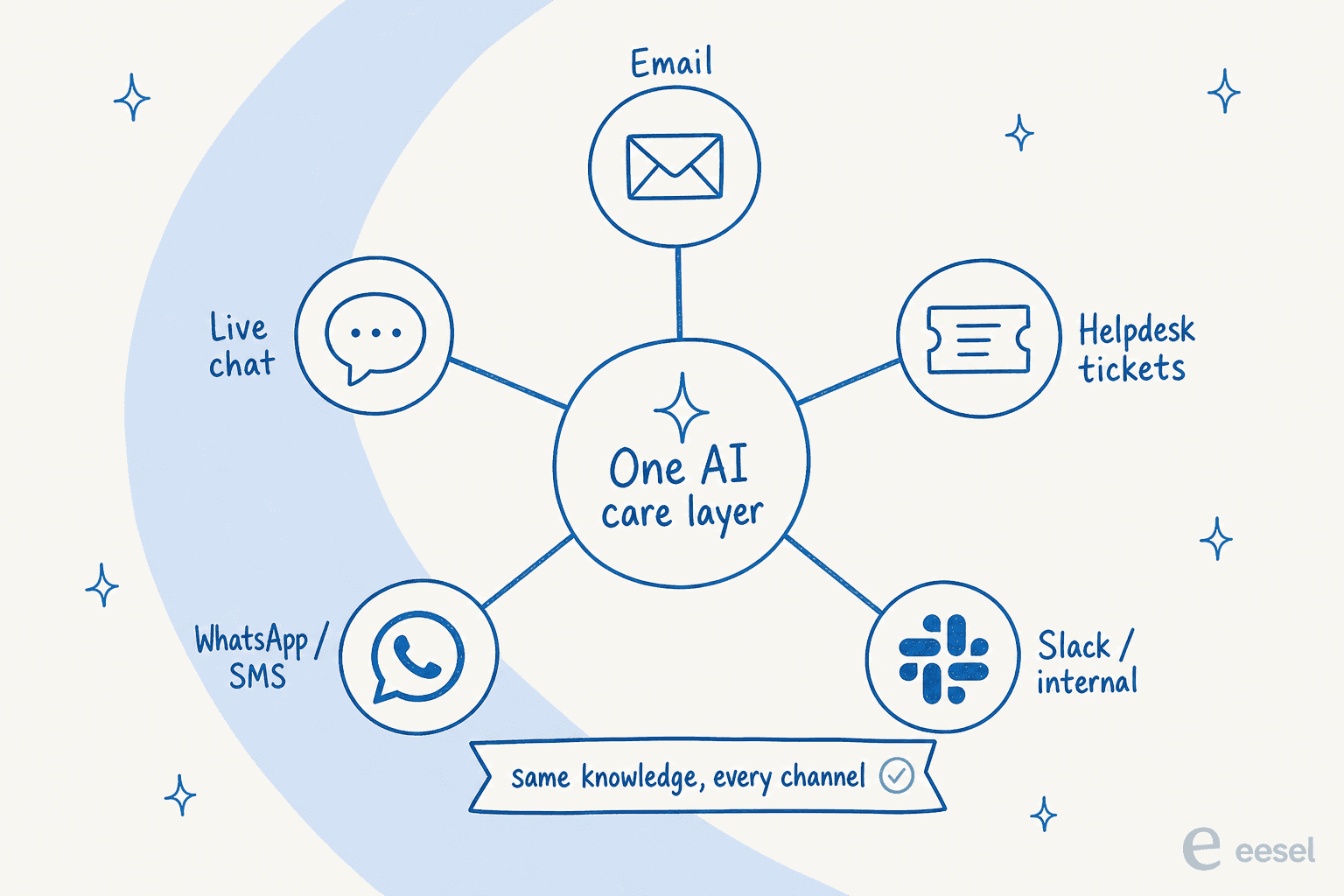
The version that actually moves your numbers sits inside the helpdesk and reaches across all of it, email, live chat, helpdesk tickets, WhatsApp and SMS, and internal channels like Slack, all drawing from the same knowledge. That's the difference between "we have a chatbot" and "we have AI customer care." It plugs into whatever you already run, Zendesk, Freshdesk, Gorgias, HubSpot, or Front, so you're not ripping out your stack to add it.
This is also where scale stops being theoretical. One eesel customer, Smava, runs a fully automated Zendesk agent processing 100,000+ German-language support tickets a month, all from one connected knowledge layer. You don't get there by stringing together five point solutions.
Rolling it out without burning a single customer
This is the section I'd attach to every "we're thinking about AI support" conversation. The technology is ready; the rollout is where teams trip.
The move is to graduate trust, not grant it. Think of it as a ladder, where each rung earns the next.
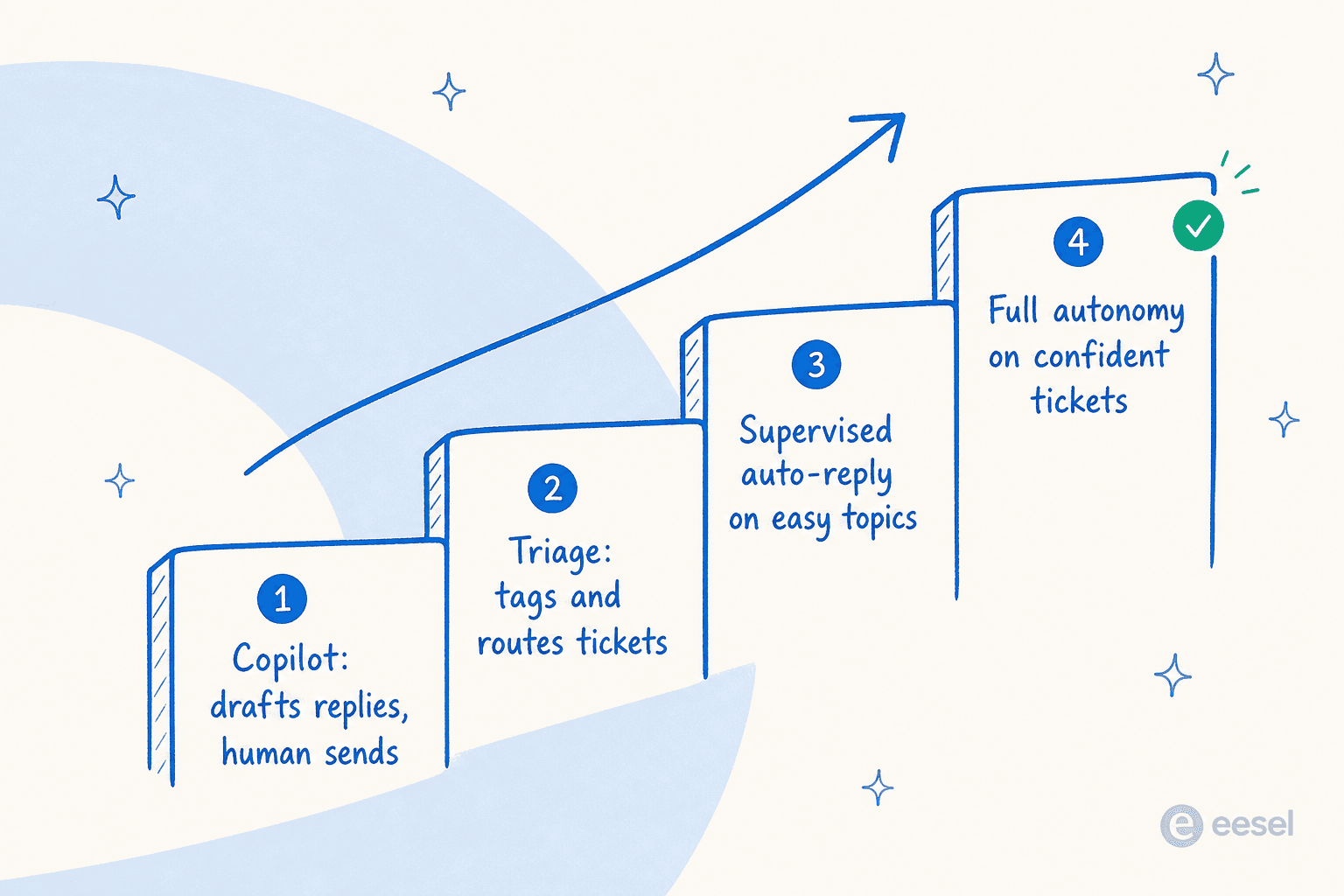
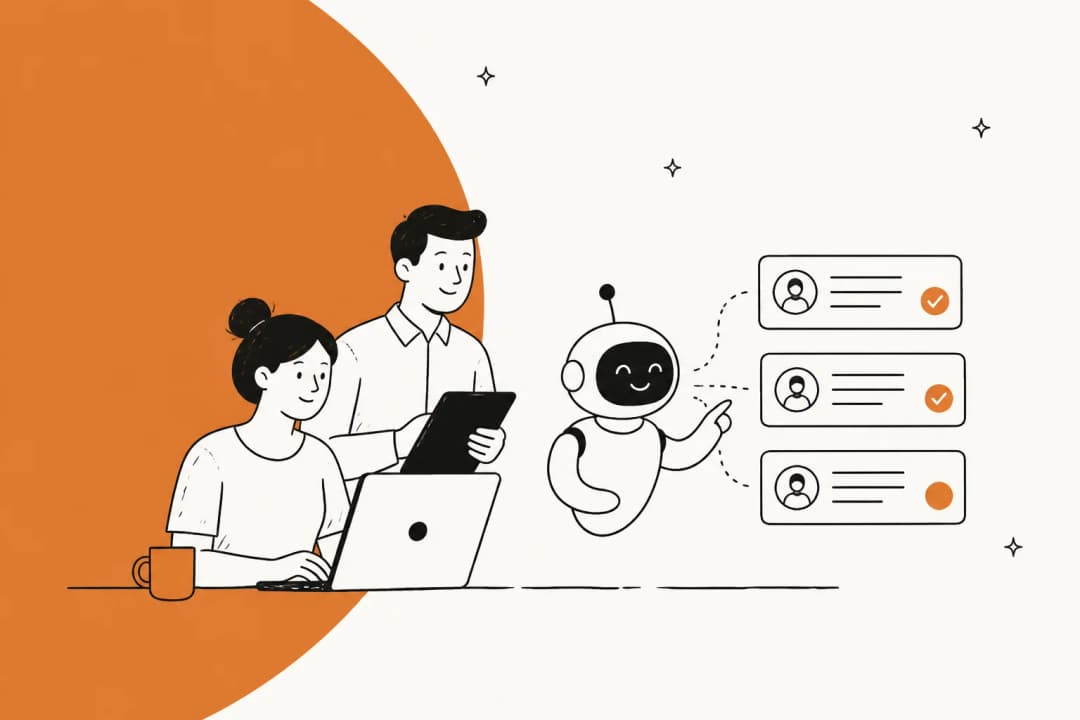
- Copilot first. The AI drafts replies and your agents review and send. Zero customer risk, and your team starts seeing how good the answers are. This is also where it learns from edits.
- Triage. Let it tag, categorize, and route incoming tickets, and leave a suggested reply as an internal note. Still no customer-facing automation, but you're already saving real time on ticket sorting.
- Supervised auto-replies. Turn on auto-answering for a few narrow, safe topics where you've seen the simulation results, order status, say, or store hours. Watch the resolution-rate metrics closely.
- Full autonomy on confident tickets. Once the data backs it, let the AI fully handle the topics it consistently nails, while everything else still routes to a person.
The thing nobody tells you: you don't have to choose a rung. The strongest teams sequence them, and the simulation step is what makes each promotion a data decision instead of a leap of faith. Gridwise is a clean example of how fast this can move when it's done right:
"In the first month, eesel is resolving 73% of our tier-1 requests, and we saw results quickly during our 7-day trial."
Kim Simpson, Gridwise (eesel AI helpdesk agent)
What AI customer care costs
Pricing is where the real differences hide, because the unit you're billed on matters more than the sticker number. If you only do one piece of homework before buying, do the cost-savings math.
The trap is per-resolution pricing. It sounds fair until you realize it charges you more precisely as your AI gets better, and it spikes during seasonal surges, exactly when you can least predict your bill. Per-seat pricing has the opposite problem, you pay for capacity whether or not the AI does any work.
eesel's pricing is flat and usage-based: a ticket or chat session is one task at $0.40, no matter how many back-and-forth messages it takes, with no per-seat fee, no platform fee, and no minimum. A "light" task like a dashboard lookup is free. Here's the shape of it:
| Plan / item | Price | What you get |
|---|---|---|
| Free trial | $0 | $50 of free usage, no credit card; every feature unlocked |
| Regular task | $0.40 each | One support ticket or one chat session, any number of messages |
| Pay-as-you-go | from $0.40 / ticket | No platform fee, no per-seat fee, no monthly minimum |
| Annual commit | 25% off | Commit to ≥$300/month for the year |
| Enterprise | $1,000/mo + usage | Dedicated SE, SSO, HIPAA, BAA, higher KB limits |
Because you're billed per ticket handled, partial rollouts are cheap, route 200 of your 1,000 monthly tickets to the AI and you pay for 200. You're never charged for the tickets your humans take. Plug your own numbers in:
The structural point the calculator makes is the one that matters: once the per-ticket cost of AI is a fraction of your loaded cost per human ticket, every auto-resolved ticket is money back. That's true at almost any reasonable volume.
How to tell whether it's actually working
The fastest way to lose faith in an AI care rollout is to run it on vibes. Pick a few numbers and watch them.
The ones I'd track sit among the core customer service KPIs: automated resolution rate (the share of tickets fully closed without a human, the headline number), deflection rate (questions answered before they ever became a ticket), first response time (AI should crush this), CSAT on AI-handled tickets (the sanity check that speed didn't cost quality), and escalation rate (how often the AI correctly bows out). If resolution climbs while CSAT holds, you're winning. If resolution climbs while CSAT drops, the AI is answering things it shouldn't, tighten the confidence threshold.

The reason the simulation step earlier matters so much is that it gives you a forecast of these numbers before launch. You're not guessing at your resolution rate, you've already seen it modeled against your real history. Global Pay used that kind of upfront grounding to hit up to 80% time savings finding answers across their documentation.
Try eesel for AI customer care
If you want AI customer care that's built around the trust-first approach this whole post argues for, that's eesel. It plugs into the helpdesk you already run, learns from your past tickets and docs on day one, and lets you simulate against your ticket history before a single customer sees an AI reply, so you're promoting it up the autonomy ladder on data, not hope.

It's free to try, $50 of usage and no credit card, so you can wire it into your own tickets and watch the simulation before you commit to anything. Try eesel.
Frequently asked questions
What is AI customer care?
Is AI customer care the same as a chatbot?
How much does AI customer care cost?
Can AI customer care handle support in multiple languages?
How do I stop AI customer care from giving wrong answers?


Article by
Riellvriany Indriawan
Riell is a designer and writer at eesel AI with about two years of experience researching CX platforms, AI chatbots, and helpdesk software. She combines her design background with a sharp eye for how these tools actually look and feel in practice — making her comparisons unusually visual and user-focused.