

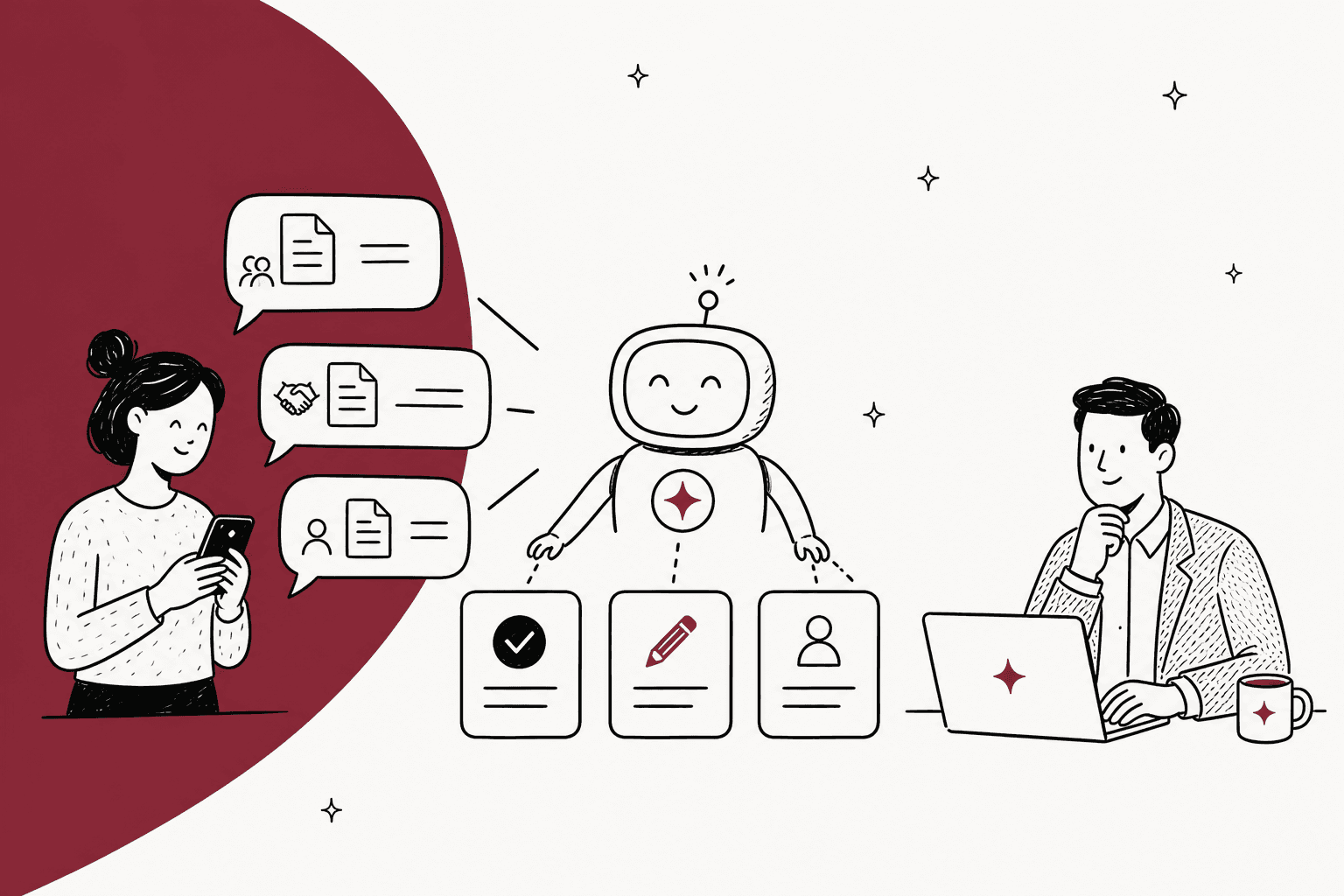
AI for a legal helpdesk earns its keep on three jobs: answering policy questions from documents your lawyers already approved, collecting the details a contract review needs before it lands on a lawyer's desk, and drafting routine documents like NDAs for a lawyer to check. Disputes, investigations, employment issues and anything privileged stay with people. That split matters more than the tool you pick.
The pressure is real. The median in-house lawyer now supports 367 employees, up from 290 a year earlier, per ACC's 2026 benchmarking, and 85% of legal departments already use AI. But fully hands-off AI is under 5% in every legal workstream ACC studied. The teams getting value use AI as a front door, not a lawyer.
If your company already lives in Slack, eesel works as an AI helpdesk teammate for legal: it answers in the thread from your Confluence or Drive policies with the source linked, says so when it can't find an answer, and holds anything sensitive for a lawyer's approval. Cactus Club Cafe runs the same shape on its internal desk, where the agent reads the routing matrix first and drafted 790 replies for the team in a month.
What can AI actually handle on a legal helpdesk?
A legal helpdesk, sometimes called the "legal front door", is where the rest of the company asks the in-house legal team for help: "where's the NDA template?", "who can sign a $50k vendor deal?", "can you review this contract by Friday?". It's an internal helpdesk like IT or HR, except some of what comes in carries real legal risk.
I build integrations at eesel, and I've spent a lot of time looking at what internal desks actually receive. The pattern on a legal desk is the same as on an IT helpdesk: a big chunk of requests are questions someone already answered in a policy document nobody reads. That's the part AI can take.
Here's how I'd sort what comes in:
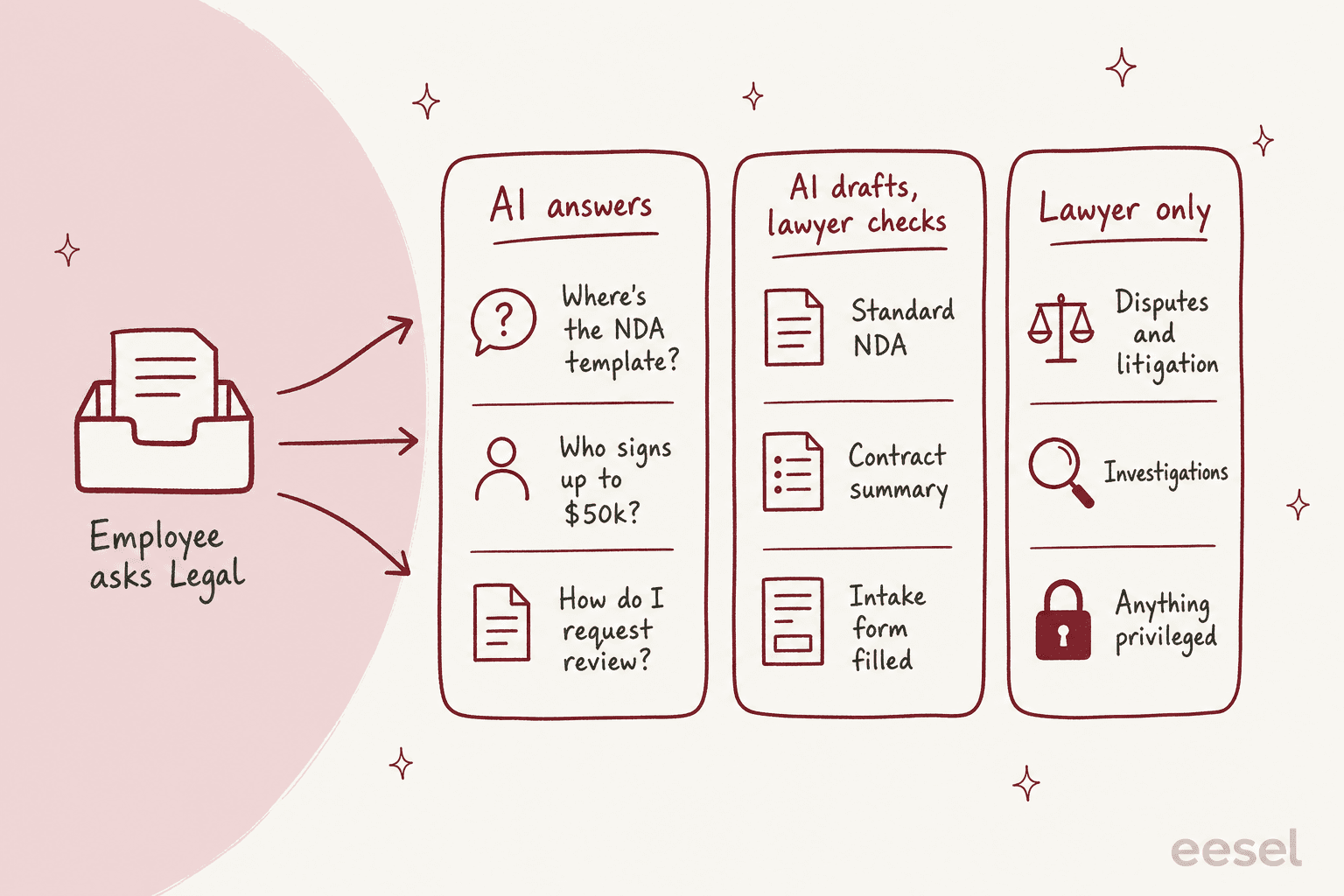
- AI answers. Where templates live, who can sign what, how to request a review, which contracts need legal sign-off. These have one right answer, and it's written down.
- AI drafts, a lawyer checks. A standard NDA from the template, a summary of a vendor contract, the intake form filled in from a messy Slack message. The AI does the typing, a lawyer owns the result.
- Lawyer only. Disputes, investigations, employment matters, anything where the conversation itself should be privileged. The AI's job here is to get out of the way fast and route it.
This lines up with where in-house teams already use AI. ACC's 2026 survey found use "concentrated in high-volume, repetitive work such as contract review, drafting, and regulatory monitoring", while litigation strategy and outside counsel management "remain largely led by the lawyers in the department."
Why are legal teams buried in repetitive requests?
Because requests arrive everywhere, and most of them are the same twenty questions. One in-house team of nine lawyers and three paralegals described it this way on Reddit:
"We receive requests via DocuSign, email, teams, phone calls, text messages (yes, some lawyers have a president or two their direct cell phone number), and there is no way to help track everything we do, even at a high level."

When there's no front door, people email their favourite lawyer, and that lawyer becomes the bottleneck. A legal ops lead who built a bot for this in Copilot Studio put the goal plainly:
"Legal front door, we have just under 100 services people can ask for us, our bot understand their request and provides the closest link or contact. Doesn't get it right 100% but enough to stop people getting in the habbit of emailing their favourite lawyer."
The same person says a single AI search over their policies "cut out 70%" of the due diligence questions where people were "just looking to quote a policy." That's one team's self-reported number, not a benchmark, but it matches what I see on other internal support desks: the policy-lookup lane is the biggest and the easiest.
Where should AI stop on a legal helpdesk?
AI should stop wherever an answer needs judgment, or where the conversation itself needs to stay privileged. That's a narrower line than "anything legal", and drawing it precisely is what makes the rest safe to automate.
Privilege doesn't survive a careless chatbot
In the US, Upjohn v. United States (1981) is why employees' communications with company counsel can be privileged at all; the Court noted that "lower-level employees can ... embroil the corporation in serious legal difficulties." The company is the client, and that protection is worth keeping.
AI tools can break it. In United States v. Heppner (S.D.N.Y., February 2026), Judge Rakoff held that a defendant's chats with a consumer AI tool were not privileged: "Because Claude is not an attorney ... that alone disposes of Heppner's claim of privilege." The consumer privacy policy also undercut any expectation of confidentiality. The court left one door open, noting that had counsel directed the use, the tool "might arguably be said to have functioned ... as a lawyer's agent."
The practical rule for a legal helpdesk: the AI handles the public lane (policies, process, intake), and anything that sounds like "I think we might get sued" goes straight to a lawyer without the AI drafting a substantive reply. This is about workflow design, not legal advice, so run the line past your own GC.
Lawyers still own the output
The ABA's Formal Opinion 512 (July 2024) says AI tools "cannot replace the judgment and experience necessary for lawyers to competently advise clients", and that relying on output without "an appropriate degree of independent verification or review" could breach the duty of competence. It also says "Managerial lawyers must establish clear policies regarding the law firm's permissible use of GAI." Written for firms, but the same logic applies to a GC deciding what the helpdesk bot may say.
The posture to aim for: every answer links its source, and "I couldn't find that, I've flagged it for the legal team" is an acceptable answer. One eesel industrial automation customer wrote the same rule into its setup: "a wrong detail is worse than no answer."
How do you set up an AI legal helpdesk?
Here's the order I'd do it in. None of it needs a long project; the slow part is writing down answers that currently live in lawyers' heads.
- Pull the last three months of requests. Export whatever you have: the legal@ inbox, the Slack channel, the Jira Service Management queue. Sort them into the three lanes above. Most teams find a dozen question types make up most of the policy lane.
- Write the answers down where the AI can read them. Legal FAQ, NDA policy, the signing matrix (delegation of authority), "how to request a review", approved templates. Put them in one internal knowledge base like Confluence, Google Drive or SharePoint. One gotcha: scanned PDFs without a text layer read as empty in most tools, eesel included, so re-export old signed policies as text.
- Pick one front door. A dedicated
#ask-legalchannel in Slack, a Teams channel, or a portal on your internal ticketing system. One door is the whole point. If you're choosing between chat-first and portal-first, the Slack ticketing guide covers the trade-offs. - Define the intake fields for anything that needs a lawyer. This is where AI saves the most lawyer time, because the back-and-forth disappears.
- Start supervised. Let the AI answer policy questions on its own, but set drafts and anything that sends a document to "needs approval" until you trust it.
- Test on past requests before anyone sees it. Run it against the questions you exported in step 1 and compare its answers with what your lawyers actually said.
The intake step deserves a picture, because it's the one lawyers feel first:
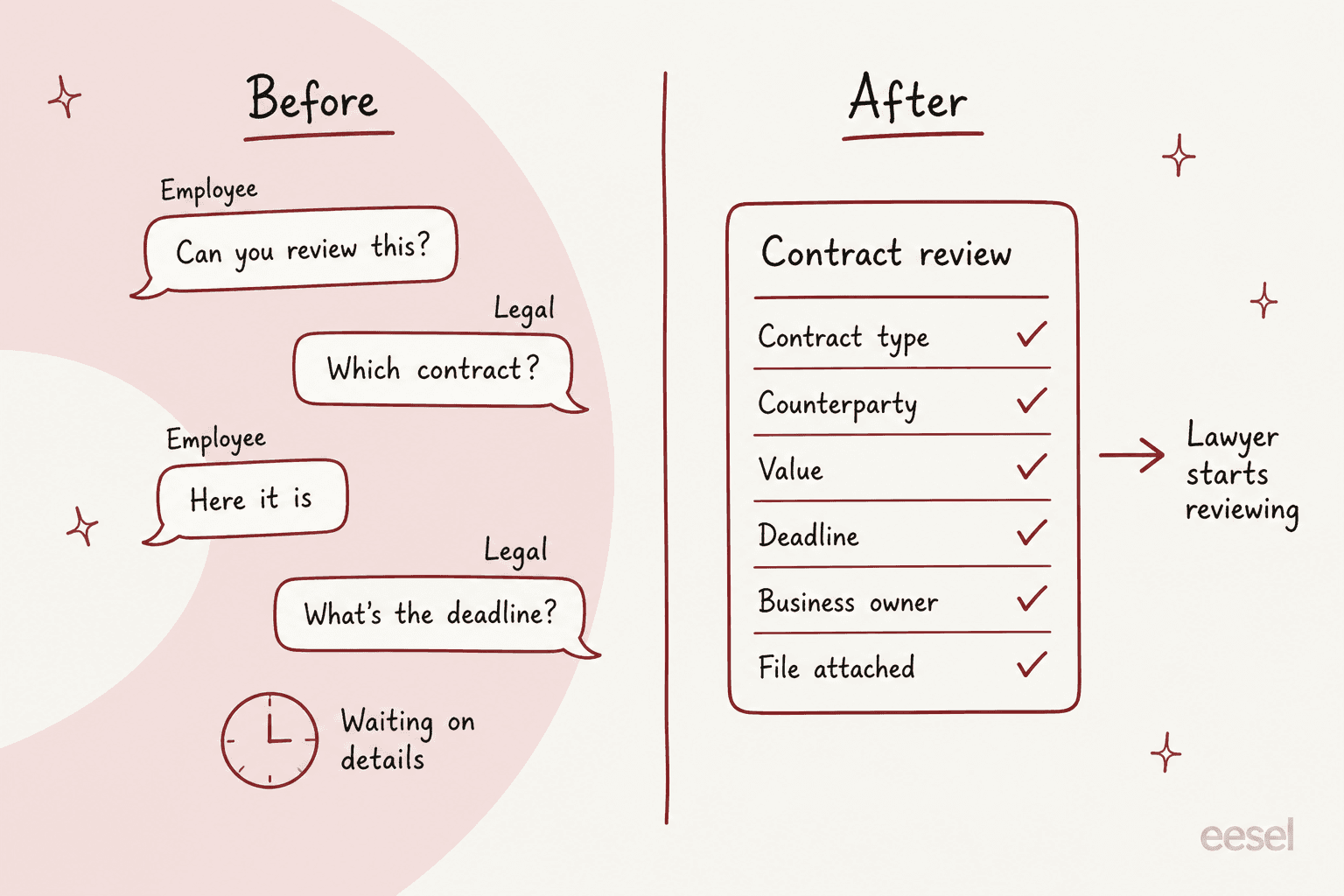
An employee who writes "can you look at this vendor contract?" gets asked, in the same thread, for the contract type, counterparty, value, deadline, business owner and the file. The lawyer receives one complete ticket instead of a conversation. That's ticket triage applied to legal, and it's the same job smava runs in regulated consumer finance, where the agent categorised 14,600 tickets in a month and sends customers with an assigned advisor to that advisor instead of an automatic reply.
How much lawyer time would it give back?
Plug in your own numbers. The defaults are assumptions, not benchmarks: change them to match what step 1 of the setup showed you.
At the defaults, that's roughly 43 lawyer hours a month, and 400 requests fit inside the $299 plan's 500 credits on eesel pricing. Your real numbers will move this a lot, which is exactly why step 1 matters.
Which tools handle legal intake and triage?
There are two kinds of tools here: legal-specific front-door platforms, and general helpdesk AI that you point at legal's documents. The split that matters most for buyers is whether the tool answers employees itself, or mostly routes requests to lawyers.
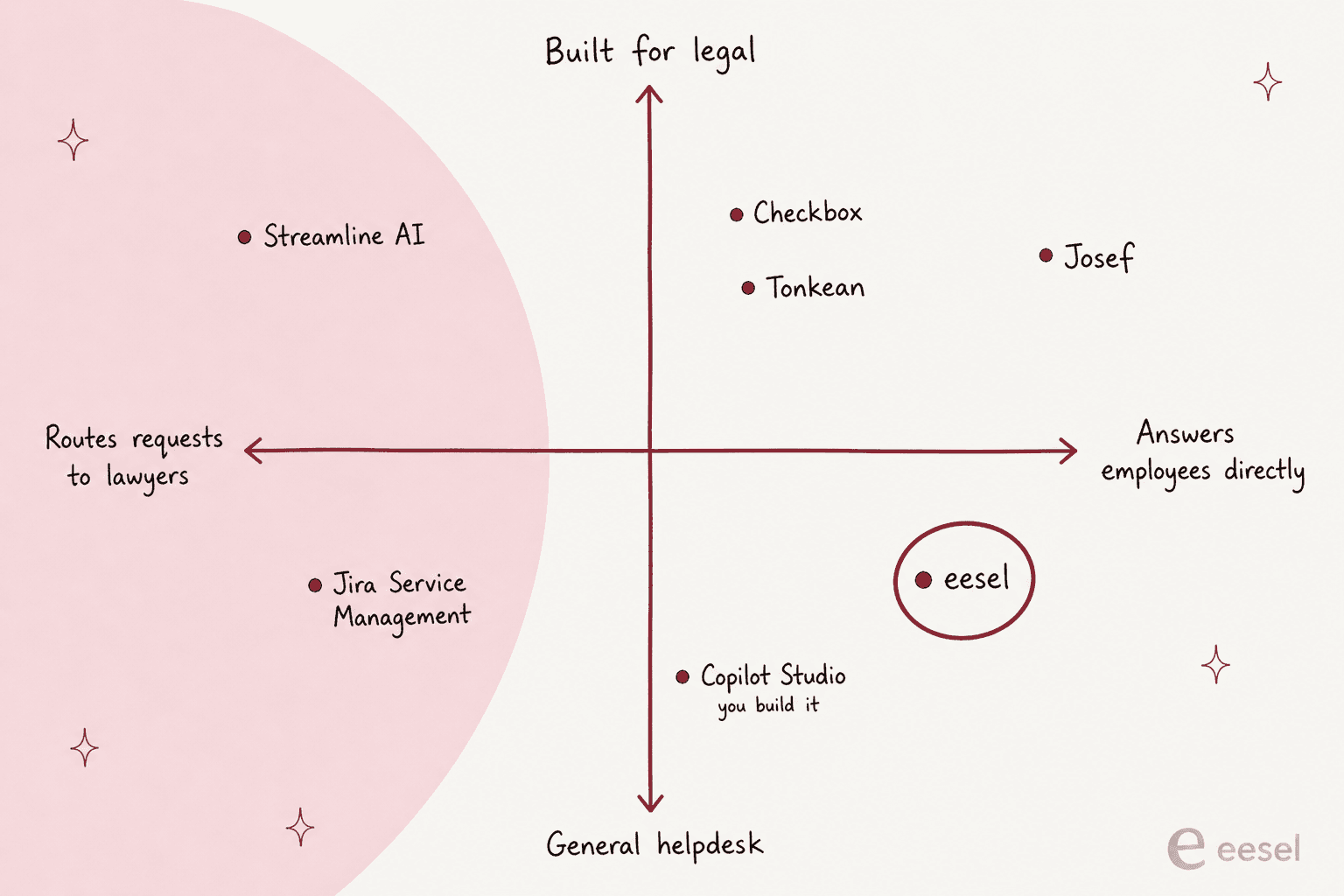
Prices below come from each vendor's own page, checked on 1 November 2026.
| Tool | Built for | Answers employees directly | Where requests come in | Price (vendor page) | Security stated |
|---|---|---|---|---|---|
| Checkbox | In-house legal | Yes, AI Agent from approved policies and playbooks | Email, Slack, Teams, Jira, forms, portal | Quote only | SOC 2 Type II, ISO 27001:2022, 27017, 27018 |
| Streamline AI | In-house legal | Intake and triage; no employee Q&A on its intake pages | Slack, Teams, legal@ email, portal | Pro from $22,900, Enterprise from $26,900 (billing period not stated) | SOC 2 Type II, GDPR |
| Josef Q | In-house legal | Yes, says "I don't know" and points to Legal | Teams, Slack, SharePoint | Quote only | SOC 2 Type II, GDPR, US/EU/UK/AU hosting |
| Tonkean LegalWorks | In-house legal | Yes, policy Q&A and NDA agents | Slack, Teams, email, portals | Custom quote per Monthly Tracked User | Not named on its pages |
| Jira Service Management | Any service team | Virtual service agent on Premium | Email, Teams, Slack, widget, portal | Free for 3 agents; Standard $21.50, Premium $55.28 per agent/month | Not covered here |
| Copilot Studio | General agent builder | Whatever you build | Teams, Microsoft 365 | $30/user/month add-on, or $200/month for 25,000 credits | Not covered here |
| eesel | AI helpdesk teammate | Yes, in the Slack thread with the source linked | Slack, Teams (on request), JSM, Zendesk and other helpdesks | Free 100 credits; from $299/month for 500 credits | GDPR; SOC 2 Type II in progress; no training on your data |
Checkbox
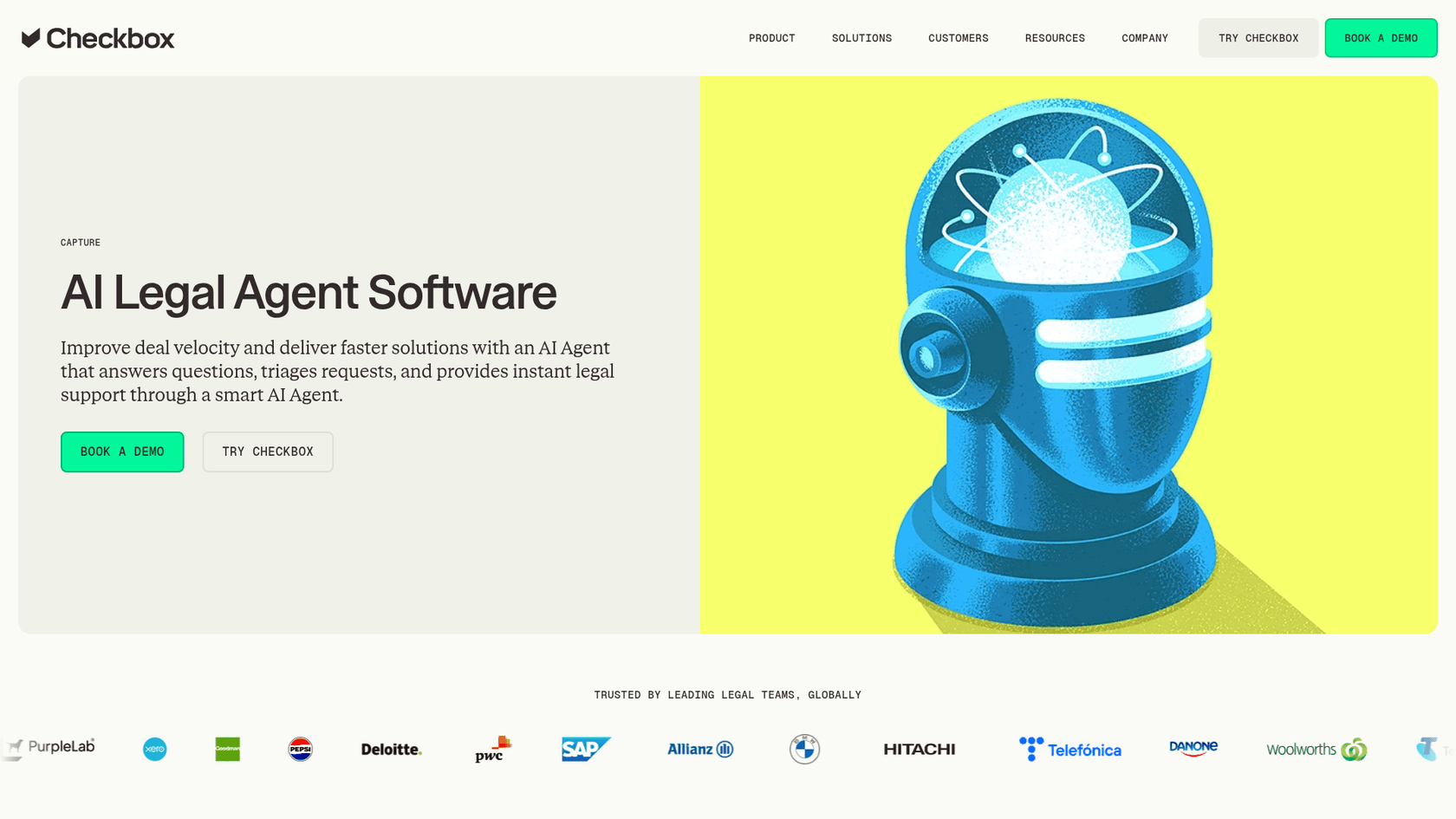
Checkbox is the most complete legal front door I looked at. Its AI Agent answers employees in Slack, Teams, Gmail and Outlook using only the policies and playbooks legal approves; the example on its page answers "Can I use our standard NDA?" with "Use the mutual NDA". It also watches chat channels and steps in when something needs legal, which is clever and worth a conversation with your privacy team. Customer numbers on its site include Xero automating 250+ NDAs. Pricing is quote-only.
Streamline AI
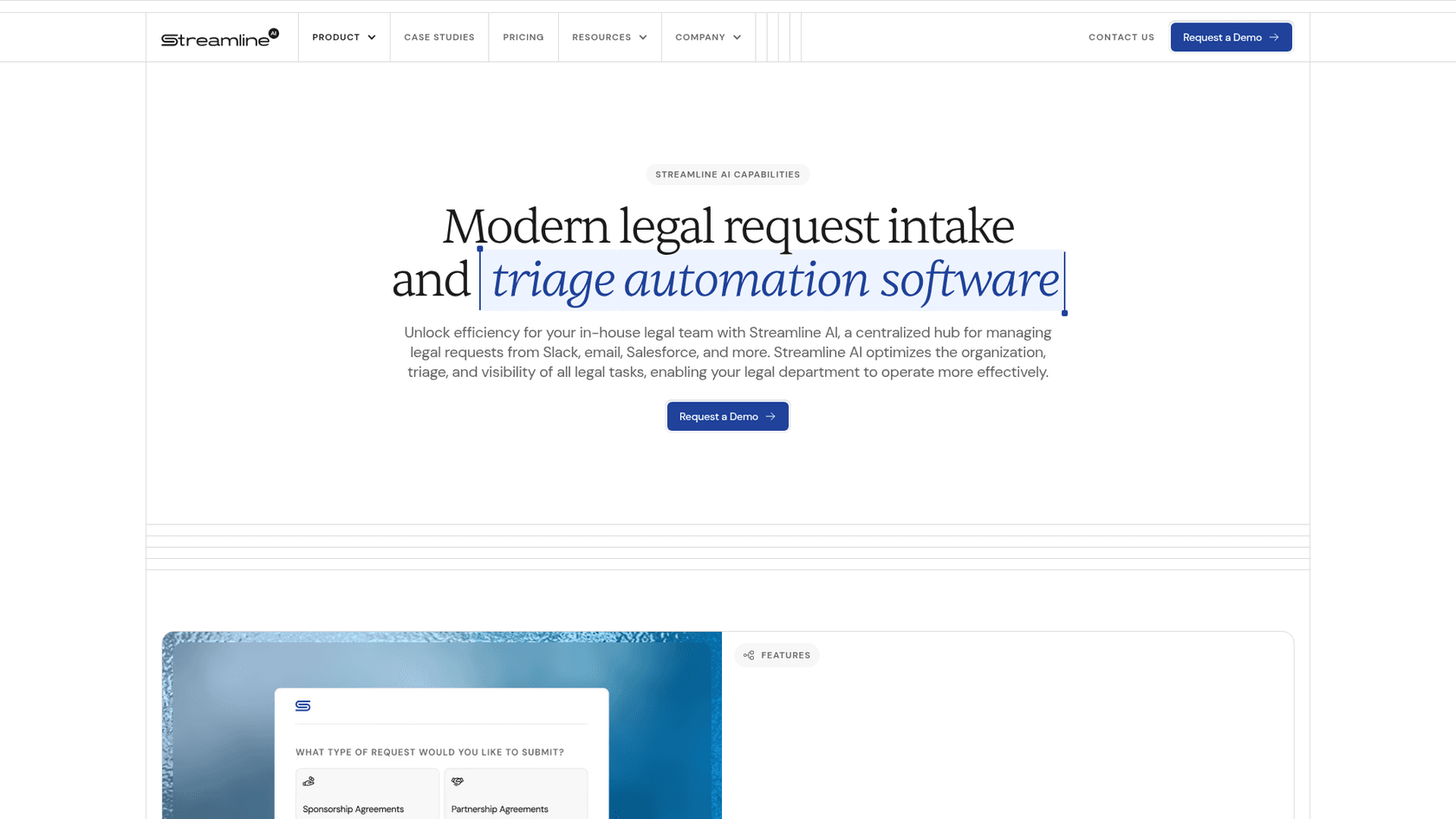
Streamline AI is intake-first: it sorts each request by type, urgency and team, starts an SLA timer and creates a record, and it reviews contracts against your playbook. It's one of the few vendors here with a public price, Pro from $22,900 with 5,000 business users, and it quotes about 60 days to go live. A senior counsel's G2 review (marked as incentivized) says it pulled work that was "scattered across emails, chats, documents, and multiple systems" into one place.
Josef
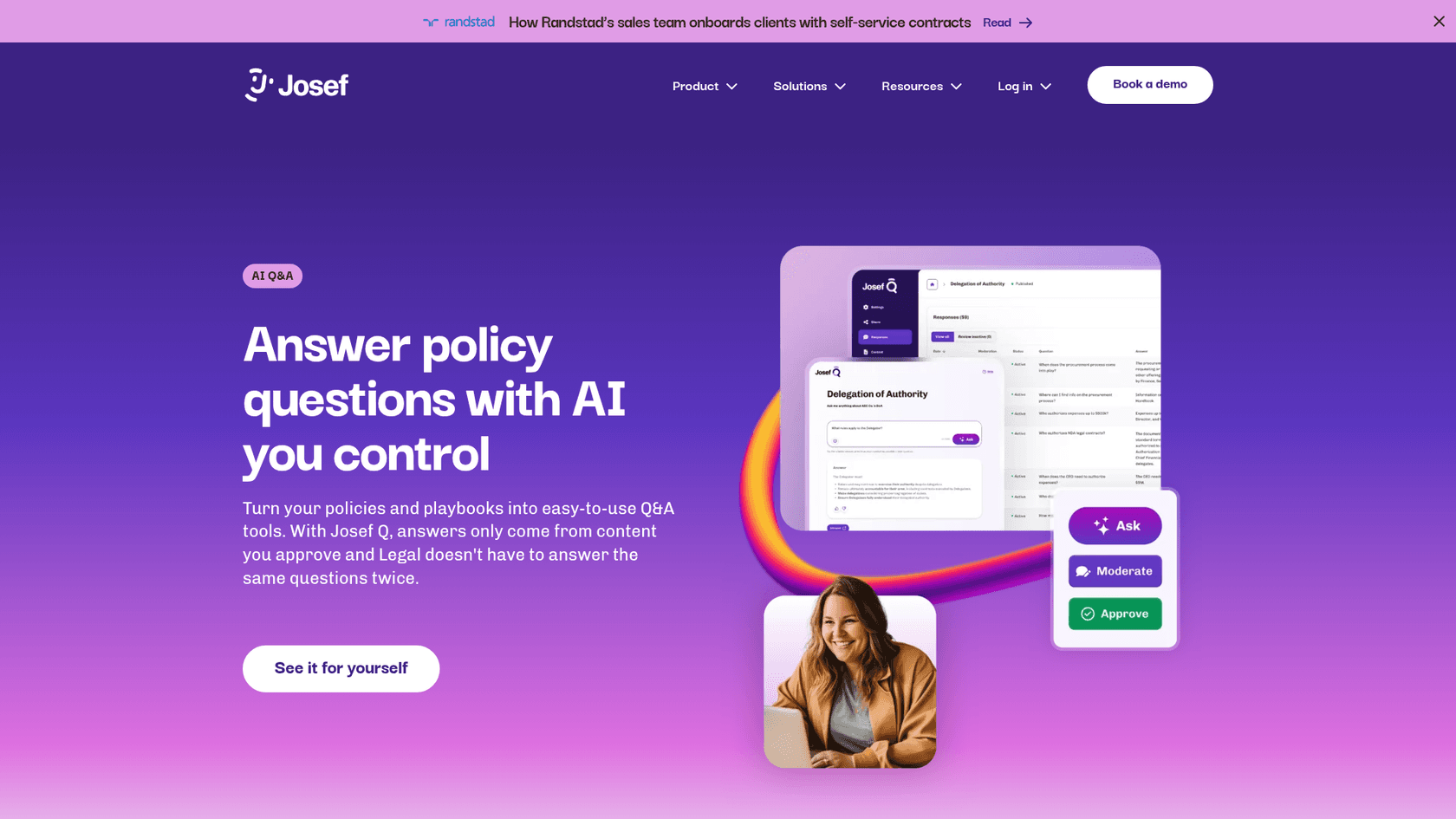
Josef Q is the cleanest match for the policy-answer lane. It answers only from content legal uploads, shows its sources, says "I don't know" when it should, and lets legal review answers before they go out. It runs in Teams, Slack and SharePoint, and offers data hosting in the US, EU, UK or Australia. Quote-only pricing.
Tonkean LegalWorks
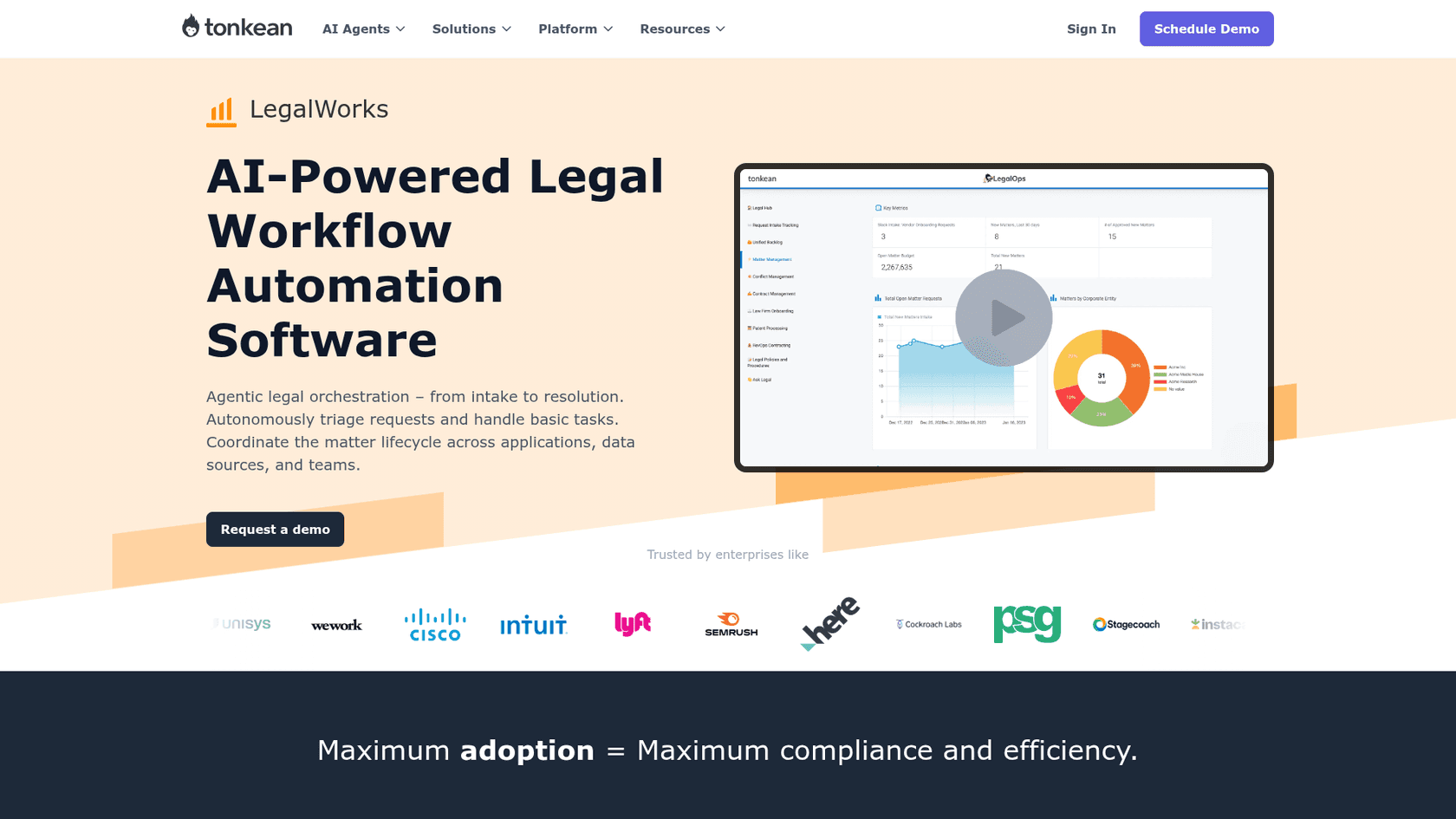
Tonkean LegalWorks packages named agents: an AI NDA Agent, a policy Q&A agent and a contract manager agent, with integrations into Ironclad, DocuSign CLM and ServiceNow. The billing unit is unusual: Tonkean pricing counts a "Monthly Tracked User", anyone who submits a form or replies in Slack or Teams, rather than seats.
Jira Service Management
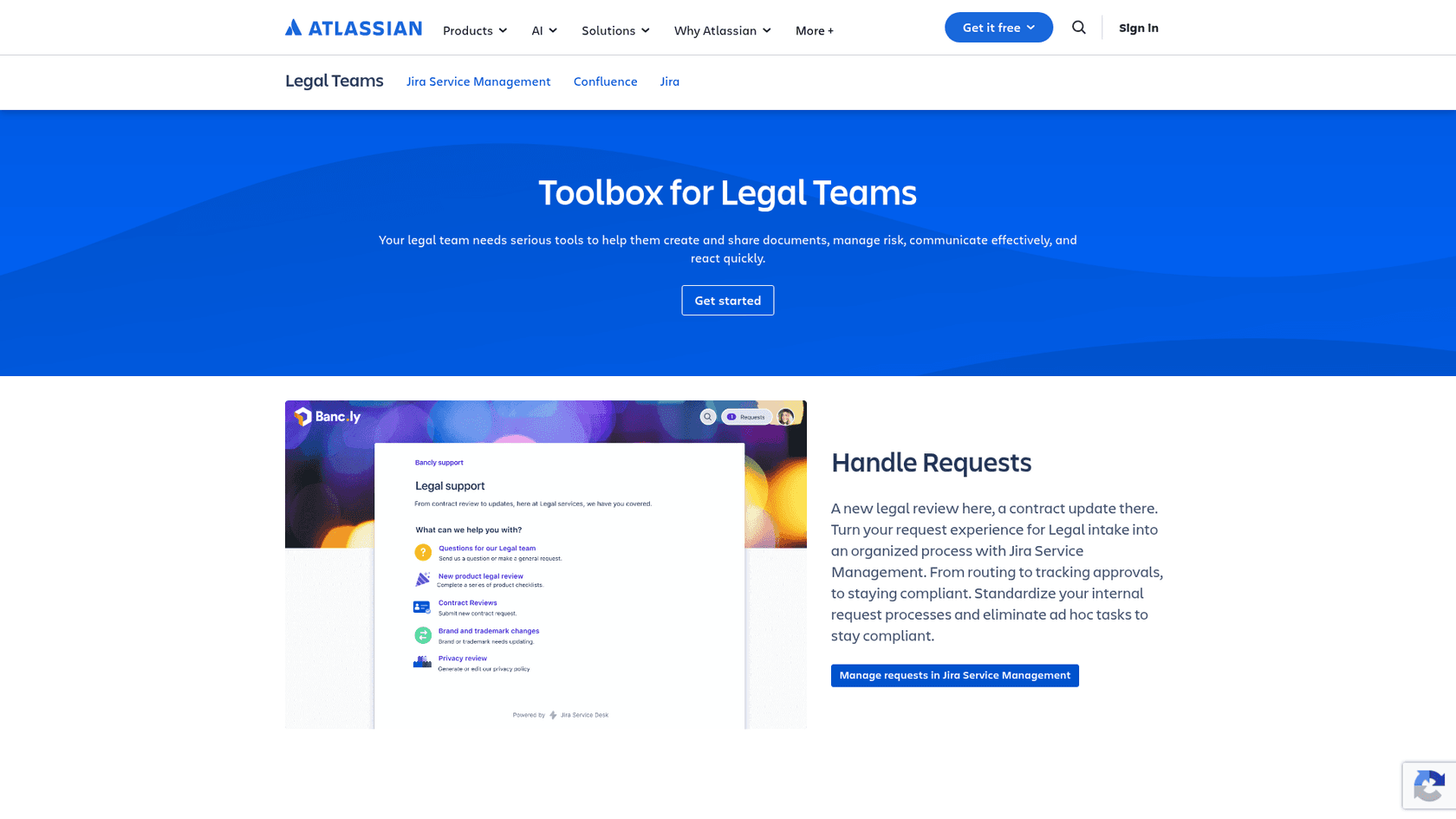
If your company already runs Jira, Jira Service Management gives legal a portal, legal request templates and a knowledge base, and employees who only submit requests are free. The virtual service agent is a Premium feature ($55.28 per agent per month at Atlassian's default 75-agent setting), with 1,000 assisted conversations a month included, then from $0.30 each. It's a solid ticketing backbone; you can also add eesel on top of JSM for drafting and triage.
Copilot Studio
Copilot Studio is what many in-house teams try first because it's already in the Microsoft 365 contract. It's a builder, not a legal product, so intake forms, routing and matter records are yours to build. The Reddit front-door bot quoted earlier was built this way. If you're weighing it, the Microsoft Teams support roundup covers the ready-made options.
Can a general helpdesk AI run a legal desk?
Yes, when the legal desk looks like every other internal desk: a chat channel, a knowledge base and a queue. That's most of them. The legal-specific tools add contract workflow, playbook redlining and matter management. If you need those, buy one. If what's drowning you is the policy questions and the intake chasing, a general helpdesk teammate covers it for a fraction of the setup.
This is the setup I'd build with eesel:
- In Slack. Employees @mention eesel in
#ask-legal, it answers in the thread from your connected policies with the source linked, and keeps answering follow-ups. It asks before joining any channel. Search only covers public channels it's in, plus private channels the person asking is in, so it can't surface a private legal channel to someone outside it. Microsoft Teams works too, turned on by request. - Reading your policies live. Confluence is read at answer time, so when legal updates the NDA policy, the next answer uses it. Drive, Notion, SharePoint and uploaded PDFs also work.
- Filing the intake. On Jira Service Management, eesel picks up new requests, leaves an internal note, labels, assigns and moves them through your workflow.
- With approvals on. Every action is set to Auto, Needs approval or Disabled, and approval cards land in the Slack thread with Approve and Deny buttons. The Activity log records who approved what, which is the audit trail a GC will ask about.
- Tested first. The simulation skill drafts answers to past requests, puts them next to what your team sent, and tells you what to fix before it answers anyone. Here's how that testing works.

Two customer setups show the shape. Cactus Club Cafe runs an internal helpdesk where the agent opens the emergency policy and routing matrix before anything else, then follows the matching runbook word for word: 750 tickets in a month, 790 drafts for the team, 1,650 policy and runbook lookups. Swap "runbook" for "NDA policy" and that's a legal desk. And Dokument 24, an online legal documents company, has eesel tag each ticket by product (wills, powers of attorney, prenups) and leave 670 Danish draft replies a month as internal notes for a person to send. When its knowledge doesn't cover a question, the note says so.
A head of IT at a fintech described the role in the simplest terms:
"We use it to be the first responder to our Helpdesk tickets in Jira. It essentially acts just like an agent would."
What should you check before an AI reads legal's documents?
Legal will run the toughest security review in the company, and it should. These are the questions I'd ask any vendor, eesel included:
- Is our data used to train models? Checkbox, Streamline and eesel all say no on their own pages. Get it in the contract.
- Where is data stored? Josef offers US, EU, UK or Australia. eesel offers EU or US data residency, with EU processing on request, per its Trust Center.
- What certifications are done, not in progress? Checkbox lists SOC 2 Type II and three ISO certificates. eesel's SOC 2 Type II is in progress and it's GDPR compliant; for contract terms like a DPA, see eesel Enterprise. More on this in the SOC 2 and GDPR explainer.
- Can we scope what the legal agent sees? Run a separate agent for legal with only legal's sources connected. ACC found
41%of legal departments have never audited for unapproved AI use, so a sanctioned, scoped tool beats people pasting contracts into consumer chatbots. - Who approved what, and when? You want an activity log you can export, not a chat history.
A development director at an EU HR-compliance software company told the eesel team what tipped their decision:
"We needed a turnkey solution for Confluence that met our GDPR requirements and could serve different teams through dedicated Slack bots. eesel AI delivered exactly that, with EU data residency included."
Try eesel for your legal helpdesk
If your legal team answers the same NDA, signing and process questions every week in Slack, eesel can take that lane today: it joins #ask-legal, answers from your Confluence or Drive policies with the source linked, collects intake details for contract reviews, and holds anything that sounds like a dispute for a lawyer. It's an AI teammate you hire for the legal front door, not a platform you build. Start on the free 100 credits, run the simulation on last quarter's requests, and see what it gets right before anyone else does. Try eesel.