

The Trello Claude connector is Trello's own MCP server, listed in Claude's connector directory as "Made by Trello": you click Connect, sign in to Trello, pick your workspaces, and Claude can then read, create, move, label, comment on and archive cards, lists, checklists and boards for you. Trello launched it on 22 July 2026, it works on every Trello plan, Free included, and connectors are on every Claude plan.
It acts as you, with exactly your Trello access, and it can't delete anything (it archives instead). For one person turning a planning chat into a board, it's lovely, and I'd set it up today.
The gap shows up when the board belongs to the team. "Where's the launch card at?" gets asked in Slack by six people, none of whom has Claude open on the right workspace. That's where eesel comes in: an AI teammate that works in Trello for everyone, where what it does alone, what it asks first and what it never does depends on who is asking. You can even have Claude Code set it up with the eesel CLI: it connects your apps, writes the agent's instructions and asks test questions before anyone in Slack sees an answer.
I've spent the last few years building AI that takes actions inside other teams' tools. The hard part is never the API call. It's deciding what the AI may do on its own, what waits for a yes, and who it should refuse. That's the lens for this post.
What is the Trello Claude connector?
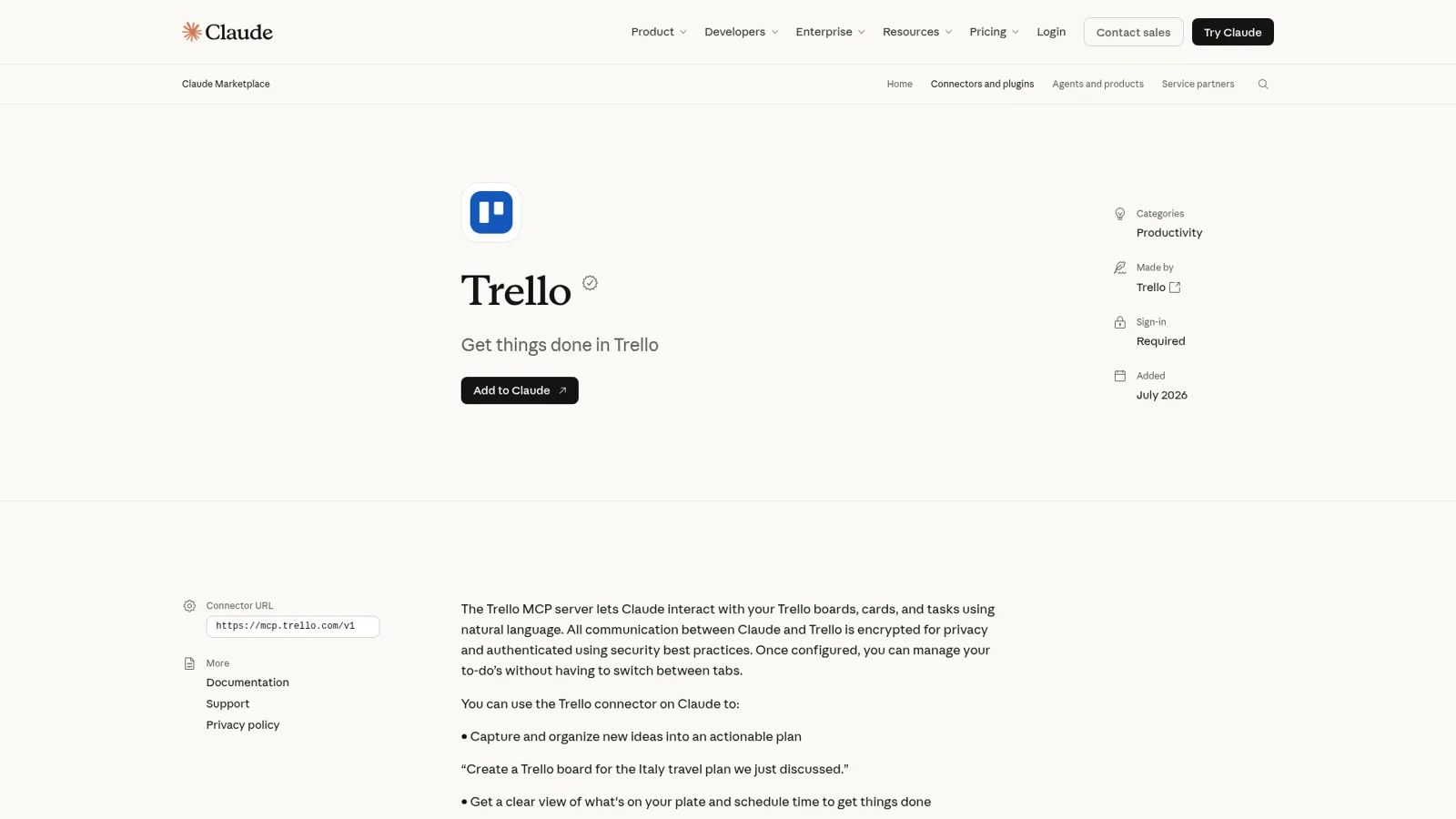
The Trello Claude connector is an app Trello builds and maintains, listed in Claude's directory since July 2026. The listing says it "lets Claude interact with your Trello boards, cards, and tasks using natural language". It carries Anthropic's Verified checkmark, which per Anthropic's connector labels means Anthropic "has tested a Verified connector's tools for quality and compatibility".
Under the hood it's the Trello MCP server at https://mcp.trello.com/v1, documented in a public GitHub repo which also ships an agent skill teaching assistants Trello's ID formats. Trello's own MCP help article is the best reference, and it lists ChatGPT, Claude, Cursor, VS Code and Gemini CLI as supported clients. My sibling post on the Trello ChatGPT integration covers the OpenAI side.
Is it part of Atlassian's Rovo MCP server?
No, and this trips people up because Trello is an Atlassian product. The Atlassian MCP server covers Jira, Confluence, Jira Service Management, Bitbucket, Loom, Goals, Projects, Teams, Focus, Talent and Compass. Trello isn't on that list. Trello's MCP page explains the split and the plan: "we plan to incorporate Trello into the Atlassian Rovo MCP in the future." So if your company runs Jira and Trello, today you add two connectors. My posts on Rovo and the Claude Jira integration cover the Jira half.
Before July, there was no official route at all. In May, an Atlassian staffer answered a forum question about connecting Trello to Claude with "Trello doesn't have a built-in way to connect to agents" and pointed to Power-Ups and the REST API. That's still the fallback if you need something the MCP server doesn't do yet.
How do you connect Trello to Claude?
You connect it from Claude's directory, and it takes about a minute:
- Open the Trello listing and click Add to Claude (or search "Trello" under connectors inside Claude).
- Click Connect and sign in with the Atlassian account you use for Trello.
- On Trello's consent screen, pick the workspaces Claude may see. Since the 28 September update you can pick several.
- Approve the permissions. Trello offers Read, Write and Search.
Two details matter later. If you skip a permission, Trello's help says you have to "disconnect Trello MCP and reconnect it with the updated permissions" to add it. And in Claude Code, Cursor or any other MCP client, you add the server URL yourself; my Claude Code MCP tools post covers that side.
On Claude Team and Enterprise, an Owner adds the connector for the organisation first, and "members then connect with their own account" (Claude docs). On Trello's side, MCP access is on by default for Premium and Enterprise, and Enterprise admins can turn off read_trello or write_trello or block MCP domains from Atlassian Administration (Trello's FAQ).
What can Claude do in Trello?
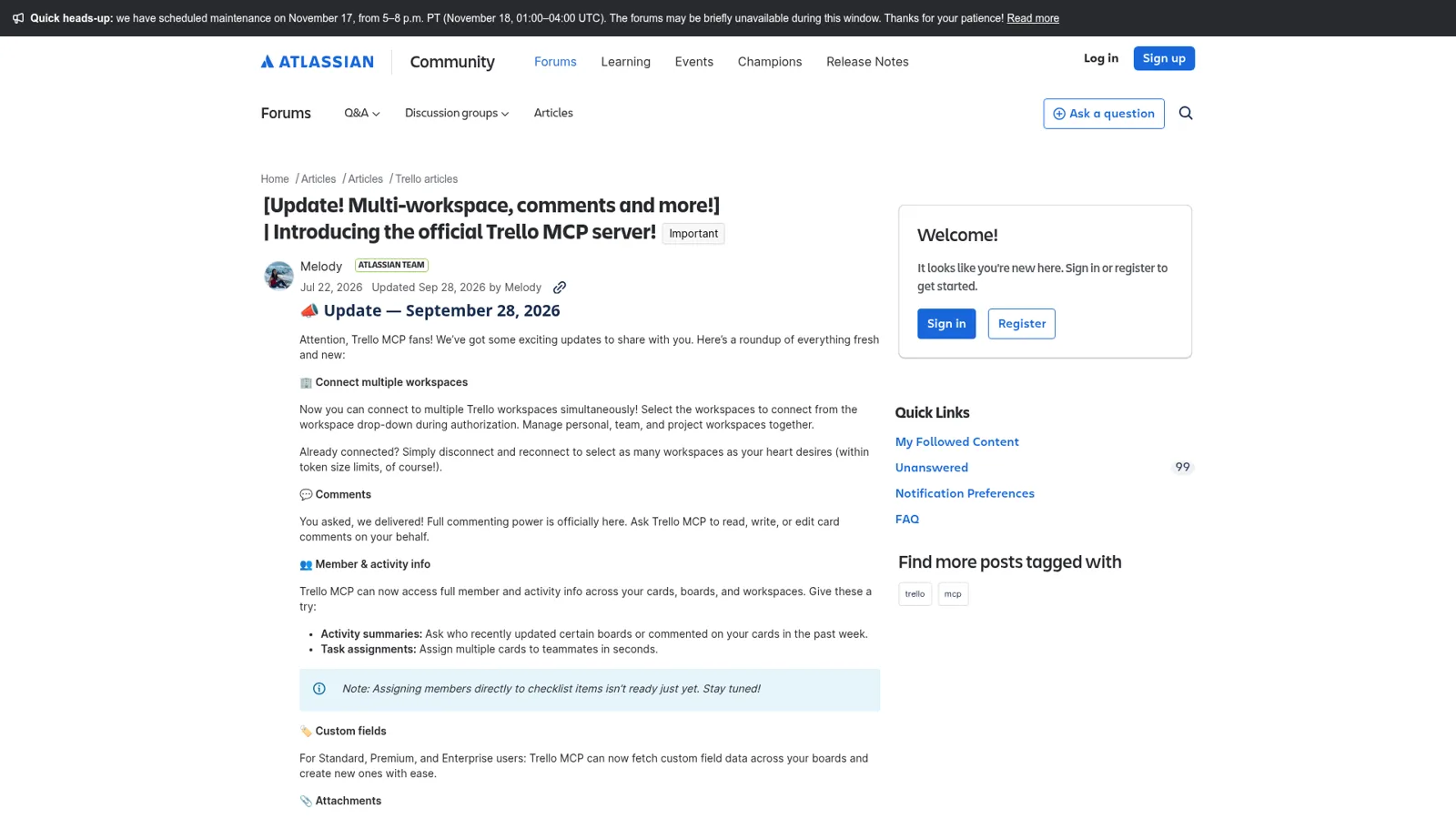
Claude can do most of what you'd click in a normal week, except delete things. The listing exposes 15 tools, split into reads (trelloReadBoard, trelloReadCard, trelloReadChecklist, trelloReadInbox, trelloReadList, trelloReadMember, trelloReadPlanner, trelloReadWorkspace, trelloSearch) and writes (trelloWriteBoard, trelloWriteCard, trelloWriteChecklist, trelloWriteInbox, trelloWriteList, trelloWritePlanner). Here's what they add up to, per Trello's capability table:
| Area | What Claude can do | Not yet |
|---|---|---|
| Boards and lists | View and create boards, view labels, view and move lists | Edit board name or visibility, archive boards |
| Cards | Create, update, move, archive, mark done, attach labels, assign members | Copy cards, permanent delete |
| Checklists | Create and update checklists and items | Assign members to checklist items |
| Comments and activity | Read, add and edit comments; activity summaries across boards | |
| Custom fields | Read values, create fields (Standard, Premium, Enterprise) | |
| Inbox and Planner | Manage Inbox cards, read calendar events, create focus time (Premium and up) | View events linked to a card |
| Attachments | Read attachments, attach links | Upload local files |
The jobs it's best at are the ones Trello's own launch post leads with: turning a long planning chat into a board with lists, cards and checklists, and cleaning up. "Move everything in my Inbox to the corresponding boards" is one of Trello's sample prompts, and it's exactly the chore nobody wants. Developers like how little setup it takes:
"I use it for Trello. I log in, then I can call all the data about my board. No CLI to install, no token to copy-paste somewhere. It just opens a browser tab to log in when required, next, next, next, and it works."

Whose access does the Trello connector use?
It uses yours, all of it. Trello's FAQ puts it plainly: "Your AI will have the same access you do in Trello, so it can see all of your Trello content." Within the workspaces you authorised, Claude can do anything you can, minus deletes.
That no-delete rule was a deliberate call, and it answered the first worry people raised:
"What guarantees are there that my AI agent (Claude) won't delete critical cards or comments that are required for compliance and product history etc?"
Trello's reply was that Claude "cannot permanently delete Trello content because they don't have the tools to do so." Archive is still a write, though, so on a shared board I'd still be careful about bulk moves.
Claude adds its own layer on top. Owners on Team and Enterprise can set each tool, or a whole group, to Always allow, Needs approval or Blocked, org-wide, so you could let Claude read Trello freely and make every write ask (Claude Help Center). That's a real control. What it doesn't do is change with who the work is for, because in a Claude chat only one person is ever asking.
Two access gaps hit teams specifically:
- Board guests. If your company's central board has you as a guest, Claude can't see it. Atlassian staff said on 12 August that "supporting board guests in Trello MCP is not currently on our roadmap", and suggested joining as a full member (thread).
- Inbox and Planner. These are account-level, so Trello disables those permissions for workspaces your organisation doesn't own.
What problems do people hit with the Trello Claude connector?
It's four months old and moving fast, so most of what I found on Atlassian's forums is either fixed or on the roadmap. Still, test the jobs you care about before you build a routine on them.
Missing write fields. In August a user asked Trello to wire up card members and checklist due dates, and staff replied "It's on our roadmap!" (thread). The 28 September update added card assignment; checklist-item members are still listed as coming. Setting a custom field's value is still open as GitHub issue #20, opened on 2 November.
Tools that don't match their own description. One developer reported add_comment and add_member failing through Claude with "Invalid enum value":
"Impact: automated comment/assignment workflows via the MCP connector are currently not possible; a manual workaround via the Trello web interface is in use instead."
Connection trouble. On 22 October a user found the server failing in both Claude and ChatGPT while Trello's web app worked fine, with other reports of timeouts and HTTP 429 errors (thread). Trello's own first fix for odd behaviour is a refresh: "In Claude Desktop, restart the desktop app", then disconnect and reconnect.
None of that is a reason to skip it. It's a reason to keep the important stuff (who owns what, what's due) in Trello itself, not in a Claude routine only you can see.
How much does the Trello Claude connector cost?
The connector itself costs nothing extra. Trello's MCP server works on any Trello plan, and Trello's FAQ notes that using it "will draw on your AI client's message limits or tokens". Here's what the plans around it cost:
| Plan | Price | What matters for the connector |
|---|---|---|
| Trello Free | $0, up to 10 collaborators per workspace | MCP works; 10 boards per workspace; no custom fields |
| Trello Standard | $5/user/month billed annually, $6 monthly | Custom fields; Trello's built-in AI |
| Trello Premium | $10/user/month billed annually, $12.50 monthly | Creating focus time via Planner; admin and security features |
| Trello Enterprise | $17.50/user/month billed annually | Admin controls over MCP read and write access |
| Claude Free | $0 | Connectors: yes |
| Claude Pro | $17/month billed annually, $20 monthly | Connectors, plus scheduled tasks |
| Claude Team | $20/seat/month billed annually, $25 monthly (standard seat) | Admin controls for connectors |
My Trello pricing and Claude pricing breakdowns go deeper on each side.
Do you even need Claude, or does Trello's own AI do it?
For plenty of board chores, Trello's built-in AI is enough. On Standard, Premium and Enterprise, Trello AI can create a board from a description, merge duplicate cards, generate a checklist from a card, suggest focus time, set a due date from a title like "Submit report by Friday", and summarise or rewrite card text with Rovo. Trello rolled out seven of these features on 30 July.
And for the repetitive stuff, Trello's automation (the feature people still call Butler) runs rules, card and board buttons, scheduled actions and due-date actions on every plan, and can email prebuilt reports on a schedule. A rule never guesses, which is a virtue.
Claude earns its place when the work starts outside Trello: a messy chat, a meeting transcript, a doc, your calendar. The connector carries that into the board. My Trello AI post compares the built-in options in more depth, and AI project management tools covers the wider field.
Where the Trello Claude connector stops for a team
A team needs Trello answers for everyone, in the place they already ask, with rules that depend on who's asking. Picture a normal week on a shared launch board:
- "Where's this card at?" Someone in #marketing asks whether the launch email card moved to Done. Someone else in Teams asks who owns the pricing page card. They ask in chat, not in Claude.
- Cards from a thread. A decision lands in Slack, and someone has to turn it into a card with an owner, a due date and a checklist.
- The Monday digest. Someone collects what's overdue, what's blocked and what moved, and posts it.
Claude handles all three for the person typing. Trello's own Slack app helps with the second, letting people create cards from Slack, though each person links their own account and quick capture lands in their personal Inbox. What nobody has is one teammate the whole channel can ask, that knows the board and follows the team's rules.
How eesel works in Trello for the whole team
eesel is an AI teammate that works in the apps your team already uses, and Trello is one of them. Connect Trello and it looks things up and takes actions there, with each action set to On, Ask first or Off (integrations). It sits in Slack, Microsoft Teams, Google Chat and email, so the person asking "where's this card at?" gets the answer in the thread they asked in.
What it may do depends on who is asking
This is the part a personal connector isn't built for. Every Trello action is On, Ask first or Off, per agent, and you can set it just by saying it in chat (actions and approvals). On top of that, eesel tells apart your team, the specific people you name, verified customers and anonymous visitors, and gives each their own rules. A sensible Trello setup reads like this:
- On its own for the team: look up any card, and create a card from a Slack thread or move it to Done when the project lead asks.
- Ask first for a contractor: when a freelancer in a shared Slack channel asks to archive a card or reassign it, the request waits as an approval card in that same thread, with Approve and Deny.
- Never for an outsider: a visitor in your website chat gets nothing from your boards, ever.
Only editors approve, you pick which members or channels get the requests, and eesel's safety check can still hold a risky call on an action set to On. Anything marked Team only runs only when someone on your team asks.

It does the Monday digest without being asked
An automation starts work on a schedule, an event in a connected app, or a webhook. So "every Monday at 9am, post what's overdue and blocked on the launch board to #launch" is one sentence to set up. At Cape Coffee Beans, eesel ran 160 scheduled checks across Zendesk and Google Drive in a month, on weekday and Saturday mornings, emailing the founder a short list of what had slipped. Point the same idea at a Trello board and you have the team digest.
It learns from your docs, past work and Slack history, and when someone corrects the format once, the correction sticks for every digest after. eesel's internal operations guide shows the same setup answering team questions from your wiki.
Trello Claude connector vs eesel in Trello
They do different jobs, so this compares their shape.
| Claude + Trello connector | eesel in Trello | |
|---|---|---|
| Works for | You | The whole team |
| Who can ask it | The person in the Claude chat | Anyone in Slack, Teams, Google Chat or email |
| Whose Trello access | Yours, in the workspaces you authorised | The connected account, action by action |
| What decides what it may do | Your Trello permissions, Trello admin settings, Claude owner tool settings | On, Ask first or Off per action, plus rules by who is asking |
| Works with nobody at a keyboard | Claude scheduled tasks you set up (Pro and up) | Schedules, events in connected apps, webhooks |
| Cost | Your Claude and Trello plans | From $299 a month, unlimited seats |
Sources: Trello MCP docs, Claude connectors, eesel actions.
Can you keep Claude and use eesel too?
Yes, and I'd keep both. Claude stays your own planning partner, and eesel does the shared board work. Your eesel workspace is itself an MCP server, so you can add it to Claude as a custom connector and ask "what did eesel post in #launch this morning?" or "have eesel turn this thread into cards" from any Claude chat (use eesel from Claude). Editors can change things, viewers get the read side, and anything on Ask first still asks.
New to the idea? My posts on AI teammates and the best AI teammates explain the category, Claude for work covers Anthropic's team plans, and my Claude Tag review looks at Anthropic's own Slack teammate. If you're comparing assistants, start with ChatGPT vs Claude.
Still choosing a board tool? See my Trello overview, Trello vs Asana or Trello alternatives, and the Asana Claude connector if you're on the other side of that fence.
Try eesel as your team's Trello teammate
If the Trello Claude connector already saves you time, eesel is the same idea for everyone else on the board. It answers "where's this card at?" in Slack and Teams, turns a thread into a card, posts the Monday digest, and asks before it archives or reassigns anything for someone outside the core team. The free trial runs 7 days with 100 credits and no card, and plans start at $299 a month with unlimited seats.
