

Yes, Claude has an official Canva connector: add Canva from Settings > Connectors, sign in to your Canva account, and Claude can search, create, autofill, edit and export your designs from a chat, with live previews right in the conversation. It works on every Claude plan and every Canva plan, Free included. Brand templates, resize and autofill need Canva Pro or above, and design generation spends your Canva AI allowance.
It's a lovely tool for one person: "turn this outline into a deck", "find last quarter's sales report and export it as a PDF", "make three Instagram versions of this poster". Each person signs in to their own Canva account, and Canva admins can only switch the connector on or off for the whole team.
Design work in most companies isn't one person, though. It's ten people asking for banners, decks and resized posts in Slack. eesel is the teammate for that queue: it takes requests from anyone in Slack or Teams, and what it does on its own, asks first or never does depends on who is asking. Claude Code can even set it up for you with the eesel CLI, connecting your apps and asking the agent a test question before your team sees it.
What is the Canva connector for Claude?
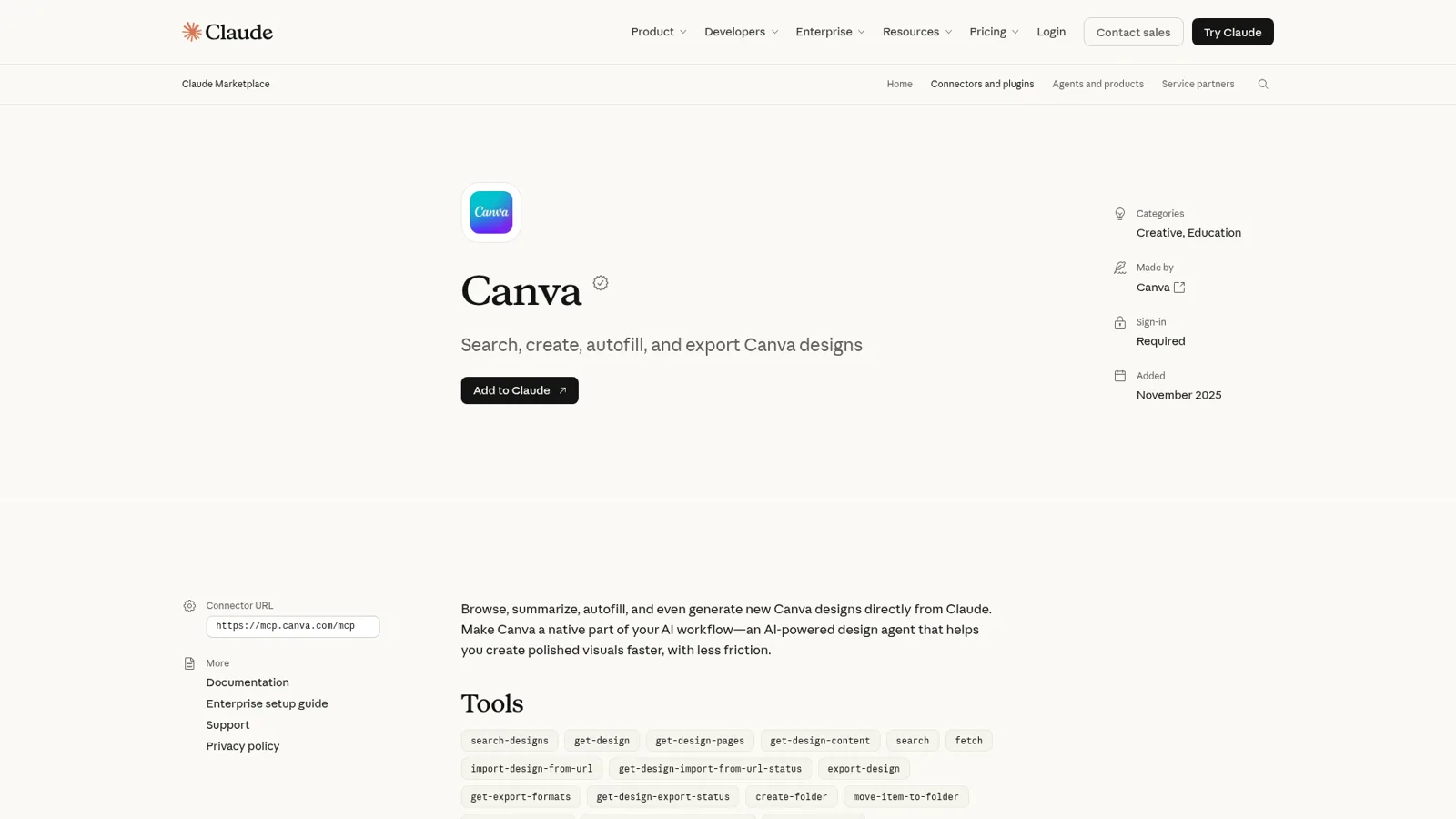
The Canva connector is Canva's own MCP server, listed in Claude's connector directory with Anthropic's verified badge. Anthropic's listing describes it as a way to "Browse, summarize, autofill, and even generate new Canva designs directly from Claude", and shows it was added in November 2025.
Canva calls the product behind it the Canva AI Connector, "powered by the Canva MCP Server". One connector serves ChatGPT, Claude, Gemini, Copilot, Cursor and more than a dozen other tools (Canva Help). If you've used MCP before, this is the same idea as the Figma connector: the design tool publishes a server, and Claude calls its tools.
Canva was also one of the launch partners for interactive connectors, built on MCP Apps, so designs render inside the chat instead of arriving as links. Anthropic's pitch for Canva there: "Create presentation outlines, then customize branding and design in real-time to produce client-ready decks." Interactive connectors are on Free, Pro, Max, Ultra, Team and Enterprise, on web, desktop and mobile, and in Claude Cowork too (Anthropic).
The two companies are close. Canva's AI products lead said on Hacker News, "We've been working closely with Anthropic for many years" (dannyw, Hacker News). And if you use Claude Design, one Hacker News reader points out there's an "export to Canva" button in there too (npilk, Hacker News).
How do you connect Canva to Claude?
You add it once from Claude's settings and sign in to Canva. Canva's setup steps:
- In Claude, go to Settings, then Connectors.
- Find Canva and follow the prompts to sign in to your Canva account.
- In a new chat, open the settings icon and toggle Canva on under Connectors.
On Claude Team and Enterprise, there's a step before that. An Owner or Primary Owner adds the connector under Organization settings > Connectors, and that "doesn't automatically grant anyone access. Each person still needs to authenticate individually" (Claude Help Center).
On the Canva side, Teams, Business, Education and Enterprise admins control the AI Connector under Settings > Controls and Permissions. When it's off, "nobody on the team can connect an assistant" and existing connections stop working (Canva Help). Canva's AI permissions also apply per action: if your admin has turned off Magic Design, the create tool still shows up in Claude, but you get a message that your admin has turned it off.
If Canva is connected but missing from a chat, Canva's fix is to start a new chat and check the toggle. If it worked before and stopped, disconnect and reconnect.
What can Claude do in Canva?
Claude can find, read, create, edit, resize, autofill, comment on and export your designs. Canva's action list covers:
- Create a presentation, doc, poster, social post or resume. You preview the options in chat, then open the one you like in Canva.
- Create a video, such as a Reel or promo with motion, music and voice-over. Canva Pro and above only, and not during a free trial.
- Edit an existing design. Canva says Claude's design tools were grouped into two, read and edit, and the edit tool "now supports text insertion and page insertion".
- Autofill a brand template from your data, and search your Brand Templates (paid plans, only templates shared with you).
- Generate an image, remove a background, or turn a flat image into an editable design.
- Find and organise: search designs, copy, merge, create folders and move items, read and reply to comments, import a PDF, PPTX or DOCX from a URL.
- Export as PDF, PNG, JPG, PPTX or MP4, and print through Canva.
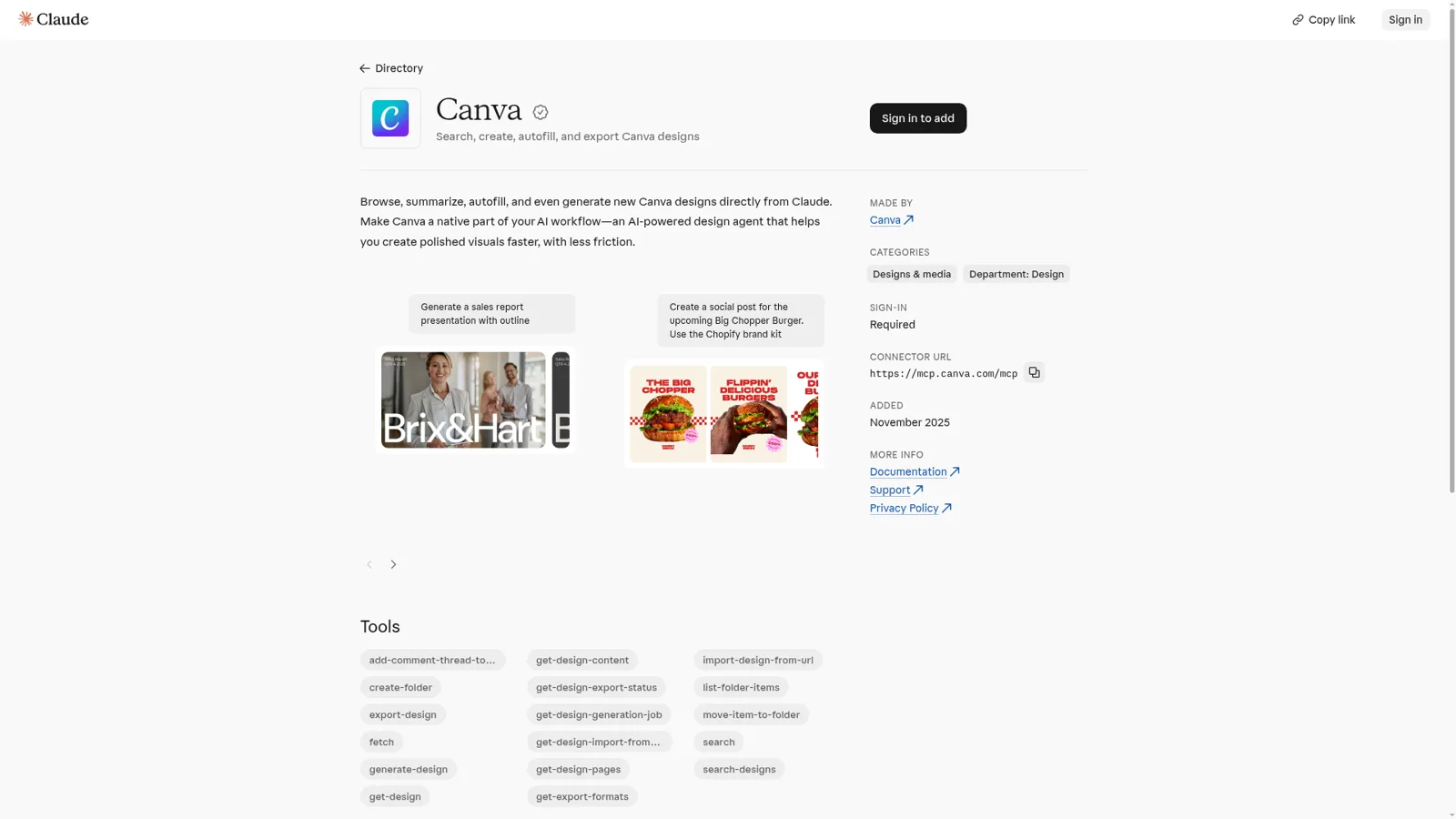
The example prompts in Claude's directory give the flavour: "Generate a sales report presentation with outline" and "Create a social post for the upcoming Big Chopper Burger. Use the Chopify brand kit."
My advice: give Claude the content (an outline, a doc, numbers), name the format, and name the brand kit.
Or skip Claude and use Canva AI
Canva has its own assistant inside the editor. Canva AI 2.0 creates designs through conversation, and you can pick between Canva Core and Canva Brush, a design model Canva says "started from a leading open-weights model" before Canva post-trained it (Canva newsroom). If the work starts and ends in Canva, that's often the simpler route; my Canva AI reviews roundup covers what users think. The Claude connector earns its place when the content lives elsewhere, in your docs, data or a long chat.
Connector, plugin or Dev MCP server: which Canva thing do you need?
Canva ships three MCP products, and the names blur. One Hacker News user summed it up: "Yes there are API & MCP options (4 different ways even I think, it's pretty messy)" (LawrenceKerr, Hacker News). Here's the map:
| Canva product | Who it's for | What it does | Where to get it |
|---|---|---|---|
| Canva AI Connector | Anyone using Claude, ChatGPT and others | Claude searches, creates, edits and exports your designs | Claude's connector directory |
| Canva plugin for Claude | Claude Code users who want repeatable design jobs | Six skills on top of the connector: edit, resize for social, bulk-create, brand check, feedback, apply comments | Claude plugins |
| Canva MCP for your own AI app | Teams building their own assistant | The same tools, behind your own OAuth client | Canva developers |
| Canva Dev MCP server | Developers building Canva apps | Local docs and tooling for the Canva Apps SDK | Canva developers |
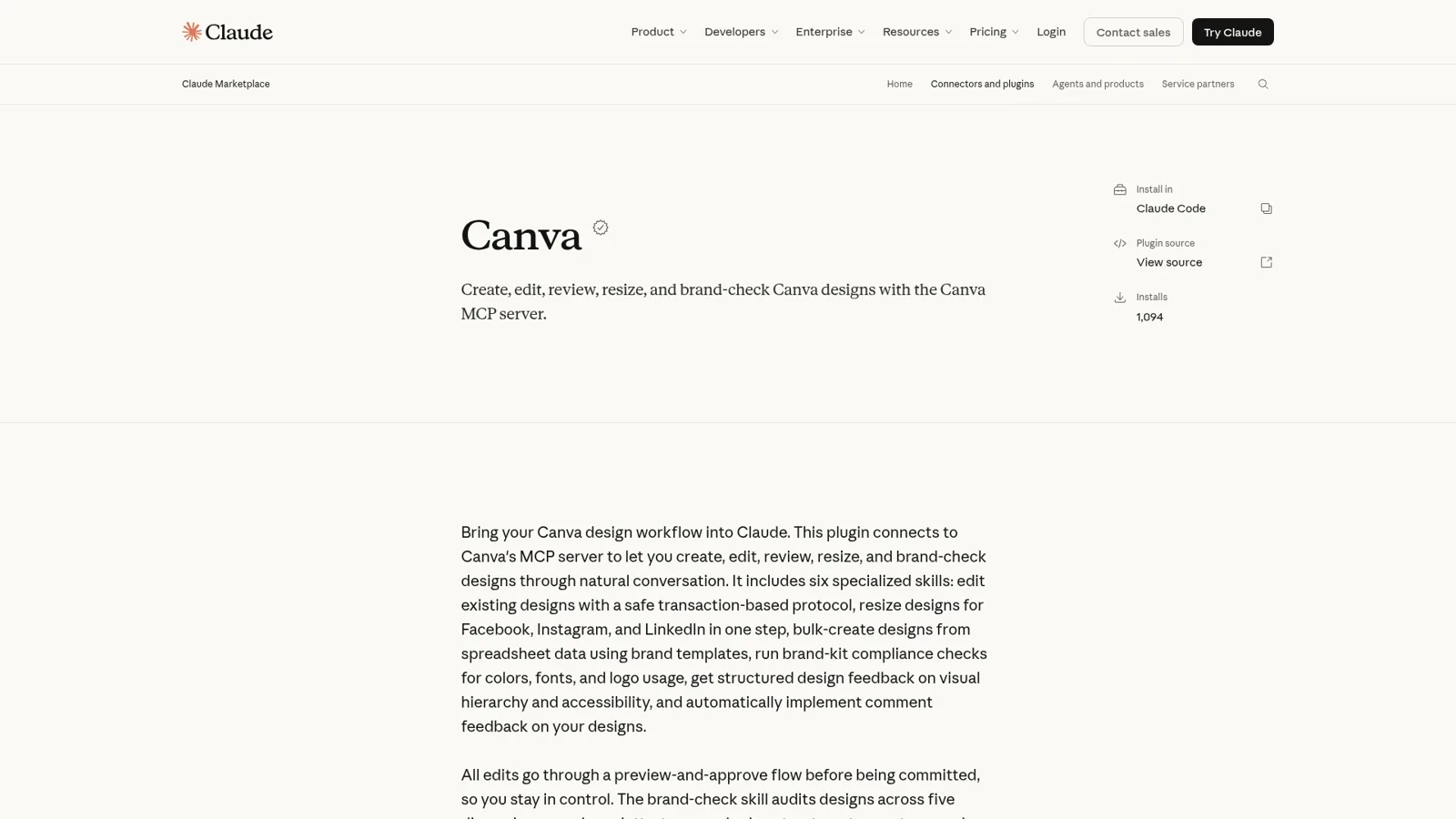
The plugin deserves a closer look if you use Claude Code. Anthropic's listing says it runs "brand-kit compliance checks for colors, fonts, and logo usage" and that "All edits go through a preview-and-approve flow before being committed". It shows 1,094 installs. The listing says bulk-create needs Canva Enterprise, though Canva has since opened autofill to Pro and above (more on that below).
What does the Canva Claude connector cost?
The connector itself is free; you pay for Claude and Canva as usual. Anthropic says "Web connectors are available for all users" (Claude Help Center), and Canva says the AI Connector "is available for all Canva accounts, including Canva Free and Canva Education. Some actions, such as using Brand Templates, require a paid plan" (Canva Help).
Here's what each Canva plan gets, from Canva pricing (yearly prices) and Canva's developer docs:
| Canva plan | Price | What changes in Claude |
|---|---|---|
| Free | $0 | Create, edit, search, export (standard quality), comments; limited AI allowance; a limited trial of resize |
| Pro | US$144/year for one person | Resize, autofill, brand kits and templates, Pro-quality exports, video; 10x the AI of Free |
| Business | US$250/year per person | Same tools for teams; 20x the AI of Free; up to 100 brand kits |
| Enterprise | Contact sales | Same tools; 20x the AI of Free; up to 1,000 brand kits |
Canva Teams is closed to new sign-ups; existing Teams customers keep their plan. The detail that surprises people is where AI usage lands: "Creating designs, generating images, and Magic Layers use your Canva AI allowance", the same as inside Canva (Canva Help). Claude's own usage limits apply on top. My Canva AI pricing post breaks down the allowance.
On the Claude side, Pro is $20 a month ($17 billed annually), Team standard seats are $25 a month ($20 annually), and Enterprise is $20 per seat plus usage (Claude pricing). My Claude pricing guide has every tier.
What breaks with Canva in Claude?
Most people connect it and it works. The problems that do show up on Anthropic's GitHub cluster around two things: the connection dropping, and edits failing.
The connection one is the most common. A Claude Code user reported that the connector looks fine in settings but keeps going missing in new sessions:
"Under claude.ai/customize/connectors, the Canva connector consistently shows status "Connected". Despite that, a new Claude Code session regularly (almost daily) reports that the connector is not connected / its tools are unavailable."
Their only fix was deleting and re-adding the connector; a simple reconnect wasn't enough. On edits, a Cowork user found reads and copies worked while "every perform-editing-operations call fails immediately" with "Not allowed to access editing transaction" (GitHub issue), and an earlier report had the editing tool hanging "indefinitely" for over an hour (GitHub issue). Those reports name the older tool names, and Canva has since regrouped the edit tools, so test it on your own design before trusting it with a client deck.
The other story is a happy one. In March, a Pro subscriber vented about autofill, the feature that fills a brand template from your data:
"I pay for Pro, but the one feature that would actually make MCP useful, Auto Fill, is gated behind an enterprise plan. So the surface is there, but the real power is locked away."

Canva changed that on 23 September: autofill "is available to users on Canva Pro (including Canva Education), Canva Business, and Canva Enterprise through the Connect APIs and the Canva MCP server. It's no longer limited to Enterprise" (Canva developer community). A few Canva help pages still say Enterprise, so trust the dated announcement.
Who is Claude working for when it opens your Canva?
You. Claude acts as the person who connected, with that person's Canva account. Anthropic says "Claude inherits each person's permissions from the connected service" (Claude Help Center), and Canva goes further: "You can't set up a single 'service account' or application-level authentication that works for all users" (Canva developers).
The admin controls are real. Claude Team and Enterprise Owners decide which connectors the organisation can use, and can set each Canva tool to Always allow, Needs approval or Blocked across the organisation, for example letting Claude read designs while blocking writes. Canva admins control the connector and the AI features behind each action.
Notice what those controls hang off, though: the organisation, and the person in the chat. They don't change with who the work is for. That's fine for a designer using Claude on their own files. It's a different problem when the request comes from a sales rep, a contractor or a customer. (Anthropic's own team-shaped product, Claude Tag, lives in Slack, but it's built for internal channels.)
The design requests nobody owns
Picture #marketing on a Tuesday. A sales rep needs the pitch deck with a new logo on slide 3. The events lead wants the webinar banner in LinkedIn and Instagram sizes. A freelancer in your Slack Connect channel asks for the brand templates. Your one designer is in a workshop.
Claude with Canva can do most of those jobs, for whoever opens Claude, signs in to Canva and knows what to ask. The team needs something that takes the request where it's asked and knows who's asking, which is what the best AI teammates are built for.
| Claude with the Canva connector | eesel | |
|---|---|---|
| Works for | The person in the chat | The whole team, in front of anyone |
| Where requests come from | Claude on web, desktop, mobile or Cowork | Slack, Microsoft Teams, Google Chat, email |
| Whose access it uses | Each person's own Canva sign-in | One connection, approved once by someone with access |
| What decides what it may do | Org settings per tool, the same for every request | Each action, by who is asking |
| Starts work on its own | When someone asks | Schedules, app events and webhooks |
| Cost | Your Claude plan plus your Canva plan | From $299/month for 500 credits, unlimited seats |
Sources: Claude Help Center, Canva developers, eesel pricing.
How eesel takes the team's design requests
I build eesel's agents, and eesel has spent years letting an AI act inside teams' own tools. The thing that took the most care was never the tool call. It was deciding, per person, what the AI may do on its own, what waits for someone's yes, and what it must never hand to someone outside the team.
eesel is an AI teammate for the whole team. It sits in Slack and Microsoft Teams, takes requests from anyone who talks to it there, and works in the tools you connect. Canva is one of 3,000+ apps you can connect: connect it and eesel looks things up and takes actions there, with each action set to On, Ask first or Off.
What it does depends on who is asking
Claude works for whoever is typing. eesel works for the company, in front of anyone, and you set what it does for each kind of person: someone on your team, specific people you name, a verified customer, or an anonymous visitor.
For a Canva setup that could look like this: it finds and exports the latest deck on its own when someone on the marketing team asks, asks your designer first before it creates anything new for the sales team, and never touches internal brand files for a visitor in your website chat. Every action is On, Ask first or Off, per agent and per action, and you can set it in plain words: "export designs on your own, but ask me before you create anything" (actions and approvals).
Ask first shows the exact action and details with Approve and Deny, as a card in the Slack thread the request started in, in the dashboard, by email or in the terminal with eesel approvals. Only editors can approve, and you pick which members or channels get the requests (roles). Files and actions marked Team only only run when someone on your team asks: your Team page plus full members of your connected Slack, Microsoft Teams or Google Workspace. On eesel's side, a safety check can still hold a risky call even when an action is On.
It does the content work without being asked
Automations start eesel's work from a schedule, an event in a connected app, or a webhook, so "every Friday, post the week's finished designs in #marketing" runs without anyone at a keyboard. It learns from your docs, past work and Slack history, and corrections stick as saved rules (instructions and memory).
Content is a natural fit. eesel's AI blog writer is the packaged version of that job: it finds topics, does real research, writes in your voice and publishes on schedule. If keeping visuals and copy on-brand is the pain, my posts on brand voice with AI and the Canva AI writer vs ChatGPT cover the writing side.
Keep Claude for your own design work
I'd keep both. Claude with Canva is a great personal design assistant, and eesel is the teammate the whole team shares. They connect, too: your eesel workspace is an MCP server, so add it to Claude as a custom connector and ask "what did eesel do today?" or "have eesel post the new banner sizes in #events". Editors can change things from Claude, viewers get the read side, and approvals still apply (use eesel from Claude).
If your team is weighing the bigger picture, my Claude for work guide covers Team and Enterprise, and my sibling post on the Canva ChatGPT integration covers the OpenAI side.
Try eesel as your team's Canva teammate
If design requests arrive in Slack faster than your designer can read them, eesel takes them where they're asked and works in your tools, with what it does decided by who's asking. Connect Canva and your team chat, set what's On, Ask first or Off, and try it free for 7 days with 100 credits and no card. After that it's from $299 a month for 500 credits, with unlimited seats (pricing).
