

The Notion Claude connector is Notion's own hosted MCP server, listed in Claude's connector directory: connect it in Customize > Connectors, sign in to Notion, and Claude can search, read, create and update your pages and databases with 69 tools. Connectors are included on every Claude plan, Free included, and Notion MCP works on every Notion plan. The catch is whose access it uses. Notion's own help centre says it plainly: "MCP tools act with your full Notion permissions."
That's perfect for one person in their own Claude, and a different story when the Notion workspace is the team's wiki and the questions come from 40 people in Slack. eesel is an AI teammate that reads only the Notion pages you share, answers in Slack or Teams with the page linked, and changes what it shares and edits based on who is asking: the ops lead gets the internal runbook, a customer in your website chat never does. If you'd rather not click through setup, a coding agent like Claude Code can do it with the eesel CLI: connect Notion, add the pages and ask test questions before anyone in Slack sees an answer.
eesel has spent years letting AI act inside teams' own tools, so I spend my days on the part nobody demos: whose credentials it holds, what it may do alone, what waits for a person's yes, and what it must never hand to someone outside the team. That's the lens here. The Notion connector is one of the best in Claude's directory; the question is who it's built to work for.
What is the Notion Claude connector?
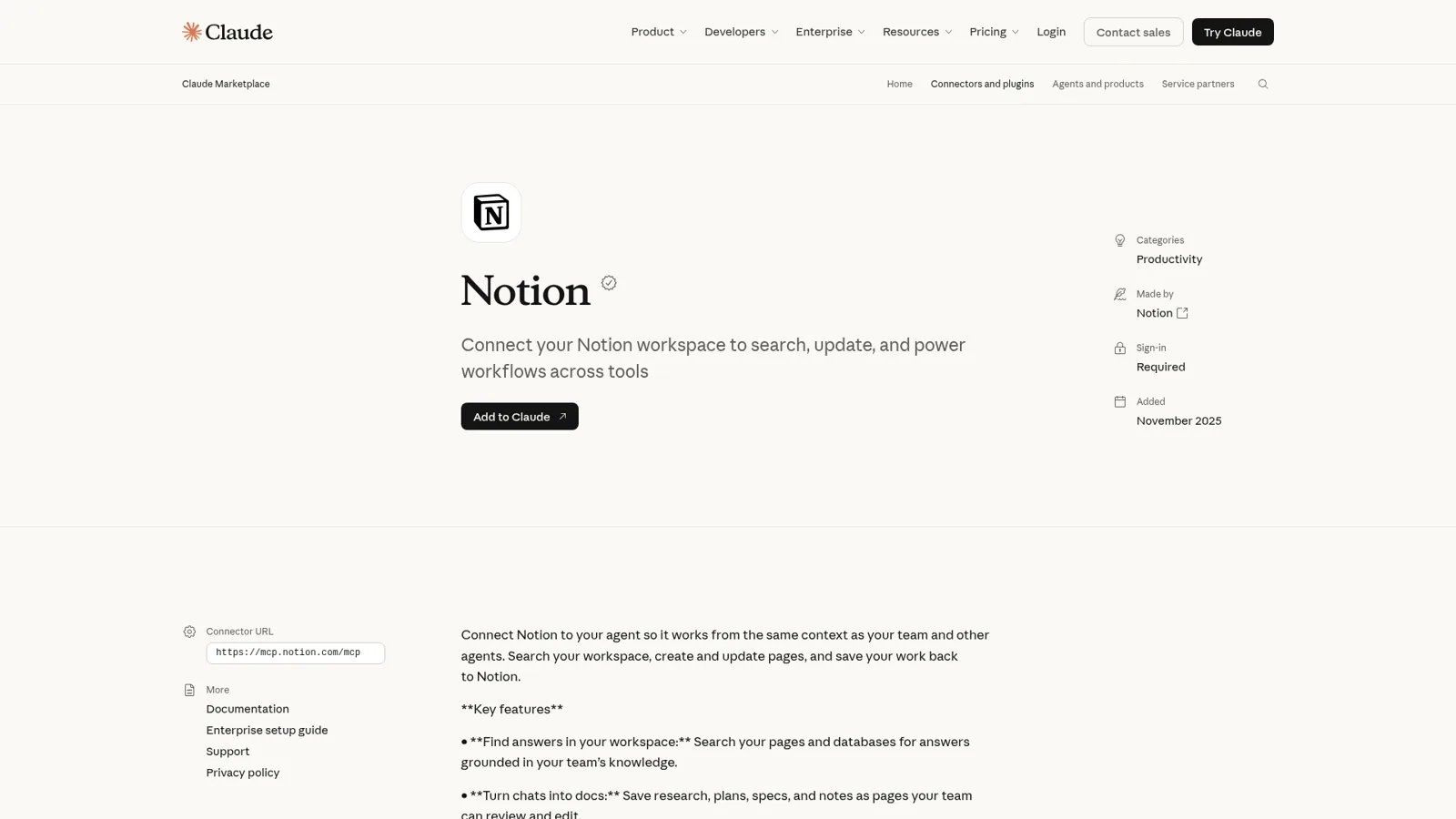
The Notion Claude connector is Notion's official MCP server at https://mcp.notion.com/mcp, which Claude lists in its directory as a verified connector made by Notion. MCP (Model Context Protocol) is the standard Claude uses to call tools in other apps, so the connector is really a bundle of Notion tools Claude can call mid-conversation.
The Claude listing pitches four jobs: find answers in your workspace, turn chats into docs, keep projects moving by creating tasks and updating statuses, and "share one brain across agents" by storing memories and skills in Notion. Under the hood it lists tools like notion-search, notion-fetch, notion-create-pages and notion-update-page, with a "Show all 69 tools" link.
Notion is clearly leaning in. Its October release notes say "Notion MCP is our fastest-growing product ever" (Notion releases), and its MCP help page offers a setup prompt that teaches Claude to check Notion before it answers and save what matters to a private Memories database.
The setup really is short:
"I wanted to connect my Claude account to my Notion account. Apparently all you need to do is just submit the notion MCP and log in. That's it! And I was able to interact with my Notion data from my Claude account!"

How do you connect Notion to Claude?
You connect Notion to Claude from the connector directory in about a minute. Here are the steps from Anthropic's connector guide:
- In claude.ai or the desktop app, go to Customize > Connectors and select Discover.
- Search for Notion and open the listing.
- Select Connect to Claude. Claude sends you to Notion's sign-in page.
- Sign in, pick the Notion workspace, review the access and approve.
- In a chat, select + > Connectors and make sure the Notion toggle is on.
On a Team or Enterprise plan the button depends on your role. An Owner sees Connect for your team, which adds it for the organization, and members then connect their own Notion account. Members who don't have it yet see Request.
On the connector's own page you can set each tool to Always allow, Needs approval or Blocked; I'd put notion-update-page on Needs approval for the first week. And the connector you add in claude.ai follows you into Claude Code, Cowork and the mobile app.
In the terminal, Notion's MCP setup guide gives the Claude Code one-liner: claude mcp add --transport http notion https://mcp.notion.com/mcp, then /mcp to sign in.
What does the Notion Claude connector cost, and which plans get it?
The connector itself costs nothing extra. Claude's pricing page lists Connectors as included on Free, Pro, Max and Ultra, and on Team and Enterprise. Notion's docs say "Notion MCP works on every plan", with a handful of features tied to the Notion plan:
| What you want | Claude plan | Notion plan |
|---|---|---|
| Search, read, create and edit pages | Any, Free included | Any, Free included |
| Admin controls for connectors | Team or Enterprise | Any |
| Connect without a browser sign-in (MCP token) | Any | Business or Enterprise, owner creates it |
| Search connected sources like Slack and Google Drive | Any | Business or Enterprise with Notion AI |
| Unlimited SQL queries on databases | Any | Business or Enterprise with Notion AI |
| Approve or block which AI apps connect | Any | Enterprise |
| Enterprise-managed sign-in (no consent screen) | Team or Enterprise admin | Enterprise with SAML SSO |
Sources: Claude pricing, Notion MCP FAQ, Notion MCP admin controls.
The subscriptions: Claude Pro is $17 a month billed annually ($20 monthly) and Claude Team $20 per standard seat billed annually. Notion Plus is $10 per seat and Business $20 (Notion pricing). Workspace guests can't connect Notion MCP at all. My Notion pricing and Claude pricing guides go deeper.
Whose access does Claude use in Notion?
Claude uses yours. After you approve the connection, Notion's docs say "your AI assistant can read and update content that you can access in the selected workspace", and the help centre's best-practice list is blunter: "They can access everything you can access." It doesn't bypass Notion permissions either. A page you can't open, Claude can't open.
That's the right design for personal work, and Notion's admin side is solid. On Enterprise, owners can approve specific AI apps, block the rest, and see or disconnect who connected each one (admin controls). With enterprise-managed connections a Claude admin turns Notion on for everyone at once, and Notion still "gives Claude the same access to Notion the member already has. Nothing more."
Where it gets uncomfortable is a workspace with pages that shouldn't go to any AI app, or pages that are fine for one team but not another. Every connected person brings their whole Notion reach into Claude. One HN commenter described what that means in a company with a legal team:
"Miro, Linear, Notion etc… They just casually let the MCP do anything the user can and access everything. For example: Legal is never letting us connect to Notion MCP as is because it has stuff that must NEVER reach any LLM even if they pinky swear not to train with our stuff."
Notion's security guide adds that pages can carry prompt injection, and recommends confirmation before actions that change content.
What do people run into with the connector?
Mostly the ordinary edges of a remote tool connection.
- Rate limits. Notion MCP uses Notion's standard API request limits and every tool call counts. It retries once if the wait is 2 seconds or less; otherwise it hands the error back, and Notion's advice is to ask Claude to "reduce parallel operations, or try again later" (rate limits). Business and Enterprise get higher limits.
- Files. Uploads go up to 20 MiB through the connector; bigger files need Notion's file upload API.
- The old server. The open-source
notion-mcp-serveron GitHub "is no longer actively maintained", so use the hosted URL. - Connections dropping. When the connector fails mid-task, the chat around it can stall. One user hit exactly that while building a GTD setup:
"I was literally just trying to get a GTD system going in a claude project with a Notion connection when the Notion connector suddenly quit working and rendered the chat session useless."
The usual fix is the boring one in Anthropic's docs: if the connector shows Reconnect, sign in again.
Two other ways Claude works with Notion
The connector isn't the only route.
Claude agents in Notion (beta)
Notion now lets you create a Claude agent inside Notion: Agents > New Agent > Claude. You stay in Notion the whole time, and Anthropic runs the agent behind the scenes (Notion help).
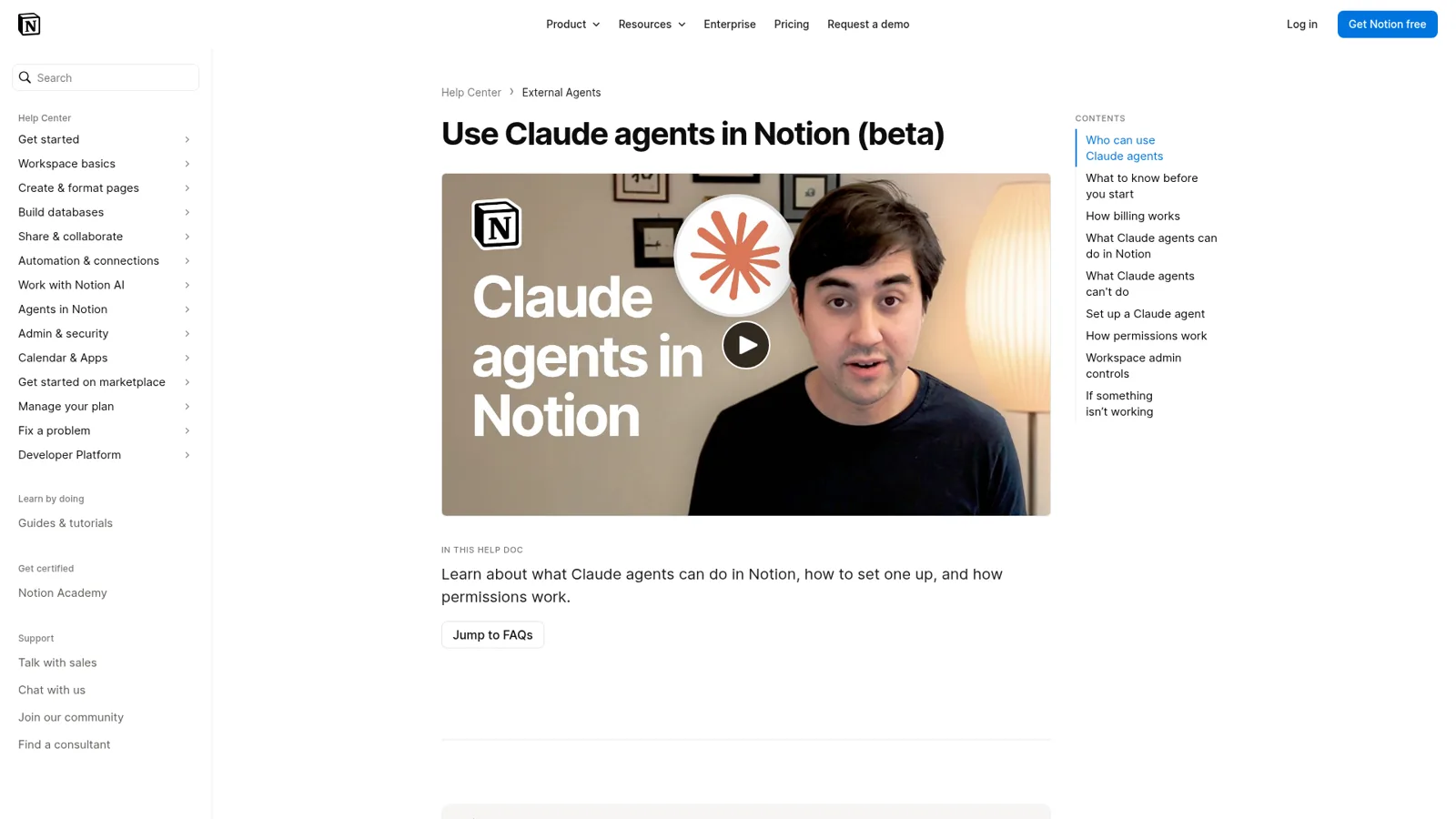
The details are quite different from the connector. It's on Notion Business and Enterprise only, runs on Notion credits charged per run, and needs no Anthropic account (you can't bring one). Permissions are set per agent and "aren't inherited from whoever starts a run", which is a team-friendly choice. It can't browse the web or call other agents during a session, it's off by default on Enterprise and HIPAA workspaces, and Notion says it isn't covered by Notion's zero data retention commitments.
Claude Tag with a Notion credential
Claude Tag is Anthropic's Claude in Slack channels, in public beta for Team and Enterprise. Its Notion connection uses "its own credential, not a person's": an admin creates a Notion internal integration and shares the pages Claude should read. For a Slack-only company, that's a clean setup (Claude Tag review).
There's also Notion AI itself, which offers Claude models such as Opus 5.5 and Sonnet 5.5 in its model picker alongside other labs' models (Notion releases). I won't repeat the comparison here; Claude vs Notion AI has it.
Where the connector stops for a team's wiki
The Notion Claude connector answers one person, with that person's access, when that person opens Claude. For drafting specs and tidying your own task database, I'd reach for it first. The team's wiki is a different job. Think about where Notion questions actually come from: a new hire in Slack asking where the expense policy lives, an engineer asking for the P1 escalation steps at 2am, a contractor in a shared channel asking for the brand guidelines, and sometimes a customer in the chat bubble asking something your internal FAQ answers. Each of those people should get a different slice of Notion, and some should get nothing at all.
The connector's controls are real, but they follow the person using Claude. Claude Tag gets closer, though its access is set per channel and is the same for everyone in it, and neither is set up to answer customers in your own channels. That's the gap an AI teammate fills, the same one I walk through in Claude for work.
How eesel works as the team's Notion teammate
eesel connects natively to Notion and answers from the pages you share with it. Per its Notion docs, it reads the full text of each shared page, the properties on it, the pages nested under it, and each row of a shared database as its own page, up to 15,000 pages per connection. It answers in Slack, Microsoft Teams, Google Chat, the helpdesk and the website chat, and links the Notion page it used, so people can check the source.
It knows who is asking
This is the part I care most about. eesel works for the company, in front of anyone, and you decide what it does for each kind of person: a teammate, specific people you name, a verified customer or an anonymous visitor. For each, every action is set to act on its own, ask first or stay off.
In Notion terms it looks like this. When the ops lead asks in Slack to log an incident, eesel adds the row to the incident tracker on its own. When a contractor in a shared channel asks it to update the vendor page, it asks an editor first. And when a visitor in the chat bubble asks about anything on your salary-bands page, it never goes near it, because that page is Team only. Team only files are used for your team's questions alone, and eesel never sends a file or a link to it to someone outside the team (Team only). "Your team" means the people on your Team page plus full members of your connected Slack, Microsoft Teams or Google Workspace.
Every Notion action is On, Ask first or Off
eesel's Notion actions sit in a Write group: Create Page, Append to Page (it never edits what's already there), Add Database Row, Update Page Properties, and a general Notion API request that only works in the dashboard chat. Each one is On, Ask first or Off, per agent, and you can set it by saying so in chat: "add tracker rows on your own, but ask me before you create any page." Ask first shows the exact action and its details with Approve and Deny, as a card in the Slack thread the run started from, by email, on the dashboard or with eesel approvals in a terminal. Only editors can approve (roles). With every Write action off, it can never change anything in your workspace.
It works without anyone at a keyboard
eesel doesn't wait to be asked. An automation can start work on a schedule, on an event in another connected app, or from a webhook, and the Notion write actions work in automations too, so an automation can log each new request as a row in a Notion tracker. It learns from your docs, past work and Slack history, and when someone corrects it, the fix sticks across every app it works in.
This is already running at real teams, much like the internal knowledge base setups I see most. At Cactus Club Cafe, a restaurant group's internal IT team, eesel worked 750 tickets in a month with 1,650 runbook and policy lookups, while a second agent audited the daily finance extract. The internal operations guide shows the Slack version of the same setup.
Claude with the Notion connector vs eesel, side by side
| Claude + Notion connector | Claude Tag + Notion | eesel with Notion | |
|---|---|---|---|
| Works for | The person using Claude | Everyone in a Slack channel | The whole team, and customers if you want |
| Notion access | Everything that person can see | Pages shared with Claude's integration | Pages shared with eesel; Team only pages stay internal |
| Who can ask it | You | Anyone in the channel | Teammates in Slack, Teams, Google Chat; customers in chat or the helpdesk |
| What decides what it may do | Your tool permissions; Notion admin controls | Admin-set channel connections | On, Ask first or Off per action, by who is asking |
| Works with nobody at a keyboard | Scheduled tasks you set up | Routines, at most hourly | Schedules, app events and webhooks |
| Cost | Included in any Claude plan | Usage from an org balance | From $299 a month for 500 credits, unlimited seats |
Sources: Claude pricing, Claude Tag Notion docs, eesel pricing.
Can you use Claude and eesel together?
Yes, and that's what I'd do. Keep the Notion connector for your own work in Claude, and give the team eesel for the shared wiki. Your eesel workspace is itself an MCP server, so you can add it to Claude next to Notion (use eesel from Claude):
- In Claude, open Settings > Connectors and choose Add custom connector.
- Name it eesel and enter
https://oracle.eesel.app/mcp. - Sign in to eesel and approve, once.
Then ask "what did eesel answer in Slack today" or "have eesel add this to the tracker", and your own agent replies with its instructions and knowledge. Editors can change things, viewers get the read side, and anything set to Ask first still asks. If you're new to the pattern, my posts on the AI agent MCP server and MCP for customer support explain it, and the sibling post on the Notion ChatGPT integration covers OpenAI's route.
Which route should you pick?
Use the connector for your own Notion work, Claude agents in Notion if your team lives in Notion, Claude Tag for a few shared pages in Slack, and eesel when the wiki is the team's and what it shares has to depend on who is asking. For more options, see my best AI for Notion roundup and Notion enterprise search guide.
Try eesel as your team's Notion teammate
If Claude already makes your own Notion work faster, eesel does the same for everyone else's questions. Share your wiki's parent page, invite it to the Slack or Teams channels where people ask, mark the sensitive pages Team only, and put any page edits on Ask first while you watch a week of its answers. It's a free 7-day trial with 100 credits and no card, and the Notion integration page shows the setup.
