


The Airtable Claude connector is Airtable's own app in Claude's connector directory: you click Connect, sign in to Airtable, choose which bases Claude may see, and Claude can then search and analyze your records, create and update them, build tables, fields, interfaces and forms, and draft automations. It runs on Airtable's hosted MCP server, it's on every Airtable plan with no extra Airtable charge, and connectors are on every Claude plan, including Free.
It works as you. Airtable's help center says "Your MCP permissions mirror the same permission level(s) that you have have been granted in Airtable" (their typo, not mine), so an Editor's Claude can edit and a read-only user's Claude can only read. For one person cleaning up a CRM base or turning meeting notes into tasks, it's excellent, and I'd set it up today.
The gap shows up when the base belongs to the team. The ops tracker that twelve people ask about in Slack, update after calls and check every Monday doesn't live in anyone's Claude chat. That's where eesel fits: an AI teammate that works in Airtable for whoever asks in Slack or Teams, where what it may do depends on who is asking. Your ops lead can have it update records, a contractor gets read-only answers, and a visitor in your website chat gets nothing from that base. You can even have Claude Code set eesel up through the eesel CLI, connecting your apps and asking test questions before anyone else uses it.
I've spent years building AI that acts inside other teams' tools, and the hard question is never whether it can call the API. It's what the AI may do alone, what waits for a person's yes, and who it should refuse. That's my lens here.
What is the Airtable Claude connector?
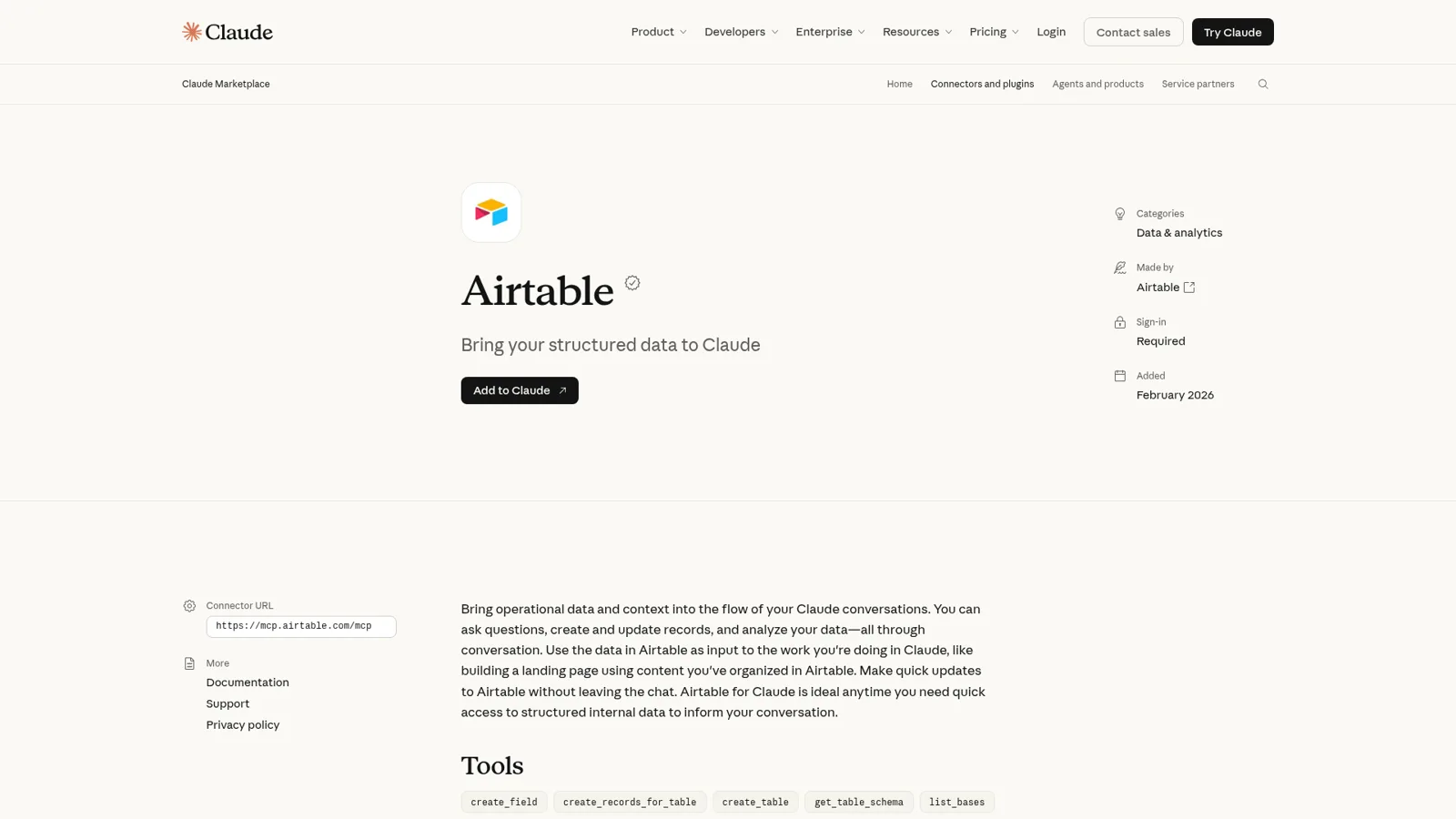
The Airtable Claude connector is an MCP connector that Airtable builds and maintains, listed in Claude's directory since February 2026 under "Made by Airtable". Anthropic's listing pitches it as a way to "Bring operational data and context into the flow of your Claude conversations", like building a landing page from content you've organized in Airtable.
It took a while to arrive. In May 2025 an Airtable user asked on the forum for an MCP server to manage Airtable from Claude the way they already managed Notion (thread); compare my Notion Claude connector guide. By July the thread listed 14 third-party GitHub servers. Then the official one landed:
"Loving the new Airtable official MCP, working a dream!"
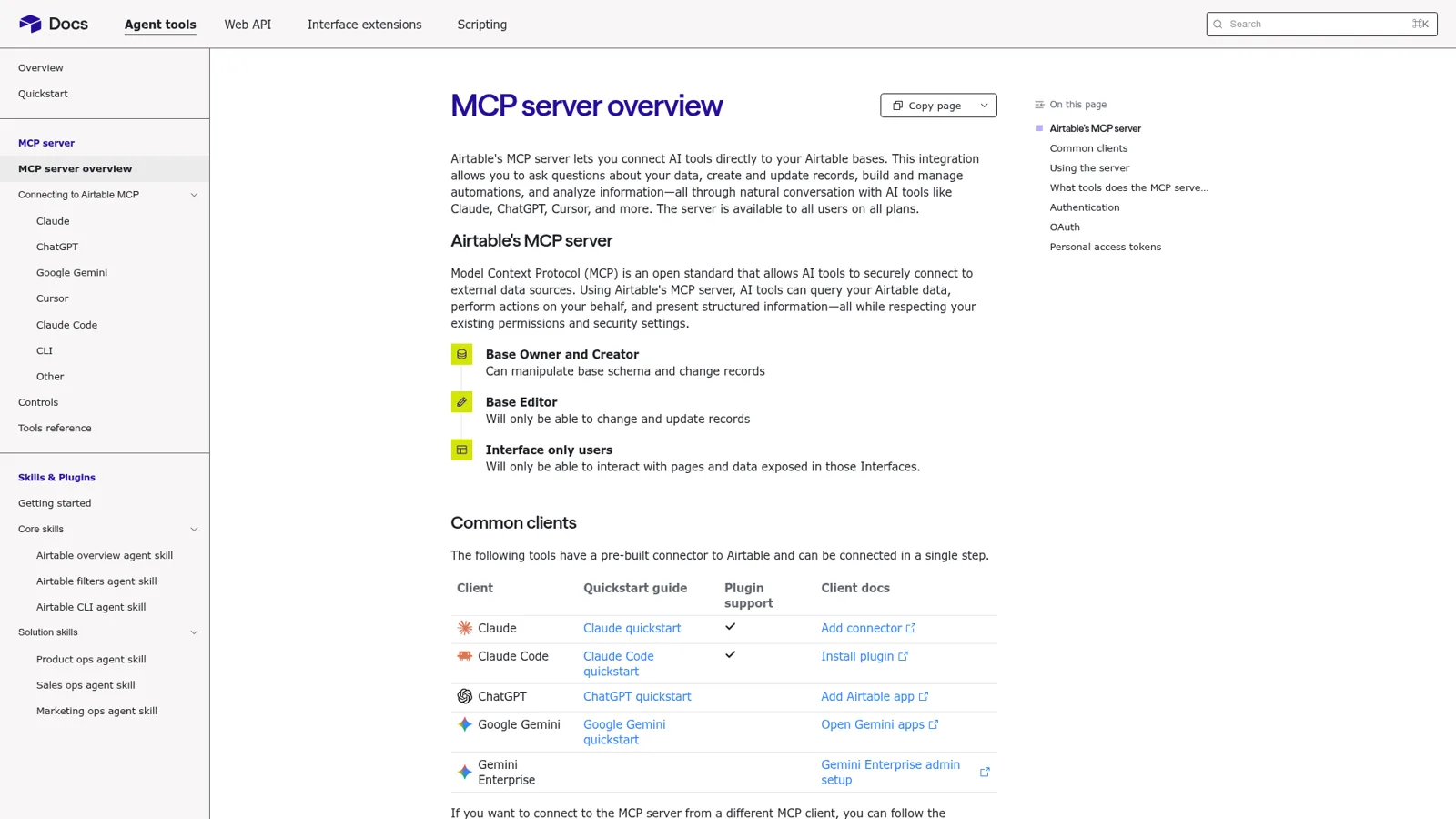
One server, many clients. The same endpoint, mcp.airtable.com/mcp, backs Airtable's apps for ChatGPT, Gemini, Cursor and Claude Code, and Airtable keeps a quickstart for each in its developer docs. My sibling post on the Airtable ChatGPT integration covers the OpenAI side, and ChatGPT vs Claude compares the assistants themselves.
How do you connect Airtable to Claude?
You connect it from Claude, and it takes about a minute. Airtable's Claude quickstart is two steps: open the Airtable connector in Claude's directory, then select Connect and authorize through OAuth.
The step that matters is the Airtable consent screen. Airtable's controls page says you pick between:
- Everything you have access to, meaning "all current and future bases and interfaces across your workspaces".
- Custom access, meaning specific bases, interfaces or workspaces.
I'd pick Custom access. You can change it later under Integrations, then Third-party integrations.
Three setups work a little differently:
- Claude Team and Enterprise. An Owner adds the connector for the organization, then "members then connect with their own account" (Claude docs). Owners can set each tool to Always allow, Needs approval or Blocked (Claude Help Center), so you could let Claude read freely and make every delete wait.
- Claude Code. Airtable ships an official plugin,
claude plugin install airtable@claude-plugins-official, that bundles the MCP server with skills "that teaches Claude what Airtable is and how data is structured" (Claude Code quickstart). A personal access token works too, which is handy for scripts. - Airtable Enterprise Scale. Admins can turn on "Block MCP access" for the whole organization, or block third-party API integrations and then allowlist specific client IDs, including Claude.ai's (controls). If your Connect button fails at work, this is usually why.
What can Claude do in Airtable?
Claude can do most of what a base Creator does by hand. Airtable's tools reference groups the tools like this:
| Area | Example tools | What it means in practice |
|---|---|---|
| Records | search_records, list_records_for_table, create_records_for_table, update_records_for_table, delete_records_for_table, revert_action | Find, add, edit and delete rows, and undo an eligible change |
| Tables and fields | create_table, update_table, delete_table, create_field, update_field | Build and reshape a base; rename fields, edit formulas |
| Bases and workspaces | create_base, search_bases, list_workspaces, list_permission_sets | Spin up a new base, find the right one |
| Interfaces | create_interface, create_page, list_records_for_page | Build dashboards and pages; read pages even with interface-only access |
| Forms | get_form_schema, submit_form | Fill in and submit a form for you |
| Automations | list_automations, create_automation, update_automation | Explain and draft automations |
Anthropic's listing names only 12 tools, so trust Airtable's reference for what's live. The best jobs look like Airtable's own example, "Show me all customers from our CRM base who haven't been contacted in the last 30 days", or renaming 30 similar fields in one go. If MCP itself is new to you, my MCP apps explainer starts from zero.
Whose permissions does the Airtable connector use?
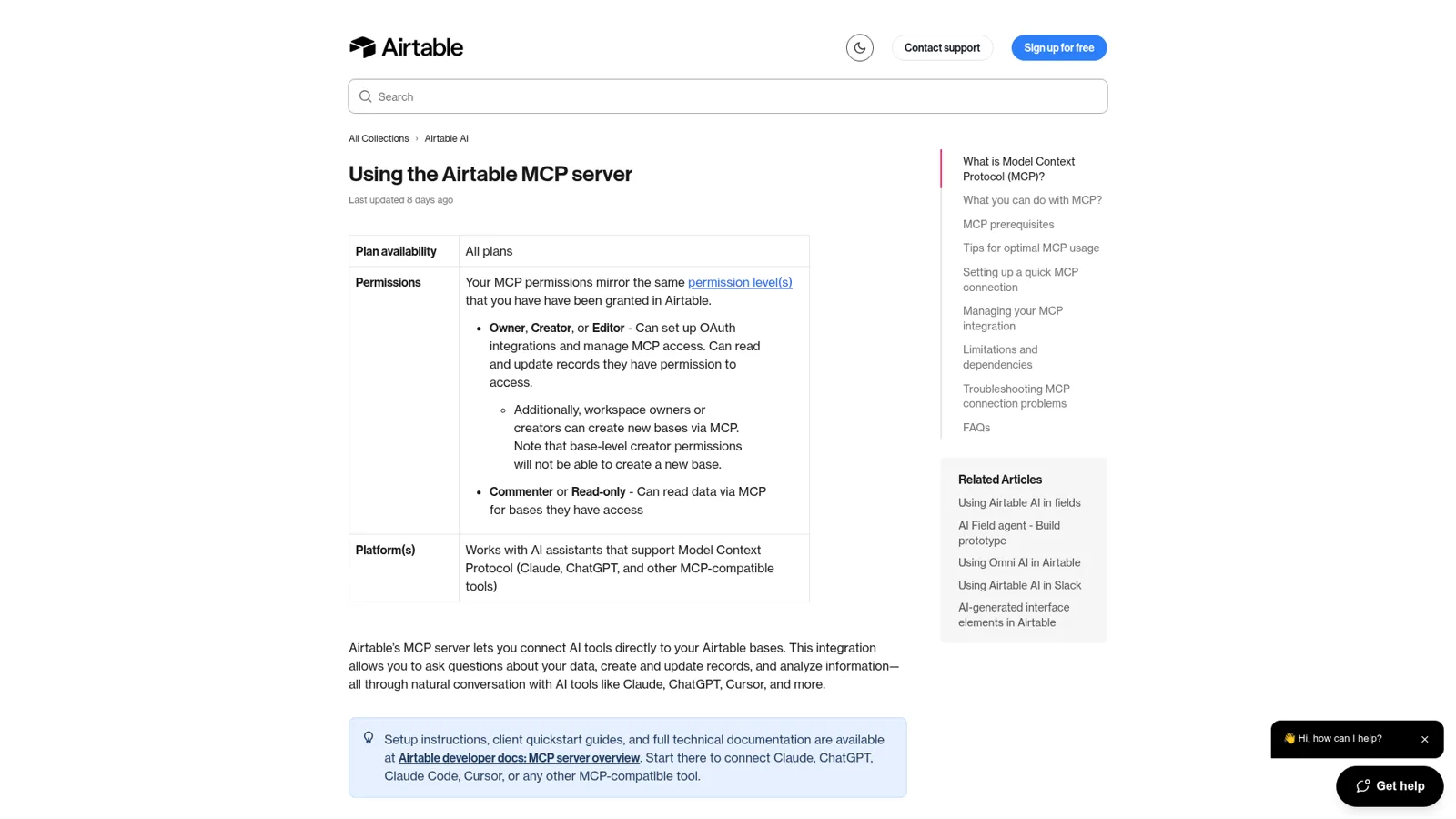
It uses yours. Airtable's help article maps it out:
- Owner, Creator or Editor can read and update records they can access; workspace Owners and Creators can also create bases.
- Commenter or Read-only "Can read data via MCP for bases they have access".
- Interface-only users can only work with pages and data those interfaces show.
Two details I like. Revision history shows "the user who authorized the MCP connection" plus the app's name, so you can tell Claude's edits from yours. And Airtable "sees only the structured arguments of each tool call", not your conversation (controls). If you want Claude to look and never touch, leave out data.records:write and schema.bases:write when you set up a personal access token.
What these controls follow is the person. Each teammate connects their own Claude to their own Airtable account, and Claude does what that account can do. There's no setting for "this request came from a contractor", because in a Claude chat the only person asking is you.
Where does Claude stop in Airtable?
Claude stops at a few documented edges, and most are about structure and switching things on. From Airtable's limitations list:
- 10 records per create request. Bigger imports happen in batches.
- Automations stay drafts. Claude can create and edit them, but "turning an automation on (deploy) is done in the Airtable UI", and anything with a Script action has to be built by hand.
- Interface filters. Claude can't add a filter such as Current User to an interface.
- Field types.
update_fieldcan rename a field or change a formula, but "Changing a field's type or its select choices is not supported." - Rate limits. MCP "uses our public API under the hood and will count against any existing API rate limits". The API's rate limit is 5 requests per second per base, and Airtable's pricing page caps API calls at 1,000 a month on Free and 100,000 on Team.
The interface list used to be longer. In August a user asked for three fixes, and editing existing interfaces was the big one, since without it they had to "recreate the whole page from scratch (spending tons of tokens in the process and losing the filters I added manually before)" (thread). Airtable's help now says MCP "can edit pages in an existing Interface directly", so one of the three is done.
The limit that teams feel most isn't on that list, though. It's that Claude is a language model writing into a structured system. An Airtable consultant who builds bases for clients asked how to make Claude collect the required fields before creating a task, and the best answer was blunt:
"Don't rely on Claude (or any generative AI tools) to enforce your rules. By design, these systems are not deterministic; they can be inconsistent, omit fields, or structure data differently from one request to the next."
The fix was strict field types, a staging table and validation automations. Good advice, and a lot of plumbing to protect a base from its own team's assistants.
Usage is the last edge, and my Claude Cowork review has more on limits. One builder on a $20 Claude plan said that with "lots of MCP calls I get to the daily/ hourly limit quickly", since a single question can mean listing bases, reading schemas and paging through records (forum post).
How much does the Airtable Claude connector cost?
The connector costs nothing extra. Airtable's help says "There are no additional Airtable charges for MCP usage", and you need any Claude plan, since connectors are on all of them. What you pay is the two plans you already have.
| Plan | Price | What matters here |
|---|---|---|
| Airtable Free | $0, up to 5 editors | MCP works; 1,000 records per base, 1,000 API calls a month |
| Airtable Team | $20/seat/month billed annually, $24 monthly | 50,000 records per base, 100,000 API calls a month |
| Airtable Business | $45/seat/month billed annually, $54 monthly | Unlimited API calls, admin panel |
| Airtable Enterprise Scale | Contact sales | Block MCP access, client allowlist |
| Claude Free | $0 | Connectors included |
| Claude Pro | $17/month billed annually, $20 monthly | More usage, plus scheduled tasks |
| Claude Team | $20/seat/month billed annually, $25 monthly (standard seat) | Owner controls for connectors |
On Airtable, read-only collaborators aren't billed, only people with edit permission. For the full picture, see my Airtable pricing and Claude pricing breakdowns.
Should you use Claude or Airtable's own AI?
Use both, for different jobs. Airtable's built-in assistant is Omni, which lives inside your base and can build apps, analyze data, create and update records, and draft automations. It "always asks you to confirm before it deletes records, tables, or pages" and leaves turning on automations to you. Omni runs on Airtable AI credits: 500 per editor a month on Free, 15,000 per paid user on Team (pricing), and building with Omni is free.
Claude's edge is everything outside the base. Airtable's own Claude page shows it: "Claude reads your Airtable campaign tracker, traces blocking chains, checks team availability via Google Calendar, and writes a readiness report." My Airtable AI guide and step-by-step Omni guide go deeper on the built-in side.
What happens when the whole team uses the base?
The base gets more callers than it was built for. Picture an ops tracker of vendors, renewals and owners. In one week someone in #ops asks who owns the Acme renewal, the ops lead wants Acme marked renewed after a call, a contractor in a shared Slack channel asks about their deliverables, and somebody has to post Monday's overdue list.
Claude can do all four for whoever has it open. The trouble is that every teammate connects their own Claude, with their own prompts and their own idea of which fields matter. The consultant from that forum thread named the worry:
"My worry is team members can connect with Airtable through their own projects and unknowingly create dirty data."
The contractor is the hardest case. Give them an Airtable seat so their Claude can read the base, and their Claude reads everything that seat can. Sensible for a personal assistant; the wrong shape for a shared base with outsiders around it. Anthropic's team option, Claude Tag, shares one Claude in Slack channels using the team's service-account access (how it works), which is shared work, set per channel rather than per person asking.
How eesel works with Airtable for the whole team
eesel is an AI teammate that works in the apps your team already uses, and you can connect Airtable alongside 3,000+ other apps. Connected, it looks things up in your bases and takes actions there, and every action is set to On, Ask first or Off. The difference from a personal connector is who it works for: one teammate, answering everyone, with rules that depend on who is asking.
It answers the team where they already ask
People mention eesel in Slack, Microsoft Teams, Google Chat or email, and it answers in the thread. Nobody needs their own connector, and nobody needs to know which base holds the answer. eesel's internal operations guide shows the same pattern for ops teams.
What it may do depends on who is talking
This is the part a personal assistant isn't built for. eesel tells apart your team, the specific people you name, verified customers and anonymous visitors, and gives each their own rules. For the ops tracker, that reads like this:
- Your ops lead: updates records on their own say-so. "Mark Acme as renewed" just happens.
- A contractor in a shared channel: gets read-only answers. Any update they ask for waits on Ask first, so an editor sees the exact change with Approve and Deny before it runs.
- A visitor in your website chat: gets nothing from that base, because you switch Airtable off for anonymous visitors. Anything marked Team only never runs for someone outside your team, such as a customer in your chat bubble (actions and approvals).
You set these by saying them in chat, such as "look things up on your own, but ask me before you change any vendor record". Approval cards appear in the dashboard, in the Slack thread the request came from, or by email, and only editors can approve (roles).
It runs on a schedule
The Monday digest doesn't need anyone to remember it. An automation can start work from a schedule, an event in a connected app or a webhook, so eesel can check the tracker every Monday at 9am and post what's overdue to #ops.

That pattern is already running for eesel customers. At Cape Coffee Beans, eesel ran 160 scheduled checks in a month on weekday and Saturday mornings, emailing the founder a short list of what had slipped, across two agents with different jobs. Swap their sources for your Airtable tracker and you have the digest. When someone corrects the format once, the correction sticks for every run after.
Airtable Claude connector vs Omni vs eesel
They're three different shapes of help, so here's how they line up for a team lead.
| Claude + Airtable connector | Airtable Omni | eesel with Airtable | |
|---|---|---|---|
| Works for | The person in the chat | The person in the base | The whole team |
| Who can ask it | You, in Claude | You, inside Airtable | Anyone in Slack, Teams, Google Chat or email |
| What decides what it may do | Your Airtable permissions; owner tool settings on Team and Enterprise | Your Airtable permissions; base settings | On, Ask first or Off per action, plus rules by who is asking |
| Reaches other apps | Yes, through your other connectors | Web search and uploaded files | Yes, 3,000+ apps |
| Works with nobody at a keyboard | Scheduled tasks on paid plans | Airtable automations you turn on | Schedules, app events, webhooks |
| Cost | Your Claude and Airtable plans | Airtable AI credits | From $299 a month, unlimited seats |
Sources: Airtable MCP help, Omni help, eesel actions and approvals.
Can you use Claude and eesel together?
Yes, and I'd keep both. Claude stays your thinking partner for building bases and one-off analysis, and eesel handles the shared work. Your eesel workspace is itself an MCP server, so you can add it to Claude as a custom connector and ask "what did eesel post in #ops this morning?" or "have eesel draft the renewal reminder" from any Claude chat (use eesel from Claude). Editors can change things, viewers get the read side, and anything on Ask first still asks.
New to the idea? My posts on AI teammates and the best AI teammates explain the category, and Claude for work covers Anthropic's team plans.
Still choosing a database? Start with my Airtable overview, Notion vs Airtable or ClickUp vs Airtable.
Leaving Airtable instead? See my Airtable alternatives.
Try eesel as your team's Airtable teammate
If the Airtable Claude connector already saves you time, eesel is the same idea for everyone else on the team. It answers "who owns this?" in Slack and Microsoft Teams, updates records when the right person asks, posts the Monday digest, and keeps outsiders read-only or out entirely. The free trial runs 7 days with 100 credits and no card, and plans start at $299 a month with unlimited seats.
