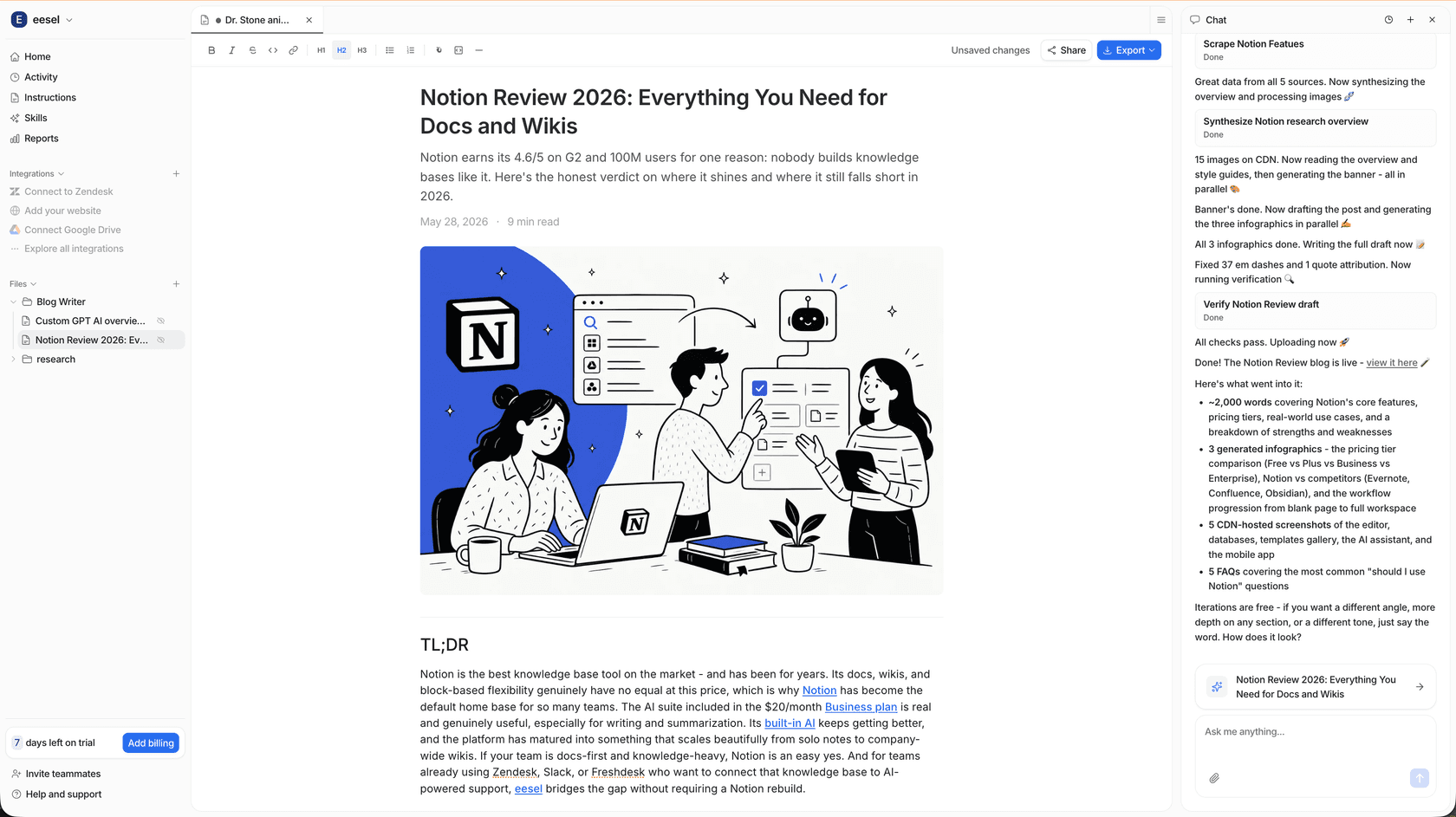
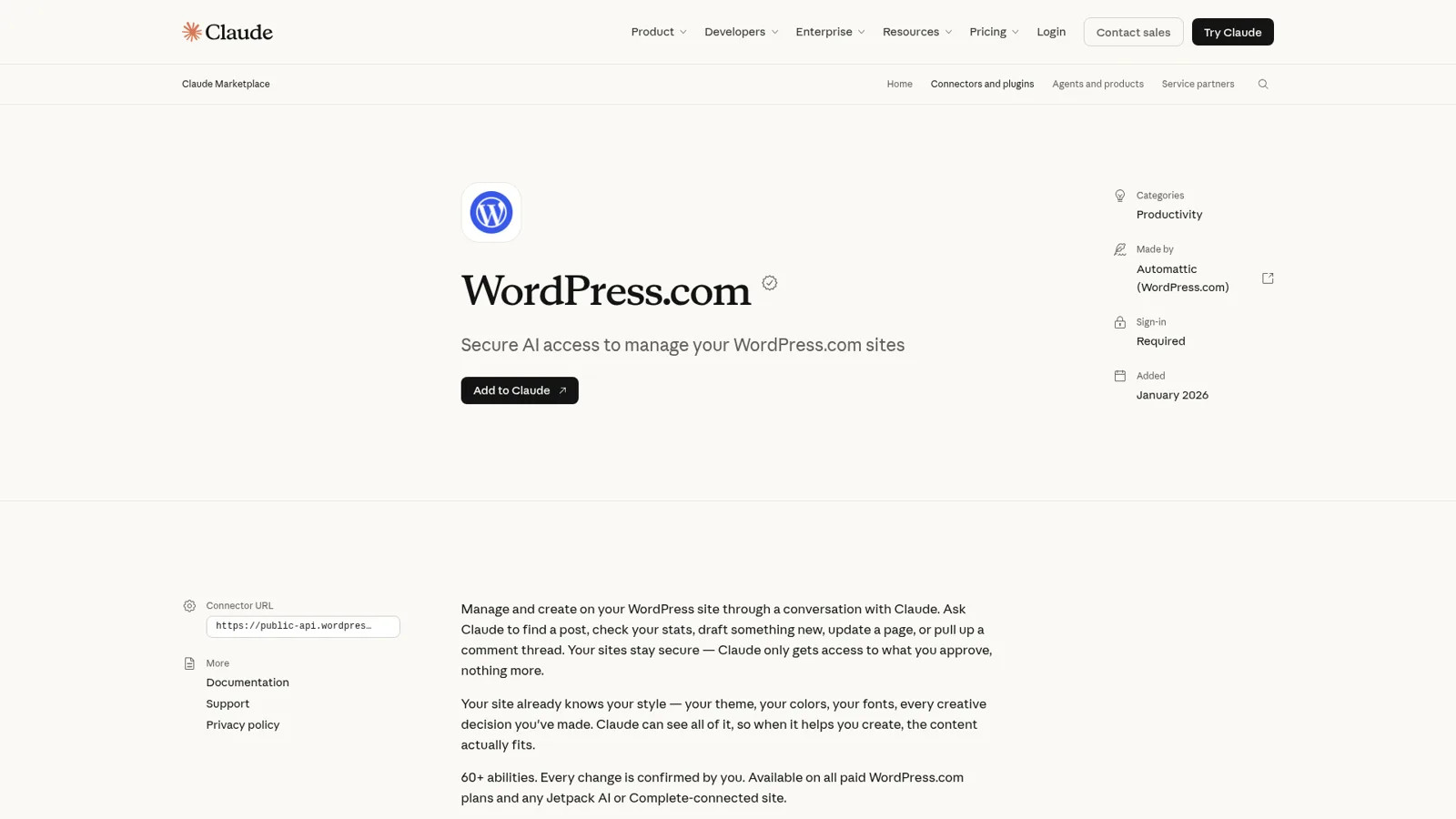
Claude for WordPress is the official WordPress.com connector in Claude's directory, made by Automattic: add it, sign in to WordPress.com, and Claude can draft, edit and publish posts and pages, moderate comments, update media details and read your stats across "60+ abilities". It works on every Claude plan, Free included. On the WordPress side it needs a paid WordPress.com plan, and free sites and Jetpack-connected self-hosted sites can use it through November 30, 2026, which is two weeks from today. Self-hosted sites without Jetpack have a developer route (the WordPress.org MCP Adapter), but it isn't a one-click setup yet.
That covers one person running their own site from a chat. A content team has a different problem: six writers, one editor, a freelancer or two, an SEO lead, and visitors on the live site, all needing different things from the same WordPress install. eesel is an AI teammate for that team. It drafts posts for anyone on the team, asks your editor before anything is published, and never publishes for someone outside the team. You can also have Claude Code set it up for you with the eesel CLI: connect the apps, load your style guide and ask test questions before anyone relies on it.
I work at eesel, where we've spent years letting an AI act inside teams' own tools, so I care most about the unglamorous questions: whose account it acts as, what it may do alone, what waits for a yes, and what it must never hand to someone outside the team. The WordPress.com connector is one of the more thoughtful ones in Claude's directory, so it deserves that careful look.
What is Claude for WordPress?
Claude for WordPress is the WordPress.com connector, an MCP server that Automattic built and Anthropic lists in Claude's connector directory. MCP (Model Context Protocol) is the standard Claude uses to call tools in other apps, so in practice it's a bundle of WordPress tools Claude can call mid-conversation.
The Claude listing says Claude reads your theme, colors and fonts first, "so when it helps you create, the content actually fits." A draft that already uses your block styles saves an editing pass.
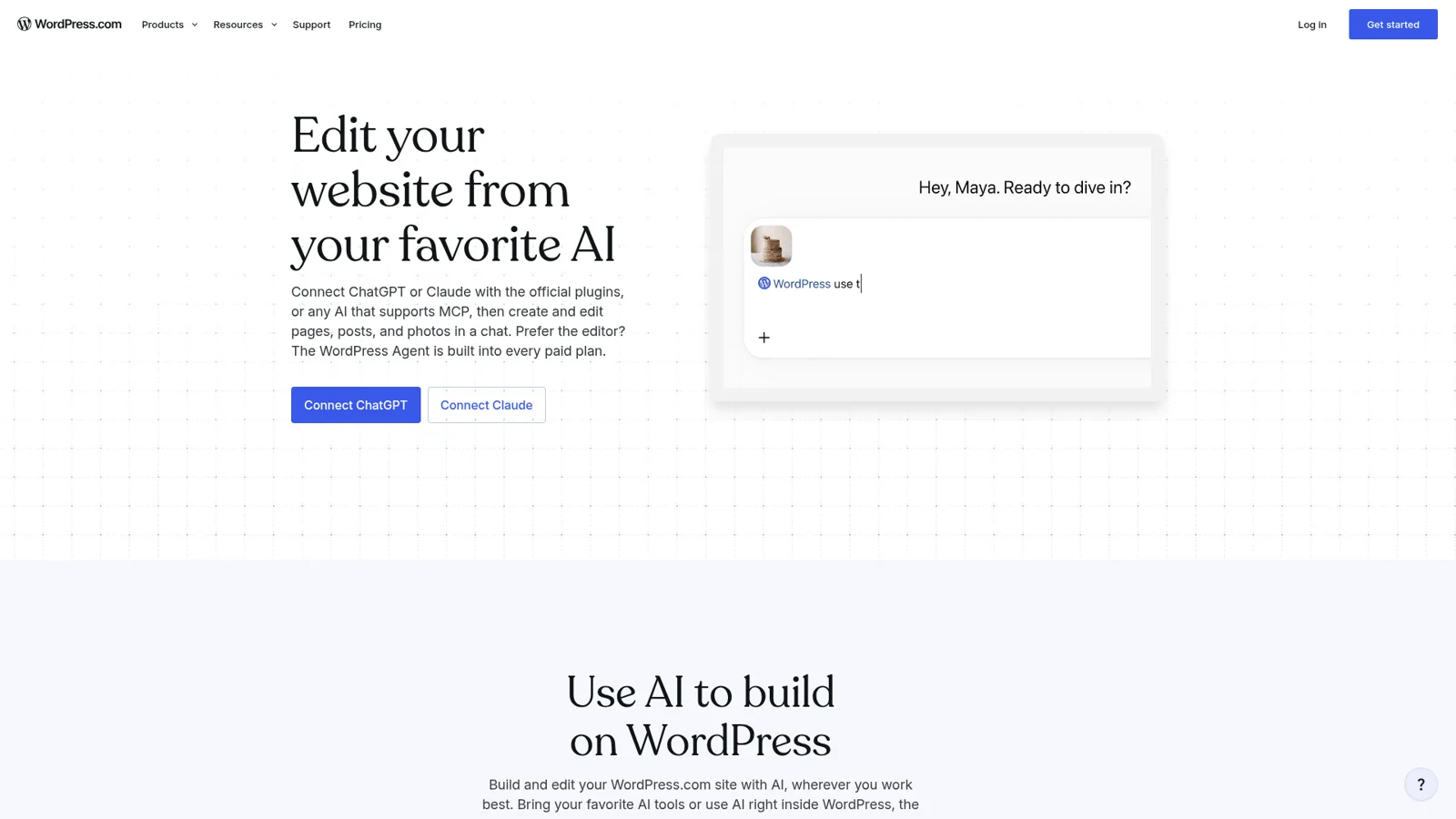
There are three ways Claude and WordPress meet today, and they're easy to mix up.
| Route | Who makes it | Where you work | Good for |
|---|---|---|---|
| WordPress.com connector | Automattic | Claude (web, desktop, mobile) | Running WordPress.com sites from a chat |
| Same connector via Jetpack | Automattic | Claude | Self-hosted sites connected to WordPress.com |
| MCP Adapter + Abilities API | WordPress.org core AI team | Any MCP client | Developers exposing their own site's abilities |
Sources: WordPress.com MCP settings, Jetpack AI, MCP Adapter.
There's also the reverse direction. The WordPress.org AI plugin adds AI features inside wp-admin and can use Claude through the AI Provider for Anthropic plugin and your own API key, billed per request. My WordPress AI plugins guide covers that side.
How do you connect Claude to WordPress?
You connect it from the WordPress.com listing in about a minute. WordPress.com's Claude setup guide lists these steps:
- Open the WordPress.com connector in Claude (wp.me/claude goes straight there) and log in to Claude.
- Select Connect. Claude opens the WordPress.com authorization page.
- Under Access, pick one option. Full access turns on every Read and Write tool. Read only turns on Read tools and turns off all Write tools. Keep existing access appears if you've already customized your tools.
- Select Allow. If MCP access is off on your account, the button reads Allow & turn on agent access.
Two details catch people. First, your access choice applies to your whole WordPress.com account, so it also changes what every other connected agent (ChatGPT, Cursor, Codex) can do. Second, on a Claude Team or Enterprise plan an Owner adds connectors for the organization and members then connect their own account, per Anthropic's connector guide.
Claude Code works too: the WordPress.com AI and MCP settings page has one-click options for Claude, Claude Code, ChatGPT, Cursor and Codex. If Claude stops responding about your sites, select Retry Connection next to WordPress.com in the message bar's tools menu.
What can Claude do in WordPress?
Claude can do most everyday editor work, as long as the matching tools are on. Here's WordPress.com's list, with the limit next to each job.
| Job | Example prompt from WordPress.com | Worth knowing |
|---|---|---|
| Write and save drafts | "Write and save a draft post about [topic] in my usual style." | Drafts stay drafts until a status change |
| Publish | "Change the status of my draft post '[title]' to published." | A publish-status update goes live immediately |
| Edit pages and posts | "Update the title of my most recent post to [new title]." | Categories, tags and excerpts too |
| Moderate comments | "Approve the pending comments on my blog." | Reply, mark as spam or delete |
| Media details | "Update the alt text on my most recently uploaded image." | Metadata; deleted media can't be recovered |
| Clean up | "Trash all posts that have been in draft for over a year." | Trashed posts come back for 30 days |
| Read site data | "Which of my sites gets the most traffic?" | Totals, not top posts or referrers |
Sources: Edit your site with Claude, MCP tools reference, Jetpack AI FAQ.
The full capabilities list goes further. Depending on your plan and role, Claude can install and deactivate plugins, switch a site between public, private and coming soon, add newsletter subscribers 100 at a time, check Jetpack Backup and Scan, and generate images into the media library.
Developers seem happy with how agents get on with WordPress in general:
"WordPress and a nice page builder with MCP is actually a joy to use, and the absolutely enormous catalog of plugins that are easily extensible and endlessly modifiable makes it so easy to work with when building via agent."

Which WordPress plans work with Claude?
Every paid WordPress.com plan includes MCP access, and the Claude side costs nothing extra because connectors are included on every Claude plan, Free through Enterprise (Claude pricing). The catch is the date. WordPress.com's own support page says free sites can use MCP "through November 30, 2026", and the same goes for Jetpack-connected self-hosted sites with no Jetpack plan.
| WordPress plan | Price (WordPress.com / Jetpack pricing pages) | Claude connector |
|---|---|---|
| WordPress.com Free | $0 | Until November 30, 2026 |
| WordPress.com Personal | $9 monthly, or $4 a month for the first year billed yearly | Included |
| WordPress.com Premium | $18 monthly, or $8 a month billed yearly | Included |
| WordPress.com Business | $40 monthly, or $25 a month billed yearly | Included, plus site restore from backup |
| WordPress.com Commerce | $70 monthly, or $45 a month billed yearly | Included, plus site restore from backup |
| Self-hosted + Jetpack Free | $0 | Until November 30, 2026 |
| Self-hosted + Jetpack Pro or Complete | $29 or $49 a month, billed yearly | Included |
Sources: WordPress.com pricing, Jetpack pricing, WordPress.com MCP settings.
Yearly WordPress.com prices are introductory and renew higher (Personal at $5 a month, Business at $28). Plugin tools also need a plan that allows plugin installs. If you're testing on a free site this week, put November 30 in your calendar.
Will Claude publish without asking?
It depends on your settings in Claude, and WordPress.com says so: "Whether Claude checks with you before it changes or deletes content depends on your settings in Claude." The listing promises "Every change is confirmed by you", but WordPress.com's developer docs say Claude gets individual tools "where the AI client decides whether to ask for confirmation." The controls live in two places.
- In Claude. On the connector's page under Customize > Connectors, set each tool or group to Always allow, Needs approval or Blocked. Choosing Always allow on a mid-chat prompt skips it from then on, so be careful with anything that publishes or deletes.
- In WordPress.com. Your AI and MCP settings split tools into Read and Write groups with per-tool switches. Site administrators can override tools per site or exclude a site entirely.
Underneath, Claude never gets more than your own WordPress role ("editors can manage content and comments but cannot change site settings or plugins"), and changes land in the site's Activity Log. For week one I'd connect Read only, then turn on post writes with Needs approval and keep plugin and delete tools Blocked.
Self-hosted WordPress: Jetpack or the MCP Adapter
Only one of the two self-hosted paths is ready for non-developers. The easy one is Jetpack: connect your site to WordPress.com with the free Jetpack plugin and the same connector reaches it. Jetpack's AI page says the AI "never gets more access than your own WordPress role", and is honest that it "can't restore a backup, fix a security threat or make your site faster."
The other path is the WordPress.org MCP Adapter, from the core AI team. It turns abilities registered through the Abilities API into MCP tools, opt-in per ability, with permission checks against the current user. It's a developer tool (it "does not provide any AI features itself"), and sign-in is the sticking point. A proposal on its GitHub from November 3 puts it plainly:
"Web MCP clients such as Claude and ChatGPT only connect to servers through an OAuth sign-in. They have no way to enter an Application Password or a custom header. WordPress doesn't include an OAuth server and the adapter doesn't add one, so these clients can't connect to a site today."
Terminal clients like Claude Code can still sign in with an Application Password, the walkthrough Miriam Schwab asks for in a separate issue noting site owners "are probably getting stuck right after activation". For claude.ai and a self-hosted site this month, I'd take the Jetpack route.
Where Claude stops for a content team
Claude with the WordPress.com connector works for one person, as that person, when that person opens Claude. For a solo blogger or a founder who runs the company site, that's ideal, and it's the same pattern I describe in Claude for work. A content team's WordPress is different.
Writers want drafts started, the editor decides what goes live, a freelancer in a shared channel wants a brief, the SEO lead wants 40 old titles fixed, and a reader on the site asks a question your posts already answer. Each should get a different slice of what an AI can do in WordPress, and some should get nothing.
WordPress.com saw the same problem. Its own WordPress Agent, the assistant built into paid plans, works in Slack, but only in direct messages. The Slack setup guide explains why: "It does not respond in Slack channels, because a channel can include people with different permission levels on your sites." That's an honest call, and it shows the gap. Claude's and WordPress's controls follow the person who connected, and they don't change with who a request is for.
How eesel works as the team's WordPress teammate
eesel is an AI teammate that works in your team's tools, takes requests from anyone who talks to it there, and does the work inside them. For WordPress, its integration page lists three jobs: publish finished blog drafts, push on-page SEO fixes (title, meta, headings, internal links) back to live posts, and read your post inventory to decide whether a topic is something to build, update, merge or skip. It connects once and uses the WordPress REST API, so its drafts land in your normal editor.
It knows who is asking
eesel works for the company in front of anyone, and you decide what it does for each kind of person: a teammate, specific people you name, a verified customer or an anonymous visitor. For each of them, every action is set to act on its own, ask first, or stay off.
In WordPress terms it looks like this. A writer on your team asks in Slack for a post on next month's launch, and eesel researches and writes the draft on its own, then replies in the thread. Before anything is written to WordPress or published, it asks your editor first, with the exact post and change shown on an Approve or Deny card. And a visitor chatting on your site can get answers from your published posts, but nothing they say will ever make eesel publish, edit or unpublish anything.
The documented pieces are on eesel's actions and approvals page. Every action is On, Ask first or Off, per agent, and you can set it in chat ("draft on your own, but ask me before you publish anything"). Ask first shows up in the dashboard, as a card in the Slack thread the run started from, by email, or via eesel approvals in a terminal. Only editors approve (roles), and you pick who gets the requests. Team only actions and files run only when someone on your team asks: your Team page plus full members of your connected Slack, Microsoft Teams or Google Workspace.
It writes the posts, then hands them over
The AI blog writer is the clearest example. It researches a topic, writes in your brand voice, and builds the hero image, infographics and tables. Per its content-writing docs, anyone can @mention the agent in a Slack channel and ask for a post ("Nobody needs a dashboard login").
The AI Blog Writer skill then publishes the post to WordPress as a draft you review, and the SEO audit skill writes approved fixes back to old posts. If that's the job you're shopping for, my AI blog writer with auto-publishing guide compares the options.
It works with nobody at a keyboard
An automation can start work on a schedule, from an event in a connected app, or from a webhook ("Every Monday at 9am, a fresh post is waiting"). It learns from your docs, past posts and Slack history, and when your editor says "we never use title case", the correction sticks.
On the live site, the chat bubble lets the same agent answer readers from your published posts, and on a WooCommerce store it can look up orders for shoppers, with refunds waiting for approval.
Claude for WordPress vs eesel, side by side
| Claude + WordPress.com connector | WordPress Agent | eesel with WordPress | |
|---|---|---|---|
| Works for | The person using Claude | The person messaging it | The whole team, plus site visitors if you want |
| Who can ask it | You, in Claude | You, in the editor, email, Telegram or a Slack DM | Teammates in Slack, Teams, Google Chat or email; visitors in the chat bubble |
| What decides what it may do | Claude tool permissions + your WordPress role | Your WordPress role | On, Ask first or Off per action, by who is asking |
| Publishing | Your call per tool (Always allow, Needs approval, Blocked) | Writes and publishes posts you ask for | Drafts on request; publishing set to Ask first waits for an editor |
| Works with nobody at a keyboard | Scheduled tasks you set up | When you message it | Schedules, app events and webhooks |
| Cost | Included in any Claude plan; paid WordPress.com plan | Included with paid WordPress.com plans | From $299 a month for 500 credits, unlimited seats |
Sources: WordPress.com MCP settings, WordPress Agent, eesel pricing.
Can you use Claude and eesel together?
Yes, and that's what I'd do. Keep the WordPress.com connector for your own site work in Claude, and give the team eesel. Your eesel workspace is itself an MCP server, so you can add it to Claude right next to WordPress.com (use eesel from Claude):
- In Claude, open Settings > Connectors and choose Add custom connector.
- Name it eesel and enter
https://oracle.eesel.app/mcp. - Sign in to eesel and approve, once.
Then ask "which drafts did eesel write this week" or "have eesel write a post on our pricing change." Editors can change things, viewers get the read side, and Ask first still asks. My AI agent MCP server explainer covers the pattern, and the sibling post on ChatGPT for WordPress covers OpenAI's version.
Which route should you pick?
Use the connector if you run your own site from Claude, the WordPress Agent if you'd rather stay in the editor, and Jetpack to bring a self-hosted site into either. Pick eesel when WordPress is the team's and publishing has to wait for the right person. My WordPress AI content writers roundup and AI blog writer for WordPress guide cover more options.
Try eesel as your team's WordPress teammate
If Claude already makes your own WordPress work faster, eesel does the same for the rest of the team. Connect WordPress, invite it to the Slack or Microsoft Teams channel where writers ask for posts, set publishing to Ask first with your editor as the approver, and watch a week of drafts. It's a free 7-day trial with 100 credits and no card, and the WordPress integration page shows the setup.