
Running a WordPress site means constantly feeding a content beast. To keep your audience engaged and search algorithms attentive, a steady flow of high-quality articles is essential. The challenge is that the entire process, from brainstorming and research to writing and sourcing images, can be incredibly time-consuming.
I'm experimenting with some AI tools that integrate with my Wordpress.com blog as although I have fresh content, there are days when I need some inspiration and some regular traffic to maintain rankings.

This is where AI blog writer plugins for WordPress can help. They are designed to work within your existing workflow, streamlining everything from ideation to publication. It is like having a writing assistant available on demand.

What is an AI blog writer plugin for WordPress?
At its heart, an AI blog writer for WordPress is a tool that uses artificial intelligence (like the tech behind ChatGPT) to help you create content for your site. You can think of it as a smart writing partner that can generate ideas, build outlines, write paragraphs, or even create images for you.
These tools typically come in two flavors.
First, you have native plugins. These operate directly within your WordPress editor, like Gutenberg. You just click a button, give it a command, and the AI generates text right in your post. It's incredibly handy for quick edits or when you're stuck with writer's block.
Our criteria for choosing the best AI blog writer tools for WordPress
To find the best options out there, we tested these tools against a few key criteria. We were looking for plugins that are genuinely useful, not just flashy tech demos. Here’s what we focused on:
- Integration Quality: How smoothly does it work with WordPress? We looked for easy integration with the Gutenberg editor or a simple, one-click publishing option for external platforms. Anything clunky was out.
- Content Quality & Features: This was a big one. Does the AI generate content that sounds like a person wrote it? We also looked for key features like SEO tools, automatic image generation, and Answer Engine Optimization (AEO) to ensure the content is ready for modern search engines.
- Ease of Use: You shouldn't need a technical background to use these tools. We preferred simple interfaces that let you get started quickly without a major learning curve.
- Value for Money: Does the price match the features? We examined different pricing models, from subscriptions and credits to one-time purchases, to find the tools that offer the most for your money.
Comparison of the top AI blog writer plugins for WordPress
Before we get into the details, here's a quick side-by-side comparison of our top picks for 2026. This should help you get a sense of which tool might be the right one for you.
| Feature | eesel AI | GetGenie | Jetpack AI Assistant | Rank Math Content AI | AI Engine |
|---|---|---|---|---|---|
| Core Function | Complete Blog Generation | In-Editor Content Assistant | General AI Assistant | SEO-Focused AI Writer | Flexible AI Framework |
| SEO Tools | Built-in, AEO Optimized | Advanced SERP & NLP Analysis | Basic | Integrated with SEO Suite | Basic |
| Media Generation | Yes (Images, Infographics) | Yes (Images) | Yes (Images) | No | Yes (Images) |
| WordPress Integration | Direct Publishing | Native Plugin | Native Plugin | Native Plugin | Native Plugin |
| Pricing Model | Credit-based | Subscription | Subscription | Subscription | Pay-per-use (API) |
| Best For | Scaling high-quality, publish-ready content | SEO specialists and agencies | Quick drafts & general assistance | Existing Rank Math users | Custom AI implementations |
The 5 best AI blog writer plugins for WordPress in 2026
Alright, let's dig into the specifics. Here are the five best tools we found for turning your WordPress site into a content creation powerhouse.
1. eesel AI blog writer
The eesel AI blog writer is less of an "assistant" and more of an autonomous content platform. It's a standalone tool that takes a single keyword and transforms it into a complete, media-rich, and SEO-optimized article that's ready to publish. It works from its own dashboard, which allows for more powerful features, and then publishes the finished piece directly to your WordPress site. This is the tool we used to grow our daily impressions to 750,000 in a few short months.
Pros: It generates content designed to sound human, often requiring minimal editing. Its main advantage is that it provides a complete package, not just text. You get AI-generated images, charts, infographics, relevant YouTube video embeds, and even real Reddit quotes for social proof. The context-aware research feature provides in-depth information on topics, and its built-in Answer Engine Optimization (AEO) helps your content rank well in both traditional search and AI overviews.
Cons: It is not a native plugin that operates within the WordPress editor. Content is generated on the eesel AI platform and then published to WordPress. This external workflow allows for a different feature set than what is typically available in a native plugin.
Pricing:
- It's completely free to try.
- The paid plan is a one-time purchase of $99 for 50 blog posts (credit-based, so you only pay for what you use).
2. GetGenie AI
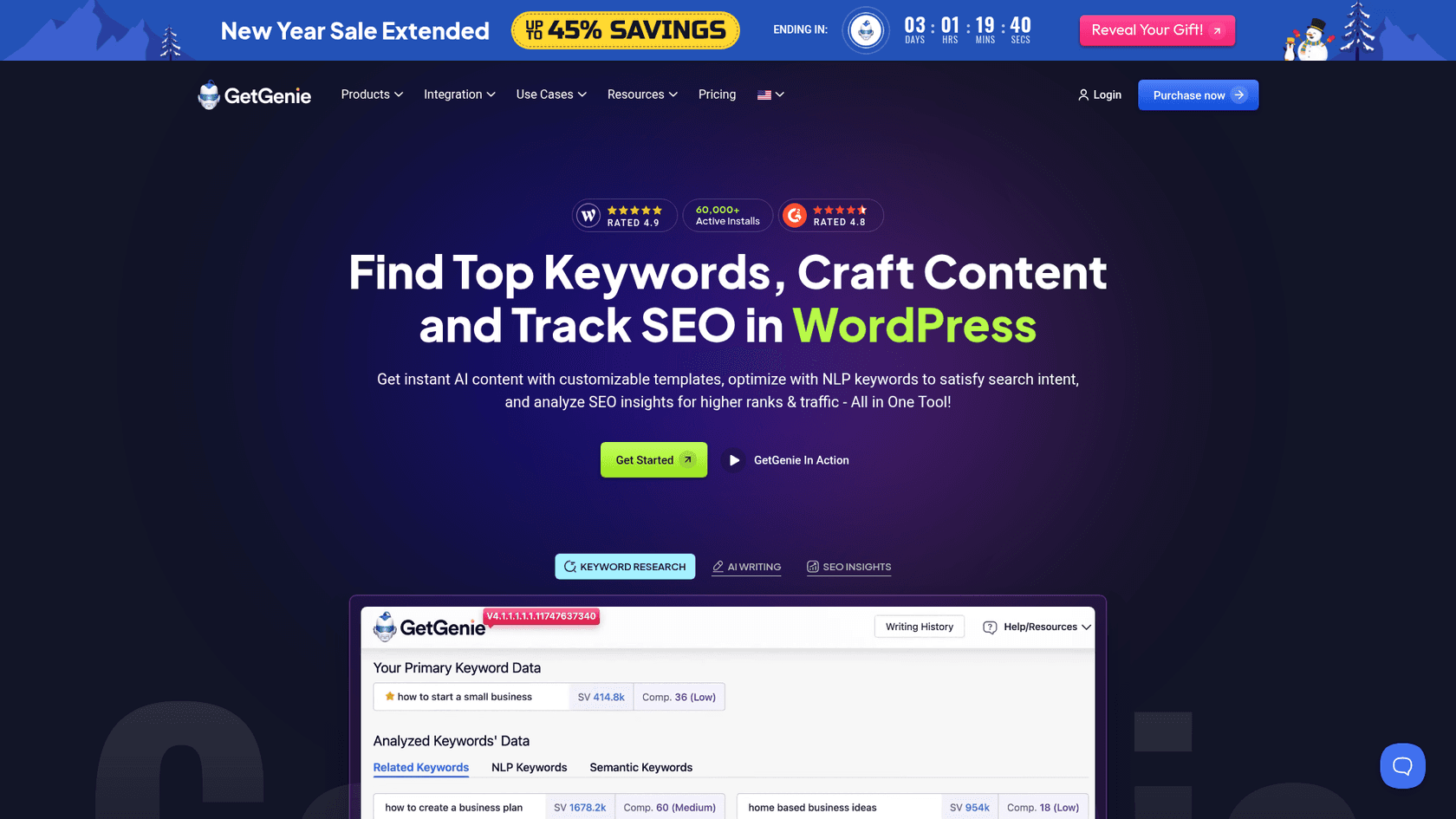
GetGenie AI is a powerful content assistant that works directly inside your WordPress editor. If you prefer having all your tools in one place, this is a strong option. It includes over 40 templates for various content types and a "Blog Wizard" that walks you through the creation process. Its tight integration with both Gutenberg and Elementor makes it a popular choice for writers who want to avoid switching between tabs.
Pros: The standout feature is its SEO toolkit. You get keyword research with NLP (Natural Language Processing) analysis, competitor insights, and a real-time content score to guide your writing. The "GenieChat" feature, which lets you chat with 22 different AI personalities, is also a nice touch for brainstorming.
Cons: With many features, the interface can feel a bit cluttered, especially for beginners. Some of the best SEO tools and higher word count limits are also locked behind the more expensive subscription plans.
Pricing:
- Free plan available with 2,500 words per month.
- Paid plans start at $6.00/month (billed annually) for the Starter plan, which includes 20,000 AI words.
3. Jetpack AI Assistant
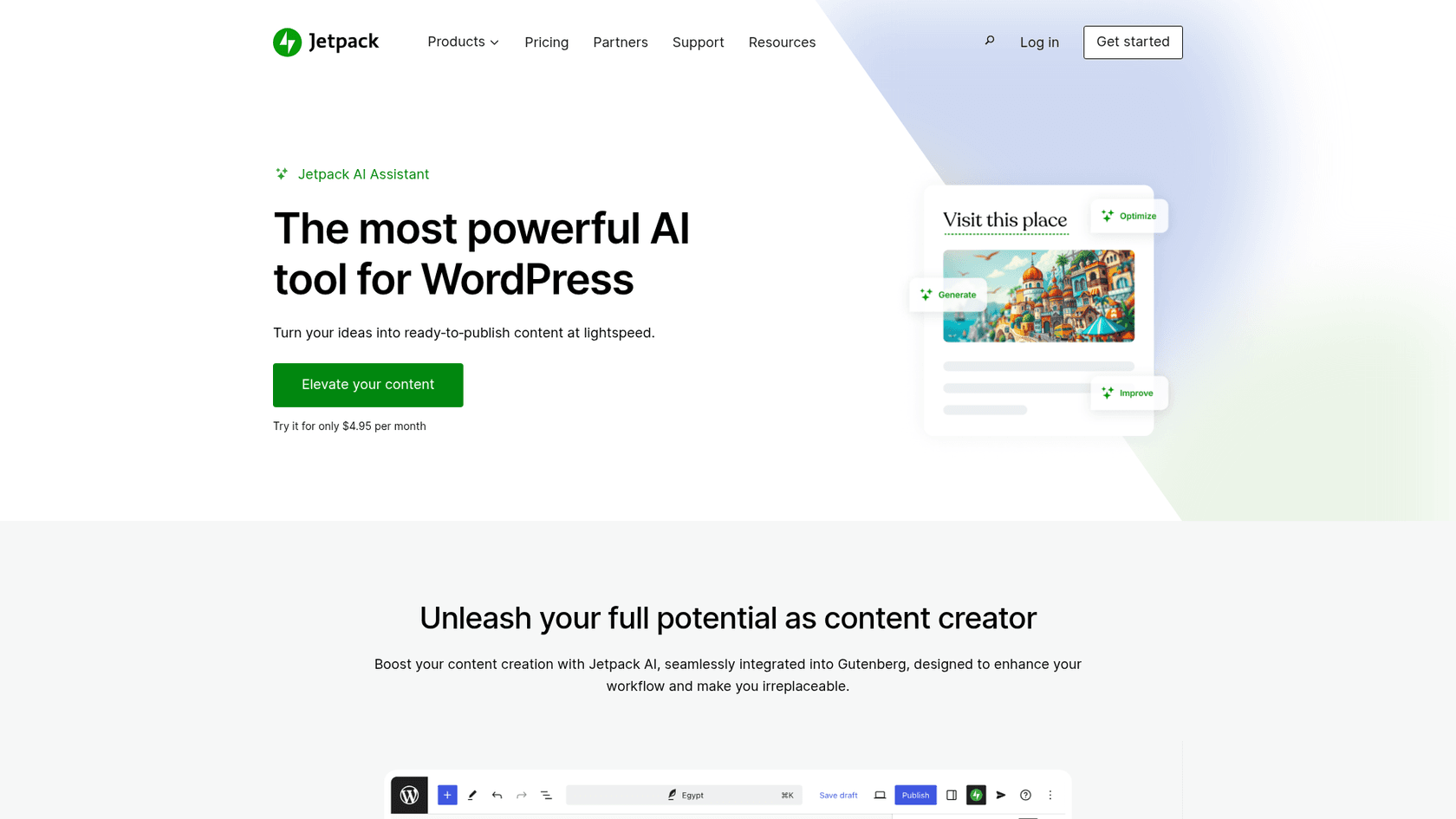
From Automattic, the company behind WordPress.com, the Jetpack AI Assistant offers a seamless native integration. It isn't a separate dashboard or sidebar; it's a block directly within the Gutenberg editor. This makes it straightforward to generate text, create tables, write summaries, or change the tone of a paragraph without leaving your post.
Pros: Its primary strength is its simplicity. It's ideal for those moments when you're stuck and just need to get a few sentences down. You can highlight text and ask the AI to make it more professional, casual, or even translate it. The ability to generate images directly in the editor from a text prompt is also a big time-saver.
Cons: The free version is quite limited. You only get 20 requests in total, which you can easily use up in a single blog post. It also lacks the advanced SEO and competitor analysis features found in more specialized tools. It's more of a general helper than a dedicated blog writer.
It's a useful tool to help you, not to make the job for you ;-)
Pricing:
- Free for up to 20 requests.
- The paid plan is $4.95/month (billed yearly) for the first year.
4. Rank Math Content AI
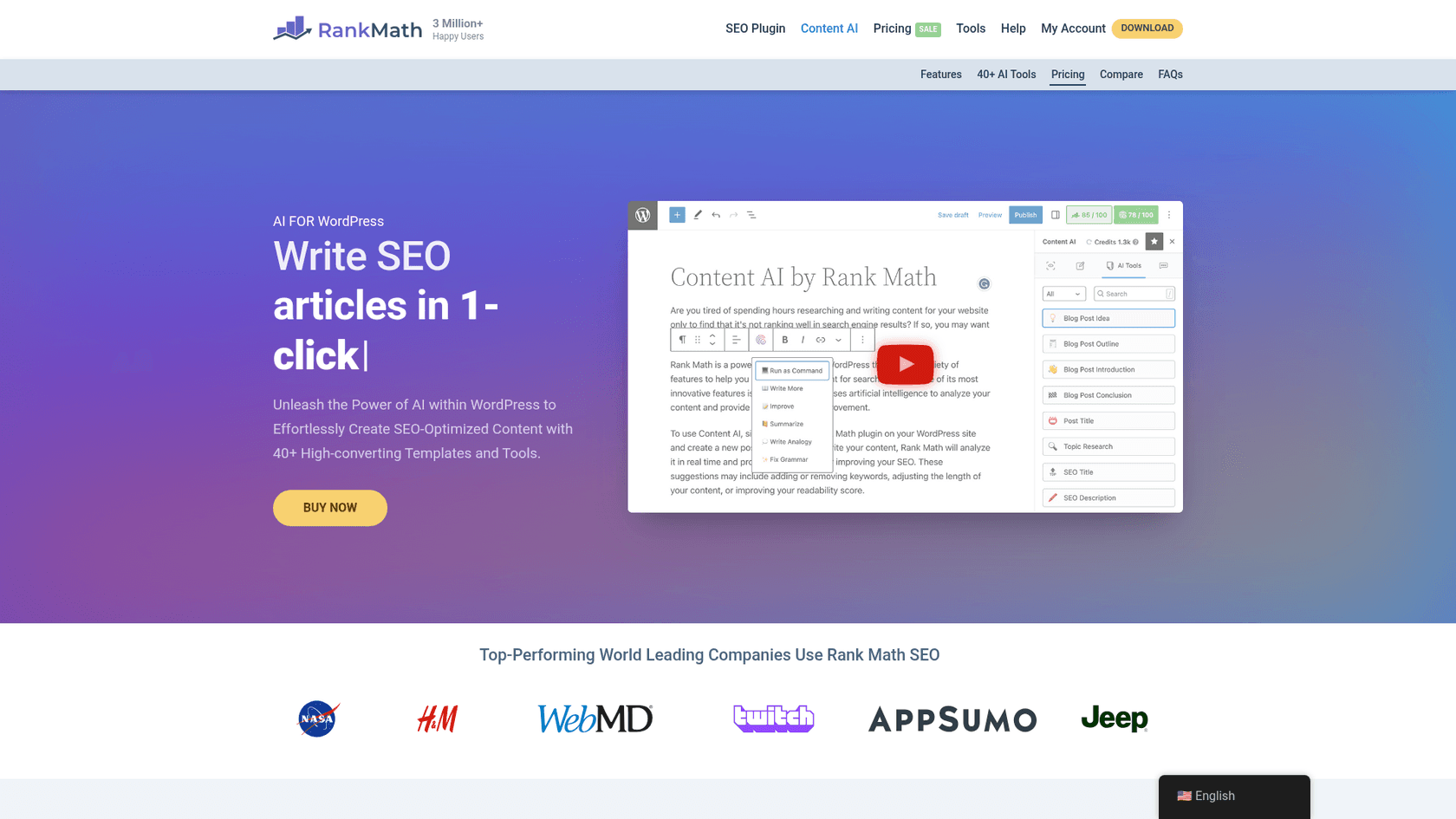
Rank Math is already a huge name in the SEO plugin world, and its "Content AI" feature adds writing assistance to its optimization workflow. It's designed for users who are focused on SEO. With over 40 AI tools, it can help you generate outlines, write meta descriptions, and craft paragraphs that are built to meet Google's standards.
Pros: It combines its SEO toolkit with AI content generation. If you're already using Rank Math for on-page SEO, adding Content AI is a logical next step. It provides smart suggestions based on your target keyword and what's already ranking, helping you fill content gaps.
Cons: Content AI is a feature within a larger SEO suite, not a standalone product. Its primary focus is on optimizing content for SEO rather than creating complete, readable articles from scratch. You'll still be doing most of the actual writing.
Pricing:
- Content AI is a separate subscription from Rank Math Pro.
- Plans start at $5.99/month (billed annually) for 5,000 credits.
5. AI Engine
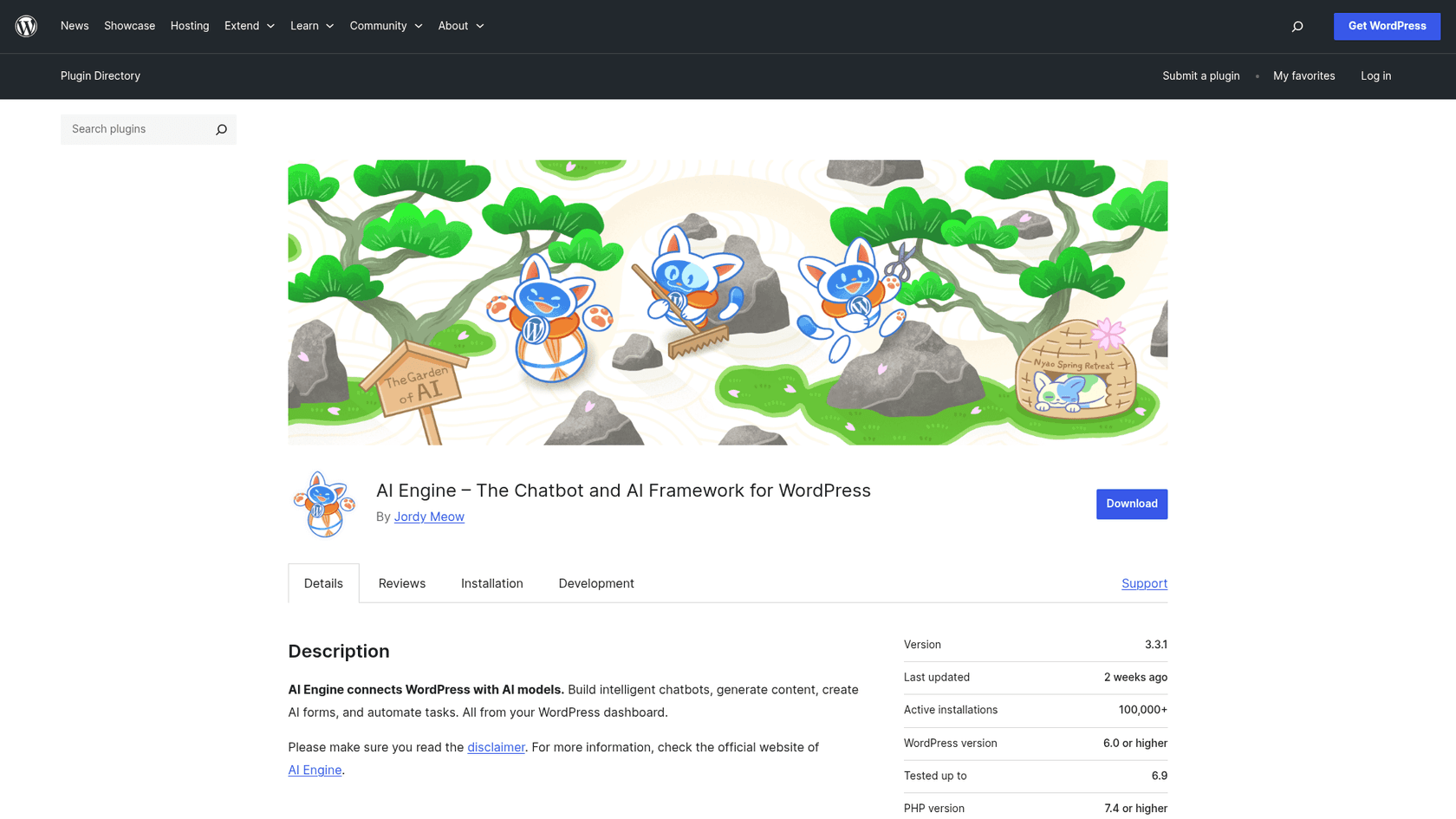
AI Engine is a different kind of tool. It's less of a simple writing assistant and more of a flexible framework for building your own AI features into your WordPress site. It lets you connect your own API key from providers like OpenAI, giving you the ability to create a custom content generator, an image generator, or even a ChatGPT-style chatbot for your visitors.
Pros: Its versatility is a key feature. You aren't confined to a specific workflow or feature set. For developers or tech-savvy users, it provides the freedom to build the exact AI tools you need. It's also cost-effective, since you only pay for the API usage you consume from your AI provider.
A free months ago I had an idea to build a command and plugin that my Claude code uses to create content, manage titles & descriptions, duplicate pages, update plugins and themes, seo scoring, speed test, schema checking, and does visual regression testing.
Cons: This is not a simple plug-and-play tool. It requires a more hands-on setup, including getting and managing your own API keys. The user experience isn't as polished as the other tools on this list, so you should be ready to get a little technical.
Pricing:
- The plugin itself is free.
- You are billed directly for usage through your OpenAI (or other AI model) account.
How to choose the right AI blog writer plugin for your site
- Focus on Your Goal: What do you need most? Are you looking for a bit of help drafting paragraphs, or do you need to scale up your content production with complete articles? If your goal is to publish a lot of high-quality posts quickly, an integrated platform that handles the entire process will be your best option.
- Assess Your Technical Comfort: Be honest about your tech skills. A tool like Jetpack AI is as simple as it gets, while AI Engine requires you to manage API keys. Pick a tool that matches your comfort level so you'll actually use it.
- Consider the Entire Workflow: Don't just focus on text generation. Think about the whole process. Do you need SEO analysis? Image creation? Direct publishing? A tool like the eesel AI blog writer is designed to handle everything from keyword to published post, which can save you a ton of time.
- Test Before You Commit: Almost every tool on this list offers a free trial or a free plan. Give them a try! There's no better way to find out which one feels right for you and delivers the quality you're looking for.
Watching reviews and tutorials can also help you understand how these tools work in practice. Seeing a tool in action is often the best way to decide if it's a good fit for your content creation process.
Ready to automate your blog with an AI tool for WordPress?
AI blog writers aren't just a novelty anymore; they're powerful tools that can help you save time, overcome writer's block, and significantly increase your content output. The key is to find the one that fits your workflow, quality standards, and goals.
While many tools are effective for creating rough drafts, some can deliver a complete, polished, and publish-ready article with all the necessary assets.
If you're serious about scaling your content marketing on WordPress without compromising on quality, give the eesel AI blog writer a try. It’s completely free to generate your first article, so you can see the difference for yourself. Go from a single keyword to a fully optimized blog post in minutes and start getting your time back.





