

The Canva ChatGPT integration is Canva's own app in ChatGPT: connect it under Settings > Plugins, start a prompt with "Canva," and ChatGPT creates, previews and edits real Canva designs you can open and finish in Canva. It's free on every ChatGPT plan and every Canva plan, including both Free tiers. What you spend is your Canva AI allowance, and brand templates, resize and autofill need Canva Pro or above.
It shines for one person turning words into visuals: an outline into a deck, a blog post into three social graphics, a 50-slide presentation rewritten without the jargon. It's tied to your own Canva account and your own ChatGPT chat.
The harder design problem in most companies is the queue of requests from everyone else. eesel is the teammate for that: anyone can ask it in Slack, Teams or email, and what it does alone, asks first or never does depends on who is asking. Codex can wire it up for you through the eesel CLI, connecting your apps and asking the agent a test question so you see the answer before your team does.
What does the Canva app in ChatGPT make?
It makes real, editable Canva designs from a chat: presentations, social posts, posters, docs, resumes and short videos, plus images and brand kits. OpenAI's Canva page puts it simply: "Create, preview, and edit Canva designs directly in your ChatGPT conversations. Go from an idea to a ready-to-share presentation or post."
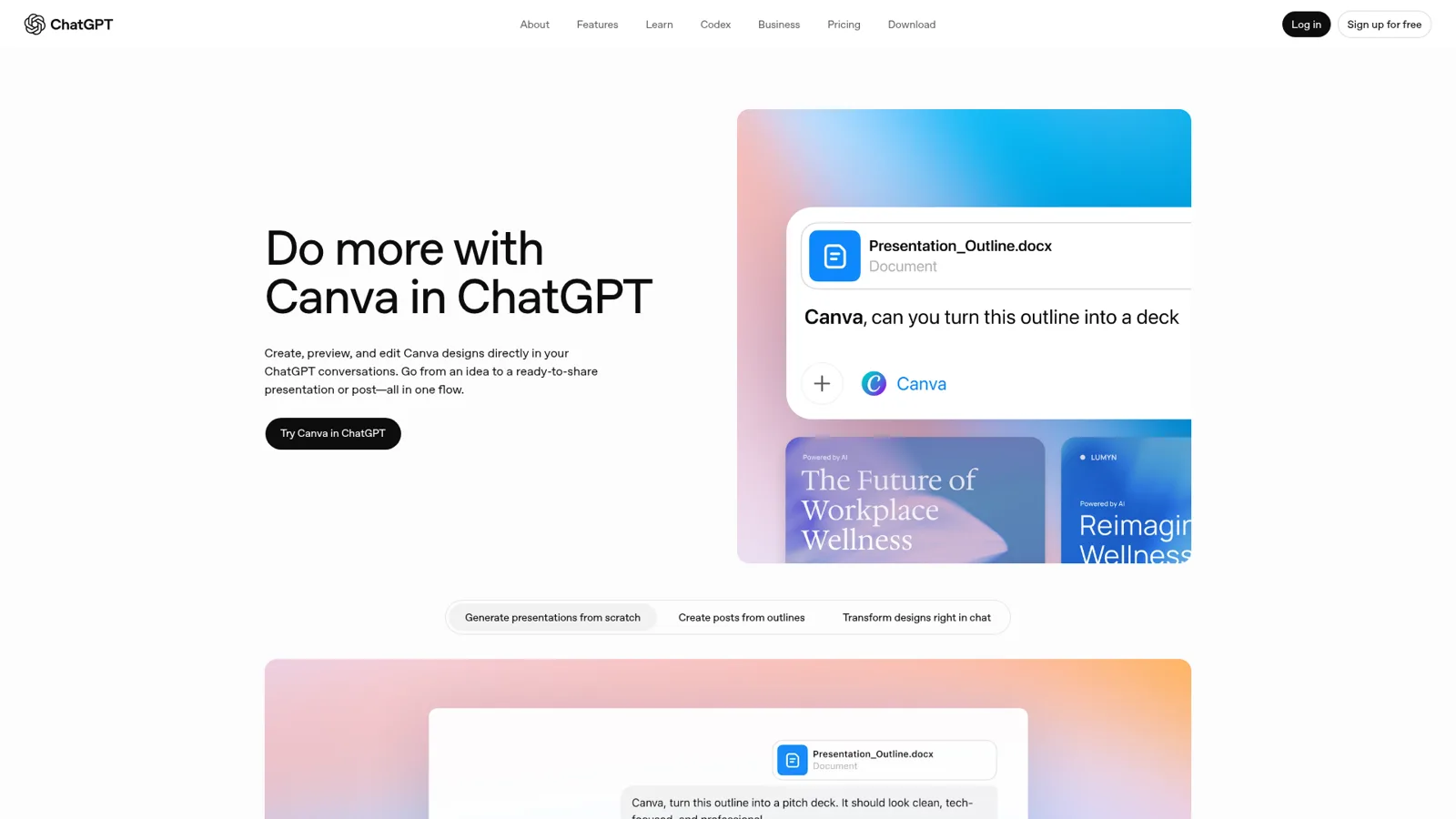
You see a few options as previews in the chat, pick one, and open it in Canva to keep editing. A few prompts from OpenAI and Canva that show the range:
- "Canva, create slides for my team update."
- "Canva, generate a brand kit for my wellness startup, including colors, fonts, and logo ideas."
- "Canva, make this presentation more conversational by removing jargon."
That last one is the feature I'd show a sceptic. Canva says you can now edit text across entire Canva designs just by chatting, "watching 50 slides transform instantly" (Canva newsroom). Anyone who has fixed a product name on every slide of a sales deck by hand will feel that.
It can also find, resize, copy and translate your existing designs, import a PDF or PowerPoint from a link, remove an image background on Canva Pro, and open a design with print options ready (Canva Help). If you've seen the Figma app in ChatGPT, the Canva one leans further toward finished marketing assets than diagrams.
How Canva got into ChatGPT
Canva has been inside ChatGPT longer than most apps, in three steps:
| When | What shipped | Source |
|---|---|---|
| June (deep research) | A connector to search and summarise your Canva content, such as "Summarize our last three campaign strategy decks". Canva calls itself "the first design platform to integrate directly into ChatGPT" | Canva newsroom |
| 6 October 2025 | Canva is a pilot partner when apps in ChatGPT launch at DevDay, alongside Booking.com, Figma, Spotify and Zillow | OpenAI |
| Since then | Full design creation, full-screen preview, deck-wide text edits, Brand Kits, and a Canva plugin in Codex | Canva newsroom |
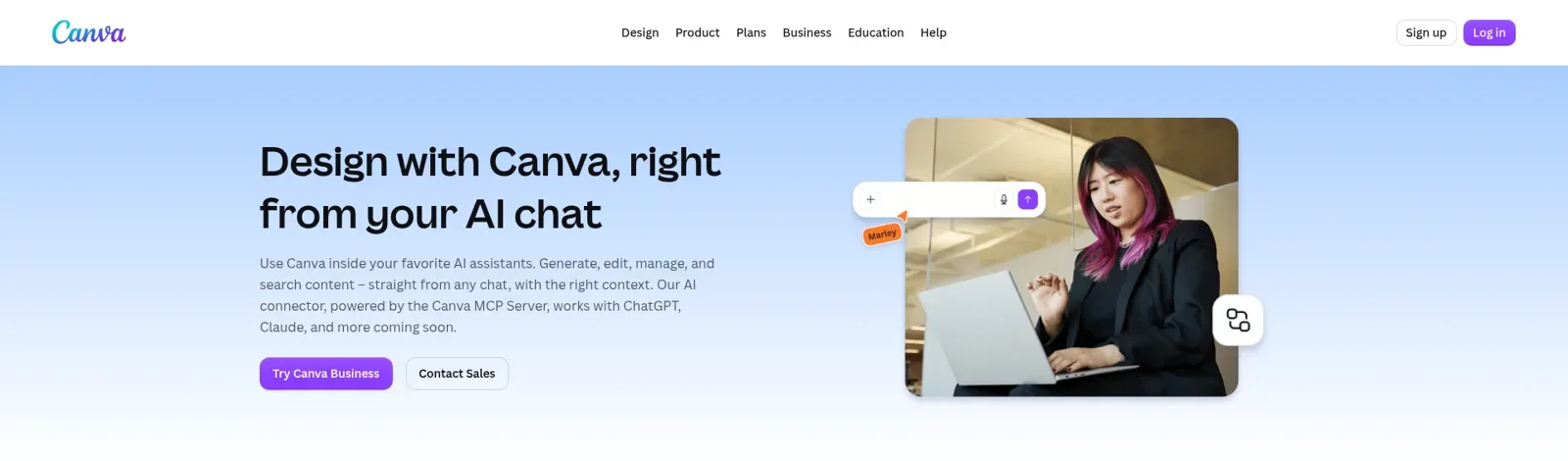
Under the hood it's the Canva AI Connector, "powered by the Canva MCP Server", the same connector Canva offers to Claude, Gemini and others. OpenAI's Apps SDK "builds on the Model Context Protocol", so this is MCP doing its job (OpenAI). My ChatGPT apps directory post covers the rest of the catalogue.
How do you connect Canva to ChatGPT?
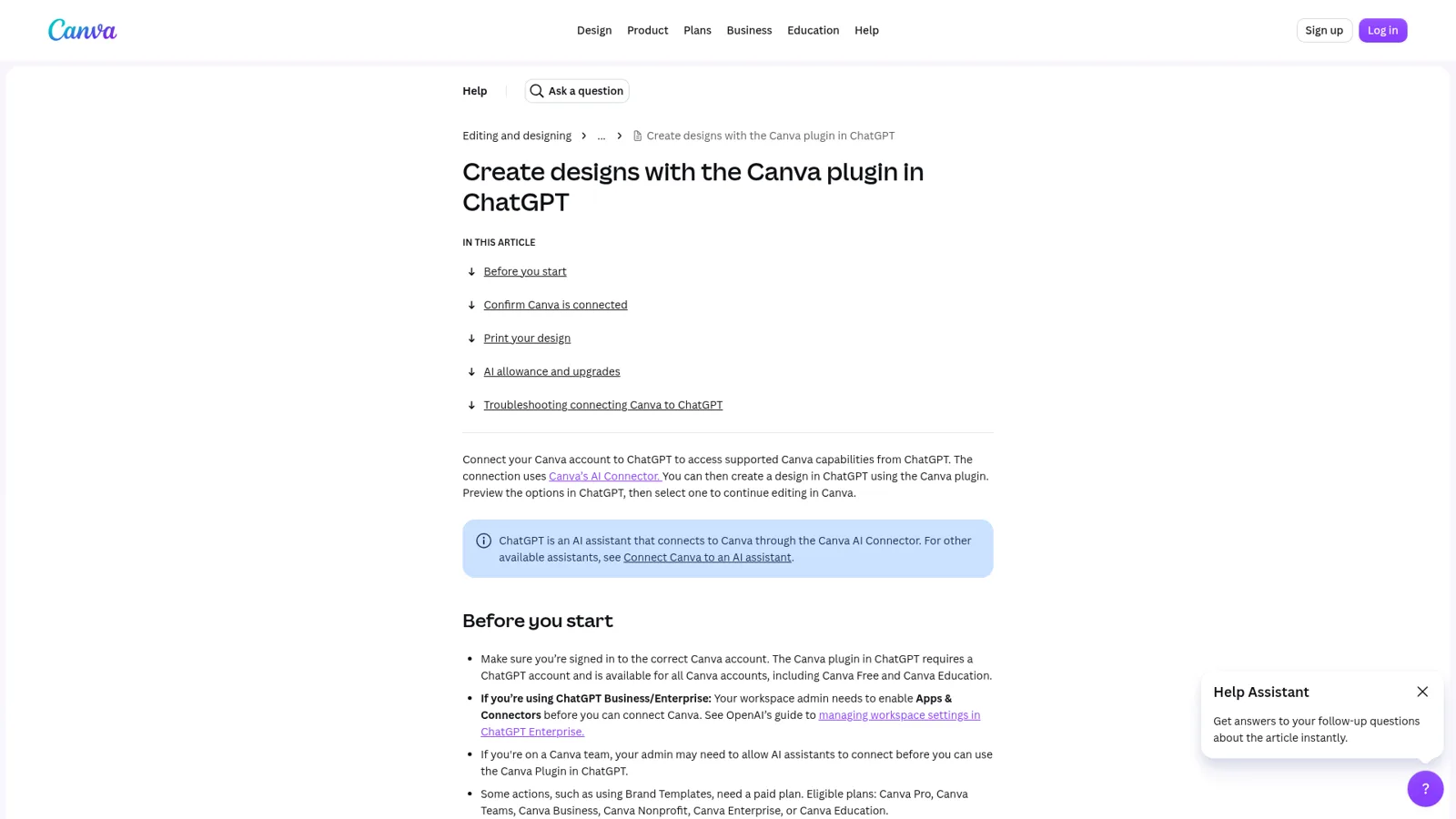
You connect once, then call Canva by name. Canva's steps:
- In ChatGPT, open Settings and go to Plugins (older apps may still say Apps).
- Select Canva and follow the prompts to sign in to your Canva account.
- In any chat, start your prompt with "Canva," or @mention it.
OpenAI lets you choose how much it asks first, per app: Always ask, Allow read actions, Allow low-risk actions, or, for eligible apps, Allow all actions, which OpenAI flags as carrying "elevated risk" (OpenAI Help Center). For a design tool I'd start on read actions and let it ask before it creates.
To disconnect, go to Plugins > Canva > Manage > Disconnect.
Do you need Canva Pro to use Canva in ChatGPT?
No. "The Canva plugin in ChatGPT requires a ChatGPT account and is available for all Canva accounts, including Canva Free and Canva Education" (Canva Help). On the ChatGPT side, the pricing page lists plugins on Free, Go, Plus and Pro, and Business and Enterprise get them through the workspace.
The paid Canva plans unlock the brand side. Canva's developer docs split it like this:
| Canva plan | Price (yearly) | What you get in ChatGPT |
|---|---|---|
| Free | $0 | Design generation, editing, search, standard-quality exports, comments; limited AI allowance |
| Pro | US$144/year for one person | Adds resize, autofill, brand kits and brand templates, Pro-quality exports and video; 10x the AI of Free |
| Business | US$250/year per person | The same for teams; 20x the AI of Free |
| Enterprise | Contact sales | The same at scale; 20x the AI of Free |
Prices are from Canva pricing. Canva Teams is closed to new sign-ups.
The line that matters most for your budget: "Creating designs and images in ChatGPT uses your Canva AI allowance, not your ChatGPT plan" (Canva Help). A heavy week of deck generation can run down the same allowance you use inside Canva. ChatGPT's own plan limits still apply to the chat itself; my ChatGPT pricing guide covers those (Plus is $20 a month, and Business is $25 per seat monthly or $20 billed annually).
Region is the other gate. Apps launched "outside of the European Economic Area, Switzerland, and the United Kingdom", and Canva's announcement of full design creation says it's "rolling out to ChatGPT users on Free, Plus, and Pro plans outside the EU". If you're in Europe and can't find it, that's likely why.
What Canva's own help page warns you about
Canva's ChatGPT help page is unusually candid, and its troubleshooting section is worth reading before your first big deck:
- Links that go nowhere. "ChatGPT sometimes generates links that look like Canva links but don't point to a real design." Open designs from the preview instead.
- Unsaved options. "Only designs you select in ChatGPT are saved to your Canva account." Choose Save or Open in Canva, or the other options vanish with the chat.
- Missing app at work. On ChatGPT Business or Enterprise, your workspace admin has to enable apps first.
- "Access Restricted by Team Admin". Your Canva admin has to allow the AI Connector under Controls and Permissions.
- Hitting the AI limit. You get an upgrade link, or you wait for the allowance to reset.
What do people run into with Canva in ChatGPT?
The complaints on OpenAI's own forum are mostly about the app not showing up or not finishing, and they tend to be platform-specific. A Linux desktop user found generation worked on the web but not in the app:
"The app processes for ~3.5 minutes and fails with a generic error: "Your Canva design couldn't be generated"."
Another developer, testing why apps drop out mid-conversation, tried Canva as a control and got the same failure: ChatGPT said "the built-in Canva app isn't available in this chat right now" after already working for 17 seconds, and the app disappeared from the + menu (forum thread). If that happens, a new chat usually brings it back.
The other debate is whether chatting with a design tool is the right interface at all. One Hacker News reader wasn't sold on launch day:
"i can't imagine that users will be interested in asking chatGPT to ask zillow things, or ask chatGPT to ask canva to do things. that's a clunky interface."

My take: for a single social post, he's right, and you'll be faster in Canva. For "turn this 2,000-word strategy doc into a 12-slide deck in our brand", the chat is the better starting point, and Canva is where you finish.
Should you use Canva AI or ChatGPT?
Use Canva AI when you're already in Canva, and ChatGPT when the content lives in the chat. Canva AI 2.0 creates designs through conversation inside the editor, and you can choose between Canva Core and Canva Brush, a design model Canva built that "started from a leading open-weights model" (Canva newsroom). For writing the copy itself, my Canva AI writer vs ChatGPT comparison covers where each one fits, and Canva AI alternatives covers the rest of the field.
Who controls what ChatGPT can do in your Canva?
Two admins, one on each side. On ChatGPT Business, apps are on by default and admins can change workspace-wide availability; on Enterprise and Edu, new apps start off and admins can enable them by role, and can restrict which email domains people use to connect (OpenAI Help Center). On Canva's side, "you can only turn the AI Connector on or off for your whole team" (Canva Help), and Canva's AI permissions still gate actions like Magic Design.
And each person signs in as themselves. Canva says "each user of Canva's tools in your AI assistant will need to have a Canva account", with no shared service account (Canva developers). OpenAI's team-shaped product, workspace agents, can run in Slack with shared connections, but Canva's connector doesn't take a shared login.
So the controls are real, and they're built around one question: what may this person, in this workspace, do? They don't change with who the work is for.
A brand teammate the whole company can ask
Here's the version of this I hear about most. A company has one brand designer and forty people who need things: the regional sales lead wants the one-pager with local pricing, the partner manager needs a co-branded flyer for a reseller, the founder wants the investor deck refreshed, a reseller emails asking for the logo pack. Some of those people should get finished files straight away. Some should wait for the designer's yes. Some should never see the internal templates.
ChatGPT with Canva is excellent for the designer. It doesn't sit in the requests channel, it doesn't know who the reseller is, and it can't decide that the founder gets a draft immediately while the reseller waits for approval.
| ChatGPT with the Canva app | eesel | |
|---|---|---|
| Who it works for | The person in the chat, as their Canva account | The whole company, in front of anyone |
| Where requests arrive | A ChatGPT conversation | Slack, Microsoft Teams, Google Chat, email, your website |
| How it decides what to do | Your app permission setting and your admins' workspace settings | Each action set On, Ask first or Off, by who is asking |
| Who approves | You, in your chat | Editors you choose, from Slack, the dashboard or email |
| Works without anyone at a keyboard | No | Schedules, app events and webhooks |
| Price | Free with your ChatGPT and Canva plans | From $299/month for 500 credits, unlimited seats |
Sources: OpenAI Help Center, Canva Help, eesel pricing.
How eesel handles the requests behind your brand
eesel has spent years letting an AI act inside teams' own tools, and I build its agents. The lesson that shaped everything: an AI that acts for a whole company needs to know who it's acting for, every single time.
eesel is an AI teammate for the whole team. It joins Microsoft Teams, Slack, Google Chat and email, where every agent has its own address, and takes requests from anyone who talks to it there. Canva is one of the 3,000+ apps you can connect: eesel looks things up and takes actions there, with each action set to On, Ask first or Off.
Then you decide what it does for each kind of person: someone on your team, specific people you name, a verified customer, or an anonymous visitor. For the brand queue above, that might be: the founder and the sales leads get files on their own; anyone else on the team gets new designs after the brand designer approves; a reseller writing to the agent's email gets the public logo pack and nothing from the internal templates. You can say it in chat ("share finished assets on your own, but ask Priya before you create anything new") and eesel saves it (actions and approvals).

Ask first shows the exact action and details with Approve and Deny, as a card in the Slack thread the request came from, in the dashboard, or by email, and only editors can approve. Actions and files marked Team only only ever run when someone on your team asks, never for someone outside it. And even with an action On, eesel's safety check can still hold a risky call.
It also works when nobody is asking. Automations start work from a schedule, an event in a connected app, or a webhook: a Monday roundup in #brand of what was requested and what shipped, for example. It learns from your docs and past work, and a correction you make once sticks (instructions and memory). If the content side is the bigger job, eesel's AI blog writer finds topics, researches, writes in your voice and publishes on schedule, and my post on brand blog writing explains the approach.
Keep ChatGPT for your own designs
I'd keep using the Canva app in ChatGPT for your own work; it's one of the best apps in the directory. For the team side, you can reach eesel from ChatGPT too: eesel's apps are being listed in ChatGPT's app directory, and Codex can set eesel up through the CLI (use eesel from ChatGPT). My ChatGPT at work guide covers how the two fit, and my sibling post on the Canva Claude connector covers the same connector from the Claude side.
Try eesel as your team's brand teammate
If your Canva requests pile up in Teams threads and inboxes, eesel takes them where they're asked and decides what to do by who's asking. Connect Canva and your channels, set what's On, Ask first or Off, and try it free for 7 days with 100 credits and no card. After that it's from $299 a month for 500 credits, with unlimited seats (pricing).
