On April 17, 2026, Anthropic shipped Claude Design — and Figma's stock dropped ~7% that day. Adobe and Wix fell too. Anthropic's own CPO, Mike Krieger (former Instagram co-founder), had resigned from Figma's board three days before the announcement. The market read it as a declaration of war on the design tool industry.
The reality, as is usually the case when markets move fast, is more nuanced. Claude Design is genuinely useful for specific things. It's also genuinely limited in others. This review covers both.
What Claude Design actually does
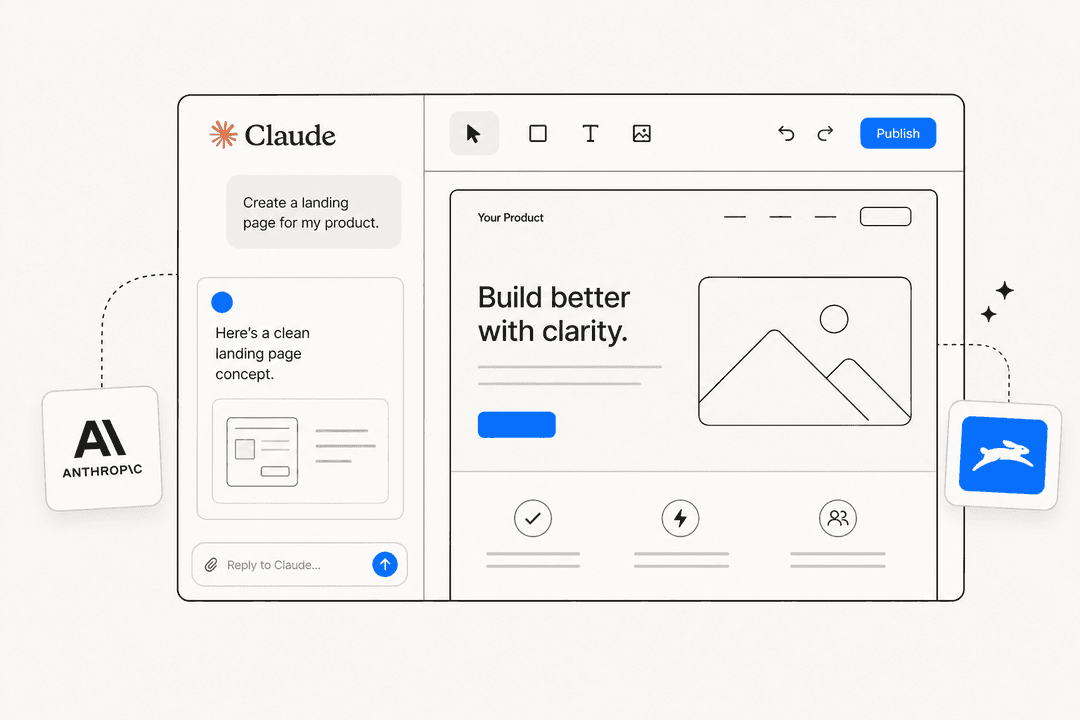
Claude Design is an AI-powered visual design tool available at claude.ai/design. You describe what you want — in natural language — and it builds interactive HTML prototypes, pitch decks, marketing one-pagers, and UI mockups. The output isn't a static image. It's working HTML that you can click through, adjust, and hand off directly to engineers.
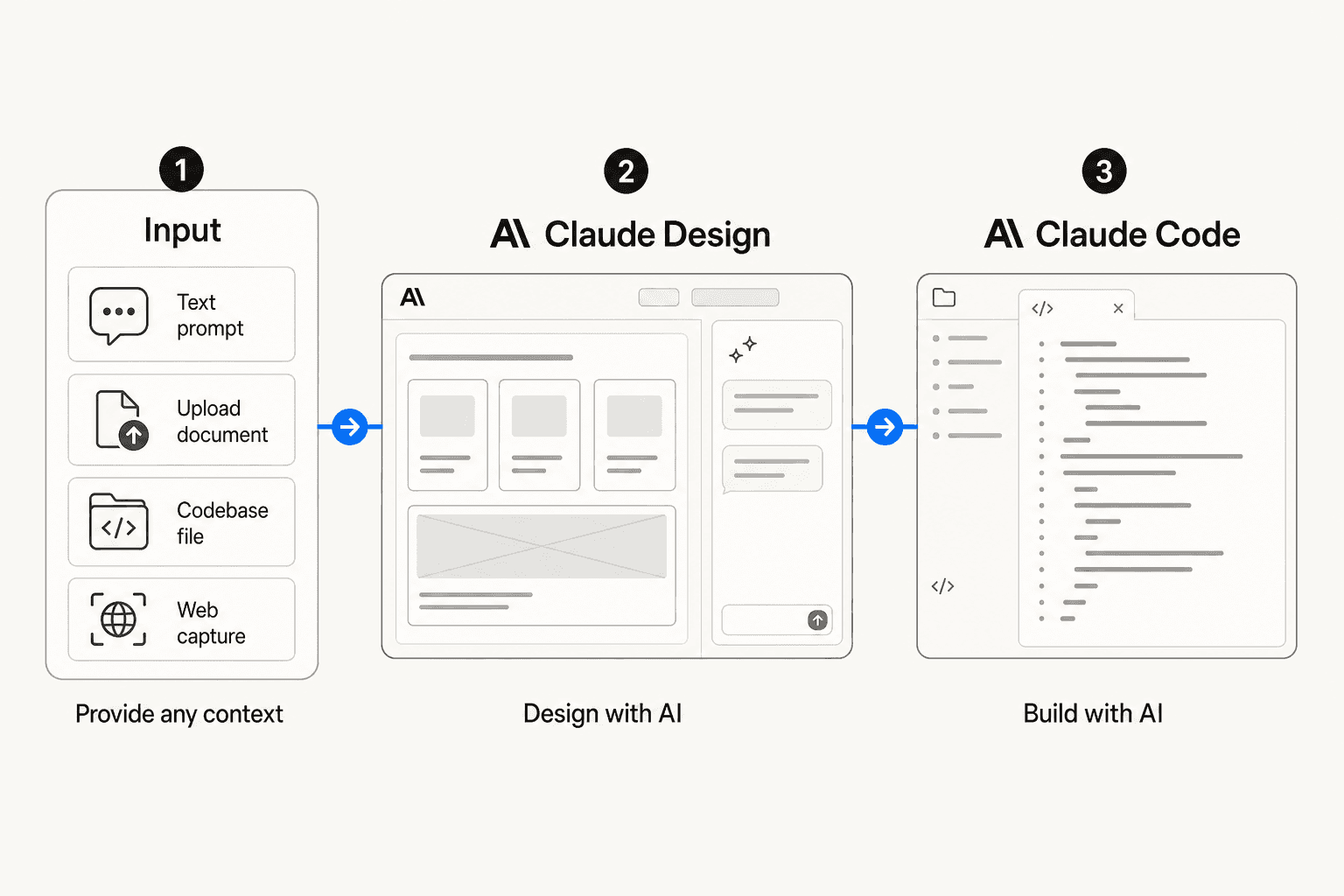
The workflow is: describe what you need, Claude builds an initial version, you refine through conversation and direct editing, then export or hand off to Claude Code. The tool generates three design variations per prompt by default, which has been called its "smartest UX choice" by people testing it — giving you a starting point for direction rather than forcing iteration from a single output.
Input isn't limited to text. You can upload DOCX, PPTX, or XLSX files, connect your codebase, or use the web capture tool to pull elements directly from a live website. That last feature is novel: point it at your existing site and it extracts your visual patterns for the generation.
Export options cover Canva (via a formal partnership — Canva's CEO endorsed Claude Design at launch), PDF, PPTX, standalone HTML, and internal company URLs for sharing. The Claude Code handoff — packaging finished designs as handoff bundles that Claude Code can read and build from — is the most technically interesting piece.
Access and pricing
Claude Design is a research preview, included with paid Claude plans. There's no free tier.
| Plan | Monthly cost | Claude Design access |
|---|---|---|
| Claude Free | $0 | No |
| Claude Pro | $20 | Yes |
| Claude Max 5x | $100 | Yes |
| Claude Max 20x | $200 | Yes |
| Claude Team | $25/user | Yes |
| Claude Enterprise | Custom | Yes (disabled by default — admin must enable in org settings) |
One note for enterprise buyers: Claude Design ships disabled by default for organizations. An admin has to explicitly enable it in Organization settings before anyone can use it. That's not buried in the fine print, but it has caught teams off-guard.
The Design-to-Code pipeline
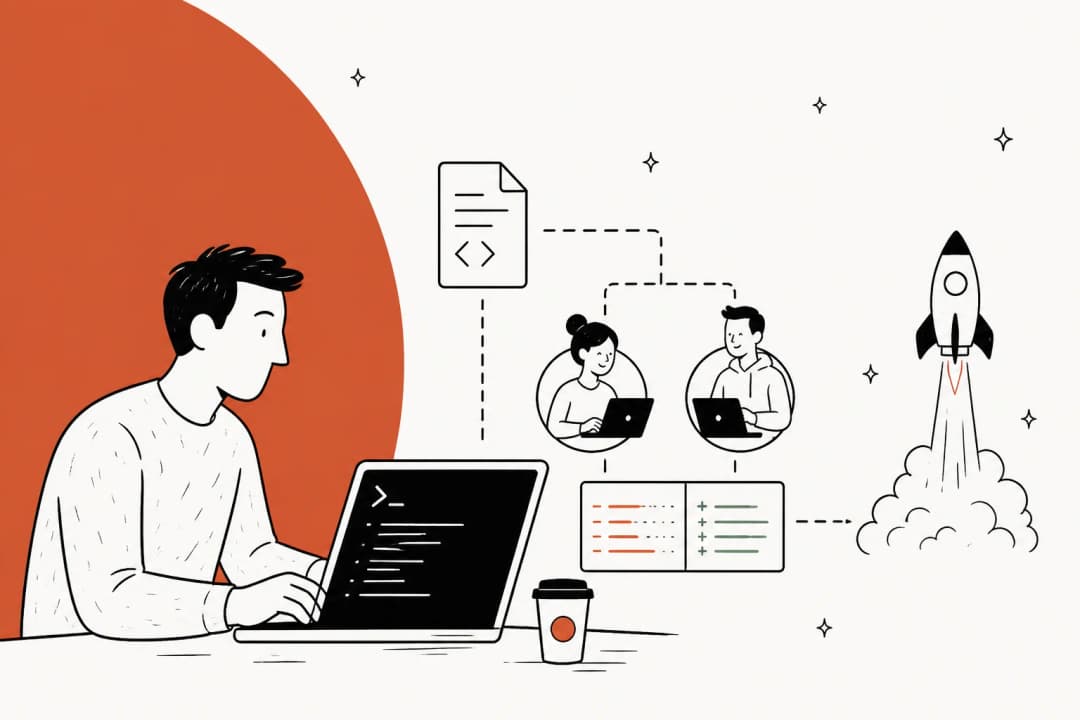
The most interesting thing Claude Design does is close the gap between a design conversation and working code. The design reads your codebase, extracts your existing visual system (colors, typography, spacing), builds from that, then hands off to Claude Code in a format it can directly interpret and build.
Victor Dibia, an AI researcher who tested this in production, built an interactive globe feature for his book website using Claude Design and Claude Code together in roughly 45 minutes. His account: the design system integration worked — the tool read his existing CSS files and applied his design tokens consistently rather than generating arbitrary styling. The Design-to-Code step, in his words, was "tighter than a typical HTML export."
Datadog's team described the result as "what used to take a week of back-and-forth now happens in a single conversation." Brilliant (an interactive learning platform) reported that Claude Design reduced a complex page recreation from "20+ prompts in other tools to 2 prompts."
These are real gains for specific workflows. The pipeline from sketch-level idea to handoff-ready prototype is genuinely faster than anything else on the market right now for teams that live in Claude Code anyway.
One important qualification from Dibia's test: engineering taste still required. The AI prioritized visual appeal over data accuracy in places, and he had to intervene manually to redirect it — adjusting component placement for conversion optimization and making privacy-conscious decisions about what data to display. The tool doesn't replace design judgment. It accelerates the iteration loop.
The homogeneity problem
Here's the Reddit community's honest reaction to Claude Design: "resounding meh."
The specific criticism that stuck was that every generated output looks identical. Users identified a signature aesthetic: serif headings, a blinking status dot, colored accent bars, what one commenter called "container soup" of repeated card and pill patterns. The consensus: outputs "scream I just used one Claude prompt."
"I genuinely think someone at Anthropic fell in love with one Figma mockup and decided that was the design system for all of humanity."
r/ClaudeAI
This is a real problem, and it's structural. Claude Design pulls from built-in frontend-design skills with a set of default presets. Without custom input, you get Anthropic's house aesthetic applied to whatever you're building.
The fix that actually works: don't start with a screen. Start with a design system. Upload 3-5 reference screenshots showing the aesthetic you're after, define your design tokens explicitly (font family, color palette, border-radius, spacing scale), and only then request your first screen. Users who follow this pattern get meaningfully different output.
The open-source ui-ux-pro-max skill (137,000+ GitHub stars at time of writing) takes this further — it provides 50+ styles, 161 color palettes, 57 font pairings, and 99 UX guidelines matched to 161 product types, and activates automatically for UI work. It's become the de facto community workaround for Claude Design's homogeneity issue.
There's also a technical limitation worth knowing: Claude Design reads your codebase to extract visual patterns (colors, typography, spacing), then generates new elements styled to match those patterns. It doesn't actually use your existing components. The UXPin CEO — admittedly a competitor — described this as "approximation, not usage," and multiple designers have reported design system drift: wrong fonts, incorrect button colors, inconsistent spacing. "One [designer] spent more time fixing the AI's mistakes than it would have taken to build from scratch."
Token economics: the real constraint
The feature set is interesting. The token economics are where Claude Design gets complicated.
Claude Design runs on a separate weekly usage meter, powered by Claude Opus 4.7. Every interaction — including refinements, color adjustments, and layout changes — routes through the model and costs tokens. This is not a flat-fee design tool with unlimited edits. It's a language model consumption problem wearing a design tool's clothing.
What this looks like in practice:
- Pro subscribers ($20/month) typically hit their weekly Claude Design limit after 3-4 prompts
- Max 5x subscribers ($100/month) commonly exhaust their weekly budget in 2-3 hours of real work
- One tester on Lenny's Newsletter paid $200 mid-session to keep going after hitting the limit
The community response has been a workaround that shouldn't be necessary: "Opus for the first prompt, Sonnet for edits, Haiku for minor tweaks." The fact that users need a token-management meta-strategy to use a design tool productively is a sign that the product isn't quite finished yet.
Where it earns its keep
The "killer use case" question has a clearer answer than the Reddit reaction suggests.
| Use case | Claude Design verdict |
|---|---|
| Pitch decks and investor one-pagers | Strong. Fast, polished, and exports directly to PPTX. |
| Marketing landing pages | Good for ideation; works better as a draft than finished output. |
| Engineering review mockups | Strong. Getting a rough idea to clickable prototype in one meeting is the described use case. |
| Internal Slack visuals / quick infographics | Useful. Low stakes and low token burn. |
| Non-designers making their first mockup | Best use case. The "democratizing creation" goal lands here. |
| Production UI design | Not suited. No Figma export, approximated design systems, research-preview bugs. |
| Mobile app high-fidelity work | Not suited. |
| Brand identity development | Not suited. |
| Multi-designer collaboration | Limited. Org sharing exists but real-time co-editing isn't there yet. |
The Ran Segall (YouTuber and designer) verdict on his homeschooling app project: "10x better than Lovable or Replit." That's a useful positioning signal. For vibe-prototyping and code-powered interactive demos, Claude Design outperforms the no-code prototype tools. For production design work, it doesn't compete with the dedicated design stack.
The LinkedIn observation that circulated after launch is accurate:
"Claude Design didn't kill Figma. It killed the meeting you were going to schedule to review the mockup. Those are not the same thing."
Ashik Royce, LinkedIn
That's genuinely what it does well. If you would have spent three days scheduling a designer to review a rough concept, Claude Design can collapse that to an afternoon.
What it doesn't do (yet)
The gaps that matter most for design teams:
No native Figma export. The only path to editable Figma layers is screenshotting or routing through Claude Code. For teams that use Figma as their source of truth, this is the blocking issue. Tools like Anima's Buddy can convert Claude Design's HTML to Figma nodes, but that's a multi-step workaround.
Known bugs in research preview. Documented issues include git repository access failures post-authorization, inline comments disappearing before processing, video exports limited to screen recordings, and model version selector visibility problems. None are deal-breakers on their own, but they add up to a product that's clearly not at v1.0.
No free tier. Other design tools in the AI-assisted space (including Canva's free tier and Figma's free personal plan) offer meaningful functionality without a credit card. Claude Design's access floor is Claude Pro at $20/month, and the token economics mean even that plan burns fast.
Enterprise friction. The default-disabled state for enterprise organizations means IT admins become the gatekeeper. For a tool positioned at rapid prototyping, that creates an internal procurement cycle before teams can evaluate it.
How it fits against alternatives
For context on where Claude Design sits:
- vs. Figma: Not a replacement. Figma remains the standard for production UI, design systems with real component usage, and collaborative design ops. Claude Design targets a different step in the process — earlier and more exploratory.
- vs. Canva: Explicitly complementary. Anthropic and Canva are partners; the Claude Design → Canva export is a first-class workflow. Canva is better for teams that need templates and image-editing; Claude Design is better when you're starting from a blank text prompt.
- vs. Lovable/Replit: Claude Design wins on design quality and code-powered interactive outputs. Loses on pricing predictability and no-code accessibility.
- vs. Flowstep: Flowstep offers direct Figma integration (copy/paste with intact layers), production-ready React/TypeScript/Tailwind output, flat monthly pricing without weekly metering, and a free tier. If Figma handoff matters, Flowstep is the better fit.
For teams already using eesel AI for support and knowledge-base workflows — which also runs on Claude under the hood — Claude Design's codebase-aware design system and Claude Code handoff will feel familiar. The same agentic loop that powers eesel's AI agents is what makes Claude Design's context-aware generation work.
The verdict
Claude Design is a genuinely useful tool that's been released too early and priced too ambiguously for the work it's meant to do. The Design-to-Code pipeline is the most compelling thing in the AI design space right now. The token economics undercut it — when a $100/month subscriber burns their weekly limit in two hours, the tool stops being useful before the project is done.
The homogeneity problem is real but solvable with discipline. Upload your references first, define your tokens, treat the first generation as a draft. The open-source ui-ux-pro-max skill is worth installing if you're going to use Claude Design regularly.
What it's actually for: fast drafts, pitch decks, and getting a rough prototype in front of engineers before anyone schedules another meeting. What it's not for: replacing Figma, shipping production UI, or saving money compared to a dedicated design tool subscription.
The market reaction — Figma stock down 4%, board resignations, industry analysts writing "Figma is not dead" explainers — is a proxy for what people think it is. The day-to-day reality is quieter: a fast, flawed, interesting prototype tool that has found its best use case in getting ideas out of people's heads and onto a screen.
Frequently Asked Questions
What is Claude Design and who is it for?
How much does Claude Design cost?
Does Claude Design replace Figma?
How do I stop Claude Design outputs from all looking the same?
How does Claude Design's token usage work?


Article by
Riellvriany Indriawan
Riell is a designer and writer at eesel AI with about two years of experience researching CX platforms, AI chatbots, and helpdesk software. She combines her design background with a sharp eye for how these tools actually look and feel in practice — making her comparisons unusually visual and user-focused.