


Yes, there is an official QuickBooks Claude connector: Intuit builds it, you add it from Claude's directory under Customize > Connectors, and it lets Claude pull your P&L, cash flow and A/R aging and create, send and chase invoices in QuickBooks Online. It's US-only for now, it costs nothing beyond your Claude and QuickBooks plans, and Intuit also ships a bigger QuickBooks Labs (Beta) connector with 120 tools for bank feeds, reconciliation and bills.
For an owner at a keyboard, it's one of the best Claude connectors in the directory. The catch shows up when the finance questions come from everyone else. "Has Acme paid?" from a sales rep, "can you resend invoice 1042?" from a customer, "send me last month's P&L" from the founder. The connector works as whoever signed in, so each person needs their own QuickBooks login and their own Claude chat.
That's the gap eesel fills: an AI teammate that connects to QuickBooks once and answers the whole team in Slack, Teams and email, where what it may do depends on who is asking. Your finance lead can get anything, a sales rep gets payment status, a verified customer gets a copy of their own invoice, and an anonymous visitor gets nothing. If you'd rather not click through setup, Claude Code can connect QuickBooks for you with the eesel CLI: eesel integrations connect quickbooks prints the sign-in link, and a person on your team approves it in the browser.
I work on how eesel's agents act inside other companies' tools, which mostly means deciding what an AI may do alone, what waits for a human, and what it must never show a customer. Accounting is where those rules matter most, because a wrong reply is a wrong number in somebody's ledger.
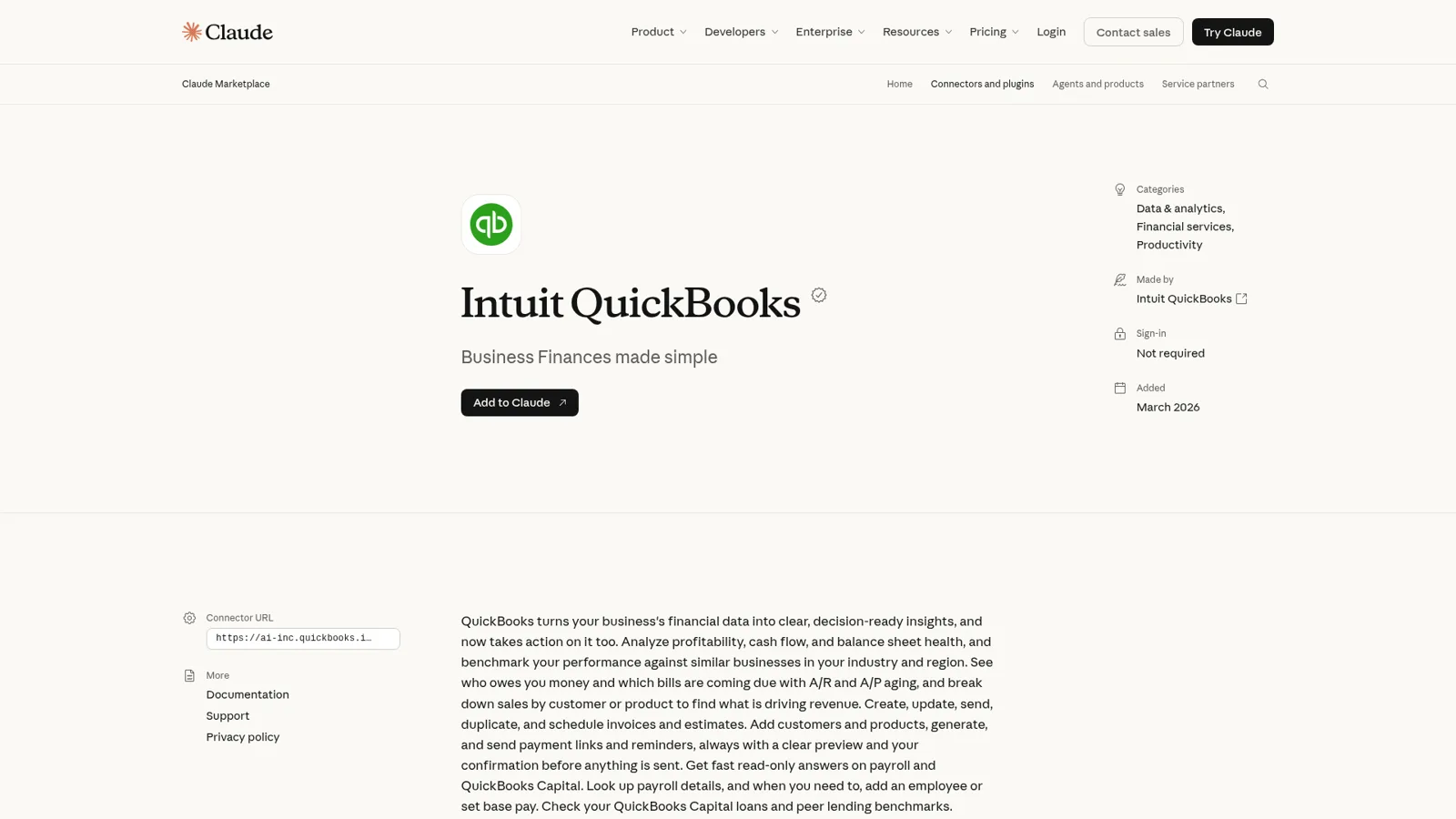
What is the QuickBooks Claude connector?
The QuickBooks Claude connector is Intuit's own MCP connector that links Claude to your QuickBooks Online or Intuit Enterprise Suite company. Intuit's help article says it "lets you generate financial reports, benchmark your business against others in your industry, import transactions, create sales documents like invoices and estimates, and accept payment through payment links."
It came out of a partnership announced on 24 February 2026, was listed in March, and is one of the anchor apps in Anthropic's Claude for Small Business package alongside PayPal, HubSpot and Canva. In July, Intuit's expansion post moved it "beyond read-only access to your data" with invoicing, payroll lookups and QuickBooks Capital loan benchmarks.
There are three QuickBooks routes into Claude today, and it's worth knowing which one you're looking at.
| Route | Who makes it | Tools | Best for |
|---|---|---|---|
| Intuit QuickBooks connector | Intuit | 74 | Reports, invoices, estimates, payment links, payroll lookups |
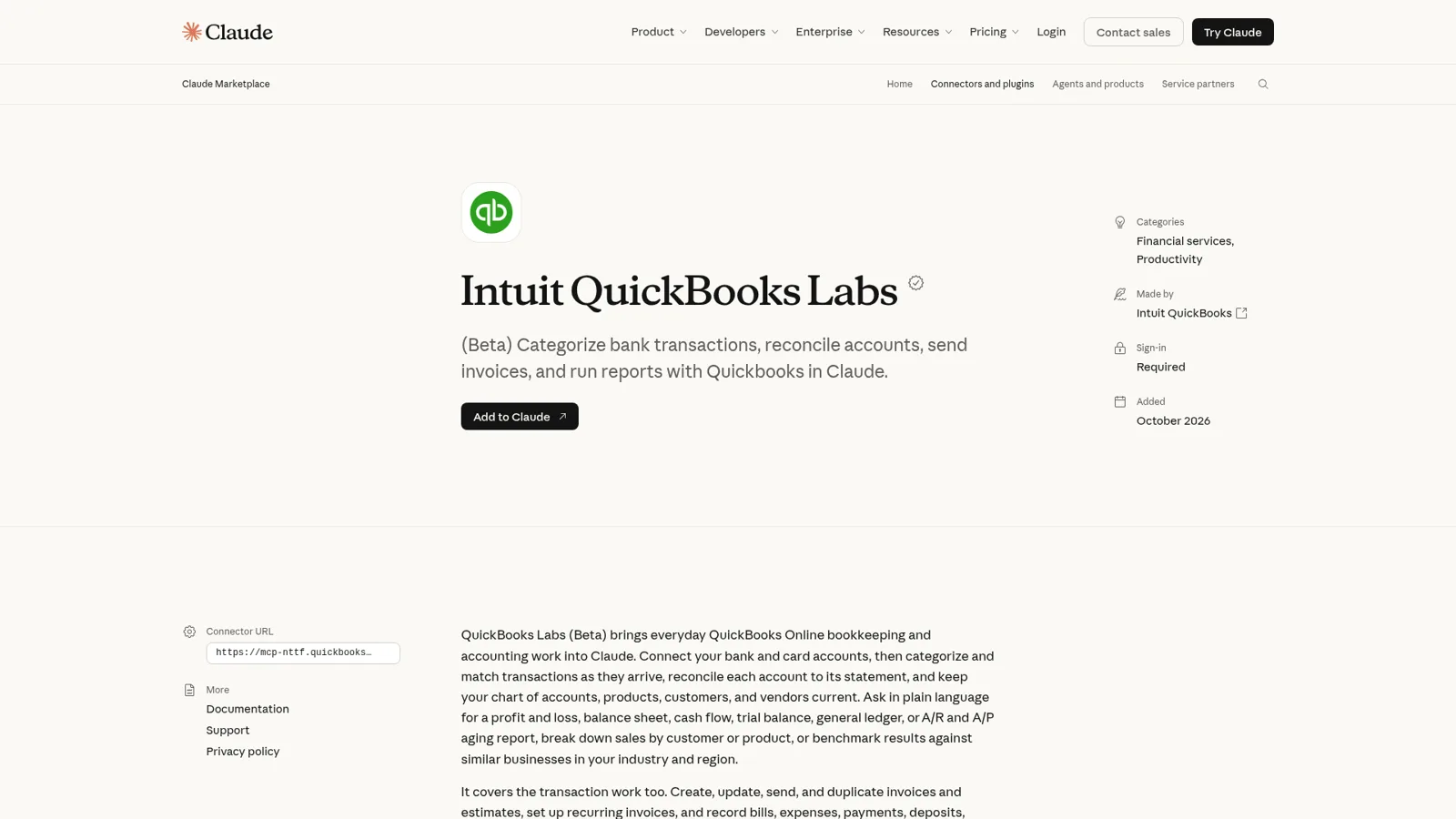
| QuickBooks Labs (Beta) | Intuit | 120 | Everything above plus bank feeds, reconciliation, bills, journal entries, multiple companies |
| QuickBooks Online MCP server | Intuit (open source) | 145 | Developers running a local server from Claude Code |
The Labs listing is blunt about overlap. It "includes everything in the Intuit QuickBooks connector", and Intuit recommends "using only QuickBooks Labs (Beta) so Claude isn't choosing between duplicate tools." If you keep the books yourself, Labs is the one I'd try first. The open-source server is a different animal, closer to wiring QuickBooks with n8n: you register an app on the Intuit Developer Portal, run it locally, and production use "requires a public HTTPS callback for the initial authorization", according to its own README.
How do I connect QuickBooks to Claude?
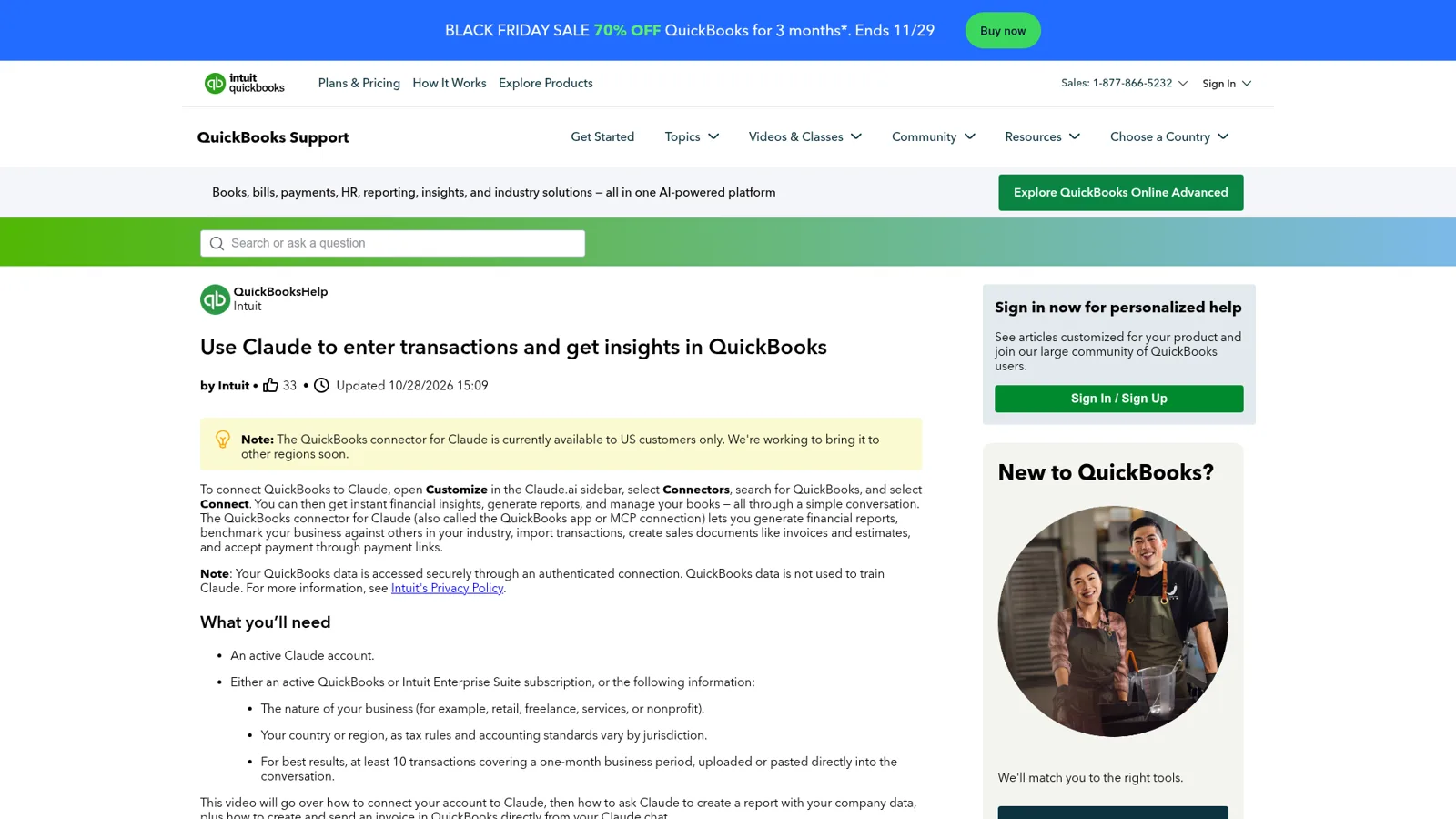
You connect QuickBooks to Claude in four steps from Claude's sidebar, per Intuit's help article:
- Open Claude, select Customize in the left sidebar, then Connectors.
- Find QuickBooks and select Connect.
- Sign in with your Intuit account, pick the company, and choose which permissions to grant Claude.
- Ask a first question, such as "What is my profit and loss for this year?"
On a Claude Team or Enterprise plan, there's one step before that. An Owner has to enable the connector for the organization, and "Each person still needs to authenticate individually before they can use it" (Claude Help Center). Remember that line, because it decides who the connector works for.
One nice touch: you don't need QuickBooks to try it. Without an Intuit account, you can upload a CSV, PDF or image of transactions (Intuit suggests "at least 10 transactions covering a one-month business period"), and Claude builds a P&L or cash flow summary from it.
What can Claude do in QuickBooks?
Claude can read your reports and run your sales paperwork. Intuit's help article lists the use cases, and "the current QuickBooks connector use cases are limited to the ones above", so this is the full menu for the main connector:
| Area | What you can ask | What happens |
|---|---|---|
| Reports | "What is my profit and loss for this year?" | Pulls your real-time P&L |
| Cash flow | "Show me my cash flow for last month." | Retrieves the Statement of Cash Flows |
| Benchmarks | "How do my expenses compare to others in my industry?" | Compares your numbers with similar businesses |
| Import | "Import these transactions into QuickBooks." | Categorizes and posts them to the general ledger |
| Invoices | "Create an invoice for Acme Corp for $1,200 for consulting services." | Creates it and returns a link to review |
| Reminders | "Send a reminder for invoice 1042 to Acme Corp." | Emails the customer after you confirm |
| Estimates | "Extend the expiration date on estimate 204 by two weeks." | Updates the estimate |
| Payment links | "Send a payment link to John Smith for $250." | Sends a single-use link |
| Customers and items | "Add a new customer: Jane Smith..." | Creates the record |
The connector listing adds the rest of its 74 tools: balance sheet, A/R aging summary and detail, sales by customer and by product, plus "fast read-only answers on payroll and QuickBooks Capital." Payroll is mostly lookups ("Who's on payroll?", "How much did we pay an employee last week?"), though it can also "add an employee or set base pay."
Two safety details are worth knowing. Destructive actions "require your confirmation before QuickBooks makes any changes", and sends happen "always with a clear preview and your confirmation before anything is sent" (Claude). And every invoice Claude creates lands in QuickBooks immediately, so Intuit's own video says to "check new invoices in QuickBooks after you create them." Owners who have handed Claude their books, through the connector or the API, tend to be fans:
"I used to use a bookkeeper, but I got Claude a QuickBooks API key and have had it doing my books since then. I give it the same inputs and it generates all the various journal entries, etc. that I need."

What does it cost, and who can use it?
The connector itself has no price tag on Intuit's help page. You need two things: a Claude account and, for live books, an active QuickBooks Online or Intuit Enterprise Suite subscription. Intuit's launch post says its apps in Claude are "accessible to all users including Enterprise customers" (Intuit blog).
| Piece | Price (list, checked 17 Nov 2026) | Note |
|---|---|---|
| Claude Pro | $17/month billed annually, $20 monthly | One person (Claude pricing) |
| Claude Team, standard seat | $20/seat/month billed annually, $25 monthly | Owner enables connectors for the org |
| QuickBooks Simple Start | $38/month | 1 user (QuickBooks pricing) |
| QuickBooks Essentials | $85/month | 3 users |
| QuickBooks Plus | $140/month | 5 users |
| QuickBooks Advanced | $340/month | 25 users, custom permissions |
QuickBooks was running 70% off for three months when I checked.
The real limit is geography. The help article says, in a yellow box, that the connector "is currently available to US customers only." Outside the US, it fails at the Intuit sign-in step with a generic error, which led to this post on Intuit's own forum:
"When I authorise the Claude connector, the Intuit sign-in page shows "Uh oh, there's a connection problem... Sorry, but Claude didn't connect." The developer details say: "Unfortunately, the app you've selected isn't available for use in your country.""
An Intuit community manager replied that it is "currently only available to customers in the United States" with no date for other markets. A Canadian user hit the same connection error on Intuit's developer forum.
Whose QuickBooks access does Claude use?
Claude uses the QuickBooks access of the person who connected it. Anthropic's Small Business announcement spells it out: "If an employee can't see something in QuickBooks or Drive today, they can't see it through Claude." That's the right design for a personal assistant. It means the connector is exactly as useful as the QuickBooks seat behind it.
Claude also has real controls on top. On Claude Team and Enterprise plans, Owners "can limit which actions a connected service can take across your organization", choosing Always allow, Needs approval or Blocked for each permission, and members can't override it (Claude Help Center). Enterprise goes further with role-based permissions, where each role gets its own setting per tool, so a role could see qbo_sales_get_invoices but have the invoice-delete tool blocked. That fixes a complaint from earlier in the year:
"Some of the MCP connections (like QuickBooks Online) don't do RBAC at all, it's all or nothing for every user in the team."
What these controls follow is the Claude user and their role. They don't change with who the request is for, and nothing in Claude's setup puts the connector in front of your customers in your own channels. Picture a normal week at a 12-person services firm on QuickBooks Plus:
- The finance lead wants Friday's A/R aging, a draft reminder to the three worst offenders, and a voided duplicate invoice.
- A sales rep in Slack asks whether Acme paid before she sends a renewal quote.
- A customer emails asking for a copy of invoice 1042.
- Someone fills in the website chat asking "how much does Acme owe you?"
With the connector, the finance lead is well served. The sales rep needs one of the five QuickBooks users plus a Claude seat, and would then see whatever her QuickBooks role sees. The customer and the website visitor aren't Claude users at all, so someone forwards the email to the finance lead, who asks Claude and pastes the answer back.
The same week with a QuickBooks teammate
eesel is built for that week. Think of it as an AI finance helpdesk pointed at your own team. It's a general AI teammate that works in the apps your team already uses, takes requests from anyone who talks to it there, and does the work inside those tools. QuickBooks is one of them: per the eesel QuickBooks docs, it finds a customer, reads their invoices and payments live, lists open and past-due invoices, and can create, send or void invoices, record payments, and create customers, items and estimates.
The difference is that one connection serves everyone, and you decide per kind of person what happens:
| Who is asking | Where | What eesel does |
|---|---|---|
| Finance lead | Dashboard, Slack | Reports, A/R lists, drafts reminders; voids and payments on Ask first |
| Sales rep | Slack or Microsoft Teams | "Has Acme paid?" answered with balance and due date; no reports |
| Verified customer | Email or chat | A copy of their own invoice, nothing else |
| Anonymous visitor | Website chat | Nothing from the books |
Every action in QuickBooks is set to On, Ask first or Off, per agent, and you can set it in plain words ("look up invoices on your own, but ask me before sending anything"). Ask first shows the exact action and details with Approve and Deny, in the dashboard, as a card in the Slack thread the run started from, or by email, and only editors can approve. My advice for accounting is simple: anything that costs money or changes the ledger goes behind Ask first, so sending, voiding and recording payments wait for a yes, and lookups run on their own.
On top of that, the per-person and per-audience settings are live: you can give named people more than the rest of the team, and treat a verified customer differently from an anonymous visitor. Actions tagged Team only never run for anyone outside your team. And the QuickBooks integration arrives with two rules already learned:
- "Your agent answers a customer from that customer's records only, and never surfaces the company's finances in a customer conversation."
- "Balance, due date and recorded payment are three different facts." It won't turn "a payment was received" into "your account is settled" unless the balance says so.
Voiding is handled the same careful way: the agent "only proposes it when someone on your team asks for it, never on a customer's say-so."

It works without anyone at a keyboard
QuickBooks has no event that wakes an agent, so eesel does its QuickBooks work inside conversations and on schedules. A Monday 8am job can post past-due invoices to #finance; a webhook from your billing system can start a check. Corrections stick through instructions and memory, so "always include the invoice number" said once in Slack holds next week in email.
That's close to what Cactus Club Cafe runs. Alongside the agent on their internal IT queue, a second eesel agent audits the daily finance extract every morning: it files the PDF, checks each store, compares grand-total debits and credits, and either closes the ticket as balanced or leaves it open with the imbalance and the store named.
QuickBooks Claude connector vs eesel, side by side
They solve different problems, so I'd compare their shape rather than crown a winner.
| QuickBooks Claude connector | eesel in QuickBooks | |
|---|---|---|
| Works for | The person who connected it | The whole team, from one connection |
| Who can ask it | Claude users with their own Intuit sign-in | Teammates in Slack, Teams, email and the dashboard; customers in your channels |
| What decides what it may do | That person's QuickBooks role; owner or role settings per tool | On, Ask first or Off per action, plus who is asking: team, named people, verified customer, visitor |
| Starts without a person typing | Only as your own scheduled task | Yes, on schedules, app events and webhooks |
| Where answers appear | Claude chat | Slack, Teams, Google Chat, email, website chat, helpdesk |
| Cost | Included with Claude and QuickBooks plans | From $299/month for 500 credits, unlimited seats (pricing) |
eesel has a free 7-day trial with 100 credits and no card, and unlimited agents and seats on every plan. Security details are on the security page.
Can you use Claude and eesel together?
Yes, and it's the setup I'd pick for most finance teams. Keep the QuickBooks connector in Claude (or Cowork) for the owner's deep work, like a cash forecast or a month-end question, and give the team a teammate for the shared questions.
Your eesel workspace is itself an MCP server, so you can add it to Claude as a custom connector, the pattern behind MCP for customer support (use eesel from Claude) and ask "what did eesel do today?" or "have eesel draft a reminder to Acme" from any Claude chat. Editors can change things, viewers get the read side, and Ask first still asks. If you live in Claude Code, it can set eesel up from the terminal too.
If you're also weighing OpenAI's version, I compare it in QuickBooks ChatGPT integration. For the wider picture, see my guides to Claude for work and the best AI teammates.
Which should you use?
- Use the QuickBooks Claude connector if you're the owner or bookkeeper, you're in the US, and the questions are yours. It's free with your plans and very good at reports and invoices, and one of the better AI agents for small business owners.
- Try QuickBooks Labs (Beta) if you do the bookkeeping itself: bank feeds, reconciliation, bills and multiple companies.
- Add eesel when finance questions come from the whole team in Slack and from customers, when you want a Monday report without opening a chat, or when the rule depends on who's asking. Some caution is healthy here; as one Hacker News commenter put it, "Waiting to hear the stories of things Claude did running amok in Quickbooks" (SoftTalker). An Ask first setting on every money action is how you make sure there aren't any.
Try eesel as your team's QuickBooks teammate
If the QuickBooks Claude connector already saves you time, eesel gives the same help to everyone else: the sales rep in Slack, the ops lead in Teams, the customer asking for an invoice copy. Connect QuickBooks once, put sends, voids and payments on Ask first, and let it answer "has Acme paid?" for whoever is allowed to know.
