Choosing between Trello and Asana feels like comparing apples to oranges. Both help teams manage projects, but they approach work management from completely different angles. Trello built its reputation on simplicity and visual Kanban boards. Asana positioned itself as the comprehensive work management platform for teams of all sizes.
So which one fits your needs? Let's break down the differences to help you decide.
What is Trello?
Trello is a visual project management tool that organizes work into boards, lists, and cards. Atlassian acquired Trello in 2017, and the tool has stayed true to its core philosophy: keep project management simple and visual.
The Kanban-style interface works like a digital whiteboard. You create boards for projects, lists for stages (like "To Do," "In Progress," "Done"), and cards for individual tasks. Drag cards between lists as work progresses. That is essentially Trello in a nutshell.
Trello targets individuals and small teams who want to get organized quickly without wrestling with complex features. The learning curve is minimal. Most users understand the basics within minutes, not hours.
What is Asana?
Asana takes a more comprehensive approach to work management. Founded in 2008 by Dustin Moskovitz (Facebook's co-founder) and Justin Rosenstein, Asana designed its platform to handle complex projects across multiple teams and methodologies.
Unlike Trello's board-centric approach, Asana offers multiple ways to view your work. You can organize projects as lists, Kanban boards, calendars, timelines, or Gantt charts. The platform connects individual tasks to larger company goals and provides robust reporting on project health.
Asana serves everyone from two-person startups to Fortune 100 companies. In fact, 85% of Fortune 100 companies use Asana according to their website.
Feature comparison
Project views
Trello delivers the gold standard for Kanban boards. Their drag-and-drop interface feels intuitive and responsive. However, Trello's other views (Calendar, Timeline, Table, Dashboard, Map) only unlock on Premium plans and above.
Asana provides multiple project views on all paid plans and even includes List, Board, and Calendar views on the free Personal plan. The Timeline and Gantt chart views particularly shine for teams managing complex dependencies and deadlines.
Bottom line? If you live and breathe Kanban, Trello wins. If you need flexibility to switch between different project methodologies, Asana takes the lead.
Task management
Both tools handle the basics well: tasks, due dates, attachments, and comments. But Asana pulls ahead for complex work.
Trello cards support checklists, labels, due dates, and file attachments. You can add members to cards, though you cannot technically "assign" tasks to individuals (only add them as members).
Asana tasks offer more depth. Subtasks, dependencies, custom fields, milestones, and portfolios give you granular control over project structure. The "My Tasks" view aggregates everything assigned to you across all projects, which Trello cannot match.
Collaboration tools
This is where the distinction becomes clear. Trello limits collaboration to card comments, @mentions, and file attachments. You can communicate about work, but not really collaborate in real time.
Asana builds collaboration into the platform. Team conversations happen within projects. You can leave video messages on tasks. Image proofing lets stakeholders mark up designs directly. A built-in messaging system keeps communication centralized.
For distributed teams that need to create together, Asana provides significantly more capability.
Automation
Trello includes Butler, its built-in automation tool, on all plans including free. Free users get 250 command runs per month. Standard bumps that to 1,000. Premium and Enterprise offer unlimited automation.
Asana also offers powerful automation through Rules, but with a different pricing structure. The free Personal plan has limited automation. Starter plans and above include unlimited automations. Asana's AI can even set up automations for you based on plain English descriptions.
Both platforms integrate with Zapier, connecting you to thousands of other apps for cross-platform workflows.
Reporting and dashboards
Trello's reporting capabilities remain basic. On Premium and Enterprise plans, you get Dashboard view showing cards per label, member, due date, and list. Useful, but limited.
Asana delivers enterprise-grade reporting. Customizable dashboards display real-time project metrics, workload visualizations, and goal progress. You can create up to 20 custom charts per dashboard using various visualization types.
For data-driven teams, Asana provides the insights Trello cannot match.
Pricing breakdown
Trello pricing
| Plan | Price | Key Features |
|---|---|---|
| Free | $0 | 10 boards, unlimited cards, 250 automations/month, 10MB/file |
| Standard | $6/month ($5 annual) | Unlimited boards, 1,000 automations/month, 250MB/file, custom fields |
| Premium | $12.50/month ($10 annual) | All views, unlimited automations, AI features, admin controls |
| Enterprise | $17.50/user/month (annual only) | Unlimited workspaces, org-wide permissions, SSO, 24/7 support |
Source: Trello Pricing
Trello's free plan supports up to 10 collaborators per workspace and unlimited Power-Ups per board. Most small teams can run indefinitely on the free tier.
Asana pricing
| Plan | Price | Key Features |
|---|---|---|
| Personal | $0 | 2 users, unlimited tasks/projects, List/Board/Calendar views, 100MB/file |
| Starter | $13.49/month ($10.99 annual) | Unlimited users, Timeline/Gantt, reporting dashboards, unlimited automations |
| Advanced | $30.49/month ($24.99 annual) | Portfolios, workload, timesheets, advanced integrations |
| Enterprise | Custom | Advanced admin, data export, premium support, HIPAA compliance |
Source: Asana Pricing
Asana's free plan only supports 2 users, not 10 as sometimes reported. This surprises teams expecting to collaborate for free. The jump from Starter ($10.99) to Advanced ($24.99) is significant.
Value analysis
Trello wins on pure price comparison. At $5/user/month annually for Standard, it costs less than half Asana's Starter plan. For budget-conscious teams who only need Kanban boards, Trello delivers better value.
Asana justifies its premium through features. If you need multiple project views, advanced reporting, workload management, or enterprise compliance, the extra cost pays for itself in productivity gains.
Ease of use and learning curve
Trello's simplicity is its superpower. New users understand boards, lists, and cards immediately. The interface stays uncluttered regardless of project complexity. You can start organizing work within minutes of signing up.
Asana requires more upfront investment. The platform offers more capability, but that means more to learn. New users often feel overwhelmed by options. Expect to spend time configuring projects, setting up custom fields, and teaching team members the workflow.
The trade-off? Trello gets you productive faster. Asana scales further as your needs grow.
Who should choose Trello?
Trello fits teams that:
- Prefer visual Kanban-style organization
- Manage straightforward projects without complex dependencies
- Value simplicity over feature depth
- Need a budget-friendly solution
- Want minimal setup and training time
- Work in small teams (1-10 people)
Trello also works well for personal productivity, content calendars, and simple workflows that do not require heavy reporting or cross-project visibility.
Who should choose Asana?
Asana serves teams that:
- Manage complex, cross-functional projects
- Need multiple project methodologies (Agile, Waterfall, hybrid)
- Require advanced reporting and goal tracking
- Scale across departments or the entire organization
- Need enterprise compliance (HIPAA, SOC 2)
- Want built-in collaboration tools
Asana particularly shines for marketing teams, product managers, and organizations connecting daily work to strategic objectives.
Is Trello still relevant in 2026?
Absolutely. Trello's 2024 updates brought AI features to Premium users, including content generation and grammar correction for card descriptions. The new Planner feature (Standard+) syncs with calendars for time-blocking. List colors and collapsible lists arrived in 2024 too.
The tool maintains its position as the simplest way to visualize work. Not every team needs complex project management. For freelancers, small agencies, and teams with straightforward workflows, Trello remains the right choice.
However, teams that outgrow Trello often hit predictable walls: no native time tracking, limited reporting, no resource management, and the inability to assign tasks to individuals. When those limitations start hurting productivity, it is time to look at alternatives.
Consider eesel AI for AI-powered workflow automation
Both Trello and Asana now offer AI features, but they approach automation differently. If your team spends significant time on repetitive communication and task management, you might want to explore a different approach altogether.
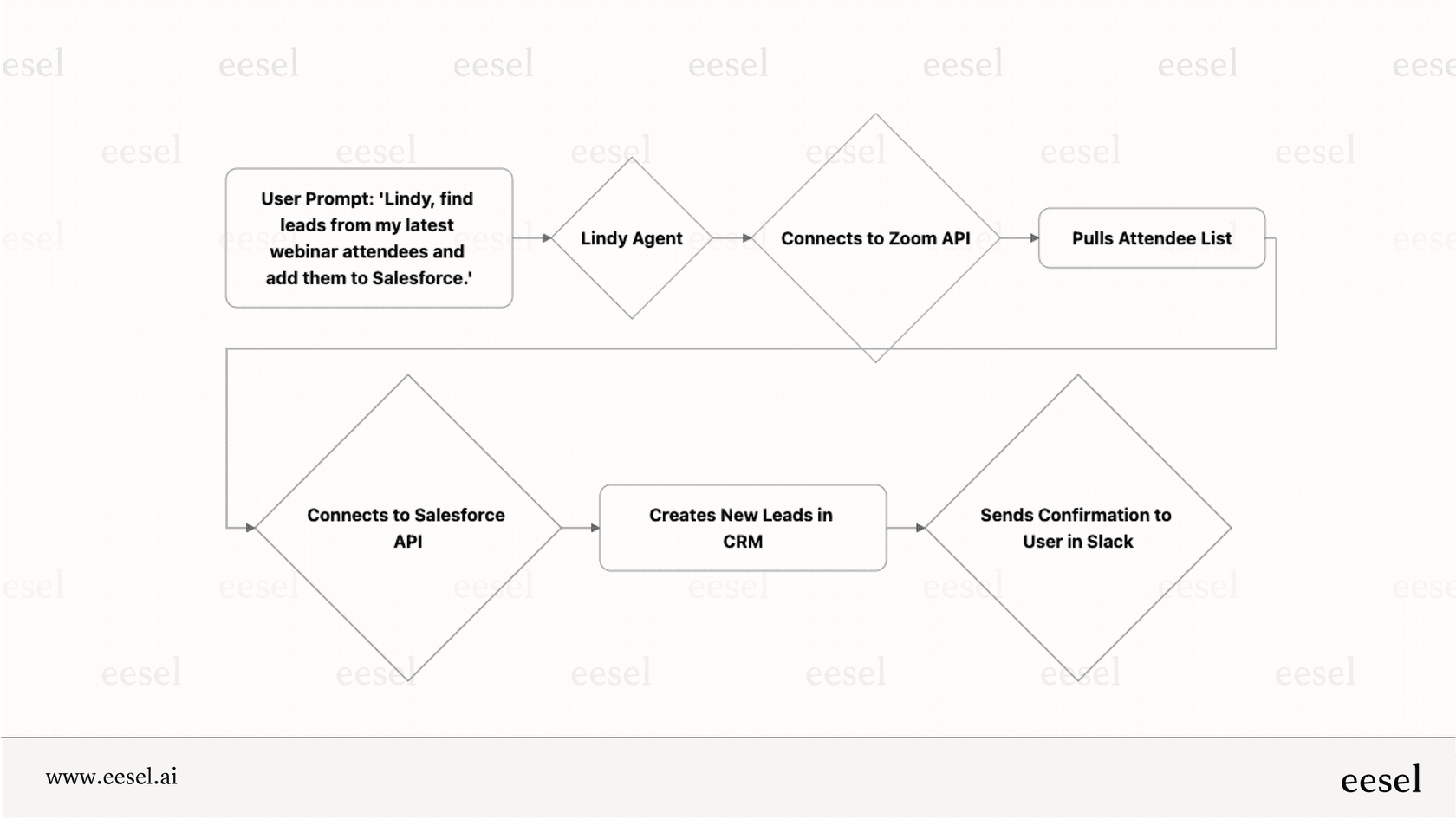
At eesel AI, we built an AI teammate that learns your workflows and handles routine work autonomously. Instead of just suggesting what to write or automating simple if-then rules, our AI Copilot drafts replies, updates tasks, and organizes incoming work based on your actual patterns.
AI Triage automatically tags, routes, and prioritizes tasks as they come in. The system learns from corrections, so it gets smarter over time. You define escalation rules in plain English, no complex configuration needed.
For teams already using project management tools, eesel AI integrates with the platforms you already use. You get AI assistance without ripping out your existing workflow. If you are evaluating Trello vs Asana partly for their AI features, it is worth considering whether a dedicated AI teammate might serve you better than built-in AI add-ons.
Choosing the right project management tool
The Trello vs Asana decision ultimately comes down to your team's complexity and growth trajectory.
Start with Trello if you want simplicity, visual organization, and a low price point. It is the better choice for small teams, straightforward projects, and anyone who values ease of use over feature depth.
Choose Asana if you need comprehensive project management, cross-team collaboration, and room to scale. The higher price reflects significantly more capability for complex work environments.
Still unsure? Both platforms offer free trials. Trello Premium offers a free trial for all users. Asana provides a 30-day trial of paid plans. Test both with your actual workflows before committing.
And if you find yourself needing more intelligent automation than either platform provides, we would love to show you how eesel AI handles the repetitive work so your team can focus on what matters.