Recharge merchant portal universal search: what it finds and what support should know

Riellvriany Indriawan

Katelin Teen
Last edited November 9, 2026
Recharge's universal search, announced on 19 October 2026, lets staff press Ctrl+K (Cmd+K on Mac) in the merchant portal and search customers, subscriptions, orders, charges, products, plans, discounts and addresses from one box. For a support agent it replaces clicking through menus to reach a subscriber's record, though record searches need three characters and results follow your permissions. It speeds up people; eesel's AI helpdesk teammate does the same lookup by email through the API, and the eesel CLI lets a coding agent upload approved subscription policies and test the answers before anything goes live.
What is Recharge universal search?
It is one search box inside the Recharge merchant portal, the staff-only back office where you manage subscribers. Recharge announced it in a changelog entry dated 19 October 2026, describing it as a way to find pages and records without navigating through multiple menus.
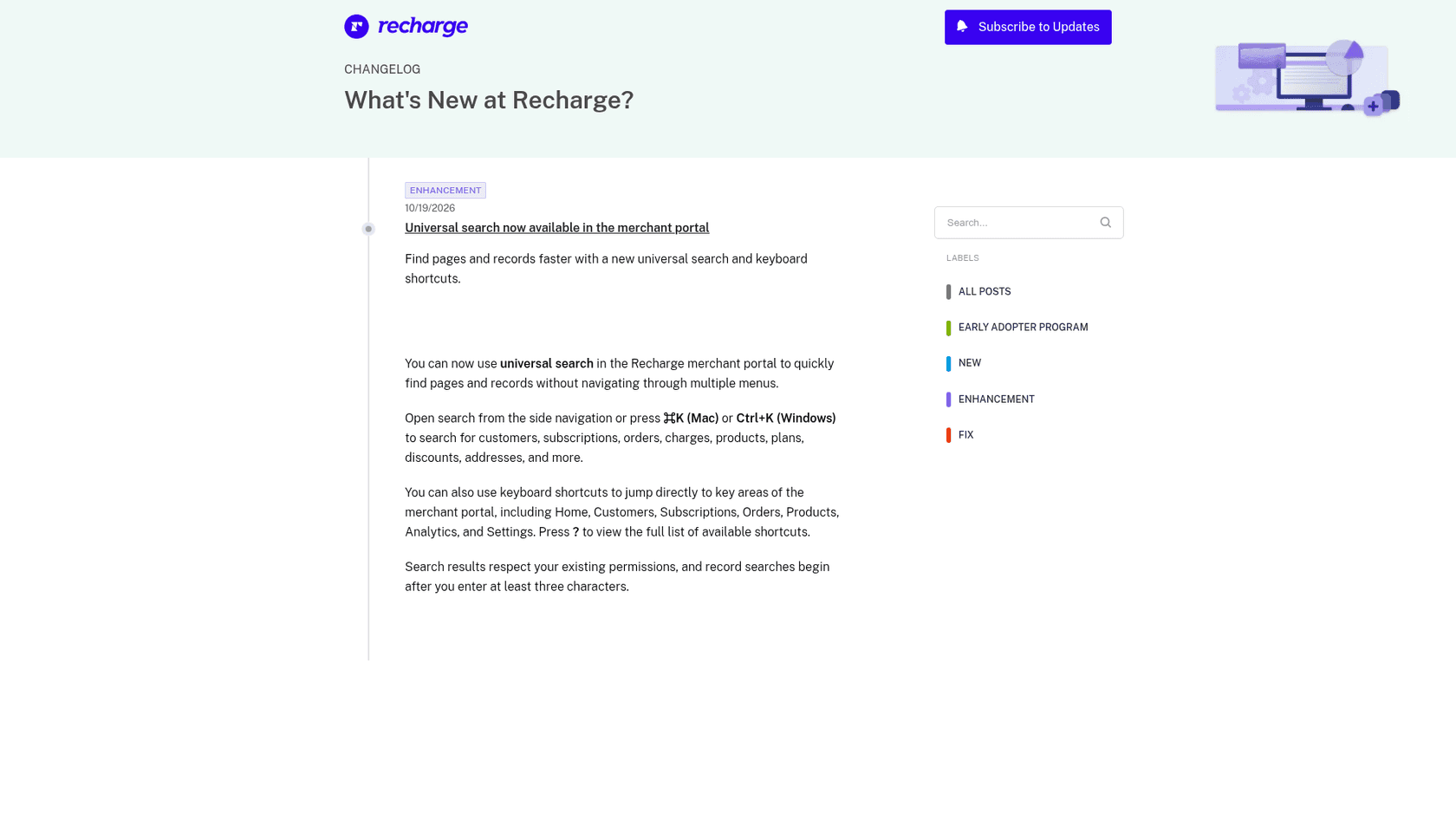
I read that entry and the surrounding help center articles for this post. Everything below about the feature comes from Recharge's own changelog, and where the docs say nothing I say so. The announcement is short, which is itself useful: it tells you what Recharge is promising and, by omission, what it is not.
What can you search, and how do you open it?
The changelog names eight record types: customers, subscriptions, orders, charges, products, plans, discounts and addresses, plus "more". You open it from the side navigation or with Cmd+K on a Mac or Ctrl+K on Windows. Recharge also added keyboard shortcuts that jump to Home, Customers, Subscriptions, Orders, Products, Analytics and Settings, and pressing ? shows the full list.
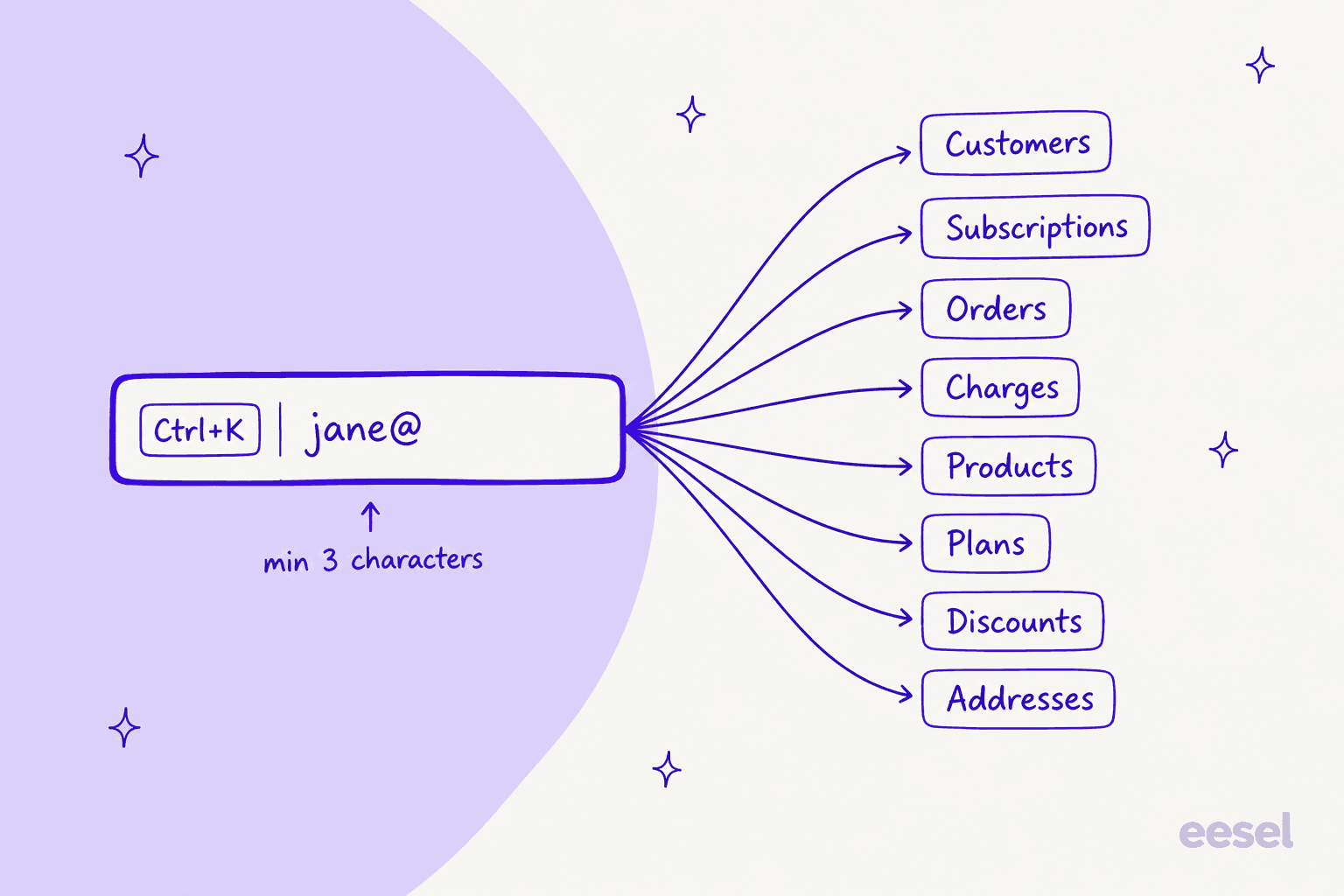
Here is the whole feature, as stated, in one table.
| Question | What Recharge says | Source |
|---|---|---|
| Where does it live? | Merchant portal side navigation, or Cmd+K / Ctrl+K | Changelog |
| What does it find? | Customers, subscriptions, orders, charges, products, plans, discounts, addresses and more | Changelog |
| Minimum input | Record searches begin after at least three characters | Changelog |
| Permissions | Results respect your existing permissions | Changelog |
| Keyboard shortcuts | Jump to Home, Customers, Subscriptions, Orders, Products, Analytics, Settings; ? lists them | Changelog |
| Plan or rollout limits | Not stated | Changelog silent |
| Searchable fields (email, order number, subscription ID) | Not stated | Changelog silent |
The two "not stated" rows matter most to a support lead. Before you tell your team to "just search the order number", test it yourself.
Who has it, and what are the limits?
Three limits are in the docs. Record searches start at three characters, so a two-letter surname will not return results. Results respect your existing permissions, so someone with a restricted role will not find records they cannot already open. And it is a merchant portal feature, so it only helps people who log in to Recharge.
What the docs do not say is just as practical. The entry names no plan and no rollout date, and other entries from the same week, such as the Subscription Journey export, say "available now" while this one carries no availability note. It does not list the fields each search matches, how results are ranked, or whether it searches notes and tags. I would treat all of that as unknown until you have tried it on your own store, rather than writing it into a macro.
How does it change a support agent's lookup?
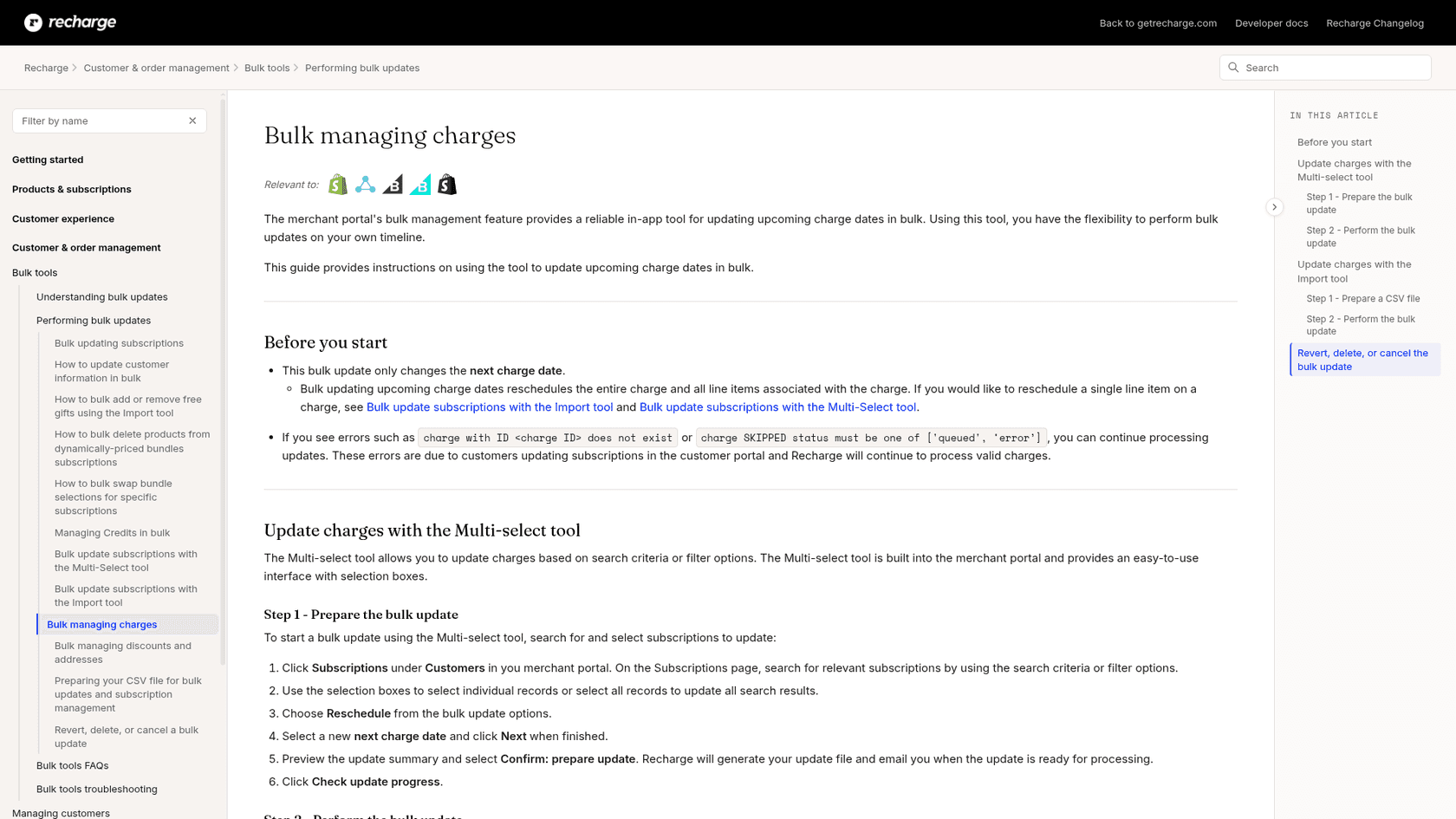
The old path, per Recharge's help center, was to click Customers, then Subscriptions, and use the search criteria and filters on that page. That works, but it assumes you already know which list the record lives in.
Universal search removes that decision. A ticket that says "why was I charged $34?" can start from the customer, the charge or the order, whichever you have to hand, and a ticket with only an order number no longer means opening the Orders list first. For teams working subscription box support, where one subscriber can have several subscriptions and addresses, that is the real gain: fewer clicks before you can see the thing the customer is asking about.
| Ticket says | Start search with | Then check |
|---|---|---|
| "Skip my next box" | Customer email | Next charge date, see skip order support |
| "Why was I charged?" | Charge or order reference | Which subscription it belongs to |
| "Ship to my new address" | Customer email | Which address the subscription uses, see address scope |
| "Swap my product" | Subscription | Whether it is a plain swap, see product swap |
| "Cancel everything" | Customer email | Every active subscription and any queued prepaid orders |
The middle column is my suggestion, not Recharge's. Which of those starting points actually match in the search box is exactly the part the changelog does not document. Search is also only the first step: a faster lookup does not make a refund or a cancellation safer, so keep your refund approval matrix and human handoff rules where they are.
What if search finds nothing?
A blank result is a real ticket category, not just a typo. Recharge's troubleshooting article on a customer missing from Recharge names three causes on the Shopify checkout integrations, and searching harder will not fix any of them.
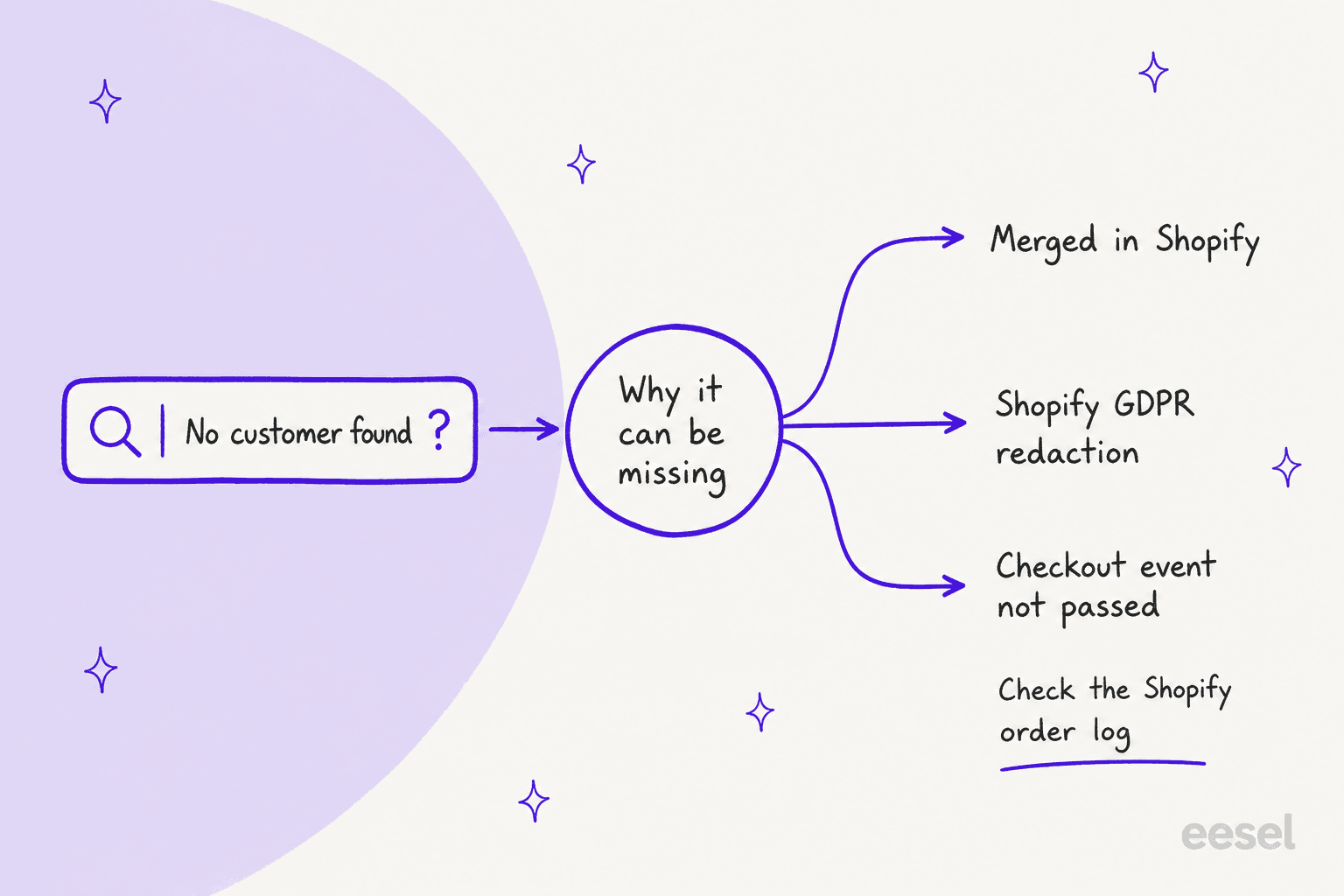
The first is a merged customer: Recharge says merging accounts in Shopify is not compatible with Recharge subscriptions, and the customer's profile and subscriptions are permanently deleted. The second is a Shopify GDPR redaction request, which makes Recharge delete the customer's data. The third is a checkout problem, such as a custom checkout, a draft order or a widget that did not pass the right subscription details.
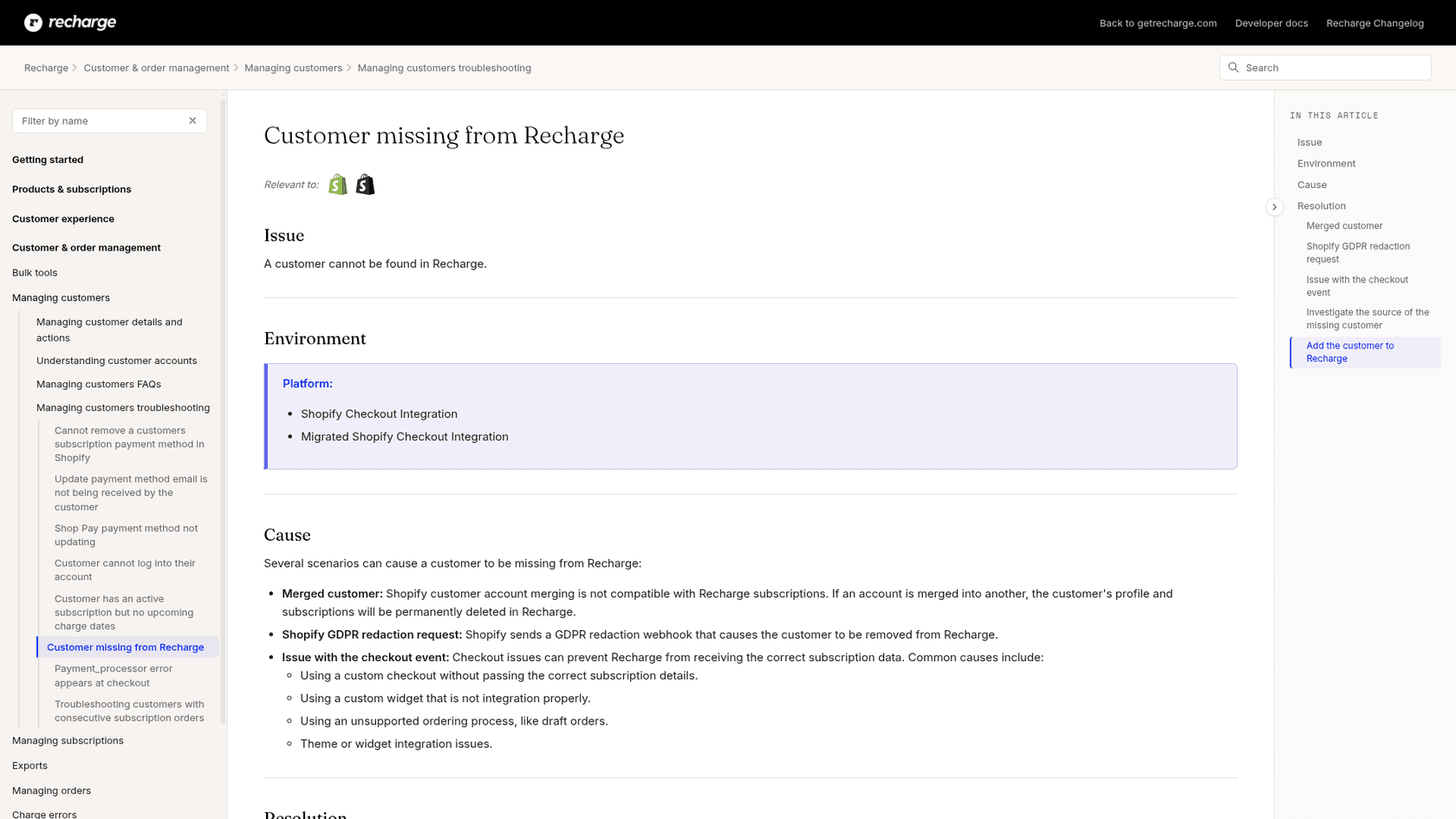
So when the box returns nothing, check the order log in Shopify before you tell the customer anything. Recharge's article says orders that went through the right checkout show as coming from Recharge Subscriptions, while the wrong ones show Online Store or Draft Order. That distinction is worth a line in your internal runbook, next to your notes on payment method update errors and portal login problems.
Does universal search help an AI agent?
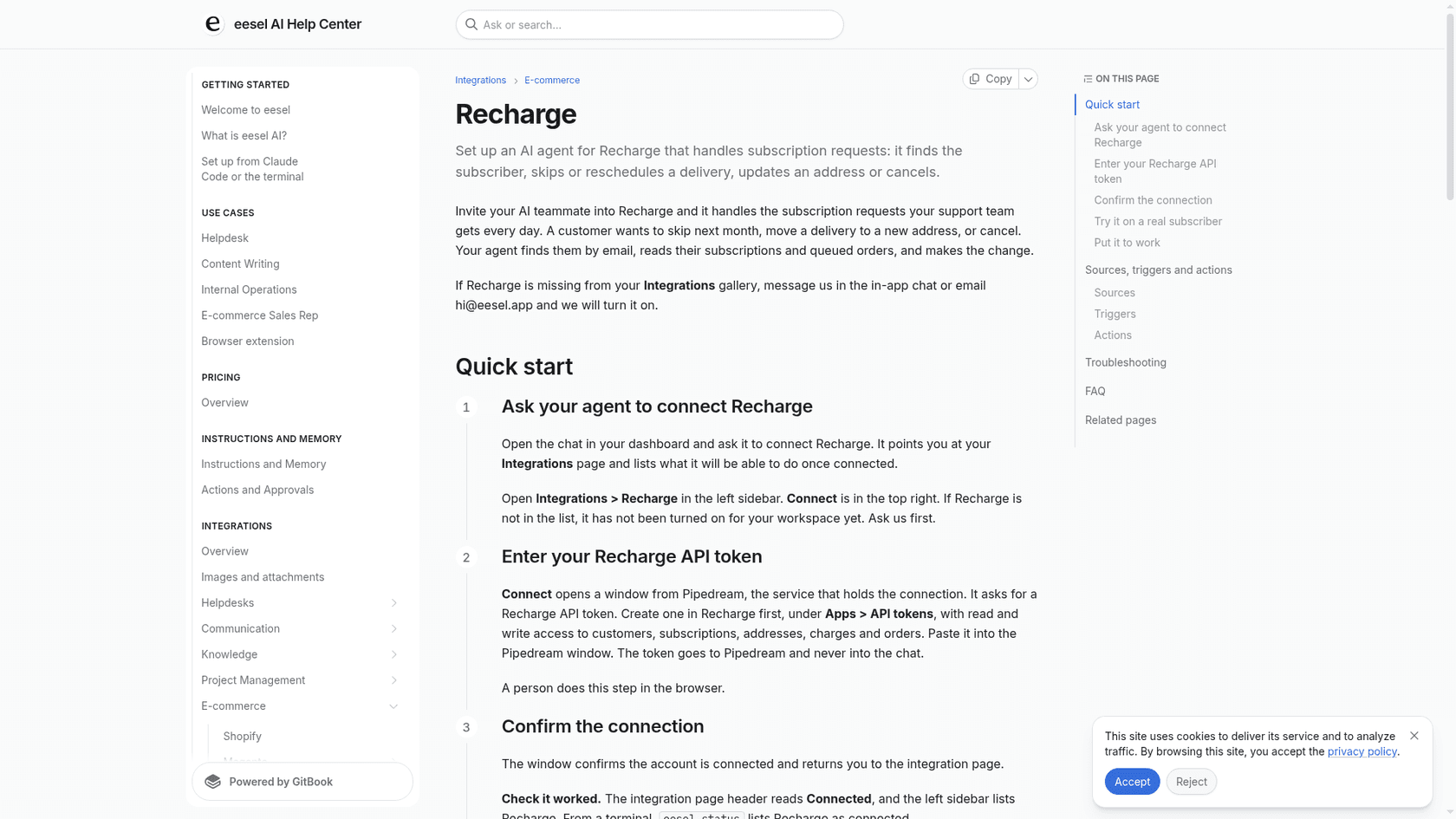
No, and I think that is the honest answer. Universal search is a person-facing shortcut in the merchant portal. An AI teammate does not press Ctrl+K. eesel connects to Recharge with an API token and, per its Recharge docs, finds a subscriber by email, with their subscriptions, addresses and payment methods in the same call, then lists their orders and reads individual subscriptions live.
What changes for an AI-assisted team is the split of work. Your agents keep universal search for the odd cases: the missing customer, the charge with no obvious owner, the investigation. The routine "where is my next box and when am I billed?" ticket is the one worth handing to an AI helpdesk agent, because the answer is a record lookup plus a short explanation.
The limits are specific. eesel's Recharge integration has no trigger, so Recharge cannot wake it; it works inside conversations it already handles in your helpdesk, in Slack or on your site. Its Update subscription action changes quantity and frequency but cannot swap a product, and cancellations of a prepaid plan's queued orders can wait for approval. The docs also teach it three things worth knowing: skip is not cancel, a prepaid plan is one charge covering several shipments, and address changes live on address records rather than the customer. My notes on prepaid deliveries, fixed-price bundles and pausing a subscription go through where each of those bites.
On proof, I would not borrow numbers from a different stack and call them Recharge results. Named stories show the pattern for order-aware answers. Question Beauty runs eesel on Gorgias and Shopify, and between 8 August and 8 September 2026 it handled 990 tickets, looked up 290 Shopify orders before answering delivery questions, and closed 280 without a person. STIL Classics uses draft mode: eesel checked 230 Shopify orders in the same month and left 430 draft replies as internal notes for a person to send. Neither is a Recharge story, but the shape is the one a subscription queue needs, a record lookup before the reply and a person on anything sensitive. For the stack, my Gorgias and Recharge guide and the Shopify support roundup cover setup.
I would start with draft mode, add ticket tagging so subscription tickets are easy to find, run common questions through a simulation test, and only then let it reply on its own for read-only lookups. Keep approval workflows on anything that spends money or ends a subscription.
What should a support team do this week?
Four small steps, about 30 minutes in total.
- Open your merchant portal and press Ctrl+K or Cmd+K. If it does not open, tell Recharge support, since the docs name no plan limits.
- Try an email, an order number, a charge reference and a subscription ID, and write down which ones return a record.
- Test with a low-permission account to see what a new agent would and would not find.
- Add the "customer not found" checks from the section above to your runbook, and decide which lookups you would rather hand to an AI teammate.
If your queue is mostly order tracking questions and billing questions, step four is where the time comes back.
Try eesel for Recharge
If your agents spend their day finding the right subscriber before they can answer, eesel is the teammate that does that lookup in Recharge by email, reads the subscriptions and queued orders, and answers or passes the change to your team for approval. It joins the helpdesk you already use, connects to Recharge with an API token, and works alongside Shopify. The Question Beauty story shows what order-aware replies look like in a real inbox. Try eesel on your own queue, free to start.
