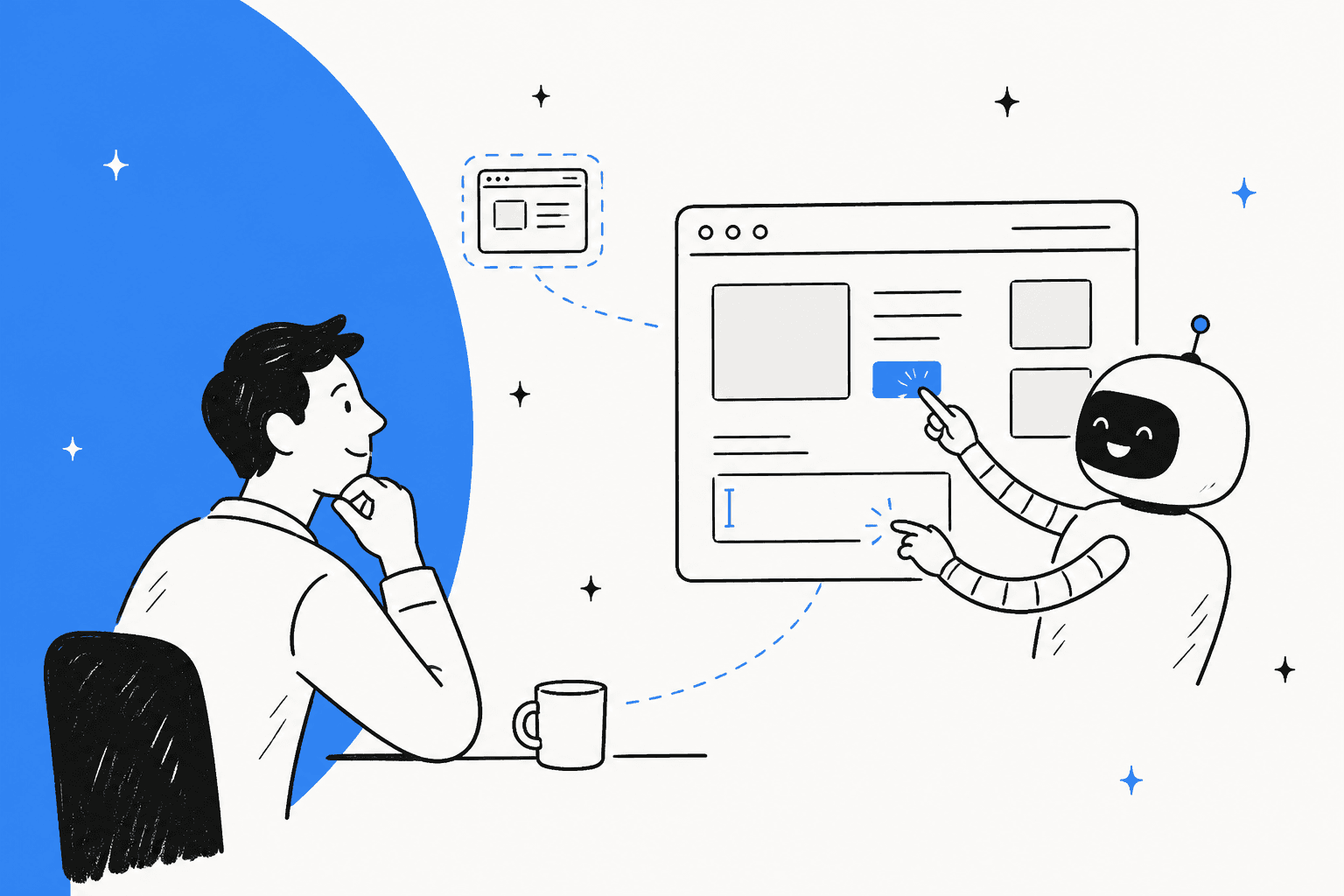
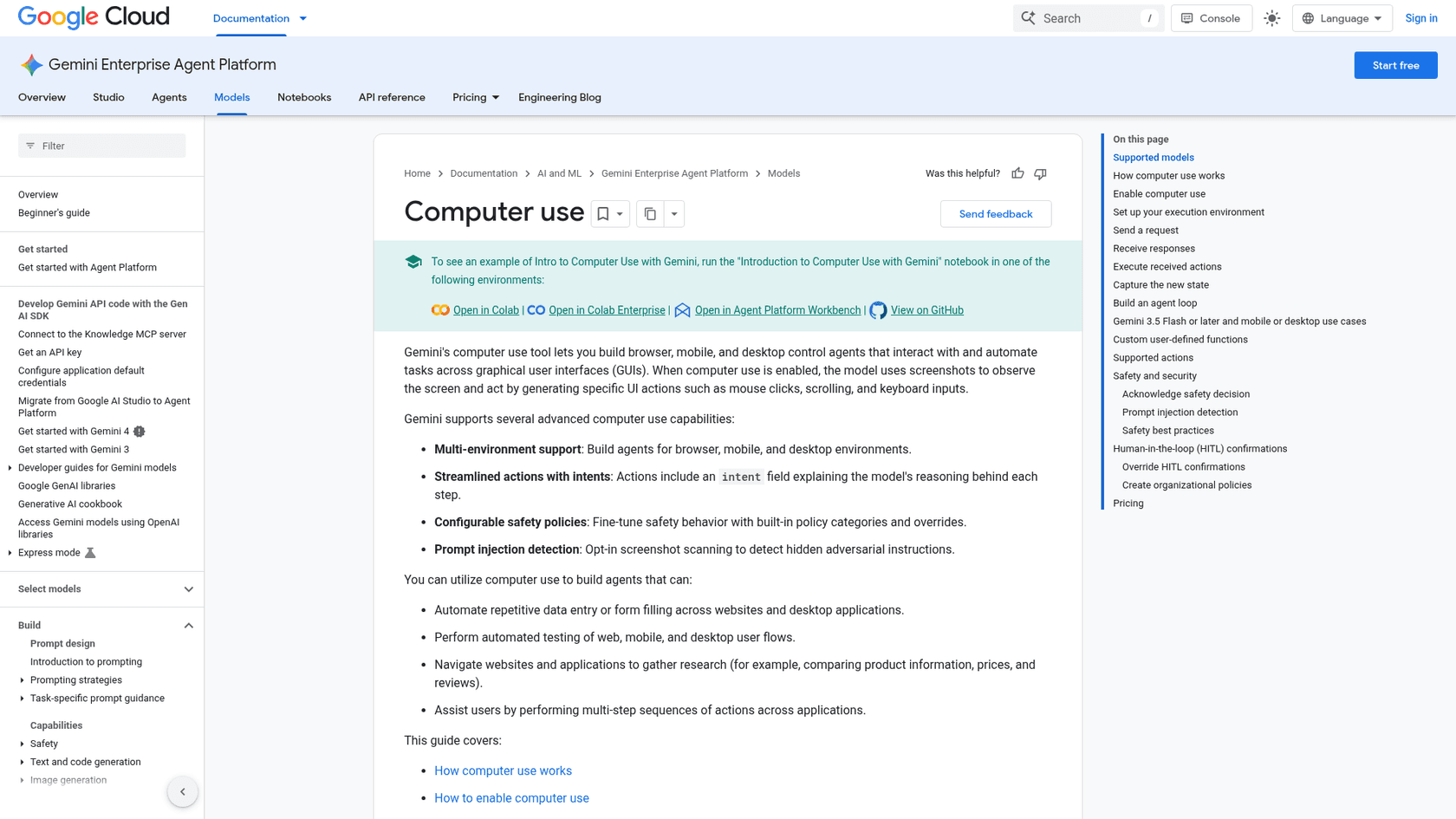
Gemini computer use is a tool where the model reads a screenshot and returns a click, a keystroke or a scroll, and your own code runs it. It works with the Gemini 4 family and Gemini 3.x Flash models, costs nothing extra beyond regular tokens, and has no free tier. Google's safety controls (confirmation prompts, optional injection scanning) are real, but you still build the sandbox. For support work, I would use it only where a tool has no API, because eesel's direct helpdesk connections are easier to limit and audit.
What is Gemini computer use, and why does it keep changing names?
Computer use started as its own model. Google announced the Gemini 2.5 Computer Use model on 7 October 2025 as a public preview, built on Gemini 2.5 Pro and "primarily optimized for web browsers." Google said it was not yet optimized for desktop operating system control.
On 24 June 2026 the idea moved into the main models. Google DeepMind said computer use became a built-in tool in Gemini 3.5 Flash, so developers no longer needed the standalone model, and it now covers browser, mobile and desktop. Today you switch it on as a tool for the model you already use.
I work on how eesel's agents act inside other tools, so I read this the way a support team should: it is a general way to reach software that has no API. That is useful, and it is also the slowest and least precise way to reach software that does have one.
With the eesel CLI, an AI coding agent can upload approved knowledge, such as exported help center articles, then ask the agent test questions with eesel chat and check the answers before anything goes live. Connecting the helpdesk itself still needs someone with admin access to approve it, and instructions change by asking the agent in chat, not by editing them directly.
Which models support it today?
Google's Gemini API docs list seven models, and the Agent Platform docs list a longer set. Prices below are from Google's pricing page, per million tokens, paid tier.
| Model | Model ID | Input / output | Notes |
|---|---|---|---|
| Gemini 4 Neon | gemini-4-neon | $3.00 / $15.00 | No free tier |
| Gemini 4 Carbon | gemini-4-carbon | $2.00 / $10.00 | Rises to $4 / $20 on 1 Dec 2026 |
| Gemini 4 Argon | gemini-4-argon | $2.00 / $10.00 | Rises to $4 / $20 on 1 Dec 2026 |
| Gemini 4 Hydrogen | gemini-4-hydrogen | $1.50 / $7.50 | Used in Google's own code example |
| Gemini 3.8 Flash | gemini-3.8-flash | $0.75 / $3.75 | Rises to $1.50 / $7.50 on 1 Jan 2027 |
| Gemini 3.5 Flash-Lite | gemini-3.5-flash-lite | $0.30 / $2.50 | Injection scanning available |
| Gemini 3 Flash Preview | gemini-3-flash-preview | Not on the page I read | Older action set, labelled preview |
The Agent Platform page also lists Gemini 3.7 Flash, 3.6 Flash, 3.5 Flash and Gemini Robotics ER 2, and labels only Robotics ER 2 and Gemini 3 Flash as preview. Neither page announces a general availability date, so I would treat the status of the newer models as "listed and supported" rather than "declared stable."
If you are choosing between them, the two Carbon-and-Argon promo rates end on 30 November. My model posts cover Neon, Carbon, Argon and 3.8 Flash in more detail.
How does the loop work?
Computer use is a loop your code owns. Google's docs describe five steps, and the model never touches your machine directly.
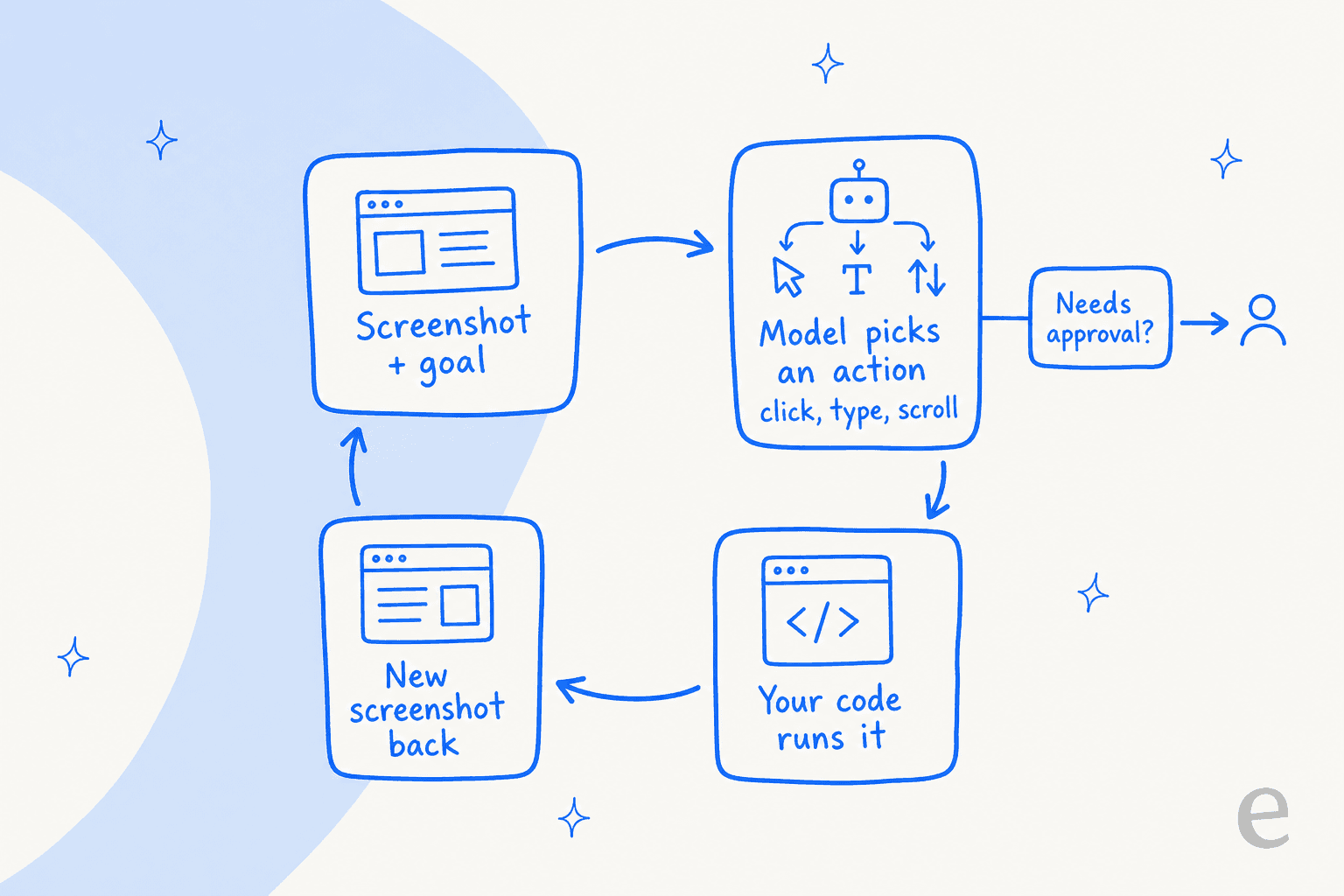
- Your app sends the prompt, the tool setup and a screenshot.
- The model returns one or more
function_callitems, each with coordinates and anintentthat explains why. - Your client checks the safety decision, asks the user if needed, and runs the action, for example with Playwright.
- It captures a new screenshot and the current URL and sends them back as a
function_result. - The loop repeats until the task ends, an error occurs, or a block or a denial stops it.
Coordinates arrive on a 0 to 999 grid, and your code scales them to the real viewport. Google's reference example caps the loop at 10 iterations, a cap I would copy.
What can it actually click?
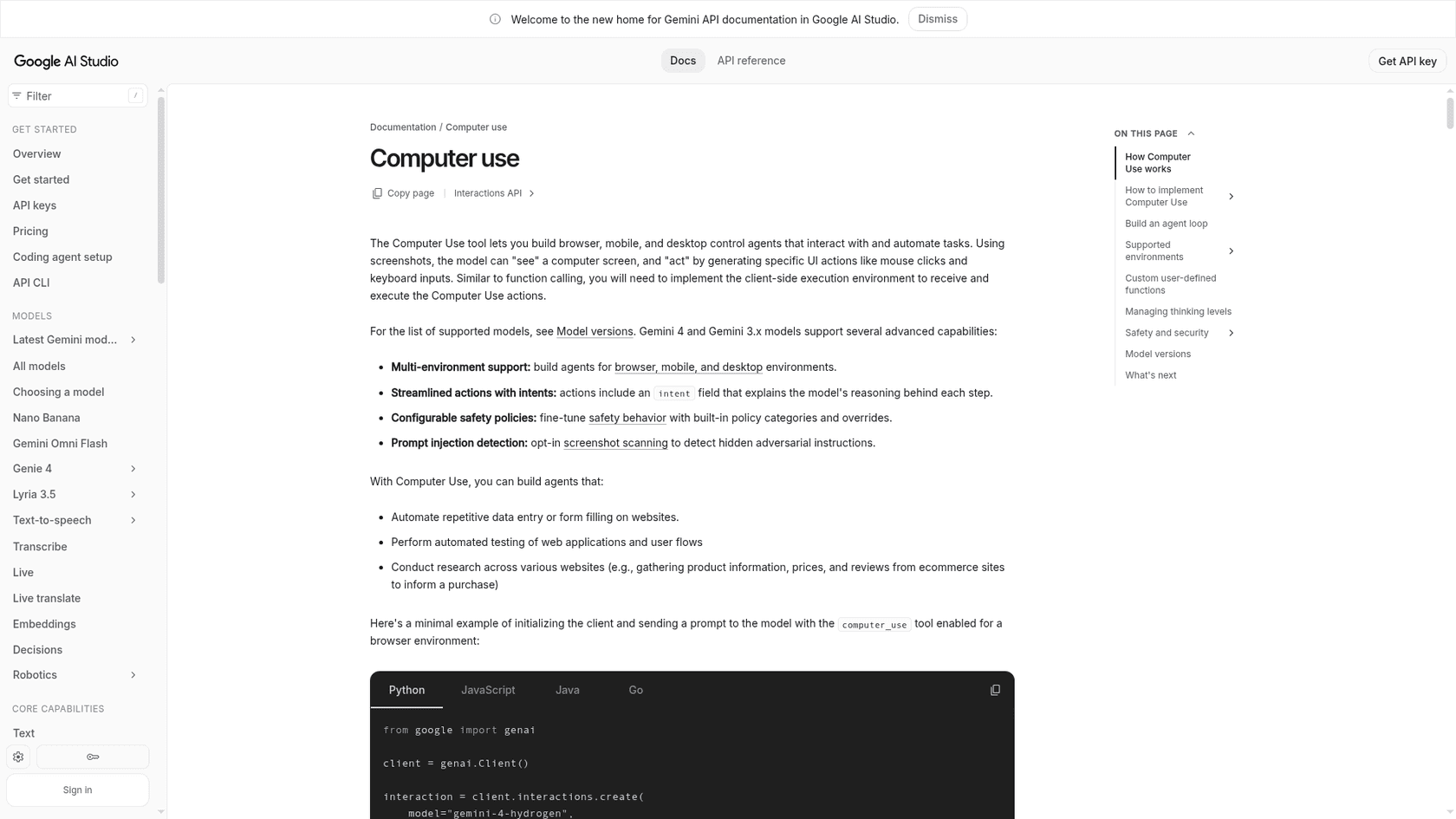
The same tool covers three environments. Google's Gemini API docs count 20 browser actions, 17 desktop actions and 10 mobile actions.
- Browser: mouse actions (
click,double_click,right_click,drag_and_drop,scroll), keyboard actions (type,press_key,hotkey), plusnavigate,go_back,go_forwardandtake_screenshot. - Desktop: the same set without the three navigation actions.
- Mobile:
open_app,list_apps,long_press,go_back,type,clickand a few others.
You can also add your own functions next to the built-in ones, so a model can call an API where you have one and fall back to the screen where you do not. That mix is the sensible way to use it.
What does it cost to run?
Google does not add a fee. The pricing page says computer use on the Gemini API is "charged as regular tokens per model pricing," and the Agent Platform docs say it is priced at the same rates and SKUs as Gemini. The free tier for the tool is listed as not available.
The cost shape is what surprises people. Every step sends a fresh screenshot back as input, and the model usually thinks before it acts, which bills as output. A task that takes 30 clicks pays for 30 screenshots. Google publishes no per-task figure, so I would run ten of your own tasks on Hydrogen and on a bigger model, then compare cost per finished task, not cost per token.
How good is it?
Google's own model cards give the clearest numbers, on OSWorld-2.1 (offline subset), a benchmark where agents complete tasks in a desktop environment.
| Model | OSWorld-2.1 | Source card |
|---|---|---|
| Claude Opus 5.5 | 87.2% | Gemini 4 Carbon card |
| Claude Sonnet 5.5 | 83.9% | Gemini 4 Hydrogen card |
| Gemini 4 Carbon | 81.5% | Gemini 4 Carbon card |
| GPT-6 Astra | 80.9% | Gemini 4 Carbon card |
| Gemini 4 Hydrogen | 77.6% | Gemini 4 Hydrogen card |
| Claude Fable 5.1 | 76.8% | Gemini 4 Carbon card |
| GPT-6.1 Terra | 74.2% | Gemini 4 Hydrogen card |
Sources: the Carbon card (results as of October 2026) and the Hydrogen card (as of November 2026). These are vendor-reported, from two cards published a few days apart, so they are a rough ranking, not a head-to-head test. On this table Carbon is second behind Claude Opus 5.5, and Hydrogen sits below Sonnet 5.5. I did not find a score for Neon.
Two gaps worth knowing. Google's June post calls 3.5 Flash its best yet for computer use but shows the scores only in a chart image, so I could not quote them. The Hydrogen card reports an OSWorld result but does not list computer use among its intended uses, even though the docs list the model as supported. For the Claude side of the table, see my notes on Opus 5.5 and Sonnet 5.5.
What do the safety controls cover?
Google's docs are direct about the risk: computer use "may contain errors and security vulnerabilities." They name three failure types: untrusted content and scams, occasional unintended actions such as clicking the wrong button, and policy violations such as getting around CAPTCHAs.
The controls fall into four groups:
- Per-step decisions. Each function call can carry a
safety_decision. If it saysrequire_confirmation, your app must ask the user, and only then setsafety_acknowledgement. Google states you are not permitted to bypass these requests. - Policy categories. On Gemini 3.5 Flash or later, seven categories can trigger confirmation: financial transactions, sensitive data modification, communication tools, account creation, data modification, user consent management and legal terms. Developers can express a preference to disable some, but the model may still ask.
- Organization policy. On Agent Platform, an admin constraint can stop developers from turning confirmations off. Changes can take up to an hour to apply.
- Injection scanning. For Gemini 3.5 Flash-Lite or later, screenshot scanning for hidden instructions is opt-in and defaults to off. When it triggers, it blocks execution.
Google also recommends a sandboxed VM or container, allowlists or blocklists, and logging prompts, screenshots, suggested actions and executed actions. The Agent Platform has a containerized browser sandbox you can drive through the API or over Playwright. For the background on the attack itself, see the glossary entry on prompt injection and AI guardrails.
What are developers saying?
The Hacker News thread on the 3.5 Flash launch drew 242 points and split into two camps.
"Computer use is such a terrible idea. It's slow, insecure, error prone, expensive."

"Computer use is a great idea. It gets the job done when nothing else will."
Both are right about different jobs. Another commenter called it very useful for developing GUI apps, because an agent can build and test the whole app end to end. That matches Google's own examples, which lean on testing and research. I read the second comment as the whole case for the feature: when nothing else will, it is the fallback.
Should a support team use it?
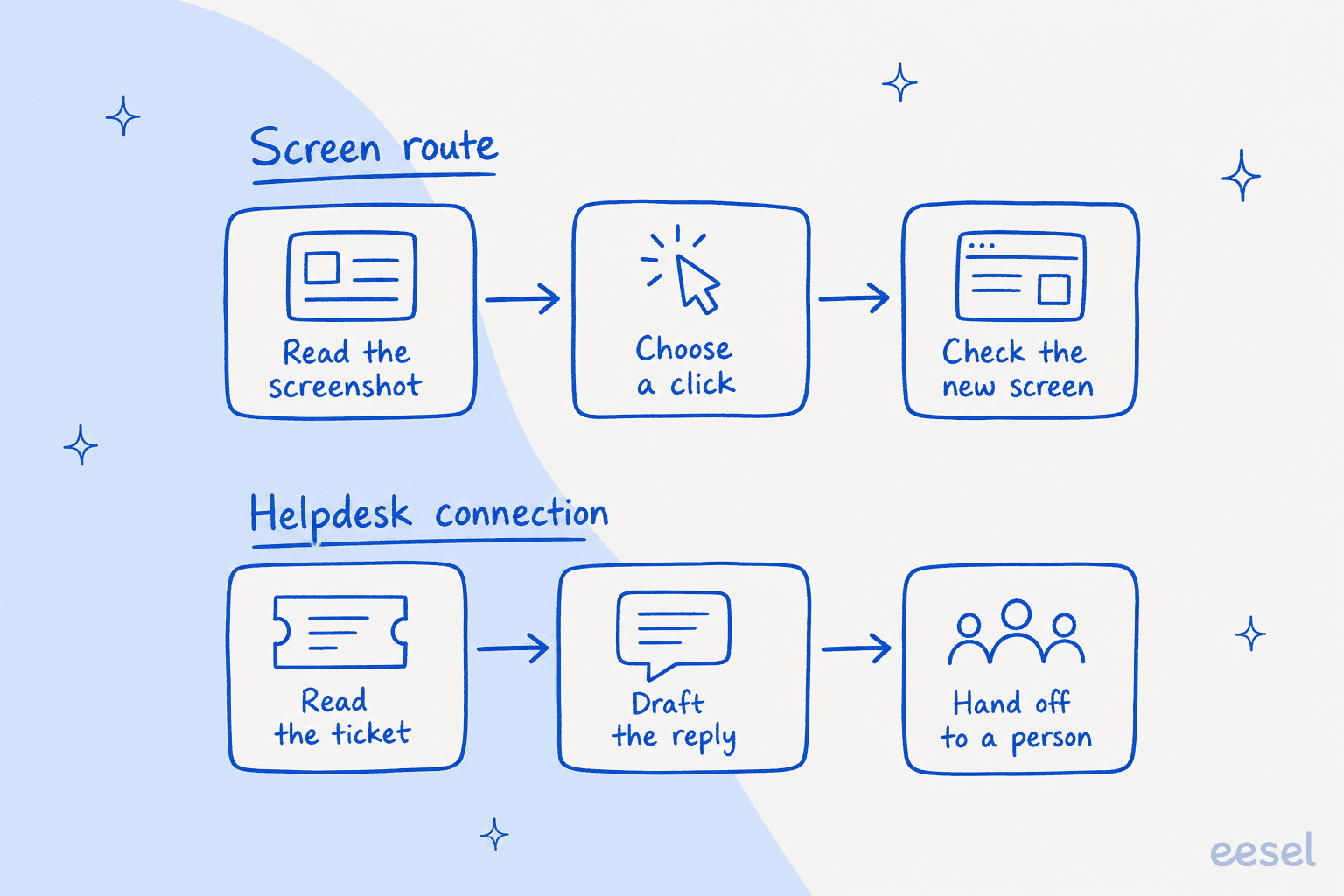
For tools with no API, yes, carefully. For the helpdesk itself, I would not start there. A screen route reads pixels, chooses a click and checks the new screen. A helpdesk connection reads the ticket, drafts the reply and hands off to a person. The second path has fewer places to go wrong, and each action can be named, limited and logged.
This is the line I draw between infrastructure and an employee. Computer use is infrastructure: it gives a model hands, and you supply the sandbox, the approvals, the logs and the rules for when to stop. eesel is the employee. Its AI helpdesk teammate joins your existing queue through direct connections to Zendesk, Freshdesk, Gorgias and other helpdesks, answers from your own knowledge, and hands tricky tickets to your team. eesel simulates every rollout against historical tickets before it goes live, a step a screen-driving loop does not include.
SamCart shows what that looks like on a real queue. It runs eesel on Freshdesk tickets and on its website chat, with a separate agent for each channel, both answering from about 280 help center articles. Freshdesk automations decide which tickets the agent replies to, and only while no person is assigned. When a seller asks for a person, the ticket is tagged for handoff and the agent stops. None of that needs a screenshot, because the helpdesk exposes it directly.
Where I would still use Gemini computer use in a support operation:
- A tool with no API, such as a legacy billing screen that only has a web UI, behind confirmation and with a read-only account first.
- Testing your own help center or chat widget end to end, which matches Google's own use cases.
- Research across sites, such as checking a competitor's public pricing pages for your support macros.
For the permissions side, my guides to agent permissions, refund guardrails, testing and observability apply to a computer-use agent as much as to any other. For the browser-agent landscape beyond Google, see Claude for Chrome, ChatGPT agents and Manus. For why the cost and handoff story differs by route, read agent versus human cost and agent handoff best practices.
Try eesel for helpdesk work
If your goal is faster, safer ticket handling, start with a teammate that already knows your helpdesk. eesel plugs into Zendesk, Freshdesk and Gorgias directly, learns from your past tickets and help center, and sets each action to On, Ask first or Off. If you want to see it on your own queue, try eesel or book a demo.