


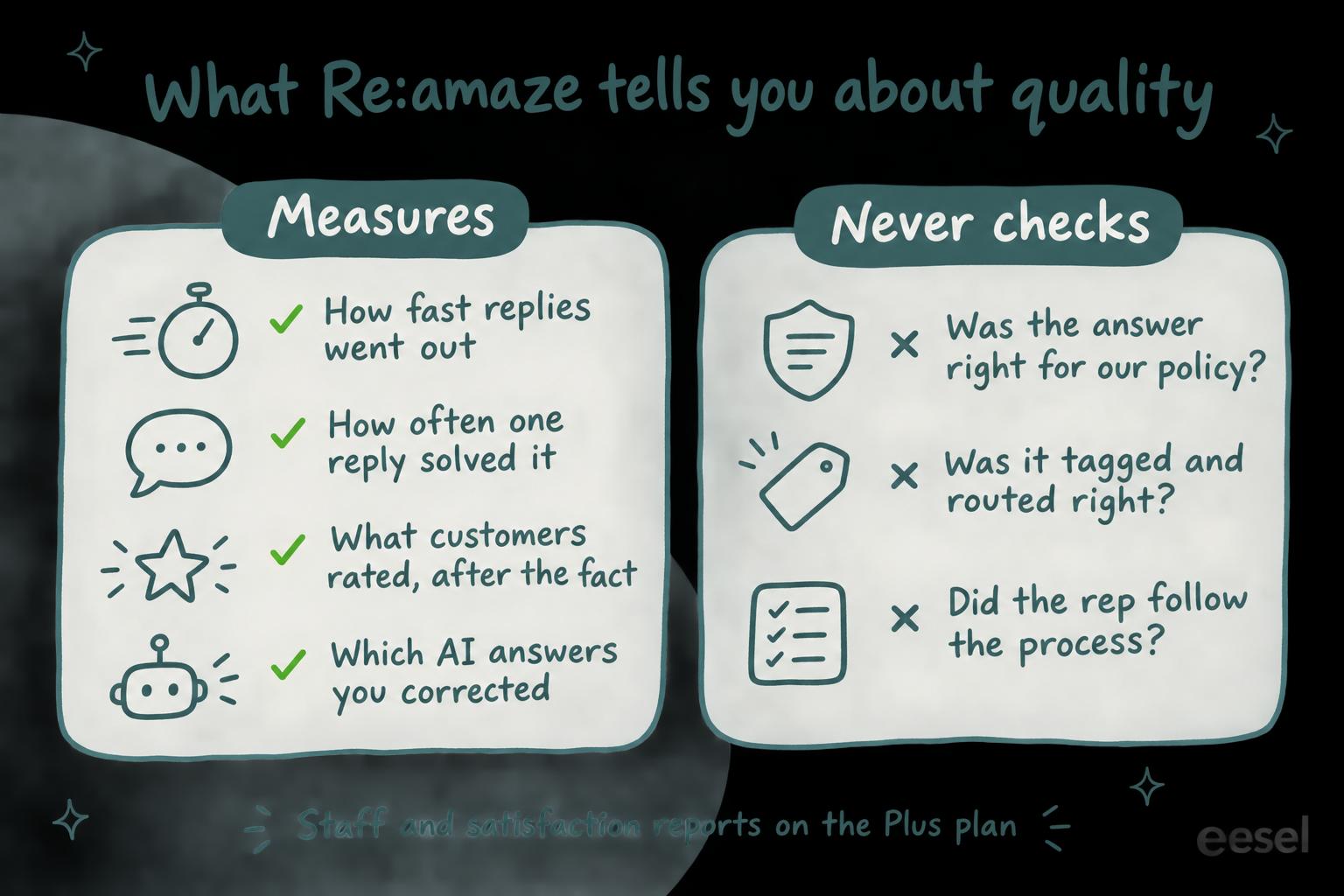
Re:amaze has no AI quality assurance scorecard: I found nothing in its help center, pricing page or product news that scores a conversation against QA criteria, and the closest it gets is the recent-replies list in the Individual Staff report on Plus ($69 per team member a month). What it gives a support lead is reports on speed and how often one reply solved the issue (every plan), staff reports and satisfaction surveys (also Plus), and a set of tools for reviewing its own AI Agent's answers. None of them checks whether a reply was right for your policy or tagged the right way, and the AI report's "Success Rate" counts successful API requests, not right answers. To check that, a lead can score a weekly sample by hand, or an AI teammate like eesel can review recently archived conversations on a schedule against rules you write and leave its reasons in an internal note. A coding agent such as Claude Code can set that review up through the eesel CLI, though a person still copies the API token from Re:amaze to connect it.
Does Re:amaze have AI quality assurance?
Not under that name, and not as a scorecard. I work on eesel's support team, so when I read a helpdesk's QA features I'm asking one thing: would this catch a wrong reply before a customer does? In Re:amaze, the honest answer is "only after a customer complains". (For the rest of the product, see my Re:amaze review.)
Here is what Re:amaze does offer for quality assurance, from its reporting overview, AI tools guide and pricing page, checked 22 November 2026:
| Re:amaze feature | Plan | What it tells a QA lead | What it doesn't |
|---|---|---|---|
| Response Time, First Response Resolve Rate, Average Thread Size | Basic | How fast replies went out and how often one reply settled it | Whether the reply was right |
| Appreciations, Tags and Satisfaction Ratings reports | Pro, per the reporting overview | Which replies customers liked, which tags get used, what customers rated | Which tag should have been used |
| Staff Summary and Individual Staff reports, satisfaction surveys | Plus | Each agent's responses, response times, ratings and recent replies | Whether those replies followed your process |
| AI Agent sources, corrections, testing and Learned Answers | With the AI Agent | Where an AI answer came from, and a place to fix it | How human agents are doing |
| Ask About This Conversation | AI tools | An answer to a question you type about one thread | Anything across many conversations |
What do Re:amaze's reports say about quality?
They say a lot about speed and a little about outcome. Every plan gets the Response Time report (the first response time glossary entry explains the metric most teams start with) and the First Response Resolve Rate, which Re:amaze describes as "a quality metric that reflects the effectiveness of your team's responses": how often one reply settled the customer's issue, close to what most teams call first contact resolution. The Average Thread Size report is its partner, and Re:amaze's own guide says a high number "can indicate that an issue is difficult to resolve or that agents are not providing sufficiently complete responses."
On Plus, the Individual Staff report breaks this down per agent: responses, average response time, appreciations, conversations resolved or archived, average thread size and, if you send surveys, the agent's average rating. You can compare an agent with the team average or one department. At the bottom sits "a running list of their recent replies", which Re:amaze says managers can use "to monitor support quality at the individual level."
That last line is the closest Re:amaze gets to QA. It gives you a reading list; someone still opens each reply and judges it.
Two things to know before you trust the numbers:
- Conversations are dated by when they started. Re:amaze attributes conversation metrics "to the time the conversation was created", so a conversation that opened on 9 December and was reopened and archived on 11 December counts once, on 9 December. Last week's numbers can move after the week ends.
- Responses are counted per message. Re:amaze says the Response count "is a better indicator of activity" than the Resolved and Archived counts.
What do Re:amaze's satisfaction surveys add?
The customer's own verdict, late. Automated satisfaction surveys are on Plus: under Settings, then Email Channels, turn on Satisfaction Surveys, pick a delay in hours and which conversation states send a survey (choosing Resolved sends one only after a conversation is resolved). The survey can use smiley faces, descriptive labels or 1 to 5 stars, and the Satisfaction Ratings report shows the average, the spread from Abysmal to Great, and the latest comments.
There's a plan wrinkle. The pricing page and the survey guide put satisfaction ratings on Plus, but the reporting overview lists the Satisfaction Ratings report under Pro. If you're on Pro, ask Re:amaze before you plan around it.
A rating tells you how the customer felt about the outcome. It doesn't tell you which reply caused it, and it only comes from the customers who answer. A low score tells you where to start reading. My notes on AI CSAT go further on reading CSAT next to QA.
How do you check the Re:amaze AI Agent's answers?
This is where Re:amaze has done the most work. In June 2026 it shipped a set of tools for reviewing what its AI Agent says:
- Sources on every reply. A source count appears on each AI response; click it to see which knowledge sources it used, "a quick way to spot if the AI leaned on something outdated or pulled from the wrong place."
- Improve Response. Submit a correction on any AI reply, and it's stored for the AI to use next time. Re:amaze says corrections are kept in one place where you can edit or delete them, and the AI settings have an AI Agent Corrections tab.
- Test AI Agent. Ask it the questions customers ask and read the full answers before a customer does. Re:amaze suggests coming back to it whenever you change an article, a template or a learned answer.
- Learned Answers. When the AI Agent escalates and a person finishes the conversation, Re:amaze drafts an answer from what happened and queues it for review. Nothing is added until you save it, and unsaved suggestions expire after 14 days.
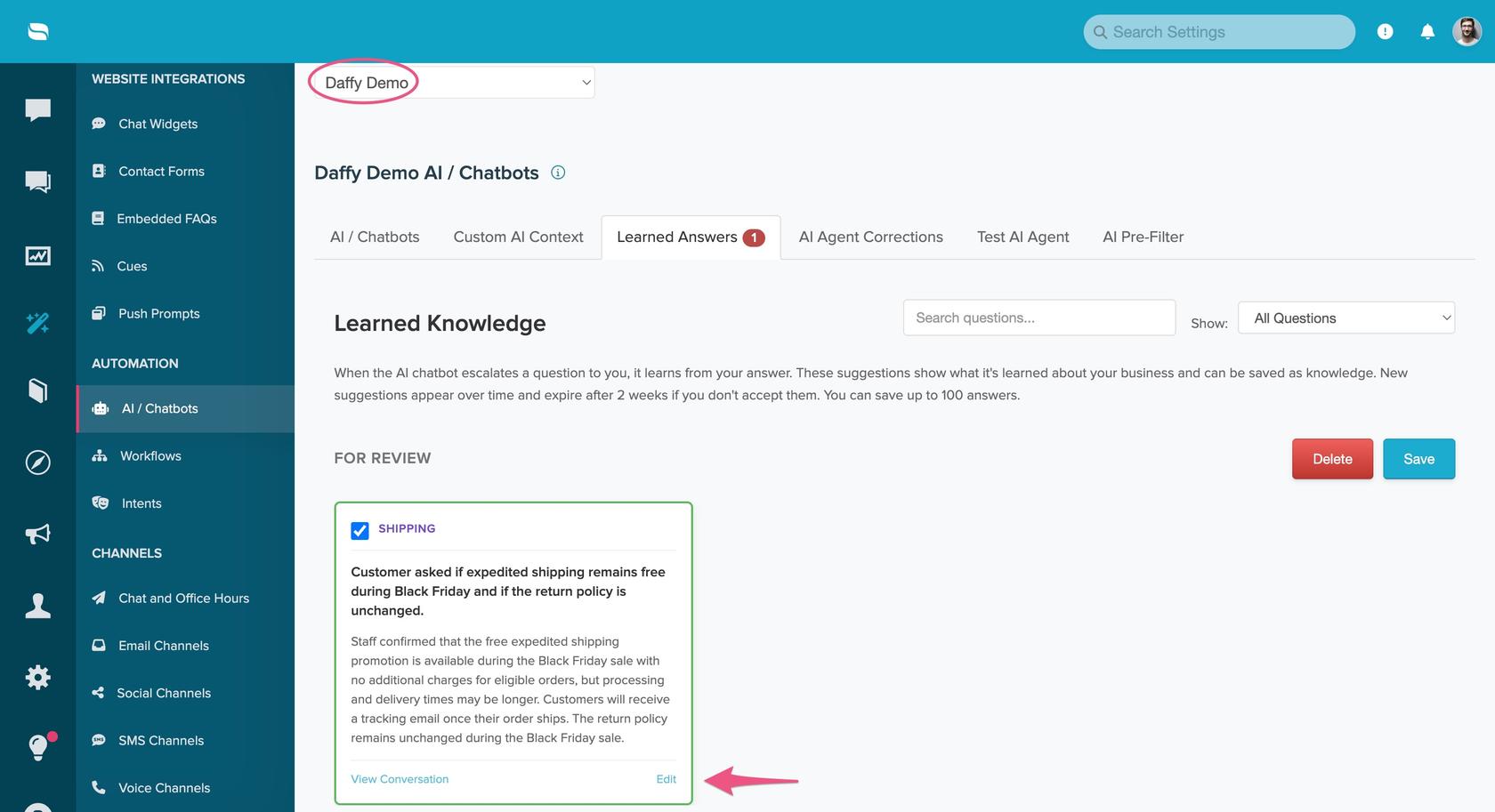
These are good tools for keeping the AI Agent honest, and I'd use every one. Note what they have in common, though: a person finds the bad answer first. Nothing scores the AI Agent's conversations for you.
Watch the AI reports too. The AI Productivity Report has a Success Rate, which "measures the number of successful AI API requests", and a Content Score, a setup checklist (+20% for creating 20 FAQ articles, +20% for setting up Custom AI Context). A 100% Success Rate means the AI ran every time, not that it was right every time.
What can't Re:amaze check?
The three things most QA programs exist for:
- Was the answer right for our policy? No report or AI tool compares a reply with your refund, shipping or warranty rules. Ask About This Conversation will answer a question you type about one thread, but that's one conversation at a time, by hand.
- Was it tagged and routed right? AI Pre-Filter and Workflows apply tags to conversations, and the Tags report counts which tags are applied most often, but nothing checks them afterwards. Neither tells you a refund request went out with the shipping tag, and if your reports run on tags, that miss spreads into every chart.
- Did the agent follow the process? Asked for the order number, offered the return label, escalated a chargeback threat: none of it is scored.
If you look at a dedicated QA tool instead, check that it connects to Re:amaze before you buy.
How much does Re:amaze cost for QA?
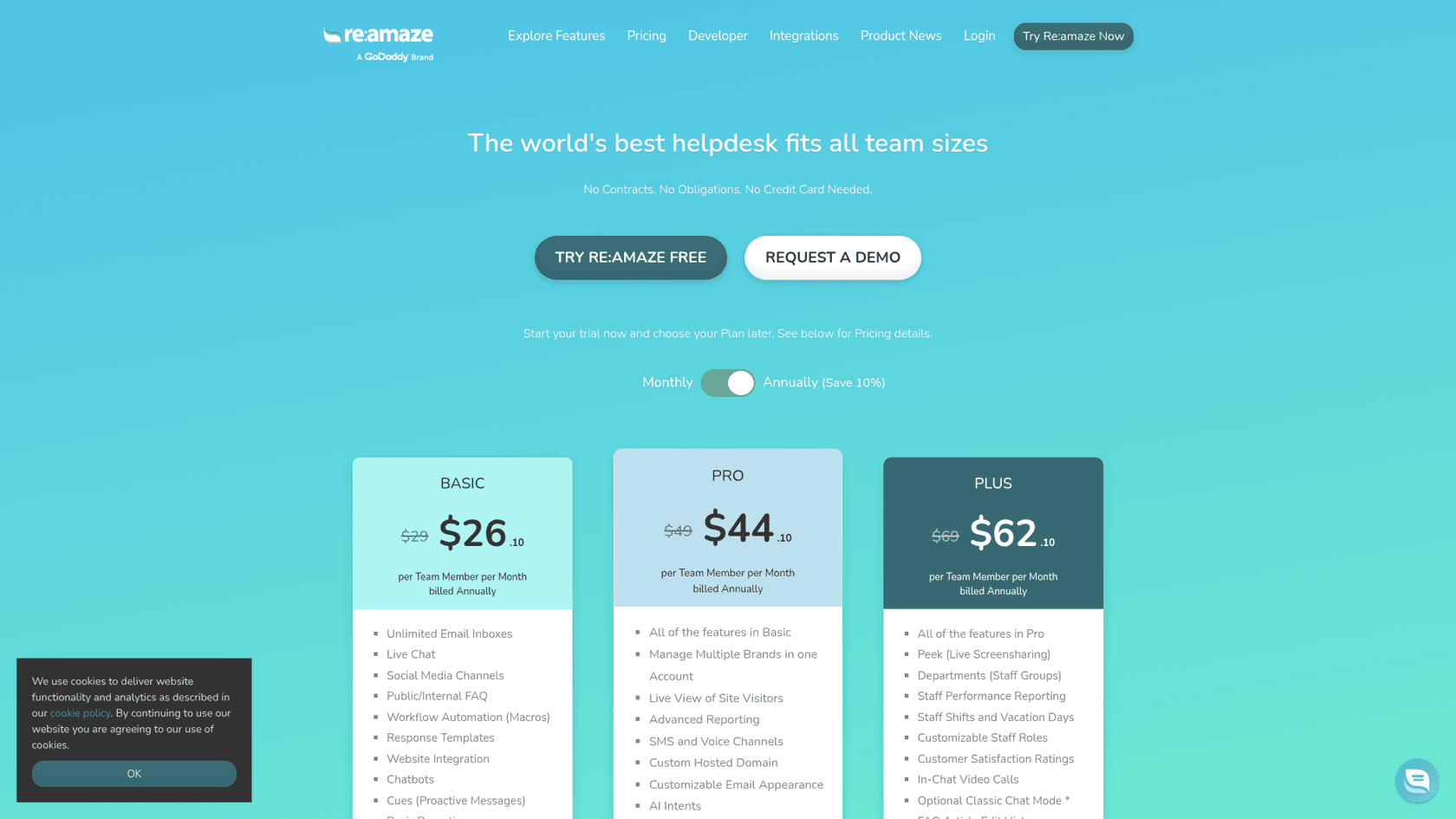
The QA-relevant reports and surveys come with the plan, so the cost is the step to Plus. Prices from the pricing page, checked 22 November 2026:
| Plan | Per team member a month | Billed annually | What it adds for QA |
|---|---|---|---|
| Basic | $29 | $26.10 | Response Time, First Response Resolve Rate, Average Thread Size; AI Agent with 5 resolutions per user a month |
| Pro | $49 | $44.10 | Advanced Reporting (Tags, Appreciations, Workflow); 10 AI Agent resolutions per user |
| Plus | $69 | $62.10 | Staff Performance Reporting, Customer Satisfaction Ratings; 20 AI Agent resolutions per user |
| Starter | $59 flat a month | Not listed | Basic's features for unlimited team members, up to 500 responded conversations a month |
Extra AI Agent resolutions are $0.85 each. For a team of 10 paying monthly, Pro is $490 and Plus is $690, so per-agent reports and surveys arrive with a $200 a month step up. My Re:amaze pricing breakdown and Re:amaze cost guide have other team sizes.
How do you cover what Re:amaze leaves out?
Pick what you want to check and see what covers it:
Pick a check to see what covers it in Re:amaze, and what covers it if nothing does.
There are two ways to cover the rest.
Score a sample by hand
The cheapest route needs nothing new, and it's where most guides to support QA with AI start. Each week a lead takes ten or twenty recently archived conversations (the longest threads and the lowest ratings first, if you have them), reads each, and scores it against a short rubric in a spreadsheet: right answer for the policy, right tag, process followed. On Plus, the recent replies list in each Individual Staff report is a ready-made reading list. Agree what each score means first so two reviewers score the same conversation the same way: support QA calibration helps, and so do these QA feedback examples.
The limit is the obvious one: a person reads a sample, and the results live outside Re:amaze.
Have an AI teammate review against your rules
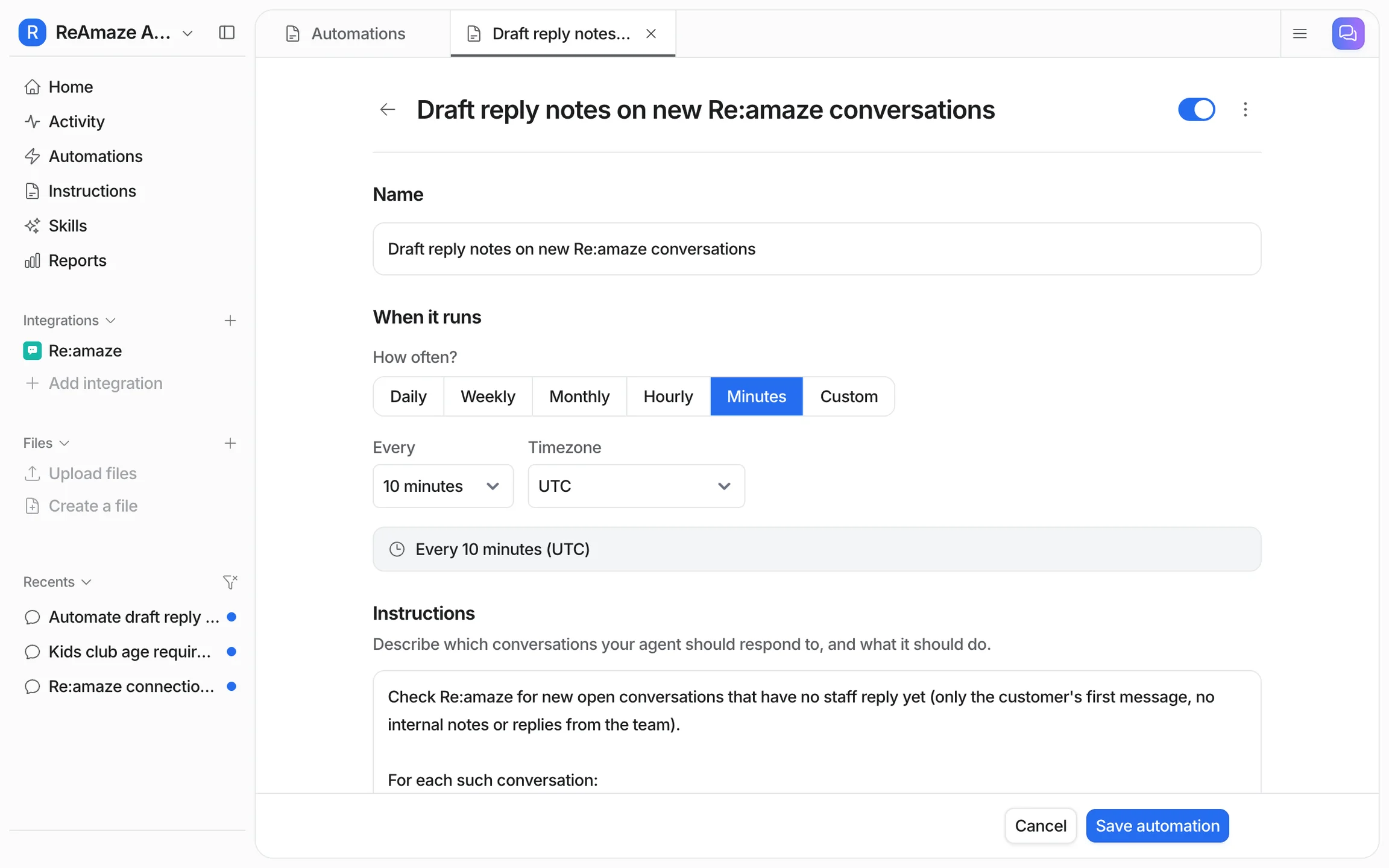
The second route is an AI agent that runs the review on its own and leaves the result in Re:amaze. This is what I'd do with eesel. eesel's Re:amaze integration runs on a schedule, as often as every ten minutes, or hourly, daily or weekly, and can list archived conversations and narrow them by tag. For each one it reads the newest 40 messages with their authors, internal notes included, plus the conversation's tags, status and assignee. It learns from your response templates and past conversations ahead of time and reads your help center articles live, so a policy you've published is something it has read.
Set a daily schedule and, on each run, it takes the most recently changed archived conversations and:
- Reads the thread with its tags.
- Checks it against the rules you wrote in plain words ("refunds after 30 days need a manager's approval", "billing questions get the billing tag", "never promise a ship date").
- Leaves its verdict and reasons as an internal note.
- Adds a tag such as qa-review to the ones a lead should read, so a lead can filter for them.
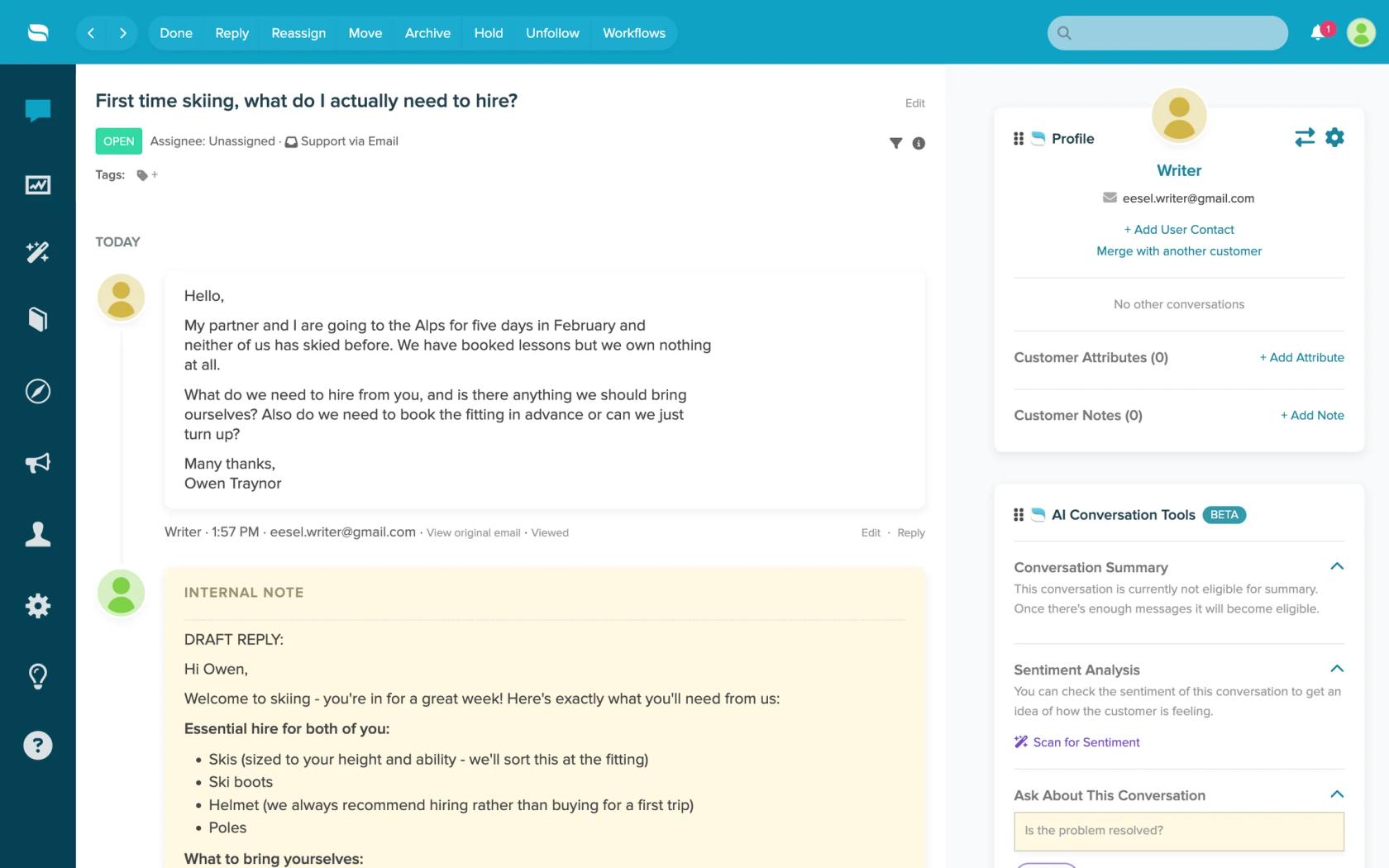
You write the rules, so tagging, process and policy checks are just more lines, changed whenever your policies change. Know the limits first: it doesn't see attachments or custom fields, and on a thread longer than 40 messages it reads only the newest 40. It runs on a schedule rather than the moment a conversation closes, because Re:amaze has no event triggers in eesel. The same eesel agent can draft replies as internal notes too, if you want it to.
Daily checks like this already run for eesel's customers. Cactus Club Cafe runs a second eesel agent on its Zendesk helpdesk that audits the daily finance extract every morning: it checks each store and either solves the ticket as balanced or leaves it open with the imbalance named. Between 8 August and 8 September 2026 it ran about 60 times. A QA review is the same shape: a check against written rules, with the result left on the conversation.
Is Re:amaze enough for QA?
For speed and outcome, yes. First Response Resolve Rate and Average Thread Size are honest signals that most small teams under-use, and on Plus the per-agent report with ratings and recent replies gives a lead a sensible weekly reading list. The AI Agent tools are better than most: sources on every reply, stored corrections and a test environment are exactly what you need to keep an AI agent from drifting.
My take: start with the reports you already have. Watch First Response Resolve Rate, and Average Thread Size in each Individual Staff report, read the longest threads every week, and use Test AI Agent whenever you change an article. Don't mistake the AI report's Success Rate for accuracy. And if your team's QA question is "was it right?", not "was it fast?", Re:amaze leaves that to you: a hand-scored sample if your volume is small, an AI reviewer if it isn't. Other helpdesks' answers to the same question are in my posts on Gorgias AI quality assurance, Help Scout AI quality assurance and Front AI quality assurance, and my roundup of AI tools for support QA compares dedicated options.
Try eesel as your Re:amaze QA reviewer
If the check you're missing is "was this reply right for our policy?", eesel is the reviewer I'd add to Re:amaze. It connects with an API token, reads your help center and past conversations, and on a daily schedule checks each recently archived conversation against the rules you write, leaving its reasons in an internal note and tagging the ones worth a lead's time. Start by asking it to review your most recent archived conversations in the dashboard chat, read what it flags, and only then turn the schedule on.
Try eesel free, or book a demo to see it review your own Re:amaze conversations.