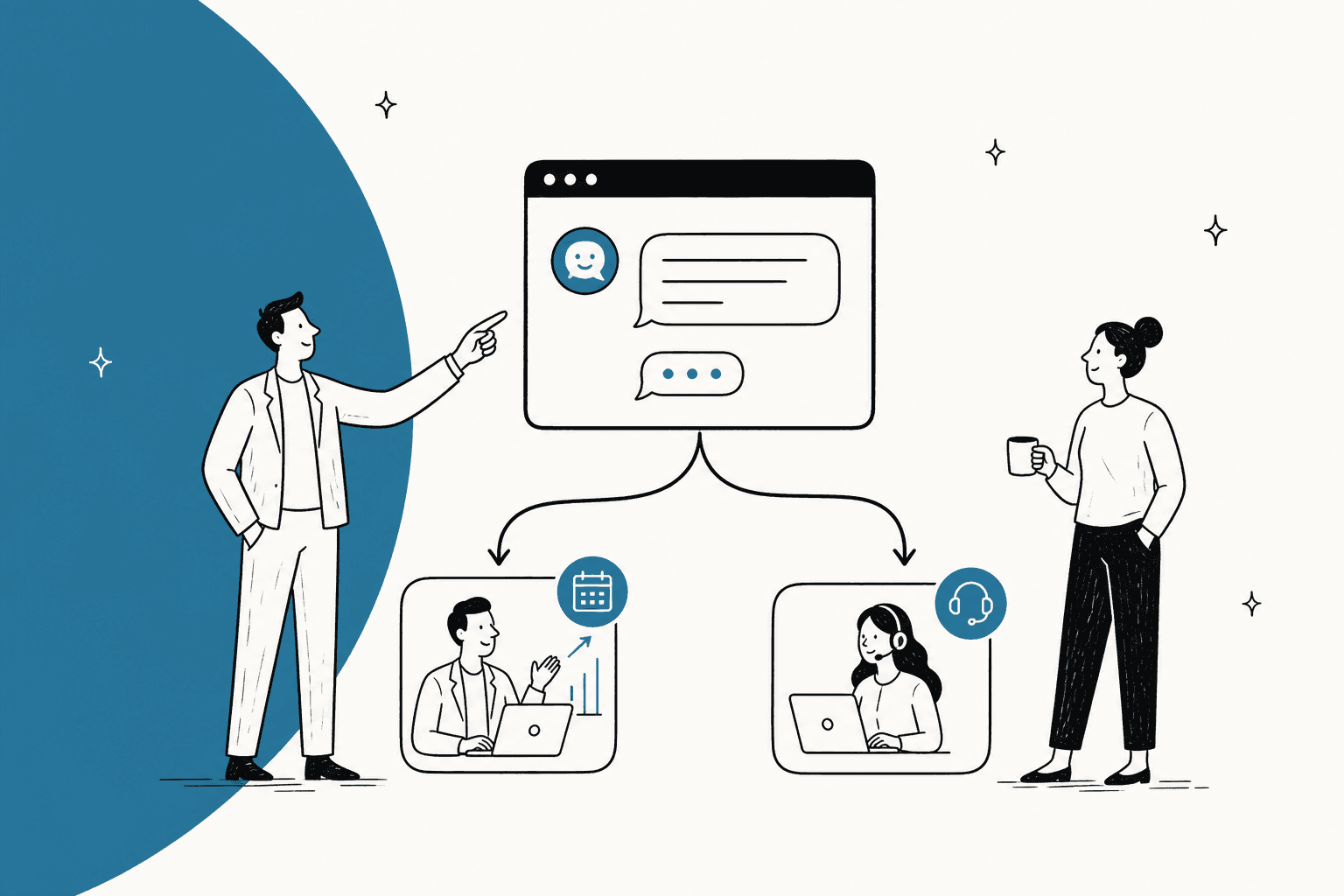
The best B2B live chat software in 2026 is HubSpot if your sales team already lives in HubSpot, because every chat lands in the CRM as a contact and a deal. Zoho SalesIQ is the best value for sales-side visitor tracking at $7 a seat, and Zendesk is the pick when most chats come from existing customers.
One widget serves two audiences, prospects and customers, so pick the tool strongest on the lane where most chats land and let an AI teammate like eesel take routine questions on the other. Drift is being sunset, though AI answers still recommend it.
What makes B2B live chat different from regular live chat?
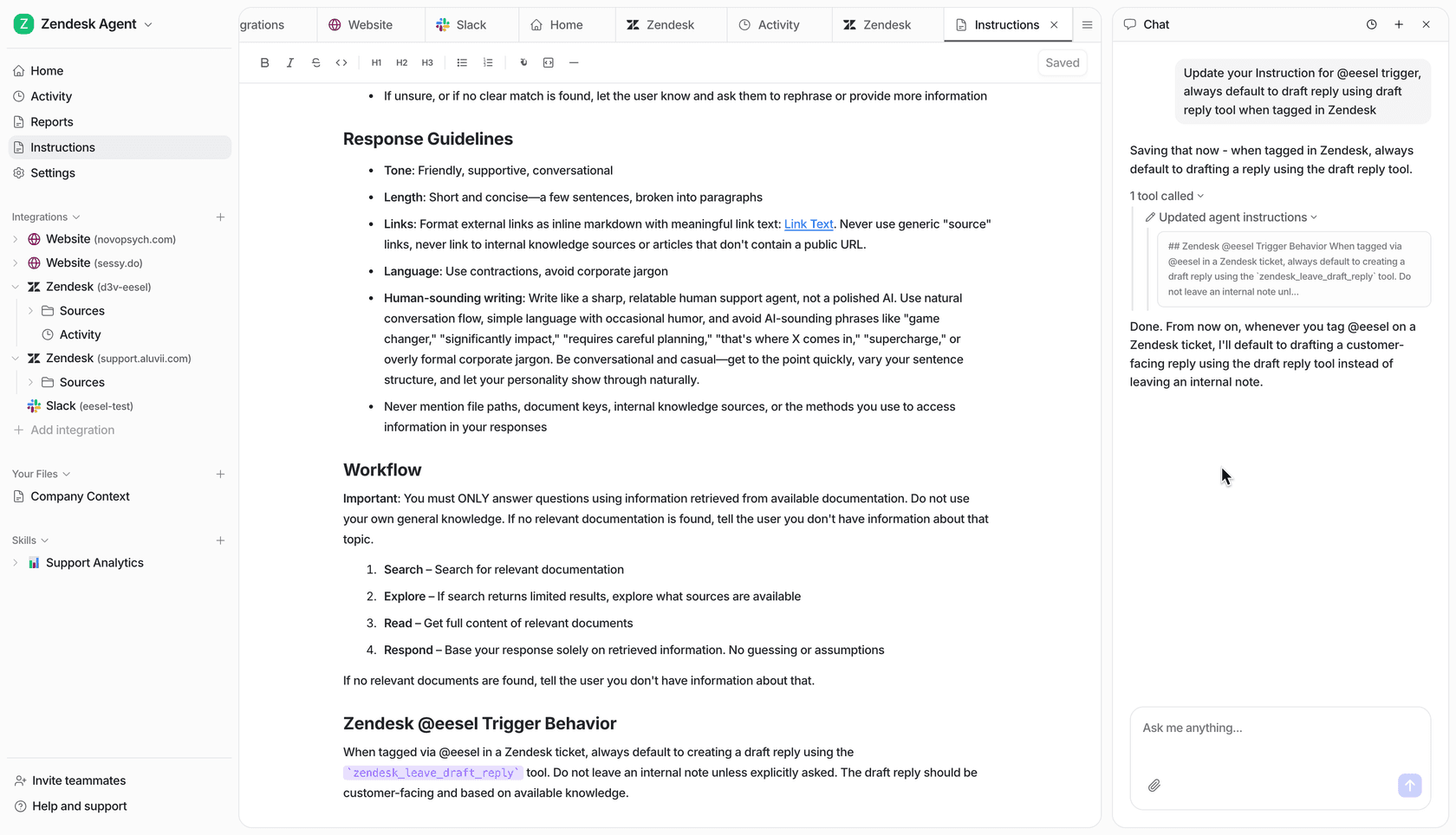
B2B live chat has two jobs on one widget. A visitor on your pricing page might be a buyer from a 200-person company ready for a demo, or an admin at an existing customer who can't find the SSO setting. Most live chat software is built for one of those people, and B2B teams feel it the moment both arrive on the same day.
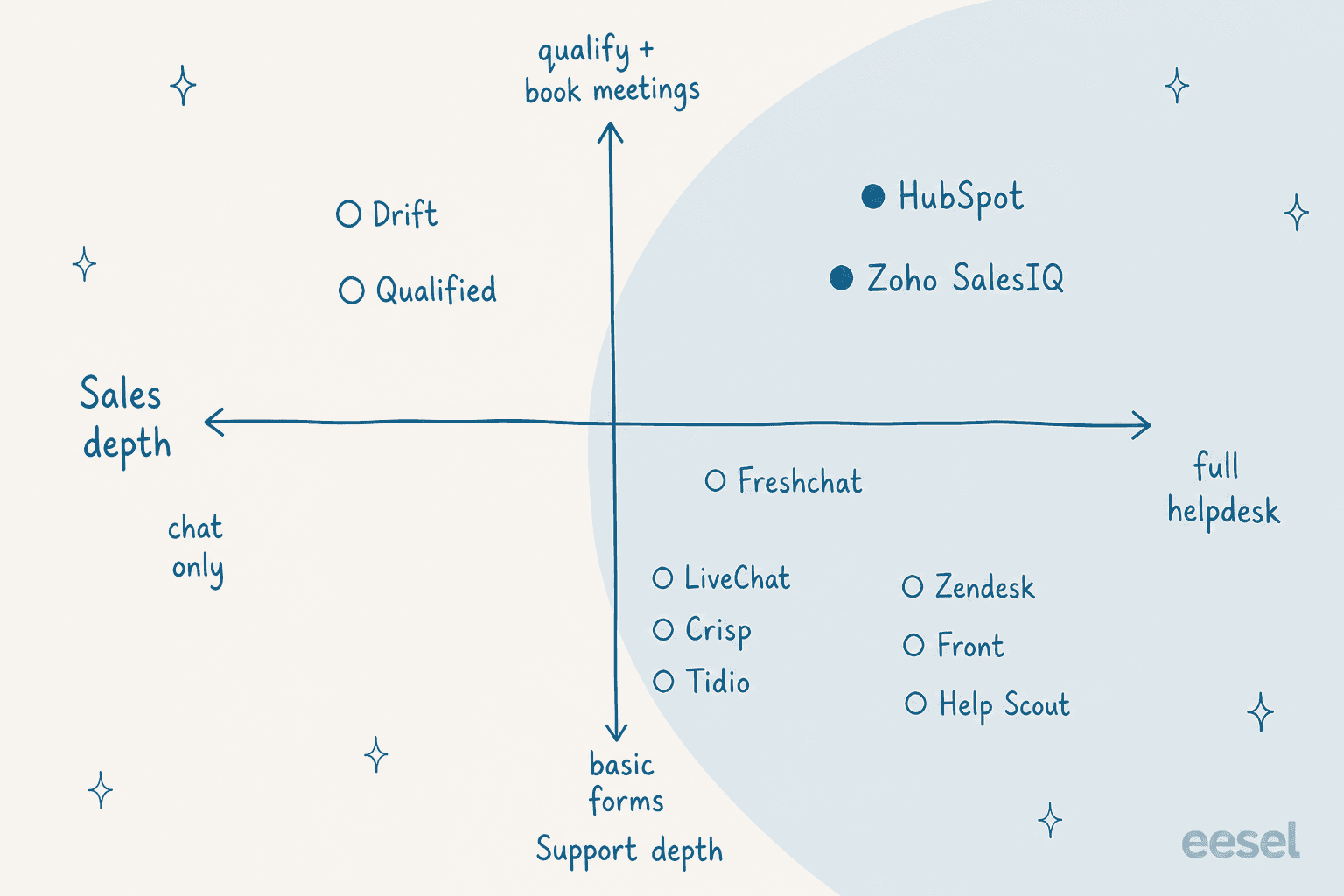
I build the helpdesk and CRM integrations at eesel, so I spend a lot of time looking at what happens after a chat ends. The pattern I see is that the hard part of B2B chat is the handoff, not the widget. A sales chat that never reaches the CRM is a lost lead. A support chat that drops into a sales rep's inbox is a customer waiting two days for an answer the docs already had.
The clearest example I have is BEAUTEK, a German company that sells equipment to beauty, tattoo and medical studios. Its website chat answers product questions directly, and when someone asks for a quote or a large order, the chat turns it into a Zendesk ticket tagged as a sales lead. In one month that was 77 chats answered live and 20 tickets created for the team. Same widget, two lanes, no one sorting by hand.
So when I compare tools below, I care about four things more than the widget design:
- Who is asking: can it recognise an existing customer, or identify a prospect's company?
- Where it goes: does a sales chat reach your CRM, and does a support chat reach your helpdesk?
- Routing: can you send pricing-page chats to sales and help-center chats to support without paying for an enterprise tier?
- AI cost: how is the AI agent billed, and what counts as a billable unit?
What happened to Drift?
When I asked ChatGPT for the best live chat tools for a B2B software company, Drift was still in its top five as the "best for B2B lead generation" pick. That advice is out of date. On March 5, 2026, Clari + Salesloft announced the gradual sunset of Drift and an exclusive deal to refer existing Drift customers to 1mind.
The old Drift product page now lands on a Chat Agents page that says Salesloft has "transitioned from Drift to 1mind", and Drift is no longer sold on its own. The Salesloft pricing page lists no chat plan at all.
Drift also had a rough 2025. Per Salesloft's own trust portal, an attacker used stolen OAuth tokens to pull data from customers' Salesforce instances between August 8 and August 18, 2025. Salesloft took Drift offline on September 5, 2025, and brought core chat back on September 16. If you are still on Drift, the Drift alternatives guide and the rest of this list are your shortlist.
How I picked and priced these tools
I started from what a B2B buyer actually asks. I ran the question "We sell software to other businesses and want live chat on our website for both sales and support" through ChatGPT on November 4, 2026, then checked every tool it named, plus the ones B2B teams bring up in eesel's sales calls, against the vendor's own pricing page that same day.
Every price below comes from the vendor's site. To make per-seat, per-workspace and per-resolution pricing comparable, I priced each tool for one stated buyer: a B2B SaaS team with 5 chat seats, 2 in sales and 3 in support, on the cheapest paid plan that includes live chat.
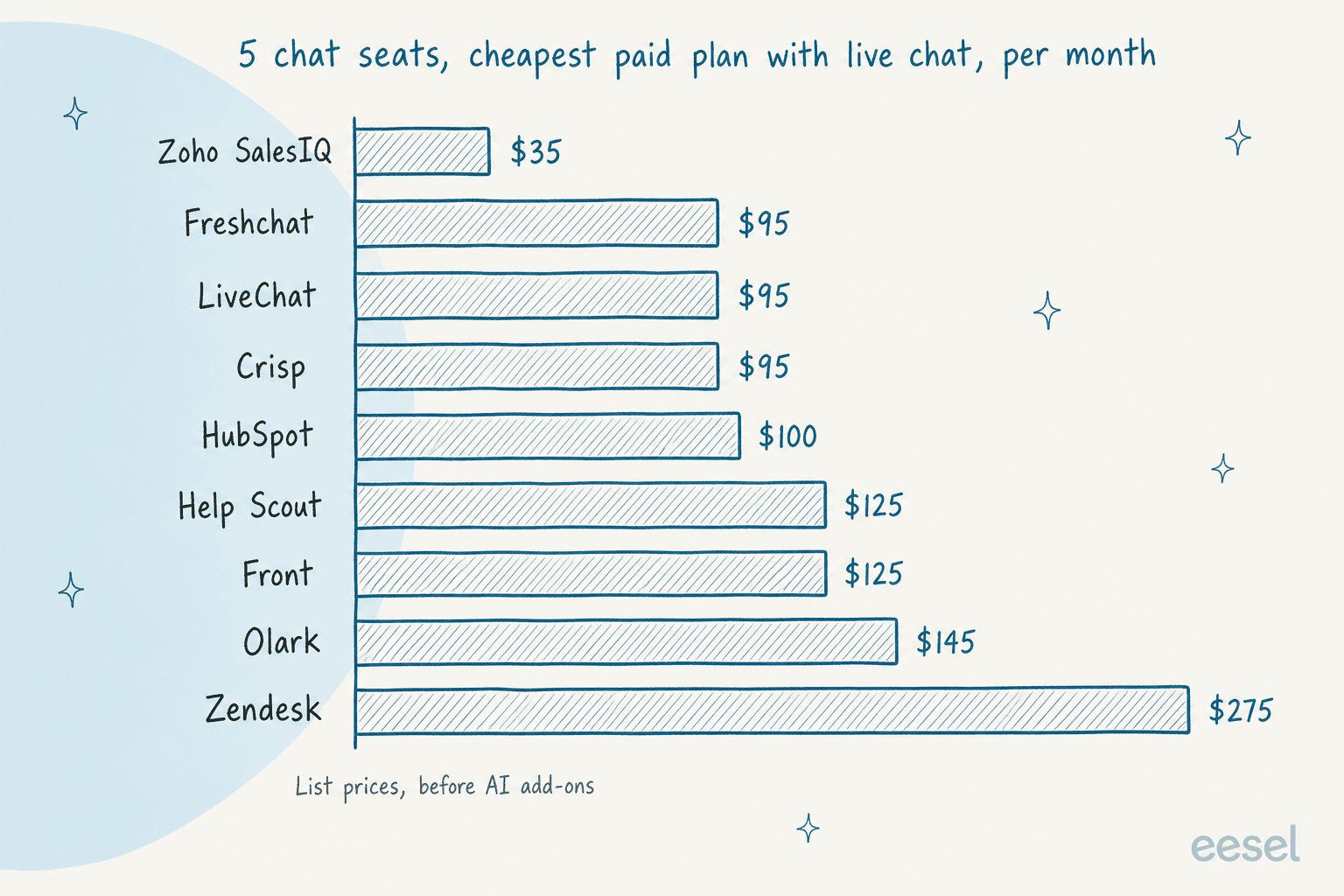
The chart is the entry ticket, not the real bill. Several of these cheap plans skip the routing rules a two-lane B2B team needs, and the AI agent is almost always extra. The table and each section below show where the real tier sits.
B2B live chat software compared
| Tool | Best for | Entry price with live chat | Free plan | Routing rules from | AI agent pricing | CRM link | Security notes |
|---|---|---|---|---|---|---|---|
| HubSpot | Teams on HubSpot CRM | $20/seat (Starter) | Yes, 2 users, branded | Free (sales vs service); skills at Enterprise | $0.50/resolution, Professional+ | Native HubSpot | Enterprise controls on top tier |
| Zoho SalesIQ | Visitor tracking on a budget | $7/operator (Basic, annual) | Yes, 3 operators | Basic | Answer Bot on Enterprise | Native Zoho CRM | SOC 2 Type II, ISO 27001, HIPAA |
| Zendesk | Support-heavy B2B | $55/agent (Suite Team, annual) | No | Suite Team; skills at Professional | 5 resolutions/agent included, then $1.50 | Integrations | Unbranding above Professional |
| Freshchat | Growing support teams | $19/agent (Growth, annual) | Yes, up to 10 agents | Pro ($49) | $49 per 100 sessions | Salesforce featured | JWT, IP allowlist on Enterprise |
| Front | Account-based support | $25/seat chat only; $65 with email | No | All plans | Autopilot from $0.05/conversation | Salesforce, HubSpot via integrations | SSO and SCIM from Professional |
| Help Scout | Small SaaS support teams | $25/user (Standard) | Yes, 5 users | Plus ($45) | $0.75/resolution | HubSpot, Salesforce on Plus | HIPAA, SSO on Pro |
| Qualified | Salesforce demand gen | Contact sales | No | All plans | Included in plan | Native Salesforce | Not listed |
| LiveChat (Text) | Standalone chat with AI | $19/user (Essential, annual) | No, 14-day trial | Growth ($79) | 10 to 200 included, then $49.50 per 50 | Integrations | SOC 2 Type 2, WCAG 2.2 AA widget |
| Crisp | Flat price small teams | $45/workspace (Mini, 4 seats) | Yes, 2 seats | Essentials ($95) | AI credits included | HubSpot, Salesforce, Pipedrive | EU-hosted data |
| Olark | Flat-price AI for marketing | $29/agent | No, 14-day trial | Custom tier | $400/mo flat, unlimited | Salesforce, HubSpot | SSO on custom |
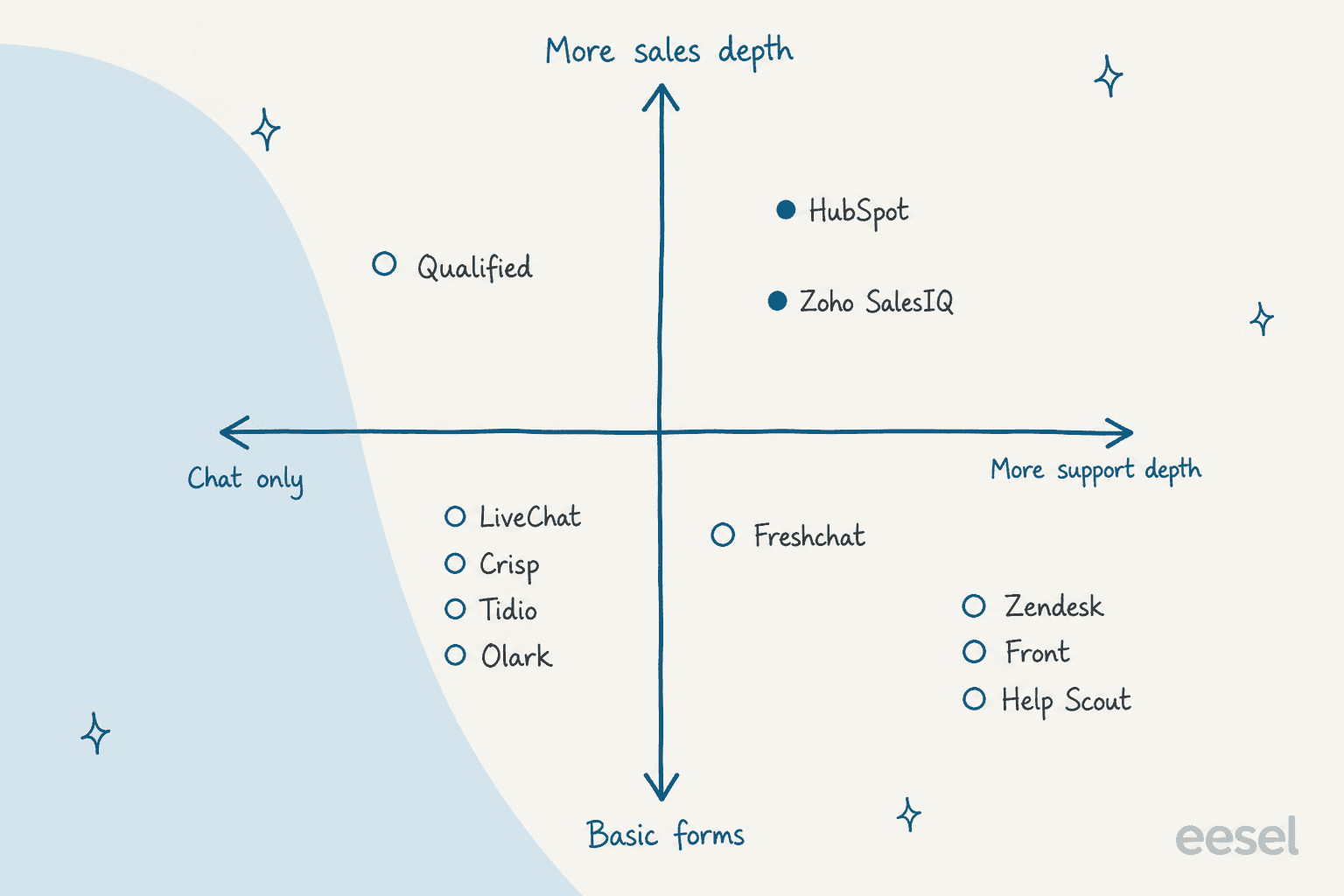
Which B2B live chat tool fits your team?
If you only answer three questions, answer these. Click through to see where you land.
Where do most of your website chats come from?
Mostly prospects asking about pricing and demos
Which CRM does your sales team use?
HubSpot
Salesforce, with a demand gen team
Zoho CRM, or a tight budget
Mostly existing customers asking for help
How big is the support team?
10 or more agents, with SLAs to hit
Under 10, mostly email plus chat
An even mix of both
1. HubSpot
Best for: B2B teams whose sales pipeline already runs on HubSpot CRM.
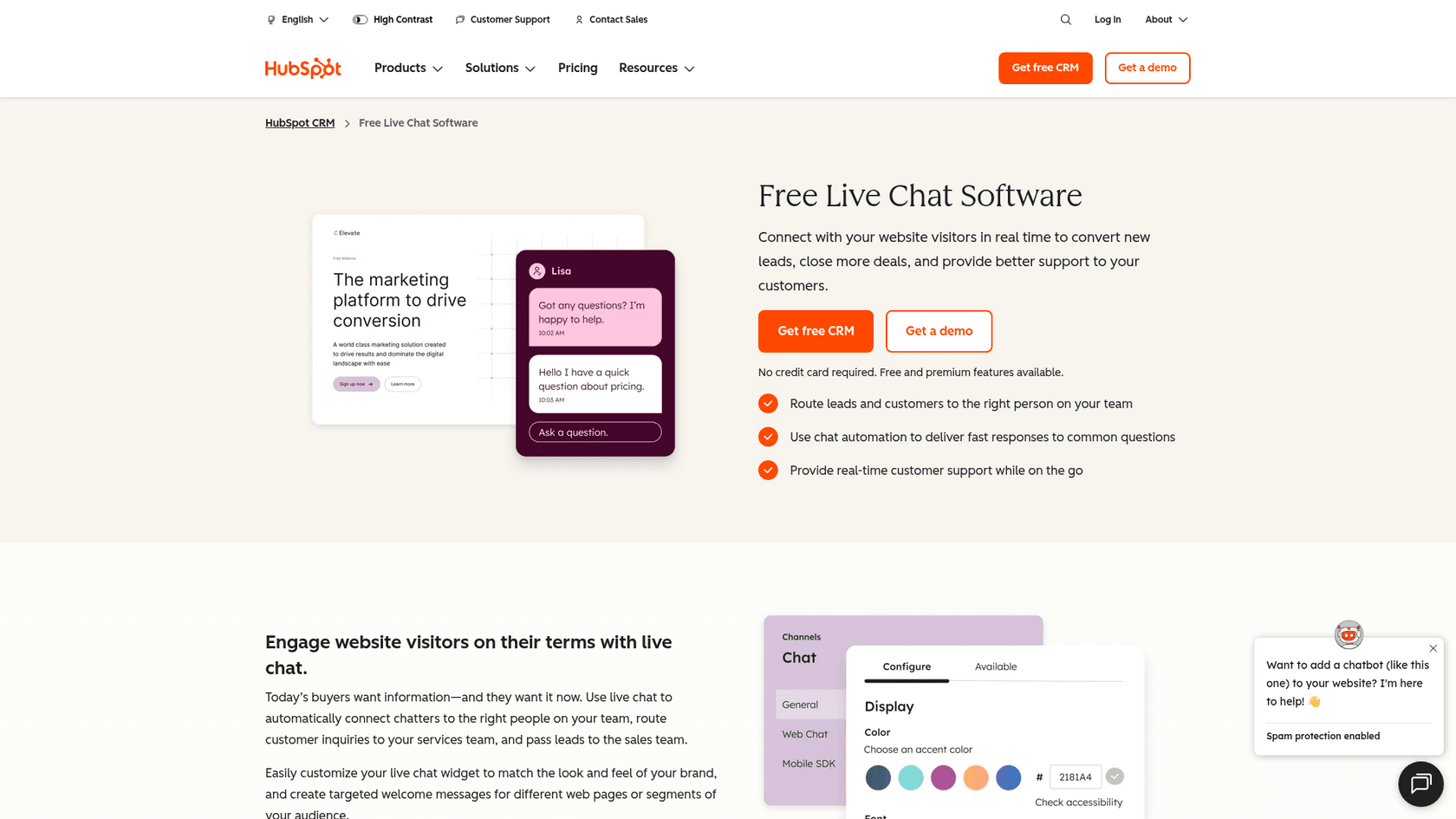
HubSpot's chat is the one tool on this list where the sales lane and the support lane share a record by default. A chat started on your pricing page creates a contact in the CRM, and the same widget can route a customer's question to the service team. HubSpot's own live chat page lists routing chats to sales or service, bots that qualify leads and book meetings, and email capture for missed chats, all on the free tools.
Features
- Free live chat and a free chatbot builder that can qualify leads and book meetings.
- Chats log to the CRM universal inbox, with Slack notifications and a mobile app.
- Customer agent (formerly Breeze Customer Agent) on Professional and Enterprise, which can answer support questions and qualify leads.
- Skill-based routing and capacity limits of "up to 99 active chats" on Enterprise.
Pros
- One record per buyer: sales sees the chat history before the demo call.
- The free plan is a real chat tool, not a trial.
- HubSpot counts a lead the AI qualifies as a resolution, which suits sales chat.
Cons
- The free widget carries HubSpot branding; Starter removes it.
- The AI agent needs Professional, which carries a required
$1,500onboarding fee. - Advanced features sit on higher tiers, which reviewers notice as the team grows.
"What I like least about HubSpot Service Hub is that some advanced features are limited to higher-tier plans, which can increase costs for growing teams."

Pricing
| Plan | Price per seat | Chat notes |
|---|---|---|
| Free tools | $0, up to 2 users | HubSpot branding on the widget |
| Starter | $20/month (HubSpot shows a $7 discount for new customers) | Branding removed, 500 HubSpot Credits |
| Professional | $90 annual, $100 monthly with annual commit | Customer agent, help desk workspace, 3,000 credits, $1,500 onboarding |
| Enterprise | $150 | Skill-based routing, 5,000 credits, $3,500 onboarding |
The customer agent costs $0.50 per resolution (50 credits at $10 per 1,000). Professional's 3,000 included credits cover about 60 resolutions a month. For my 5-seat team on Professional, that is $5,400 a year plus $1,500 onboarding, so $6,900 in year one before extra credits. The full HubSpot pricing breakdown has the rest.
My take: If your reps already work deals in HubSpot, pick it and stop shopping. If your CRM is something else, the main advantage disappears and you are paying HubSpot prices for a good widget.
2. Zoho SalesIQ
Best for: B2B teams that want to see which companies are on the site, on a small budget.
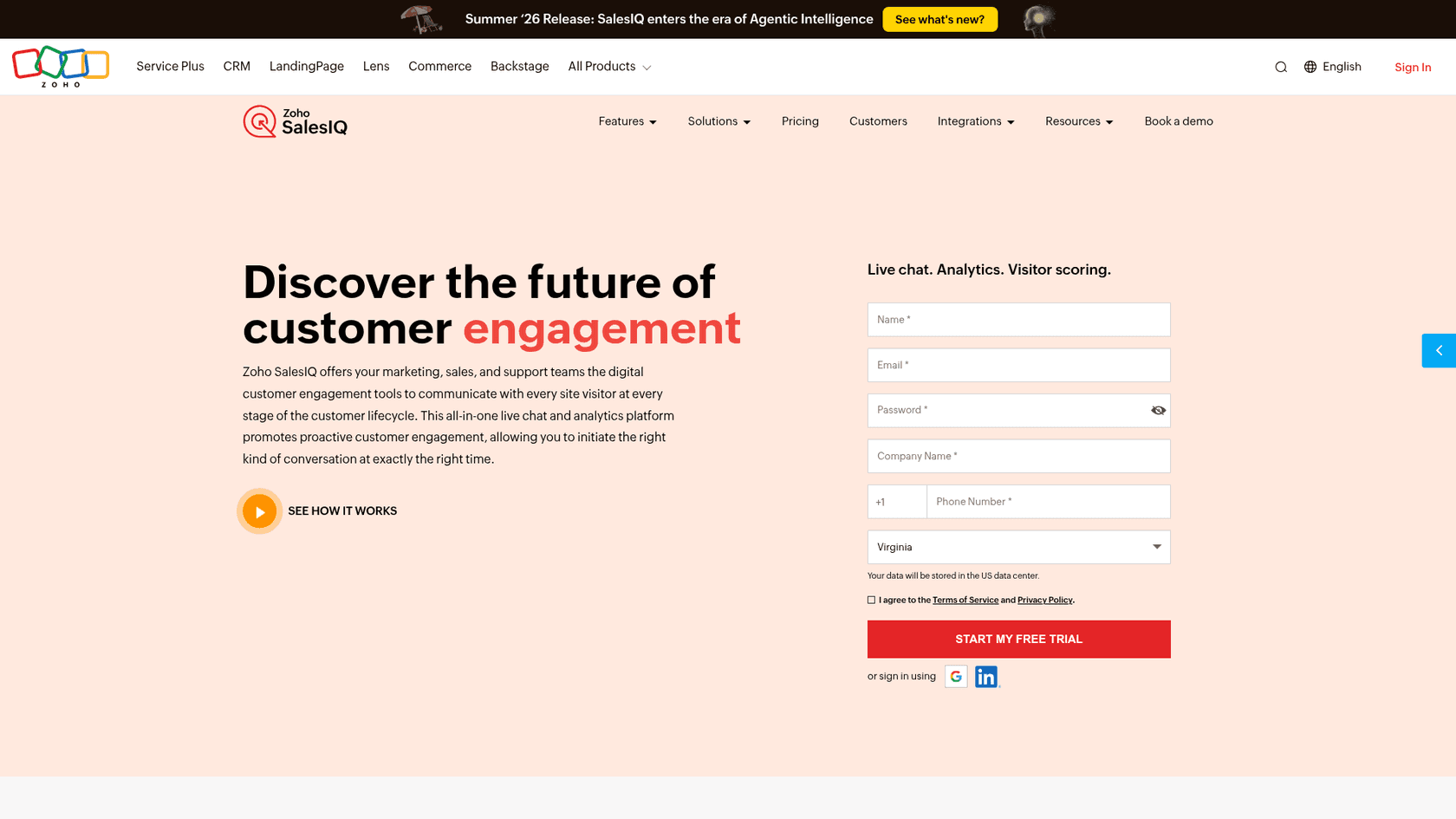
SalesIQ is the most sales-minded tool here for the price. It shows a live list of visitors by location, time on site and traffic source, and it scores both leads and companies, so a rep can see that three people from one account read the pricing page this week. Per the pricing page, lead and company scoring start on Basic.
Features
- Real-time visitor tracking, from
10Kvisitors a month on Free to200Kon Enterprise. - Lead scoring by visits, landing pages, time on site and campaign source, with proactive chat triggered by score.
- Zobot bot builder, with 1 to 10 bots by plan.
- Pushes chats and scores into Zoho CRM; included in Zoho One and Zoho CRM Plus.
Pros
- The cheapest way on this list to get visitor intelligence next to chat.
- Strong compliance list: SOC 2 Type II, ISO 27001, HIPAA, GDPR.
- Reviewers use it as a sales tool, not just a support widget.
"I use Zoho SalesIQ as my website's receptionist and it allows me to track visitors in real-time, showing me who is on my site, where they are from, and how much time they spend."
Cons
- The generative Answer Bot and company profile enrichment are Enterprise only.
- Building detailed Zobot flows takes time for non-technical admins.
- Support coverage is 24/5, Monday to Friday.
Pricing
| Plan | Monthly billing | Annual billing | Operator chats | Visitors tracked |
|---|---|---|---|---|
| Free | $0, 3 operators | $0 | 100/month | 10K |
| Basic | $10 | $7 | 1,000/month | 50K |
| Professional | $17 | $12.75 | Unlimited | 100K |
| Enterprise | $25 | $20 | Unlimited | 200K |
Prices are per operator per month. Five operators on Basic, billed annually, cost $35 a month.
My take: The best value on this list for a sales-led team, especially one on Zoho CRM. If support is your heavier lane, pair it with a real helpdesk, because SalesIQ is a chat and visitor tool first.
3. Zendesk
Best for: B2B companies where most chats come from existing customers and support runs on SLAs.
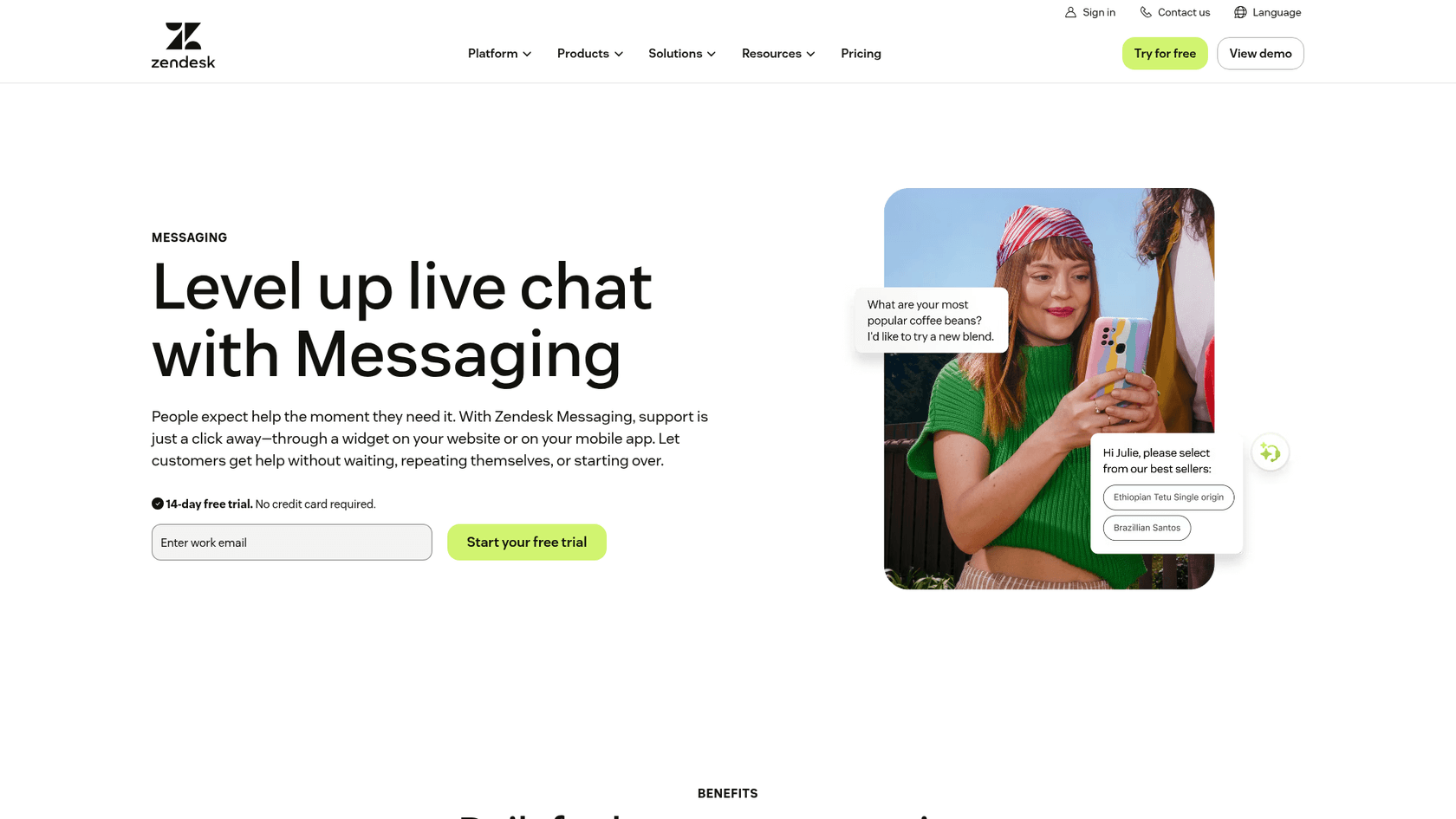
Zendesk is the deepest support tool here. Chats, email and tickets share one workspace, and Zendesk messaging keeps the conversation going when a customer leaves and comes back. It is weaker on the sales lane, so B2B teams usually pair it with a CRM.
One pricing detail to watch: Zendesk's own live chat guide advertises $19 per agent, but that is the Support Team plan, and the pricing table shows no messaging on it. The cheapest Zendesk plan with live chat is Suite Team at $55.
Features
- Proactive messages by region, IP or page, pre-chat forms and unlimited concurrent chats on Suite Team.
- 2 departments on Suite Team, unlimited and skills-based routing on Professional.
- AI agents for web chat in 80+ languages, billed per automated resolution.
- Copilot add-on for agent assist at
$50per agent per month.
Pros
- Built for scale: SLAs, routing and reporting are mature.
- AI agent billing only counts resolutions without a human handoff.
- Large app marketplace for CRM and billing connections.
Cons
- The sales lane needs a separate CRM.
- Removing the Zendesk badge from the widget is not on Team or Professional.
- Costs climb quickly as seats and AI resolutions grow.
"My company currently uses Zendesk, and as we've grown from just a few users to a couple of dozen, our Zendesk bill has climbed to around $5,000 per month (not including add-ons)."

Pricing
| Plan | Annual | Monthly | Live chat | Included AI resolutions |
|---|---|---|---|---|
| Support Team | $19 | $25 | No | 5 per agent |
| Suite Team | $55 | $69 | Yes | 5 per agent |
| Suite Professional | $115 | $149 | Yes, skills-based routing | 10 per agent |
| Suite Enterprise + Copilot | Contact sales | Contact sales | Yes | Contact sales |
Extra automated resolutions cost $1.50 committed or $2.00 pay-as-you-go. My 5-seat team on Suite Team pays $275 a month and gets 25 included resolutions; 500 more a month would add $750. The Zendesk pricing guide covers the add-ons.
My take: Pick Zendesk when support volume is the bigger lane and you need SLAs. Don't pick it to run sales chat.
4. Freshchat
Best for: Growing support teams that want a generous free tier and cheap AI sessions.
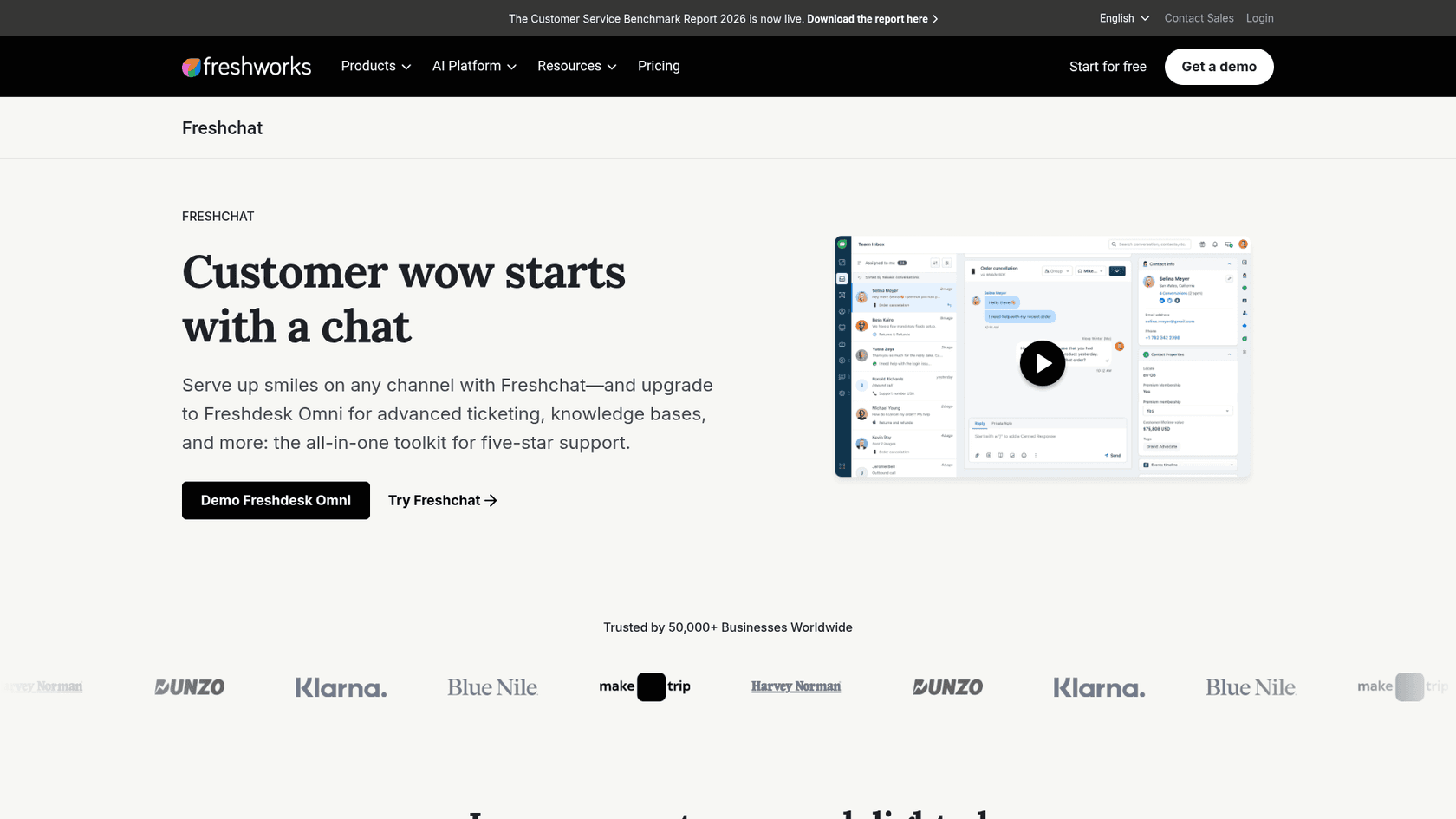
Freshchat is Freshworks' messaging product. Its free plan covers up to 10 agents with a chat widget and shared inbox, which is unusually generous. Freshworks now pushes teams that need ticketing toward Freshdesk Omni, so it helps to read the Freshchat vs Freshdesk messaging differences first.
Features
- Chat widget for web and mobile apps, shared inbox and email on every plan.
- Intelligent routing on Pro, skill-based routing on Enterprise.
- Freddy AI Agent at
$49per 100 sessions, with 500 free sessions once per account. - Featured Salesforce integration and 1,000+ marketplace apps.
Pros
$0for up to 10 agents is the best free tier here.- A session covers everything within 24 hours, which is easy to forecast.
- Copilot can be bought for some agents, not all.
Cons
- Routing between sales and support needs Pro at
$49. - No Freshchat to Freshsales link was stated on the pages I checked.
- Freshworks now points teams that need ticketing and a knowledge base to Freshdesk Omni, a separate product.
Pricing
| Plan | Annual, per agent | Adds |
|---|---|---|
| Free | $0, up to 10 agents | Widget, shared inbox, email |
| Growth | $19 | Freddy AI Agent, social channels, reporting |
| Pro | $49 | Intelligent routing, multilingual, Copilot add-on $29 |
| Enterprise | $79 | Skill-based routing, audit logs, JWT, IP allowlist |
My take: The best pick for a support team that wants to start free and add AI by the session. For a two-lane B2B team, budget for Pro, because routing is what you are buying. More options are in the Freshchat alternatives list.
5. Front
Best for: B2B support and account teams that manage named customers across email and chat.
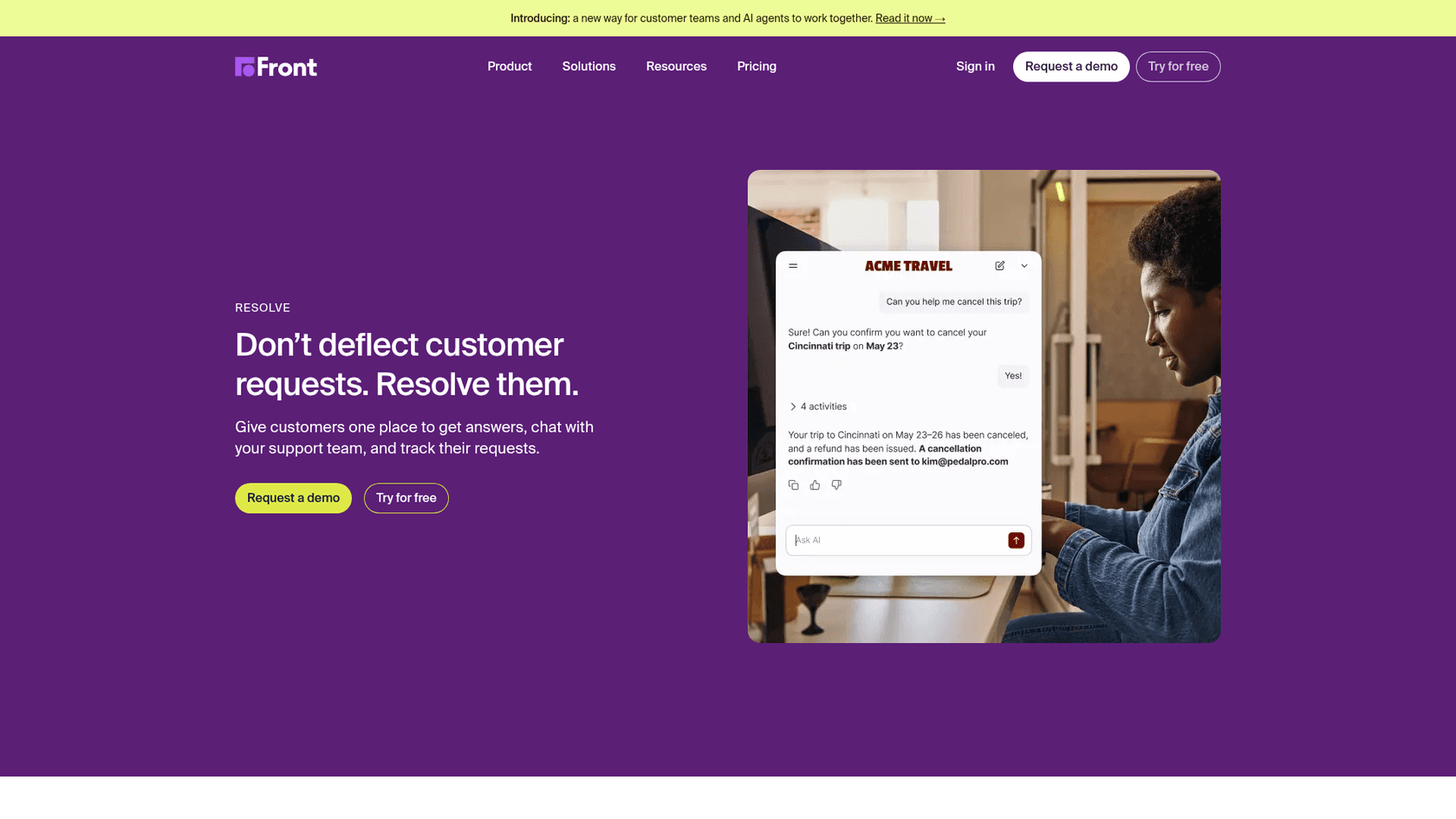
Front is a shared inbox first, and its chat product, now called Resolve, feeds into it. That suits B2B teams where an account manager, a support lead and an engineer might all touch the same customer thread. Resolve can run as a floating widget, a sidebar or a full hosted page, with structured flows that collect information before routing.
Features
- Resolve chat with flows, multiple threads per customer and a customer portal for tracking requests.
- Autopilot AI agent from
$0.05per conversation, with handoff to a person by chat or email. - Copilot at
$20per seat on Starter and Professional, included on Enterprise. - MCP server and "external AI agents" connections on all plans.
Pros
- Strong for account-based work: one customer, many teammates, one thread.
- Low starting AI price per conversation.
- SSO and SCIM from Professional.
Cons
- Starter supports one channel type, so chat plus email means Professional at
$65. - Seat caps: 10 on Starter, 50 on Professional.
- The sales lane depends on CRM integrations.
Pricing
| Plan | Annual, per seat | Seat cap | Channels |
|---|---|---|---|
| Starter | $25 | 10 | One channel type |
| Professional | $65 | 50 | Omnichannel |
| Enterprise | $105 | None listed | Omnichannel, Copilot included |
Five seats on Professional run $325 a month. The Front pricing guide and the Front review go deeper.
My take: Pick Front when your customers are accounts, not tickets. If chat is a high-volume self-serve channel, a chat-first tool will be cheaper.
6. Help Scout
Best for: Small B2B SaaS support teams that want chat and email in one calm inbox.
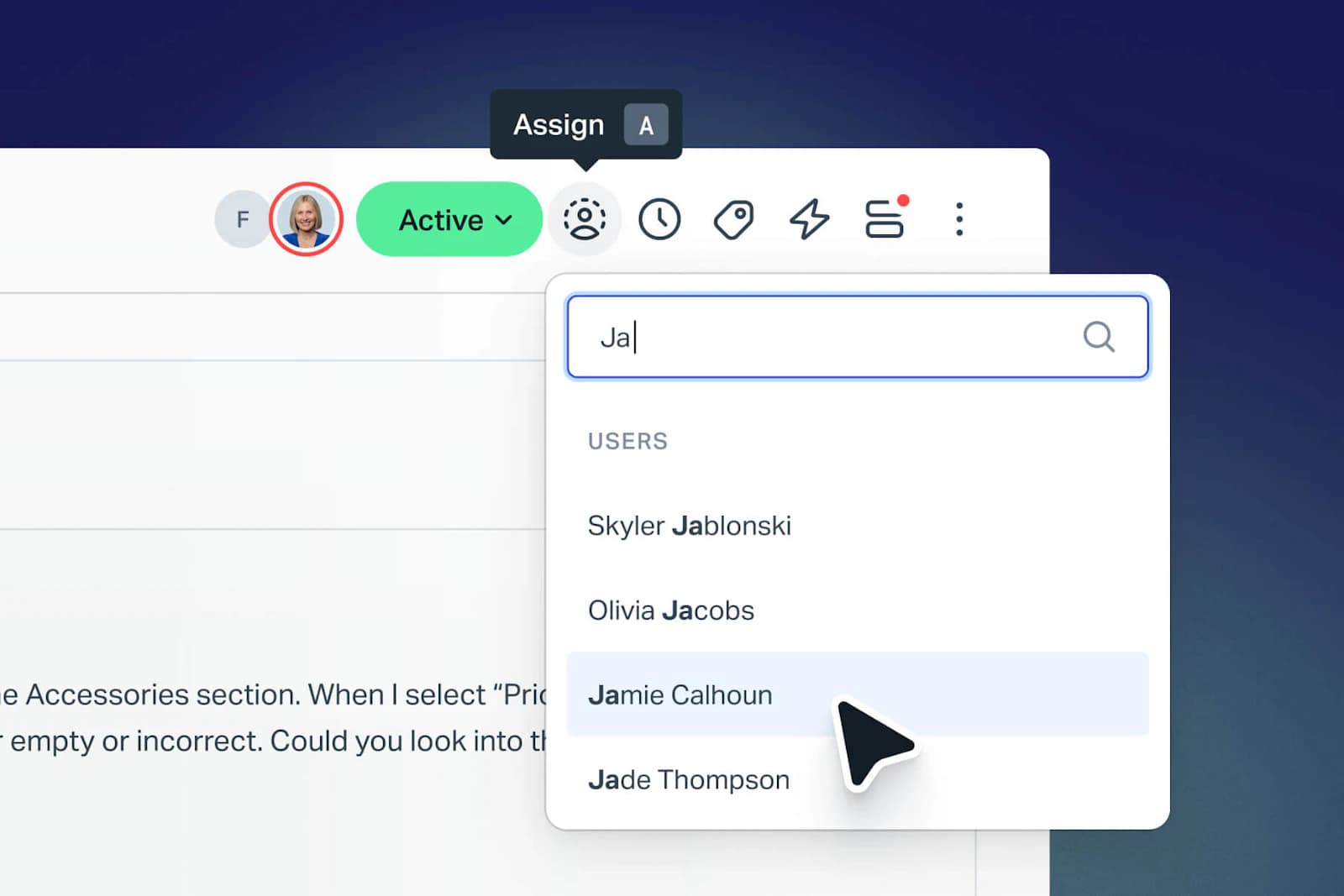
Help Scout's chat runs through Beacon, a widget that can lead with help articles, chat or an email form. Chats land in the shared inbox, and Beacon suggests docs based on the page the visitor is on. On the Help Scout live chat page, Mabel's Labels reports a 58% drop in support volume after rolling out Beacon.
Features
- Beacon with chat, contact form, page-aware article suggestions, messages and CSAT surveys.
- Round robin routing on Plus, load-balanced routing on Pro.
- AI agent (shown as Envoy on the pricing card) at
$0.75per resolution, with a 3-month free trial and a monthly spend cap. - HubSpot and Salesforce integrations on Plus.
Pros
- Per-resolution AI with a cap you control.
- Free plan for 5 users if you are just starting.
- Simple to run without a dedicated admin.
Cons
- Routing needs Plus at
$45. - Pro requires at least 10 users.
- Lighter on sales features like visitor tracking.
Pricing
| Plan | Per user | Users | Routing |
|---|---|---|---|
| Free | $0 | Up to 5 | None |
| Standard | $25 | Up to 25 | None |
| Plus | $45 | Up to 50 | Round robin |
| Pro | $75 | Unlimited, minimum 10 | Round robin and load balanced |
My take: The right pick for a 3 to 10 person support team that values calm over configuration. See the Help Scout review if you are weighing it against Front.
7. Qualified
Best for: Marketing and demand gen teams on Salesforce that want an AI sales rep on the site.
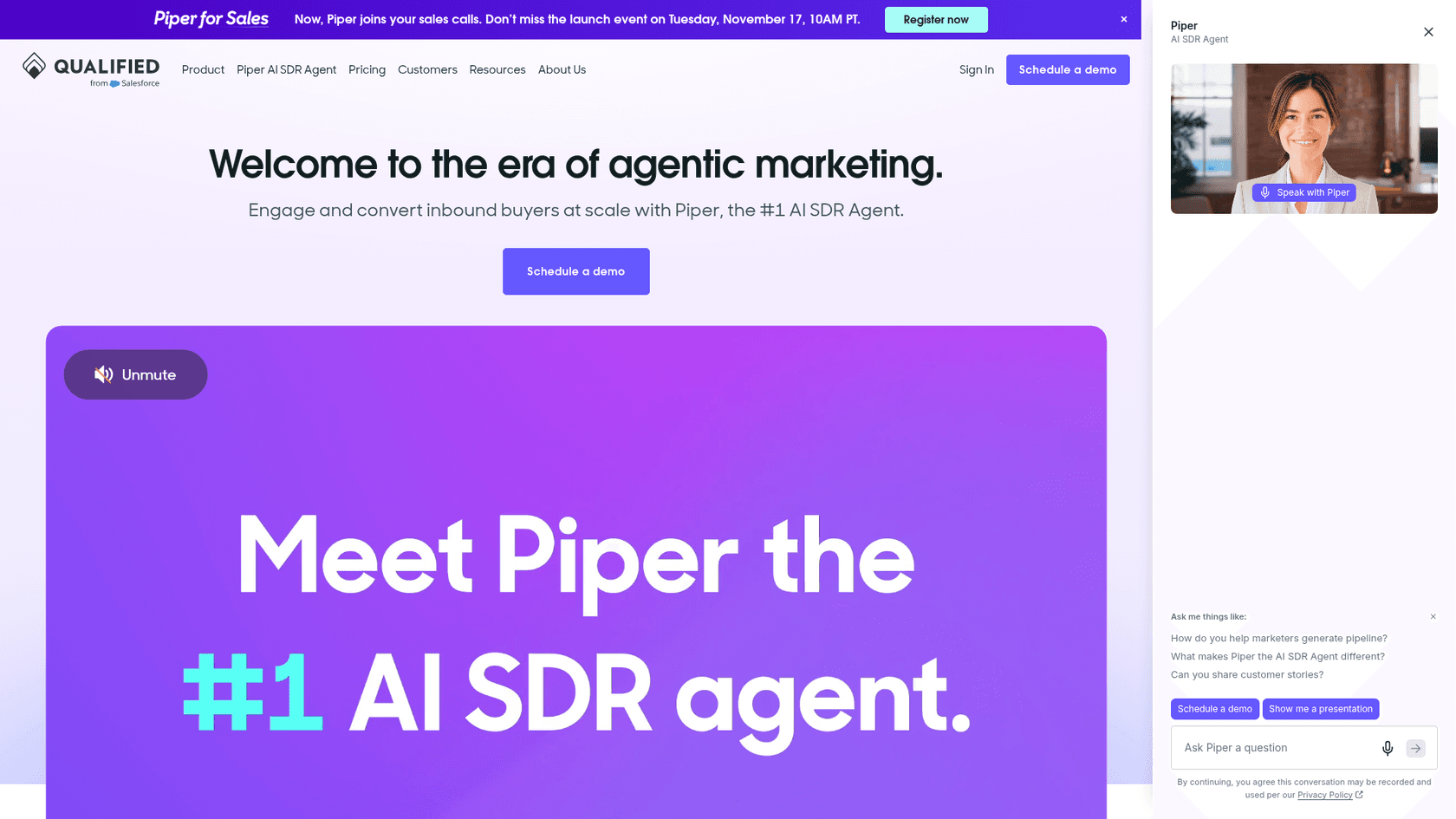
Qualified is the closest thing left to classic Drift, and it has gone further toward AI. Its agent, Piper, is pitched as an AI SDR that talks to inbound visitors over live chat, voice or video, books meetings and follows up by email. It is "built natively on the Salesforce Platform", per its Salesforce page, and works from Sales Cloud data.
Features
- AI SDR agent across chat, voice and video, with meeting booking.
- Conversation, email and meeting routing on every plan.
- Account segmentation with waterfall enrichment.
- MCP and API access on Enterprise.
Pros
- The deepest sales lane on this list.
- Native Salesforce data, so routing follows account ownership.
- Strong vendor-reported results, like Emburse booking "3X more meetings in 6 months".
Cons
- No support use case; you still need a helpdesk.
- Quote-only pricing.
- Best value only if Salesforce is your system of record.
Pricing
All three plans are "Contact us" on the pricing page.
| Plan | Monthly web sessions | Email contacts | Adds |
|---|---|---|---|
| Premier | 250K | 2.5K | Text, voice and video agent, meeting booking |
| Enterprise | 2M | 10K | Agent handoff, MCP and API, Salesforce sandbox |
| Ultimate | 5M | 25K | Multiple agent profiles, dedicated IP |
My take: If you are replacing Drift on a Salesforce stack, start here. If you need support chat too, budget for a second tool. More on this category in AI sales assistant software.
8. LiveChat
Best for: Teams that want a dedicated chat tool with AI resolutions included in the seat price.
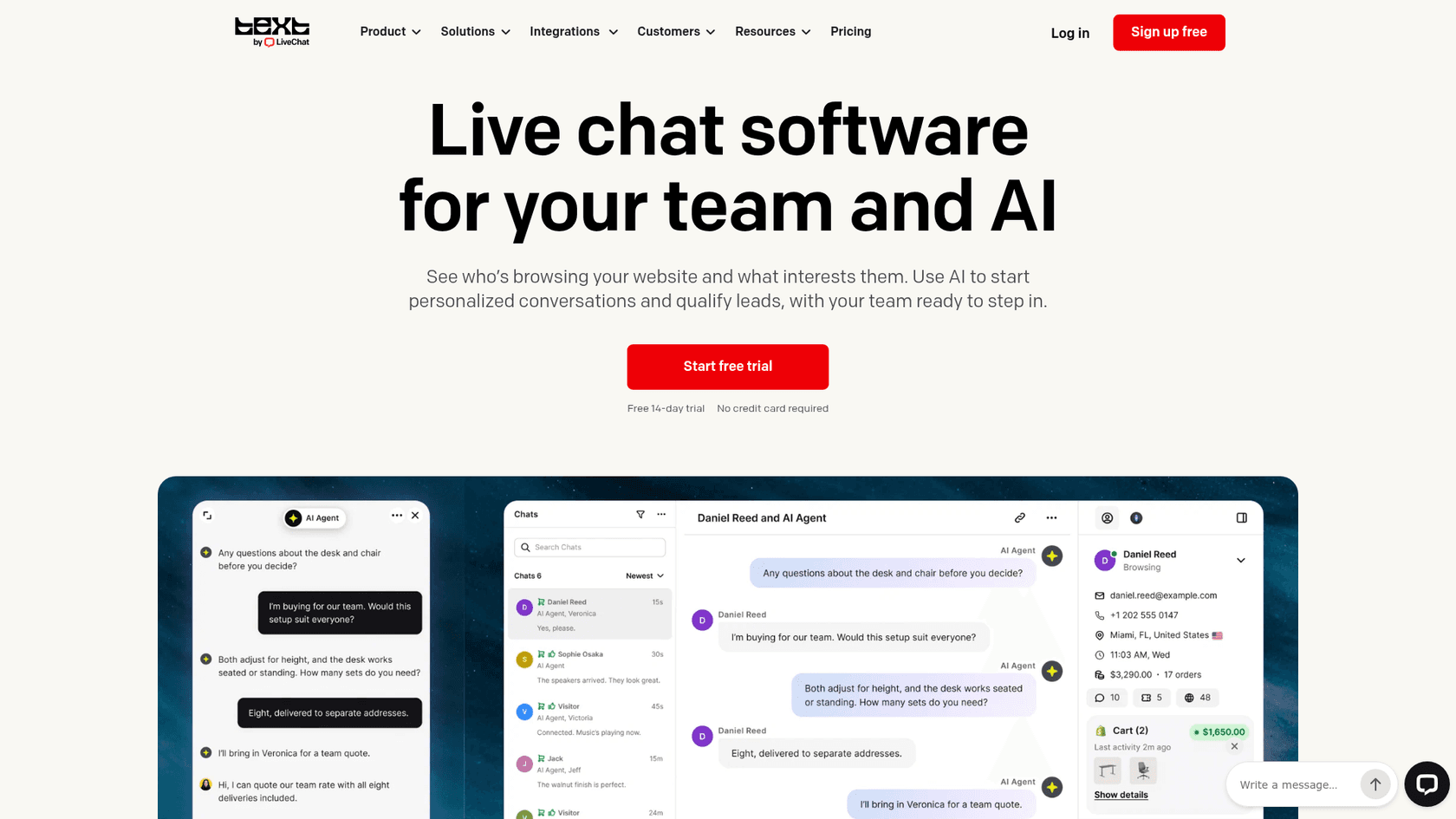
LiveChat changed how it sells in 2026. New buyers now see "Text" plans, which the pricing FAQ describes as the next product from the LiveChat team, adding a shared inbox, ticketing and an AI agent in one workspace. Existing customers keep their old plans on a legacy page.
Features
- AI agent with 10 resolutions a month on Essential and 200 on Growth included.
- Routing rules, working hours and team supervision on Growth.
- Live visitor list, proactive campaigns and buying intent detection.
- SOC 2 Type 2, and a widget that meets WCAG 2.2 AA.
Pros
- AI resolutions included in the seat price, then
$49.50per 50. - No minimum team size.
- Mature agent app with visitor context next to every chat.
Cons
- Routing rules, which a two-lane team needs, are Growth only at
$79. - Essential keeps chat history for 60 days.
- White-label widget is Enterprise only.
Pricing
| Plan | Annual, per user | Monthly | History | AI resolutions included |
|---|---|---|---|---|
| Essential | $19 | $25 | 60 days | 10/month |
| Growth | $79 | $99 | Unlimited | 200/month |
| Enterprise | Custom | Custom | Unlimited | Custom |
Five users on Growth are $395 a month billed annually. The LiveChat pricing guide covers the legacy tiers.
My take: A strong standalone chat if you don't want a helpdesk suite. For B2B routing, plan on Growth, not Essential.
9. Crisp
Best for: Small B2B teams that want a flat monthly price instead of per-seat billing.
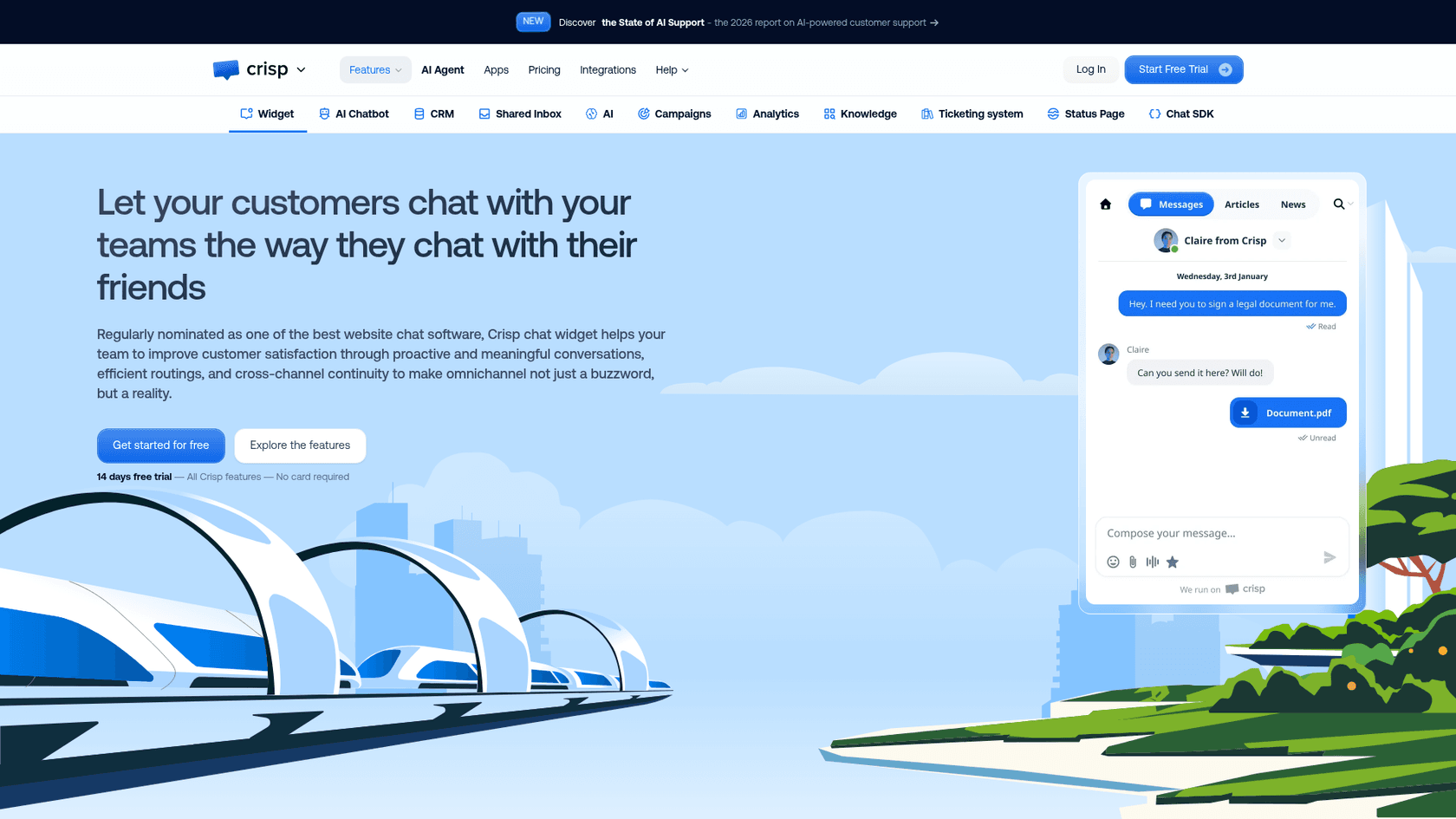
Crisp prices per workspace, not per seat, with unlimited conversations on every plan. That makes the bill predictable for a small team where everyone answers chat now and then. Routing rules, the AI chatbot and the knowledge base start on Essentials, per the Crisp pricing page.
Features
- Website chat, shared inbox, mobile apps and chat SDKs on every plan.
- Routing rules and assignment, AI chatbot and knowledge base on Essentials.
- AI credits included: about 90 automated conversations on Mini, 450 on Essentials, 1,350 on Plus.
- HubSpot, Salesforce, Pipedrive and Zoho CRM integrations.
Pros
- Flat price: 10 seats for
$95a month on Essentials. - EU-hosted data.
- Unlimited conversations, so no surprise overage on busy weeks.
Cons
- Ticketing and the customer portal are on Plus at
$295. - More than 20 agents costs
$10each on Plus. - Yearly prices are only shown after you subscribe.
Pricing
| Plan | Per workspace | Seats | AI credits |
|---|---|---|---|
| Free | $0 | 2 | None |
| Mini | $45 | 4 | $5 (about 90 conversations) |
| Essentials | $95 | 10 | $25 (about 450) |
| Plus | $295 | 20+ | $75 (about 1,350) |
My take: Great value up to about 10 people. More on it in the Crisp live chat review.
10. Olark
Best for: Marketing teams that want an AI website agent at a flat annual price.
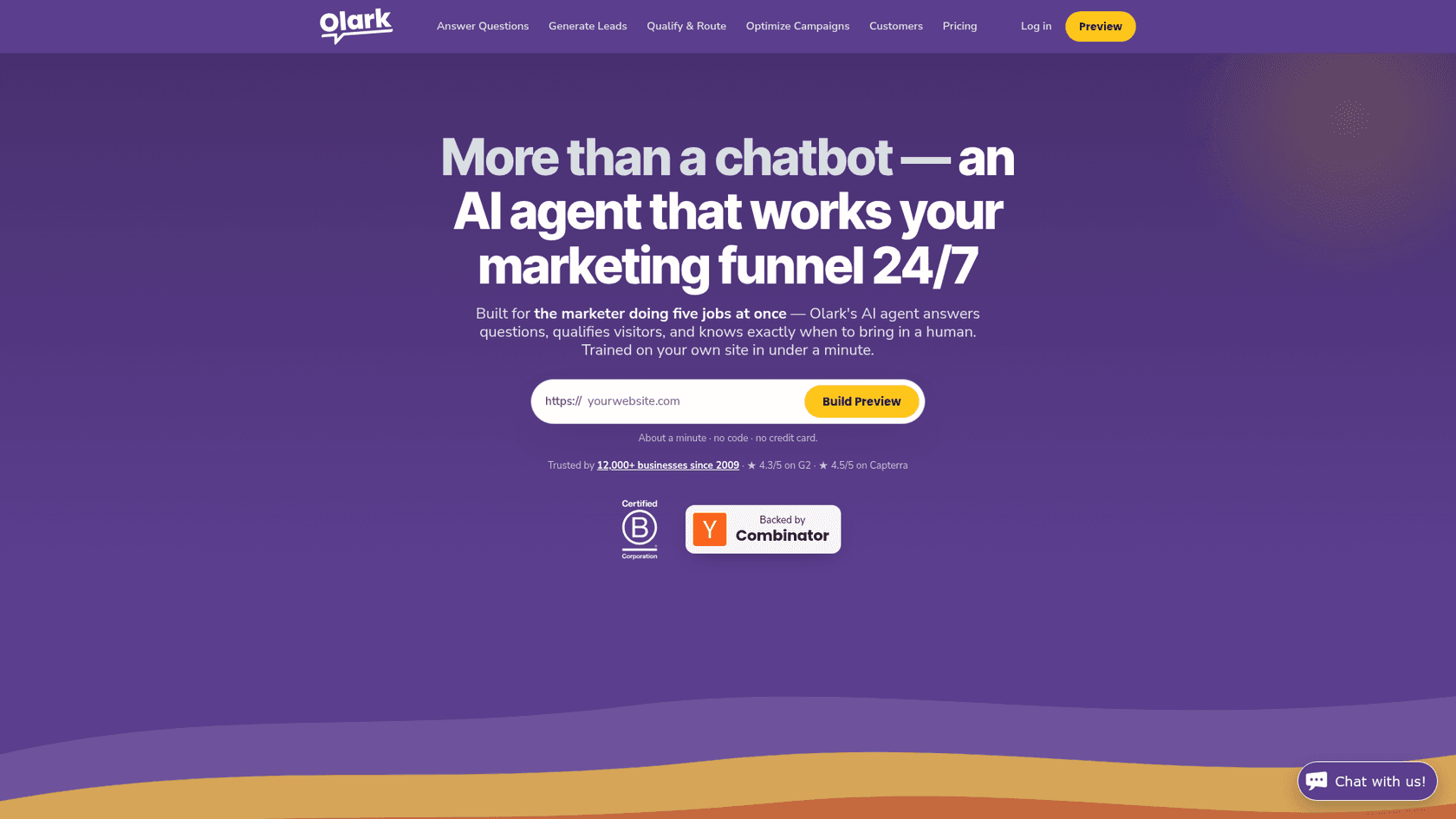
Olark has simplified to two public offers: human-only live chat per seat, and a Standard AI Website Agent at a flat price with unlimited conversations. The pricing page argues against usage pricing directly, and the AI agent handles lead capture and qualification with a live handoff in the same thread.
Features
- AI agent that trains on your site, with behavioural triggers like UTM source and return visits.
- Lead capture and qualification, with handoff to a person in the same chat.
- Integrations with Salesforce, HubSpot, Pardot and Calendly.
- Regional routing and SSO on the custom tier.
Pros
- One flat AI price, no overages.
- Simple human chat at
$29an agent. - Free site preview of the AI agent before you sign up.
Cons
- The AI plan is
$4,800a year up front. - Routing and advanced integrations sit on the custom tier.
- Light on support tooling like ticketing.
Pricing
| Plan | Price | Notes |
|---|---|---|
| Live Chat | $29/agent/month | Human only, 14-day trial |
| Standard AI Website Agent | $400/month billed annually | 1 seat included, $29 per extra agent |
| Custom | Contact sales | Routing, SSO, custom SLAs |
My take: A sensible flat-fee option for a marketing-led site. Compare it in LiveChat vs Olark.
Which other tools did I look at?
Tidio is a good chat tool, but its plans meter human-answered conversations (100 a month on Starter) and its AI agent, Lyro, is priced per conversation, which suits online stores more than B2B. The Tidio pricing guide has the numbers. Drift is out for new buyers, as covered above.
Where does an AI teammate fit on top of these?
Every tool above sells you a place for chats to land. What most B2B teams actually run short on is people to answer them, especially the repeat questions about billing, setup and plan limits that arrive at 9pm.
That is the job eesel does. eesel is an AI teammate platform, and the AI helpdesk teammate answers website chats through the eesel chat bubble, a widget you add with one script tag. It answers from your help center, past tickets, Google Drive, Notion or Confluence, and you tell it when to escalate: by topic, by confidence, or when the visitor asks for a person. The handoff goes to email, Zendesk, Freshdesk or another connected helpdesk.
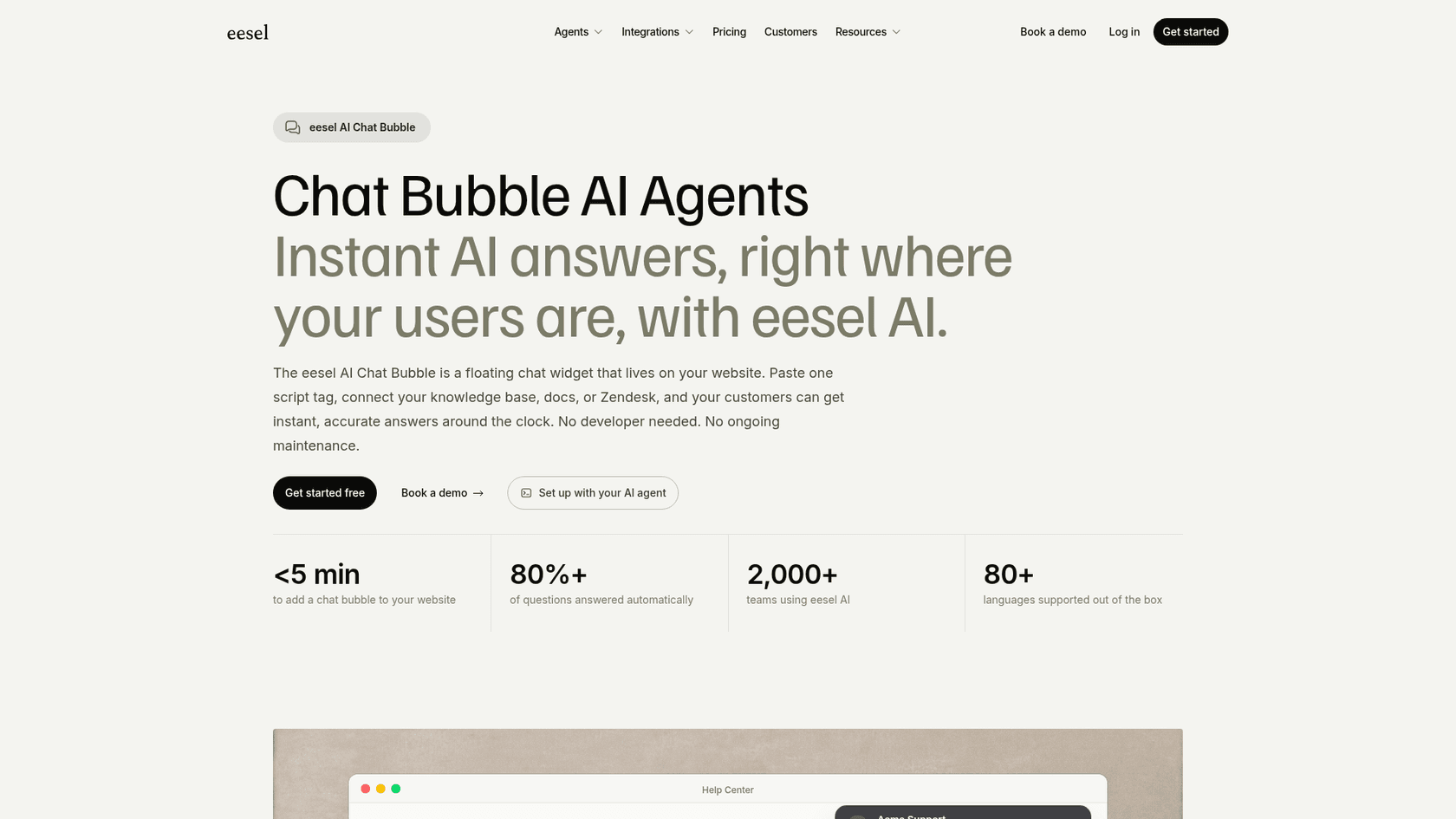
Here is what that looks like on real B2B queues:
- SE Ranking, an SEO software company running three products, uses eesel on Zendesk live chat. In one month it handled
4,650conversations, and2,100live chats were answered first by eesel. Refunds, trial extensions and requests for a person go to the team with the visitor's name and email. - SamCart runs one agent on Freshdesk tickets and a separate one on its website chat bubble, which collects name and email before answering from
280help center articles. - BEAUTEK, mentioned earlier, uses the same chat to answer product questions and turn quote requests into sales-lead tickets.
A lesson from eesel's sales calls: one buyer ran a 67-question evaluation, found the answers solid, and still walked away because, in their words, "the chat is quite slow and often gets stuck." On live chat, speed is judged as hard as accuracy. Whatever tool you trial, time the replies, not just the answers.
If your team works from a terminal, the eesel CLI sets up the same chat bubble with one command, npx @eesel/cli init chat-bubble --site https://your-site.com, which picks an agent, adds the chat channel, prints the embed snippet and starts reading the site. Every command returns JSON, so Claude Code, Cursor or Codex can run the setup for you. It is the same teammate you see in the dashboard, not a separate bot.
eesel is not a sales engagement tool. It won't score accounts like Zoho SalesIQ or book meetings from Salesforce data like Qualified. It is the answer layer, and it pairs with whichever chat or helpdesk you pick above. For more on the category, see AI live chat and the AI chat bubble guide.
Try eesel
If your B2B chat keeps stalling on the same billing, setup and plan-limit questions, eesel can take the first reply. It answers website chats from your docs, hands sales leads and harder support cases to your team with the context attached, and costs one credit per chat however long it runs, from $299 for 500 credits a month on the eesel pricing page, with a free plan to test it on your own questions first.