If you've been shortlisting live chat tools for a website or support team, LiveChat and Olark come up almost every time. They've both been around since the early days of the category, both run on a per-agent monthly subscription, and both look fairly similar from the outside. Up close, they're optimized for different teams and trade off on different things, which is why teams that pick the wrong one tend to switch within a year.
This guide compares them on the things that actually matter when you're choosing: the live chat experience itself, AI features, integrations, real pricing including hidden add-ons, and the limitations you'll hit in production. It's written for the buyer who's somewhere between "I just need a chat widget" and "I want the AI to handle most of this for me." There's a CTA at the end to a tool we build, but the goal here is to help you pick the right software for your team.
What is LiveChat?
LiveChat is a live chat platform built by Text, a publicly traded Polish company that's been operating since 2002. It's used by more than 35,000 companies, including Sephora, Atlassian, and PayU, and most reviewers describe it as the more polished, sales-oriented option in the category. It rates 4.5/5 across thousands of G2 reviews with 69% giving five stars.
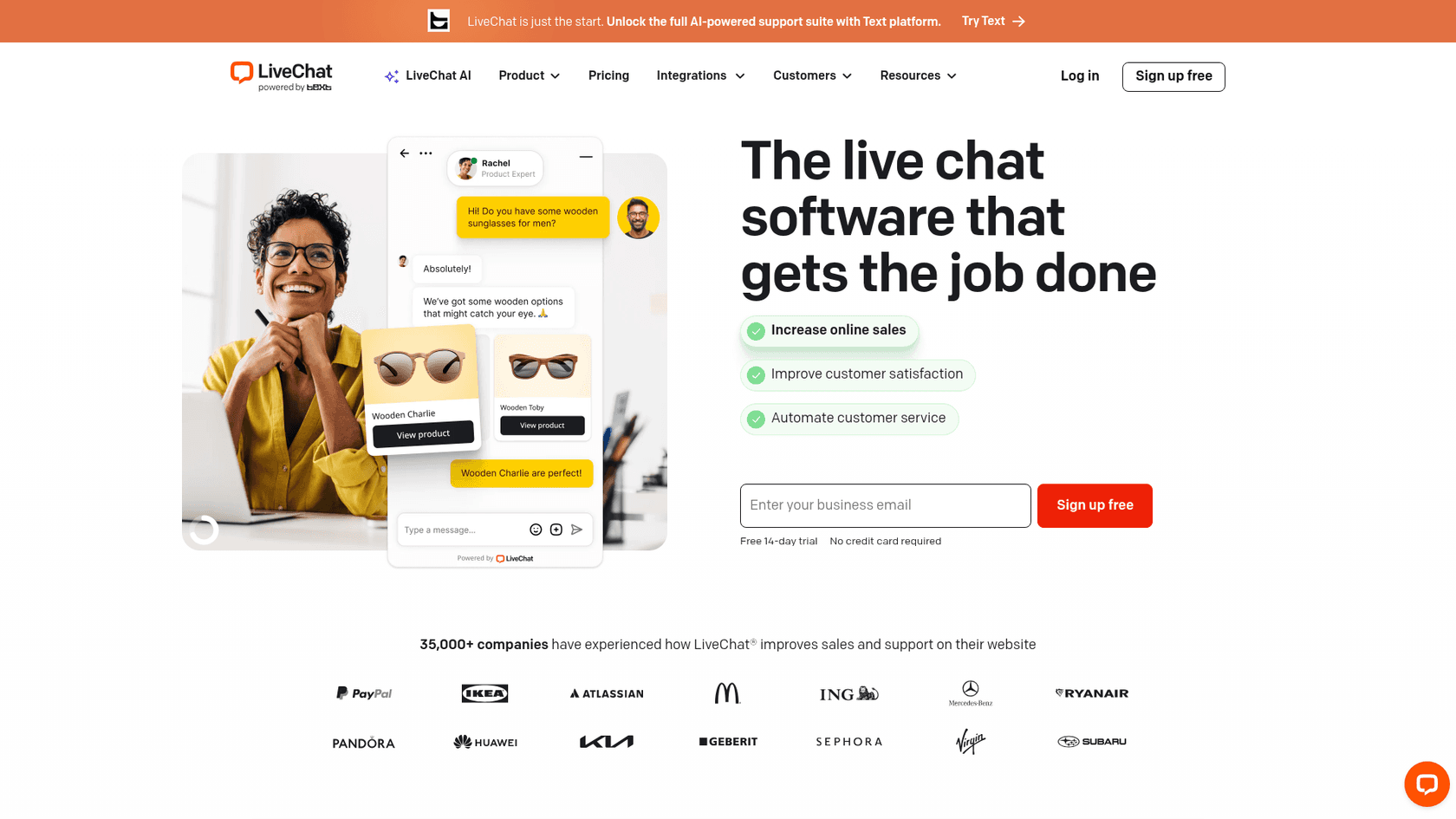
The product is a real-time chat widget paired with an agent app and an admin panel. The widget runs on your site, the agent app is where your team replies and routes conversations, and the admin panel handles team settings, reports, and customizations. LiveChat connects to a wider Text ecosystem that includes ChatBot, HelpDesk, and KnowledgeBase, each sold as a separate product on its own subscription.
LiveChat leans into messaging-channel breadth. From the agent app, your team can handle web chat, email, SMS, Apple Messages for Business, Facebook Messenger, and WhatsApp, all in one inbox on the Business plan and up. There's a marketplace of 200+ integrations covering CRMs, helpdesks, ecommerce platforms, and analytics tools, which is the widest catalog among traditional live chat vendors.
The recent direction has been AI. LiveChat now bundles a feature set called Text Intelligence into every paid plan: an AI Copilot that drafts replies for the agent, reply suggestions, automatic chat summaries, and tagging of incoming conversations. It's important to note this is AI as agent assistance, not AI as autonomous agent, and full chatbot deflection still requires their separate ChatBot product.
"Most of our chats are sales-related, and we've seen a significant uptick in sales since implementing LiveChat. By offering quick online consultations, customers on the fence can get the advice they need to confidently choose and buy." Milena Wojewoda, Digital Project Specialist at Sephora
That quote captures who LiveChat is genuinely good for. Sales and ecommerce teams who want a polished widget that converts site visitors into customers, with channels and integrations to match.
What is Olark?
Olark is a live chat platform founded in 2009, used by 40,000+ organizations including University of California, Berkeley, the City of Vancouver, and a wide tail of small businesses, nonprofits, government agencies, and higher-ed institutions. Where LiveChat positions itself toward sales, Olark positions itself toward simplicity, accessibility, and the kind of small teams that don't need a 200-integration catalog.
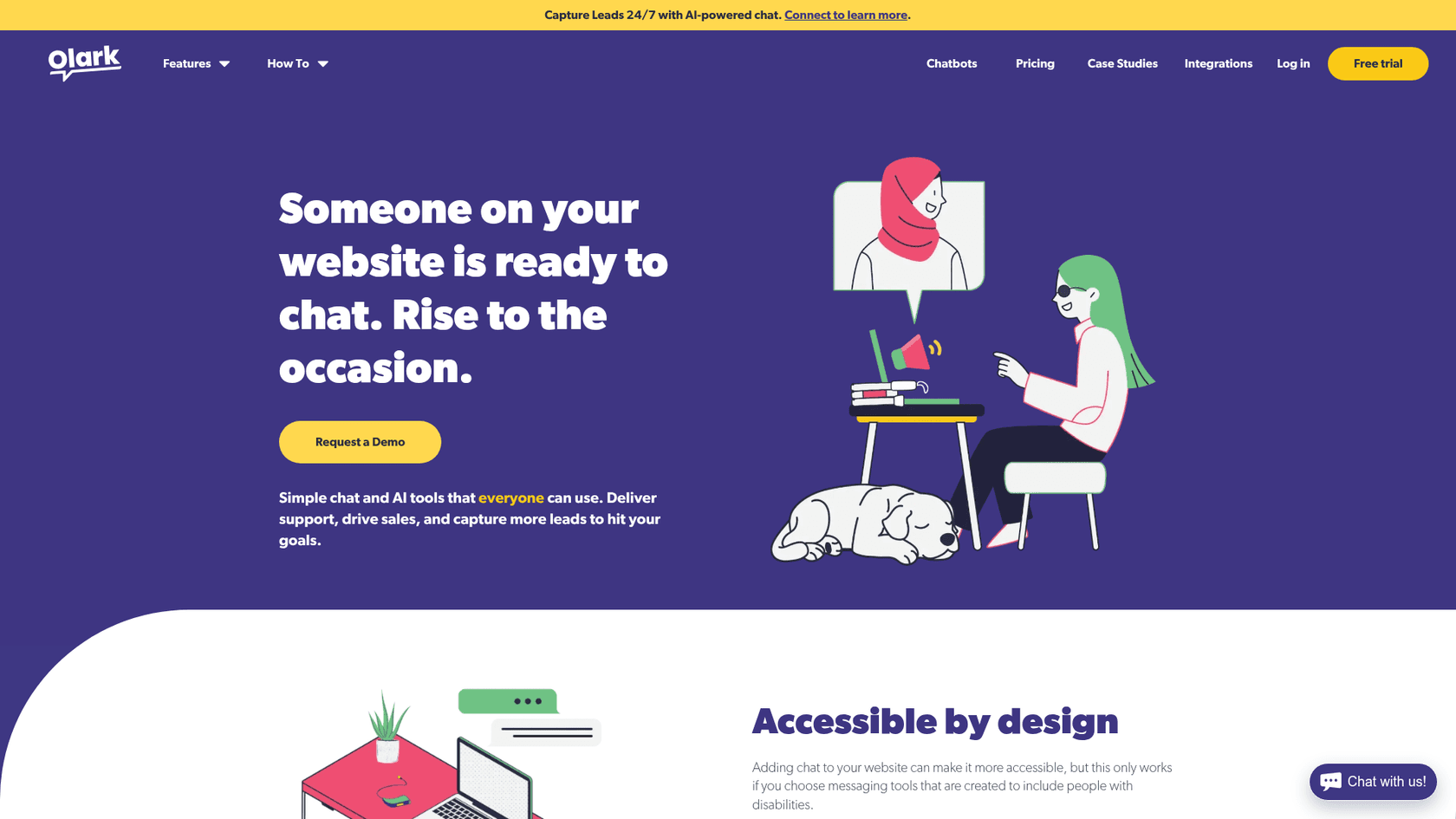
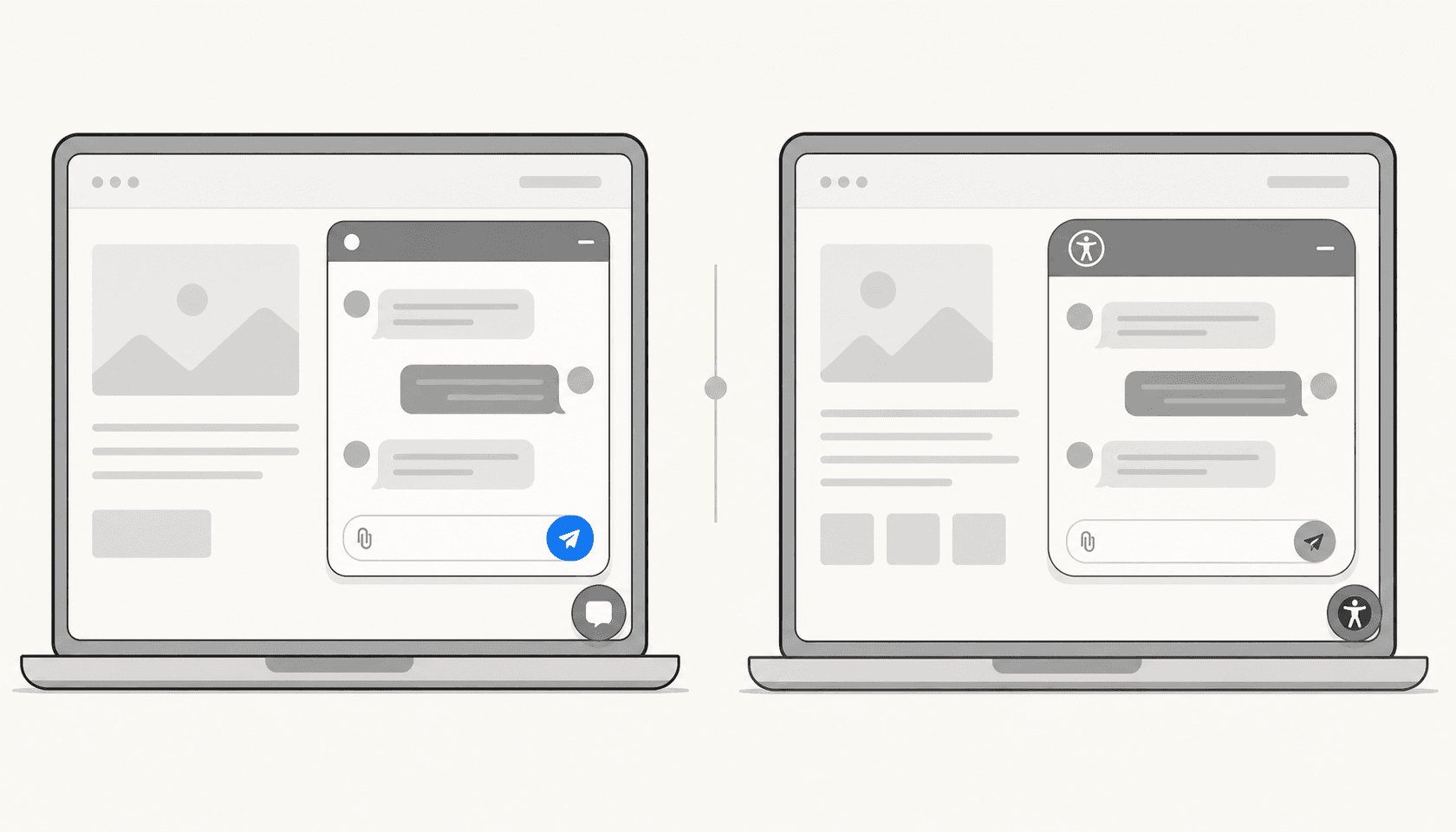
The single most distinctive thing about Olark is accessibility. The widget is third-party tested and certified to WCAG 2.1 AA standards, supports keyboard navigation, and works with major screen readers. That makes Olark a default pick at universities, government agencies, and ADA-sensitive industries where procurement requires accessibility documentation and where competitors lose deals on compliance grounds.
The core product covers what most teams actually use a live chat tool for: a customizable chatbox, real-time visitor monitoring, automated greetings, canned responses, chat routing, and basic reporting. There's a library of 100+ integrations covering Salesforce, HubSpot, Slack, Mailchimp, and Help Scout, smaller than LiveChat's catalog but covering the major systems most small teams use.
Olark's AI story has two parts. The Standard plan stays close to live-chat basics, with no built-in chatbot. The Pro plan adds a custom-built chatbot, AI-powered automation, all PowerUps included, video and SMS support, custom routing, and a dedicated account manager, but it's sold on custom pricing rather than published per-seat rates. There's also a newer launch called Aiden, an AI agent for lead capture that Olark is positioning around 24/7 sales chat.
"Don't be overwhelmed by the idea of jumping into chat and the automated bot world. CoPilot was just simple and easy, not intimidating." Lauren Rotman, Director of E-Commerce at Creative Bag
That's the consistent thread in Olark testimonials. Teams that want the simplest possible live chat install, with optional AI when they're ready, on a tool that won't trip a procurement review.
Features and AI: how the two stack up
Both products share the same underlying live chat shape, a widget on your site, an agent inbox, basic reporting, canned responses, automated triggers. The interesting question is what each adds on top of that base, and that's where the two diverge.
Live chat fundamentals
LiveChat's widget is more flexible and visually polished. Full widget customization is included on Team and up, where you can match the chat to your brand without code. Olark's customization is workable but reviewers regularly describe the look as "outdated" compared to newer competitors. Both support targeted chat, where you can trigger messages based on visitor behavior or page URL, and both let you route conversations to specific agent groups.
A practical difference is the mobile experience. LiveChat ships native iOS and Android apps, which most reviewers mention as a daily convenience. Olark doesn't have a native mobile app, only third-party connectors, which is its single most common complaint on Capterra.
Channels and the inbox
LiveChat is the broader option. The agent inbox handles web chat, email, SMS, Apple Messages for Business, Facebook Messenger, and WhatsApp, with the full set unlocked on the Business plan. That makes it usable as a near-omnichannel inbox if you don't already have a separate helpdesk.
Olark is web-chat-first by design. SMS and video chat are available on the Pro plan, but most teams using Olark are doing so because they want one good chat widget, not a multi-channel inbox.
AI features
This is where the gap is widest. LiveChat's Text Intelligence is included on every paid plan, with the headline features being Copilot for real-time agent suggestions, automated reply drafting, chat summaries, and tagging. The AI sits alongside the agent and helps them work faster, with the human still doing the deciding.
Olark's Standard plan has no built-in AI assistance. The Pro plan adds chatbots and AI automation, but those are custom-built and sold separately, not a self-serve toggle. There's also Aiden on the Olark side, which is more focused on lead capture for sales teams than on support deflection.
If your goal is "AI helps the agent draft a reply faster," LiveChat is meaningfully ahead inside the same subscription. If your goal is "AI actually resolves tickets without a human," neither product is built for that as a first-class workflow. LiveChat sells ChatBot as a separate $52/month product, and Olark routes chatbot work through its custom-built Pro plan.
Reporting and analytics
LiveChat's reporting is more developed. Out of the box you get conversion tracking, chat conversion data, agent performance metrics, and on the Business plan, work scheduler and staffing predictions. Olark's reporting is solid for the price but reviewers consistently describe it as basic, with the deepest analytics gated behind PowerUps or the Pro plan.
The summary table:
| Capability | LiveChat (Team plan example) | Olark (Standard plan example) |
|---|---|---|
| Web chat widget | Yes, fully customizable | Yes, customizable |
| Mobile apps (native) | iOS + Android | None native |
| AI agent assist | Text Intelligence included | Pro plan only |
| Built-in chatbots | ChatBot is a separate product | Custom-built on Pro plan |
| Multichannel inbox | Web + email + SMS + WhatsApp + Apple Messages + Messenger | Web chat focus |
| Integrations | 200+ in marketplace | 100+ in directory |
| Accessibility certification | Not formally certified | WCAG 2.1 AA certified |
| Reporting depth | Advanced included on Business | Basic on Standard, advanced via PowerUps |
Pricing compared
Both vendors price per agent per month, both offer annual discounts, and both have hidden costs that change the picture once you add what you actually need.
LiveChat pricing
Per the LiveChat pricing page, there are four published tiers. All plans include a 14-day free trial without a credit card.
| Plan | Annual (per agent/mo) | Visitors tracked | Chat history | Channels | Reporting |
|---|---|---|---|---|---|
| Starter | $19 | 100 | 60 days | Web chat only, 1 user | Basic |
| Team | $49 | 400 | Unlimited | Multi-user, full customization | Basic |
| Business | $79 | 1,000 | Unlimited | + SMS + Apple Messages | Advanced + work scheduler |
| Enterprise | Custom | Custom | Custom | Full multichannel | Custom |
Two things to know about LiveChat's pricing in practice. First, the Starter plan is a single-user tool, not a team plan, so most paying customers actually live on Team or Business. Second, ChatBot is a separate $52/month subscription on top of LiveChat if you want self-serve chatbots. KnowledgeBase, also from Text, starts at $59/month as another standalone product.
Olark pricing
Olark publishes two tiers on its pricing page.
| Plan | Per agent/mo | Includes |
|---|---|---|
| Free | $0 | 1 agent, 20 chats/month, no integrations |
| Standard | $29 | Customizable widget, advanced reporting, agent groups, targeted chat, basic integrations, 24/7 chat support, WCAG 2.1 AA accessibility |
| Pro | Custom | Everything in Standard + chatbots, AI automation, all PowerUps included, video/SMS, custom routing, dedicated account manager |
The full picture only shows up when you factor in PowerUps, Olark's add-on model. Each PowerUp is a flat monthly fee that doesn't scale with team size:
| PowerUp | Monthly cost | What it does |
|---|---|---|
| Visitor Insights | $59 to $99 | Visitor company data, traffic sources |
| Live Chat Translation | $29 | Real-time translation in 100+ languages |
| Visitor Cobrowsing | $99 | Live screen-sharing with visitors |
| Non-Branded Chatbox | $59 | Removes "Powered by Olark" |
A 5-agent Olark Standard subscription with three PowerUps (Visitor Insights at $59, Translation at $29, Non-Branded Chatbox at $59) costs $5 × $29 + $147 = $292/month. The same 5-agent setup on LiveChat Business is $79 × 5 = $395/month, but it ships most of those features (advanced reporting, removing the LiveChat brand on the Business plan, and Text Intelligence) without add-ons.
There's also annual discounting on both sides. Olark offers 21% off for annual and 35% off for a two-year prepay. LiveChat's published annual prices are already the discounted rates, with monthly billing roughly 20-25% higher.
Discount and trial summary
| Trial / discount | LiveChat | Olark |
|---|---|---|
| Free trial | 14 days, no credit card | 14 days, no credit card |
| Free plan after trial | No | Yes (1 agent, 20 chats/mo) |
| Monthly vs annual | ~20-25% saving on annual | 21% off annual, 35% off 2-year |
| Refund policy | Pro-rated on annual | Pro-rated on annual |
Where each tool falls short
The honest version of any vendor comparison includes the parts the marketing pages don't show. Both products have real production limitations.
LiveChat limitations
The most consistent LiveChat complaint is total cost at scale. A 20-agent Business plan plus ChatBot is roughly $1,580/month + $52/month for ChatBot, before any KnowledgeBase or integration costs. Capterra reviewers repeatedly mention the price as steep for smaller teams, especially since some advanced features are gated behind higher tiers.
"I've been using LiveChat to support 2 web sites for our company for about 9 years and find that it's more than a valuable tool. The canned responses have saved us time and is great for new agents who don't quite have all the answers. Having the app on my phone also gives me freedom to leave my desk but not miss any incoming chats." LiveChat Capterra reviewer, long-tenured user
That's the steady-state experience for a happy LiveChat customer. The friction tends to come at two points: when the team scales past 20 agents and the bill compounds, and when teams want true AI deflection and discover they need to buy ChatBot separately.
There are also reliability complaints that show up in critical Capterra reviews, including occasional disconnects and missed incoming chat notifications. These aren't unique to LiveChat among real-time messaging tools, but they're worth knowing about before committing to annual billing.
Olark limitations
The most-cited Olark limitation is the missing native mobile app. Reviewers regularly write some version of "I didn't like it because I can't be online all the time, because they don't have an app for mobile," in a market where competitors ship native iOS and Android.
Beyond mobile, Olark's auto-response and customization options are basic compared to LiveChat. The chat widget itself is functional but reviewers describe the look as outdated, and customizing the appearance more than superficially is harder than it should be.
Olark's AI story is the bigger structural issue. The Standard plan's lack of any built-in chatbot or AI assistance is increasingly hard to justify in 2026, when teams genuinely expect AI to draft replies and deflect simple questions. The fix is the Pro plan, but Pro is custom-priced, requires a sales call, and pulls Olark out of the price sweet spot that made it attractive in the first place.
For larger teams or B2B organizations, Olark's lack of advanced sales features (like granular lead routing, ABM-style account targeting, or product-tour playbooks) is a recurring blocker. Reviewers comparing Olark to Drift or Intercom note that Olark is genuinely a chat tool, not a conversational marketing platform.
How to choose between LiveChat and Olark
A few patterns hold up across most teams that pick well.
Pick LiveChat if you're an ecommerce or SaaS team where chat is part of your sales conversion flow, you need multichannel (SMS, WhatsApp, Apple Messages) inside one inbox, you want the broadest integration catalog, and you're comfortable paying for the polish. The Sephora case study is a fair representation of who LiveChat is built for: a brand using chat to lift average order value and protect satisfaction at scale.
Pick Olark if accessibility compliance is a procurement requirement, you're in higher education, government, or a non-profit, your team wants the simplest possible live chat install, and you're price-sensitive at the entry point. The free downgrade after trial is also unusually generous if you're testing chat at very low volume.
Skip both if the AI experience is the main reason you're shopping. LiveChat's AI is real and useful but lives inside agent assistance, not autonomous resolution, and ChatBot adds a separate subscription. Olark's AI is gated behind the Pro plan and feels like an add-on rather than a core product. If you want an AI agent that reads your help center, resolves tickets autonomously, and only escalates the ones that genuinely need a human, you'll be happier with a purpose-built AI agent like eesel sitting alongside, or in place of, either product.
A small note about how AI agent platforms and traditional live chat actually fit together. The cleanest setup we see is a chat widget like LiveChat or Olark for human conversations, paired with an AI agent that handles deflection on top of your help center, blog, and internal docs. Customers who'd be repeat questions for your team get answers from the agent. Conversations that need a human get routed to your live chat. That layered model is more accurate than asking either LiveChat or Olark to handle both jobs, and it's roughly what eesel was built to slot into.
Wrapping up
LiveChat and Olark are the same kind of tool with two different personalities. LiveChat is the polished, multichannel, sales-leaning option with built-in agent AI and a deep integrations catalog, priced at the steeper end. Olark is the simple, accessibility-first, web-chat-only option with a real free tier, priced cheaply at the entry point but with PowerUps and Pro pricing that rebuild the gap once you scale features.
Most teams will know within the first 30 minutes of trial which one fits. If your eyes light up at the multichannel inbox, you want LiveChat. If you find yourself nodding at the WCAG certification badge and the simpler interface, you want Olark. And if neither of those describes the AI-resolution future you're actually shopping for, come and look at what we're building at eesel.
Frequently Asked Questions
Is LiveChat or Olark cheaper?
Does LiveChat or Olark have built-in AI?
Does Olark have a mobile app?
Which one is better for accessibility?
Are LiveChat and Olark good enough if I want AI to actually resolve tickets, not just suggest replies?


Article by
Rama Adi Nugraha
Rama is a software engineer at eesel AI with two years of experience writing about B2B SaaS, AI tools, and customer support technology. Based in Bali, Indonesia, he brings a developer's perspective to product comparisons — cutting through marketing copy to what the integrations and APIs actually do.