What multichannel customer service actually means
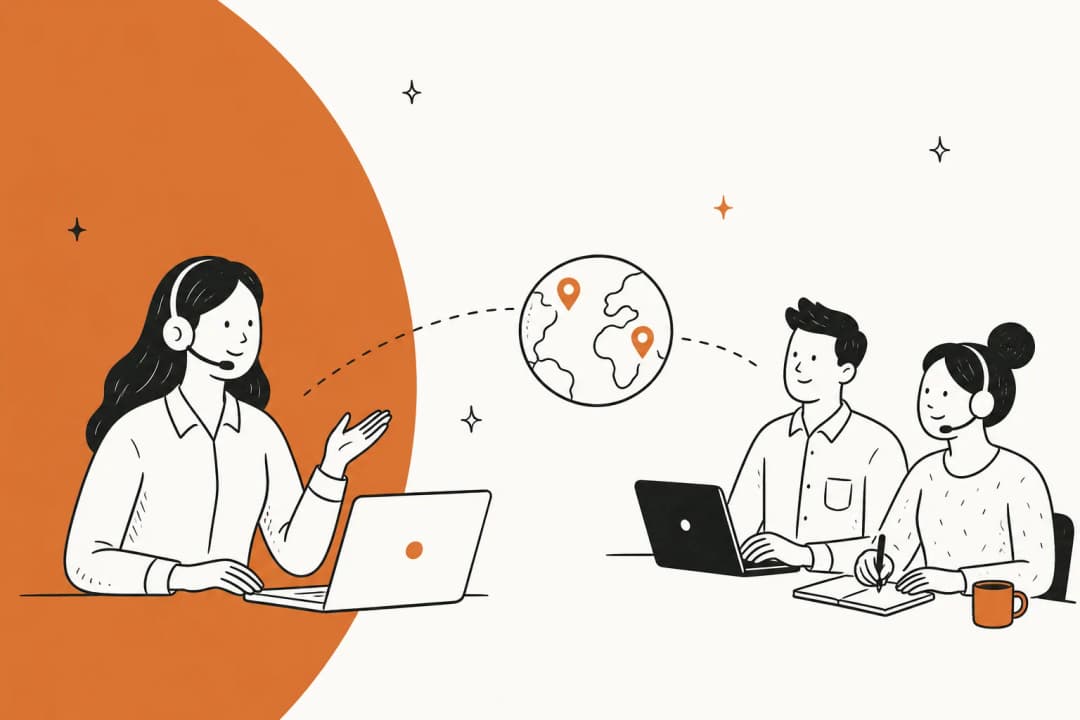
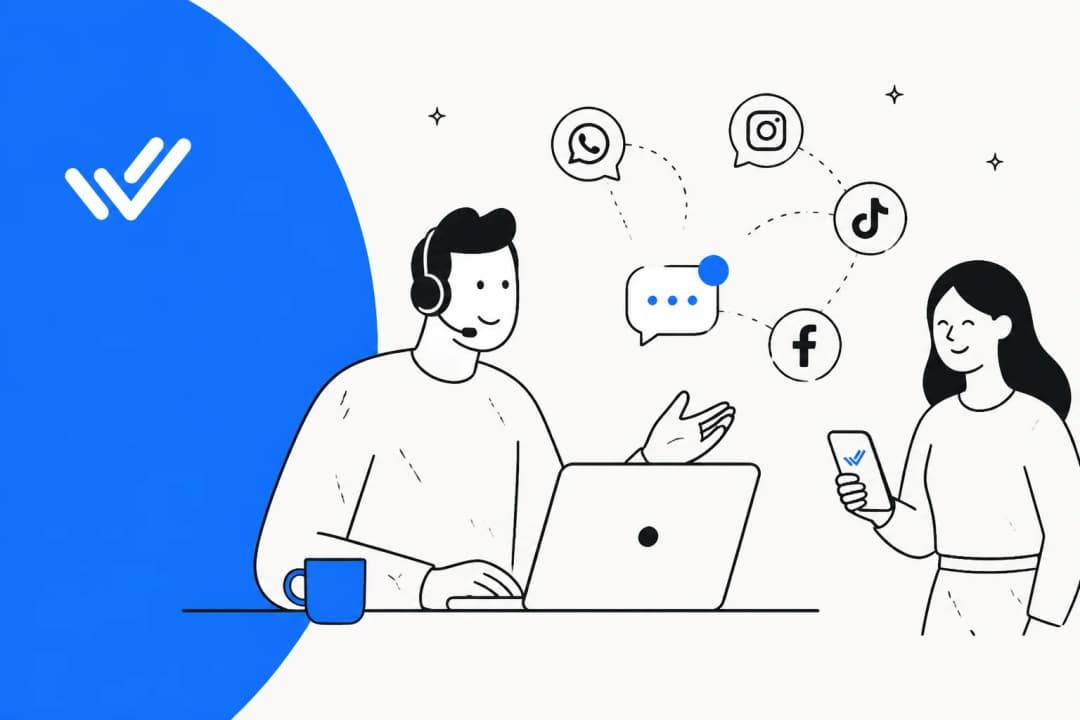
Multichannel is the one almost everyone is already doing. You let customers reach you on more than one channel: email, a live chat widget, a phone line, maybe WhatsApp and a social inbox. Each channel works. Each channel has an owner, or a queue, or a tool.
The catch is that these channels do not talk to each other. The email team cannot see the chat transcript. The phone agent has no idea the customer already opened a ticket yesterday. Each channel is its own little island, and the customer is the only thing that travels between them, carrying the context in their head and re-explaining it every single time.
That is not a failure of effort, it is the default state of most support stacks. You add a channel because customers ask for it, you bolt on a tool to run it, and six channels later you have six customer messaging surfaces that each know a fraction of the story. This is the reality behind most multichannel customer support setups, and it is why digital customer service software keeps promising to fix it. Multichannel is presence without memory.
What omnichannel customer service actually means
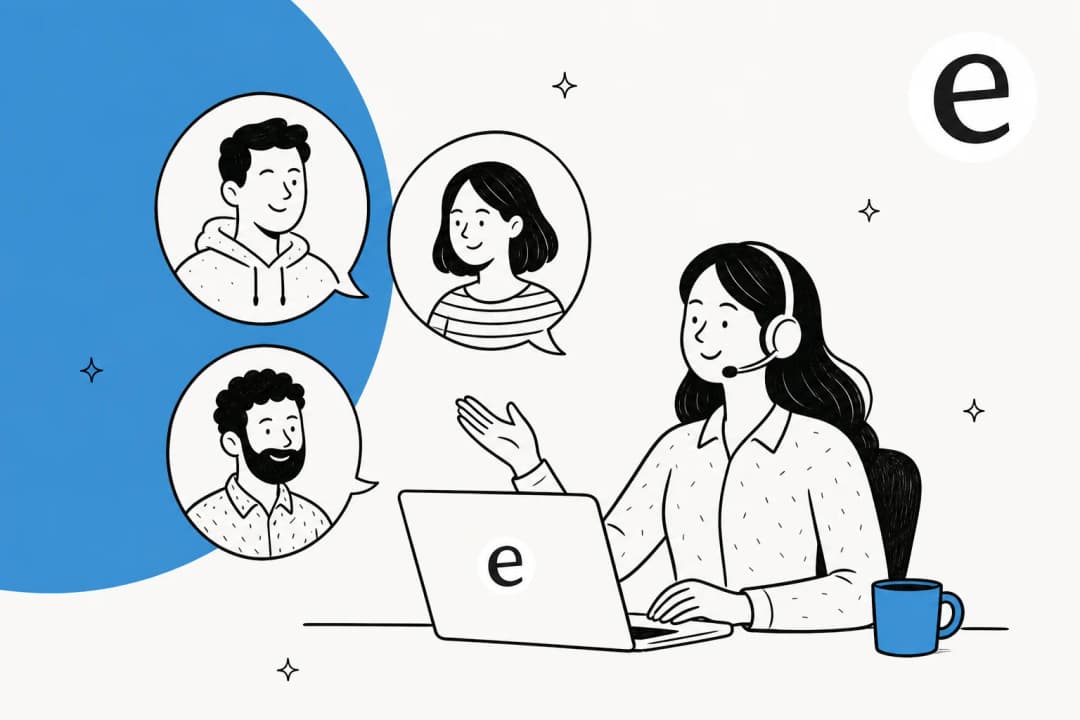
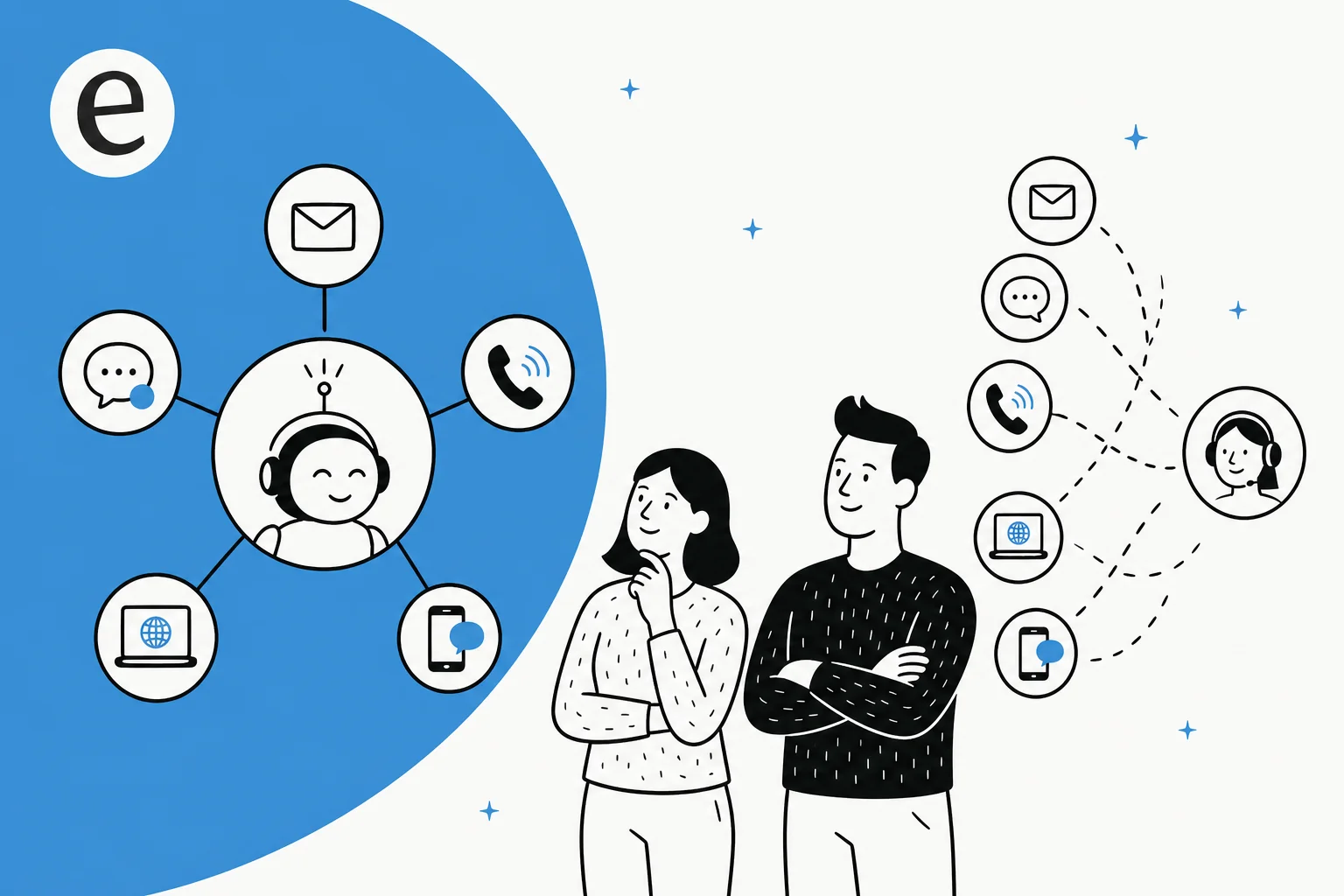
Omnichannel keeps all those channels but wires them into one system. The customer's history, their open tickets, their order, their last three conversations all follow them from channel to channel. Start a question on Instagram, move to chat, finish on a call, and the person (or the AI) on the other end already knows what you are talking about.
The word "omni" means "all", and the point is that all the channels behave like one. It is not about adding a seventh channel. It is about making the six you already have feel like a single, continuous conversation. A good omnichannel setup is invisible to the customer, which is the tell: they never notice the seams because there are none.
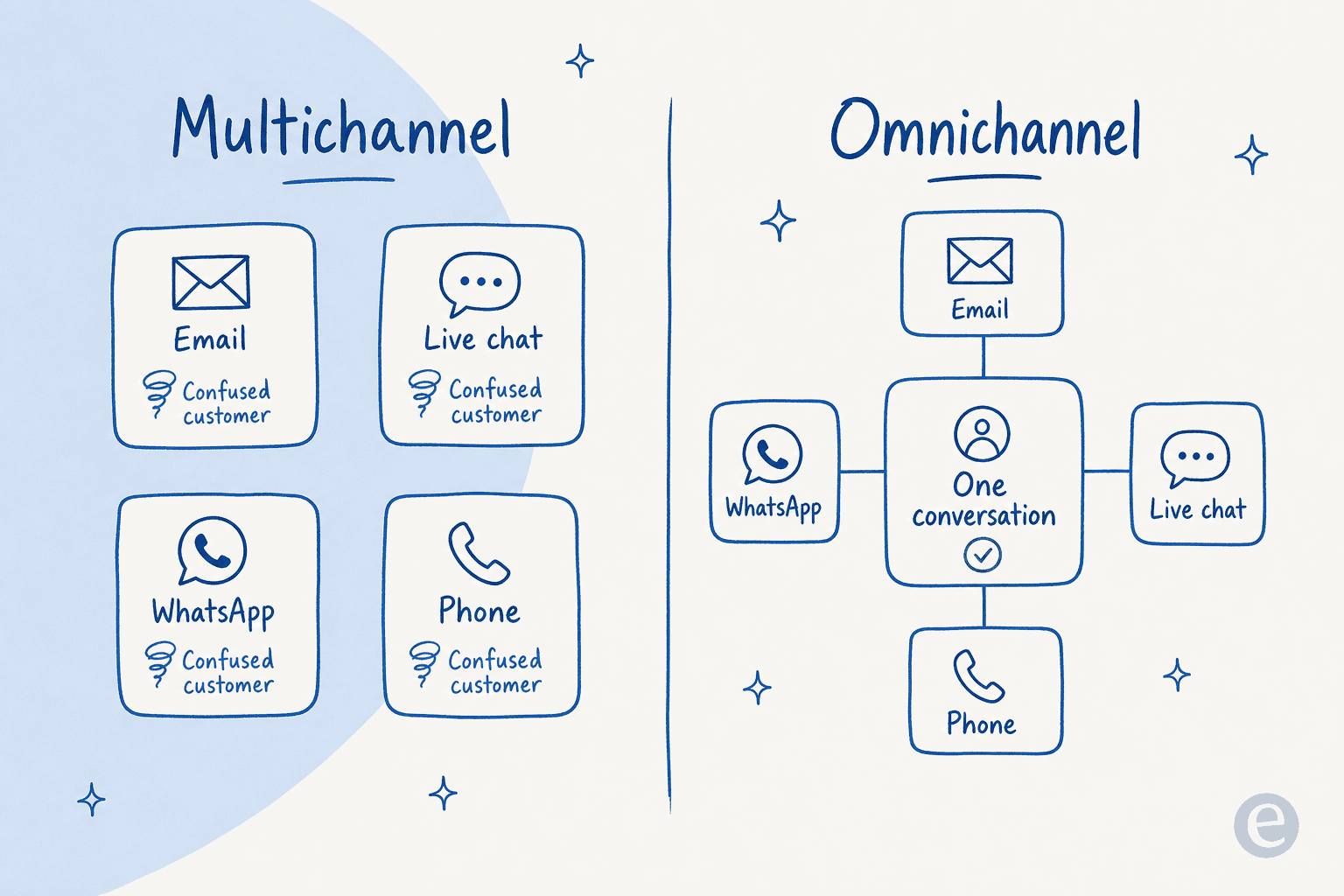
Here is the difference side by side. On the left, multichannel: separate boxes, each with its own confused customer. On the right, omnichannel: the same channels, one conversation.
Omnichannel vs multichannel: the difference in one table
If you only remember one thing, remember that the channels are the same. What changes is what happens between them.
| Dimension | Multichannel | Omnichannel |
|---|---|---|
| Channels offered | Many (email, chat, phone, social) | Many (same list) |
| Customer context | Trapped per channel | Follows the customer everywhere |
| Agent view | One channel at a time | One unified conversation |
| Customer experience | Repeats themselves each switch | Never repeats themselves |
| Knowledge source | Often different per channel | One shared knowledge base |
| Core question | "Are we on this channel?" | "Is this one conversation?" |
| Typical failure | Siloed teams, dropped context | Harder to set up and govern |
Multichannel is easier to stand up and cheaper on day one. Omnichannel is harder to build but is what customers actually expect once you are past a handful of tickets a day. Neither is automatically right, which is the part most "omnichannel is the future" posts skip.
A real example: one customer, four channels
Take a returns question, the everyday case that exposes the difference. A customer tweets that their order arrived damaged. Later they open live chat to send a photo. The next morning they reply to the shipping email. Two days on, still unresolved, they call.
In a multichannel world, that is four separate starts. The social agent never logged it, the chat has the photo but no order link, the email thread is its own universe, and the phone agent asks them to explain the whole thing from scratch. Four touches, zero memory, one very annoyed customer.
In an omnichannel world, it is one thread. The order number and the "damaged on arrival" context ride along the whole way, so by the time they call, the agent opens with "I can see the photo you sent, your replacement is already on its way." Same four channels, completely different experience.
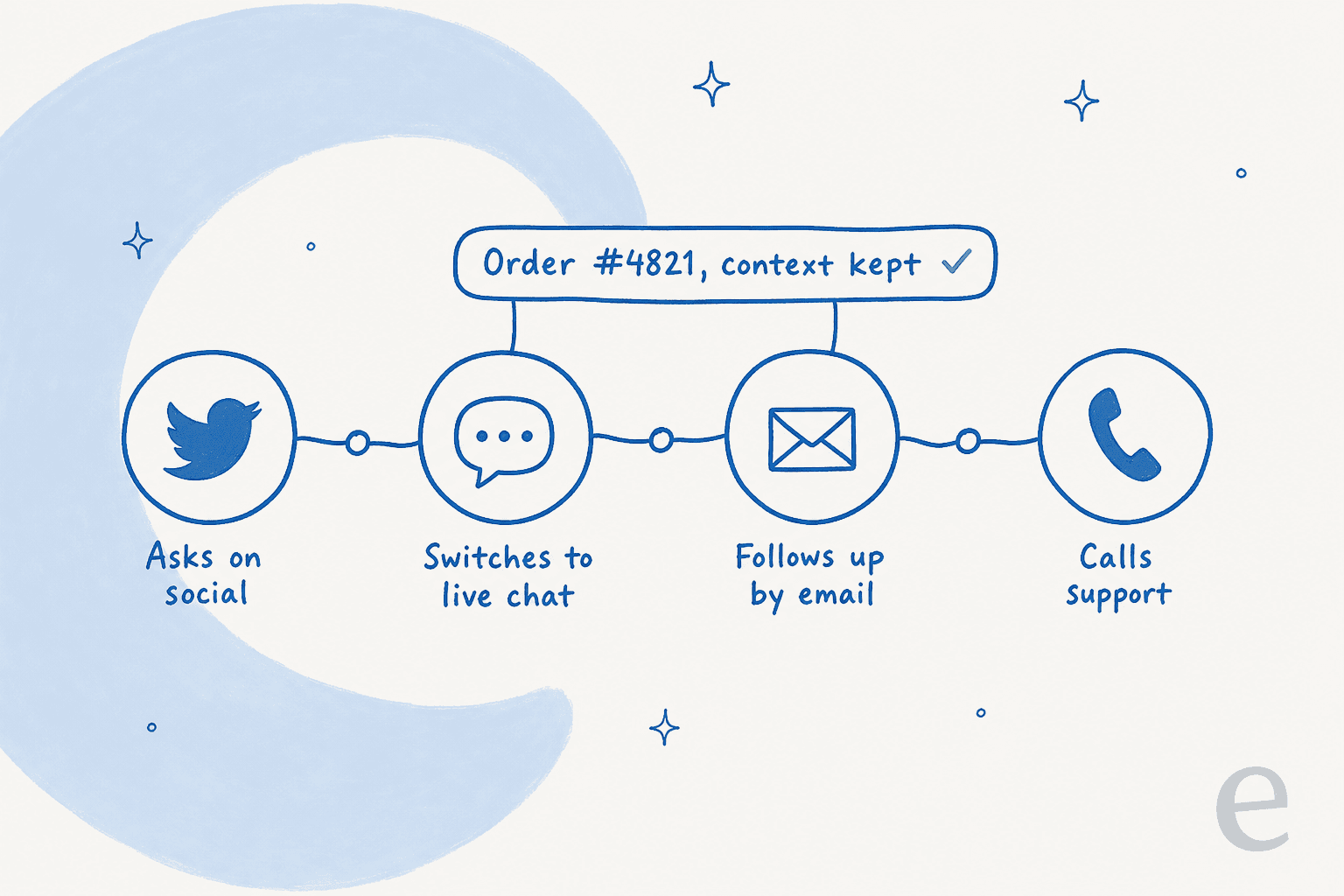
That continuity is the entire value of omnichannel. It is also why bolting more channels onto a multichannel stack makes things worse, not better: every new island is one more place the story can get dropped.
Why most teams are stuck at multichannel
If omnichannel is so obviously better, why is almost everyone still multichannel? Because the connective tissue is genuinely hard.
The channels come from different vendors, so the data lives in different databases. The teams grew up separately, so the email crew and the chat crew have different tools and different macros. And the knowledge is fragmented: the help center says one thing, the chat canned responses say another, and the phone script is three versions out of date. You end up with the same question getting three different answers depending on where it lands, which is the opposite of what omnichannel is supposed to deliver.
This is where I hear the most frustration from support leads. It is rarely "we do not have enough channels." It is "our channels do not know about each other, and keeping them in sync is a full-time job nobody has." The classic trap is buying a big omnichannel suite to fix it, then discovering the suite unifies the inbox but not the knowledge, so agents still copy-paste answers between channels. Presence got solved. Memory did not.
There is a reason the pain lands on knowledge specifically. Channels are a plumbing problem you can eventually route. Consistent answers across every channel is a content problem, and content problems do not get solved by adding another dashboard.
Does omnichannel actually matter for your team?
Here is the take that gets me in trouble: not every team needs full omnichannel, and chasing it too early is a real way to waste a quarter.
If you are a small team fielding mostly email and one chat widget, you do not need an omnichannel suite. You need those two channels to share one view, which a good shared inbox or ticketing system, or the right help desk software, handles fine. Pouring energy into WhatsApp, SMS, and social when 90% of your volume is email is optimizing the wrong thing. Get your customer service KPIs sorted on the channels you actually have first.
The trigger for real omnichannel is behavioral, not aspirational. Watch for it: when customers routinely start on one channel and finish on another, and your agents are visibly re-asking for context, you have outgrown multichannel. Until then, "omnichannel" is a roadmap item, not an emergency. When it does become real, the question is how to get there without a painful contact center rebuild, which is where AI has changed the math.
How AI changes the omnichannel equation
The old way to go omnichannel was to rip out your channel tools and buy one giant suite that owned all of them. Expensive, slow, and it still left the knowledge problem unsolved. The 2026 way is different: you keep the channels you have and add an AI layer on top that carries the memory and the knowledge for all of them.
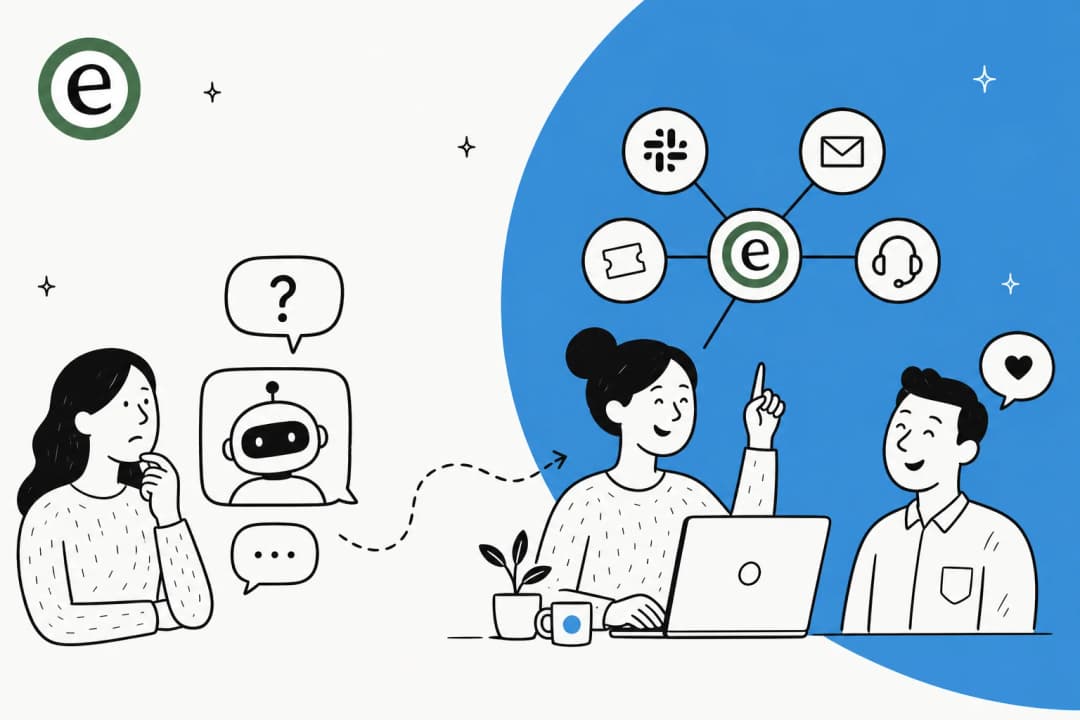
Instead of unifying the tools, you unify the brain. One AI agent connects to email, chat, WhatsApp, social, and phone, reads from one shared knowledge base plus your full ticket history, and answers consistently no matter where the customer shows up. The channels stay where they are. The intelligence sits across them.
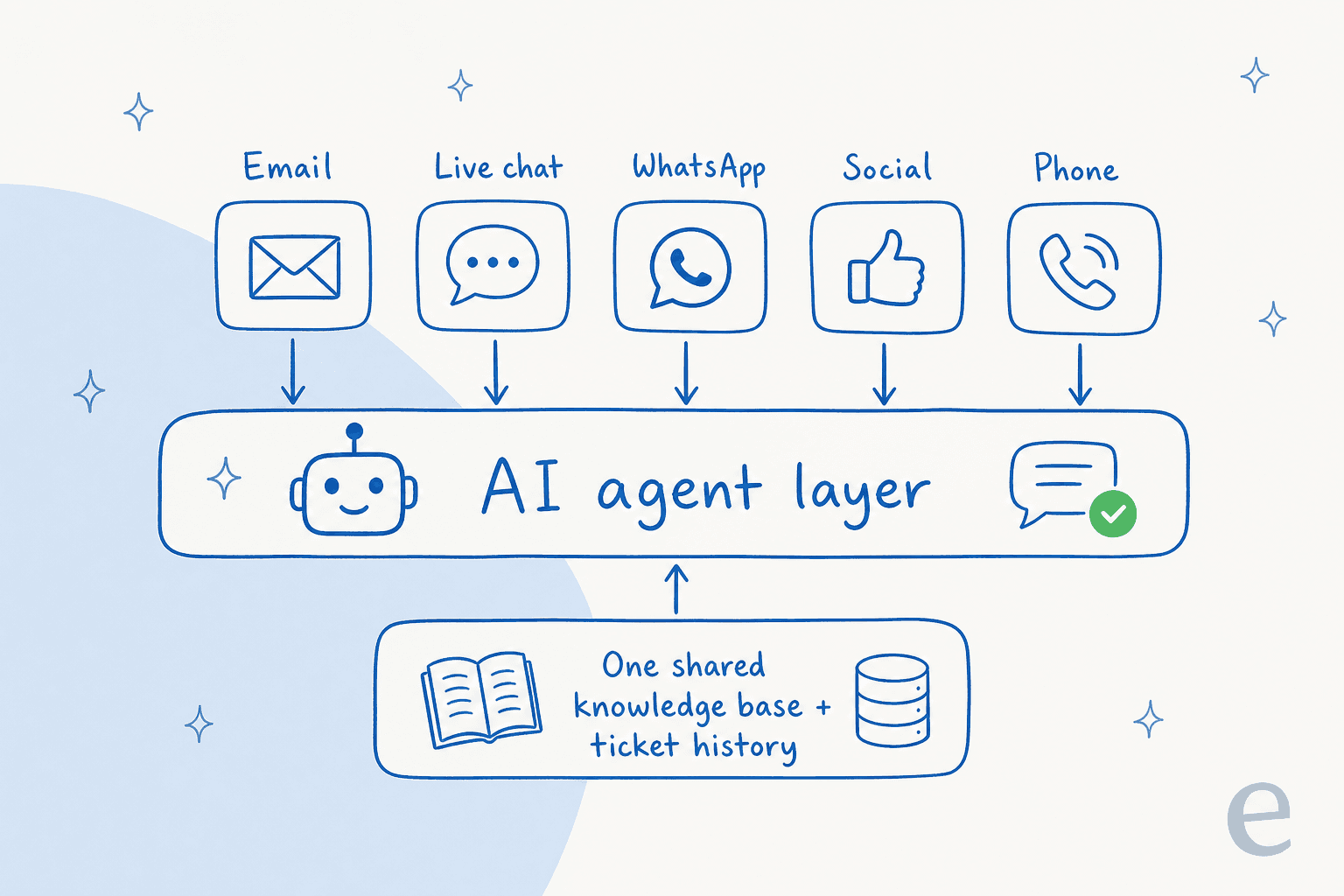
This is the whole reason AI for customer service automation has taken off, and why the newer AI customer service tools barely resemble the old suites: it delivers the omnichannel outcome (one consistent conversation everywhere) without the omnichannel project (a year-long replatform). Because the AI learns from your solved tickets, not just your help center, it answers the way your best agent would, and it does it identically on every channel. A conversational AI assistant that shares one memory is, functionally, omnichannel, no matter how many separate channel tools sit underneath. And because it rides on your existing helpdesk, it looks like your helpdesk, not a bolted-on bot:
The results show up fast when the knowledge is unified rather than fragmented. On one deployment, eesel resolved 73% of tier-1 requests in the first month, with meaningful results landing inside a 7-day trial:
"In the first month, eesel is resolving 73% of our tier 1 requests, and we saw results quickly during our 7-day trial." Kim Simpson, Gridwise, from the eesel case study
That number is not really about AI being clever. It is about one consistent source of truth answering across channels instead of six islands guessing separately.
Try eesel for omnichannel support without the replatform
If your channels have outgrown multichannel but you are not ready to tear out your stack, eesel is the layer that closes the gap. It plugs into the helpdesks and channels you already run (Zendesk, Freshdesk, HubSpot, Gorgias, Front, Slack, plus 100+ integrations), learns from your past tickets and help docs on day one, and answers consistently across every one of them. You can simulate it on your real ticket history before it ever touches a customer, so you see the coverage numbers up front instead of hoping.

The pricing matches the model: it is usage-based at $0.40 per ticket with no per-seat fees, so going omnichannel does not mean buying a seat for every agent on every channel. You get the one-conversation outcome, on the channels you already have, and you only pay for what the AI actually handles. It is free to try, no credit card, if you want to see it run against your own tickets first, and it is a far cheaper starting point than most AI for customer service rollouts that begin with a per-seat contract.
Frequently Asked Questions
What is the difference between omnichannel and multichannel customer service?
Is omnichannel better than multichannel customer service?
Do small teams need omnichannel customer service?
How much does omnichannel customer service cost?
Can AI make multichannel support feel omnichannel?


Article by
Riellvriany Indriawan
Riell is a designer and writer at eesel AI with about two years of experience researching CX platforms, AI chatbots, and helpdesk software. She combines her design background with a sharp eye for how these tools actually look and feel in practice — making her comparisons unusually visual and user-focused.