What is customer messaging?
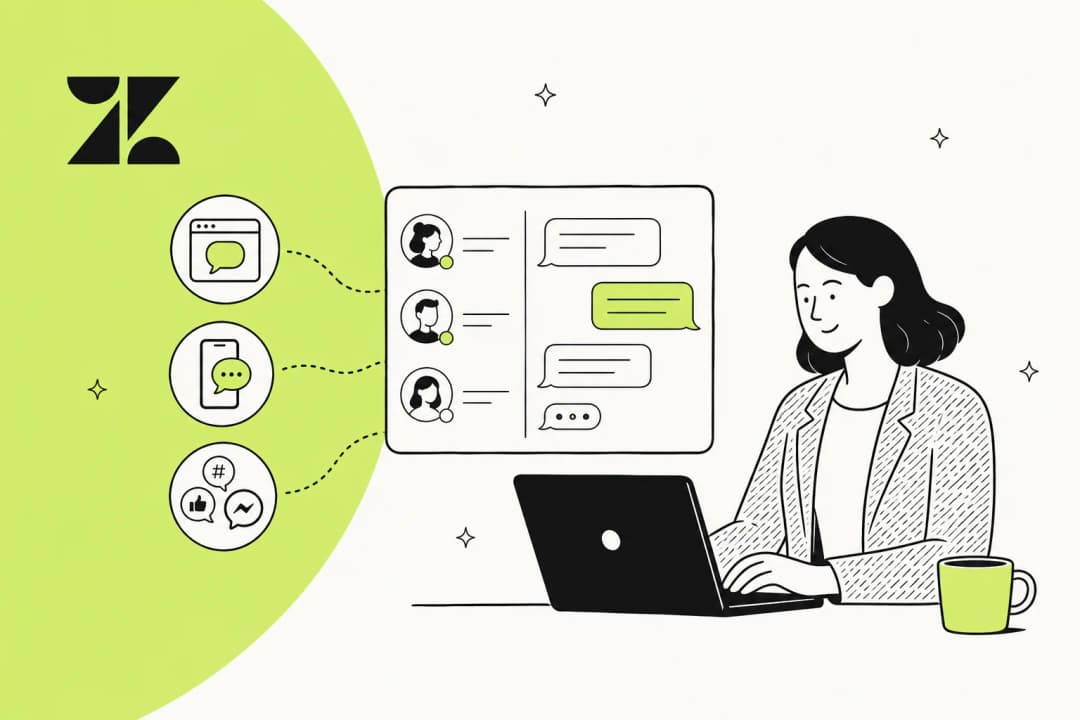
Customer messaging is the practice of supporting (and selling to) customers through conversational, message-based channels rather than one-shot forms or phone queues. Think of the little chat bubble in the corner of a website, a WhatsApp reply to a shipping question, an SMS about a delivery, a DM on Instagram.
The defining trait is that it behaves like the messaging apps people already live in. Two things follow from that:
- It is conversational. Instead of a customer filing a ticket and waiting for a formal response, they have a back-and-forth. Context builds up in one place.
- It is asynchronous by default. A customer can send a message, close the tab, go to lunch, and come back three hours later to the same thread. Nobody has to be online at the same instant, which is the big break from classic live chat software.
That second point trips people up, so it is worth pinning down the difference between messaging and the things it gets confused with.
Customer messaging vs live chat, email, and ticketing
These terms overlap enough that vendors use them interchangeably, but the reader experience is not the same.
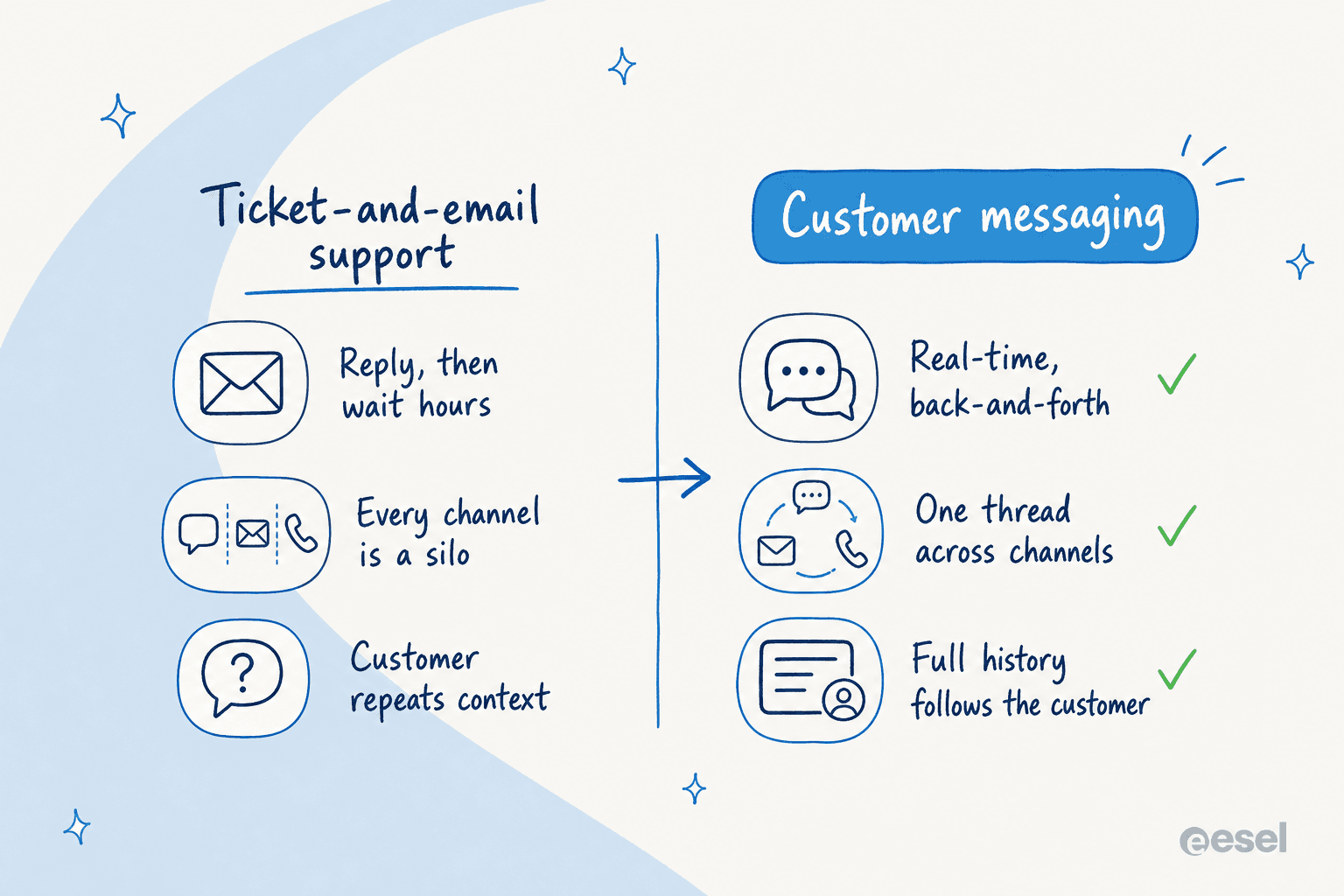
Email and ticketing are the traditional model: the customer writes, waits, and gets a reply that often lives in a different thread than their last question. It is durable and good for complex issues, but it is slow and it fragments context.
Live chat, in its classic form, is the opposite: fast and synchronous, but session-based. Close the browser tab and the conversation is usually gone. It also demands an agent be online right now, which is why after-hours chat so often turns into a "leave your email" form.
Customer messaging takes the speed of chat and the durability of a ticket and merges them. The thread persists, the customer can reply on their own schedule, and it works across whichever channel they picked. Here is how the three compare on the dimensions that actually change the customer's day:
| Dimension | Email / ticketing | Classic live chat | Customer messaging |
|---|---|---|---|
| Speed | Hours to days | Seconds, if an agent is free | Seconds to minutes, async-friendly |
| Persistence | Thread often splits | Ends when session closes | One continuous thread |
| Channels | Email only | Website widget only | Web, WhatsApp, SMS, social, in-app |
| Works after hours | Yes, but slow | Usually degrades to a form | Yes, customer replies whenever |
| Context carried over | Low | Low | High |
| Best for | Complex, formal cases | Quick synchronous questions | Everyday, high-volume conversations |
The short version: messaging is what you reach for when you want conversational speed without losing the thread. If you are weighing tools specifically, our roundup of customer service AI and the guide to conversational support go deeper than I can here.
The channels that make up customer messaging
"Customer messaging" is really an umbrella over a handful of channels, and the mix that is right for you depends entirely on where your customers already are.
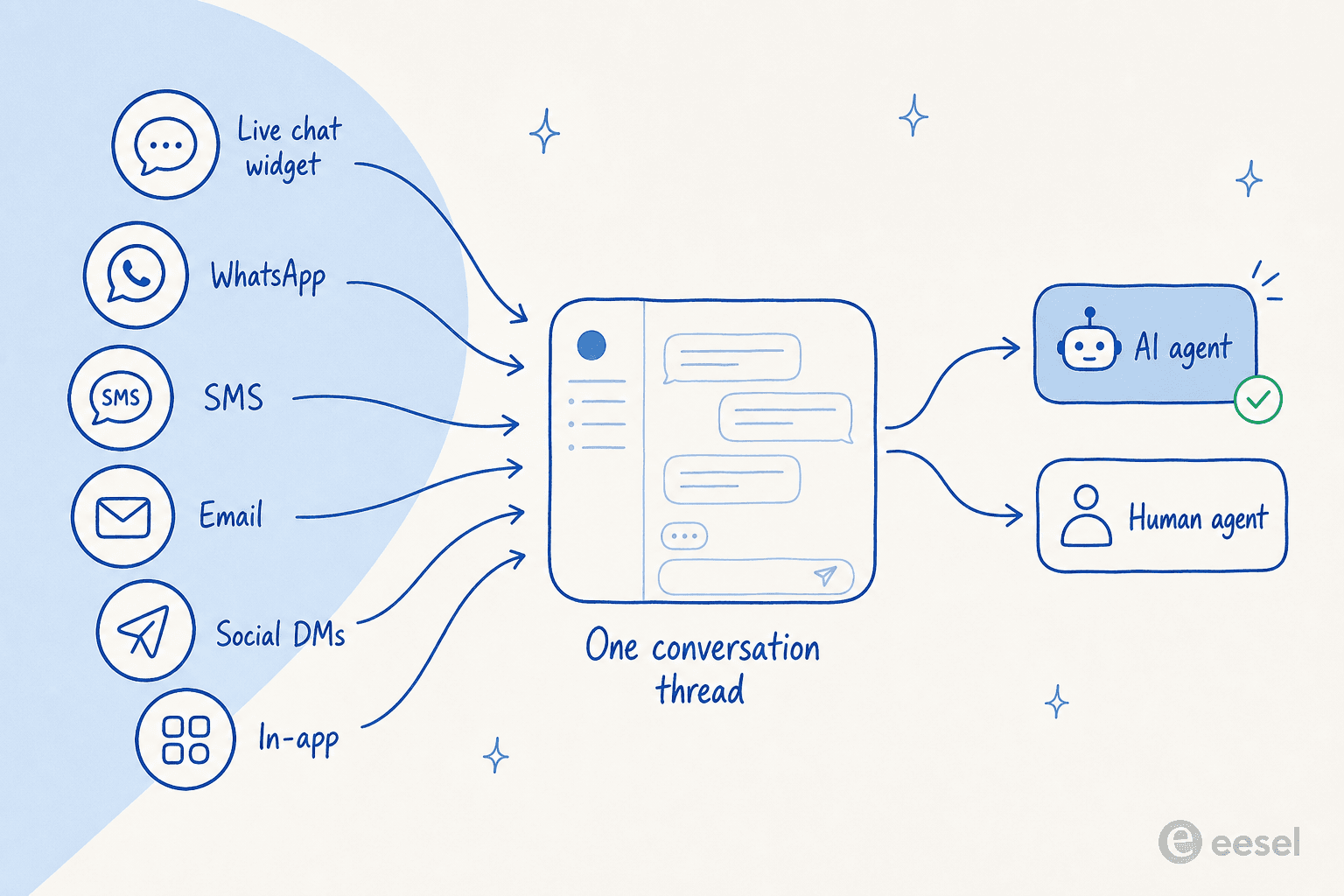
- The web chat widget. The default starting point, and still the workhorse. It is where proactive engagement lives too, like a nudge when someone lingers on the pricing page.
- WhatsApp. Enormous for consumer and international brands, though the WhatsApp Business API pricing and policy can be fiddly, and Meta's policy changes keep shifting what third-party bots can do. A WhatsApp chatbot is often the highest-leverage channel for e-commerce.
- SMS. Still unbeatable for delivery and appointment updates because open rates are so high.
- Social DMs. Instagram and Facebook Messenger, where a lot of consumer complaints now land first.
- In-app and Slack. For SaaS and internal support, the conversation happens inside the product or in a Slack chatbot, not on a website.
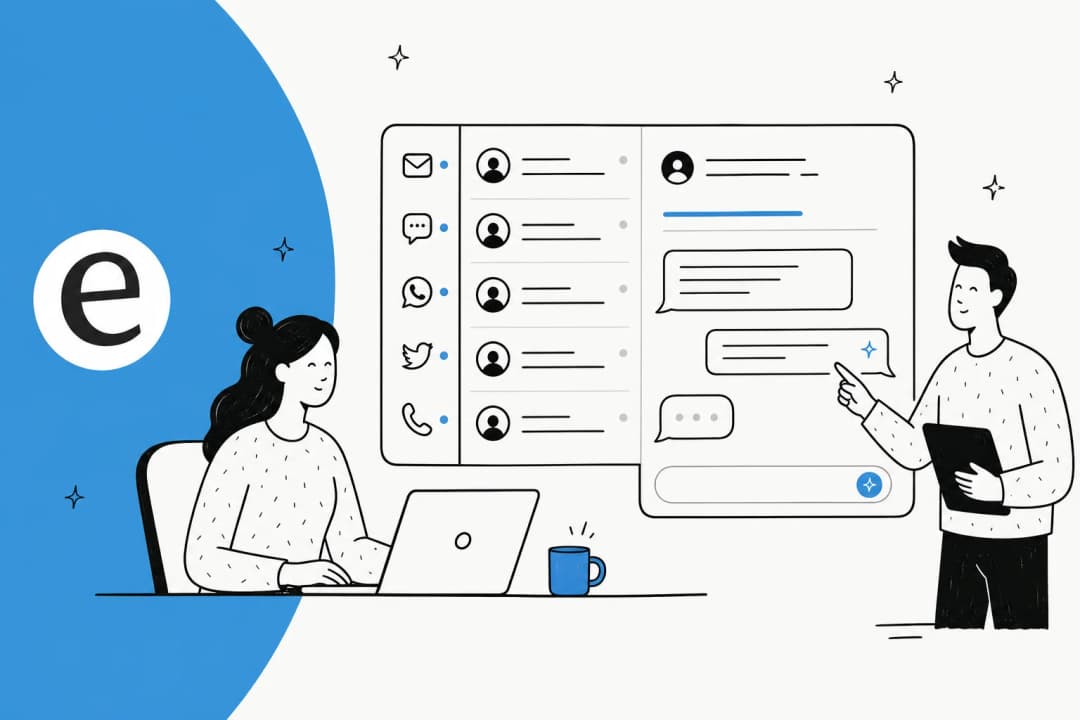
The mistake I see most is treating each of these as its own tool with its own inbox. That is how a customer ends up repeating their order number three times. The whole point of a multichannel setup is that all of these feed one thread, so an agent (or the AI) sees the full history no matter where the customer started. Freshdesk, for instance, sells this as its omnichannel suite, and Zendesk bundles messaging across web, mobile, and social too.
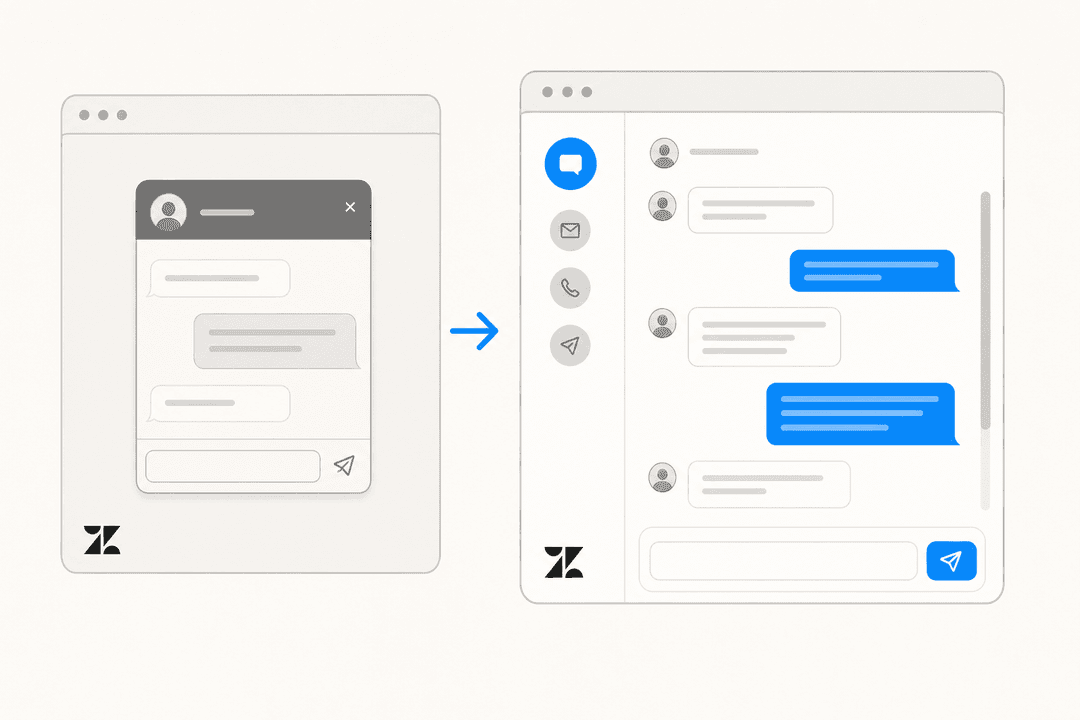
Here is what a single messaging conversation looks like once it is consolidated into one place:

Why customer messaging keeps winning
There is a real reason messaging overtook the "fill out this form" model, and it is not just fashion.
The first is expectation. People message businesses the way they message people, and a reply that takes two business days now reads as broken. Messaging closes that gap without forcing you to staff a phone line around the clock, because the async nature means a customer is happy to wait twenty minutes for a good answer in a thread they can leave and return to.
The second is volume, and this is the part I care about most. When you open a fast channel, you get more contacts, and a huge share of them are repetitive. Across eesel's live accounts the same handful of questions dominate every messaging queue: where is my order, how do I cancel, reset my password, what is your return policy. One multi-brand e-commerce operator we work with, handling 500+ tickets a day across roughly 70 countries, described their volume as almost entirely refund requests, unsubscribes, and order-tracking, the exact repetitive band that swamps a small team.
"As a fast-growing startup with a small team, our customers far outnumber our employees. It's crucial that we have robust self-service solutions as well as tools to supercharge the efficiency of our client-facing teams."
Jon Miron, Director of Support & Operations, Yellowdig (case study)
That combination, more contacts and mostly repetitive ones, is precisely why AI belongs in the messaging thread. It is not about replacing the team; it is about not making a human retype the return policy for the four-hundredth time this week.
Where AI fits into customer messaging
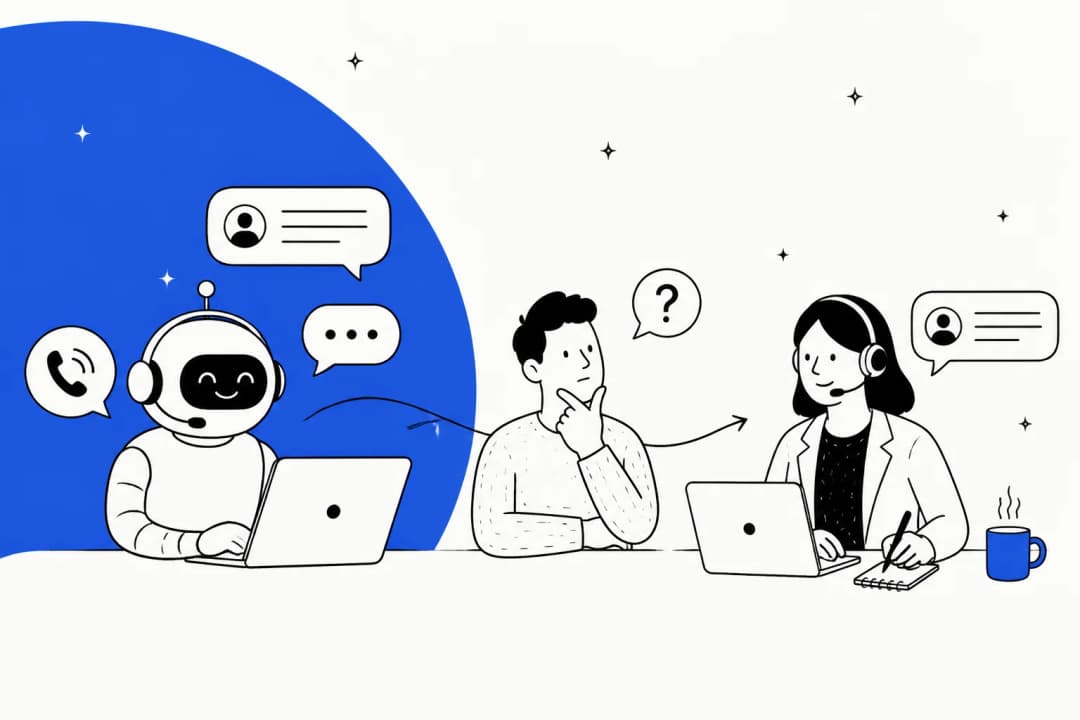
The useful way to think about AI in a messaging channel is not "chatbot vs human" but "who takes the first pass." A well-set-up AI agent reads the incoming message, checks what it actually knows, and only answers when it is confident; everything else goes to a person with the context attached.
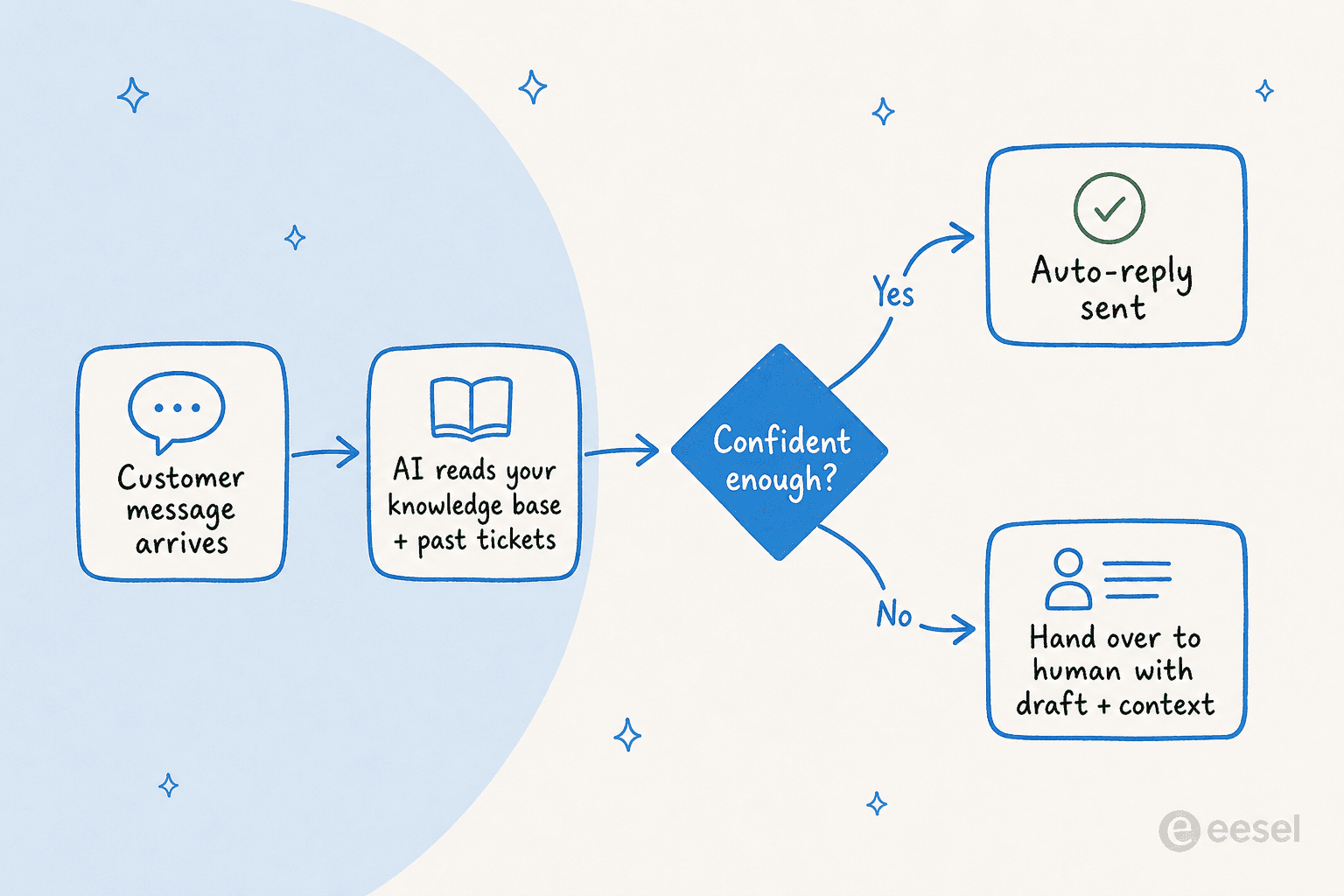
The single biggest objection I hear from buyers is trust: they will not let an AI auto-reply to everything, and they are right not to. One CX lead at a DTC supplements brand put the whole thesis in a sentence: they wanted an AI that only handles the tickets it is confident to handle, and leaves the rest alone. That is the design goal. When the AI is not sure, good chatbot escalation means it hands over cleanly rather than guessing, which is also how you avoid the classic failure of an AI chatbot answering incorrectly.
Done well, the numbers are real. One team running an internal IT helpdesk on Jira went from 15% deflection to targeting 55% by putting an AI first responder in front of the queue, per their InDebted story.
"In the first month, eesel is resolving 73% of our tier 1 requests... Our team implemented and achieved results quickly during our 7-day trial."
Kim Simpson, Gridwise (G2 review)

The reason a consolidated channel matters so much here is that the AI is only as good as the context it can see. If WhatsApp, chat, and email are three separate silos, the AI answers each one blind. When they all feed one thread, the AI (and the human behind it) sees the whole story, which is exactly what one CTO was after:
"We chose eesel AI because it offers multi-channel data input options... By linking our CSVs, Zendesk, and Google Docs as sources, we can make the most of our vast documentation, even if it's scattered."
Wesley Wang, CTO, Ecosa (case study)
How to choose a customer messaging setup
You do not need to rip out your helpdesk to get modern messaging, and you probably should not. A few things actually move the needle when you are choosing:
- One inbox, many channels. If a tool makes you manage WhatsApp and chat in separate places, it is not really omnichannel. Check that history follows the customer.
- Control over the AI. Look for confidence-based routing and the ability to exclude ticket types, not an all-or-nothing switch. The ability to simulate the AI on your past tickets before it goes live is the single best way to buy that trust.
- Predictable pricing. Per-resolution or per-message billing creates anxiety about every follow-up. Understand the billable unit before you sign; our notes on AI support cost lay out the traps.
- Real self-service depth. The AI should train on your existing docs and tickets, not a hand-written FAQ tree. That is the difference between a decent FAQ bot and something that resolves an order-tracking question end to end.
If you want the broader market, the guides to AI helpdesk software and conversational AI platforms cover the specific tools. The principles above hold no matter which you land on.
Try eesel for customer messaging
If you already run a helpdesk and just want a smarter messaging layer, that is exactly what eesel is built for. It plugs into your existing stack (Zendesk, Freshdesk, Gorgias, Slack, and more), trains on your past tickets, help center, and docs, and starts drafting or auto-answering the repetitive messages while handing the rest to your team.
The part I would flag for messaging specifically: eesel lets you decide what the AI is allowed to touch and simulate it against your historical tickets first, so you can see the deflection and accuracy numbers before a single real customer talks to it. That is how you get the volume relief without the "confident bot gives a wrong answer" nightmare. You can try it free, and it connects in minutes rather than a quarter-long rollout.

Learn more about how eesel works for customer service and support automation, or plug it into the channels you already message on.
Frequently Asked Questions
What is customer messaging?
How is customer messaging different from live chat?
How much does customer messaging software cost?
Can AI handle customer messaging on its own?


Article by
Kira
Kira is a writer at eesel AI with a Computer Science background and over a year of hands-on experience evaluating AI-powered customer service tools. She focuses on breaking down how helpdesk platforms and AI agents actually work so that support teams can make better buying decisions.