What a welcome message is actually for
I work the support queue, and the thing I notice most is that a welcome message sets the emotional temperature of the whole conversation. A customer who opens a chat is usually mid-problem and a little tense. The first line either tells them "you're in the right place, this'll be quick" or it tells them "you're about to fill out a form and wait."
So the job isn't to sound friendly for its own sake. It's to reduce the customer's uncertainty about three things: am I talking to the right team, how long will this take, and what do I do next. A greeting that answers those lands. One that just says hello doesn't.
The other job, honestly, is deflection. A welcome message that offers "track an order" or "start a return" as the first options quietly routes a big chunk of people to self-service before a human ever gets pulled in, which is the whole premise behind live chat deflection.
What makes a welcome message work
Before the examples, here's the shape almost every strong greeting shares. You don't need all four parts in every channel, but the best welcome message examples hit at least three.
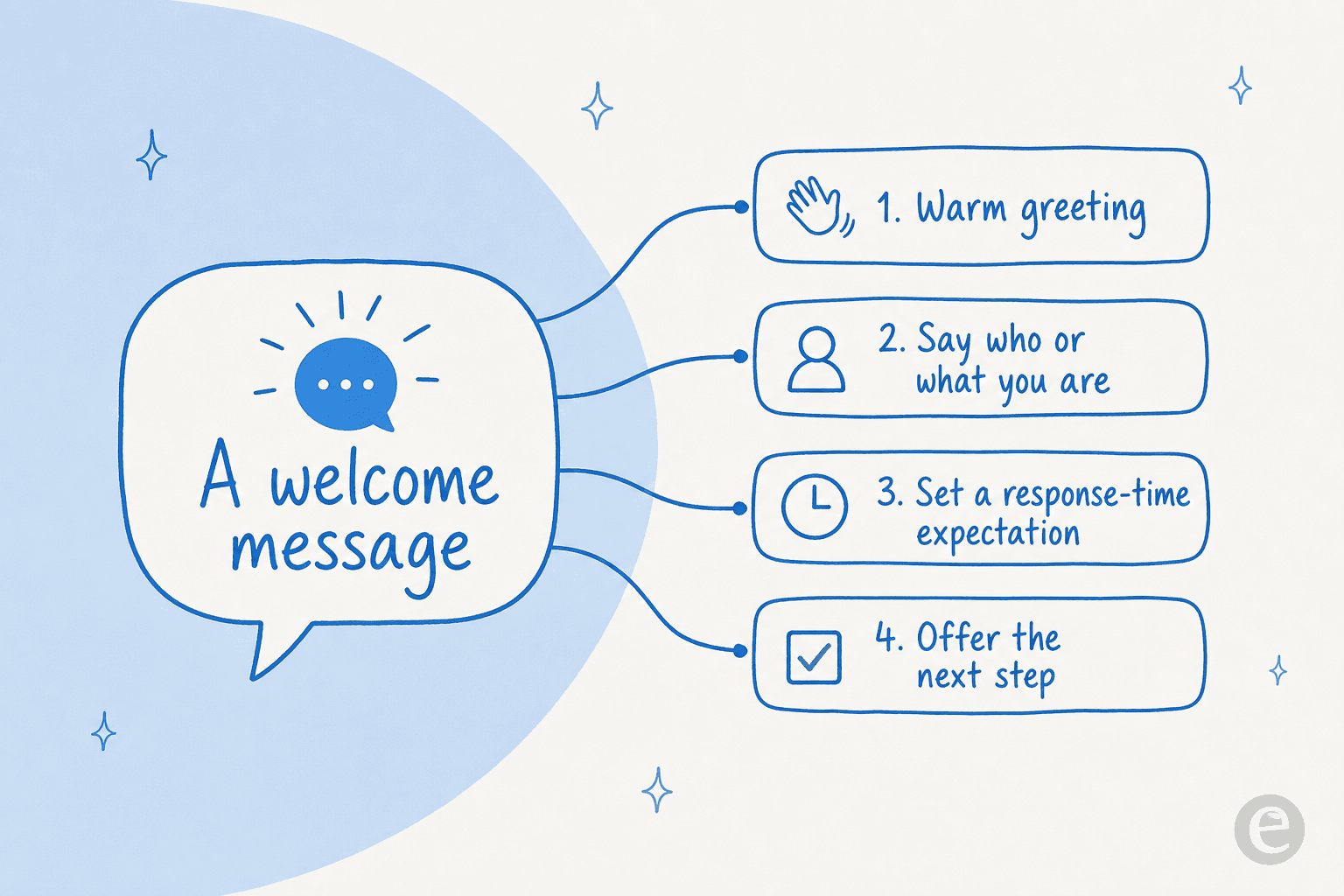
- A warm greeting. "Hi", "Hey there", "Welcome back". One or two words. This is the only part most teams get right.
- Who or what you are. Name the team or, if it's a bot, say so. "I'm the Acme support bot" beats pretending. Customers forgive a bot that's honest; they resent one that impersonates a person.
- A response-time expectation. "We usually reply in under 2 minutes" or "We're offline until 9am". This single line does more for satisfaction than any amount of warmth, because it removes the "did this even send?" anxiety.
- An offer of the next step. A question or two quick-reply buttons: "Order help or a return?" This is where deflection and routing happen.
Keep it short. If your greeting runs to three sentences of brand voice before it asks anything, the customer has already started typing over it.
38 welcome message examples by scenario
Grab what fits. I've kept these deliberately plain so you can paste one in and adjust the brand voice. Swap the bracketed bits for your own.
If you just want to see the range quickly, this picker walks through a greeting for each channel:
Live chat welcome messages (website)
For a website chat widget, the greeting should notice where the visitor is. Someone on your pricing page has different questions than someone deep in a help article. If your live chat software supports page-based triggers, use them.
- "Hi there! You're chatting with the [Company] team, we usually reply in under 2 minutes. What can we help with?"
- "Hey! Saw you're checking out our pricing, happy to walk you through the plans or answer anything. What's on your mind?"
- "Welcome back, [Name]! Picking up where we left off, or is this something new?"
- "Hi! Quick heads up, I'm the fastest way to get an answer here. What are you trying to do?"
- "Hey there 👋 Stuck on something? Drop the details and I'll sort it out."
After-hours and offline welcome messages
The worst thing you can do is imply live help and then stay silent. Say the hours, capture the contact, and offer an instant path anyway. This is where an always-on AI agent earns its keep.
- "Hi! Our team is offline right now (back at 9am AEST). Leave your email and question and we'll reply first thing."
- "Thanks for stopping by after hours! I'm the support bot and I can still answer most questions now, want to try?"
- "We're closed for the weekend, but I've logged your message and someone will reply Monday morning. Anything I can point you to in the meantime?"
- "It's after hours here, but our help center is open 24/7, here's the article that usually helps: [link]."
Ecommerce and Shopify store welcome messages
Ecommerce chat is mostly "where is my order", returns, and sizing. Lead with those and ask for the order number, because that one detail unblocks most tickets. If you run a store, our roundup of AI live chat apps for Shopify goes deeper.
- "Welcome to [Store]! Need help with an order, a return, or sizing? Share your order number and I'll pull it up."
- "Hi! Tracking a package? Pop your order number in and I'll get you the latest status."
- "Hey there! First time shopping with us? Here's 10% off your first order, and I'm here if you have questions."
- "Hi! Sizing question, return, or something else? I can handle all three."
- "Welcome back! Your last order shipped, want a tracking update or help with something new?"
Connecting your store data is what makes these real rather than decorative, an agent that can actually read Shopify order data answers "where's my order" instead of just promising to.
AI chatbot welcome messages
Here's my one strong opinion: tell people it's a bot. Every good bot greeting I've seen is upfront about being a bot, names one or two things it's genuinely good at, and promises a clean handover. Customers don't hate bots, they hate bots that pretend and then can't help. For more, see our AI chatbot examples.
- "Hey! I'm [Botname], [Company]'s support assistant. I can answer most account, billing, and how-to questions right away, and I'll grab a human if you need one. What's up?"
- "Hi! I'm the [Company] bot. I'm good at order status, returns, and account questions. Ask away, and just say 'talk to a human' anytime."
- "Welcome! I'm an AI assistant trained on [Company]'s help docs, so I can usually answer instantly. What can I help with?"
- "Hi there! Bot here 🤖 I've read every help article so you don't have to. What's your question?"
- "Hey! I can handle the quick stuff now, or connect you to the team if it's tricky. Which sounds better?"
A real example of this done well: one customer-facing AI bot I came across belonged to a German ferry operator that named its bot "CaptAIn" and had it greet passengers with a cheerful "Moin!" before handling timetable and ticket questions. That greeting does a lot of work at once, it's on-brand, it's clearly a bot, and it sets up exactly what the bot can do.
Email and helpdesk auto-reply welcome messages
Email auto-replies are the most abused format, "we have received your message" says nothing. Confirm receipt, give a real time window, and point to self-service so they're not stuck waiting. These pair naturally with work to reduce first response time.
- "Thanks for reaching out, [Name]! We've got your message and a specialist will reply within [X hours]. Our help center answers most questions instantly: [link]."
- "Hi [Name], your ticket [#12345] is in the queue. Typical reply time right now is [X hours]. Need it faster? Reply 'urgent' and we'll prioritise."
- "Got it, thanks! While you wait, here are the three articles that solve most questions like yours: [links]."
- "Hi [Name]! We're seeing higher volume than usual, so replies may take up to [X hours]. Sorry for the wait, we're on it."
- "Thanks for writing in! You'll hear from a real person soon. If this is about an existing order, replying with your order number speeds things up."
In-app and SaaS onboarding welcome messages
For a product, the welcome message is part onboarding, part support. It should orient the new user and make help feel one click away. This is closely tied to good on-site chatbot setup.
- "Welcome to [Product], [Name]! Want the 2-minute setup tour, or would you rather explore? I'm here whenever you get stuck."
- "You're in 🎉 Most people start by [first key action]. Need a hand? Just ask me right here."
- "Hi [Name]! I'm your in-app assistant. Type any question and I'll answer from the docs, no tab-switching."
- "Welcome back! Since last time we shipped [feature]. Want a quick look, or back to work?"
- "Hey [Name]! Noticed you haven't [key action] yet, want me to walk you through it?"
WhatsApp and SMS welcome messages
On messaging channels, brevity is everything, no one reads a paragraph on their phone. One line, one clear next step.
- "Hi! Thanks for messaging [Company]. Reply 1 for order help, 2 for returns, or just type your question."
- "Hey! You're now connected to [Company] support. What can we help with?"
- "Hi 👋 Save this number for order updates. Need anything now?"
- "Thanks for texting [Company]! We usually reply within a few minutes during business hours."
Social media DM welcome messages
For Facebook and Instagram DMs, an auto-reply buys you time and sets the channel expectation, since social replies are rarely instant.
- "Thanks for the DM! We reply here Mon–Fri, 9–5. For anything urgent, our live chat at [link] is faster."
- "Hi! Got your message 🙌 A team member will reply shortly. For order questions, have your order number handy."
- "Hey! Thanks for reaching out. Quick heads up, we can't share account details over DM for security, but we'll get you to the right place."
- "Thanks for following and messaging! Here's our FAQ for the quick answers: [link]. Anything else?"
- "Hi there! For the fastest help, our support chat handles most questions instantly: [link]."
The difference between a generic and a specific welcome message
Here's the single upgrade that matters most, and it costs nothing. A generic greeting could belong to any company. A specific one names the moment.
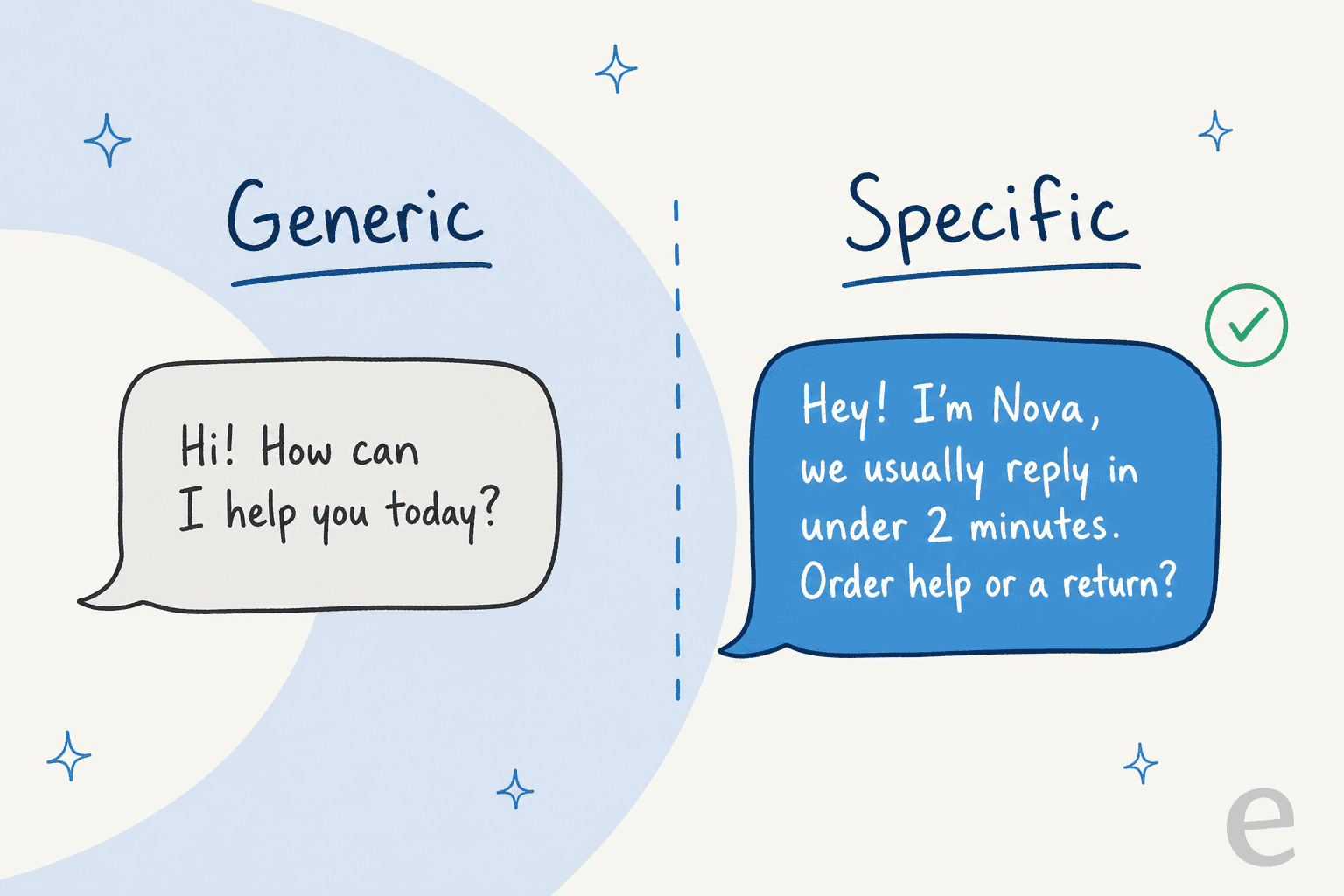
"Hi! How can I help you today?" makes the customer do all the work, they have to figure out what you can even do. "Hey! I'm Nova, we usually reply in under 2 minutes, order help or a return?" answers the three anxieties (who, how long, what next) before the customer types a word. Same length, completely different experience.
Common welcome message mistakes
I've seen all of these go live and quietly hurt CSAT:
- Promising speed you can't keep. "We'll reply right away!" and then a six-hour silence is worse than saying nothing. Match the promise to reality, or automate the first answer.
- The dead-end auto-reply. "We have received your message" that leads nowhere. If you're going to automate the greeting, automate an actual answer behind it.
- Pretending a bot is human. It works until it doesn't, and then the customer feels tricked. Transparency builds more trust, not less.
- A wall of brand voice. Three sentences of personality before you ask anything. Get to the question.
- One greeting everywhere. The same line on live chat, email, and WhatsApp ignores that each channel has a different rhythm and expectation.
Where AI changes the welcome message
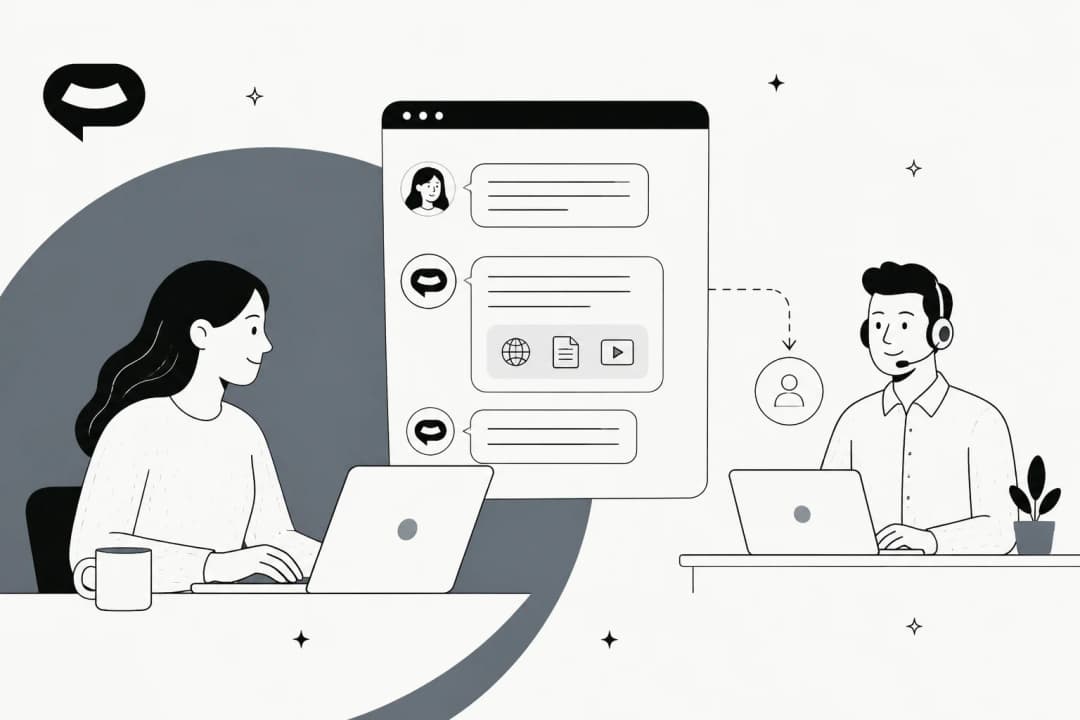
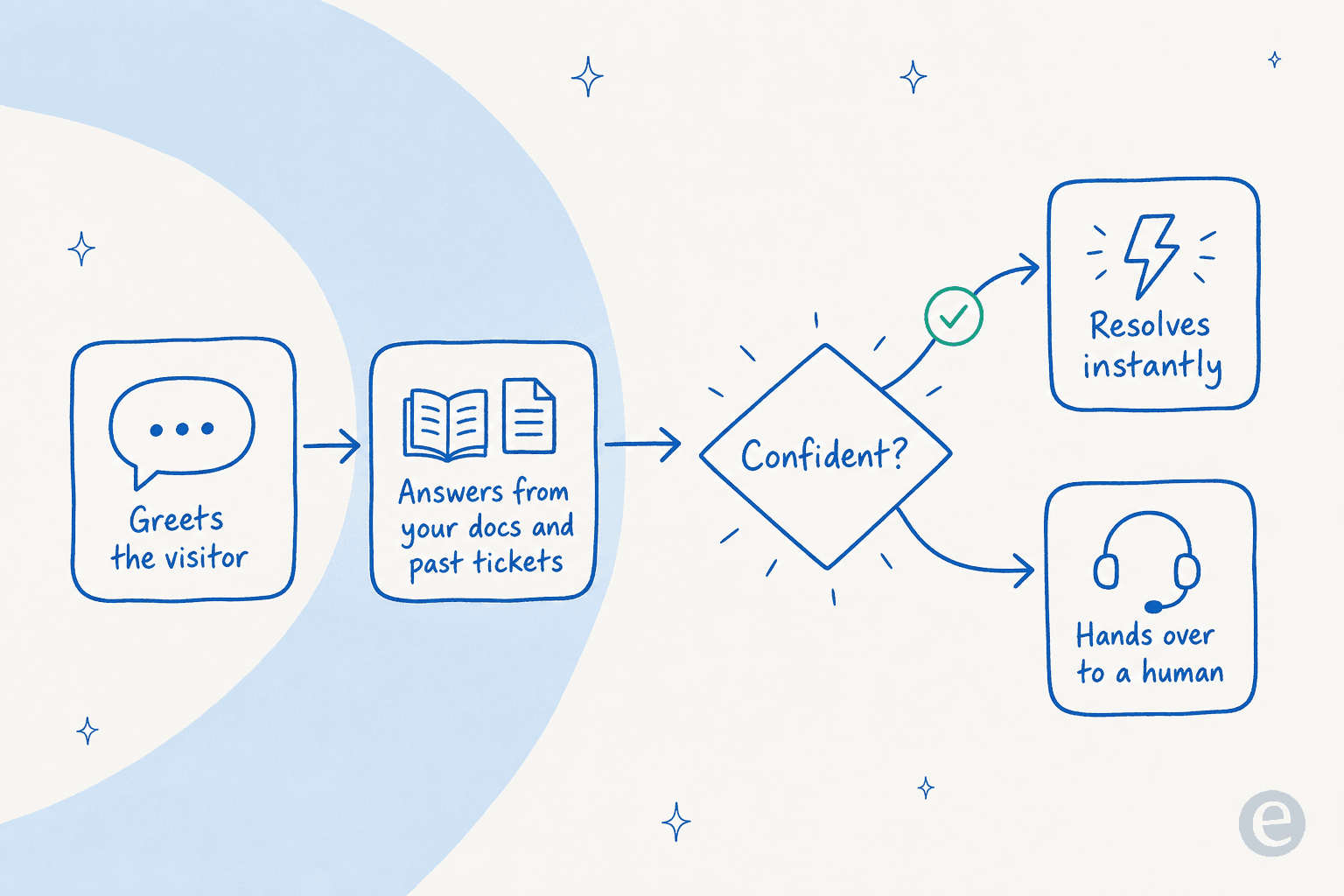
Static welcome messages have a ceiling: they can greet, but they can't answer. The moment the customer replies with a real question, a scripted greeting either hands to a human or dies. That's the gap an AI support chatbot fills, the greeting and the answer become the same conversation.
What changes in practice:
- The greeting adapts to context and language. Instead of maintaining 38 static scripts, the agent adjusts tone and language per conversation, answering in the customer's own language across 80+ languages.
- The follow-up gets answered, not queued. A well-set-up agent resolves order, billing, and how-to questions on the spot. In one deployment, eesel resolved 73% of tier-1 requests in the first month.
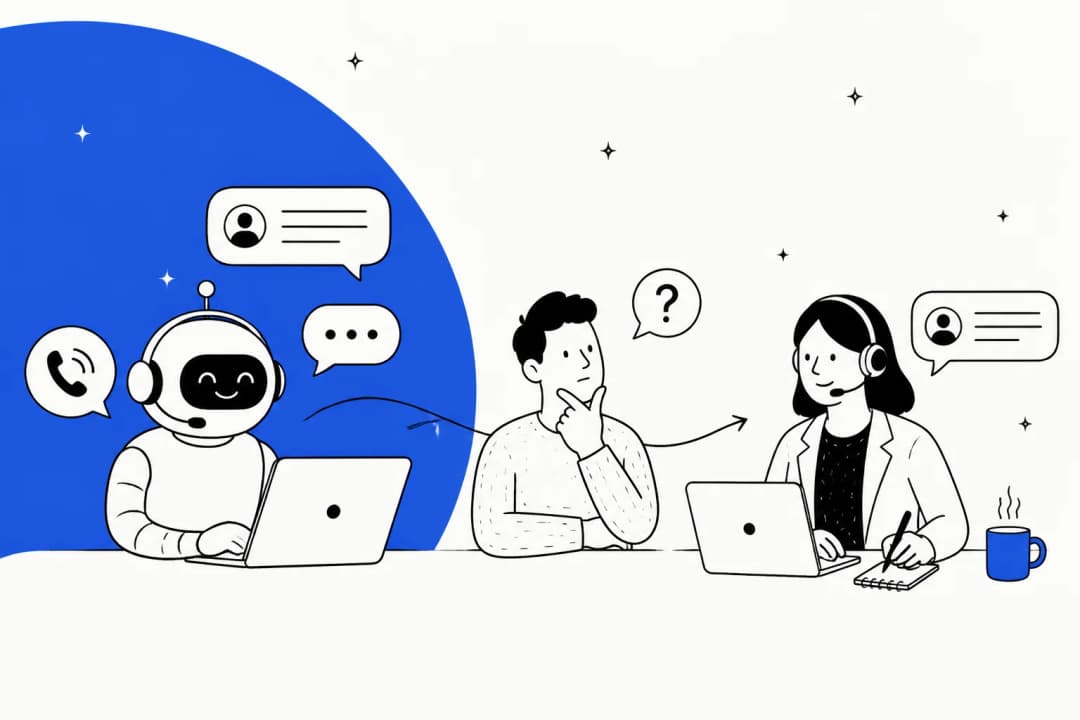
- The handover is clean. When the agent isn't confident, it hands to a human with the full context attached, no "please repeat everything you just told the bot."

You still write the greeting, that's your brand voice, and it should be. What you don't have to do anymore is choose between a warm hello and an actual answer.
Try eesel for the answer behind the greeting
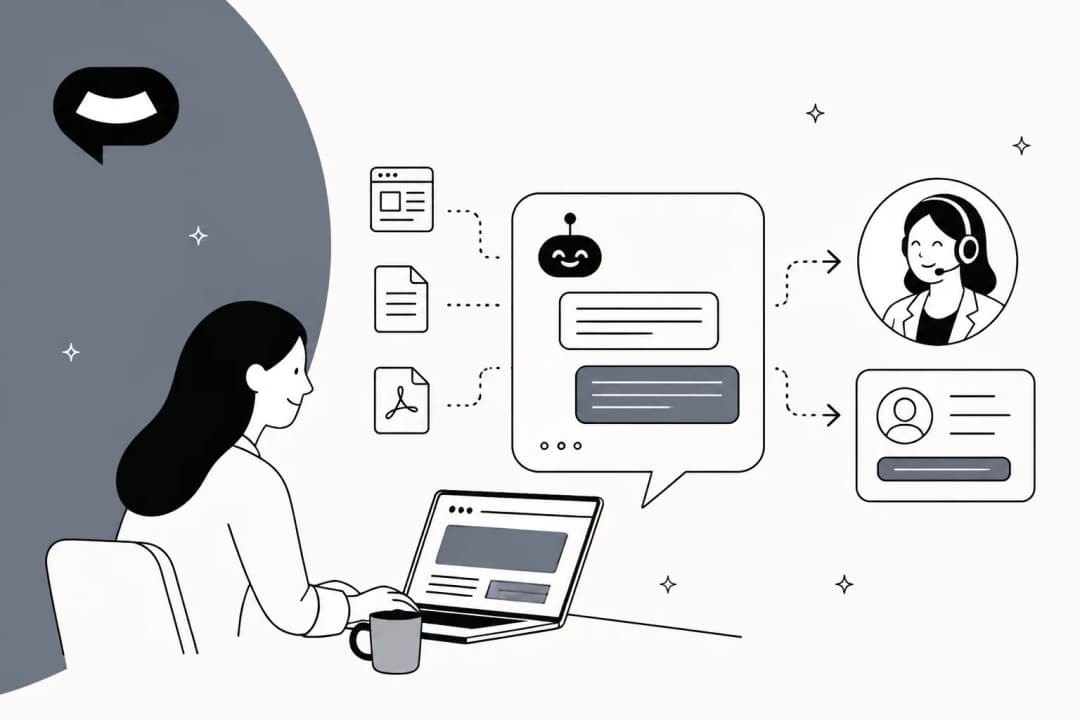
A welcome message is a promise. eesel AI is how you keep it: it plugs into your existing helpdesk (Zendesk, Freshdesk, Gorgias, Front, HubSpot) in minutes, learns from your past tickets and help docs, and answers the question that comes right after the greeting, not just "we got your message."
You set the greeting and the tone in plain English, decide which questions it handles versus hands off, and simulate it against your real past tickets before it ever talks to a customer. Pricing is usage-based at $0.40 per ticket, with no per-seat fees, and there's a free trial. It's the difference between a greeting that says hello and one that actually helps.

Frequently asked questions
What is a good welcome message for customer service?
How do I write an AI chatbot welcome message?
Should a welcome message be automated?
How many welcome message examples do I actually need?


Article by
Riellvriany Indriawan
Riell is a designer and writer at eesel AI with about two years of experience researching CX platforms, AI chatbots, and helpdesk software. She combines her design background with a sharp eye for how these tools actually look and feel in practice — making her comparisons unusually visual and user-focused.