What you'll need before you start
You don't need an engineering sprint for this, but you do need four things in place. If any are missing, sort them first, because the setup downstream assumes them.
- An SMS channel that lands in a system. Either your helpdesk has a native SMS integration (Zendesk, Front and Gorgias all ingest texts into tickets), or your texts route through a provider like Twilio. The AI has to read from somewhere.
- Knowledge the AI can learn from. A help center, a returns policy, an FAQ, and ideally a pile of past tickets. This is what separates a real answer from a generic FAQ bot.
- Any systems that hold live answers. If customers text "where is my order," the AI needs a connection to the system that knows, your store, your order tool, your CRM. Without it, your highest-volume question falls back to a deflection.
- A clear first scope. Decide which one or two question types the AI will own first. Order status is the usual starting point because it's high-volume and low-risk.
With those ready, the build itself is short.
How AI actually answers a text
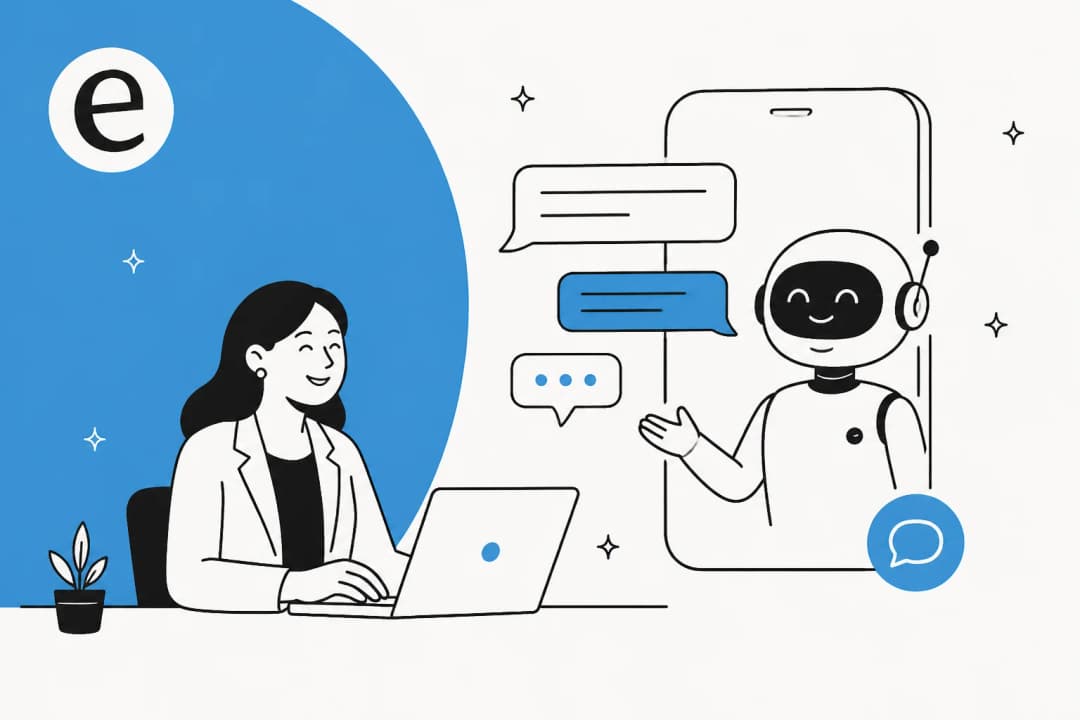
Before the steps, it helps to see what you're wiring up. An AI text-support reply is four moves, and the second one is where most of the value lives.
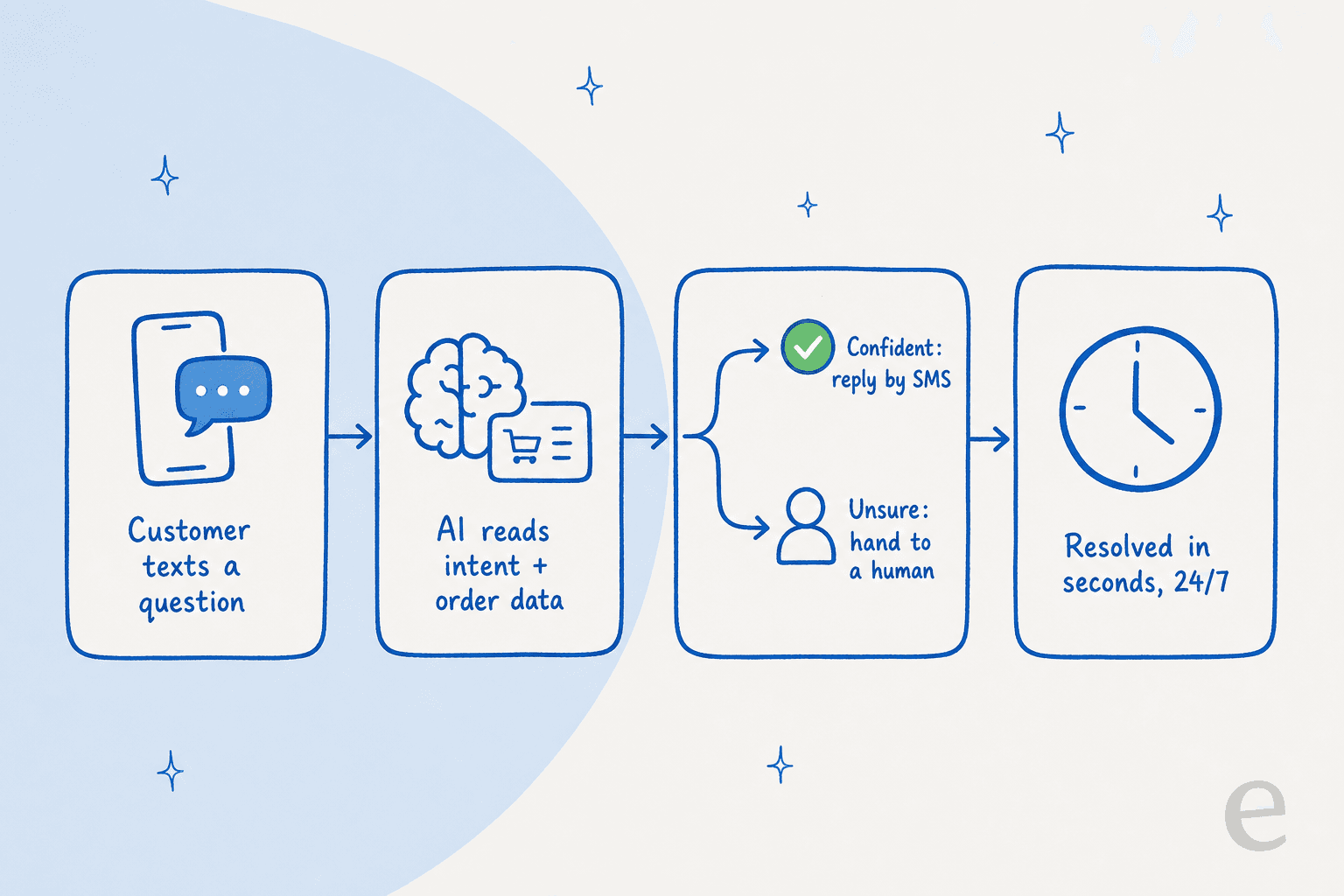
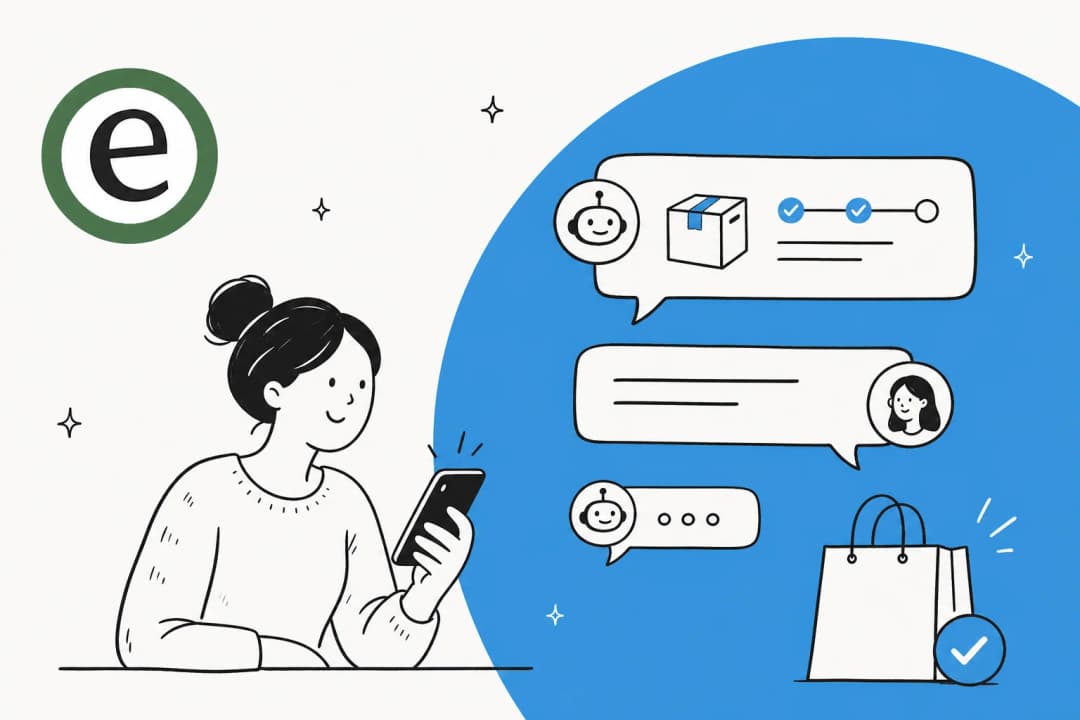
- The customer texts a question. It lands in your helpdesk or messaging platform as a conversation, the same as an email or chat.
- The AI reads intent and pulls real data. A generic bot says "track your order here." An AI connected to your order system reads this customer's order, sees it's stuck in transit, and says so.
- It decides: reply or hand off. On a confident answer it texts back. On anything uncertain, an angry tone, a damaged item, a question outside its knowledge, it routes to a human instead of guessing.
- It resolves around the clock. The whole loop runs in seconds, at 3am, during a spike, in whatever language the customer texted in.
Keep step three in mind, because it's the single setting that decides whether adding AI to SMS is safe. The whole job is teaching the AI to know what it doesn't know.
The five steps to add AI to SMS support
Here's the rollout end to end. The shape matters: the first three steps are setup you do once, and the last two are how you go live without scaring anyone.
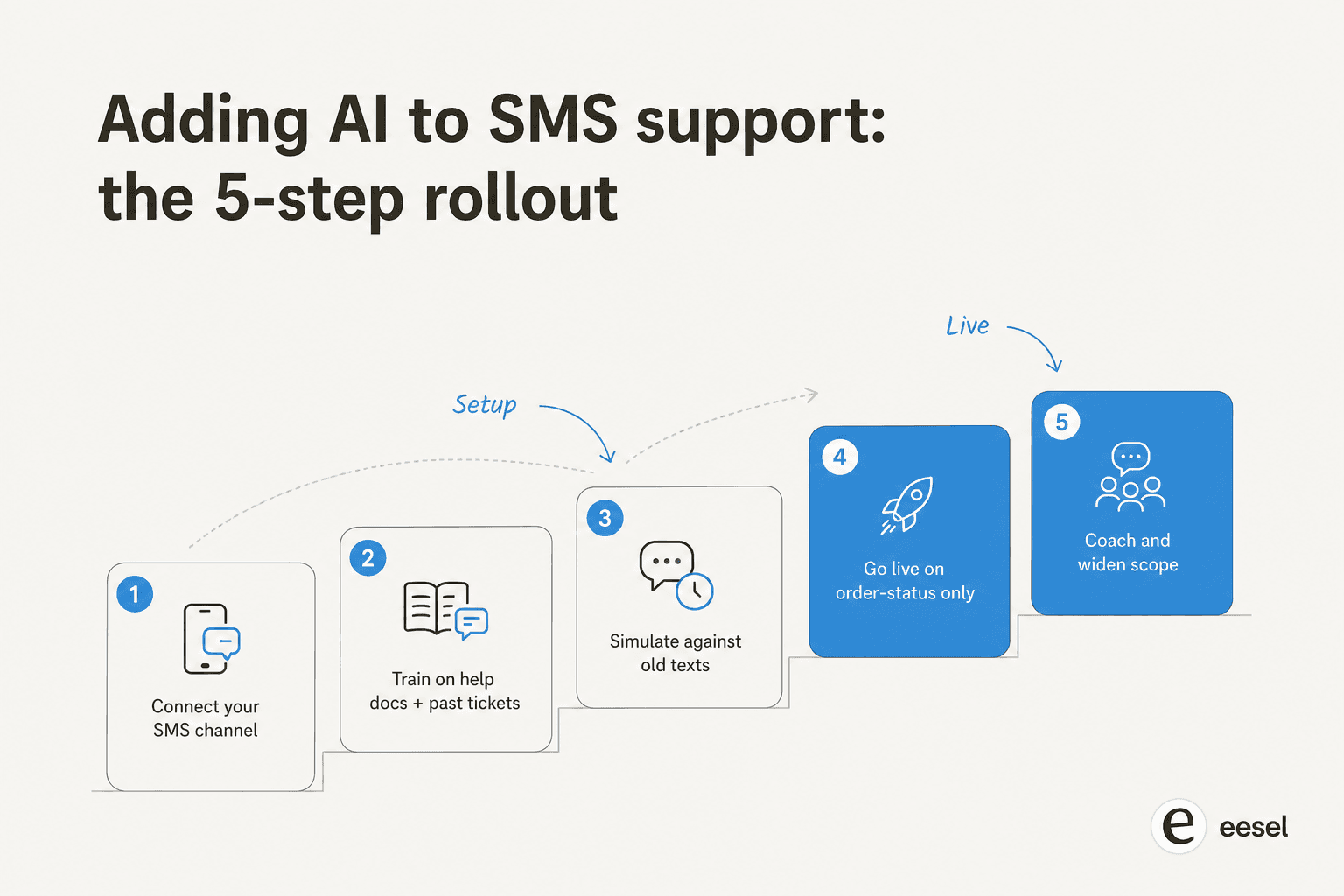
Step 1: connect your SMS channel and data
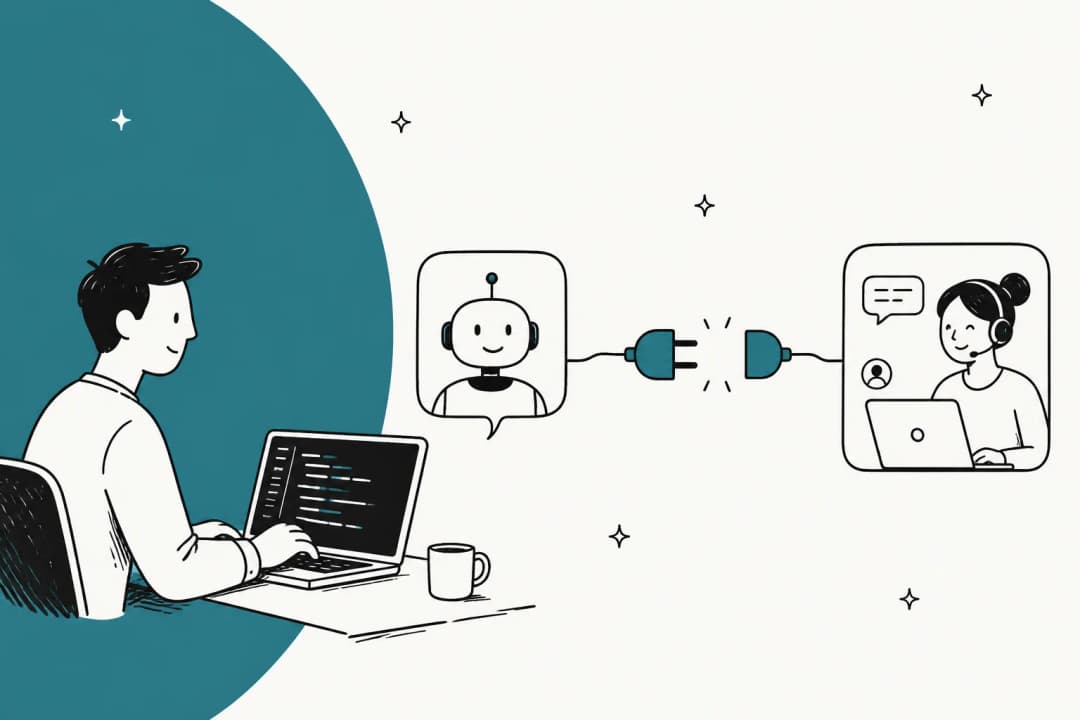
Point the AI at wherever your texts land. If you run a helpdesk that already ingests SMS, you connect the AI to the helpdesk and it inherits the channel; if you're on a raw Twilio number, you connect that. Then connect the systems that hold live answers, your store, your order tool, your CRM, so the AI can look up real data instead of reciting policy.

This is the step where the "layer on vs rip and replace" choice pays off. With a layer-on AI agent, connecting the channel is an OAuth click, not a data migration. eesel has 100+ integrations for exactly this reason, the channel you text on is almost certainly one of them, so you keep your existing inbox and add the AI on top.
Step 2: train it on your help docs and past tickets
Feed the AI your help center, your policies, and, most importantly, your solved tickets. Training on your own resolved tickets is what makes the replies sound like your team instead of a generic bot, because the AI learns the actual phrasing your customers use and the actual answers that worked.

One thing specific to SMS: set the tone explicitly for short, plain texts. An AI tuned for email support writes paragraphs, and a three-paragraph reply that reads fine in an inbox feels broken over text. Tell it to answer the question and stop talking.
Step 3: simulate against your old texts
This is the step teams skip and regret. Before a single customer sees the AI, run it against thousands of your past texts and conversations to see what it would have answered and where it would have gone wrong. You get a real coverage number and a real accuracy read, by question type, before you've taken any risk.
This is also the moment build-vs-buy gets settled for most teams. You could wire your own model up to your SMS channel, but then you own the testing harness too. As one customer put it after weighing exactly that:
"We could try to write our own LLM application but we didn't want to invest our time into that. We wanted something that we would not have to maintain."
Karel, GENERAL BYTES, in an eesel case study

A simulation against historical tickets is the difference between a confident rollout and a hopeful one. It's also why I keep telling teams the same thing: the simulation isn't a nice-to-have, it's the safety check that lets you trust the AI on a live text line.
Step 4: go live on a narrow slice
Don't flip everything on. Turn the AI live for one question type first, order status is the usual choice, with confidence-based routing sending everything else to humans. You want the AI handling the texts the simulation proved it's good at, and nothing else, on day one.

The mental model that works: treat the AI like a new hire. A narrow remit, supervised, with more responsibility as it proves itself. The DTC brands I've onboarded that start this way are live and useful in a week; the ones that try to automate everything at once end up turning it off.
Step 5: coach it and widen the scope
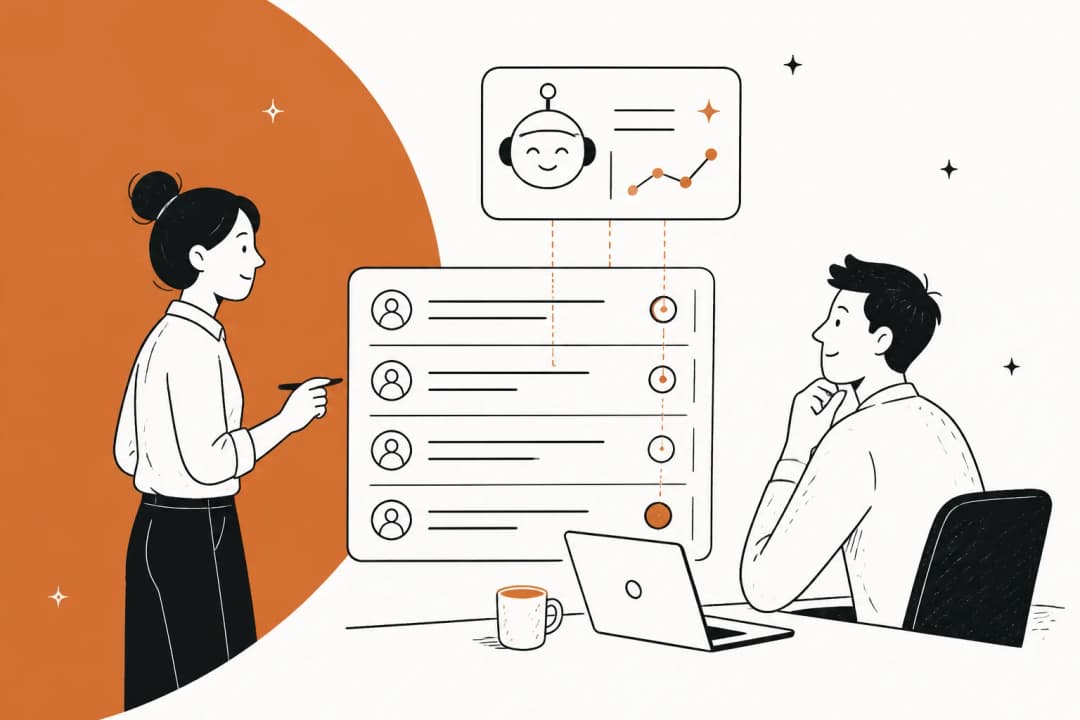
Every correction your team makes teaches the agent. Review the misses weekly, see which question types the AI is now handling confidently, and widen its scope from there. Over a few weeks you go from "AI handles order status" to "AI handles order status, returns, store hours, and sizing," each expansion earned by the numbers rather than guessed at.
That loop, simulate, narrow launch, coach, widen, is the same one whether you're adding AI to WhatsApp, live chat, or email. SMS just makes the discipline matter more, because a text feels personal and a wrong one lands harder.
What it costs to run
SMS budgets get ambushed because there isn't one price, there are layers, and one of them doesn't exist for chat-only channels.
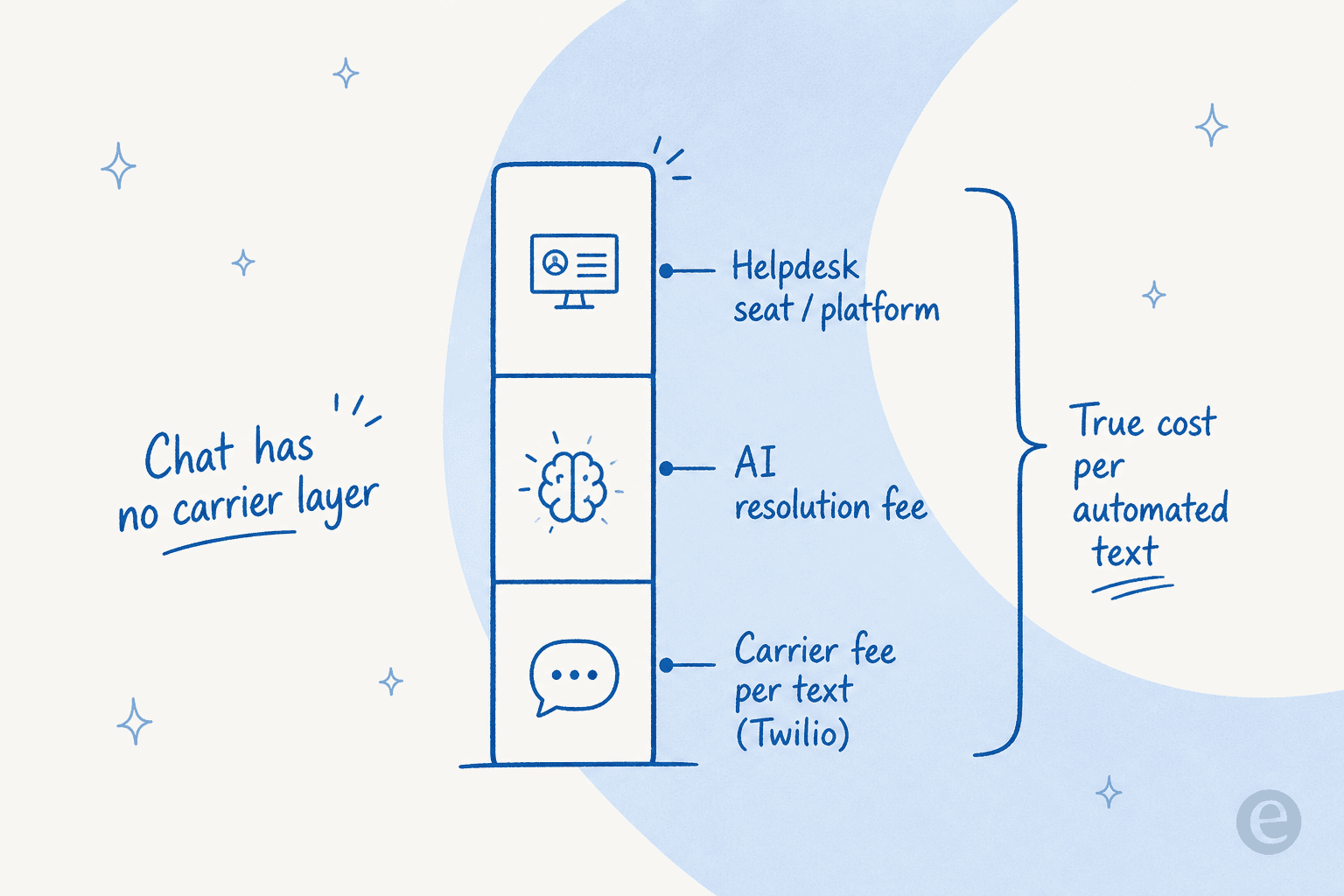
- Carrier fee per text. Every SMS segment costs money through a provider like Twilio, typically a fraction of a cent to a couple of cents, and a back-and-forth is several segments.
- AI resolution fee. What the AI tool charges to handle the conversation. This is the layer that swings most by pricing model.
- Platform / seat fee. Some all-in-one platforms add a per-agent charge whether or not the AI did the work.
The AI layer is where the pricing model decides your bill. Per-seat pricing punishes you for adding humans; per-interaction pricing punishes you for being busy, because every back-and-forth text can tick the meter on a chatty channel. Usage-based pricing that bills per resolved conversation, around $0.40 with eesel AI and no per-seat fee, is the model that scales with you instead of against you. Here's the full breakdown:
| Plan / item | Price | What it covers |
|---|---|---|
| Free trial | $0 | $50 in free usage, no credit card, every feature unlocked |
| Regular task | $0.40 each | One support ticket or one chat/text session, regardless of message count |
| Pay-as-you-go | from $0.40 / conversation | No platform fee, no per-seat fee, no monthly minimum |
| Annual commit | 25% off | Commit to ≥$300/month for the year |
| Enterprise | $1,000/month + usage | Dedicated SE, SSO, HIPAA, BAA, higher knowledge limits |
For the math on where AI support pays back, our cost-savings breakdown and the guide to measuring ROI on AI support both go deeper than a sticker price will.
Layer-on or all-in-one: which path to take
There's one decision that matters more than any feature checklist: do you add AI to the helpdesk you already run, or move to an all-in-one platform that wants to be your helpdesk?
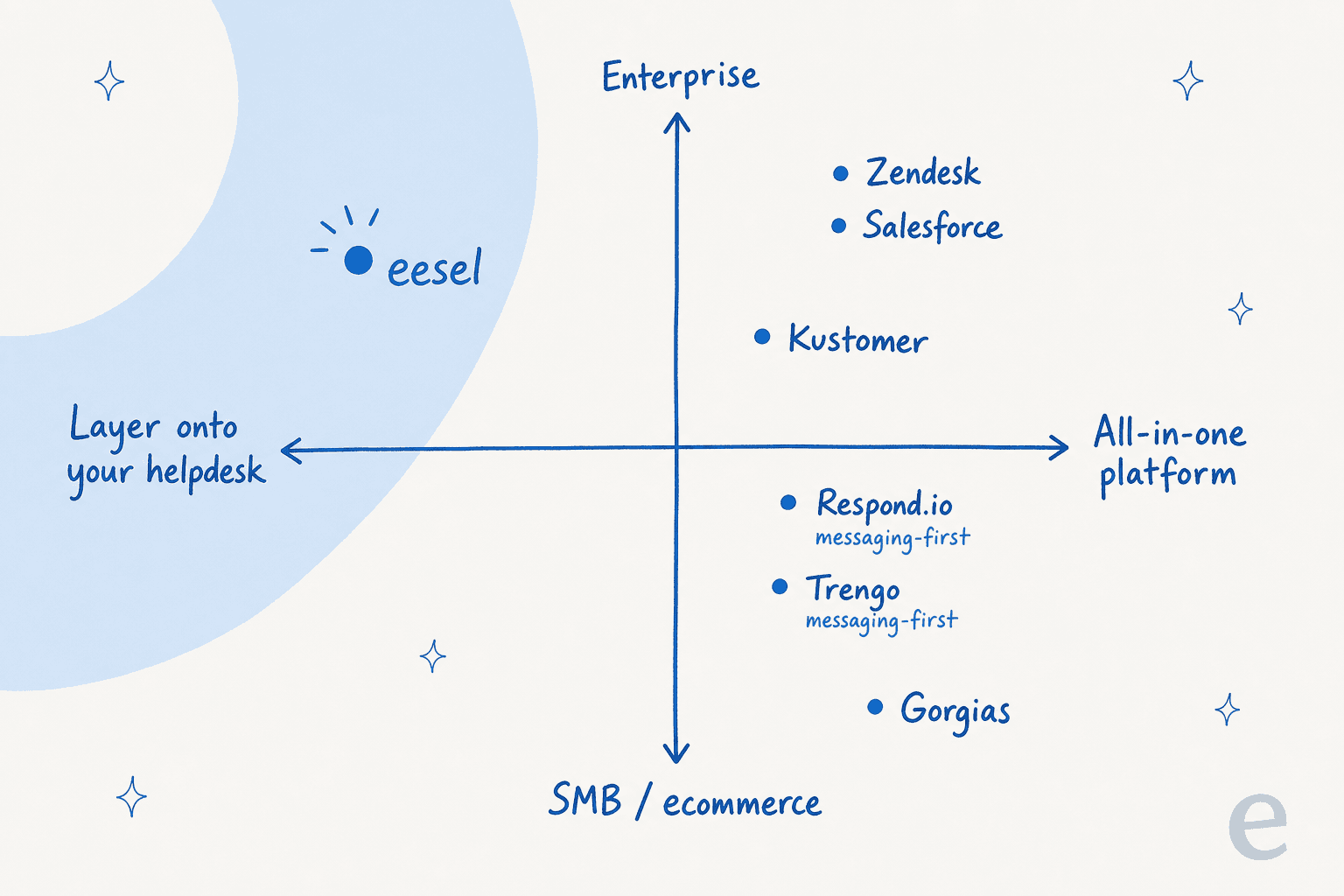
| Approach | Best for | Watch out for |
|---|---|---|
| All-in-one platform | New teams with no existing helpdesk | Migration cost, per-seat fees, lock-in |
| Messaging-first inbox | Omnichannel (SMS + WhatsApp + chat) heavy teams | AI often shallower than a dedicated agent |
| Layer-on AI agent | Teams happy with their current helpdesk | Needs a helpdesk that already ingests SMS |
My take, after building these integrations: if you already have a helpdesk your team likes, start with a layer-on agent. Switching your whole support stack just to get AI on SMS is the kind of project that eats a quarter, while adding an AI layer is the kind that takes an afternoon. Layer-on agents like eesel sit on top of Zendesk, Freshdesk, Front, and Gorgias, so you keep the inbox and add automation. If you're starting greenfield with no helpdesk yet, an all-in-one is reasonable, just price the per-seat and per-message lines carefully first. For a fuller comparison, see the best AI for SMS.
The mistakes that actually bite
A few things I'd flag before you point AI at a live text line:
- Skipping the simulation. Going live without testing against past texts is how a confident-but-wrong reply reaches a real customer. It's the one step you can't shortcut.
- A silent channel gap. If your AI picks up email and chat but quietly misses SMS, the customers texting you get silence. Confirm the text channel is genuinely wired in, not assumed.
- Replies that are too long. An email-tuned AI writes paragraphs that read as broken over SMS. Set the tone for short, plain texts.
- No live-data connection. Without order or account lookups, you've built a fancy FAQ bot, and "where is my order," your highest-volume text, falls back to a deflection.
- Per-message pricing at volume. A model that bills per message instead of per resolution can quietly 3-4x your bill on SMS. Read the meter before you sign.
- Over-automating tone-sensitive texts. Let the AI escalate angry or damaged-item messages. A bot trying to de-escalate a furious customer over text does more damage than a slightly slower human.
Get these right and adding AI to SMS is genuinely a low-risk afternoon. Get the simulation and the narrow launch wrong, and it's the kind of thing that ends up in a "we tried AI and it didn't work" post.
Try eesel for SMS support
If you're adding AI to text-message support, eesel AI is built for exactly the layer-on path above: it sits on top of the helpdesk you already run, learns from your past tickets and help docs, and answers routine texts while routing the rest to your team.

The differentiator that matters most here: you can simulate the agent against your real past texts before a single customer sees it, so you know your coverage and accuracy before going live, and the pricing is usage-based at around $0.40 per resolved conversation with no per-seat fee. One team, Gridwise, saw eesel resolve 73% of tier-1 requests in the first month, with results landing during a 7-day trial. It's free to try, and setup is minutes, not a migration.
Frequently Asked Questions
How do I add AI to SMS support without a developer?
How much does it cost to add AI to SMS support?
Is it safe to let AI answer customer texts automatically?
What can AI actually handle over text message?


Article by
Rama Adi Nugraha
Rama is a software engineer at eesel AI with two years of experience writing about B2B SaaS, AI tools, and customer support technology. Based in Bali, Indonesia, he brings a developer's perspective to product comparisons — cutting through marketing copy to what the integrations and APIs actually do.