


Microsoft Copilot for work is two things today: a free Copilot Chat included with Microsoft 365 that mostly answers from the web, and a paid Copilot license ($21 a user a month on the Business add-on, $30 on the enterprise add-on) that works inside Word, Excel, PowerPoint, Outlook and Teams from whatever each person can already see. Bigger "hand it off" work like Cowork and the new Autopilot agent is billed on usage on top.
It's a very good assistant for one person in Microsoft 365. Where it gets harder is the work a team shares: a helpdesk queue, the IT and HR questions in a Teams channel, a daily summary nobody owns. That needs one Copilot-like teammate the whole team shares, whose permissions change with who is asking: someone on your team, the specific people you name to approve, or a customer outside the team. That's what eesel is, and it works natively inside Microsoft Teams, Slack, email, your helpdesk and Shopify.
You can even have Claude Code or Codex set eesel up for you. With the eesel CLI, a coding agent can upload your approved SharePoint exports and policies, write the agent's instructions, then ask it test questions and check the answers before anyone in Teams sees one. Connecting Teams or your helpdesk still needs an admin to approve it.
I'm Rama, and I ship eesel's integrations and APIs, including the Teams app. That means I spend a lot of time reading Microsoft's connector docs and Graph permission scopes, so this post is the version I'd give a friend who asked "should we just use Copilot?"
What does Microsoft Copilot do at work today?
Microsoft Copilot at work is an AI assistant built into Microsoft 365 that drafts, summarizes and analyzes inside the apps your company already pays for. If you want the full product history, my Microsoft Copilot guide covers it, and the Copilot overview maps every product with Copilot in its name. Here I'll stick to what it does in a normal workday in November 2026.
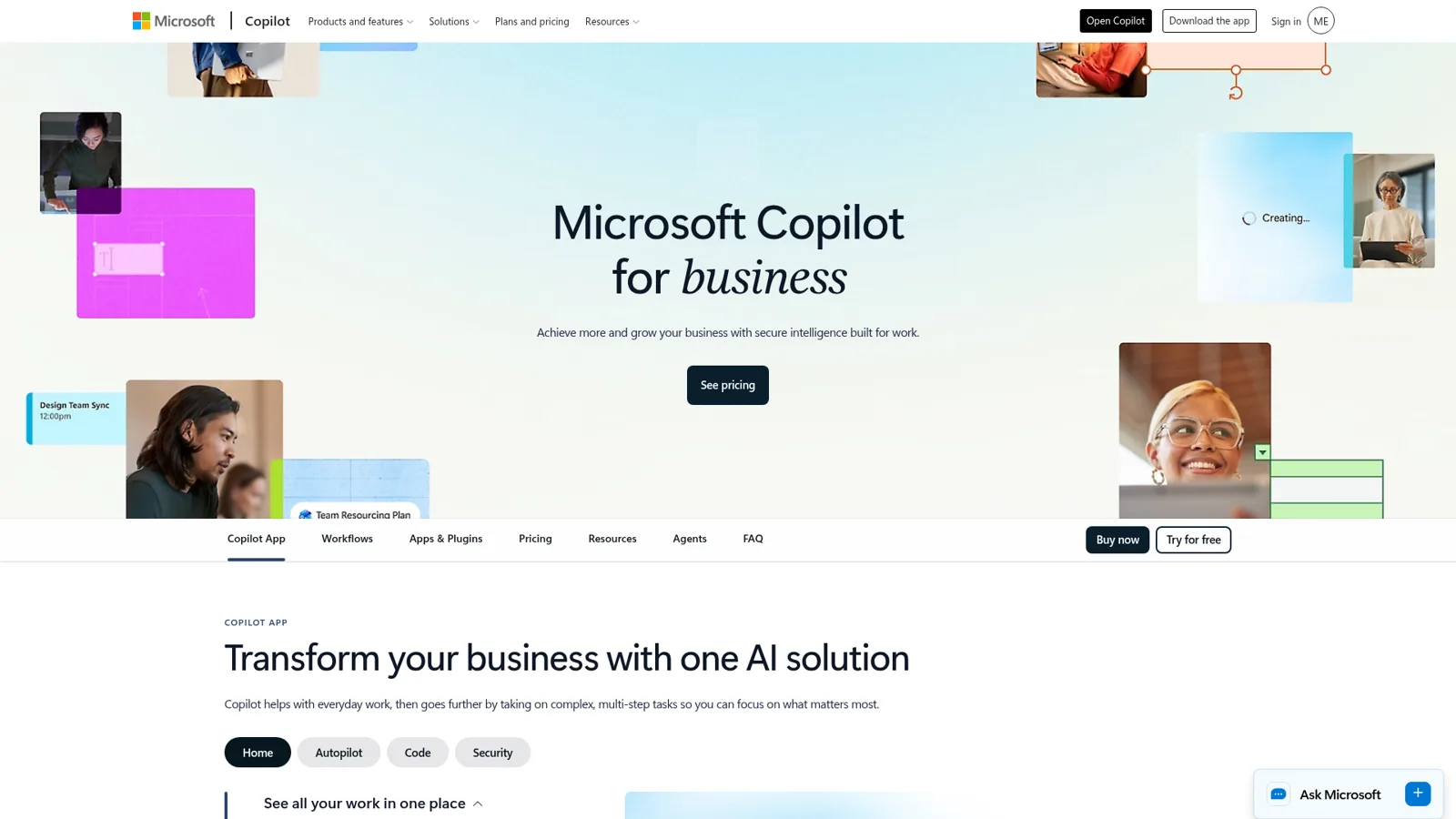
Microsoft's own pricing FAQ sums up the per-app jobs well: in Word it drafts and edits, in Excel it "analyzes data, creates charts, and generates insights", in PowerPoint it helps build decks, in Outlook it "drafts emails and summarizes lengthy email threads", and in Teams it "recaps meetings and highlights action items from chats". The Teams meeting recap is the one I'd try first: it tracks who said what and answers questions during or after the call. If your sheets are the bottleneck, my Copilot in Excel piece goes deeper.
On top of the in-app help, Microsoft has stacked a "do the work" layer this year:
| Piece | What it does | Status (17 Nov 2026) | How it's paid |
|---|---|---|---|
| Copilot Chat | Secure chat that "primarily uses web data"; uses work content you attach to the prompt | Included with eligible Microsoft 365 plans | Included; agents metered |
| Copilot in the apps | Word, Excel, PowerPoint, Outlook, Teams | Available | Paid per-user license |
| Researcher and Analyst | Multistep research reports; data analysis across spreadsheets and files | Available with the paid license | Paid per-user license |
| Cowork | Sends emails, schedules meetings, creates documents, posts in Teams; "You approve each action before it happens" | Generally available | Usage-based |
| Autopilot (was Scout) | "Your digital teammate": a name, role and goal, watching channels and running recurring work | Rolling out via Frontier early access | Usage-based |
| @Copilot in Teams | The whole channel shares Copilot's context and permissions | Private preview | Not announced yet |
The Copilot Chat wording comes from the Copilot overview on Learn, Researcher from its support guide, and Cowork from the Cowork docs. The Autopilot and @Copilot rows come from Microsoft's September launch post, quoted below.
Two of those rows matter for this post. Microsoft describes Autopilot as something you "@mention like a colleague", living "in your tenant with its own identity, memory, computer and workspace", and says @Copilot in Teams gives "your entire team" the "shared context and permissions of the channel, group chat or meeting". So Microsoft clearly sees the same thing I do: the next step for an assistant at work is being shared by a team. Both are early access or preview today. My Autopilot deep dive covers how it works.
People who use the current stack daily are mostly happy with it, and Cowork is the part that changed minds:
"4 months ago I wouldn't touch the M365 Copilot thing if you paid me to, now it's basically the only AI I use professionally. Cowork changed the way we work"

A System Engineer's Capterra review likes that "It's integrated across many places, like Outlook, Teams, etc." and flags the flip side: because it's built into so many places, "it can end up pulling similar-looking information and then presenting it as a confident answer, even when that information is wrong." Every assistant has that failure mode; it's why I care so much about testing later in this post.
How much does Copilot for work cost?
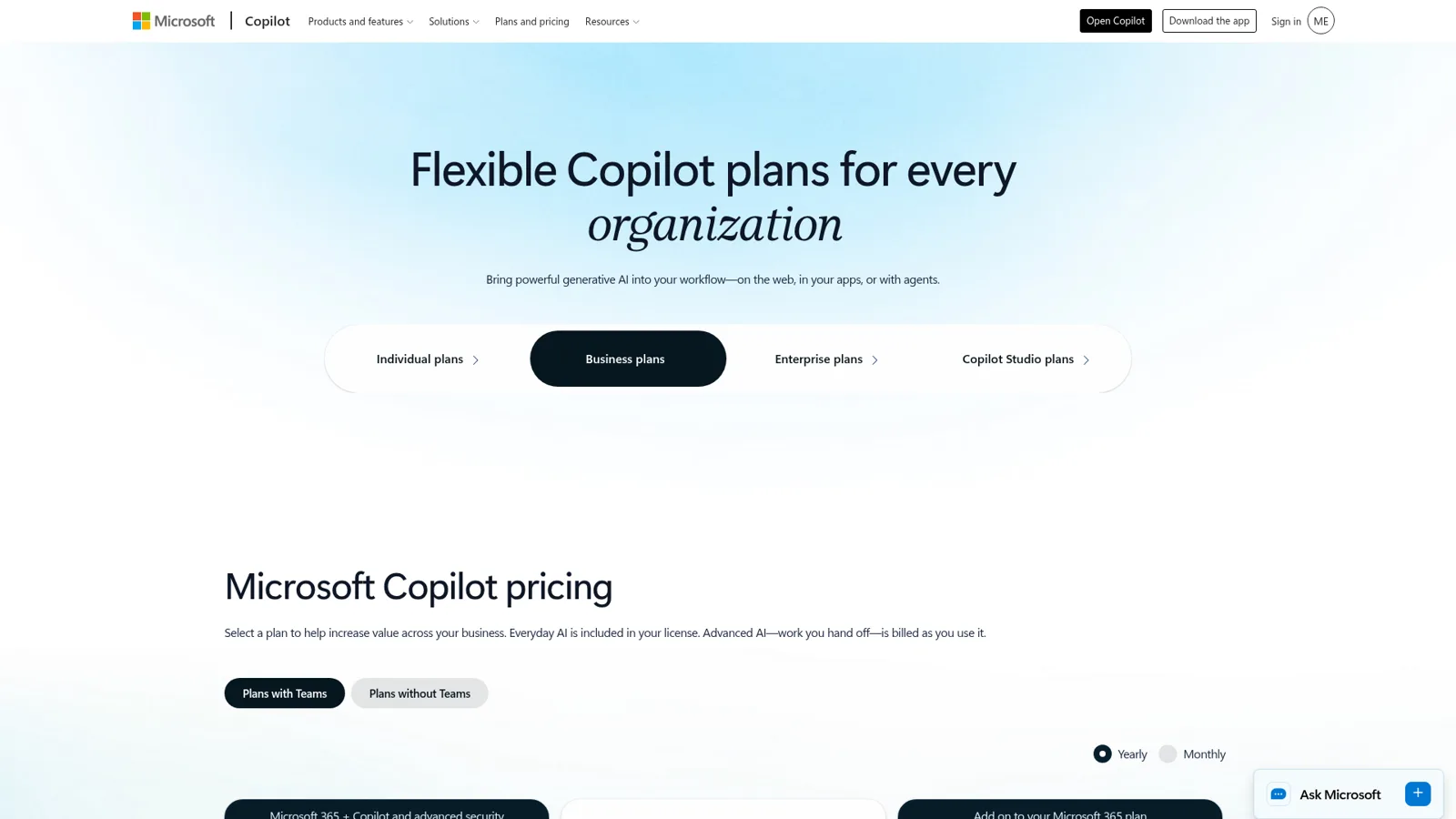
Copilot for work costs $0 for Copilot Chat, $18 to $30 a user a month for the paid license, and usage-based charges for agent work on top. In September 2026 Microsoft moved to a split it sums up in one line on the pricing page: "Everyday AI is included in your license. Advanced AI, work you hand off, is billed as you use it."
| Plan | US list price | Notes |
|---|---|---|
| Copilot Chat | Included with Microsoft 365 | Web-grounded chat; agents metered (enterprise pricing) |
| Microsoft 365 Copilot Business (add-on) | $21.00 user/month, paid yearly; $25.20 on monthly billing | Up to 300 users; promo "now starting from $18.00", 1 July to 31 December 2026, first year only |
| Business Standard with Copilot | $23.50 user/month yearly; $28.20 monthly | Microsoft 365 apps plus Copilot in one SKU |
| Business Premium with Copilot | $32.00 user/month yearly; $38.40 monthly | Adds advanced security |
| Microsoft 365 Copilot (enterprise add-on) | $30.00 user/month, paid yearly | Needs a qualifying Microsoft 365 plan |
| Copilot Studio capacity pack | $200 per 25,000 Copilot Credits a month | Tenant-wide (Studio pricing) |
| Copilot Studio pay-as-you-go | $0.01 per credit | Billed through Azure (PAYG meters) |
Business plan prices are from the business pricing page, checked 17 November 2026. Microsoft often announces changes at Ignite, which runs 17 to 20 November 2026, so prices and plans may change this week. Microsoft names the usage-billed items today as "Copilot Cowork, Code, Autopilot, and the Work IQ APIs", and says more may be added.
Two details I'd want a finance lead to know. First, for enterprise customers the usage side starts switched off: per Microsoft's pricing post, "UBB services stay off until an admin creates a spending policy", with budgets and user caps set in the admin center. That's a sensible default. Second, Copilot Studio agents can burn credits faster than you'd guess. Microsoft's billing rates page charges 1 credit for a classic answer, 2 for a generative answer and 5 for an agent action, and its own website-support example lands at 7,200 credits a day for 900 customers. By my arithmetic (not Microsoft's), that's about $72 a day at pay-as-you-go rates. For older plan breakdowns, see my Copilot pricing post.
Is company data safe in Copilot for work?
Yes, by the standards most IT teams ask about. Microsoft's privacy page says prompts, responses and Graph data "aren't used to train foundation LLMs", and that Copilot "only surfaces organizational data to which individual users have at least view permissions." Enterprise data protection applies on both Copilot Chat and the paid license, under the same contract terms as your Exchange email and SharePoint files.
The admin controls are real too. Admins approve which agents are allowed under Integrated apps in the Microsoft 365 admin center, set spending policies with budgets and per-user caps for usage billing, and can restrict where Copilot Studio agents publish through Agent access channels. Cowork asks the user to approve each action before it happens.
That second privacy quote is the key to the rest of this post. Copilot's security model is built around the individual user: it sees what you can see and acts as you. For your own inbox that's exactly right. For a team's shared work, especially work customers see, it's a different shape from what you need.
Where does Copilot stop for a team's shared work?
Copilot stops at the edge of each licensed person's Microsoft 365 account. It's licensed per user, grounded in each user's permissions, and Cowork acts on that user's behalf. It doesn't change what it does based on who the request comes from, and it isn't built to face your customers in your own channels out of the box. One Hacker News user put the upside and the limit in a single line while describing a daily Cowork routine:
"Copilot Cowork in the M365 ecosystem. It inherits all the permissions from my account, has access to exchange to send me emails, and OneDrive to save each day's summary for posterity and future refinement."
"Inherits all the permissions from my account" is great for a personal assistant. Now picture the work a team shares:
- A helpdesk queue. Tickets arrive all day in Zendesk, Freshdesk or Gorgias, and someone has to tag, look up the order, draft, and decide what goes out.
- The questions channel. IT, HR and ops get the same twenty questions in Teams every week, and the answers live in SharePoint and Confluence (my internal knowledge base guide covers that problem).
- The scheduled check. A summary every morning, a list of tickets that slipped, an audit of yesterday's numbers. My AI coworker piece has more examples.
None of those belong to one person's account. They belong to the team.
Can Copilot work a Zendesk, Freshdesk or Gorgias queue?
Not out of the box, though it can read some of it. Microsoft's connector gallery has a Zendesk Help Center connector and a Zendesk Ticket connector, in preview, that "allows your organization to index tickets from Zendesk" so people can search and summarize them in Copilot (Zendesk Ticket overview). That's useful for "what's the status of ticket 2234?" It's a search index, though, and it doesn't reply, tag or close anything. Neither the Microsoft-built gallery nor the partner gallery lists a Freshdesk or Gorgias connector.
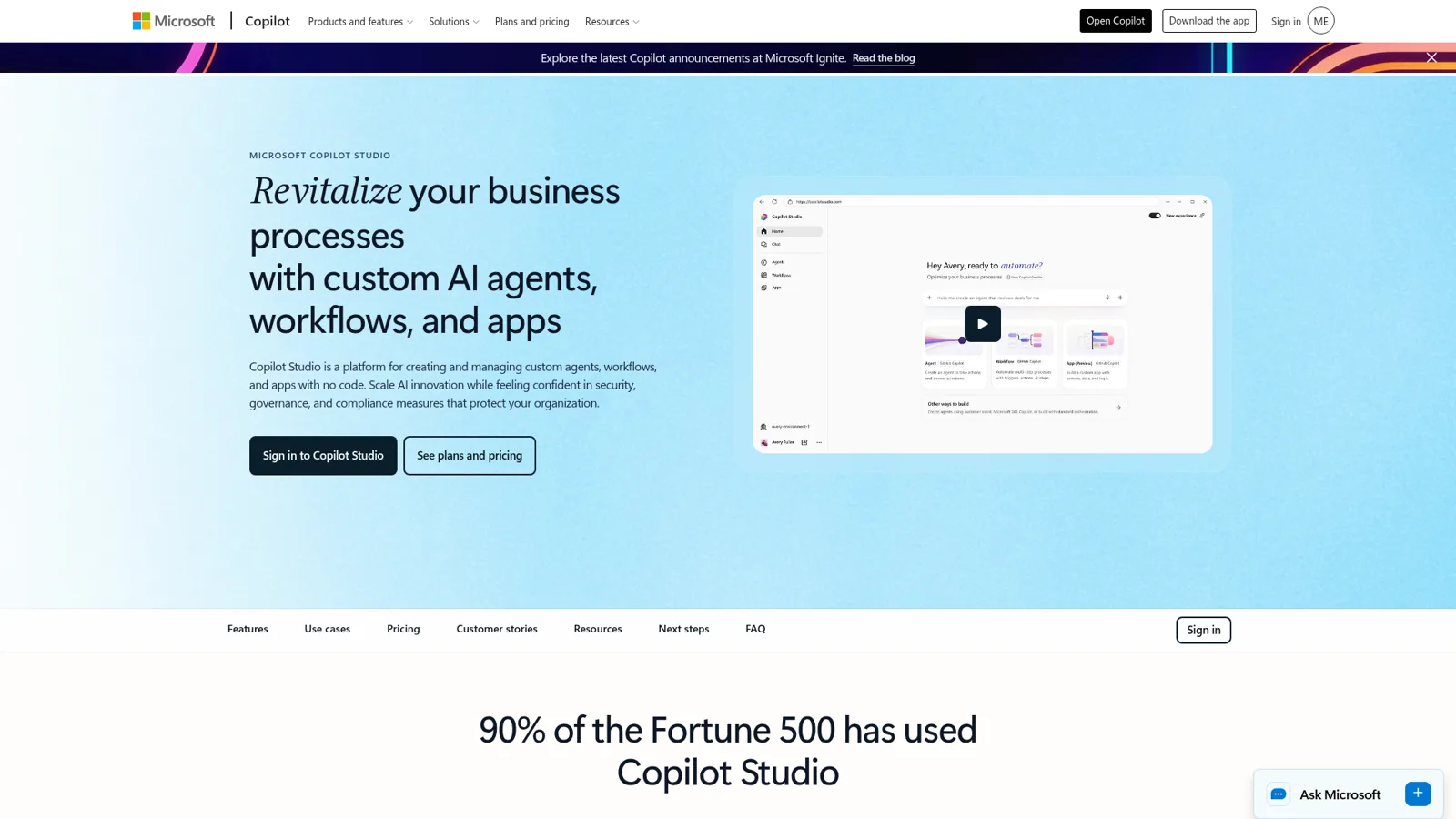
To have an agent work the queue, you build one in Copilot Studio. It's a capable builder: 1,500+ connectors, MCP servers, autonomous triggers and an evaluation tool for testing.
Having built the same kind of integration myself, here is what I'd expect that project to involve, all from Microsoft's own docs:
- Zendesk has a Power Platform connector with generic create, get and update actions. Its documented limits say array fields come back as a "[List]" string, and tags are an array, so the field a support team routes on needs extra work. It's throttled at 100 calls per connection per minute.
- Freshdesk has a standard connector that can add private notes and update tickets, with a trigger that polls every 15 seconds and doesn't return the ticket description by default.
- Gorgias has no Microsoft connector page, so you'd write a custom connector or an MCP server.
- Acting on each new ticket needs event triggers, which Microsoft notes "can affect how billing is calculated", plus an Azure subscription for metered agents.
- Letting people without a Copilot license use it, or publishing outside Microsoft 365, needs the standalone Studio license, per Microsoft's pricing FAQ.
A fair voice from someone who uses Studio heavily:
"We make heavy utilization of Copilot Studio lite and full. Lite has quick access to SharePoint/Teams data. Full has access to any data that has a Power Platform connector, REST API, MCP server, or Copilot [Graph] connector, all of which you can build or buy yourself."
"Build or buy yourself" is the honest summary. If you have a Power Platform team, Studio is a real option. If you're a ten-person support team, it's a project with upkeep; a post on Microsoft's own forum this week is from a builder whose agent "still behaves as though the knowledge base is inaccessible" after republishing.
Microsoft's packaged Service Agent, meanwhile, is documented for "data from Dynamics 365 Customer Service", a different helpdesk from the Zendesk and Gorgias setups most eesel customers run. My helpdesk copilot guide compares assist tools on that side.
What does a team's shared work need from an assistant?
A team's shared work needs one assistant the whole team can talk to, steer and trust, sitting where the work happens. In practice, after a few years of putting AI on live support queues, I'd boil it down to five things:
- What it does depends on who is asking. A teammate in Teams, the people you've named to approve, and a customer on a ticket each get different permissions.
- It has its own permissions, per action. Looking things up can be automatic; sending a customer reply or issuing a refund can wait for a person; some actions never run.
- It's shared. Anyone on the team can @mention it, see what it did, and correct it, and the correction sticks for everyone.
- Roles decide who can change it. Some people configure it; everyone else just uses it.
- It works natively in every tool the team uses, not only Microsoft's: Teams and Slack, email, the helpdesk, Shopify.
Here's how the options line up against that list:
| Copilot (per-user license) | An agent you build in Copilot Studio | eesel | |
|---|---|---|---|
| Who is asking changes what it does | No, it acts as the signed-in user with that user's access | Designed per agent by your builders | Built in: your team, named approvers, and customers or visitors get different permissions |
| Who it works for | Each licensed person | Whoever you publish it to | The whole team, one shared teammate |
| Approvals | Cowork asks before each action | Designed per agent by your builders | On, Ask first or Off per action, with approval cards in Teams and Slack |
| Admin controls | Integrated apps, spending policies, data protection | Power Platform admin center, Agent access channels | Editor and Viewer roles, per-action settings, Team only |
| Works in your helpdesk | Zendesk tickets searchable via preview connector | Build with connectors or MCP | Native: Zendesk, Freshdesk, Gorgias, plus Shopify and 3,000+ integrations |
| Testing | Not applicable | Evaluations you write | Run against your past tickets before go-live |
| Pricing shape | $18 to $30 per user a month, plus usage | Copilot Credits | From $299 a month for 500 credits, unlimited seats |
If the job is "help me with my own email and documents", Copilot is the right tool and I'd keep it. If the job is "handle this shared work for all of us", the shape of an AI teammate fits better. My best AI teammates roundup compares the field.
Which one should do this job? Tap a job to see.
Summarize my meeting and draft my follow-up email
Copilot. It's your meeting and your inbox, and Teams recap plus Outlook drafting is what the license is for.
Answer "how do I get VPN access?" in the IT channel, for everyone
A shared teammate. One agent answers the whole channel from SharePoint or Confluence, with the source linked, whoever asks.
Reply to customers on Zendesk, Freshdesk or Gorgias tickets
A shared teammate with approvals. It needs to act in the helpdesk, look up orders, and wait for a person before anything risky goes out.
Build a long financial model from three spreadsheets
Copilot's Analyst. That's personal analysis work in Excel, where it's strongest.
Post a daily summary of tickets that slipped to the support channel
A shared teammate on a schedule. Nobody's personal assistant should own a report the whole team reads.
How do eesel's permissions change with who is asking?
What eesel does on its own, what it asks first, and what it never does change with who is talking to it. That's the core of eesel's actions and approvals model, and it's the part I'd lead with for any team coming from Copilot. There are three kinds of people on the other end:
- Your team. People on your eesel Team page, plus people your connected apps show are part of your company: users in your Microsoft Teams, full members of your Slack, anyone writing an internal note in your helpdesk. Some actions and files carry a Team only tag (writing scripts against an app's API, admin tools, changing the agent's own instructions or automations) and only ever run when one of these people asks.
- The specific people you name. Only Editors can approve a held action, and you choose which members or channels get the approval requests. In Teams, only editors can decide from the approval card; anyone else gets a message only they can see.
- Customers and visitors. A customer on a helpdesk ticket or a visitor in the website chat never triggers a Team only action. A file set to On can inform their answer, but the file itself, or a link to it, is never sent to them.
On top of that, every action is set to On, Ask first or Off, per agent and per action, and you can change it any time:
- On runs it without asking. Even then, eesel's safety check can hold a call it judges risky.
- Ask first stops, saves exactly what it wants to do (the reply text, the refund amount, the tag) and waits. Approvals land in the dashboard, as a card in the Teams or Slack thread the run started from, by email, or in the terminal.
- Off means it never runs.
You don't need the settings page for any of this. Tell it in chat, "look things up on your own, but ask me before any refund", and it changes the settings and tells you what it set. My advice is the same as the docs: start supervised, and keep refunds, cancellations and anything that costs money behind approval. One exception is built in: live-chat replies are always On, because nobody can pause a live chat to wait for an approval.
Roles decide who can steer it. Per the account docs, editors build and adjust agents, connect integrations and invite teammates (and only they can approve held actions); viewers chat with agents and review activity but can't change anything. In Teams, the agent refuses a viewer's setup change. And when someone corrects it, the fix sticks: rules go to its instructions and lessons to its memory, and both hold in every app it works in.
My piece on AI agent permissions explains why this split matters.
What does eesel look like inside Microsoft Teams?
eesel is an AI teammate your whole team shares, and inside Microsoft Teams it behaves like a colleague in the channel. It arrives with the skills and context for the job: it learns from your docs, past tickets and Slack history, follows your instructions reliably, and it's proactive, posting the morning summary or flagging what slipped without anyone asking. If you've tried a Teams IT support bot before, the difference is that this one does the work, within the permissions you set. Per the eesel Teams docs, it:
- Answers mentions and DMs from your connected knowledge, such as SharePoint pages, Confluence spaces or Google Drive.
- Follows a thread after the first mention without being re-mentioned, and stays quiet when people are talking among themselves.
- Reads screenshots pasted into the question, which is half of every IT channel.
- Posts on its own, starting a channel post or a DM, for example a daily summary from a scheduled automation.
- Asks for approval in Teams. When an action needs a person, it posts an approval card in the thread for your editors, matched by their Teams email.
Setup is short. eesel isn't in the Teams store yet, so a Teams admin uploads the app package in the Teams admin center (Microsoft doesn't need to approve it), and it shows up for your organization within a few hours. Then someone adds it to the channels where questions get asked. It reads the conversation before it answers, so it has the thread's context. If your helpdesk already posts to Teams, my Zendesk and Teams guide covers the native notification options too. If you're on Slack instead, or as well, the Slack integration works the same way, and every agent also has its own email address.
The same agent works well beyond Teams. A few real teams, all published as customer stories:
- Internal IT. Cactus Club Cafe runs internal IT support on Zendesk: 750 tickets in a month, 790 drafts for the tech team, and 1,650 runbook and policy lookups, with a second agent auditing the daily finance extract.
- A morning check nobody has to run. Cape Coffee Beans has eesel run 160 scheduled Zendesk and Drive checks a month, emailing the founder a short list of tickets that slipped.
- Customer drafts the team calls in. At Adverscale, support agents type @eesel on a Zendesk ticket and the teammate answers: 2,400 tickets in a month, 1,600 replies sent.

The eesel internal operations use case shows the IT and HR setup step by step, and my guide to an internal IT helpdesk goes deeper on the IT side.
Should you use Copilot, eesel, or both?
Most Microsoft 365 teams should use both. Keep Copilot for what it's best at: each person's email, documents, spreadsheets and meetings, inside apps they already live in, under enterprise data protection your IT team already signed off. Add a shared teammate for the work no single license owns: the questions channel, the helpdesk queue, the scheduled reports.
The rule I use is simple. If the output belongs to one person, give it to their Copilot. If the output belongs to the team, or a customer will read it, give it to a teammate the team shares and set what it may do on its own.
If you're still choosing a suite, Gemini vs Copilot covers that question.
Pricing is the other honest difference. Copilot is per seat, which makes sense for a personal assistant. eesel's Teammate plan starts at $299 a month for 500 credits, where a ticket or a chat is 1 credit however long it runs, with unlimited agents and seats, so the whole company can ask it things without a license per person. There's a free 7-day trial with no card, and security details live on the security page.
Try eesel as your team's Copilot
If Copilot is each person's assistant, eesel is the one your whole team shares. Add it to your Teams channels, connect SharePoint or Confluence and your helpdesk, and decide action by action what it does on its own, what it asks first, and what it never touches. Run it against your past tickets before it answers anyone, then let it earn more freedom.

Frequently Asked Questions
Is Microsoft Copilot free for work?
Copilot Chat is included with eligible Microsoft 365 work plans, but it mostly answers from the web unless you paste or attach work content. Copilot inside Word, Excel, PowerPoint, Outlook and Teams needs a paid license. My Copilot pricing guide covers the older plan history.
How much does Microsoft Copilot for work cost?
As of 17 November 2026, the Microsoft 365 Copilot Business add-on is $21 a user a month paid yearly ($18 on a first-year promo until 31 December 2026), and the enterprise add-on is $30. Agent work like Cowork and Autopilot is billed on usage on top. A shared teammate like eesel is priced on work done instead of seats.
Can Microsoft Copilot work inside Zendesk, Freshdesk or Gorgias?
Microsoft's Zendesk Ticket connector (preview) indexes tickets so people can search and summarize them in Copilot. Neither connector gallery lists Freshdesk or Gorgias, and working a queue means building an agent in Copilot Studio. eesel works inside Zendesk, Freshdesk and Gorgias out of the box.
What is the difference between Copilot and Copilot Studio?
Copilot is the assistant each licensed person uses in Microsoft 365. Copilot Studio is the builder for custom agents, billed in Copilot Credits ($200 for 25,000 a month, or $0.01 each pay-as-you-go). My Copilot overview maps the whole product family.
Is Copilot Autopilot available for work accounts?
Autopilot, Microsoft's "digital teammate", is rolling out through the Frontier early-access program and is billed on usage. My Autopilot explainer covers what it does and when you can use it.
What is the best Copilot alternative for a team in Microsoft Teams?
If you want one assistant the whole team shares in Teams, with per-action permissions and a hard line between staff and customers, look at an AI teammate like eesel. You can keep Copilot for personal work in Office and add eesel for the shared work. See AI for Teams support for more options.