What an AI tutorial writer actually does
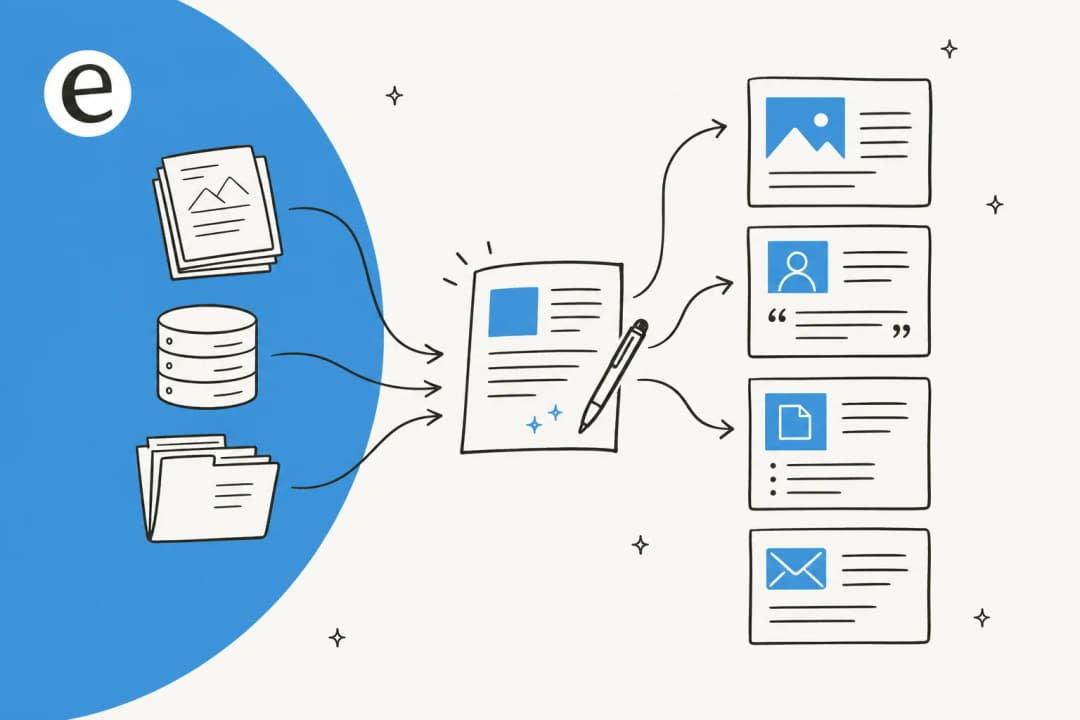
Strip away the marketing and an AI tutorial writer does three jobs: it turns a task into an outline, fills that outline with step-by-step instructions, and pulls in supporting detail like screenshots, code snippets, or warnings. It's a close cousin of the general AI content writer and the AI documentation assistant, tuned for one shape of content: the procedure.
The reason tutorials are their own category is the bar they're held to. A blog intro can be vague and still be fine. A tutorial step that's wrong sends the reader into a dead end, and they feel it immediately. That's also why a tutorial is one of the highest-value things you can publish: when it's right, it deflects a support ticket, closes a sale, or onboards a user without anyone lifting a finger.
The good news is that procedures are exactly the kind of structured, repetitive writing AI handles well, which is why AI documentation is one of the faster-moving corners of the whole AI writing tools space. The bad news is the accuracy bar, and that's where most drafts fall over.
Why most AI-written tutorials quietly fail
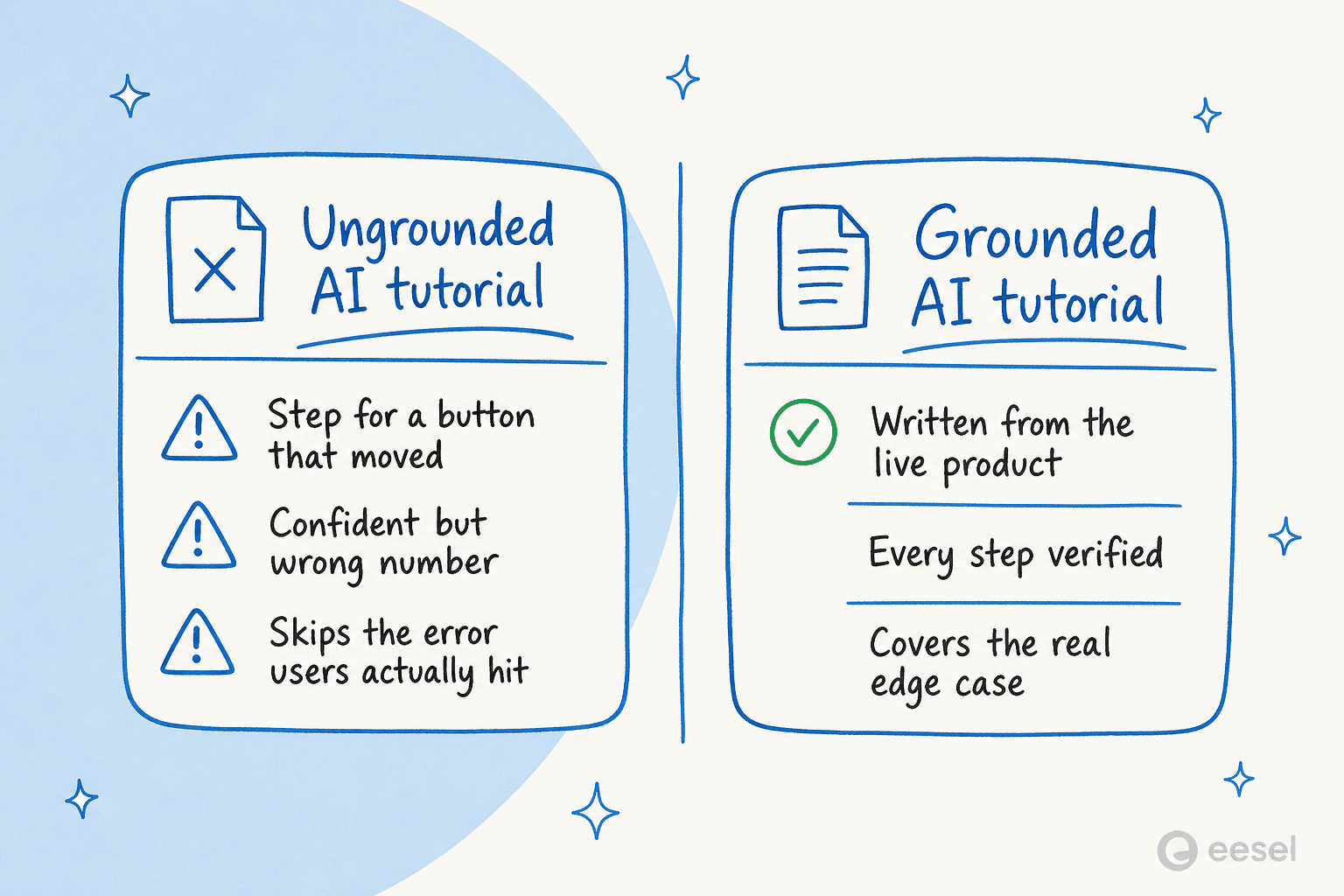
Here's the failure mode I see most: the tutorial reads beautifully and is subtly wrong. The model didn't have the real UI, so it invented a plausible-looking step. It didn't have the real number, so it stated a confident one. It documented the happy path and skipped the error every user actually hits.
This isn't hypothetical. One marketer at a medical-cannabis telehealth company generated a compliance-heavy post where the AI stated a possession limit that was off by roughly thirteen times the correct figure, and a human had to catch it before it went live. As a co-founder at a legal-tech company that uses eesel's writer put it to me, "in legal tech you can't afford to get anything wrong, there's a fine line between being helpful and overstepping." Tutorials live on that fine line too: a wrong step in a billing guide or a security setup isn't a typo, it's a support escalation or worse.
Models hallucinate hardest when retrieval comes back empty, they fill the gap from training data rather than admitting they don't know. That's the same root cause behind AI support bots confidently answering questions they shouldn't, and it's why grounding matters more than model choice. A draft is only as trustworthy as the source it was built from, so the entire workflow below is really about controlling that source. If you're already fighting generic, repetitive output, the fix for repetitive content is the same: better inputs, not better prompts.
A workflow for AI tutorials that hold up
After enough drafts, I've settled on the same five steps every time. None of them is exotic, and that's the point, a reliable AI blog writer workflow is boring on purpose.
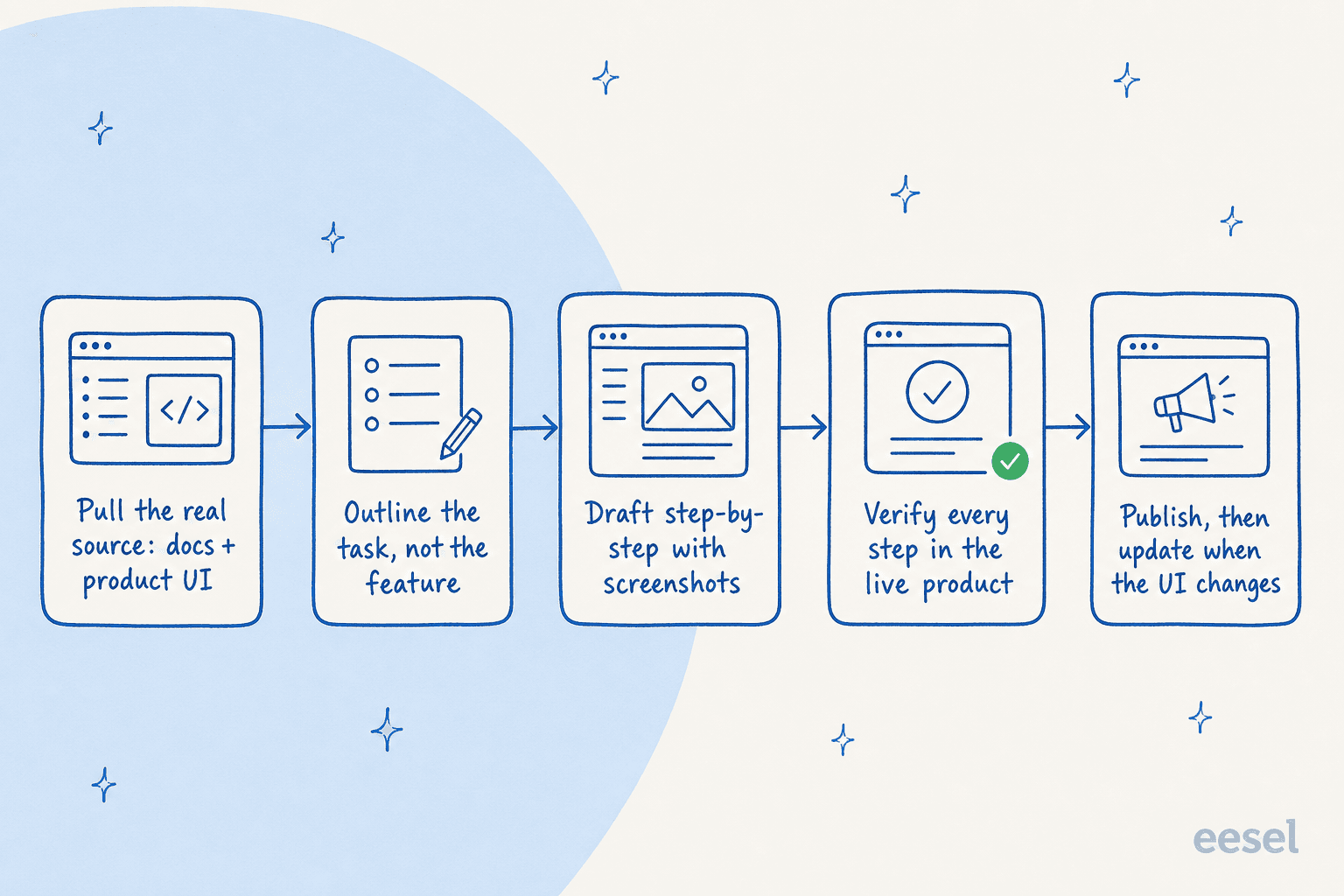
- Pull the real source first. Point the tool at your actual docs, your product UI, and your help center before it writes a word. This is the single biggest lever on accuracy, and it's why tools that train AI on your own knowledge beat blank-page generators for this job.
- Outline the task, not the feature. Write the tutorial around what the reader is trying to do ("cancel a subscription"), not the feature you want to show off ("the billing panel"). Feature-led docs are how you end up with a knowledge base written for admins while your users are asking rider-level questions, which is a real mismatch I've seen sink a support team's deflection rate.
- Draft step-by-step, with the visuals. Let the AI produce the procedure and the supporting assets together. A good AI article writer will generate the diagram or pull the screenshot inline rather than leaving you a wall of numbered text.
- Verify every step against the live product. This is the non-negotiable human step. Click through the actual UI, check every number against a primary source, and run a real fact-check pass. If you only do one thing on this list, do this.
- Publish, then plan for drift. A tutorial is correct on the day you ship it and decaying from the next release on. Decide up front how you'll catch outdated help center content before your readers do.
Run that loop and you can move fast without breaking your brand, which is the whole promise of AI content production speed done responsibly. To make step four concrete, here's the checklist I actually run before anything goes live:
Ground your tutorials in what users actually ask
The step most people skip is the one that decides whether a tutorial gets read at all: writing about the thing users are actually stuck on. The best signal for that is sitting in your support queue.
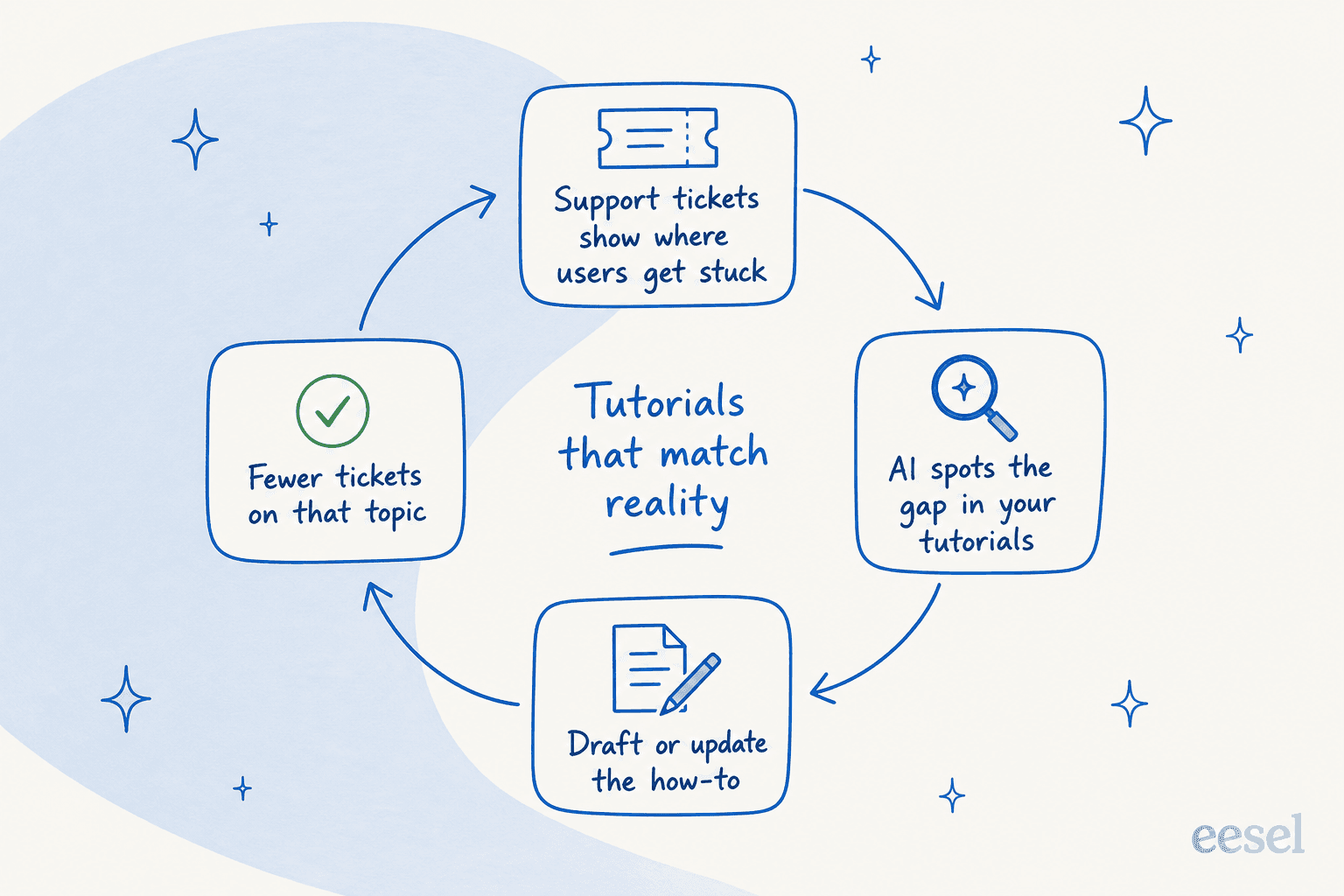
Every repeated ticket is a tutorial that doesn't exist yet, or one that exists and isn't working. Close that loop and your how-to library stops being a guessing game: tickets show you the gap, AI drafts the fix, and the next month's tickets on that topic drop. This is the same muscle behind good knowledge management software and knowledge for support teams, pointed at content creation instead of just retrieval.
This is the part I think eesel does unusually well, because it lives on both sides of the loop. The same platform that drafts the content also runs as an AI helpdesk agent on real tickets, so it can see which questions keep coming back and surface them as topics worth documenting. On the writing side, eesel's content agent is built to research before it writes:
"Not another AI slop machine. It reads Reddit threads, primary sources, industry reports. Every claim cited."
That framing, straight from eesel's AI blog writer page, is exactly the discipline a tutorial needs. The same engine that hits a 94% voice match from day one and writes in 80+ languages is the one I'd trust to draft a procedure, precisely because it's wired to cite rather than guess. If you want the deeper background on the category, my guide to knowledge base management and the best knowledge base tools both go further on grounding.
Try eesel for tutorials that stay true
If you're writing tutorials at any real volume, the question isn't "can AI draft this," it's "can I trust what it drafts and keep it current." That's the gap eesel is built for. The AI blog writer researches from primary sources, writes in your voice, and cites inline, so a how-to comes out grounded instead of guessed. And because the same platform runs as an AI helpdesk agent, it can tell you which tutorials your customers are actually missing, the kind of signal a standalone content writer tool never sees.

Teams already lean on it hard for exactly this shape of work. One German baby-textile ecommerce brand ran the writer about fifteen times to turn keywords into 2,000-to-2,900-word, fully-illustrated posts in roughly 12 to 20 minutes each, and an SEO lead on Webflow used it to scale to 360+ posts a month from a keyword-to-publish pipeline. It's pay-as-you-go with no per-seat fee and free to try, so you can point it at one tutorial you've been putting off and see the draft before you commit. If it helps, here's how I'd scale SEO content safely once you're past the first one.
Frequently Asked Questions
What is an AI tutorial writer?
Can an AI tutorial writer handle technical documentation?
Are AI-written tutorials accurate enough to publish?
How much does an AI tutorial writer cost?
What's the best AI tutorial writer for a small team?
Can AI keep my tutorials up to date after I publish?
Will AI-written tutorials hurt my Google ranking?


Article by
Kurnia Kharisma Agung Samiadjie
Kurnia is a software engineer and writer at eesel AI with two years of SEO experience, writing about AI tools, helpdesk software, and customer support. He pairs a developer's understanding of how these products are built with search-driven research into what actually ranks and resonates with the people searching for them.