What separates AI writing tools for technical writers from general-purpose AI assistants is the same thing that separates technical writing from blogging: the cost of getting it wrong. A misquoted spec, an inconsistent term, or a tone that drifts from the style guide doesn't just sound bad -- it can mislead users, create support tickets, and undermine the credibility of everything in that documentation set.
Most AI writing tools are built for marketing and content teams where "close enough" is often fine and iteration is fast. Technical writers work under different constraints. The output needs to be accurate relative to an existing spec, consistent with terminology that may have been defined years ago, and formatted to match a structure users can follow without ambiguity. The AI's job isn't to be creative -- it's to be precise and fast.
The six tools below were chosen for how well they actually handle those constraints: style guide or terminology enforcement, reliable output from structured inputs, integration with existing documentation workflows, and whether the output requires minimal technical correction before it's usable. Each is assessed on a consistent set of criteria so you can compare them directly.
What to look for before you pick
Before testing any of these tools, it's worth knowing your own context. Where does your team actually store documentation today -- Notion, Confluence, Google Drive, SharePoint? The answer often determines the best fit before any feature comparison happens. A tool that natively reads from your documentation sources will produce better technical drafts than one working from a blank slate or a general model.
Also worth knowing: the tools on this list span a wide price range, from $24/month for a starter plan to enterprise contracts in the hundreds of thousands. Budget shapes the decision as much as features.
1. Writer.com -- best for enterprise technical writing teams
Writer is an enterprise generative AI platform built around the idea that company-specific context should drive every AI output. Rather than generating from a general model, Writer's Knowledge Graph indexes your internal documents using a graph-based retrieval system that maps semantic relationships between concepts -- not just keyword matching.

For technical writing teams, the most relevant features are the Knowledge Graph and Voice Profiles. Voice Profiles extract brand language, terminology, and tone from sample documents and apply them to all AI outputs. The Knowledge Graph handles the accuracy problem: when you ask Writer to draft from your internal data, it searches through indexed company knowledge rather than hallucinating from general training data. Writer's RAG benchmarks show 86.31% accuracy on the RobustQA framework, with response times averaging under 0.6 seconds.
The Supervision Suite gives team leads governance over AI-generated outputs -- rate limits, approval flows, and audit logs before agents go live organization-wide. For regulated industries where documentation has compliance implications, that layer matters.
Community feedback from Capterra is broadly positive on the brand voice capabilities, with one reviewer noting it provides "much more granular control over word choice and inclusivity than standard grammar tools." The same reviewers flag that initial setup is confusing and usually requires customer support help to configure correctly.
Pricing
| Plan | Price | Users | Knowledge Graph storage |
|---|---|---|---|
| Starter | 14-day free trial, price not displayed publicly | Up to 5 | 1 graph, 1 GB |
| Enterprise | Custom | Unlimited | Unlimited (50 GB/graph) |
Nonprofit and education organizations get 20% off both plans.
Who it's for. Technical writing teams at mid-market to enterprise companies with structured style requirements, compliance considerations, or internal knowledge bases that need to be the grounding layer for AI output. The 5-user cap on Starter makes it a non-starter for large teams without going Enterprise.
2. Notion AI -- best for documentation-first teams
If your team already runs on Notion, adding Notion AI is the path of least resistance. The AI lives inside your existing workspace -- same pages, same databases, same structure -- which means it already has context that no external tool would have without significant setup.
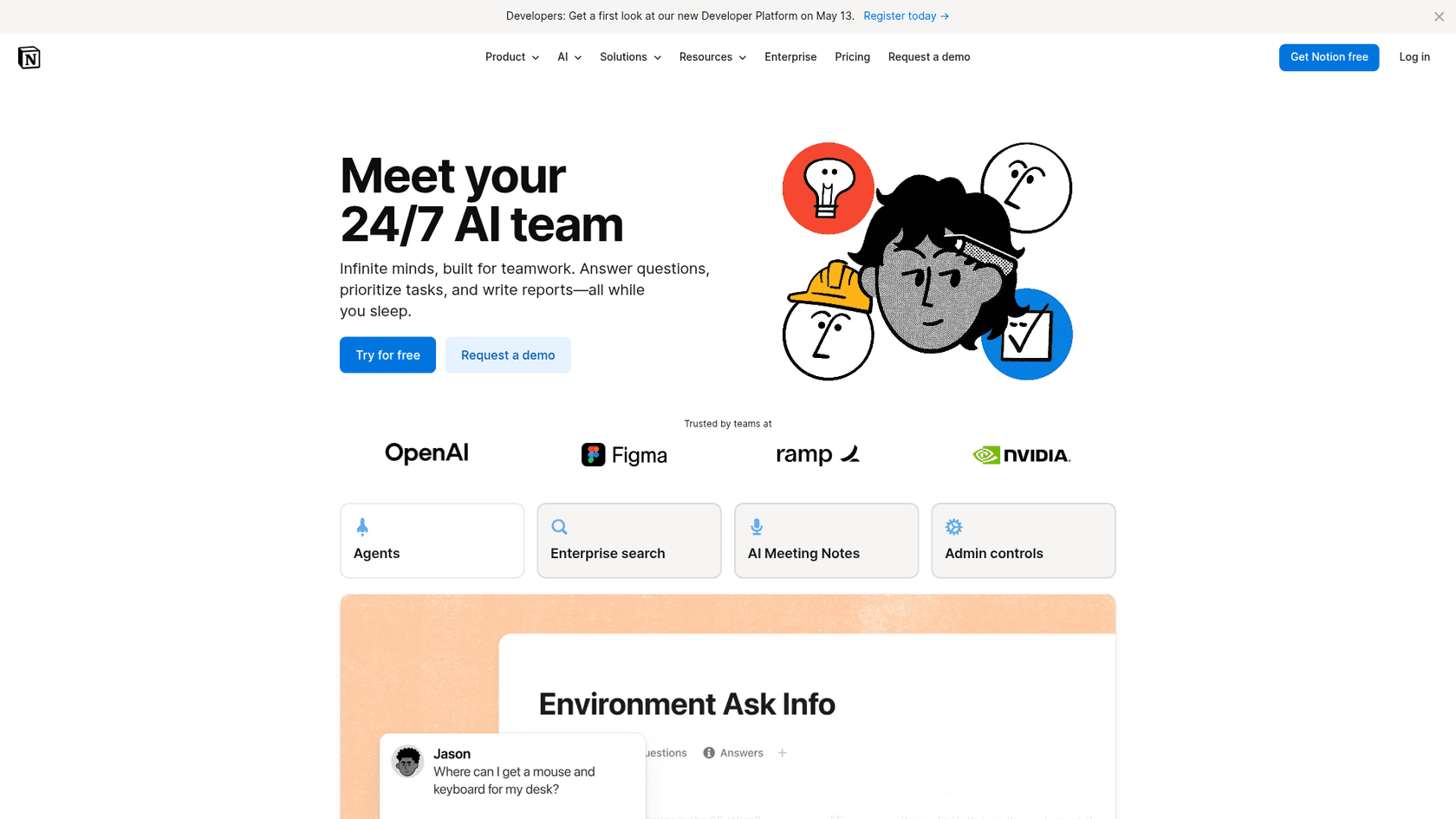
The Notion Agent can handle multi-step tasks up to 20 minutes long using workspace context, which maps well to documentation tasks like "draft a release notes page from the feature spec in [this database] and format it to match [this template]." The Enterprise Search extends that reach to Slack, Google Drive, and GitHub -- useful when specs and tickets are split across tools.
Research Mode runs deep investigations across internal docs and the live web, producing cited reports. For technical writers who need to synthesize information from multiple sources before drafting, that's a meaningful time-saver.
Community reviews on G2 specifically highlight that Notion AI "stands out for its ability to understand brand voice and specific workspace context compared to generic tools." The consistent complaint is pricing: AI features are an add-on rather than bundled with the paid tiers, which can feel like paying twice.
The Ramp case study reports a 70% reduction in productivity-tool costs and 3x faster movement across teams after consolidating into Notion. Those numbers reflect the broader workspace migration, not AI specifically -- but they indicate the depth of adoption that makes Notion AI genuinely useful rather than bolted-on.
Pricing
| Plan | Annual (per member) | Notion Agent included | AI add-on cost |
|---|---|---|---|
| Free | $0 | No | Limited trial |
| Plus | $10 | No | ~$8-10/user/month |
| Business | $20 | Yes | Included |
| Enterprise | Custom | Yes (full access) | Included |
Who it's for. Technical writing teams who already live in Notion. The setup cost is near zero because context already exists in the workspace. Teams on a non-Notion stack will find the switch cost hard to justify on AI features alone.
3. Jasper AI -- best for high-volume structured content
Jasper is the most established name on this list, with a 4.8/5 rating on Capterra across 1,855 reviews. It's primarily built for marketing teams, but its Brand IQ features -- Brand Voice, Style Guides, Knowledge Assets -- translate directly to technical writing when you have terminology and tone standards to enforce.

Brand IQ is Jasper's answer to the consistency problem. Brand Voices extract personality from sample documents. Knowledge Assets store company-specific facts, product names, and constraints that inform every output. The Pro plan includes 2 Brand Voices and 5 Knowledge Assets, which is enough to get started on most documentation standards. The Style Guide -- which enforces writing rules across outputs -- is a Business plan feature only.
The Chrome and Edge extension lets you write directly inside Google Docs, which matters for teams whose documentation workflow runs through Google Workspace rather than a purpose-built tool.
Jasper supports 30+ languages, which makes it a reasonable choice for technical writing teams producing localized documentation from a single workflow.
One Capterra reviewer puts the setup requirement plainly: "Does require a lot of work up front to get it where you would like it." That's worth taking seriously. Jasper with a well-configured Brand Voice produces consistent, on-brand output. Jasper with a minimal setup produces the same generic content every AI tool produces.
Pricing
| Plan | Monthly | Annual | Key limits |
|---|---|---|---|
| Pro | $69/seat | $59/seat | 1 seat, 2 Brand Voices, 5 Knowledge Assets |
| Business | Custom | Custom | Unlimited seats, Brand Voices, Knowledge Assets, Style Guide |
7-day free trial on Pro. Non-profit organizations get 20% off.
Who it's for. Technical writing teams generating high volumes of structured content -- feature docs, release notes, knowledge base articles -- who need consistent language across a large catalog and can invest in setup time.
4. Copy.ai -- best for automating recurring documentation tasks
Copy.ai repositioned in 2024 from a text generator to a Go-To-Market AI platform, and that shift is visible in the product. It's now less about one-off writing and more about no-code workflow automation: build a workflow that pulls data from multiple sources, generates a draft, and routes it for review.
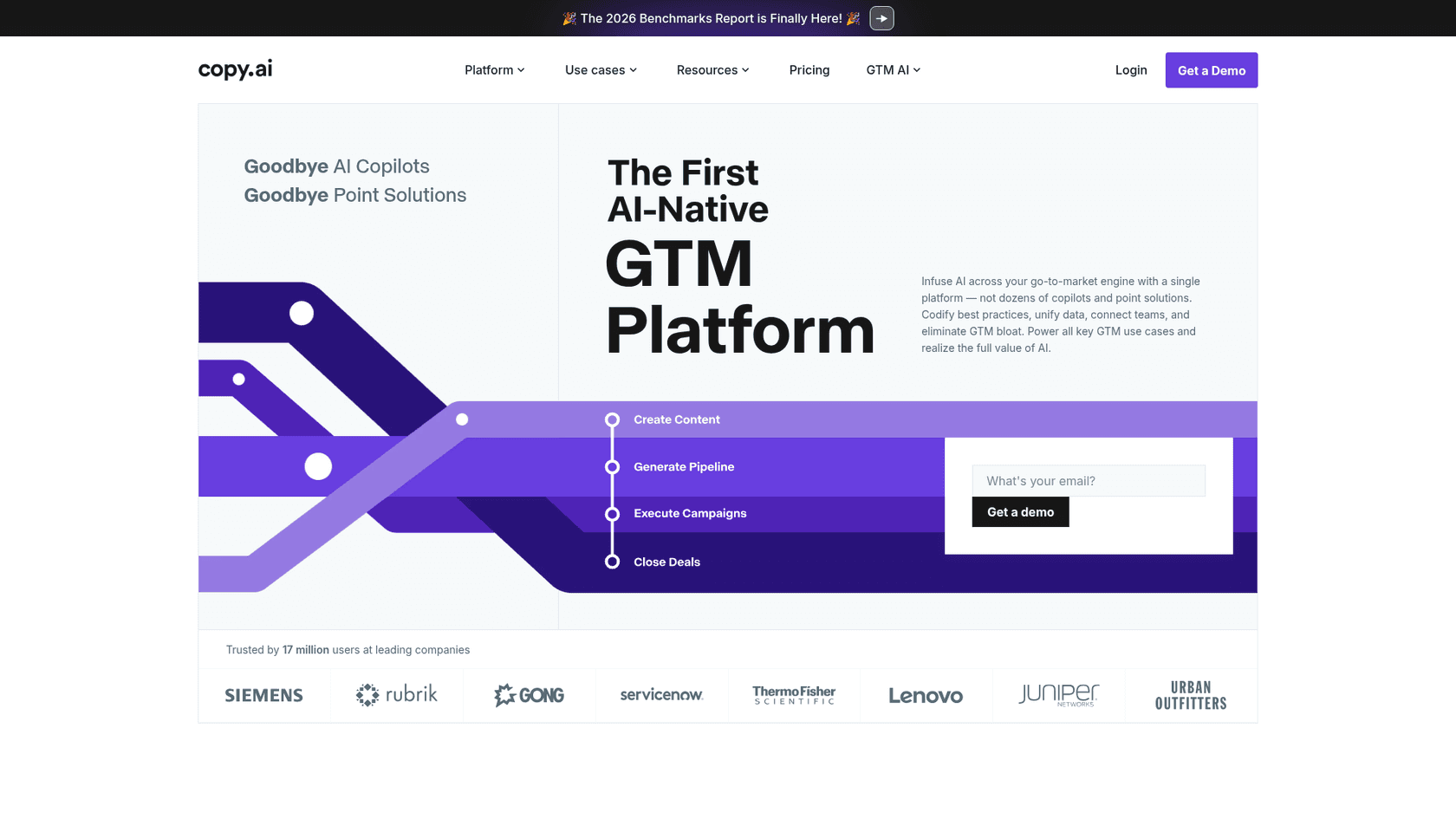
For technical writers, the workflow automation angle is the most interesting part. The Workflows builder chains together multi-step processes without code -- think "pull ticket data from Jira, generate a changelog entry, format for our release notes template, send for human review." With 2,000+ integrations via Zapier and native connectors for Salesforce and HubSpot, it connects to most of the tools in a typical documentation stack.
The Brand Voice feature trains the AI on your company's language. The Infobase stores company-specific knowledge that grounds all outputs. And the 90+ content templates include enough structured formats to build recurring documentation workflows quickly.
The honest trade-off: Capterra reviewers rate it 4.4/5 and specifically note it's "fast for short content generation" but "requires heavy fact-checking for long-form writing." Technical content -- especially anything where specification accuracy matters -- needs review regardless of AI tool, but Copy.ai's community feedback makes this point more directly than most.
Pricing
The Chat plan is the only publicly priced self-serve option. Enterprise includes unlimited customizable workflows, API access, and 20+ native integrations.
Who it's for. Technical writers handling recurring, structured content tasks -- changelogs, release notes, FAQ pages -- who want to automate the boilerplate so they can focus on the work that requires domain knowledge. The Chat plan's price point ($24/month for 5 seats) makes it one of the more accessible options for small teams.
5. Writesonic -- best for technical content with SEO goals
Writesonic has staked its 2026 positioning on Generative Engine Optimization (GEO) -- tracking and boosting content visibility within AI search results from ChatGPT, Gemini, and Perplexity. That's not traditionally a technical writer's domain, but for teams managing developer documentation, technical blogs, or product content that needs to rank in AI search results, it adds a layer that most writing tools don't have.
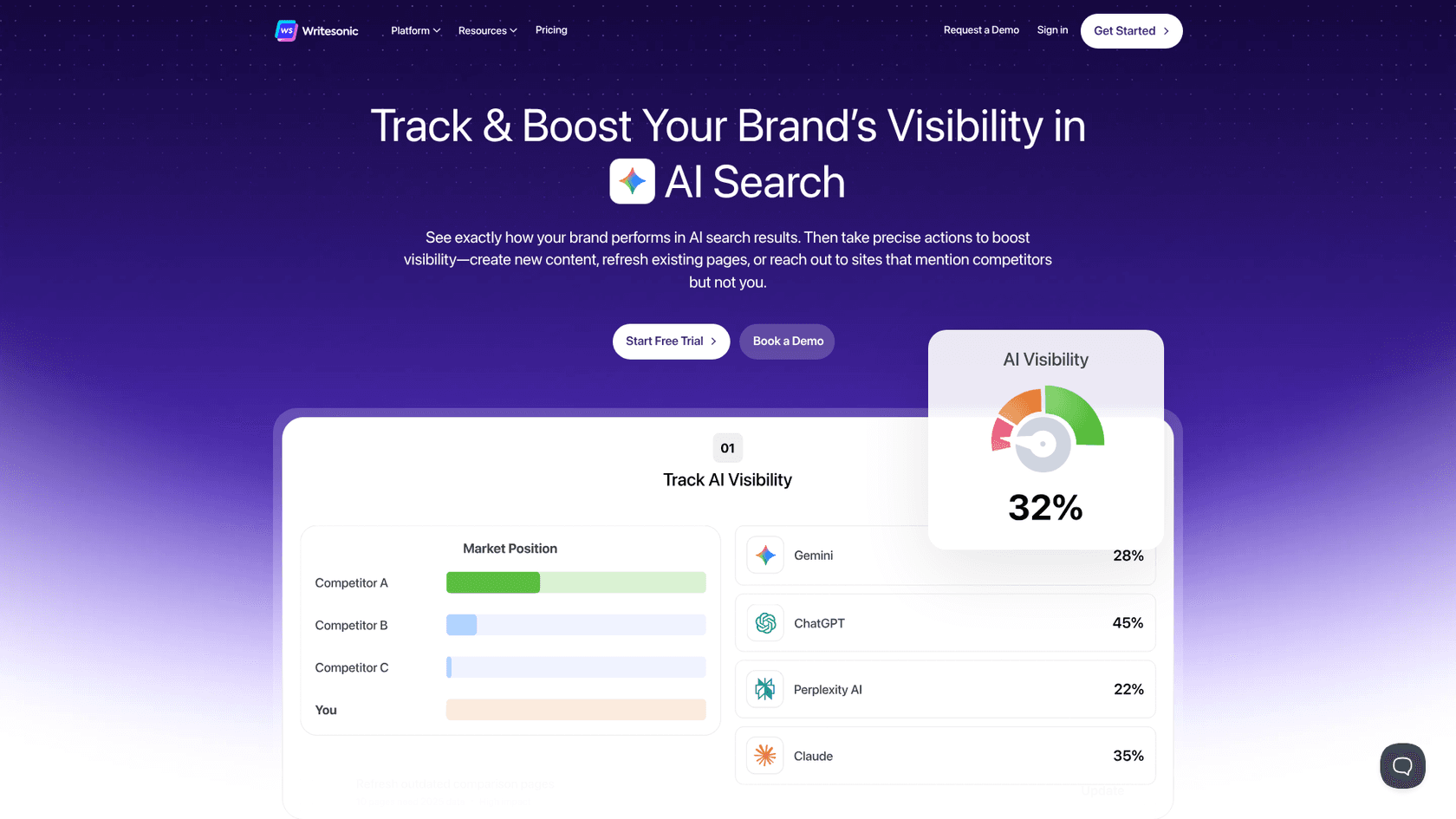
At its core, the AI Article Writer generates long-form, source-backed content with citations -- a solid starting point for technical articles. The Chatsonic interface lets you switch between Claude, GPT-4o, and Gemini 1.5 Pro in a single window, which is useful if you want to compare outputs across models for a given technical topic.
Botsonic builds AI chatbots from your own documentation data -- a product that's adjacent to what eesel AI does for support teams, but aimed at a broader deployment context.
G2 reviewers give Writesonic 4.7/5 across 2,100+ reviews, with praise for "removing writing friction" and generating "usable drafts in a fraction of the time." Cost is a consistent concern -- some reviewers note the pricing feels high relative to what the entry plans include.
Looking at the plan limits, that concern is fair: the Starter plan allows 15 AI Articles per month, which is a tight ceiling for a documentation team producing regular content.
Pricing
| Plan | Monthly | Annual | AI Articles/month | Users |
|---|---|---|---|---|
| Starter | $99 | $79 | 15 | 1 |
| Basic | $249 | $199 | 25 | 2 |
| Growth | $499 | $399 | 50 | 3 |
| Enterprise | Custom | Custom | Custom | Custom |
Who it's for. Technical writing teams that also own or contribute to developer-facing content with AI search visibility goals. If you're not using the GEO tracking features, the pricing is harder to justify against lower-cost alternatives.
6. eesel AI -- best for knowledge-scattered teams
eesel AI is primarily a customer support automation platform, but the feature that makes it relevant for technical writers is the same feature that makes it good at support: it reads from your actual knowledge sources before generating anything.
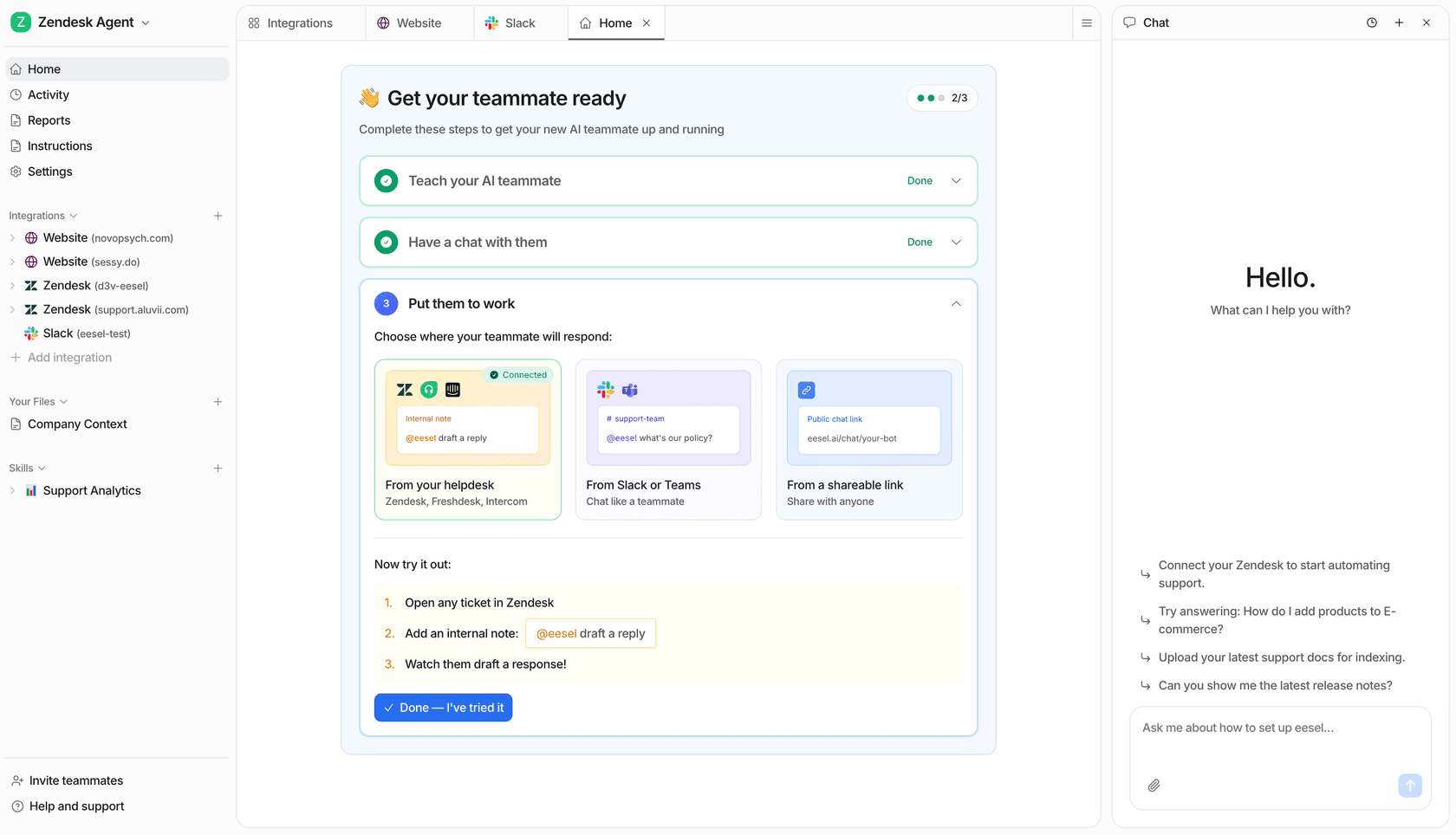
Connect eesel to Notion, Confluence, Google Drive, SharePoint, or past support tickets, and the AI grounds every output in what's actually documented rather than what a general model thinks your product might do. For technical content where hallucination is the biggest risk, that architecture change matters more than any individual writing feature.
The Blog Writer skill generates structured, researched drafts by pulling from connected knowledge sources before writing -- you get a draft that reflects your actual product documentation, not a plausible-sounding approximation. The KB Auto-updater watches support conversations, surfaces recurring questions that lack good documentation, and drafts knowledge base articles to fill those gaps. Both skills are relevant for technical writers whose documentation doubles as a support knowledge base.
Pricing follows a task-based model with no platform fee and no flat-rate plans. Light tasks (dashboard questions) are free. Heavy tasks like blog posts and long-form drafts cost $4 each. For a team generating 10 technical articles per month from connected sources, that's $40 in AI costs -- plus whatever you're already paying for the documentation tools eesel connects to.
Pricing
| Task type | Cost |
|---|---|
| Dashboard questions (light tasks) | Free |
| Helpdesk tasks (support tickets, chats) | $0.40 each |
| Heavy tasks (blog posts, research) | $4.00 each |
| Enterprise add-on | $1,000/month + usage |
Free trial: $50 in credits, no credit card required. Annual commitment discounts apply at $300+/month.
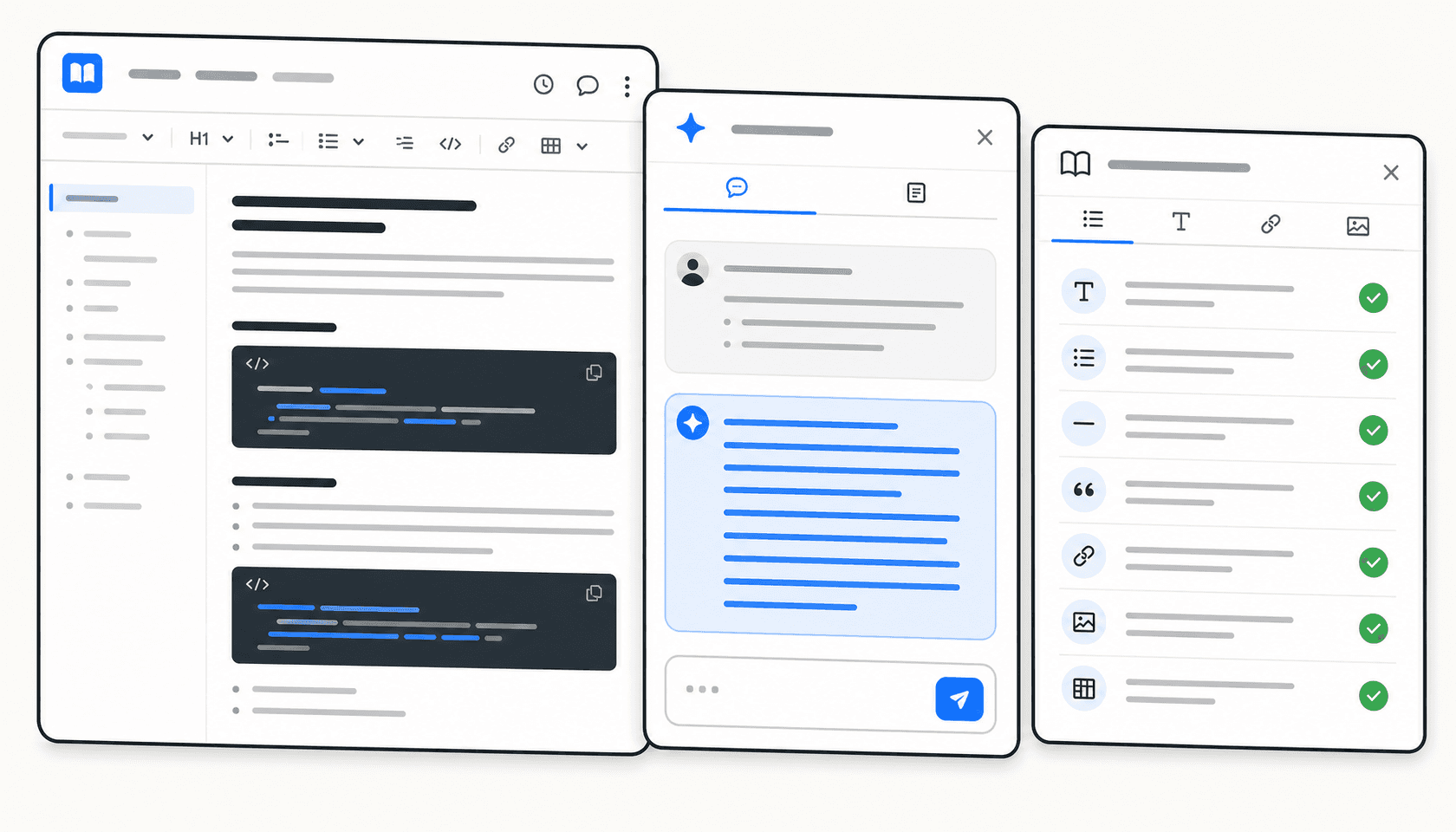
The eesel dashboard uses a file-system metaphor -- integrations appear as folders, skills appear as add-ons, and a persistent AI chat panel sits alongside every view. Natural language instruction editing means you can update the agent's behavior by typing in the chat panel rather than navigating config menus.
What to watch: eesel's product roadmap is built around customer support teams. The Blog Writer and KB Auto-updater skills are real and useful, but if you need a writing tool primarily for marketing copy or brand campaigns, this isn't the right fit. Its value for technical writers is specifically when documentation and support knowledge overlap -- a common situation in product, engineering, and SaaS companies.
Who it's for. Technical writing teams working alongside support teams, or teams whose documentation serves as both a user guide and a support knowledge base. Teams using Notion, Confluence, or Google Drive for documentation get immediate value from eesel's connectors -- the AI reads from those sources directly rather than asking you to re-upload content.
For more context on how AI tools can improve knowledge base work, see the eesel guide to AI tools for knowledge base management.
Comparison
| Tool | Best for | Starting price | Key differentiator |
|---|---|---|---|
| Writer.com | Enterprise teams with compliance needs | Free 14-day trial | Knowledge Graph RAG + governance |
| Notion AI | Teams already on Notion | Free base (AI add-on ~$8-10/user/month) | Native workspace context |
| Jasper AI | High-volume structured content | $59/seat/month (annual) | Brand Voice + 30 languages |
| Copy.ai | Automating recurring doc tasks | $24/month (5 seats, annual) | No-code workflow automation |
| Writesonic | Technical content with SEO goals | $79/month (annual) | GEO tracking + multi-model AI |
| eesel AI | Knowledge-scattered teams | $50 free trial credit | Knowledge-grounded writing from connected sources |
How to choose
Start with where your documentation lives. If your team is all-in on Notion, Notion AI is the path of least resistance -- the context already exists in your workspace and the integration is native. If your team uses Confluence or Google Drive and wants AI that reads from those sources, eesel fits that workflow without requiring a migration.
For enterprise teams with compliance requirements or complex style standards, Writer.com's governance features are worth the conversation with sales. The Knowledge Graph and Voice Profiles combination is the strongest available for teams where accuracy and consistency are non-negotiable.
Budget matters. Copy.ai's Chat plan at $24/month for 5 seats is one of the lowest entry points on this list. eesel's $4-per-draft task pricing is cost-efficient for occasional long-form generation without a monthly commitment. Jasper's Pro plan at $59/seat covers individual technical writers who need brand consistency tools without an enterprise contract.
If AI search visibility is part of your documentation strategy -- developer docs, technical blogs, product content that needs to appear in AI search results -- Writesonic adds something the other tools don't. If it isn't, the pricing is harder to justify.
None of these tools eliminate human review for technical content. The best any of them can do is produce a well-structured, consistently-voiced first draft that reflects your documented knowledge. Verifying the technical claims is still a human job.
For practical guidance on using AI to scale documentation without losing accuracy, the eesel blog on scaling content with AI is worth reading alongside whichever tool you trial.