

What Refix AI actually is (and what it is not)
Before the pricing makes sense, it helps to be clear about what you are buying, because the name gets misread a lot.
Refix AI is a Slack-native (and web) "AI product manager" that plugs into your product, revenue, marketing, and support data, watches your KPIs continuously, and flags the ones that move. You can get started without Slack, since the web Home view carries the same briefs and investigations. When something drifts, it explains what happened, why it matters, and drafts the next move directly in the Slack channel where the team already talks. It can open a ticket, kick off a workflow, and tag an owner. The founders describe the pitch bluntly: the next PM hire is not a person.
So this is a revenue-ops and growth agent, not a support tool. It reads signals from Zendesk, but it is not answering your tickets. If you came here hoping to compare it against AI customer service software, that is a different job entirely. Refix sits closer to AI for data analytics, positioned against dashboards like Mixpanel and Amplitude. Its own line is that those give you dashboards to check, while Refix checks them for you.
One more thing worth knowing before you commit budget: Refix is early, and it has changed shape more than once. It started as a cookieless Google Analytics alternative in 2024, became "Prism," a GA4 agent in Slack, through 2025, and is now pitched as a growth agent that finds the revenue you are losing in 2026. Some slash commands still say "Prism." The launch post's "1000+ customers" line refers to the old analytics tool, not the current agent. None of that is disqualifying, but it changes how you should read a price tag on a product this new.
Refix AI pricing at a glance
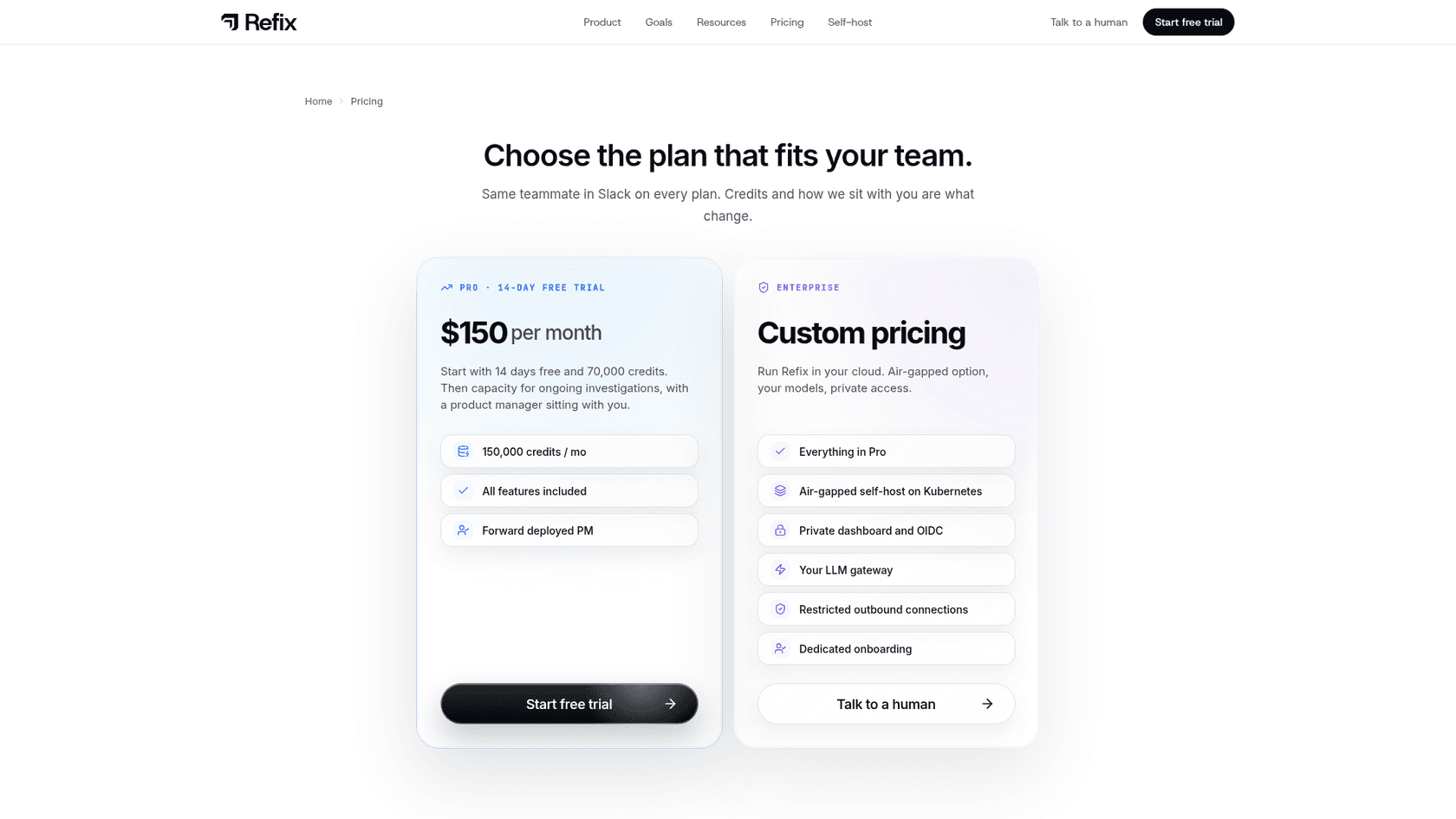
Here is the full plan grid. One change since my first draft: the dedicated pricing page now exists, and the old /prism product page it used to live on returns a 404.
| Plan | Price | Credits | Billing | Notable inclusions |
|---|---|---|---|---|
| Trial | Free for 14 days (card required) | 70,000 | Charged $150 on day 15 unless you cancel | All features included |
| Pro | $150 / month or $1,500 / year | 150,000 / month (1,800,000 / year) | Monthly or yearly | All features, plus a "forward deployed PM" |
| Enterprise | Custom (talk to a founder) | Custom | Contract | Air-gapped self-host on Kubernetes, private dashboard and OIDC, your LLM gateway, restricted outbound connections, dedicated onboarding |
Nothing here is dishonest, and I appreciate that the price is on the page at all (plenty of agents in this space hide behind "book a demo"). But two things are doing a lot of quiet work in that table: credits and the card-required trial. Both deserve a closer look, because they are where your real cost lives.
The credit meter is the real story
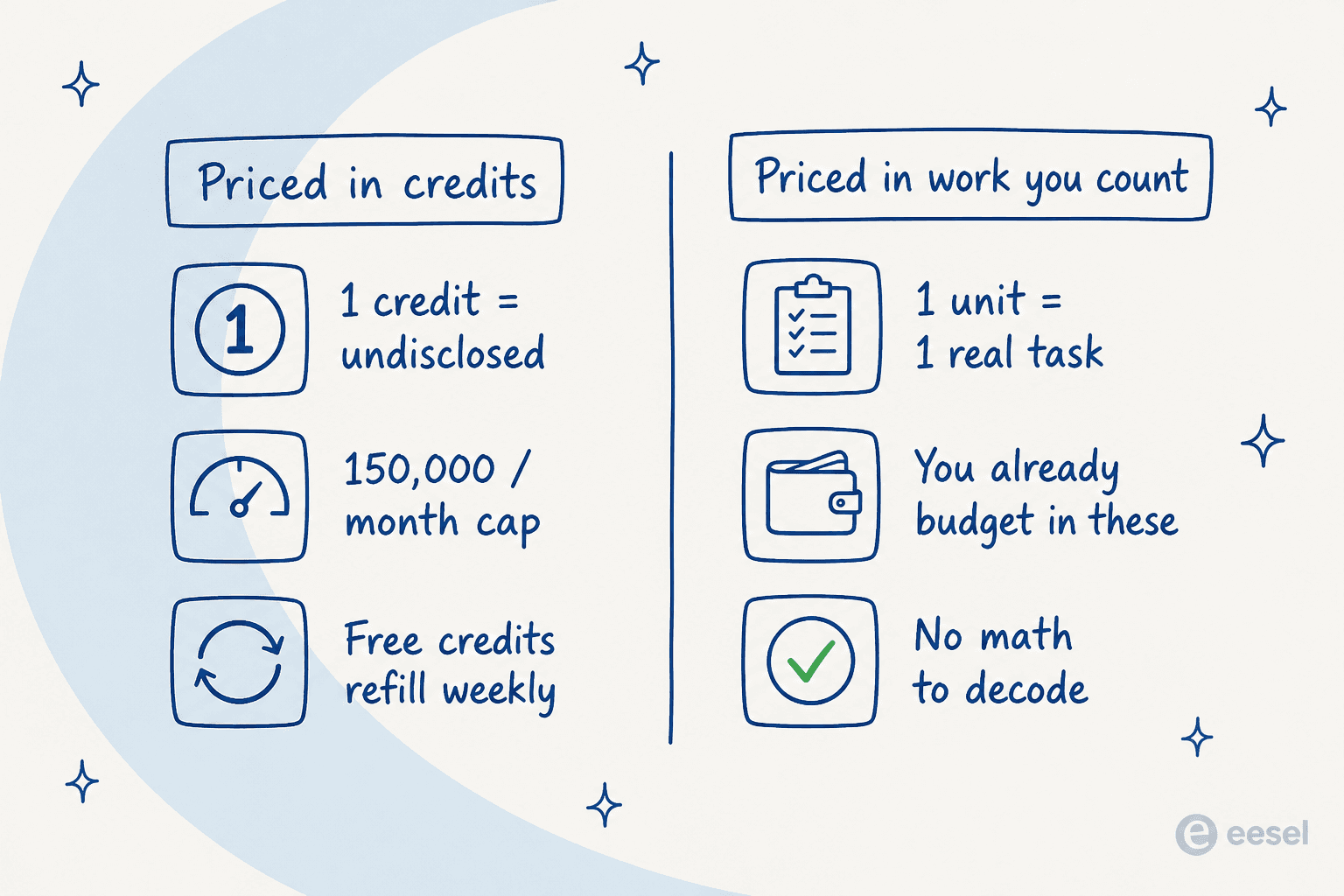
Refix bills everything in credits. Pro gives you 150,000 a month, and the trial gives you 70,000 for 14 days. That sounds like a lot until you ask the only question that matters: how many credits does one thing cost?
As far as I can find, Refix does not publish a per-action credit rate anywhere. Not for detecting a leak, not for drafting a play, not for a watcher that runs continuously in the background. So there is no way to convert "150,000 credits" into "roughly N investigations a month." You find out how fast you burn credits by burning them. The product does show a meter: its homepage pictures a "credits used this month" counter and daily credit use with an alert before you reach your limit, so you can watch the burn, just not predict it.
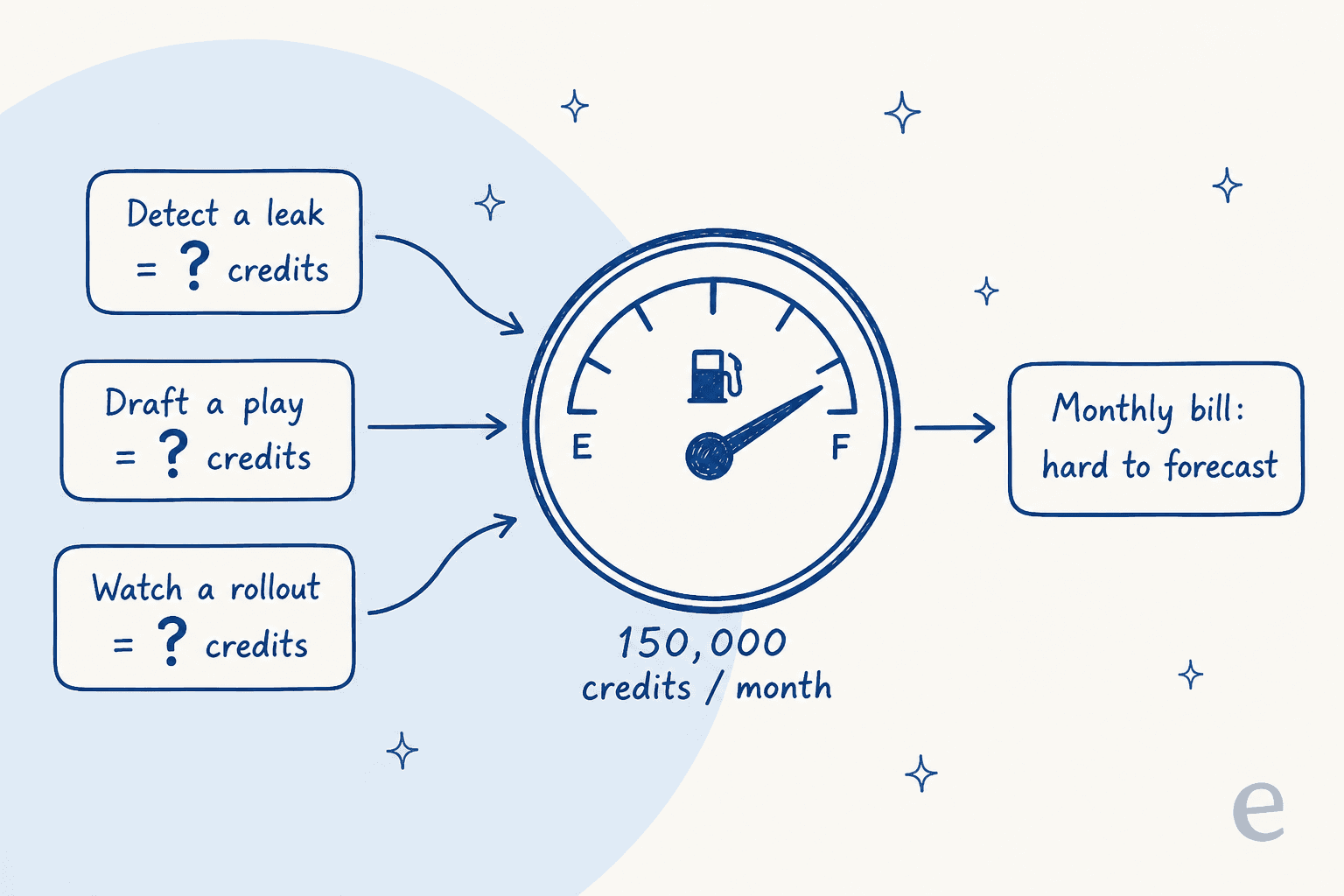
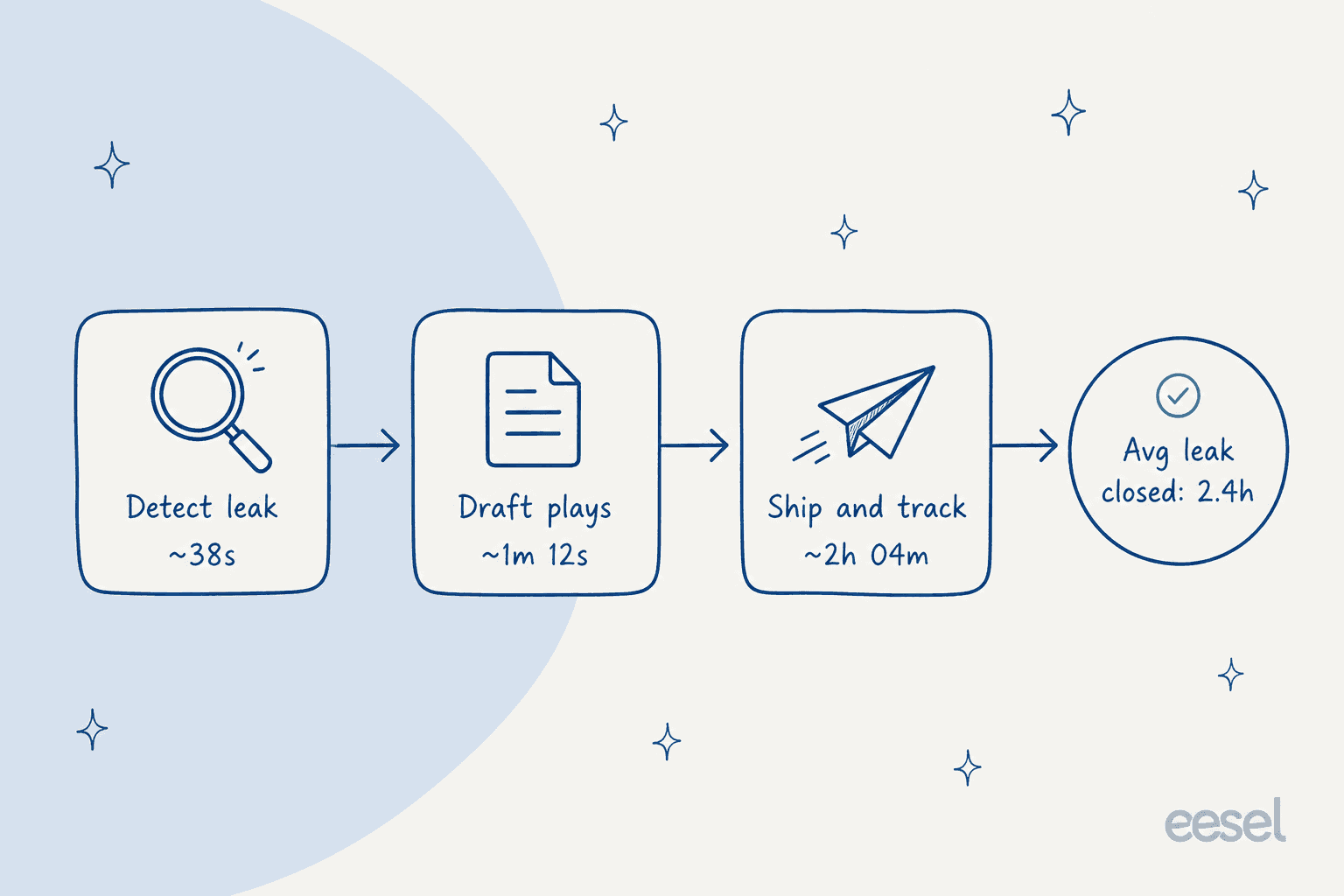
That matters more here than it would for a chatbot, because Refix is designed to be always on. An earlier version of its site advertised an average leak closed in 2.4 hours, moving through detect, draft, and ship stages that each take seconds to hours. An agent that watches every KPI, every release, and every channel continuously is, by design, always consuming something. When the meter is invisible and the product is built to run non-stop, "150,000 credits" is a number you cannot plan around.
This is not unique to Refix. Credits are a common billing unit for AI tools precisely because they let the vendor tune the exchange rate later. But it does put the forecasting risk on you. If you have ever watched an AI agent's running cost drift because the per-unit math was fuzzy, you know the feeling. The honest summary: the $150 is the floor, and the ceiling is whatever the credit consumption turns out to be once the agent is doing real work.
What $150 a month actually gets you
The Pro plan is the one most teams will land on, so it is worth breaking down properly rather than reading it as a single number.
For $150 a month you get 150,000 credits, every feature, and a "forward deployed PM." That last one is a real inclusion and a real signal at the same time. A forward-deployed person helping you set up is genuinely useful for a tool that has to learn your KPIs, owners, and playbooks before it is helpful. It is also a hands-on, high-touch motion that tells you this is a startup onboarding customers one at a time, not a self-serve machine humming along at scale.
The plan page now says every plan includes every feature and that credits and support are what change. The old free plan capped you at 2 connectors, which was a hard ceiling because Refix's value grows with the number of tools it can correlate across. The homepage lists integrations such as Slack, Google Analytics, PostHog, Postgres, Snowflake, Stripe, HubSpot, and Zendesk, the kind of marketing automation stack a growth team already runs. If you only wire up one or two of those, you are not really running the product it wants to be.
So $150 is a fair price for an always-on agent with a full integration list and a human helping you launch. The value question is not the sticker. It is whether 150,000 credits covers a month of that agent actually watching everything, and Refix does not give you the numbers to answer that before you buy.
The free plan's "launch week only" asterisk
Refix's old Free plan gave you 7,000 credits a week and 2 active connectors, labelled "for launch week only." That asterisk resolved itself: the plan is gone, and the current pricing page offers a 14-day trial of Pro with 70,000 credits instead.
The trial is not a no-strings free tier. A card is required to start, nothing is charged that day, and on day 15 you are charged $150 for Pro monthly unless you cancel before the trial ends (the yearly option works the same way, then $1,500 a year). So set a reminder, do not build a workflow that assumes the trial credits stay on offer, and treat the two weeks as a test of one question: does it find something real in your numbers? The one genuine third-party reaction I could find, a product manager on Reddit, warmed up only after seeing a concrete sample insight.
"If it helps with marketing - that insight really is fantastic. AI = turn off, that insights = turn on. Mostly AI is a turn off because of so much shovelware out there that is just a chatgpt wrapper."

That is a fair bar to hold any AI tool to, and the trial credits are exactly how you should test it.
Enterprise, security, and self-hosting
The Enterprise tier is custom-priced and adds an air-gapped self-host on Kubernetes, a private dashboard with OIDC, your own LLM gateway, restricted outbound connections, and dedicated onboarding. The self-host page describes network policies included in the chart and optional connection to the Refix control plane, which is the feature security teams will care about most.
If you are evaluating this at the Enterprise level, the security posture is worth reading closely rather than taking on trust. The privacy policy was last updated on 16 July 2026, and a few details I listed in August are no longer on it:
- Hosting for the managed service is in the European Union, per the privacy policy, and customer-hosted deployments let the customer choose the location. Data is deleted or de-identified within a reasonable period after you disconnect a source, close the account, or ask for deletion.
- Models are third-party providers that, depending on configuration, include Amazon Bedrock, Anthropic, OpenAI, and Google. The policy says customer data is not permitted for training providers' general models where controls allow that, and that providers may retain data for limited periods for security, abuse prevention, or legal reasons, while the homepage markets "zero data retention." Ask which of those applies to your contract. (If model choice matters to you, I have separate notes on Gemini pricing and Claude for support automation.)
- Controls are a real strength: the homepage says Refix uses read-only access for analytics and database investigations, with writes refused at the database, and that actions in connected tools follow your workspace's approval settings.
- Certifications: I could not find a SOC 2, ISO, or HIPAA statement on the pages I read, and the policy commits to GDPR-style controller and processor roles. When I checked in August I also noted sign-in was through Slack only, no SAML SSO, and a mismatch between the Slack listing's sub-processor statement and the privacy policy. Treat those as questions to re-ask, since the product now offers a web Home view and OIDC on Enterprise.
None of that is unusual for a company this young. But it does mean Enterprise buyers in regulated industries should ask hard questions before wiring Refix into production data, and should probably lean on the self-host option if they proceed. The broad Slack permissions the app requested when I checked in August (23 user scopes and 20 bot scopes, a wide read-and-write footprint) are another thing to walk your security team through.
So is Refix AI worth the price?
Here is where I land after digging through the plans, the docs, and what little community signal exists.
What is genuinely good. The price is honest and low for an always-on agent. The Slack-native setup is fast, the way Slack AI tools and conversation summaries generally are. The premise (an agent that watches your metrics instead of you checking dashboards) is a real, useful idea, and the human onboarding on Pro is a nice touch. If you are an early-stage team that lives in Slack and wants a growth agent to poke at your data, $150 is a low-stakes bet.
What should give you pause. The credit meter is unforecastable, and the product is built to run continuously, which is the exact combination that makes a bill surprise you. The free plan is gone, so you are putting a card down to test it. And the maturity signals are early: when I checked in August there were no reviews on G2, Capterra, or Trustpilot and no Product Hunt launch, the demo is still founder-led through a calendar link, and the company has pivoted its whole positioning twice. That is not a knock, it is just the honest reality of buying from a seed-stage product. You would be an early design partner, with all the upside and risk that carries.
My rule of thumb: buy Refix if you want the specific thing it does (a Slack-native growth PM watching product and revenue KPIs) and you are comfortable with usage-based pricing you cannot yet model. Wait if you need predictable spend, certifications like HIPAA or SOC 2 that I could not find on its pages, or a track record you can check with other buyers first. If your actual job is support automation rather than revenue ops, this is the wrong category, and you would be better served comparing dedicated AI customer service companies.
Try eesel
If what drew you to Refix was the idea of hiring an AI teammate for a specific job, that is exactly how eesel is built, just for different jobs. Refix is a product-and-revenue PM; eesel's teammates are an AI helpdesk agent that joins your support queue and an AI blog writer that ships researched, internally-linked posts. Each one arrives already knowing how to do its role, so you are hiring a ready-to-work teammate rather than configuring a blank agent.

The difference that is relevant to this post is the meter. eesel uses credits too, but one credit is one ticket or chat however long it runs, so you can count it before you buy, and you can see the plans before you talk to anyone. You can plug it into Zendesk, Freshdesk, Slack, or your help center and try it free, no forecasting math required. If predictable pricing was the thing nagging you about the credit model, that is the whole point.