


What Viktor actually is
I work eesel's support queue every day, so my first instinct with any "AI for support" tool is to ask what category it's really in. Viktor's answer is broader than the label suggests. It isn't a support chatbot. It's an AI employee for Slack, and its tagline is blunt: "Not a tool. A hire."
You @Viktor in a thread and it executes a real task end to end: pull numbers from Stripe, reconcile invoices, triage a Zendesk queue, open a bug in Linear, or build a small internal app. It has its own cloud computer where it writes and runs code, which is why it behaves like an AI agent, not a rule-based chatbot: it finishes the job instead of just answering the question.
It's a serious product, too, which matters when you're trusting it with real work. It's built by ex-Meta founders and backed by Slack's own cofounders, Stewart Butterfield and Cal Henderson, on an Accel-led round. So this isn't a weekend project. The question this review answers is narrower: is it actually good, and good for what?
How Viktor works
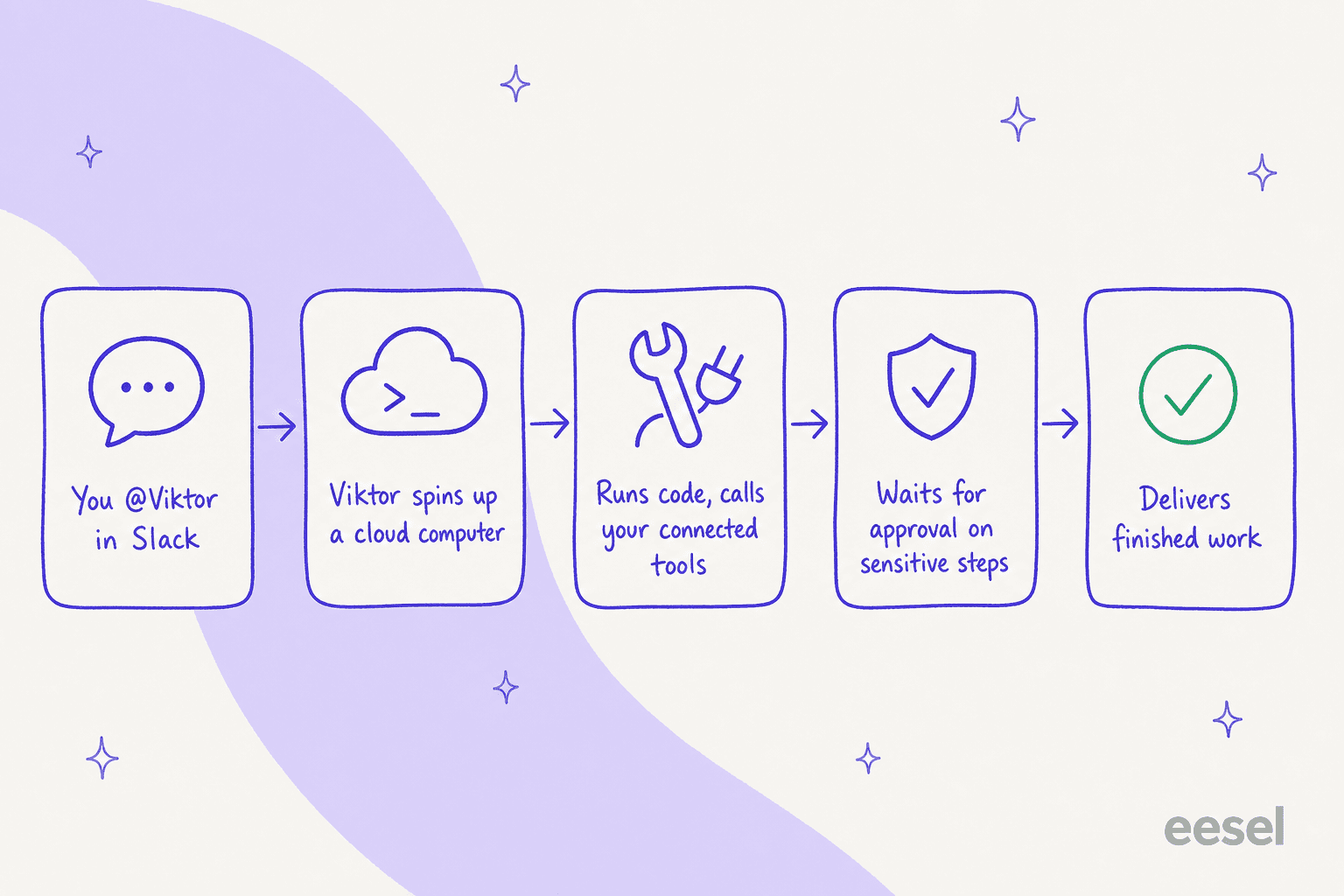
Here's the mental model, because it explains both the magic and the meter. When you hand Viktor a task, it doesn't just reply, it spins up a private cloud computer, writes and runs code there, and calls into your connected tools to get the job done. Sensitive actions pause for a human to approve before they fire, then it delivers the finished artifact back into the thread.
The example I keep coming back to is on Viktor's own homepage: someone says "we're drowning in tickets about the new export bug," and Viktor triages the queue, finds 23 tickets are the same export timeout, merges them into one Zendesk thread, drafts and queues replies to all 23, files a Linear bug with a repro, and posts a heads-up to #eng. That's the "employee, not chatbot" pitch made concrete.
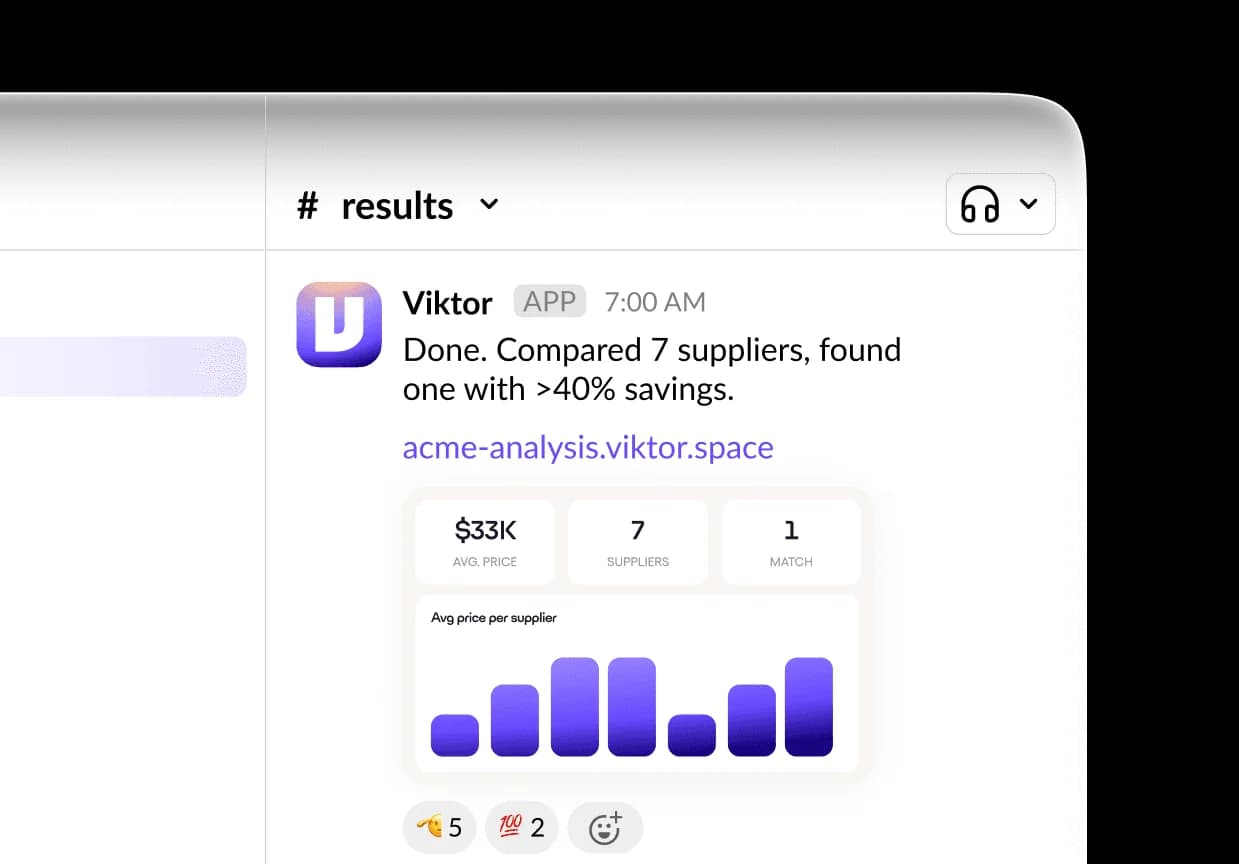
Because it runs code rather than chatting, complex jobs take a minute or two, and the honest reviews note the first time you stare at a loading screen you wonder if it broke. It didn't, it's working. But it's a real trade-off versus an instant-reply AI agent.
What Viktor is genuinely good at
It connects to almost everything
The breadth is the headline. Viktor connects to 3,200+ tools (27 native integrations plus the rest via managed connectors) and, crucially, it acts in them rather than just reading: it updates records, merges PRs, and triages tickets. Auth is mostly one-click OAuth, "no webhooks, no Zapier zaps."
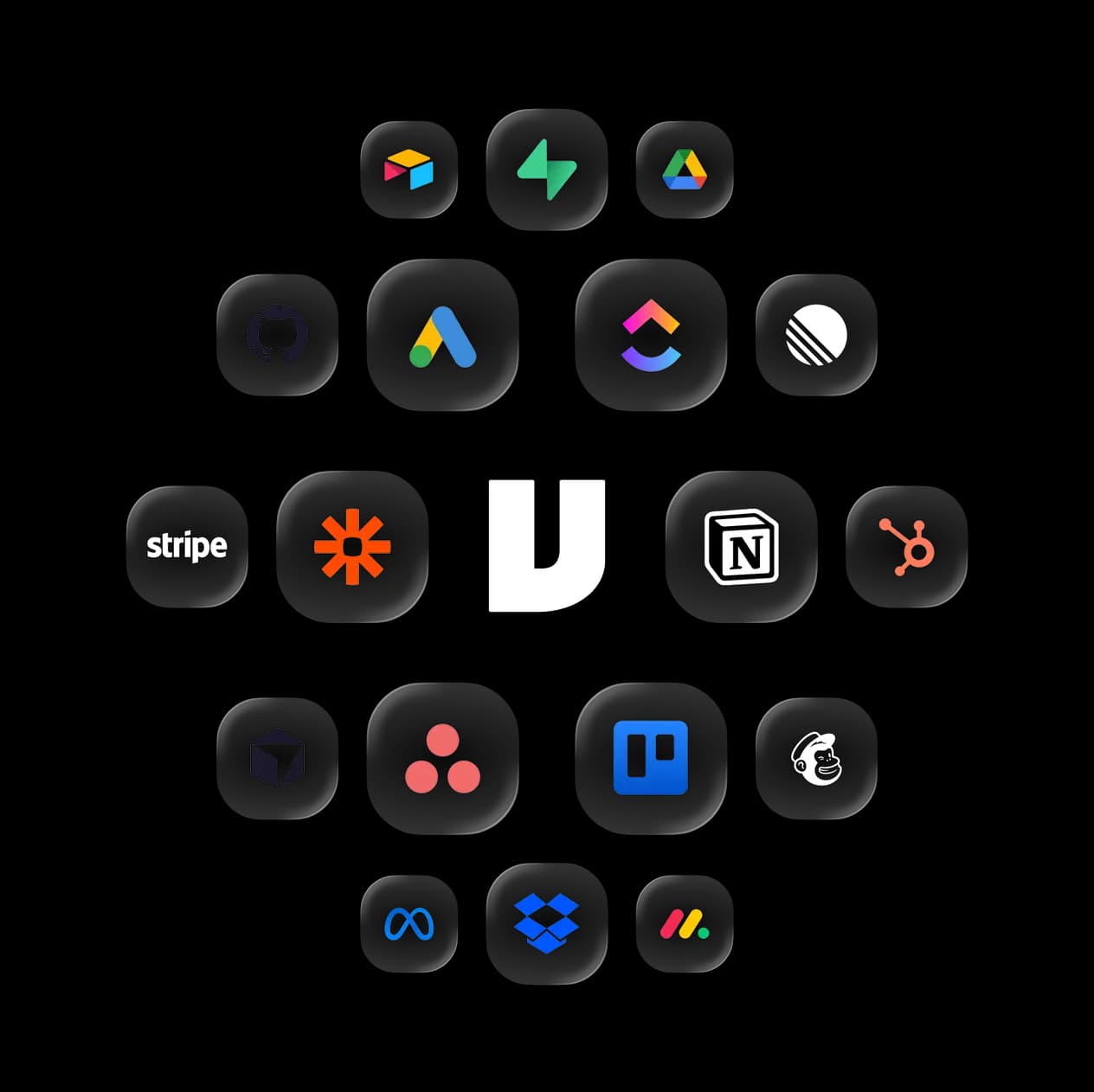
This is the part that lets a single agent span ops, revenue, engineering, marketing, and support without your team wiring up automations. For a lean crew, replacing a pile of workflow automation glue with one natural-language coworker is the real draw.
It delivers finished artifacts, on a schedule
Viktor doesn't just answer, it produces things: docs, dashboards, tagged feedback boards, even small internal apps. And it can run on scheduled tasks and crons, so a weekly performance report or a recurring audit just shows up.
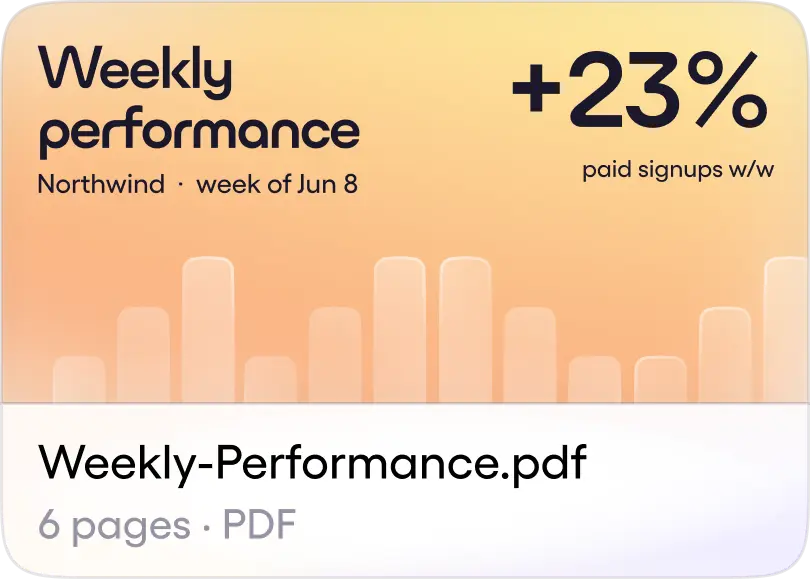
The one thing to keep in mind: scheduled automations spend credits every time they fire, and Viktor's own copy says "frequency matters." An hourly report costs far more than the same report run weekly. That's fine if you know it going in.
The security story holds up
Because Viktor takes real actions in real tools, security is central, and this is an area where it's clearly done the work. It's SOC 2 Type 1 and CASA Tier 3 certified, GDPR aligned and CCPA compliant, with SOC 2 Type II and ISO 27001 in progress. The design choices matter more than the badges: credentials never touch the AI model, every sensitive action waits for approval, and your data never trains a model.
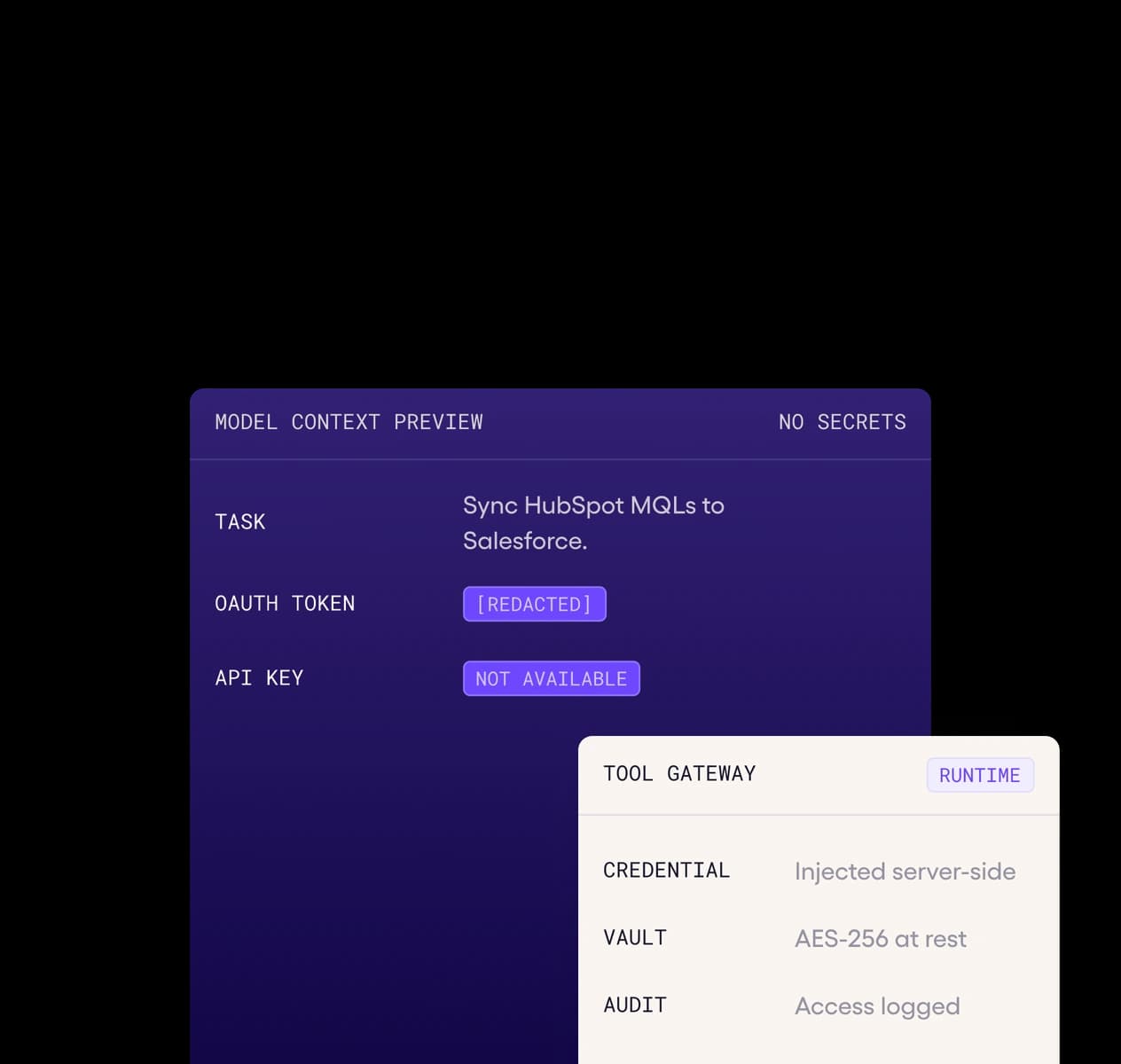
If you're an enterprise buyer, the honest note is that Type II and ISO 27001 aren't finished yet, so confirm the current status with sales rather than reading the "in progress" as done.
Viktor AI pricing, in brief
Pricing is simple to state and harder to forecast. There's $100 in free credits to start, then one public paid plan.
| Plan | Price | Billing unit | What you get |
|---|---|---|---|
| Free trial | $100 in credits, no card | Credits | Every feature, every integration. No sales call. |
| Team | $50 / month | 20,000 shared workspace credits/mo | Slack + Teams agent, persistent context, all integrations, scheduled tasks and crons, drafts and artifacts |
| Enterprise | Custom (contact sales) | Flexible / custom billing | Everything in Team, plus invoicing, security review + DPA, SLA, priority support, dedicated onboarding, tailored limits |
The nice part: there's no per-seat charge and no feature gating. Every integration is on the entry plan. The catch is the credit meter. A quick task runs 100-300 credits, a complex workflow 500-1,500, and a full project 2,000-5,000, so your 20,000-credit month is anywhere from ~4 big projects to ~200 small ones. Viktor also doesn't publish a dollar-per-credit rate or its top-up mechanics, so the exact cost of going over 20,000 isn't something you can read off the site. I dug into all of this in the full Viktor AI pricing breakdown if you want the numbers.
What users actually say
Let's start fair: Viktor is well-liked. It sits at 4.8/5 across 35 G2 reviews, overwhelmingly five-star, and the fans are mostly solo operators and small agencies who frame the $50 against a headcount cost, not against another SaaS tool. For that person, an always-on generalist for coffee-budget money reads as a steal, and I get it.
The skeptics are worth hearing too. On Hacker News, a thread that reverse-engineered Viktor pushed the harshest "it's just a model wrapper" version of the critique:
"There's so little value in Viktor, that it is unethical to charge for it."

That's an outsider's jab, not a paying customer's verdict, and the review scores suggest most users disagree. But it points at the real fault line: value relative to what it spends. And the consistent, honest caveat even from happy users is the same one, credits burn faster than you expect and spend needs active management. Two specifics come up repeatedly and are worth pinning down before you commit: credit reconciliation when Viktor makes a mistake (you can still spend credits fixing a bad run) and top-up pricing (what you pay once 20,000 runs out isn't published).
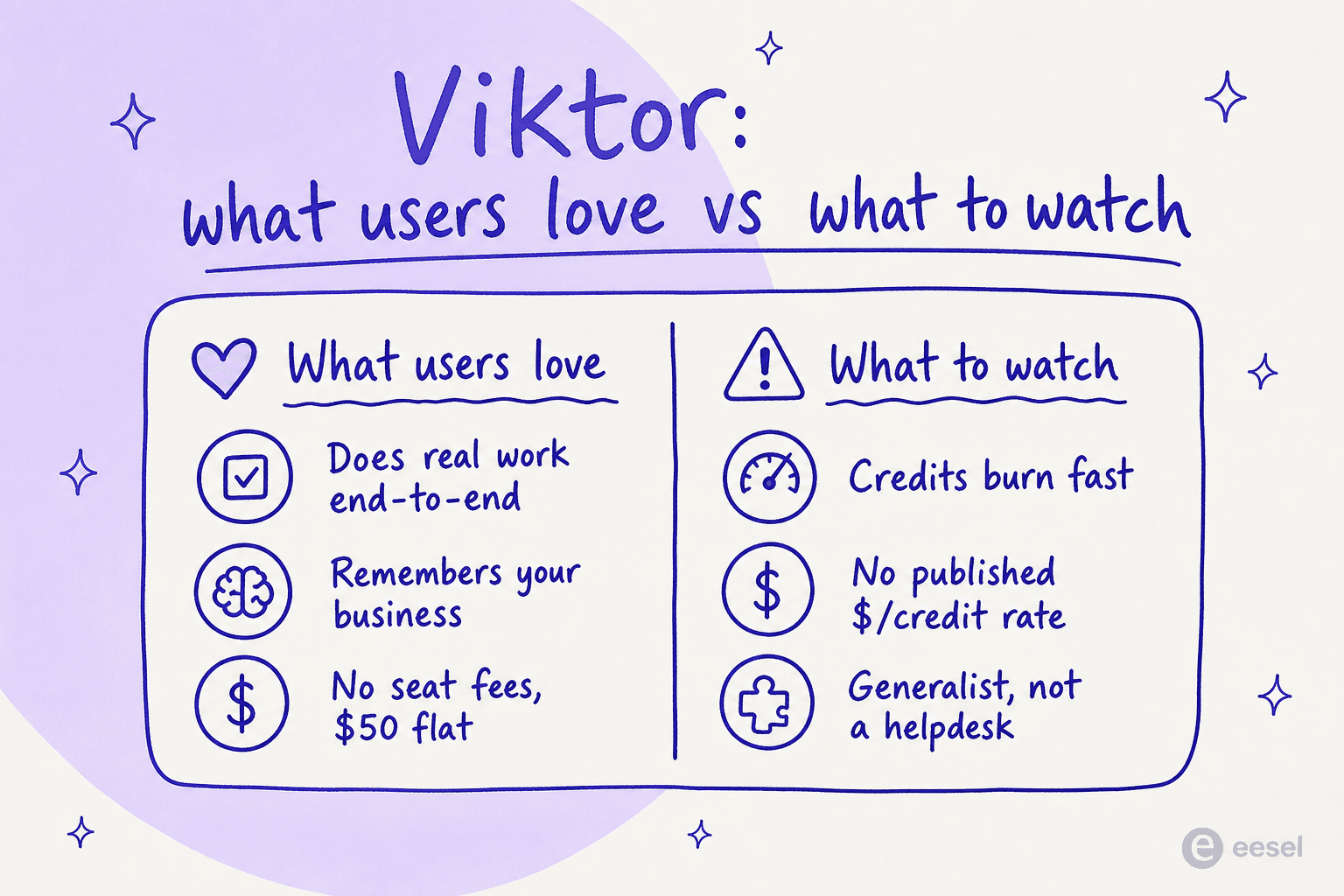
So the balanced read: light, varied use makes $50/month feel like a bargain; heavy, repetitive, high-frequency use means you'll be watching the meter. That's true of every usage-based AI tool, not a Viktor-specific flaw.
The support angle: where I have to be honest
This is where my day job makes me opinionated. Viktor can do support, the homepage demo triages a queue, merges 23 duplicate tickets, drafts replies, and files a bug, all from Slack. That's real, useful work, and I'd happily let it absorb an occasional support spike.
But it bills that work on the same generic credits as everything else. There is no per-resolution or per-ticket rate. A ticket-triage batch just lands somewhere in the quick-task-to-complex-workflow range depending on scope. For a support queue that runs every day, that's the hard part to forecast, and it's a pain I hear constantly from teams evaluating AI.
I've sat in on these buying conversations, and the pattern repeats: per-action pricing turns every busy week into a budgeting question. One ops lead at a payouts fintech doing ~7-8K escalated tickets a month told us per-interaction pricing was a non-starter, because at their volume it would blow any monthly allowance in a day and a half. When you're doing support at volume, you want a unit you can count in your head, which is also why teams comparing AI cost against an offshore team reach for a per-ticket number first.
Viktor also sits on top of the helpdesk rather than replacing it. There are no macros, SLA policies, CSAT, deflection reporting, or a customer-facing widget, the things a dedicated AI helpdesk agent gives you. For occasional support work inside Slack, great. For a support operation, you'd want depth Viktor doesn't try to have.
Is Viktor worth it?
My take: Viktor is a strong buy for the specific person it's built for, and a "check the meter first" for everyone else.
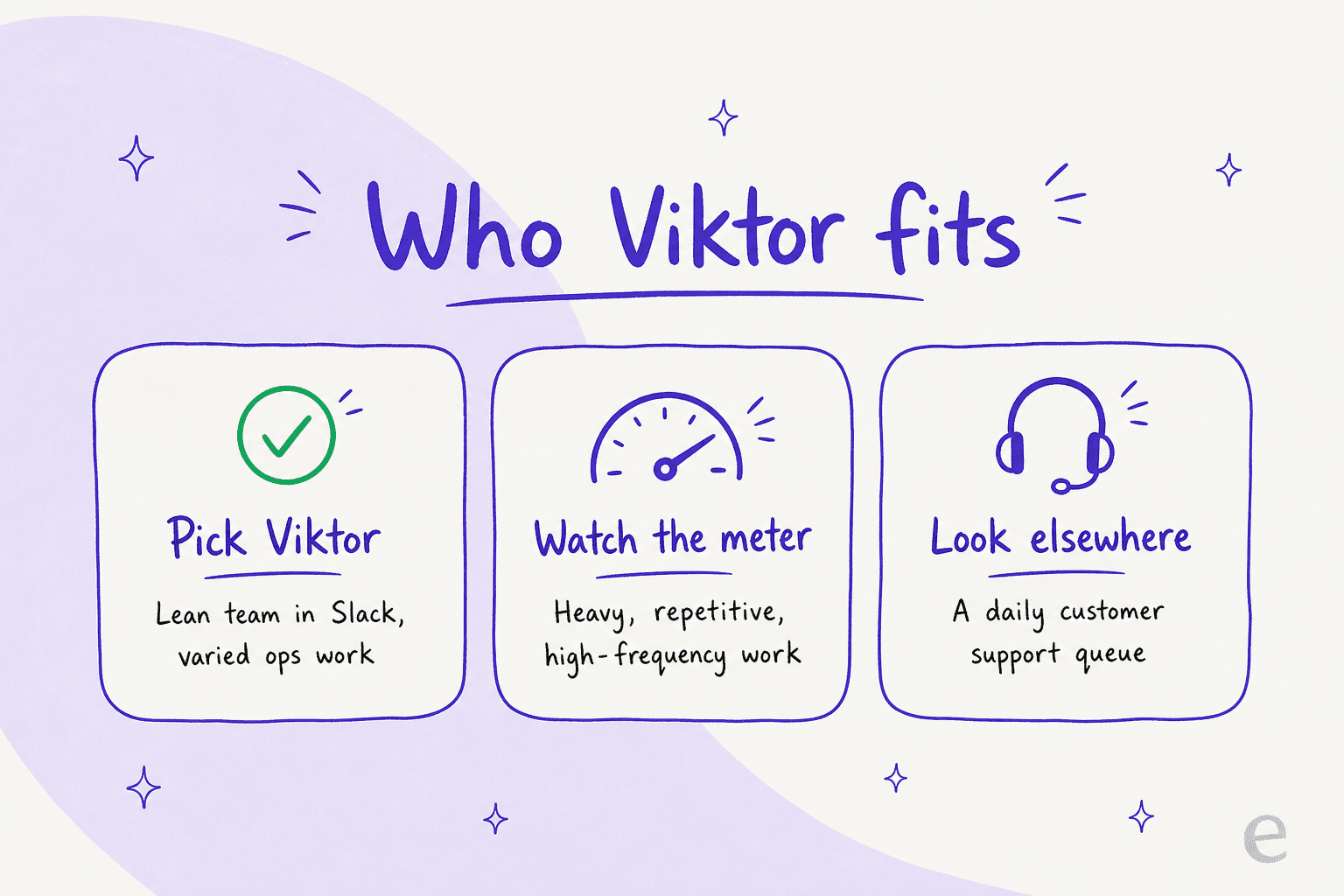
- Pick Viktor if you're a founder, solo operator, or lean team that lives in Slack or Microsoft Teams and wants one generalist agent to absorb varied ops, marketing, finance, and light engineering work. At $50/month with no seat fees and every integration included, it can quietly replace a chunk of your stack. The $100 free trial makes it low-risk to try. (If Slack is the main draw, scan the best Slack AI apps too.)
- Watch the credits if your work is heavy, repetitive, or high-frequency. The model rewards light, varied use and punishes bulk, and the missing dollar-per-credit rate means you should pin down top-up cost with sales first.
- Look at a support-first tool if your main job is a support queue. Viktor sits on top of the helpdesk and its credit pricing is hard to forecast at ticket volume. A dedicated tool that learns from your knowledge base and uses one credit per ticket will be both cheaper to predict and deeper on support features.
Viktor's model isn't bad, it's optimized for breadth. The mismatch only shows up when you point a breadth tool at a depth problem like support.
eesel AI: predictable support AI in the same Slack
If you landed on this Viktor AI review because you're weighing it for support, that's exactly the case where a purpose-built tool pulls ahead. eesel AI is an AI teammate for support that plugs into your helpdesk and your Slack in a few minutes, learns from your past tickets and help center, and starts drafting and resolving from day one.
Two things make it a better fit for a support queue than a credit-metered generalist. First, pricing: eesel sells a fixed monthly plan from $299 for 500 credits, with 1 credit per ticket or chat and no per-seat fees, so your plan is sized to your tickets, not to a meter you babysit. Second, you can simulate the AI on your past tickets before it ever touches a customer, so you see the resolution rate and the cost before you commit. We built that simulation step because we've watched confident-sounding bots quietly give wrong answers, and no one should roll that out blind.
If your reality is a support inbox rather than a grab-bag of ops tasks, try eesel free and run it against your own tickets first. You'll know the real cost before you pay a cent.