Multichannel customer experience: the 2026 guide

Riellvriany Indriawan

Katelin Teen
Last edited July 6, 2026
What multichannel customer experience actually means
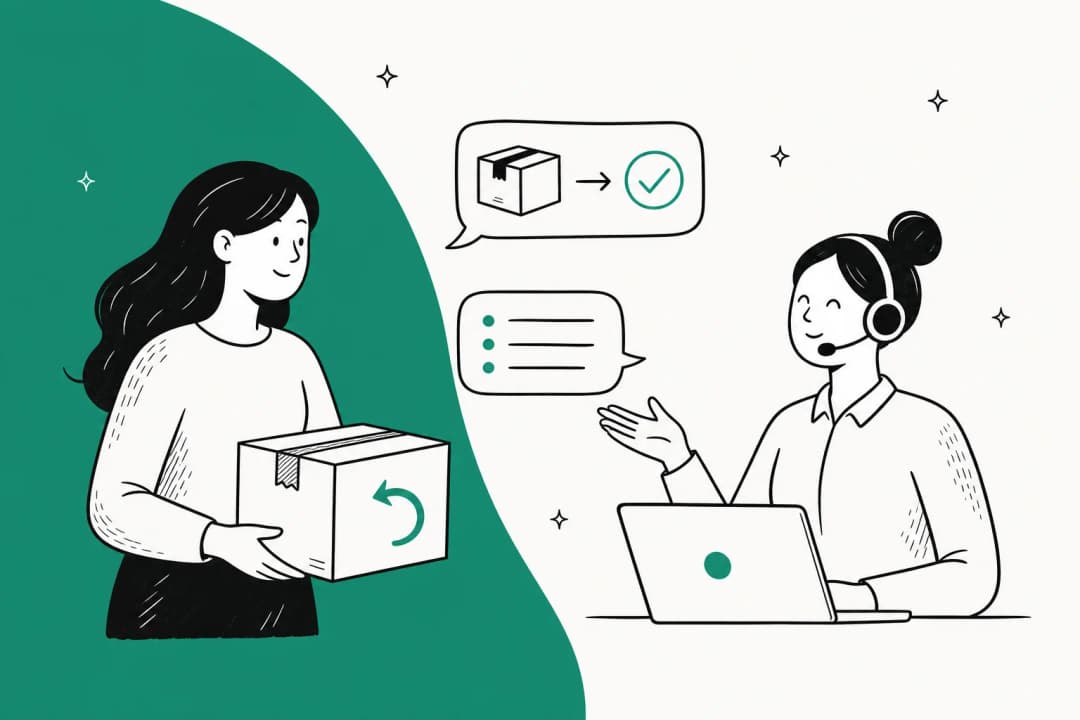
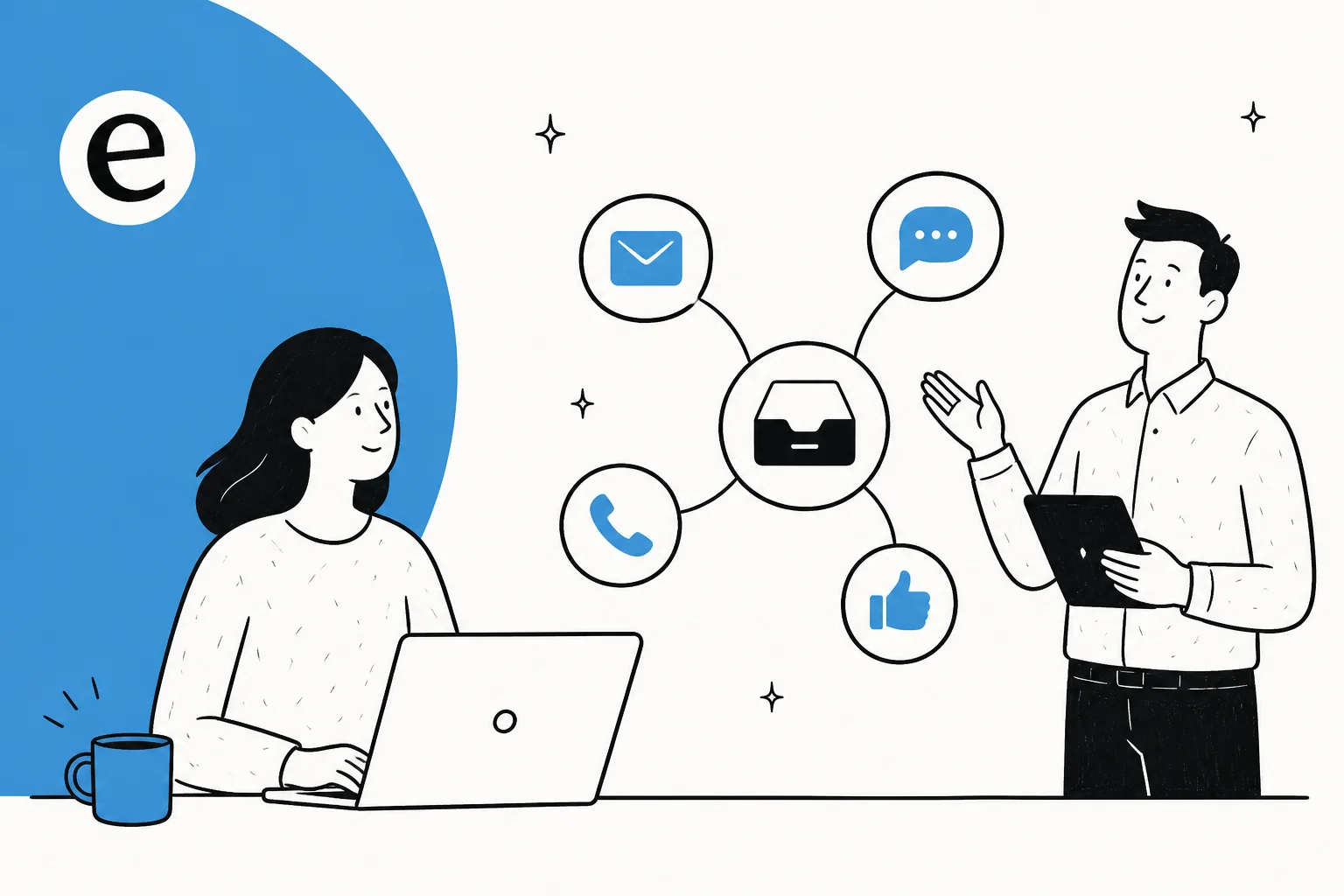
Multichannel customer experience is the practice of meeting customers on whichever channel they choose, rather than forcing everyone through a single support line. In practice that is your email queue, a chat widget on the site, a WhatsApp number, an Instagram DM inbox, maybe a phone line, all treated as valid front doors into your support team.
The word doing the heavy lifting is channel. A channel is any distinct place a conversation can start. The multichannel promise is simple and genuinely good: customers get to reach you the way they already talk to everyone else in their life, and you stop losing tickets because someone only offered email.
Where it gets interesting is what happens behind those doors. Multichannel says nothing about whether those channels share anything. That is the gap that separates a smooth customer service experience from a frustrating one, and it is where most of this post lives.
Multichannel vs omnichannel: the difference that trips everyone up
These two words get used interchangeably, and they should not be. The distinction is the most useful thing you can take away from this whole guide.
Multichannel is about presence. You are on many channels. Each one works, each one is staffed, but each one is its own island with its own tools and its own copy of the answers.
Omnichannel is about continuity. The channels share one thread and one customer history, so a person can start on chat, follow up by email, and finish on WhatsApp without ever re-explaining who they are or what broke.
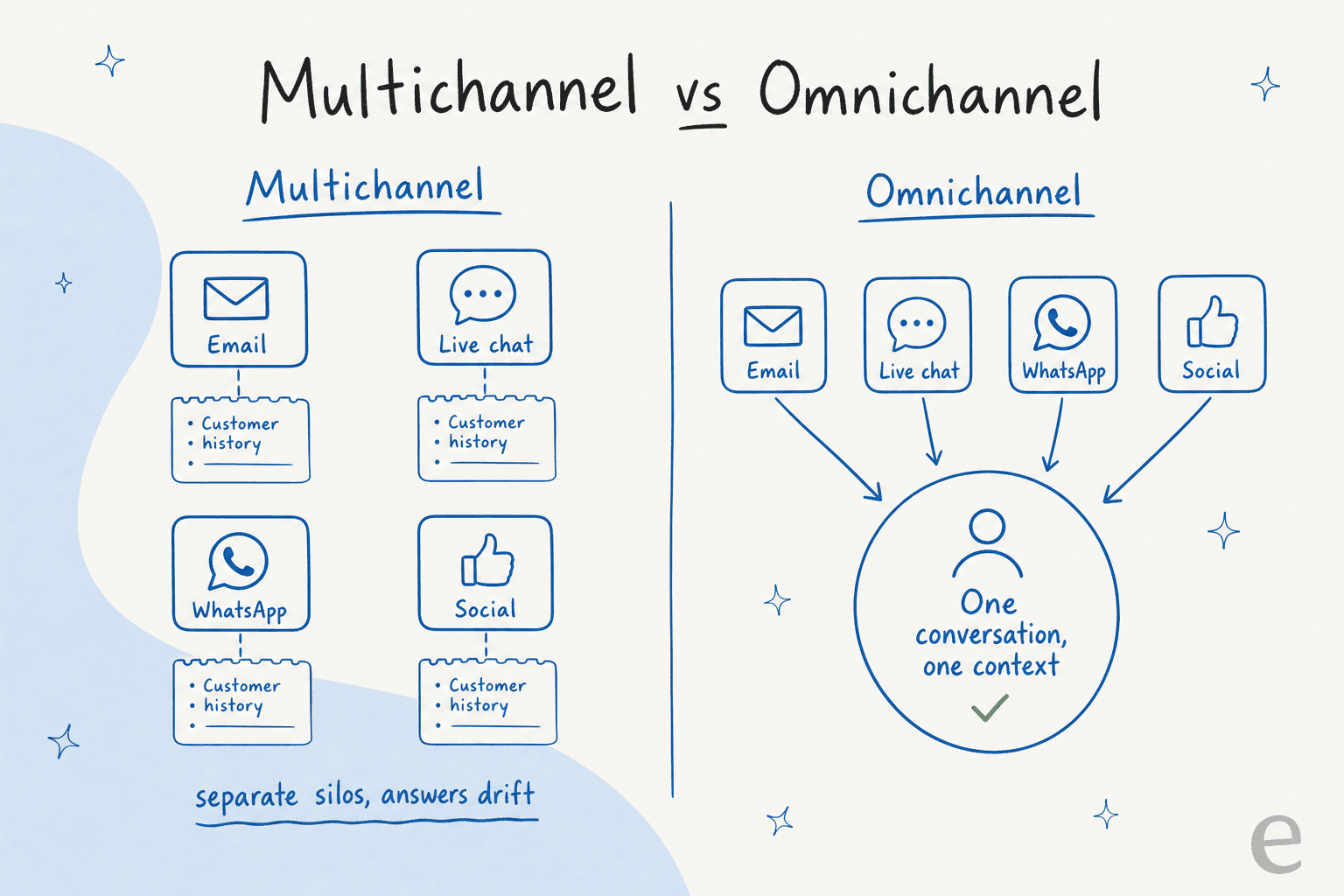
Here is the honest version most vendor pages skip: almost everyone starts multichannel and thinks they are omnichannel. They added a chat widget, then a WhatsApp number, then a social inbox, and each one got wired up separately. Nothing ties them together except the agents' memory, which does not scale. A good AI customer service workflow is really the bridge from the first state to the second.
Why teams end up multichannel by accident
Nobody sits down and designs a fragmented support setup. It accretes. A customer asks for WhatsApp, so you add WhatsApp. Marketing runs a campaign on Instagram, so DMs start coming in and someone gets assigned to watch them. Each addition is reasonable on its own, and each one quietly adds a new silo.
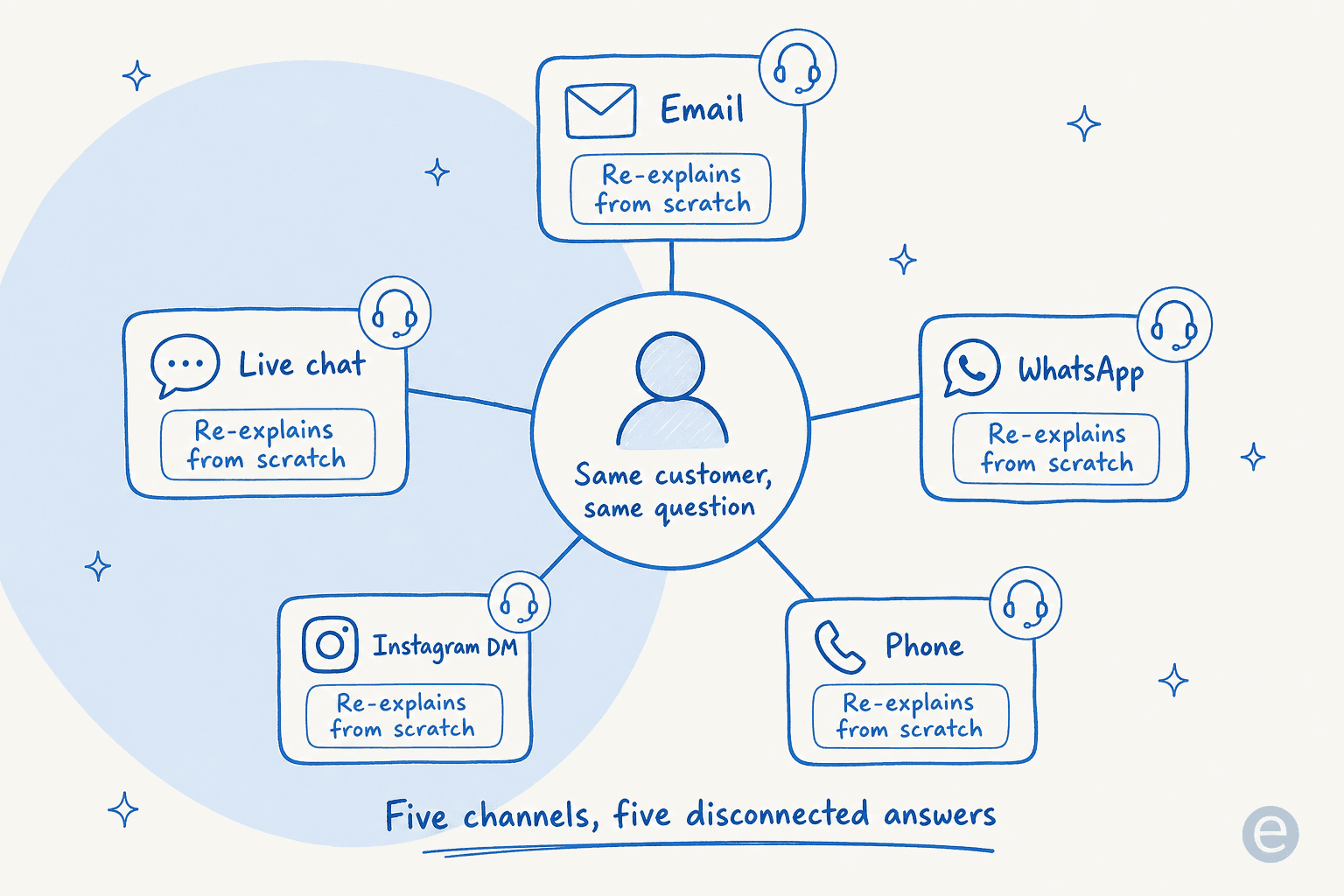
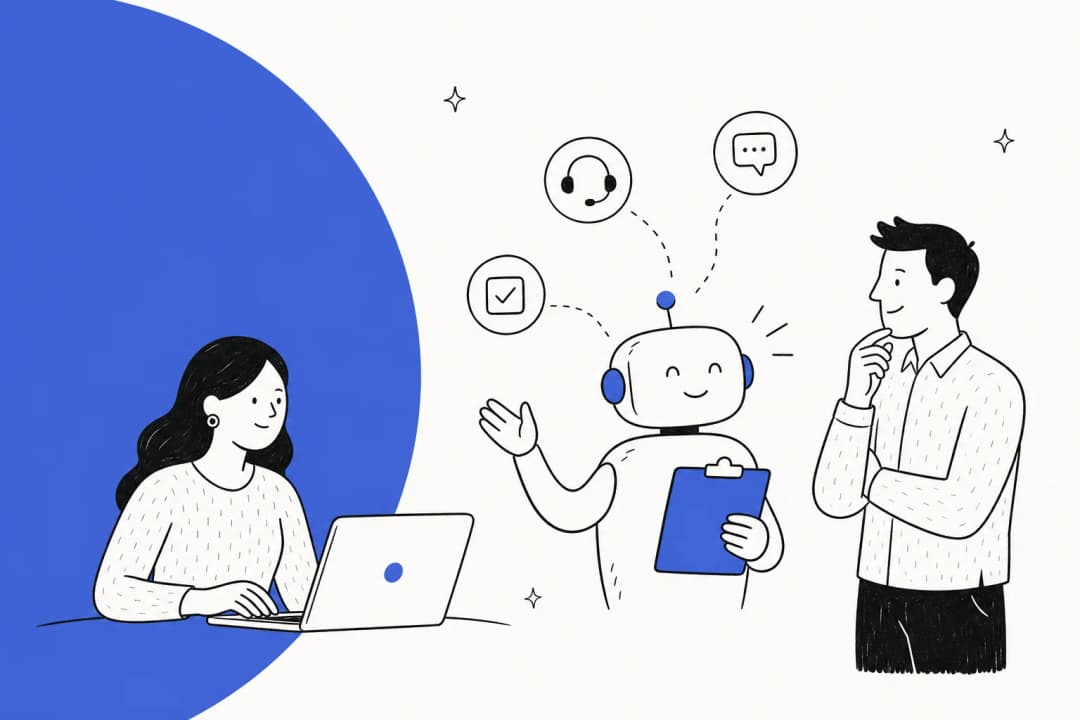
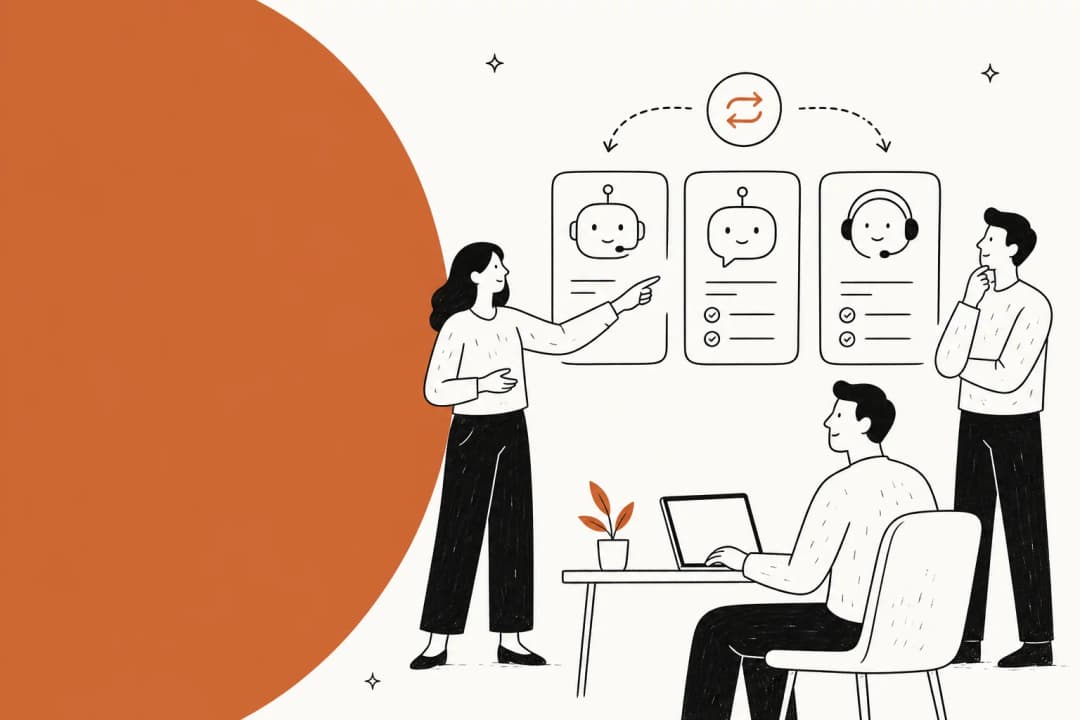
The result is the picture above: the same customer, asking the same question, gets routed to a different agent on each channel, and each agent re-derives the answer from scratch. The refund policy that lives in one agent's head does not live in another's. The macro that got updated in your helpdesk never made it into the WhatsApp replies. Working the frontline, this is the pattern I see burn teams the most: it is not that any single channel is bad, it is that the channels never learned to speak to each other.
The cost shows up as three things: duplicate work (the same question answered five times, five ways), inconsistent answers (which erodes trust faster than a slow reply ever will), and blind spots (a channel nobody is really watching). It is the exact opposite of what good customer service is supposed to feel like.
The channels that matter in 2026
You do not need every channel. You need the ones your customers actually use, staffed well enough that they do not rot. Here is how the main ones stack up and where each earns its place.
| Channel | Best for | Response expectation | Watch out for |
|---|---|---|---|
| Complex issues, paper trails, B2B | Hours | Slow by default; easy to let a backlog build | |
| Live chat | Quick questions, on-site conversions | Seconds to minutes | Needs real-time staffing or deflection |
| Website chatbot | 24/7 self-service, FAQ deflection | Instant | Bad bots frustrate; needs real knowledge behind it |
| Mobile-first, international, order updates | Minutes to hours | API pricing and template rules | |
| Social (Instagram, X) | Public complaints, brand-facing | Minutes (public eyes) | Tone matters; escalates fast in public |
| Phone | High-emotion, urgent, older demographics | Immediate | Expensive to staff; hard to scale |
The pattern worth internalizing: add a channel only when you can answer it as well as your best one. A neglected WhatsApp number is worse than no WhatsApp number, because now the customer knows you offer it and still cannot get through. If you run an online store, our take on live chat for ecommerce goes deeper on picking the right mix.
Where multichannel breaks down
The failure is almost never the channels themselves. It is the knowledge behind them. Three breakages come up again and again:
- The answers drift. Update your return window in one place and the other channels keep quoting the old number. Customers screenshot the discrepancy.
- Context does not travel. A customer explains their problem on chat, gets told to email, and has to start over. This is the number one complaint in bad customer service stories, and it is entirely self-inflicted.
- Volume hits unevenly. A campaign spikes your social DMs while email sits quiet, and you have no way to shift capacity because each channel is staffed as its own team.
Every one of these traces back to the same root cause: the knowledge is copied per channel instead of shared across channels. Fix the root and all three soften at once. That is also why simply hiring more agents rarely solves it; you are just adding more copies of a knowledge base that was never unified. A better lever is often AI, not more headcount.
How to fix it: one knowledge layer behind every channel
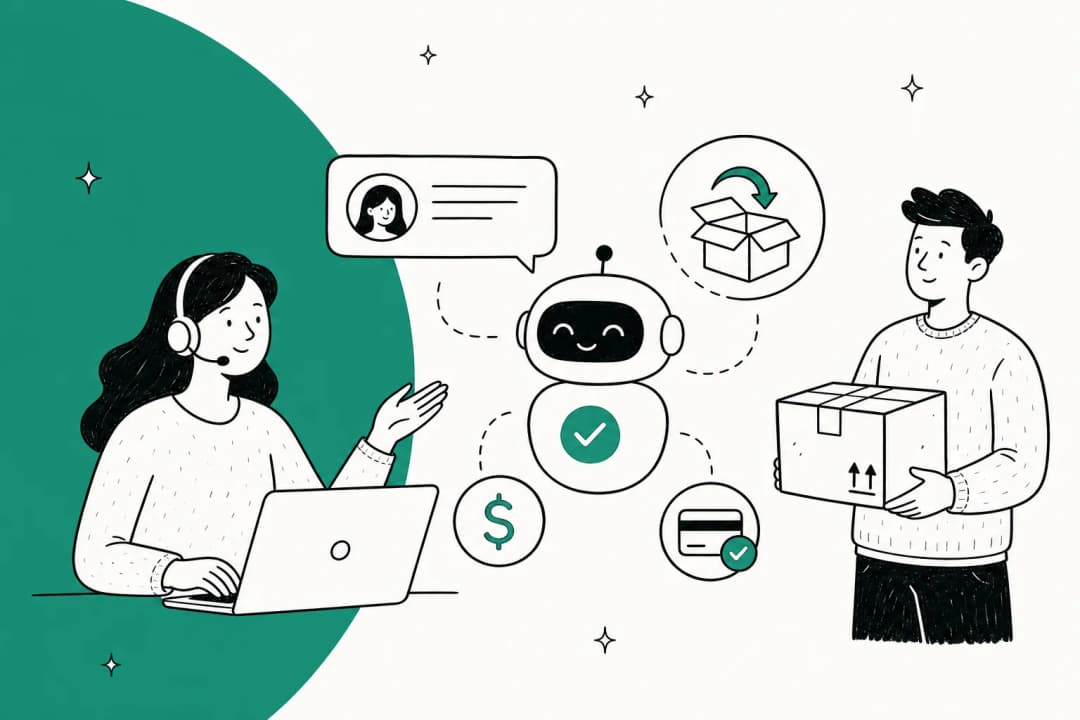
The move that turns a messy multichannel setup into something that feels omnichannel is to stop maintaining knowledge per channel and put a single layer behind all of them. When one brain answers email, chat, WhatsApp, and social, the reply is identical everywhere by construction, not by discipline.
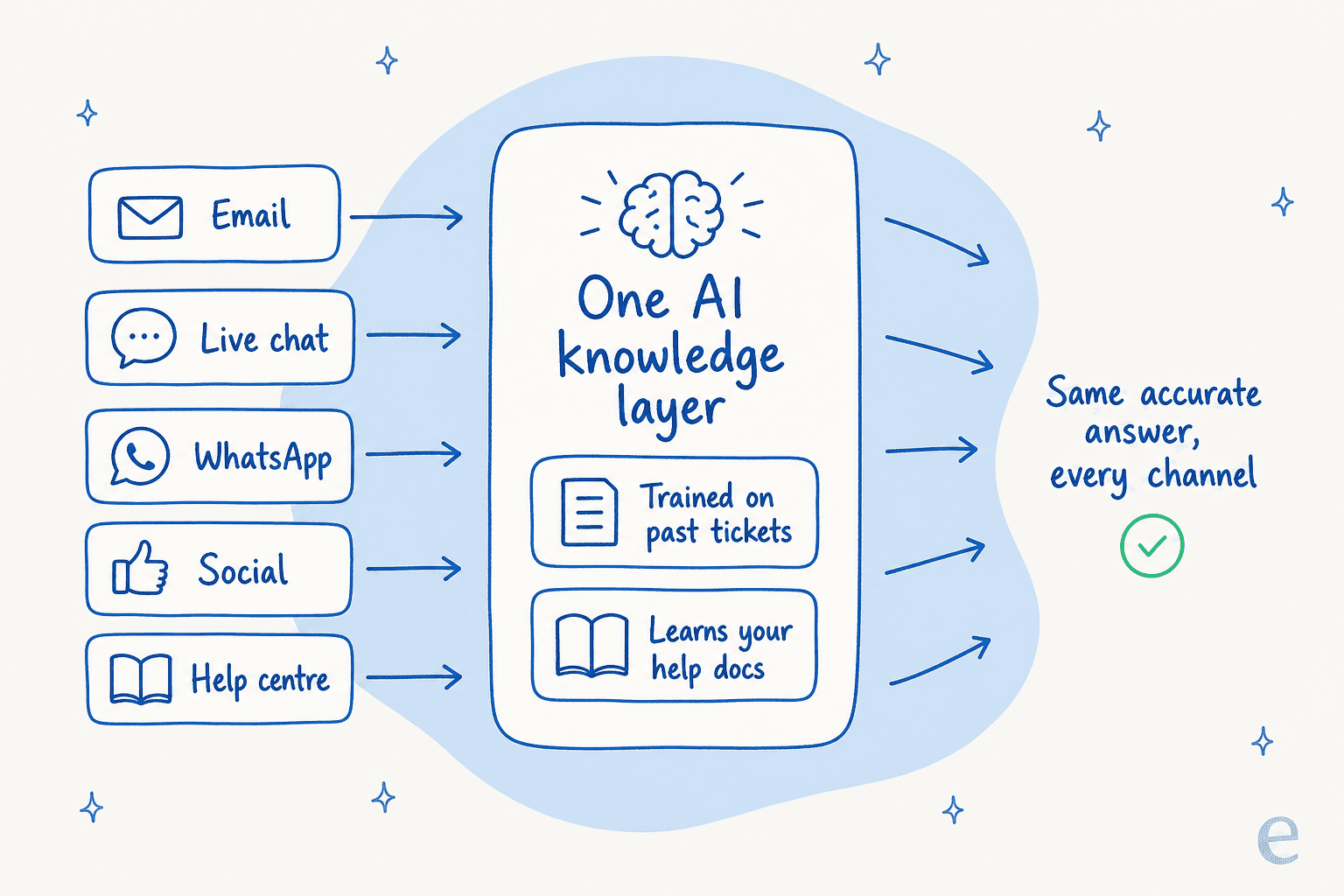
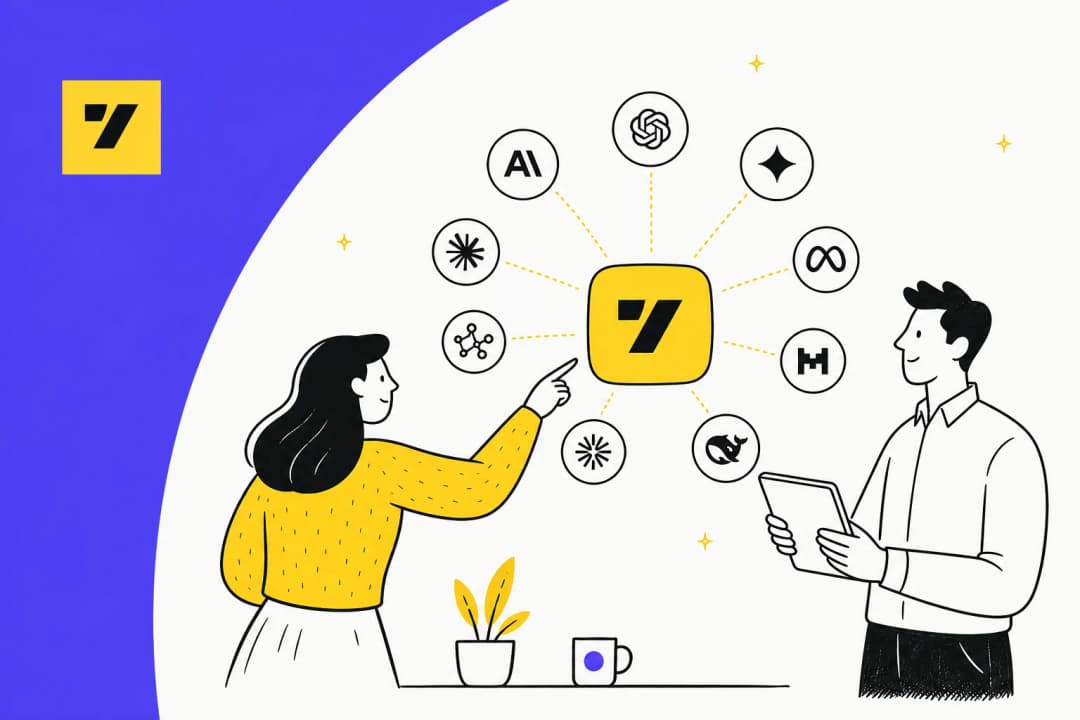
In 2026 the practical way to build that layer is an AI agent that trains on your existing ticket history and help docs, then plugs into the helpdesk you already run. It reads the question, finds the answer once, and delivers it consistently no matter which channel it arrived on. This is the core of a modern AI customer service setup, and it is where a tool like eesel AI fits.

The reason to lead with the knowledge layer rather than the channels is that it is the part that does not commoditize. Any tool can add a WhatsApp connector. Far fewer can guarantee that the WhatsApp answer matches the email answer, because that requires the answers to come from the same place. When a CTO at a D2C sleep brand explained their choice, the reason was exactly this: "it offers multi-channel data input options... by linking our CSVs, Zendesk, and Google Docs as sources, we can make the most of our vast documentation, even if it's scattered." The channels were never the hard part; unifying the scattered knowledge was.
One caution from having watched a lot of rollouts: do not point an AI at all your channels on day one and hope. The teams that get this right simulate against past tickets first, see the coverage by topic, fill the gaps, and only then let it answer live, usually starting on the easy, high-volume questions and keeping humans on the rest.
The metrics worth watching
If you are going to run multichannel support seriously, measure it as one system, not as a pile of per-channel dashboards. These are the numbers that tell you whether the experience is actually cohesive.
| Metric | What it tells you | Why it matters for multichannel |
|---|---|---|
| First response time | How fast you reply | Compare across channels; a big gap means one channel is neglected |
| Resolution rate | Share of issues fully solved | Should hold steady no matter the channel |
| Deflection rate | Questions solved by self-service | High deflection frees agents for the hard channels |
| Answer consistency | Same question, same answer everywhere | The one metric unique to multichannel; usually the weakest |
| CSAT by channel | Satisfaction per channel | Surfaces the channel quietly dragging you down |
For a fuller treatment of what to track and how, our rundown of customer service KPIs and the broader set of AI customer service metrics both go deeper than the table can. The thing I would flag: answer consistency is the metric almost nobody tracks and the one that most defines whether your multichannel setup feels like one company or five.
Common mistakes to avoid
- Adding channels you cannot staff. Presence is not service. A dead channel signals neglect louder than not offering it at all.
- Maintaining knowledge per channel. The moment you copy an answer into a second tool, it starts drifting from the first. Keep one source of truth.
- Treating the chatbot as a deflection wall. A website chatbot that cannot actually answer just delays the human handoff and annoys everyone. Give it real knowledge or do not ship it.
- Ignoring context handoff. If a customer has to repeat themselves when they switch channels, you are multichannel in the worst way. This is the fixable part.
- Paying per seat, per channel. Pricing that scales with channels punishes you for meeting customers where they are. Volume-based pricing with every channel included does not.
Try eesel for multichannel support
If the through-line of this guide landed, the practical next step is putting one knowledge layer behind every channel you run. eesel AI is an AI agent that learns from your past tickets and help docs, then answers across email, live chat, WhatsApp, Slack, and social from that single brain, so a customer gets the same accurate answer wherever they reach you.

It plugs into the helpdesk you already run, so you are not migrating channels, and it has one fixed monthly price from $299 for 500 credits with no per-seat or per-channel fees, which means adding a channel never adds a subscription. You can run it in simulation mode against your real ticket history before it answers a single live customer, so you see exactly how it will handle each channel first. It is free to try, no credit card, and you can point it at one channel to start.
Frequently Asked Questions
What is a multichannel customer experience?
What is the difference between multichannel and omnichannel customer experience?
Which channels should a multichannel support strategy cover?
How much does multichannel customer support cost with AI?
How do I keep answers consistent across every channel?


Article by
Riellvriany Indriawan
Riell is a designer and writer at eesel AI with about two years of experience researching CX platforms, AI chatbots, and helpdesk software. She combines her design background with a sharp eye for how these tools actually look and feel in practice — making her comparisons unusually visual and user-focused.