9 best llama.cpp alternatives in 2026, picked by hardware and workload

Rama Adi

Katelin Teen
Last edited November 14, 2026

The best llama.cpp alternatives are vLLM or SGLang for many users on a GPU server, MLX-LM on an Apple Silicon Mac, and ExLlamaV3 for the most model on one NVIDIA card. Ollama, LM Studio, Jan and LocalAI are friendlier, but they still run llama.cpp underneath, so they change the app, not the engine. With llama.cpp at v1.0.0, one person on one machine is often better off staying. If the goal is AI on support tickets, eesel does that on hosted models, and its CLI lets a coding agent upload help articles and test answers first.
Why do people look for llama.cpp alternatives?
Mostly because they outgrew the job llama.cpp was built for, not because it got worse. llama.cpp is the C/C++ engine that made running models on ordinary hardware normal, and it is still the broadest one around: the project README lists backends for CUDA, Metal, HIP, Vulkan, SYCL, plain CPU and more than a dozen others, with GGUF quantization from 1.5-bit to 8-bit and CPU plus GPU offload for models bigger than your VRAM. It sits at 135,056 GitHub stars under an MIT license, and on November 13, 2026 it shipped v1.0.0, its first semver release, with FP8 KV caches, a host-memory cache for mixture-of-experts models and a redesigned web UI.
I work on eesel's integrations and APIs, so most of my time with local engines goes on the boring parts: the API they expose, how they behave under several requests at once, and what breaks when you swap the model. That shapes this list. I read each project's own docs, release notes and repos for it, and I pulled community reports from Hacker News, but I have not benchmarked all nine on one machine, so treat any speed claim below as theirs, not mine.
The reasons people give for moving cluster into four:
- Many users at once. llama.cpp is great for one person and fine for a few. A team hitting the same server is where batching engines pull ahead.
- Mac speed. On Apple Silicon, Apple's own MLX framework is often the faster path.
- Peak speed on a specific GPU. Engines with kernels written for one vendor's hardware can beat a portable engine on that hardware.
- An app instead of a build. Not everyone wants to compile with CMake and pass flags.
The first three are real engine changes. The fourth usually is not, which is the part most comparison posts skip.
"While I think that llama.cpp is an outstanding project - a one-stop-shop to get almost any model to run on almost any hardware, you get a lot more speed from specialised inference engines with kernels made for your hardware."

Is Ollama actually an alternative to llama.cpp?
Not at the engine level. Ollama, LM Studio, Jan and LocalAI all run llama.cpp underneath for GGUF models, and several of them add MLX on Macs. They change how you install, download and manage models. They do not change how tokens get generated.
The evidence is in their own pages. Ollama's v0.40.16 release notes list "Updated llama.cpp". LM Studio's homepage says it runs "with MLX and llama.cpp under the hood." Jan's API server docs describe "local models powered by llama.cpp or MLX." LocalAI lists llama.cpp as one of its more than 80 backends, next to vLLM and MLX. And the llama.cpp team now ships its own Llama desktop app, a 1 MB download for Mac and Windows.
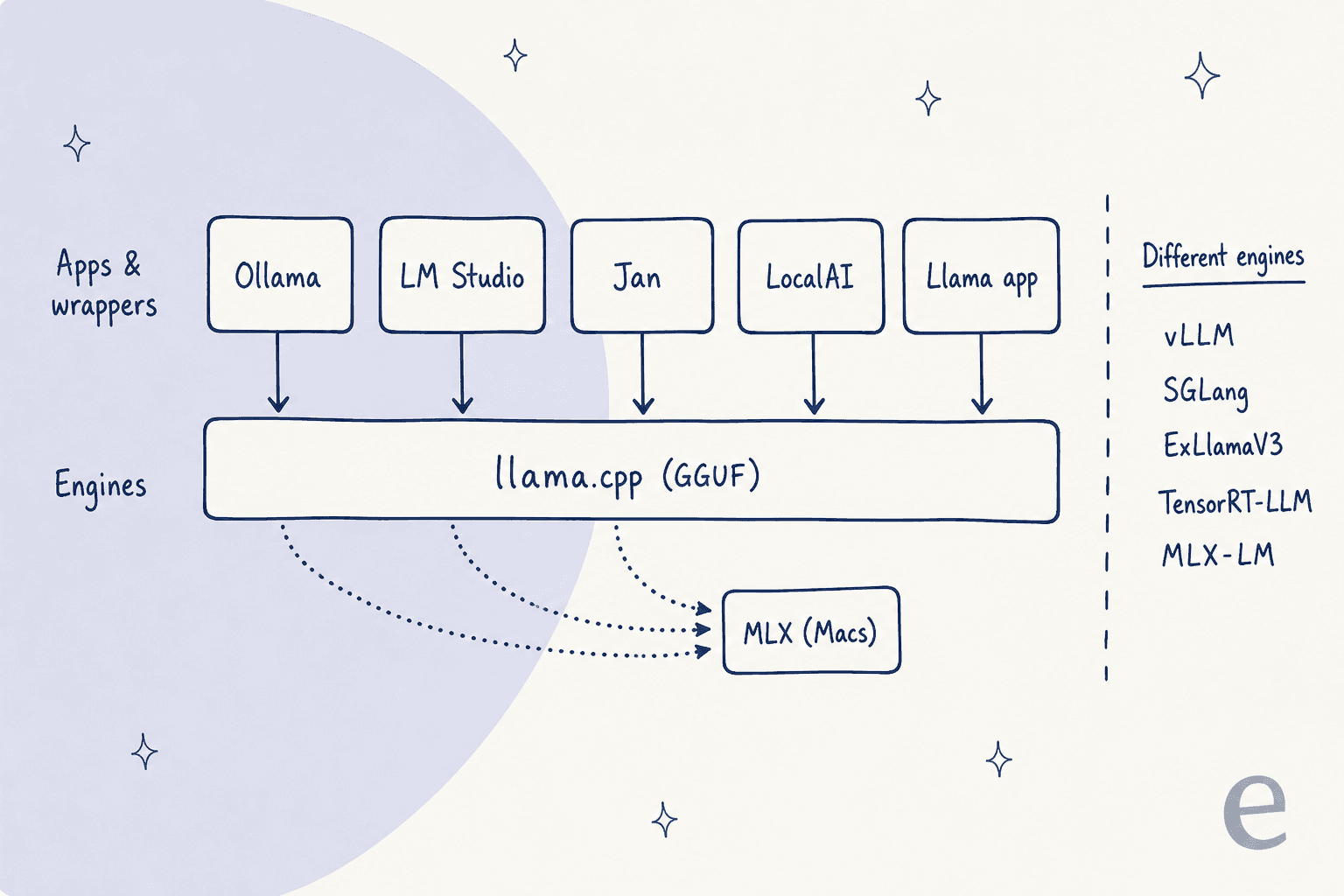
That split decides where you should look. If you are leaving llama.cpp because builds and flags wear you out, an app on top of it is the right fix and you keep everything that already works. If you are leaving because it is too slow for your workload, an app on top of the same engine will not help, and you want one of the five in the right-hand column.
"There's also been some controversy over not giving proper credit to llama.cpp which ollama is/was a wrapper around."
How I picked these alternatives
I started from what buyers actually ask. When I put "What are the best llama.cpp alternatives?" to ChatGPT in a fresh chat, it named nine projects and split them into inference engines and local LLM platforms, so all nine are here. Then I checked each against five things:
- Engine or wrapper. Does it replace llama.cpp's inference, or wrap it?
- Hardware and OS. NVIDIA, AMD, Apple Silicon, CPU; Linux, Windows, macOS.
- Model format. GGUF, MLX weights, EXL3, or Hugging Face safetensors.
- Serving. An OpenAI-compatible API, and whether it batches many requests well.
- Upkeep. Latest release date, license and stars from each project's GitHub repo on November 15, 2026.
Here is how they line up:
| Tool | Type | Runs llama.cpp inside? | Hardware | OS | Main model format | OpenAI-compatible API | Many users at once | License | GitHub stars | Latest release | Paid tier |
|---|---|---|---|---|---|---|---|---|---|---|---|
| vLLM | Engine | No | NVIDIA, AMD, Intel, CPU, TPU via plugin | Linux (WSL on Windows) | Safetensors; GGUF experimental | Yes, plus Anthropic API | Strong | Apache-2.0 | 96,936 | v0.33.0 | None |
| SGLang | Engine | No | NVIDIA, AMD, TPU, Intel, Ascend, Mac via MLX | Linux mainly | Safetensors; GGUF on NVIDIA | Yes | Strong | Apache-2.0 | 38,874 | v0.5.23 | None |
| MLX-LM | Engine | No | Apple Silicon only | macOS | MLX weights | OpenAI-like, basic | Light | MIT | 7,656 | v0.32.2 | None |
| ExLlamaV3 | Engine | No | NVIDIA; AMD 7900 newer | Linux, Windows | EXL3 | Via TabbyAPI | Dynamic batching | MIT (TabbyAPI AGPL) | 1,825 | v1.6.7 | None |
| TensorRT-LLM | Engine | No | NVIDIA data-center GPUs | Linux | Safetensors, FP8/FP4 | Yes | Strong | NVIDIA open source | ~15,100 | v1.2.1 stable | None |
| Ollama | App + server | Yes, plus MLX | NVIDIA, AMD, Apple | macOS, Windows, Linux | GGUF | Subset, plus Anthropic API | Moderate | MIT | 186,973 | v0.40.16 | Cloud from $20/mo |
| LM Studio | Desktop app | Yes, plus MLX | NVIDIA, AMD, Apple Silicon | macOS (M-series), Windows, Linux | GGUF, MLX | Yes, plus Anthropic API | Moderate | App closed; tools MIT | 5,427 (lms CLI) | Bionic 1.2.0 | Cloud from $20/mo |
| Jan | Desktop app | Yes, plus MLX | NVIDIA, AMD, Apple | macOS, Windows, Linux | GGUF | Yes | Light | Apache 2.0 | ~45,700 | v0.8.8 | None |
| LocalAI | API server | Yes, among 80+ backends | CPU, NVIDIA, AMD, Intel, Apple, Jetson | Linux, macOS, Docker, Kubernetes | GGUF and more | Yes, plus Anthropic API | Moderate | MIT | ~50,400 | v4.12.1 | None |
Which llama.cpp alternative fits your hardware?
Start from the machine, then the number of people using it. A Mac points to MLX-LM. One NVIDIA card points to ExLlamaV3 for yourself or vLLM for a small team. A GPU server points to SGLang for agent workloads with shared prompts, or TensorRT-LLM if you want the last bit of speed on NVIDIA hardware. If what you want is just a nicer app, pick LM Studio, Jan or Ollama and accept that llama.cpp is still doing the work.
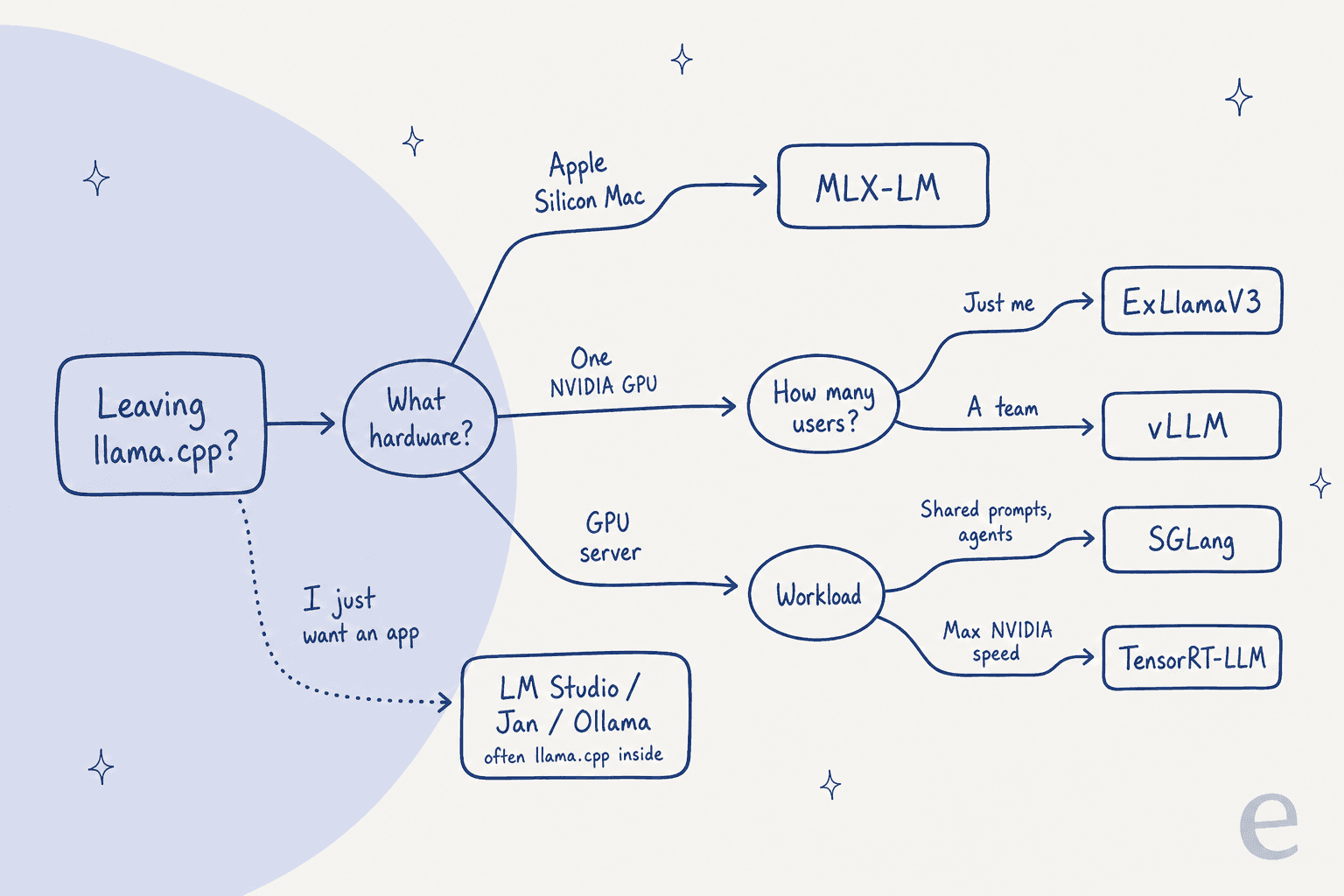
The single most useful question is how many people hit the model at the same time. llama.cpp has parallel slots and an OpenAI-compatible llama-server, but engines built around continuous batching keep throughput up as concurrent requests stack up, at the cost of slower startup and less flexibility with quantized files.
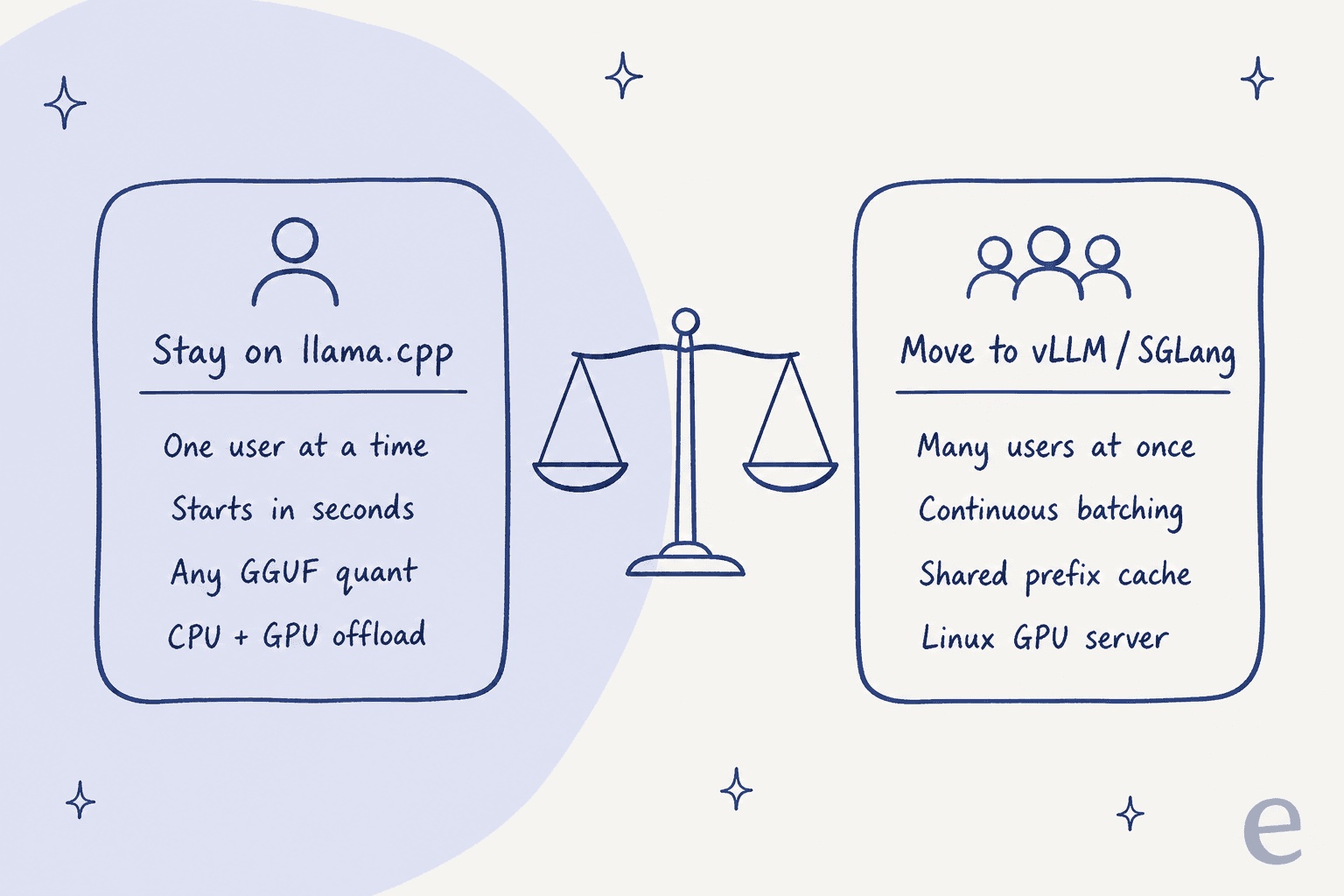
"IME vLLM is quite a bit faster than llama.cpp but where it really wipes the floor with it is in batching concurrent load. The downside is that it is dramatically less flexible in terms of tweaking. It gives you very few options for running quantized weights."
1. vLLM
Best for: serving one model to many users from a Linux GPU server.
vLLM describes itself as "a fast and easy-to-use library for LLM inference and serving." It started at UC Berkeley's Sky Computing Lab and now credits over 2,000 contributors. If you have heard one name in the "llama.cpp for servers" conversation, it is this one.
What it does better than llama.cpp
- Concurrent traffic. PagedAttention, continuous batching, chunked prefill and prefix caching are all built for many requests at once.
- Big deployments. Tensor, pipeline, data, expert and context parallelism for spreading a model across GPUs and machines.
- API coverage. An OpenAI-compatible server, plus an Anthropic Messages API and gRPC, so tools like Claude Code can point at it.
- Hardware range for servers. NVIDIA, AMD ROCm 6.3+, Intel XPU and CPU, with TPU, Gaudi and Ascend through plugins.
Where it falls short
- Linux only. The GPU install guide says "vLLM does not support Windows natively" and points to WSL. Apple Silicon runs only through a community vLLM-Metal plugin.
- GGUF is a side door. The GGUF docs call it "highly experimental and under-optimized," and it now needs a separate plugin. If your model library is GGUF files, plan to download safetensors versions instead.
- Slow to start. It compiles optimized CUDA graphs on load, which hurts if you switch models often.
"We use all kinds of different models other than Qwen3, and vLLM startup when switching models is prohibitively slow (several times slower than llama.cpp, which is already 5 sec)"
Cost
Free under Apache-2.0. Install with uv pip install vllm and serve with vllm serve <model>. The real cost is a Linux box with a supported GPU and someone to run it.
Verdict
Pick vLLM when a team, an app or an agent fleet shares one model and throughput matters more than startup time. Skip it if you are on Windows or a Mac, or if you swap between GGUF models all day.
2. SGLang
Best for: agent workloads that resend the same long prompts.
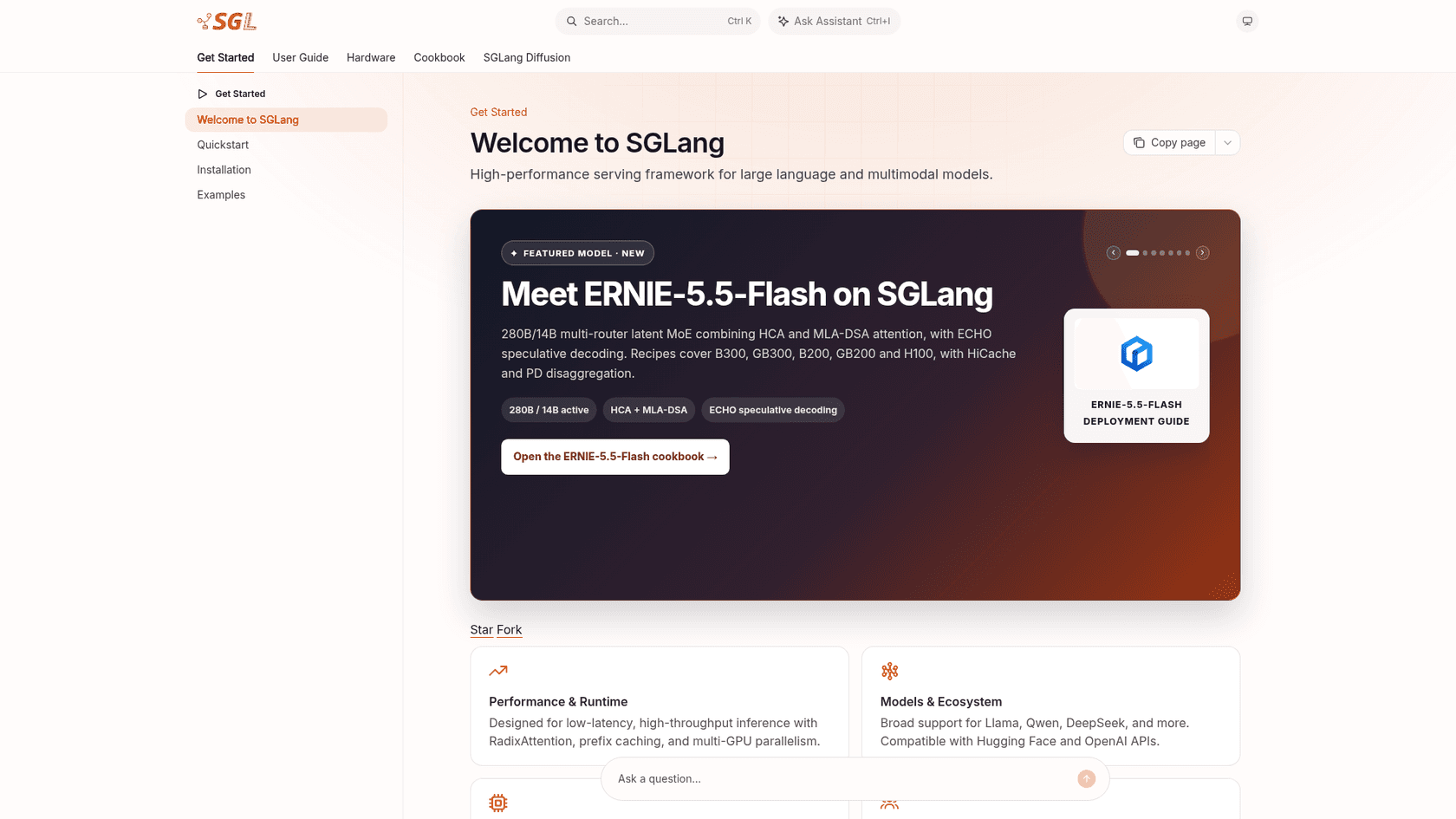
SGLang is an open-source inference framework "optimized for agentic workloads, large-scale serving, and RL rollouts," hosted by the non-profit LMSYS. Its docs lead with "low-latency, high-throughput inference with RadixAttention, prefix caching, and multi-GPU parallelism."
What it does better than llama.cpp
- Reusing shared prefixes. RadixAttention keeps shared prompt prefixes cached, which pays off when an agent sends the same system prompt and tool list on every call.
- Day-one model recipes. The docs carry cookbook pages for new releases like Kimi K3.1 Pro, plus a day-one recipe for Qwen3.8-Flash-Next.
- Wide accelerator list. NVIDIA from RTX 30 cards to GB300, AMD Instinct, Google TPU, Intel Arc and Xeon, Huawei Ascend, and Macs through MLX.
- OpenAI-compatible. The docs say it is "compatible with Hugging Face and OpenAI APIs."
Where it falls short
- CUDA 13 required. The install page says CUDA 12 wheels were retired after 0.5.19, so older driver stacks need updating.
- Linux-first. The main install guide targets Linux with NVIDIA GPUs; the Mac path needs macOS 14+ and an environment flag.
- Memory offload. Users report spilling weights to system RAM is weaker than in llama.cpp.
"My own experience shows that both weight and KV cache offload to ram on sglang and vllm is unavailable or unusable."
Cost
Free under Apache-2.0. uv pip install --prerelease=allow sglang or the lmsysorg/sglang Docker image.
Verdict
Pick SGLang over vLLM when your traffic is agents and RAG pipelines with long, repeated prefixes. If you are building AI agents with MCP, that is most of your traffic. Skip it for a single desktop GPU where the model does not fit without offload.
3. MLX-LM
Best for: running and fine-tuning models on an Apple Silicon Mac.
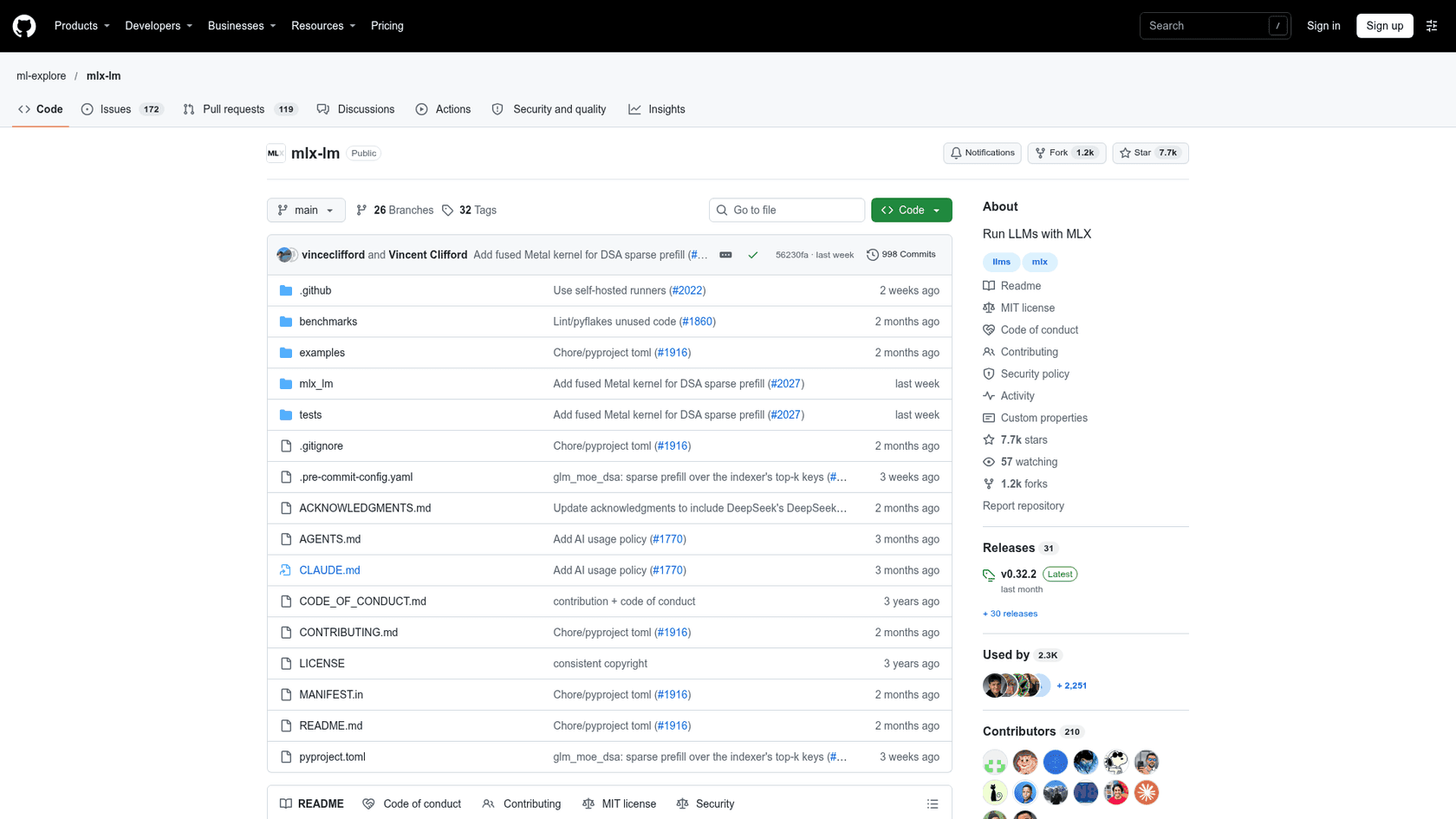
MLX-LM is Apple's "Python package for generating text and fine-tuning large language models on Apple silicon with MLX." It sits on MLX, Apple's array framework built around unified memory.
What it does better than llama.cpp
- Mac speed on many models. Hacker News users treat MLX as the baseline to beat on Apple Silicon. One user measured about 50 tokens a second with MLX against about 41 with llama.cpp on the same 8B model in LM Studio.
- Fine-tuning built in. LoRA, QLoRA and full fine-tuning, including on quantized models, plus distributed inference across Macs.
- A big ready-made library. Thousands of converted models in the MLX Community on Hugging Face, and
mlx_lm.convert -qto quantize your own.
"On a Mac the baseline I'd want is MLX, not llama.cpp. llama.cpp isn't the fast path on Apple Silicon for most models people run locally, so a speedup over llama.cpp could still be slower than mlx_lm."
Where it falls short
- Mac only. No Linux or Windows GPU path in this package.
- Basic server.
mlx_lm.serverspeaks an OpenAI-like API, but its own server notes say it "is not recommended for production as it only implements basic security checks." - No GGUF. You use MLX-format weights, so your existing GGUF folder does not carry over.
- Not always more reliable. One user moved back to llama.cpp after an MLX setup kept getting stuck repeating itself.
Cost
Free under MIT. pip install mlx-lm, then mlx_lm.chat.
Verdict
Pick MLX-LM if you are on an M-series Mac and want speed or local fine-tuning. If you want the same engine with a GUI, LM Studio, Ollama and Jan all use MLX on Macs. Skip it for anything that has to run on Linux servers.
4. ExLlamaV3
Best for: squeezing the most model into one NVIDIA consumer GPU.
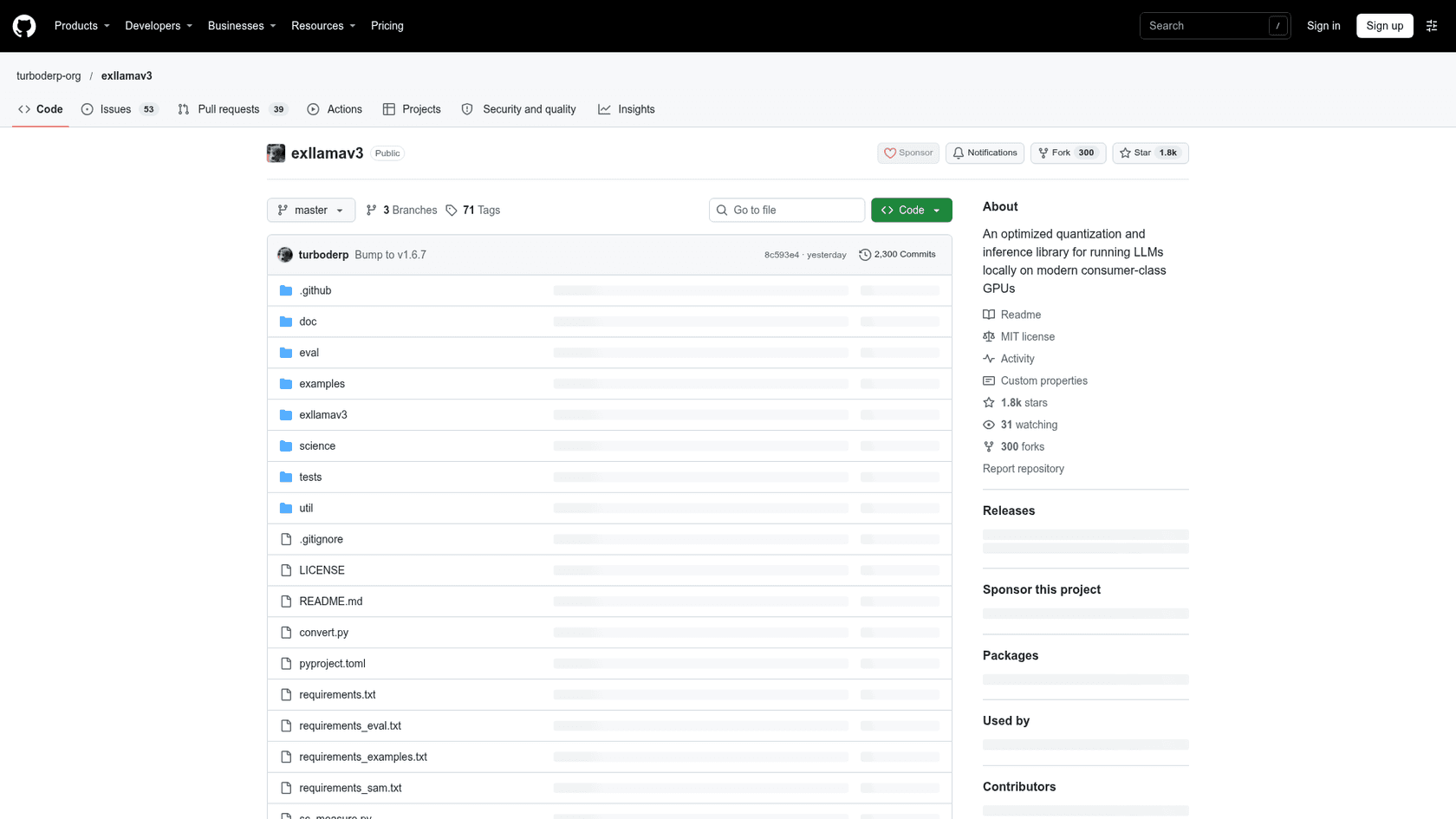
ExLlamaV3 is "an inference library for running local LLMs on modern consumer GPUs, with flexible quantization and parallel inference." It replaces ExLlamaV2, whose README now marks it archived and points to V3. TabbyAPI is the official server on top.
What it does better than llama.cpp
- Quality per gigabyte. Its EXL3 format, based on QTIP, supports fractional bitrates and 2 to 8 bit cache quantization, so you can tune a model to exactly fill your VRAM.
- Multi-GPU at home. Tensor and expert parallelism across consumer cards, plus CPU offload for large mixture-of-experts models.
- Active. v1.6.7 shipped on November 13, 2026, with commits most days.
"ExllamaV3 4.0bpw fits in 12.5G of VRAM and beats IQ4_XS according to the measurements here"
Where it falls short
- NVIDIA first. It needs CUDA 12.4 or later. AMD support is new and focused on the Radeon RX 7900 series. There is no Mac path.
- Conversion needed. Models must be converted to EXL3; it does not load GGUF.
- Hobby-scale server. TabbyAPI's README says it "is not meant to run on production servers," and it is AGPL-3.0.
Cost
Free. ExLlamaV3 is MIT, TabbyAPI is AGPL-3.0. Prebuilt wheels on the releases page avoid needing the CUDA toolkit for pip install exllamav3.
Verdict
Pick ExLlamaV3 if you have one or two RTX cards and want the biggest model that fits, for yourself. Skip it for shared production serving or anything that is not NVIDIA.
5. TensorRT-LLM
Best for: maximum throughput on NVIDIA data-center GPUs.
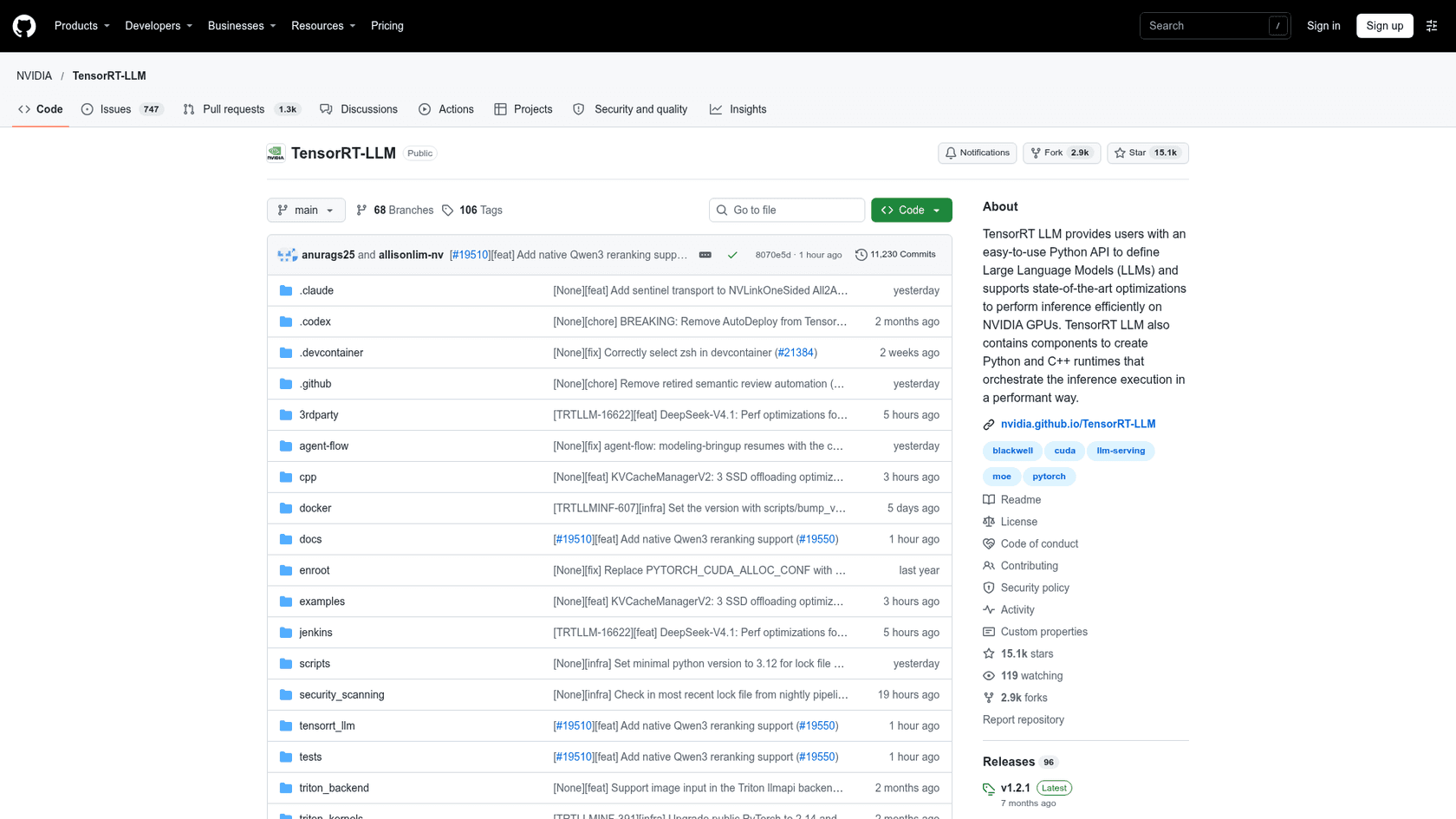
TensorRT-LLM is NVIDIA's open-source library "for accelerating and optimizing inference performance of the latest large language models (LLMs) on NVIDIA GPUs," now built on PyTorch with a Python LLM API.
What it does better than llama.cpp
- Low-precision formats on new cards. Native FP4 on B200 and FP8 on H100 and later, which NVIDIA says "can double performance and halve memory consumption compared to 16-bit floating point."
- Serving features. In-flight batching, paged KV cache with block reuse, speculative decoding (EAGLE, MTP, NGram), LoRA and disaggregated serving in beta.
- NVIDIA's stack. The docs say it plugs into NVIDIA Dynamo and Triton Inference Server, and
trtllm-serveexposes an OpenAI-compatible endpoint.
Where it falls short
- NVIDIA data-center hardware. Supported GPUs run from Ampere A100 through Hopper and Blackwell. It is not a laptop tool.
- Release cadence. The latest stable release is v1.2.1 from April 20, 2026, with the docs already on 1.4.0 release candidates.
- Heavier setup. The quickest path is NVIDIA's NGC container.
"Some GPUs are still better than others like Nvidia GPUs are still the best for token throughput (via TensorRT-LLM), but AMD GPUs are competitive (via vLLM) and even CPUs can run LLMs at decent speeds (via Llama.cpp)."
Cost
Free, no paid tier. The cost is the H100- or B200-class hardware it is built for, or the cloud hours. Teams that only need throughput sometimes find a hosted engine like Groq cheaper than running their own.
Verdict
Pick TensorRT-LLM if you own NVIDIA data-center GPUs and serving cost per token is your main number. Skip it on consumer hardware, where vLLM or ExLlamaV3 are simpler.
6. Ollama
Best for: the easiest local model setup, with optional cloud models.
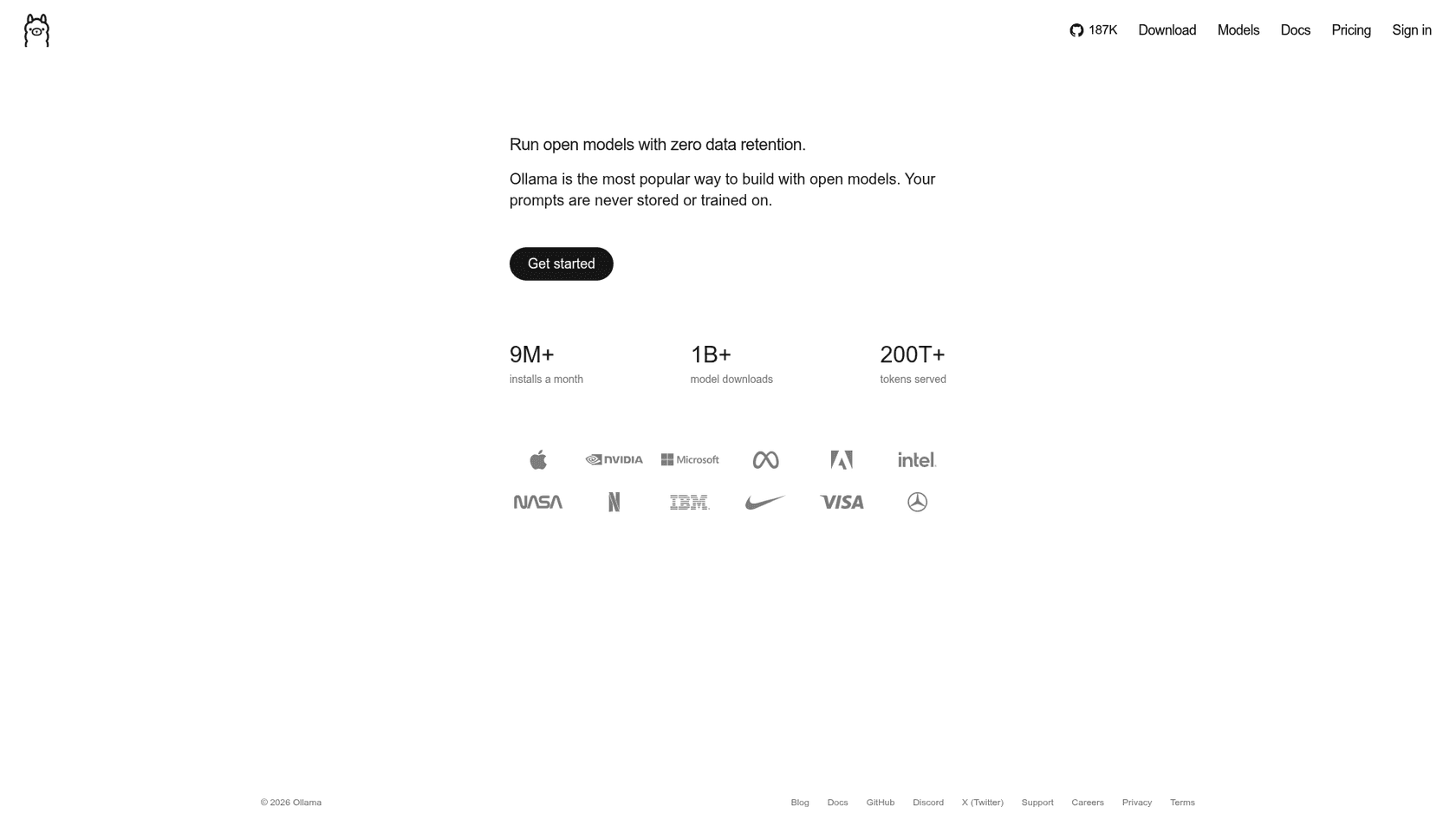
Ollama calls itself "the most popular way to build with open models," and its numbers back the popularity part: 186,973 GitHub stars and, by its own homepage, 9M+ monthly installs.
What it does better than llama.cpp
- Zero build. One install script or installer on macOS, Windows and Linux, plus a Docker image.
- Model library.
ollama runpulls from ollama.com/library, with models like Kimi K3 and DeepSeek V4 Flash. - Agent hookups.
ollama launchwires a local model into Claude Code, Codex, OpenCode and others, and it has OpenAI and Anthropic compatible endpoints. - MLX on Macs. Its repo now carries an MLX runner alongside llama.cpp.
"When I read the llama.cpp repo and see I have to build it, vs ollama where I just have to get it, the choice is already made."
Where it falls short
- Same engine. For GGUF models it is still llama.cpp, so it will not fix a throughput problem.
- Partial OpenAI API. The compatibility docs say it "supports a subset of the OpenAI API."
- Fewer knobs. Some users switch back to llama.cpp once they want finer control, now that it is easier to install.
Cost
Free locally. Cloud plans on the Ollama pricing page are below.
| Plan | Price | What you get |
|---|---|---|
| Pay as you go | $0 subscription | Per-token cloud usage, 3 concurrent requests |
| Pro | $20/mo ($200/yr) | $60 usage credits a month, larger pro models |
| Max | $100/mo | $300 usage credits a month, 10 concurrent requests |
| Team (early access) | $500/mo | Unlimited users, $1,000 shared credits |
| Enterprise | Custom | Model access controls, budgets per user and key |
Verdict
Pick Ollama if you want local models running in five minutes and plan to wire them into coding agents. Skip it if your reason for leaving llama.cpp was speed, because you would be keeping the same engine.
7. LM Studio
Best for: a polished desktop app that also lets you pick models by VRAM.
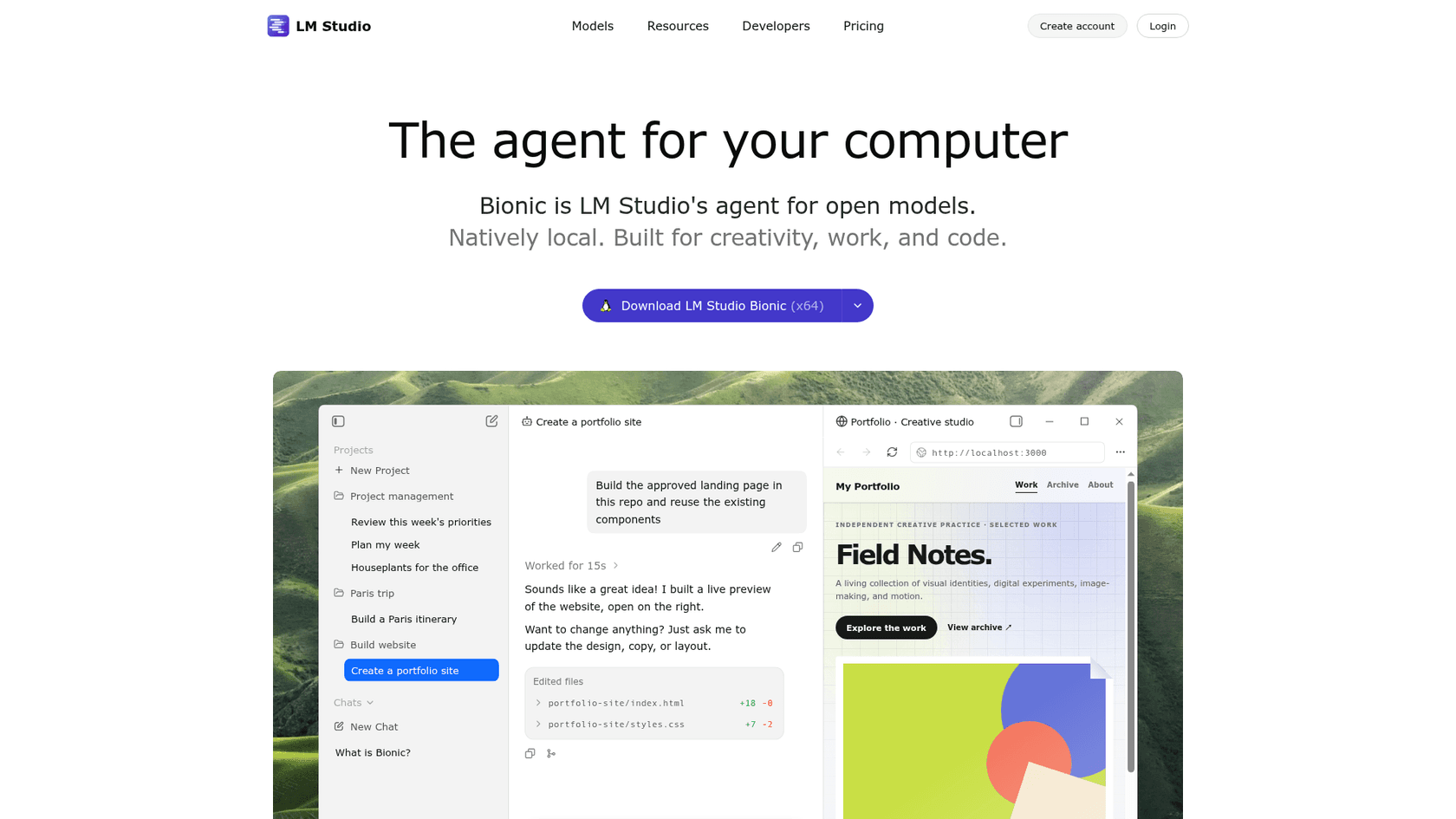
LM Studio has grown from a model chat app into "Bionic," which it calls "LM Studio's agent for open models. Natively local." Underneath, in its own words, it runs "with MLX and llama.cpp under the hood."
What it does better than llama.cpp
- Model discovery. Search shows what fits your hardware before you download.
- Both engines on a Mac. GGUF through llama.cpp extension packs and MLX through its own oMLX engine, chosen per model.
- Developer surface. OpenAI and Anthropic compatible endpoints, TypeScript and Python SDKs, the
lmsCLI, andllmster, a headless daemon for servers and CI that runs without the GUI.
"LM Studio's model search is pretty good at showing what models will fit in your VRAM."
Where it falls short
- Closed-source app. The desktop app is under LM Studio's terms; only the CLI and SDKs are MIT on GitHub.
- Lags llama.cpp. It bundles precompiled engine packs, so brand-new model support can arrive a few days later.
- No Intel Macs. macOS needs Apple Silicon and macOS 14+.
Cost
Free locally. Per the LM Studio pricing page, Bionic+ is $20/month for US-hosted open models and web search, Pro is $100/month for 5x usage limits, and team billing has no listed price.
Verdict
Pick LM Studio if you want the best GUI for local models, especially on a Mac where it switches between GGUF and MLX for you. Skip it if you need an open-source app or the very latest llama.cpp build on day one.
8. Jan
Best for: an open-source, ChatGPT-style desktop app that stays local.
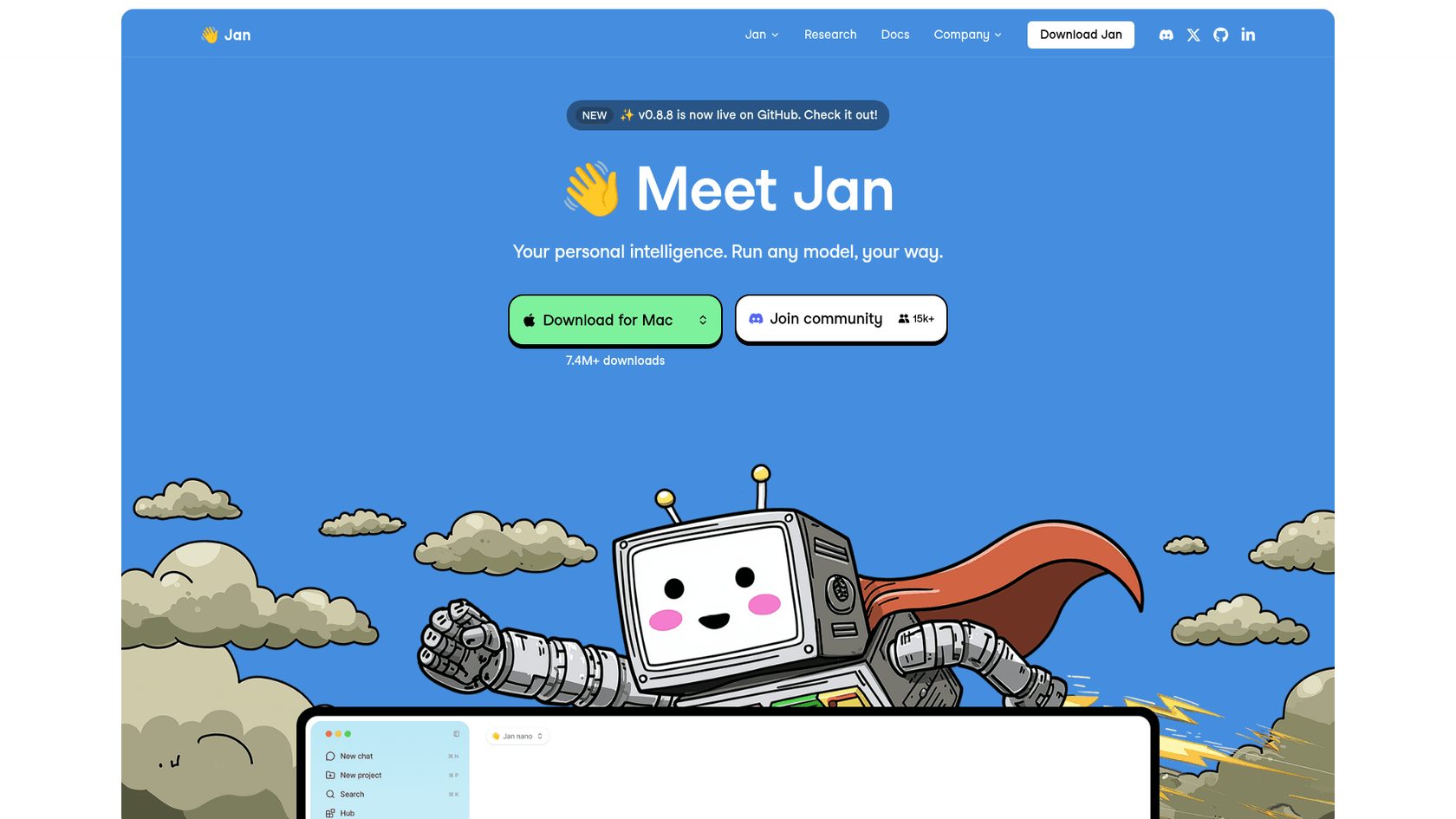
Jan is an open-source desktop app for macOS, Windows and Linux. Its docs say "the llama.cpp engine is built into Jan and updates together with the app," with MLX used on Apple Silicon.
What it does better than llama.cpp
- Open source and friendly. Apache 2.0, about 45,700 stars, a chat interface, and a model hub that downloads a default model on first launch.
- Local plus cloud in one window. Add OpenAI, Anthropic or Google keys next to local models, plus MCP servers and web search.
- A local API. An OpenAI-compatible server at
127.0.0.1:1337/v1.
"its open source, has a simple chat interface, it uses llama.cpp, it lets you search for models and downloads them, and it supports .gguf so youre not locked in if you want to use the models with another program later on"
Where it falls short
- Same engine. Like Ollama and LM Studio, it does not change inference speed.
- Intel Macs. Its bundled llama.cpp engine does not load models on Intel Macs as of v0.8.5.
- Newer features in preview. Cowork, the autonomous task mode, is still marked preview.
Cost
Free. No paid tier; its hosted platform is listed as coming soon.
Verdict
Pick Jan if you want LM Studio's convenience with an open-source license. Skip it if you need server-grade serving.
9. LocalAI
Best for: one self-hosted API that covers text, images, voice and more.
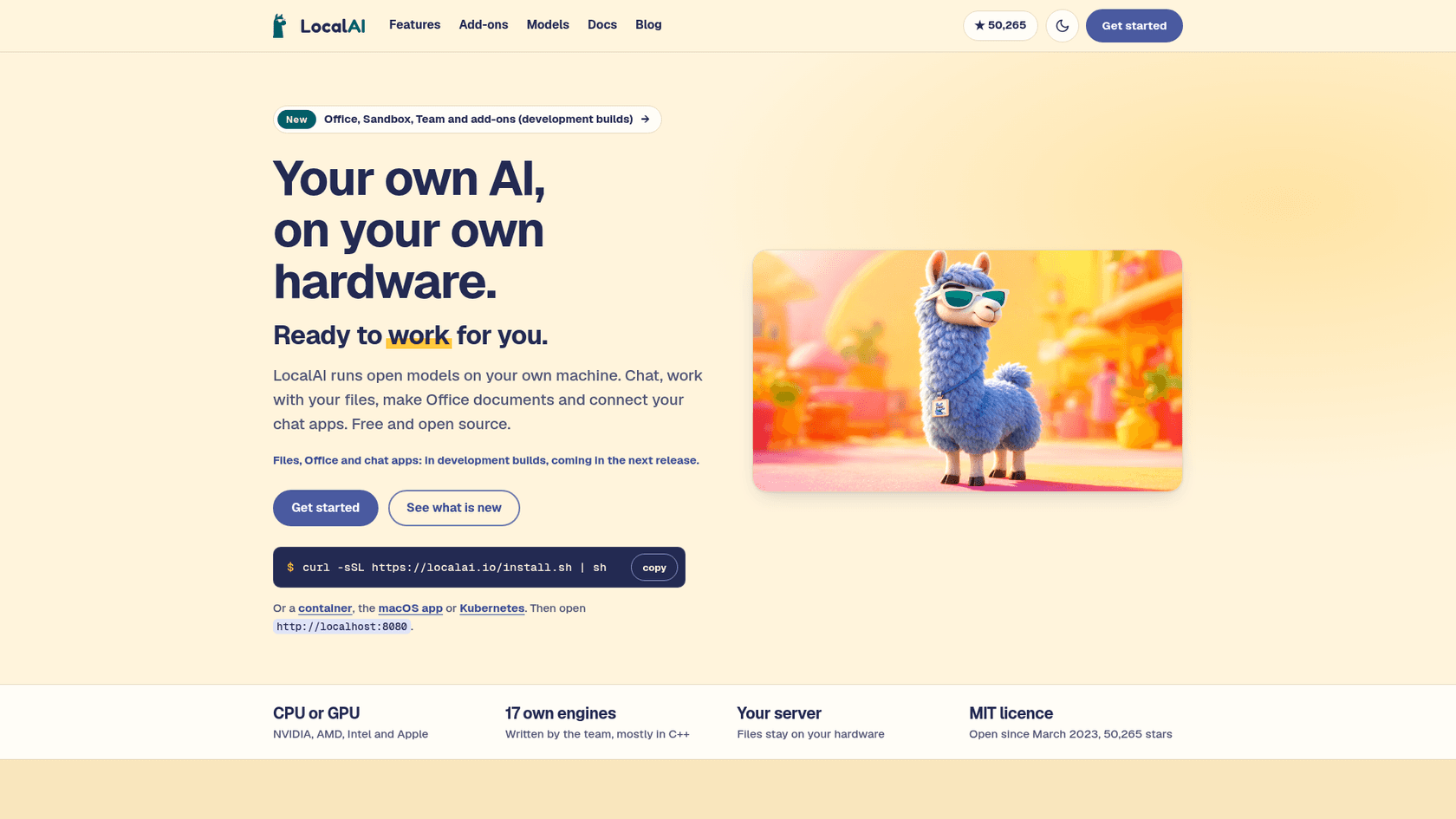
LocalAI is an MIT-licensed, self-hosted engine for language, vision, voice, image and video models, with "more than 80 backends," llama.cpp, vLLM, MLX and whisper.cpp among them.
What it does better than llama.cpp
- One API for many model types. OpenAI-compatible, plus Anthropic and ElevenLabs formats, a Realtime API and constrained grammars.
- Pluggable backends. Each backend is its own image pulled only when a model needs it, and the team builds some of its own, like vllm.cpp.
- Hardware spread. CPU, NVIDIA CUDA 12 and 13, AMD ROCm, Intel, Apple Metal, Vulkan and Jetson.
Where it falls short
- Mostly a router. For GGUF text models, llama.cpp is still the engine doing the work.
- New features in dev builds. Agents, files, sandbox and team logins are only in development builds as of v4.12.1.
- More moving parts. A container per backend is flexible, but heavier than one binary.
"And if you want to use WSL, then I'd suggest using something like LocalAI which gives you a lot more control and support for additional formats (GGML, GGUF, GPTQ, ONNX, etc)."
Cost
Free. Install with a script, Docker, a macOS app or Kubernetes.
Verdict
Pick LocalAI if you want one OpenAI-style endpoint for a home lab or an internal platform that serves more than chat. Skip it if all you run is text models, where the plain engine is simpler.
When should you stay on llama.cpp?
When you are one person on one machine, and especially on mixed or unusual hardware. No alternative here covers as many backends, from Vulkan on AMD laptops to Snapdragon and Huawei Ascend. New model architectures also tend to land there first: v1.0.0 added Kimi-K3.1-Pro and Ripple-65B on release day, and llama-server already gives you an OpenAI-compatible API, a web UI and MCP tools. My colleague's llama.cpp guide covers the v1.0.0 setup in detail.
The two biggest complaints are also smaller than they were. Builds are now optional with the Llama app and Homebrew or Winget installs, and the new MoE cache in v1.0.0 doubled speed on one test in the release, from 24.2 to 47.6 tokens a second on Qwen3.8-Flash-Next with most expert misses handled on the CPU (PR #30966).
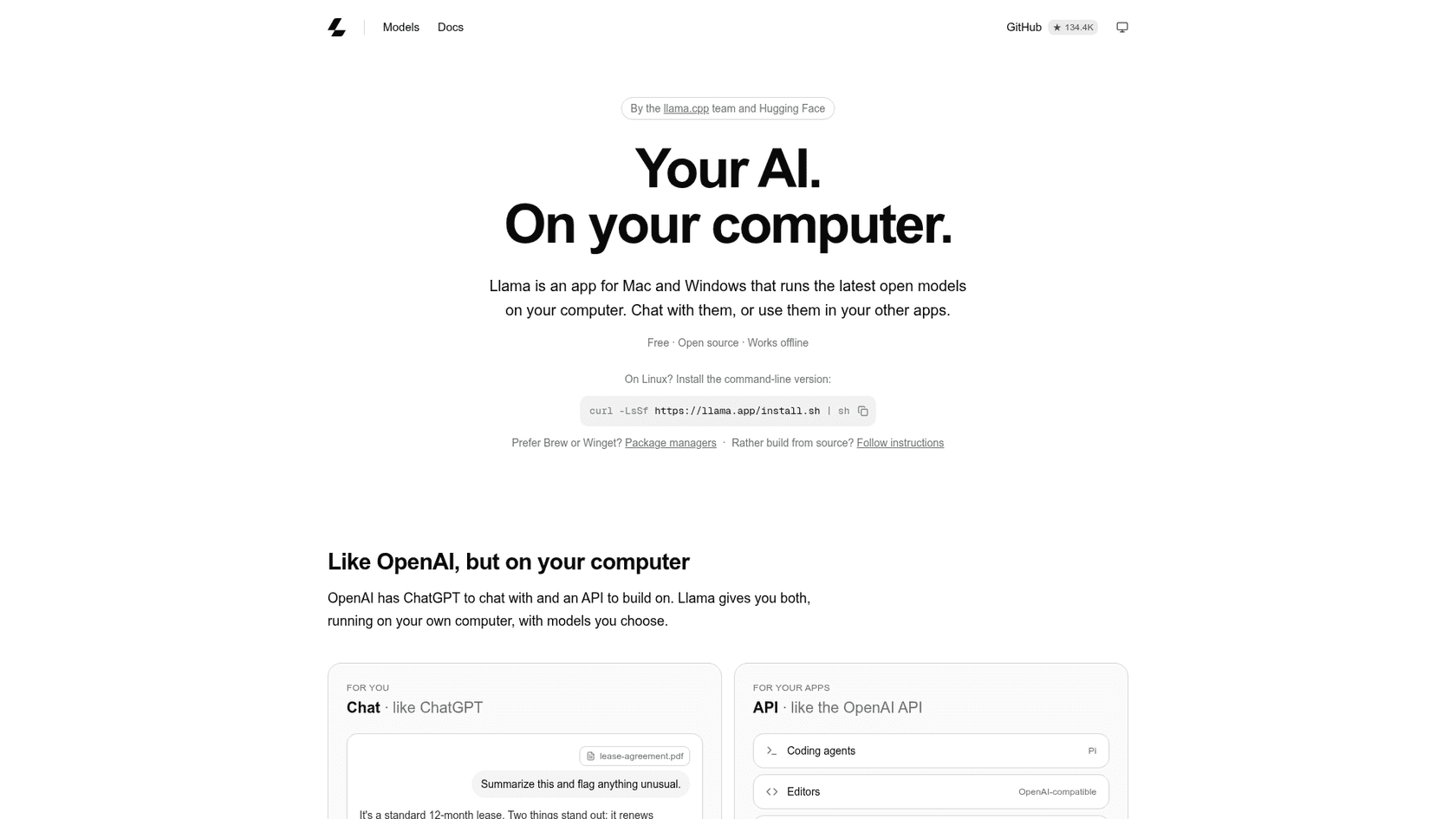
"I have been using llama.app, which is the desktop interface built on top of llama.cpp by the same people. It is an alternative to Ollama that might interest people who want to switch given Ollama's reputation and previous decisions."
If you run models mainly to drive coding agents, stay unless you have measured a bottleneck. An agent that waits on tool calls rarely needs the batching of a server engine. The same goes for open-source agents you run at home.
What does switching from llama.cpp really cost?
Every engine on this list is free software, so the price is hardware and hours. A few rules of thumb from the docs above:
- vLLM, SGLang and TensorRT-LLM mean a Linux GPU server and someone who keeps CUDA, drivers and containers current. SGLang already requires CUDA 13.
- MLX-LM costs nothing extra if you already have an M-series Mac with enough unified memory.
- ExLlamaV3 means converting models to EXL3 and keeping a model folder separate from your GGUF files.
- Ollama and LM Studio are free locally, and only charge for their cloud models, from $20/month.
If you would rather not own any of that, hosted inference like Together AI turns the hardware bill into a per-token bill. Track it with an LLM tracking tool either way, because local models are only cheaper if the box stays busy.
Where does eesel fit if you want AI on support tickets?
Plenty of people land on llama.cpp because they want an AI that answers customers without sending data everywhere. An inference engine is the infrastructure for that, not the finished job. You would still build the helpdesk connection, knowledge sync, testing, handoff to people and reporting. That is the work eesel does: an engine runs a model; eesel is the teammate that does the support job.
eesel's AI helpdesk teammate joins your existing queue in Zendesk or Freshdesk, answers from your help center and past tickets, and is tested against historical conversations before it replies to a live customer. SE Ranking runs one eesel agent per product across three products on Zendesk, handling 4,650 conversations in a month from about 16,800 pages of knowledge, with refunds and requests for a person handed to the team. Orosoft, which builds software for the precious metals industry, uses it as a copilot instead: support staff mention eesel on a Freshdesk ticket and get a draft grounded in about 6,100 past tickets.
If you are already comfortable in a terminal, the eesel CLI is the part you will like. A coding agent like Claude Code or Codex can use it to upload approved knowledge such as exported help articles and macros, adjust the agent's instructions, and ask test questions to check the answers before anything goes live. Connecting the helpdesk itself still needs someone with admin access to approve it.
Try eesel
If the model on your desk was meant to end up answering customers, eesel gets you there without picking an engine or buying a GPU. It plugs into your helpdesk in minutes, learns from your past tickets, and is tested on old conversations first, the way SE Ranking runs it across three products. Check the pricing first if you like. When you are ready, Try eesel free.