


Why trust this breakdown
I build integrations and AI agents at eesel, and I've spent the last few years watching what actually happens when a knowledge base meets a live support queue. The pattern is always the same: the search being fast is the easy half; getting an answer all the way onto a customer's ticket is the hard half. I learned that the hard way, which is why every eesel rollout I've seen now simulates against a customer's real historical tickets before it goes live, rather than trusting a confident-looking answer.
That's the lens I'm using here. KMS Lighthouse is a serious, Gartner-recognised enterprise knowledge platform, and its pricing reflects that. My job in this post is to pull its real numbers out of the marketplace listings, explain exactly what the meter charges for, and be honest about where a named-user knowledge layer fits versus where you'd want something that closes the ticket. For a concrete anchor on the other model: eesel resolves 73% of tier-1 requests in the first month for teams like Gridwise, billed per ticket rather than per seat.
How much does KMS Lighthouse cost?
There's no kmslh.com/pricing grid to screenshot, because the buying motion is demo-first. What KMS Lighthouse does do, unlike fully opaque vendors, is publish named-user rates on the marketplaces it sells through. Here are the checkable anchor numbers:
| Source | Rate | Unit / terms |
|---|---|---|
| Salesforce AppExchange (vendor-published) | $25 / user / month ("Lowest Starting Price") | Annual, per named user; discounts at larger scale |
| AWS Marketplace (vendor-published) | $40,000 / 12 months per 100 named users (≈ $33.33/user/mo) | 12-month contract; ~10% off on 36 months; billed in blocks of 100 |
| kmslh.com onboarding page (vendor) | "as low as $30 / month per named user" | Named-user framing on the onboarding use-case page |
So the honest read is a $25-$33 per named user / month band, sold annually, discounting down as you add scale. The spread between the three figures isn't a contradiction; it reflects packaging and term differences, not a hidden list price. Aggregator directories like SelectHub echo the "$25/user starting" figure, but the AppExchange and AWS numbers above are the ones published by the vendor itself, so those are the citations I'd trust.
How the KMS Lighthouse meter works
Understanding the unit matters more than the sticker, because it's what decides your bill as you grow.
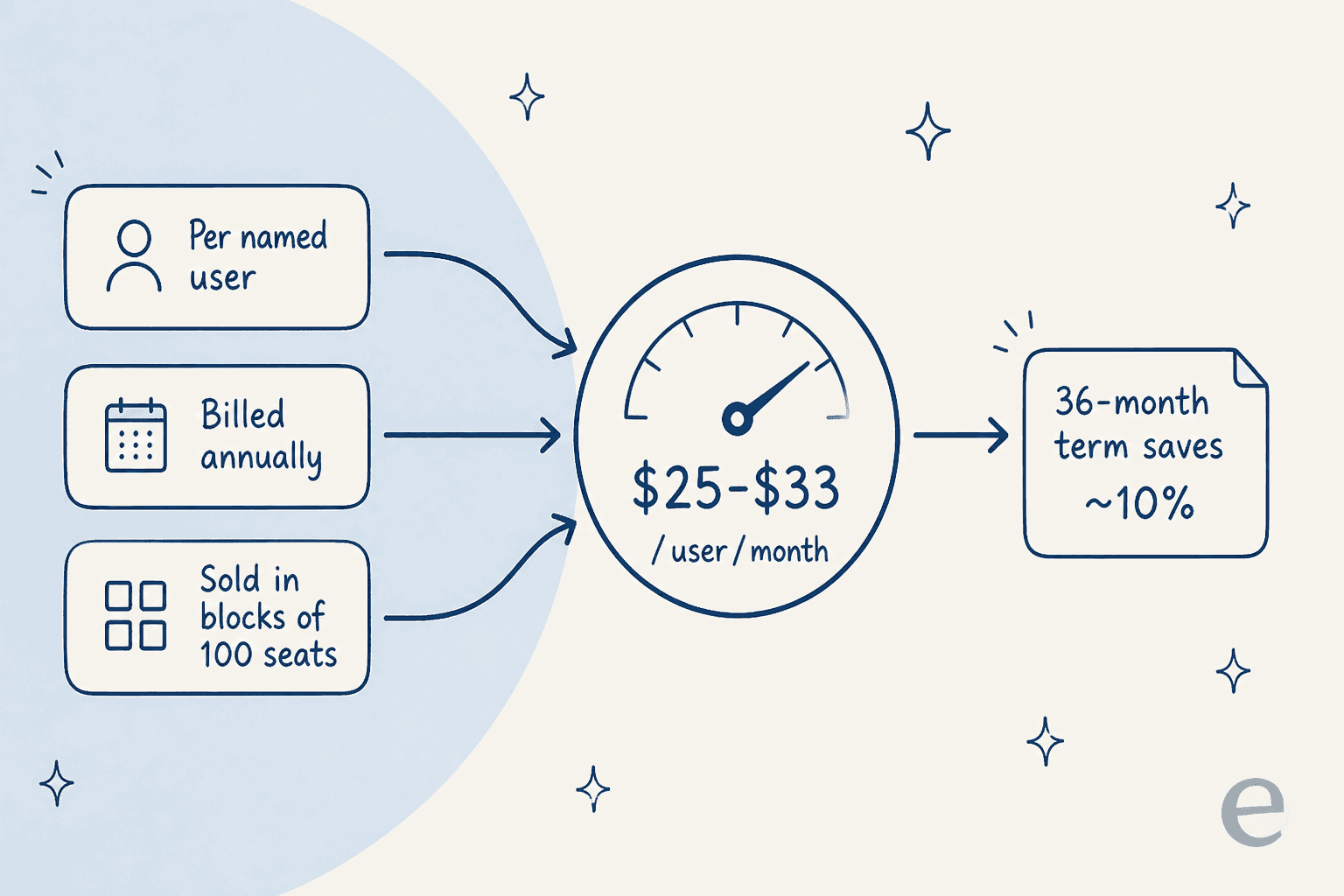
- The unit is the named user. You pay for specific individuals assigned a seat, counted by identity, not by concurrent sessions or by how much anyone actually uses the tool. A licensed agent who logs in twice a month still costs a full seat.
- AWS sells seats in blocks of 100. To grow, you buy another 100-user bundle. There's no automatic per-person overage; capacity is added deliberately, which is good for budget predictability and awkward if you're at 120 seats.
- Contracts are annual, with a 36-month option that saves up to ~10%.
- The subscription covers platform access. Specific integrations (CRM, contact center, helpdesk, collaboration) are confirmed per deal rather than listed as add-on line items.
The block-of-100 floor is the single most important fact in KMS Lighthouse pricing. It tells you who this is built for: enterprise contact centers with named customers like Bank of America, Toyota Finance, and GE Healthcare, not a 15-person support team.
The buying motion: demo-first, marketplace as the back door
There are effectively two ways to buy:
- The sales-led path. kmslh.com routes you to "Book a demo," with a 15-day trial available per aggregator listings. Real contract pricing, and any volume discount, comes through that conversation.
- The marketplace path. You can transact through Salesforce AppExchange or AWS Marketplace at the published named-user rates. This is the only place concrete numbers surface, so if you want a price without a sales cycle, start there.
This is worth knowing because a lot of "enterprise knowledge management" vendors publish nothing at all. KMS Lighthouse at least gives you a checkable anchor before you ever get on a call, which is more than Shelf or several other enterprise options do.
What you're actually paying for
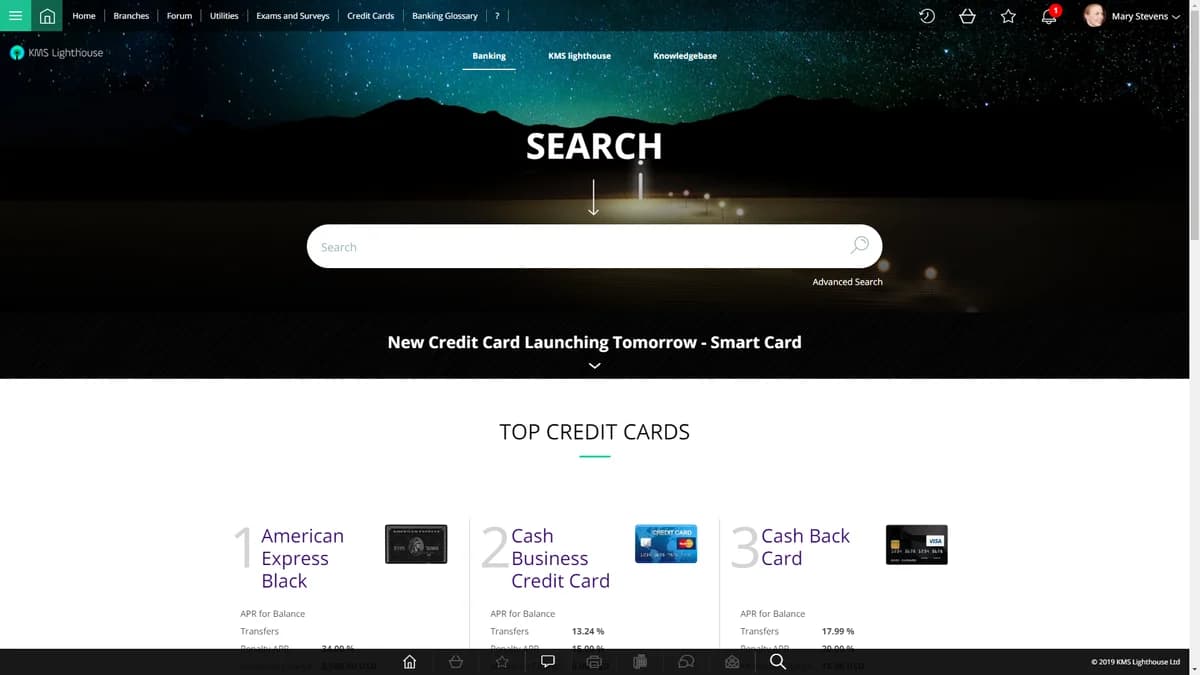
The named-user fee buys a knowledge management layer, and it's a good one. The core is the patented GetAnswer semantic search, which aims to return a single precise answer rather than a list of documents, across keyword, natural-language, federated, FAQ, and topic-tree modes. On top of that sit decision trees ("answer trees"), the dynamic guided flows reviewers repeatedly single out as a standout, and delivery of that same approved knowledge base to three places: the agent desktop, a self-service help center, and a chatbot.
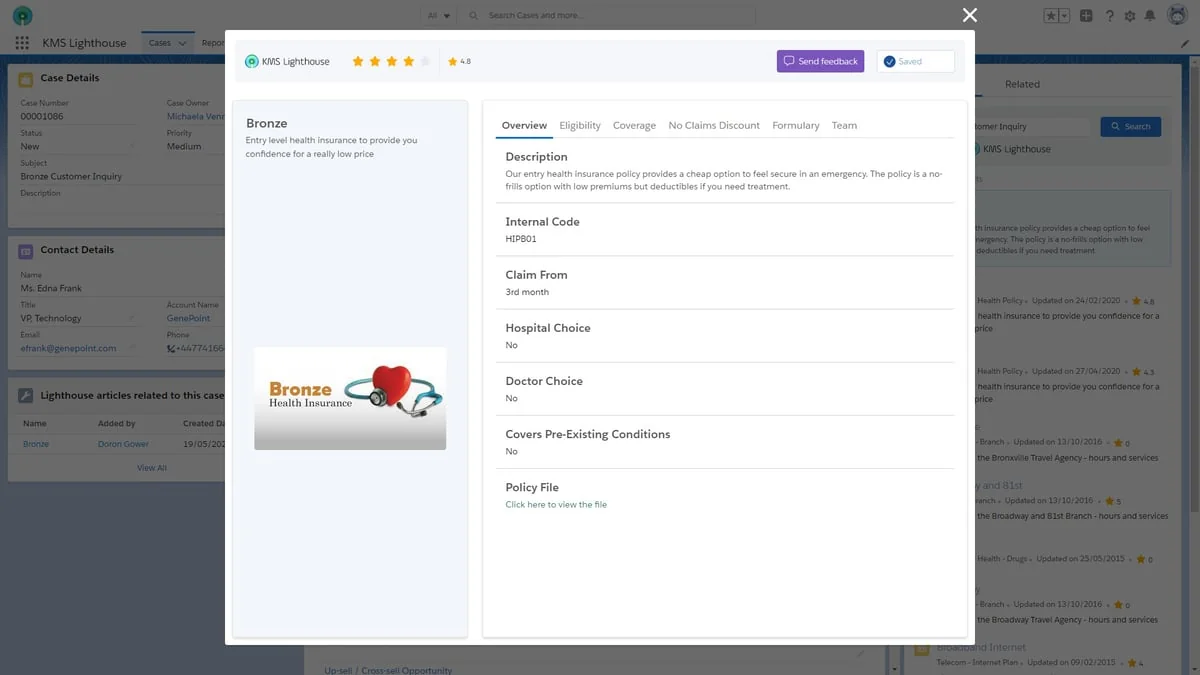
It integrates with Salesforce, Microsoft Teams and Dynamics, and contact-center platforms, with specific connectors confirmed per deal. The through-line to keep in mind: because it's a knowledge layer, these integrations are mostly about surfacing an answer inside another tool, not writing back a ticket resolution.
The part the price doesn't tell you: it finds answers, it doesn't close tickets
This is the distinction that should drive your decision, and it's easy to miss when you're staring at a per-user rate.
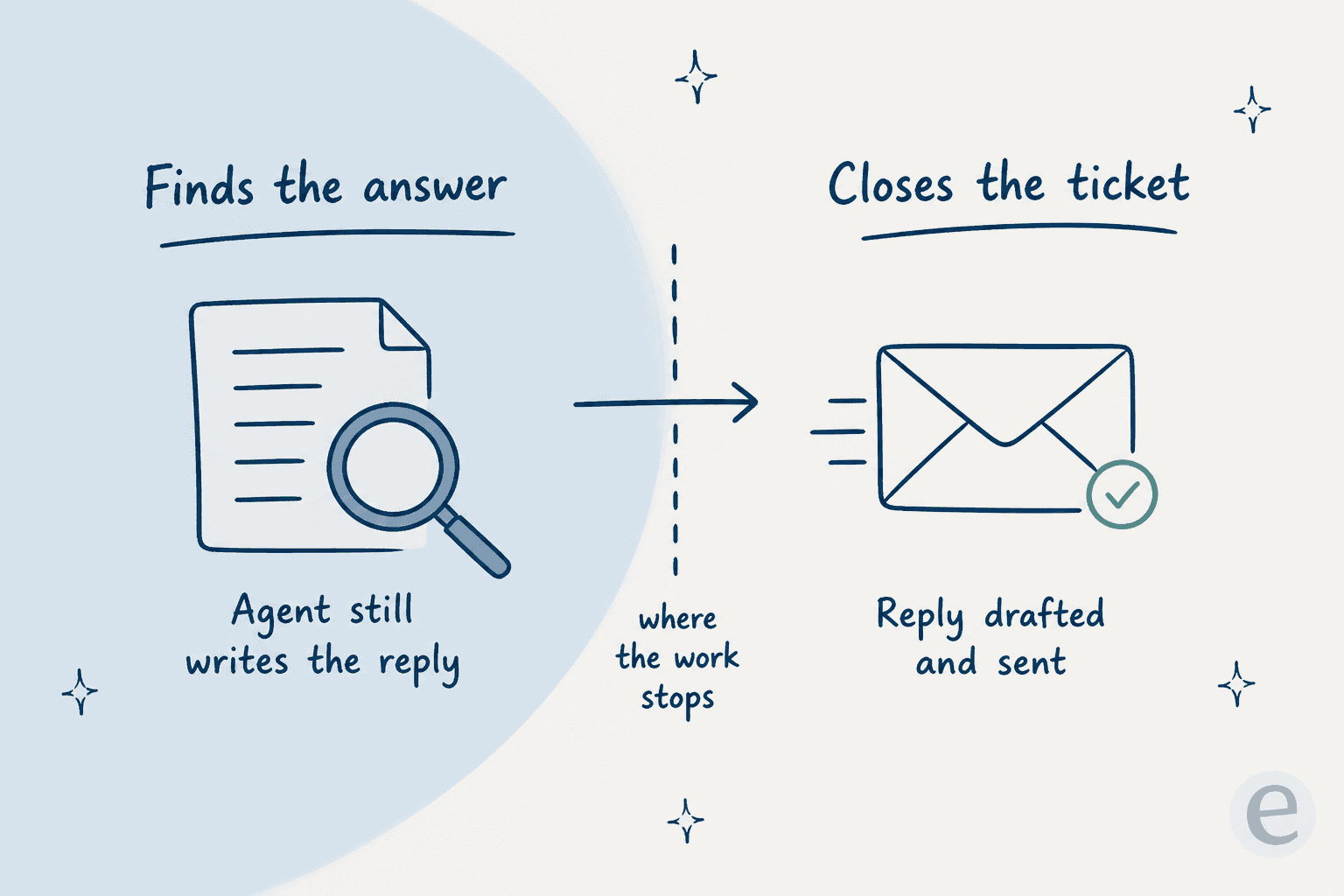
KMS Lighthouse makes an agent faster by putting the right answer in front of them. What it doesn't do is take the ticket off the queue on its own. The reply is still written and sent by a person. That's a legitimate design choice, and for a regulated contact center where every answer must be human-approved, it's arguably the safer one.
But it changes the maths. If you're paying per named user for a tool that speeds up humans, your cost is fixed to headcount, and your deflection ceiling is whatever your agents can type. A credit-based AI helpdesk agent inverts that: it drafts and closes the routine tickets itself, and you pay for a batch of credits (1 per ticket) sized to your volume, not for seats. This is also why an AI agent sitting on top of your Zendesk or Freshdesk queue compares so differently to a per-seat knowledge tool. Neither is universally right, but they price so differently that comparing them on the per-user number alone is misleading.
KMS Lighthouse vs a credit-based plan: run your own numbers
The cleanest way to see the difference is to plug in your own team. This calculator compares a KMS Lighthouse named-user bill against eesel's published monthly credit plans (1 credit per ticket). Adjust the seats and monthly ticket volume to match your team.
The takeaway isn't that one is always cheaper. It's that they answer different questions. Named-user pricing is predictable and headcount-bound; credit-based pricing is sized to the actual work. If your ticket-per-agent ratio is high and a lot of tickets are repetitive, the credit plan tends to win; if you have a small, senior team handling complex regulated cases, a knowledge layer per seat can be the better buy. Flat-rate options like Document360 and Guru sit in between, and I've compared the full list in my KMS Lighthouse alternatives roundup.
What buyers actually say
The review footprint is thin (this is an enterprise tool with a small public review count), but the themes are consistent: G2 4.5/5, Capterra 4.5/5 (~20 reviews, Ease of Use 4.7), Gartner Peer Insights 4.3/5 (31 reviews).
The praise is about the core: fast, accurate search and the decision trees. The recurring criticism is about the cost of ownership beyond the license, the admin-side setup:
"From an administration perspective, there is a significant learning curve in regards to setting up permissions... this flexibility also makes it complex. I recommend assigning two or three people within a company to become the experts and administrators of the permissions."

"Very much an empty slate that you can design to fit the needs of your company... The platform is a bit more rigid than other products we've used in the past. Not a deal-breaker, but it takes some time to fully learn the tools."
That "assign two or three people to become experts" line is the hidden number in any KMS Lighthouse pricing calculation. The license is one cost; the internal team-time to design the knowledge base and configure permissions, adSync, SAML, and SFTP is another, and reviewers are candid that it's meaningful.
Where eesel fits
If your goal is a governed knowledge layer that surfaces approved answers to human agents in a regulated contact center, KMS Lighthouse is a credible, Gartner-recognised choice, and its marketplace transparency is a genuine plus.
If your goal is to actually take routine tickets off the queue, that's the job eesel is built for. Instead of licensing named seats, eesel's AI helpdesk agent reads your existing help center, wikis, and past tickets, then drafts and resolves tickets directly inside the helpdesk you already run. It's one fixed monthly price from $299/month for 500 credits (1 credit per ticket), with no per-seat fees, and you can simulate it against your own historical tickets before it ever replies to a customer, so you see the real resolution rate before you commit.

Want knowledge that closes the ticket, not just finds the answer? eesel plugs into your helpdesk in minutes, learns from what you already have, and pricing is a fixed monthly plan sized to your ticket volume. Try eesel free with 100 credits, no card needed.