What is an HR chatbot?
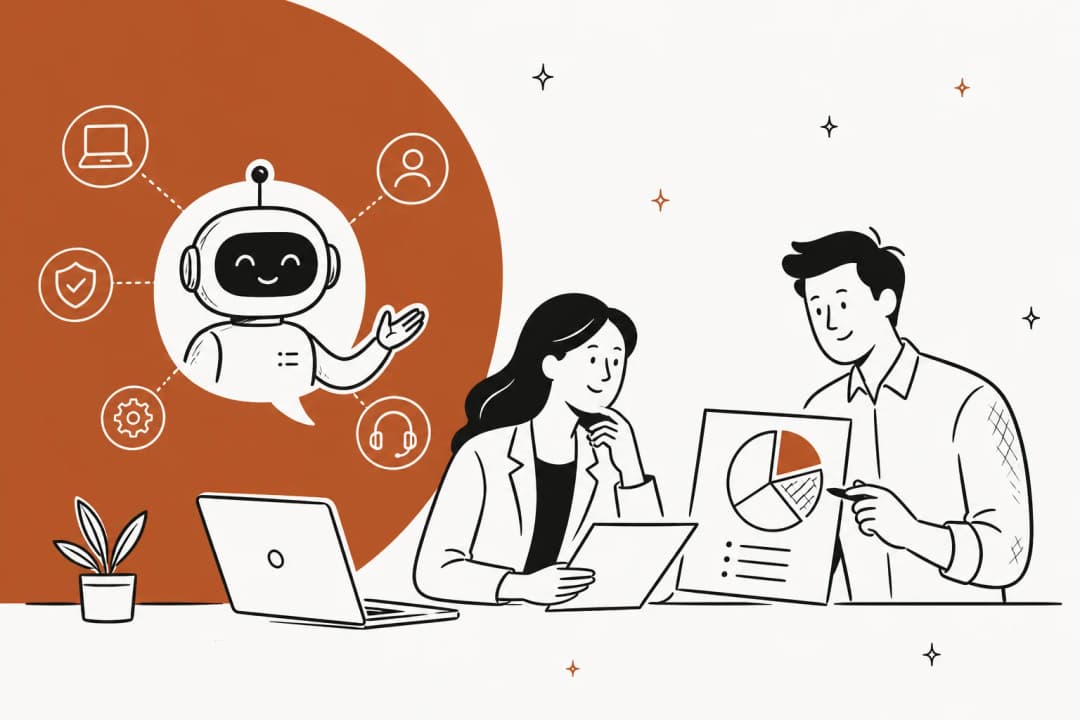
An HR chatbot is an AI-powered assistant that answers employee HR questions and automates routine HR service-desk tasks. IBM defines it as a tool that uses natural language processing and generative AI to handle things like "employee onboarding, answering frequently asked questions (FAQs), managing leave requests and supporting recruitment processes."
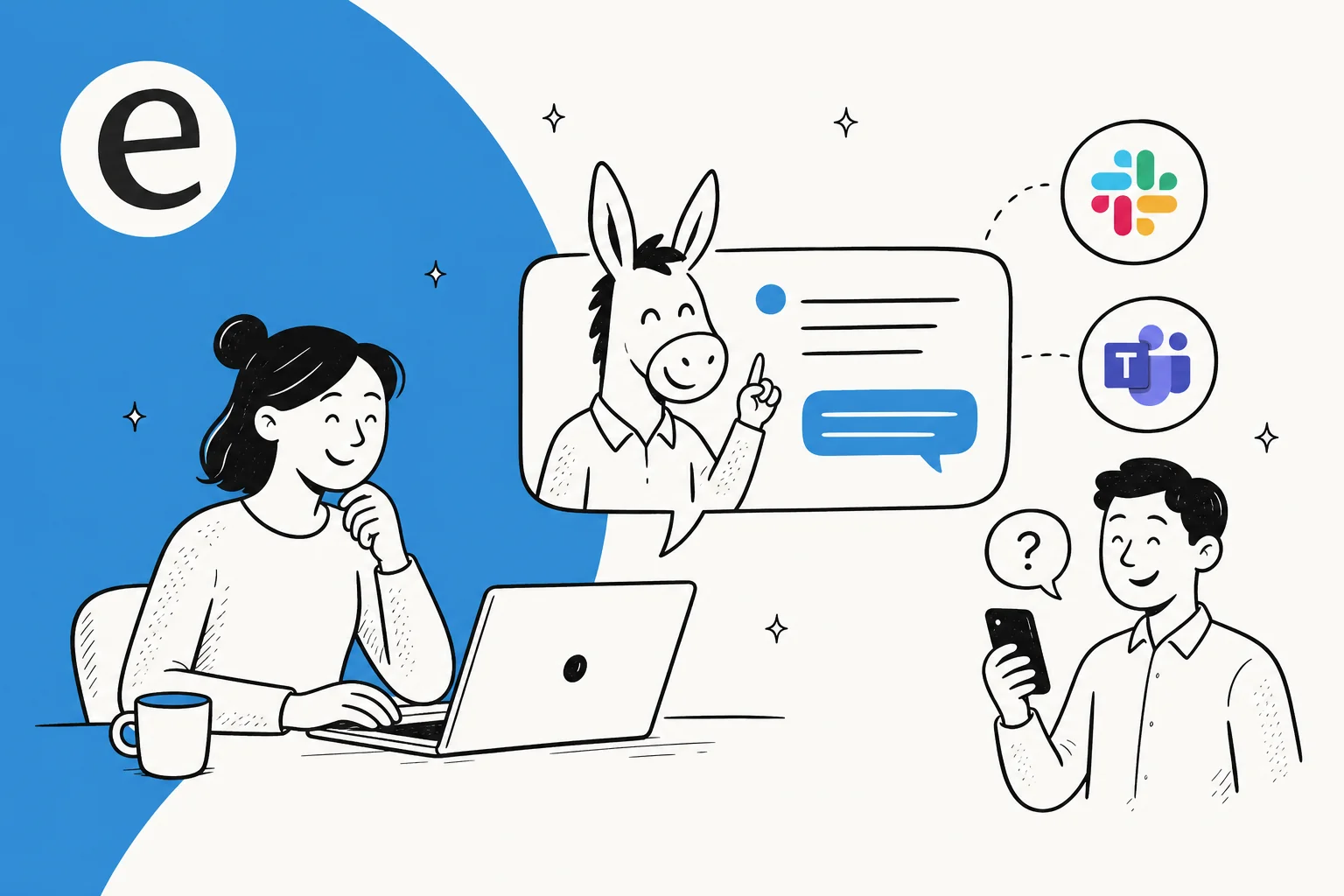
The important word is embedded. A good HR chatbot isn't a separate website nobody remembers to visit. It's a digital assistant that sits inside the tools employees already open all day, Slack, Teams, or an HRIS like Workday, and gives an instant answer instead of an internal ticket that waits in a queue. When someone types "how much PTO do I have left?" at 11pm, the answer comes back at 11pm.
That's the whole promise: turn the endless stream of repeat questions your HR team fields into something the team never has to see, while keeping the genuinely human moments human.
What an HR chatbot actually handles
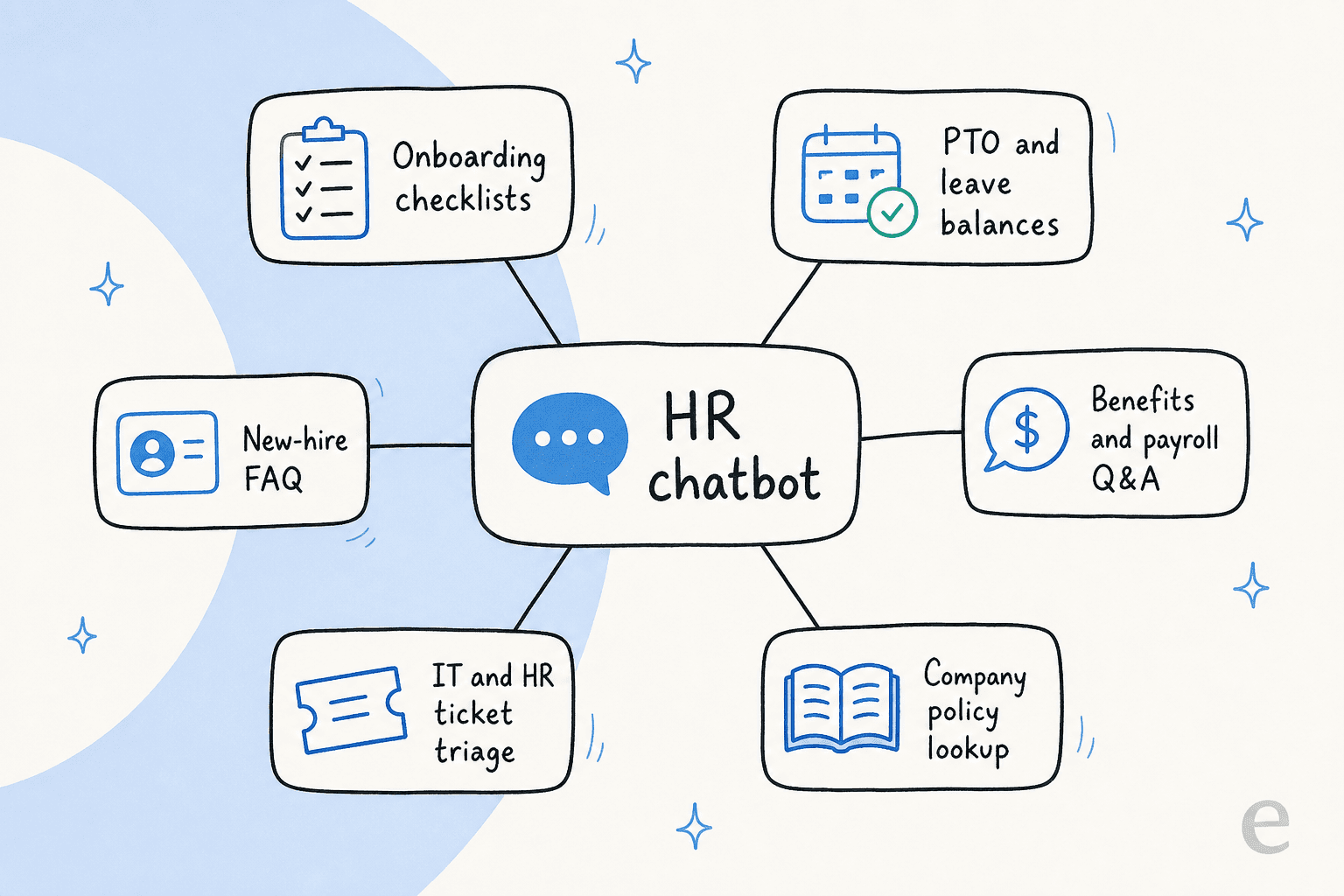
The most visible use case, and the one IBM calls "the most common", is employee self-service: the HR helpdesk. Employees ask about payroll, benefits, or leave, and the bot answers or takes the action (like submitting a time-off request into the HRIS) without anyone opening a separate app.
But it stretches across the whole employee lifecycle:
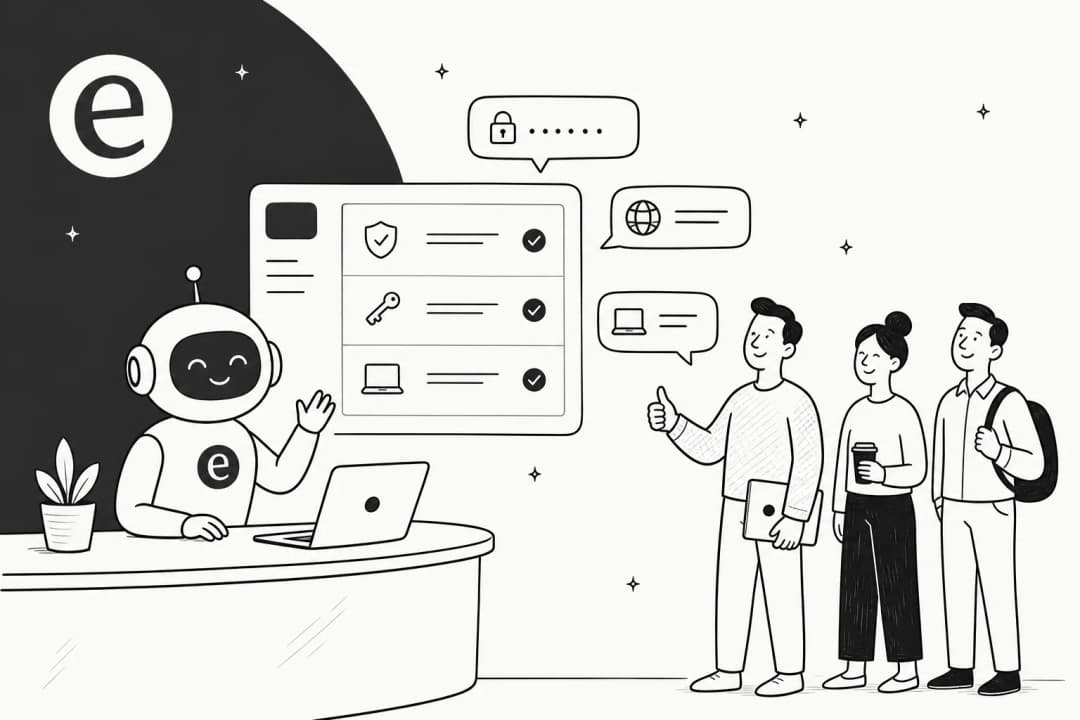
- Onboarding and offboarding step-by-step guidance on paperwork and system access, answering the "where do I upload my tax forms?" questions that swamp week one.
- Leave and time-off checking a balance and filing the request in the HRIS automatically.
- Benefits and payroll Q&A summarizing the dense 50-page benefits guide into a plain answer.
- Company policy lookup the single most-requested capability from HR teams, per the community threads I read.
- IT and HR ticket triage many teams run one internal support chatbot that covers both HR and IT questions, since employees don't care which department owns the answer.
- Recruiting FAQ greeting candidates and handling pre-screening or scheduling.
If you only chase one, start with policy and self-service Q&A. It's the highest-volume, lowest-risk slice, and it's where employees feel the difference on day one. HR practitioners say the same thing plainly:
"Have AI learn all the internal written policies and spit out answers to employees. It's a fast turnaround for employee experience too."
a poster in r/humanresources

How an HR chatbot works
Under the hood, a modern HR chatbot is three layers stacked together, and knowing them helps you tell a real one from a glorified FAQ.
IBM breaks the stack down as NLP (understanding intent even when a question is phrased casually), machine learning (improving from feedback over time), and generative AI (going beyond pre-programmed responses to summarize documents and draft replies). The generative layer is what lets a bot answer a question nobody scripted in advance.
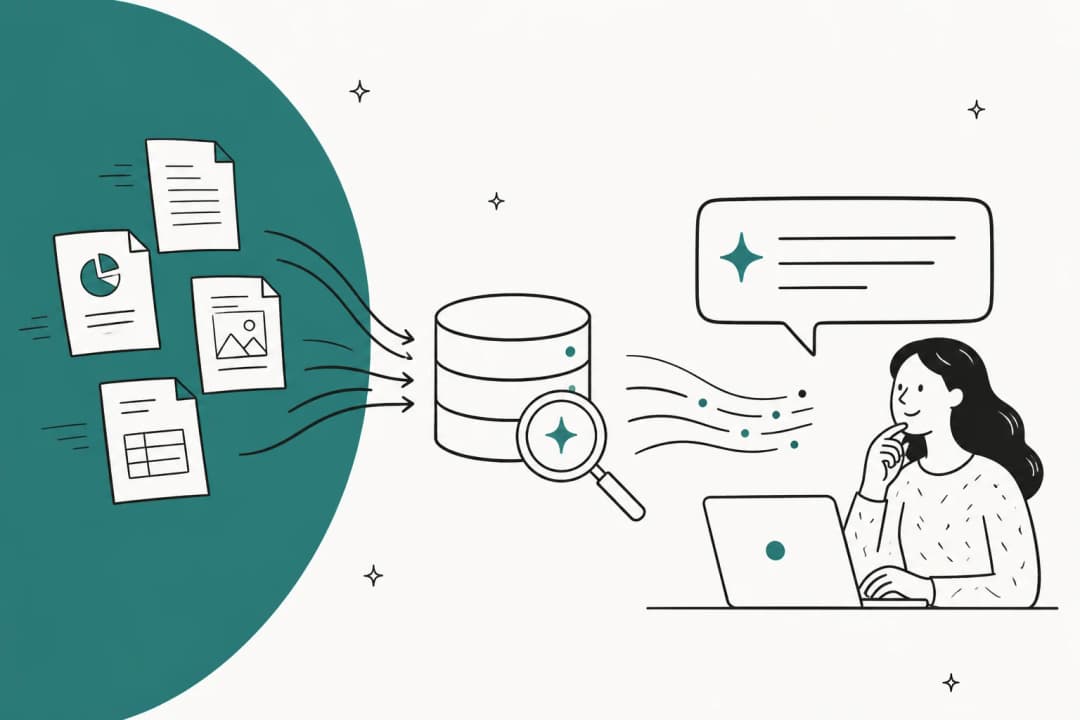
The part that actually makes it useful, though, is integration. The bot connects to your HR knowledge base and your HRIS, pulls personalized data like remaining vacation days, and pushes actions like a submitted leave request back into the right system. Most of this runs on retrieval-augmented generation: the bot searches your real policy docs, then phrases the answer in natural language, so it's grounded in your handbook rather than the open internet.
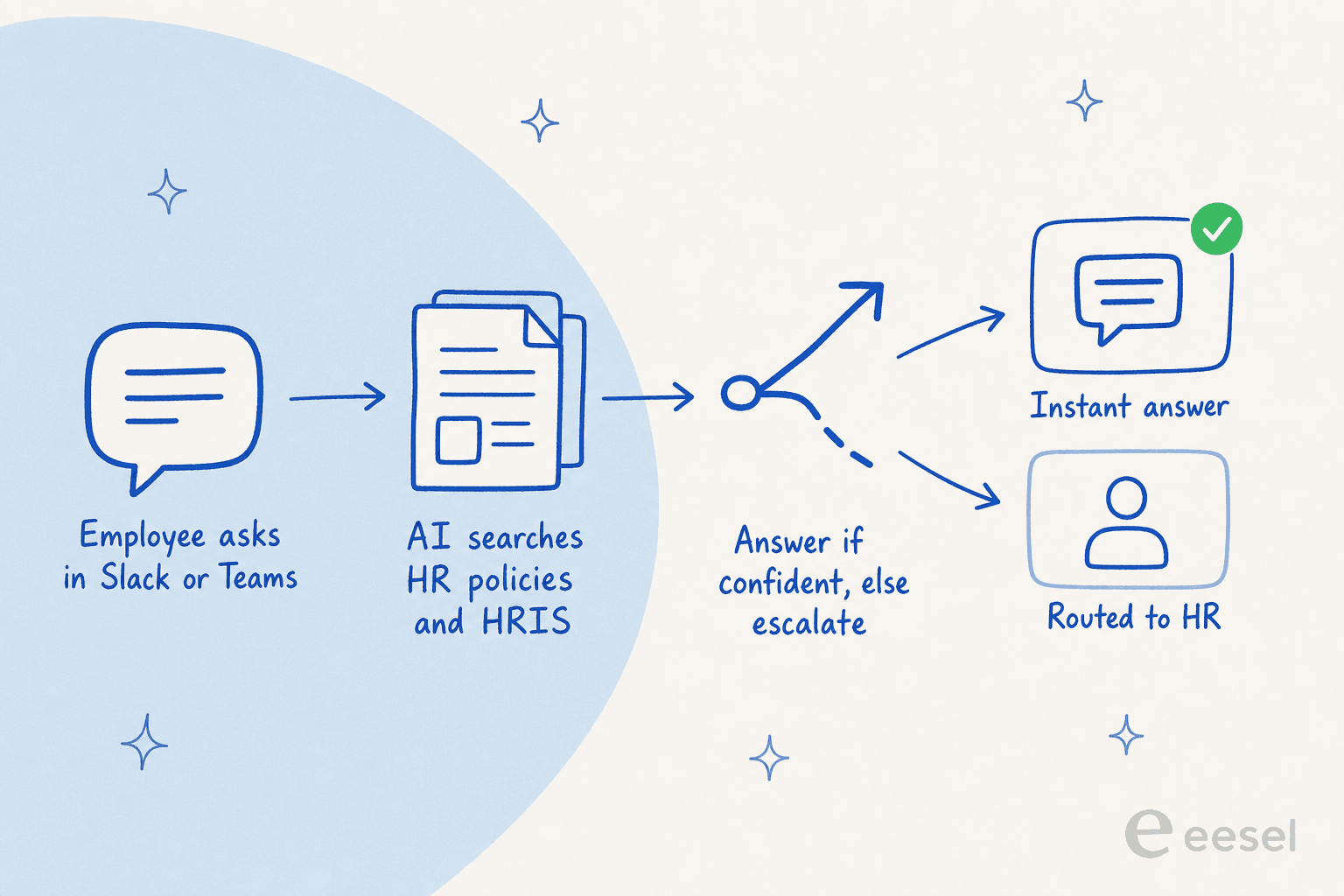
The last box in that flow is the one people skip and shouldn't: escalation. The best designs know when to hand off. As an employment attorney told SHRM, "chatbots that are able to 'red flag' and escalate potentially complicated employment issues for human response work best." A harassment report or a medical-leave question is not a moment for a confident guess.
This is where eesel's approach comes from years of running AI on live queues: we default new agents to drafting answers for a human to approve, then grant them autonomy only on the question types they've proven they handle well. We've watched confident-sounding bots quietly give wrong answers, which is exactly why we now simulate every rollout against real historical questions before a single employee sees it.
Rules-based vs generative HR chatbots
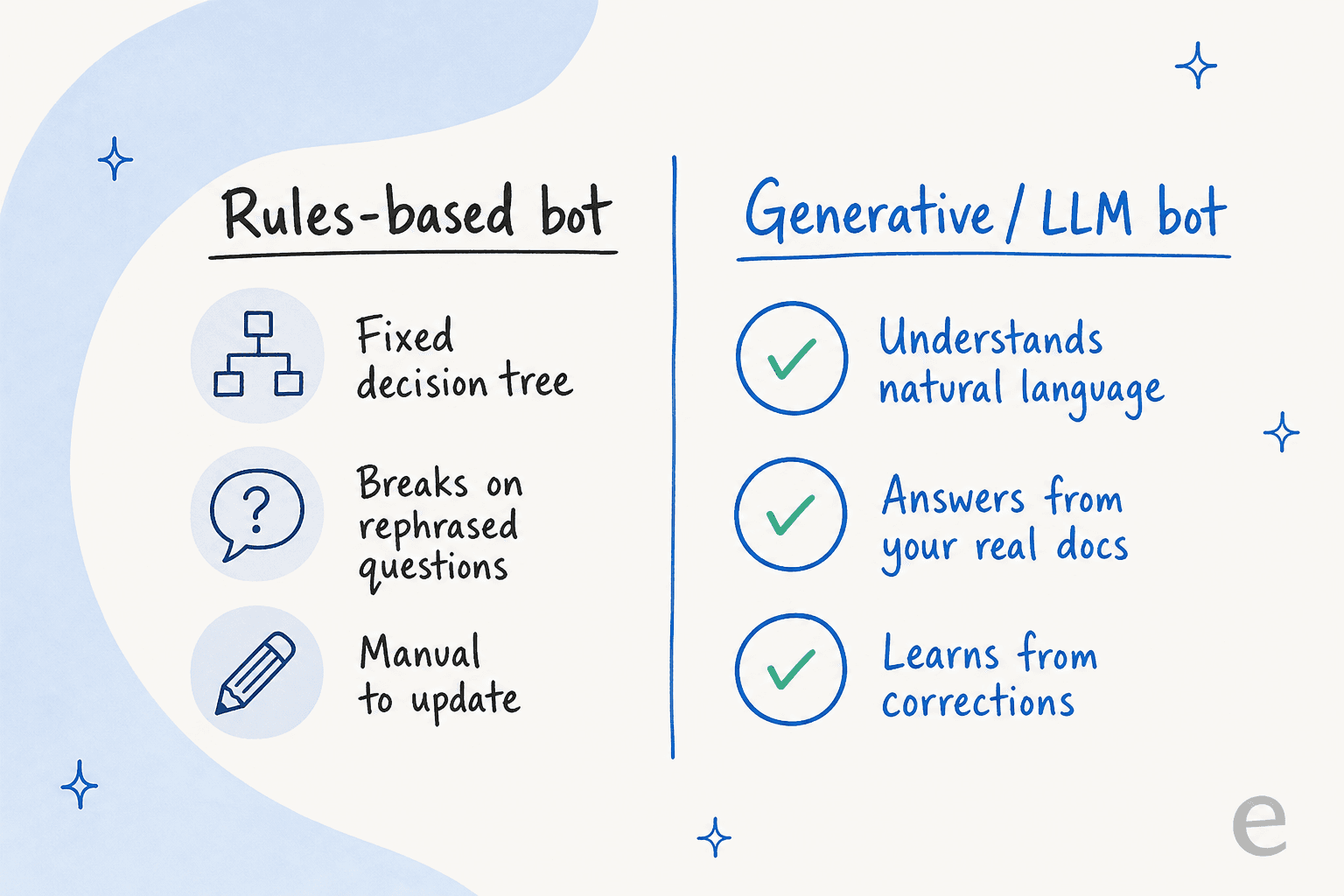
If you're shopping, this is the fork that matters most. The old generation of HR bots were rule-based: pre-scripted if-then decision trees. You had to feed them every expected question and its variations by hand, and they broke the moment someone rephrased.
You can hear the pain in the HR forums:
"You have to feed the chatbot expected questions followed by the answer but also variations on the question."
a poster in r/humanresources
Generative or LLM-based bots flip that. Instead of scripting questions, you point them at your documents and they understand natural language, answer from your real docs, and learn from corrections. For an HR use case, a generative bot is almost always the right call, because employees ask the same question fifty different ways and a decision tree can't keep up.
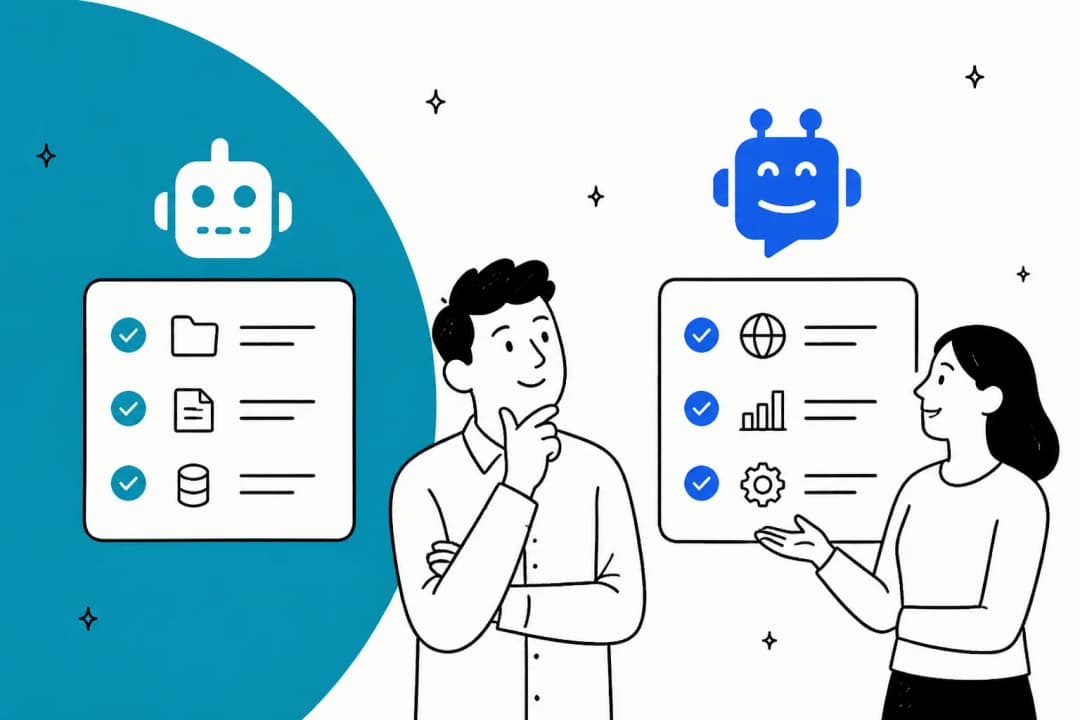
The other axis is scope: a dedicated HR-only bot versus a broader internal AI agent that covers HR, IT, and ops from one place. Since employees rarely know which team owns an answer, a single agent across your whole internal knowledge base usually beats a fleet of narrow bots.
The benefits, with real numbers
When an HR chatbot works, the numbers are genuinely large, and they come from named operators rather than vendor vibes.
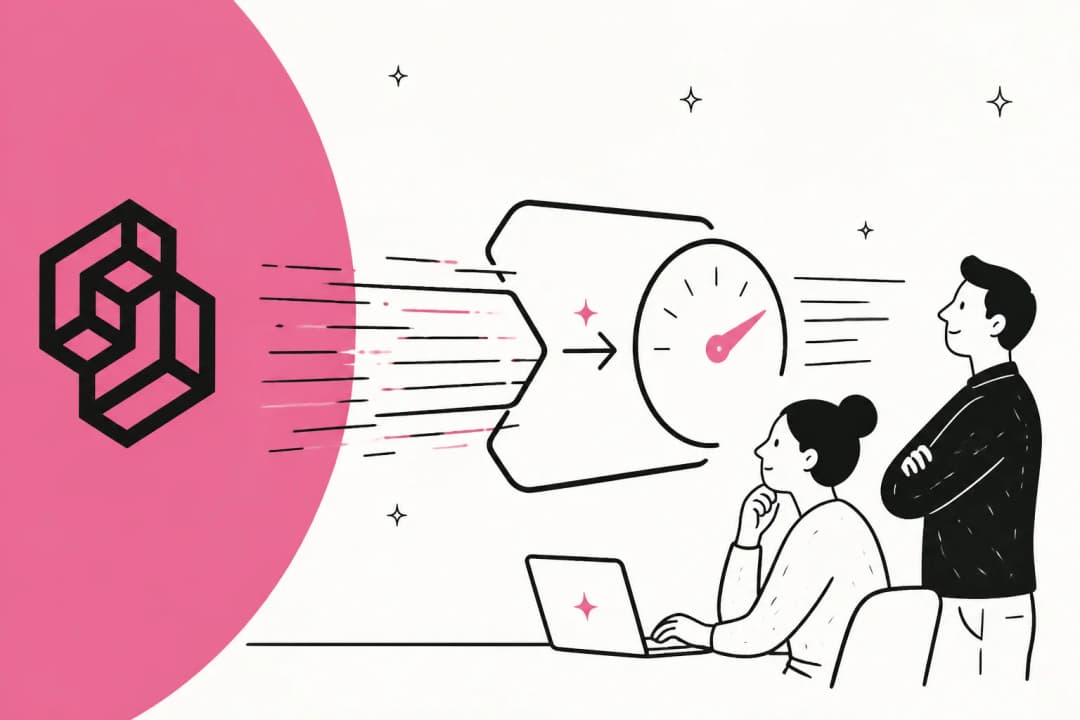
The headline is capacity. IBM's AskHR has automated more than 80 HR tasks and handles over 2.1 million employee conversations annually. At Automation Anywhere, the chief people experience officer reported that HR automation drove an 88% reduction in contract-processing time and freed up more than 12,000 work hours. And the demand signal is clear: Gartner found HR leaders piloting or implementing generative AI jumped from 19% to 38% in seven months, with employee-facing chatbots the top-prioritized use case at 43%.
The economics are the easy part to feel. As one HR-tech consultant put it to SHRM: "consider the cost of 300 employees asking the same question to a human versus a chatbot." Every deflected policy question is time your HR team gets back for work only humans can do.
Here's a rough way to size it for your own team:
One honest caveat on the stats floating around: a widely-shared "30% time reduction, 25% satisfaction lift" figure gets attributed to a 2024 SHRM study, but the linked SHRM article doesn't contain those numbers. I'd lean on the AskHR and Automation Anywhere figures instead, which trace to named sources.
Why most HR chatbots fail (and how to not be one)
Here's the reframe I want you to leave with: the model is not your problem. The two things that sink HR chatbots have nothing to do with which LLM is underneath.
Your content isn't ready. A bot is only as good as the knowledge behind it. If your handbook lives in a filing cabinet or three conflicting Google Docs, the bot will just tell everyone to "contact HR," which defeats the point. As an HR-tech consultant warned SHRM: "if your employee handbook is a physical document, a chatbot will mostly respond by directing the employee to contact HR." Before you buy anything, get your policies into a searchable knowledge base or a proper knowledge management system.
Nobody uses it. This is the quiet killer. Pew's 2025 survey found 55% of workers rarely or never use AI chatbots at work, and only 9% use them weekly or more. The fix is placement: put the bot in Slack or Teams where employees already are, not on a portal they'll forget exists. The same Pew data shows the payoff for the people who do adopt: 54% of regular users say chatbots are highly helpful for speeding up their work.
The third trap is hallucination on policy questions, which is why the escalation and confidence controls from the "how it works" section matter so much. A bot that confidently invents a leave policy is worse than no bot. This is a real, documented risk with any LLM, and the answer is grounding plus a human fallback, not blind trust.
Security and compliance for HR data
HR data is about as sensitive as it gets: salaries, medical leave, disciplinary records, personal details. So the security bar is higher than for a customer-facing bot, and it's worth being picky.
The checklist I'd run through: is it GDPR compliant, does it redact PII before data ever hits a model, is each workspace isolated, and does the vendor promise your data never trains a shared model? For a global workforce, add multilingual support and data-residency options.
For what a solid answer looks like, eesel's security setup redacts PII at ingestion (so the original data never reaches the database or search index), keeps every workspace fully isolated, is GDPR compliant with EU hosting on request, and never uses customer data for model training. Whatever tool you pick, get those answers in writing before you connect it to anything with employee records in it.
Build it yourself, or buy?
If you have engineers, the tempting path is to wire up an LLM API to your docs yourself. It's doable. It's also a maintenance project that never really ends, and it's a common regret among technical teams I've seen.
One engineering lead who chose to buy instead put the trade-off well:
"We could try to write our own LLM application but we didn't want to invest our time into that. We wanted something that we would not have to maintain."
an engineering lead at a crypto-hardware company on eesel's Team plan
The retrieval, the escalation logic, the PII redaction, the Slack and Teams and HRIS connectors, the constant re-tuning as policies change, that's the 90% of the work that isn't the prompt. Unless an HR chatbot is your core product, buying an AI helpdesk tool that already solved it is almost always the faster route to something employees actually trust.
Try eesel for your HR chatbot
If you want an HR chatbot without a build project, eesel AI works like a new HR teammate you can set up in minutes. It plugs into Slack and Microsoft Teams, learns from your existing help docs and policy pages across sources like Confluence, Notion, and Google Docs, and answers employee questions in their own language.
The two things I'd flag from the pitfalls above: eesel's simulation mode runs the agent against your real historical questions before go-live, so you see exactly what it'll get right and where the gaps are, and confidence-based routing means it only answers what it's sure of and quietly leaves the rest for a human. Pricing is usage-based at around $0.40 per conversation with no per-seat fee, and there's a free trial, so you can test it against your own policies before committing. Try eesel and point it at your handbook to see what it deflects on day one.
Frequently Asked Questions
What is an HR chatbot?
How much does an HR chatbot cost?
How do I build an HR chatbot for Slack or Teams?
Are HR chatbots secure enough for sensitive employee data?
Will an HR chatbot replace HR staff?



Article by
Kira
Kira is a writer at eesel AI with a Computer Science background and over a year of hands-on experience evaluating AI-powered customer service tools. She focuses on breaking down how helpdesk platforms and AI agents actually work so that support teams can make better buying decisions.