What Grok Bot is
Grok Bot is xAI's AI teammate app, announced on 11 August 2026 and still labelled "Early beta" on its own page. Each Bot is a persistent, named worker: you give it a role, it gets a cloud computer, and it signs into the apps you already use and drives them through their interfaces the way a person would. xAI pitches the coverage as the point, saying Bots work across apps and websites "including platforms with no clean API or MCP".
Eight roles ship out of the box: Sales Outbound, Talent Scout, Paid Media, Expense Manager, Product Performance, Bug Reproduction, Account Health, and Chief of Staff. Multi-Bot is real, with async Bot-to-Bot messaging and group chats of two to six Bots. There's a "Teach a task" feature (xAI calls them routines) where a Bot watches you do a job once and saves the steps, capped at 10 minutes and browser-only, with the output flagged as a draft.
Worth knowing up front: none of the eight roles is a support role, even though the product page's own example prompt is "Sign in to Zendesk so I can work the support queue." And there's no documented Grok Bot API, SDK, webhook, or CLI. This is a product you drive through its own app, not one you wire into a pipeline. If you're weighing it as xAI's agent play, it sits alongside Grok 4.5 as the model doing the work and the Grok Voice agent builder on the voice side.
What OpenClaw is
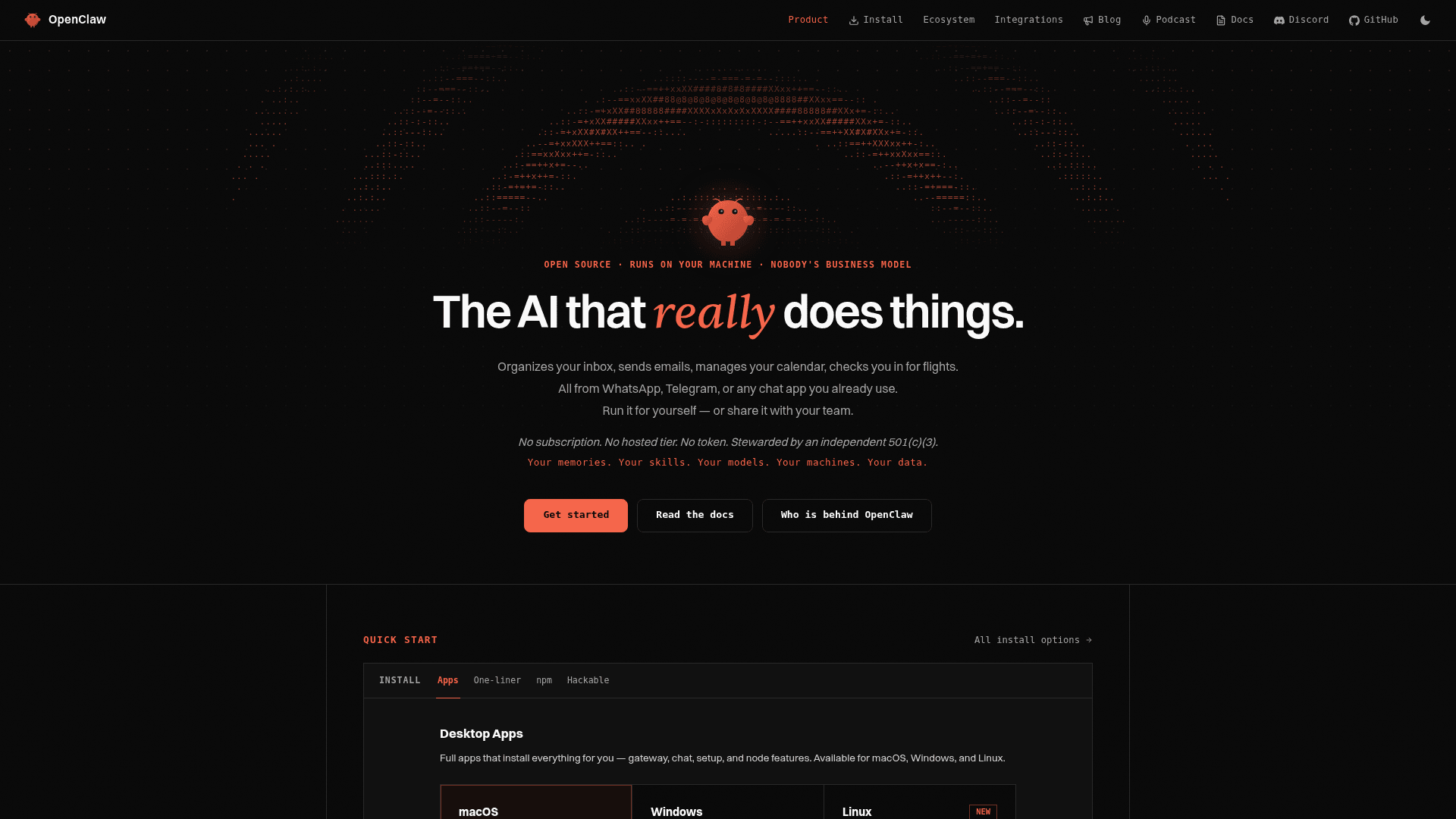
OpenClaw is the open-source personal AI agent you host yourself. It's the most-starred repo on GitHub, MIT-licensed, run by a non-profit foundation, and it has no hosted paid product at all: you download it, point it at your own model keys (OpenAI, Claude, or a local model), and run it on your machine. That single fact colours everything below. Where Grok Bot is a service you rent, OpenClaw is infrastructure you own and operate.
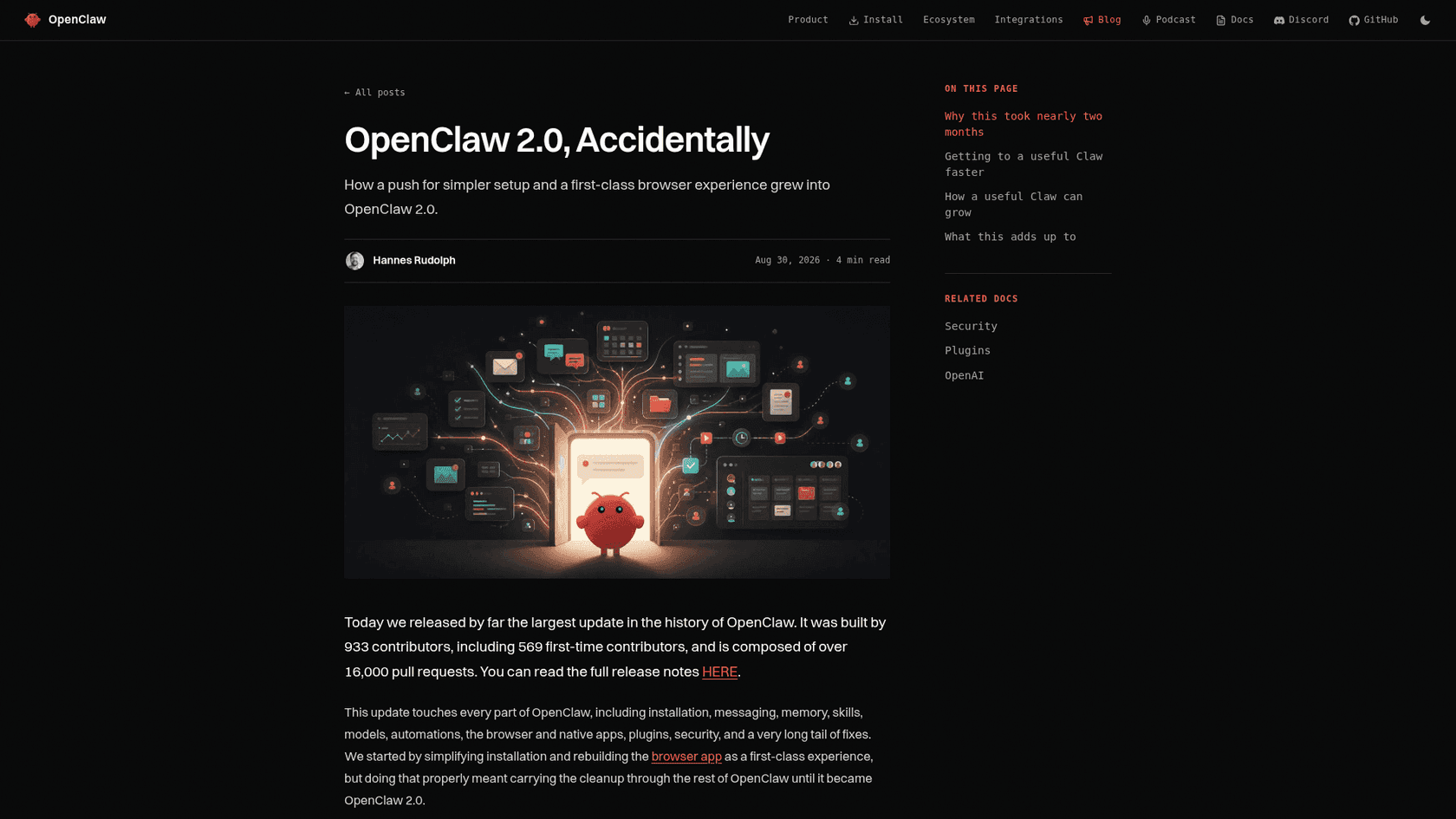
The 2.0 release is the one that matters here, and its own author called it accidental in scope. The headline is multiplayer: shared cloud sessions turn a tool "designed for a single operator" into one where you can pull a teammate into live work or hand off with context intact. Around that, 2.0 rebuilt the Control UI into a proper conversations-first web app, added cross-conversation memory, a Skill Workshop for building and reviewing skills, and native iPhone, Android, and watch apps.
On models, a fresh OpenAI setup now defaults to GPT-5.6 and a local llama.cpp install defaults to Gemma 4, so you're never locked to one vendor. And because it's self-hosted, the browser and computer-use pieces run against your machine: signed-in browser sessions via an isolated managed profile or your own Chrome, with Computer Use on paired Macs and enabled Windows, and Linux control still experimental.
How both actually work
Strip away the branding and the core mechanism is the same, and it's worth understanding because every trade-off below flows from it. These are autonomous AI agents that operate a computer the way you would: they get a screen and a browser, you sign in once, and then they click and type against real, logged-in sessions. This is the descendant of RPA, just with a model deciding what to click instead of a brittle script. The upside is coverage: if a human can do it in a browser, the agent can attempt it, no API required, which makes both a real option for the best AI agents list of open-ended jobs.
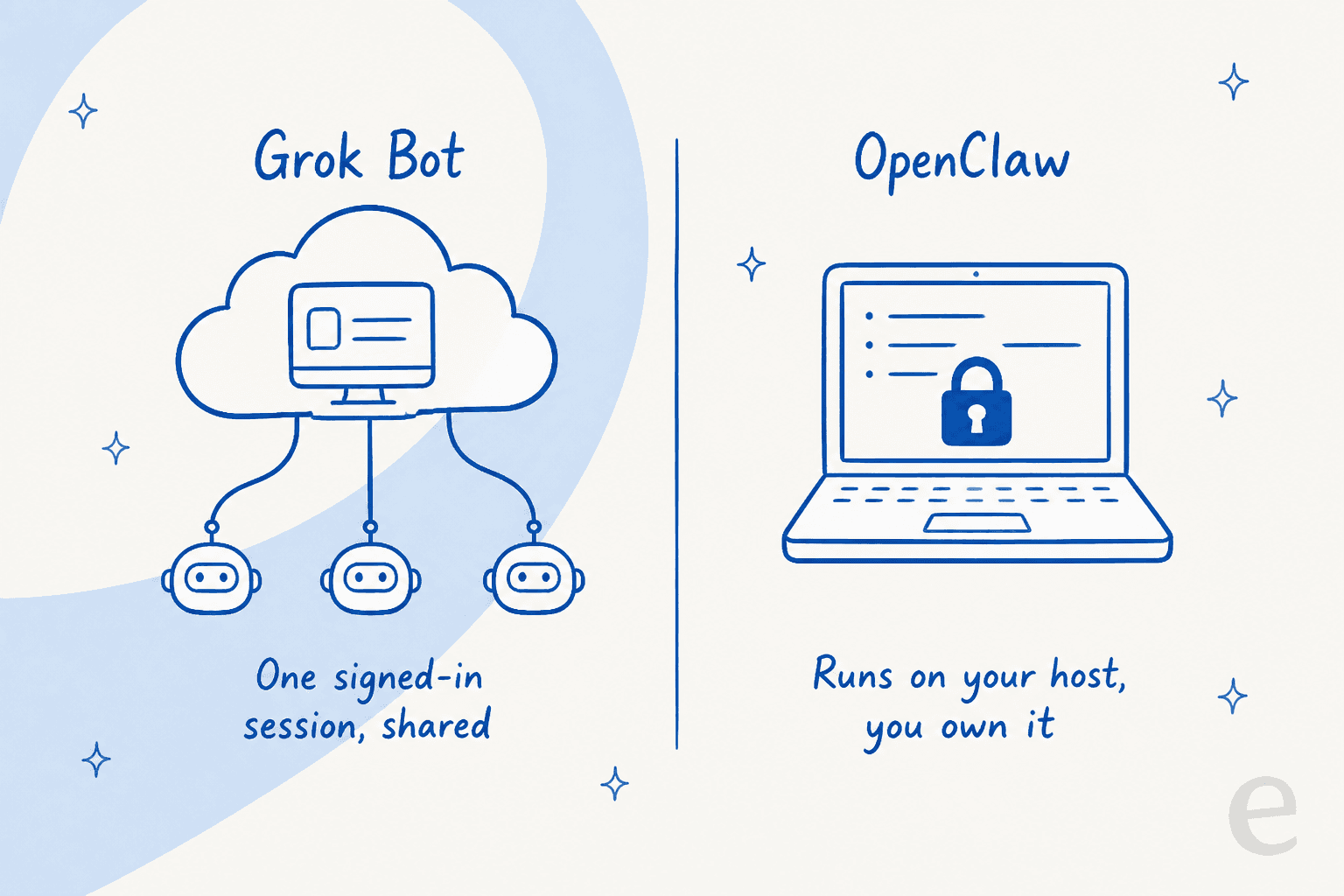
The real split is where the work runs and who owns the fallout. Grok Bot's docs are explicit that "all of your Bots share one cloud computer," and that "files, browser sessions, and command line credentials on that computer are available across your Bot roster." xAI runs that computer; you just drive it. OpenClaw runs on hardware you control, which means you own the model keys, the credentials, and the blast radius, but also the uptime, the updates, and the sandboxing. That ownership is the whole personality difference between the two, and it's the thing to hold in your head for the rest of this comparison.
Grok Bot vs OpenClaw: the differences that matter
Here's the head-to-head on the dimensions a buyer actually weighs. I've kept it to what each project publishes, not launch-week vibes.
| Dimension | Grok Bot (xAI) | OpenClaw (open-source) |
|---|---|---|
| Model | Hosted, "Early beta" | Self-hosted, MIT-licensed |
| Where it runs | One shared cloud computer per account, run by xAI | Your own machine or server |
| Model choice | xAI's own models | Bring your own: OpenAI, Claude, or local |
| Session model | Sessions persist and are shared across all your Bots | Signed-in sessions on your host; isolated profile or your Chrome |
| Team use | Group chats of 2-6 Bots, async Bot-to-Bot | Multiplayer shared cloud sessions (new in 2.0) |
| Dry-run / test mode | None. "A test run performs real work" | No simulation against your own history |
| Credential handling | Typed once, then shared across Bots | Protected credentials reach tools without model-visible text |
| Audit trail | "An audit view of Bot actions is coming" | Your logs, on your host |
| Compliance | No SOC 2 / ISO / GDPR / HIPAA claimed | You own the environment and any certification |
| API / CLI | None documented | Self-hosted CLI + Web UI, MCP connectors |
| Platforms | macOS, Windows, iOS | macOS, Windows, Linux (control experimental) |
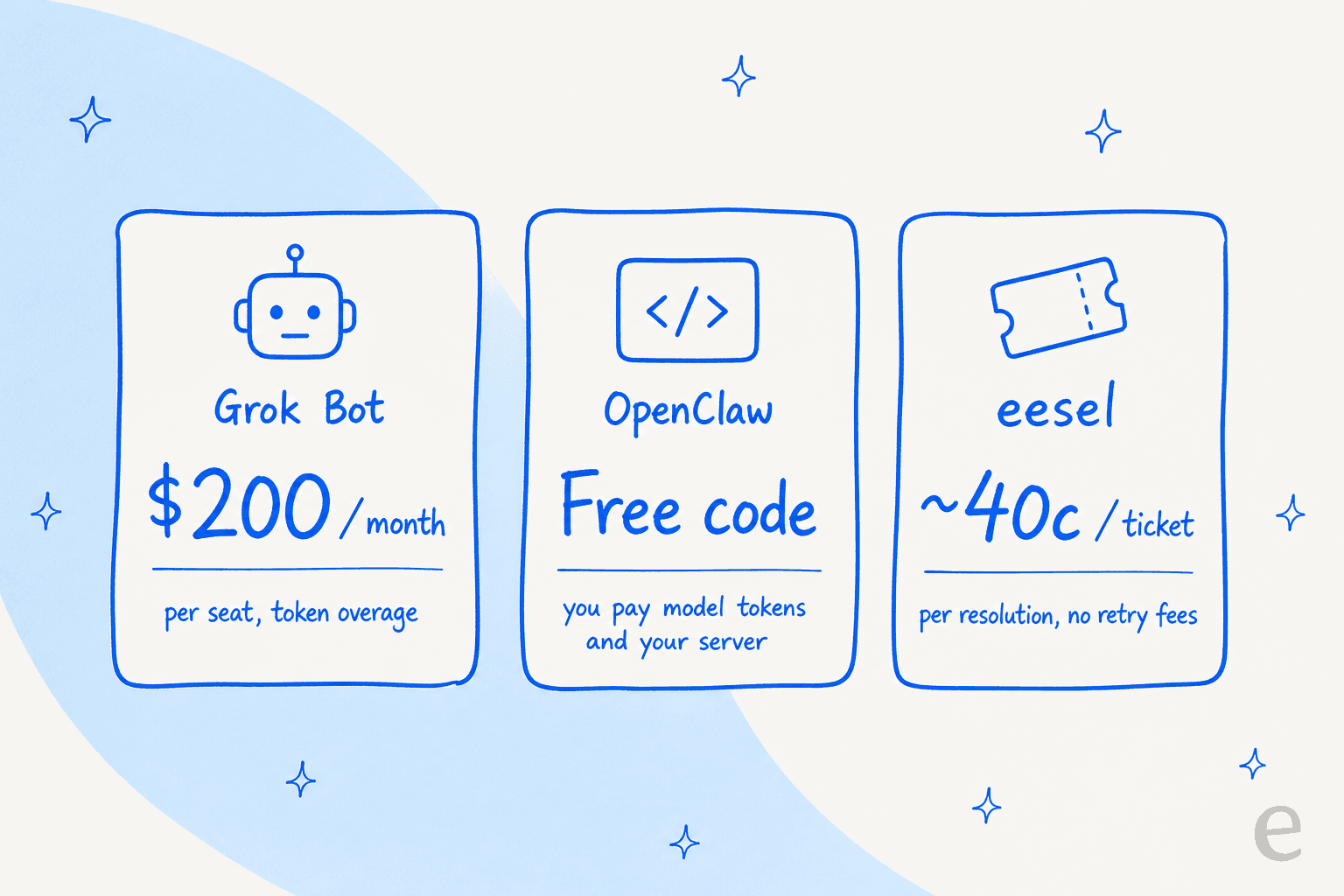
| Price | $200/mo solo, $120/seat/mo team | Free code, you pay tokens + hosting |
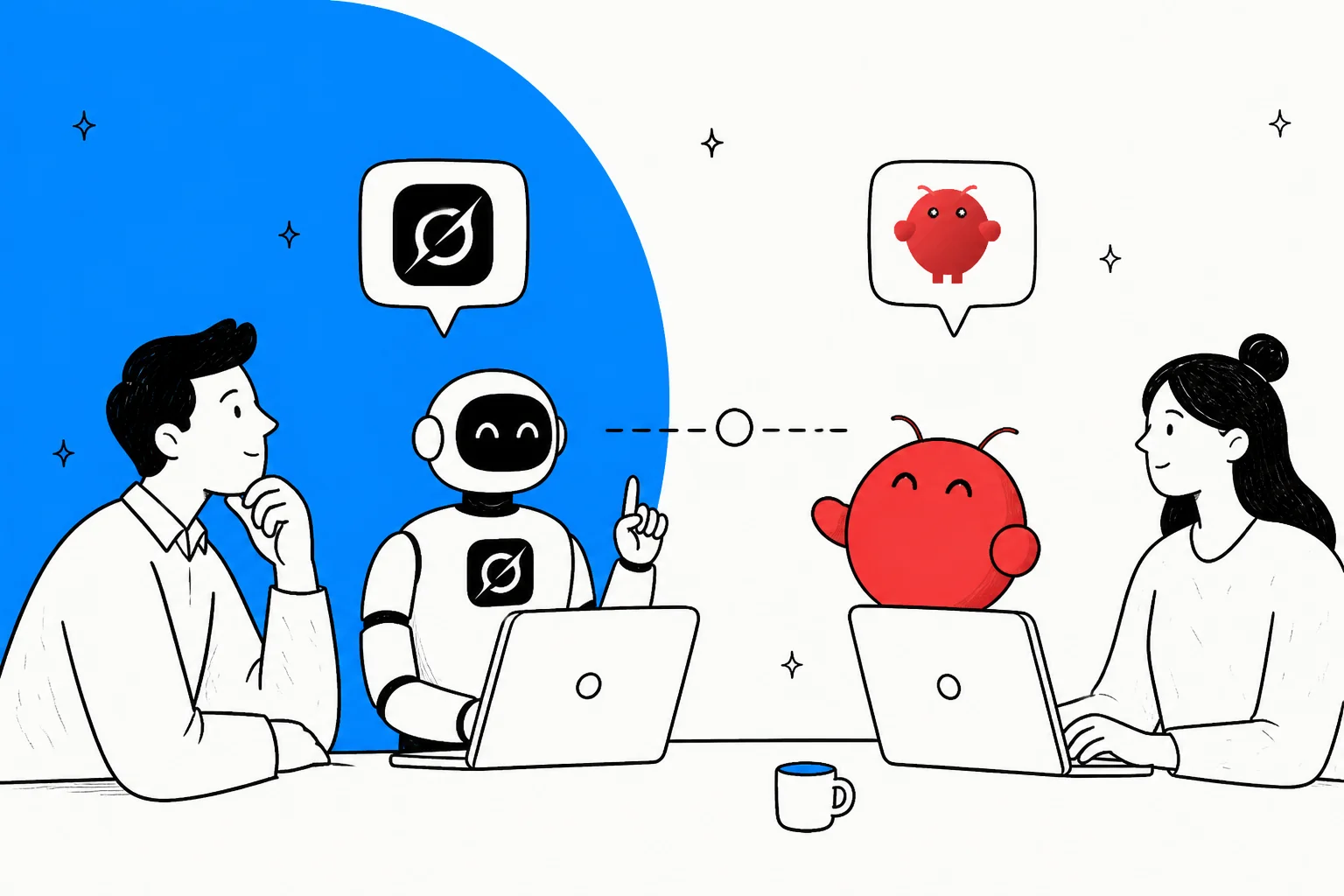
The pattern is clear. Grok Bot trades control for convenience: xAI runs the computer, so there's nothing to install, but you also can't see inside it, pick the model, or hold the audit trail. OpenClaw trades convenience for control: you get to choose the model, keep the credentials on your own box, and read your own logs, but you're the one on call when something breaks. If "I never want to run infrastructure" is your line, Grok Bot leans your way. If "I need to own the environment" is your line, OpenClaw does.
Pricing compared
Two billing philosophies that could not be further apart, which matters more than any sticker number.
Grok Bot has just two self-serve plans, both named after Cursor rather than xAI, with a Contact sales link above them (pricing):
| Plan | Price | Notes |
|---|---|---|
| Cursor Ultra (solo) | $200 / month | "Extended limits on AI tokens" (no number published) |
| Cursor Premium Teams | $120 / seat / month | Adds central billing, skills marketplace, shared analytics, SSO |
| SuperGrok Heavy | Included | No standalone Grok Bot price given |
There's no free tier, no published trial length, and no annual option. Oddly, the team plan is cheaper per seat than the solo plan. The only quota language is "extended limits on AI tokens," with overage billed on model and token cost, so real spend depends on how hard your Bots run.
OpenClaw has no price list, because there's nothing to buy. The code is free and open source under an MIT license. What you actually pay for is the model tokens it consumes and the server it runs on, and that bill is entirely a function of how hard you run it.
Don't read "free" as cheap, though. One community datapoint floating around the OpenClaw threads put a single heavy user's token spend at over a million dollars across 30 days. That's an outlier, but it makes the point: an unmetered agent burning your own API keys can cost far more than a $200 seat. Both models share a blind spot, and it's the one that matters for support: you're paying for access to a worker (a seat, or your own tokens and compute), not for work completed.
That's a worse fit when the work is meterable, like support tickets. That's why an AI agent's cost for a production queue is usually cleaner to reason about per unit of work. At eesel I price per ticket (roughly 40 cents), and deliberately never charge for retries, internal steps, or follow-ups inside that unit, because predictability beats cleverness when finance is signing off.
Security and trust: the part you can't skip
This is where an agent that acts inside your real accounts stops being a neat demo and becomes a decision. Both projects are honest about the risk, to their credit, and the shape of the risk is different for each.
Grok Bot's exposure is the shared session. Because a Bot acts inside a session you signed into, the logs attribute its actions to you, and xAI itself says twice: "do not use separate Bots as a security boundary." The sharpest critique of that design came from Hacker News, and it names the whole thing in two words:
"By hijacking a real person's credentials, that person becomes the accountability sink. Very neat. Very deliberate."

There's also no dry-run to catch a mistake first, since "a test run performs real work," and the audit view is still listed as coming.
OpenClaw's exposure is the opposite: you own the whole environment, which is safer in some ways and scarier in others. Its credential handling is thoughtful, with protected credentials reaching a destination without the model ever seeing the text, and every inbound message treated as untrusted. But it runs tools on your host, and the loudest security take on it is blunt about what that means:
"Anyone giving an LLM direct access to the system is completely irresponsible. You can't trust what it will do, because it has no understanding."
That's the trade in a sentence. Self-hosting means the sandboxing is your job, not a vendor's. If your tickets contain card numbers and passwords, an agent holding a signed-in session to your helpdesk is a data-privacy surface, not just a productivity tool, whether that session lives on xAI's computer or your own.
For all the security worry, the early enthusiasm is grounded in real work, not hype. As one OpenClaw user put it on Hacker News, it is "amaaaazing... going to have lots of sharp edges getting stuff like this secured, but it is not going to go away. Too useful." That's the honest read for ad-hoc work you're watching.
Where each one fits, and where neither does
So which do you reach for? For general knowledge work you supervise, the choice is mostly about temperament and ops appetite. Pick Grok Bot if you want zero infrastructure and a roster of always-on Bots, and you're comfortable owning what they do inside your sessions. Pick OpenClaw if you want to own the environment, choose your own model, keep credentials on your own box, and you have the appetite to run and patch it. If you specifically want either one pointed at a helpdesk, the more honest route is a proper helpdesk integration than a browser session logged in as you.
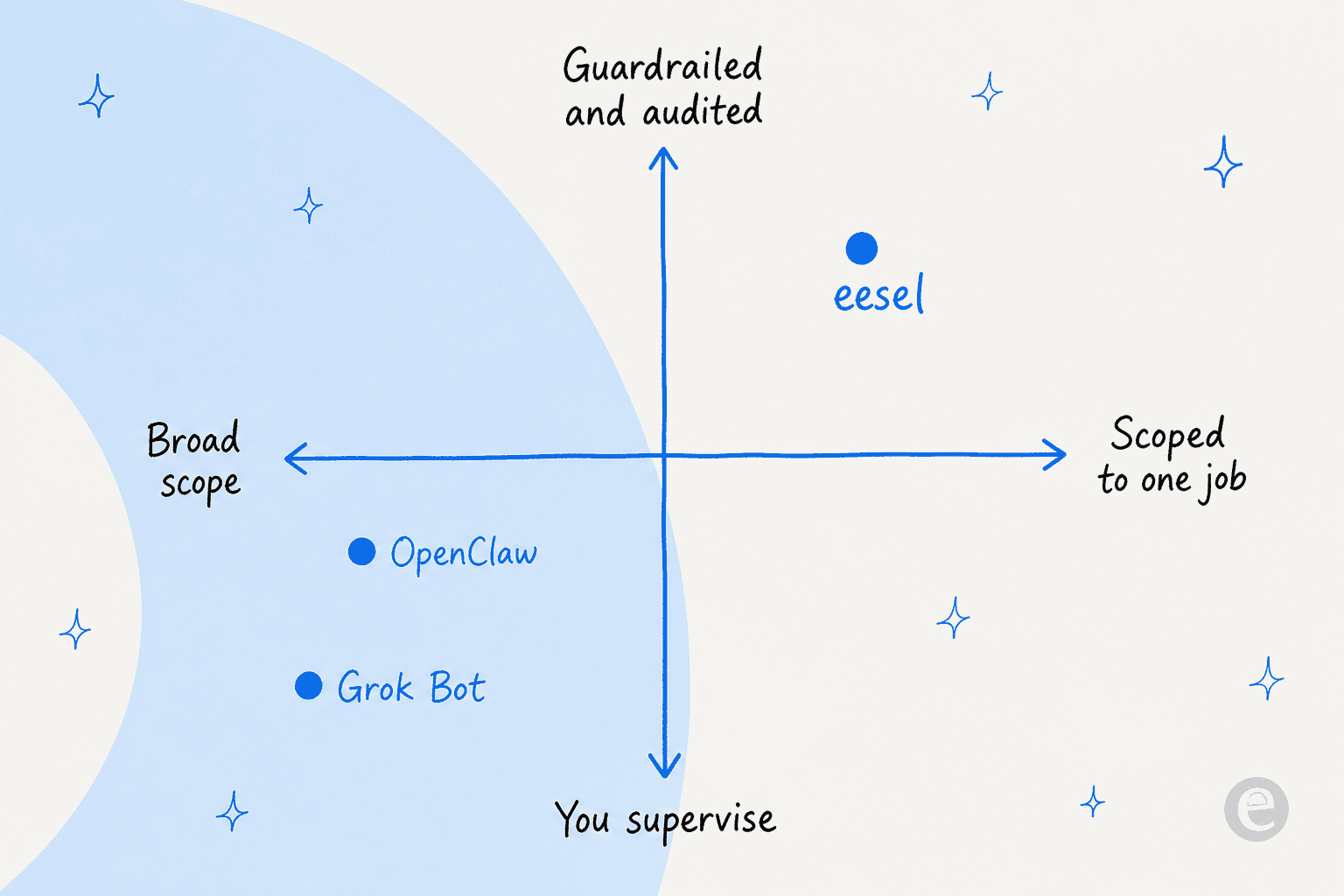
But there's a category where I'd steer you away from both, and I say this as someone who builds these agents for a living: a repeatable production job like customer support. A general-purpose agent that signs into Zendesk and "works the queue" can't express the things support leads refuse to go live without, like scoping by ticket type or measuring an AI resolution rate per response. One CX lead put the whole requirement in a sentence:
"The AI will never be able to answer 100% of the questions... I need an AI who is only handling the tickets that it's confident to handle and all the other ones, leave them alone."
CX lead at a DTC supplements brand (Gorgias + Shopify, ~7K tickets/month)
A logged-in browser session has nowhere to put "leave those tickets alone." It has one mode: it works the queue. And the failure isn't gibberish, it's a fluent, plausible, wrong answer. I've watched a confident-sounding bot fabricate a reply into a real customer's ticket because the knowledge base came back empty, which is exactly why every rollout I run now gets simulated against historical tickets first. On one e-commerce inbox, that dry run came back 93% accurate on triage before a single customer saw anything. Neither Grok Bot nor OpenClaw offers a dry run against your own history.
That's the real dividing line. General-purpose agents are labour you supervise; a purpose-built support agent is a worker you scope, test, and audit. It's the difference between a generalist and agentic customer service built for the queue, and it's worth reading up on build vs buy before you wire a general agent into support with glue code.
Try eesel for support and content
If the job you're actually trying to fill is support or content, eesel is built for that shape. eesel is an AI teammate platform, and you hire ready-to-work teammates for specific jobs: an AI helpdesk agent that joins your existing queue, and an AI blog writer that produces researched drafts. Each arrives with the skills, integrations, and company context for its role, which is the opposite of standing up a general agent and teaching it your job from scratch.

The difference from a general-purpose agent is the whole point. eesel connects through your helpdesk's own surfaces, so it plugs into Zendesk, Freshdesk, Gorgias, Confluence, and Slack as an integration, not a shared logged-in browser session you have to babysit. That connection model is what makes the guardrails expressible: you get simulation on your past tickets before go-live, so you see a resolution rate before a customer does; confidence-based escalation and ticket-type exclusion; and a clean human handoff when the agent should step back instead of improvising.
And if the terminal is your world, this is where the OpenClaw comparison gets interesting, because eesel isn't only a dashboard either. The eesel CLI drives the same support teammate and workspace from a script or a coding agent like Claude Code or Cursor: you can connect sources, push instructions, run a simulation, and check activity without opening a browser at all. The difference from OpenClaw is that you're scripting a scoped, guardrailed worker, not standing up and babysitting a general agent that runs your whole machine.
To be fair to the honest half of the argument: eesel won't sign into an arbitrary SaaS tool with no API and click around for you, and it won't run your whole desktop. That's exactly what Grok Bot and OpenClaw are for. But for a support queue or a content pipeline, a scoped teammate you can test and trust beats a general labour agent every time. You can try eesel free and simulate it on your own tickets before it ever touches a customer.
Frequently Asked Questions
What is the difference between Grok Bot and OpenClaw?
How much does Grok Bot cost compared to OpenClaw?
Is Grok Bot or OpenClaw safe to use with sensitive data?
Can Grok Bot or OpenClaw replace a customer support team?
Is OpenClaw really free?
What is a general-purpose AI agent and when should I use one?
Does OpenClaw or Grok Bot have an API or CLI I can automate?


Article by
Rama Adi Nugraha
Rama is a software engineer at eesel AI with two years of experience writing about B2B SaaS, AI tools, and customer support technology. Based in Bali, Indonesia, he brings a developer's perspective to product comparisons — cutting through marketing copy to what the integrations and APIs actually do.