

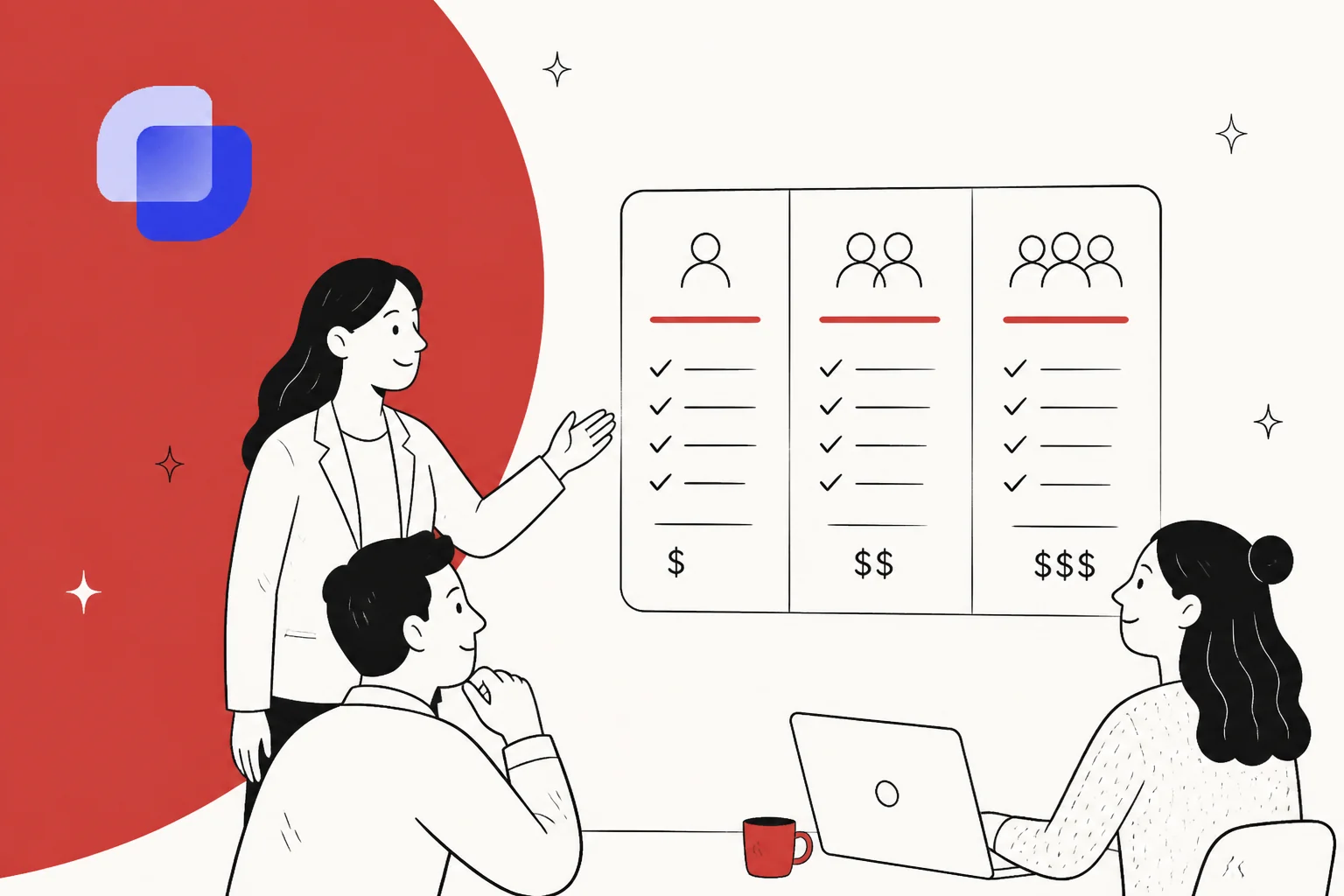
What Suptask actually charges for
Before the numbers, the unit. Suptask's pricing page states the billable unit plainly: every price is "Per Agent, Per Month," and an Agent is a seat, not an action. In Suptask's own words, an Agent is "a user who [has] access to a Suptask Inbox, which gives them permission to manage and respond to tickets."
Two things follow from that definition, and both are in your favour:
- Requesters are free and unlimited. Anyone who only submits a ticket, an employee, a colleague, a customer, is a requester, and the pricing FAQ confirms "you can have an unlimited amount of this in Suptask without any additional cost."
- One agent can sit in many Inboxes without paying twice. If your IT lead also helps the HR desk, that is one seat.
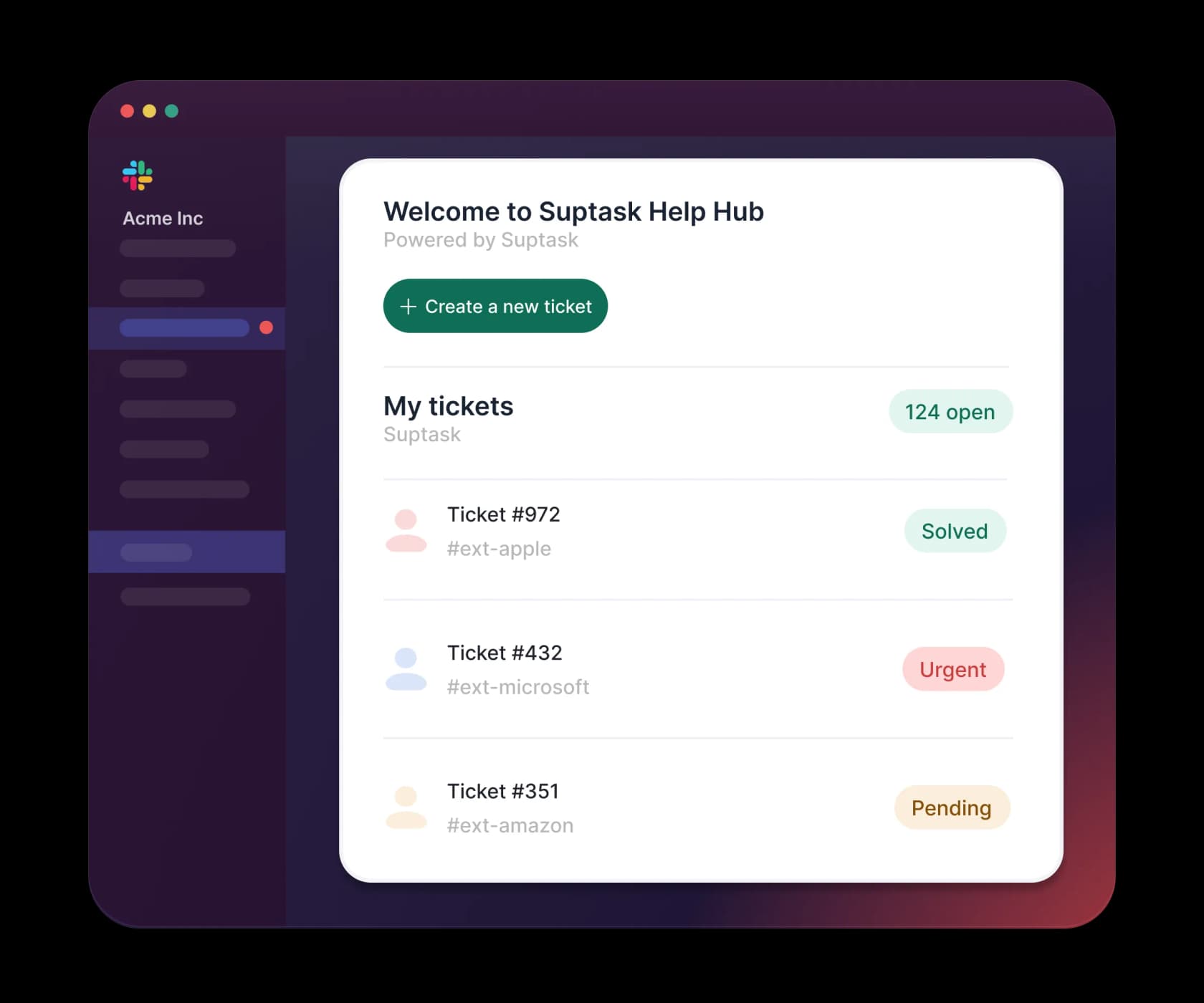
That is a friendly requester model, and it is the right one for an internal desk where a handful of agents serve a whole company. It is the same shape you will find across most internal ticketing systems. The question is whether a seat is the right thing to meter at all once AI enters the picture, which I will come back to.
Suptask pricing in 2026: the full table
Here are the exact published figures, pulled from both the annual and monthly tabs on the Suptask pricing page. The advertised annual discount is 15%.
| Plan | Annual (per agent / mo) | Monthly (per agent / mo) | Best for |
|---|---|---|---|
| Starter | $15 | $18 | A single team, one Inbox |
| Professional | $24 | $29 | Multi-team service desk |
| Growth (Popular) | $38 | $45 | AI, SLAs and automation |
| Custom | Contact Us | Contact Us | Enterprise, HIPAA, volume |
A few things worth flagging that the table alone does not show:
- There is no free forever tier. The only free access is a 14-day trial, and it is specifically a trial of the Growth plan. Once it expires, the pricing page says "your account will be blocked and will need a paid subscription."
- No seat minimum is published anywhere. That is a genuine plus over Slack ticketing rivals like Unthread, which historically carried a five-seat floor.
- Custom is fully quote-gated. Its price field literally reads "Contact Us," and its call to action is a demo booking, so there is no way to self-serve enterprise pricing.
What each plan gates
The plan cards read as a clean feature ladder. Here is what actually changes as you move up, based on the plan-card bullets (the feature-comparison grid renders a check in every cell, so the cards are the reliable source for what is gated).
Starter, $15 / $18
Slack ticketing and task tracking for a single team. You get one Inbox, ticketing in Slack (channels, DMs, the Suptask app), unlimited forms and fields, and dashboard analytics. The hard limit here is the single Inbox, this is the one numeric gate on the whole page. The annual card also lists Slackbot AI; the monthly card omits it.
Professional, $24 / $29
"Service desk for internal teams and customer support." This is where Suptask becomes a real multi-team desk: unlimited Inboxes, multi-source intake (email, Slack, and Slack Connect), basic automations (auto-assign, triggers, automated ticket creation), approvals, performance reporting, and API access. If you run more than one desk, this is your realistic floor, not Starter.
Growth, $38 / $45 (marked Popular)
"Advanced service management with intelligent AI." Everything in Professional plus the complete automation suite, SLA management, dynamic forms, AI Assistants that "answer from your content," advanced service operations (team routing, business hours), branding and white-labeling, and single sign-on. It also carries the footnote that matters most: "Includes credits per agent."
Custom, quote-only
For enterprise requirements: AI agentic workflows ("AI that takes actions across your connected tools"), custom integrations, volume discounts and unlimited agents, custom contract terms, Slack Enterprise Grid support, HIPAA (BAA), and dedicated onboarding. All of it quote-gated with no numbers attached.
The AI line item Suptask does not price
Here is the part to slow down on. Suptask markets real AI, an @Suptask assistant that answers from your knowledge sources, email categorisation, and (on Custom) agentic workflows. The product demo is genuinely good.
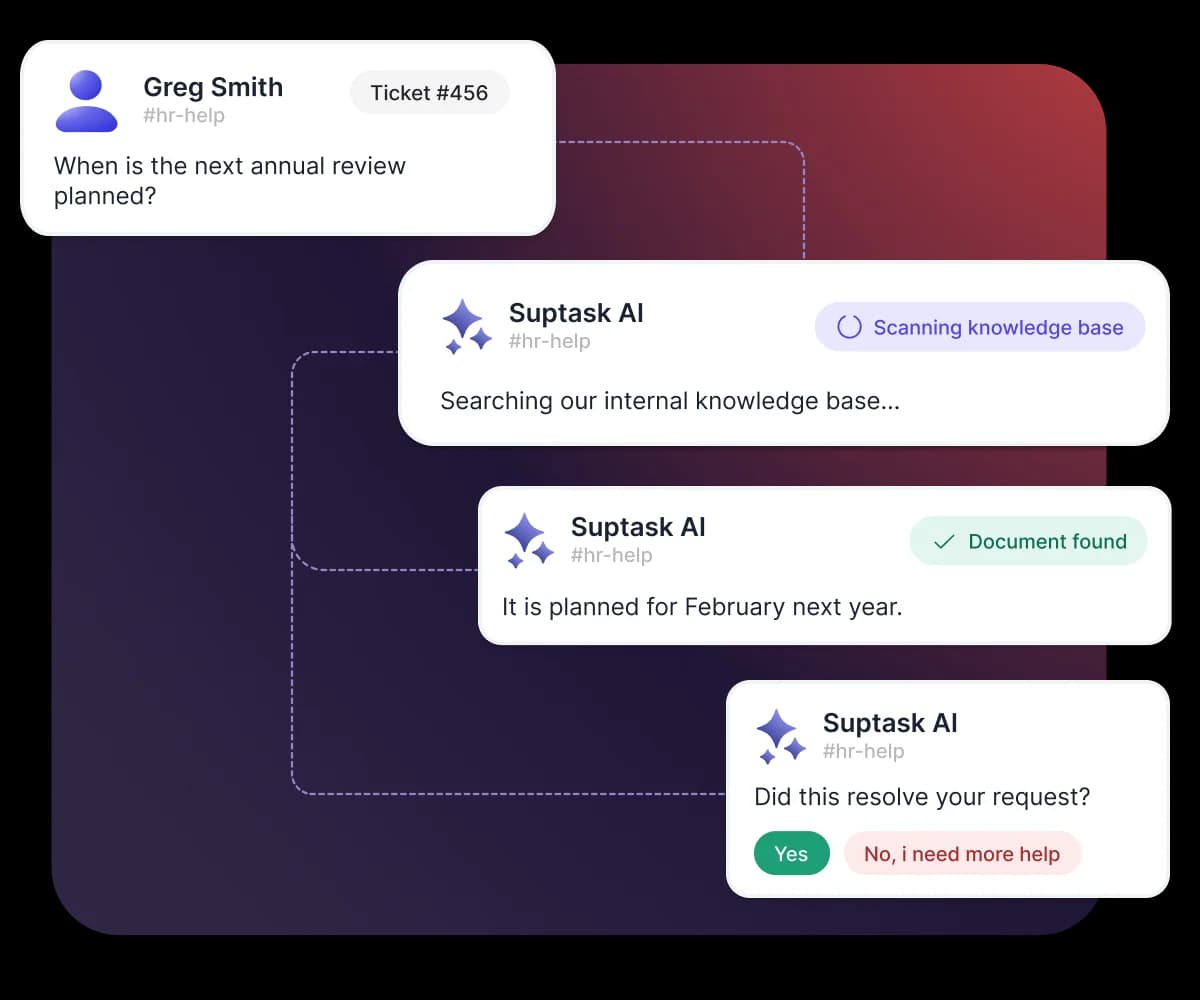
But the pricing for it is a footnote. The Growth card says "Includes credits per agent," and that is the entire published detail. There is no credit count, no per-credit price, and no overage rate anywhere on the page. So a question any buyer needs answered, "what does the AI cost once we go past the included credits?", is unanswerable from the pricing page alone.
That is not unique to Suptask, opaque AI metering is common across AI ticketing systems right now, and I want to be fair: the credits may well be generous. But "generous" is not a number you can budget against. If you are betting a queue on automation, you want to see the meter and, ideally, test the AI against your own history before it answers a live person. I have watched a confident-sounding bot quietly give wrong answers, which is exactly why every rollout I run now gets simulated on past tickets first. A credit footnote does not let you do either.
For contrast, tools built AI-first tend to publish the resolution meter openly, and let you train the AI and dry-run it before launch. That transparency is worth real money at renewal.
Per-seat vs per-ticket: the model matters more than the sticker
Step back from the tiers and the bigger question is what you are metering. Suptask meters seats. AI-first support tools increasingly meter tickets (or resolutions). The difference decides whether your bill tracks your headcount or your workload.
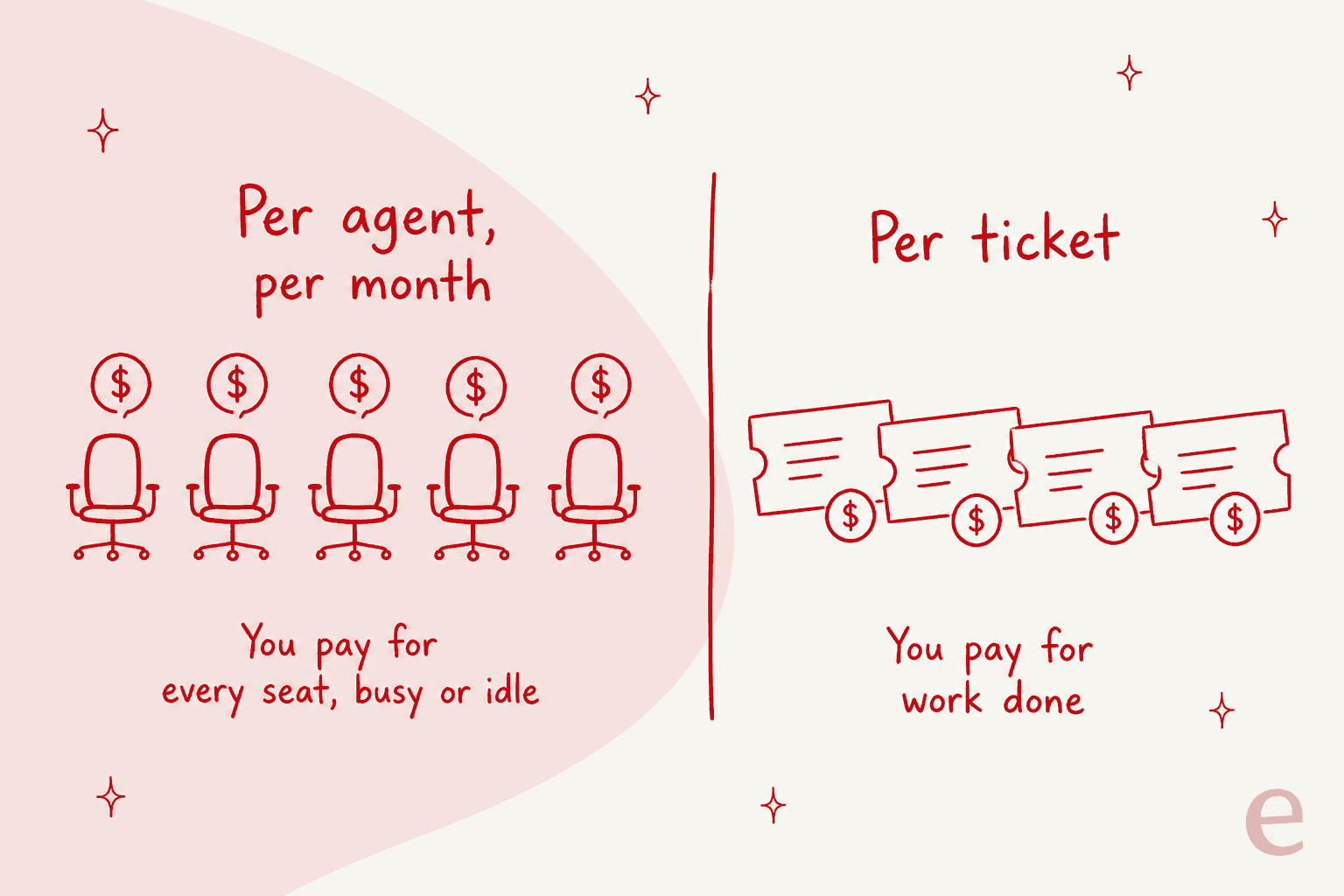
Per-seat is predictable and easy to reason about, which is why it is popular for internal desks. But it has two quiet costs. First, you pay for every agent whether they close two tickets or two hundred that month. Second, and this is the AI trap, if AI is meant to deflect tickets, per-seat pricing charges you the same whether the AI resolves 10% of your volume or 80%. The savings from automation do not show up on the invoice.
I heard this framed sharply on a sales call with a multi-company e-commerce operator scaling toward roughly 150,000 tickets a month. His whole objection was that per-seat and per-interaction models made his costs move with the wrong variable; he wanted the bill to track resolutions, projecting his own math at around 20 cents a ticket. When the price moves with value delivered, the finance conversation gets easy. When it moves with headcount, it does not.
Run your own numbers on both sides below.
The costs that are not on the price page
Sticker price is rarely the whole spend. A few things to budget for with Suptask, none of them a knock, just what buyers forget:
- AI credits beyond the bundle. As covered above, the overage is unpublished. Ask sales for the credit count per agent and the per-credit or per-resolution rate before you commit to Growth for its AI.
- The jump from Starter to Professional. Starter's single-Inbox cap is easy to hit. A second team means Professional, which is a 60% per-seat increase ($15 to $24 annually). Plan for that if you expect more than one desk.
- Slack plan dependencies. Slack Connect intake and Enterprise Grid support sit higher up Suptask's tiers, and some of that value assumes you are already on a paid or Enterprise Slack plan.
- HIPAA is Custom-only. If you handle PHI, the BAA lives on the quote-gated Custom tier, so budget for enterprise pricing rather than the $38 Growth sticker.
Is Suptask worth the price?
For the job it is built for, yes. If you run an internal IT help desk, HR, or ops desk that lives inside Slack, and you mostly need clean intake, routing, and reporting, Suptask is competitively priced and the requester model is generous. Starter at $15 is a fair entry point, and Professional at $24 is a reasonable multi-team desk. Set against dedicated Slack ticketing rivals like Unthread ($50 to $75/agent) and Thena ($29 to $119), it often undercuts them.
Where I would pause:
- If AI resolution is the reason you are buying, the unpublished credit meter means you cannot cost the thing you are paying for. That is a real risk at renewal.
- If you do external customer support that needs to land in a full omnichannel helpdesk with a proper system of record, a Slack-only ticket object may feel thin. Look at how a ClearFeed style front-door model differs.
- If your volume is high and AI does the heavy lifting, per-seat pricing hides the savings that automation should produce.
Where eesel fits
If the reason you are looking at Suptask is the AI, and you want to see the meter and test it first, that is the exact gap eesel was built for. eesel's AI helpdesk teammate joins the Slack queue you already run and the helpdesk your customer-facing team uses (Zendesk, Freshdesk, Gorgias, Jira Service Management), so the ticket record does not have to live only in Slack.
Two differences that matter for a pricing decision specifically:
- You can simulate the AI on your own past tickets before it answers a live one, so you know the resolution rate you are buying instead of trusting a footnote.
- Billing is credit-based (1 credit per ticket or chat), not per-seat, so the cost tracks ticket volume rather than heads on the team, with one fixed monthly price and no per-seat fee.

It plugs in like a new hire that already knows your help center, and it is free to try. If you are weighing Suptask's Growth plan mainly for its AI, run both against the same month of tickets before you decide. Try eesel or book a demo and simulate it on your own history first.