Grok Bot pricing at a glance
The pricing block on the product page is unusual before you even read the numbers, because neither plan is named after xAI. Both are Cursor plans, the download link points at downloads.cursor.com, and sales routes to Cursor's contact form.
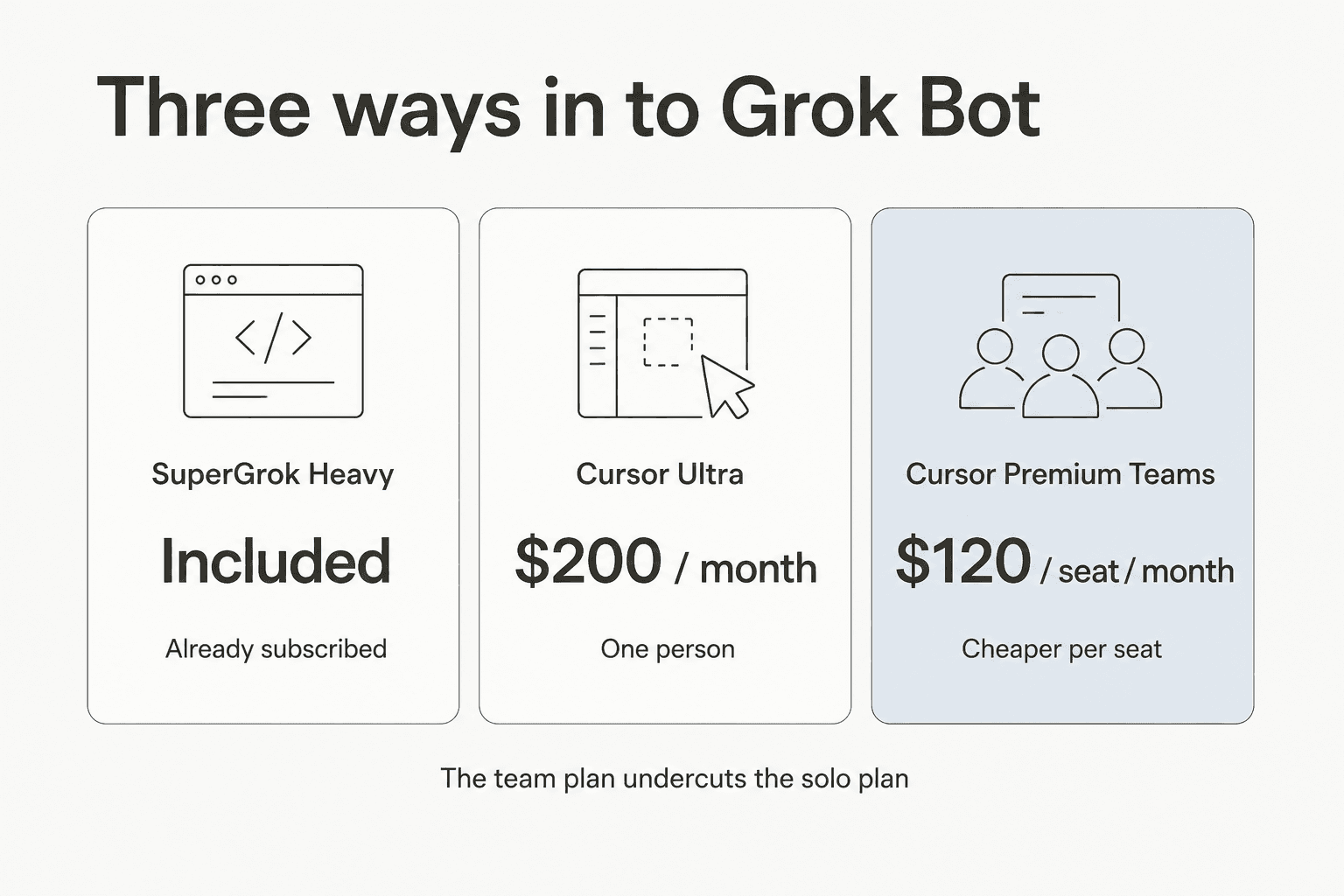
| Cursor Ultra | Cursor Premium Teams | Cursor Teams Standard | SuperGrok Heavy | |
|---|---|---|---|---|
| Price | $200 / month | $120 / seat / month | $40 / seat / month | Included in the plan |
| Billing | Monthly | Monthly | Monthly | Existing subscription |
| Grok Bot access | Yes | Yes | Trial or on-demand usage | Yes |
| Weekly usage allowance | Included, size unpublished | Included, size unpublished | Not included | Not published |
| On-demand overage | Billed from model and token cost | Same | Same | Not published |
| Spend cap | None yet | None yet | None yet | None yet |
| Model picker | None, by design | None | None | None |
| Own cloud computer | Yes, one per member | Yes, one per member | Yes | Yes |
| Central billing and SSO | No | Yes, inherited from Cursor | Yes | No |
| Audit view of Bot actions | Listed as coming | Listed as coming | Listed as coming | Listed as coming |
| Compliance certifications | None claimed | None claimed | None claimed | None claimed |
Two structural things fall out of that table before any usage math.
The first is that the team plan is cheaper per seat than the individual plan, $120 against $200, while including everything in Ultra plus centralised billing, a team skills marketplace, shared usage analytics and SSO. That is backwards from most SaaS pricing pages, and if there are two of you, the individual plan is hard to justify. Two independent readers on X landed on the same pair of numbers within hours of launch, including one who was clear about what actually held their attention:
"What actually stopped me scrolling wasn't the feature list. It was the pricing page."
The second is the quota vagueness. The only limit language on the whole product page is "Extended limits on AI tokens", with no figure attached. That is where the real money lives, so the rest of this post follows it.
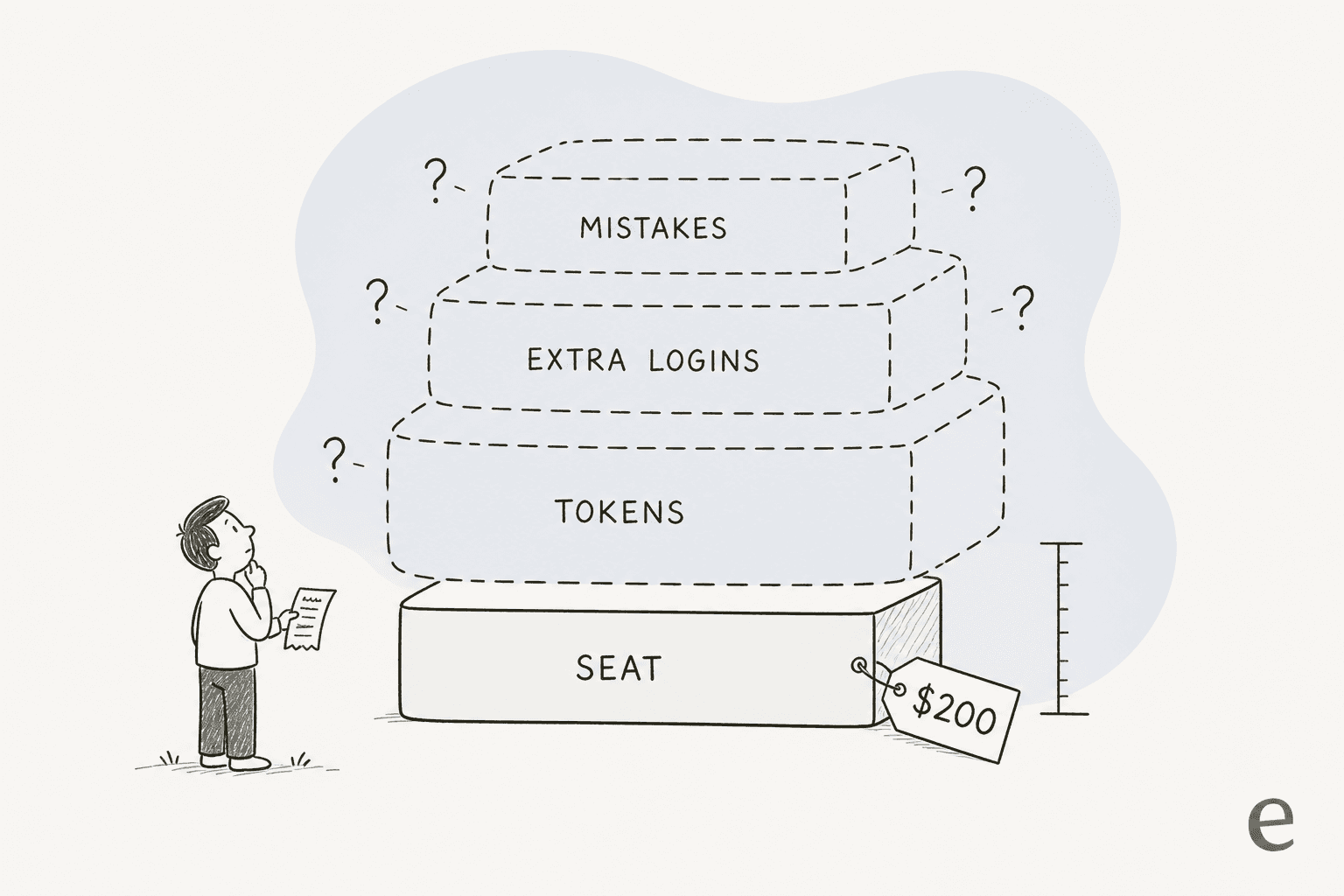
Layer 1: the seat, which is the only number anyone quotes
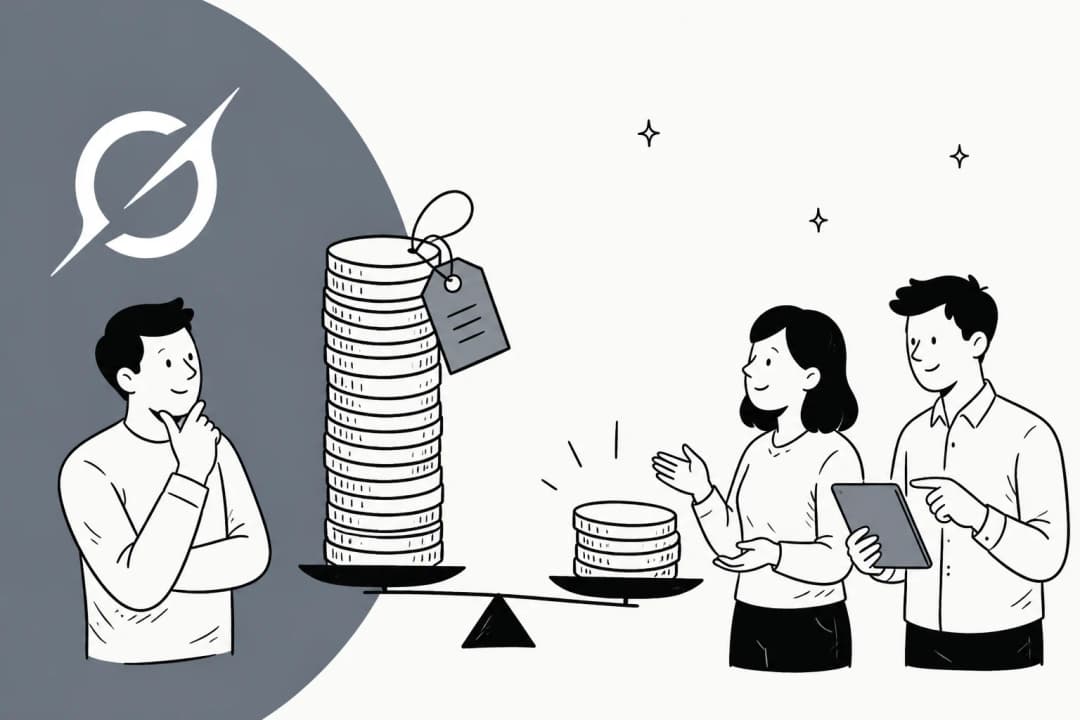
The seat is what you are told about, and taken alone it is not outrageous for a tool that claims to do work end to end. It is also, per the Cursor pricing docs, the top of an existing ladder rather than a new product line: Pro at $20 a month, Pro Plus at $60, Ultra at $200, Teams Standard at $40 a seat and Teams Premium at $120 a seat.
Grok Bot sits on the top two rungs, which is why the loudest reaction under Cursor's own launch thread was not about capability:
"Fine. I will cancel my subscription."

That comment sat alongside "When will other plans be available?" and "why o pro or pro+?" from paying Pro customers who found themselves outside the gate. The gate is real and the vendor confirmed it, with Cursor's Lee Robinson replying on Hacker News that it "works with the highest tier Cursor/Grok accounts during the beta."
There is a cheaper door, and it comes with a condition worth knowing before you take it. Cursor Teams Standard is $40 a seat, and one X post circulated it as the budget route in. The availability table is more precise: Premium seats "include a weekly Grok Bot usage allowance", while Standard seats "can use the free trial or on-demand usage". So $40 gets a seat into the room, but with no included allowance behind it, every token that seat spends is on-demand. On a light evaluation that is the cheapest way to look. On sustained daily use it is the most expensive shape in the lineup.
Enterprise is quote-gated and not yet generally available. The same table lists enterprise organisations as "Rolling out", pointing you at your Cursor account team, which is worth planning around if you were expecting to buy this the way you buy helpdesk software.
Layer 2: the token meter, which has no cap
Here is the sentence that matters most for anyone signing off a budget. From the teams and enterprises documentation, verbatim: "There is no Grok Bot-specific spend cap yet." Alongside it, the FAQ explains the metering model: "Grok Bot subscriptions include weekly usage; eligible accounts can add on-demand usage billed from model and token cost."
Three consequences stack up.
The allowance is weekly, not monthly. A heavy Tuesday can put you into on-demand pricing for the rest of the week, and reset it on the following Monday. Nobody publishes the size of that allowance, in tokens or in dollars, on the product page or in the docs.
Overage is priced off raw model cost, on a model you do not choose. The docs are explicit that Grok Bot "has no model picker, for members or admins" and that "billing follows the actual serving model." Grok 4.6, the current flagship, runs $2.00 per million input and $6.00 per million output tokens, per xAI's model docs. Those are reasonable LLM token rates in isolation. The variable is not the rate, it is how many an always-on agent consumes when nobody is watching.
And an always-on agent consumes a lot. The single sharpest cost datapoint from launch week came from a pre-release tester who likes the product:
"Biggest downsides are token expenditure. I've used more tokens this month than not this month. That's not a typo - I've used less tokens in the last 5 years prior to this month than I have this month. Always on perpetual agents use a LOT of tokens."

That is a self-disclosed early-access user, not an off-the-shelf buyer, so read it as a shape rather than a benchmark. The shape is the point: a perpetual agent's token burn is not proportional to your headcount, it is proportional to how long you leave it running.
The visibility story on launch day did not help. One person who bought Ultra specifically to test Grok Bot found the two meters disagreeing:
"I purchased Ultra just to test. The cursor dashboard doesn't show I have any usage, but the app says 48%"
Beta metering bugs get fixed, and this one probably already has been. I include it because the docs point you at exactly one place to watch spend, the Cursor dashboard usage page, and on day one that page and the app told a paying customer different stories. When your only cost control is a dashboard, the dashboard has to be right.
Estimate your own twelve months
The pricing page gives you one number. Your invoice is at least four. Plug your own assumptions in below, and note that on-demand usage is the only input here with no ceiling behind it.
The estimator is only as honest as its middle slider, and that slider is the one xAI has not priced. If you take one thing from this post, make it that.
Layer 3: the seats your Bots need everywhere else
This cost is invisible until the second week. A Bot works by signing into your real tools and driving them, which means the tools it drives have their own opinion about identity and their own per-seat billing. If you want each Bot tracked separately, that is another licence in every system it touches:
"For example, github gives 2 users as part of a basic org and charges extra per seat, so if I want seats for individual agents so I can track them separately then I have to pay more. Same with Google Workspace, where I have to pay for additional users if I want to have multiple accounts."
The alternative is sharing your own login with the Bot, which is cheaper and worse. The docs already warn against leaning on Bot boundaries for isolation, because all of a member's Bots share one computer, and "secrets, sign-in sessions, and local-computer permissions apply to the member as a whole, not to a single Bot."
For a support team, that lands directly on your helpdesk seat count. Agent seats are the second-largest line in most support budgets after headcount, and adding non-human ones changes the arithmetic in a way that a per-resolution tool does not. It is the same trap that catches teams modelling AI agent cost purely on the AI vendor's invoice.
Layer 4: the cost of an action you cannot take back
Pricing posts usually stop at the invoice. For an agent with write access to production tools, the expensive month is the one where something goes wrong, and Grok Bot's docs are unusually direct about where those edges are.
Two lines carry it. On approvals: "An approval controls the proposed action. It does not reverse work already completed." On testing: "A test run performs real work. It can navigate websites, change files, and call connected tools." There is no dry-run mode, so there is no way to price the risk before you take it.
This is where I stop being neutral, because I have watched the bill for this exact failure. We have had paying customers whose bot fabricated answers to real people when the knowledge base had nothing relevant to retrieve, which is why every eesel rollout now simulates against historical tickets before it goes anywhere near a customer. The failure mode is not gibberish, it is a fluent, confident, wrong answer, and it costs support time to clean up rather than tokens to produce. One CX lead put the underlying requirement better than any vendor page has:
"The AI will never be able to answer 100% of the questions, but if it tries and just answers 'sorry I don't know this,' I cannot go and check all my 7,000 tickets to see if the AI actually made a good answer. I need an AI who is only handling the tickets that it's confident to handle and all the other ones, leave them alone."
a CX lead at a DTC supplements brand on Gorgias and Shopify, around 7,000 tickets a month
Grok Bot's design does not have a place to express that. A general-purpose agent signed into your helpdesk has one mode, which is working the queue, and there is no per-ticket intent confidence threshold to turn down. The docs also list the audit view of Bot actions as "coming", which means for now there is no per-response record to attach a cost, an AI resolution rate, or a QA score to. Without those, measuring AI support ROI at the end of the quarter is guesswork.
Cleaning up after a confident wrong answer is a real budget line. Preventing them is what AI hallucination controls exist for. It is also why RAG for customer service beats a general model with a browser at this specific job, since the answer has to come from a retrieved source rather than the model's memory.
Is there actually a free trial?
Partly, and it is not dated. The evidence sits on both sides.
In favour: the availability table lists a "one-time trial" for individuals, and says Cursor Teams Standard seats can use the free trial or on-demand usage. Users found a trial flow on launch day too:
"looks like there's a free trial [...] head over to the Grok Bot website, install it on Windows or Mac, sign in with your account, claim your free trial"
Note the hedge in the original, "looks like". Against: no trial length appears on the pricing page or anywhere in the documentation, and the page's own "Get started for free" button links to a Linux .deb download rather than a signup flow. The widely repeated "7-day trial" figure traces back to a third-party post I could not verify against any xAI page, so I am not repeating it as fact.
Entitlement itself was also visibly rough on day one, with SuperGrok Heavy subscribers reporting they could not get in, and one asking why they were seeing a second charge:
"I'm a super Grok heavy user, and this new Grok Bot wants to charge me another $250 a month to use the service? Please explain. $550 monthly for both?"
That is launch-day beta behaviour and I expect it to be fixed. It is worth recording only because "included with your plan" is doing heavy persuasive work in this launch, and on day one it did not reliably resolve for the people it was aimed at.
How this compares to what support AI actually costs
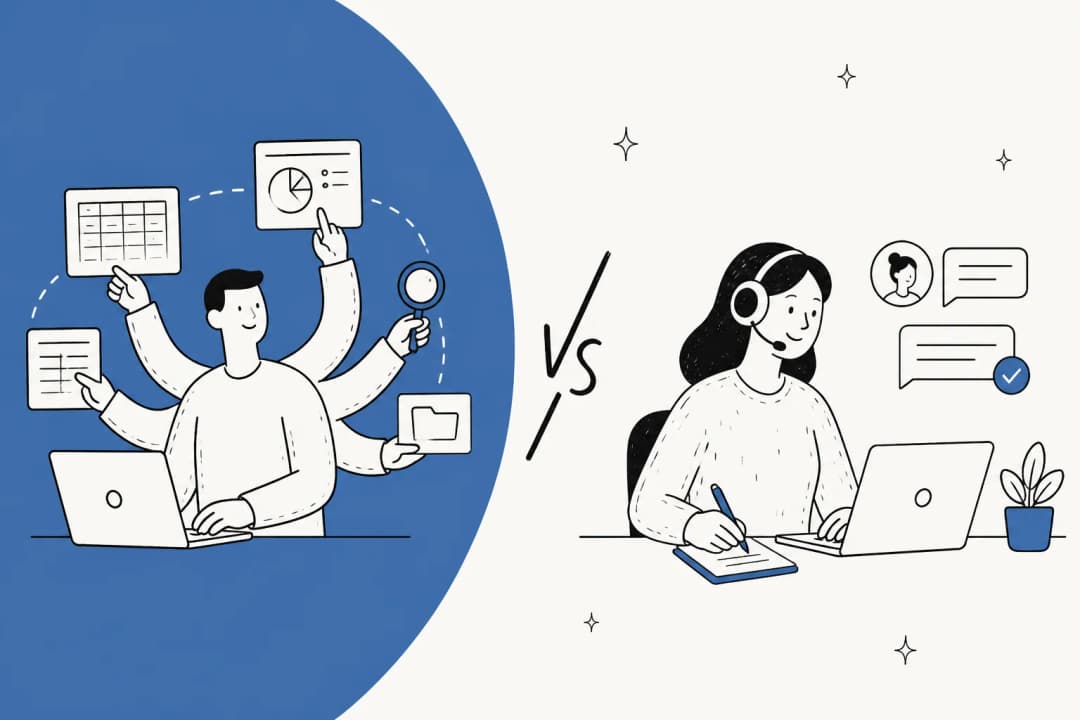
Grok Bot prices a worker. Most AI customer service software now prices work. That difference matters more than any of the numbers above.
| Seat pricing, Grok Bot shape | Per-resolution pricing, support AI shape | |
|---|---|---|
| What you buy | Access for one agent, plus a computer | Each conversation the AI actually closes |
| Cost when volume doubles | Flat, until the token meter moves | Roughly doubles, in step with value |
| Cost when volume drops | Flat, you keep paying | Drops with it |
| Cost of an idle agent | Full price | Near zero |
| Predictability | Seat is fixed, usage is uncapped | Unit price is fixed, count is yours |
| Ties to an outcome | No | Yes, by construction |
Neither model is wrong. Seats suit continuous, varied work where you cannot count the units, which is exactly the "digital colleague" pitch. Per-resolution pricing suits queues where a unit is obvious and countable, which is exactly a helpdesk, and it is the model most guides to reducing support costs now assume. If you want the fuller comparison, cost per resolution works through the maths. Build versus buy covers the third option, where you pay engineers instead of either.
For the model layer specifically, Grok is priced competitively against its peers. Grok 4.5 pricing sits close to GPT-5.6 at the same tier.
Cheaper options exist a rung down, and DeepSeek V4 Flash is the current floor. None of that is the axis Grok Bot competes on. It competes on doing the work, which means the model rate is an input to your bill rather than the bill itself.
What eesel costs instead, and why the unit is different
If the Grok Bot pitch appeals but your target is a support queue rather than a desktop, this is the gap eesel was built for.
eesel connects through each tool's own surface rather than a shared browser login, covering Zendesk, Gorgias, Confluence, Slack and the Freshdesk integration. That connection is what makes per-ticket scoping, confidence-based routing and a per-response record expressible at all, because there is a ticket object to attach them to. It is also why an AI copilot for customer service can sit in draft mode for a fortnight and get promoted one ticket type at a time.

On the money question specifically: eesel pricing is per ticket resolved, not per seat and not per token. Adding an agent does not add a licence, a quiet month costs less than a busy one, and there is no uncapped meter behind the number. Before anything reaches a customer you run a simulation over your own historical tickets and get a resolution estimate first, which is the closest thing to pricing the risk that exists in this category.
Want an AI teammate for your helpdesk rather than your laptop? eesel plugs into Zendesk in a few minutes, trains on your existing knowledge base and past tickets, and you can watch it draft for a week before it sends anything. Try eesel free.
To be fair on both sides: eesel will not sign into an arbitrary SaaS tool that has no API and click around on your behalf. That is the thing Grok Bot does that we do not, and if that is your actual problem, the $200 seat is the more interesting purchase.
So what will Grok Bot really cost you?
If you are already on SuperGrok Heavy or Cursor Ultra, it costs nothing extra to try, and you should. That is the whole value of the bundling, and it is the only version of this purchase where the pricing question is simple.
If you are adding it as a new line item, budget for the seat and then budget again for the meter. $200 a month is the entry fee, not the invoice, and until a spend cap ships, the honest planning assumption is that your first month is an experiment with an unknown ceiling rather than a fixed cost. Run it on internal, reversible work first, watch the Cursor usage page daily rather than monthly, and set your own limit socially since the product does not have one yet.
And if the job you are pricing is a customer-facing queue, price the failure alongside the seat. An autonomous agent with no dry run, no confidence threshold and an audit view still listed as coming is a different risk profile from a scoped AI helpdesk agent, whatever the two sticker prices say.
The broader field is in my best AI agents roundup. The support-specific shortlist is in AI agents for customer service, and the full product breakdown of this one lives in my Grok Bot explainer.
Frequently Asked Questions
How much does Grok Bot cost?
Is there a free trial of Grok Bot?
What is Grok Bot pricing for teams?
Does Grok Bot have a spend cap?
Is Grok Bot included with SuperGrok Heavy?
How does Grok Bot pricing compare to AI customer service tools?
Is Grok Bot worth $200 a month for a support team?



Article by
Kurnia Kharisma Agung Samiadjie
Kurnia is a software engineer and writer at eesel AI with two years of SEO experience, writing about AI tools, helpdesk software, and customer support. He pairs a developer's understanding of how these products are built with search-driven research into what actually ranks and resonates with the people searching for them.