Gorgias MCP server: what it does and how to connect Claude or ChatGPT

Kira

Katelin Teen
Last edited November 23, 2026

Gorgias has its own MCP server: the Gorgias MCP, a first-party server at mcp.gorgias.com/mcp with 165 tools, in open beta and free on every Helpdesk plan, with no AI Agent subscription needed. It's listed in Claude's connector directory and ChatGPT's plugin directory, and Claude Code, Codex, Cursor or Copilot can add it as a custom connector. Those tools cover tickets, macros, rules, AI Agent, Help Center and reporting, and your AI acts as you, so your Gorgias role decides what it can do. Three things to know first: whether it asks before replying to a customer is your AI client's setting, not Gorgias's; data it pulls falls under your AI provider's terms; and, per Gorgias staff in August, connecting a second AI client silently drops the first. Nothing in the MCP fires when a new ticket arrives: it acts when someone asks, or on a schedule they set. For tickets that arrive at 2am, eesel is the AI teammate that wakes on each new Gorgias ticket and works it inside Gorgias, and a coding agent like Claude Code can set it up through the eesel CLI, with an admin approving the Gorgias connection.
What is the Gorgias MCP server?
The Gorgias MCP server is the endpoint that lets an AI assistant outside Gorgias read and change your helpdesk through the Model Context Protocol. You add it to Claude or ChatGPT, sign in to Gorgias, and then ask in plain language: "what are the top reasons customers contacted us this month?" or "find the macros we use least". Gorgias's own launch post calls it "a first-party bridge" between your AI assistant and your Gorgias account. Gorgias opened the beta on 27 May 2026, and both Claude's and ChatGPT's directories now list it.
It sits next to two other Gorgias AI products, and the names blur:
- The Gorgias MCP connects an outside AI (Claude, ChatGPT, Cursor) to your account. You talk to your helpdesk through it.
- Gaia is Gorgias's assistant inside the Gorgias app. It does much of the same admin work without leaving Gorgias.
- Gorgias AI Agent talks to your shoppers. As Gorgias's setup guide puts it, "AI Agent talks to your shoppers, while the MCP lets you talk to your helpdesk."
I build features and AI agents at eesel, so I read an MCP server the way I'd read our own: which tools it exposes, whose login it runs under, and what happens when the AI gets it wrong. Everything here comes from Gorgias's docs, its changelog, its community forum, the GitHub repositories and the Pipedream and Zapier pages, read in November 2026. I didn't connect it to a live Gorgias account myself.
| Gorgias MCP | Gaia | Pipedream or Zapier | GitHub servers | |
|---|---|---|---|---|
| Made by | Gorgias | Gorgias | A third-party platform | Community, you host it |
| Where you use it | Claude, ChatGPT, Cursor, any MCP client | Inside Gorgias | Any MCP client | Any MCP client you run it with |
| Status | Open beta | Open beta | Live on each platform | Varies by repo |
| Tools | 165 in Gorgias's October list | Built in | 24 on Pipedream, 2 on Zapier | 6 in one example |
| Signs in as | You, within your Gorgias role | You, within your Gorgias role | Your Gorgias login, through their account | Usually an API key |
| Extra cost | None, but you bring your own AI subscription | None | The platform's own plan | Your hosting |
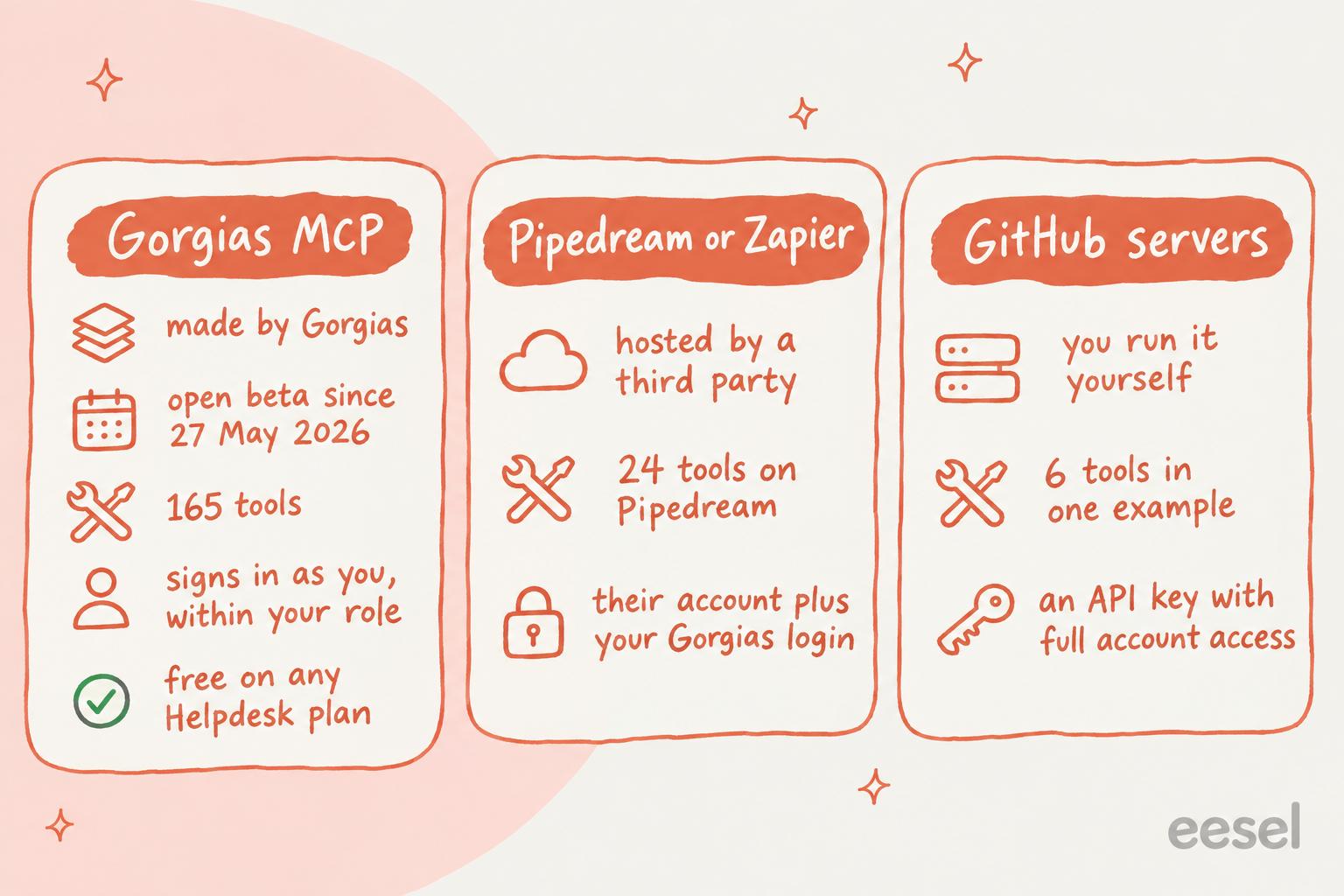
What the Gorgias MCP can do
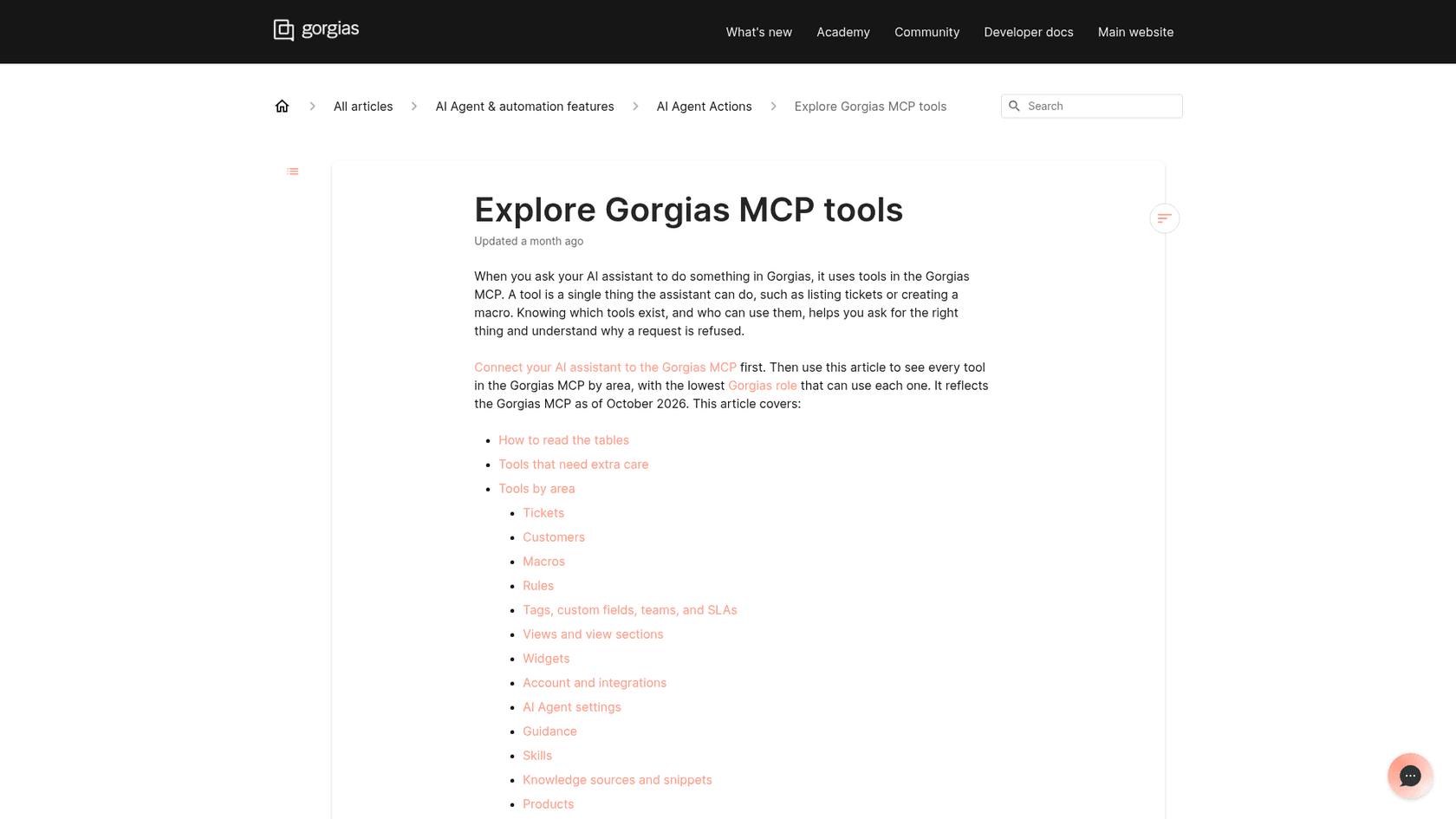
Gorgias's tool reference lists every tool "as of October 2026", and I counted 165. They fall into a few groups:
- Tickets and customers: search and read tickets, reply, add internal notes, snooze, escalate to a team, change status, priority or assignee and add tags, in bulk, and update customer profiles.
- Macros, rules, views and tags: create, edit and archive macros, create rules and test one against a real ticket with
simulate_rule_eventbefore switching it on, and build views. - AI Agent: read and edit tone of voice, guidance, skills, handover topics and actions, turn knowledge snippets on or off, and preview how AI Agent would answer a message before you turn anything on.
- Help Center: draft, publish and unlist articles, and change the theme.
- Reporting: live metrics like first response time, AI Agent performance, CSAT investigations, and a
querytool that runs read-only SQL against your analytics tables.
That last one is the most interesting to me. Instead of leaving the AI to count raw tickets, Gorgias gives it tables and SQL, which is how you get "ticket volume by intent with average resolution time" in one answer instead of an export and a spreadsheet. Gorgias notes the analytics data "updates about once a day", and its cookbook calls reporting recipes "directional" while analytics are in beta, so check a number against your Gorgias reports before it goes in a board deck.
There are also a few things you'd expect that aren't there: no tool deletes a ticket or a customer, update_customer "doesn't message, merge, or delete customers", and macros are archived rather than deleted. Views, view sections, widgets and routines can be deleted, though, and Gorgias labels those tools.
Who the Gorgias MCP acts as
The Gorgias MCP uses your own Gorgias login, so it can do only what your role can. Everyone from Observer to Admin can connect it, and each tool has a minimum role. Reading tickets works for every role. Replying needs Lite or above. Rules, AI Agent settings, Help Center and most reporting need Lead or above, and creating custom fields or widgets needs Admin. Gorgias has five fixed roles and no custom ones (our Gorgias roles guide covers each), so if a request fails with "Insufficient role", the fix is an Admin, not a setting.
Changes made through the MCP show up in your account's audit log under your name, a Gorgias specialist confirmed on the forum, and the chat itself stays in your AI client's history.
Two things sit outside Gorgias's control, and Gorgias says so plainly. First, approvals: "Whether your assistant asks you to approve a tool before it runs depends on your assistant's settings, not on Gorgias." In Claude you can set each tool to always allow, ask first or never. Second, data: what the AI reads "is handled under your AI provider's terms and privacy settings, not Gorgias's". If your company has a data policy, that's the conversation to have before you connect.
What happens when the AI changes something
Gorgias built the MCP to be careful by default, and it labels the tools that aren't.
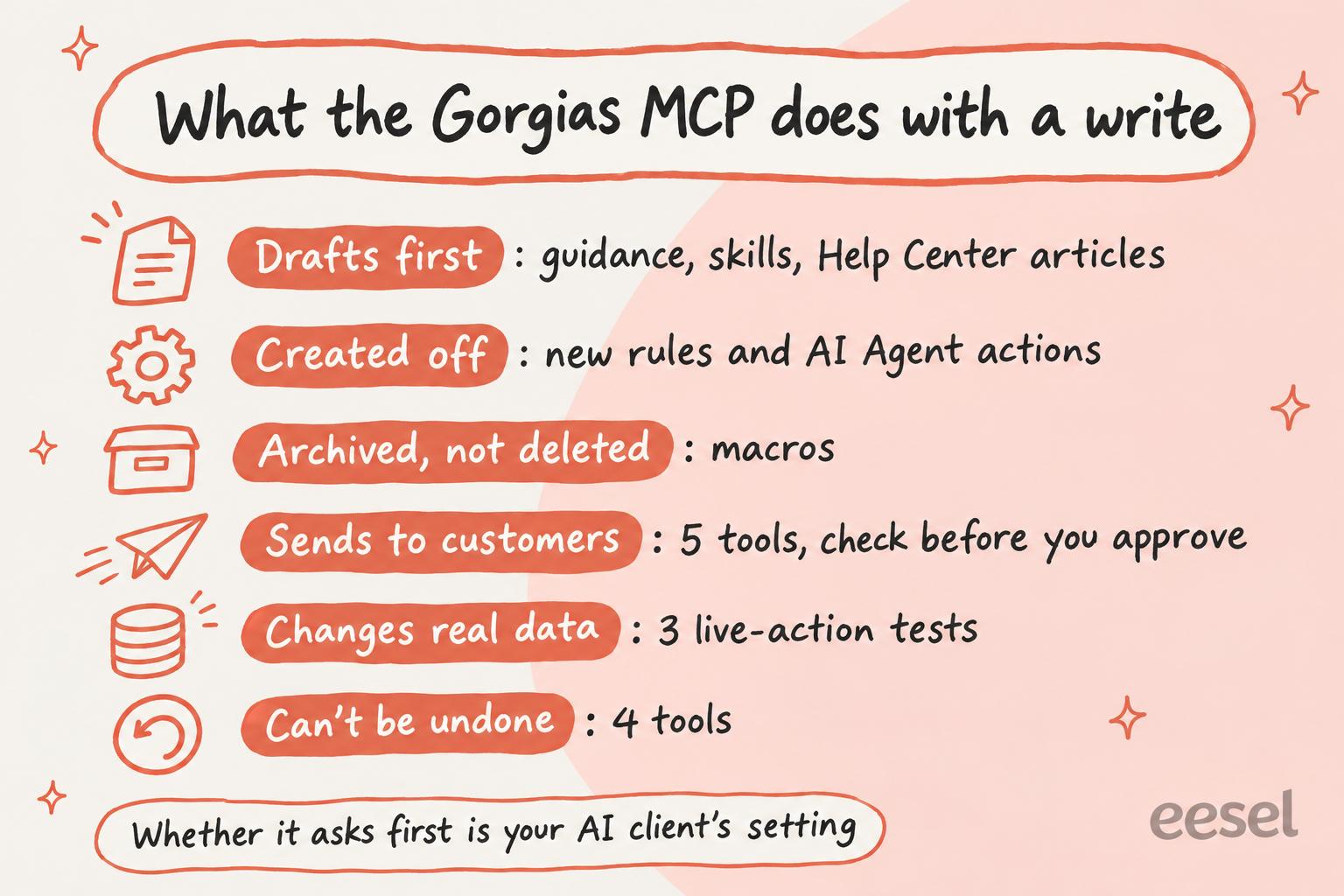
The defaults are good. Guidance, skills and Help Center changes save as drafts, new rules and AI Agent actions are created turned off, and macros are archived, not deleted. AI Agent previews simulate their actions, so apart from three tools below, nothing changes in your store.
The labels are where I'd focus. Five tools are marked Sends to customers: create_ticket (only if you ask it to send), create_message, reply_and_close, apply_macro and enable_ai_agent_on_channel. Three preview tools are marked Changes real data, because they run AI Agent's actions for real, and Gorgias warns one of them doesn't roll changes back between runs. Four are marked Can't be undone, four more Deletes, and 20 Goes live, such as enable_rule, publish_guidance and trigger_routine. If I were rolling this out to a team, I'd set every labelled tool to "ask first" in Claude and leave the reads on.
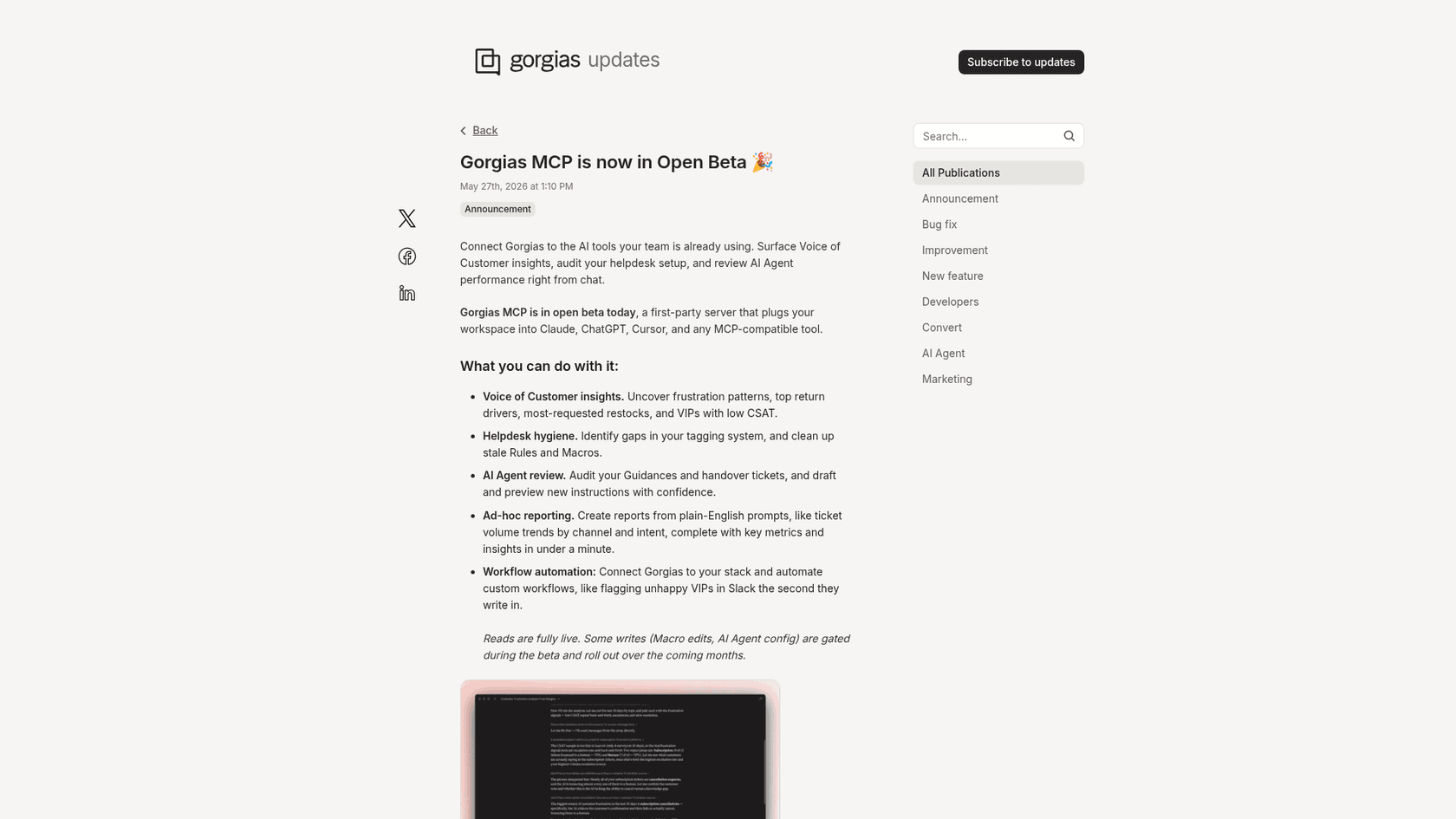
One caveat from the launch: the open beta note said "Reads are fully live. Some writes (Macro edits, AI Agent config) are gated during the beta and roll out over the coming months." The October tool list includes macro and AI Agent tools, but it's a beta, so try a write on something harmless before you rely on it.
How to connect Claude or ChatGPT to the Gorgias MCP
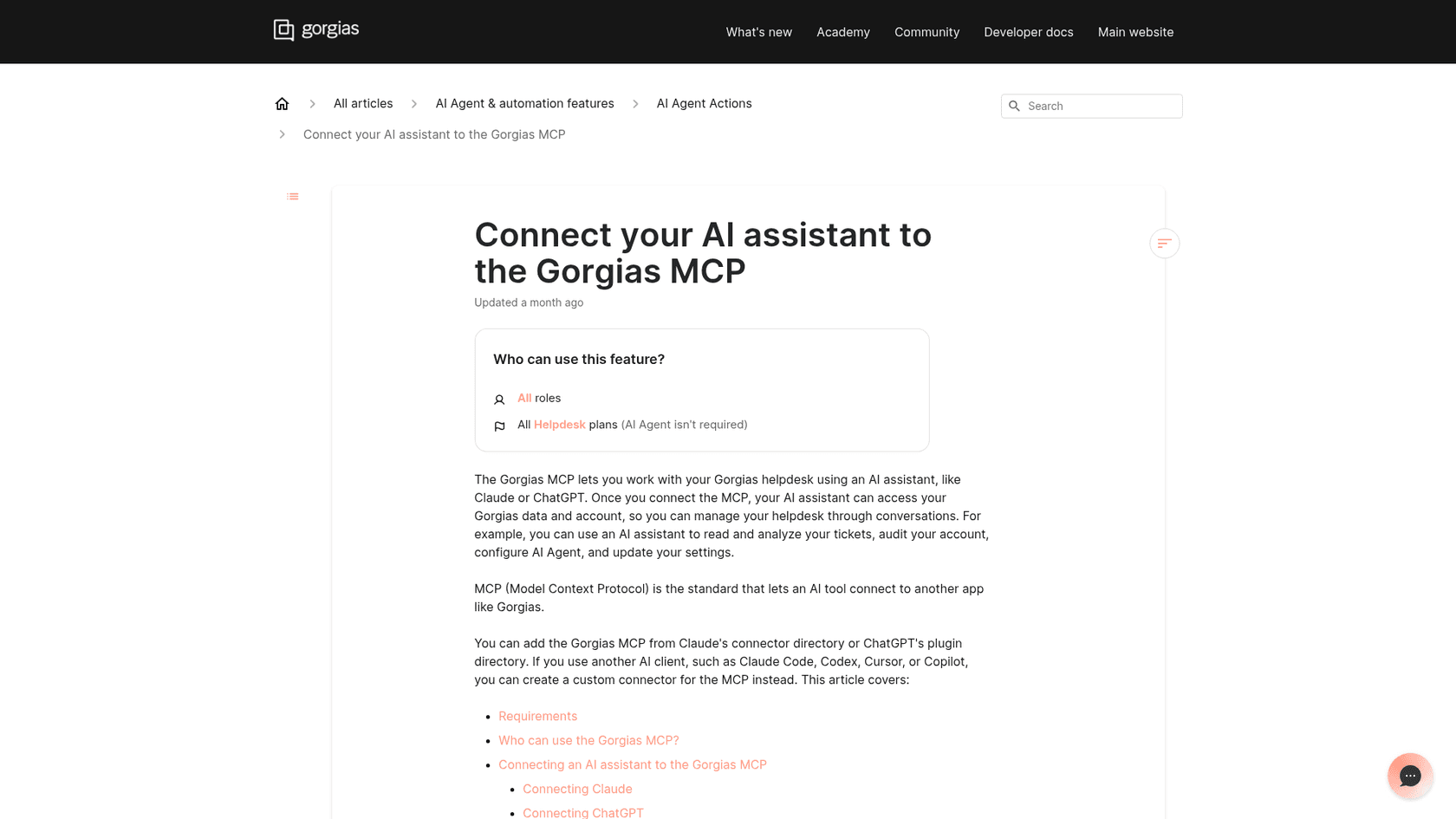
Setup takes about five minutes, and you need a Gorgias account on any Helpdesk plan, an AI client, and your Gorgias subdomain (the your-brand in your-brand.gorgias.com). These steps follow Gorgias's setup guide.
In Claude (web, desktop or mobile):
- Select Customize, then Connectors.
- Search the directory for Gorgias, select Gorgias MCP, then Connect.
- Enter your subdomain, select Continue, then Allow Access.
- Sign in to Gorgias if asked, review what it can access, and select Authorize.
On Claude Team and Enterprise, an Owner has to enable the connector under Organization settings > Connectors first.
In ChatGPT: open the plugin directory, search for Gorgias MCP, select Install plugin, then authorize the same way. In a managed ChatGPT workspace (Business, Enterprise or Edu), an admin may have to make it available first.
In Claude Code, Codex, Cursor or VS Code Copilot: add an HTTP MCP server with the URL https://mcp.gorgias.com/mcp and complete the Gorgias sign-in when prompted. Gorgias notes that if you sign in to Claude Code with your Claude account, connectors you added on the web carry over. Our Claude Code MCP tools guide covers the client side.
More than one brand? Each connection reaches one Gorgias account. In Claude, add one custom connector per brand with https://mcp.gorgias.com/mcp?gorgias_subdomain=YOUR_GORGIAS_SUBDOMAIN, signing in with the account that can see that brand. Our guide to managing multiple brands covers the rest of that setup.
Then test with a read, like Gorgias's own suggestion: "What are the top reasons customers are contacting us this month? Group them by theme."
When the connection fails
Gorgias's community troubleshooting post covers the usual errors. "This URL hosts an MCP endpoint" means you opened the URL in a browser instead of adding it to your AI client. "Authorization with MCP server failed" usually means the subdomain has dots, quotes or spaces in it.
The one that catches people is quieter. A customer using ChatGPT and Codex reported:
"No errors or notifications. It will just randomly disconnect."
Gorgias's specialist came back with the cause: "Currently we only support connecting to a single client. At the moment, connecting from another client silently invalidates the other client's connection." That was in August, and Gorgias said it was looking into it, so it may have changed. Until you've checked, pick one AI client per person and stick with it.
The Gorgias MCP cookbook
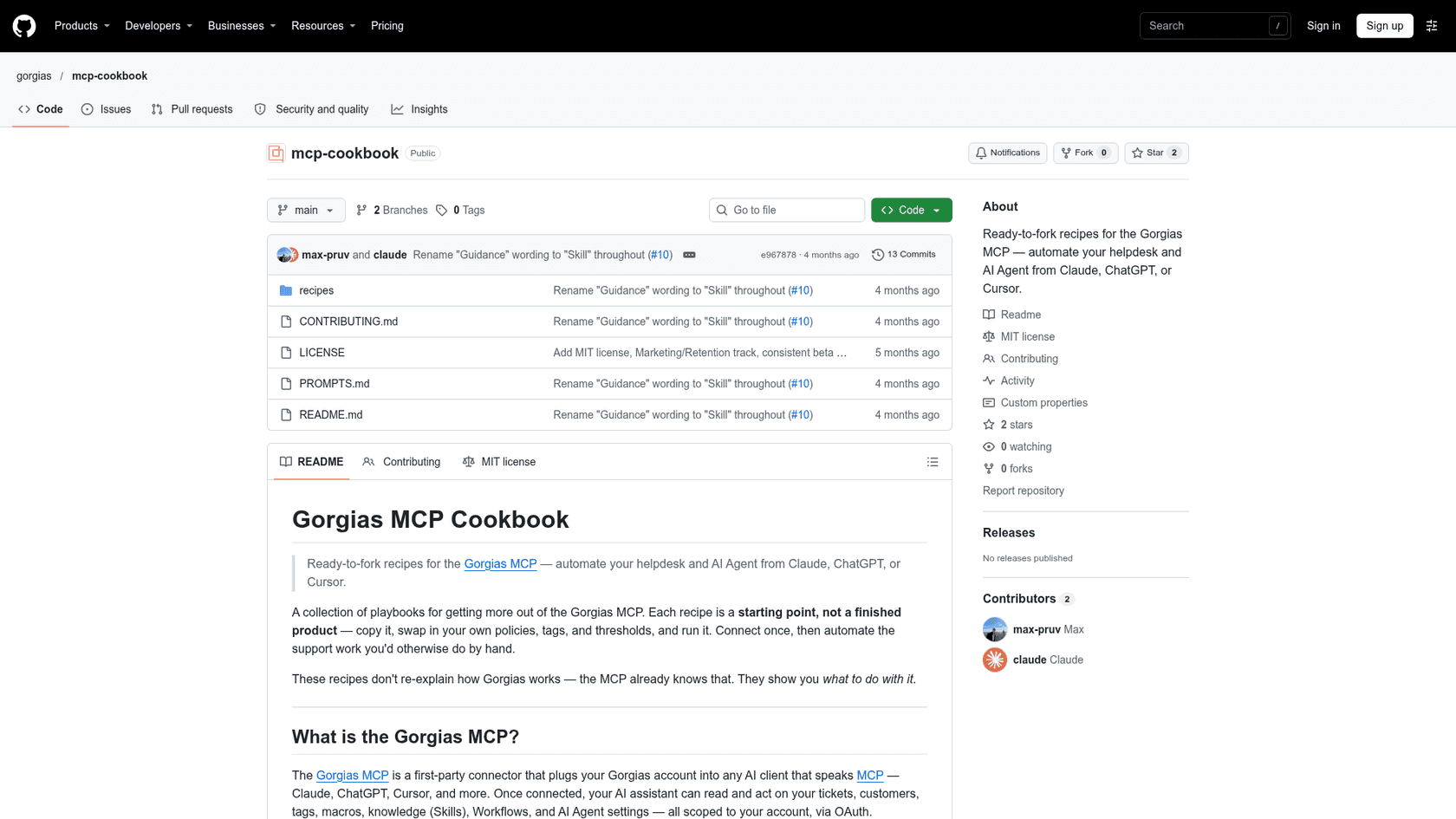
Gorgias also publishes the Gorgias MCP Cookbook, an MIT-licensed repo of 13 recipes grouped by who uses them: a monthly helpdesk hygiene audit, a policy-change sweep that updates every skill, macro and rule that mentions an old policy, a weekly voice-of-customer digest, a returns-reduction analysis, a back-in-stock demand list and more. Each recipe is a SKILL.md you can drop into ~/.claude/skills/, and a separate PROMPTS.md holds 50+ one-line prompts.
Most recipes are read-only. The ones that write either create drafts or ask you to approve first, and every recipe has a "Customize before you run" section for your own return windows, tags and thresholds. If you're new to the MCP, I'd start with the hygiene audit: it only suggests fixes, and it shows you quickly whether the AI understands your tags and macros.
Other Gorgias MCP servers
Gorgias's own server is the one to use for nearly everyone, but there are two other routes.
Hosted connectors. Pipedream offers a Gorgias MCP server with 24 tools, such as listing tickets and messages, sending public replies and internal notes, setting tags and updating macros, signed in through Gorgias OAuth. Zapier's Gorgias MCP lists two actions: create a ticket and create a ticket message. These make sense when Gorgias is one step in a wider automation across many apps, and less sense when you want the AI to understand your helpdesk.
Open-source servers on GitHub. They exist, but they're thin. mattcoatsworth/Gorgias-MCP-Server, for example, has six tools for tickets and customers and was last updated in March 2025. It reads a Gorgias email and API key from a .env file, and Gorgias's own REST API page is blunt about what that key is: it "grants full access to your account's data". That's a lot to leave in a text file when the first-party server signs in as you, within your role, for free.
If you're building your own integration, Gorgias's rate limits also favour OAuth (more in our API rate limits guide): 80 requests per 20 seconds for an OAuth app against 40 for an API key.
Which Gorgias MCP route should you use?
Here's how I'd choose, by the job you came with.
Pick the job you have in mind to see which route fits it, and the catch.
What the Gorgias MCP won't do
Every route above has the same shape: a person opens an AI client, asks for something, and the AI calls Gorgias for them. The MCP can also set up Gaia routines that run on a schedule, but nothing in the Gorgias MCP fires when a new ticket arrives. That's the right design for analysis and admin. When Gorgias's launch note talks about flagging unhappy VIPs in Slack "the second they write in", something else has to do the triggering.
Gorgias's own team has a workaround for part of this. A community post shows a scheduled task in Claude Cowork that checks your website every morning and drafts AI Agent knowledge updates through the MCP. That's useful, but it's a timer, not a trigger: it runs each morning whether or not anything changed, and it can't answer a customer who wrote in a minute later.
Working the queue needs things a server doesn't have: something that wakes the AI when a ticket arrives, an identity of its own to reply under, and rules for what it may do depending on who wrote in. Inside Gorgias, that's AI Agent, billed per automated interaction, from $1.00 on Starter to $0.85 on Advanced on Gorgias's pricing page. Outside it, that's an AI teammate. I went through that gap in more detail in our headless helpdesk post and in MCP for customer support, and the best helpdesk MCP servers roundup compares Gorgias's server with seven others, including the Zendesk MCP server.
What that looks like on Gorgias: Rúngne, a Norwegian climbing apparel brand, runs three eesel agents on its Gorgias helpdesk, one to triage and tag, one to draft, and one to answer plain questions from Shopify order and stock data. 2,100 Gorgias tickets handled in a month, with 880 tagged, 580 draft replies left for the team as internal notes, and 440 public replies sent. Most of it happens without anyone asking.
Try eesel next to your Gorgias MCP
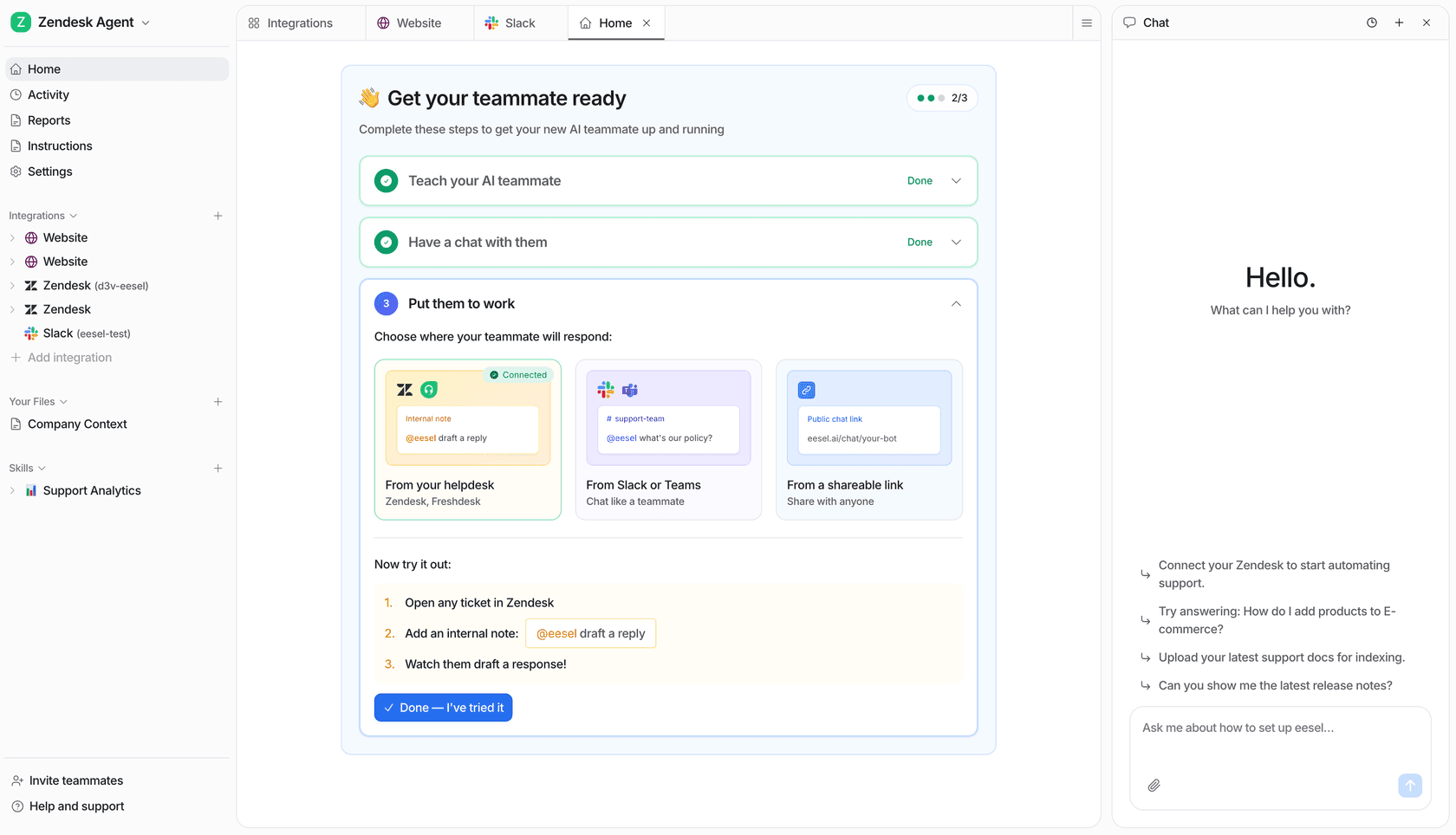
Keep the Gorgias MCP for the questions you ask your helpdesk. eesel is the AI teammate for the tickets nobody is asking about yet. It connects to Gorgias and Shopify, learns from your past tickets, macros and help center, wakes on every new Gorgias ticket, and drafts, tags, routes or replies inside Gorgias.
What it may do depends on who is asking. Each action runs on its own, asks first or stays off, set separately for your team and for customers, so it can look up an order for a shopper but leave refunds to your team, and anything held waits for a person's yes in Slack, email or the dashboard, as eesel's actions and approvals docs explain.
It also works from the same terminal as your MCP setup. Your eesel workspace is itself an MCP server, so Claude Code or Cursor can check your agent's activity and approve held actions, and the eesel CLI lets a coding agent do the whole setup: connect Gorgias (an admin still approves that), add knowledge, set each action, and run test questions before it goes live. Try eesel on your own Gorgias.
Frequently Asked Questions
Does Gorgias have an official MCP server?
mcp.gorgias.com/mcp, in open beta since 27 May 2026 and listed in Claude's connector directory and ChatGPT's plugin directory. Our best helpdesk MCP servers roundup compares it with other helpdesks' servers.Is the Gorgias MCP free?
How do I connect Claude to Gorgias?
Can I use the Gorgias MCP with ChatGPT?
What's the difference between the Gorgias MCP, Gaia and AI Agent?
Can the Gorgias MCP reply to customers?
create_message, reply_and_close and apply_macro can all reach a customer. Whether it asks you first is set in your AI client, so set those tools to ask. Our Gorgias roles guide covers what each role can do.